

Resource Center
How To Use The Wulf Mods Deck Skateboard 510 Thread Battery

Continue With This Resource
Wulf Mods Quick Brief
What You Should Know
A fast summary of the key points, questions, and guidance covered in this guide.
Overview
Key Takeaways
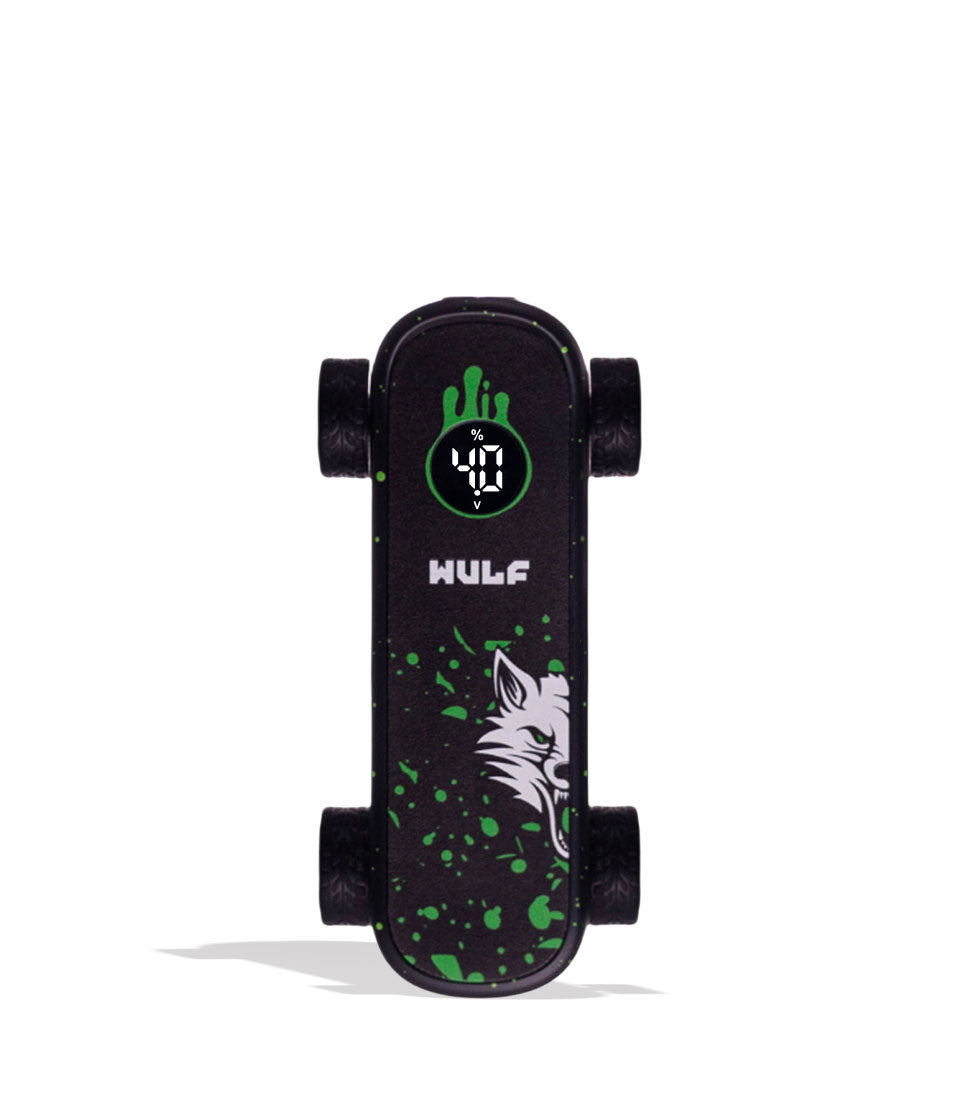
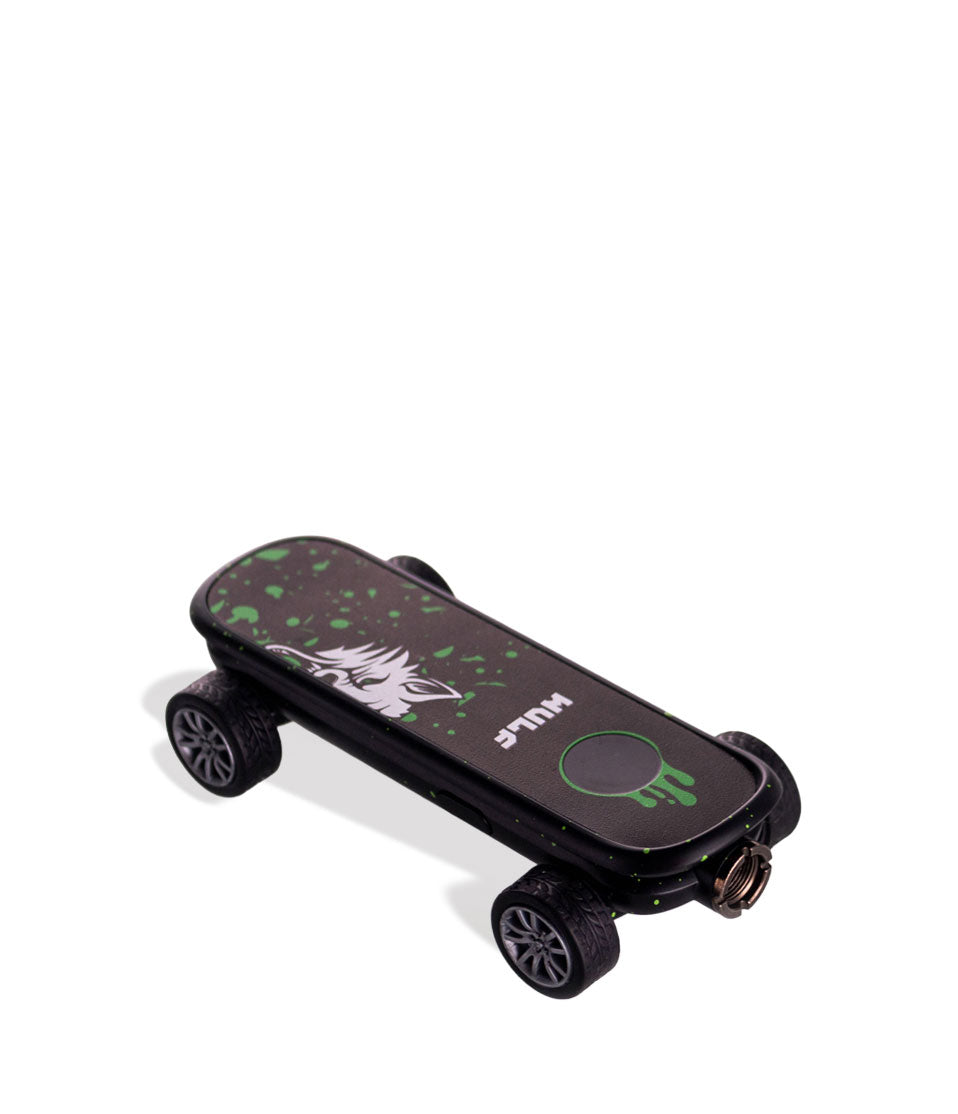
- The Wulf Deck combines a universal 510 thread battery with a fully functional 4-wheeled finger skateboard complete with real grip tape.
- Single button controls let you easily cycle through 5 distinct voltage levels (2.4V, 2.8V, 3.2V, 3.6V, 4.0V) displayed on a digital screen.
- Double clicking the power button triggers a 12 second low-temp pre-heat cycle that melts thick oils and clears clogs.
- Built in screen warnings protect Wulf Deck by alerting you to low power, open circuits, short circuits, and 15-second over-time cutoffs.
- To prevent internal motherboard damage, charge only via USB-C and avoid power banks over 5V, car chargers, or overnight charging.
Questions This Resource Answers
- How do I use the Wulf Deck Skateboard 510 Thread Battery?
- How do I change voltage on the Wulf Deck?
- What size cartridges is the Wulf Deck compatible with?
- How do I safely charge the Wulf Deck?
- What troubleshooting warnings does the Wulf Deck 510 Thread Battery have?
Recommended Products
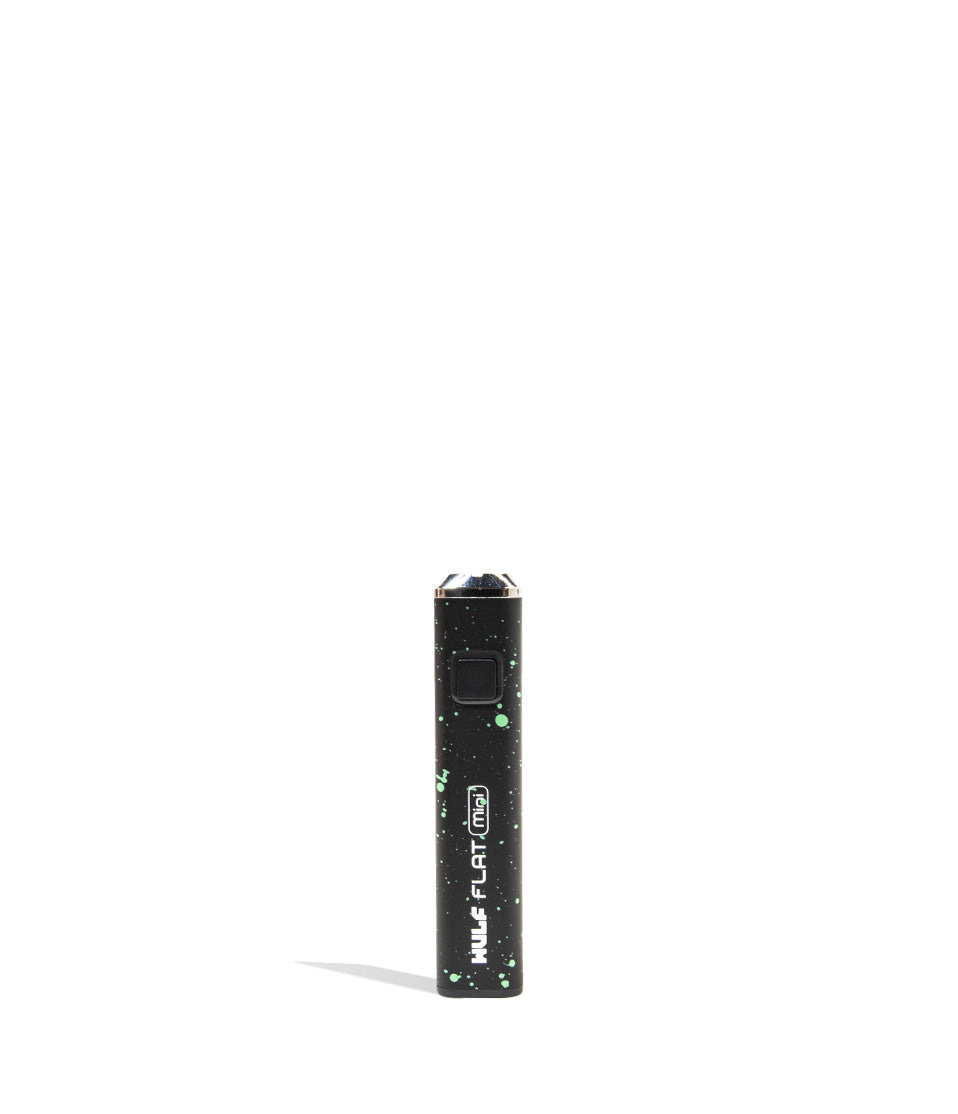
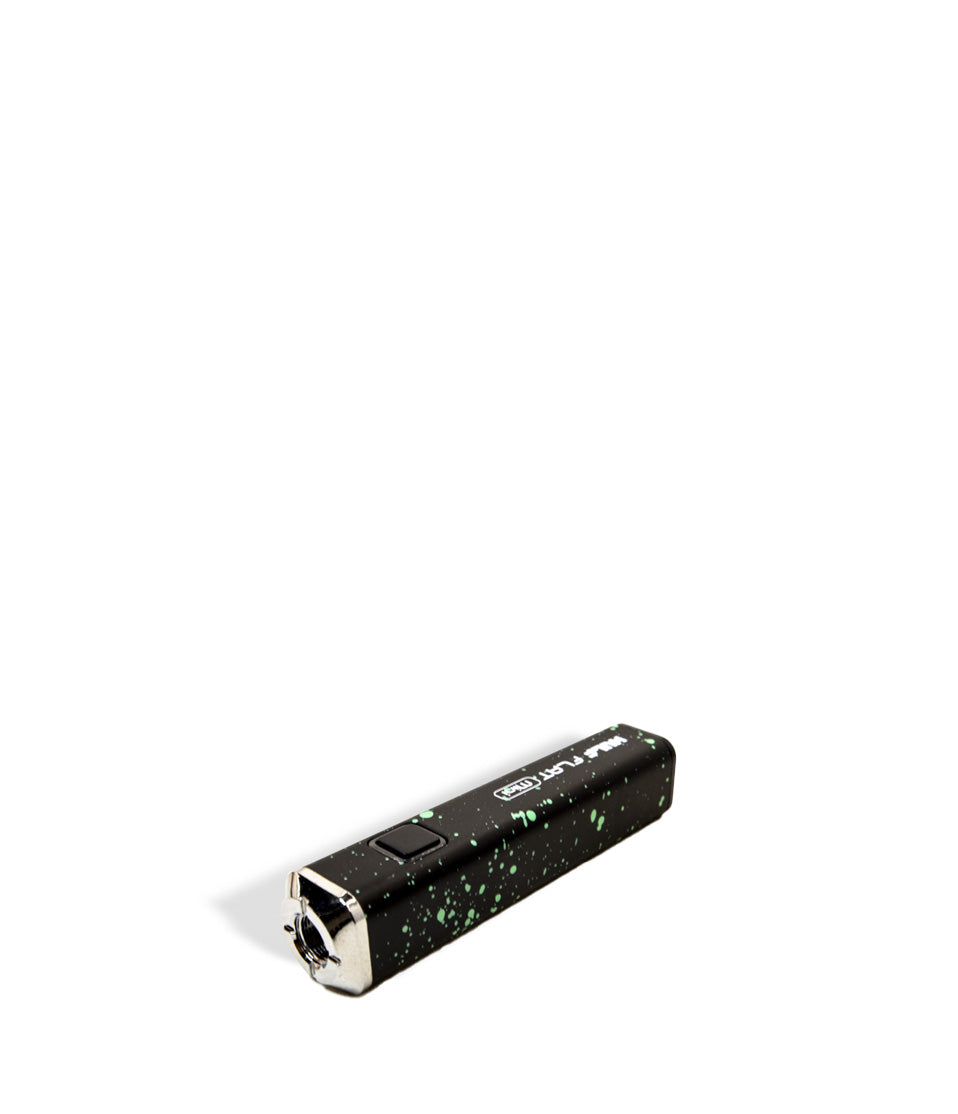
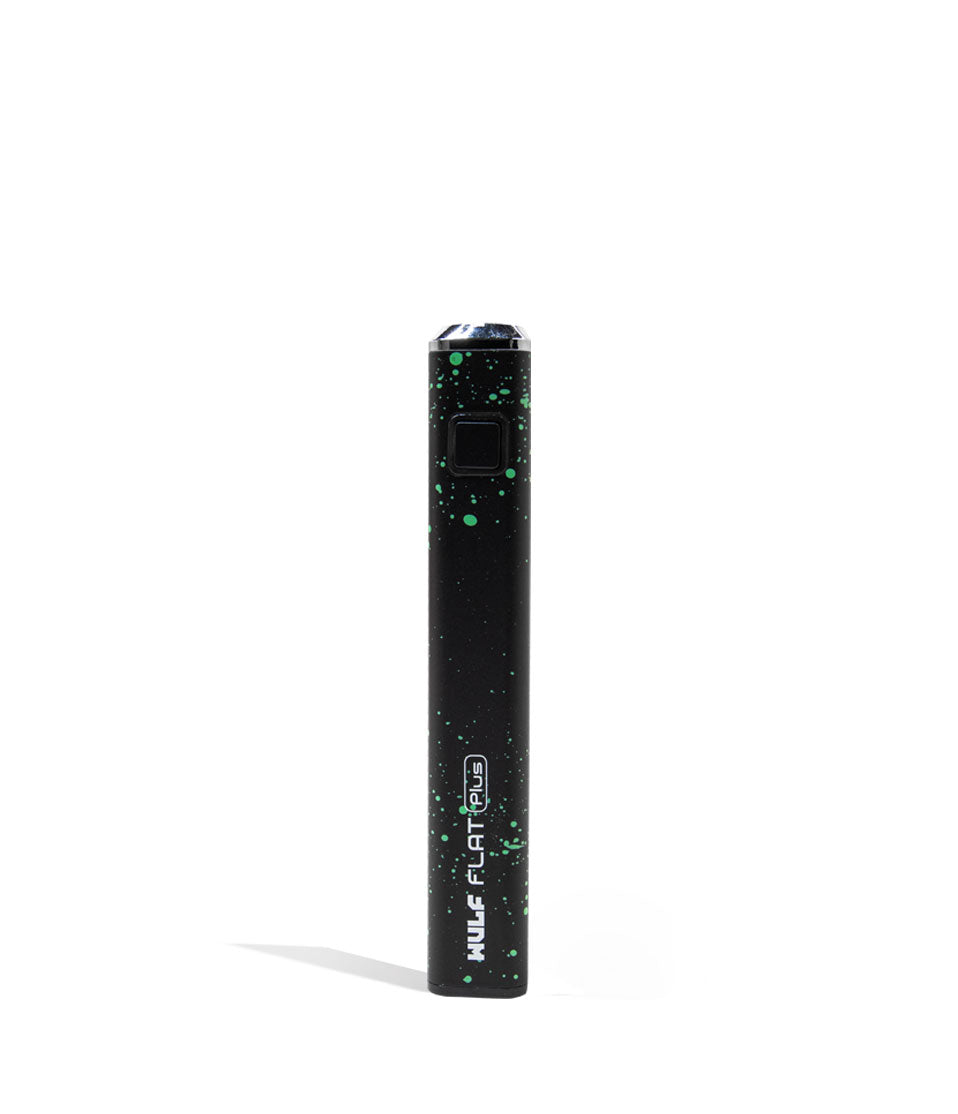
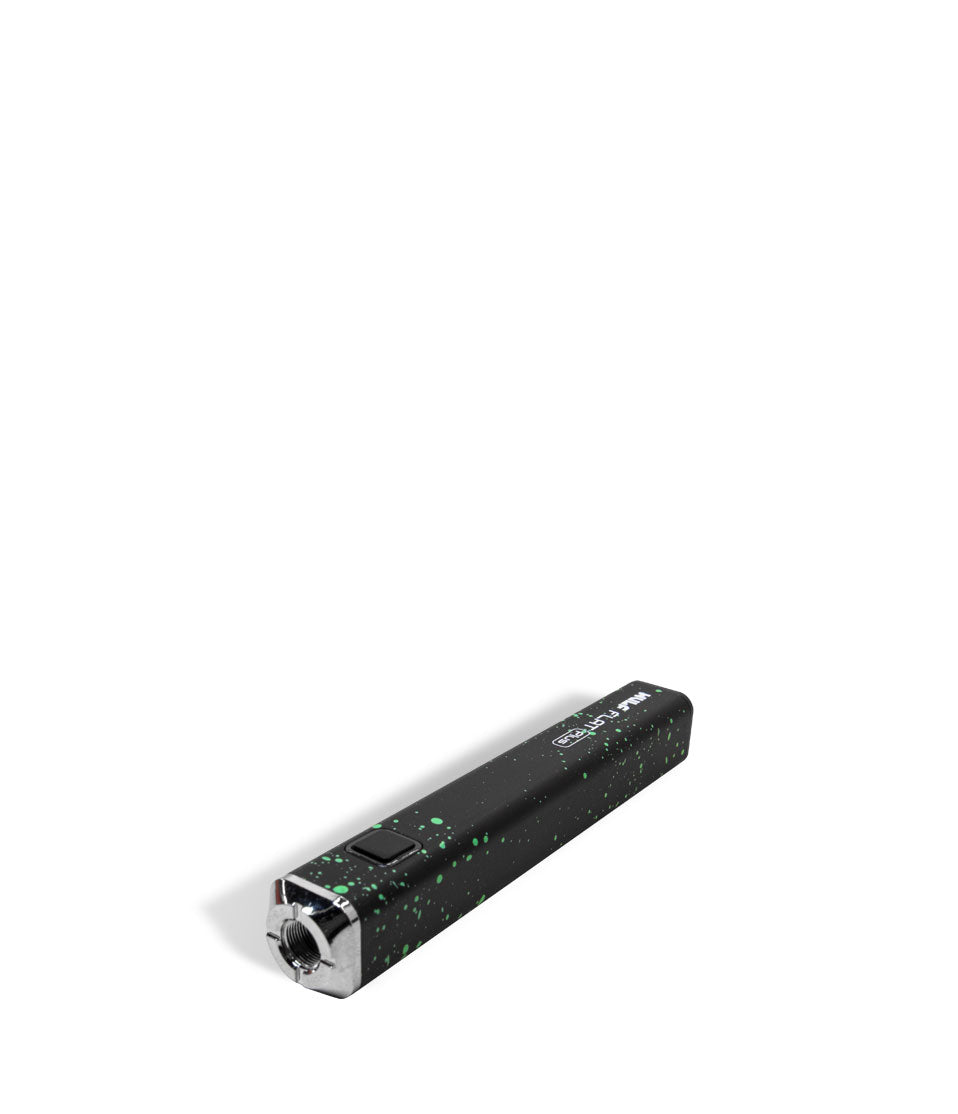
Shop 510 Thread Batteries
Browse the products featured in this guide.
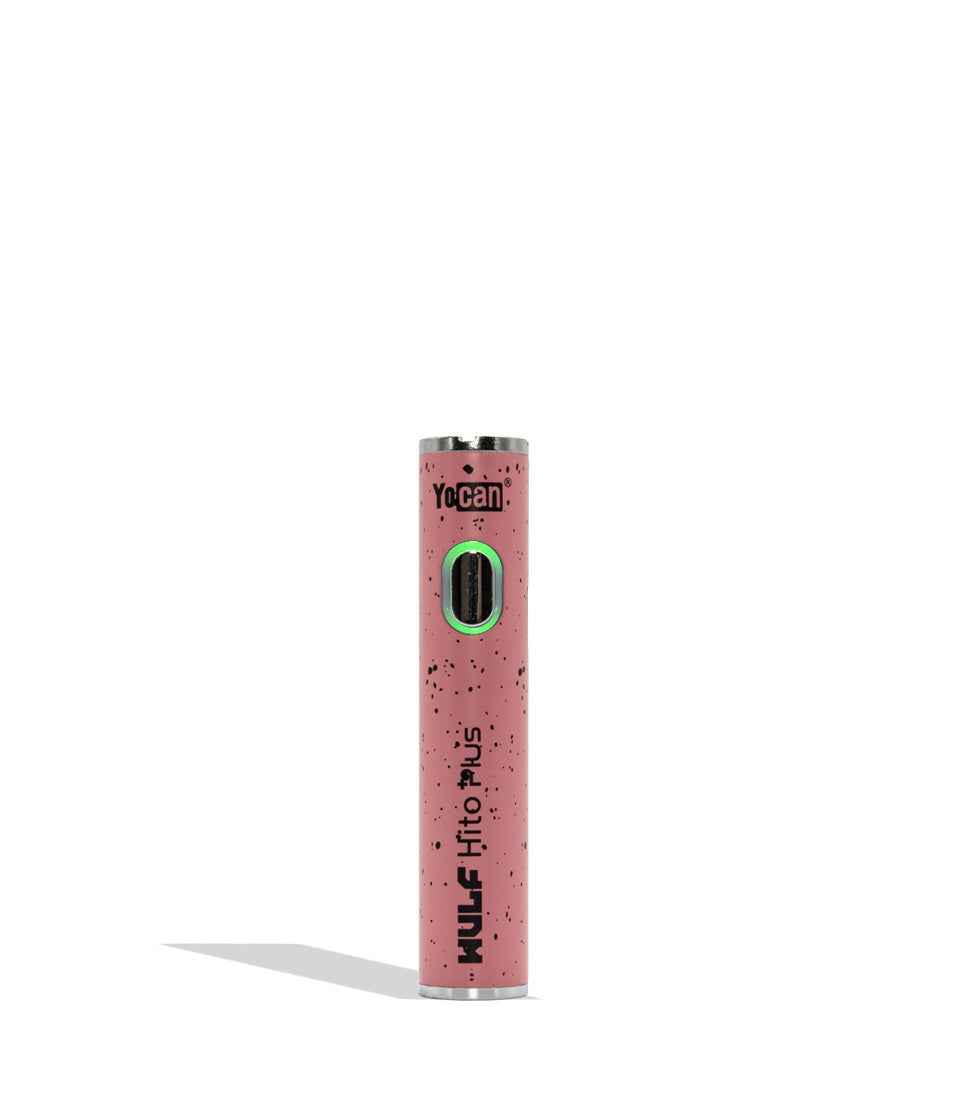
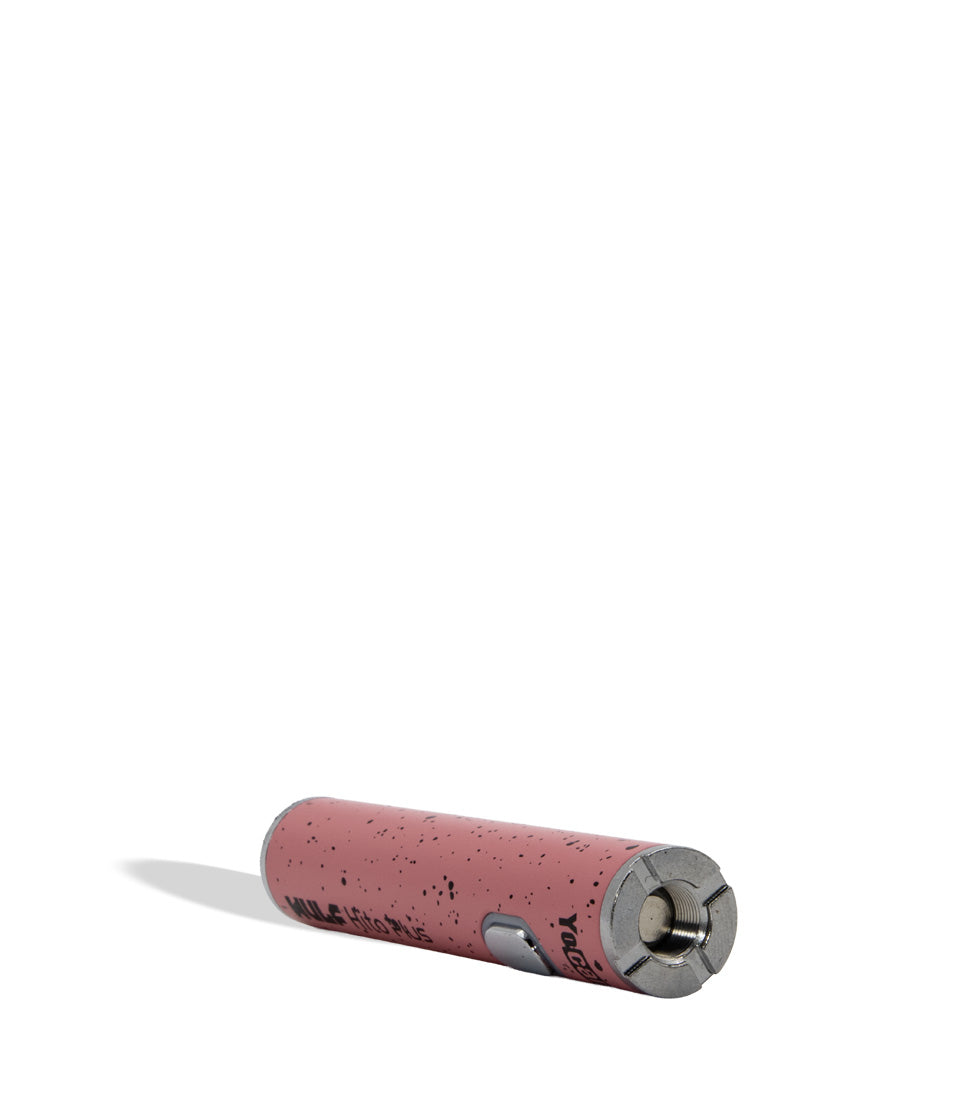
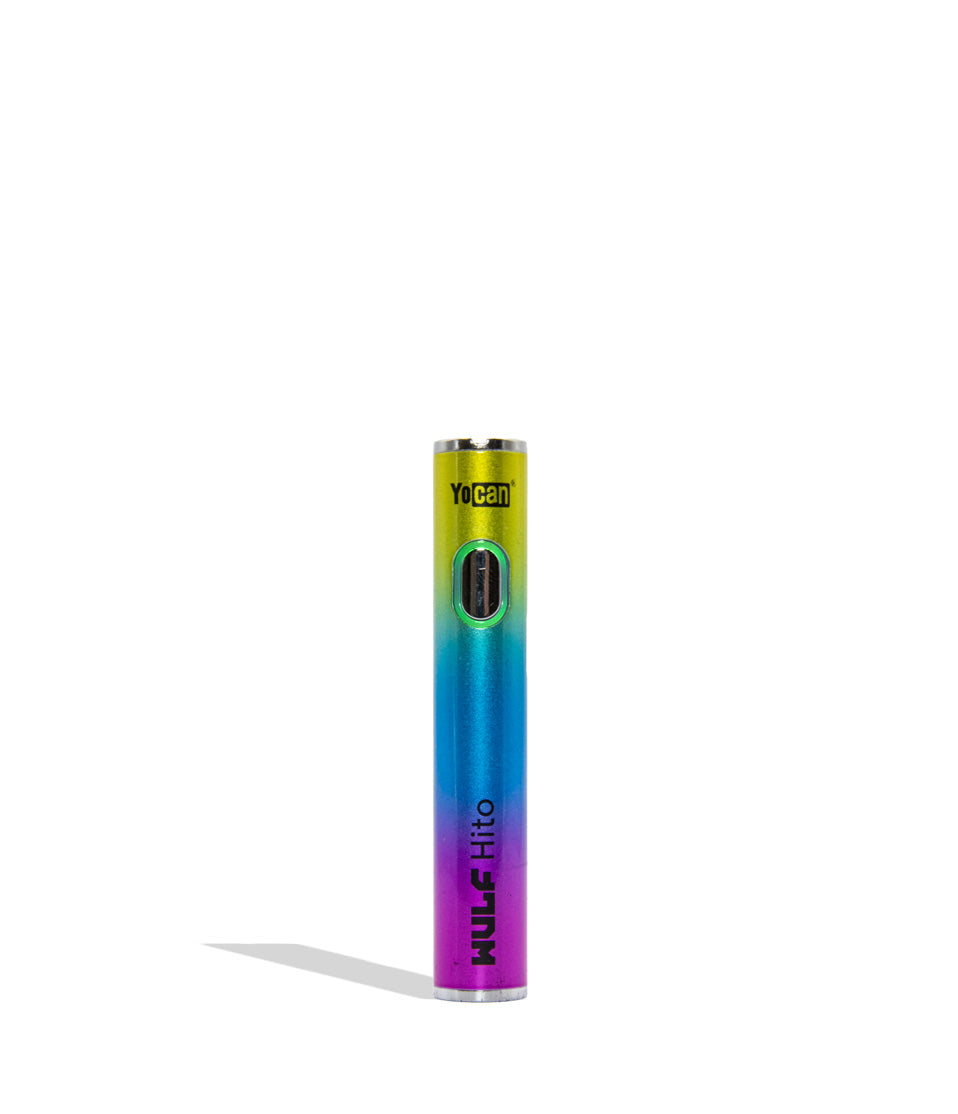
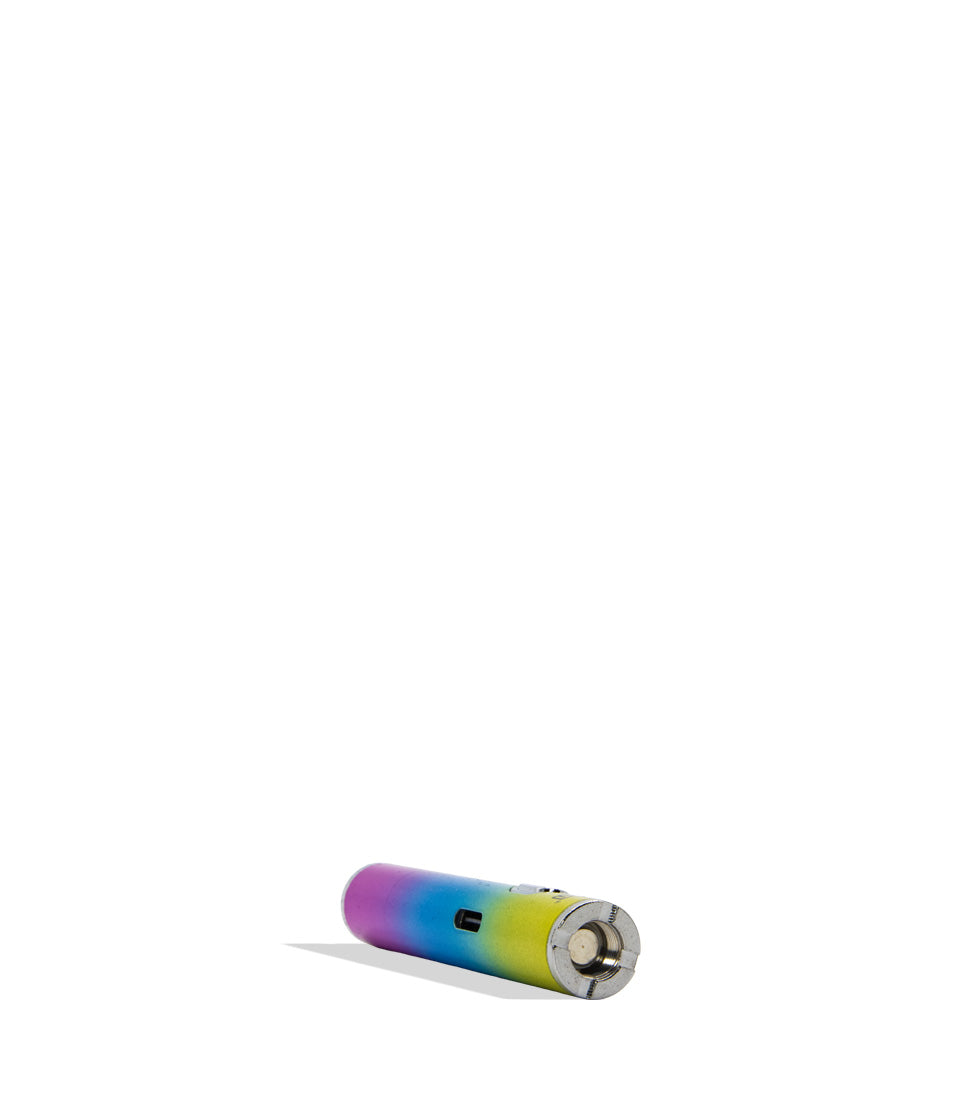
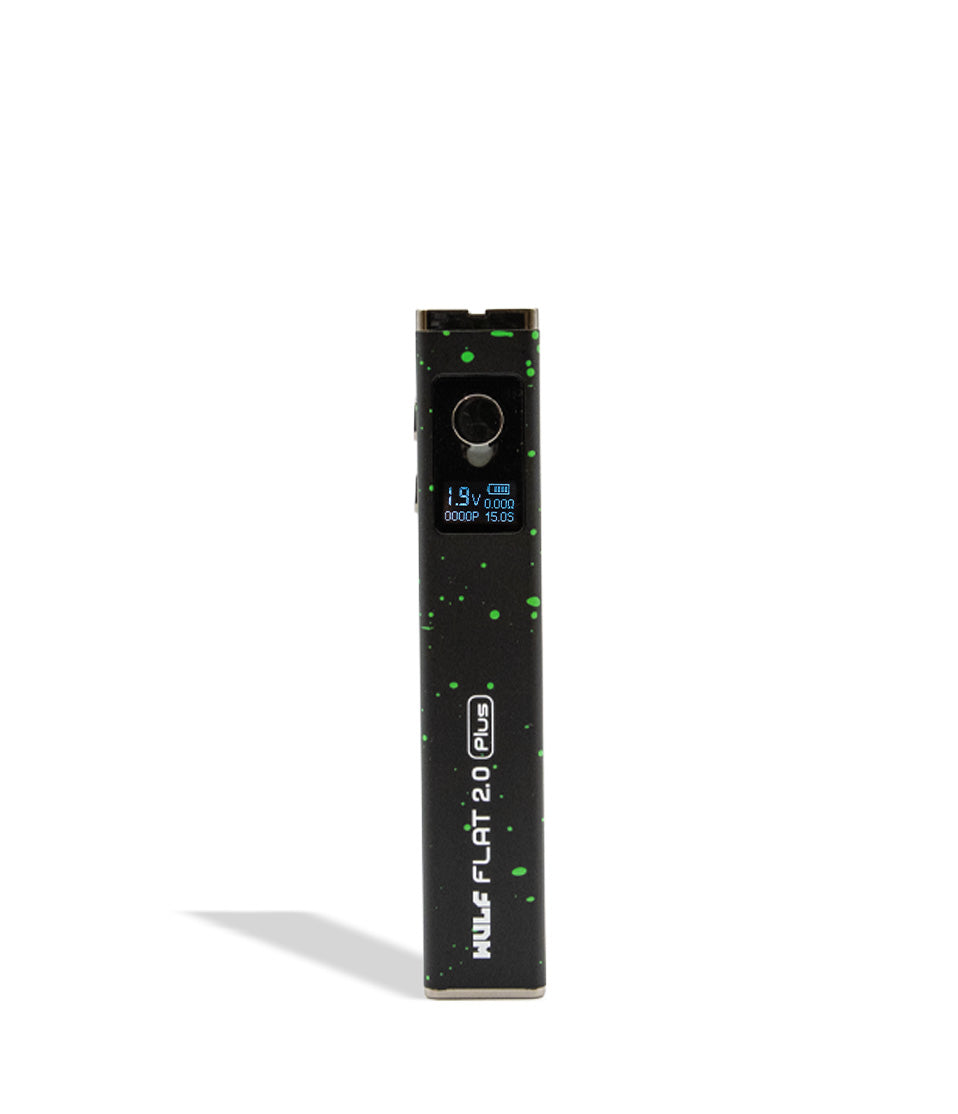
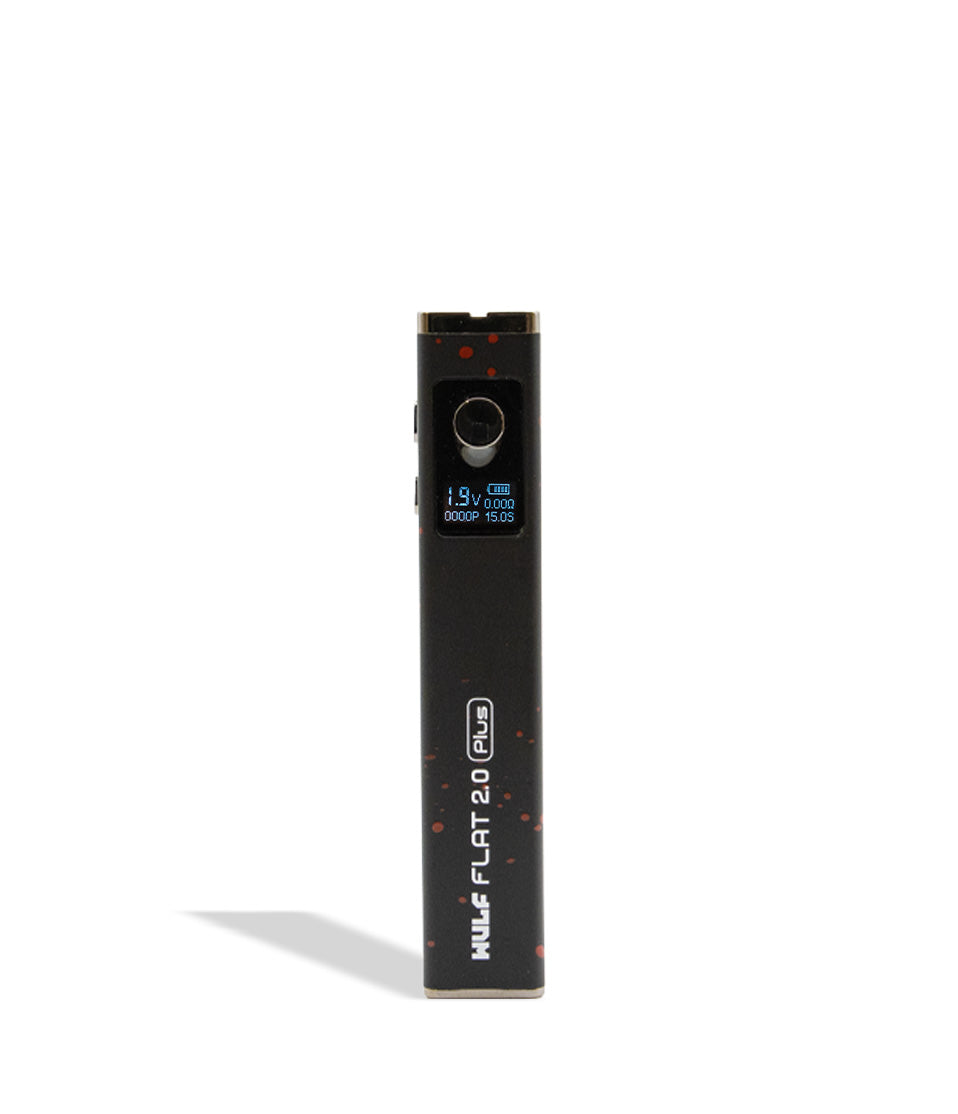
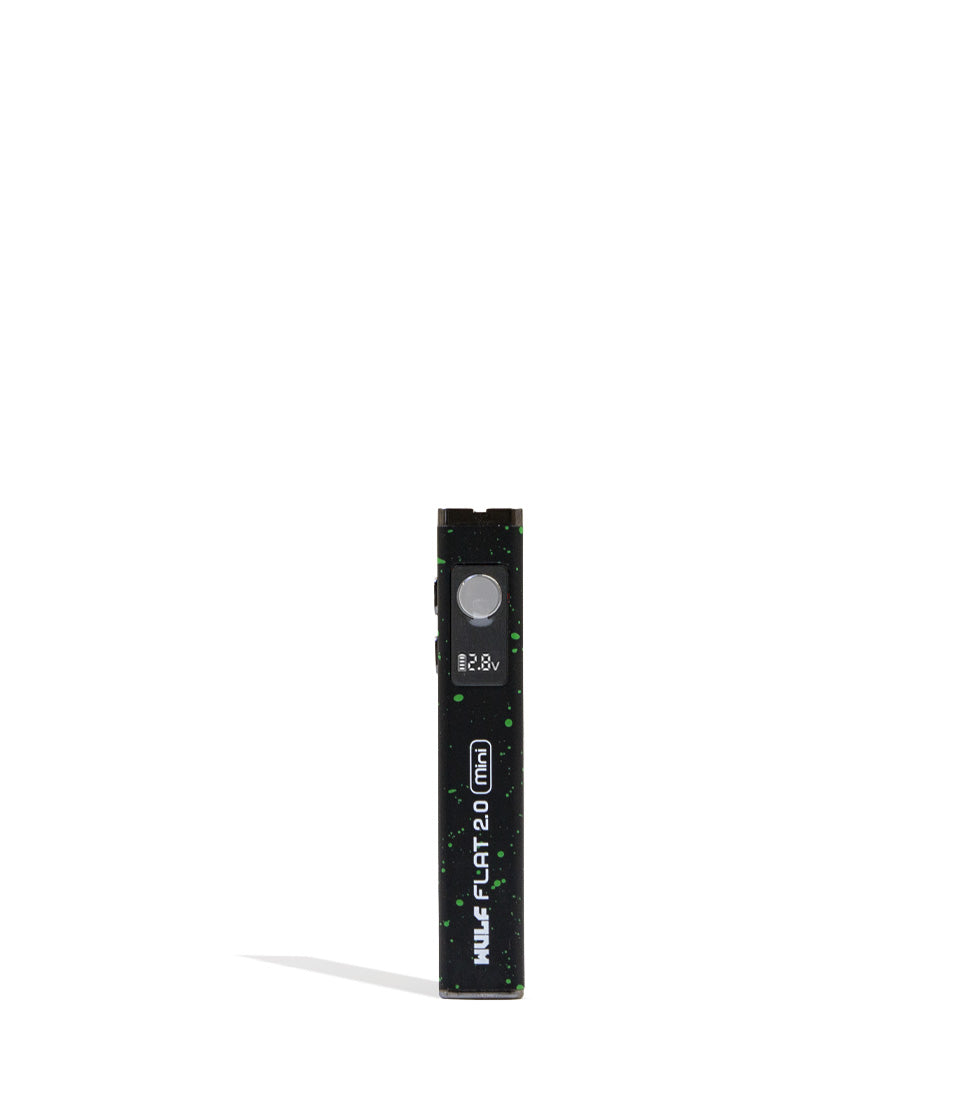
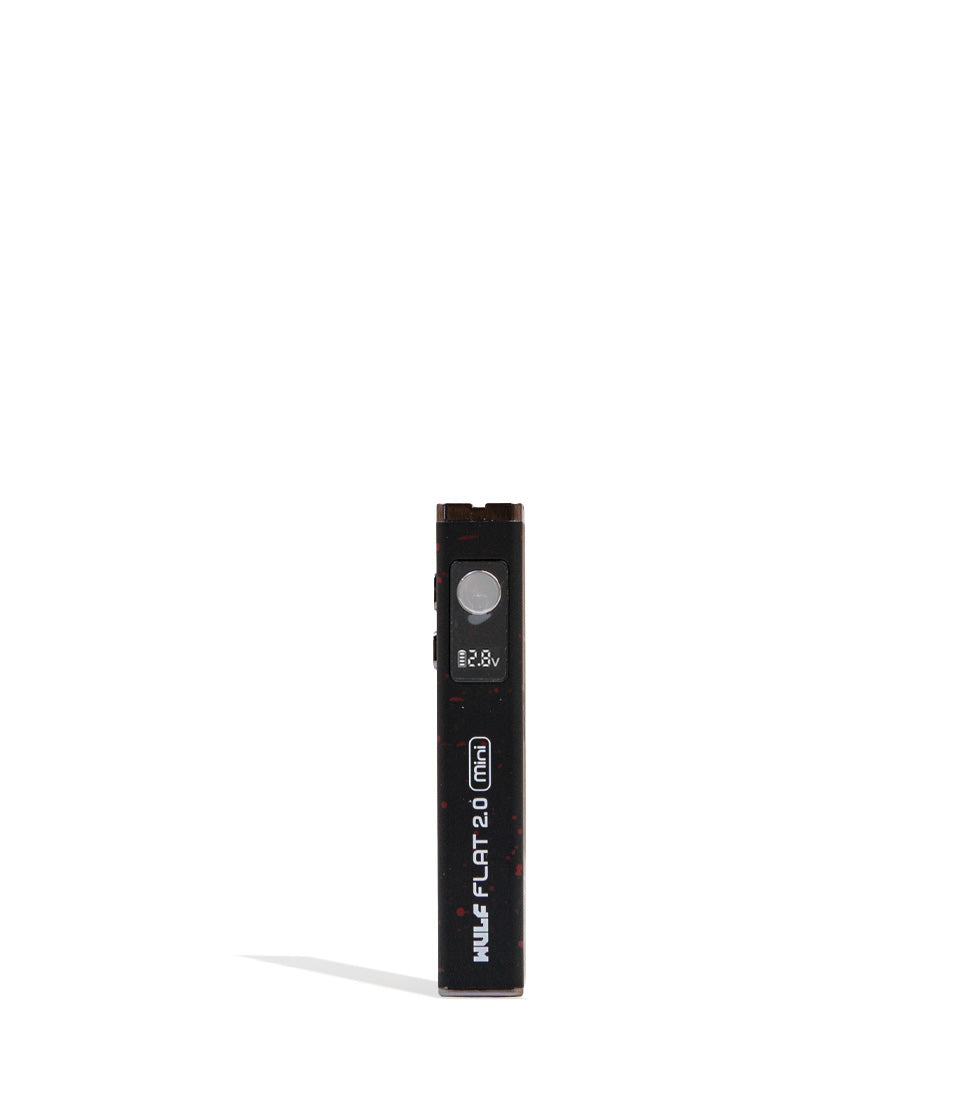
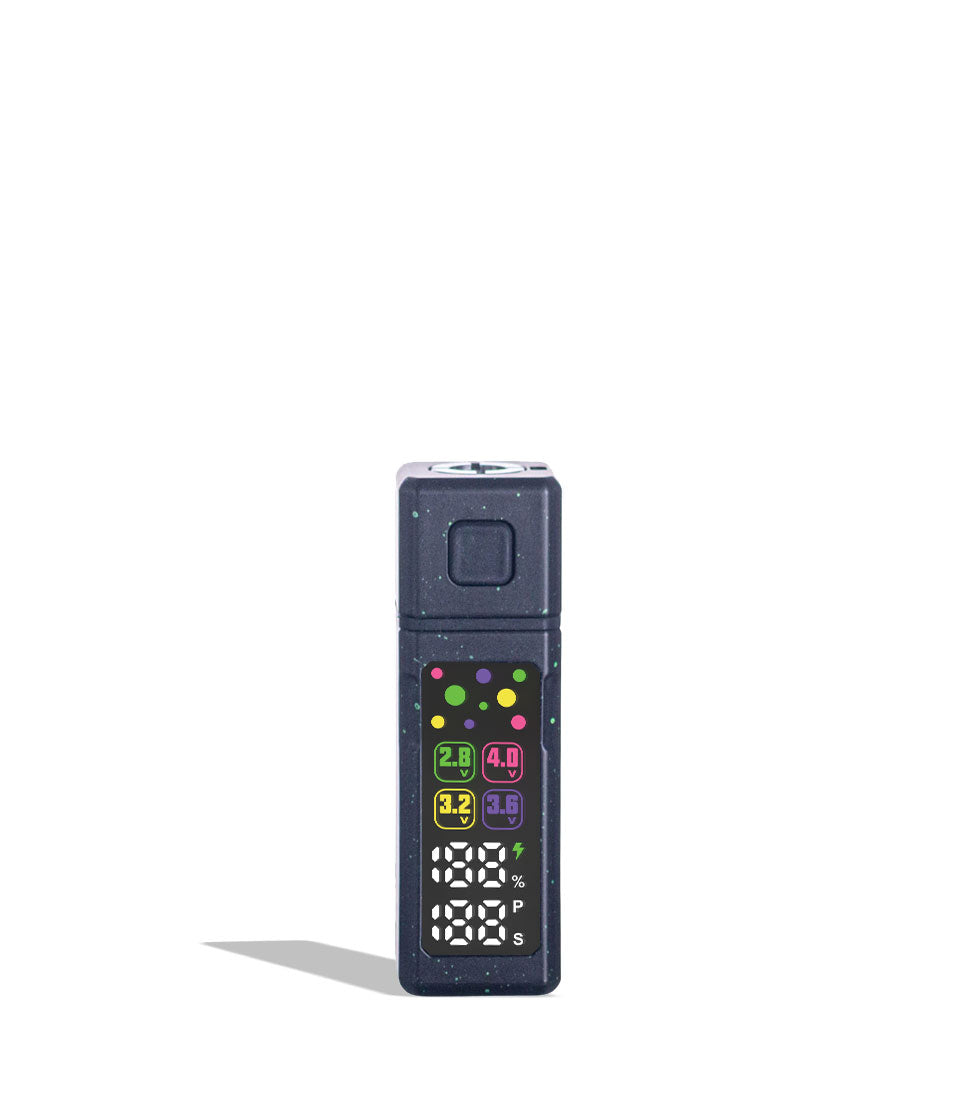
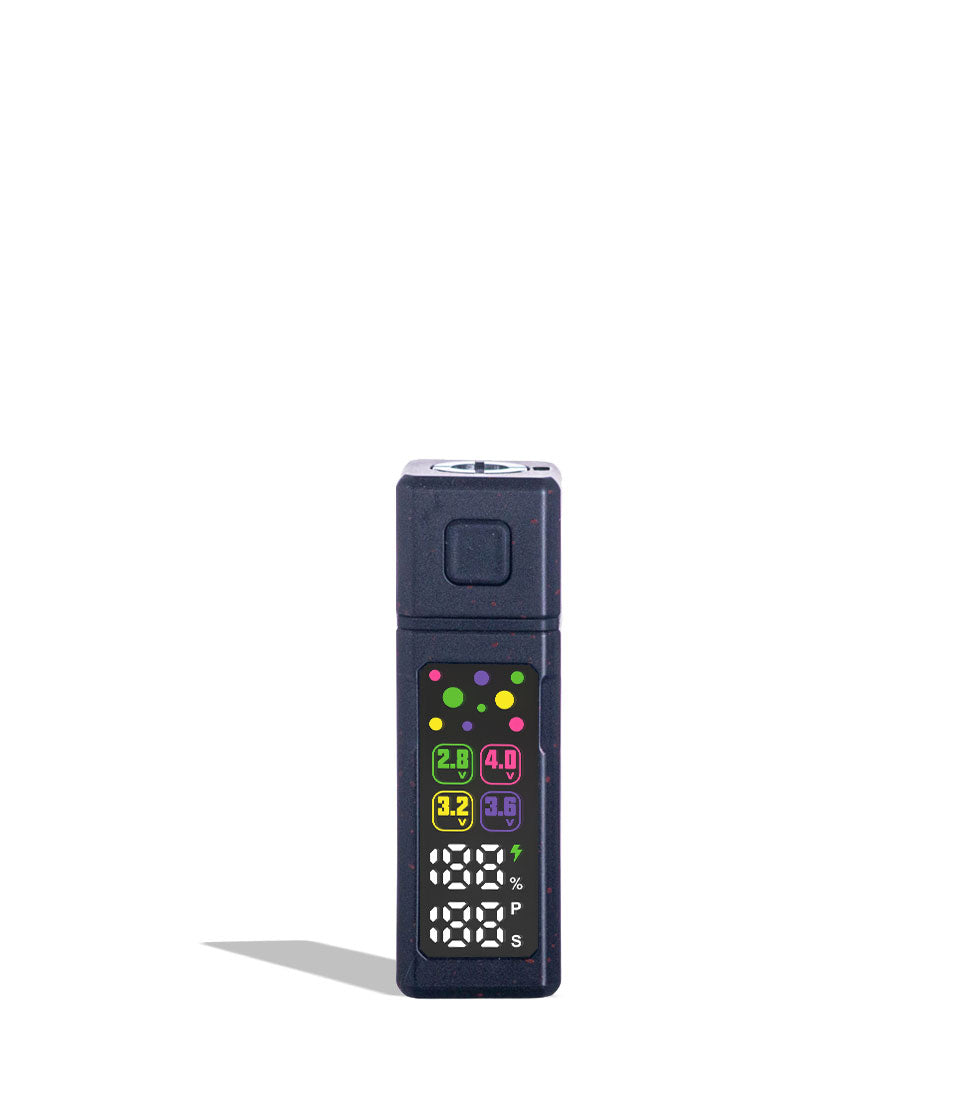
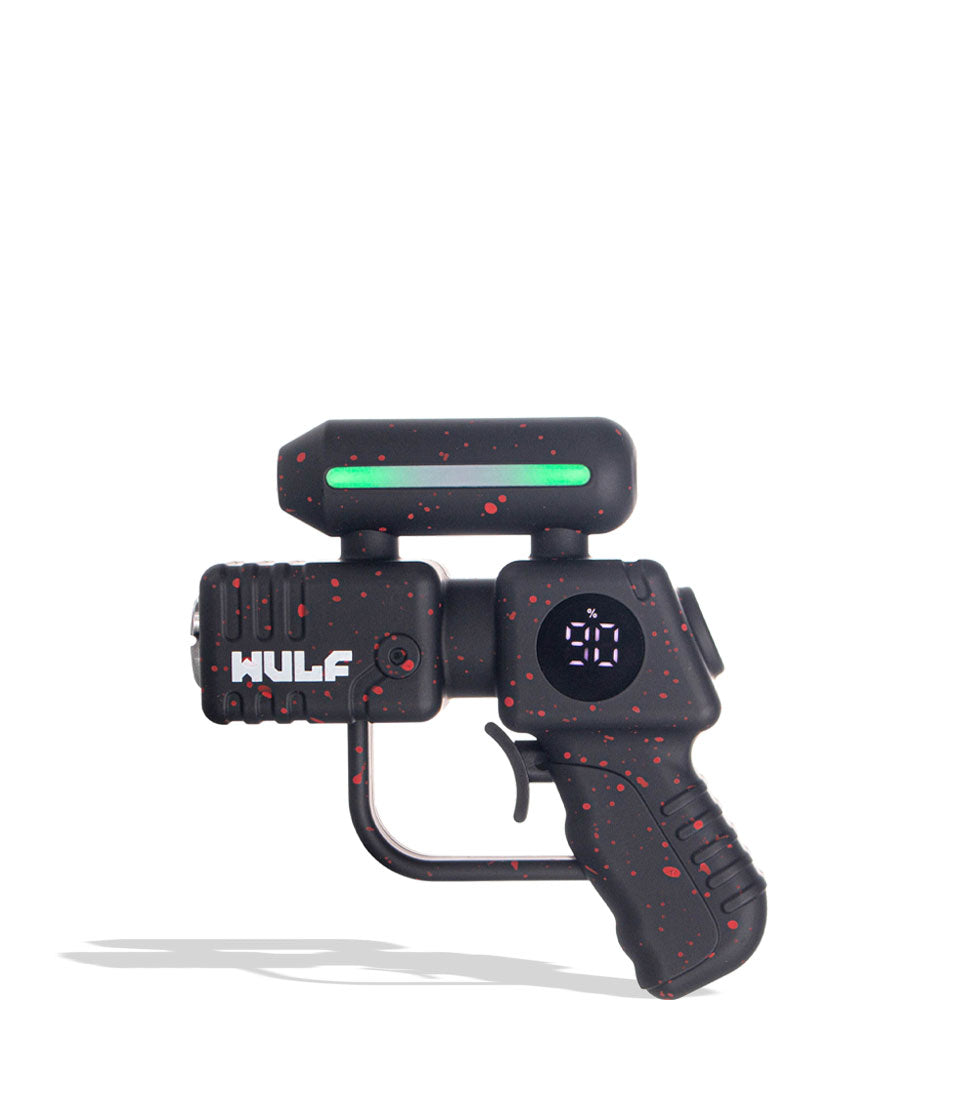
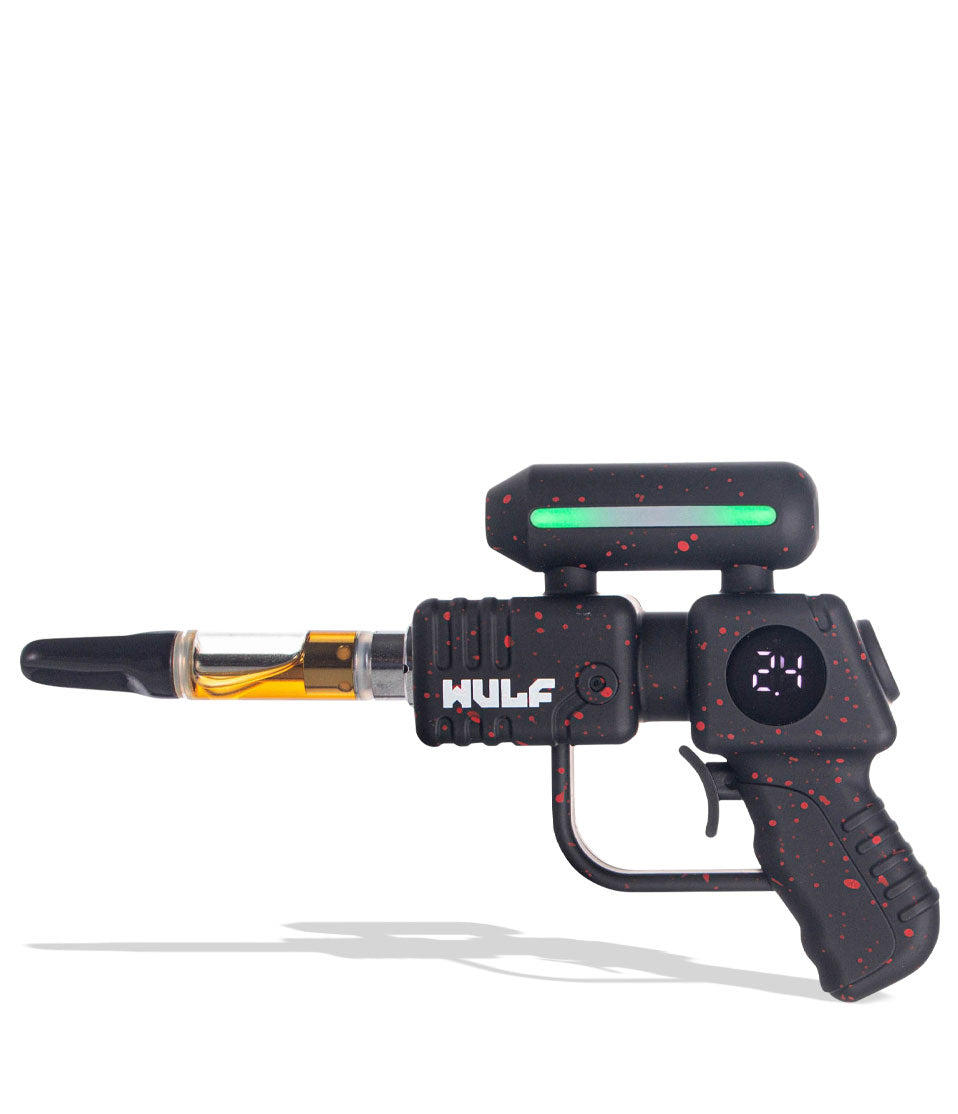
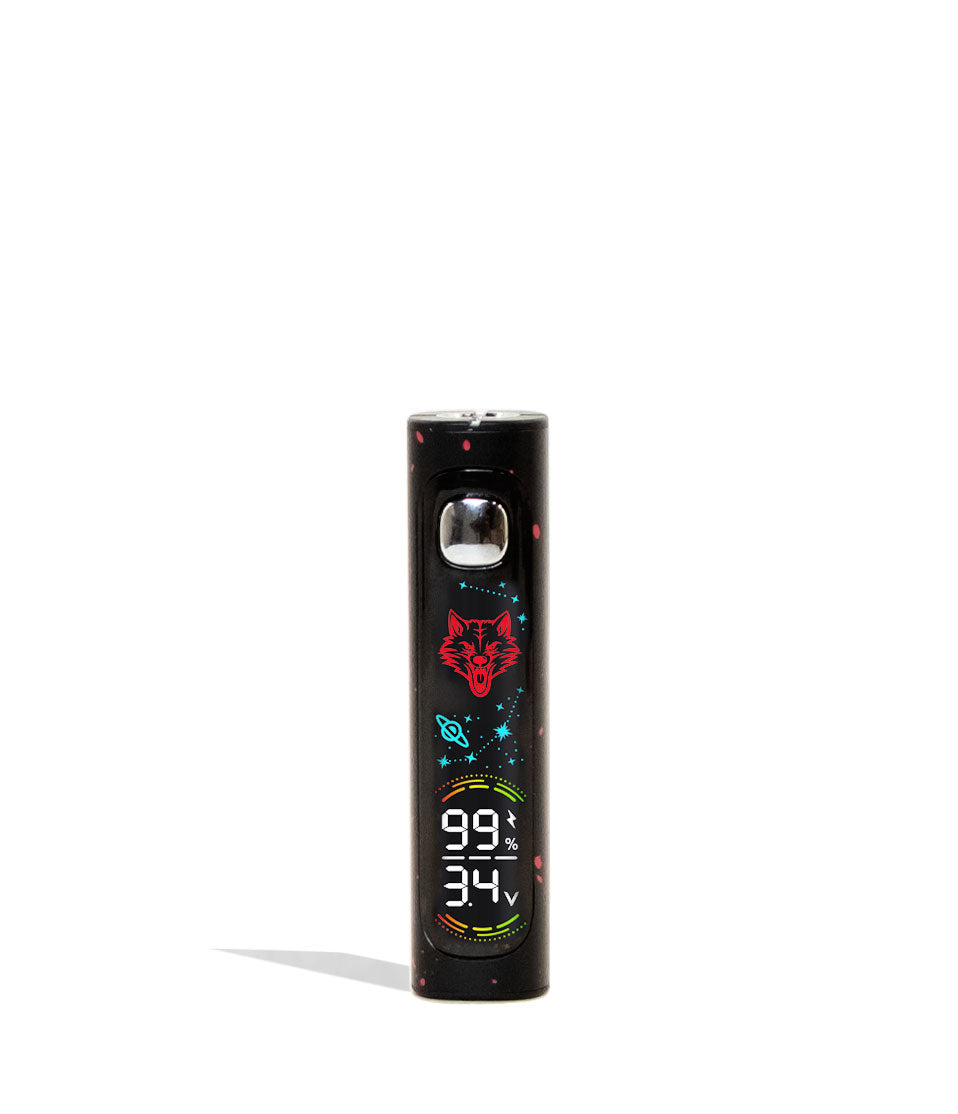
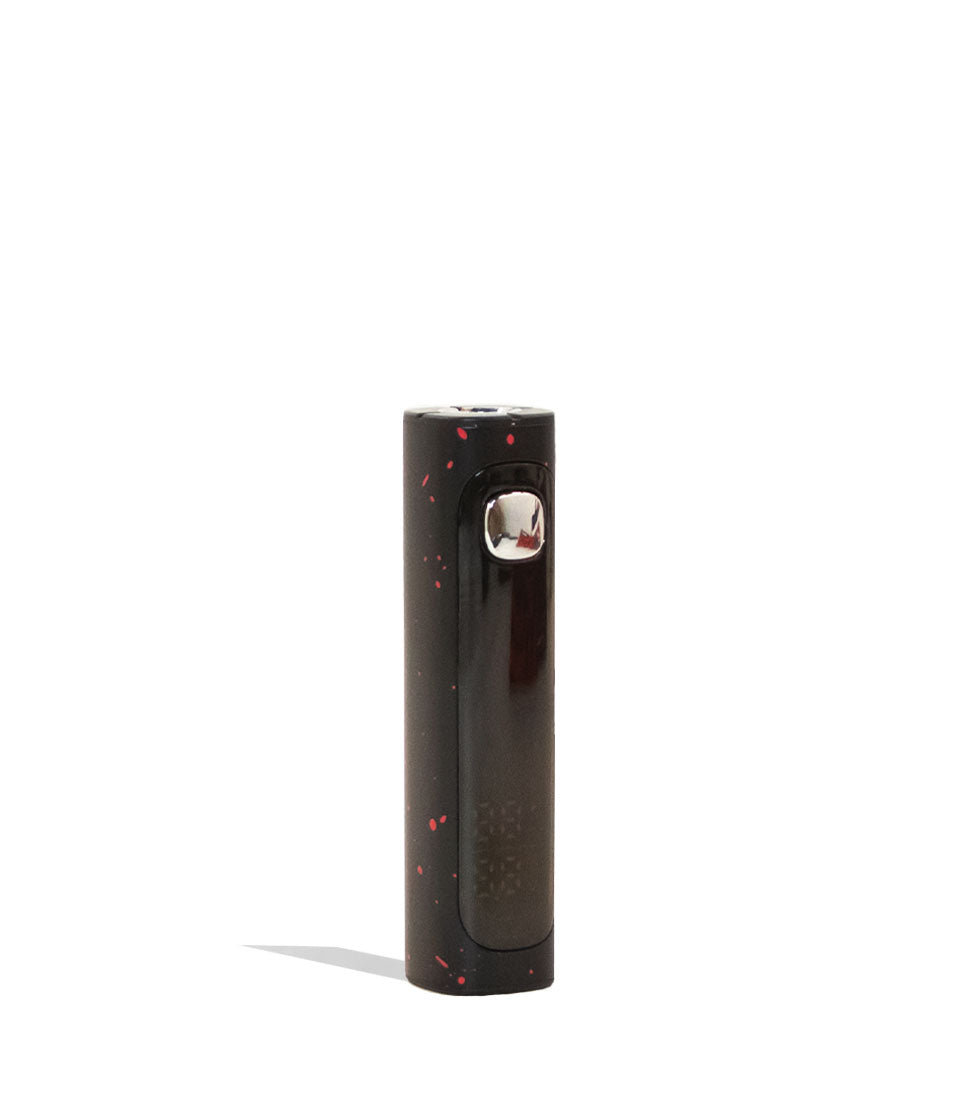
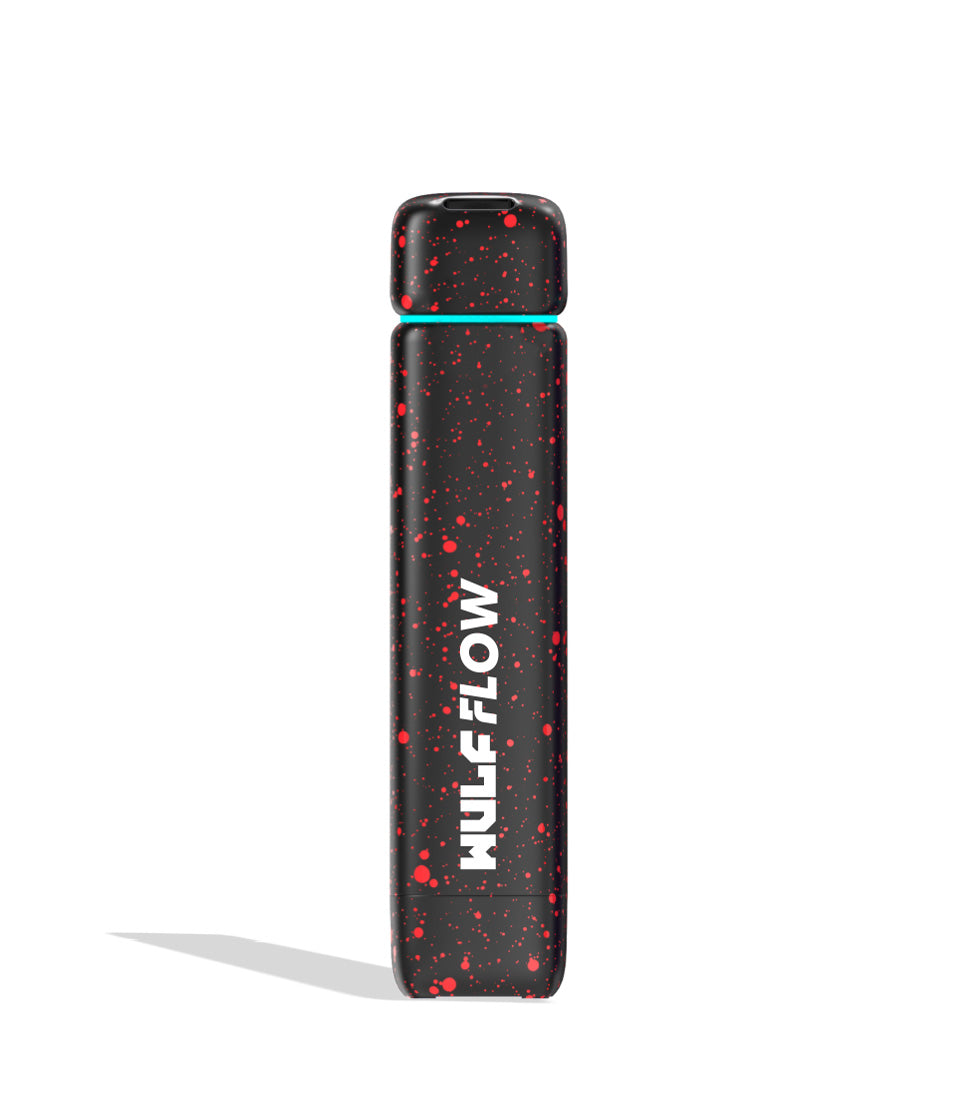
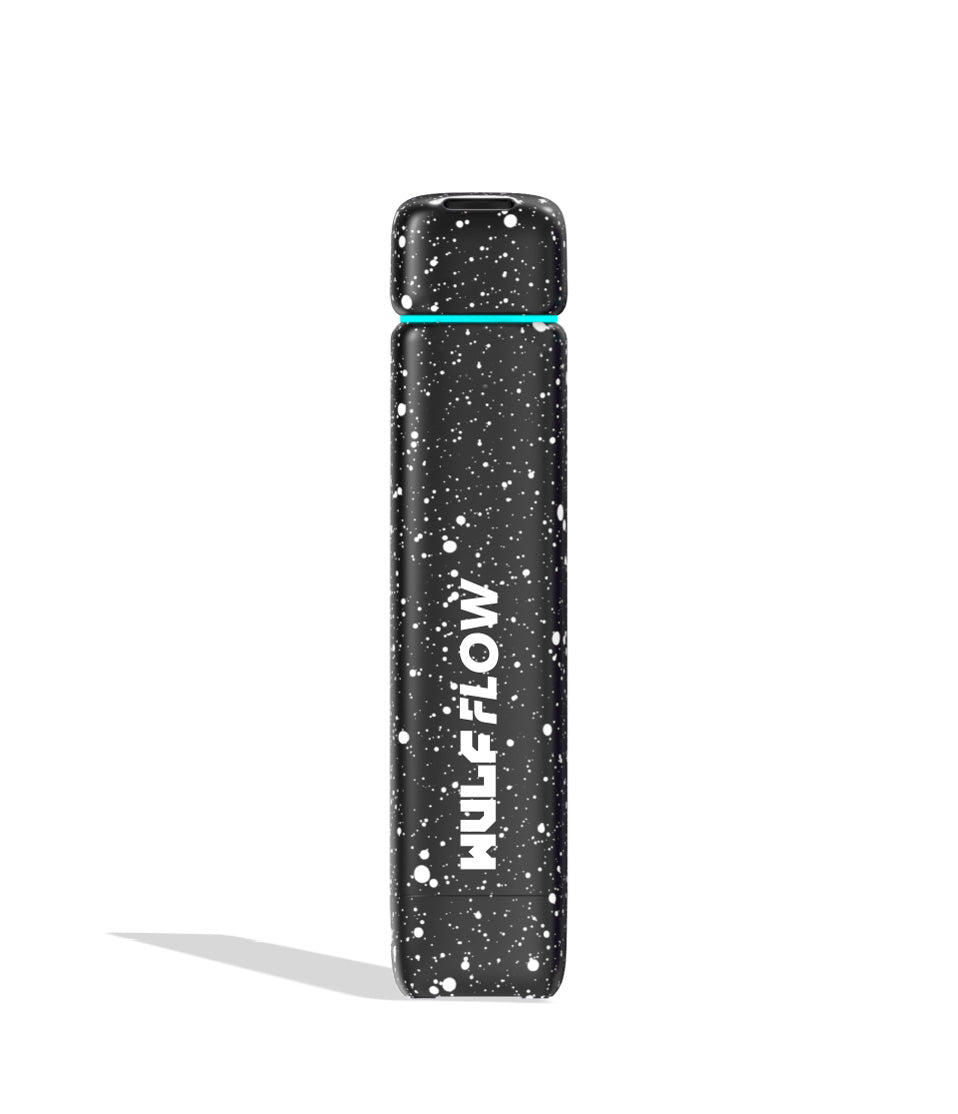
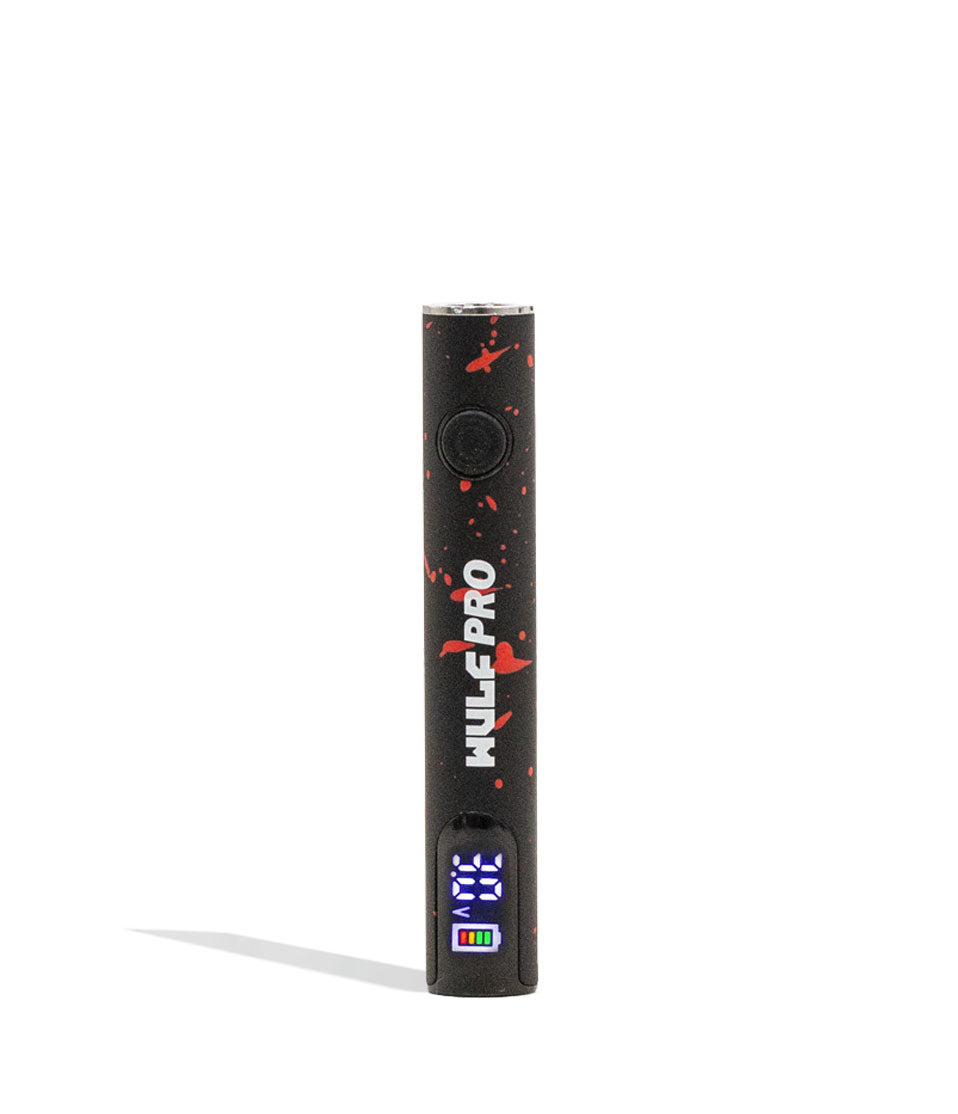
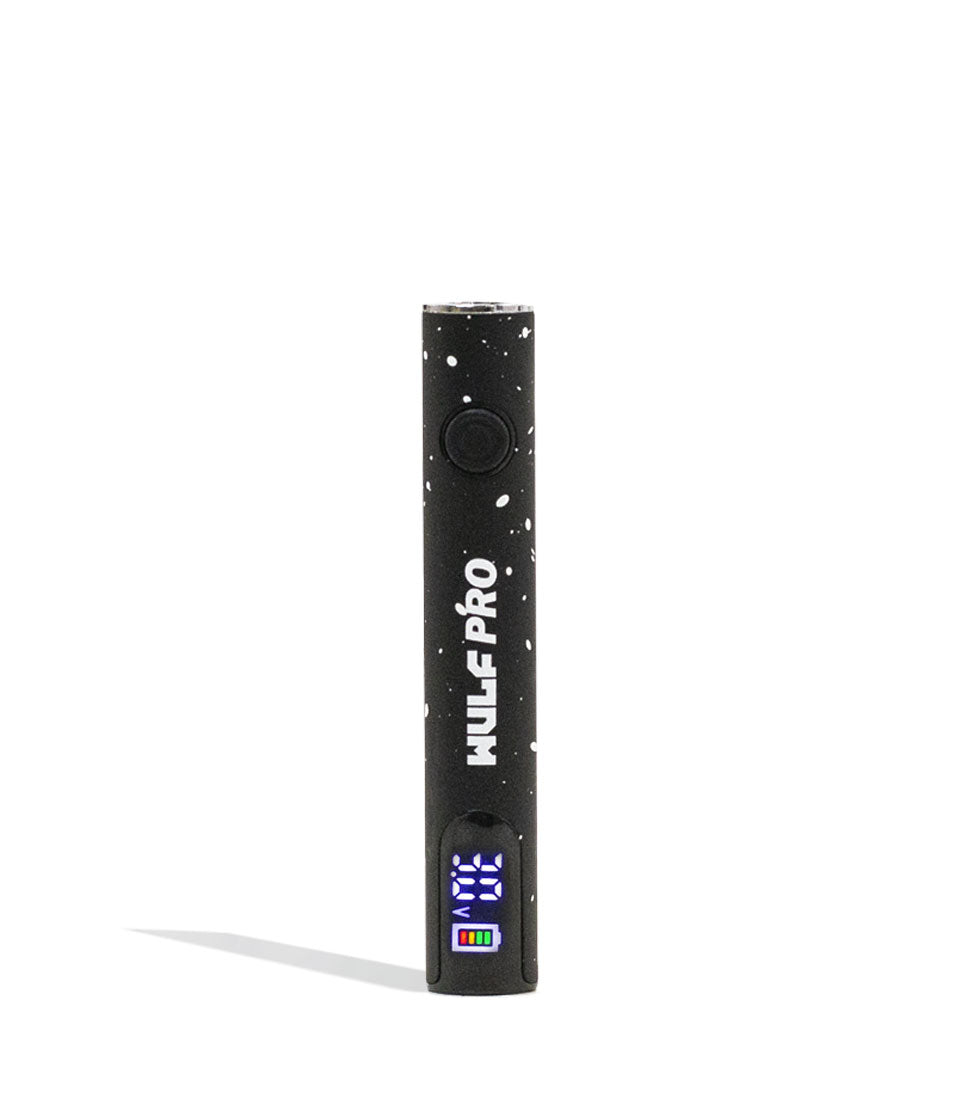
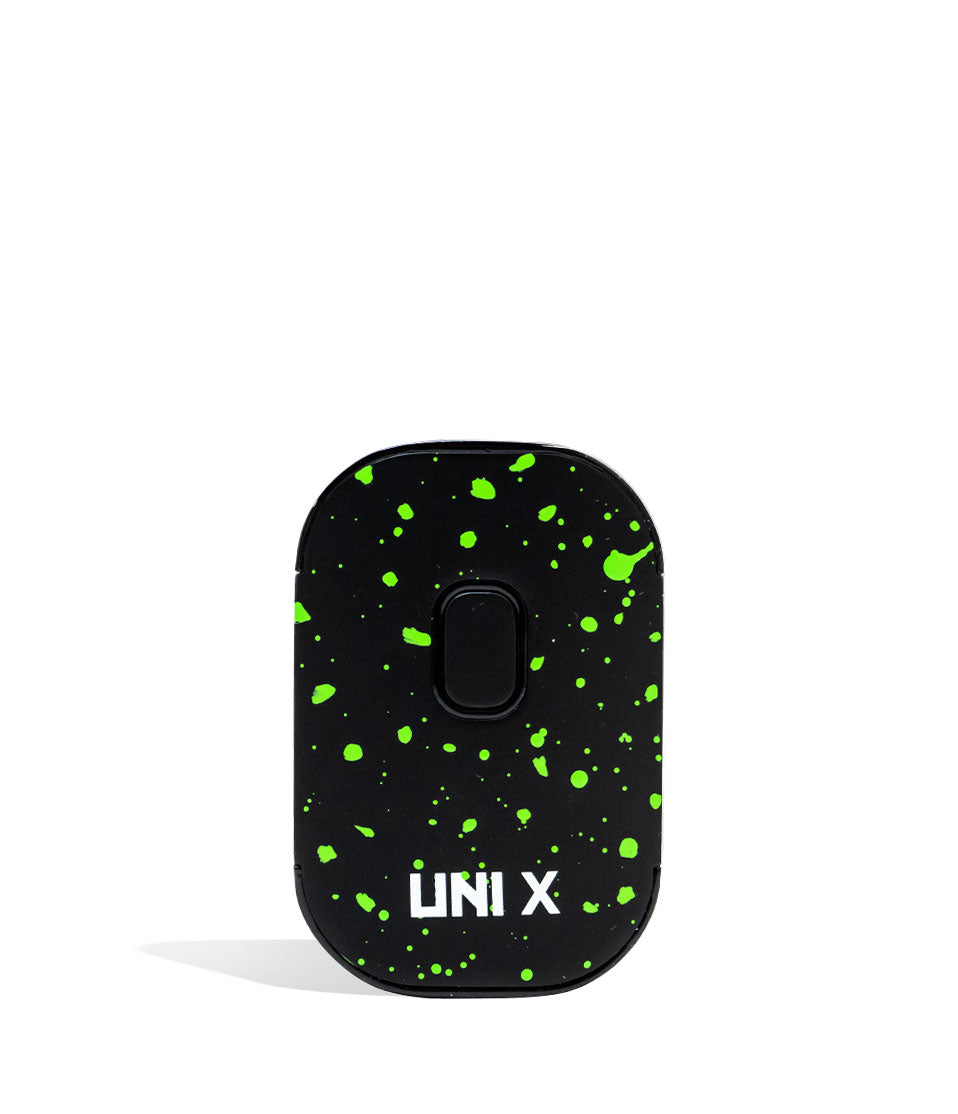
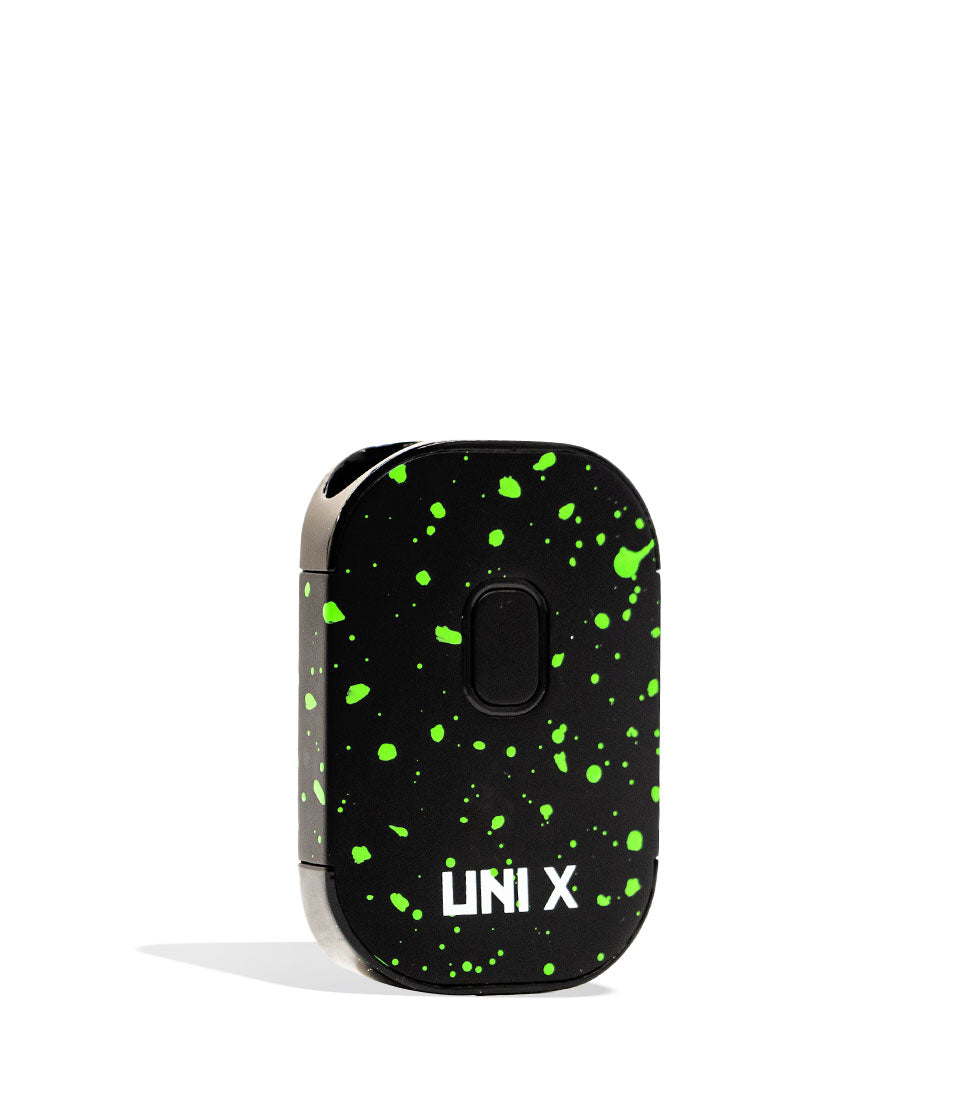
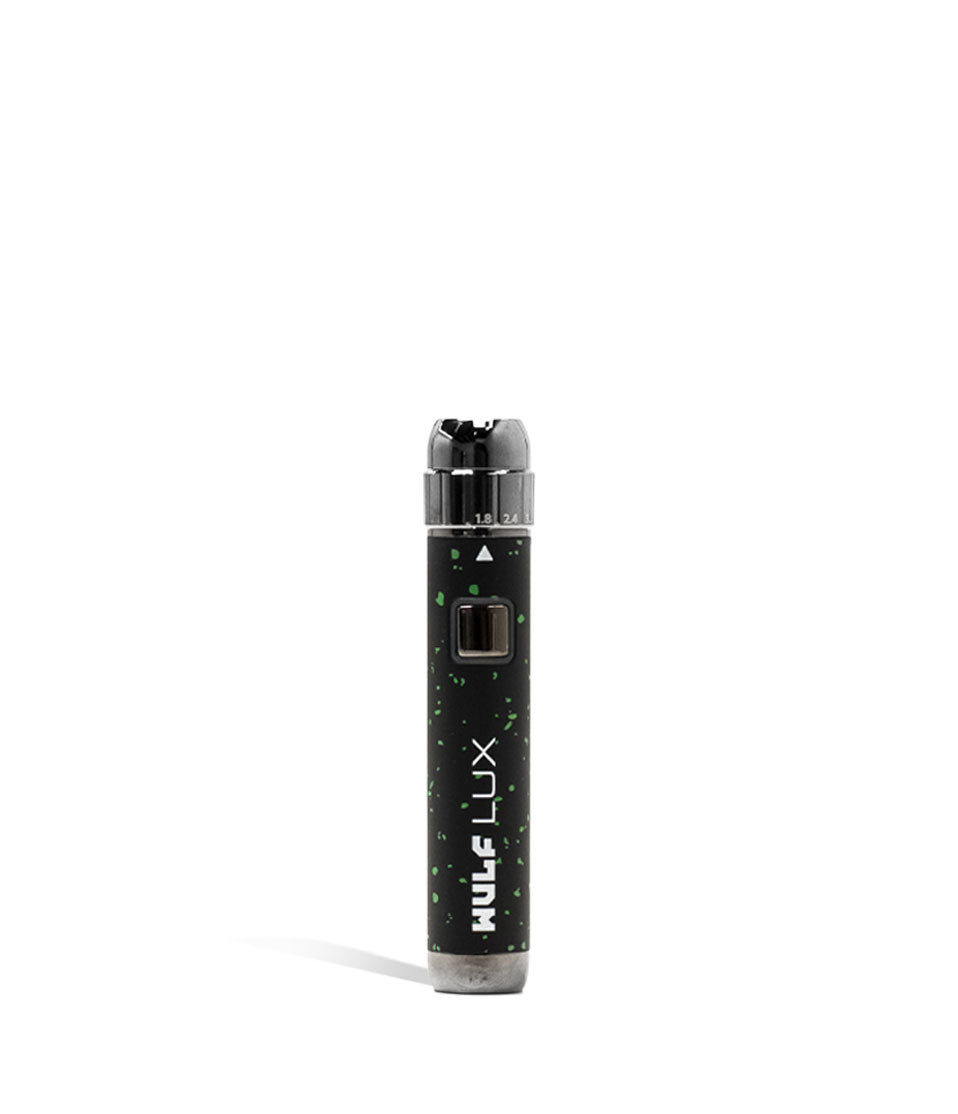
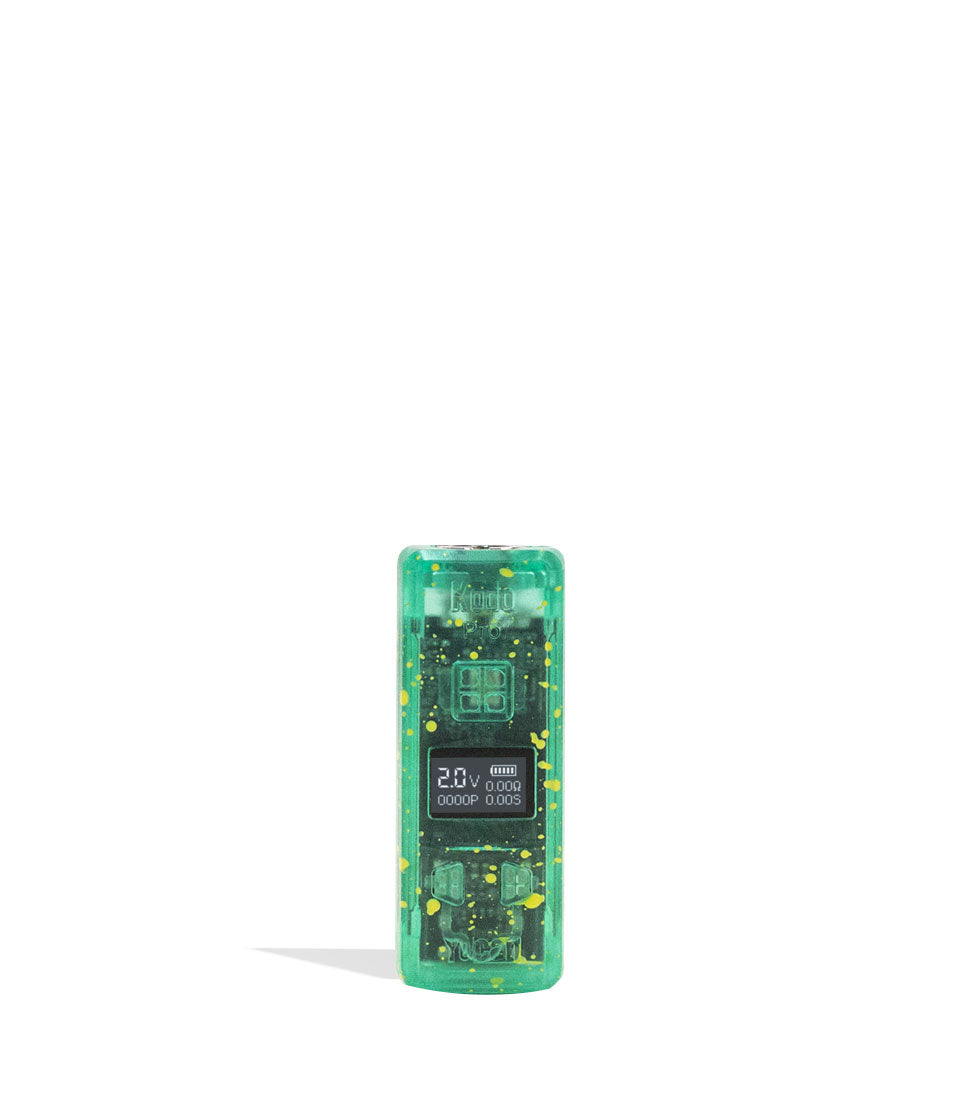
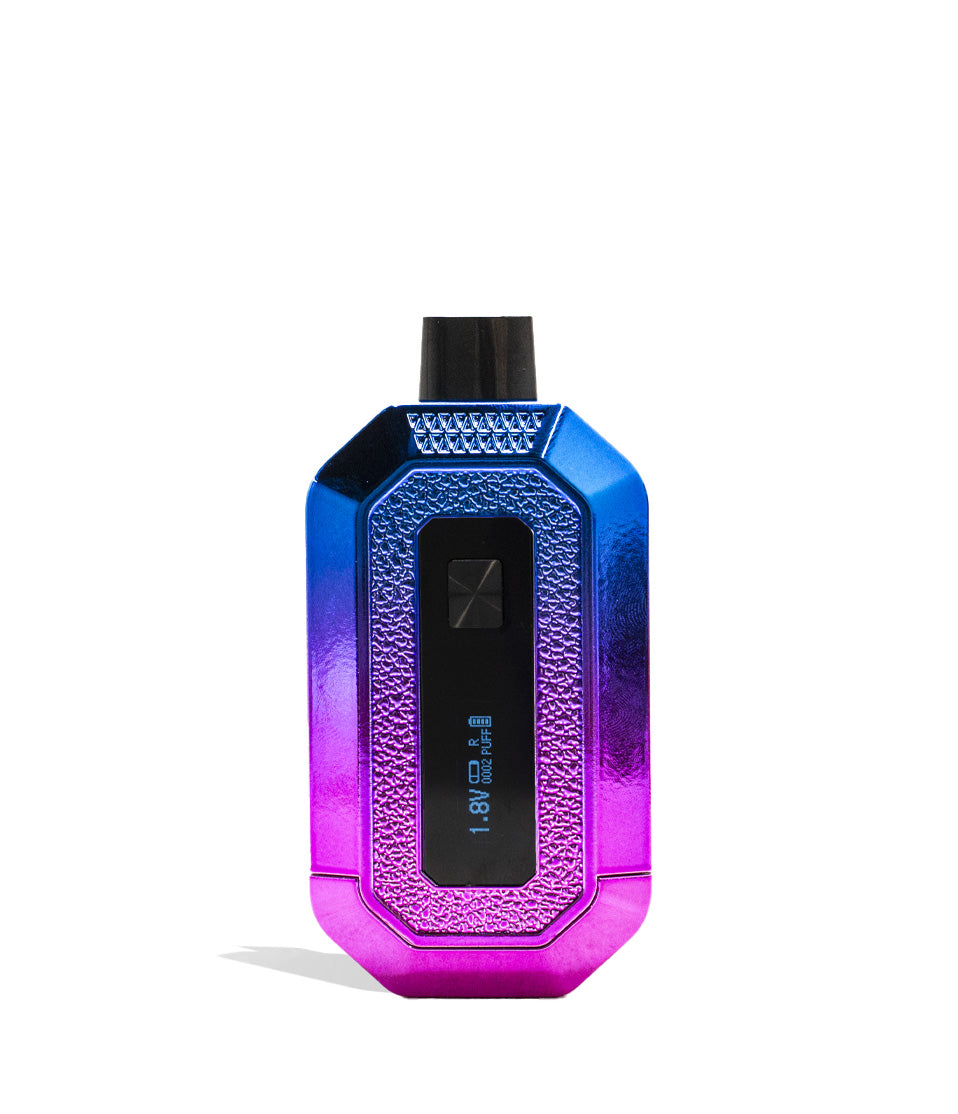
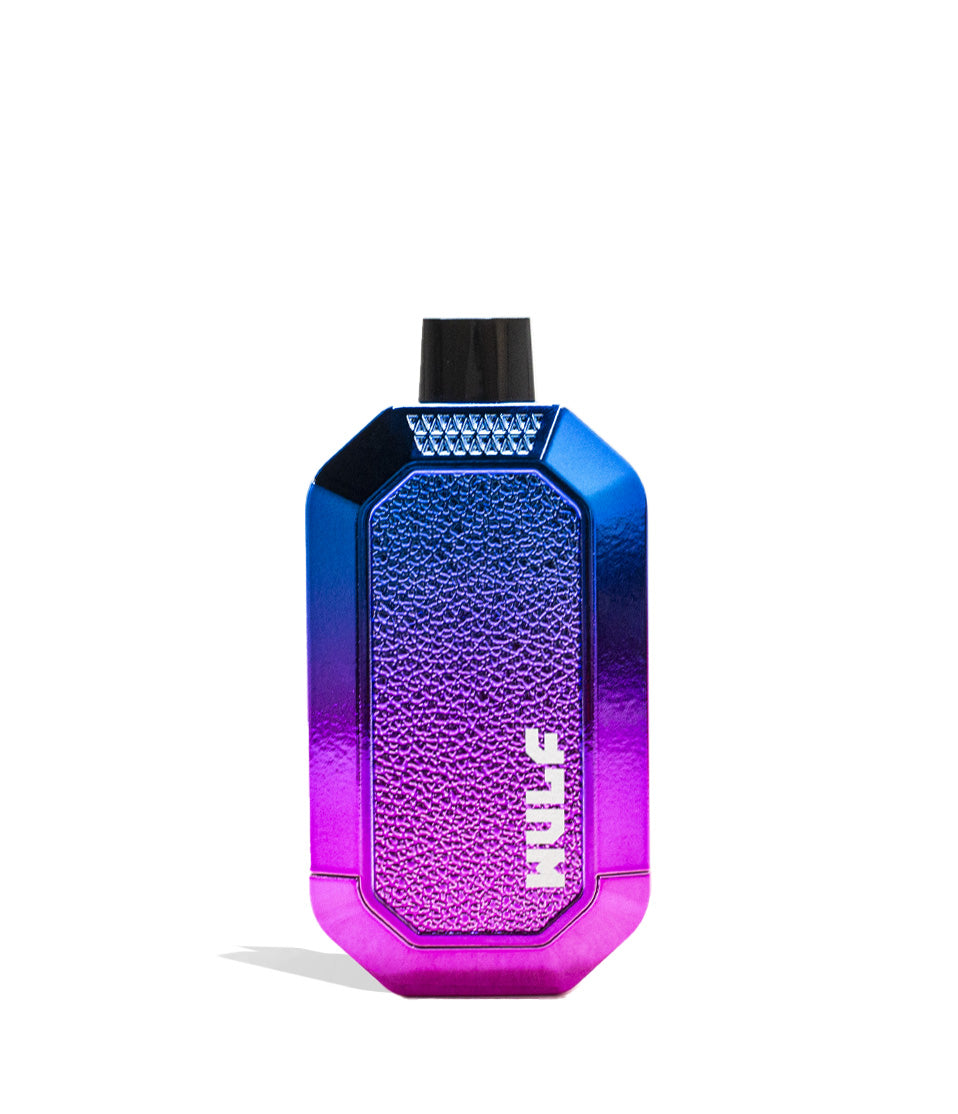
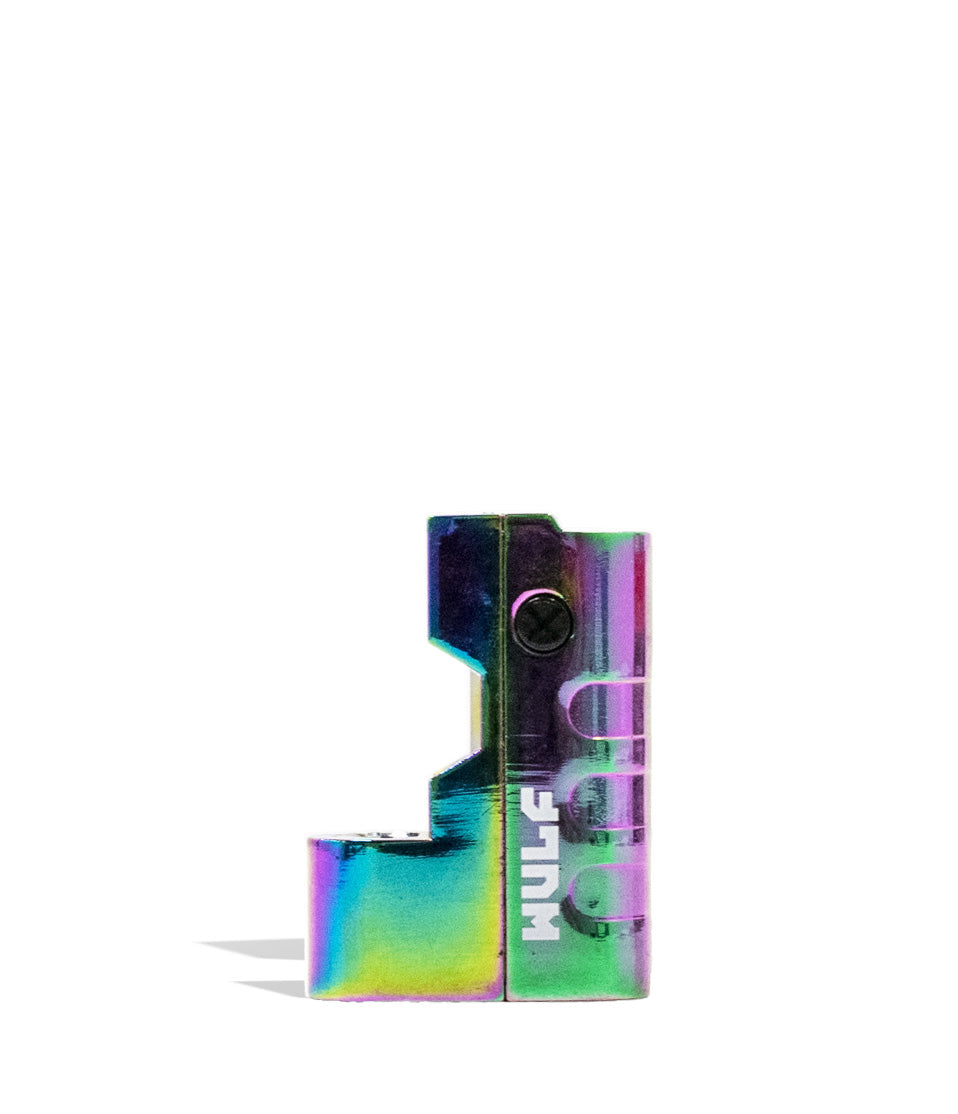
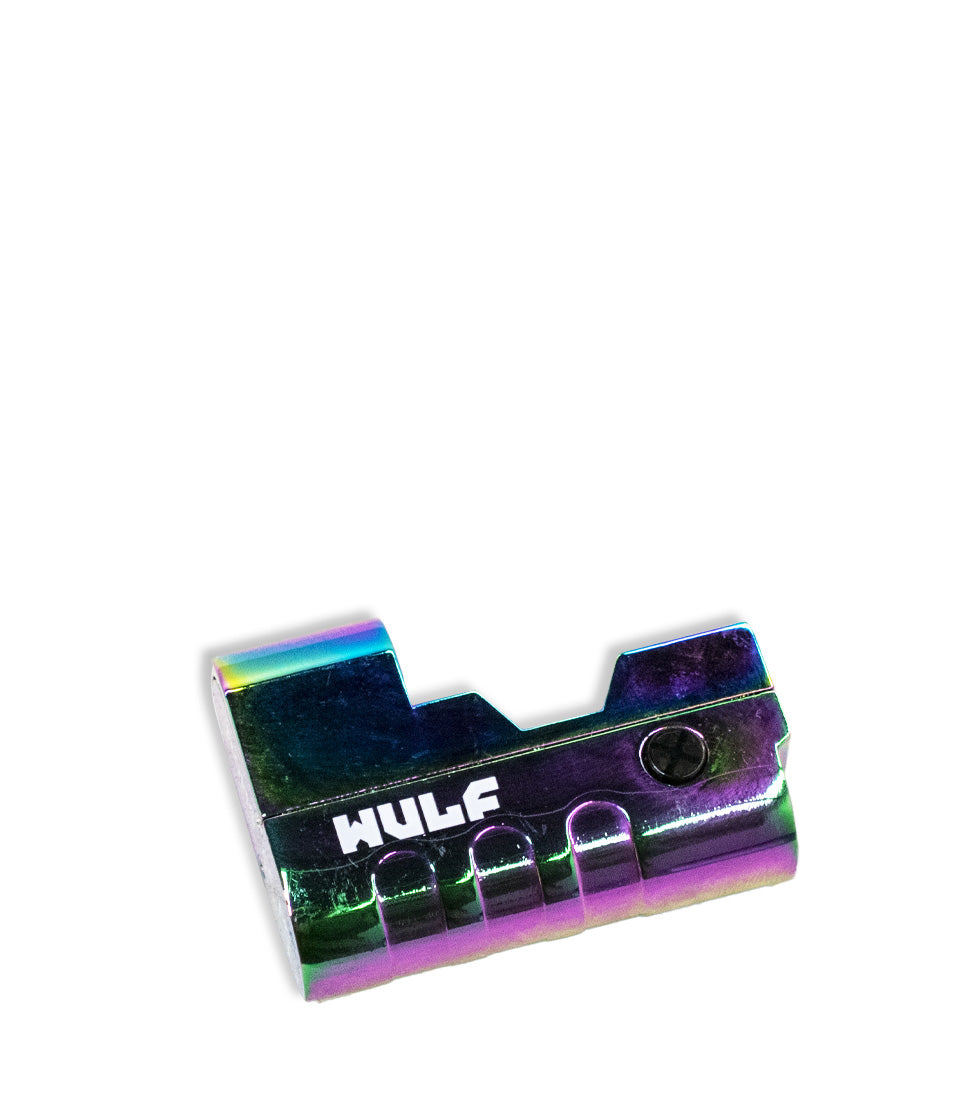
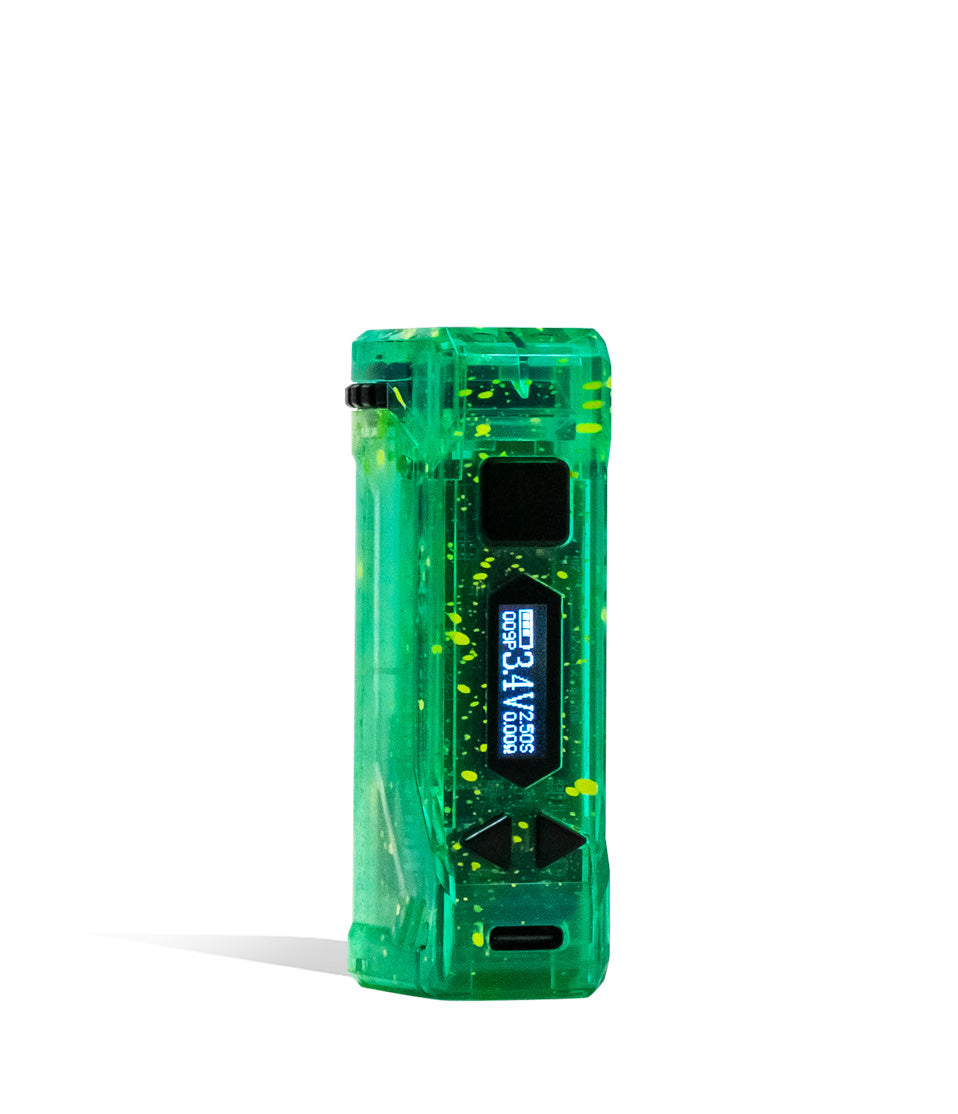
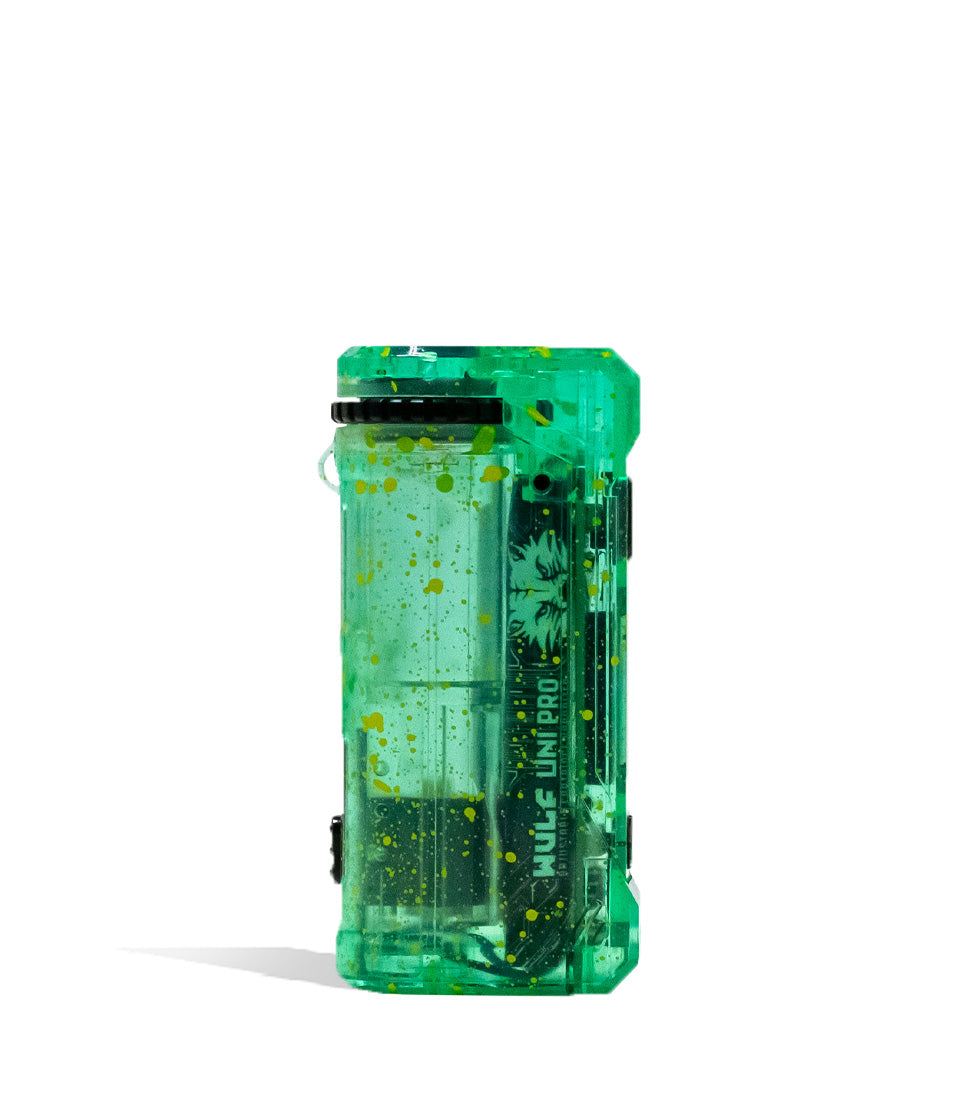
Owners Guide
Owner Playbook
The full playbook below expands on the practical steps and tips behind this guide.
Wulf Mods Deck Skateboard 510 Thread Battery in hand and ready to drop in on your sessions?
Well you’ve come to the right place because this Wulf Deck guide is here to help you rip blinkers, kick flip your cartridges, and unleash the true ferocity of your battery.
Follow along with Wulf as we breakdown how to use the world’s first skateboard 510 battery, looking into everything from how to clean your Wulf Deck all the way to the most common troubleshooting warnings.
By the end of this quick read you’ll be able to finally “land” those epic sessions and experience everything that our Wulf Deck Skateboard 510 Thread Batteries have to offer you and your own Wulf Pack.
For more general information about the Wulf Deck, check out our product spotlight right here.
Table of Contents:
Wulf Deck Quick Start Guide
1. How To Load The Deck
2. How To Power The Deck On / Off
3. How To Adjust Voltage On The Deck
4. How To Pre-Heat The Deck
5. Using The Wulf Deck
6. How To Charge The Deck
7. Troubleshooting Your Deck
8. How to Clean The Deck
Kickflip Into Your Next Session
Wulf Deck Quick Start Guide
Before we dive into the finer details of the Deck, we wanted to provide y’all with a quick rundown of all the most important steps. This way if you’re in a rush to hit the skatepark or like ripping clouds more than reading, you can get your session going as soon as possible.
| STEP | ACTION | PRO TIP |
|---|---|---|
| 1. Charge Your Battery | Plug your Deck in using a standard USB-C cable. | Always stay present while charging and never charge your battery over night. |
| 2. Attach Your Cartridge | Twist any size 510 threaded cartridge onto the top connection. | Take your time twisting it in and never over tighten the threads. |
| 3. Power On Your Battery | Press the power button five times (5x) to turn the Deck battery on. | Click the button quickly and evenly so the internal chip registers the command. |
| 4. Select A Voltage Setting | Press the power button 3x to cycle through the 5 temperature levels. | Lower voltages maximize your flavor; higher voltages maximize cloud size. |
| 5. Pre-Heat Your Cartridge | Press the power button 2x to activate the 12s pre-heat mode. | Use this feature to prime thick oils or unclog a stubborn cartridge before hitting. |
| 6. Hit The Deck! | Hold down the power button and inhale from your mouthpiece. | Draw slowly and steadily to ensure you get the best vaporization from your Wulf Deck. |
| 7. Clean Your Board | Power off the Deck and use an ISO swab to clean the threads and wheels. | Keeping the 510 threads completely clean prevents open-circuit flashing errors. |
By sticking with these seven main steps, you’ll be able to enjoy your Wulf Deck 510 Thread Battery with ease.
1. How To Load The Deck
To get the wheels rolling on your session you’ll first have to choose a 510 thread cartridge. The Wulf Deck is universally compatible with 510 cartridges of any width or volume, letting you use anything from your collection without worry.
Next, carefully twist your chosen cartridge into the threaded connection on the top of your Wulf Deck.
Make sure the connection is flush and snug, but avoid cranking it down too hard. The goal is to allow the firing pin to make a solid electrical connection without crushing the components.
With your cartridge secured, you’re now ready to move on to powering on your battery,.
2. How To Power The Deck On / Off
When you’re ready to kick things off and start riding some clouds, press the power button on your Wulf Deck five times in a row (5x).
This will turn on your 500mAh battery and cause the digital screen to light up, letting you know the board is ready to shred.
To wind things down and safely pack your Wulf Deck away in your pocket, press the power button an additional 5 times (5x) to switch it completely off, preventing accidental misfires while you’re on the go.
3. How To Adjust Voltage On The Deck
The Wulf Deck comes loaded with 5 different voltage settings (2.4v, 2.8v, 3.2v, 3.6v, 4.0v), giving you the ultimate flexibility to find your favorite combination of potency and flavor.
To change your voltage level on the Wulf Deck, press the power button three times in a row (3x). This will cycle your temperature to the next in line and display your new current setting right on the screen.
Continue to press the power button 3x in a row to shuffle through all of the options. When you’ve reached your desired voltage, simply stop pressing the button and the setting will lock in.
Now when you move on to using your Wulf Deck, it’ll have the corresponding voltage level all ready to go. In general lower voltage levels allow for greater flavor, while higher voltage levels bring the potency. Use this to dial things in just how the moment calls.
4. How To Pre-Heat The Deck
For an extra gnarly cloud that hits twice as hard, press the power button on your Wulf Deck two times in a row (2x) to activate its 12 second pre-heat function.
This begins a countdown where your Deck slowly and gently warms your cartridge, melting thick oils down onto the wicking ports and getting it primed for an extra powerful hit.
When your screen stops flashing, the pre-heat is complete. You can then use your Wulf Deck like normal and enjoy massive, pre-heated vapor production for even stronger potency and boosted cloud volume.
Note: The pre-heat function on the Wulf Deck is an optional step and should be used sparingly.
5. Using The Wulf Deck
With your battery charged, cartridge attached, and temperature dialed in, it’s time to hit the vape park with your Wulf Deck 510 Thread Battery!
Simply hold down the power button and inhale from the cartridge mouthpiece to start enjoying your clouds from your Wulf Deck. When you’ve had enough, just release the power button and things return to stand by mode.
This manual button control gives you on demand access to your extracts, putting you in complete control of your session’s pacing every time you get started with your Wulf Deck.
The Wulf Deck has a maximum power time of 15s, before it returns to stand by mode. This is to protect you from any over heating or accidental firing while your Wulf Deck is in your pocket. To reset the time, simply release the power button, wait a moment, and then continue your session.
6. How To Charge The Deck
Keep your sessions howling by making use of the Wulf Deck’s USB-C charging port to ensure you’re always at full battery.
Once plugged in to charge, the screen on your Deck will begin to flash to let you know it’s successfully connected. After it’s reached full capacity, your screen will stop flashing after 10 seconds and power down to let you know it’s time to disconnect.
CRITICAL SAFETY WARNING: Do not charge the Deck with a powerbank outputting 5V or higher. Do not charge this device in your car. Do not leave the device plugged in overnight to overcharge. Failure to follow these specific charging instructions could result in permanent battery damage and fry the internal motherboard system!
7. Troubleshooting Your Deck
Heads up! Your Wulf Deck is programmed with a host of different troubleshooting warnings in order to give you visual notices that something is interfering with your session. Take a look below to understand what your skateboard is trying to tell you:
- Low Battery: When your battery is depleted and you attempt to hit it, the screen will read “0%” and flash 3 times to indicate it needs to be plugged in.
- Open-Circuit: If there is an issue with your cartridge connection (or no cart is attached), the Wulf logo on your Deck will flash red 2x. Clean the threads or swap the cartridge.
- Short-Circuit: When the Wulf logo flashes red 5x, immediately cease using your device! This is a short circuit warning. Remove the cartridge, clean the connection, and do not fire it again until the warning subsides.
- Time Out: To prevent overheating and burnt coils, if you hold down the power button longer than 15 seconds at a time, the Logo and Screen will flash 3x and heat will be cut. Release the button and press it again to resume.
8. How to Clean The Deck
Keep your sessions rolling smoothly by performing basic maintenance on your Deck. Sticky oil residue on the 510 connection is the #1 cause of flashing error codes and weak vapor.
To clean it, first turn off your device completely (5 clicks) and unscrew the attached cartridge. Take a cotton swab lightly dampened with isopropyl alcohol and completely wipe down the 510 threaded connection, the top of the board, and the body.
Because the Deck doubles as a finger skateboard, pay careful attention to the wheels! Use the ISO swab to ensure any sticky grime, pocket lint, or dirt is removed from the axles so your board can actually roll.
After you’ve fully wiped down the Wulf Deck, leave all parts to air dry 100% before attempting to use it again. This is essential, as any remaining moisture can cause serious issues with your battery.
Kickflip Into Your Next Session
If you ever need help, you can always ollie back over to this Wulf Mods Deck Skateboard Battery setup guide for a quick refresher.
Ready to grind out some more knowledge? Drop in to the Wulf Resource Center for helpful guides detailing all of our new releases.
Thanks for choosing Wulf for your sessions, now hit the Deck and shred some clouds! Arooo!!!
Frequently Asked Questions
Owners Guide FAQs
Common questions related to this guide and how to apply the information when choosing your device.
How Do I Change The Voltage On The Wulf Mods Deck Skateboard Battery?
Can Any Size 510 Thread Cartridge Fit On The Wulf Deck?
Why Is The Wulf Logo Flashing Red On My Deck Battery?
How Do I Activate The Pre-Heat Cycle On The Wulf Deck?
Is It Safe To Clean The Skateboard Wheels With Isopropyl Alcohol?
Wulf Mods Trust Center
About This Resource
Understand how this guide was researched, reviewed, and maintained by the Wulf Mods editorial team.
Editorial Standards
- Written for the people choosing and using these devices.
- Reviewed for clarity, accuracy, and practical retail value.
- Based on current manufacturer specifications and product documentation when available.
- Updated as products, regulations, category trends, or market conditions evolve.
- Built on deep, hands-on product experience.
- Designed to help you choose the right device with confidence.
Research Methodology
This owner guide was prepared to help you set up, use, and care for your device with confidence. Guidance is based on hands-on product experience, common questions, and real-world use.
- Hands-on product experience
- Setup and first-use guidance
- Cleaning, care, and maintenance
- Common questions and troubleshooting
- Safe and responsible use
- Real-world use considerations
- Editorial review for clarity and usefulness
Article Information
Intended Audience
- Everyday customers
- First-time buyers
- Experienced enthusiasts
- Dry herb users
- Concentrate users
- Anyone upgrading their setup
Editorial Policy
Wulf Mods educational resources are reviewed periodically to maintain accuracy and relevance. When product specifications, regulations, category trends, or market conditions change, articles may be updated with a new review date. Trusted product guidance.
Keep Exploring
Related Resources
Keep learning with related Wulf Mods resources selected to help you get more out of your device.
Brand Guide
Wondering what Wulf is? Find out the who, what, when, and why of Wulf Mods as part of our 15th anniversary celebration! Learn t...
Read Resource →
Category Guide
New to vaping and wondering what a vape pen is in 2026? Find out the answer to what a vape pen is right here with Wulf and get ...
Read Resource →
How-To
Find out everything there is to know about 510 threaded batteries in this Wulf Help Center exclusive!
Read Resource →
How-To
Ceramic Carts work better with Wulf Mods Batteries! Find out why this is true and learn more about ceramic cartridges in this W...
Read Resource →