

Resource Center
How To Clean The Wulf Mods Flat Mini 2.0 Variable Voltage Battery

Continue With This Resource
Wulf Mods Quick Brief
What You Should Know
A fast summary of the key points, questions, and guidance covered in this guide.
Overview
Key Takeaways
- Clicking the main power button 5 times switches off your Wulf Flat Mini 2.0 to ensure safe cleaning without accidental misfires.
- Removing the 510 cartridge exposes the gold connection pin and thread well for targeted maintenance.
- Controlled swabbing with isopropyl alcohol breaks down stubborn oil leaks without pushing liquid into the internal battery housing.
- Allowing the Wulf Flat Mini 2.0 to air-dry completely for 30 to 60 minutes protects the circuit board from short circuit damage.
- Regular swabbing of the 510 threads and side voltage buttons keeps power flowing smoothly for peak flavor and heavy vapor output.
Questions This Resource Answers
- Why is it critical to power off the Wulf Flat Mini 2.0 battery (5x clicks) before starting any cleaning routine?
- What is the proper technique for dampening a cotton swab with isopropyl alcohol to clean the 510 thread port?
- Which key areas on the Wulf Flat Mini 2.0 collect sticky oil buildup and require regular swabbing?
- Why must all cleaned components of the Wulf Flat Mini 2.0 air-dry 100% completely before reattaching a cartridge?
- How does regular cleaning of the gold contact pin boost the overall performance of the Wulf Flat Mini 2.0?
Recommended Products
Shop 510 Thread Batteries
Browse the products featured in this guide.
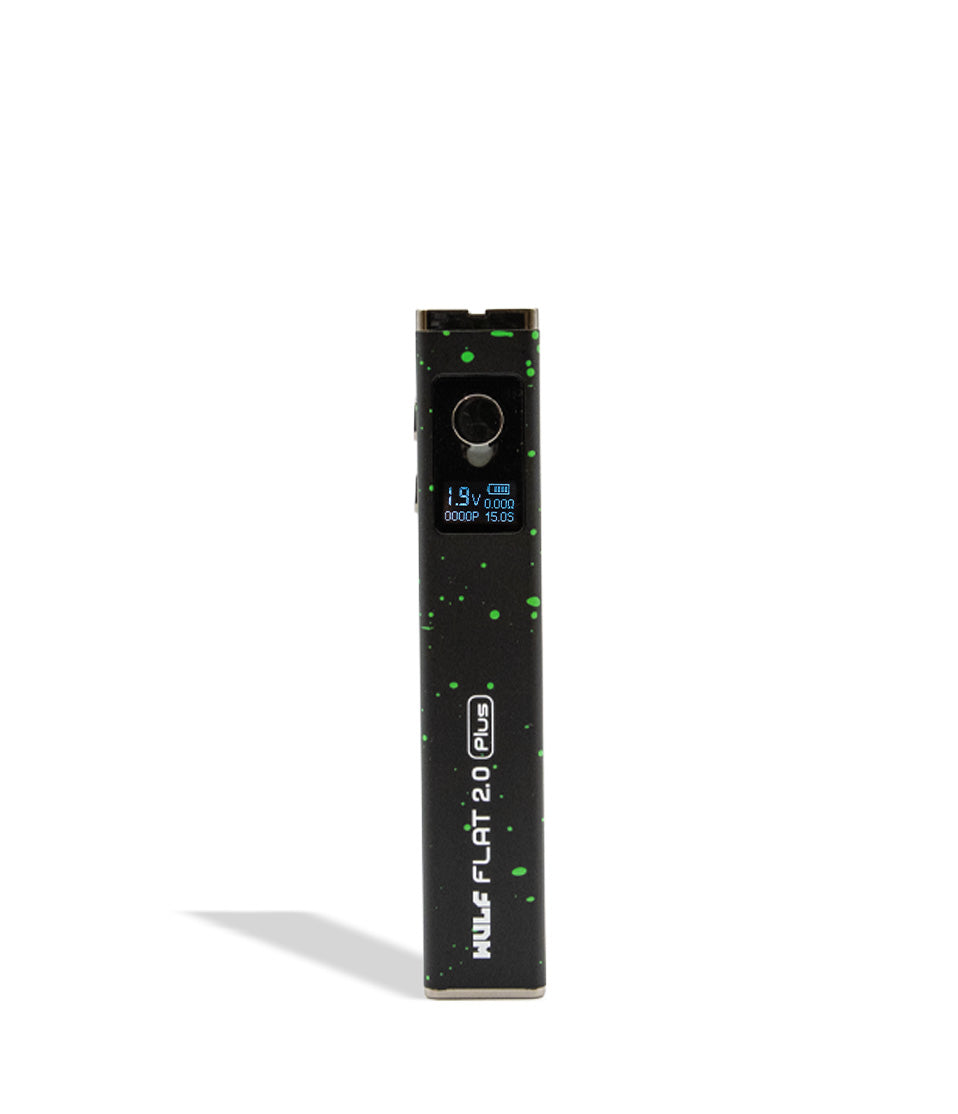
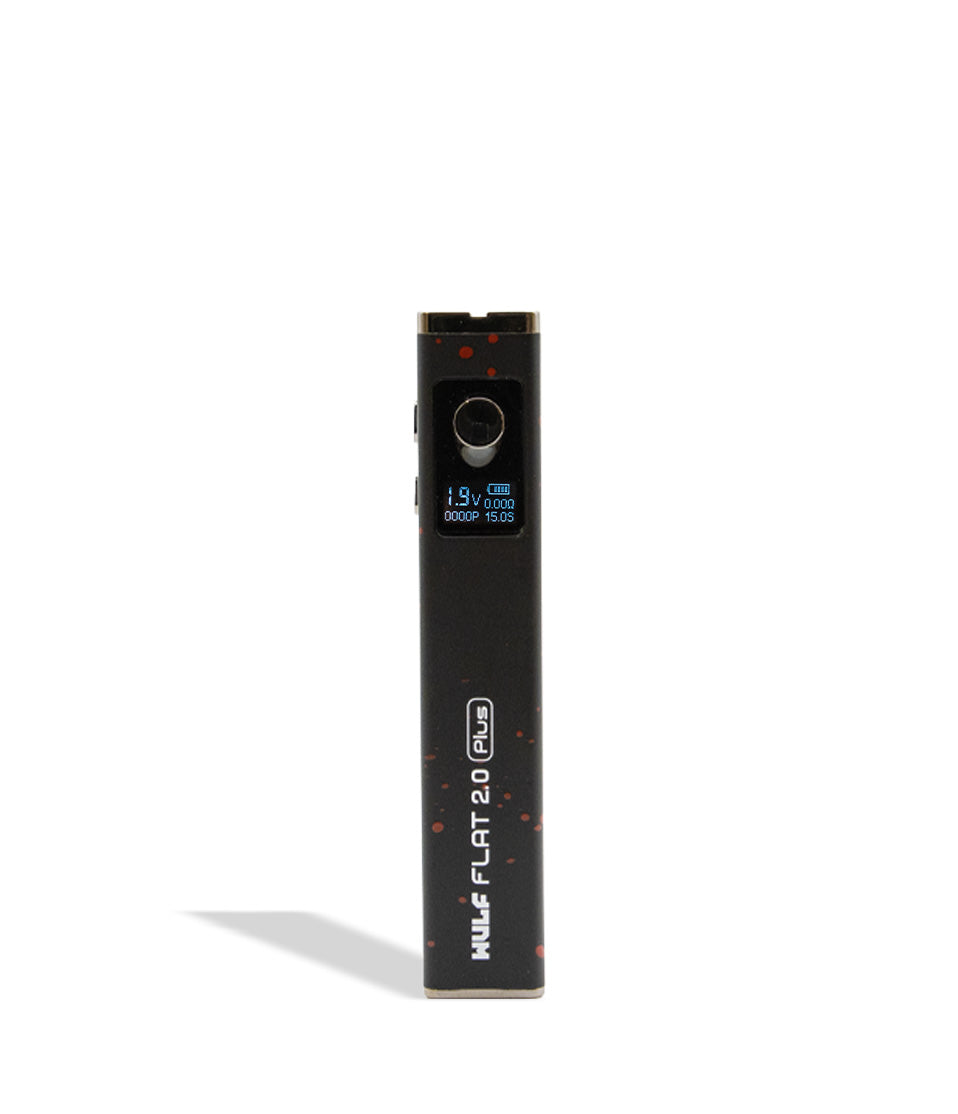
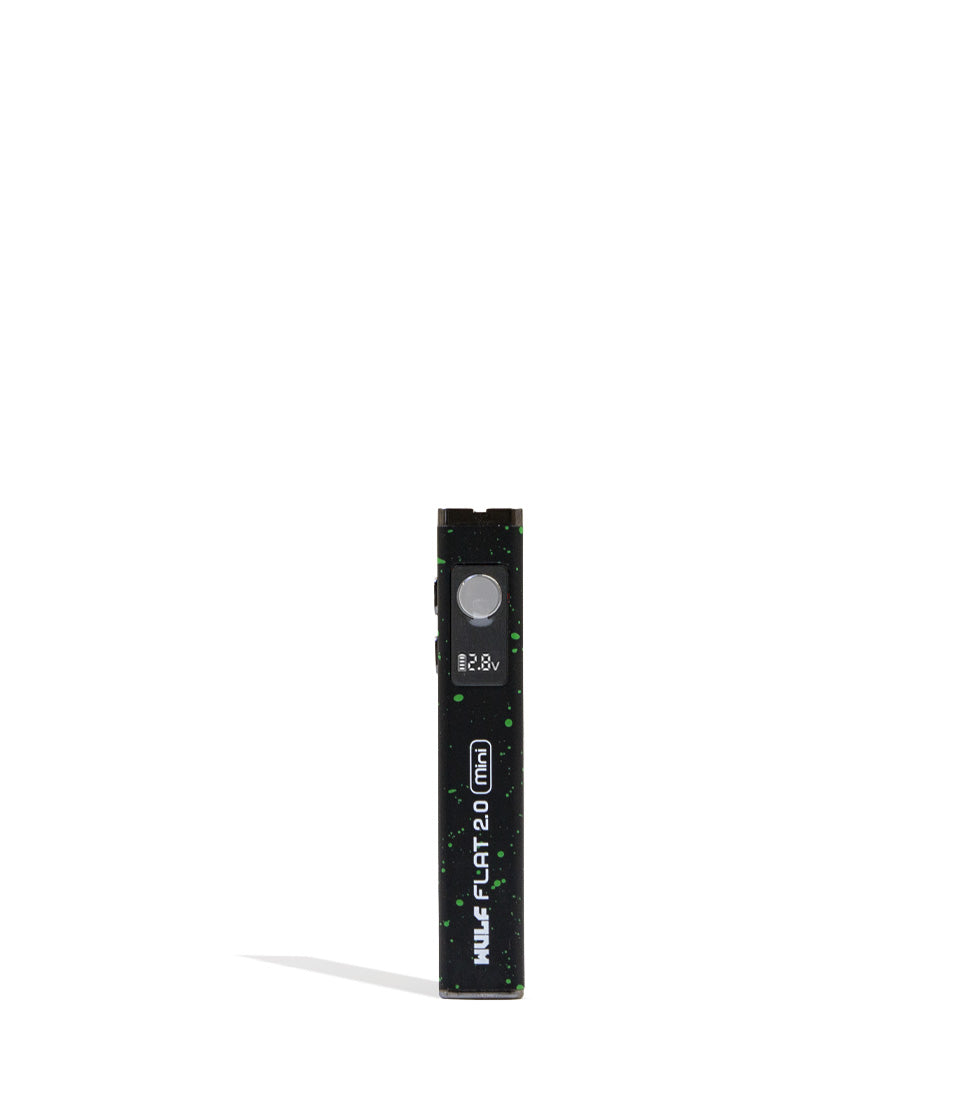
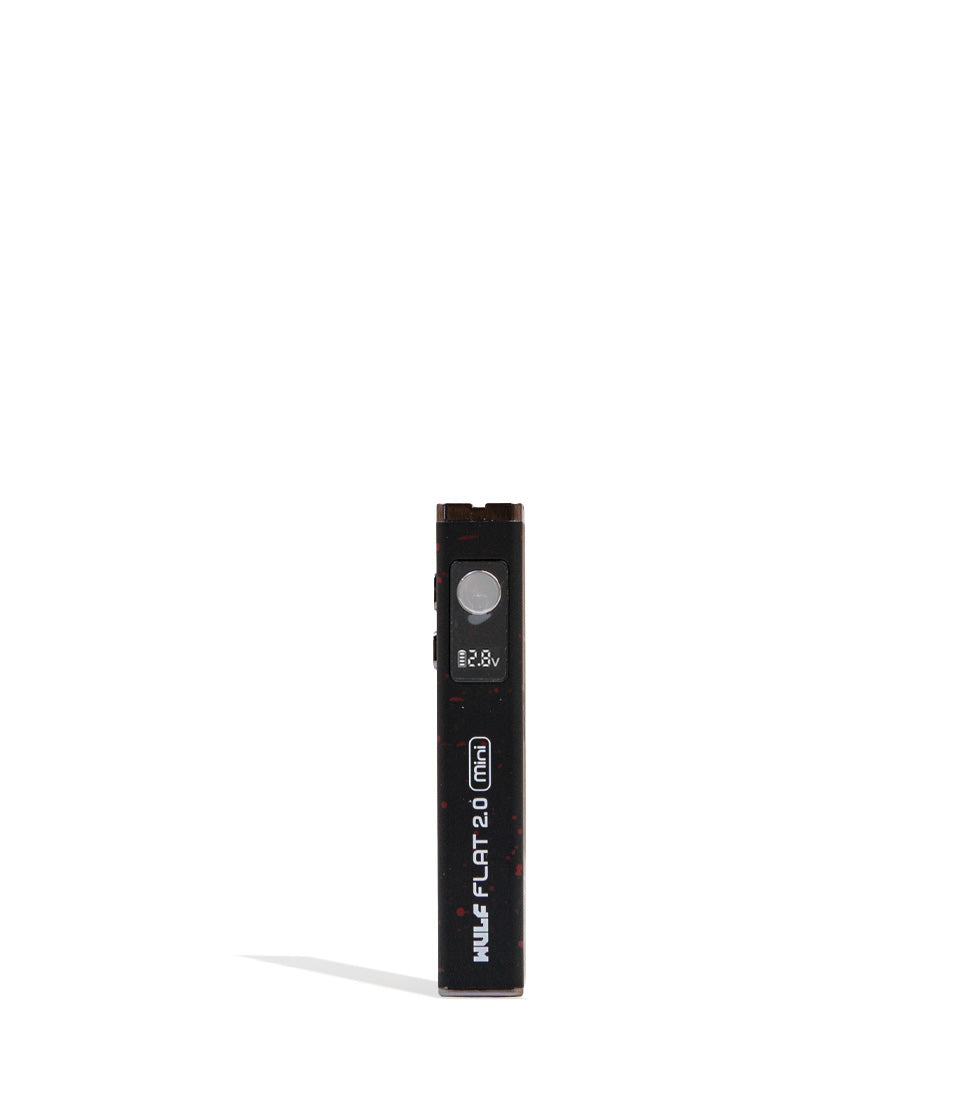
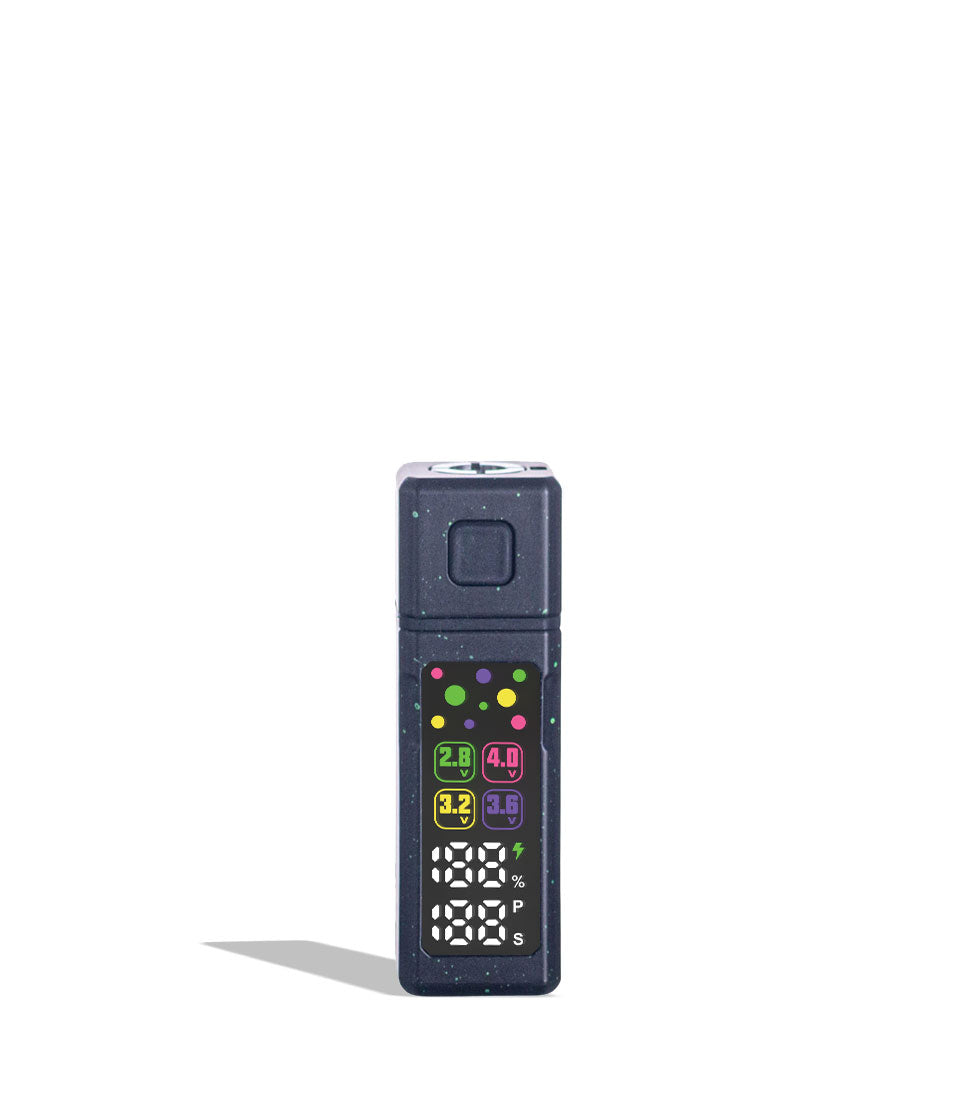
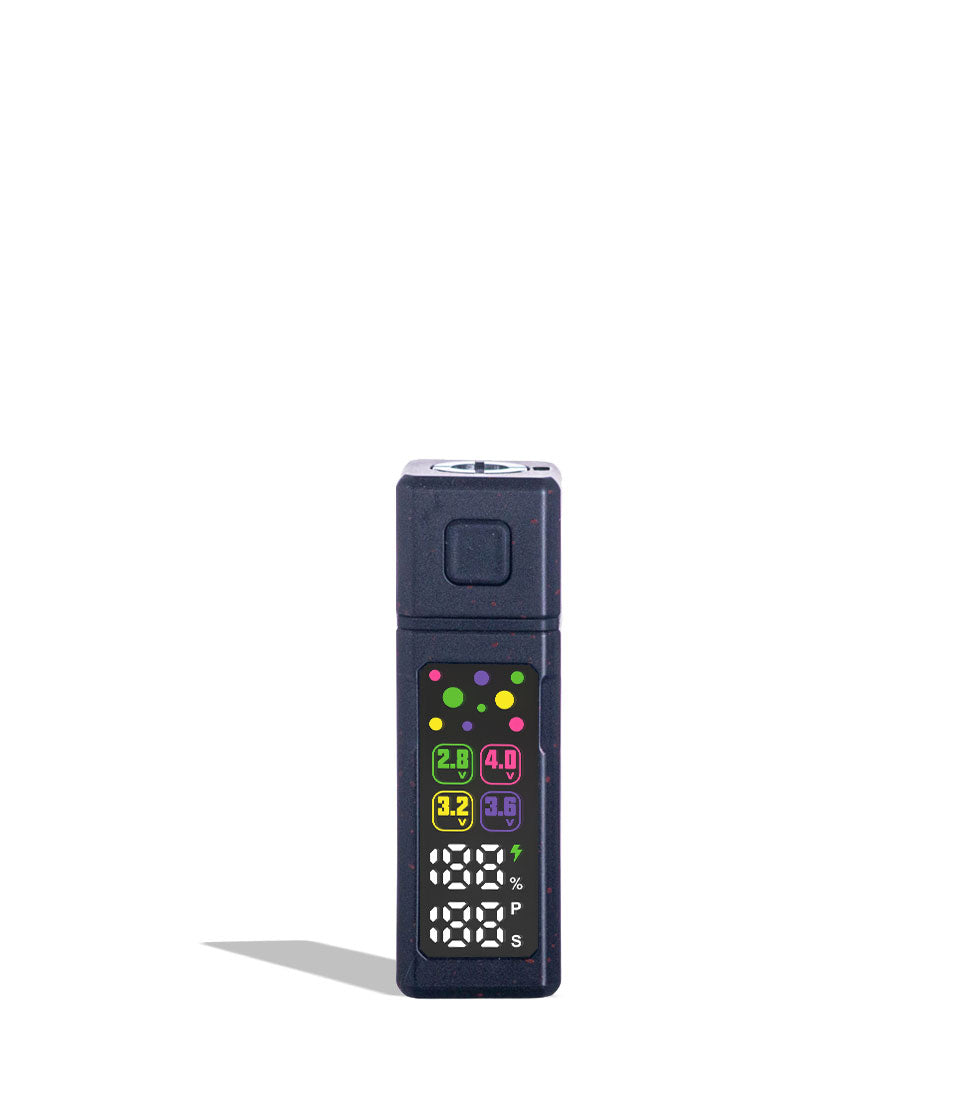
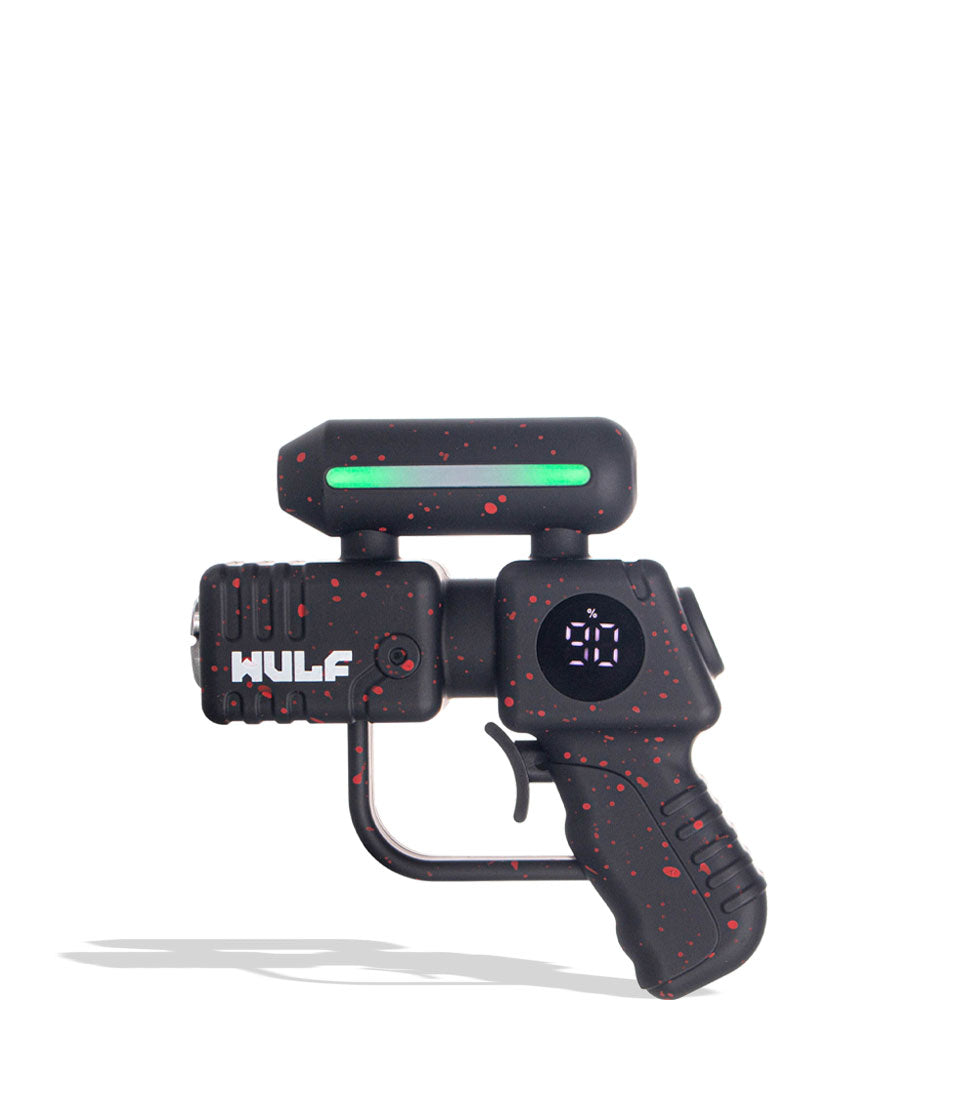
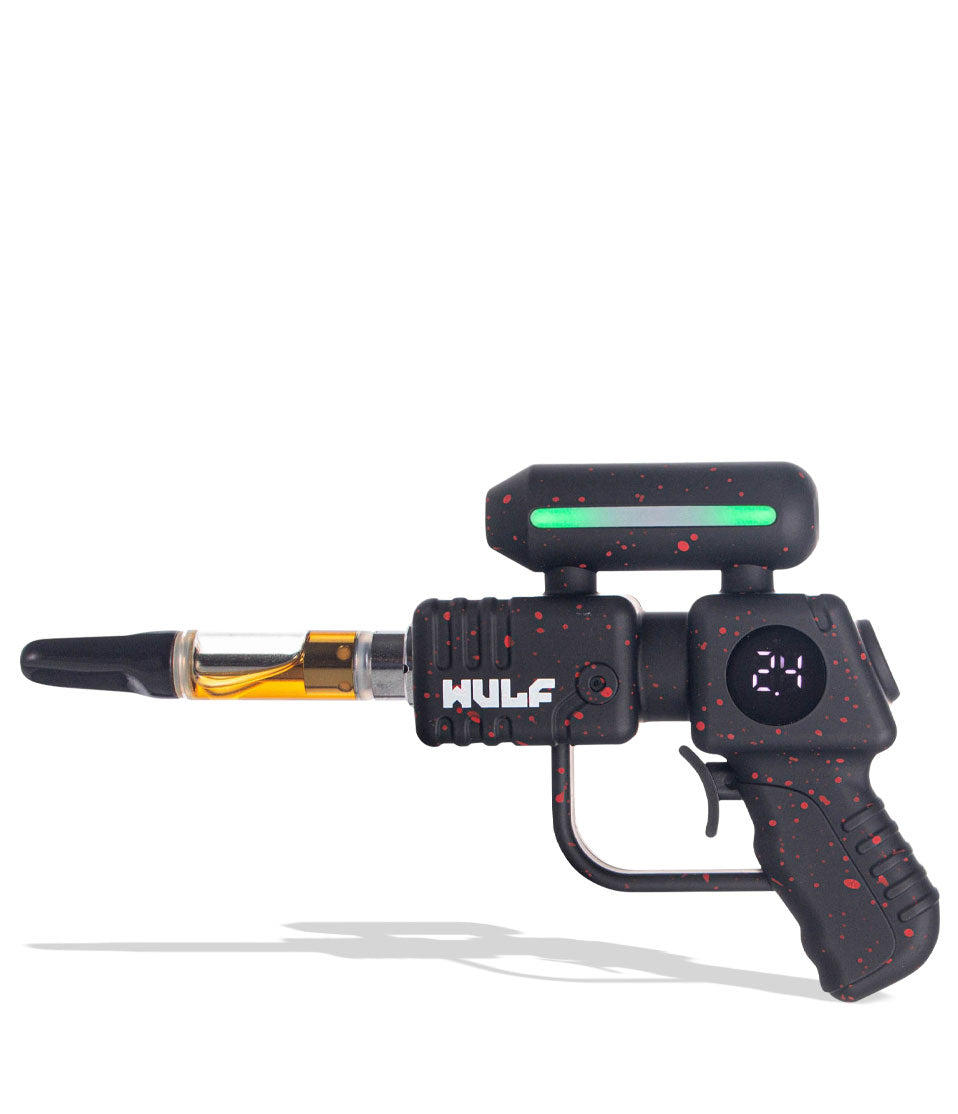
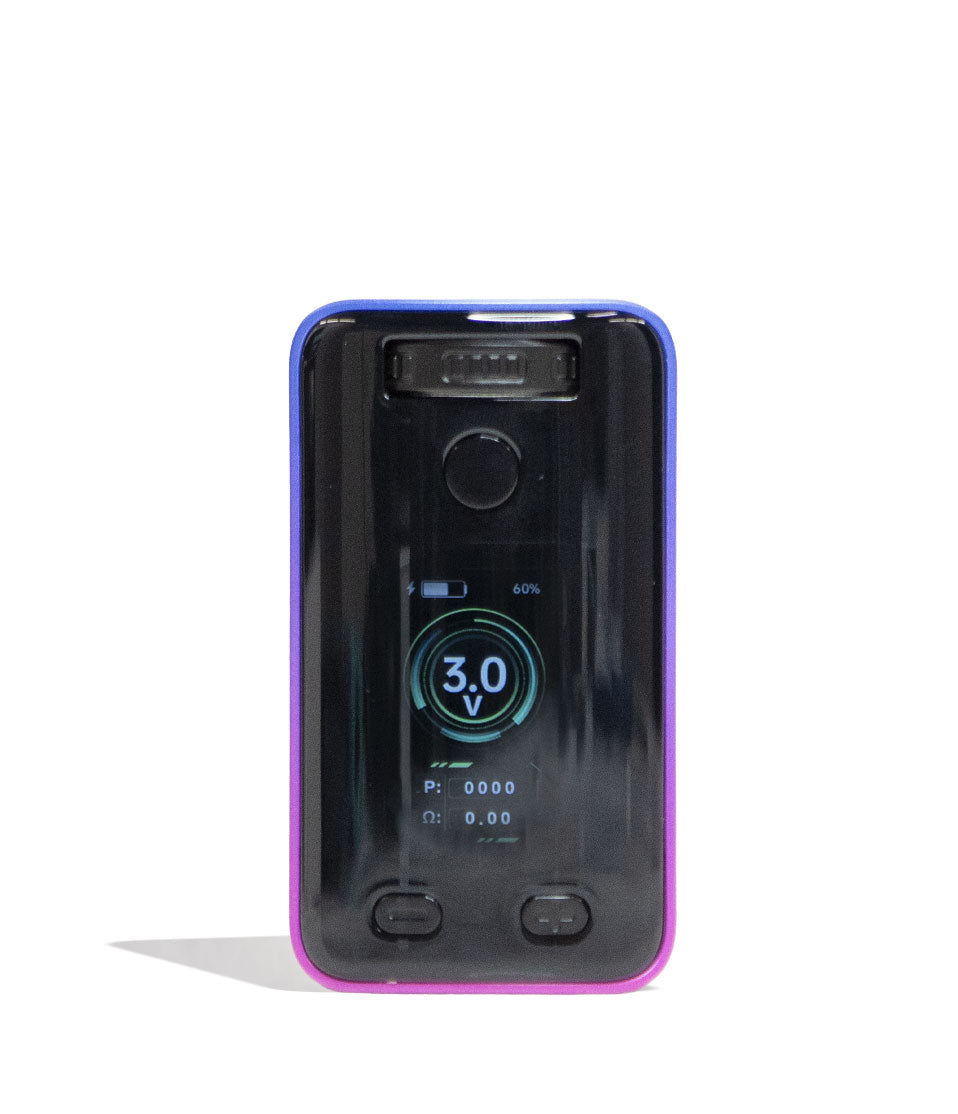
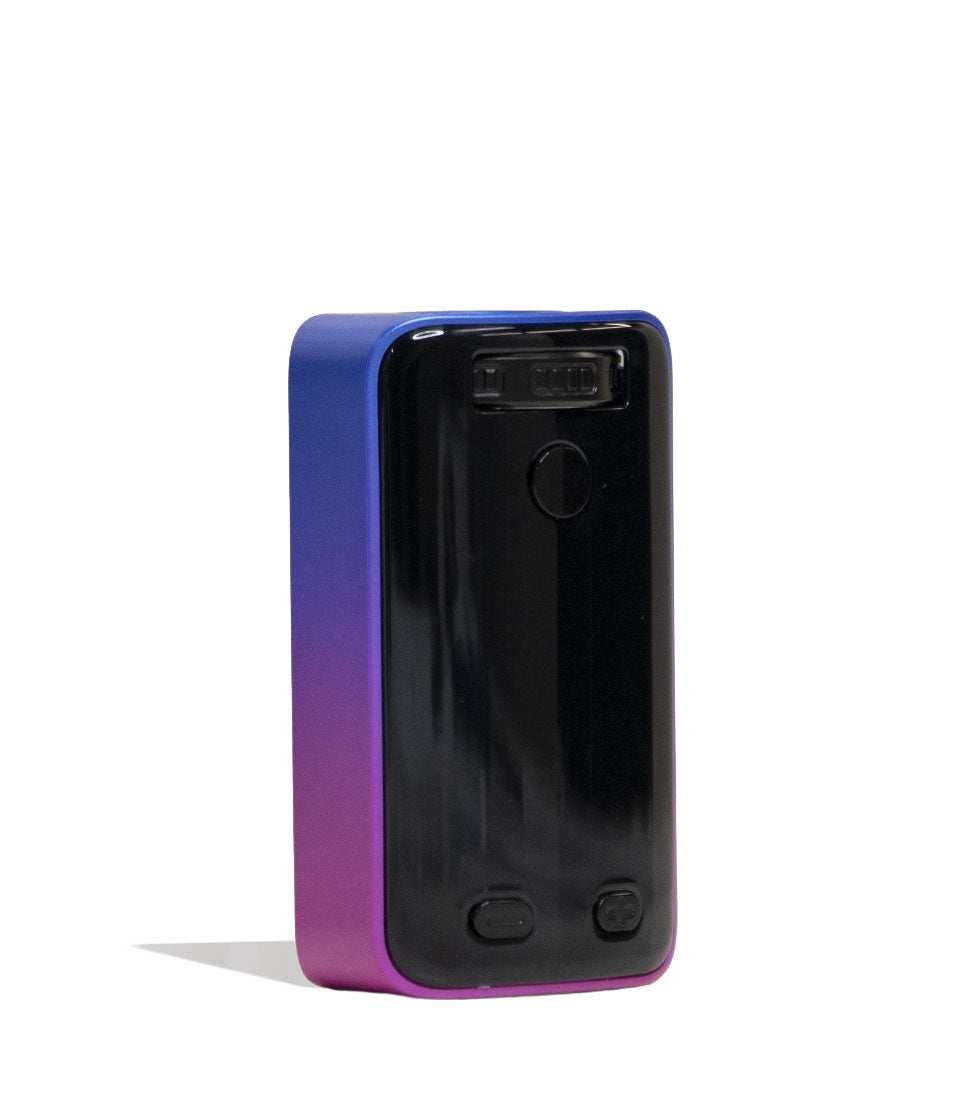
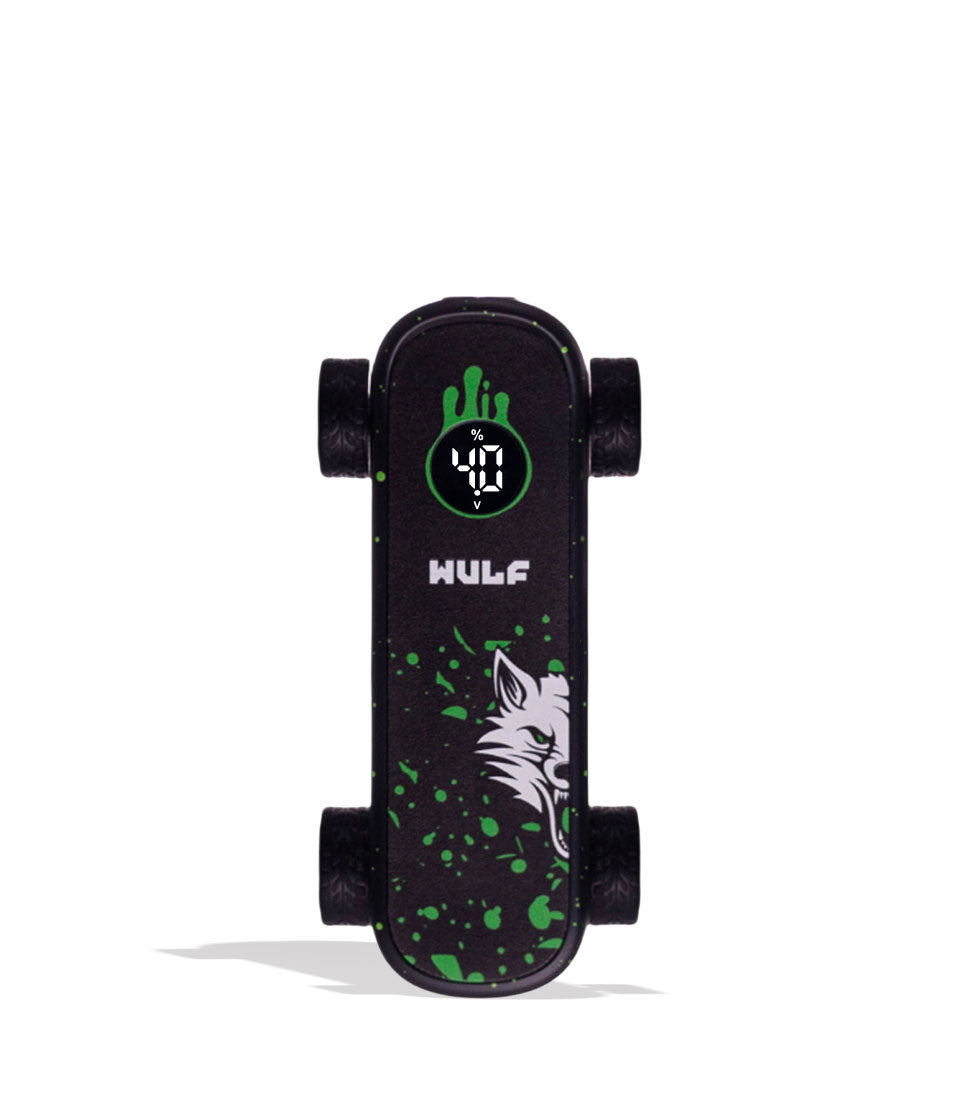
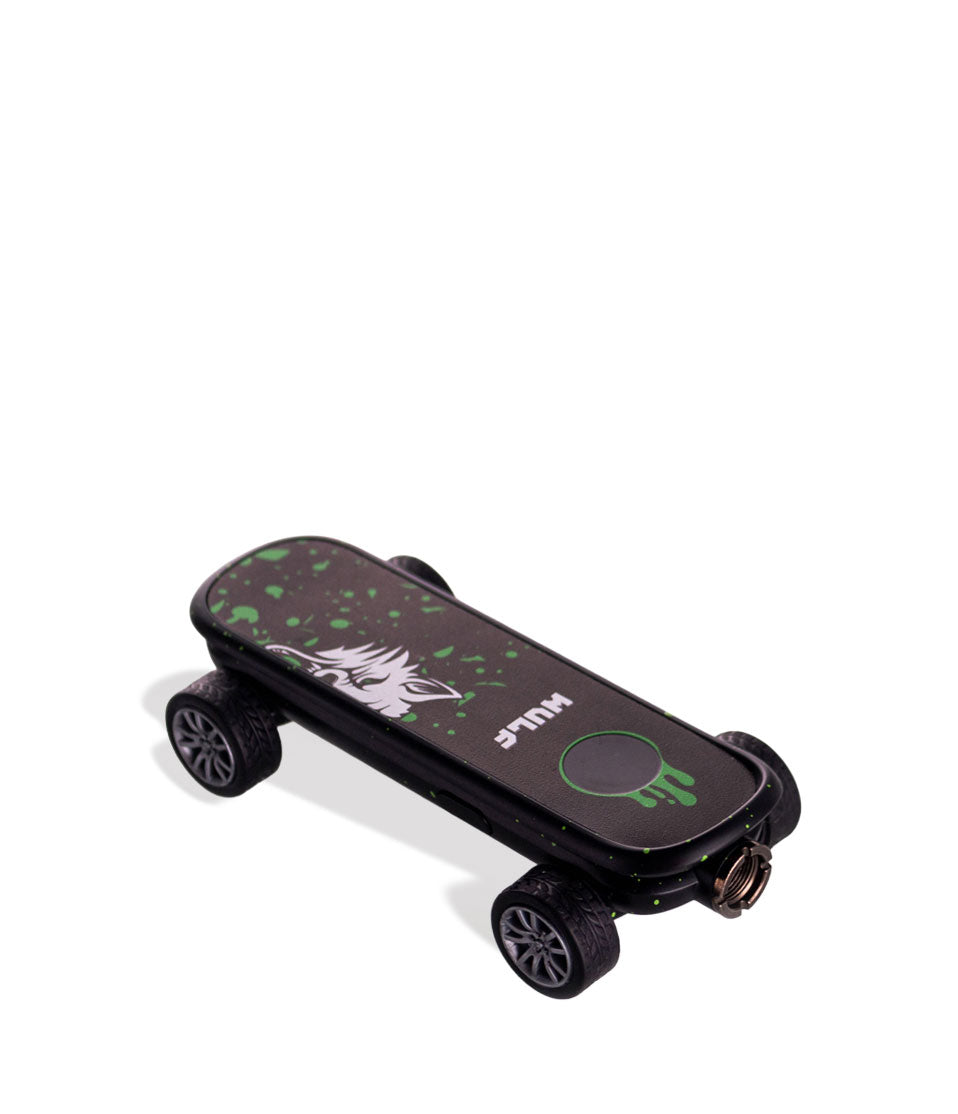
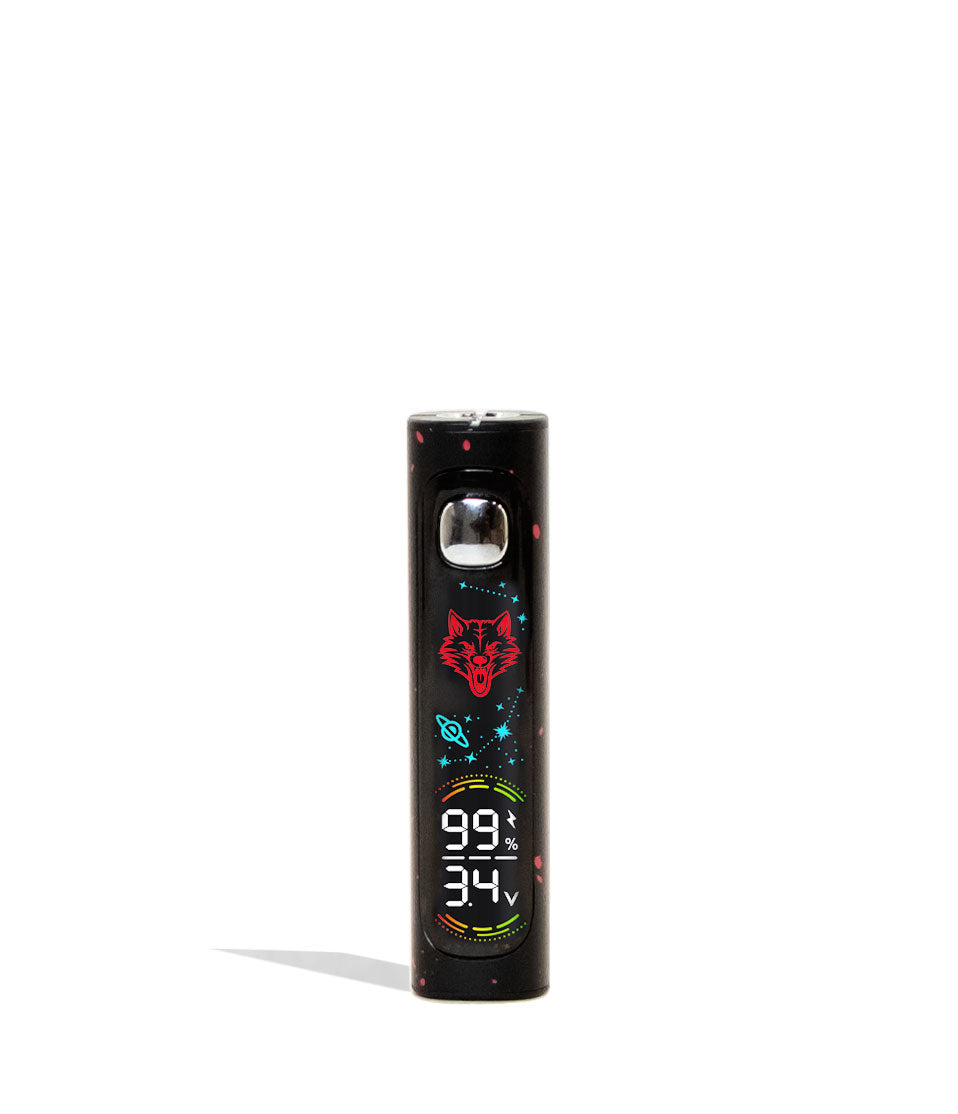
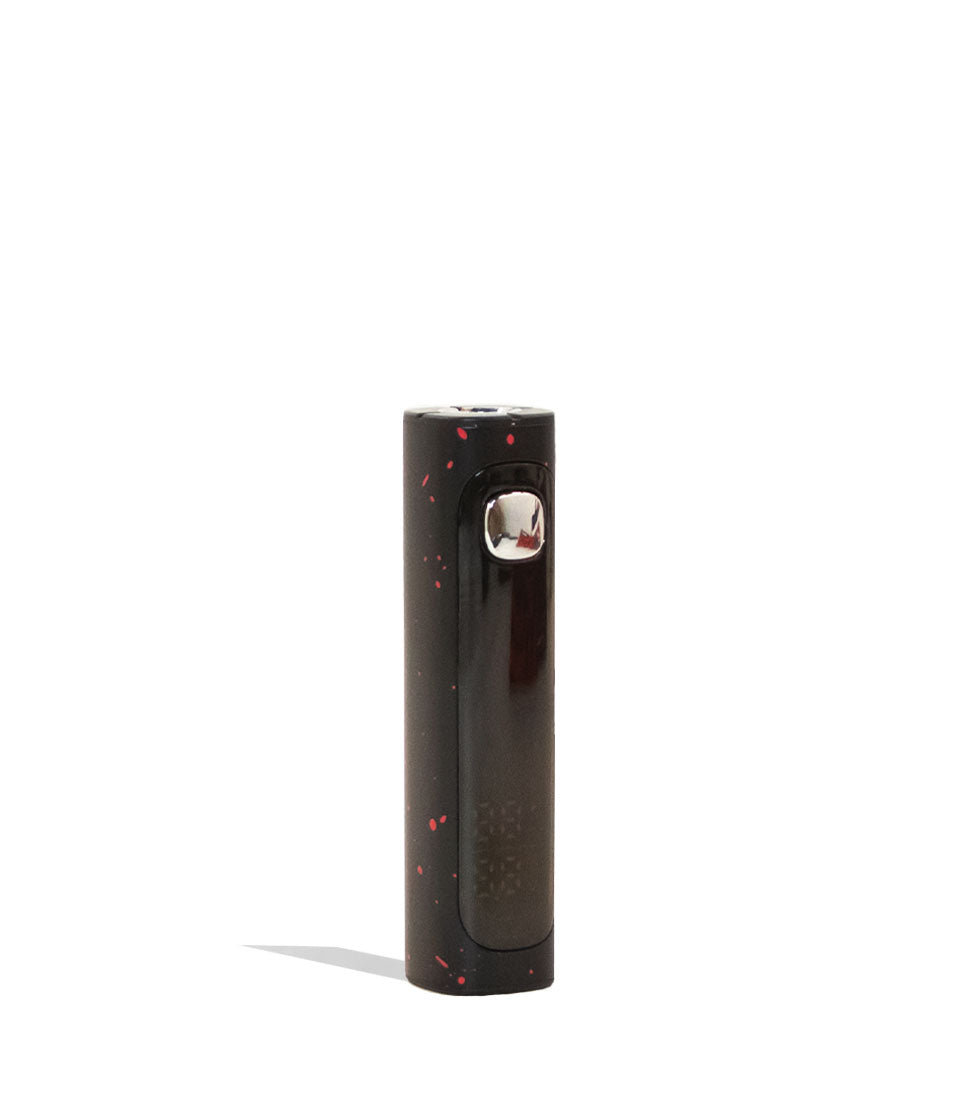
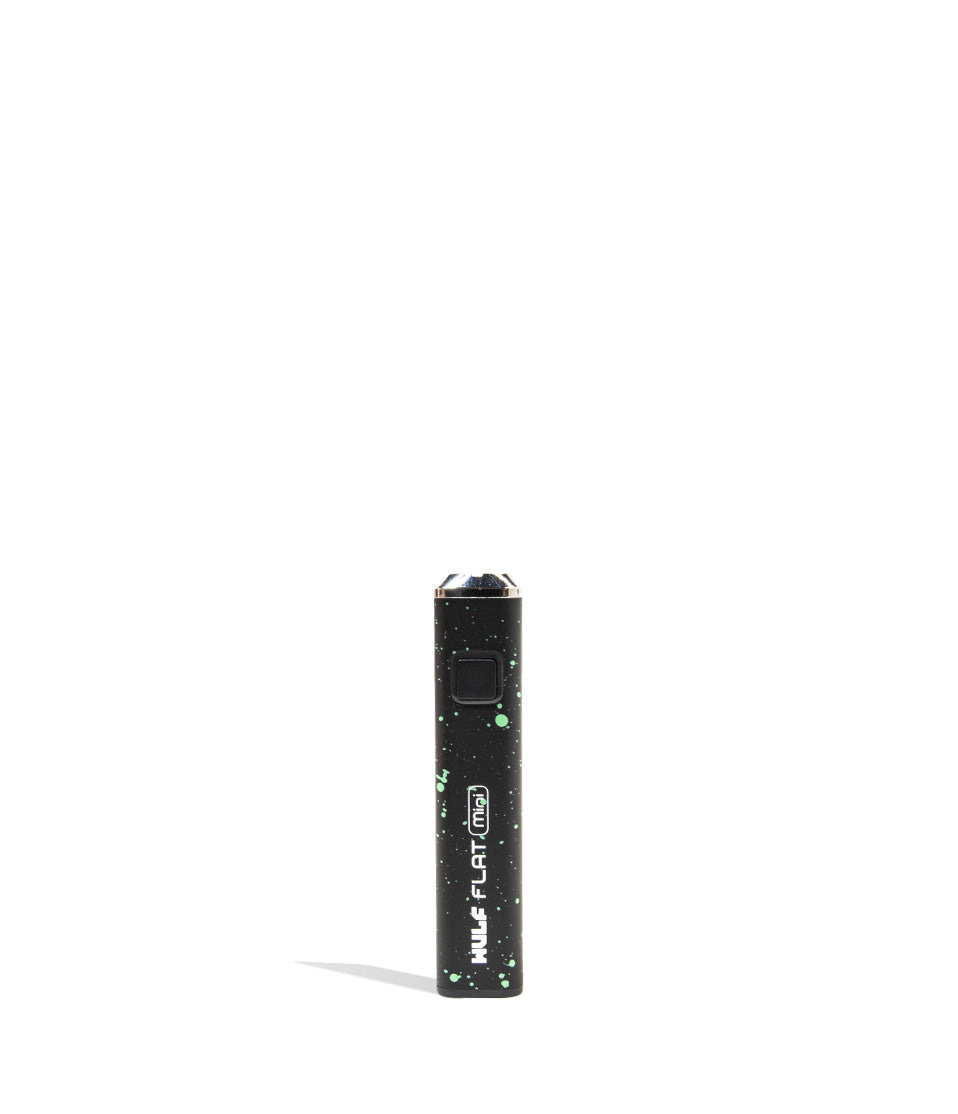
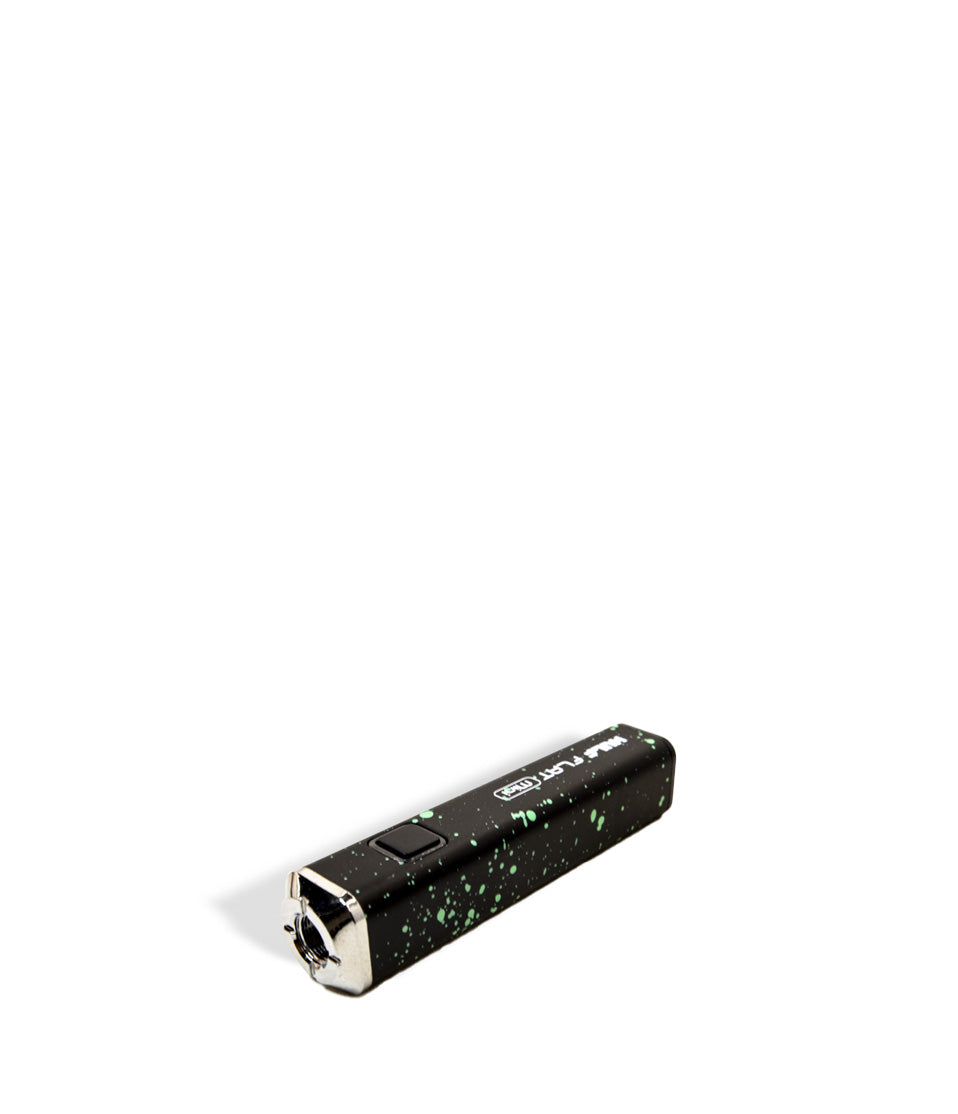
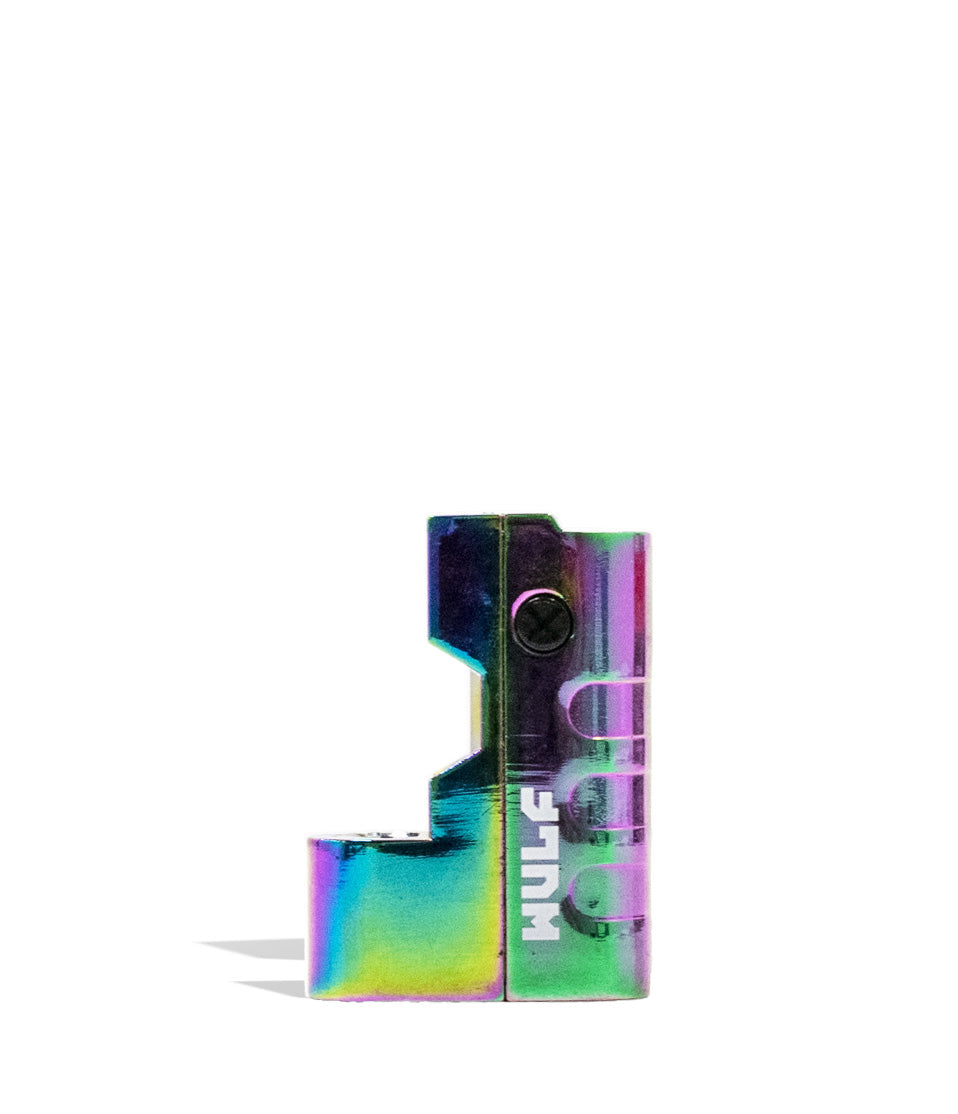
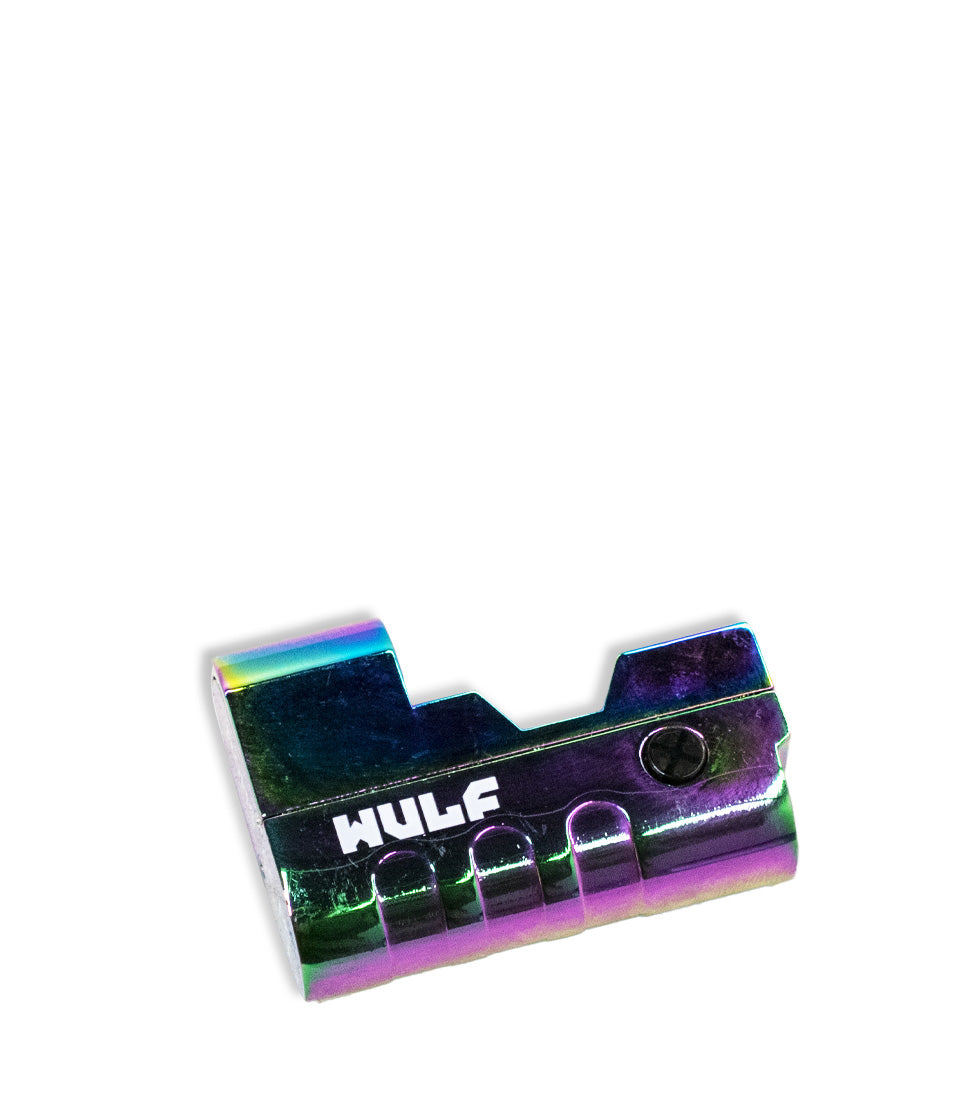
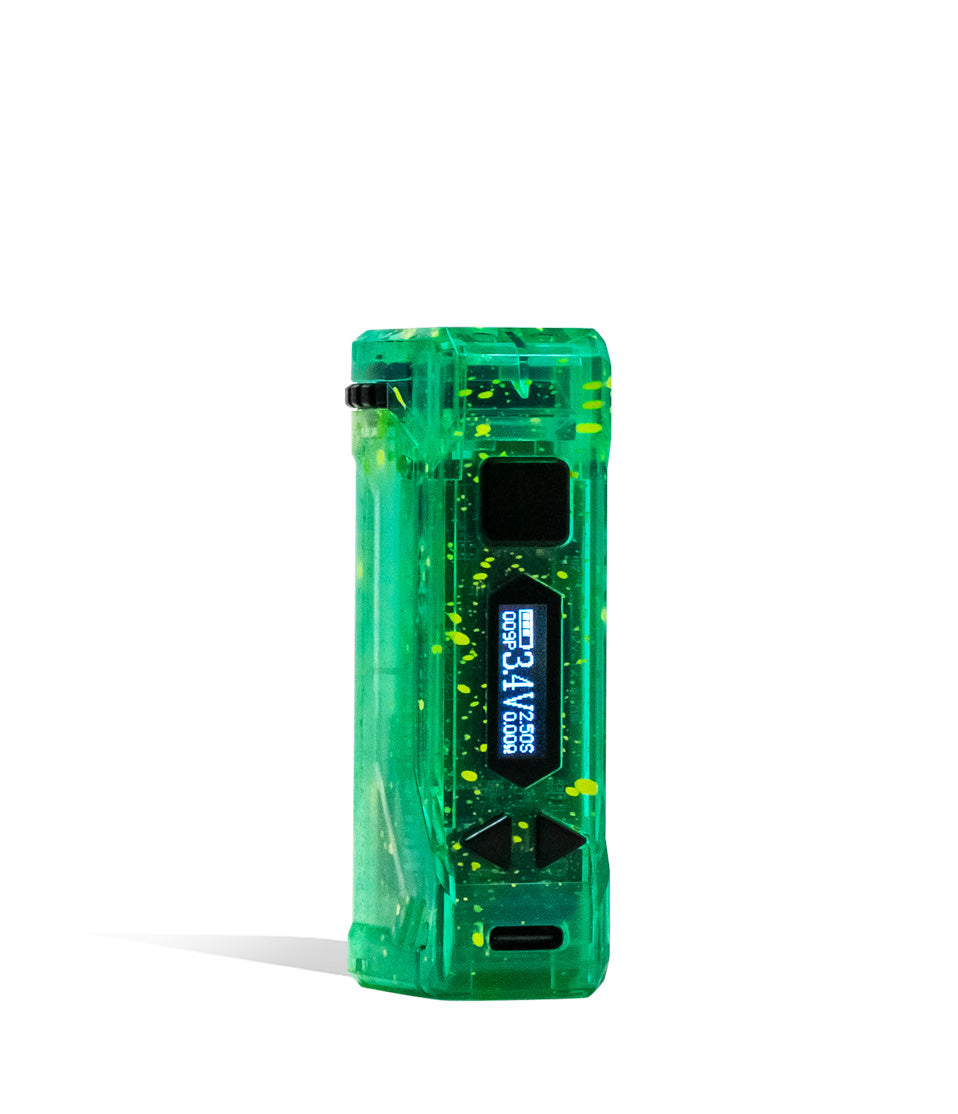
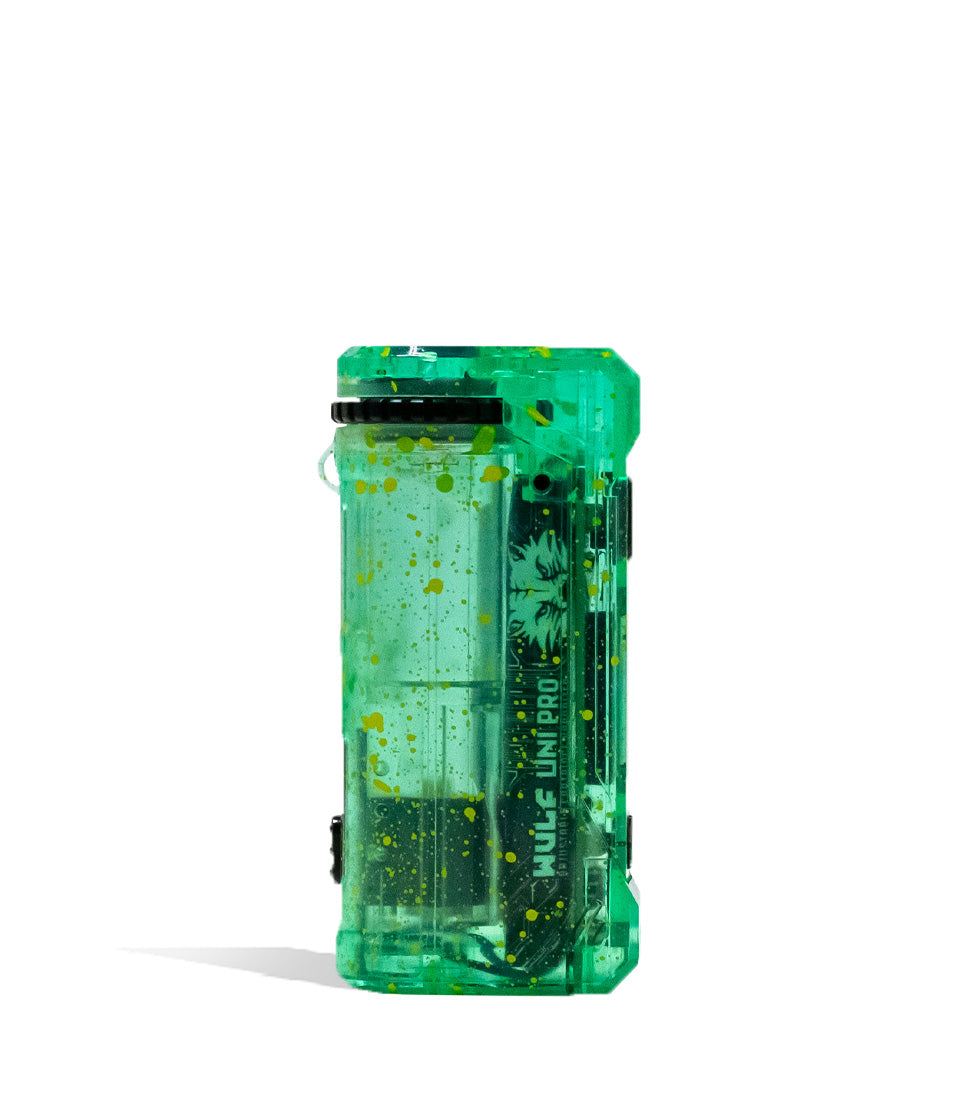
Owners Guide
Owner Playbook
The full playbook below expands on the practical steps and tips behind this guide.
Heads up y’all, if you want the absolute best performance and purest terpene flavors from your Wulf Mods Flat Mini 2.0 Variable Voltage Battery, then you’re going to have to keep it squeaky clean.
Don’t worry, with just a few Wulf Pack pointers, you’ll be able to keep your battery clean with ease and be able to streamline maintenance to ensure your Wulf Flat Mini 2.0 continues ripping like a beast for years to come.
Follow along with Wulf as we share our 10+ years history of working with and enjoying 510 batteries to give you a definitive rundown on keeping your Wulf Flat Mini 2.0 operating at 110% at all times.
If you have questions on setup or controls, check out our guide on how to use the Wulf Flat Mini 2.0 right here. This walkthrough will be focusing exclusively on how to clean and maintain your battery in order to ensure a full lifespan of ferocious cartridge vaping enjoyment.
Table of Contents:
Wulf Flat Mini 2.0 Cleaning Quick Guide
1. Power Off The Wulf Flat Mini 2.0 Battery
2. Remove Your 510 Cartridge
3. Dampen A Swab With Isopropyl Alcohol
4. Clean The 510 Thread Port & Battery Body
5. Leave All Components To Dry Completely
6. Enjoy Hitting Your Clean Wulf Flat Mini 2.0!
Enjoy A Clean Wulf Flat Mini 2.0
Wulf Flat Mini 2.0 Cleaning Quick Guide
Before we dive into the finer details of cleaning your Wulf Flat Mini 2.0, we wanted to provide y’all with a quick rundown of all the most important steps. This way if you’re in a rush or just don’t like reading for long, you can get back to vaping as soon as possible.
| # | STEP | HOW TO | PRO TIP |
|---|---|---|---|
| 1 | Power Off Battery | Press the power button 5 times rapidly (5x). | Confirm the screen displays “Take Care” and shuts off completely. |
| 2 | Remove Cartridge | Twist out your 510 cartridge counterclockwise. | Store your cartridge upright in a safe spot so oil won’t leak. |
| 3 | Dampen Q-Tip | Apply a small amount of 99% ISO to a cotton swab. | Squeeze out excess moisture so the swab is damp, not dripping wet. |
| 4 | Clean Connection | Scrub the 510 thread port, contact pin, and outer buttons. | Target sticky spots around the side voltage buttons and screen edges. |
| 5 | Leave To Dry | Wait until all components and connections are 100% dry. | Air dry for 30–60 minutes; never fire a device while still wet with isopropyl! |
| 6 | Enjoy! | Reattach cartridge, click 5x to power up, and fire up! | Enjoy extra spicy, flavor packed clouds from your clean device! |
By following these quick 6 steps, you’ll have your Wulf Mods Flat Mini 2.0 Variable Voltage Battery ready to hit for years to come, all with the strongest level of pure Wulf ferocity.
1. Power Off The Wulf Flat Mini 2.0 Battery
First things first, when it comes down to cleaning the Wulf Flat Mini 2.0 (and any 510 battery for that matter), you must always first power down your device completely. Cleaning a powered on battery can lead to accidental button presses, short circuits, or electrical damage to your internal board.
To power down your Wulf Flat Mini 2.0, press the power button five times in rapid succession (5x). When correctly input, your digital screen will display a friendly “Take Care” message from the Wulf Mods Team before turning completely dark.
Remember that powering off your battery prior to cleaning isn’t just a suggestion, it is an absolute requirement to protect yourself, your vaporizer, and your Wulf Pack around you. Always double check that the screen is off before moving to the next step and you’ll save yourself a whole lot of trouble.
2. Remove Your 510 Cartridge
Next, you’ve got to remove your 510 threaded cartridge from the top port of your Wulf Flat Mini 2.0 by slowly twisting it counterclockwise.
Removing your cartridge exposes the internal 510 connection well, allowing you to access the integral gold pin and thread grooves required to keep your battery firing smoothly without open circuit alerts. This means that if you want to properly access all of the real danger zones for cleaning, you’ll have to separate the two main components first.
Always place your unscrewed cartridge somewhere safe, upright, and clean. This prevents accidental rolls off the table that could crack glass tanks and ensures oil doesn’t leak out onto your workspace while you prep your cleaning supplies.
3. Dampen A Swab With Isopropyl Alcohol
Take a cotton swab or Q-tip and dampen it with high purity isopropyl alcohol. Only ever use isopropyl alcohol, as it is by far the most effective and safe solvent to break down sticky cartridge oil buildup without damaging metal contact points in the process. Isopropyl can be found in most big box stores and pharmacies for relatively cheap, making it an essential tool in your cleaning repertoire.
Aim to have the swab head slightly damp, without it being drenched or dripping with liquid.
The goal here is to have enough ISO to dissolve stubborn residue without squeezing excess liquid down into the internal battery housing or digital screen circuitry. A light touch yields the safest and cleanest results.
4. Clean The 510 Thread Port & Battery Body
Now take your dampened swab and scrub away at the key areas on your Wulf Flat Mini 2.0 that collect oil buildup during heavy sessions:
- 510 Threaded Port: Gently swab the inner thread grooves and gold contact pin to dissolve dark oil leaks and restore a firm electrical connection.
- Power & Voltage Buttons: Wipe around the main firing button and side + / – buttons to eliminate sticky grime that causes buttons to catch.
- Digital Display Screen: Lightly buff the front display screen with the dry end of your swab to remove fingerprints and smudge spots.
- USB-C Charging Port: Wipe around the side charging port trim to keep dust and pocket lint from blocking your charging cable.
We recommend giving your 510 thread port a quick swab every few weeks, or immediately whenever you swap in a fresh cartridge. If you ever notice sticky threads or firing misfires, clean it right away.
5. Leave All Components To Dry Completely
Now that you’ve scrubbed away all leftover oils and debris from your Wulf Flat Mini 2.0, you’ve come to the point of “hurry up and wait”, where you must let everything you just cleaned fully air dry until all moisture is gone.
Place your Wulf Flat Mini 2.0 onto a clean towel or cloth in a well ventilated space away from direct sunlight, heat sources, or high counter ledges.
Let all parts sit until 100% of the alcohol moisture has evaporated completely. Leftover moisture inside the 510 port can cause serious short circuits or trigger open circuit protection when fired. Protect your gear by giving it plenty of time to dry!
6. Enjoy Hitting Your Clean Wulf Flat Mini 2.0!
With your Wulf Flat Mini 2.0 sparkling clean, fully dry, and reassembled, now’s the time for you to enjoy the fruits (or should we say vapor!) of your labor!
Thread your favorite 510 cartridge back into the top port, press the power button 5 times to turn the device back on, dial in your target voltage setting, and enjoy pure terpene flavor with zero resistance.
See? Cleaning your battery isn’t hard work, and the end goal is far bigger, better clouds! So whenever you notice your draw feeling sluggish or any other issues with your Wulf Flat Mini 2.0, refer back to this guide and you’ll be all ready to rip in no time with a fresh clean powering your sessions to new heights.
Enjoy A Clean Wulf Flat Mini 2.0
At the end of the day, keeping your Wulf Mods Flat Mini 2.0 Variable Voltage Battery clean isn’t complicated. All it requires is staying on top of regular maintenance and having the right supplies on hand to quickly break down sticky oil reclaim.
Keeping your 510 threaded connection clean is where the real magic happens. Take care of your gear, and your sessions will unfold without a single hitch.
Have any more questions for the Wulf Pack? Make sure to check out the Wulf Resource Center for more helpful guides, troubleshooting walkthroughs, and product breakdowns detailing all our latest releases.
Thanks for choosing Wulf for your sessions and welcome to the Wulf Pack! Stay howling out there y’all and we’ll see you in the next session! Arooo!!!
Frequently Asked Questions
Owners Guide FAQs
Common questions related to this guide and how to apply the information when choosing your device.
How Often Should I Clean The 510 Connection On My Wulf Flat Mini 2.0?
Can I Use Rubbing Alcohol Or Water To Clean My Wulf Flat Mini 2.0 Battery?
What Happens If I Accidentally Get Liquid Alcohol Inside The Side USB-C Charging Port?
Why Is My Wulf Flat Mini 2.0 Displaying An Open Circuit Warning After Cleaning?
How Do I Stop My Side Voltage Adjustment Buttons From Sticking?
Wulf Mods Trust Center
About This Resource
Understand how this guide was researched, reviewed, and maintained by the Wulf Mods editorial team.
Editorial Standards
- Written for the people choosing and using these devices.
- Reviewed for clarity, accuracy, and practical retail value.
- Based on current manufacturer specifications and product documentation when available.
- Updated as products, regulations, category trends, or market conditions evolve.
- Built on deep, hands-on product experience.
- Designed to help you choose the right device with confidence.
Research Methodology
This owner guide was prepared to help you set up, use, and care for your device with confidence. Guidance is based on hands-on product experience, common questions, and real-world use.
- Hands-on product experience
- Setup and first-use guidance
- Cleaning, care, and maintenance
- Common questions and troubleshooting
- Safe and responsible use
- Real-world use considerations
- Editorial review for clarity and usefulness
Supporting Sources
Sources used to support this resource are included for transparency and documentation.
Article Information
Intended Audience
- Everyday customers
- First-time buyers
- Experienced enthusiasts
- Dry herb users
- Concentrate users
- Anyone upgrading their setup
Editorial Policy
Wulf Mods educational resources are reviewed periodically to maintain accuracy and relevance. When product specifications, regulations, category trends, or market conditions change, articles may be updated with a new review date. Trusted product guidance.
Keep Exploring
Related Resources
Keep learning with related Wulf Mods resources selected to help you get more out of your device.
Product Launch
Wulf Mods Flat Mini 2.0 Variable Voltage Batteries have arrived at Wulf Mods and are howling to meet you! Find out all about th...
Read Resource →
Owners Guide
Keep your cartridges ripping at 100% with this exclusive Wulf Flat Mini 2.0 blinking light codes explained complete troubleshoo...
Read Resource →
Owners Guide
Interested in leveling up your sessions and ripping bigger clouds with your Wulf Flat Mini 2.0? The Wulf Pack is here to show y...
Read Resource →
Owners Guide
Learn how to fix your Wulf Flat Mini 2.0 with our expert troubleshooting guide. Follow along with the Wulf Pack as we explain t...
Read Resource →