
Resource Center
Troubleshooting The Wulf Flex Dual Use Concentrate and Dry Herb Vaporizer

Continue With This Resource
Wulf Mods Quick Brief
What You Should Know
A fast summary of the key points, questions, and guidance covered in this guide.
Overview
Key Takeaways
- Holding the power button past 15 seconds in Manual Mode activates an automatic safety cutoff to protect internal electronics and keep concentrates from scorching.
- Cleaning the gold spring-loaded base pins with 91% or higher isopropyl alcohol restores the electrical connection whenever the device fails to detect a swapped chamber.
- Rapid battery icon flashes or mid-cycle shutdowns indicate depleted voltage, which is resolved by recharging with the included USB-C cable for under an hour.
- Built-in haptic feedback uses a single vibration to signal chamber connection or session completion and two vibrations to announce that concentrate is fully pre-heated.
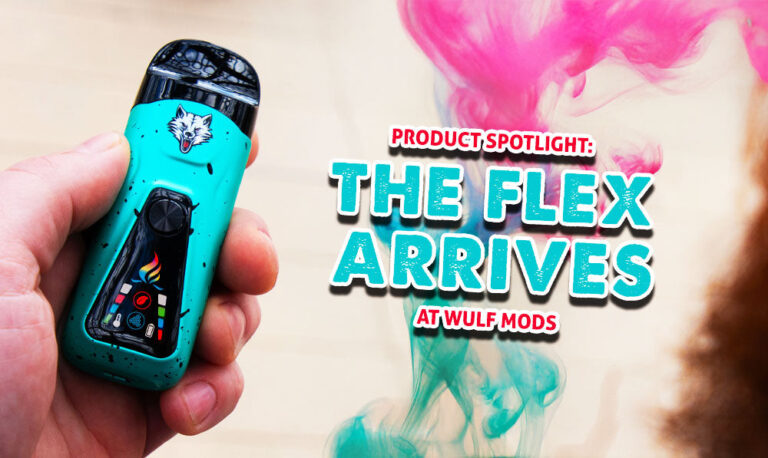
- Smart chamber recognition automatically updates display icons to blue for wax or red for flower while adjusting internal heating profiles for each specific material.
Questions This Resource Answers
- Why does the Wulf Flex stop firing during a long draw in Manual Mode?
- What should you do if the Wulf Flex fails to vibrate or switch screen icons when dropping in a pod?
- What causes the Wulf Flex to shut down mid-warm-up or flash its battery icon rapidly?
- What do the different haptic vibration alerts mean on the Wulf Flex?
- How does the Wulf Flex visually confirm whether flower or wax mode is active?
Recommended Products
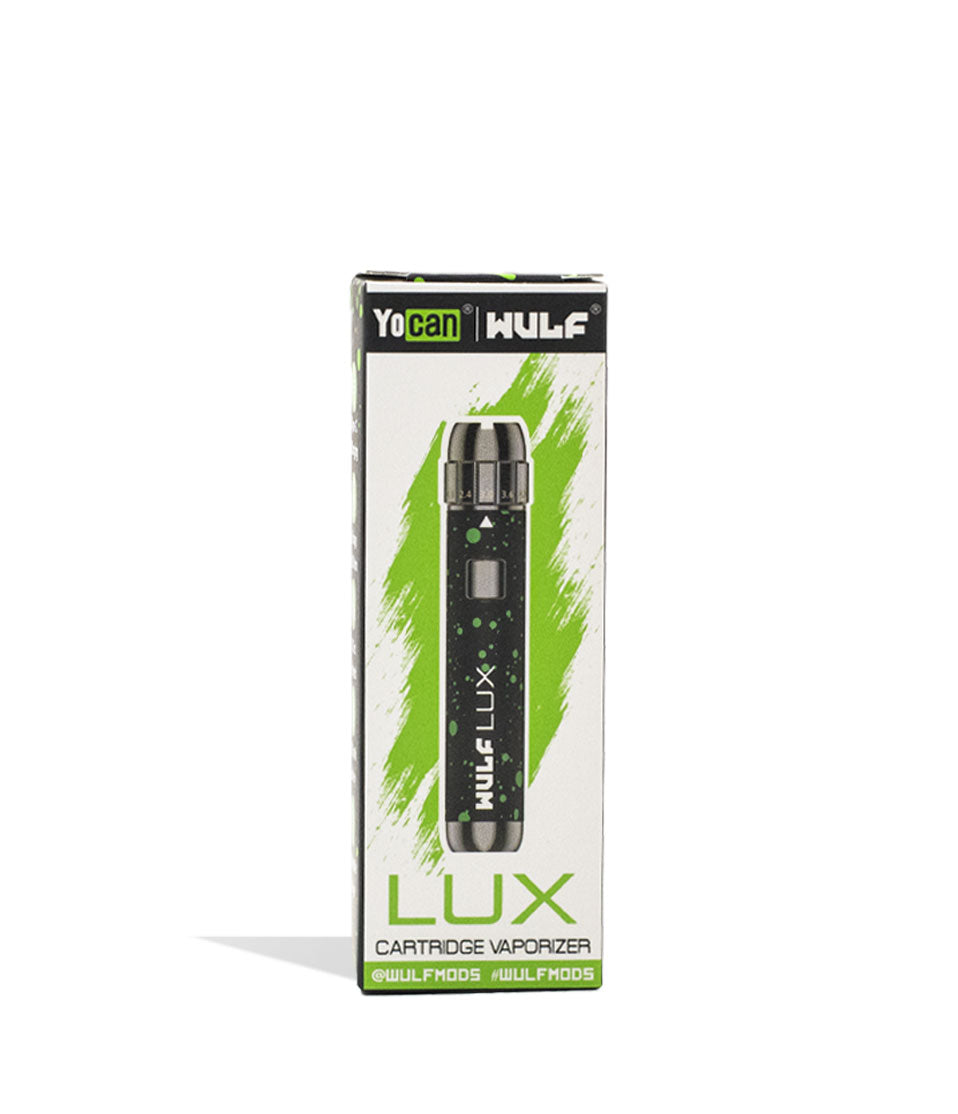
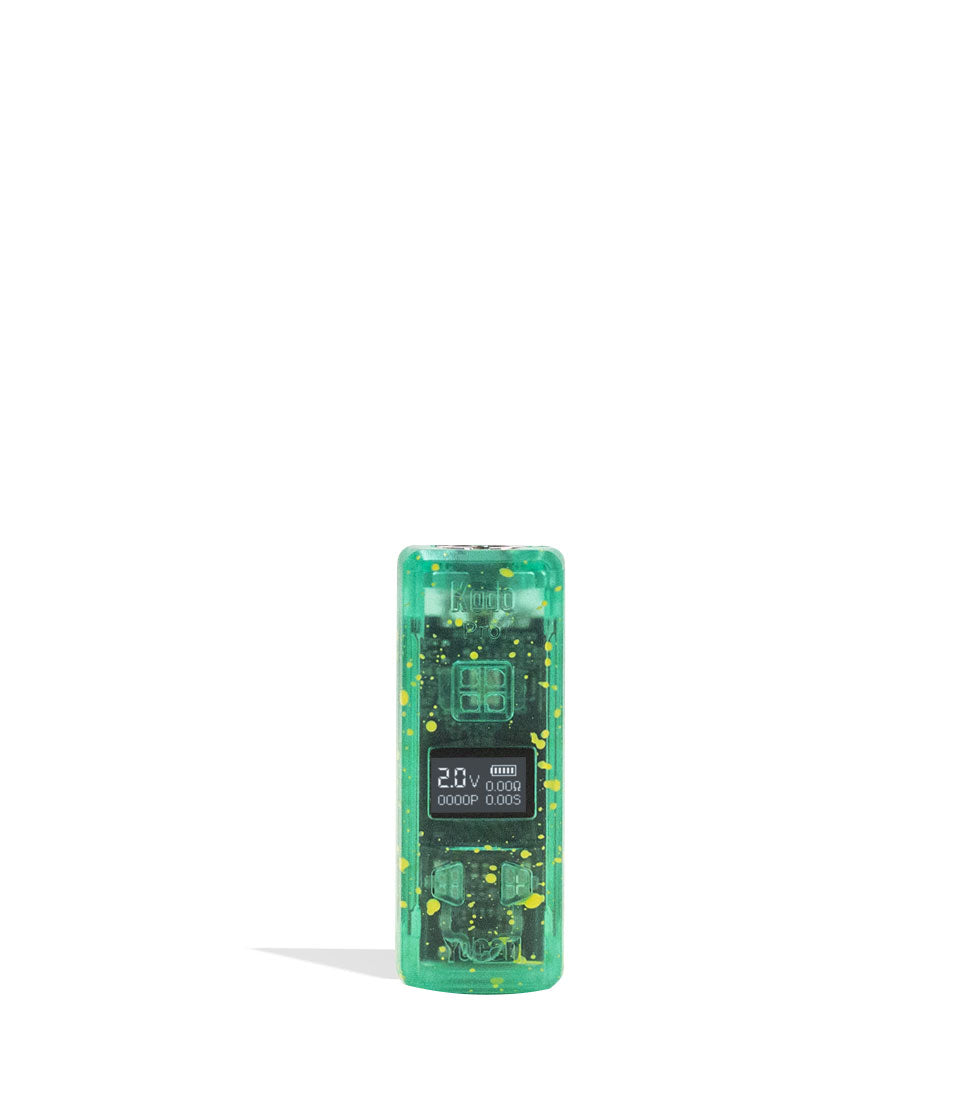
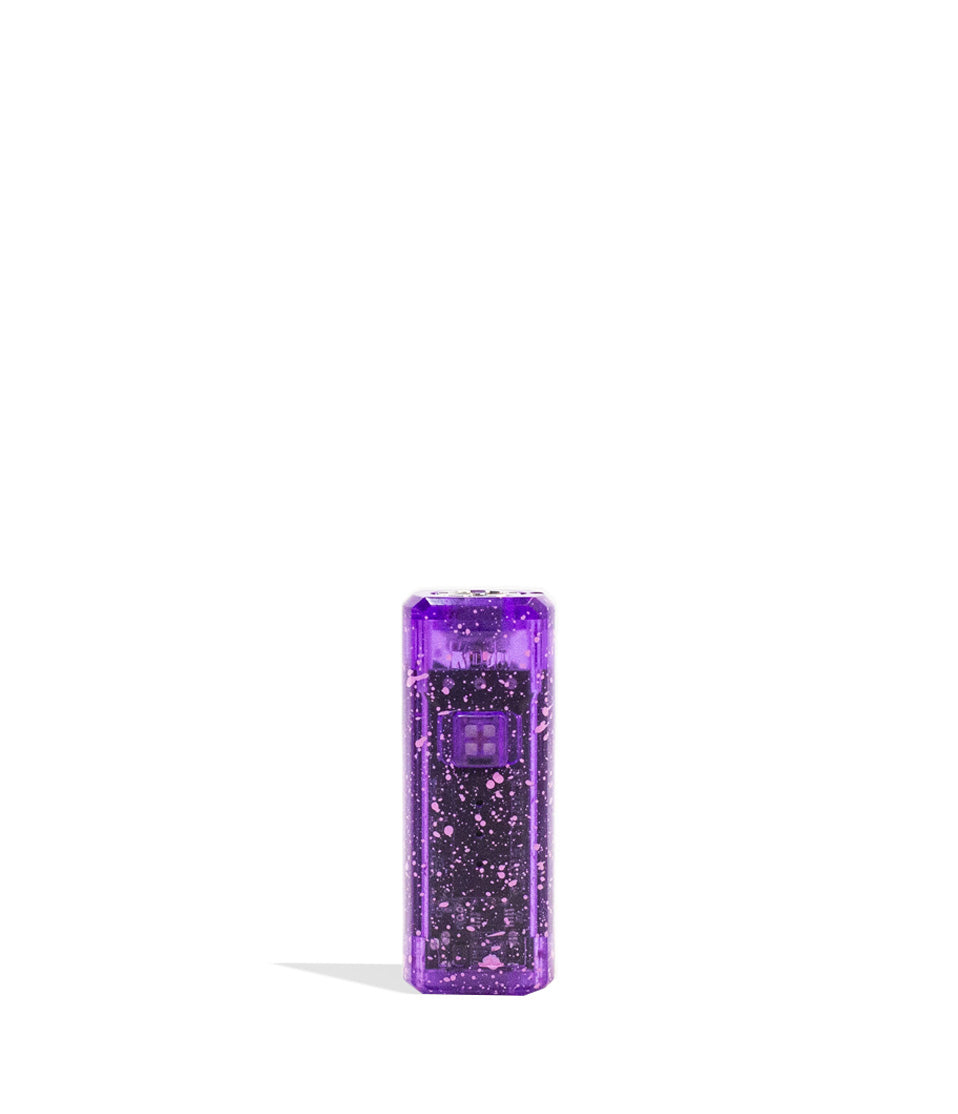
Shop 510 Thread Batteries
Browse the products featured in this guide.
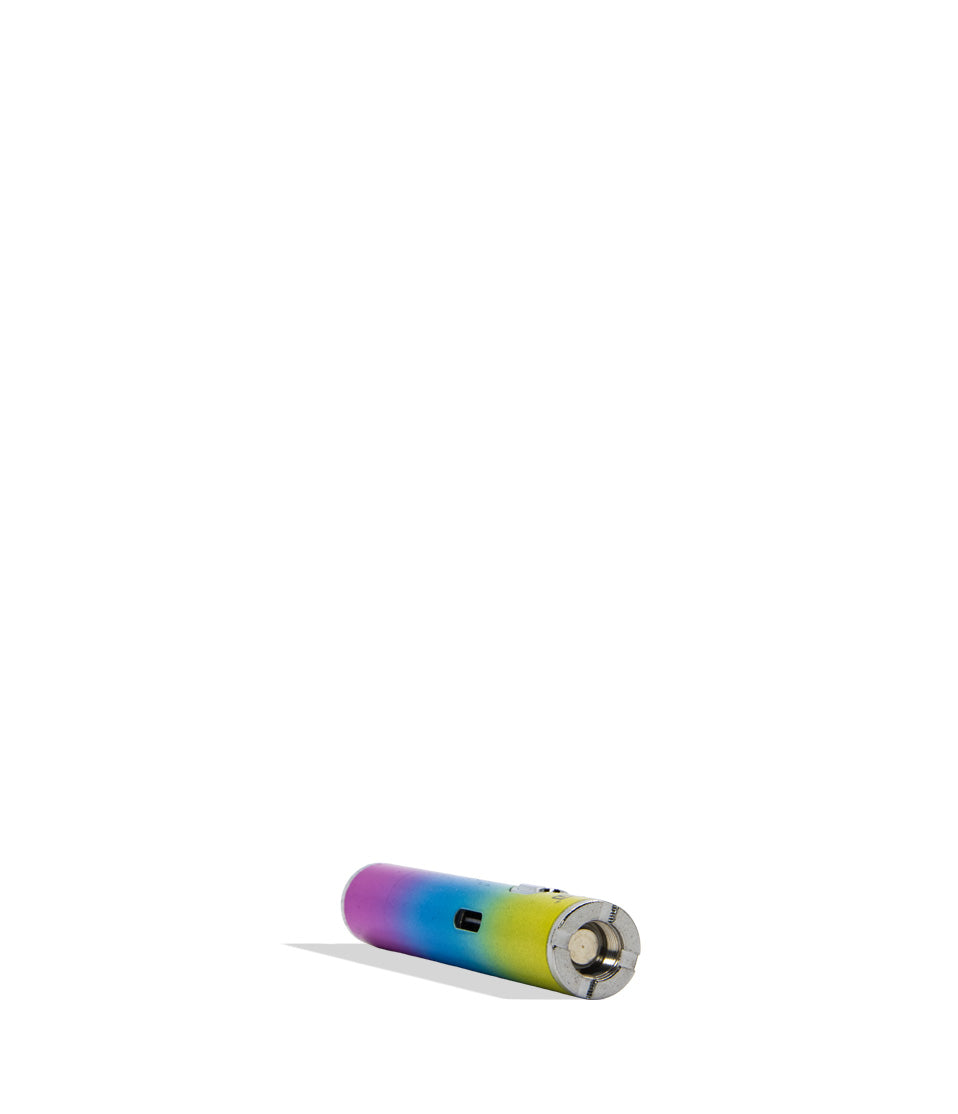
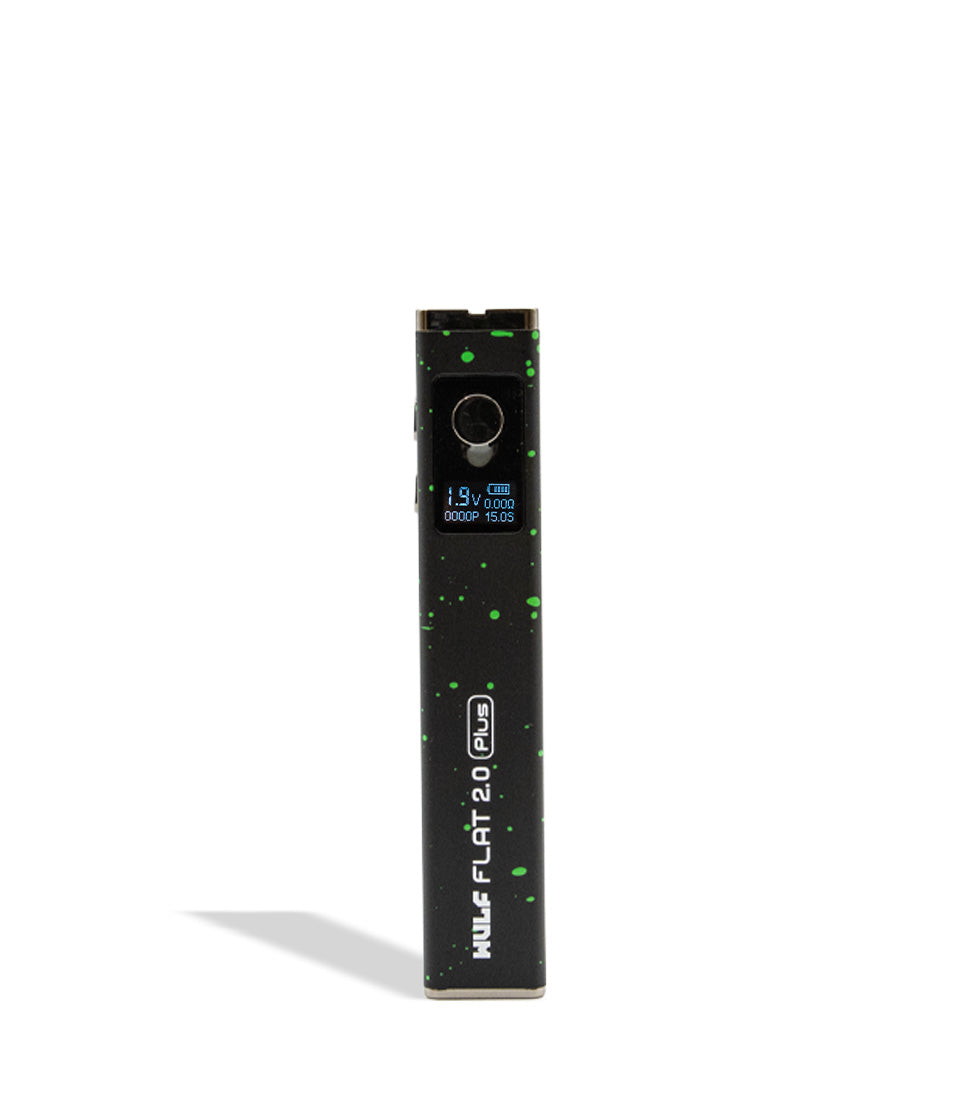
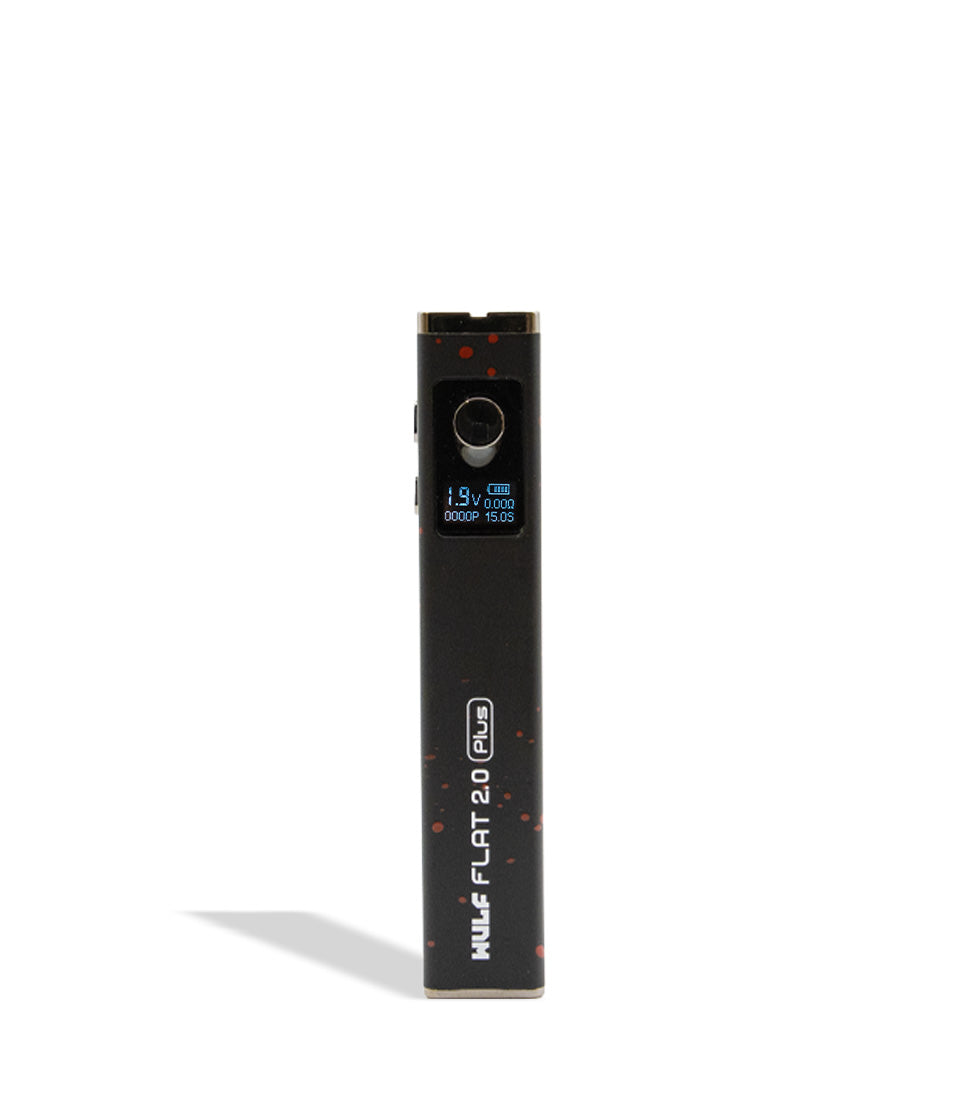
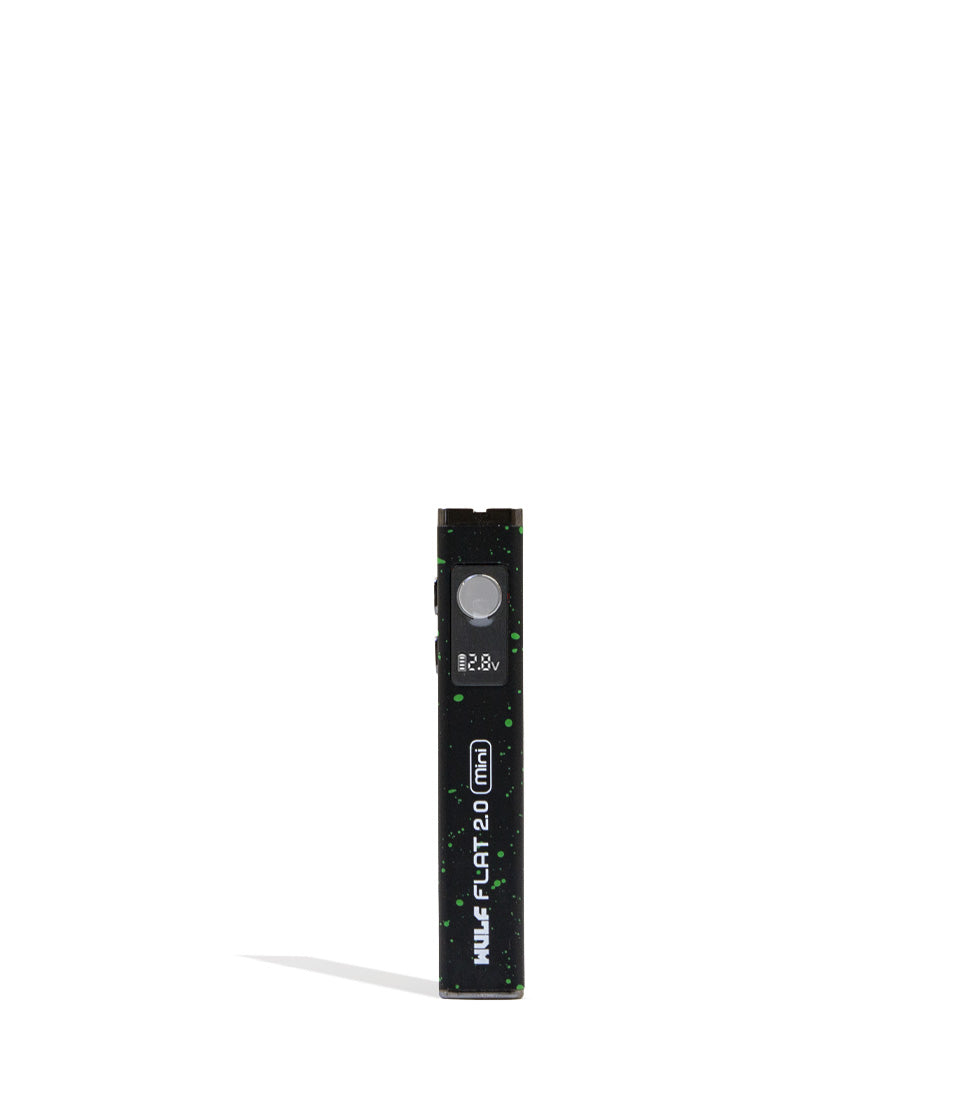
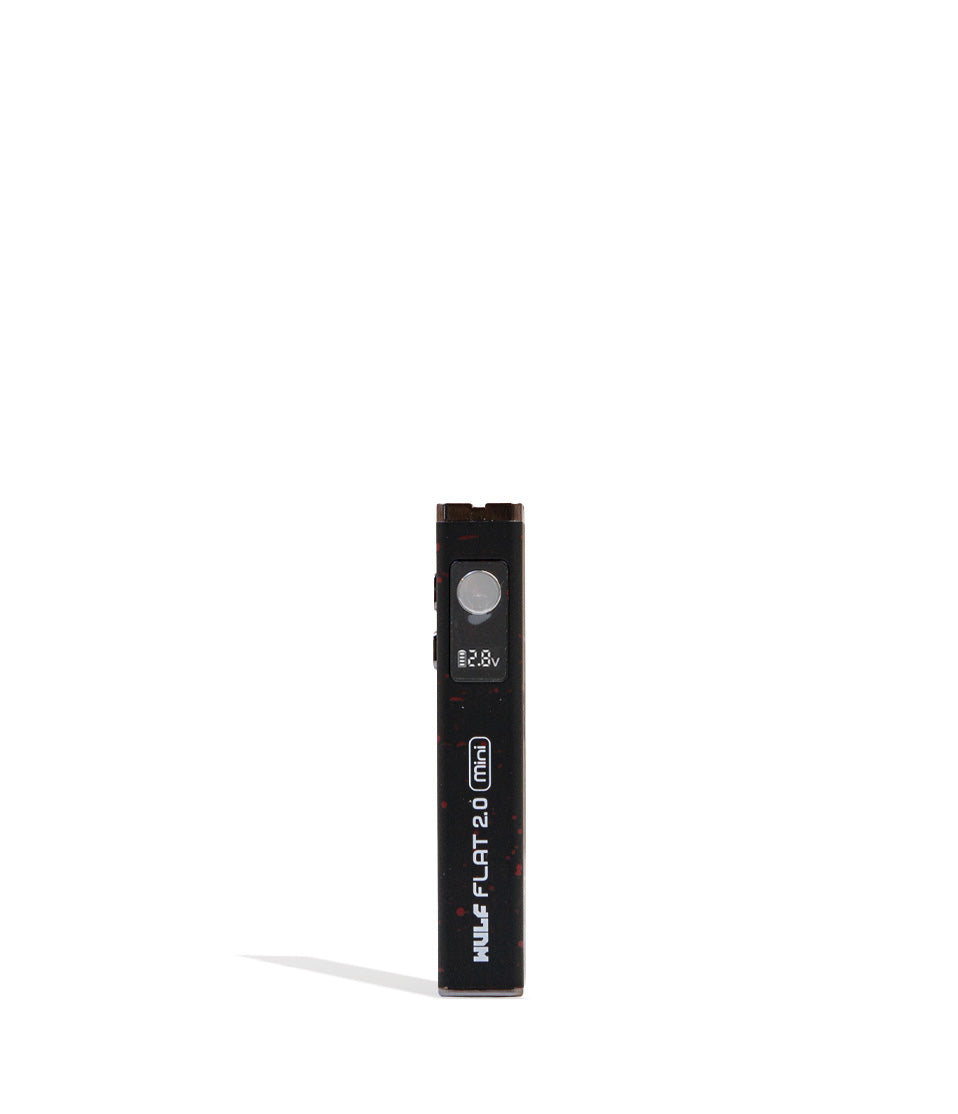
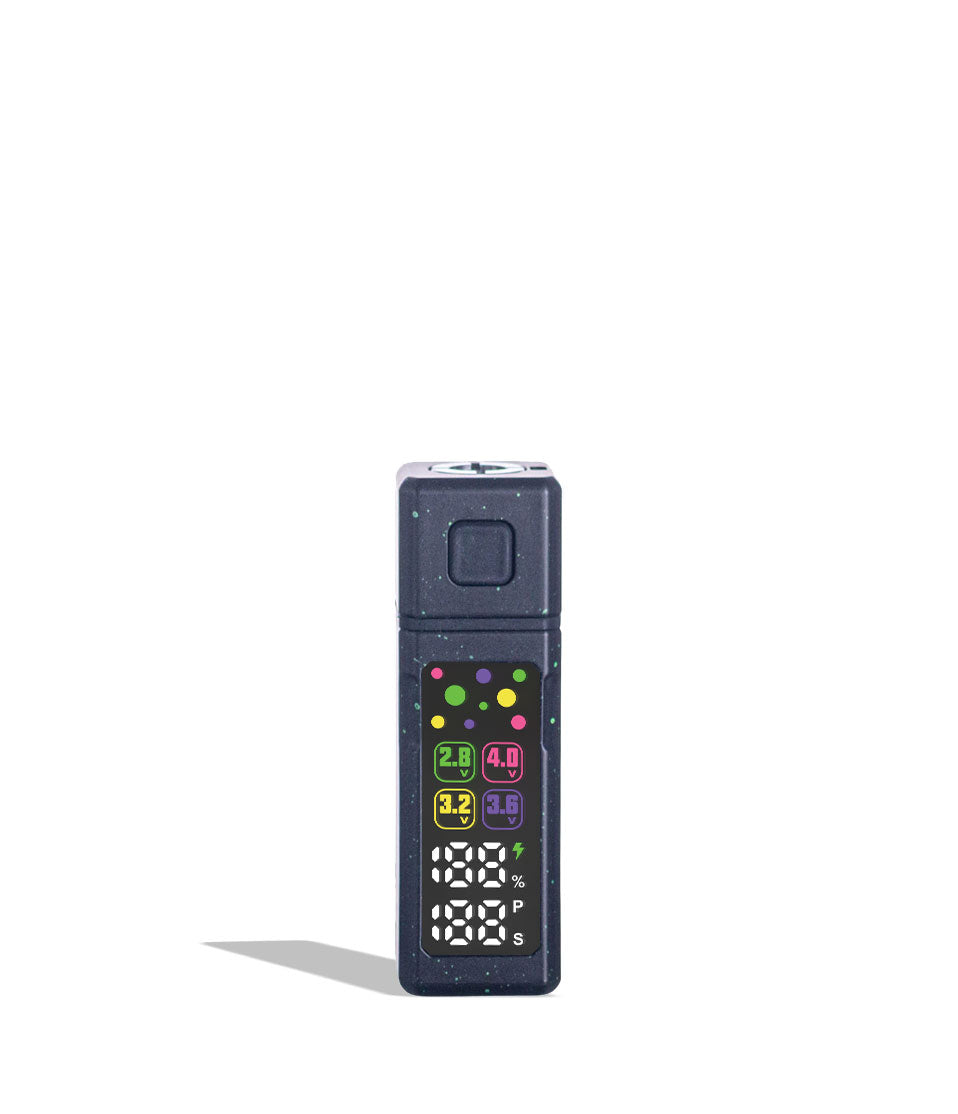
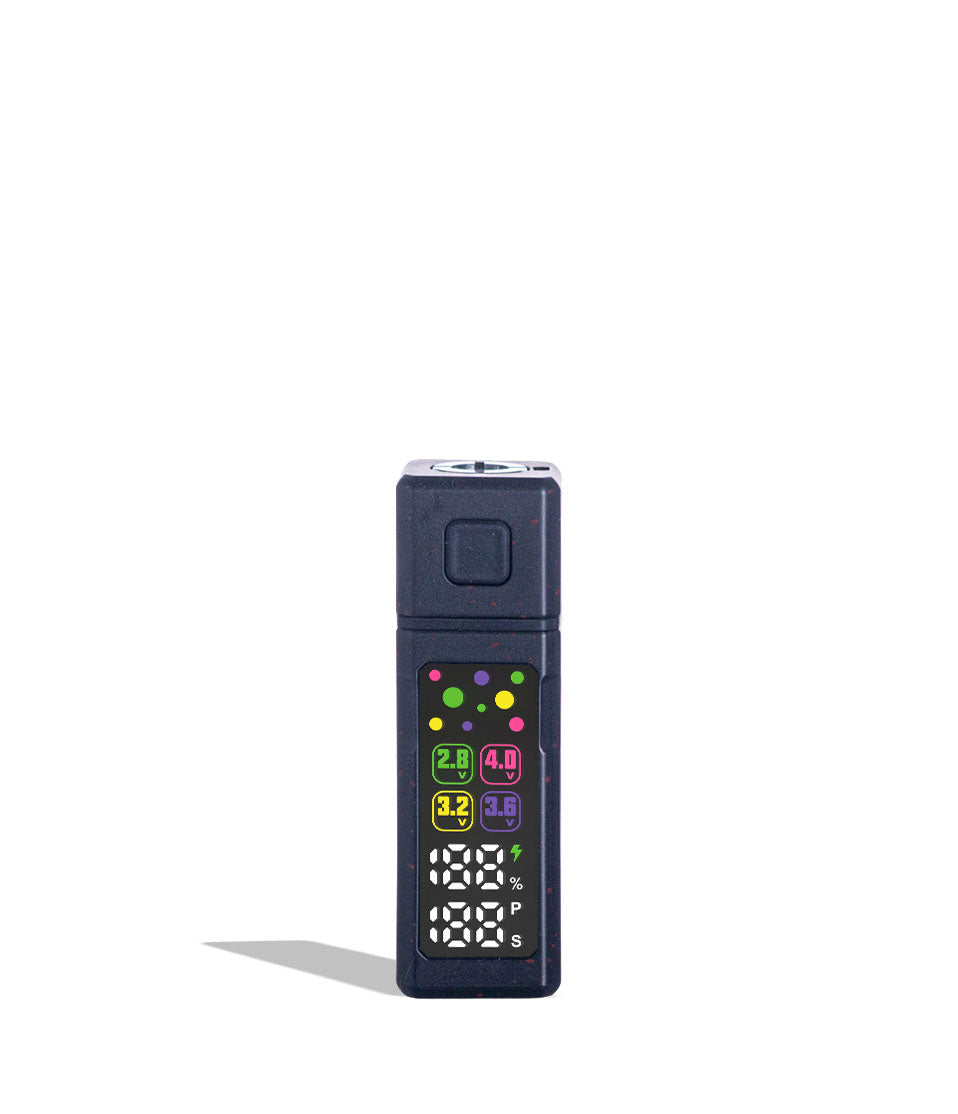
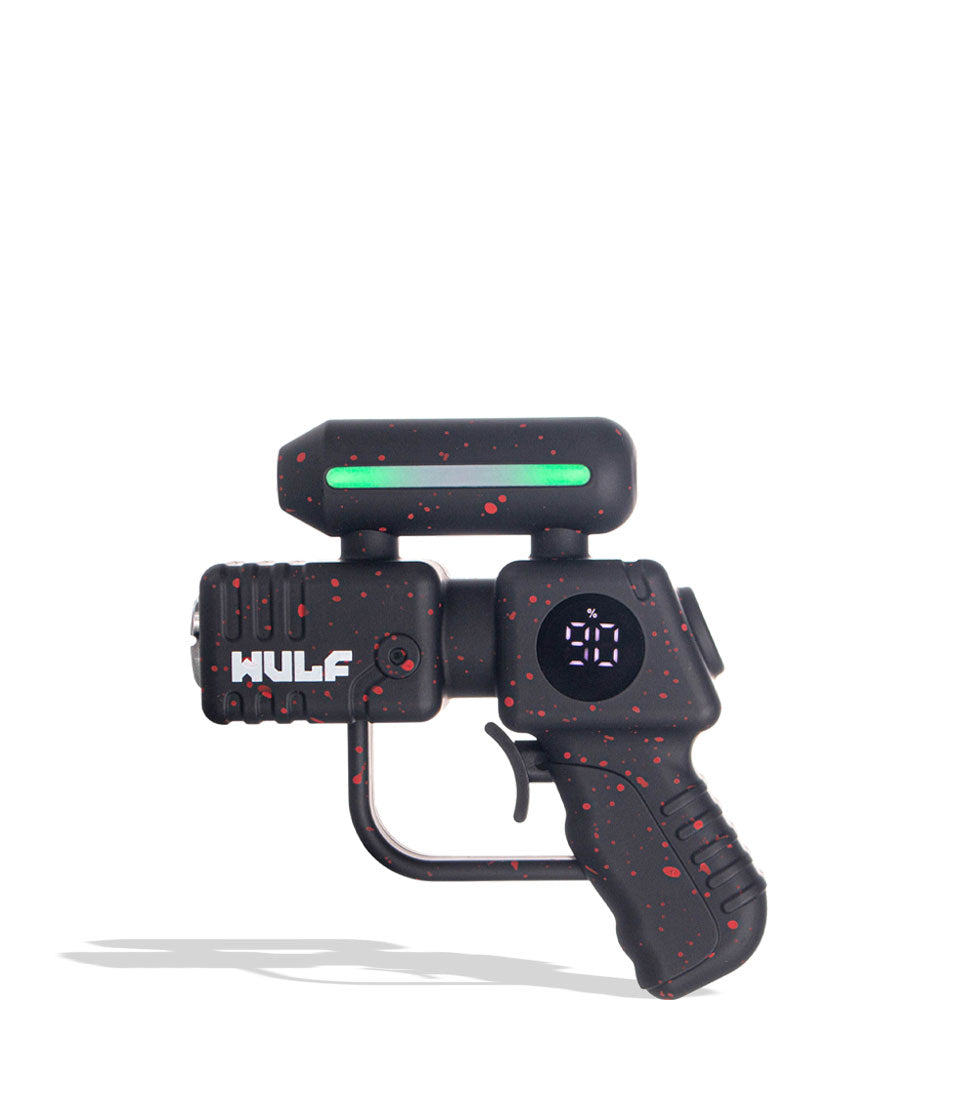
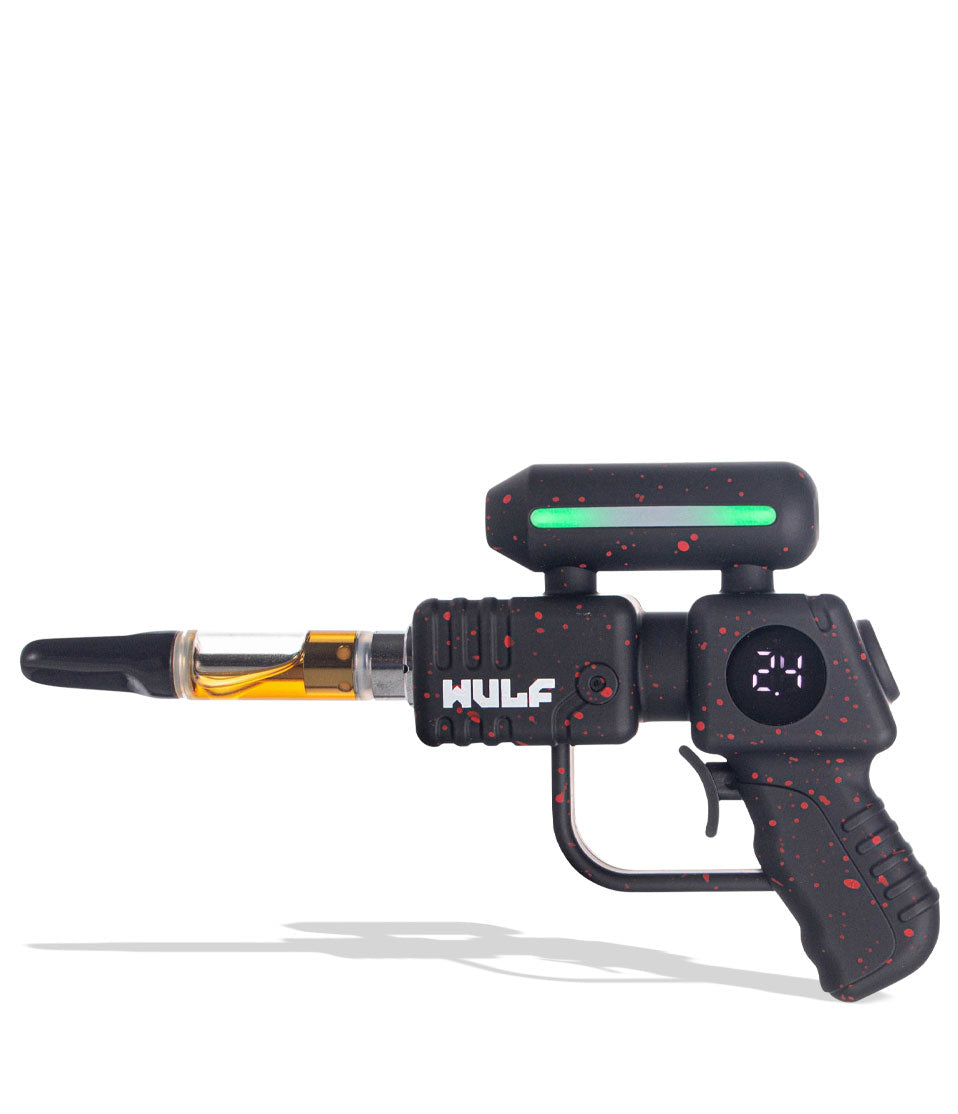
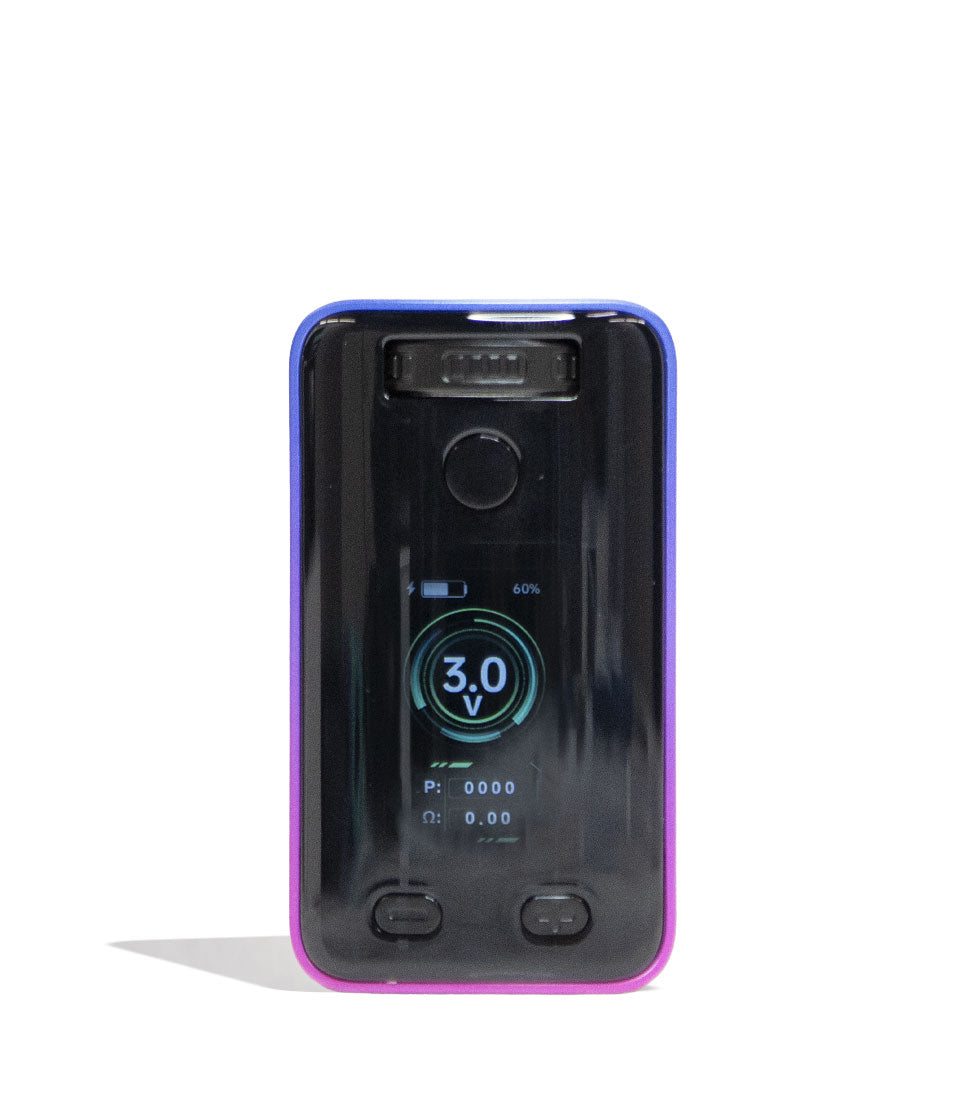
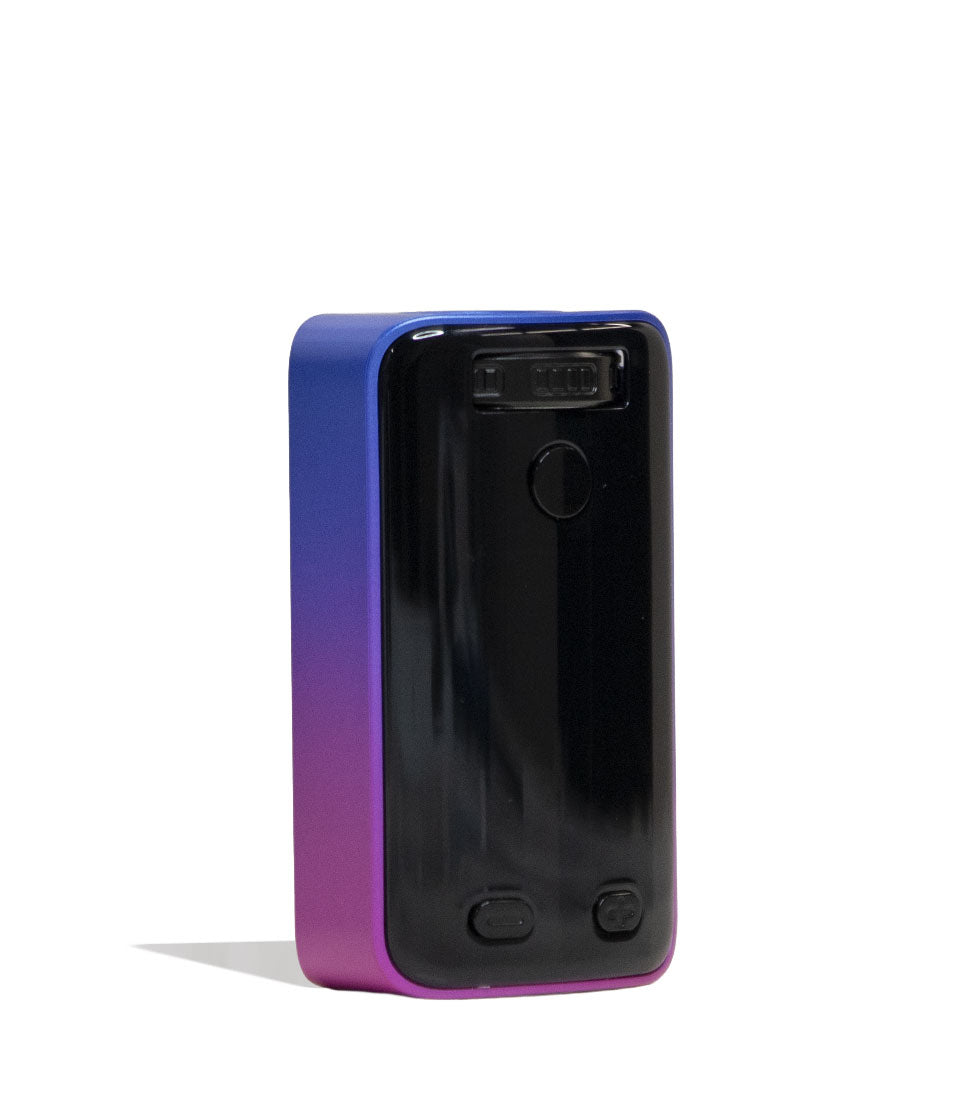
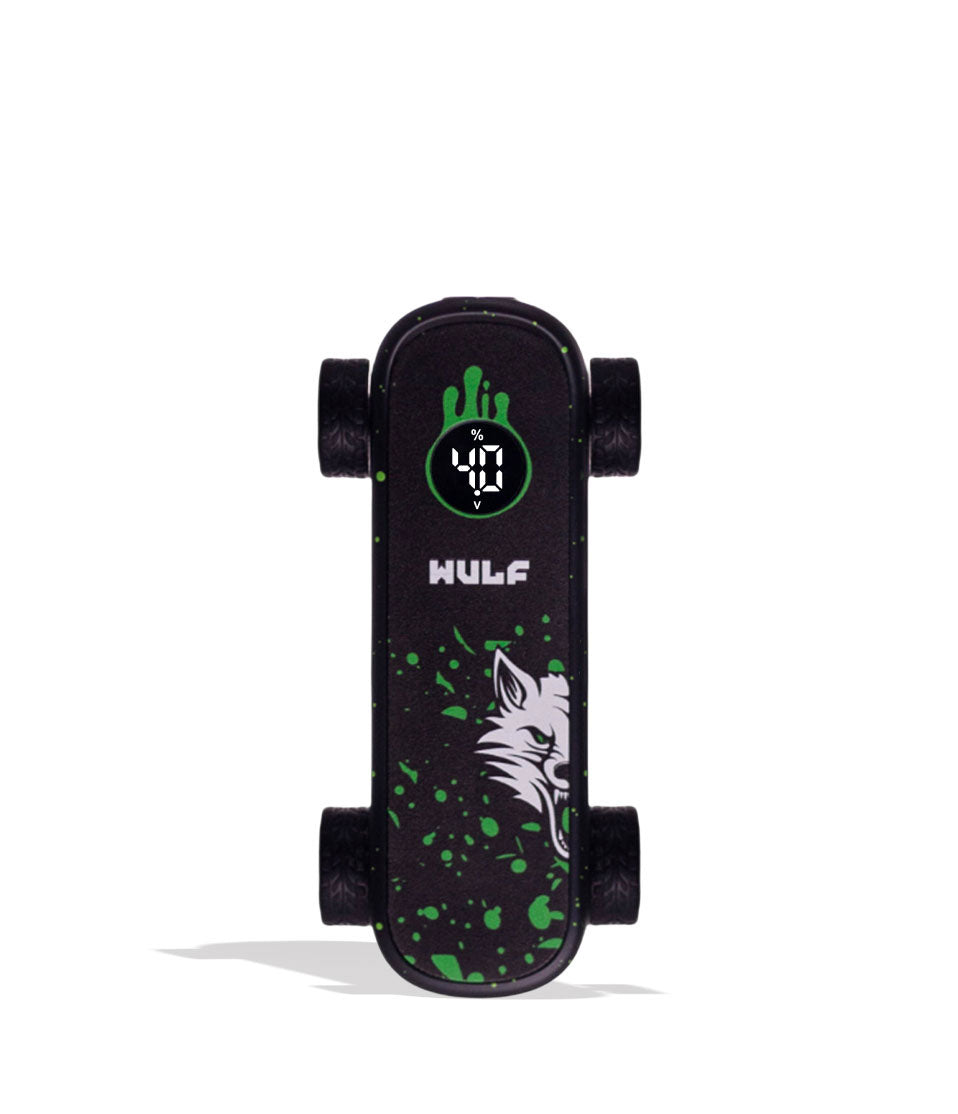
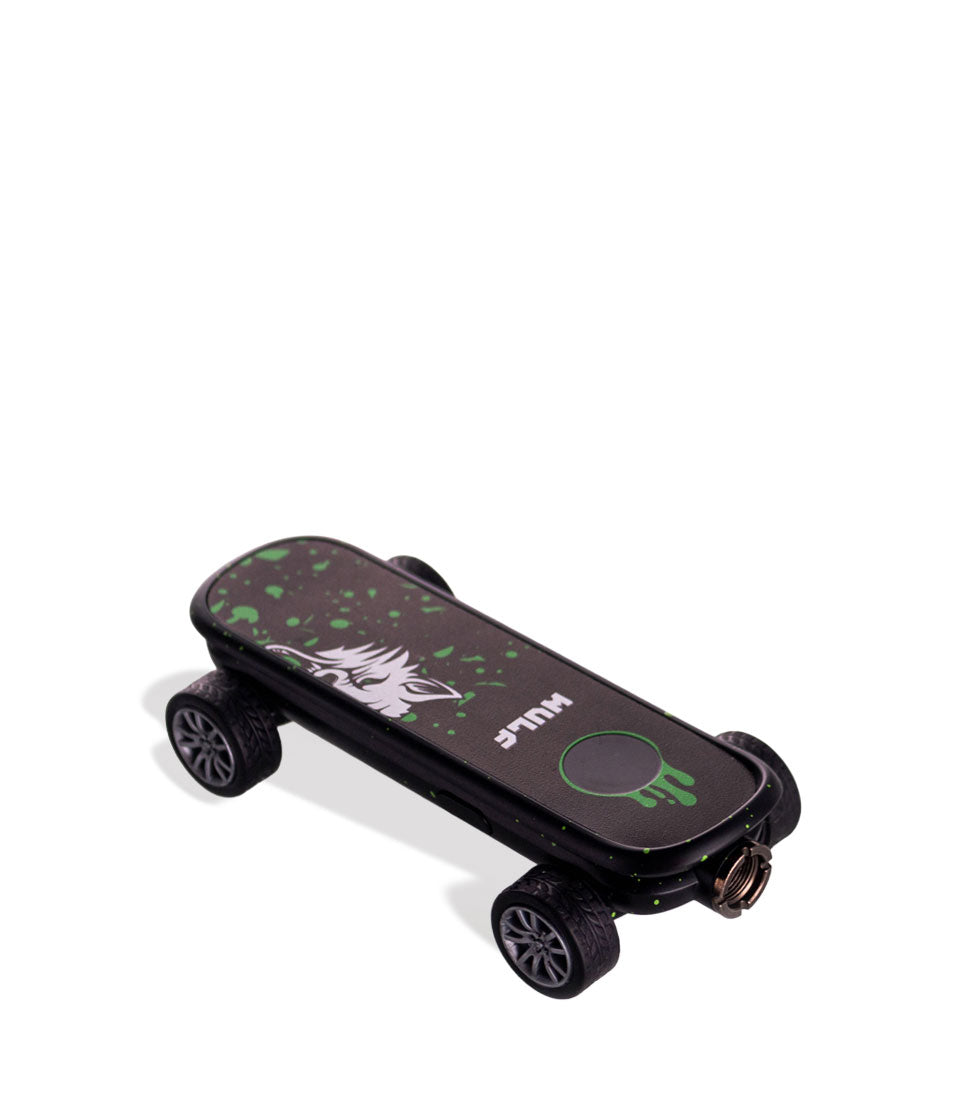
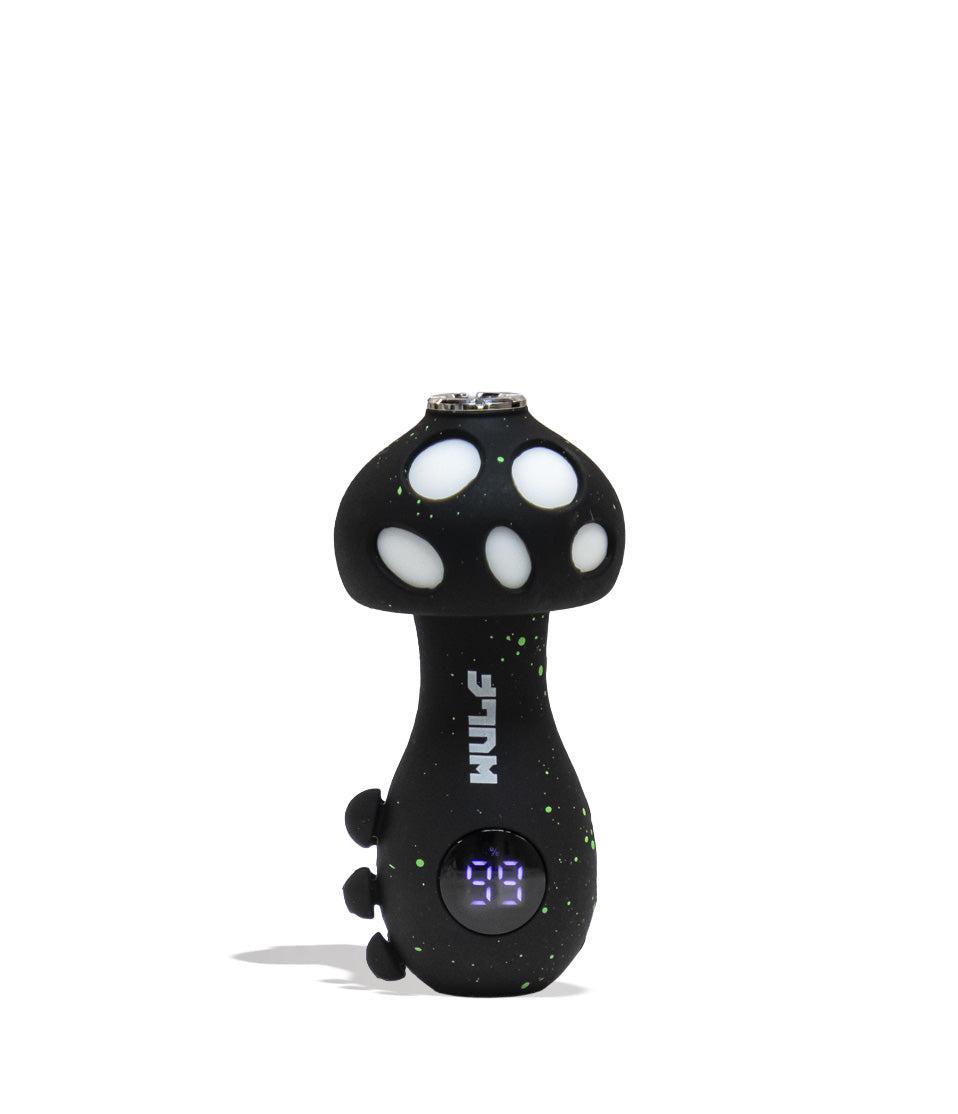
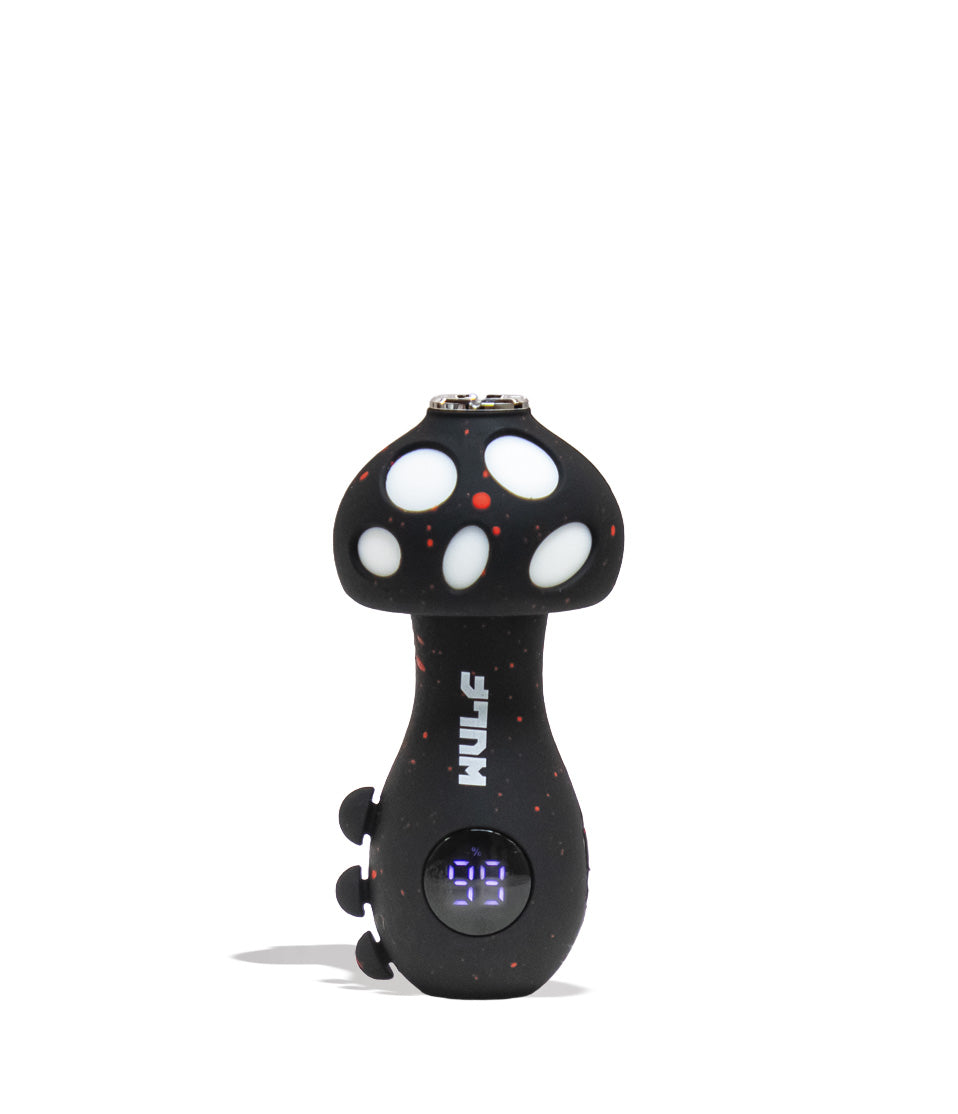
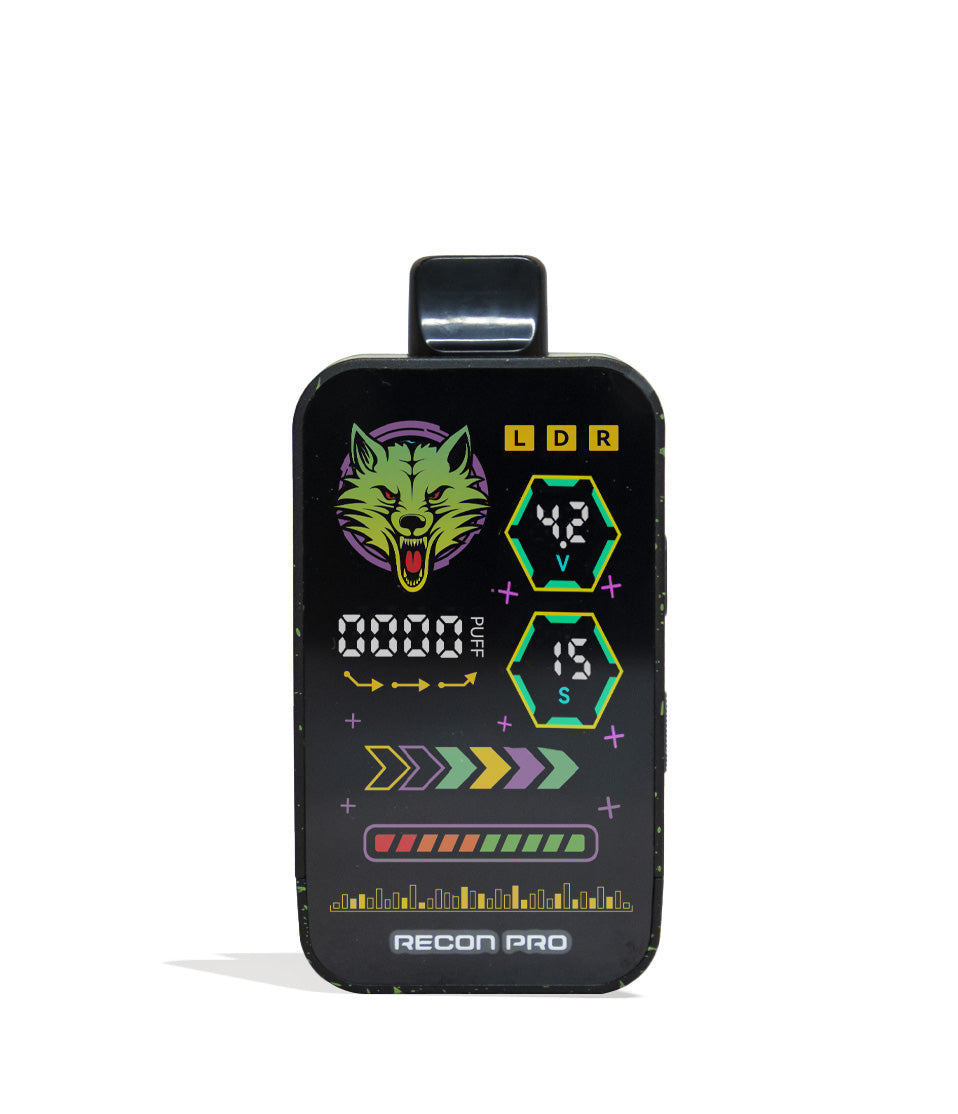
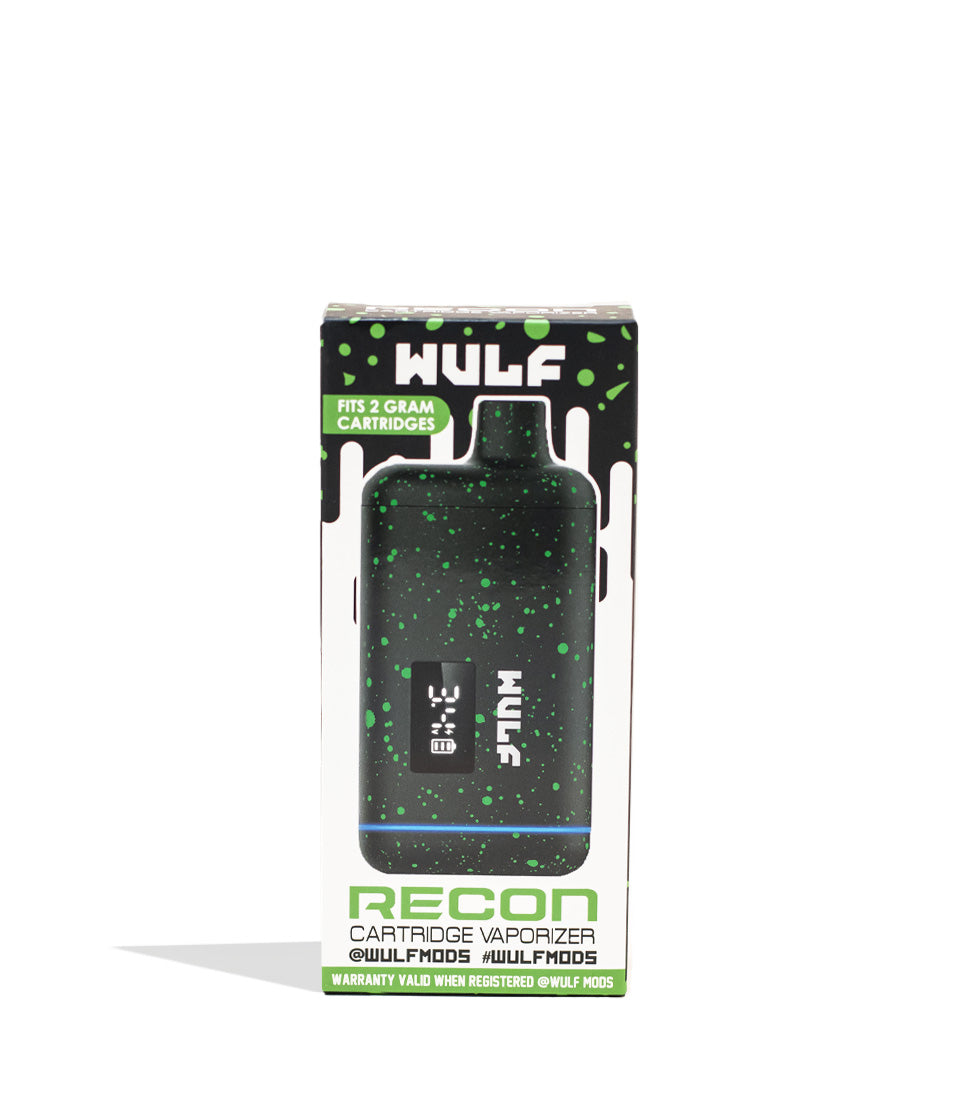
Owners Guide
Owner Playbook
The full playbook below expands on the practical steps and tips behind this guide.
Noticing unexpected screen notifications, interrupted heating, or unfamiliar vibrations on your Wulf Mods Flex Dual Use Concentrate and Dry Herb Vaporizer and wondering what they actually mean?
Don’t trip out y’all! These screen icons, automatic cutoffs, and haptic vibration notifications are built-in troubleshooting protections designed to safeguard you, your Wulf Flex battery, and your Wulf Pack!
In order to help you enjoy the smoothest, most flavorful clouds across both dry herbs and concentrates, Wulf created this exclusive troubleshooting guide to break down exactly what your dual-use device is trying to tell you and how you can resolve it in seconds.
By the end of this walkthrough, you’ll know how to handle every Wulf Flex diagnostic alert like a seasoned pro, ensuring you get right back to ripping dense, potent clouds with zero downtime. Let’s get into it! Arooo!!!
Table of Contents:
Wulf Flex Troubleshooting Quick Guide
1. 15-Second Manual Cutoff (Overheat Protection)
2. Chamber Recognition Check (Chamber Detection & Contact Pins)
3. Low Battery Alert (Rapid Flash & Mid-Warm-Up Shutdown)
4. Haptic Feedback Alerts (Decoding 1 Buzz vs. 2 Buzzes)
Trouble-Free Wulf Flex Dual Use Vaping
Wulf Flex Troubleshooting Quick Guide
In a rush and need fast answers? Take a look below at our quick reference table detailing the built-in troubleshooting alerts on the Wulf Flex and how to fix them immediately:
| # | WARNING / ALERT | WHAT IT MEANS | HOW TO FIX |
|---|---|---|---|
| 1 | 15-Second Manual Cutoff | Power button held down past 15 seconds in Manual Mode; heating stops. | Release the power button, pause a moment, and press it again to resume firing. |
| 2 | Chamber Recognition Failure | Chamber inserted but screen icon doesn’t switch colors and device fails to vibrate. | Remove the chamber and swab the base contact pins with an ISO Q-tip to clear residue. |
| 3 | Low Battery Alert | Battery icon flashes rapidly or the device shuts down mid-warm-up. | Plug into the USB-C charging cable until fully replenished. |
| 4 | Haptic Feedback Alert | Vibration cues indicating hardware status and temperature readiness. | 1 buzz = chamber locked in or session ended; 2 buzzes = wax at target temp. |
1. 15-Second Manual Cutoff (Overheat Protection)
Holding down the power button on your Wulf Flex for an extended period in Manual Mode (concentrates only) can overheat the chamber or scorch your concentrates / dry herbs, leading to harsh flavor and wasted material.
15-Second Manual Cutoff: If you hold down the power button past 15 seconds in Manual Mode, the Flex stops firing automatically to prevent overheating. Release the button and press again to resume.
This cutoff acts as a protective shield for both your Wulf Flex and your concentrate materials. If the power button is accidentally pressed in your pocket or held down too long during an intense draw, the battery automatically disengages the heating element for additional protection.
To clear the cutoff and jump right back into your session, simply let go of the button, pause a second to let the chamber breathe, and hold it down again to continue enjoying silky smooth vapor from your Wulf Flex Dual Use Vaporizer.
2. Chamber Recognition Check (Chamber Detection & Contact Pins)
The Wulf Flex is built around an intelligent swappable chamber system that recognizes whether you have loaded the Concentrate Chamber or the Dry Herb Chamber, automatically updating your display icons and temperature ranges to match.
Chamber Recognition Check: If you drop in a chamber and the icon does not switch colors (or fails to vibrate), remove the chamber and check the base contact pins. Wipe away any leaked concentrate residue with an ISO swab to ensure clean electrical contact.
When operating normally, inserting the concentrate chamber triggers a vibration and a blue icon, while the dry herb chamber triggers a vibration and a red icon. If this doesn’t occur, the connection pins are unable to complete the circuit:
- Pull the chamber straight out of the magnetic housing.
- Inspect the gold spring-loaded pins inside the base cavity for sticky concentrate buildup or dry herb particles.
- Lightly dampen a cotton swab with 91%+ or 99% isopropyl alcohol and gently buff the pins and chamber base.
- Allow the pins to dry completely, reinsert the chamber, and feel for the confirming haptic vibration.
Making sure you have a clean connection for your Wulf Flex chambers is one of the most important aspects of using your dual use vaporizer. As a result we always recommend checking them before a session and gives things a quick wipe down if you notice any build up / stickiness.
3. Low Battery Alert (Rapid Flash & Mid-Warm-Up Shutdown)
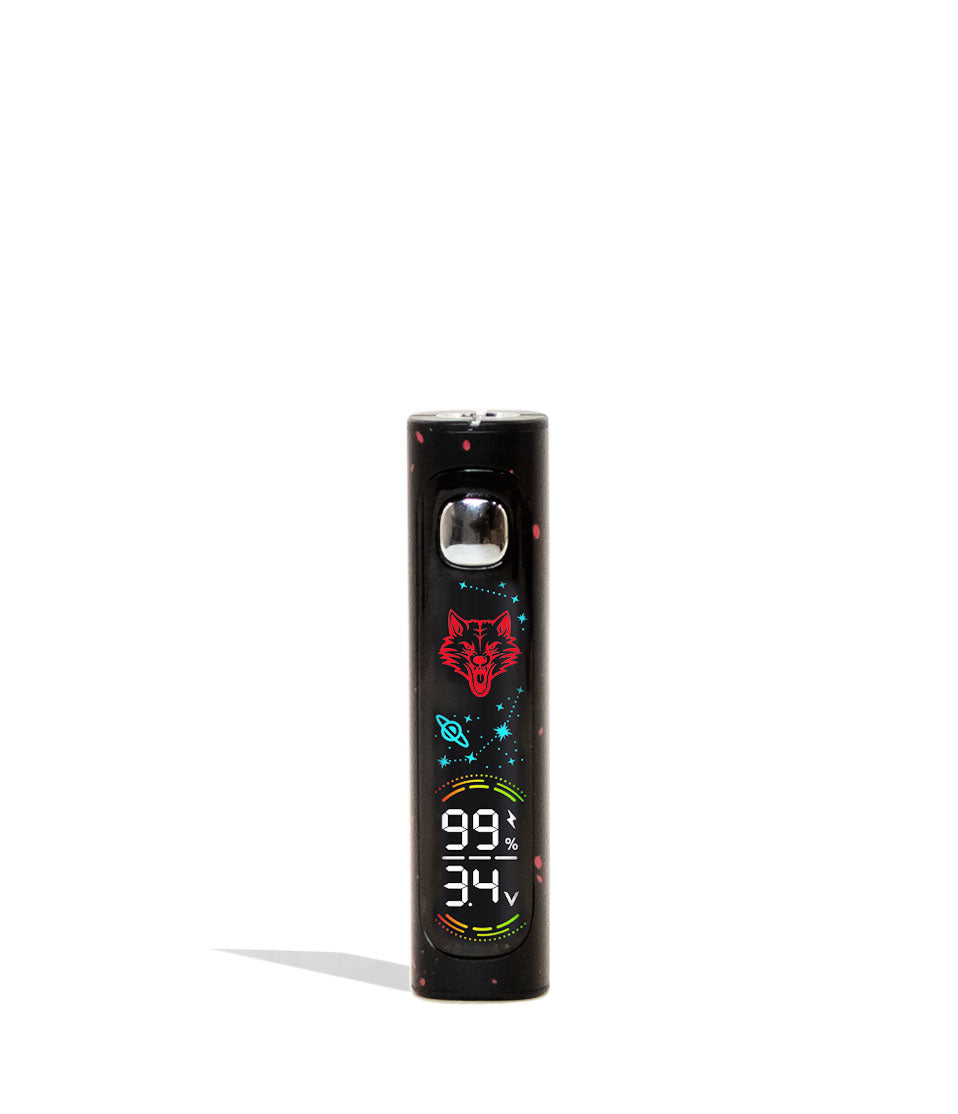
Vaporizing dense flower and melting solid concentrates requires serious power from the internal 1,000mAh battery. Eventually, your available charge will dip below operating levels, which the Wulf Flex communicates clearly through display warnings.
Low Battery Alert: If the battery icon flashes rapidly or the device shuts down mid warm up up, plug it into the USB-C charger.
If your device cuts off right as a pre-heat cycle begins or while heating up to high temperatures, don’t worry—your device isn’t broken. The internal safety board simply detects that there isn’t enough voltage to sustain the heating element safely.
Connect your Wulf Flex to its included USB-C cable and make sure to stay present as it recharges (never charge for longer than one hour). Once charged, your Wulf Flex battery will have full power to drive dense, flavorful clouds once again.
4. Haptic Feedback Alerts (Decoding 1 Buzz vs. 2 Buzzes)
Your Wulf Flex communicates through physical haptic feedback so you never have to guess what state your device is in while holding it in your hand. Haptic feedback is when your Wulf Flex vibrates, letting you know via physical sensation that you’re ready to start vaping.
Haptic Alerts: Always pay attention to vibrations: 1 buzz signals chamber insertion or session completion; 2 buzzes confirm that your concentrate has reached target dabbing temperature.
Understanding these vibration prompts ensures your sessions run like clockwork:
- 1 Buzz (Chamber Detection): Triggers the moment a Dry Herb or Concentrate chamber is properly seated into the magnetic base well, confirming full electrical contact.
- 1 Buzz (Session Complete): Alerts you when the 3-minute dry herb session timer or the 13-second concentrate warm mode has elapsed, signaling that the device is returning to standby.
- 2 Buzzes (Ready to Dab): Occurs after initiating the concentrate pre-heat mode (2 clicks), letting you know the 3-second warm-up has finished and your wax is at target temperature for immediate inhalation.
Keep this in mind while using your Wulf Flex and you’ll be able to know exactly when your hits are ready, enjoying all of your dry herbs and concentrates right at their peak.
Trouble-Free Wulf Flex Dual Use Vaping
Now that you know how to decode every alert and diagnostic prompt on your Wulf Mods Flex Dual Use Vaporizer, you can approach every session with complete peace of mind. Keeping your base contact pins clean, watching your battery icon, and listening to your haptic feedback guarantees consistent, top-tier performance whether you’re packing flower or dabbing wax.
Have any more questions for the Wulf Pack? Make sure to check out the Wulf Resource Center for more helpful tips, troubleshooting walkthroughs, and product breakdowns detailing all our latest releases.
Thanks for choosing Wulf for your sessions and welcome to the Wulf Pack! Stay howling out there y’all and we’ll see you in the next session! Arooo!!!
Frequently Asked Questions
Owners Guide FAQs
Common questions related to this guide and how to apply the information when choosing your device.
Why Did My Wulf Flex Stop Heating While I Was Holding Down The Button?
Why Isn't My Screen Changing To Red Or Blue When I Swap Chambers?
What Does It Mean When My Wulf Flex Vibrates Twice?
Why Does My Wulf Flex Shut Off Completely As Soon As I Start A Pre-Heat?
How Can I Tell If The Flex Is In Dry Herb Or Concentrate Mode?
Wulf Mods Trust Center
About This Resource
Understand how this guide was researched, reviewed, and maintained by the Wulf Mods editorial team.
Editorial Standards
- Written for the people choosing and using these devices.
- Reviewed for clarity, accuracy, and practical retail value.
- Based on current manufacturer specifications and product documentation when available.
- Updated as products, regulations, category trends, or market conditions evolve.
- Built on deep, hands-on product experience.
- Designed to help you choose the right device with confidence.
Research Methodology
This owner guide was prepared to help you set up, use, and care for your device with confidence. Guidance is based on hands-on product experience, common questions, and real-world use.
- Hands-on product experience
- Setup and first-use guidance
- Cleaning, care, and maintenance
- Common questions and troubleshooting
- Safe and responsible use
- Real-world use considerations
- Editorial review for clarity and usefulness
Supporting Sources
Sources used to support this resource are included for transparency and documentation.
Article Information
Intended Audience
- Everyday customers
- First-time buyers
- Experienced enthusiasts
- Dry herb users
- Concentrate users
- Anyone upgrading their setup
Editorial Policy
Wulf Mods educational resources are reviewed periodically to maintain accuracy and relevance. When product specifications, regulations, category trends, or market conditions change, articles may be updated with a new review date. Trusted product guidance.
Keep Exploring
Related Resources
Keep learning with related Wulf Mods resources selected to help you get more out of your device.