

Resource Center
Troubleshooting The Wulf Mods Flow Auto Flow 510 Voltage Battery

Continue With This Resource
Wulf Mods Quick Brief
What You Should Know
A fast summary of the key points, questions, and guidance covered in this guide.
Overview
Key Takeaways
- Flashing red four times indicates the 10-second safety cutoff has engaged to prevent internal coils from overheating during extended Auto Draw or Auto Flow sessions.
- Cleaning the 510 base plate threads and center contact pin with isopropyl alcohol clears non-conductive oil bridges that trigger the three-flash red short circuit alert.
- A three-flash white light signals an open circuit, which is resolved by threading the cartridge finger-tight and snapping the removable base plate fully flush into the housing.
- The five-flash white overload alert protects internal circuitry from incompatible sub-ohm tanks, excessive resistance, or heat buildup caused by rapid back-to-back firing cycles.
- Resetting the flip-top mouthpiece nozzle down and back up instantly restarts a fresh 10-second Auto Flow cycle once the automatic safety timer expires.
Questions This Resource Answers
- What does it mean when the Wulf Flow flashes a red light 4 times during a session?
- How do you resolve the 3-flash red light short circuit warning on the Wulf Flow?
- Why does the Wulf Flow flash a white light 3 times when a cartridge is loaded inside?
- What causes the Wulf Flow to flash white 5 times, and how do you clear the overload alert?
- How do you reset and restart a vapor stream after an Auto Flow cutoff?
Recommended Products
Shop 510 Thread Batteries
Browse the products featured in this guide.
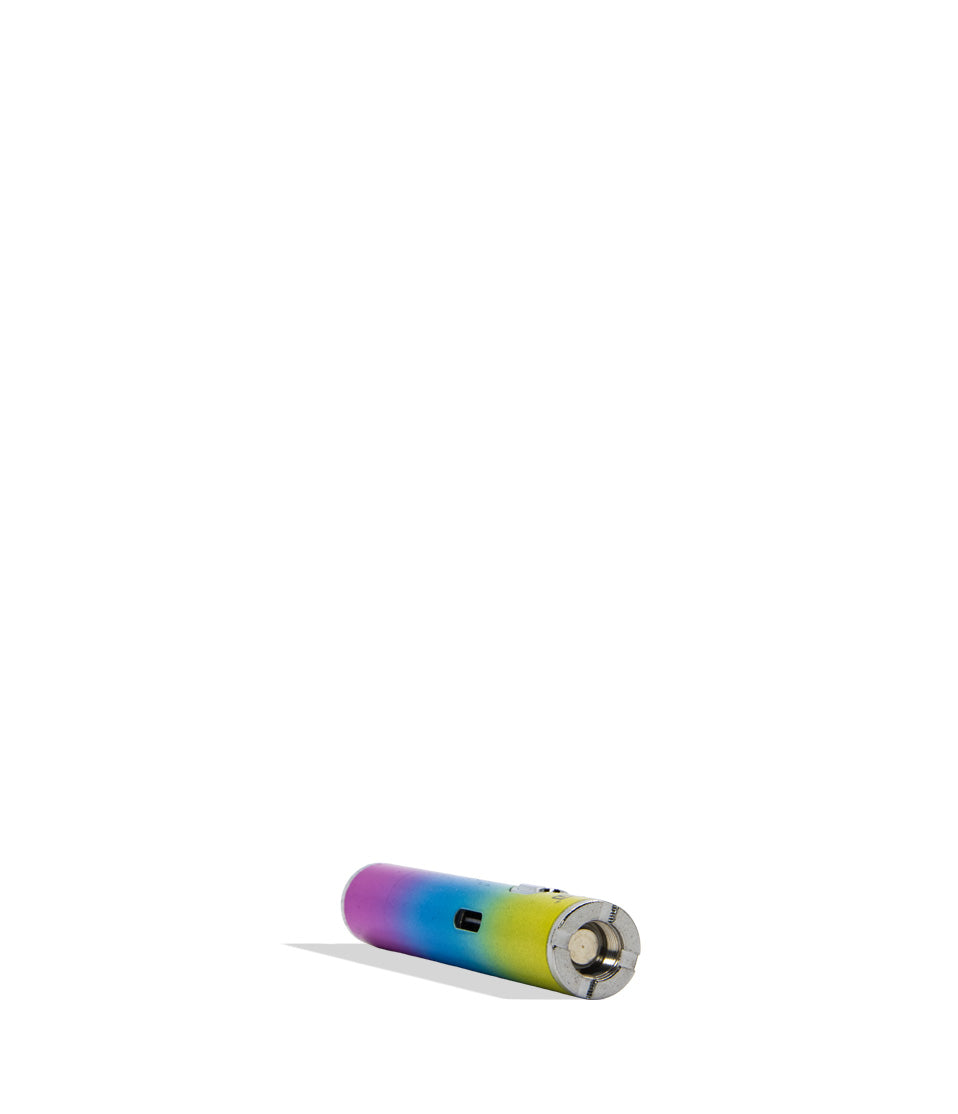
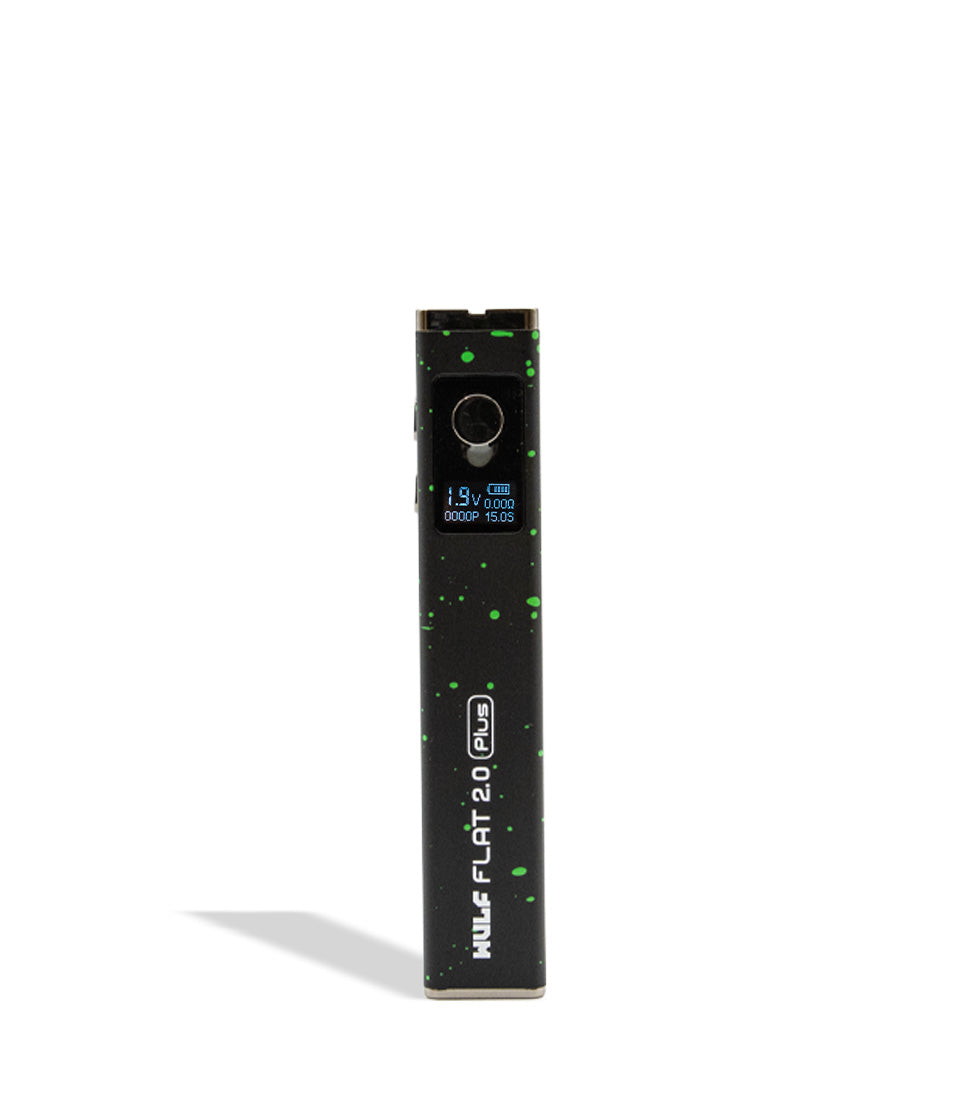
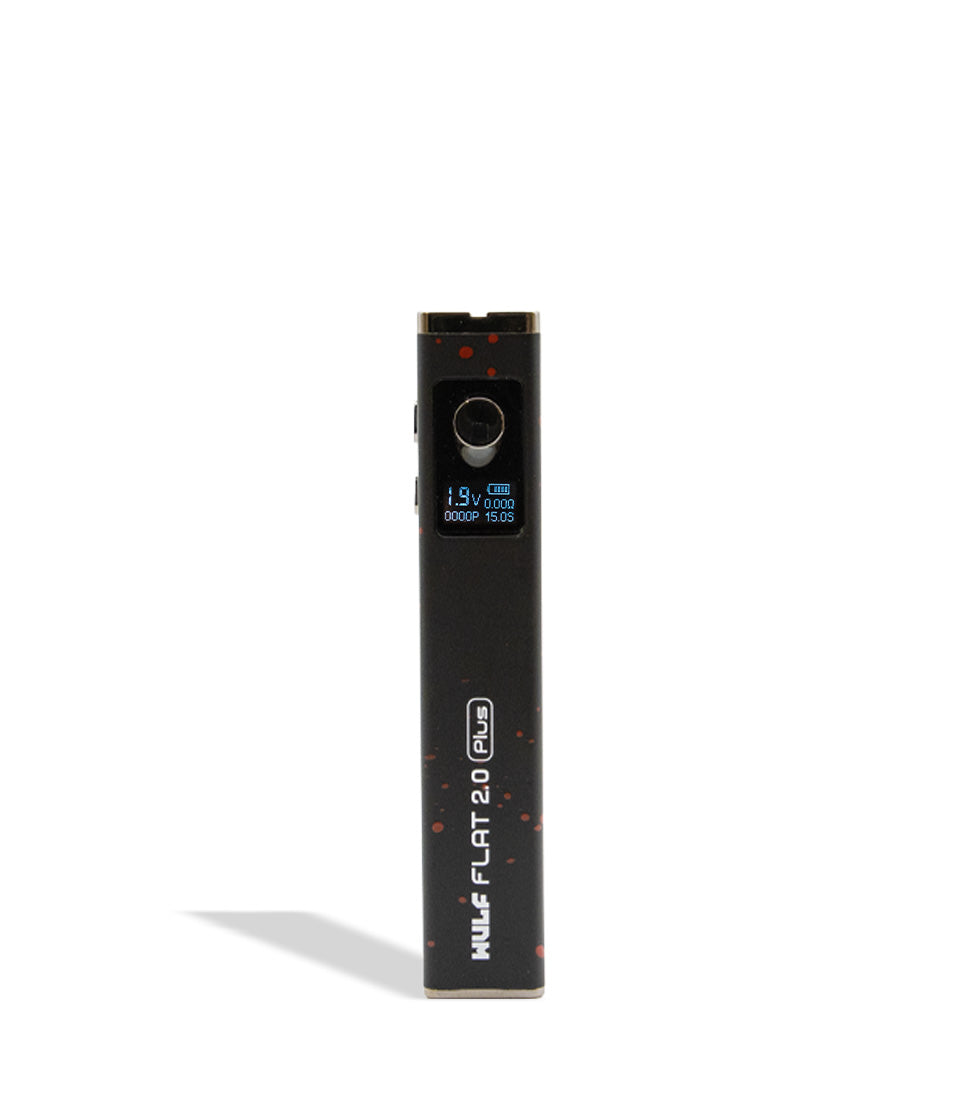
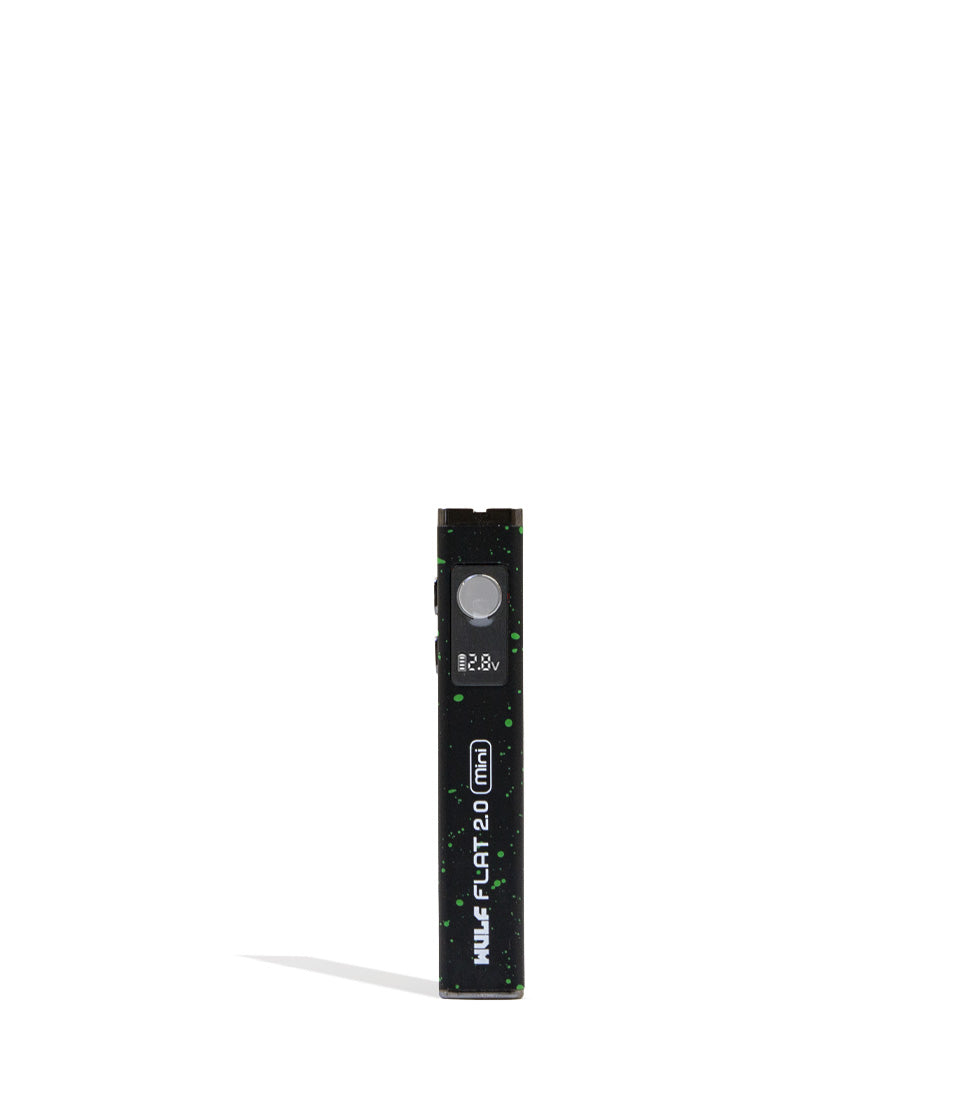
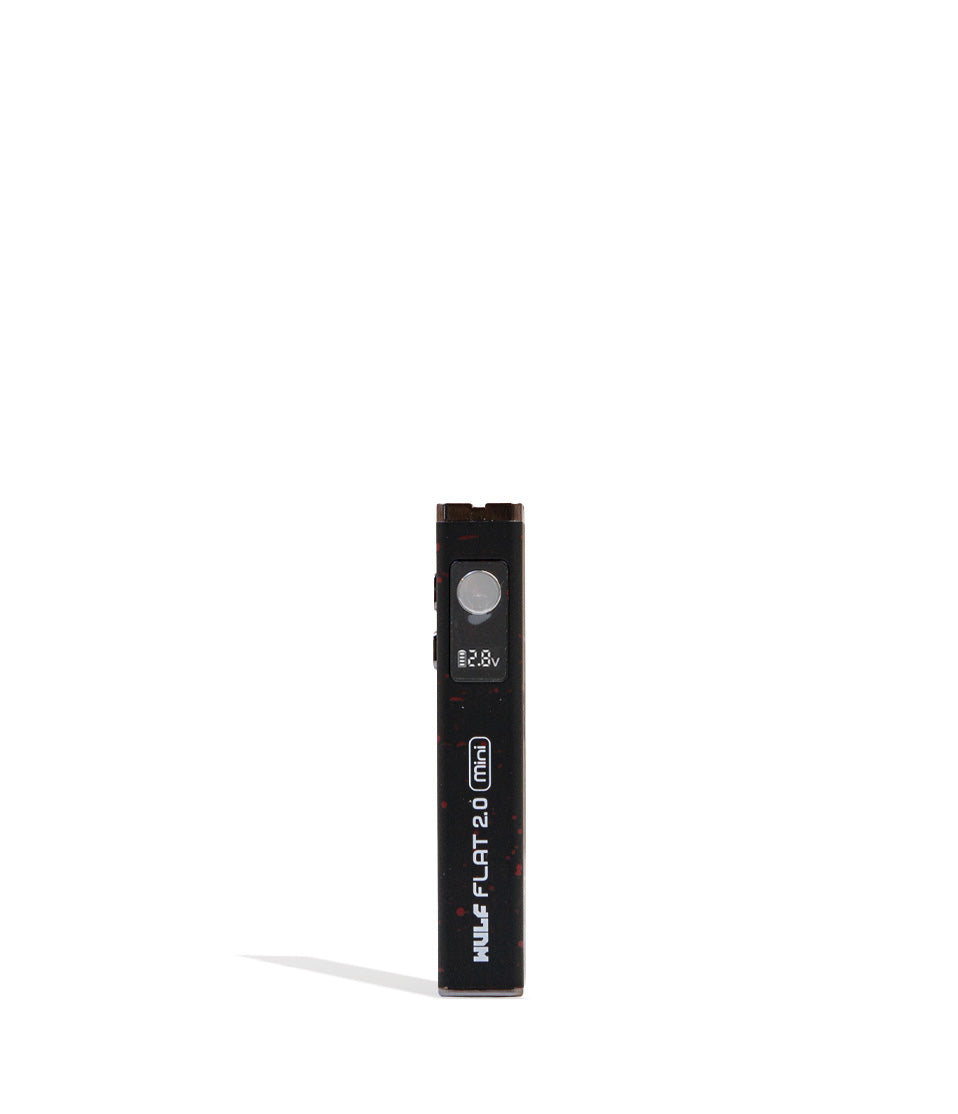
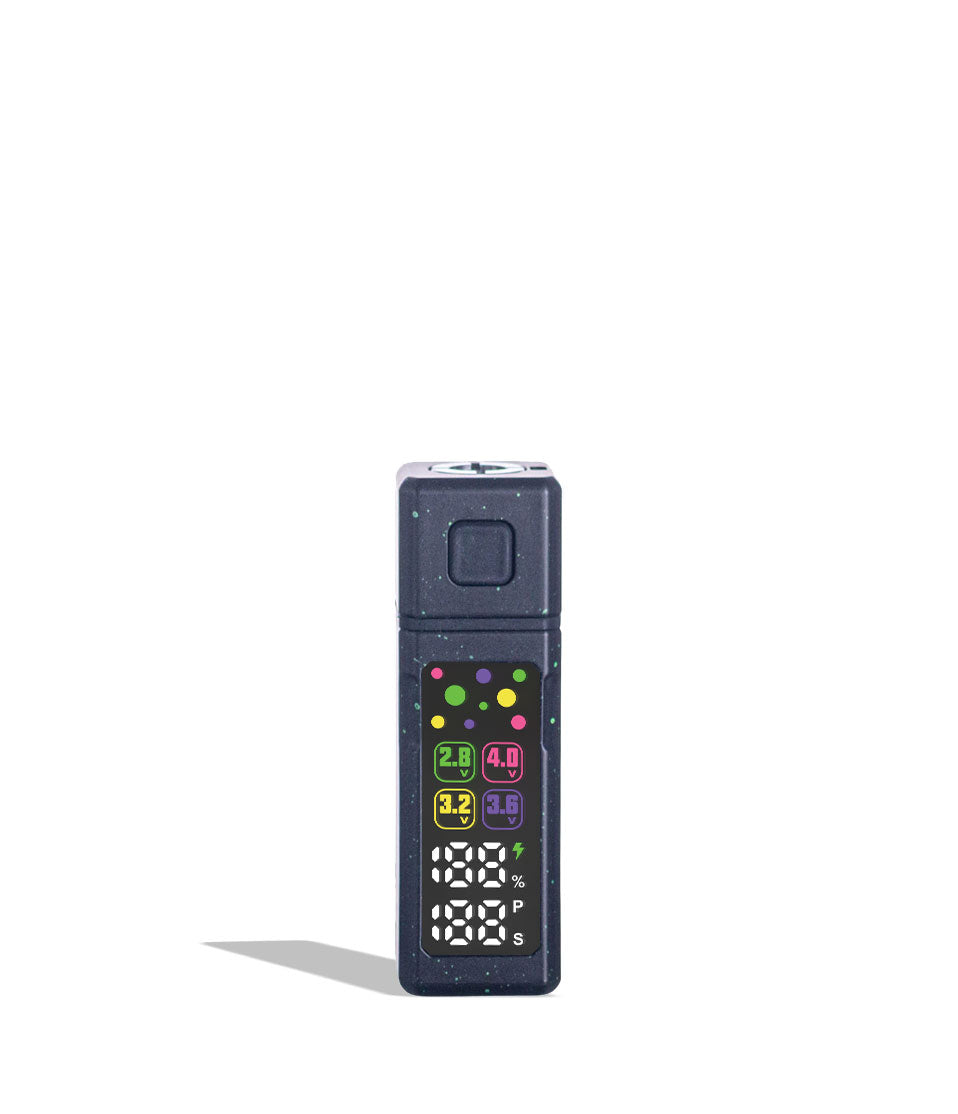
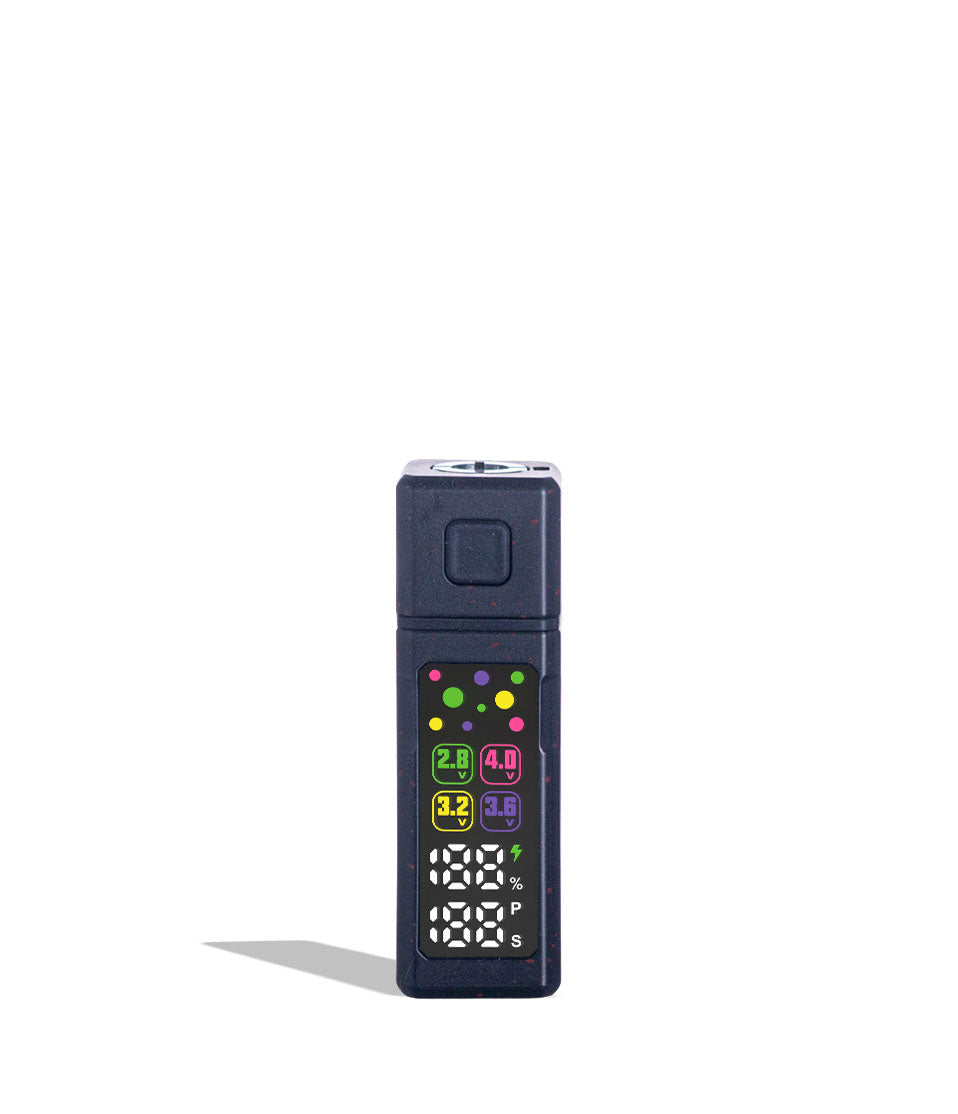
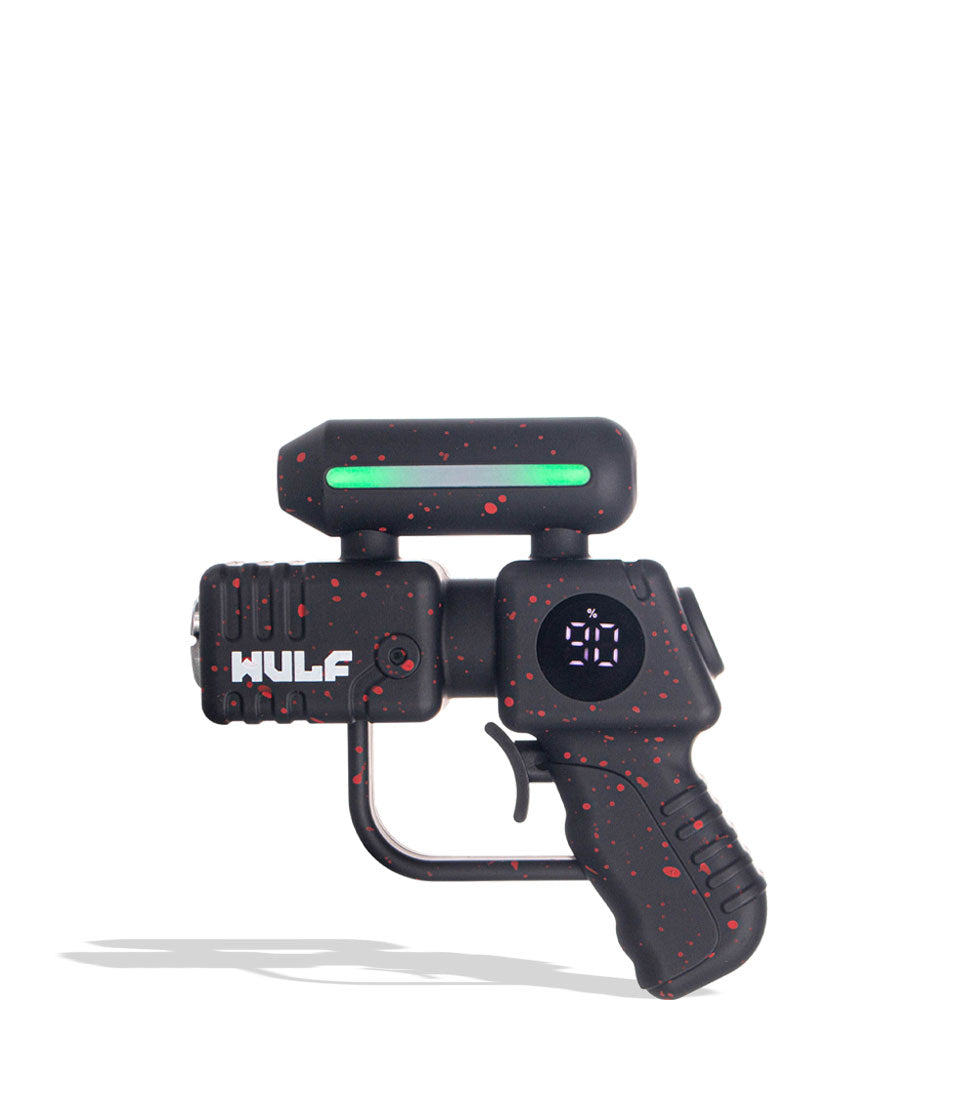
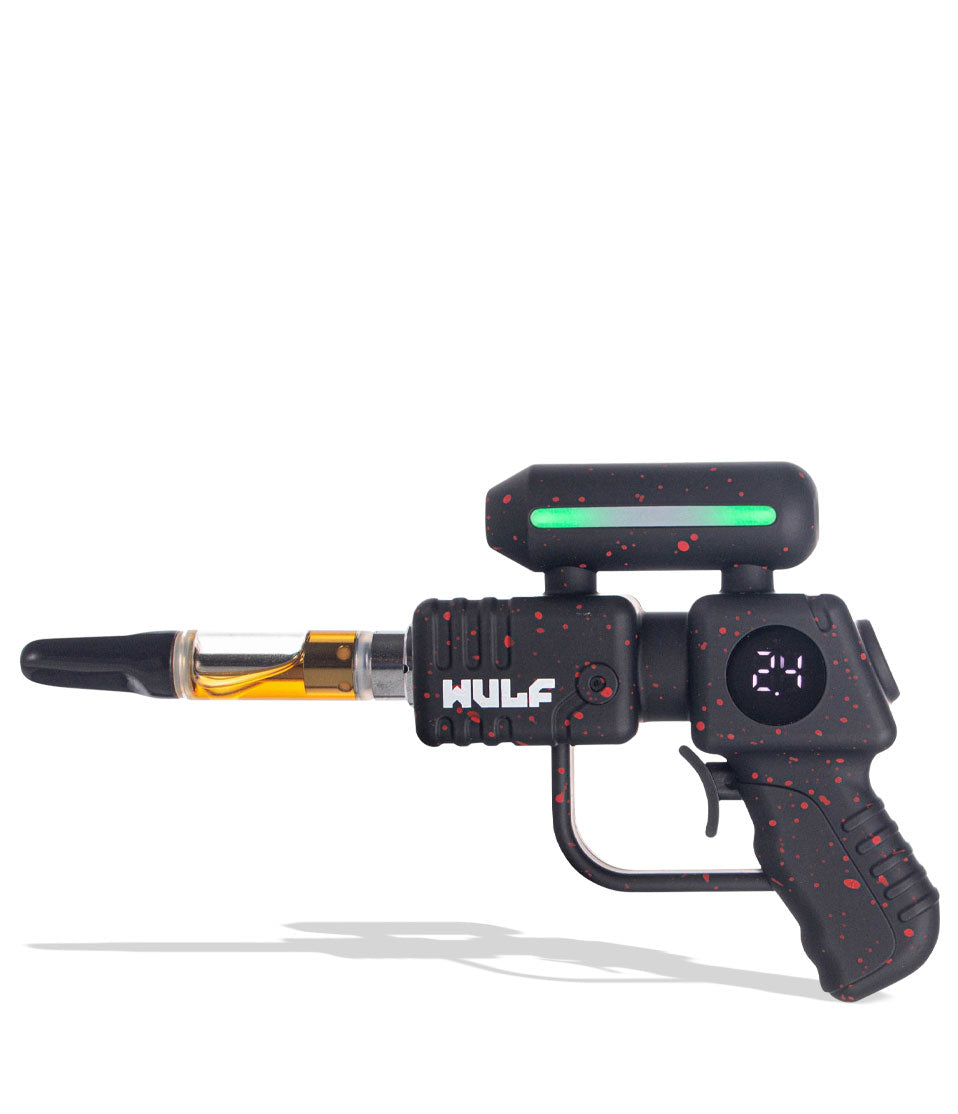
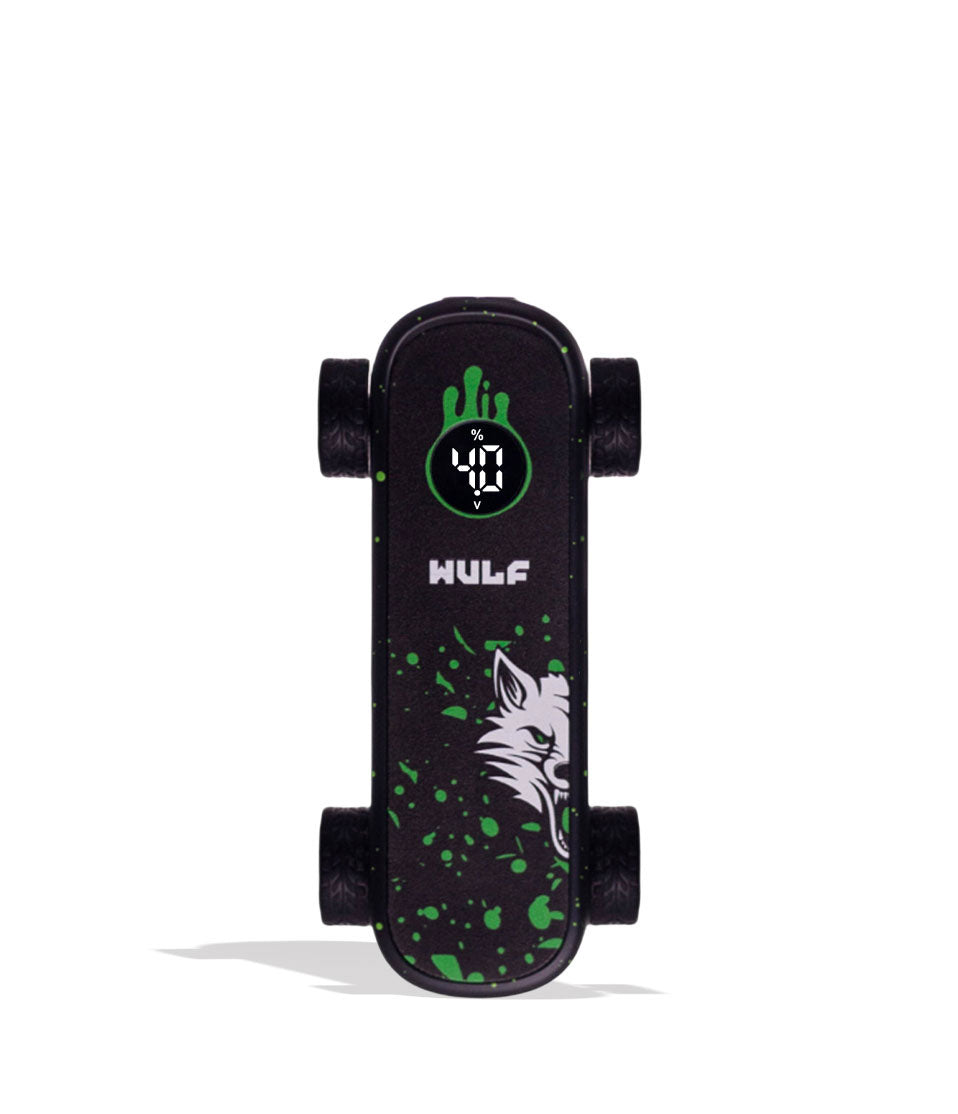
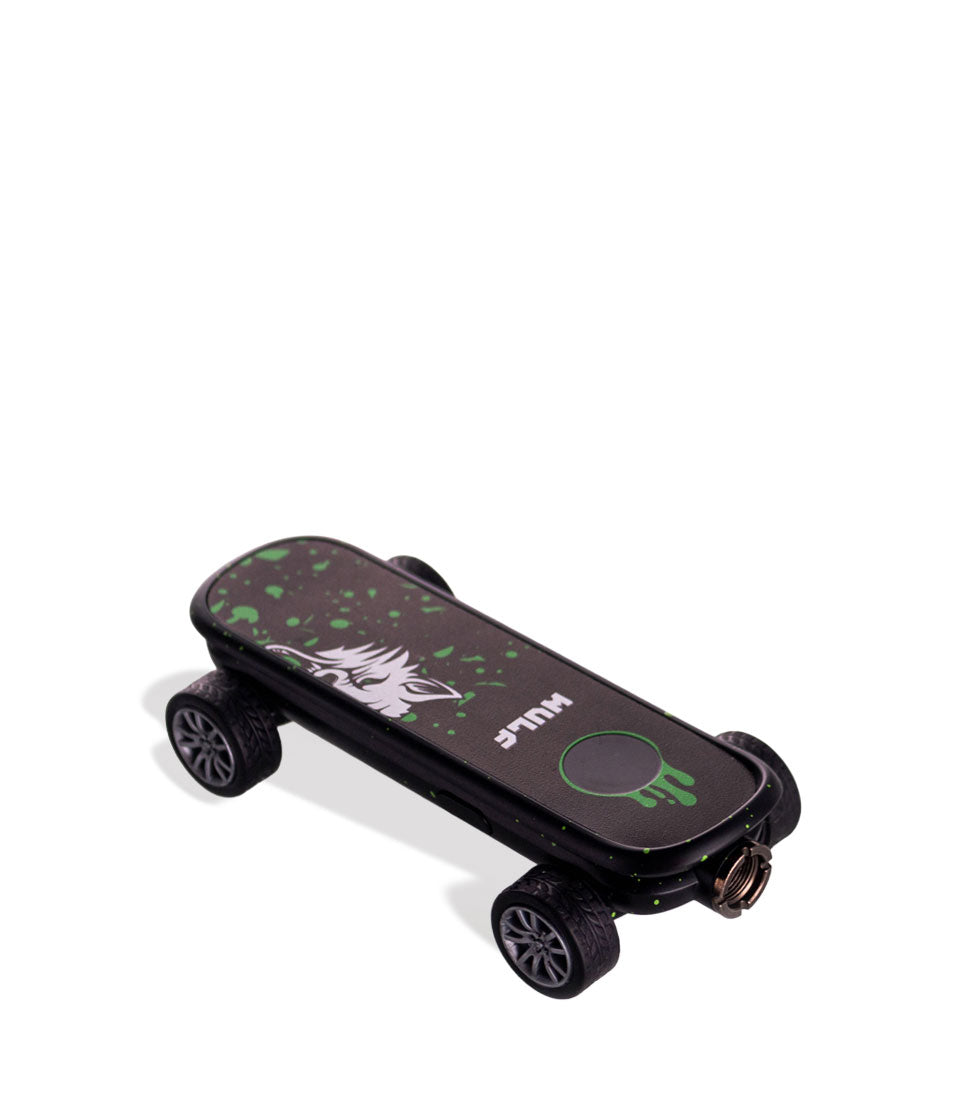
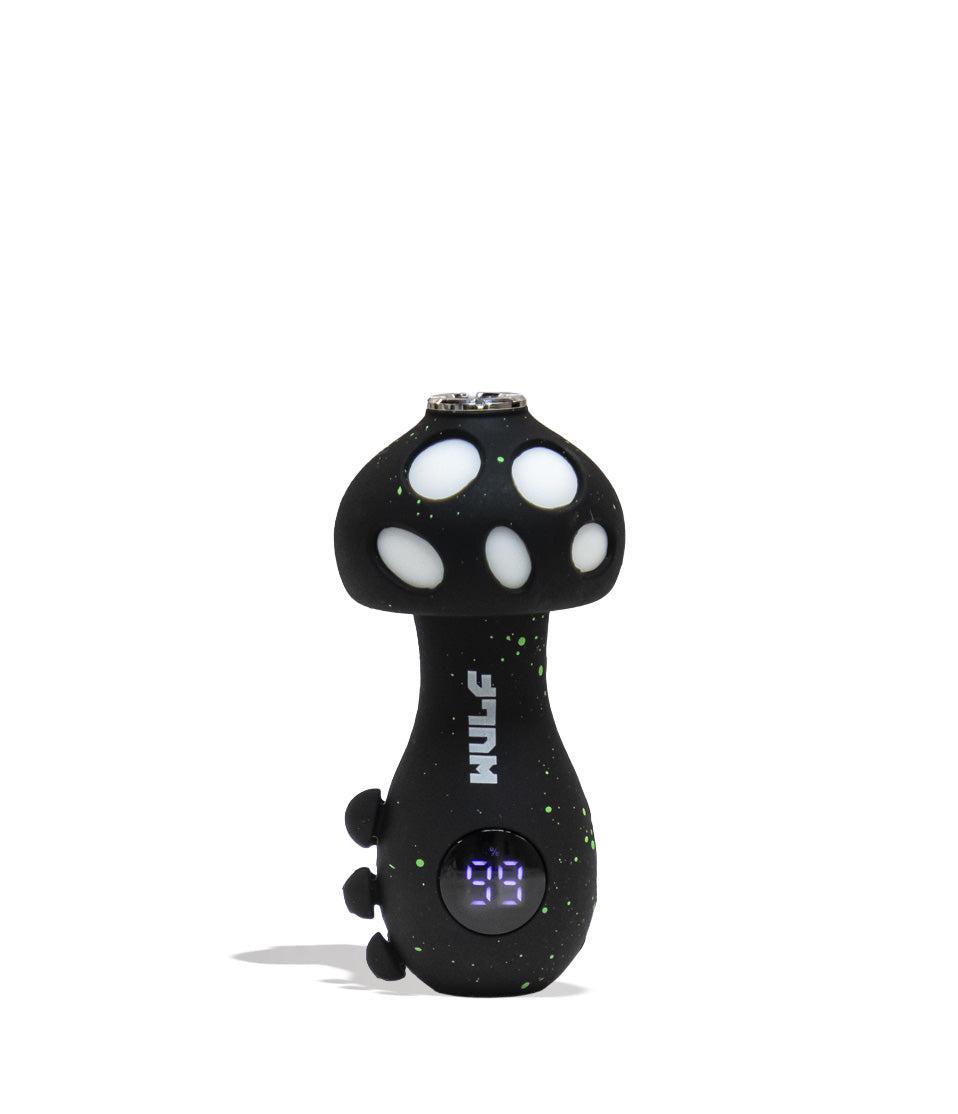
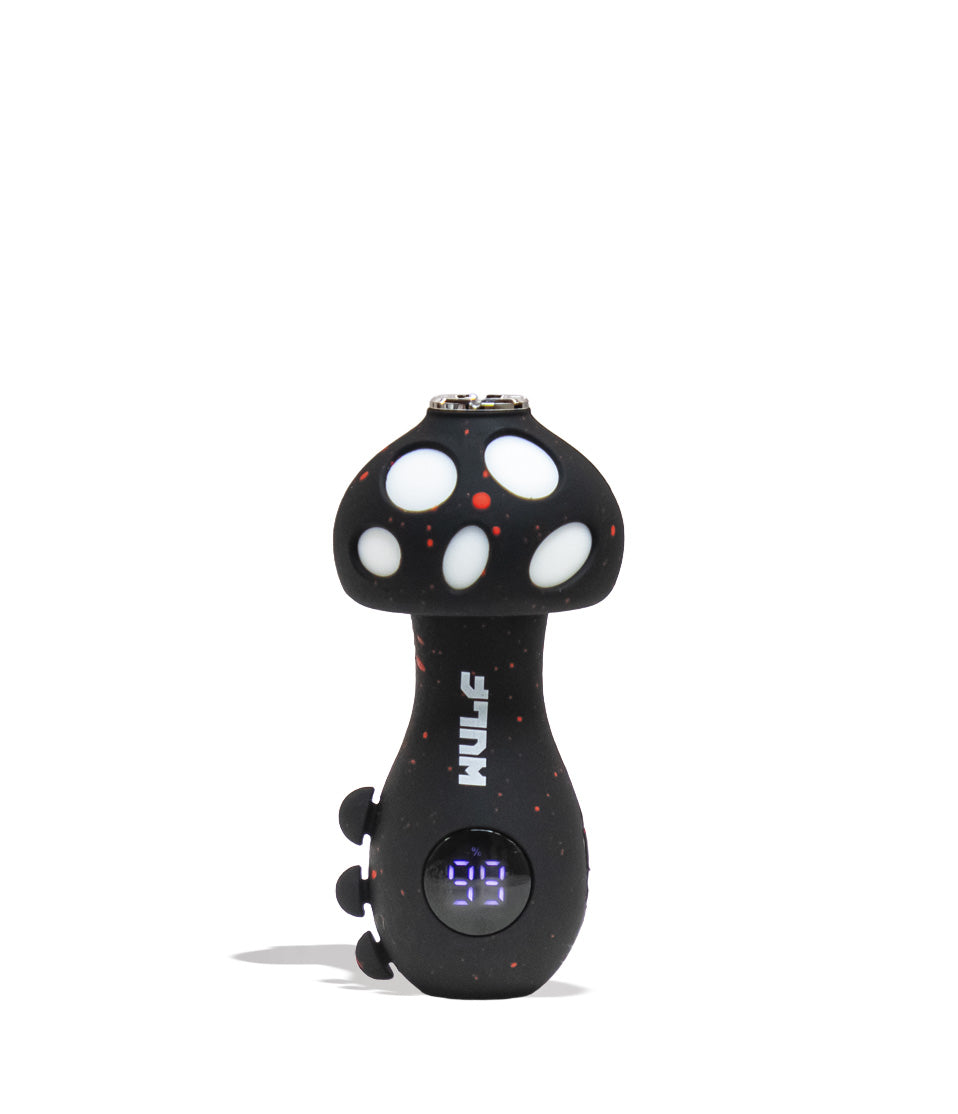
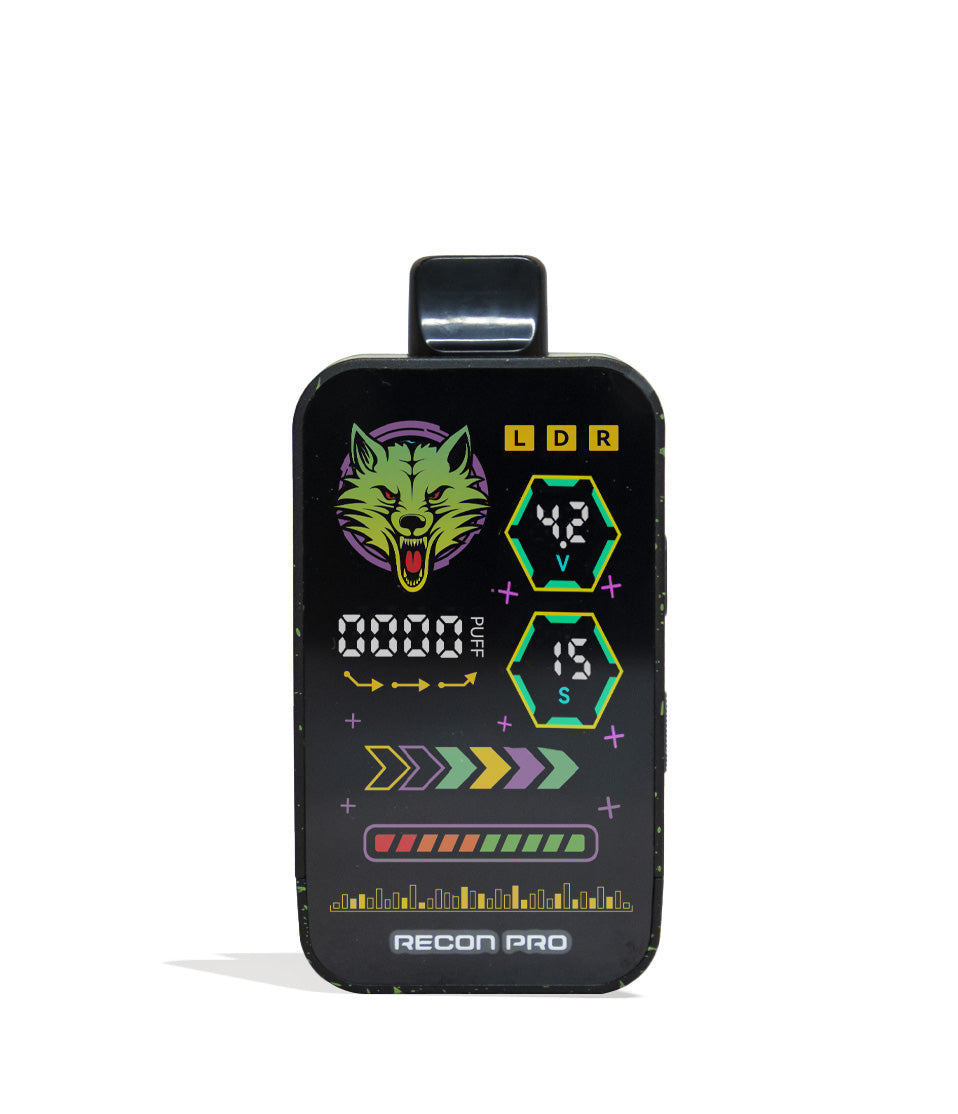
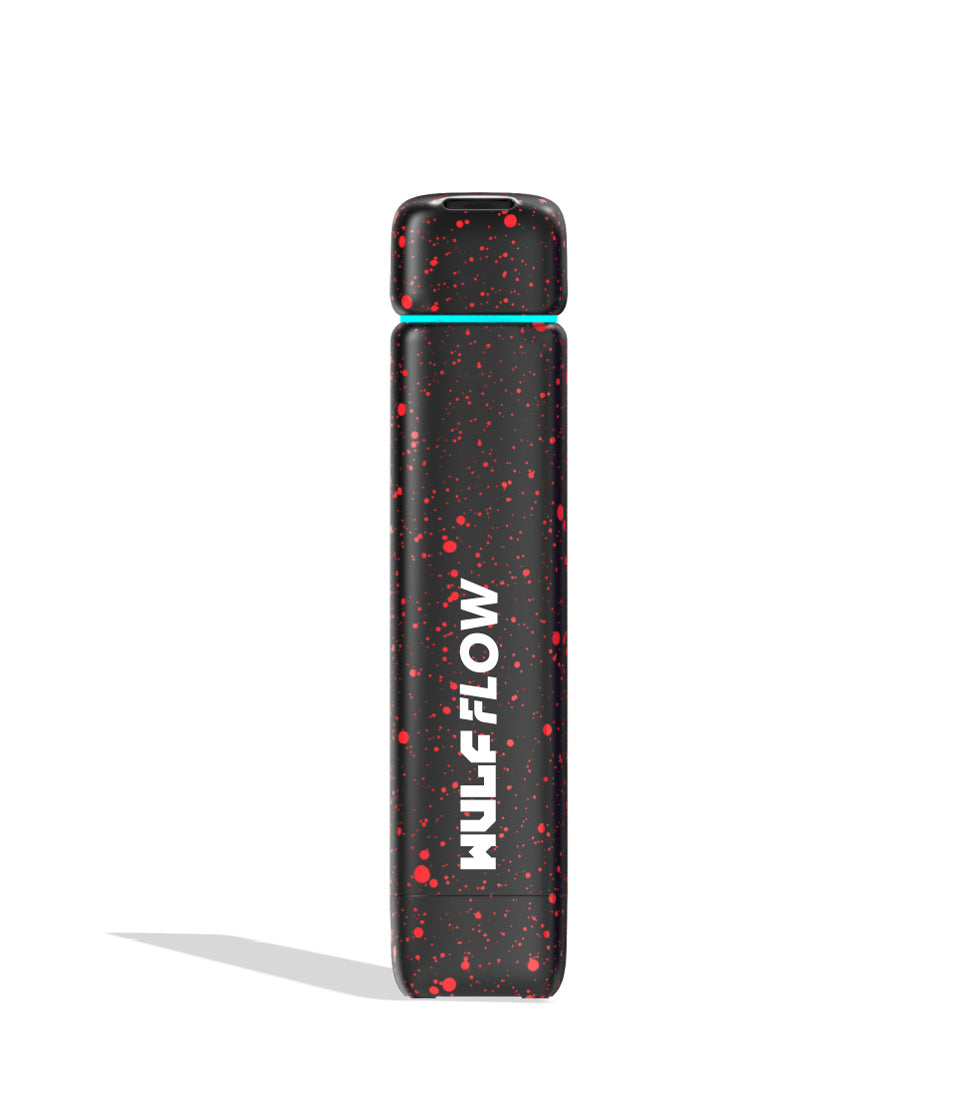
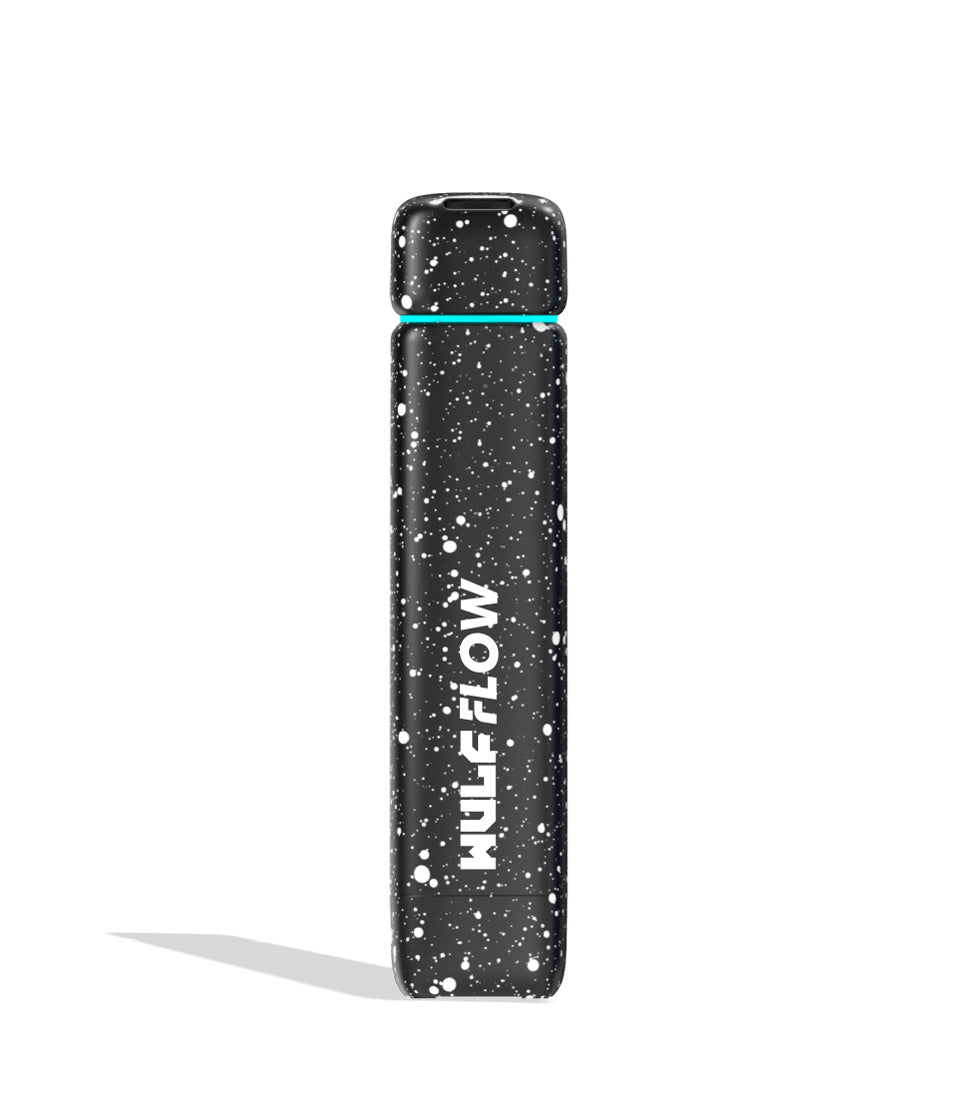
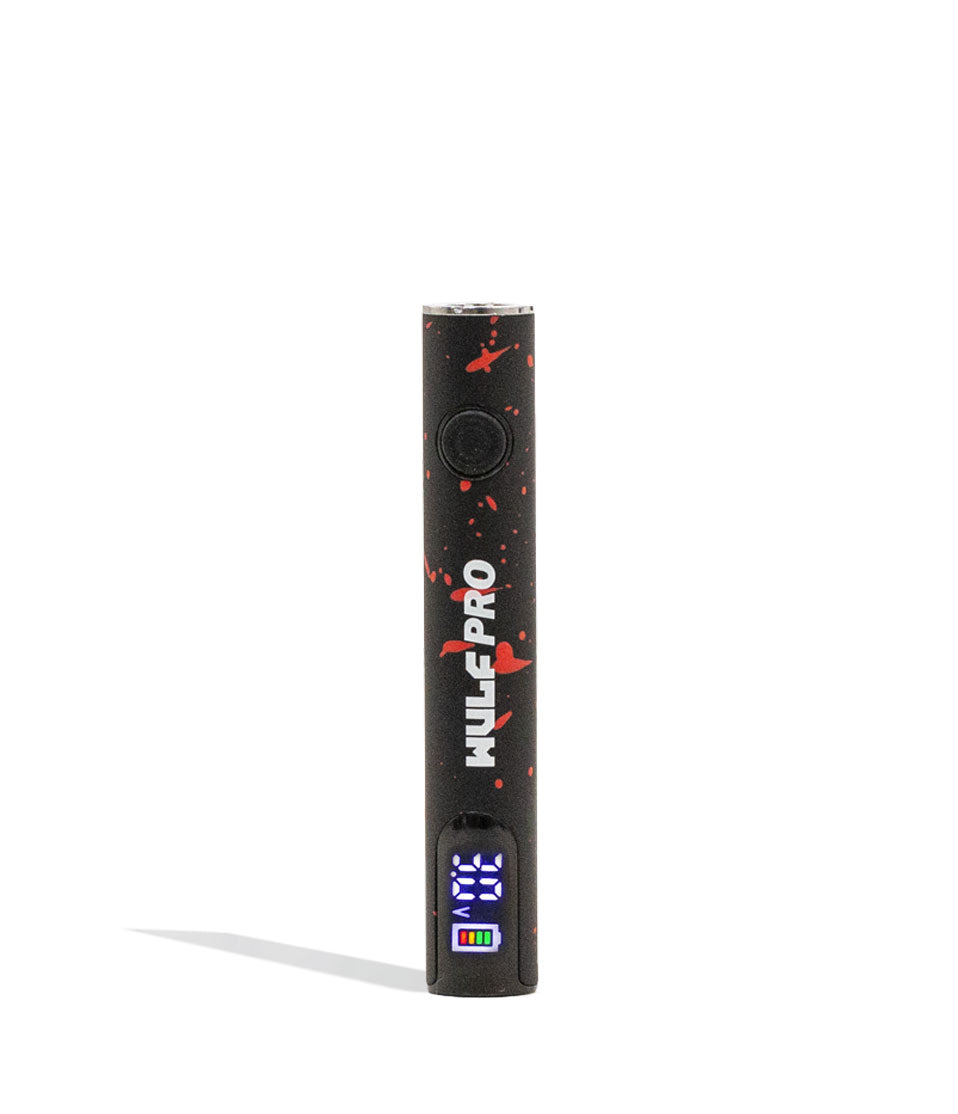
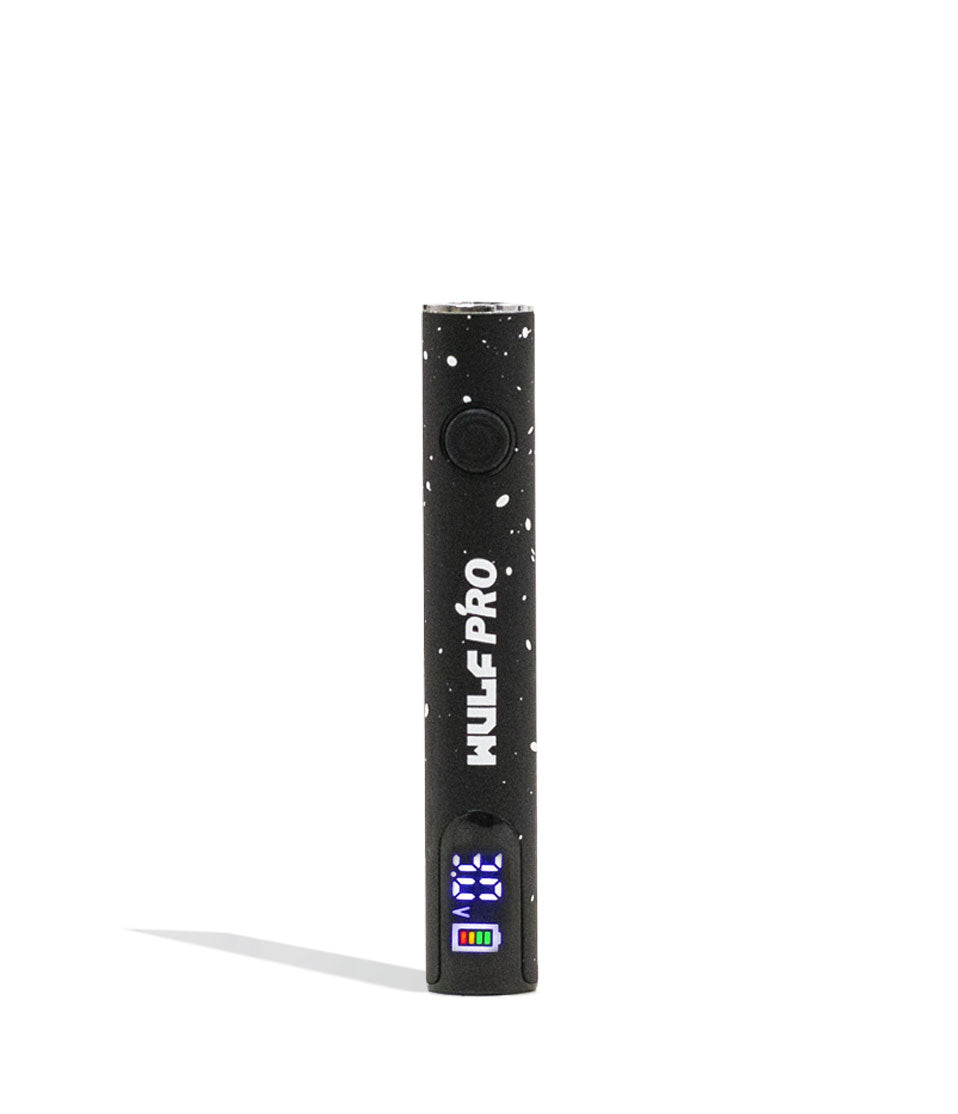
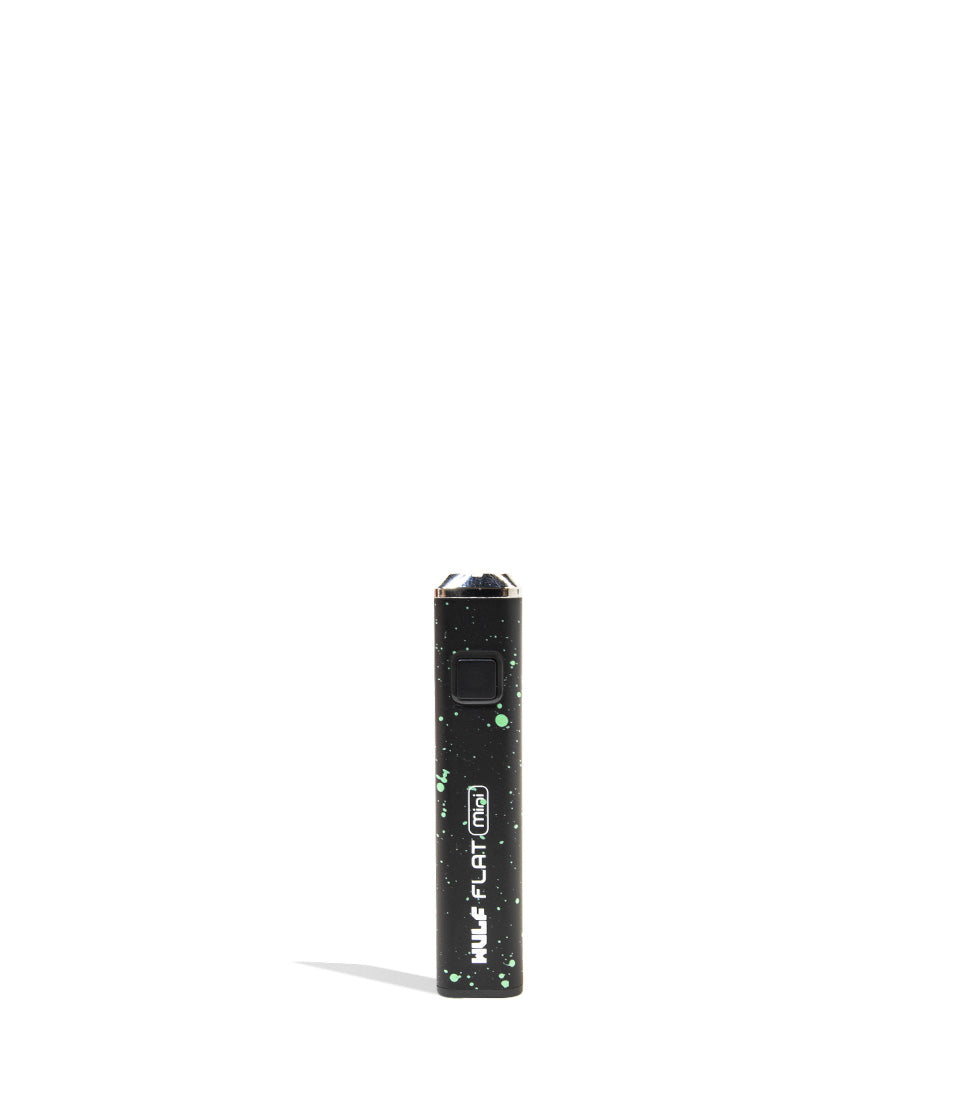
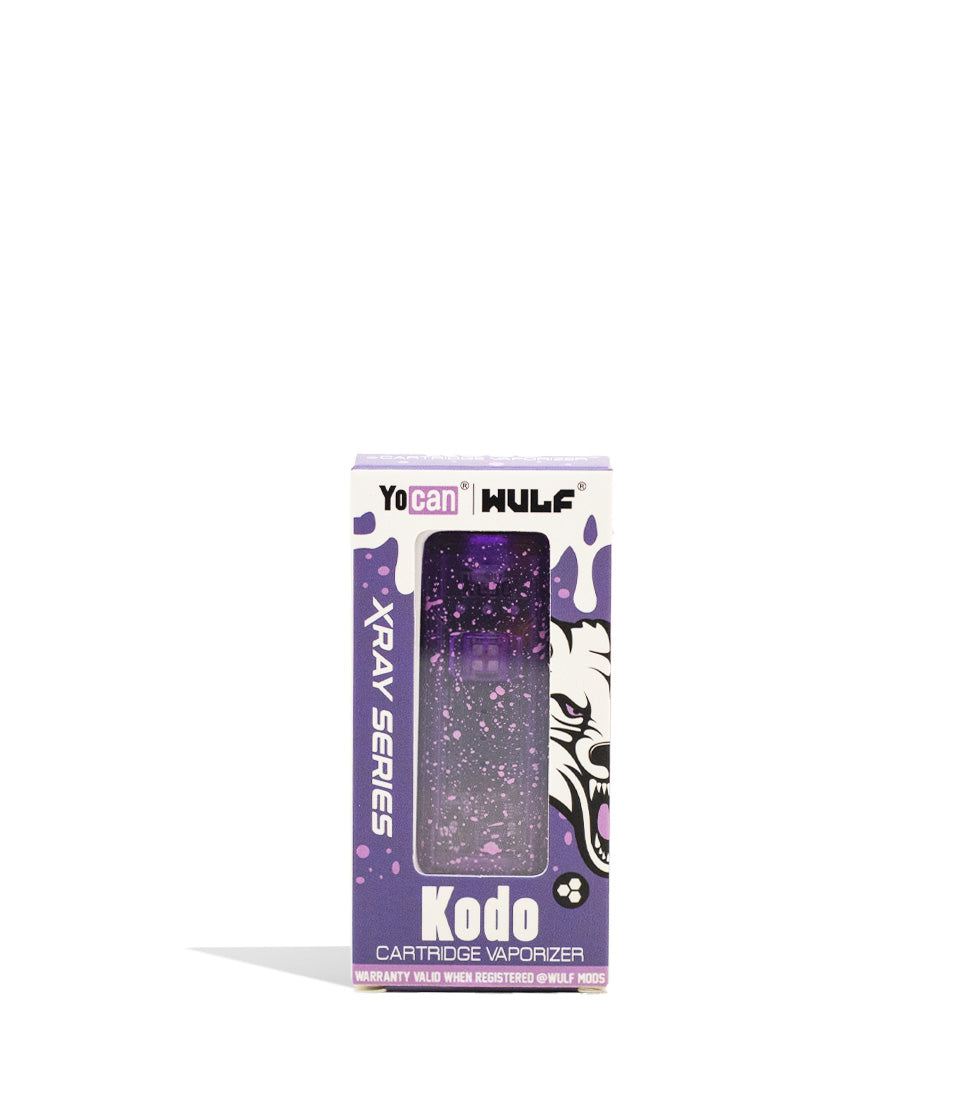
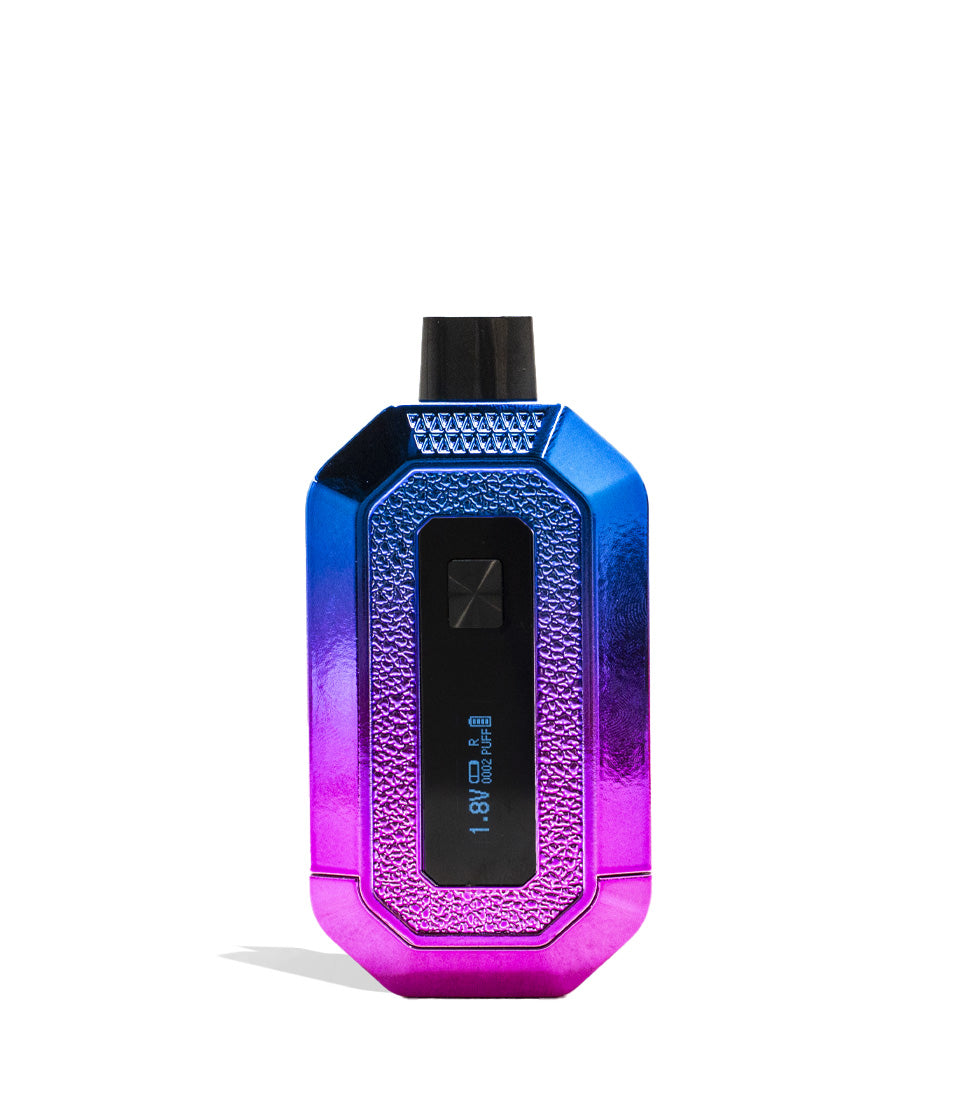
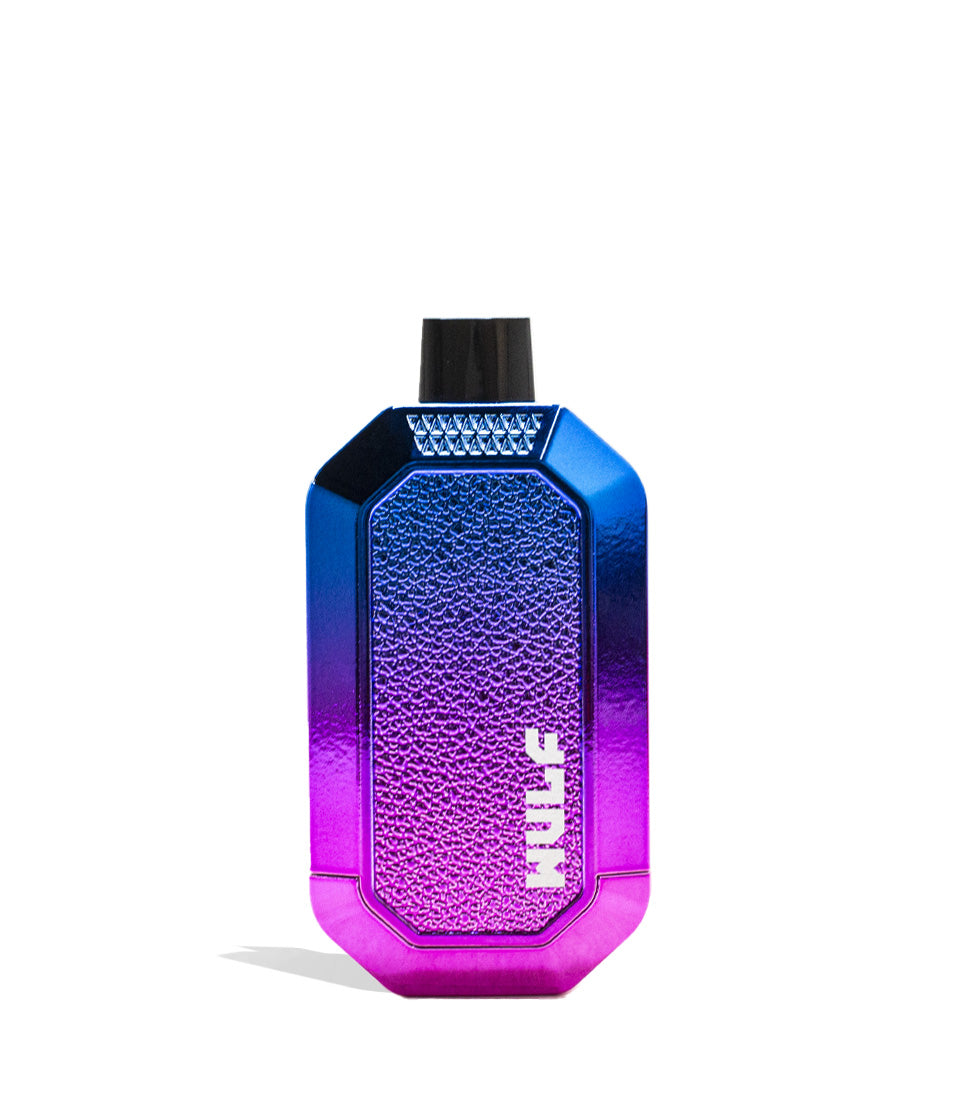
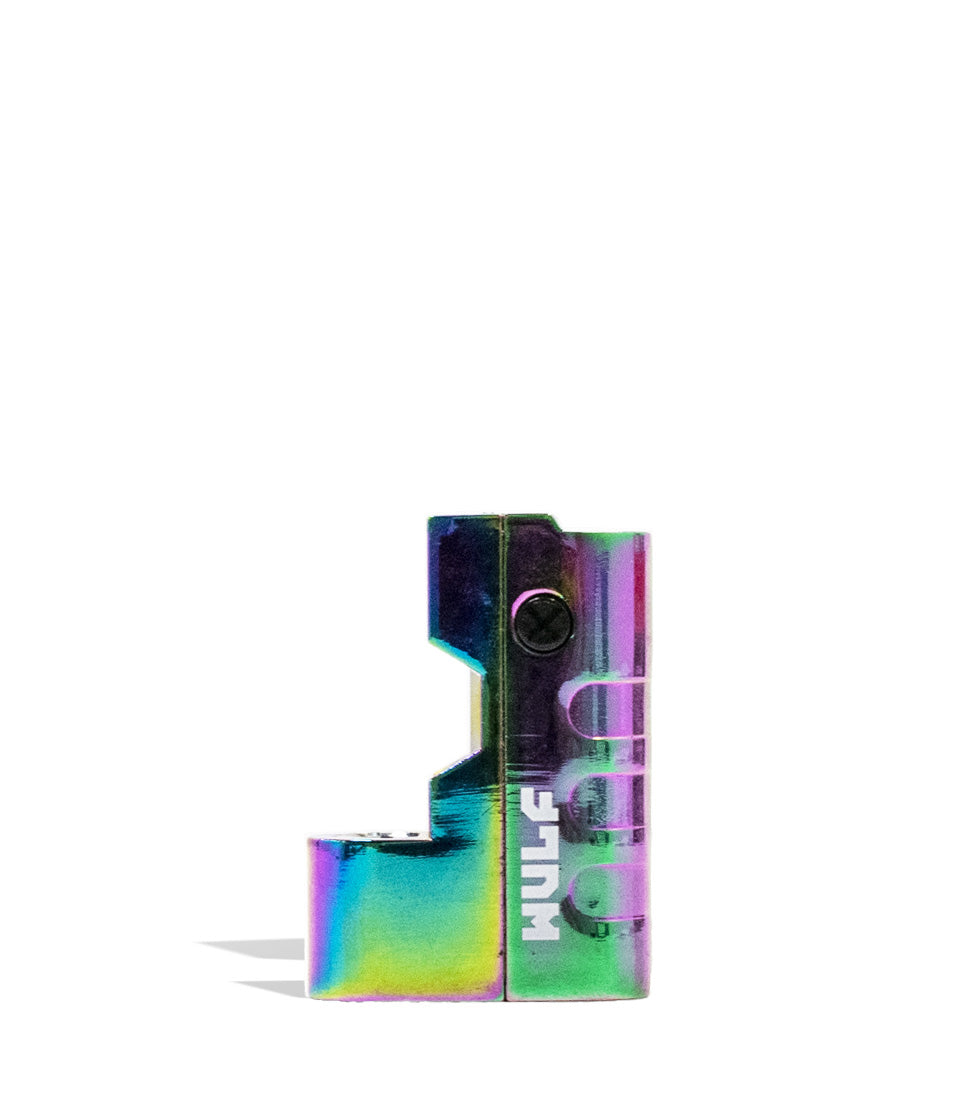
Owners Guide
Owner Playbook
The full playbook below expands on the practical steps and tips behind this guide.
Noticing flashing red or white lights on your Wulf Mods Flow Auto Flow 510 Voltage Battery and wondering what your device is trying to tell you?
Don’t trip out, y’all! These LED light flashes aren’t a sign that your battery is broken, they are built in troubleshooting safety warnings specifically engineered by Wulf to safeguard you, your Flow battery, and your favorite oil cartridges!
In order to help you enjoy the smoothest, most ferocious clouds whether you’re using classic Auto Draw Mode or the flip-nozzle Auto Flow Mode, the Wulf Pack created this exclusive troubleshooting guide to break down exactly what each flash sequence means and how to fix it in seconds.
By the end of this walkthrough, you’ll know how to decode every Wulf Flow LED warning like a seasoned pro, getting you right back to ripping silky, uninterrupted clouds with zero downtime. Let’s get into it! Arooo!!!
Table of Contents:
Wulf Flow Troubleshooting Quick Guide
1. Over Time Warning (10-Second Inhale Cutoff – 4 Red Flashes)
2. Short Circuit Warning (Electrical Short – 3 Red Flashes)
3. No Cart Warning (Cartridge Not Detected – 3 White Flashes)
4. Overload Warning (Electrical Overload – 5 White Flashes)
Trouble Free Wulf Flow Vaping
Wulf Flow Troubleshooting Quick Guide
In a rush and need fast answers? Take a look below at our quick reference table detailing all built-in troubleshooting warnings on the Wulf Flow and how to fix them immediately:
| # | WARNING / ALERT | WHAT IT MEANS | HOW TO FIX |
|---|---|---|---|
| 1 | Over Time Warning | Red light flashes 4 times (4x); draw or vapor flow exceeded 10 seconds. | Device switches to standby automatically; pause a second, then inhale again or reset the flip nozzle. |
| 2 | Short Circuit Warning | Red light flashes 3 times (3x); electrical short circuit detected. | Cease use immediately; remove bottom plate and cartridge, clean contacts with an ISO swab. |
| 3 | No Cart Warning | White light flashes 3 times (3x); no 510 cartridge detected. | Check that the cartridge is securely threaded to the base plate and seated flush inside the body. |
| 4 | Overload Warning | White light flashes 5 times (5x); device has encountered an electrical overload. | Allow device to cool down; inspect cartridge resistance and replace if damaged. |
1. Over Time Warning (10-Second Inhale Cutoff – 4 Red Flashes)
Taking massive rips is part of the Wulf Pack lifestyle, but pulling on a cartridge continuously without letting the heating element breathe can overheat internal coils, scorch delicate cannabis terpenes, and melt cartridge seals on your Wulf Flow.
Over Time Warning: Your Flow will flash a red light 4x and switch to standby should you inhale from it longer than 10s at a time.
This warning triggers across both operational modes of the Flow:
- In Auto Draw Mode: If you take a continuous pull from the mouthpiece lasting longer than 10 seconds, the sensor cuts off power to protect the atomizer coil from burning dry.
- In Auto Flow Mode: When you flip the top nozzle UP, the Flow automatically generates a continuous stream of vapor for exactly 10 seconds before shutting off and flashing red 4 times.
How to Fix It:
The device handles this automatically by dropping into standby mode. If you are using Auto Draw, simply stop inhaling, wait a couple of seconds for the coil to cool, and take your next draw. If you are using Auto Flow mode, gently flip the mouthpiece back down and flip it up once more to kick off a fresh 10-second stream of vapor.
At the end of the day this will help keep your battery in tip top shape, all while being easily fixed by simply waiting a moment and then resuming your Wulf Flow vaping without issue.
2. Short Circuit Warning (Electrical Short – 3 Red Flashes)
A short circuit is a serious electrical warning on your Wulf Flow that can occur when power cannot flow cleanly between the battery’s firing pin and the cartridge’s atomizer coil.
Short Circuit Warning: Your Flow will flash a red light 3x to let you know it is experiencing a short circuit, cease to use your device until this warning stops.
Because the Flow features a concealed cartridge chamber where the cartridge threads into a removable bottom base plate, condensed oil from leaky cartridges can pool around the contact pin. If sticky concentrate bridges the positive center pin and the outer negative threads, the battery’s microchip immediately triggers the 3-flash red warning to prevent damage to the internal 500mAh cell.
How to Fix It:
- Power off the Flow completely by clicking the bottom power button 5 times rapidly (5x).
- Remove the bottom base plate and unscrew your 510 cartridge.
- Dampen a cotton swab lightly with isopropyl alcohol (make sure it isn’t dripping wet).
- Thoroughly scrub the 510 threads on the base plate, the center gold contact pin, and the bottom connector of your cartridge.
- Allow all parts to air-dry completely for 5 to 10 minutes so all alcohol evaporates.
- Reassemble and test. If the 3 red flashes persist, test a different 510 cartridge, the internal wire on your original cart may be damaged or crossed.
If you notice the big three flashing red lights, then always immediately stop using your Wulf Flow and give everything an optical pat down to see what the issue is. Afterwards break out the isopropyl alcohol and give everything a clean. If issues persist, please contact Wulf Support.
3. No Cart Warning (Cartridge Not Detected – 3 White Flashes)
When you attempt to take a draw or flip open the Auto Flow nozzle and nothing happens except a series of white flashes, your Flow is unable to detect an electrical connection.
No Cart Warning: Your Flow will flash a white light 3 times if no cartridge is detected.
This warning indicates an open circuit, meaning the battery cannot register that a cartridge is attached. In a concealed device like the Wulf Flow, this typically comes down to physical seating:
- Cartridge Not Threaded Snugly: If the cartridge was only partially screwed into the bottom base plate, the base pin never makes contact.
- Base Plate Not Fully Inserted: If the removable bottom base plate isn’t pushed all the way flush into the aluminum chassis, the internal connection remains open.
- Recessed Center Pin: If a previous cartridge was overtightened with brute force, the contact pin on the base plate may be depressed too far down to touch your current cart.
How to Fix It:
Slide out the bottom base plate, inspect the cartridge, and ensure it is threaded clockwise until finger-tight. Check that the base plate slides completely into the Flow’s body until it clicks firmly into position.
If issues continue with your Wulf Flow, try out a different cartridge to see if that is the issue. Sometimes cartridges can get clogged or worn out overtime, resulting in them dying before you finish all your oil. While a bummer, to continue your vaping you’ll have to get a new cartridge.
4. Overload Warning (Electrical Overload – 5 White Flashes)
The Wulf Mods Flow is designed to operate within a specific electrical resistance and current range to match standard oil cartridges across its 5 variable voltage levels (1.8V to 3.8V).
Overload Warning: Your Flow will flash a white light 5x to indicate an overload warning.
An overload warning occurs when the battery detects excessive resistance or an unsafe power draw from the attached atomizer. This can happen if an incompatible sub-ohm cartridge is attached, if the internal coil has suffered severe heat damage, or if the device has been pushed through rapid back-to-back pre-heat and Auto Flow cycles without cooling down.
How to Fix It:
- Allow the device to rest for 5 minutes in a cool, ventilated area to disperse built-up heat.
- Power off the Flow (5 clicks) and remove the cartridge.
- Inspect the cartridge for burnt wicks or cracked ceramic elements.
- Screw in a fresh, standard-resistance 510 cartridge and power the unit back on.
- If the 5 white flashes clear, the original cartridge was drawing unsafe amperage and should be retired.
As with short circuiting, make sure to take care of the over load warning immediately in order to prevent any damage. Follow our steps and in short order you’ll have your Wulf Flow back in working order.
Trouble Free Wulf Flow Vaping
Now that you know how to decode every LED flash on your Wulf Mods Flow Auto Flow 510 Voltage Battery, you can tackle any hiccup with complete confidence. Understanding the difference between red warnings (Over Time and Short Circuit) and white warnings (No Cart and Overload) ensures your 500mAh battery stays protected while delivering top-tier clouds.
Keep your bottom base plate clean, respect the 10-second cutoff, and dial in your favorite voltage setting to enjoy pure, effortless vapor on every adventure.
Have any more questions for the Wulf Pack? Make sure to check out the Wulf Resource Center for more helpful tips, troubleshooting walkthroughs, and product breakdowns detailing all our latest releases. Thanks for choosing Wulf for your sessions, and welcome to the Wulf Pack! Stay howling out there, y’all! Arooo!!!
Frequently Asked Questions
Owners Guide FAQs
Common questions related to this guide and how to apply the information when choosing your device.
Why Is My Wulf Flow Flashing Red 4 Times And Cutting Off My Vapor?
How Do I Clear The 3 Red Flashes Short Circuit Warning On My Flow?
Why Does My Wulf Flow Flash White 3 Times Even When A Cartridge Is Inside?
What Should I Do If My Flow Flashes White 5 Times For An Overload Alert?
Can Overtightening A Cartridge Cause The Flow To Stop Firing?
Wulf Mods Trust Center
About This Resource
Understand how this guide was researched, reviewed, and maintained by the Wulf Mods editorial team.
Editorial Standards
- Written for the people choosing and using these devices.
- Reviewed for clarity, accuracy, and practical retail value.
- Based on current manufacturer specifications and product documentation when available.
- Updated as products, regulations, category trends, or market conditions evolve.
- Built on deep, hands-on product experience.
- Designed to help you choose the right device with confidence.
Research Methodology
This owner guide was prepared to help you set up, use, and care for your device with confidence. Guidance is based on hands-on product experience, common questions, and real-world use.
- Hands-on product experience
- Setup and first-use guidance
- Cleaning, care, and maintenance
- Common questions and troubleshooting
- Safe and responsible use
- Real-world use considerations
- Editorial review for clarity and usefulness
Supporting Sources
Sources used to support this resource are included for transparency and documentation.
Article Information
Intended Audience
- Everyday customers
- First-time buyers
- Experienced enthusiasts
- Dry herb users
- Concentrate users
- Anyone upgrading their setup
Editorial Policy
Wulf Mods educational resources are reviewed periodically to maintain accuracy and relevance. When product specifications, regulations, category trends, or market conditions change, articles may be updated with a new review date. Trusted product guidance.
Keep Exploring
Related Resources
Keep learning with related Wulf Mods resources selected to help you get more out of your device.
Best Of List
Wulf Mods has been having a howlingly good time with our bran new Flow 510 Batteries! Come learn about some fun ways you can us...
Read Resource →
Product Launch
Go with the Flow! Wulf Mods has a brand new cartridge vaporizer on the way with the Flow Auto Flow 510 Voltage Battery! Learn e...
Read Resource →