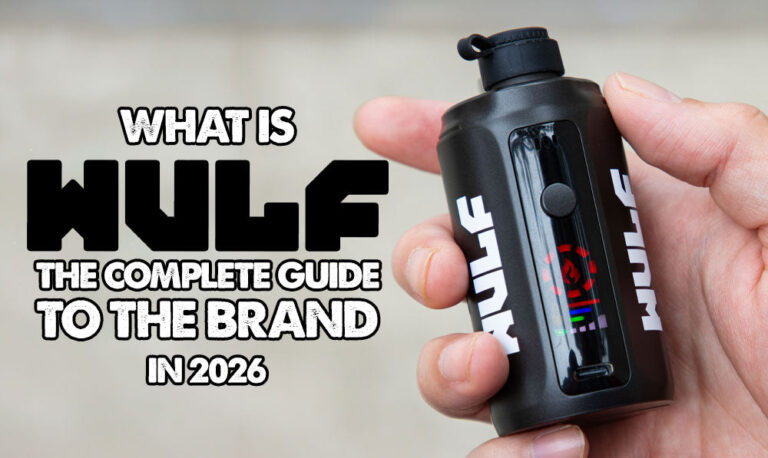

Resource Center
How To Use The Wulf Mods Pro 510 Thread Battery

Continue With This Resource
Wulf Mods Quick Brief
What You Should Know
A fast summary of the key points, questions, and guidance covered in this guide.
Overview
Key Takeaways
- The Wulf Mods Pro features an open-top 510-threaded deck that accommodates oil cartridges from 0.5g to 2g+ without width or collar restrictions.
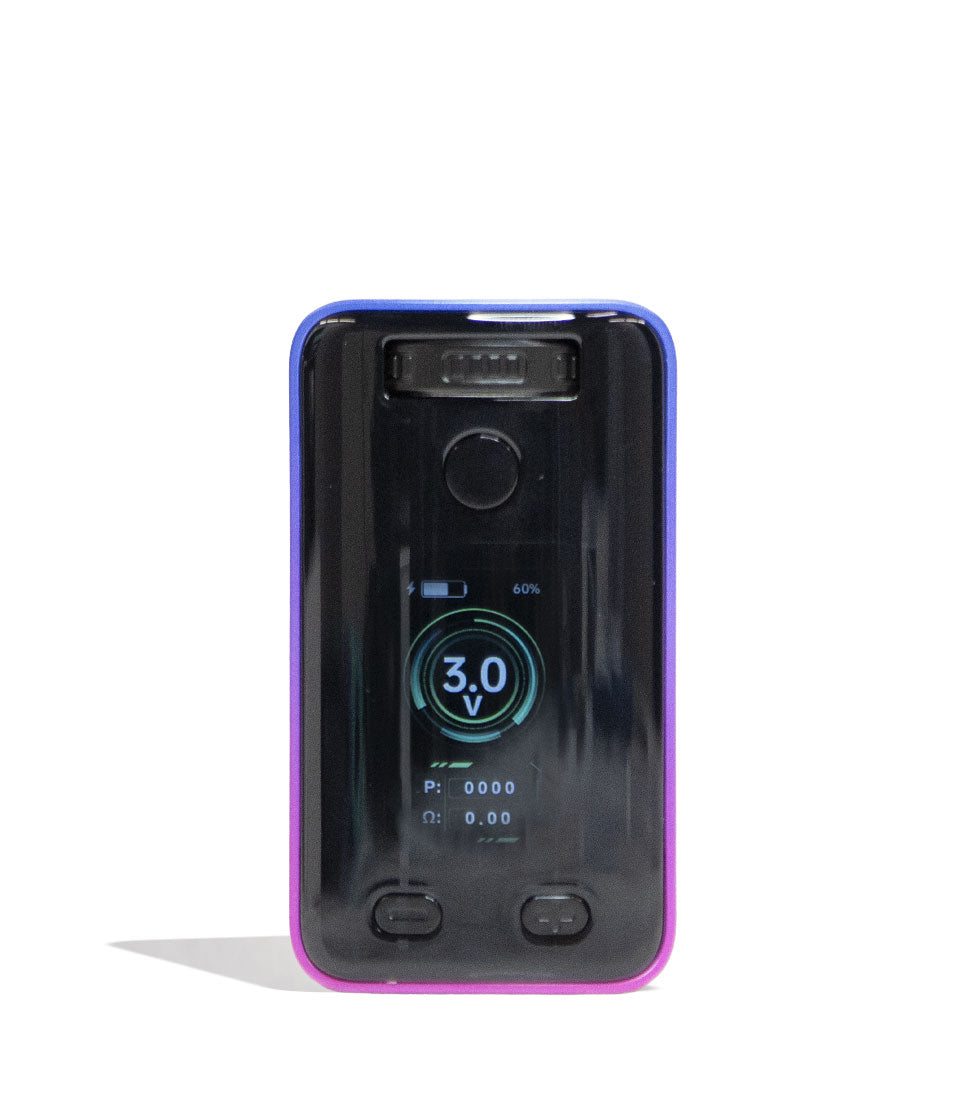
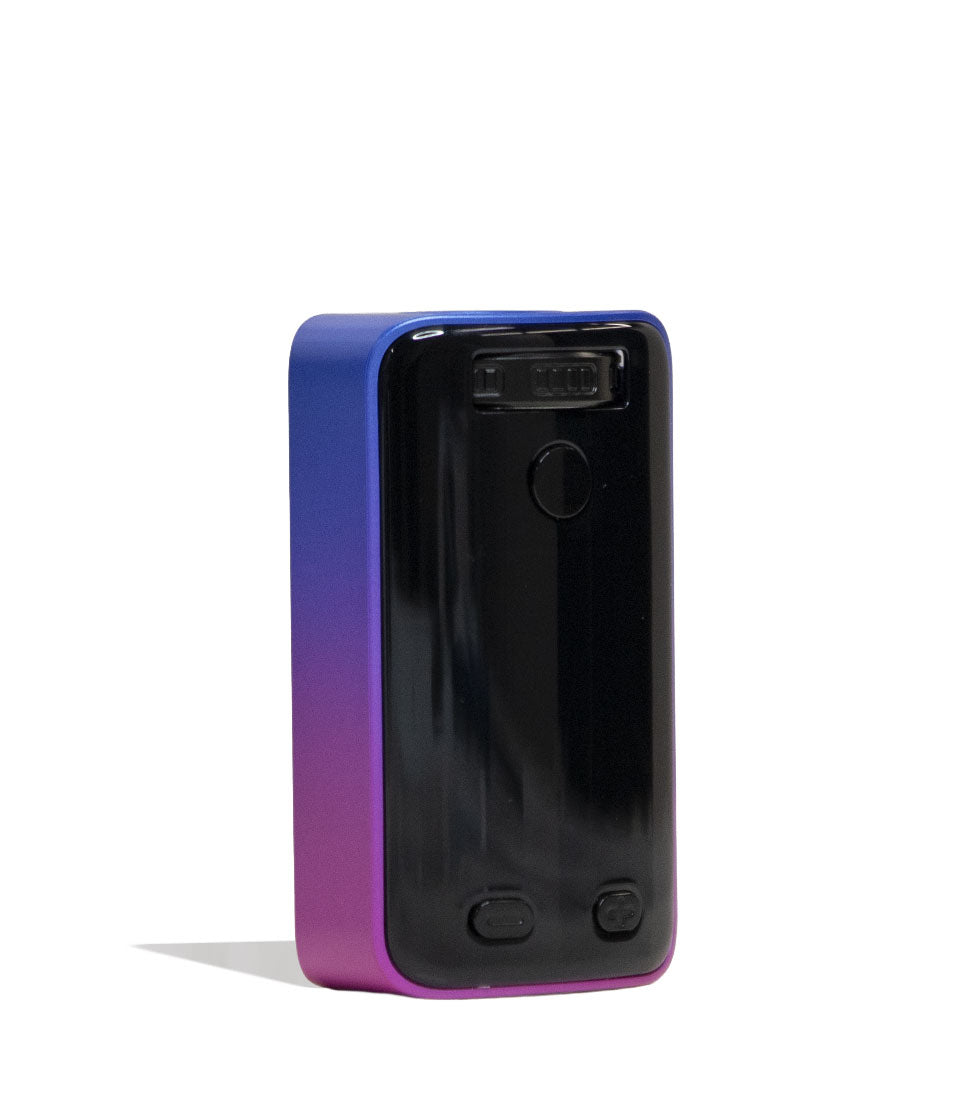
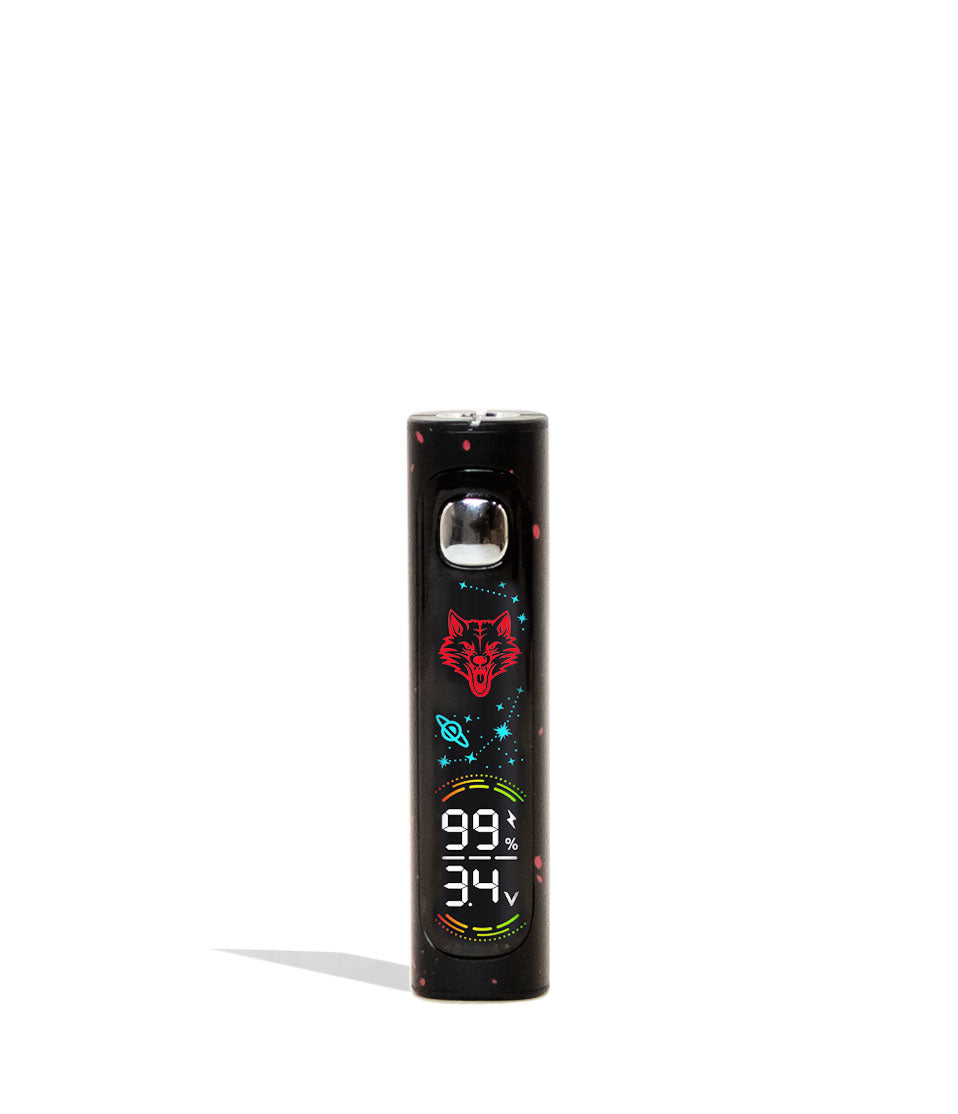
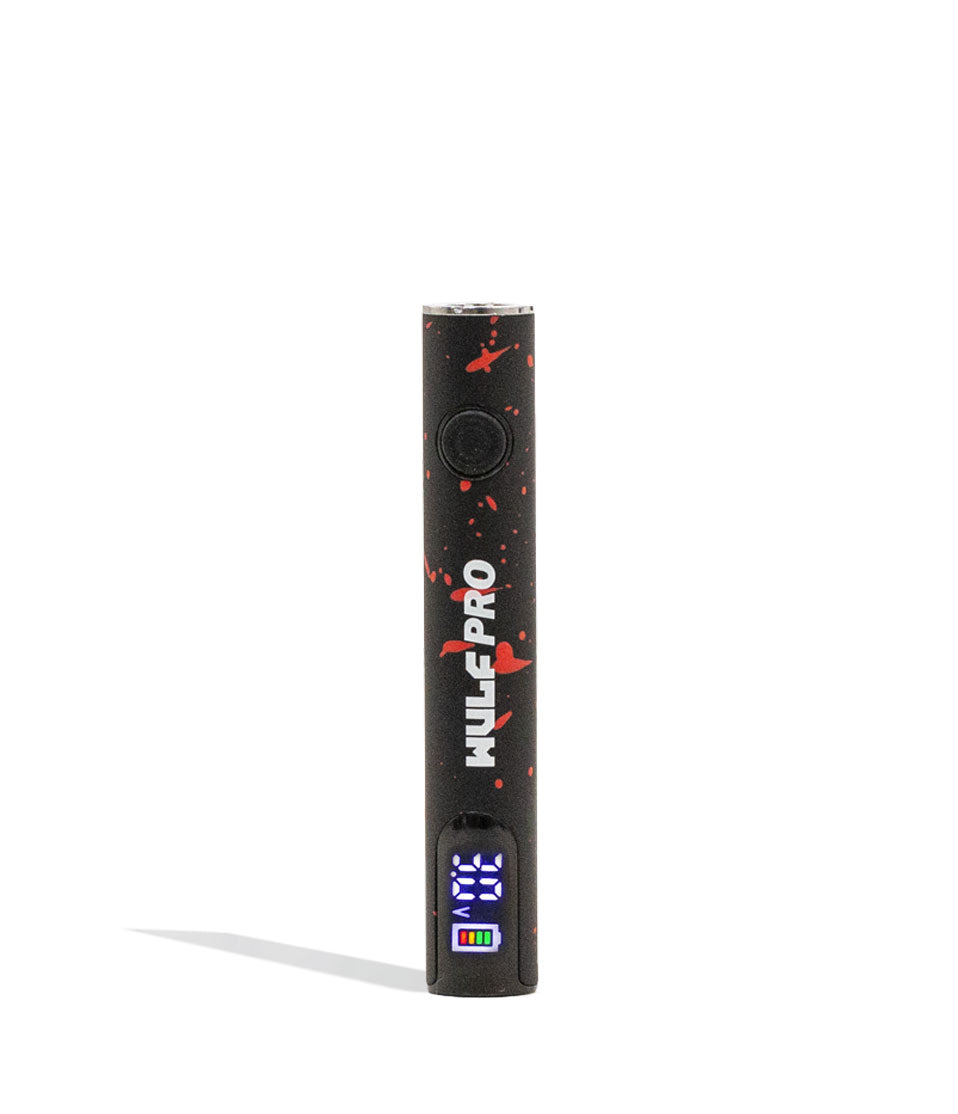
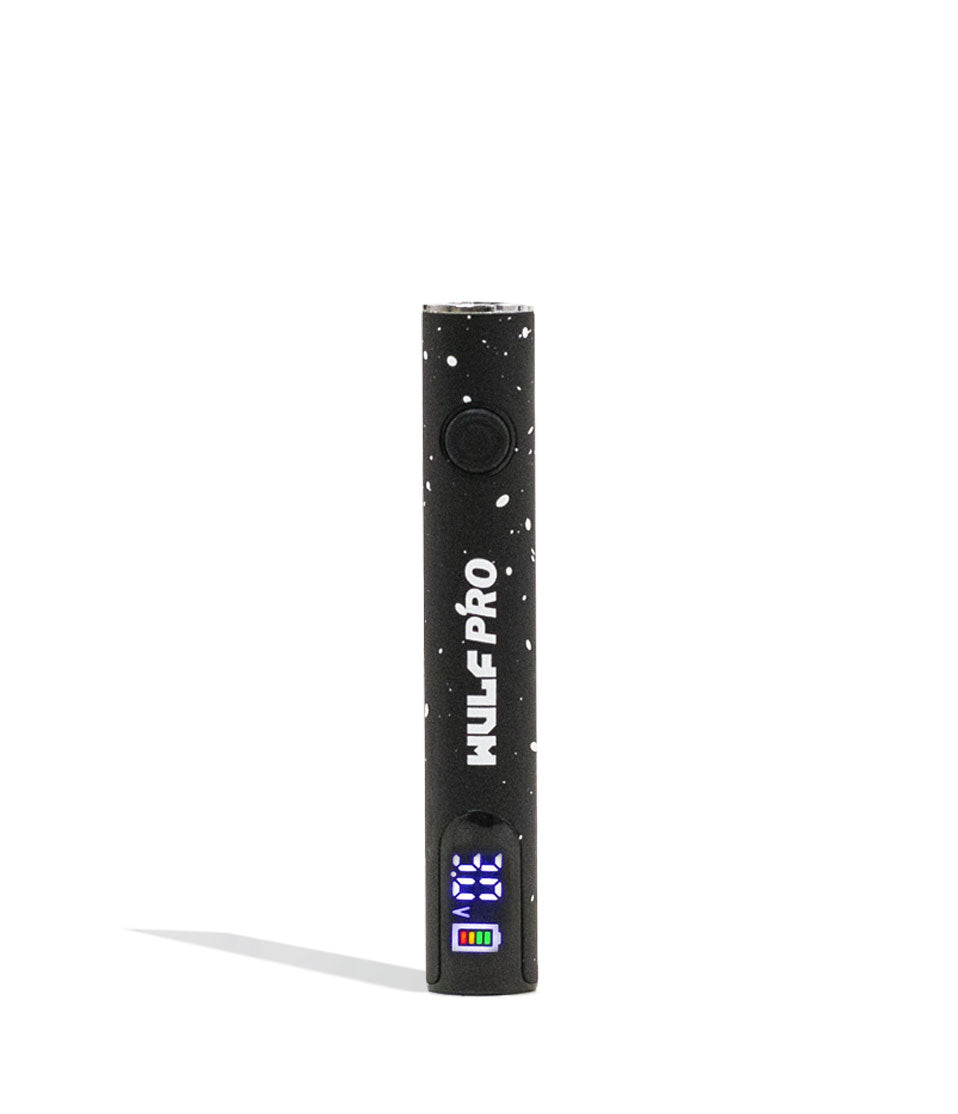
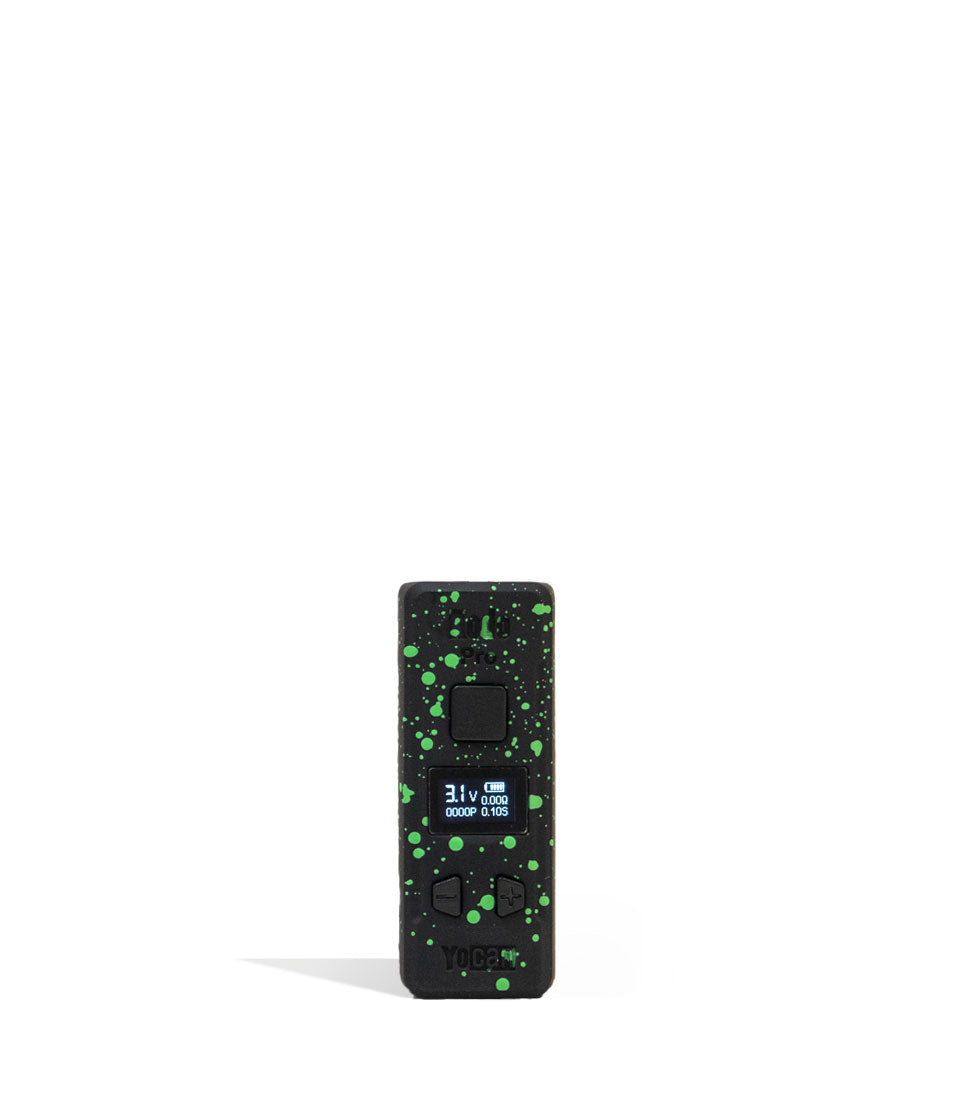
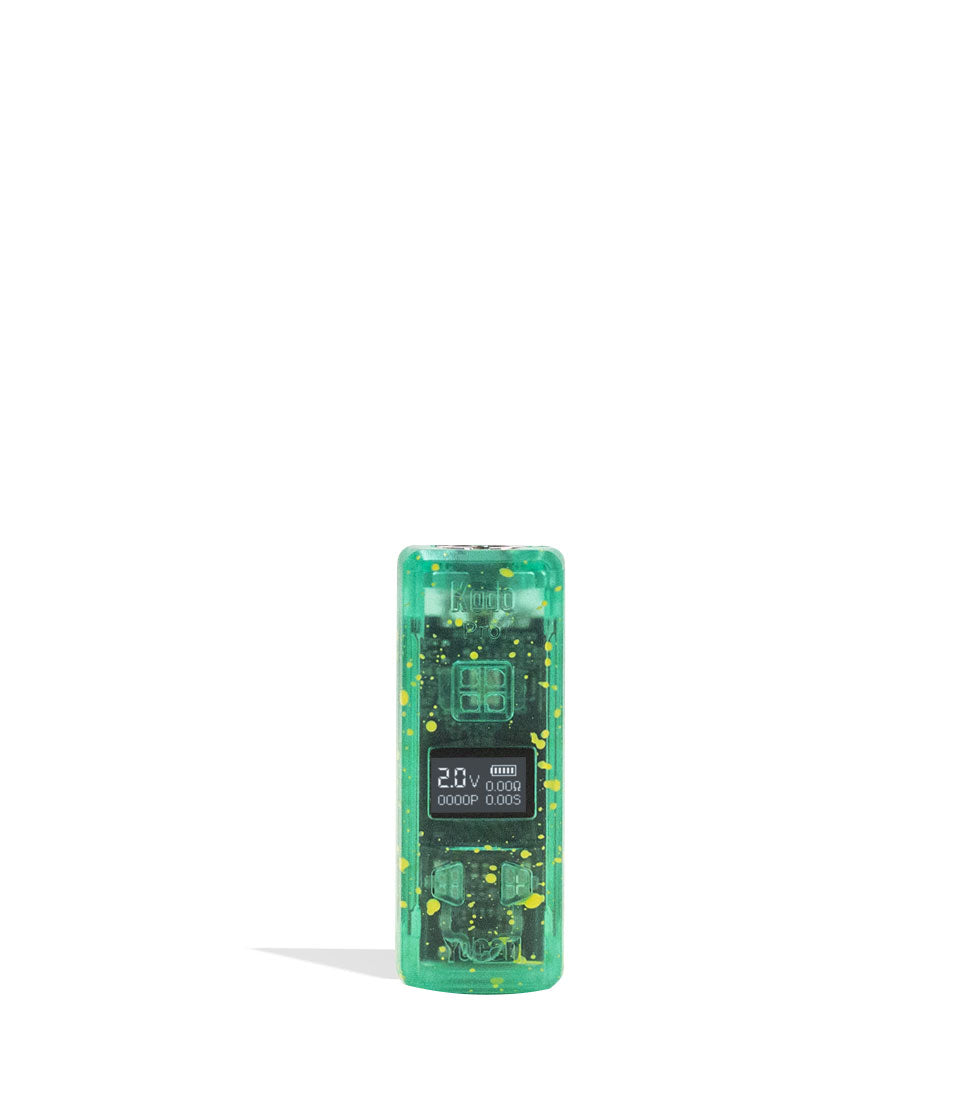
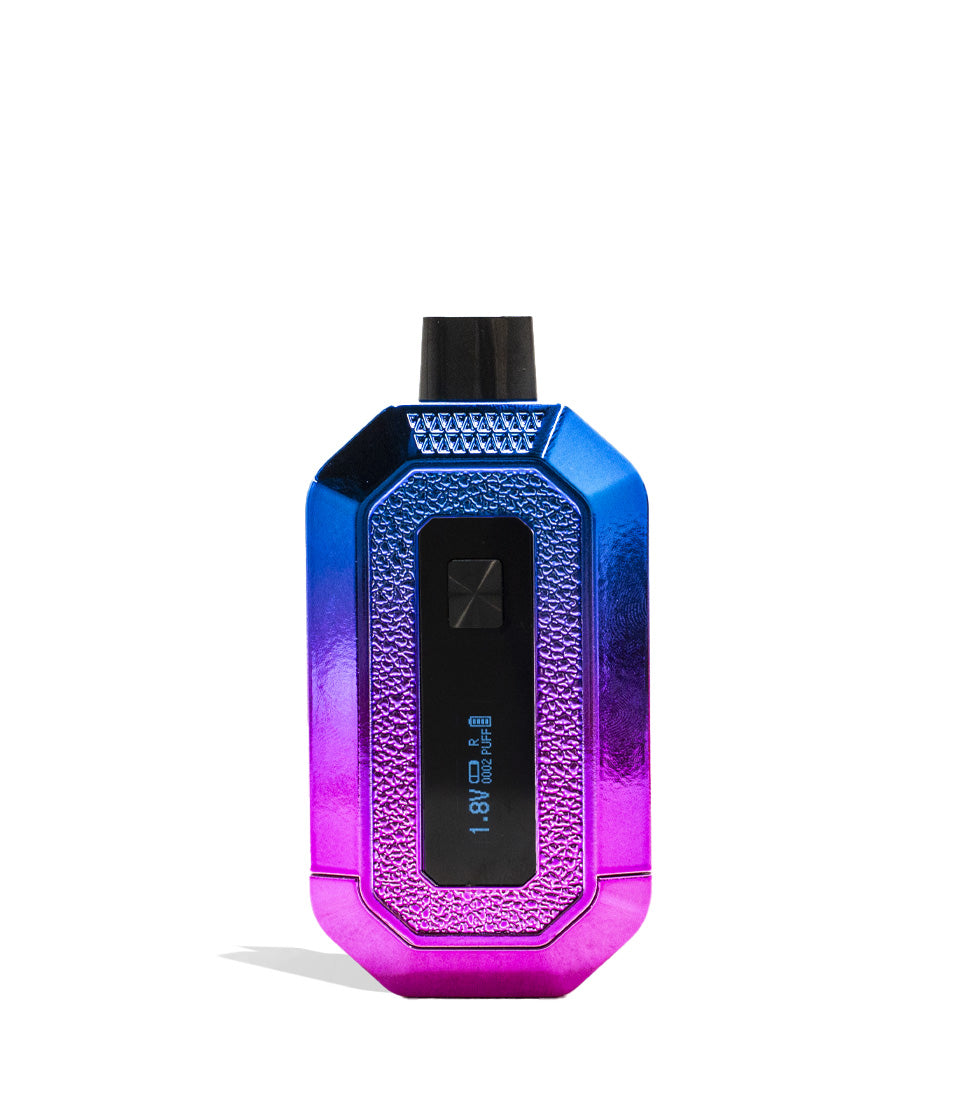
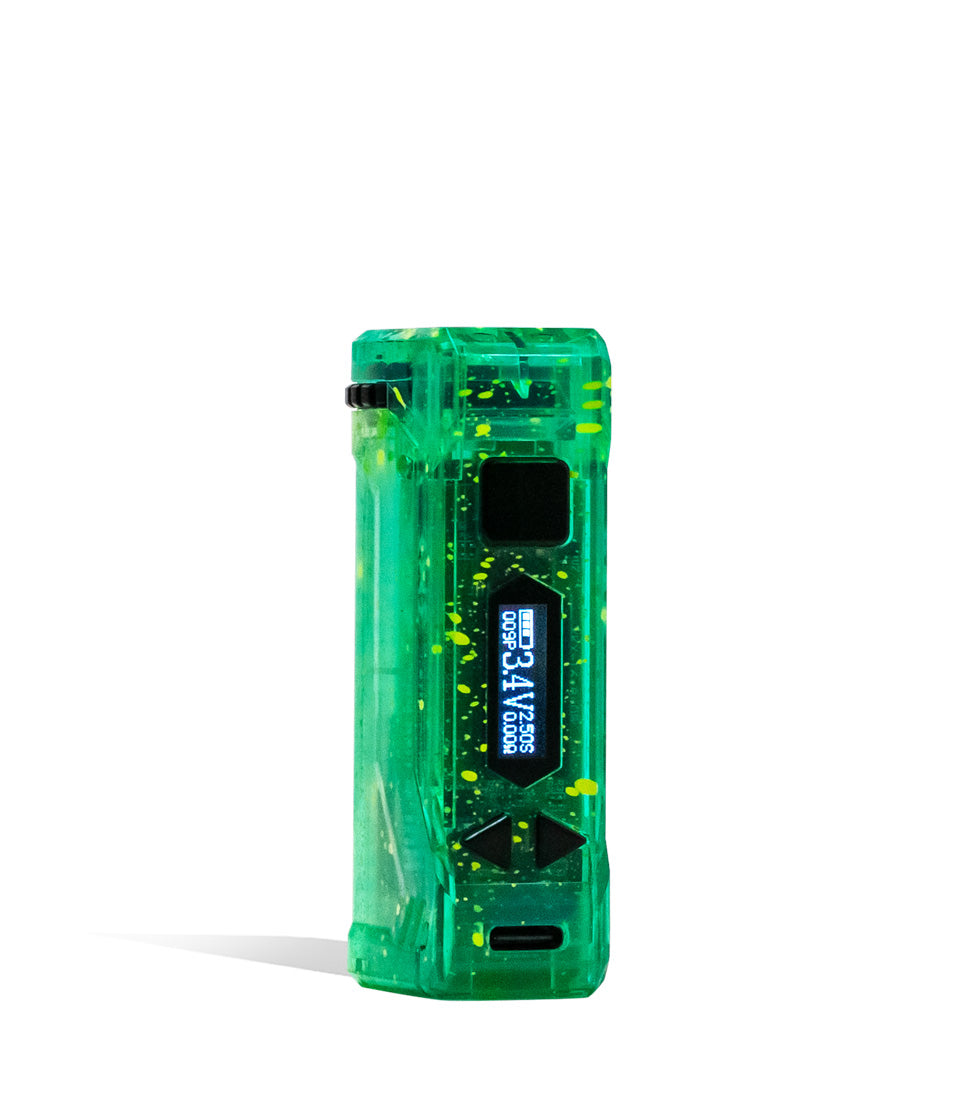
- An integrated base OLED screen delivers real-time visibility into your exact voltage, four-digit puff counter, and battery life in a sleek pen form factor.
- Triple-clicking the power button unlocks precision incremental voltage tuning from 2.0V to 4.2V to customize heat for delicate live rosin terpenes or dense distillate clouds.
- The 12-second pre-heat mode features a visual on-screen countdown that gently liquefies viscous extracts and clears cold morning clogs before your draw.
- Smart safety protections automatically engage a 10-second screen sleep mode, an 8-flash overtime cutoff, and a 12-minute full power shut-off to protect internal circuitry.
Questions This Resource Answers
- How do you adjust and lock in your voltage setting on the Wulf Pro?
- What does it mean when the Wulf Pro OLED display flashes "s" and "v" 8 times?
- Why does the Wulf Pro's open-top 510 connection fit more cartridge sizes than concealed batteries?
- How does the 12-second pre-heat mode improve cloud output and clear clogs?
- What are the proper USB-C charging guidelines to preserve the internal 400mAh battery cell?
Recommended Products
Shop 510 Thread Batteries
Browse the products featured in this guide.
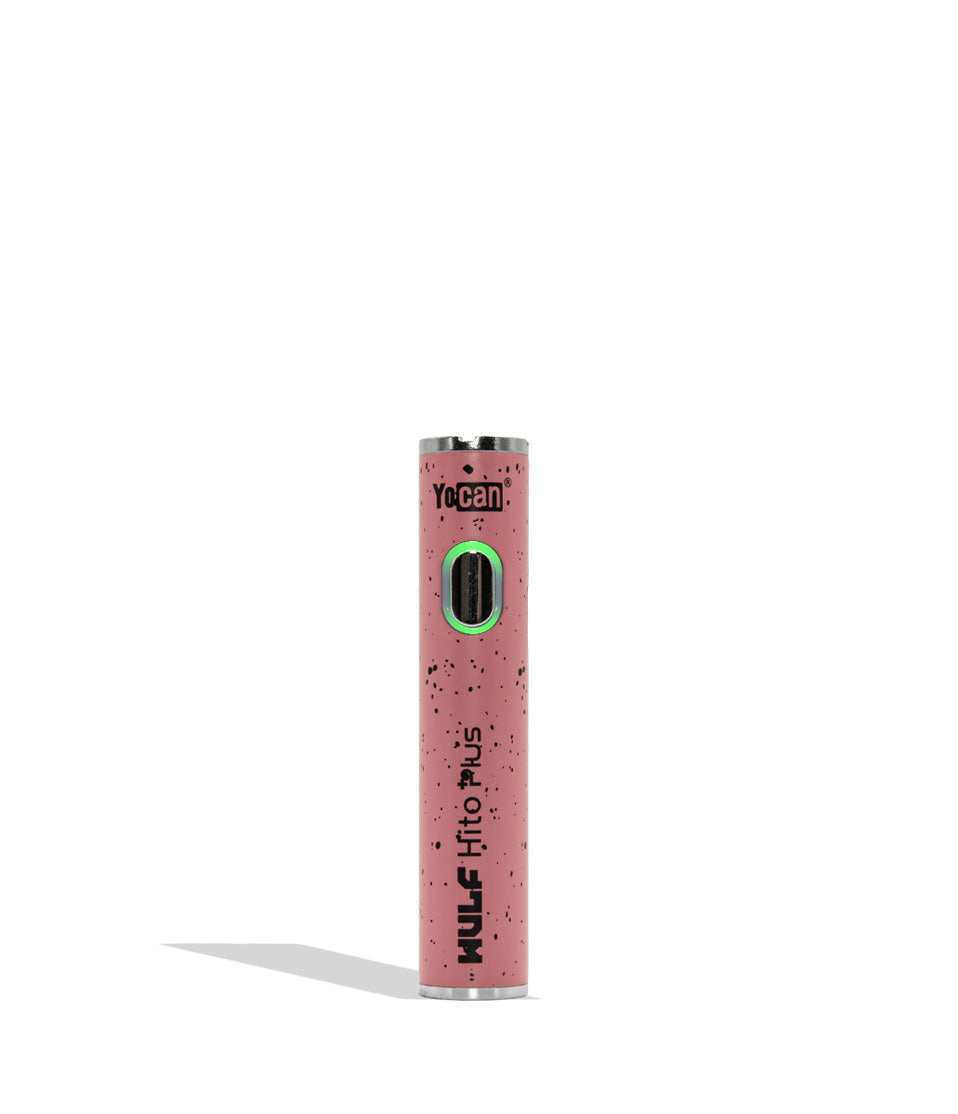
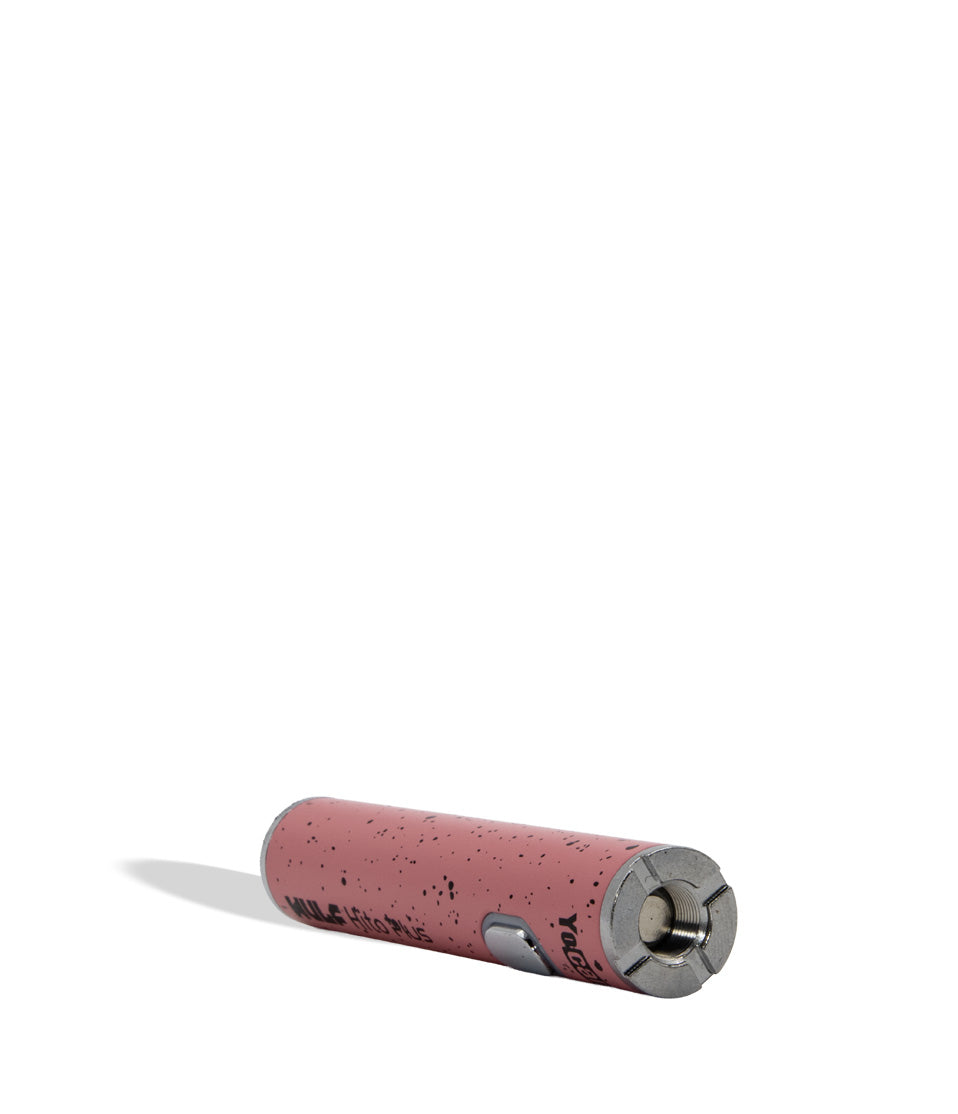
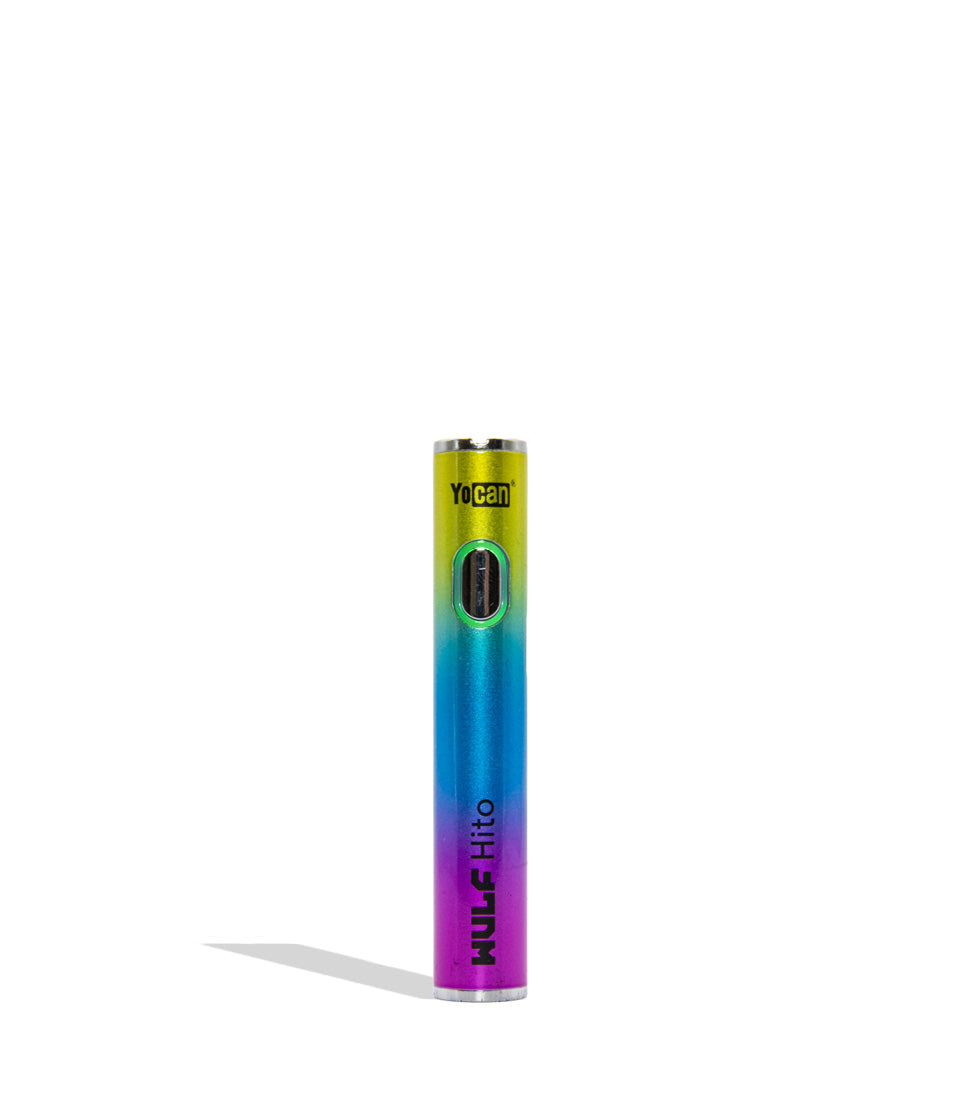
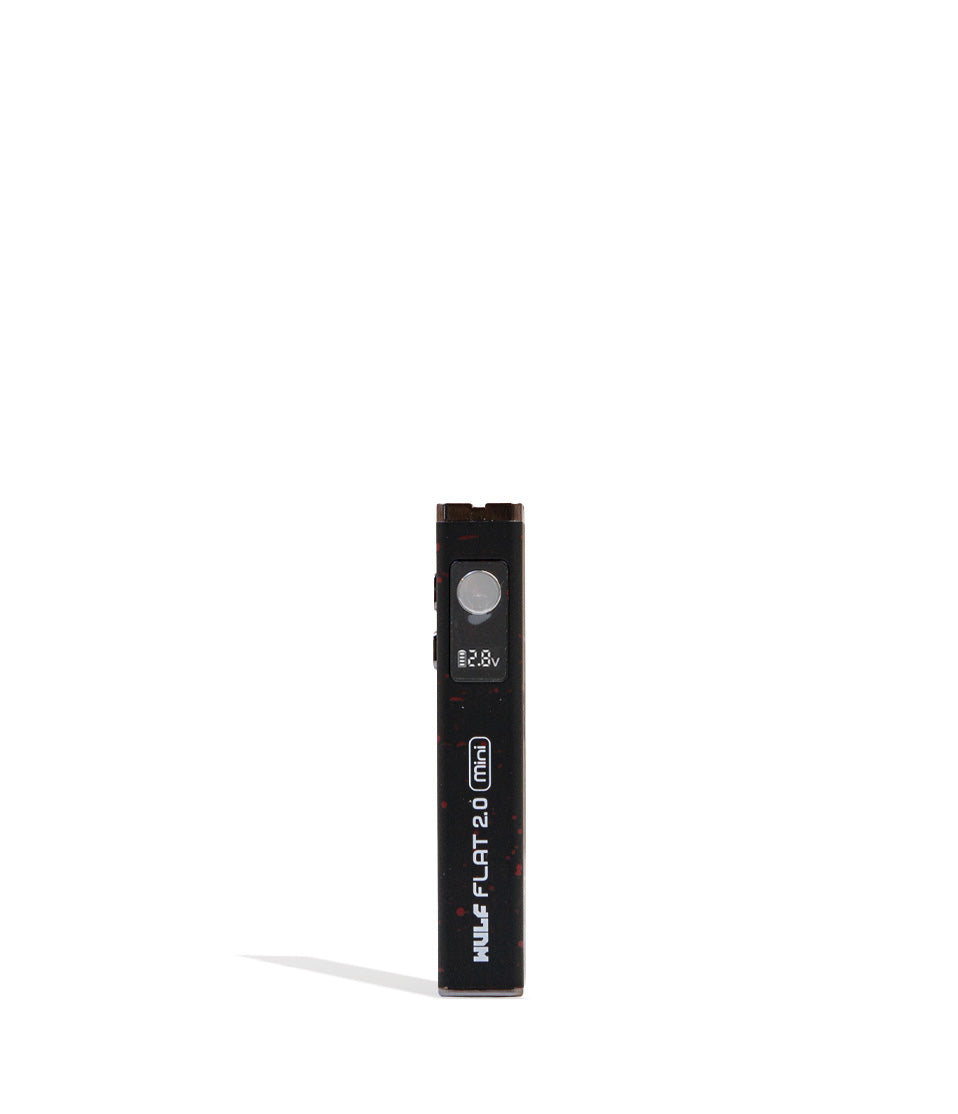
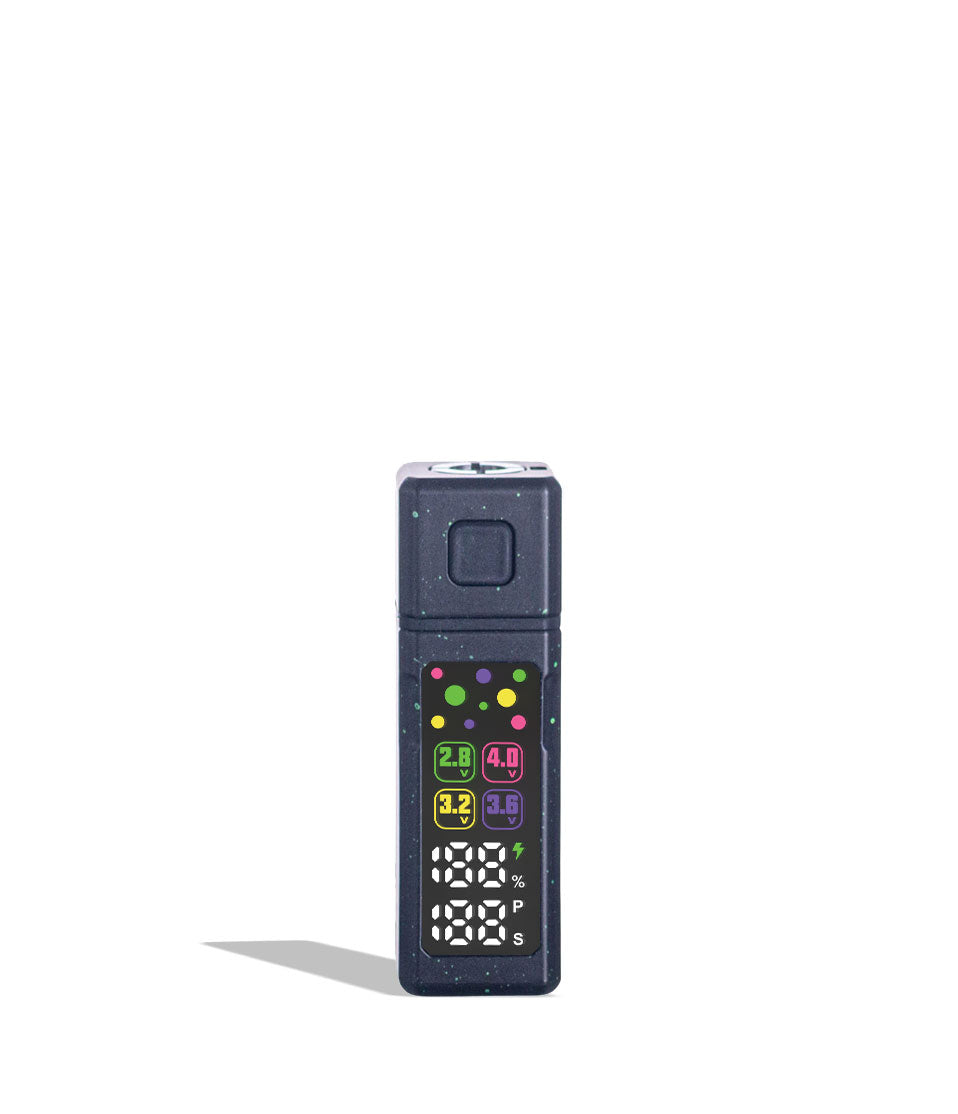
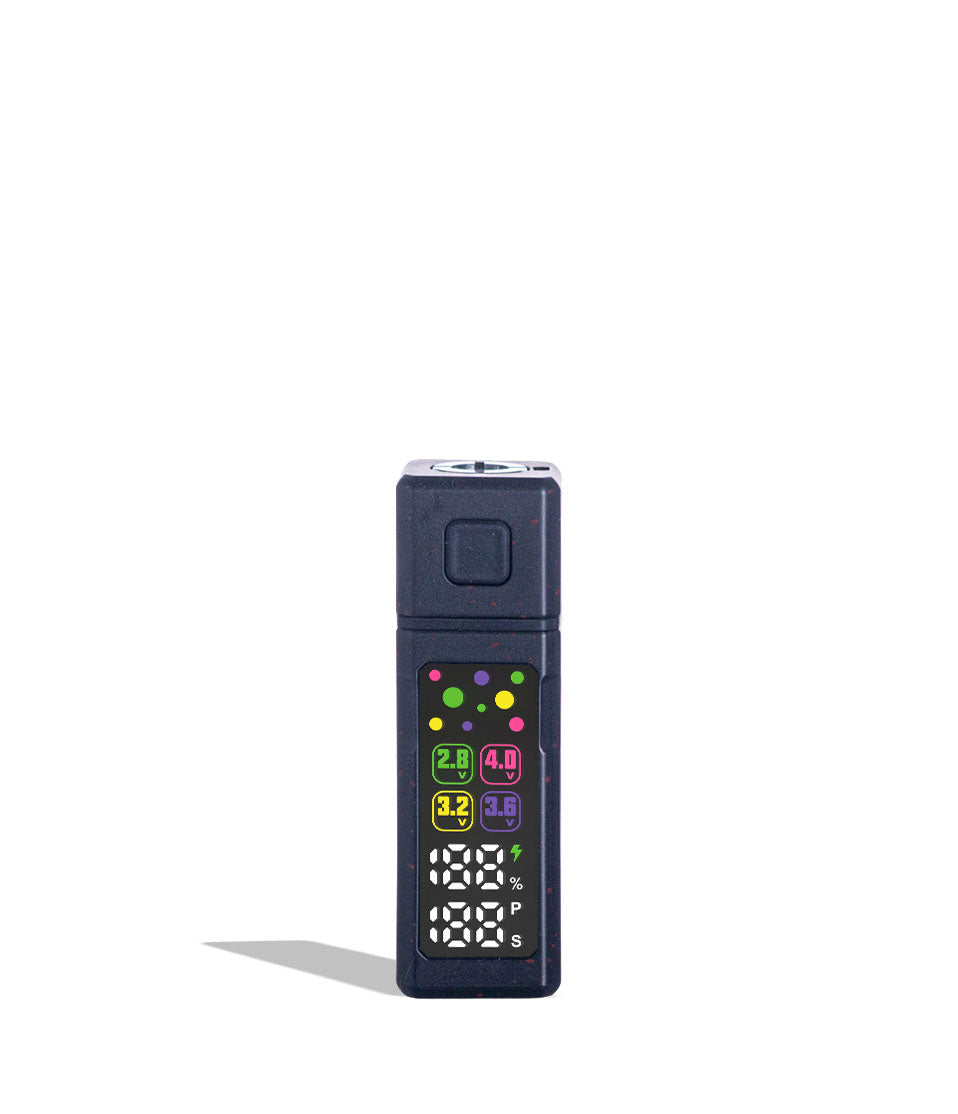
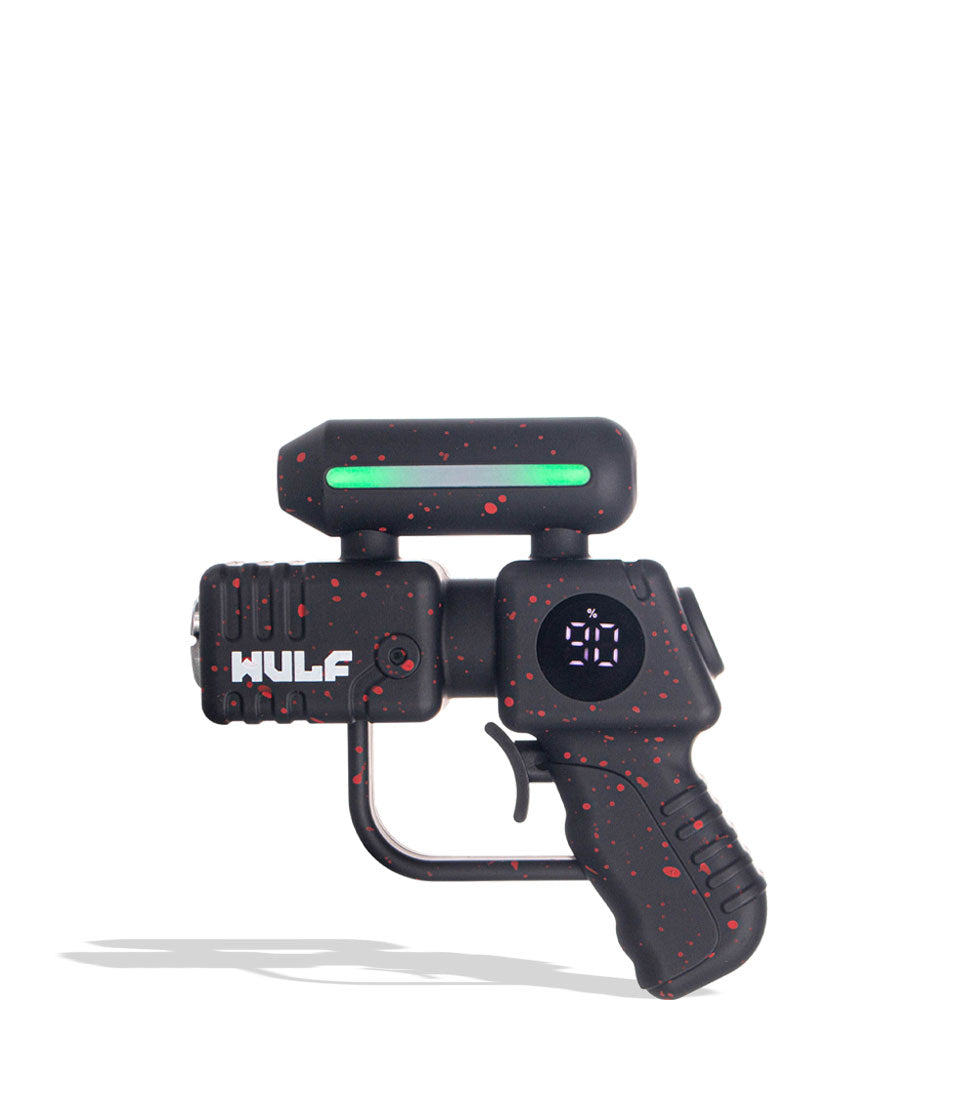
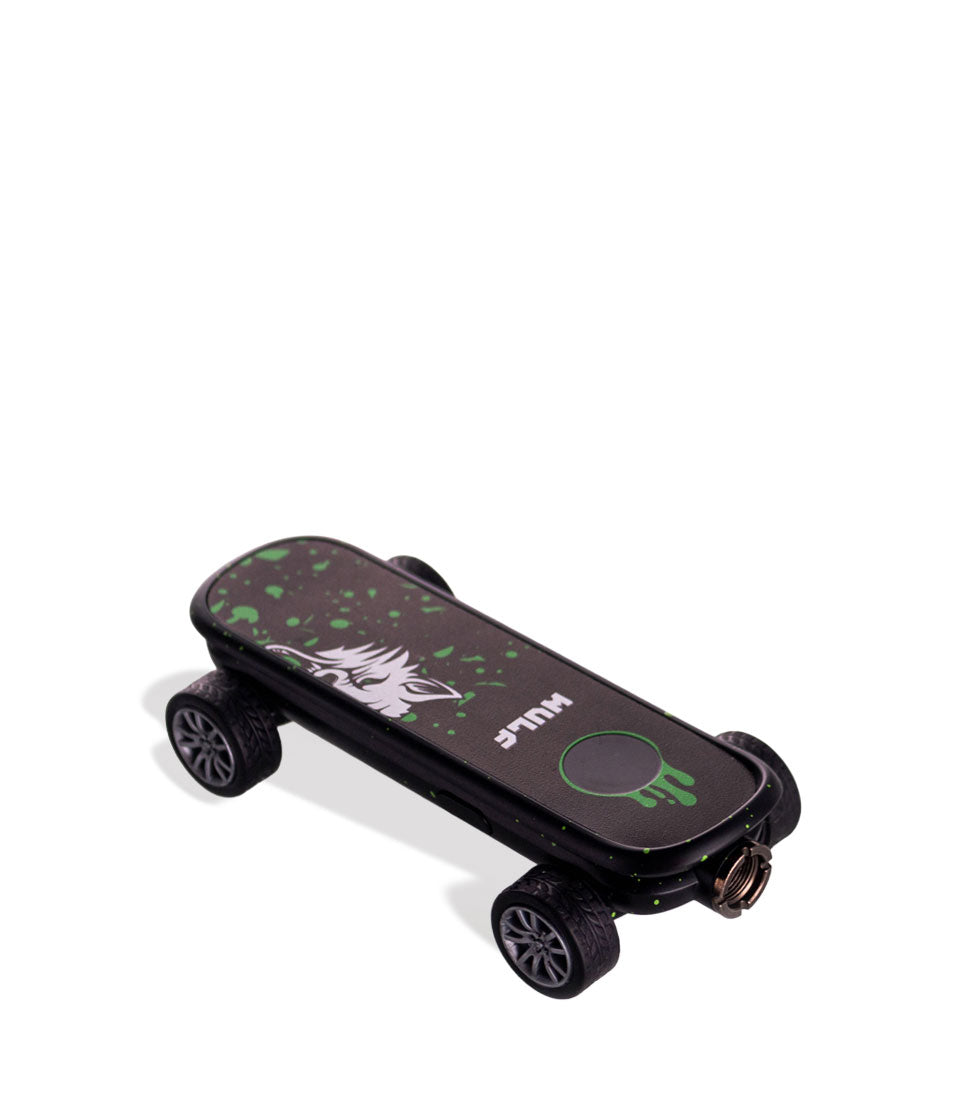
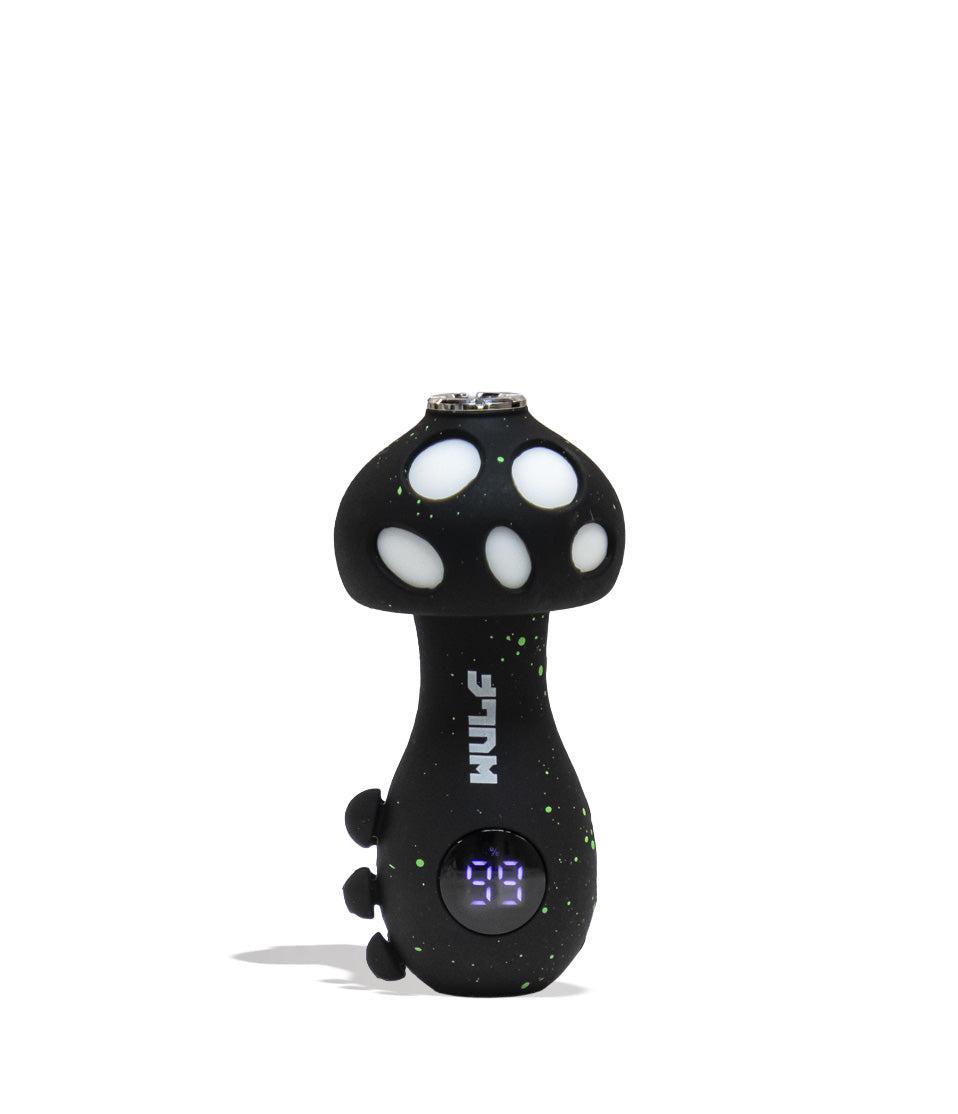
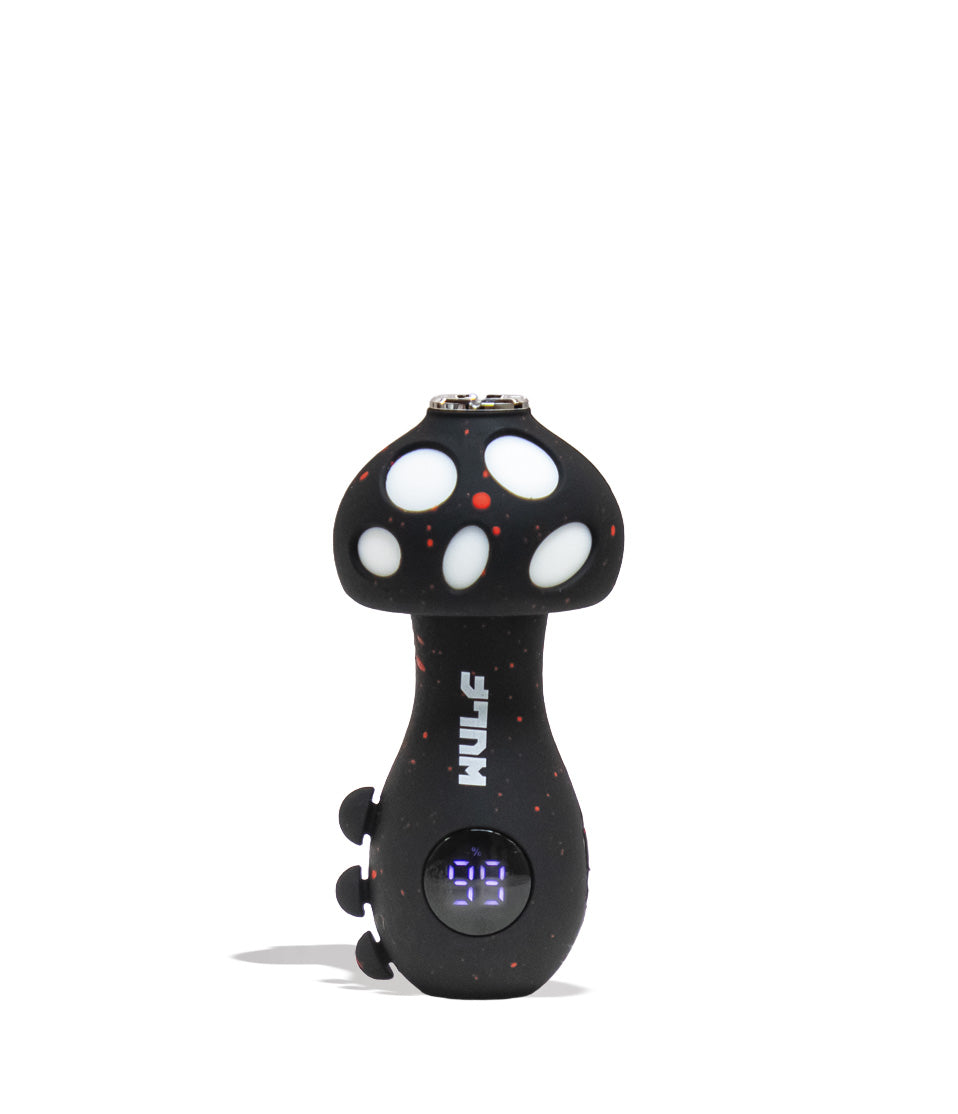
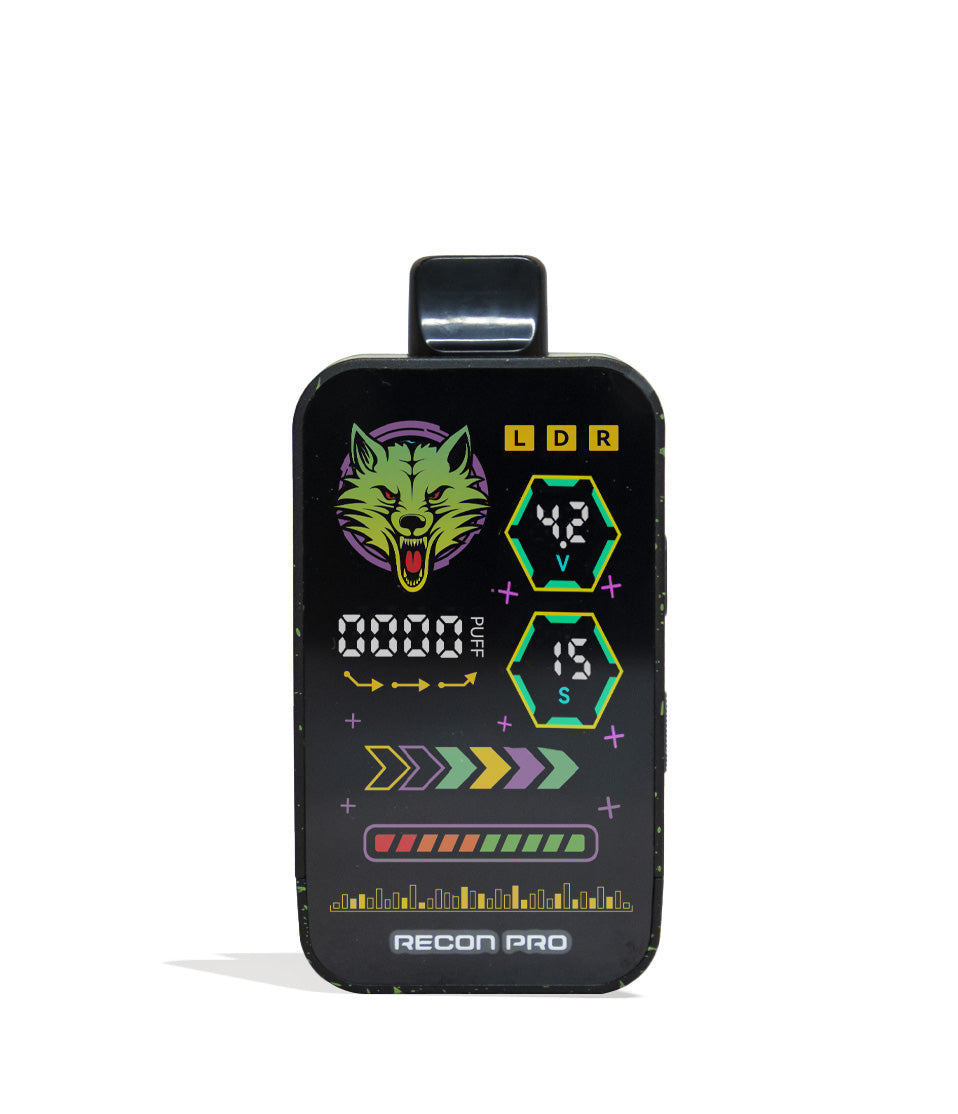
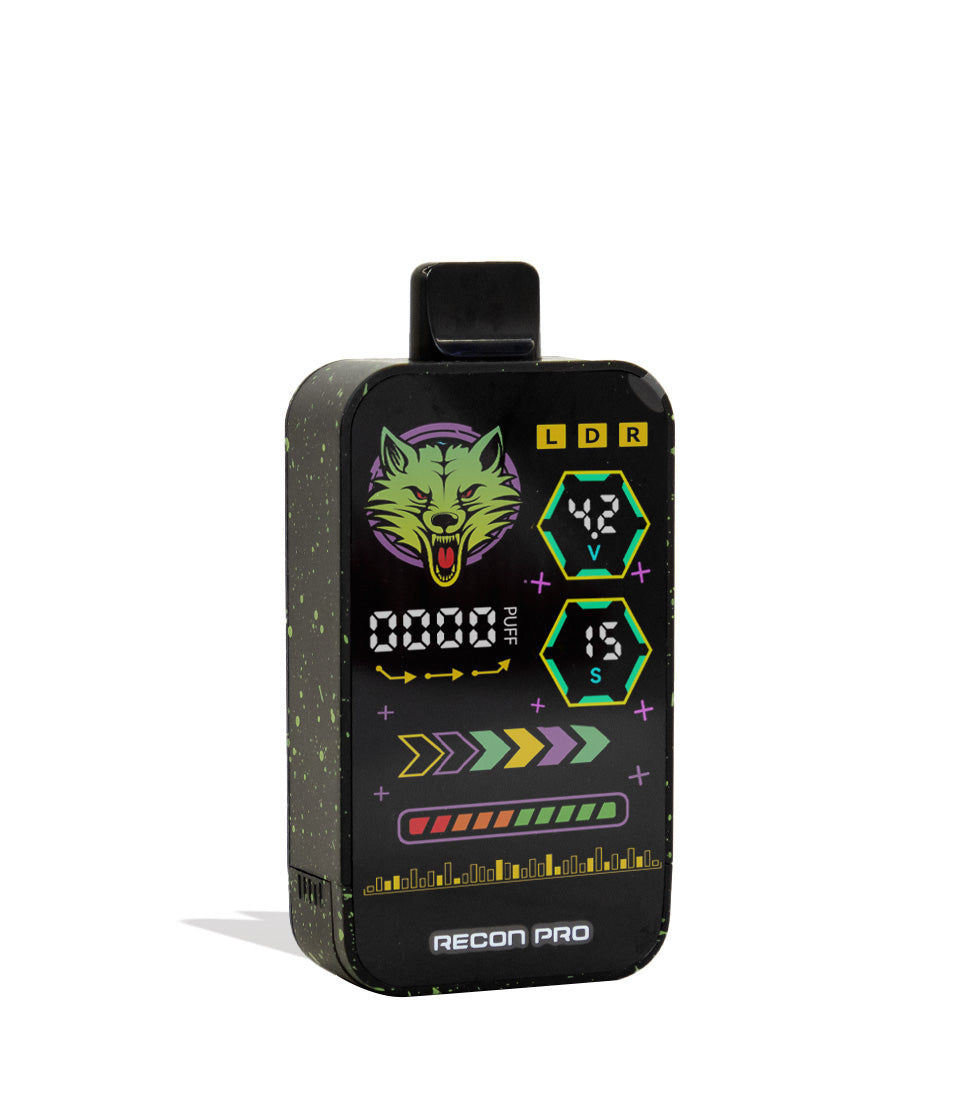
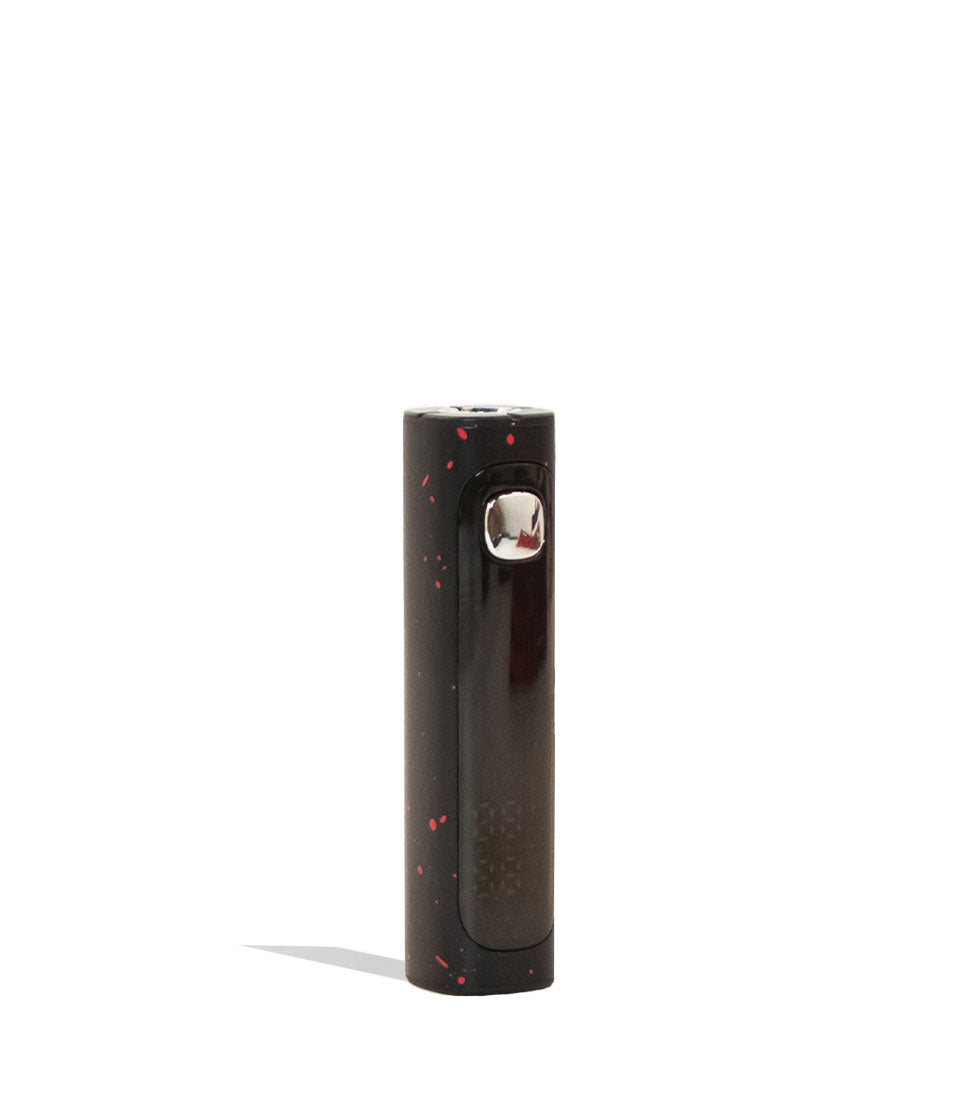
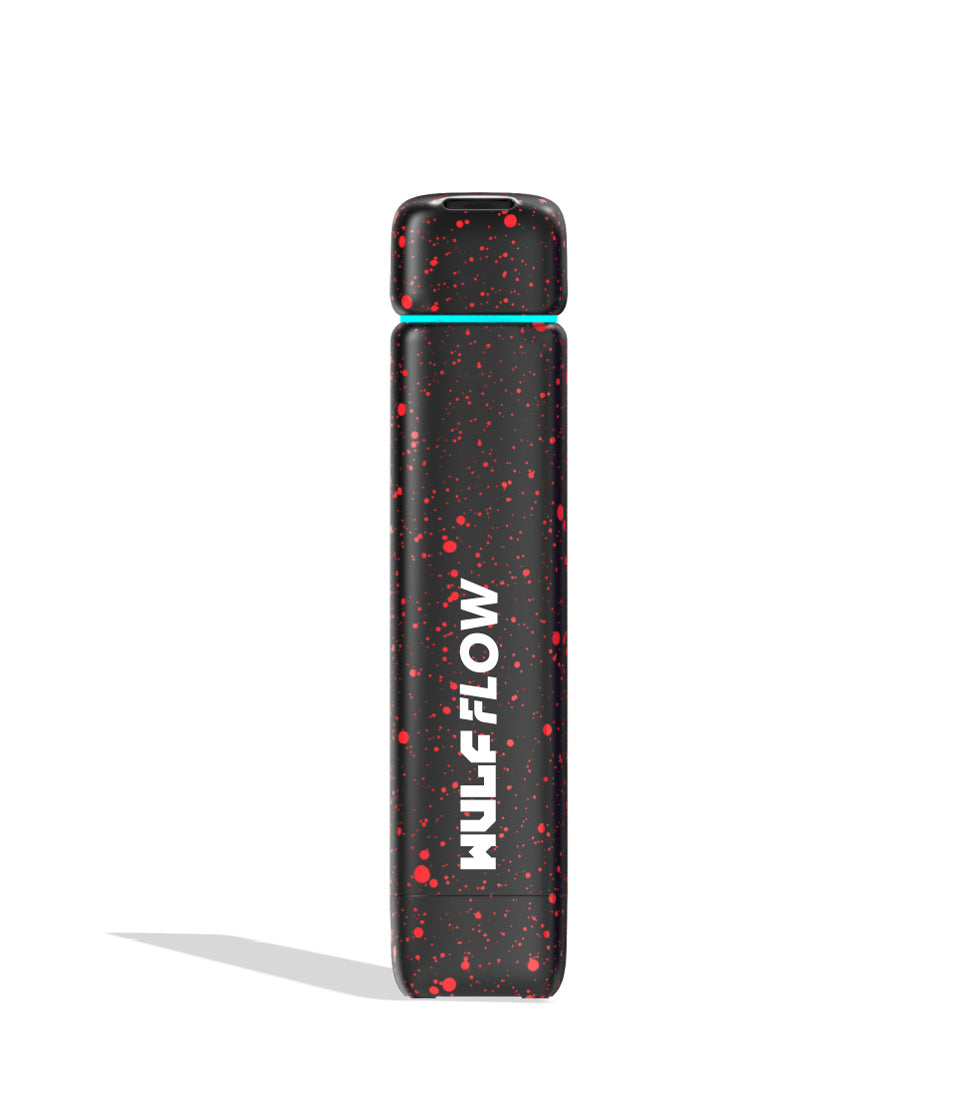
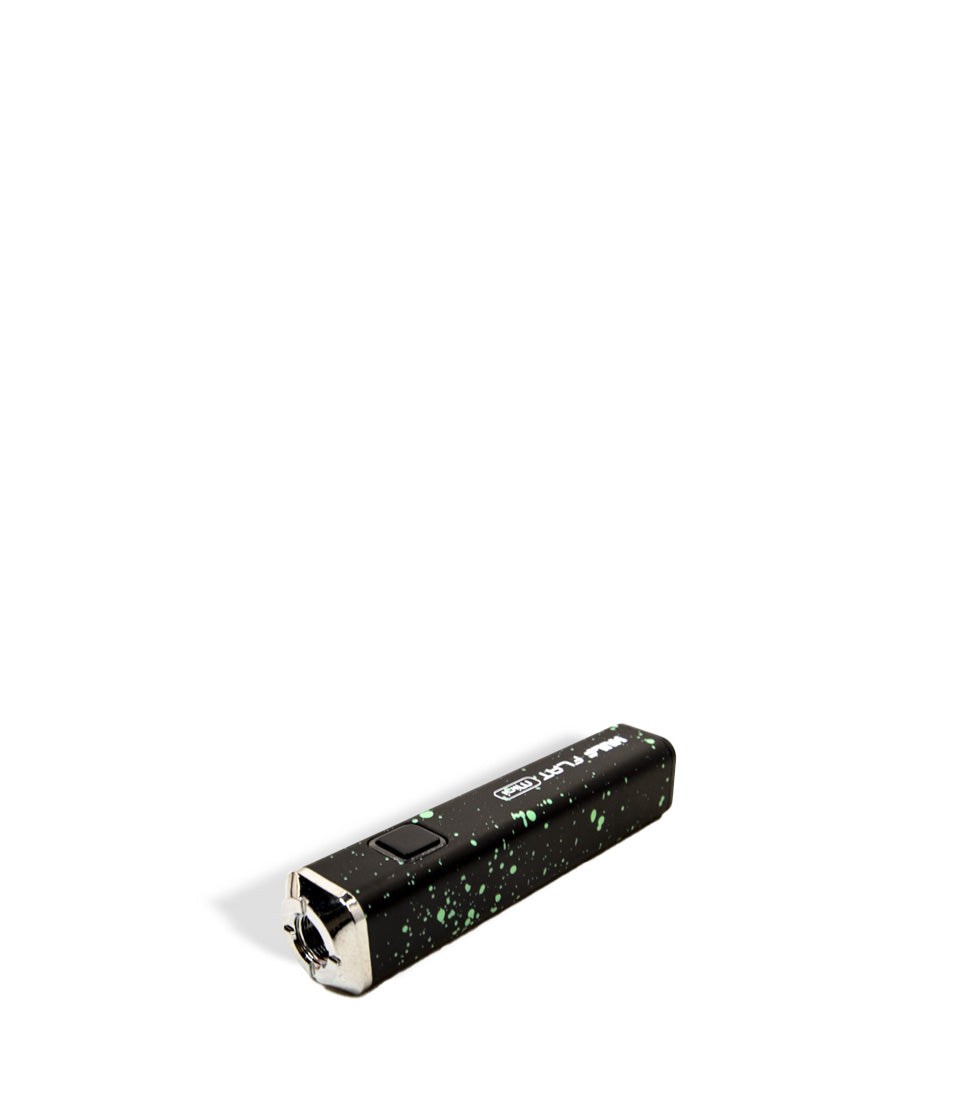
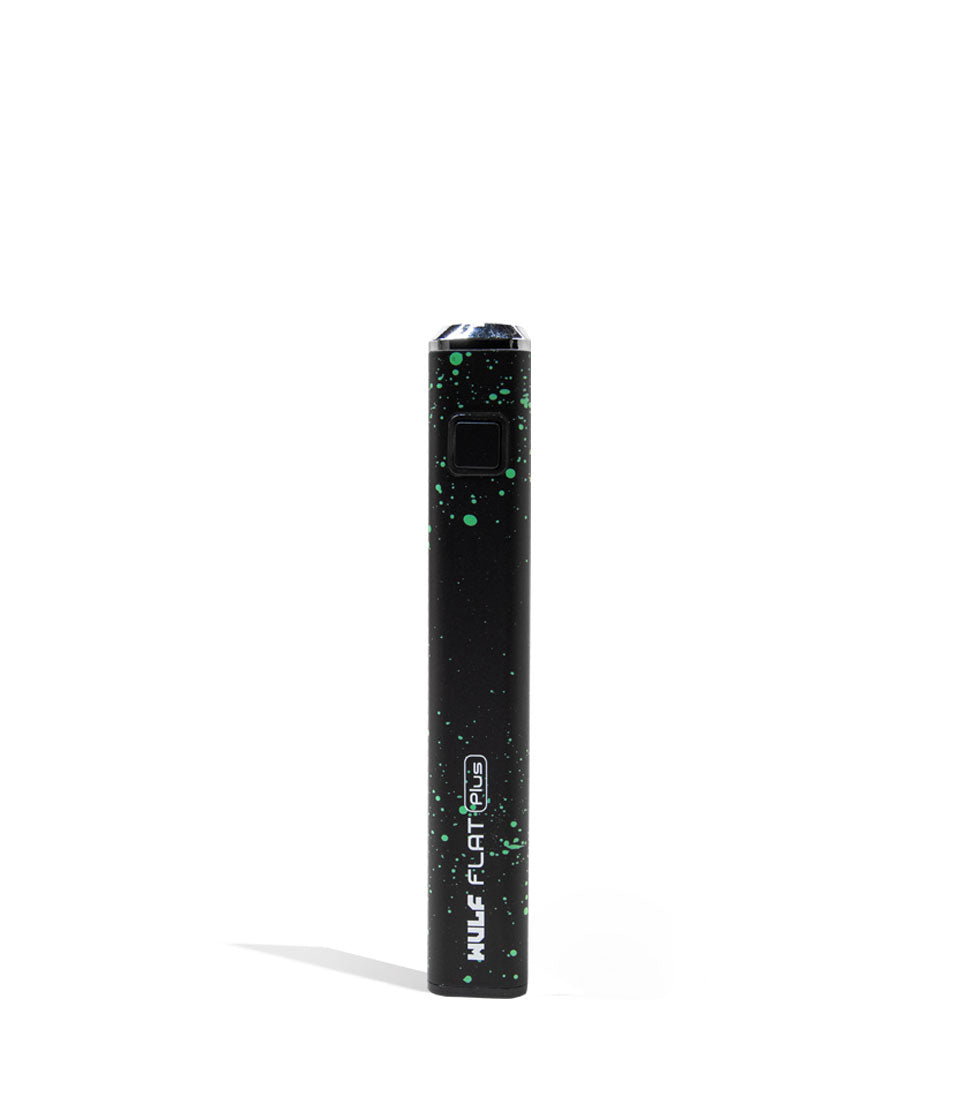
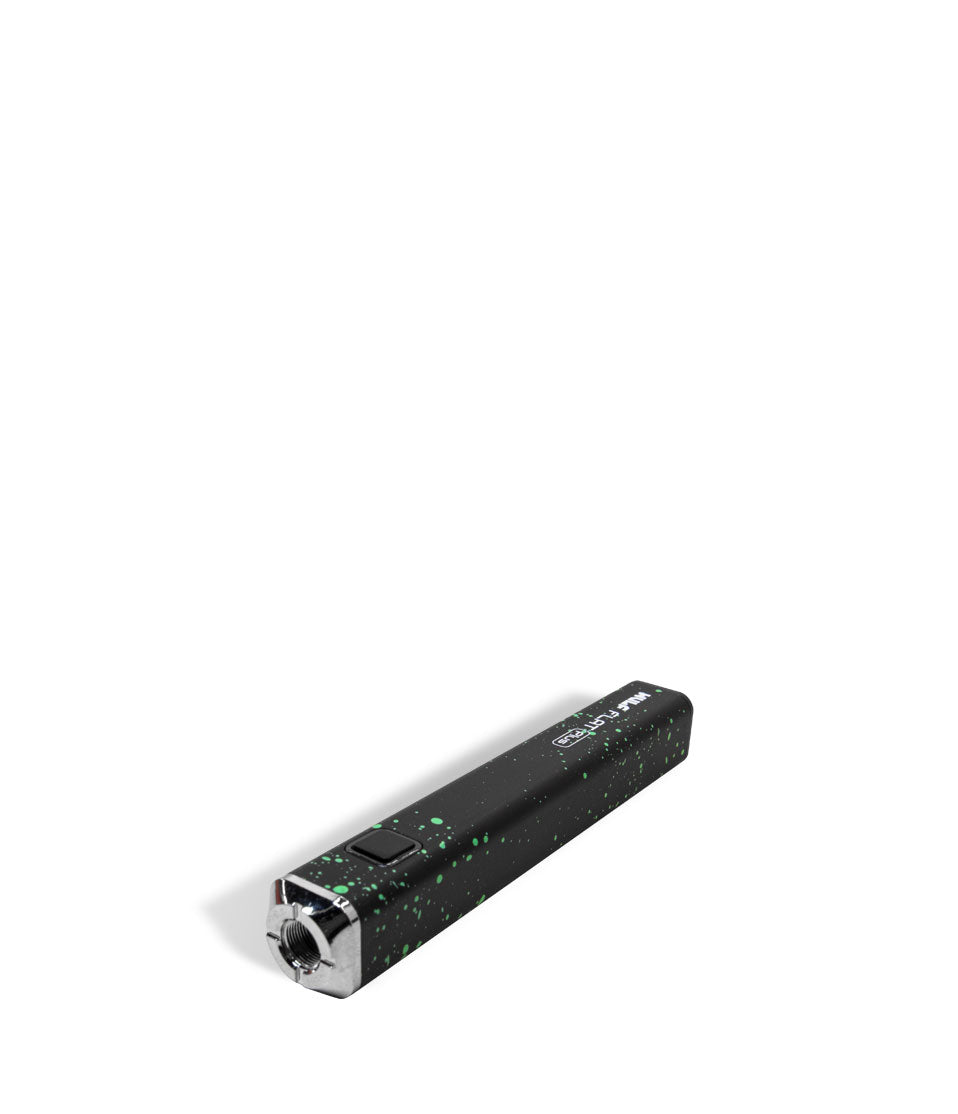
Owners Guide
Owner Playbook
The full playbook below expands on the practical steps and tips behind this guide.
Wulf Mods Pro 510 Thread Battery in hand and ready to step up your cartridge vaping to the big leagues like a true vapor professional? You’ve landed in the exact right place because the Wulf Pack is here to break down every feature to get your pen fired up and ripping like a champion.
This way with a couple of Wulf tips you’ll be able to fire up your Wulf Pro like a truly vaping professional, getting to enjoy all of the potency, flavor, and oily excellence that your battery is capable of delivering.
By the time you finish this guide, you’ll know the ins and outs of operating, tuning, and maintaining your Wulf Pro. Whether you’re a long time Wulf Pack member or just getting started running with the Pack, get ready to unleash the professionally tuned cloud power of the Wulf Pro!
Table of Contents:
Wulf Pro Quick Start Guide
1. How To Charge The Wulf Pro 510 Thread Battery
2. How To Load A Cartridge Into The Pro
3. How To Power On / Off & Use The Wulf Pro
4. How To Adjust Voltage On The Wulf Pro (2.0V – 4.2V)
5. How To Use The 12-Second Pre-Heat Mode
6. How To Troubleshoot The Wulf Pro (Cutoff, Sleep & Auto Shut Off)
7. How To Clean The Wulf Pro 510 Threads
Unleash Your Wulf Pro!
Wulf Pro Quick Start Guide
In a hurry to start ripping clouds? No problem! The Wulf Pack put together a fast reference breakdown covering the core operating steps so you can get right to the good stuff with zero downtime:
| # | STEP | HOW TO | WULF PRO TIP |
|---|---|---|---|
| 1 | Charge Battery | Plug into USB-C. Charge 2 hours initially, then 1 hour max moving forward. | Never leave your battery plugged in unattended or charging overnight. |
| 2 | Load Cartridge | Thread any standard 510 oil cartridge clockwise into the top port. | Twist until flush; avoid overtightening to preserve the rubber insulator ring. |
| 3 | Power On / Off | Click the main power button five times quickly (5x). | Watch the crisp OLED screen illuminate with your voltage, puffs, and battery gauge. |
| 4 | Set Voltage | Press the power button 3 times (3x), then tap to cycle from 2.0V to 4.2V. | Pause when reaching your target volt; the number stops flashing to lock it in. |
| 5 | Pre-Heat | Press the power button twice (2x) to trigger the 12s OLED countdown. | Perfect for liquefying thick live resin oils or clearing cold morning clogs. |
| 6 | Take a Hit | Hold down the power button and draw smoothly from the mouthpiece. | Sip gently rather than ripping hard for optimal vapor production and coil cooling. |
| 7 | Clean Threads | Power down (5x), remove cart, and lightly swab threads with 99% ISO. | Clean contacts prevent connection misfires and ensure steady voltage transfer. |
1. How To Charge The Wulf Pro 510 Thread Battery
The Wulf Pro is powered by an upgraded 400mAh battery designed to deliver steady, all day power across its wide voltage range. To keep your battery running strong, use the USB-C charging port and follow our battery care guidelines in order to ensure you’re all ready to go.
Charging Guidelines:
- First-Time Conditioning: The very first time you unbox your Wulf Pro, plug it into a standard USB-C cable and leave it connected for a full 2 hours. This conditions the internal cells for maximum long-term capacity.
- Routine Charges: For every charge cycle after that initial setup, never leave your battery connected for longer than 1 hour at a time.
- Safe Power Sources: Always charge using a standard 5V wall adapter or computer port. Avoid high-wattage fast-charging blocks designed for laptops or tablets, and never leave your battery plugged in unattended overnight.
When it comes to charging your Wulf Pro, the biggest thing is to make sure you don’t leave it plugged in for too long. This way you can ensure your battery is recharged properly, without running into issues in the long term because you haven’t been following proper charging protocol.
2. How To Load A Cartridge Into The Pro
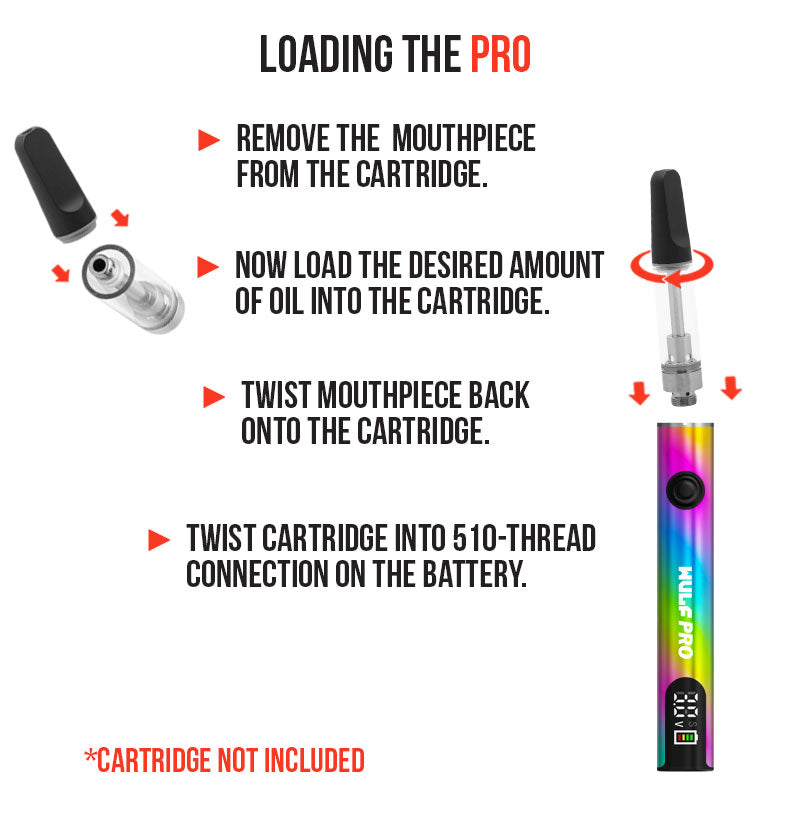
Loading your oil cartridge into the Wulf Pro is seamless thanks to its open top 510 threaded design. Because there are no recessed walls or narrow collar guards, the Pro accommodates virtually any standard 510-thread cartridge (.5G, 1G, 2G+) regardless of width or height.
This means you can choose any cartridge from your collection or a friends, knowing full well that the Wulf Pro is going to be able to accommodate them and get it fired up.
Loading Steps:
- Inspect the 510 connector of your cartridge to ensure the threads and center contact pin are clean and dry.
- Align the cartridge with the top connector of the Wulf Pro.
- Slowly twist the cartridge clockwise until it sits completely flush against the top rim of the battery.
Take your time while attaching your cartridge, as you need to make sure that the threads are properly attached to ensure everything works correctly. Luckily this is a fairly easy process and once you’ve attached a couple cartridges, you’ll be able to swap them on an off quickly.
3. How To Power On / Off & Use The Wulf Pro
The Wulf Pro utilizes responsive single button operation paired with an informative OLED dashboard to keep you in total command of your session. This means to alter the settings, power on your battery, and use the Wulf Pro – you’ll have to learn the various commands to power up your battery.
Powering On:
Press the main power button 5 times in rapid succession (5x). Your OLED screen will spring to life, displaying your active voltage setting, battery life gauge, and puff counter.
Taking a Hit:
With your voltage selected and cartridge loaded, press and hold the power button while inhaling gently through the cartridge mouthpiece. Take slow, steady draws, sipping rather than ripping, to give the ceramic coil time to vaporize the oil evenly into dense, velvety clouds. Release the button when your draw is complete.
Powering Off:
When you’re ready to pocket your vape or wind down your session, press the power button 5 times in a row (5x). The OLED display will power down, locking the firing mechanism to prevent accidental firing while traveling in your pocket or pack.
With an intuitive press and hold system for drawing from your 510 cartridge, the Wulf Pro offers up a sleek choice for your sessions that can be used just as easily on the go, as it is at home on your couch. To ensure your battery stays full and there’s no accidentally firing in your pocket, we recommend always powering off your Wulf Pro before traveling / storing.
4. How To Adjust Voltage On The Wulf Pro (2.0V – 4.2V)
The Wulf Pro gives you total control with an adjustable voltage range spanning all the way from 2.0V to 4.2V. This means you can go point by point to figure out the ideal voltage for your various cartridges and needs, swapping between intense heat and low temp smoothness with ease.
In order to change the voltage on your Wulf Pro, take a look below:
How to Change Your Voltage:
- From the home screen, press the power button 3 times in a row (3x).
- Look at your OLED screen—the numerical voltage value will begin flashing to indicate that adjustment mode is active.
- Each single press of the power button will incrementally increase the voltage setting through the available options between 2.0V and 4.2V.
- Once you reach your desired voltage level, stop pressing the button.
- Wait a brief moment for the number to stop flashing. Once it stays solid, your new temperature is locked in and you are ready to vape!
Remember that lower settings (2.0V–2.8V) preserve delicate terpenes in live resin and rosin, while higher settings (3.6V–4.2V) deliver raw potency and massive cloud density with thick distillates.
5. How To Use The 12-Second Pre-Heat Mode
The Wulf Pro features an extended 12-second pre-heat mode designed to gently warm your oil without scorching it. This is perfect for when you want more potency from your cartridges, need to deal with extra thick oils, or are in a colder environment with freezing temperatures.
Activating Pre-Heat:
- Press the power button 2 times in a row (2x).
- The OLED screen will immediately display an active 12-second countdown.
- This countdown acts as a visual guide letting you know that a gentle, low-voltage current is warming the internal ceramic core.
- Once the countdown reaches zero and expires, take your draw as normal to enjoy an extra spicy, perfectly primed hit.
While not needed for every hit, the 12s pre-heat on your Wulf Pro offers you a convenient method to really dial up the intensity and show what your battery is truly capable of. Just make sure to not rip too many pre-heats back to back, as you battery needs a moment to cool off after such intense rips.
6. How To Troubleshoot The Wulf Pro (Cutoff, Sleep & Auto Shut Off)
To keep your sessions running smoothly and safeguard your hardware, the Wulf Pro comes loaded with automated protection warnings displayed directly on the OLED screen:
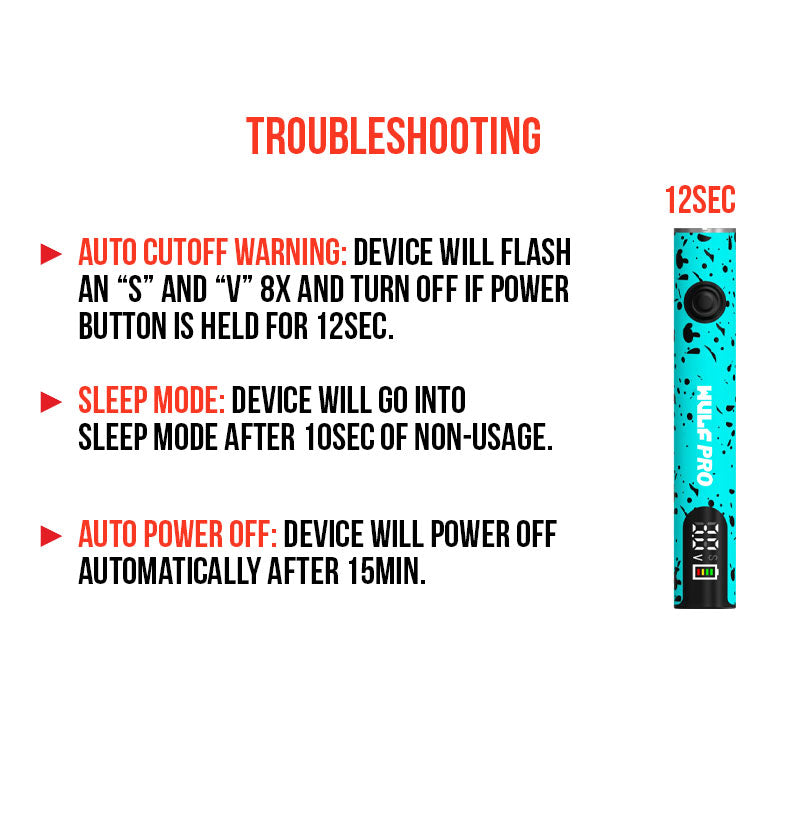
- Auto Cut Off Warning (Overtime Protection): If you hold down the power button for longer than 12 seconds during a hit, the OLED screen will flash an “s” and “v” 8 times (8x) before the device cuts power and shuts off. This prevents burnt wicks and protects your cartridge from overheating. Simply release the button, pause a second, and press it again to resume.
- Sleep Mode Warning: To conserve battery power, the OLED screen will automatically turn off and enter sleep mode after 10 seconds of non-usage. Simply tap the button once to wake the display.
- Auto Shut Off Warning: If the Wulf Pro is left sitting idle without use for longer than 12 minutes, the device will power down completely. This safety feature preserves your 400mAh cell and prevents accidental pocket activation. Click 5x to turn it back on.
All of these Wulf Pro features are here to protect both you and your battery, so make sure to always abide by the warnings in order to keep your sessions rolling as smoothly as possible.
7. How To Clean The Wulf Pro 510 Threads
Over extended daily use, microscopic droplets of oil can seep past cartridge intake holes, collecting on the 510 connector. Built-up reclaim creates an insulating layer that robs your cartridge of voltage and leads to connection misfires. This means if you want the best from your Wulf Pro, you’ll have to perform some periodic maintenance.
Cleaning Routine:
- Power off the Wulf Pro completely (5 rapid clicks).
- Unscrew and remove your 510 cartridge.
- Take a clean microfiber cloth or wipe to gently buff the exterior chassis and OLED screen.
- Dip a cotton swab or Q-tip into 91%+ or 99% isopropyl alcohol (press firmly against a paper towel so it is lightly damp, never dripping wet).
- Gently scrub the female 510 threaded connection well and buff the center gold contact pin to dissolve dark residue.
- Allow all parts to air-dry completely for 10 to 15 minutes before reattaching your cartridge or powering the battery back on.
Always power off your battery before cleaning and always leave everything to air dry completely. These two steps are non-negotiable and absolutely must be followed if you want to keep battery safe while cleaning. With a bit of isopropyl magic, you’ll have your Wulf Pro cleaned up and refreshed in no time.
Unleash Your Wulf Pro!
With its 400mAh battery, clear OLED display screen, precision voltage control (2.0V–4.2V), and extended 12 second pre-heat mode, the Wulf Mods Pro 510 Thread Battery gives you professional-grade control over every single cloud.
Keep your 510 threads clean, match your voltage to your extract, and let the digital screen guide your sessions for pure, potent vapor every time you fire up. Whenever you need a refresher on voltage toggling or troubleshooting codes, bookmark this guide and pop back in anytime.
Got more questions for the pack? Head over to the Wulf Resource Center for more step-by-step owner guides, hardware tips, and product breakdowns. Thanks for running with the Wulf Pack, and get out there to enjoy some howlingly good clouds! Arooo!!!
Frequently Asked Questions
Owners Guide FAQs
Common questions related to this guide and how to apply the information when choosing your device.
How Do I Change And Lock In My Voltage On The Wulf Pro?
What Does It Mean When My OLED Screen Flashes "s" And "v" 8 Times?
Why Does My Wulf Pro Screen Turn Off After 10 Seconds Of Not Hitting It?
Can I Use Extra-Wide 2-Gram Cartridges With The Wulf Pro?
How Should I Charge The Wulf Pro To Keep The Battery Healthy Long-Term?
Wulf Mods Trust Center
About This Resource
Understand how this guide was researched, reviewed, and maintained by the Wulf Mods editorial team.
Editorial Standards
- Written for the people choosing and using these devices.
- Reviewed for clarity, accuracy, and practical retail value.
- Based on current manufacturer specifications and product documentation when available.
- Updated as products, regulations, category trends, or market conditions evolve.
- Built on deep, hands-on product experience.
- Designed to help you choose the right device with confidence.
Research Methodology
This owner guide was prepared to help you set up, use, and care for your device with confidence. Guidance is based on hands-on product experience, common questions, and real-world use.
- Hands-on product experience
- Setup and first-use guidance
- Cleaning, care, and maintenance
- Common questions and troubleshooting
- Safe and responsible use
- Real-world use considerations
- Editorial review for clarity and usefulness
Supporting Sources
Sources used to support this resource are included for transparency and documentation.
Article Information
Intended Audience
- Everyday customers
- First-time buyers
- Experienced enthusiasts
- Dry herb users
- Concentrate users
- Anyone upgrading their setup
Editorial Policy
Wulf Mods educational resources are reviewed periodically to maintain accuracy and relevance. When product specifications, regulations, category trends, or market conditions change, articles may be updated with a new review date. Trusted product guidance.
Keep Exploring
Related Resources
Keep learning with related Wulf Mods resources selected to help you get more out of your device.