
Resource Center
How To Clean The Wulf Mods Pro 510 Thread Battery

Continue With This Resource
Wulf Mods Quick Brief
What You Should Know
A fast summary of the key points, questions, and guidance covered in this guide.
Overview
Key Takeaways
- Clicking the power button five times rapidly locks the Wulf Pro to prevent accidental misfires and short circuits while working around live electrical contacts.
- Warming the top collar connection between your fingers softens hardened concentrate reclaim so stuck cartridges can be removed without stripping delicate 510 threads.
- Buffing the open-top 510 connection and center gold pin with a lightly dampened 91% or higher isopropyl alcohol swab prevents voltage drops and stops connection misfires.
- Cleaning the base OLED display with a dry microfiber cloth prevents liquid solvent from seeping through screen seams and damaging the internal motherboard.
- Allowing all cleaned components to air-dry for at least 30 to 60 minutes eliminates short-circuit risks and keeps harsh alcohol fumes from tainting fresh terpene vapor.
Questions This Resource Answers
- Why must you power down the Wulf Pro battery completely before cleaning the 510 threads?
- How do you safely remove an oil cartridge that is glued to the 510 connection by hardened reclaim?
- What is the proper method for cleaning the base OLED screen without risking liquid damage?
- How does cleaning the gold center contact pin eliminate connection errors and weak vapor?
- How long should the Wulf Pro air-dry before you reattach a cartridge and resume vaping?
Recommended Products
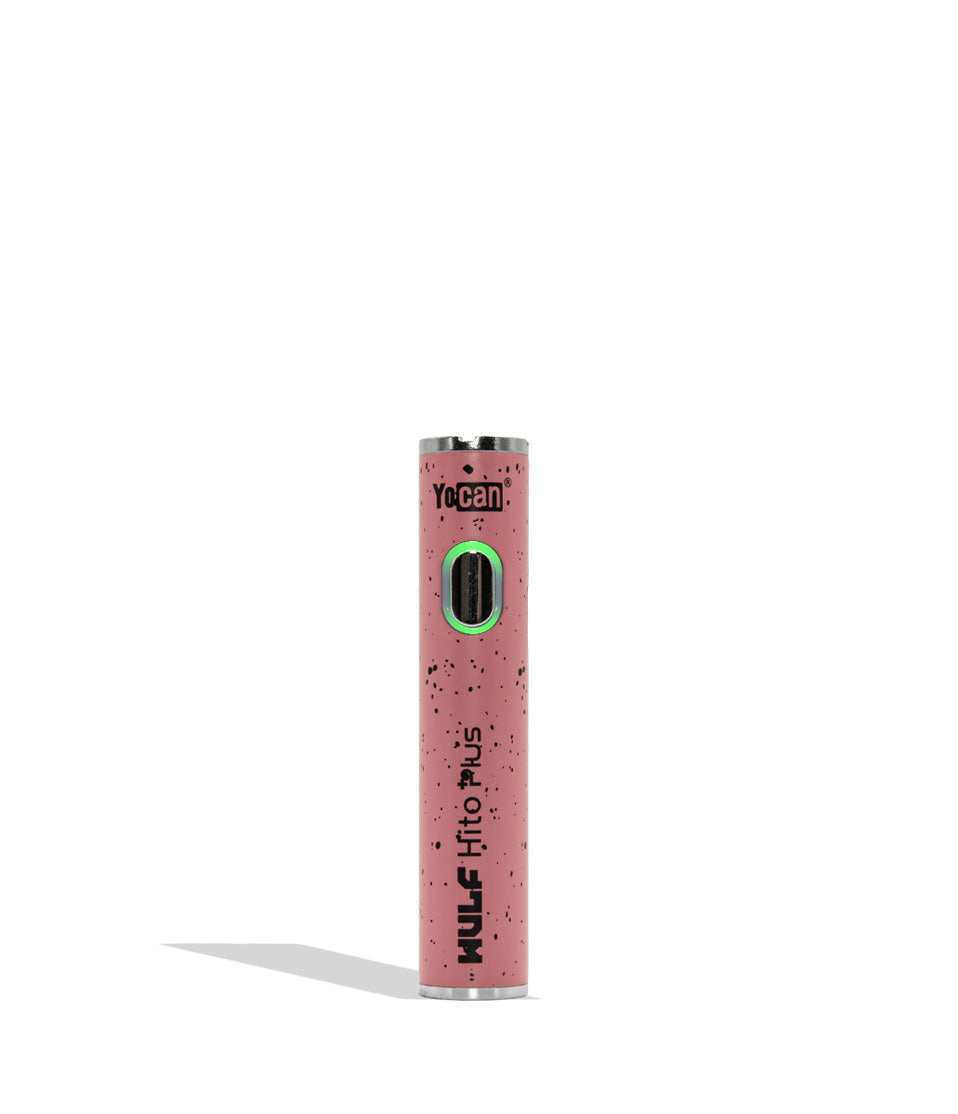
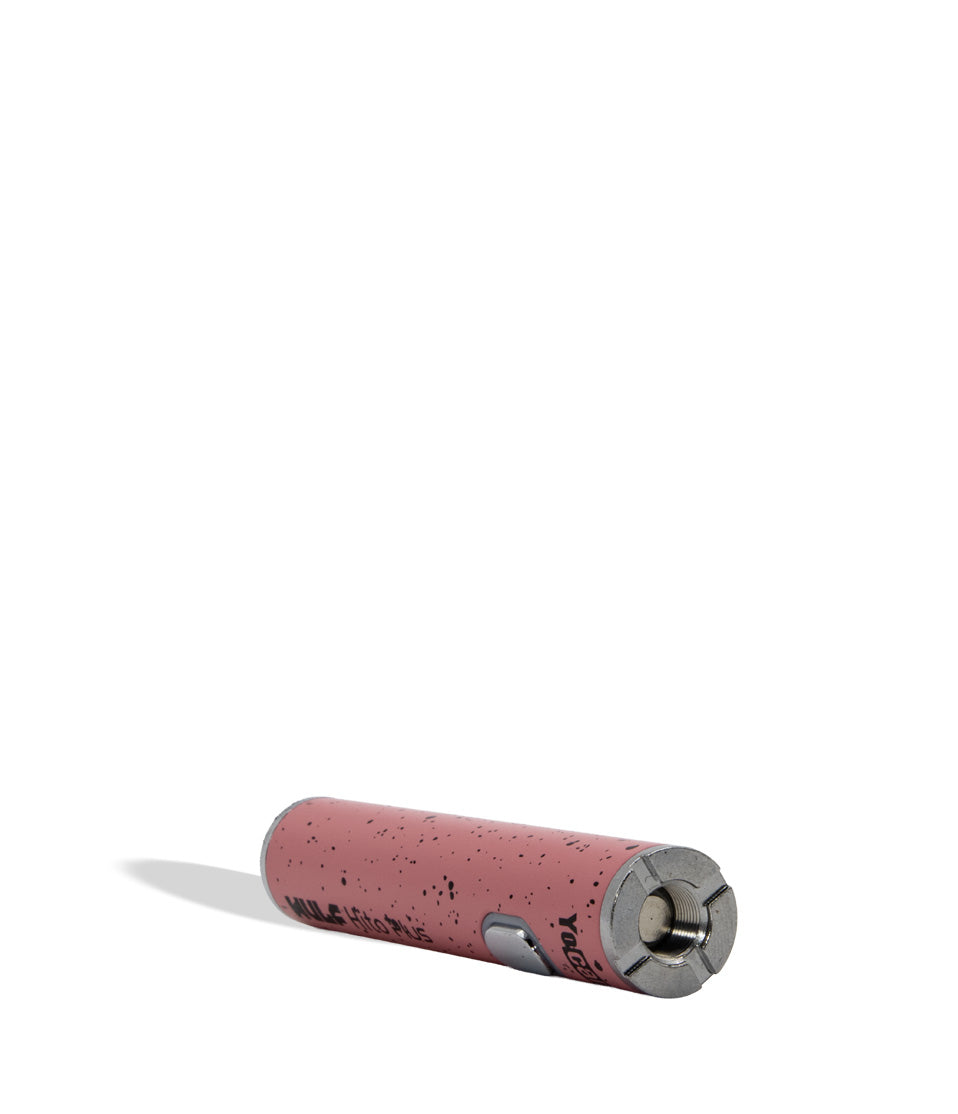
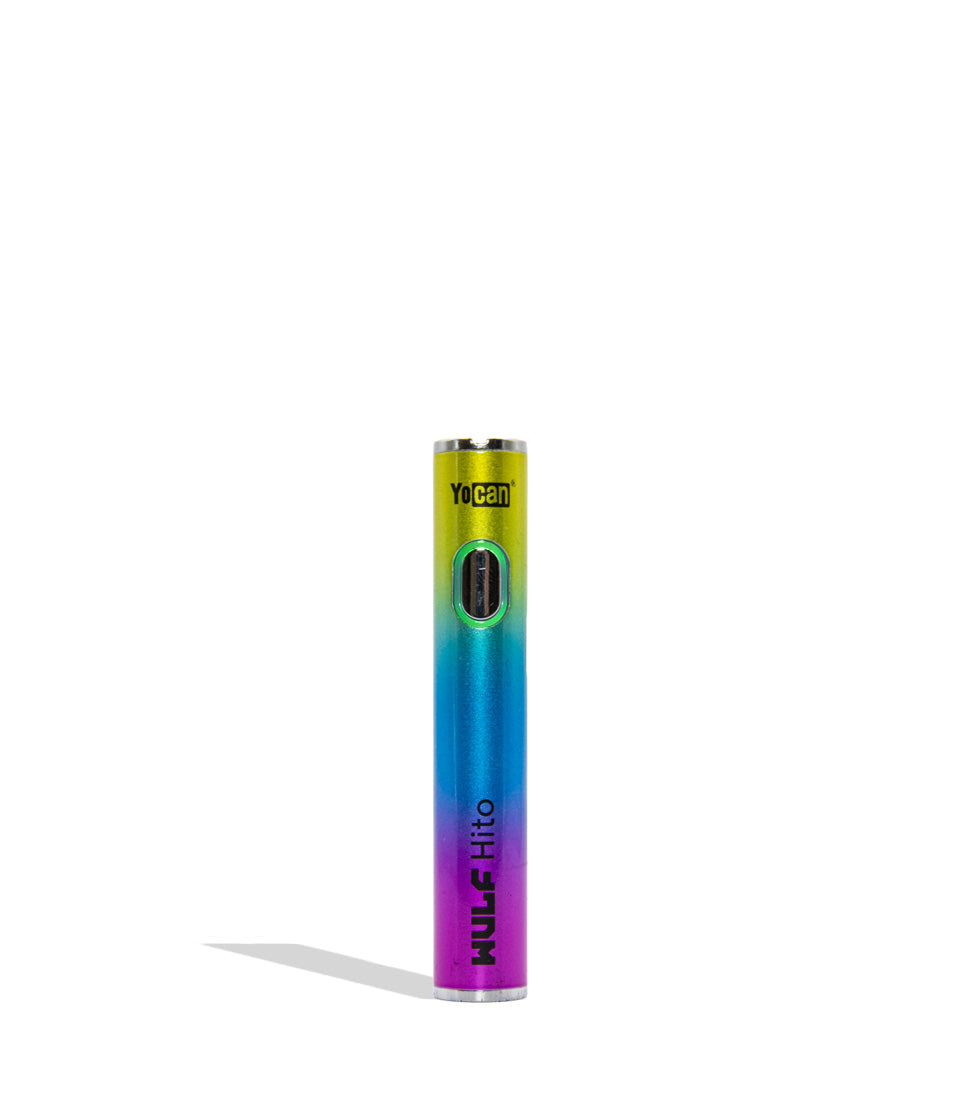
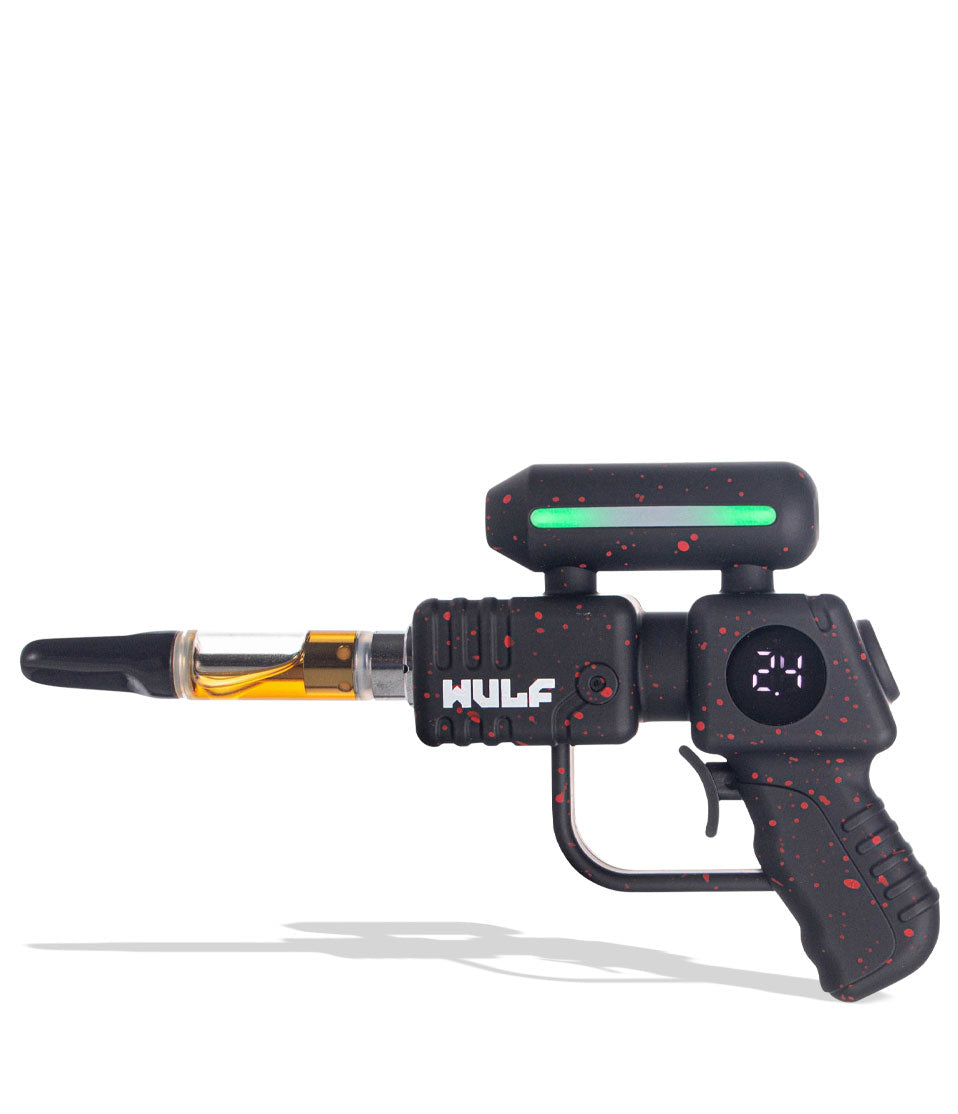
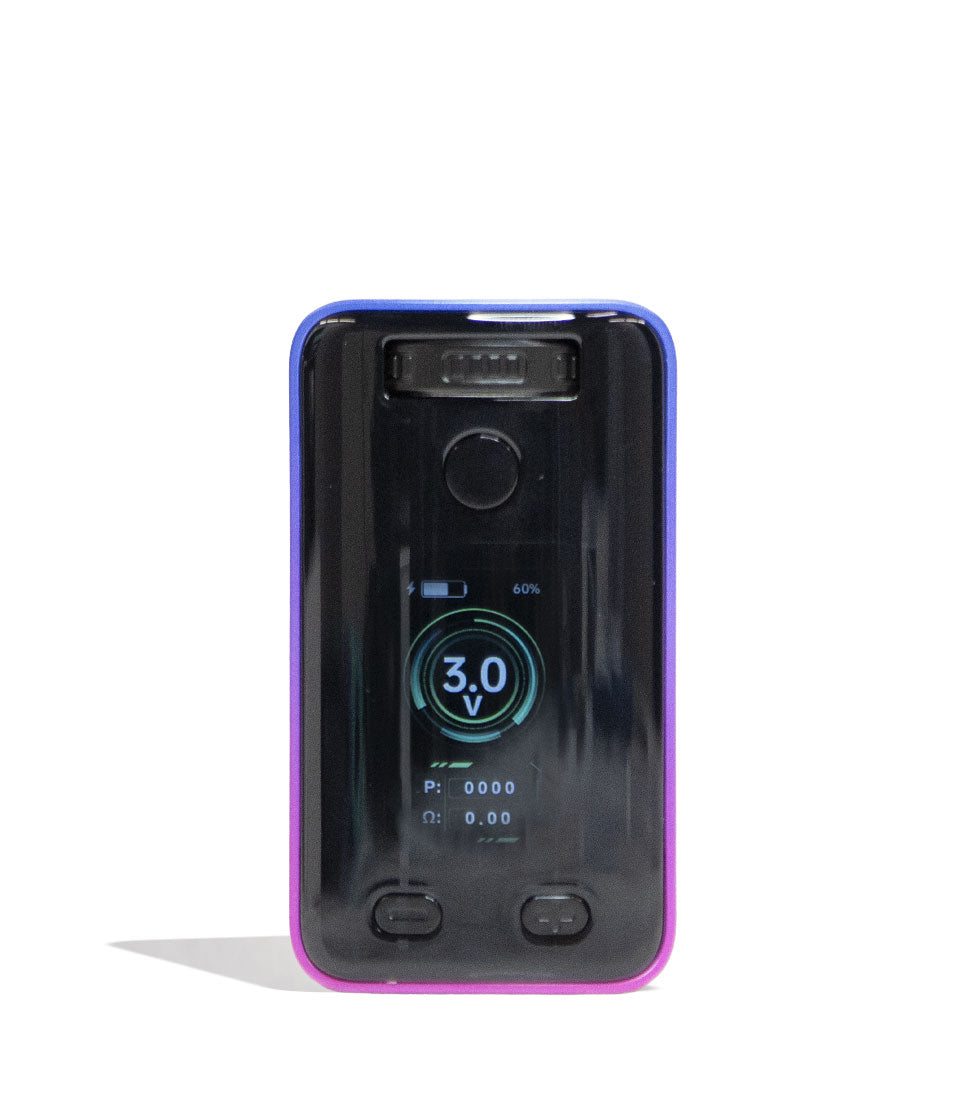
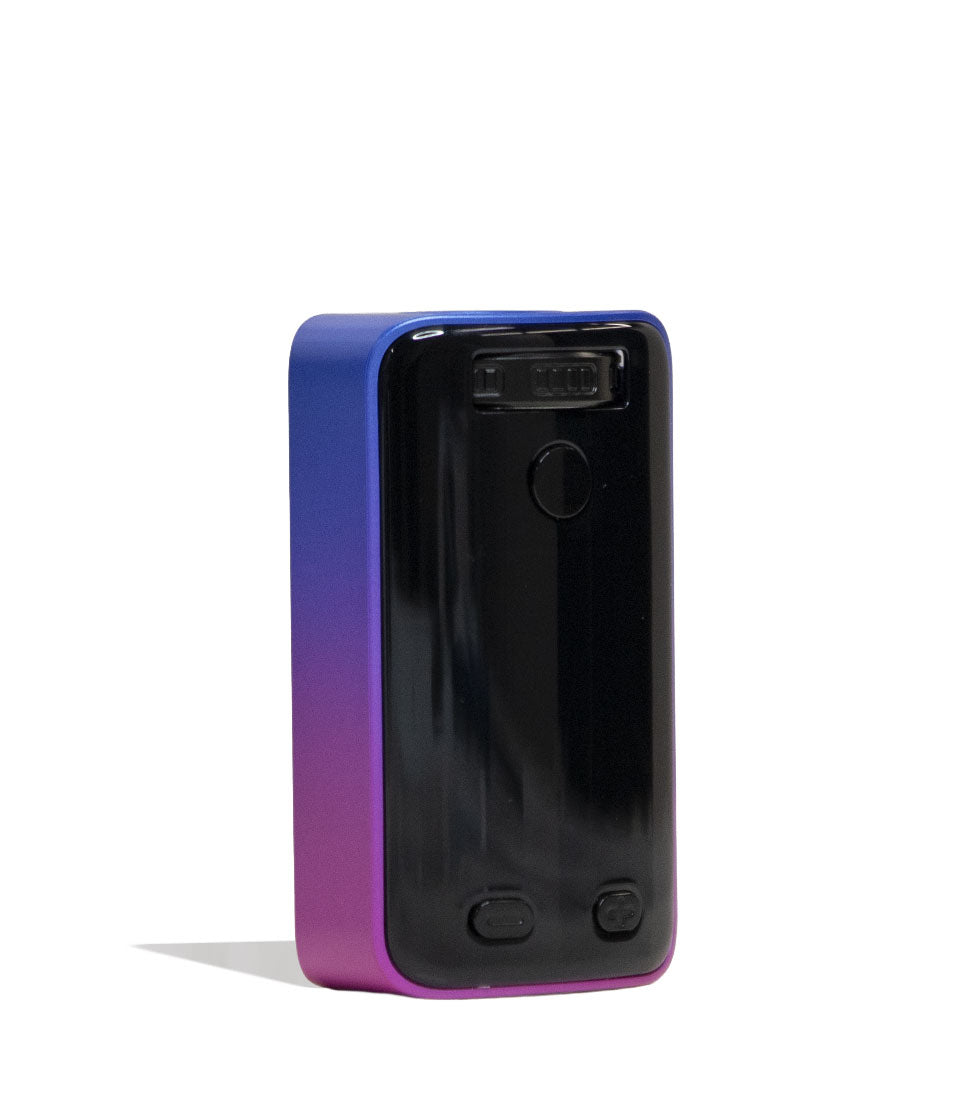
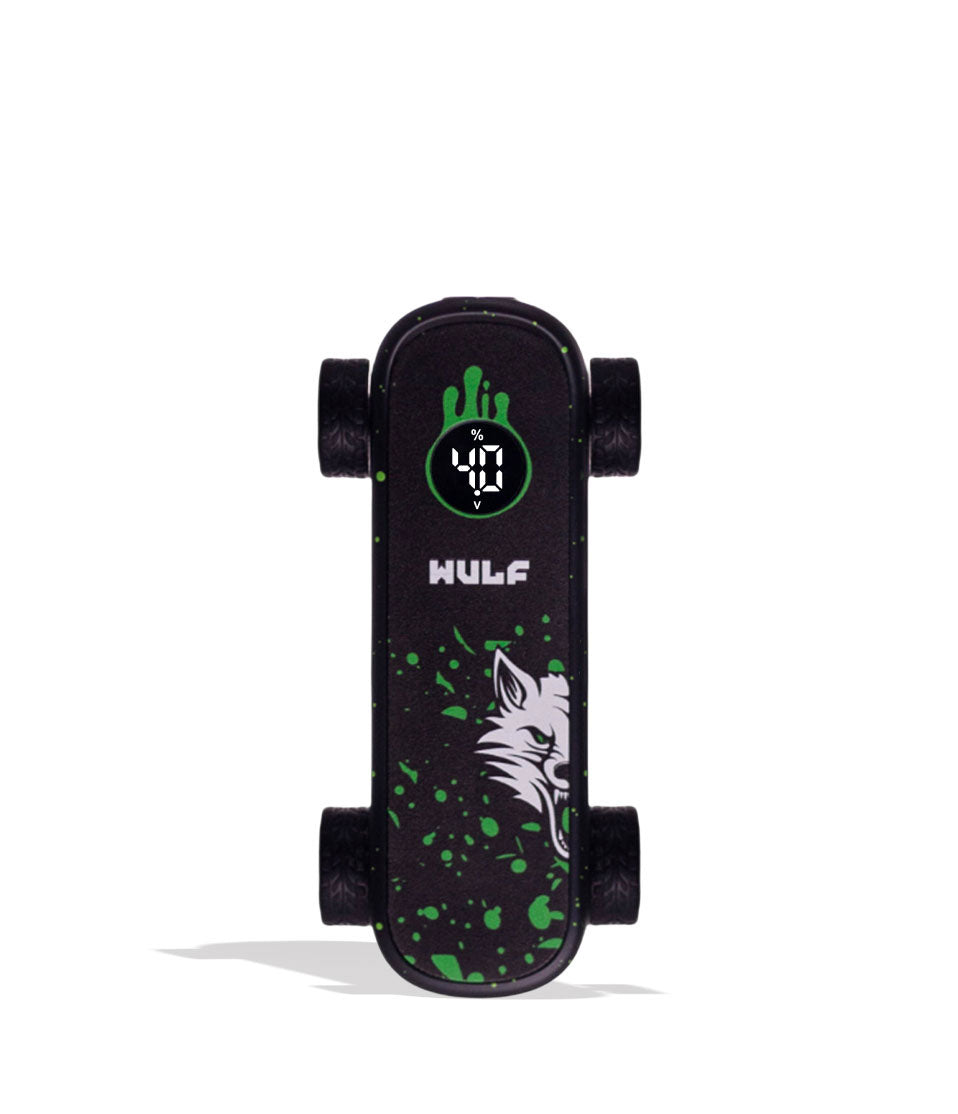
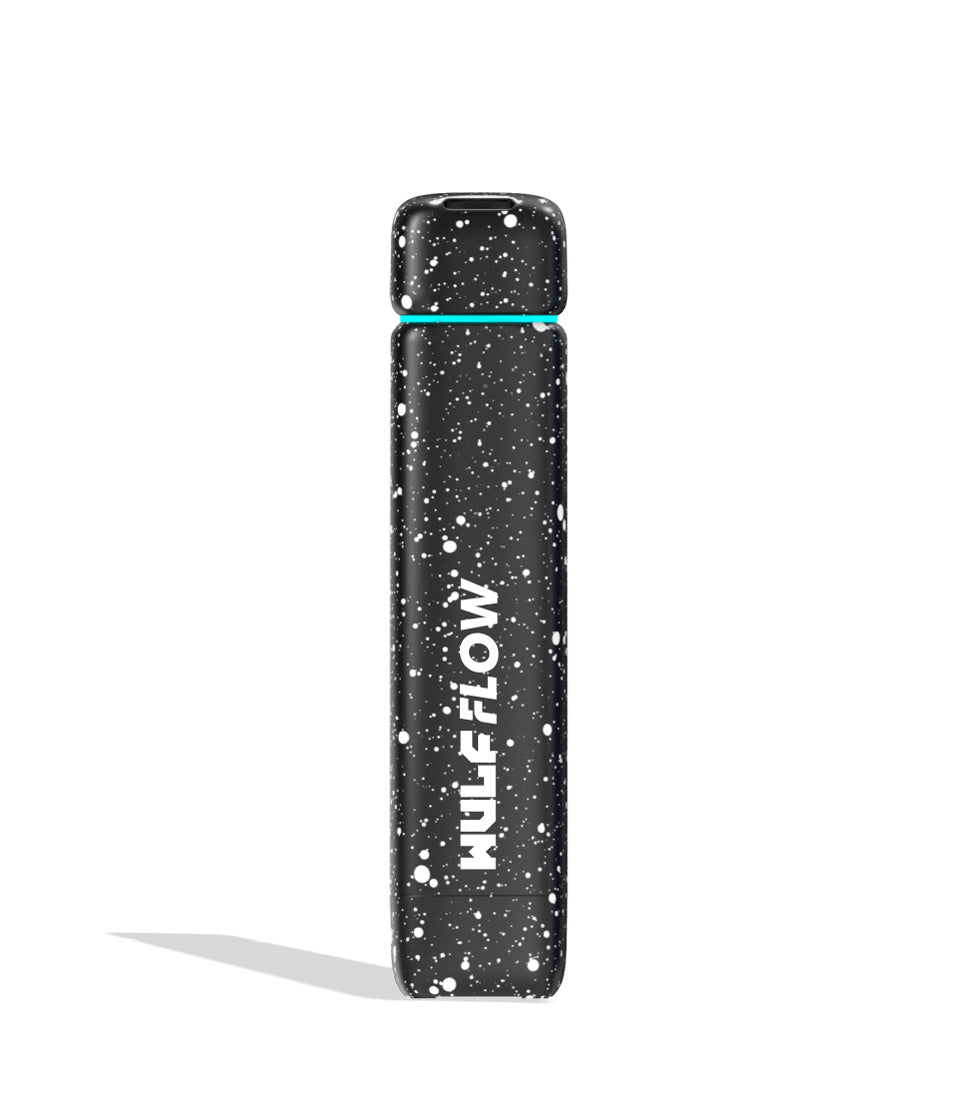
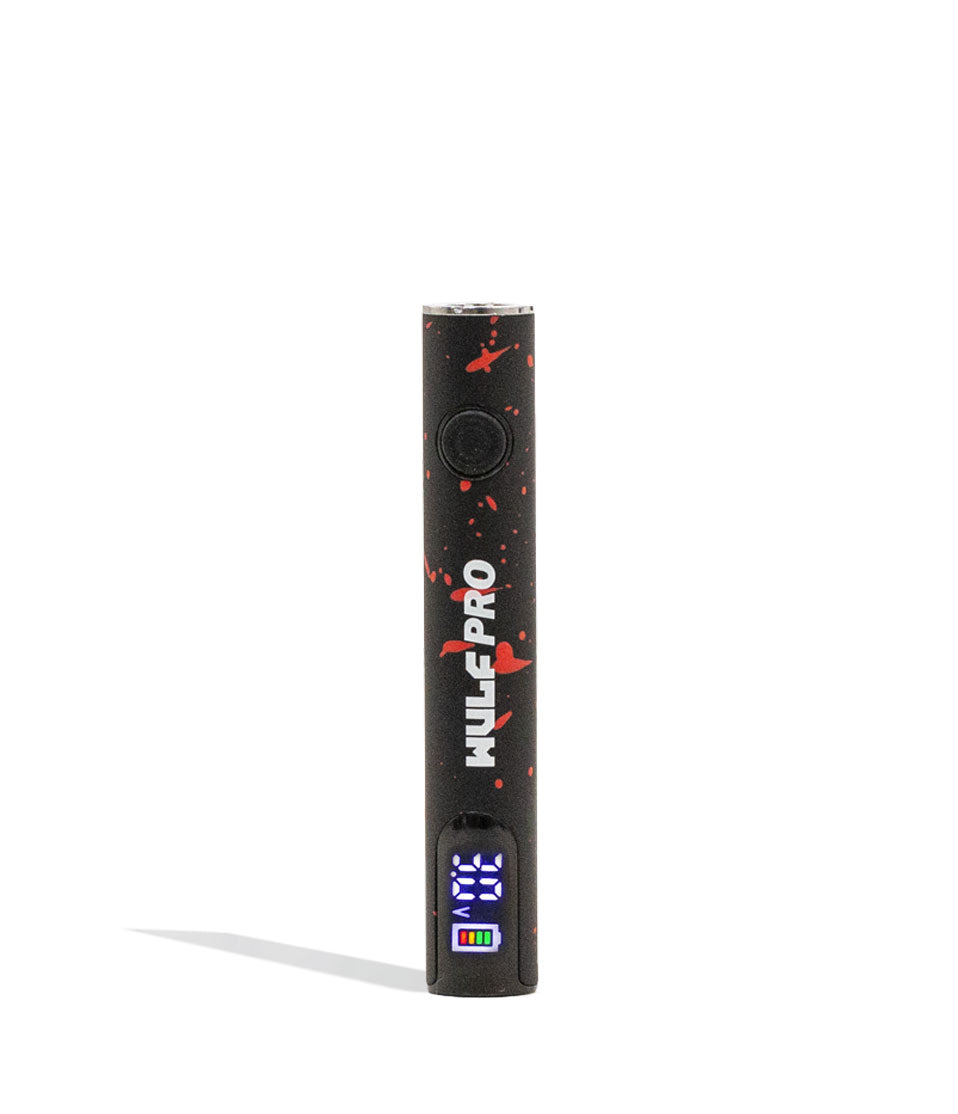
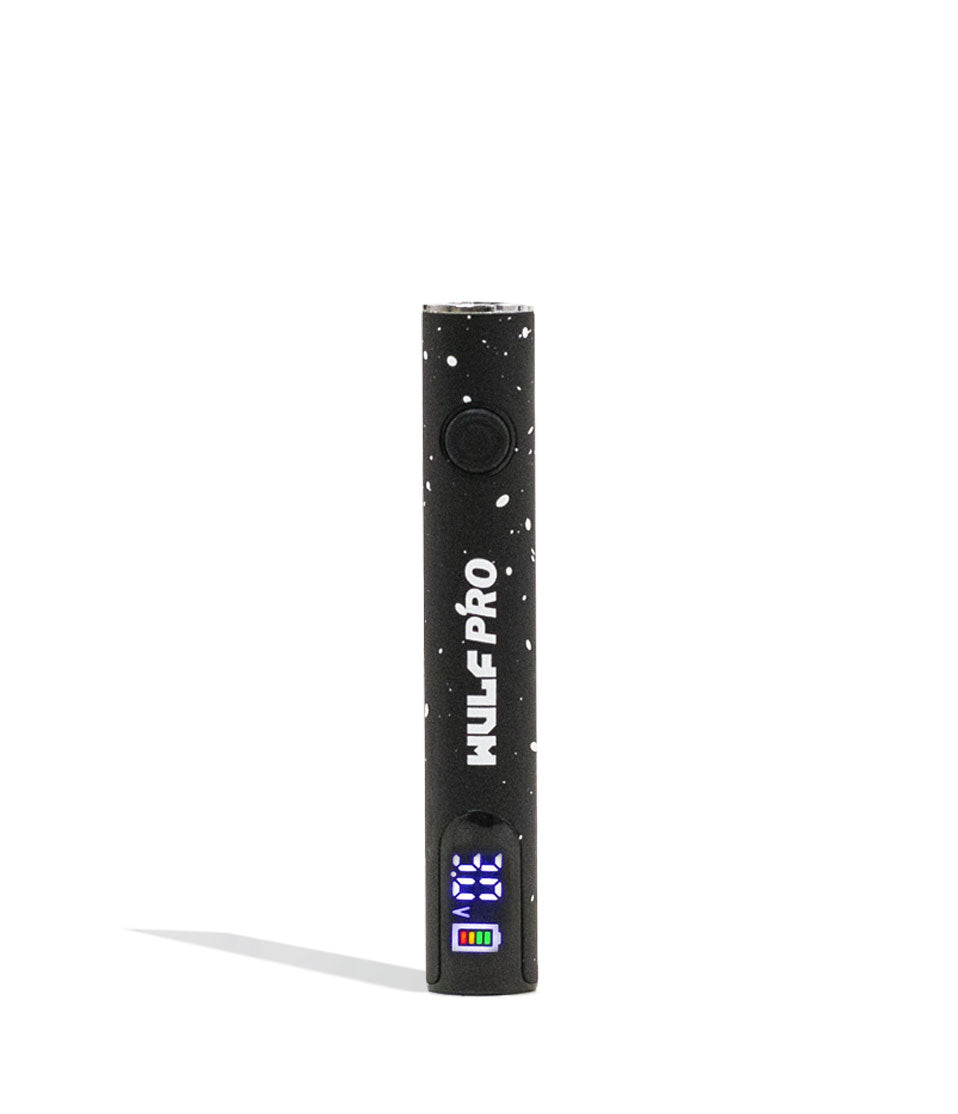
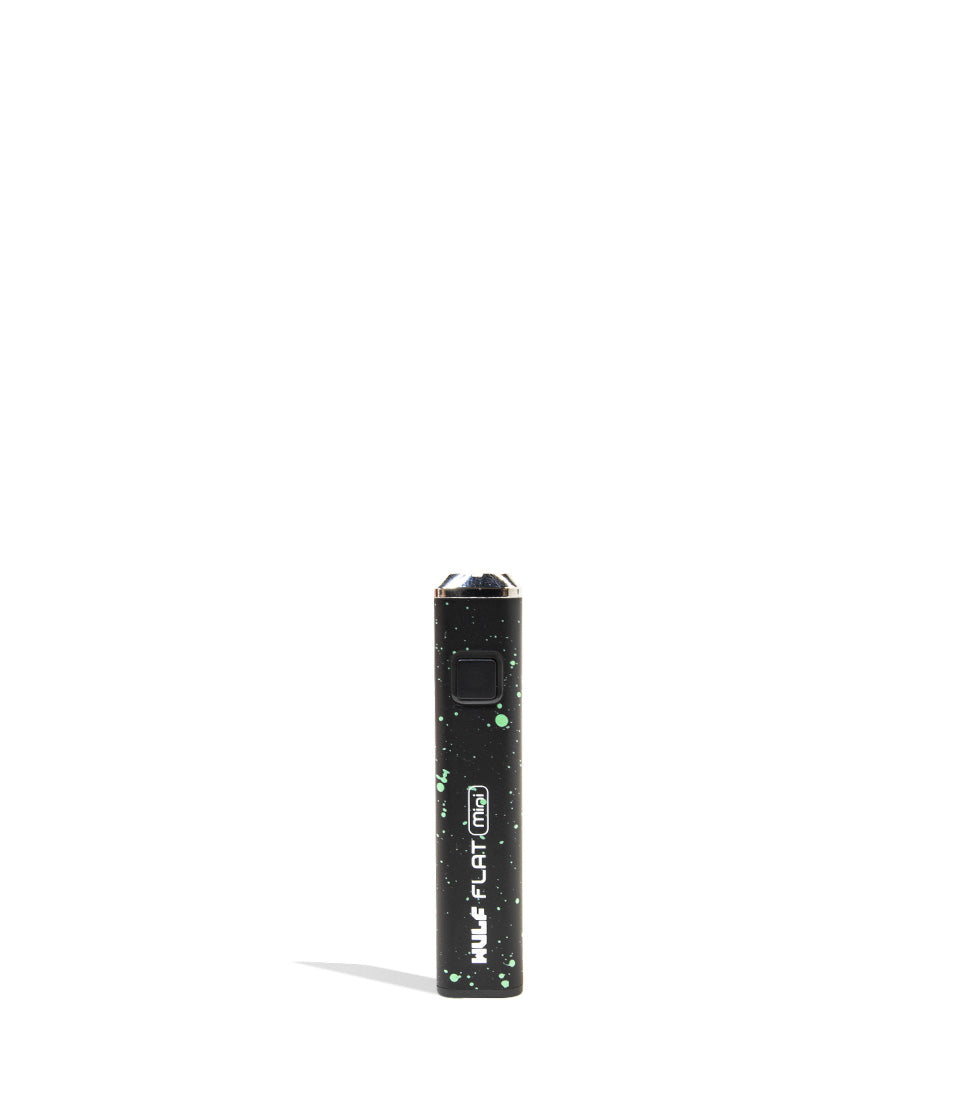
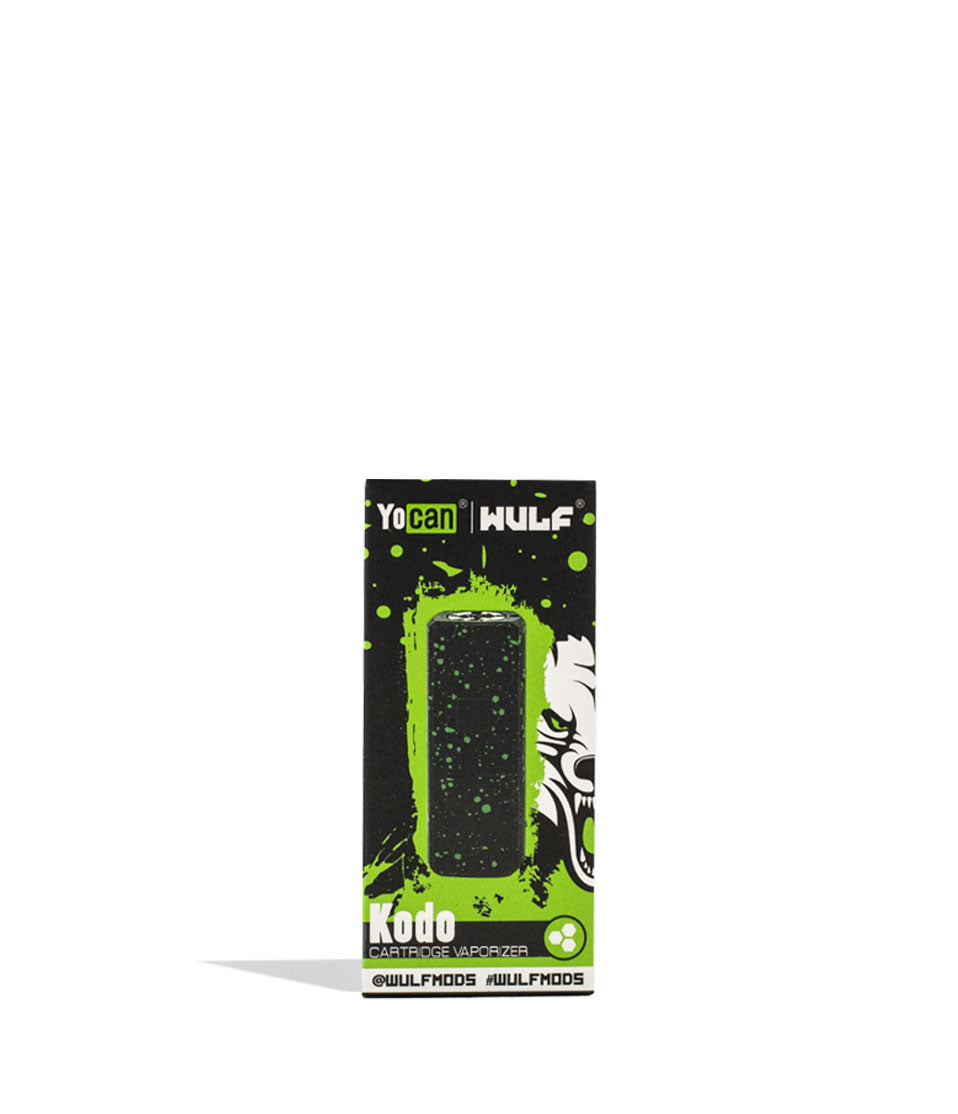
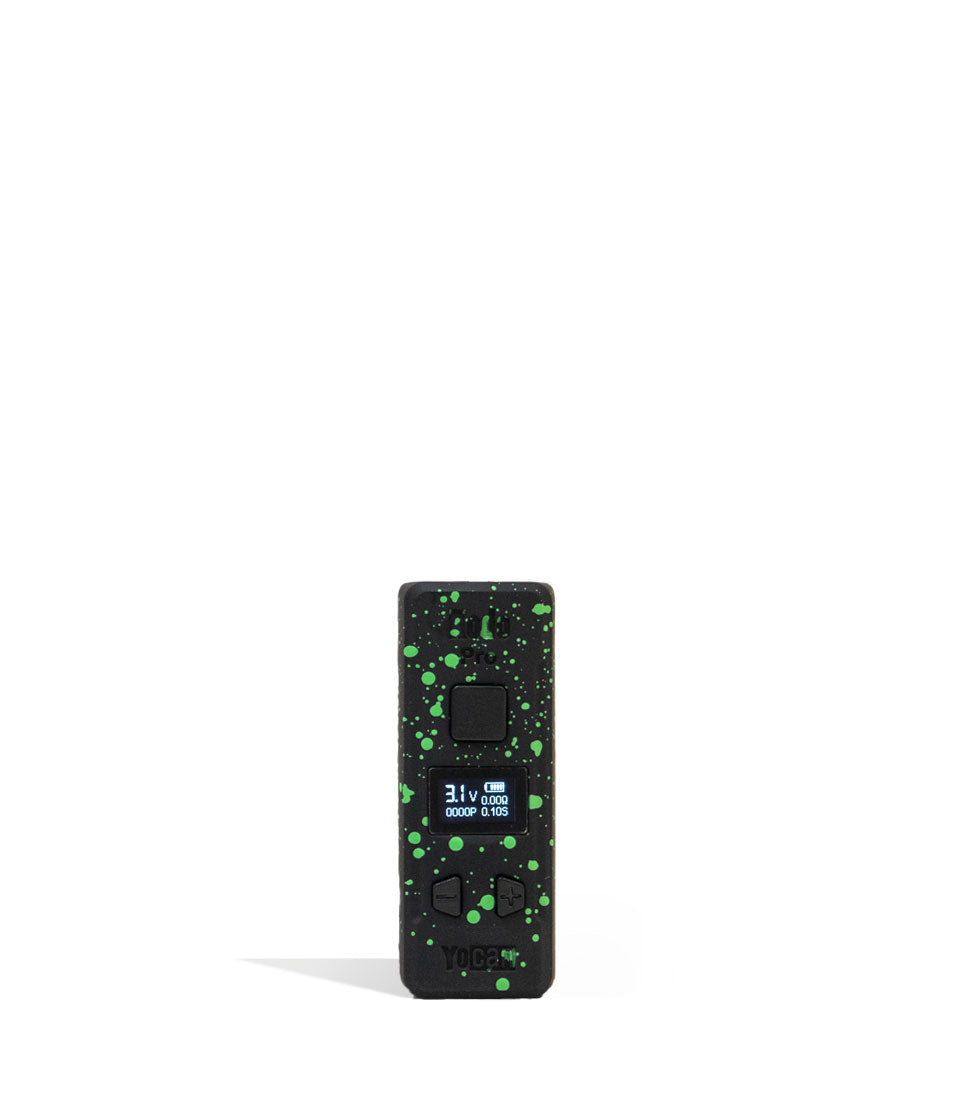
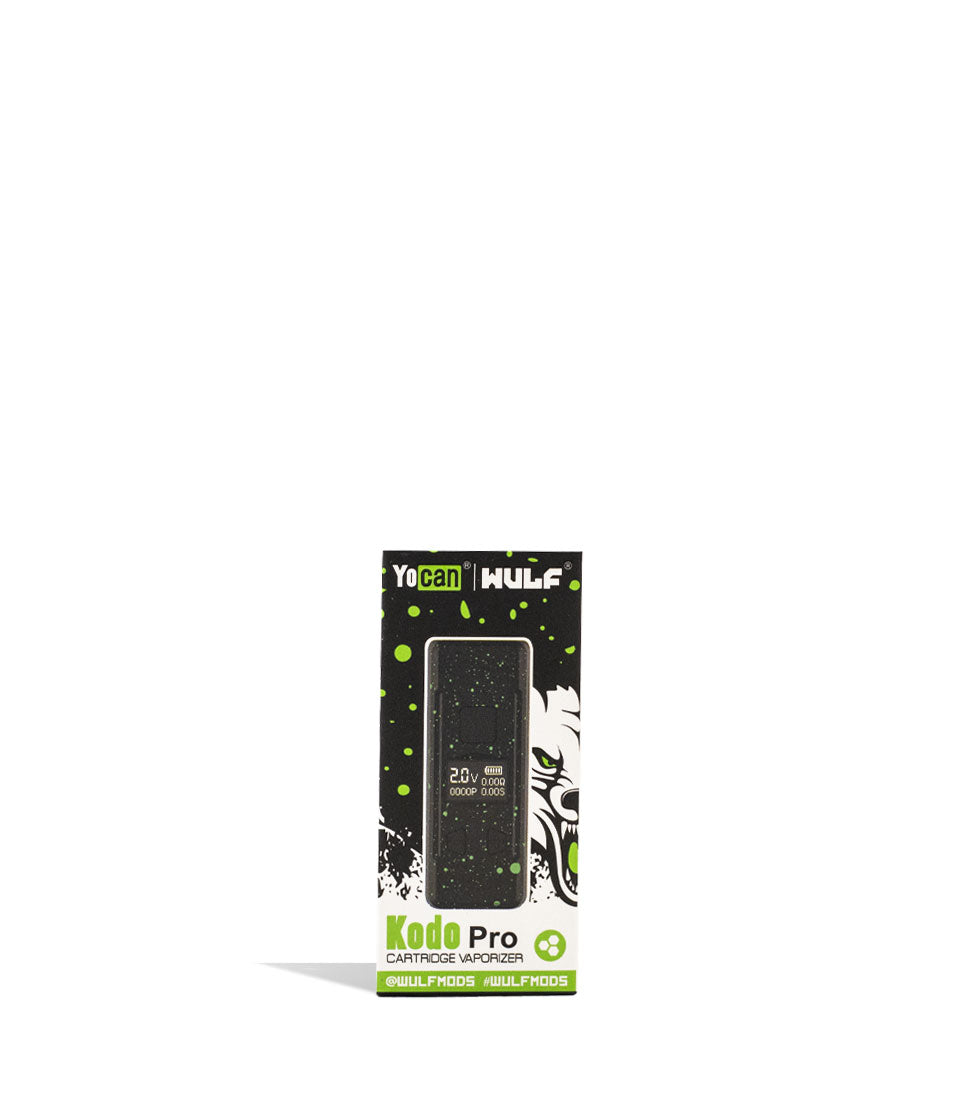
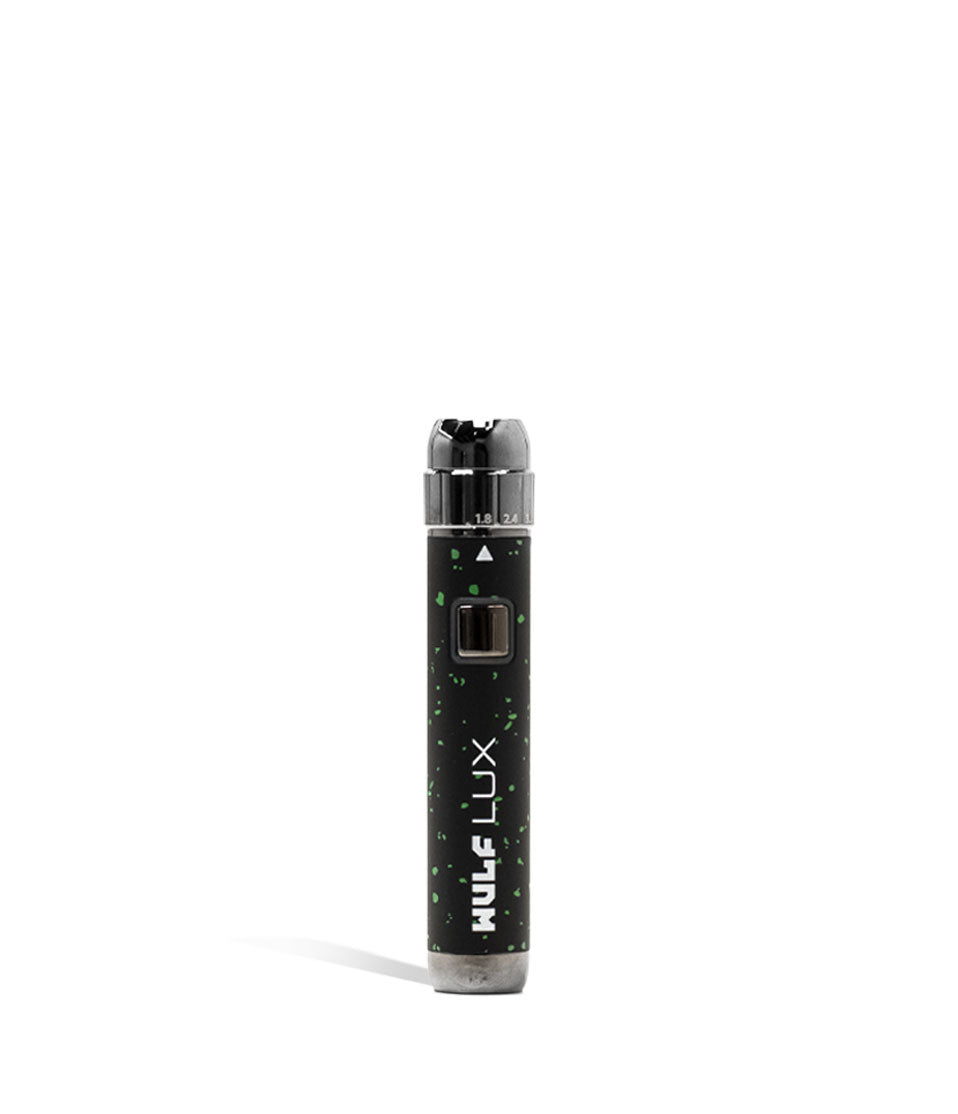
Shop 510 Thread Batteries
Browse the products featured in this guide.
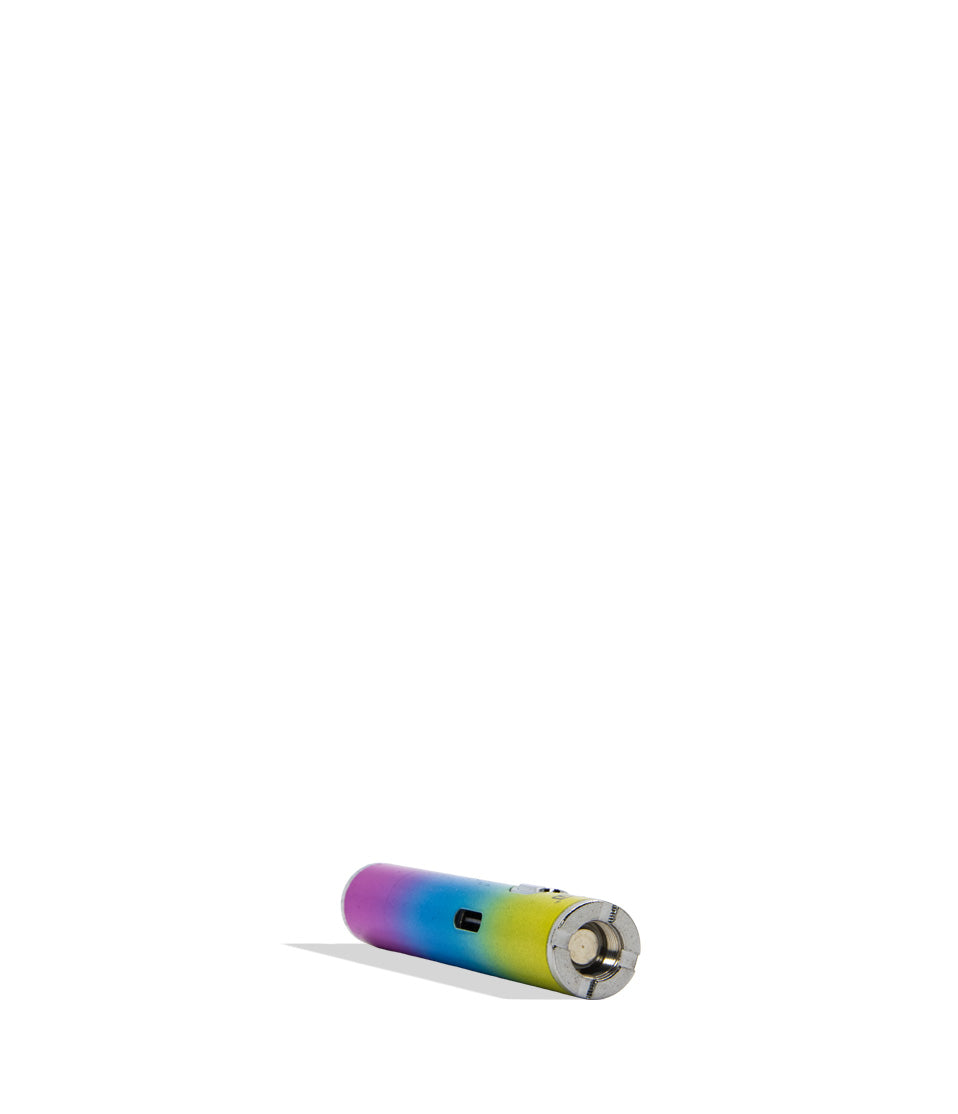
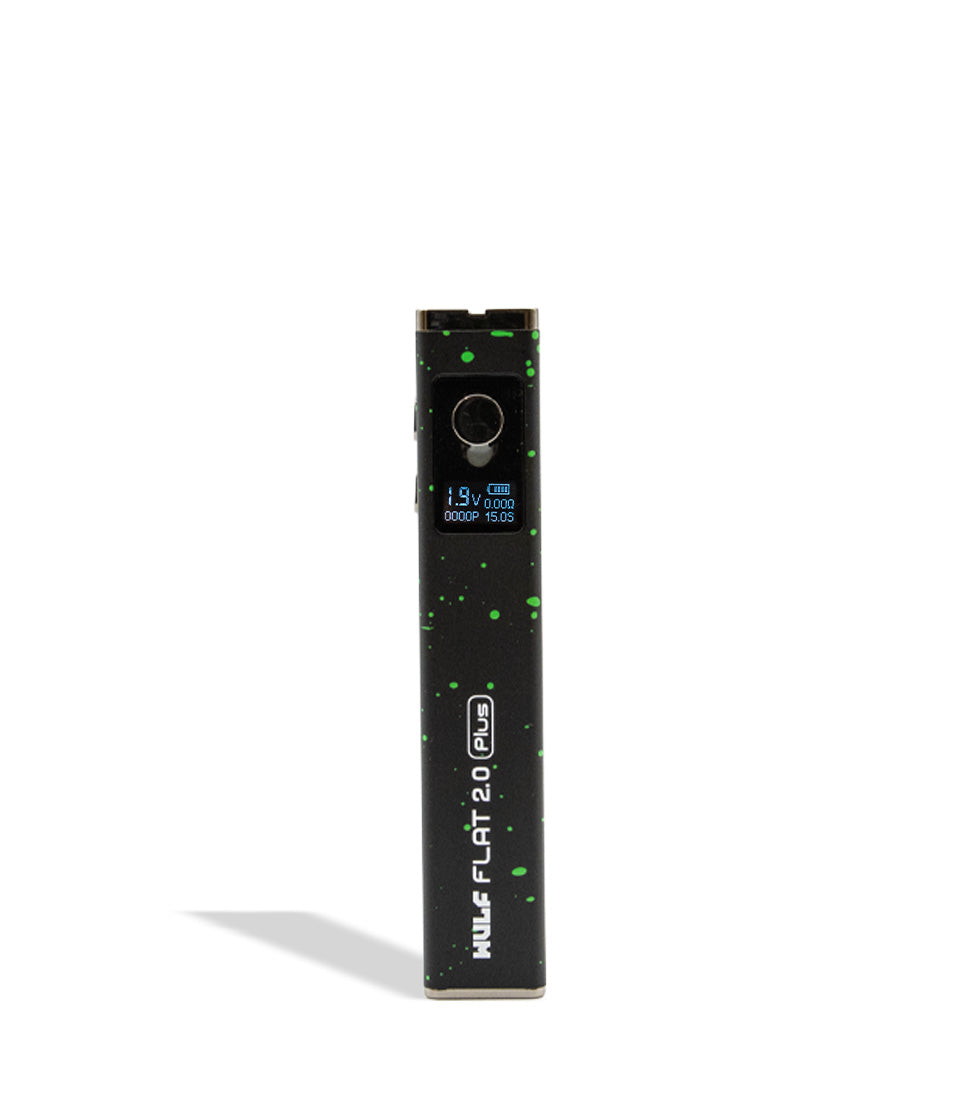
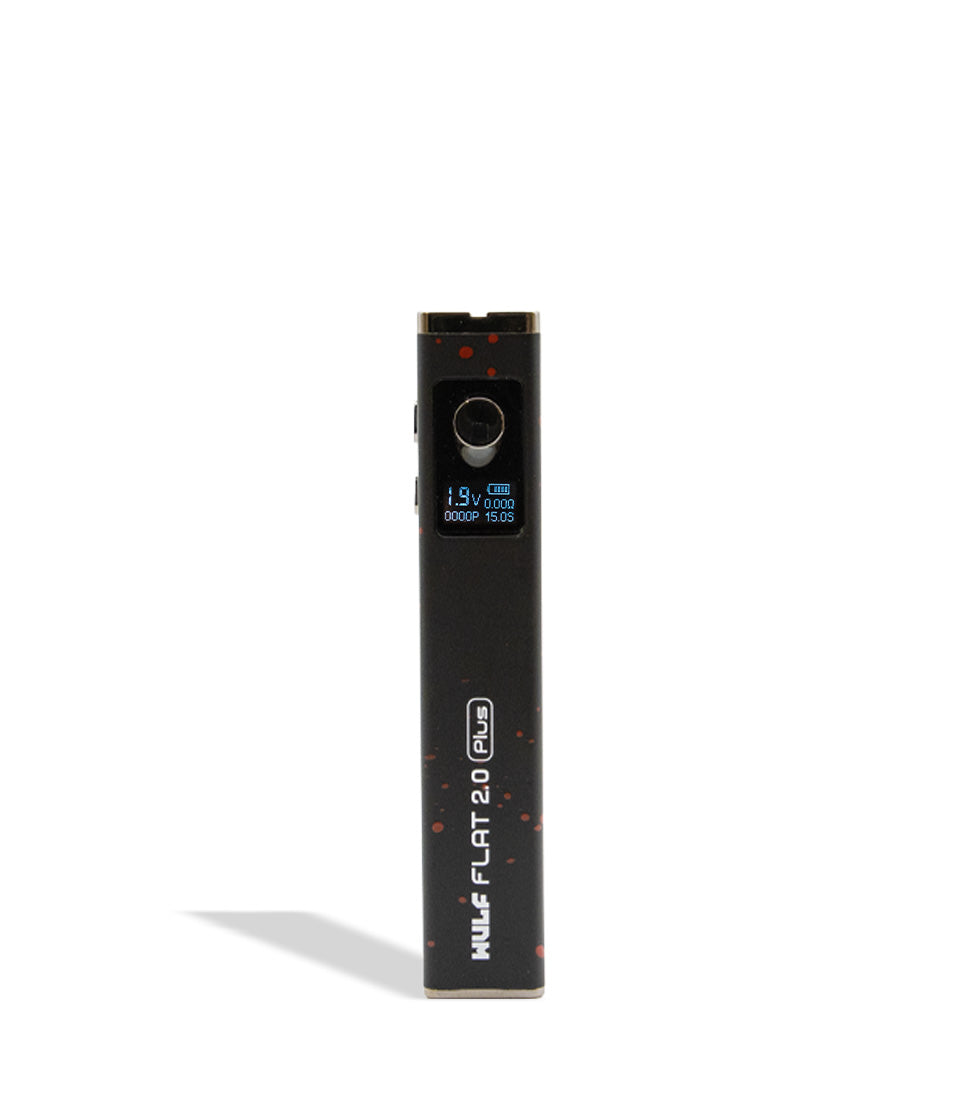
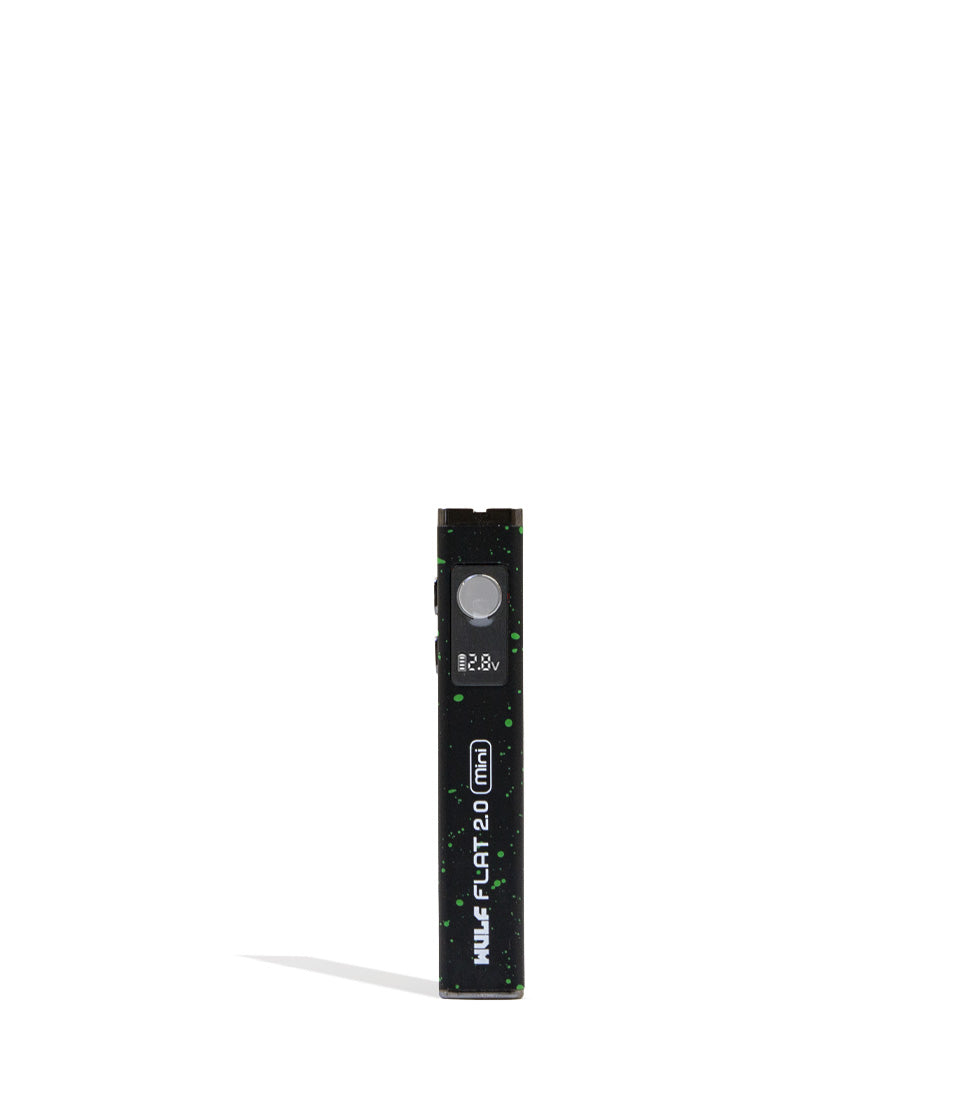
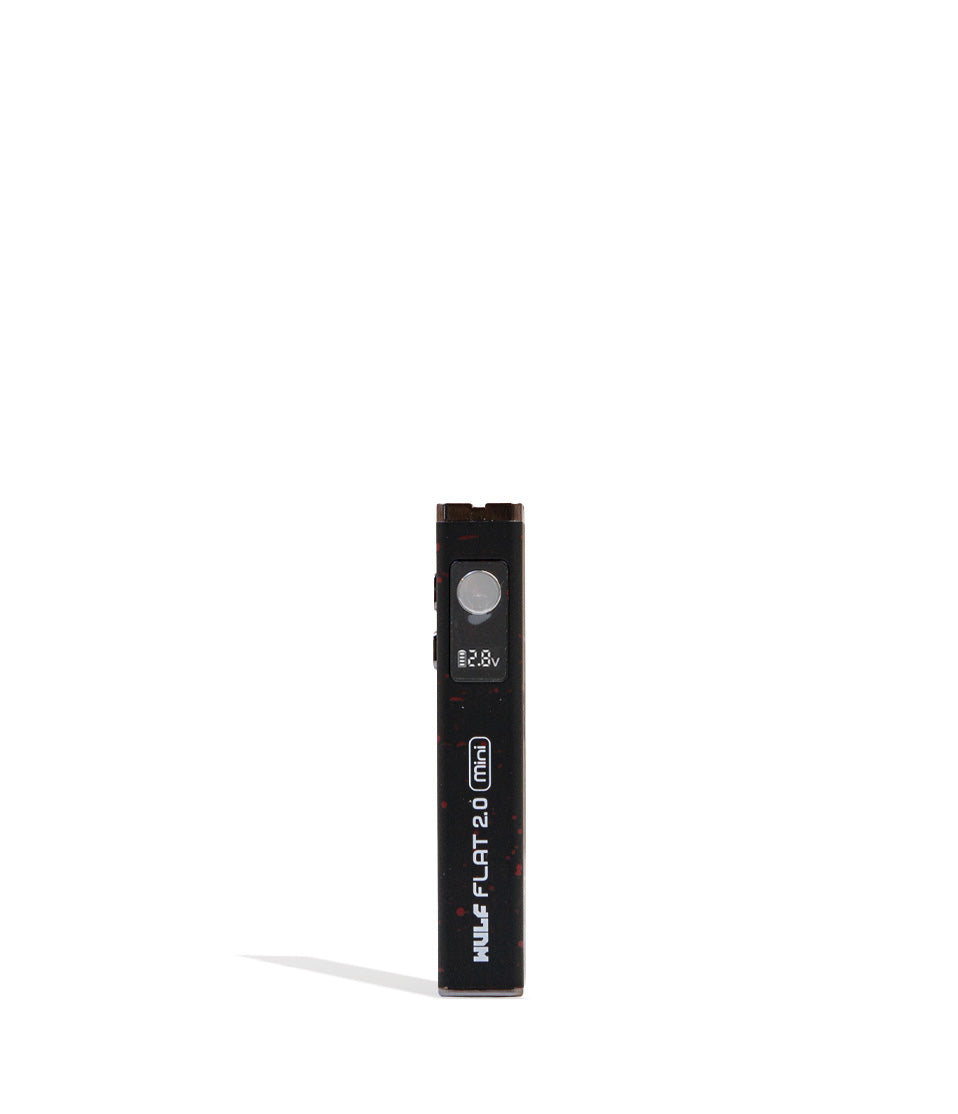
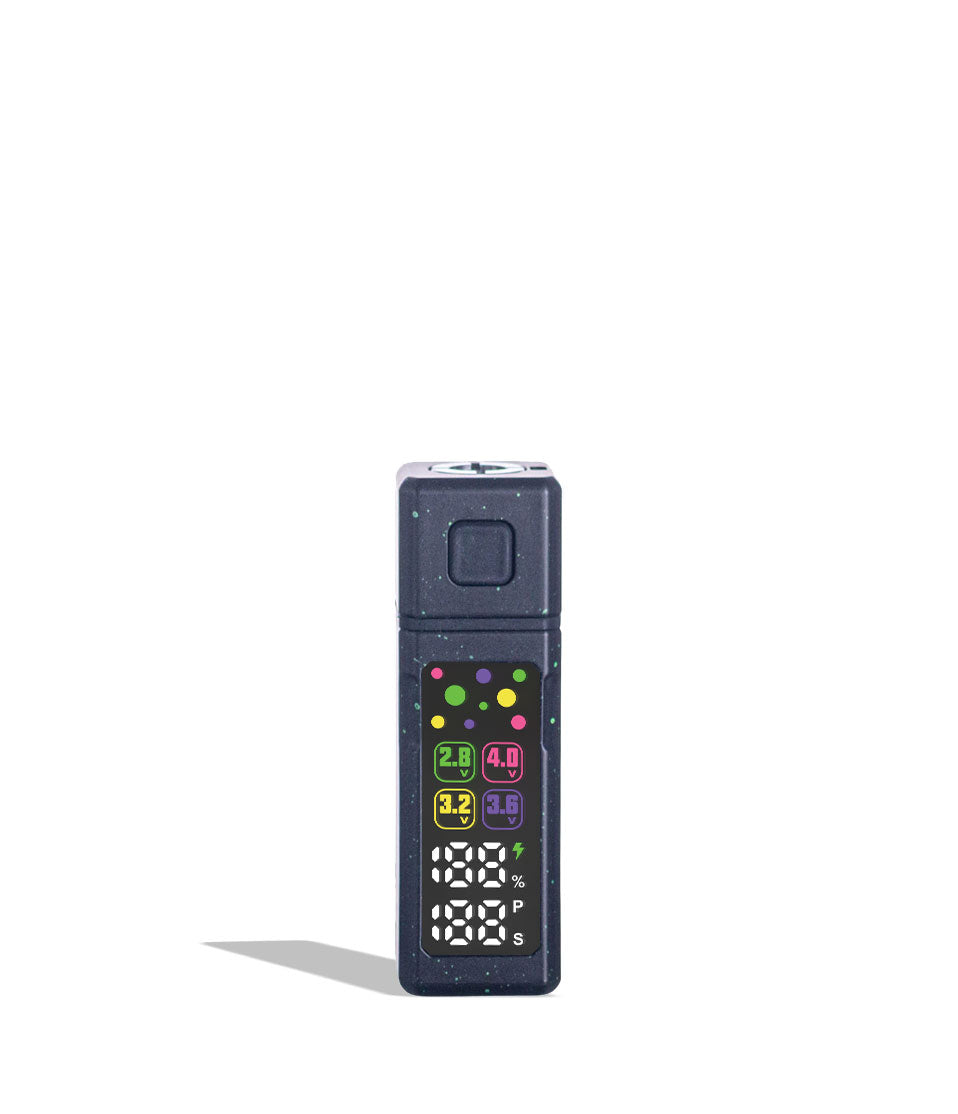
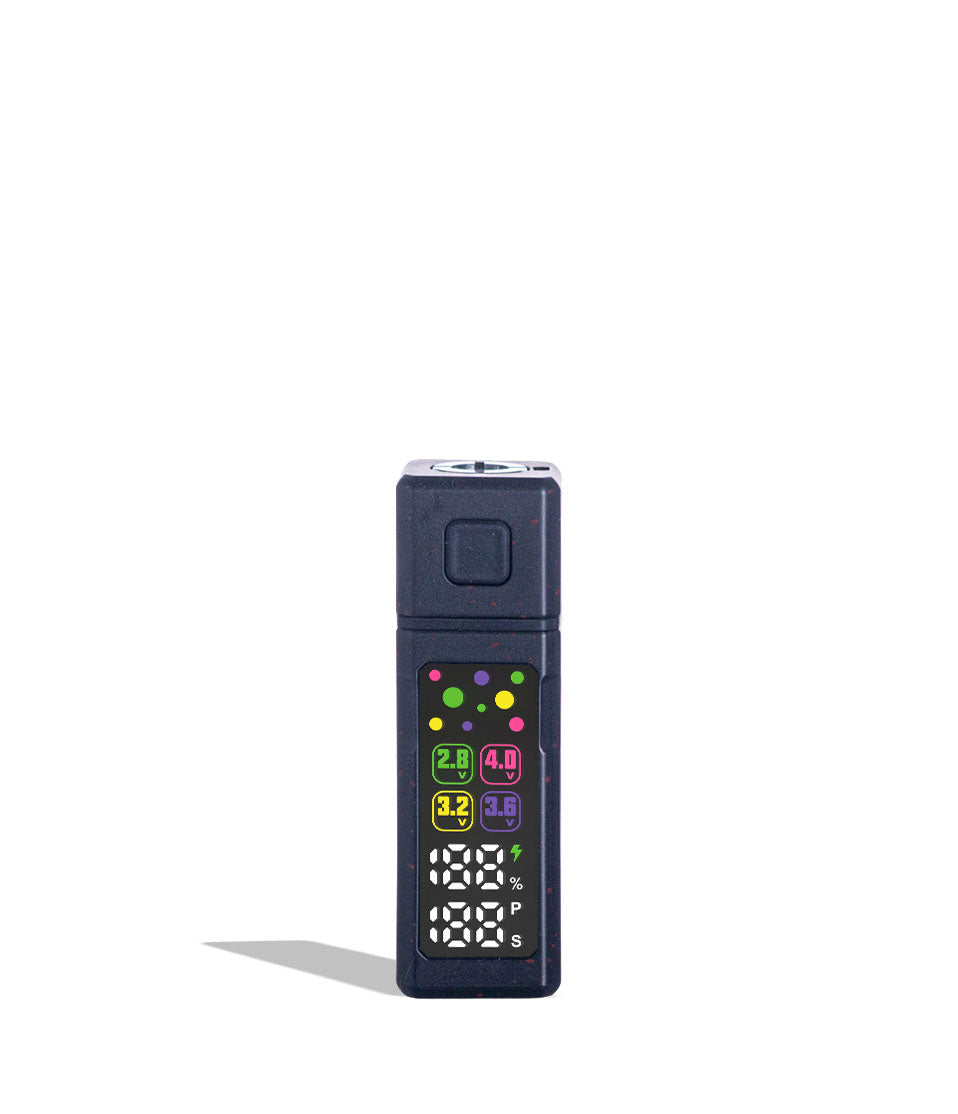
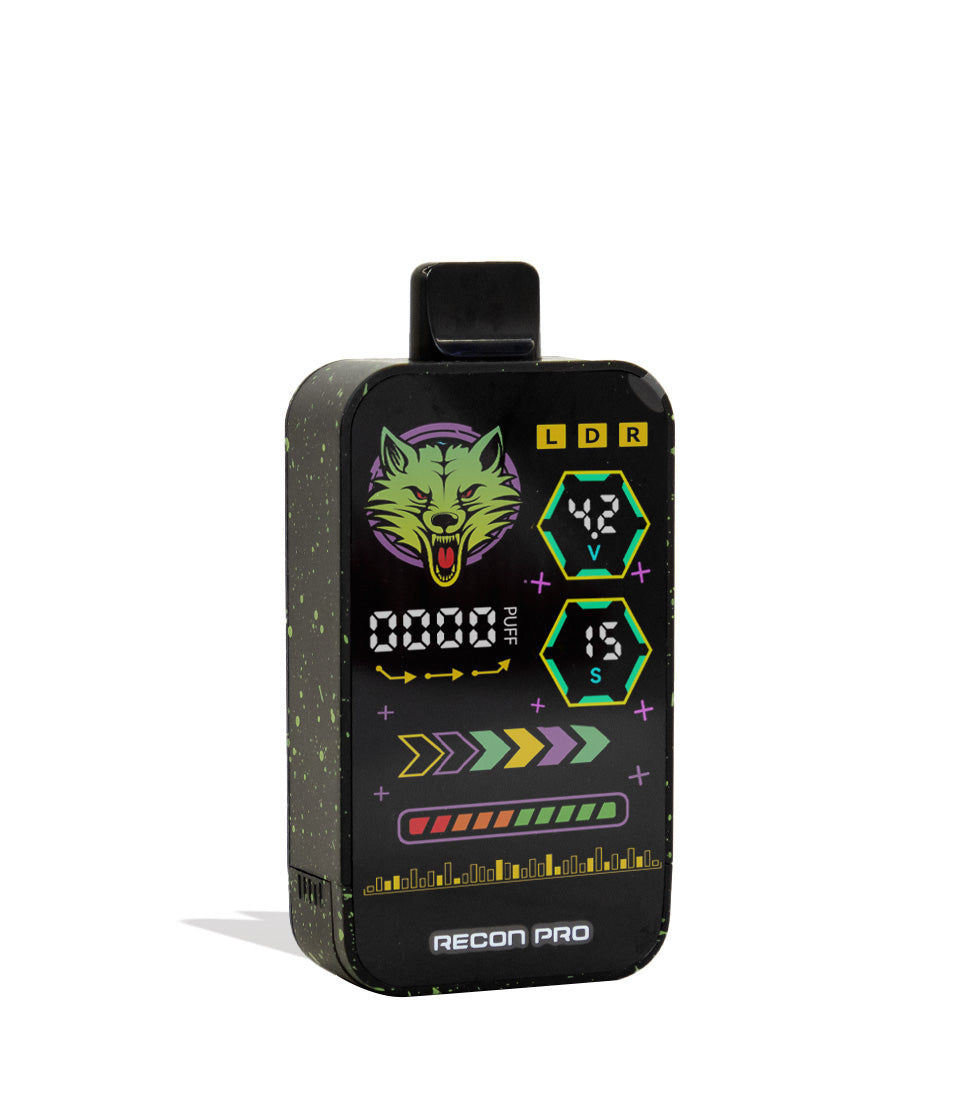
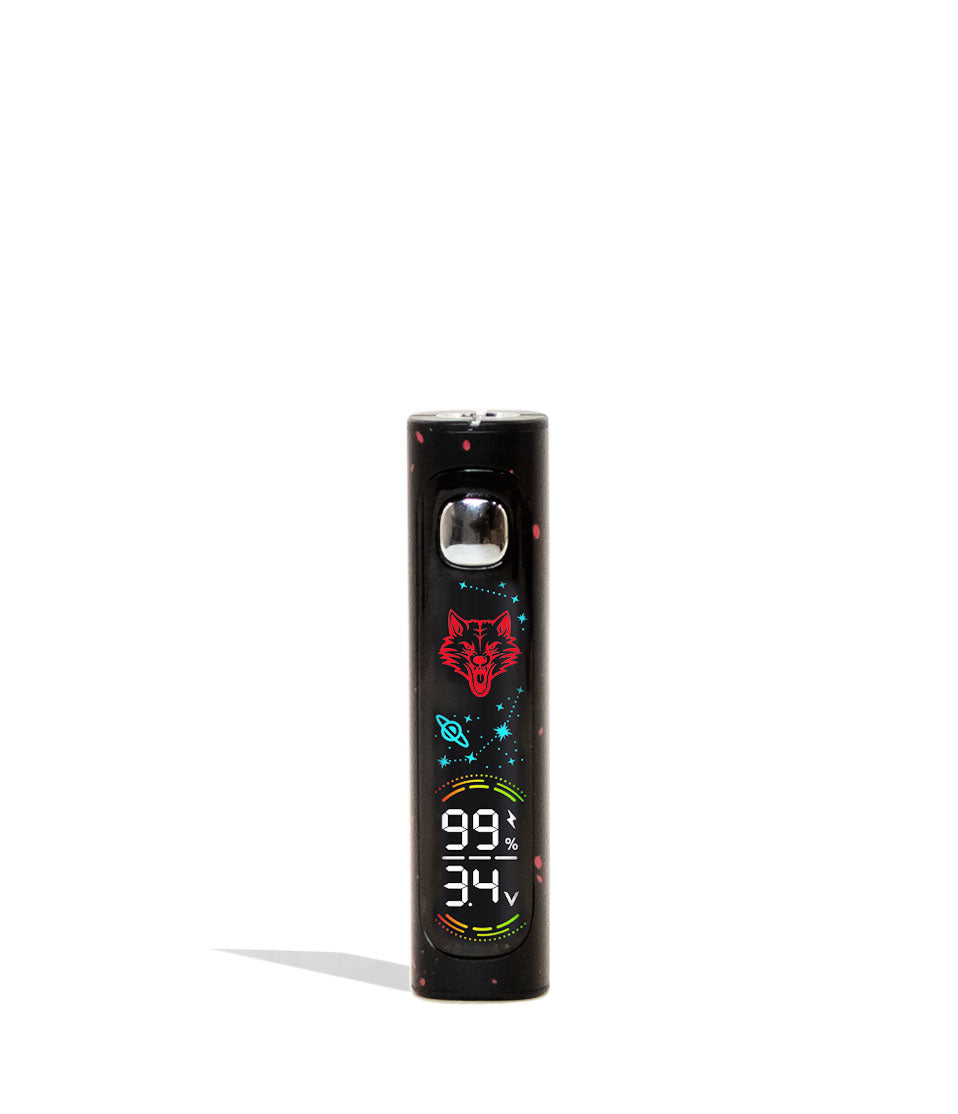
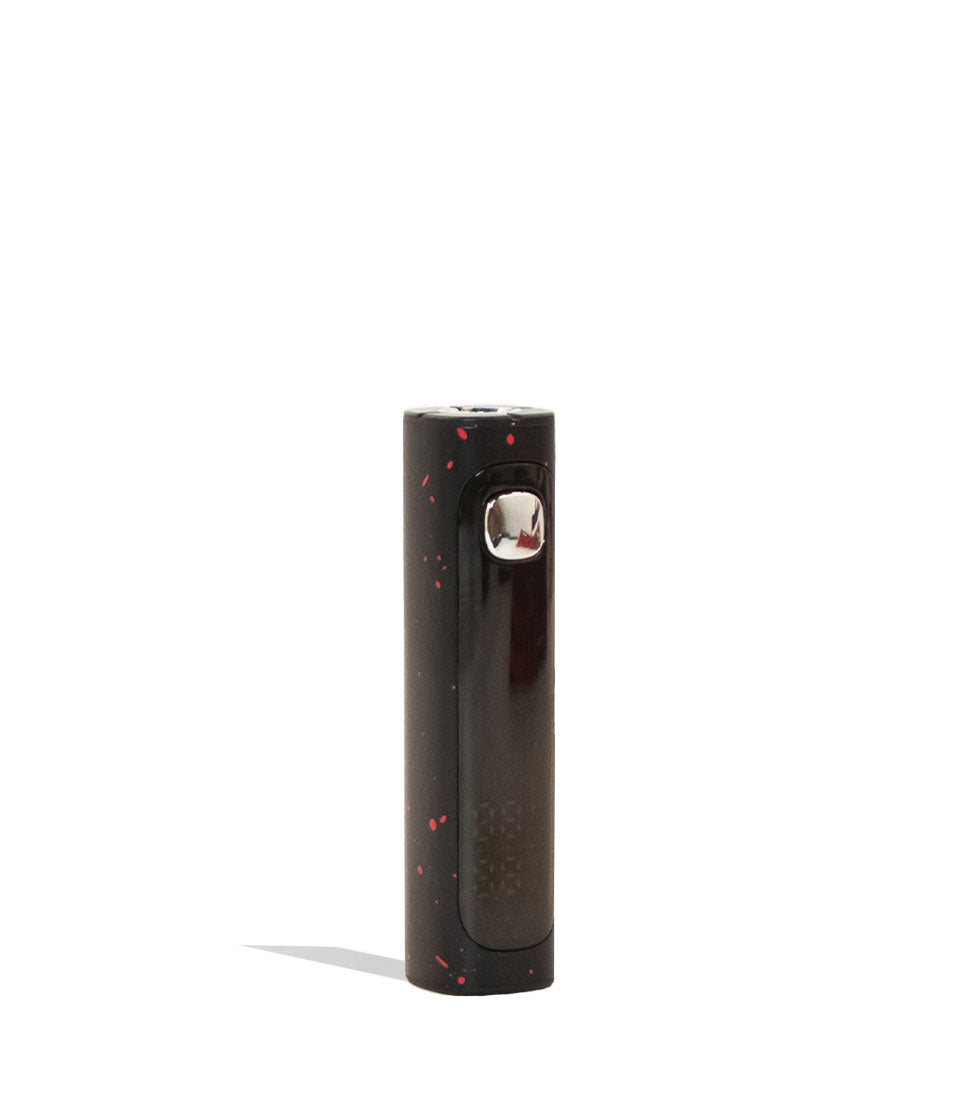
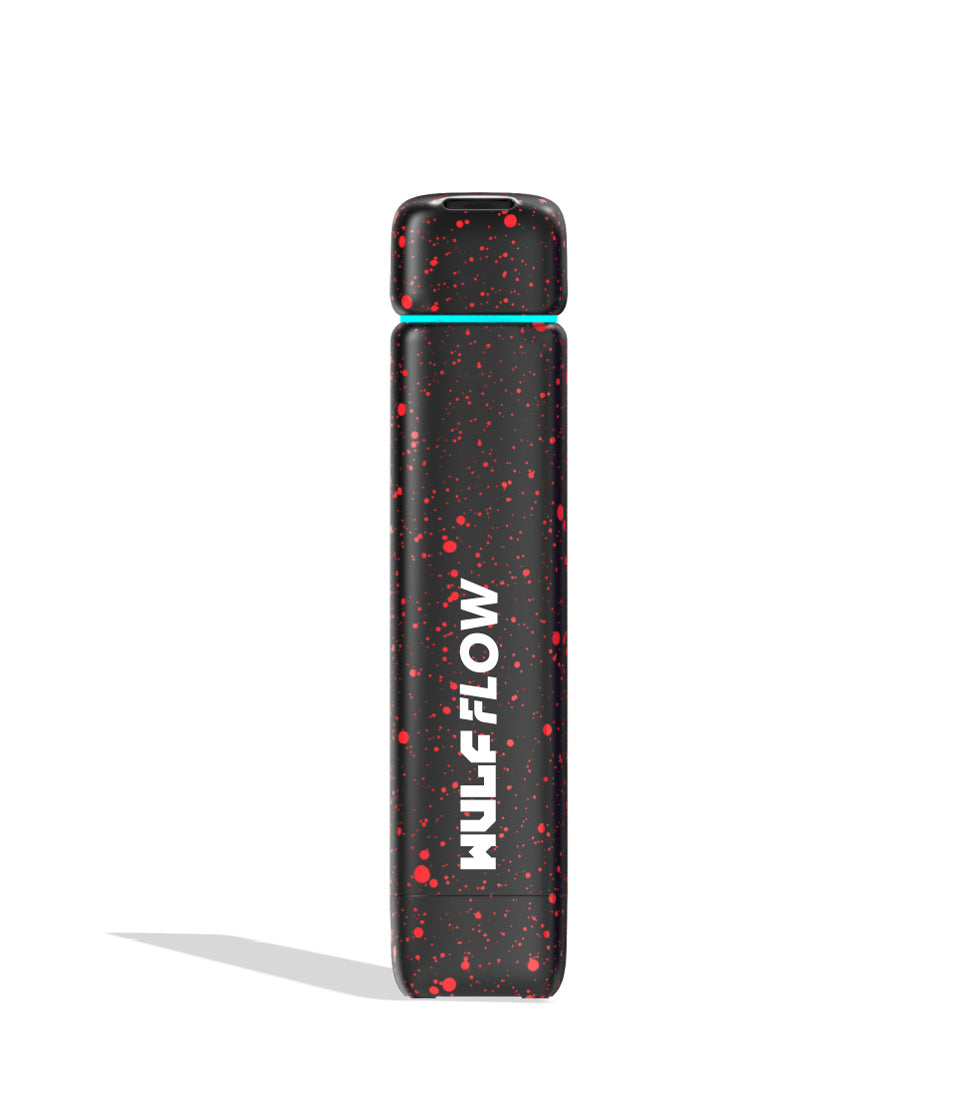
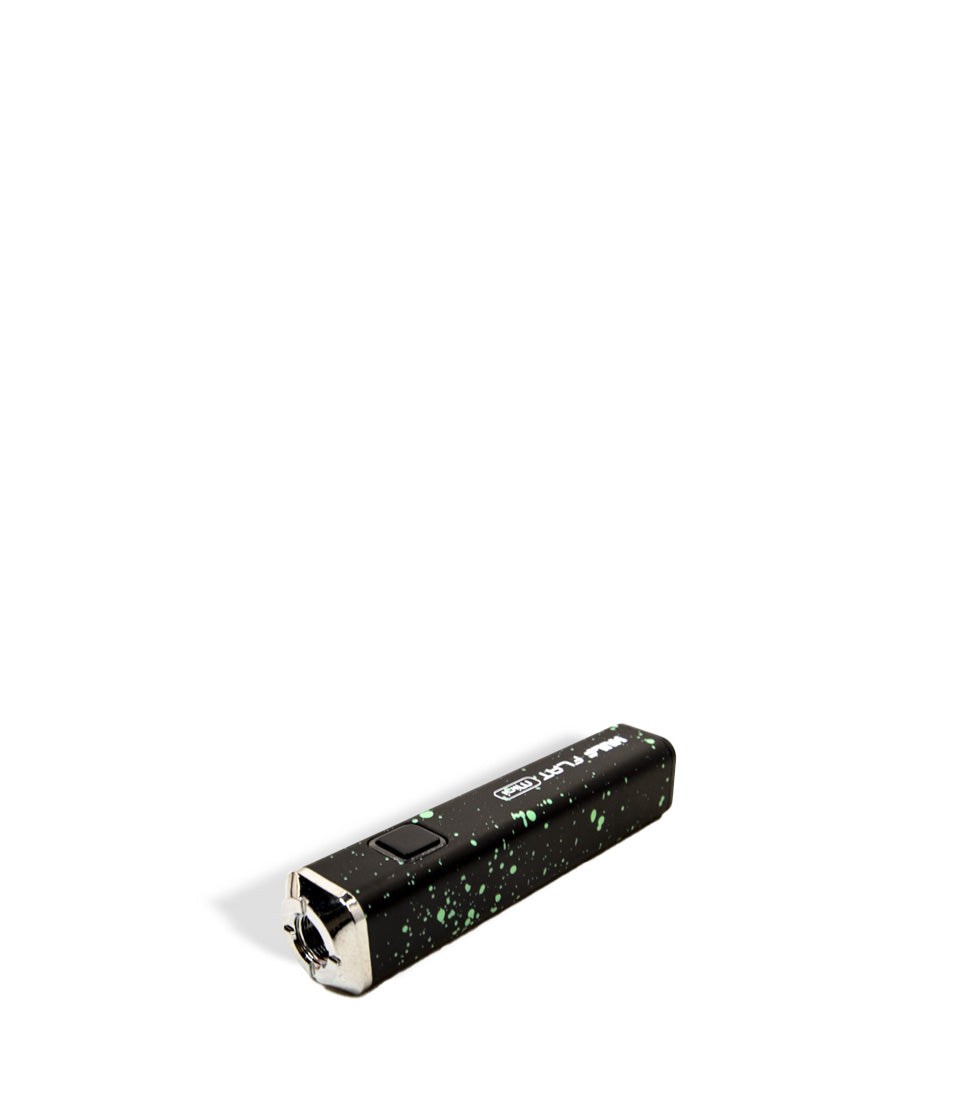
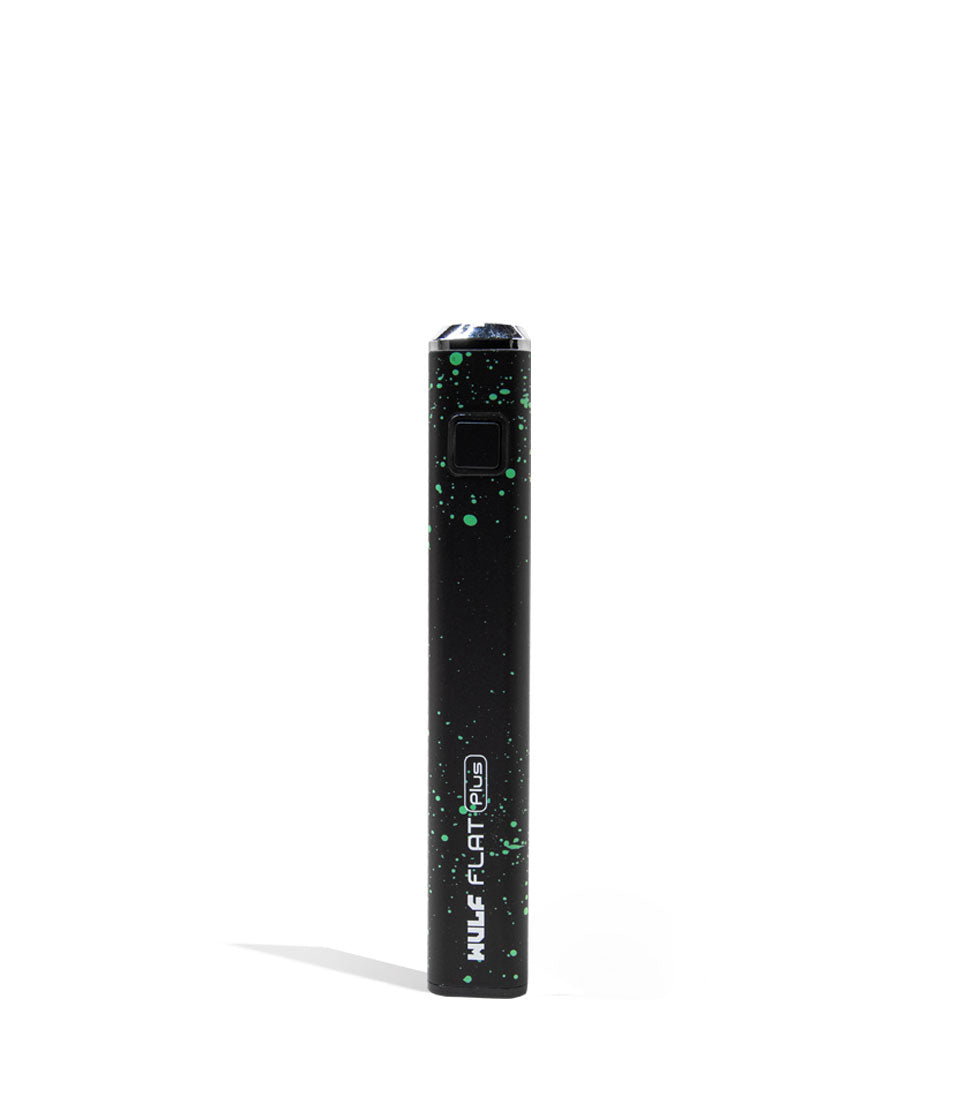
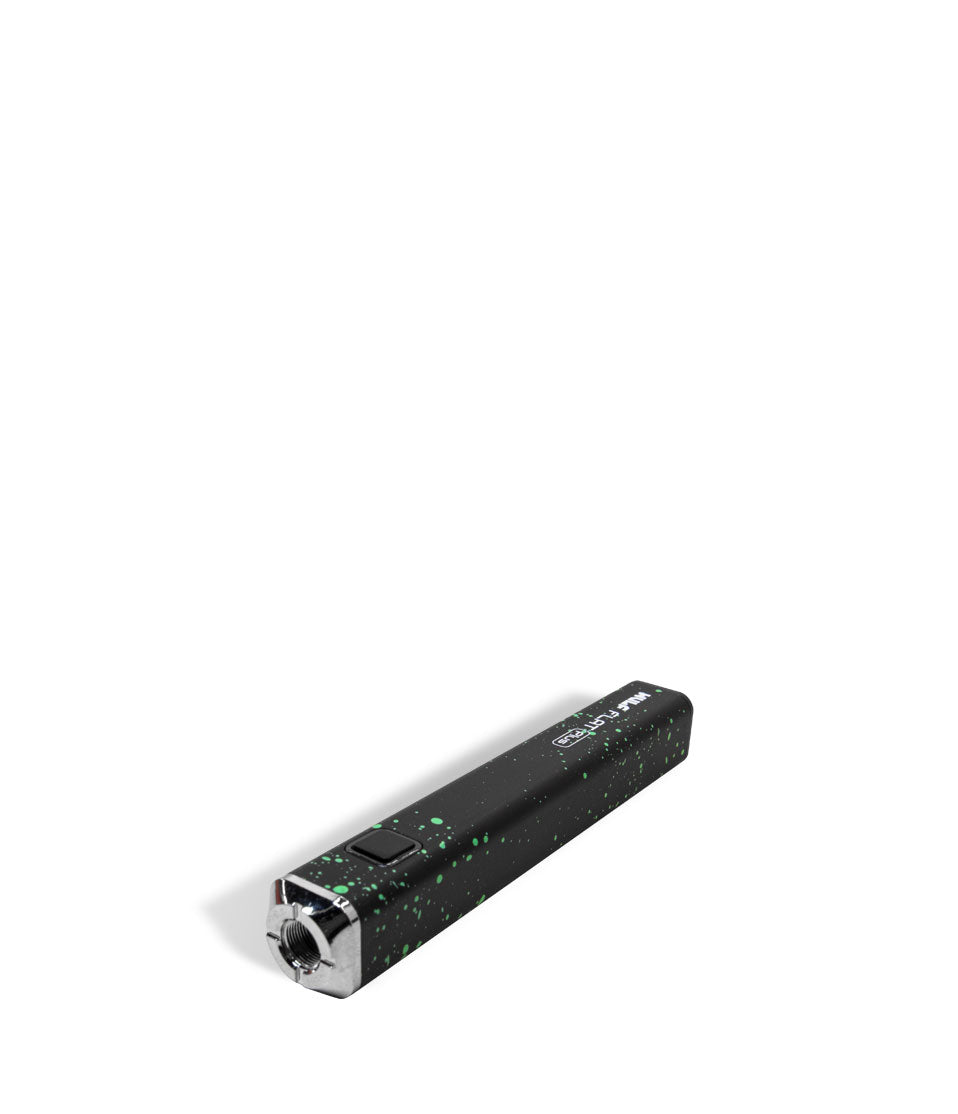
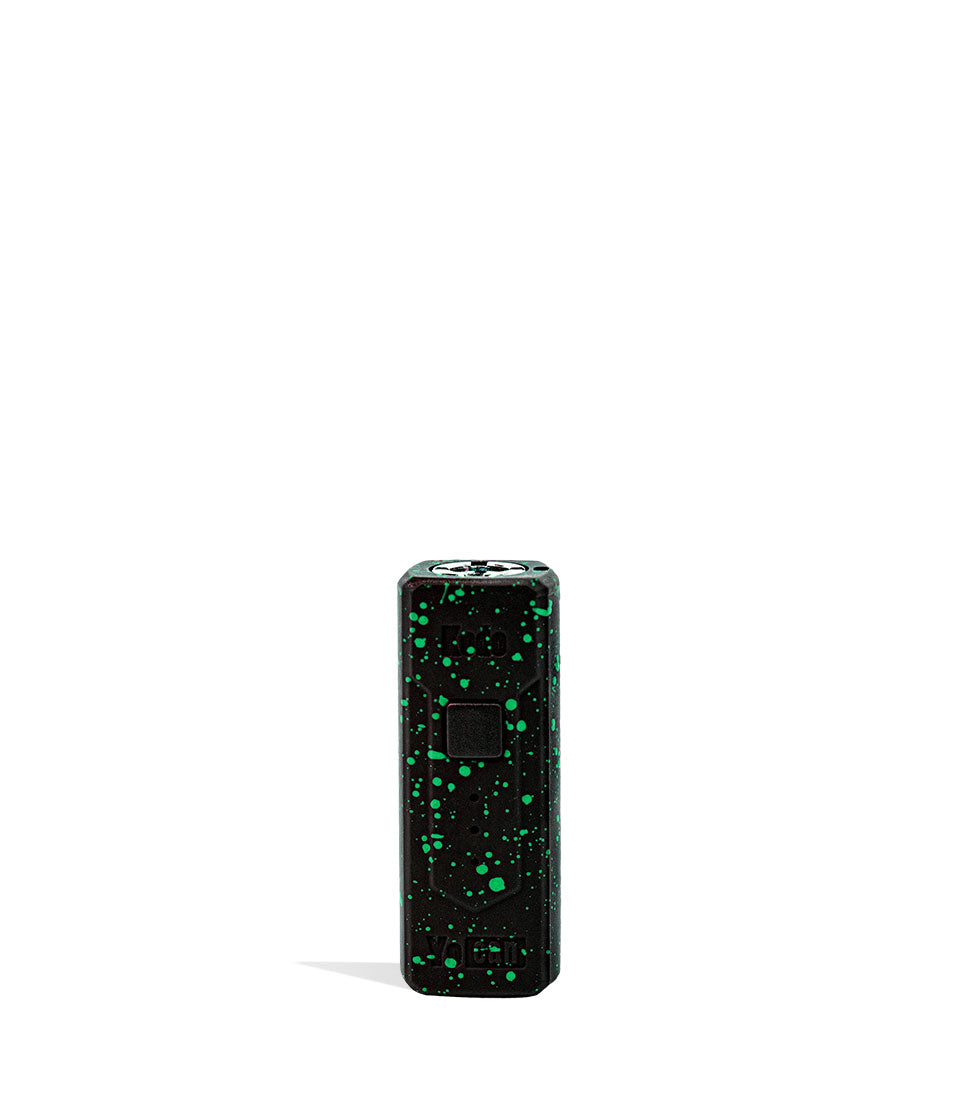
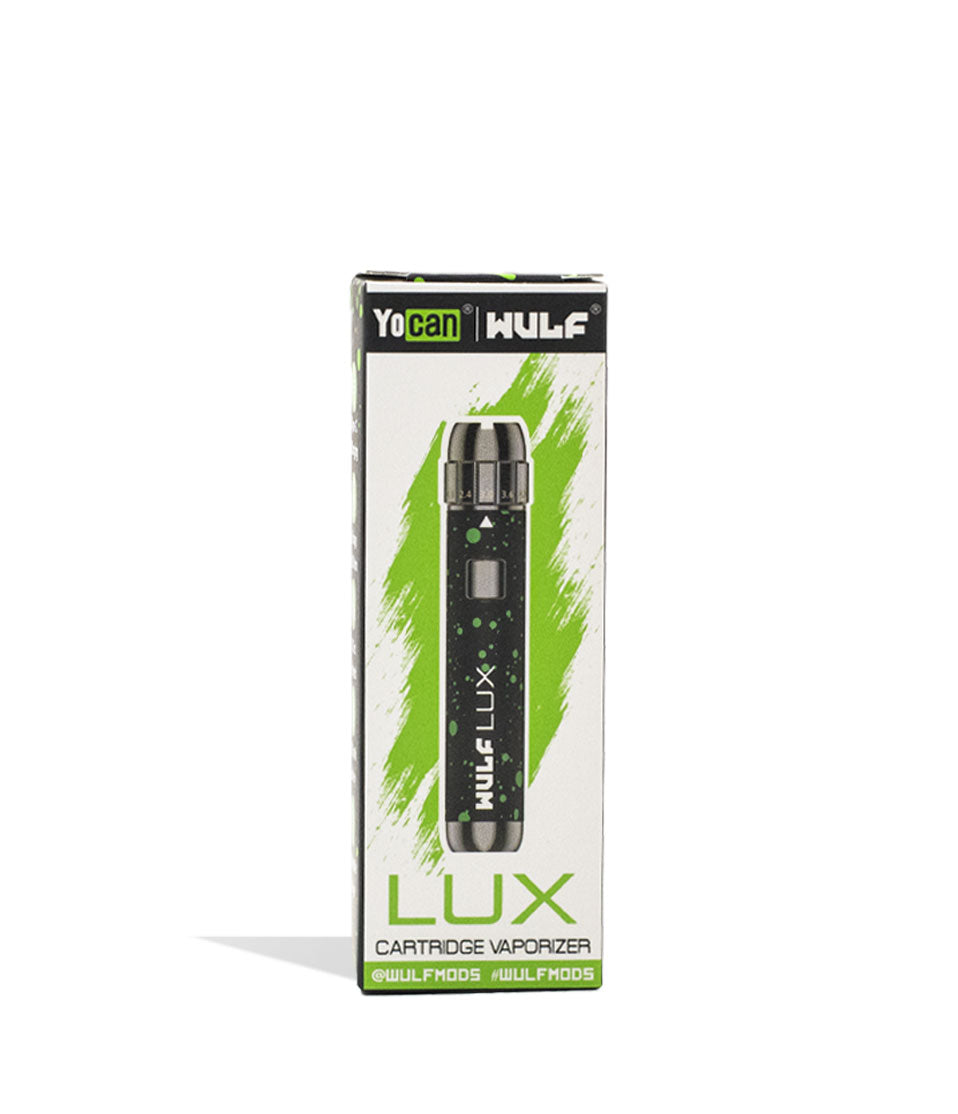
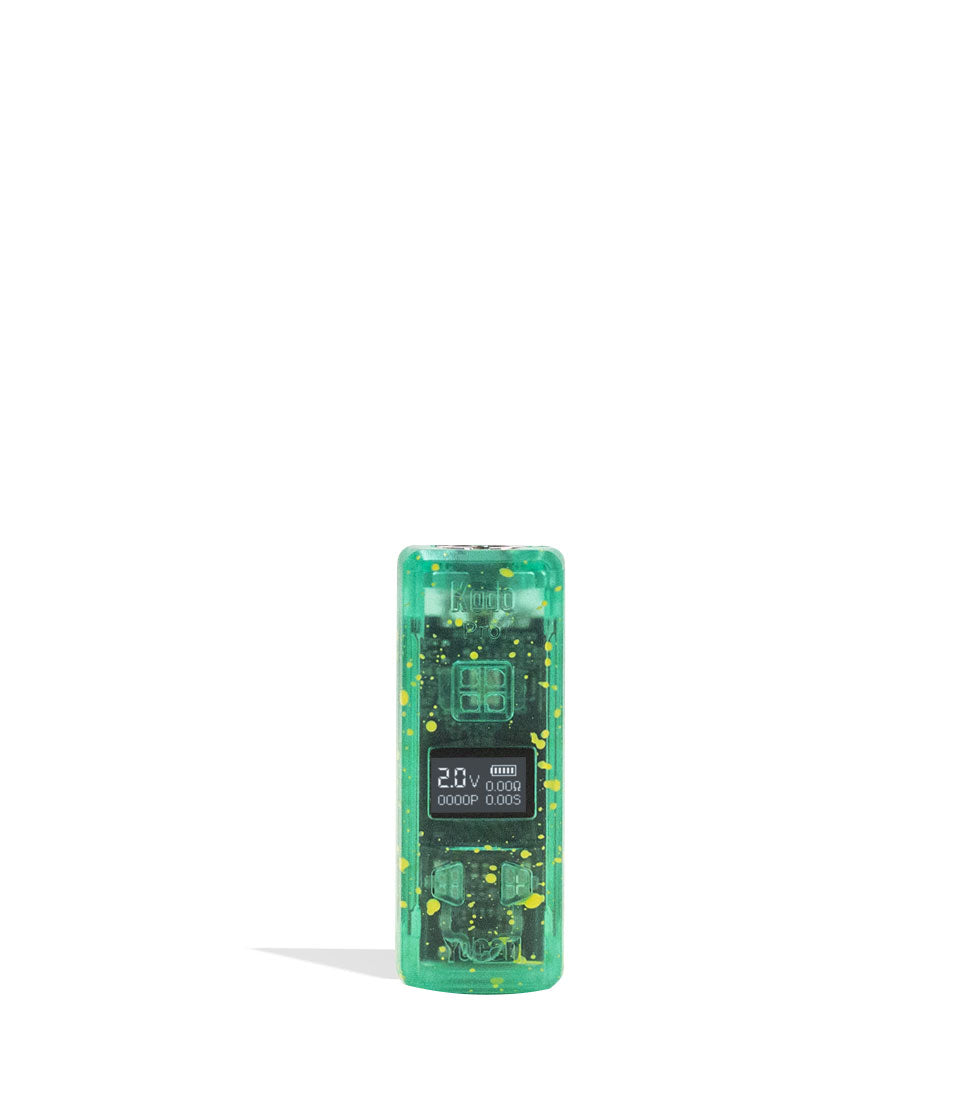
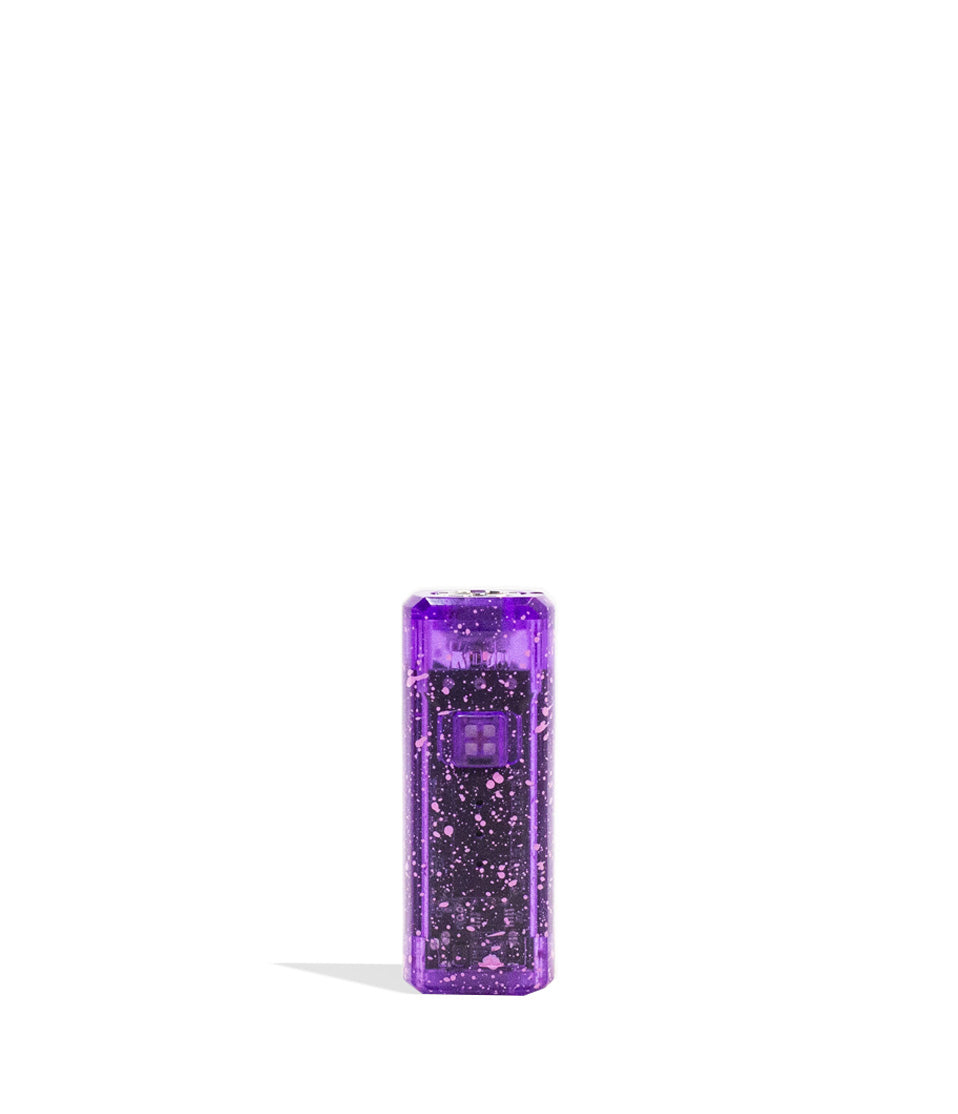
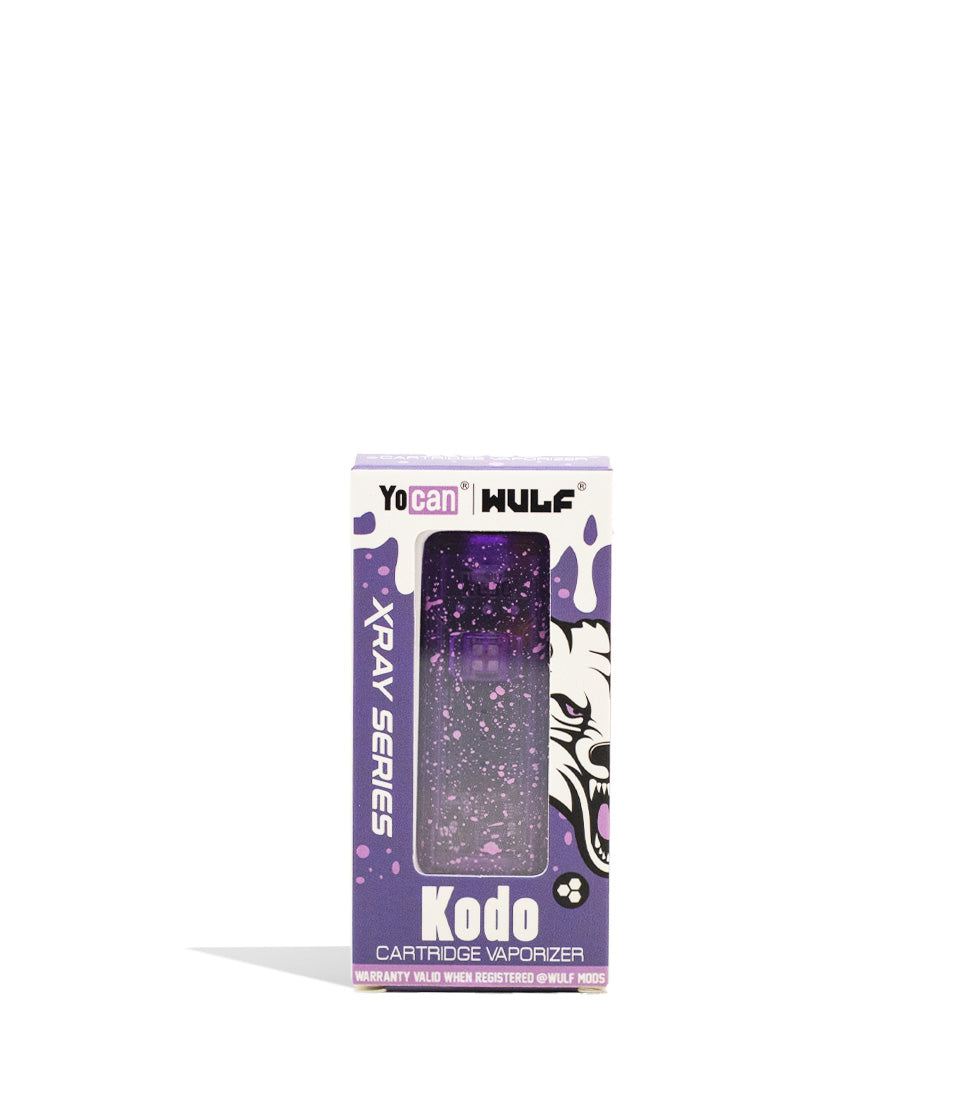
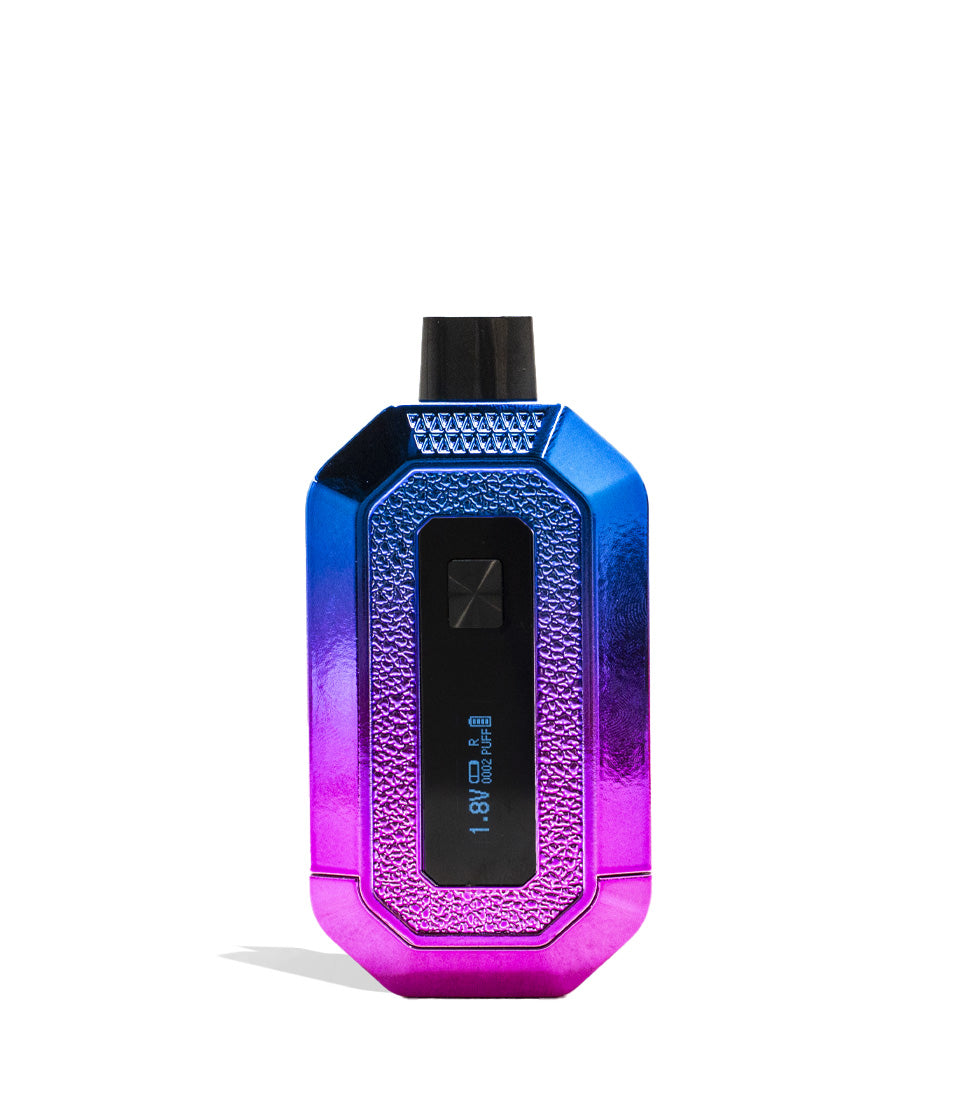
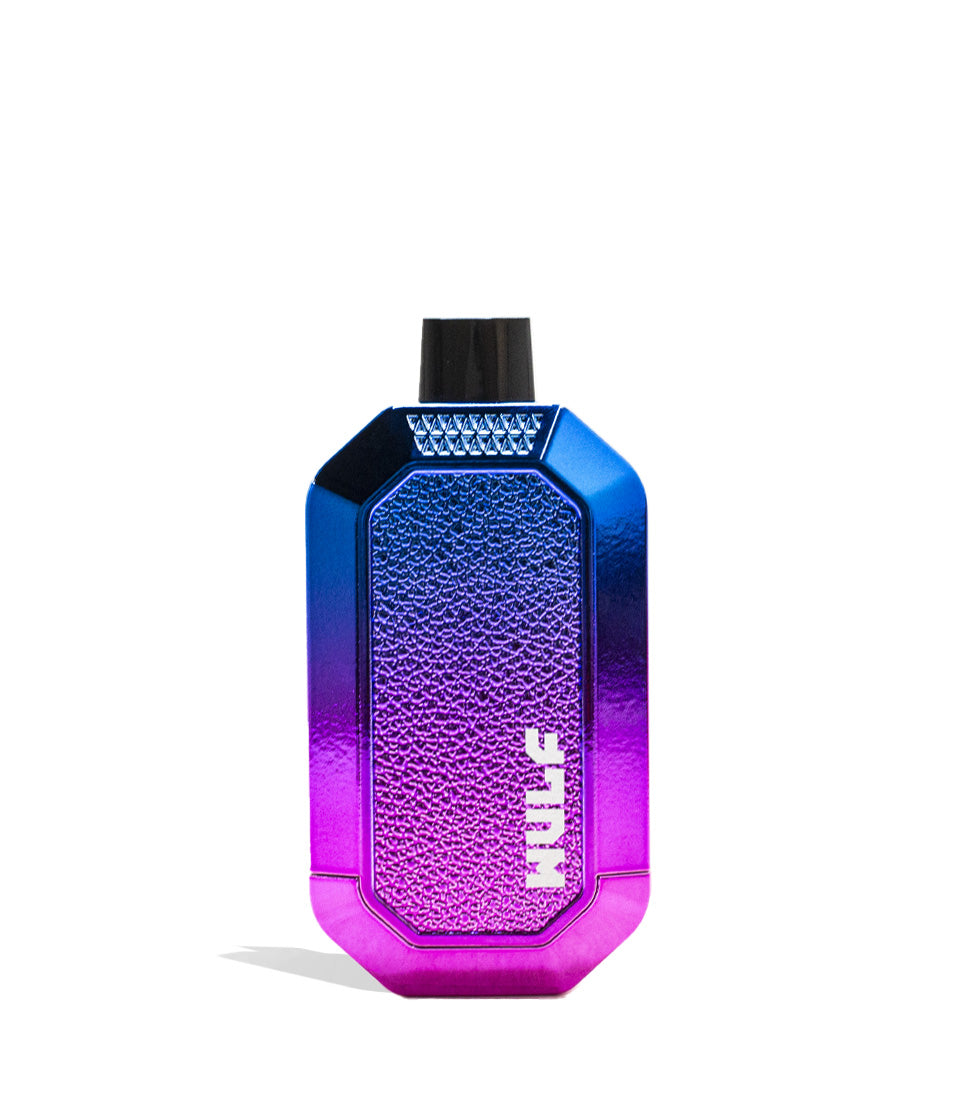
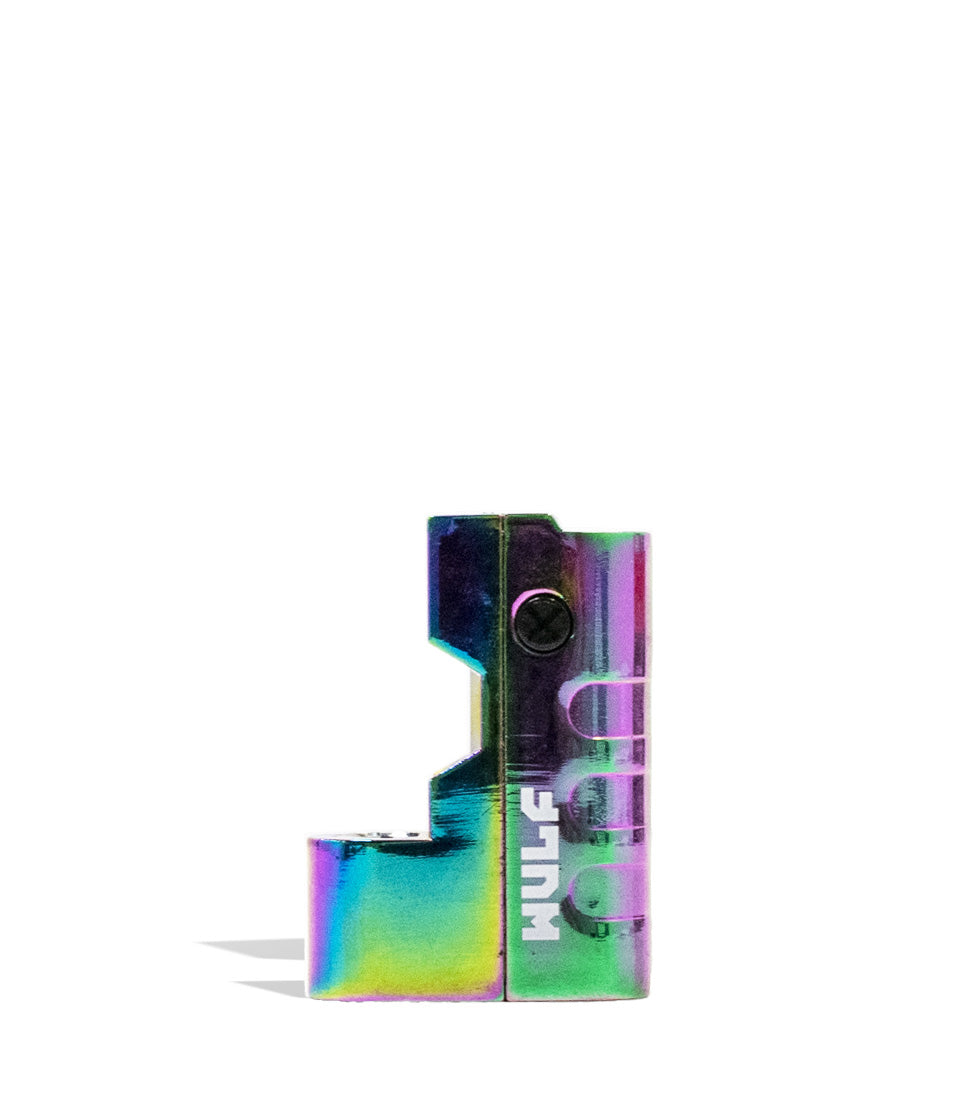
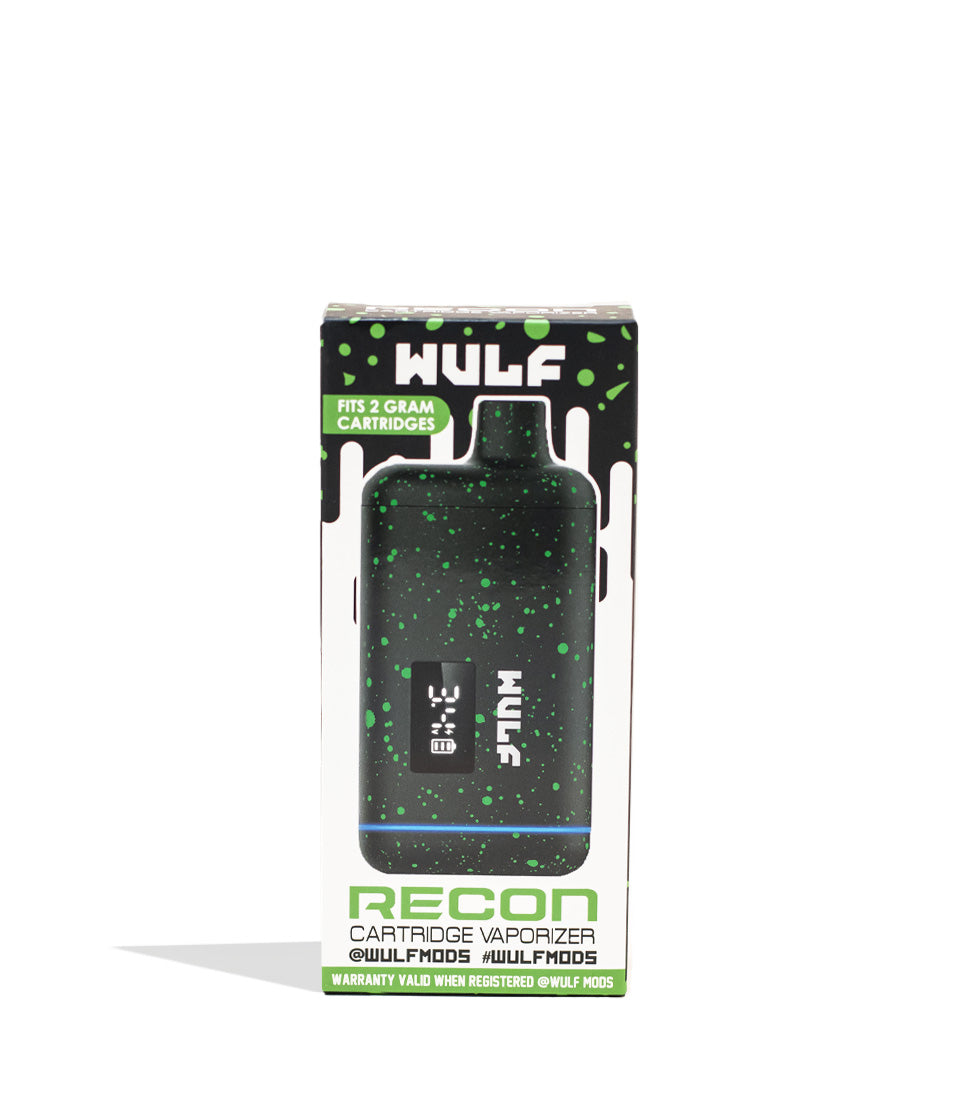
Owners Guide
Owner Playbook
The full playbook below expands on the practical steps and tips behind this guide.
Heads up y’all, if you want the absolute best performance, pure terpene flavor, and massive clouds from your Wulf Mods Pro 510 Thread Battery, then you’re going to have to keep it clean. Don’t worry, with just a few Wulf Pack pointers, you’ll be able to keep your pen squeaky clean with ease.
Follow along with Wulf as we share our 10+ years of history working with and enjoying 510 batteries to give you a definitive rundown on keeping your Wulf Pro operating at 110% at all times. Because the Pro is equipped with a digital OLED screen, an incrementally adjustable 2.0V–4.2v board, and an upgraded 400mAh cell, routine maintenance ensures you get the most out of every high-tech feature.
If you have any questions on how to set your voltage or run pre-heat, check out our how to use the Wulf Mods Pro guide. This walkthrough will be focusing exclusively on how to clean and maintain your battery to ensure a full lifespan of ferocious cartridge vaping enjoyment.
Table of Contents:
Wulf Pro Cleaning Quick Start Guide
1. Power Off The Wulf Pro Battery
2. Remove Your Cartridge
3. Dampen A Swab With Isopropyl Alcohol
4. Cleaning The 510 Threads, OLED Display & Body
5. Leave Everything To Dry Completely
6. Enjoy Hitting Your Clean Wulf Pro!
Enjoy A Clean Wulf Pro
Wulf Pro Cleaning Quick Start Guide
Before we dive into the finer details of cleaning your Wulf Pro, we wanted to provide y’all with a quick rundown of all the most important steps to keeping things clean. This way if you’re in a rush or just don’t like reading for long, you can get back to vaping as soon as possible:
| # | STEP | HOW TO | WULF PRO TIP |
|---|---|---|---|
| 1 | Power Off Battery | Press the power button five times rapidly (5x). | Confirm the OLED digital screen powers down and goes completely dark. |
| 2 | Remove Cartridge | Twist out your 510 cartridge counterclockwise. | Store your cart upright on a clean silicone pad so it doesn’t roll or leak. |
| 3 | Dampen Q-Tip | Apply a small amount of 91%+ or 99% ISO to a cotton swab. | Press firmly against a paper towel; swab should be damp, never dripping wet. |
| 4 | Clean Wulf Pro | Scrub 510 threads, contact pin, power button, and outer chassis. | Use a dry microfiber cloth over the OLED screen to avoid liquid ingress. |
| 5 | Leave To Dry | Wait until all components and connections are 100% dry. | Air dry for 15 to 30 minutes; never fire a battery while threads are wet with alcohol. |
| 6 | Enjoy Fresh Vapor! | Reattach cartridge, click 5x to power on, and vape! | Enjoy crisp, professionally tuned clouds with zero connection resistance! |
By following these quick 6 steps, you’ll have your Wulf Mods Pro 510 Thread Battery ready to hit for years to come, all with the strongest level of pure Wulf ferocity.
1. Power Off The Wulf Pro Battery
First things first: when it comes down to cleaning the Wulf Pro (and any battery-powered device for that matter), you must always first power down your battery. Cleaning a live device can trigger accidental button presses, cause short circuits across the microchip, or introduce moisture to an active firing pin.
To power down the Wulf Pro, press the main firing button five times rapidly (5x) within 2 seconds. Look at the base of the battery the crisp OLED screen will shut off completely. Now, when you tap the power button once, nothing lights up or fires, indicating that your device is safely locked and ready for cleaning.
Remember that powering off your battery prior to cleaning isn’t just a tip, it is an absolute requirement to protect yourself, your Wulf Pro, and your gear. So always tap that power button 5x first!
2. Remove Your Cartridge
Next, you need to remove your 510 threaded cartridge from the top of the Wulf Pro by gently turning it counterclockwise until it unscrews completely from the port.
Removing your cartridge exposes the open-top 510 threaded connection, allowing you direct access to the gold center contact pin and internal thread channels where sticky reclaim tends to pool. If the cartridge feels resistant or glued down by hardened oil, do not force it with tools. Warm the top collar gently with your fingers to soften the oil before unscrewing.
Always place your unscrewed cartridge somewhere upright, clean, and safe. This avoids accidental falls that could crack glass tanks, keeps your extract sitting properly over the internal wick holes, and prevents you from tearing your place apart looking for a mystery cartridge you misplaced while cleaning.
3. Dampen A Swab With Isopropyl Alcohol
Take a quality cotton swab, Q-tip, or precision dab swab and dampen it with high-purity isopropyl alcohol (ISO). Only ever use isopropyl alcohol, as it is by far the most effective and safe liquid to break down stubborn, sticky concentrate reclaim and dense cartridge oils.
Aim to have the swab head lightly damp, without it being completely drenched or dripping with solvent. Dip the swab in your alcohol, then press it firmly into a clean paper towel to squeeze out any excess liquid. The goal here is to have just enough alcohol to dissolve oil residue on contact, all without letting moisture run down into the internal battery housing or behind the OLED display screen.
Stick with 91% or 99% ISO because it dissolves oil instantly and evaporates rapidly. Lower proof alcohol (like 70% rubbing alcohol) contains too much water, which can linger inside the electrical connections and cause rust or short circuits.
4. Cleaning The 510 Threads, OLED Display & Body
To actually clean your Wulf Pro, use your dampened swab to scrub away at the biggest “danger zones” that receive the most traffic and gather stray oils during daily sessions:
- 510 Thread Connection & Center Pin: Deep scrub the interior threaded well and buff the center gold contact pin. Removing dark concentrate buildup ensures direct voltage transfer, stopping connection errors and preventing “s” and “v” auto cut-off warnings.
- Power Button Perimeter: Swab around the edge of the firing button to dissolve sticky residues from your fingers, ensuring the button maintains its crisp, tactile click.
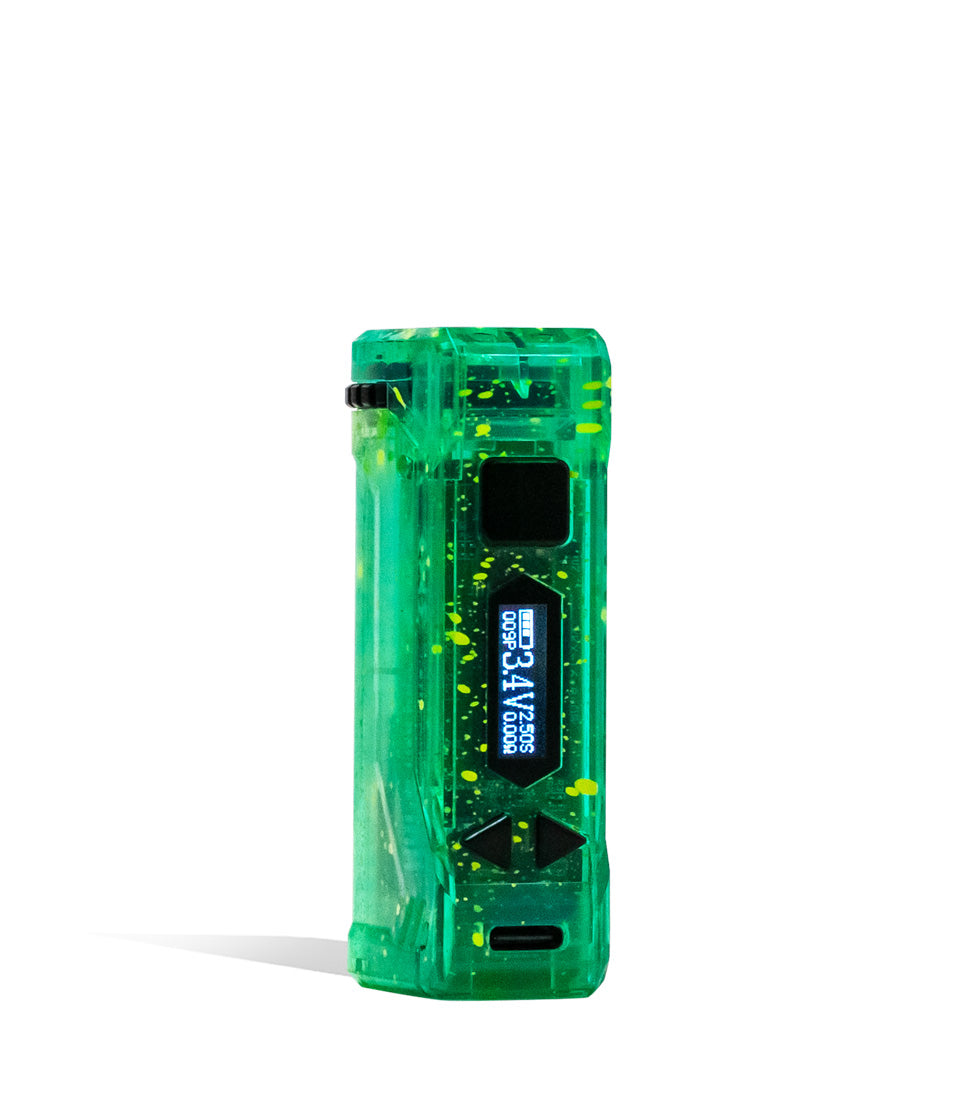
- OLED Digital Screen: Because the Pro features a built-in OLED display near the base, treat this area with care. Use a dry or barely damp microfiber cloth to buff away fingerprints and smudges; never drip liquid alcohol directly over screen seams!
- Battery Body & USB-C Port: Wipe down the aluminum alloy body to remove sticky oils. Inspect the bottom USB-C charging port with a flashlight; if pocket lint has settled inside, use a dry wooden toothpick to gently clear it out.
- Cartridge Base & Mouthpiece: Give the bottom threads of your cartridge a quick wipe, and clear out any lint or condensed oil inside the mouthpiece draw hole.
We recommend giving your Wulf Pro a quick connection swab once a month, or immediately whenever you switch out oil cartridges. If you ever notice sticky threads or draw resistance, clean it right away.
5. Leave Everything To Dry Completely
Now that you’ve scrubbed away all leftover oils and debris from your Wulf Pro, you’ve arrived at the point of “hurry up and wait,” where you must let everything you just cleaned air-dry completely.
Place your Wulf Pro battery and unscrewed cartridge onto a clean dry towel or microfiber cloth in a well-ventilated area, away from direct sunlight or table edges. Allow all parts to sit for roughly 30 to 60 minutes until 100% of the alcohol moisture has evaporated.
Leftover moisture inside the 510 port can cause serious short circuits when high voltage flows through the circuit. Protect your investment by being patient and letting your gear dry completely before moving on to vaping again.
6. Enjoy Hitting Your Clean Wulf Pro!
With your Wulf Pro sparkling clean, bone-dry, and reassembled, now’s the time for you to enjoy the fruits (or should we say vapor!) of your labor!
Gently screw your favorite 510 cartridge back onto the top connector until it sits flush and finger-tight. Click the power button 5 times rapidly (5x) to awaken the OLED display, dial in your target voltage (from 2.0V up to 4.2V), run a 12-second pre-heat if your oil is thick, and enjoy silky, pure-tasting clouds with zero electrical drag.
See? Cleaning your battery isn’t hard work, and the reward is richer flavor, larger clouds, and rock-solid reliability every time you press the fire button!
Enjoy A Clean Wulf Pro
At the end of the day, keeping your Wulf Mods Pro 510 Thread Battery clean isn’t complicated. All it requires is staying on top of regular maintenance and making sure you have the right supplies to effectively break down complex cartridge oils.
The main goal here is to always keep your 510 threaded connection clean, as this is where the real magic happens and where dirt or grime can compromise your session. Keep your threads spotless and your Wulf Pro will keep delivering championship clouds for years to come.
Have any more questions for the Wulf Pack? Make sure to check out the Wulf Resource Center for more helpful tips, device walkthroughs, and operational guides. Thanks for choosing Wulf for your sessions, and welcome to the Wulf Pack! Stay howling out there y’all, and we’ll see you in the next session! Arooo!!!
Frequently Asked Questions
Owners Guide FAQs
Common questions related to this guide and how to apply the information when choosing your device.
Why Is It Mandatory To Turn Off The Wulf Pro Before Touching It With A Cleaning Swab?
How Do I Clean The Wulf Pro's OLED Screen Without Ruining The Display?
What Should I Do If A Cartridge Feels Glued To The 510 Threads?
How Does Cleaning The Gold Center Pin Stop Connection Errors And Weak Hits?
How Long Do I Really Need To Wait For The Wulf Pro To Air-Dry Before Vaping?
Wulf Mods Trust Center
About This Resource
Understand how this guide was researched, reviewed, and maintained by the Wulf Mods editorial team.
Editorial Standards
- Written for the people choosing and using these devices.
- Reviewed for clarity, accuracy, and practical retail value.
- Based on current manufacturer specifications and product documentation when available.
- Updated as products, regulations, category trends, or market conditions evolve.
- Built on deep, hands-on product experience.
- Designed to help you choose the right device with confidence.
Research Methodology
This owner guide was prepared to help you set up, use, and care for your device with confidence. Guidance is based on hands-on product experience, common questions, and real-world use.
- Hands-on product experience
- Setup and first-use guidance
- Cleaning, care, and maintenance
- Common questions and troubleshooting
- Safe and responsible use
- Real-world use considerations
- Editorial review for clarity and usefulness
Supporting Sources
Sources used to support this resource are included for transparency and documentation.
Article Information
Intended Audience
- Everyday customers
- First-time buyers
- Experienced enthusiasts
- Dry herb users
- Concentrate users
- Anyone upgrading their setup
Editorial Policy
Wulf Mods educational resources are reviewed periodically to maintain accuracy and relevance. When product specifications, regulations, category trends, or market conditions change, articles may be updated with a new review date. Trusted product guidance.
Keep Exploring
Related Resources
Keep learning with related Wulf Mods resources selected to help you get more out of your device.