

Resource Center
How To Clean The Wulf Pro Digit 510 Thread Battery

Continue With This Resource
Wulf Mods Quick Brief
What You Should Know
A fast summary of the key points, questions, and guidance covered in this guide.
Overview
Key Takeaways
- Clicking the power button 5 times rapidly powers down the Wulf Pro Digit to prevent electrical short circuits and accidental firing while cleaning.
- Swabbing the gold 510 contact pin with a lightly dampened isopropyl Q-tip dissolves sticky concentrate buildup to restore peak voltage transfer and cloud density.
- Using a wooden toothpick instead of metal pins to clear lint from the base USB-C port protects delicate charging pins from bending or shorting out.
- Wiping the animated full-color cosmic display with a dry microfiber cloth removes fingerprints and grime without risking moisture damage behind the screen lens.
- Allowing the 510 threaded port to air-dry completely for 30 to 60 minutes prevents harsh alcohol vapor inhalation and protects internal battery circuitry.
Questions This Resource Answers
- Why must you turn off the Wulf Pro Digit before cleaning the 510 connection?
- How do you properly swab the 510 threaded port and gold center pin on the Pro Digit?
- What is the safest way to clear pocket lint and debris from the base USB-C port?
- How does concentrate buildup inside the threads cause weak vapor and battery drain?
- How long should the Wulf Pro Digit air dry before reattaching a cartridge and firing?
Recommended Products
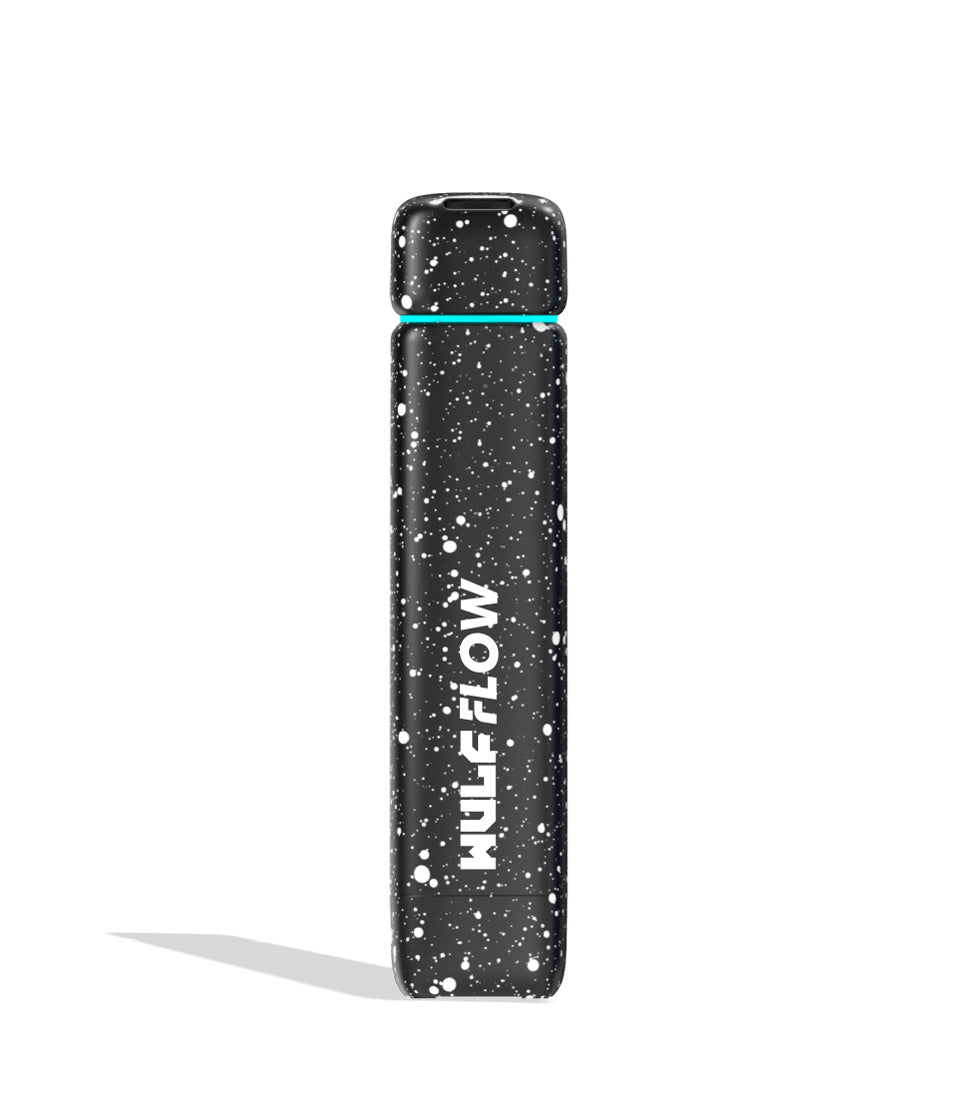
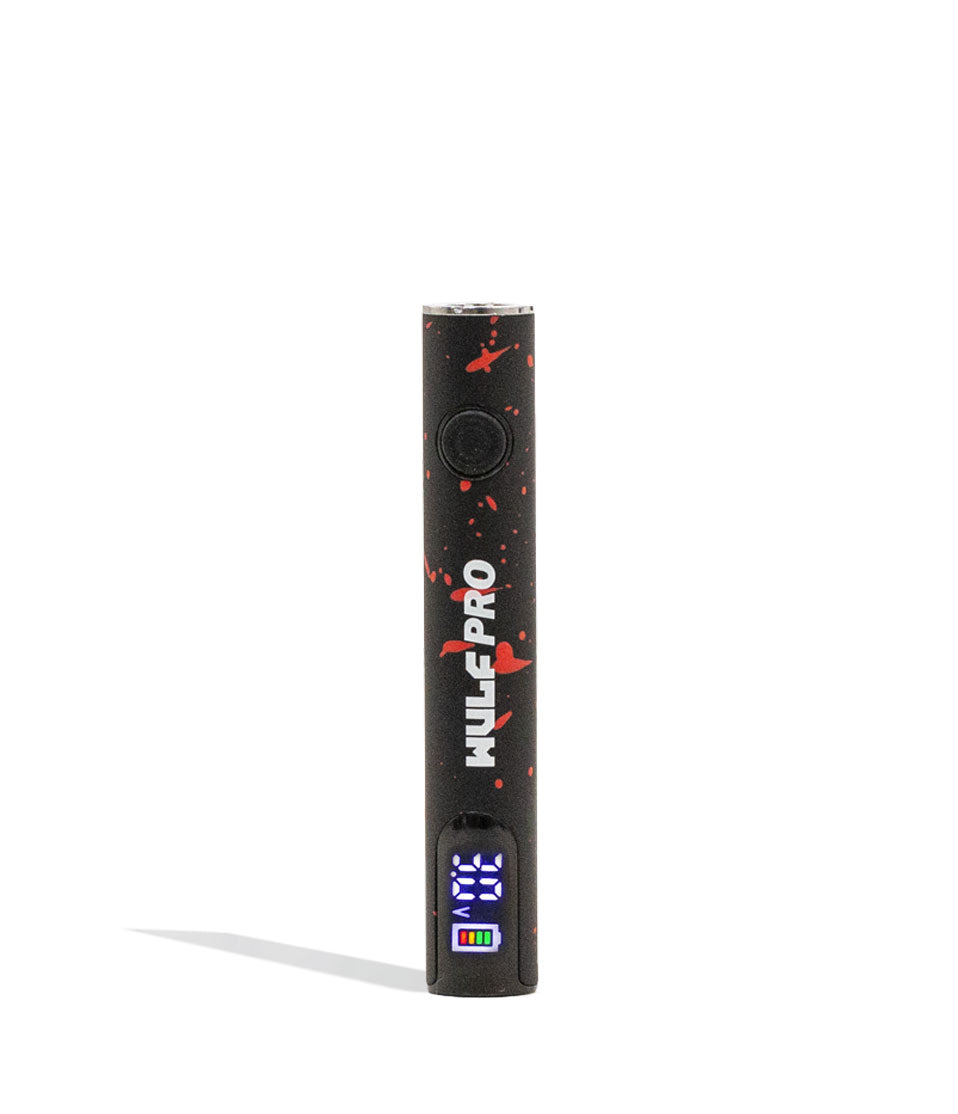
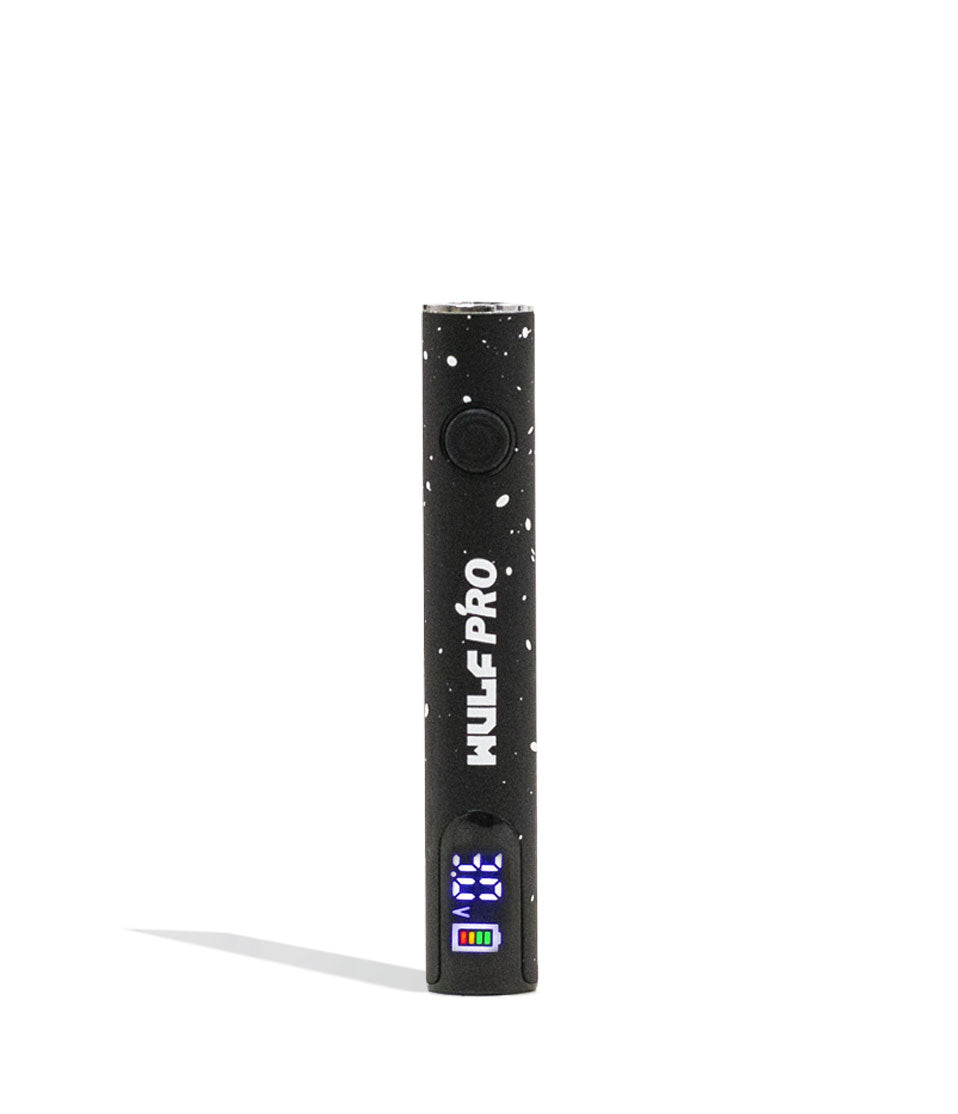
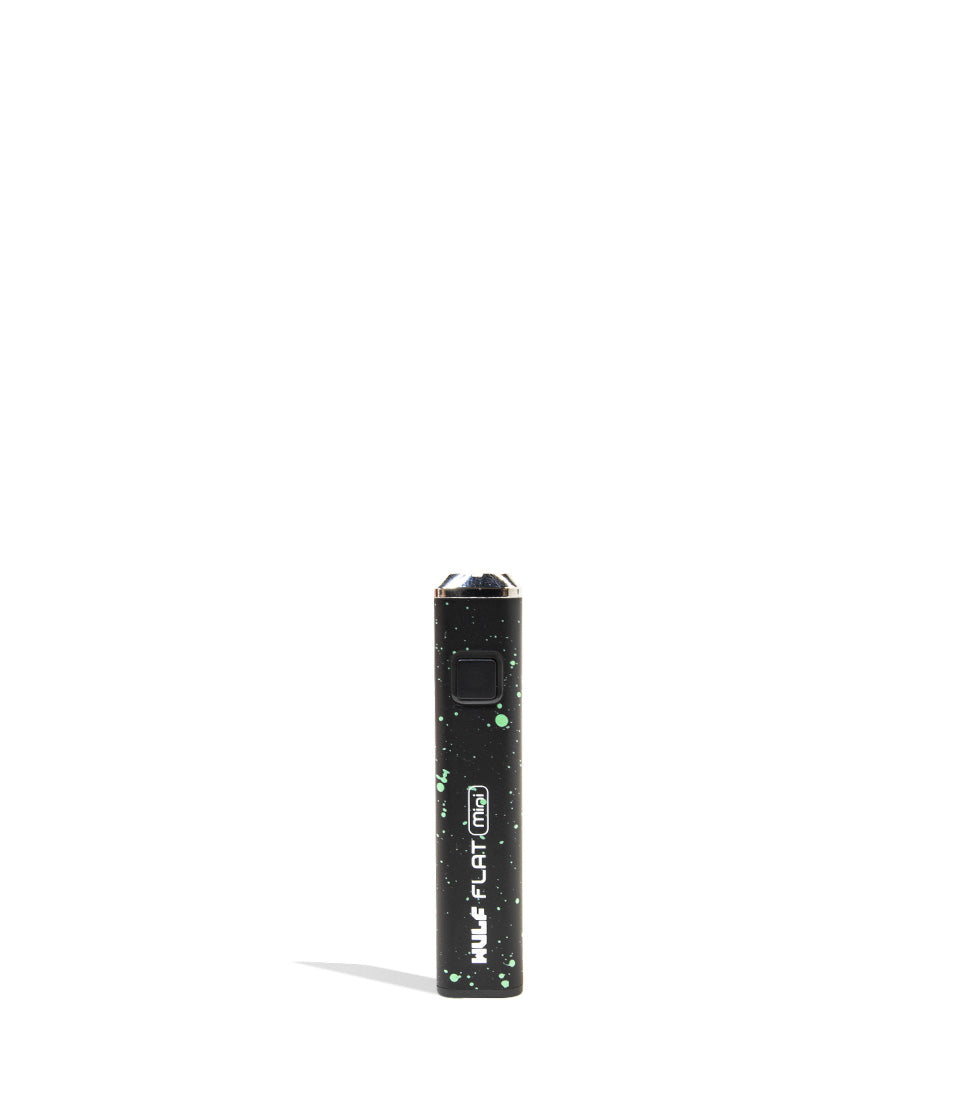
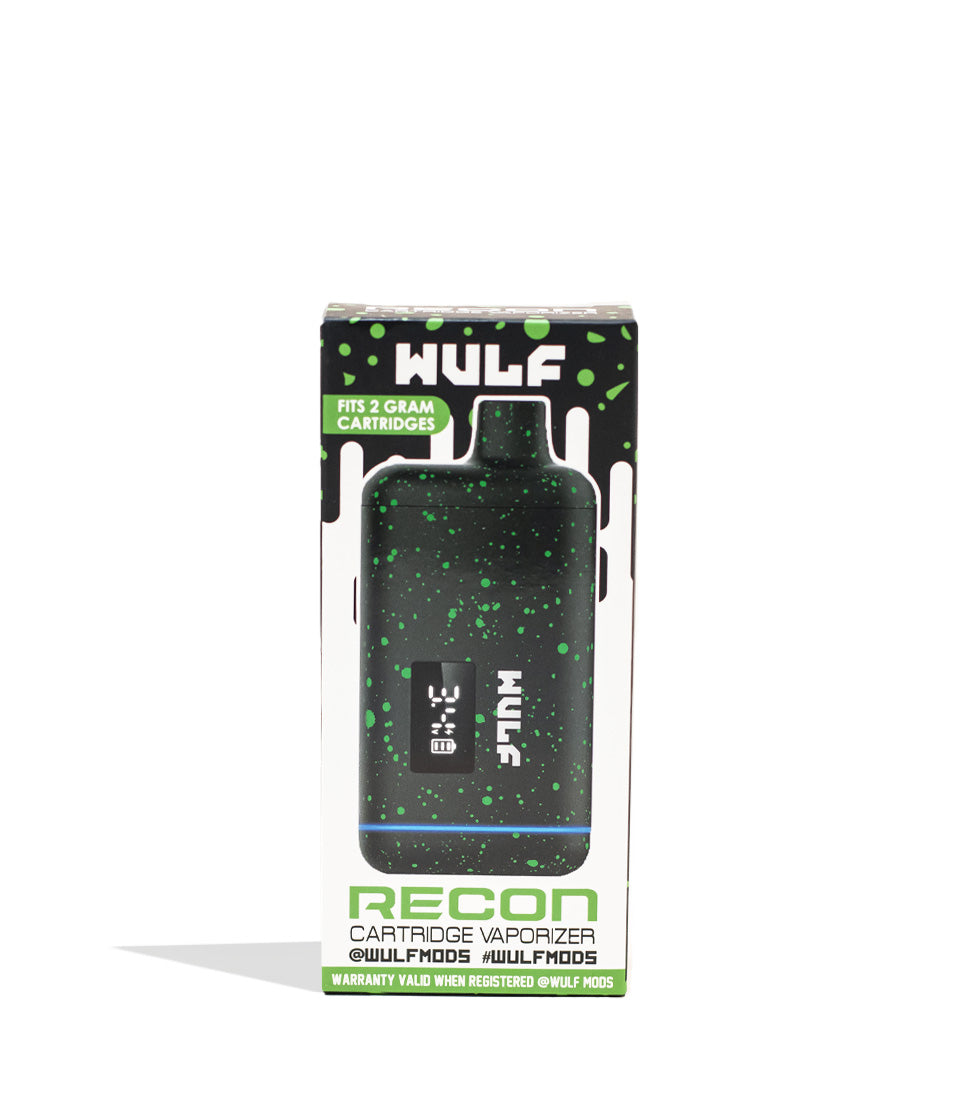
Shop 510 Thread Batteries
Browse the products featured in this guide.
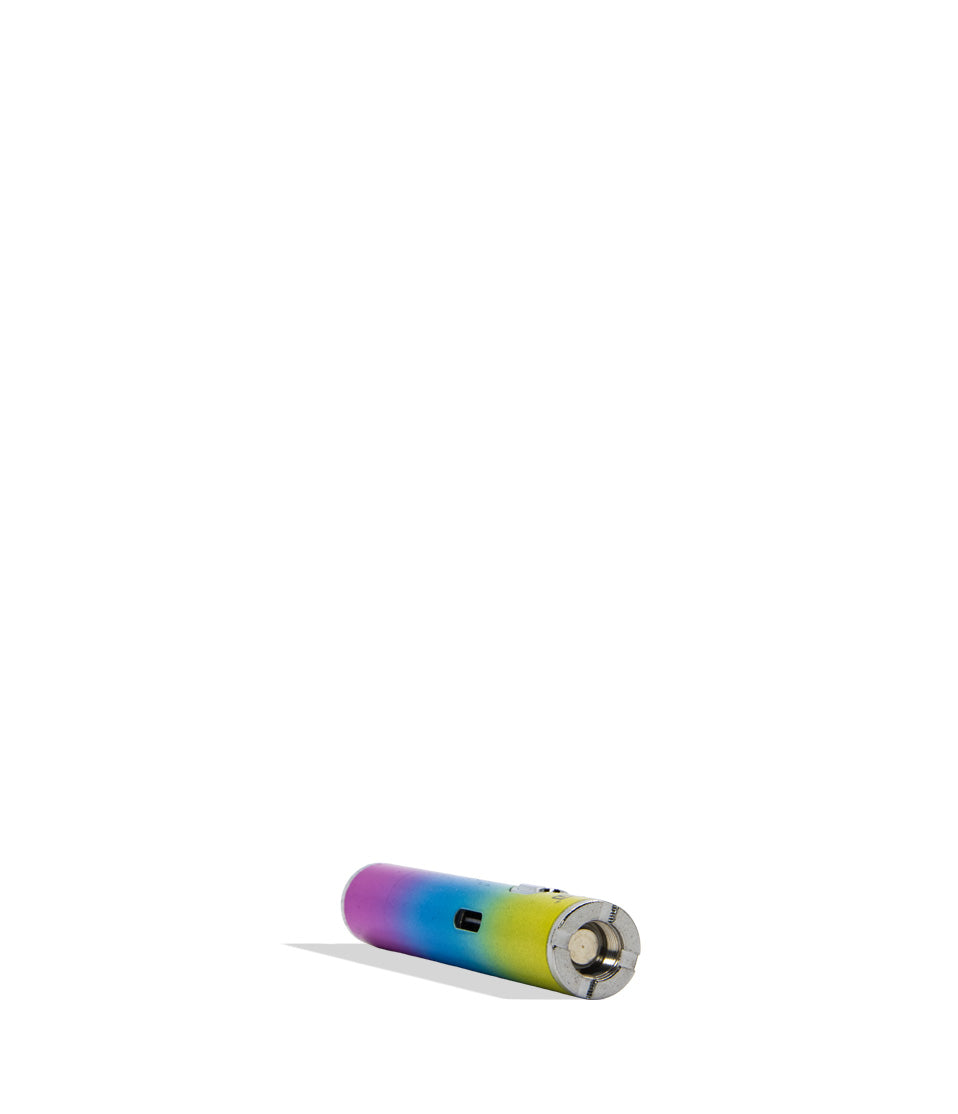
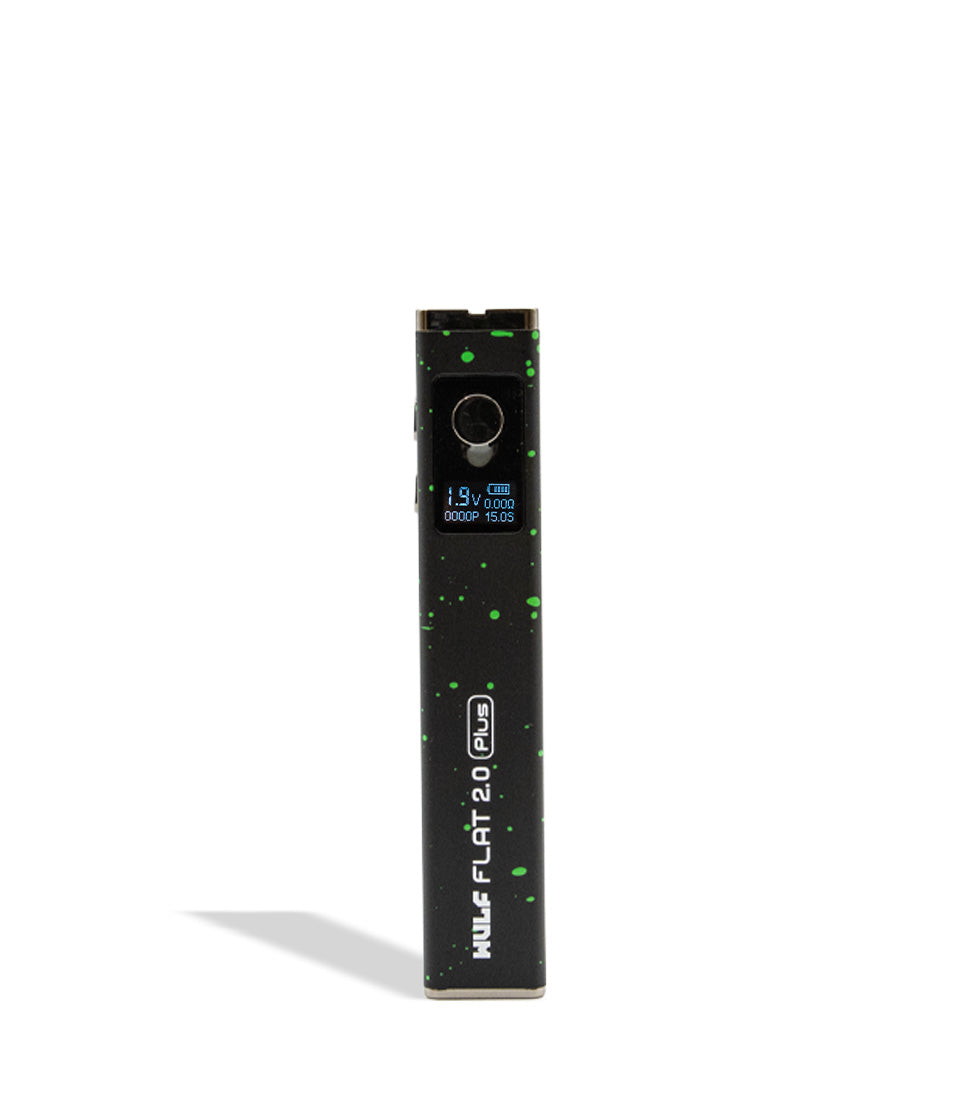
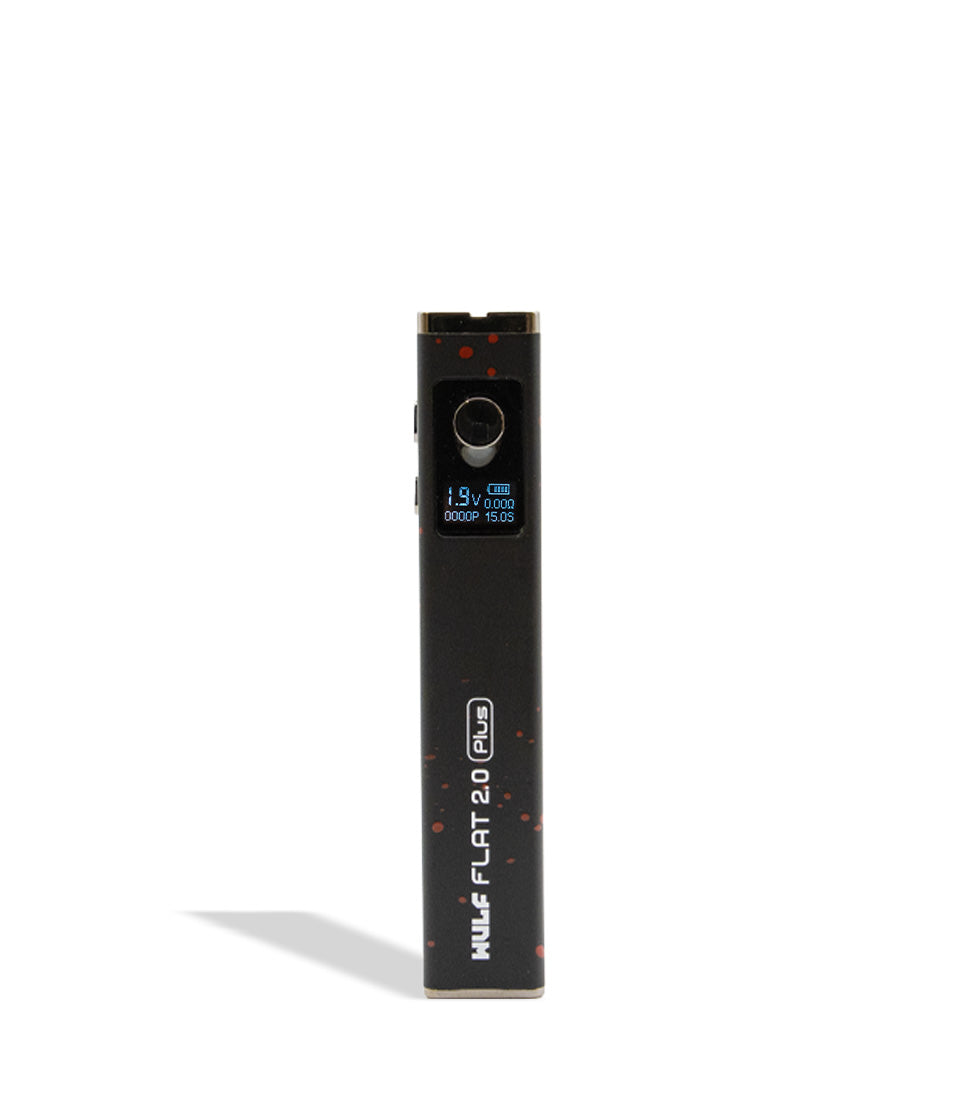
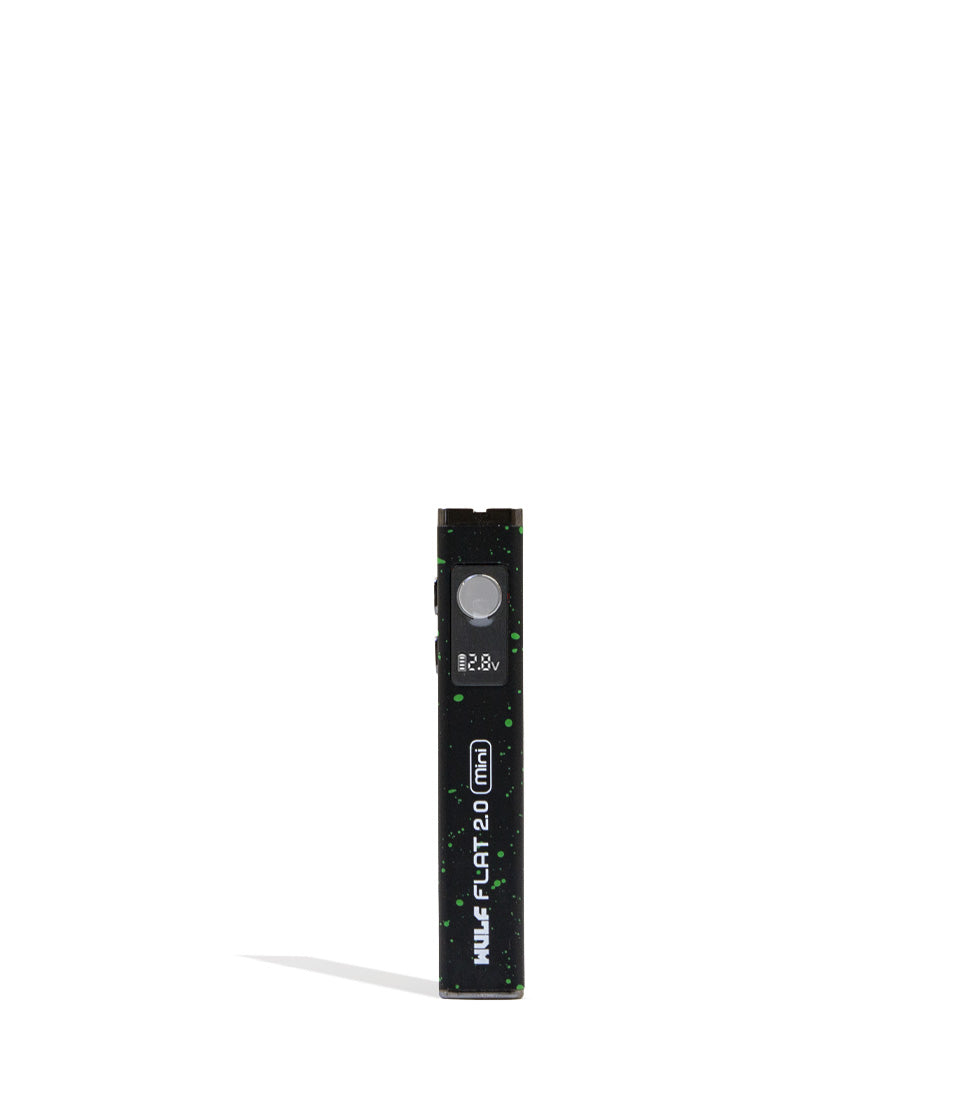
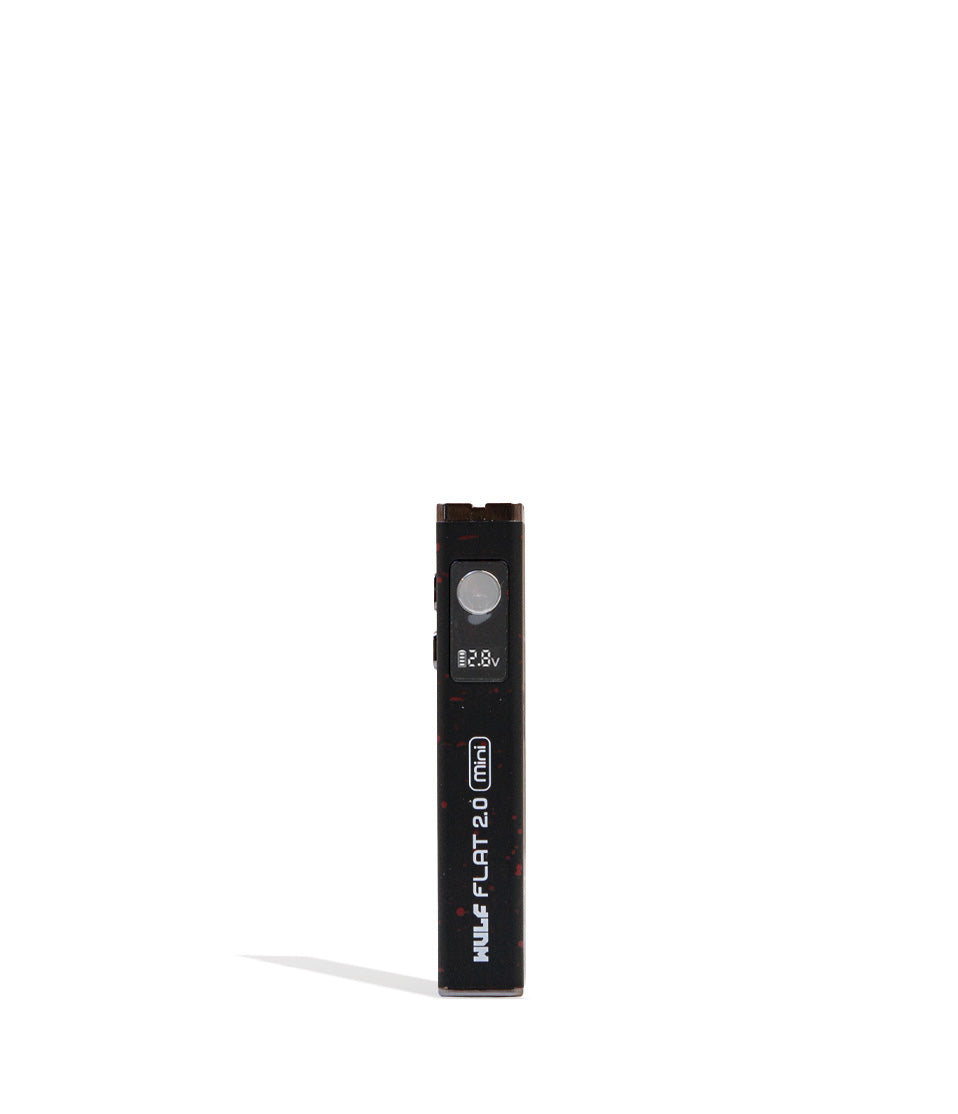
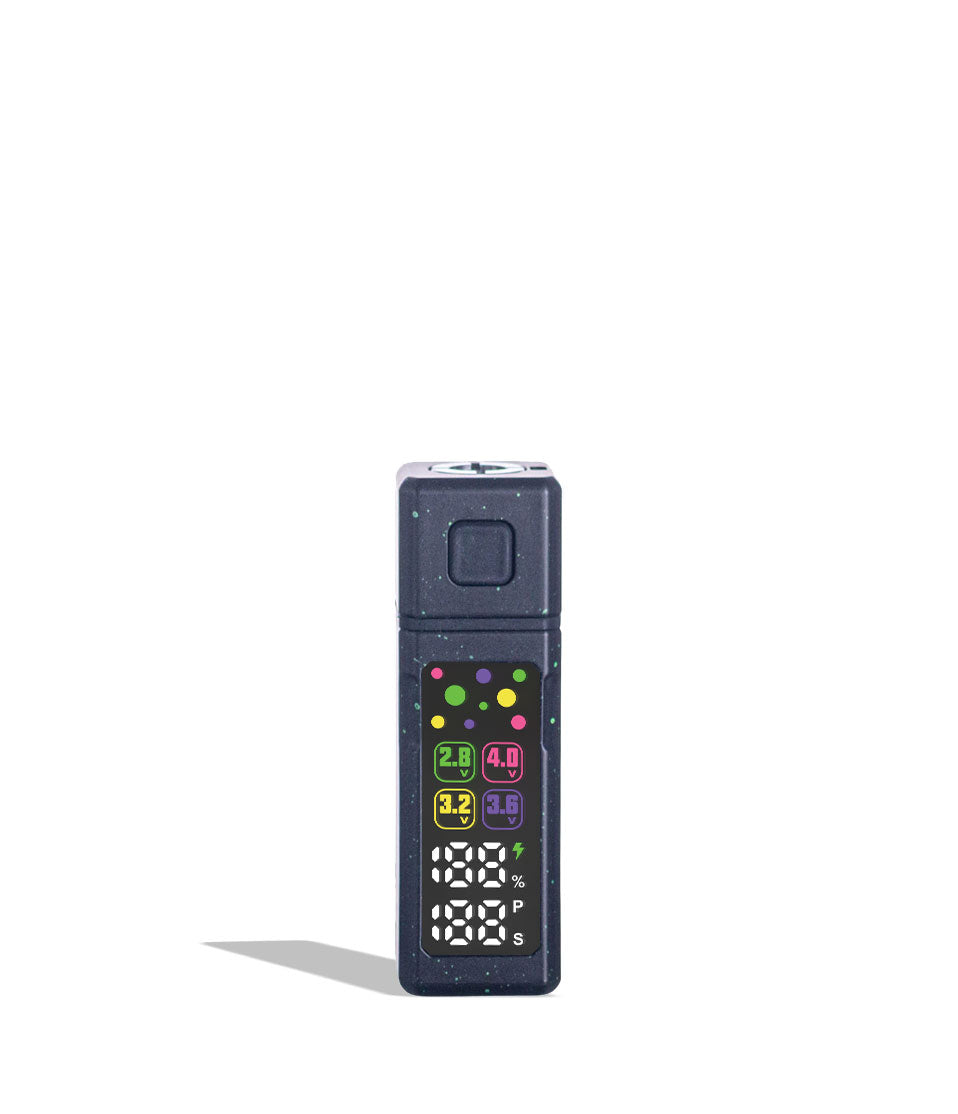
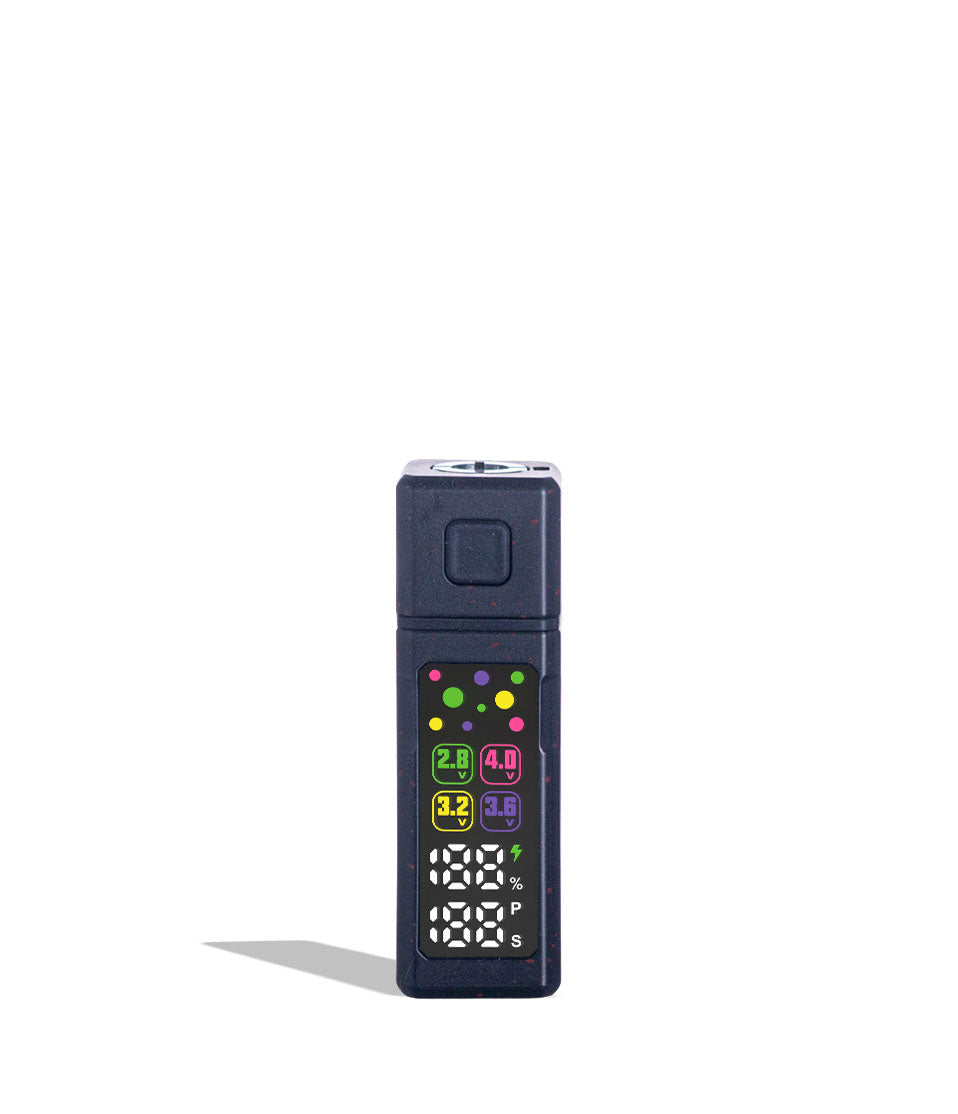
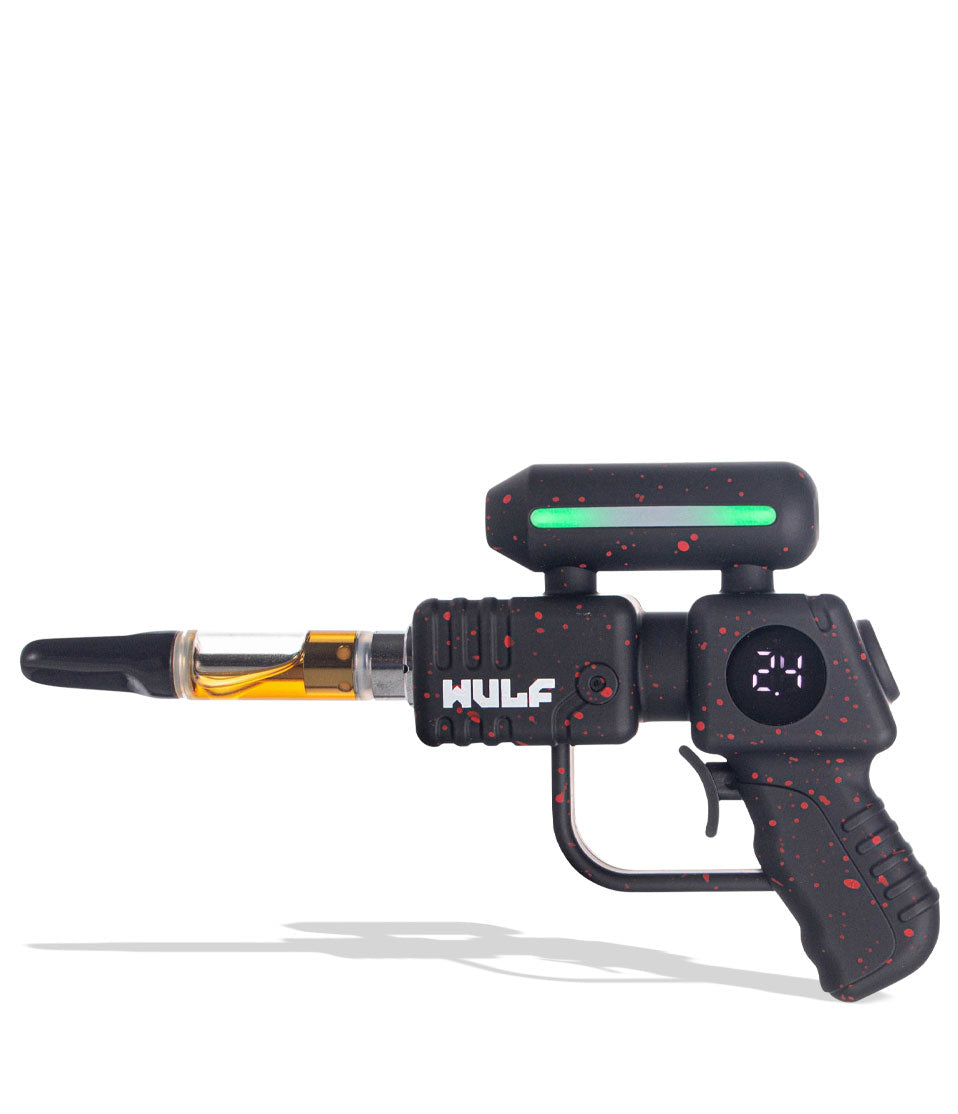
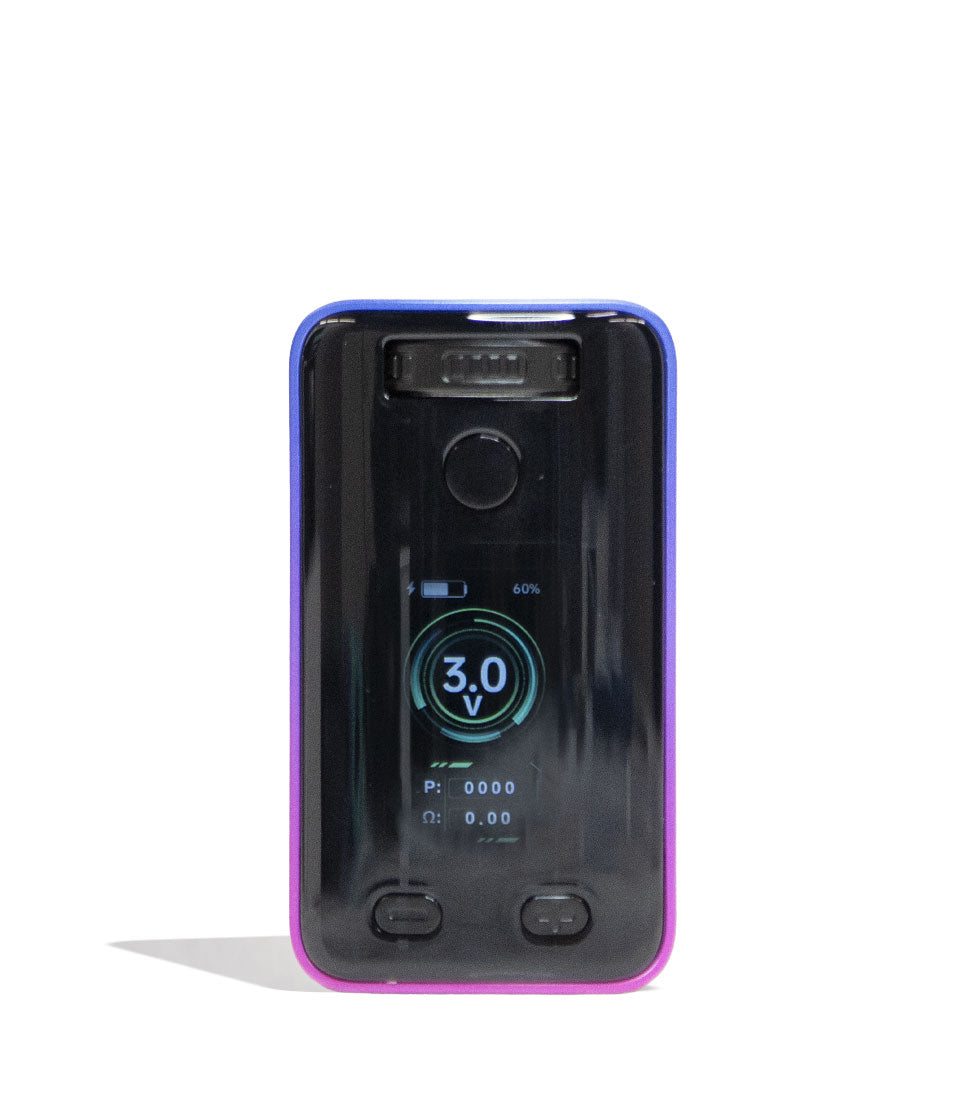
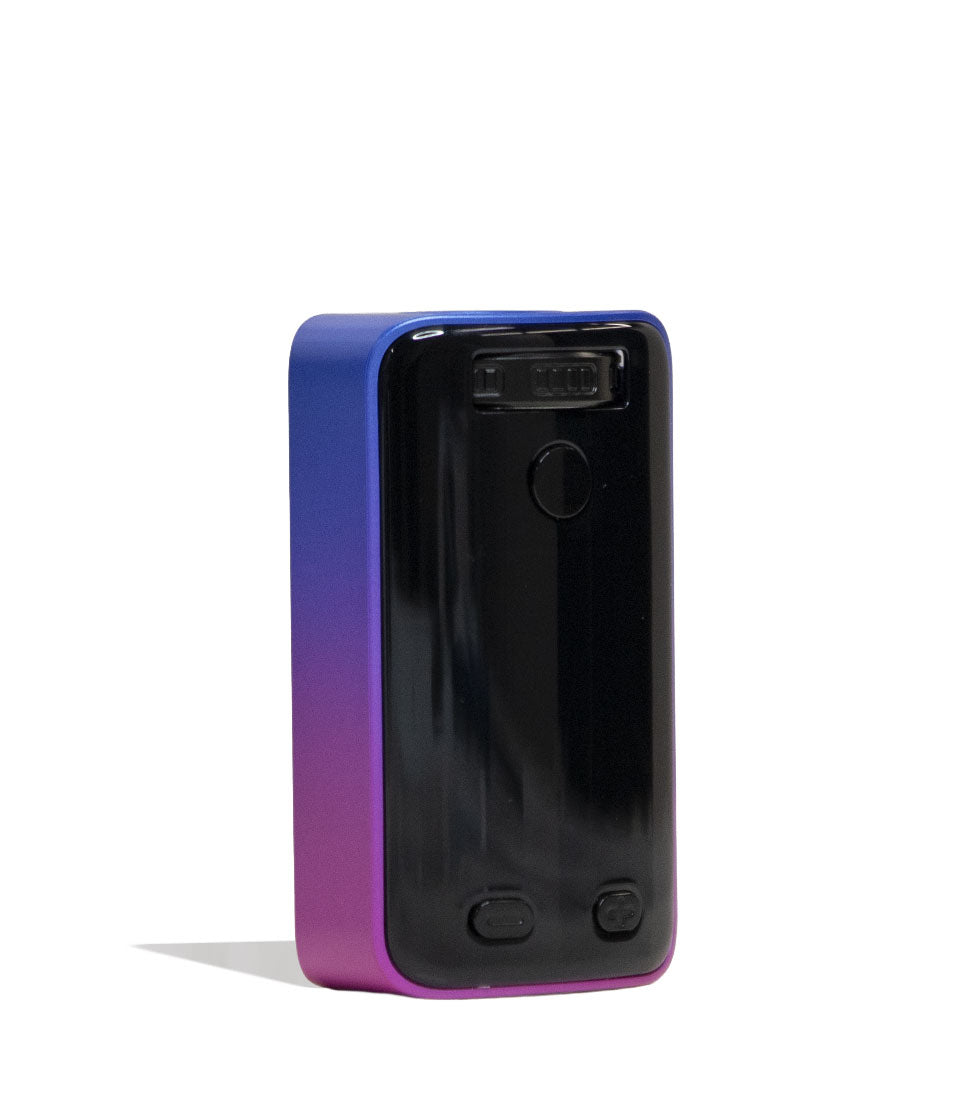
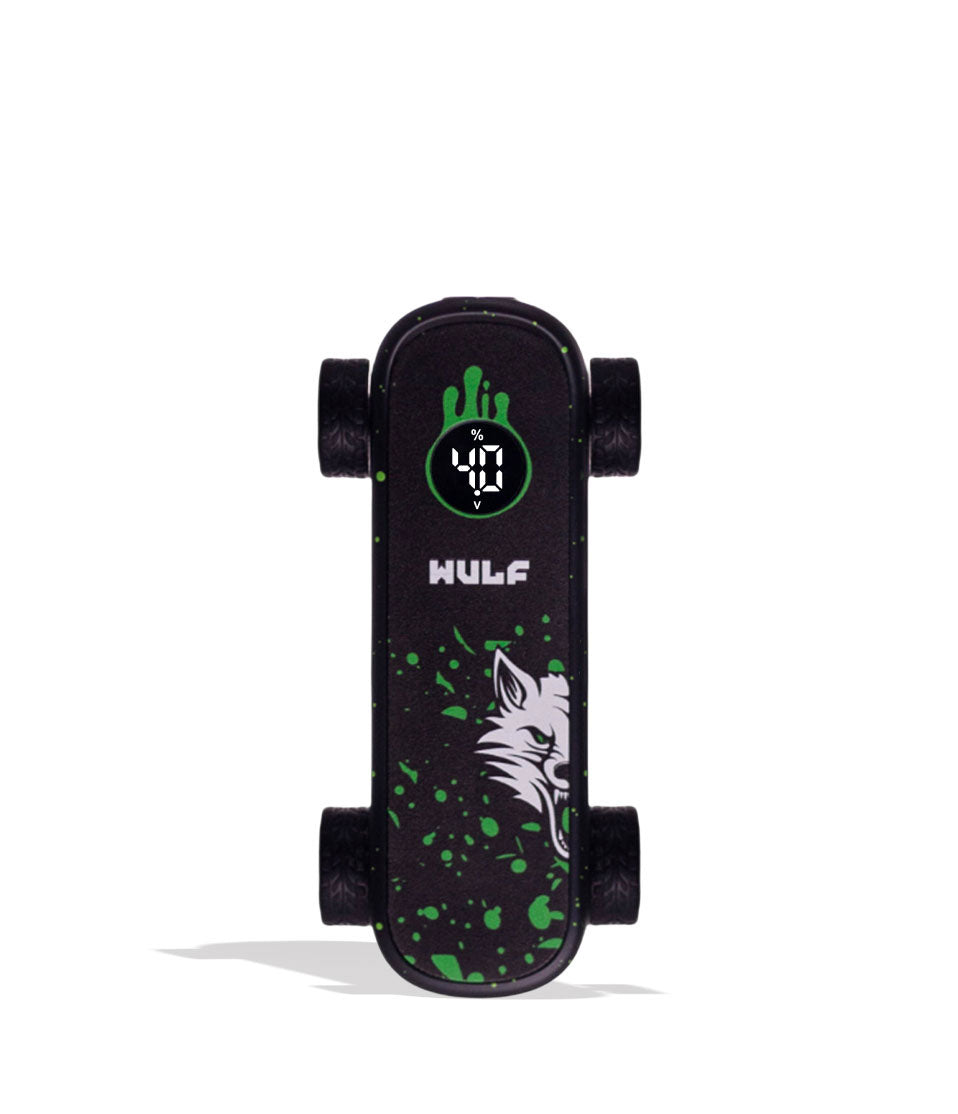
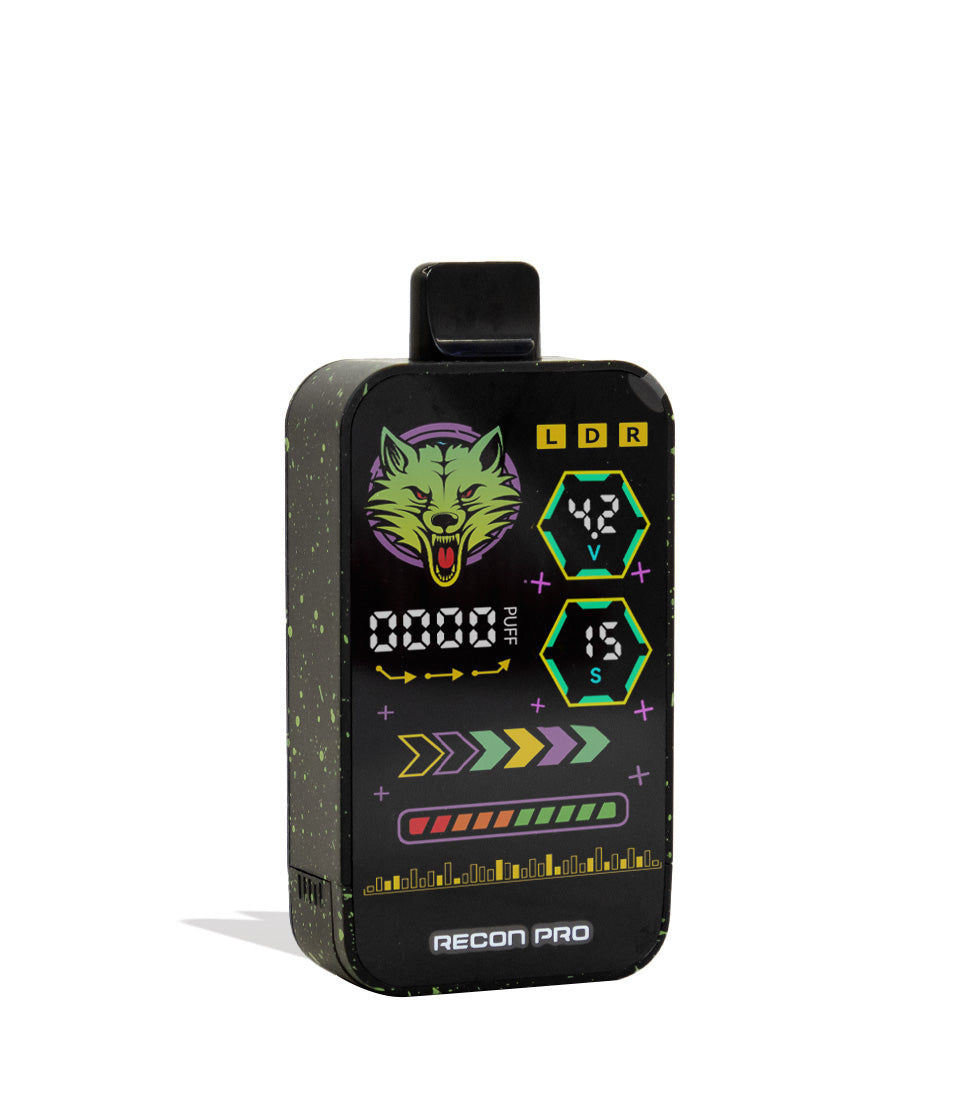
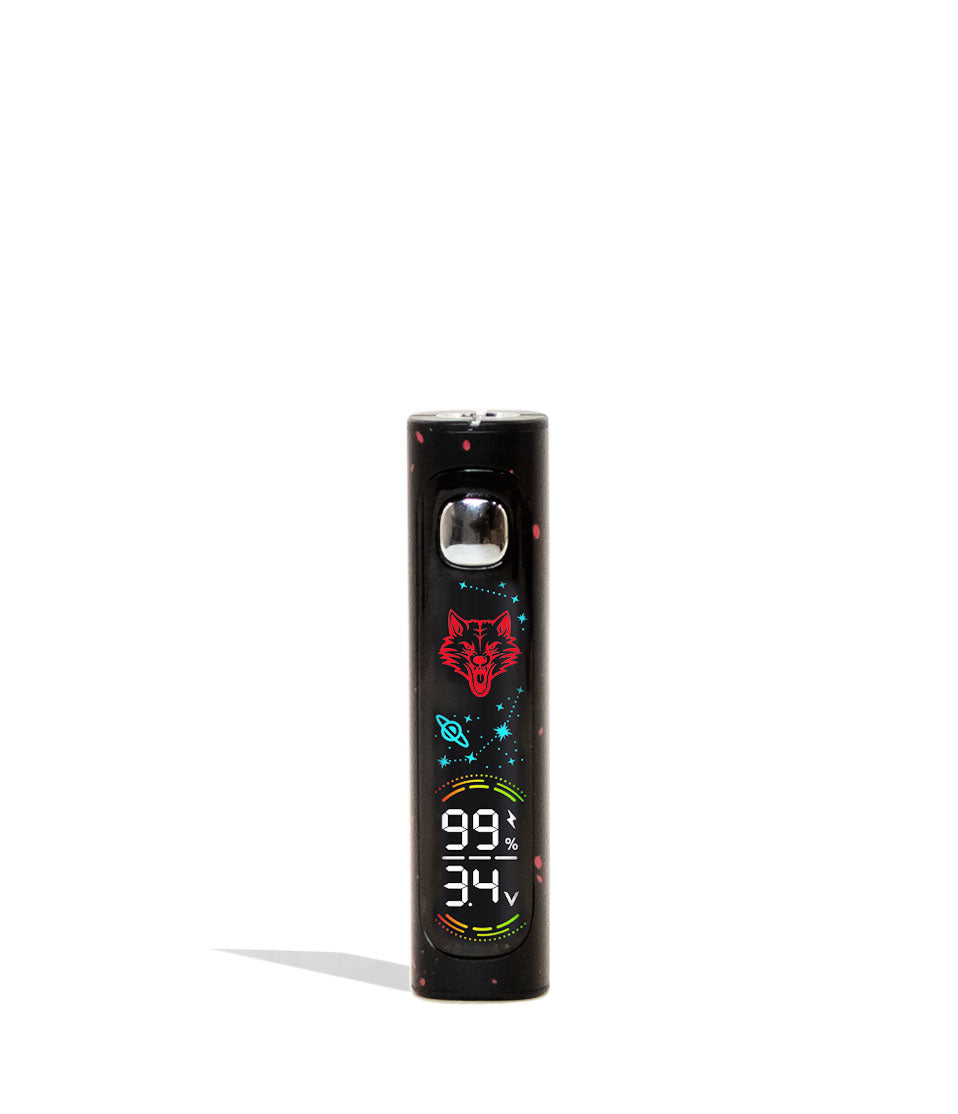
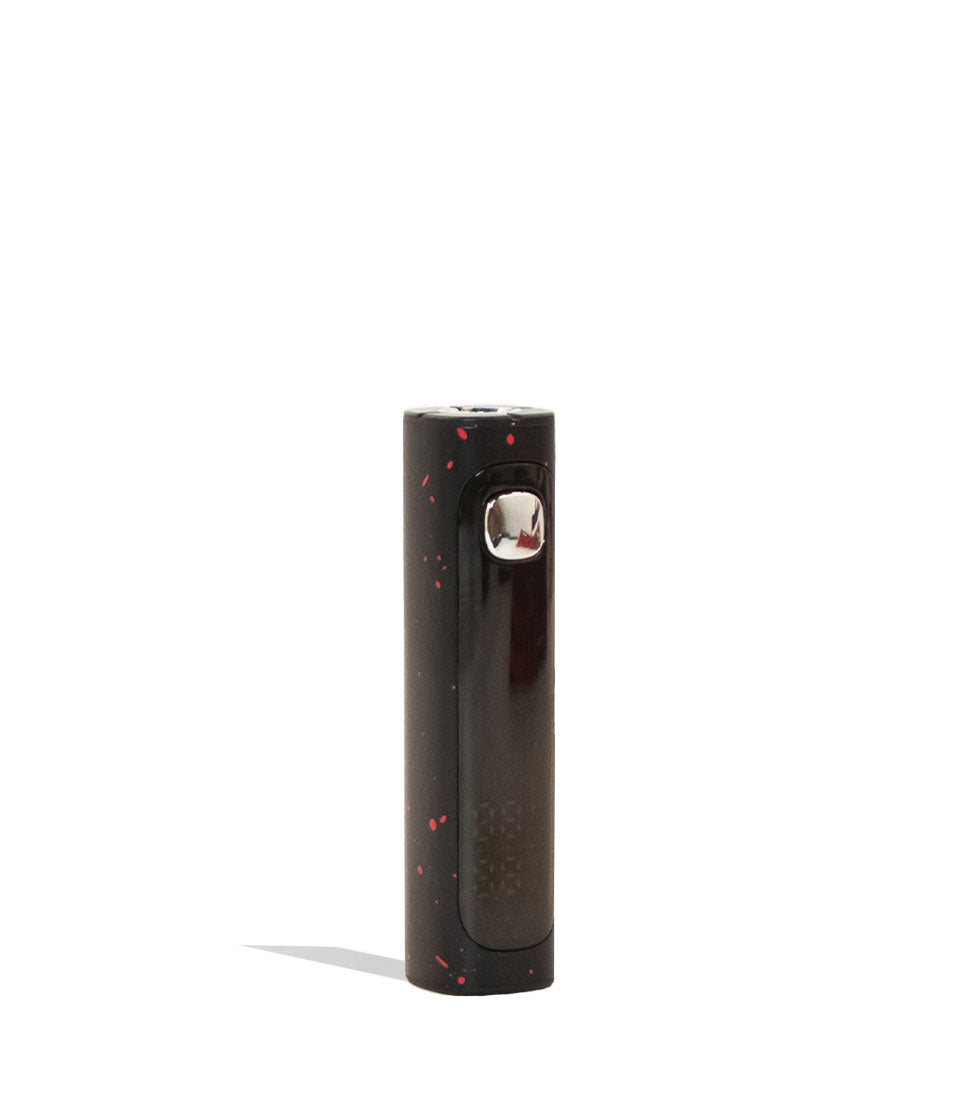
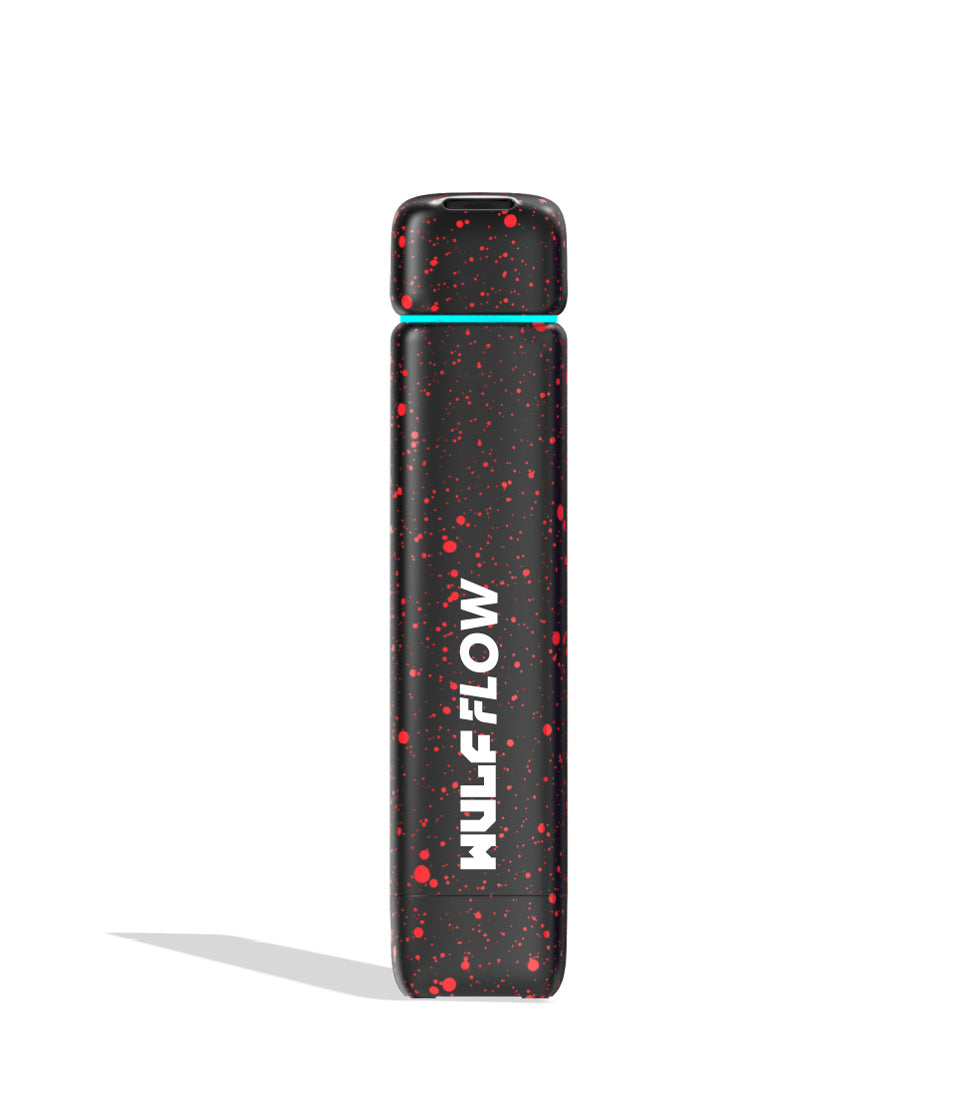
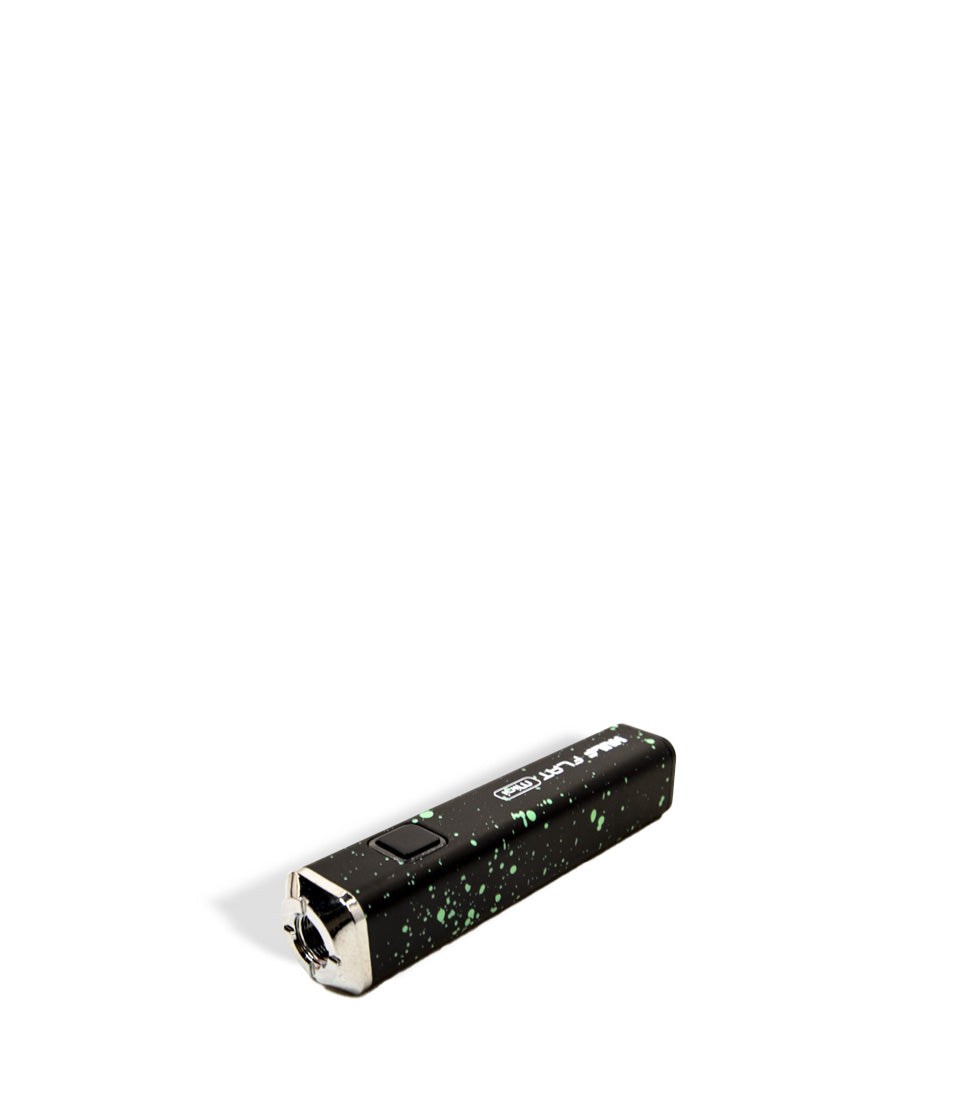
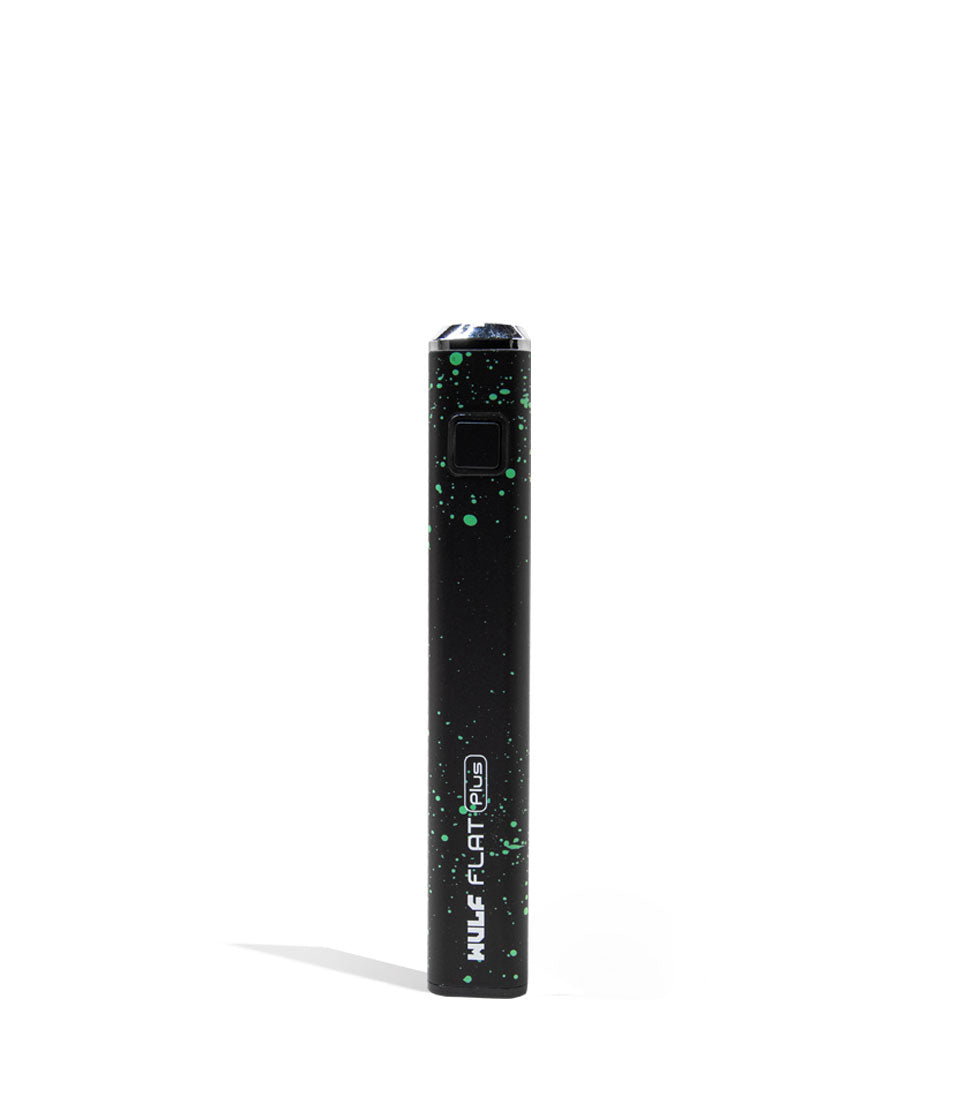
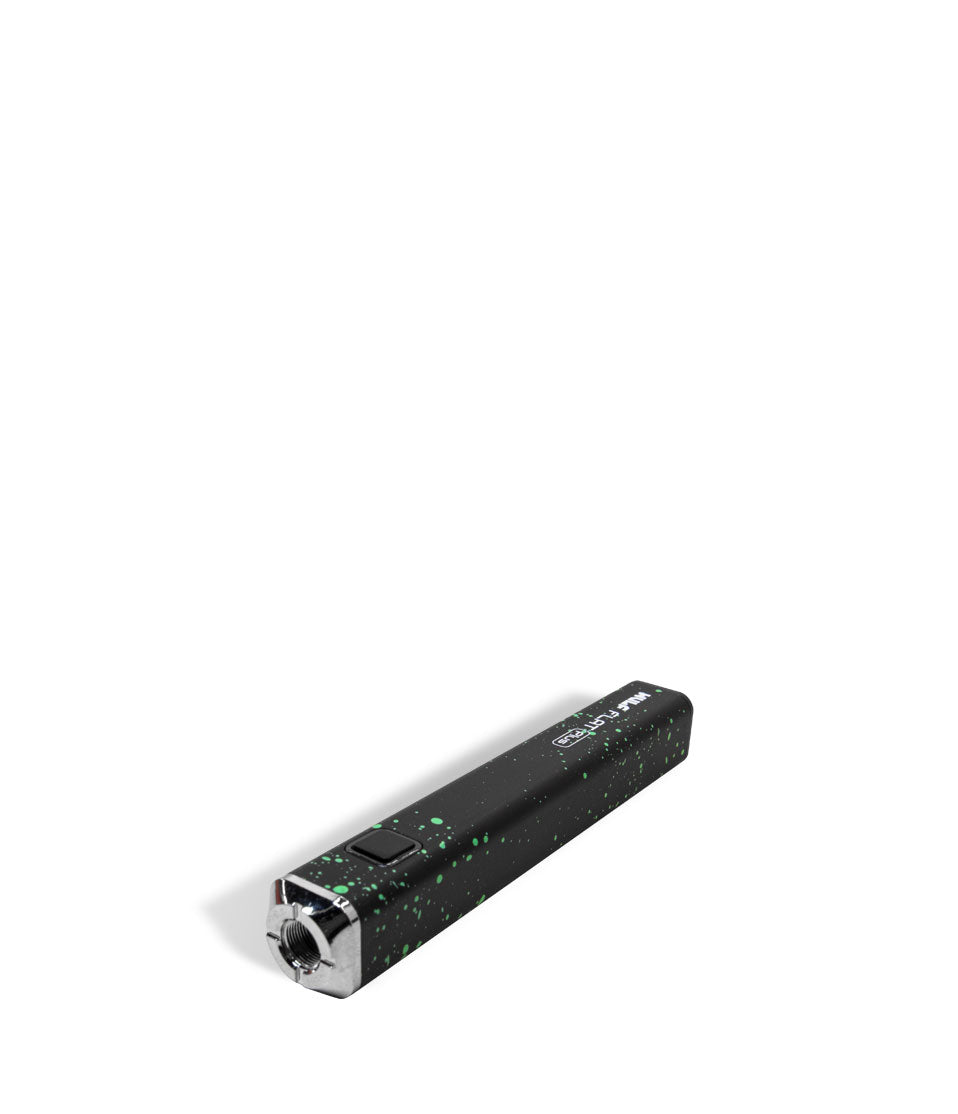
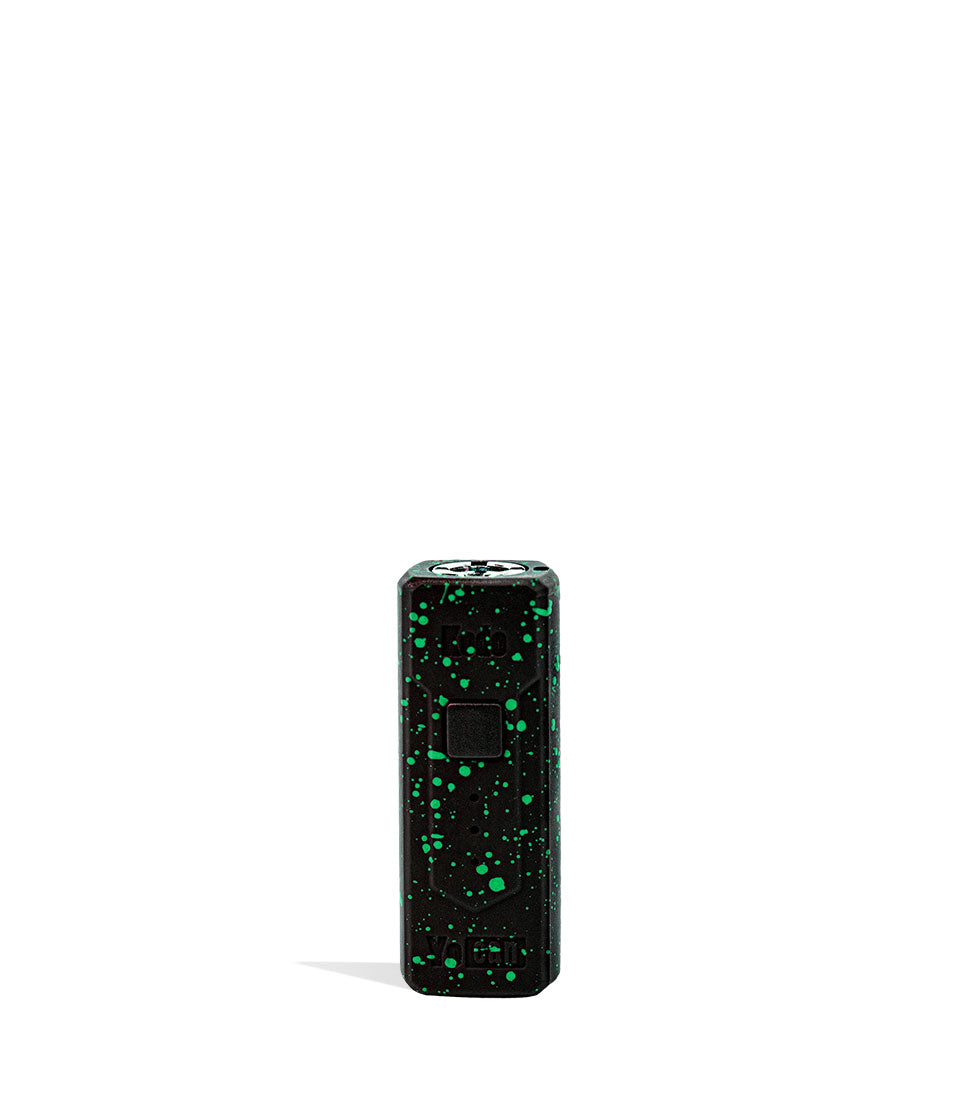
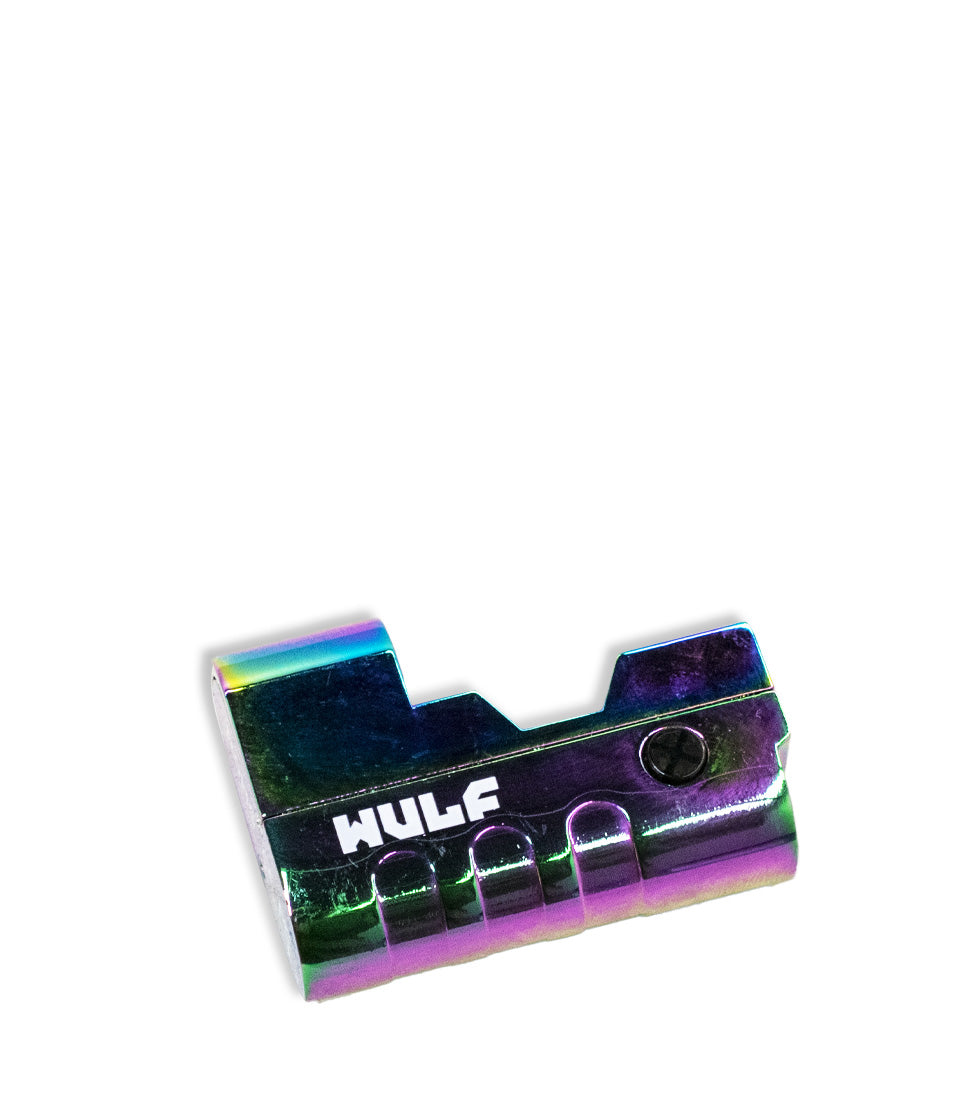
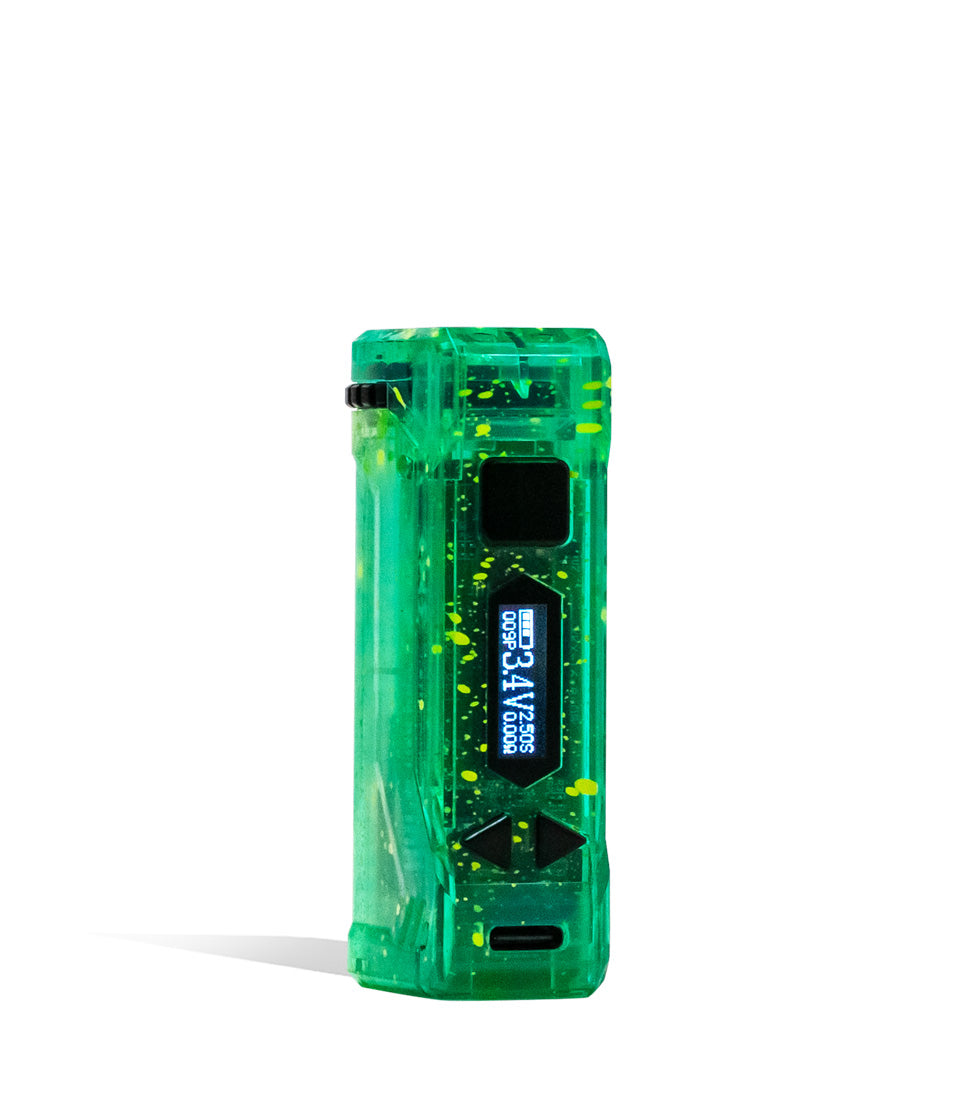
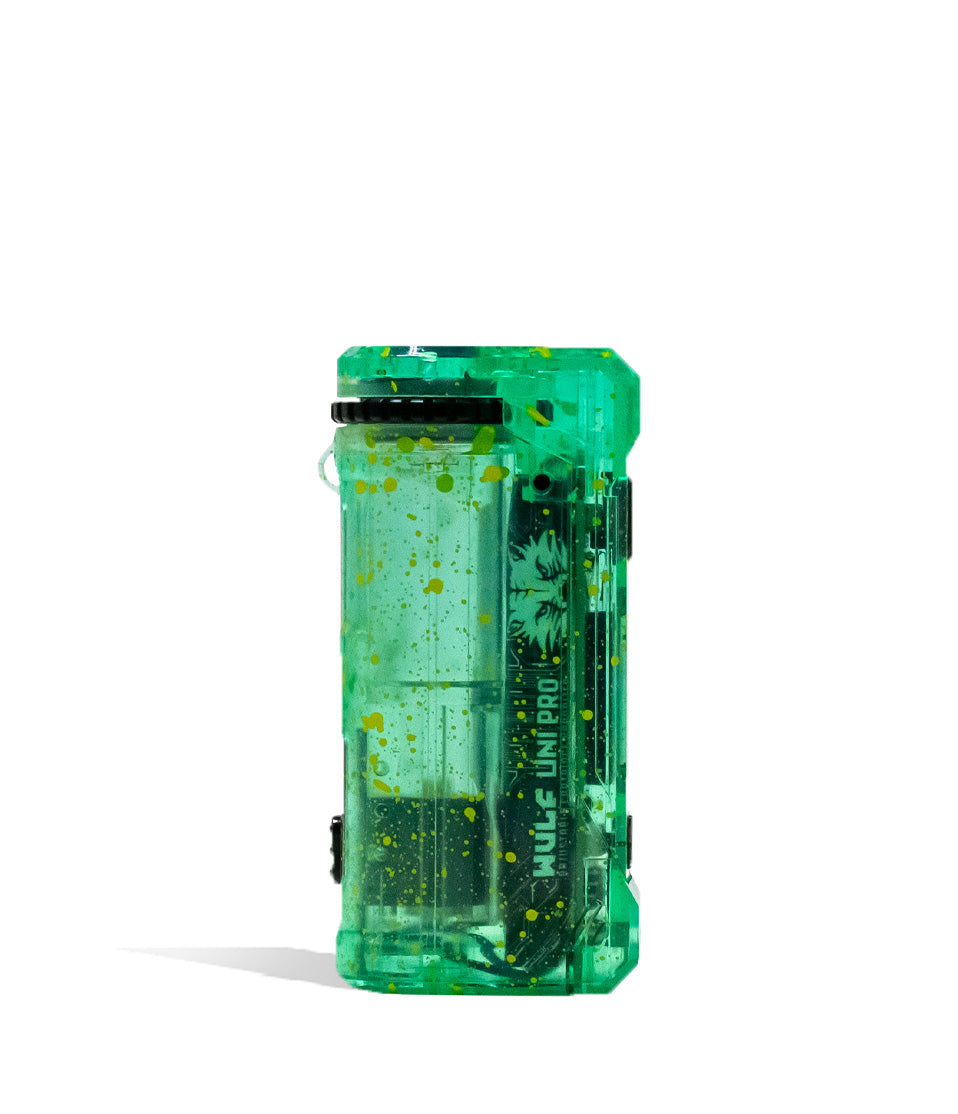
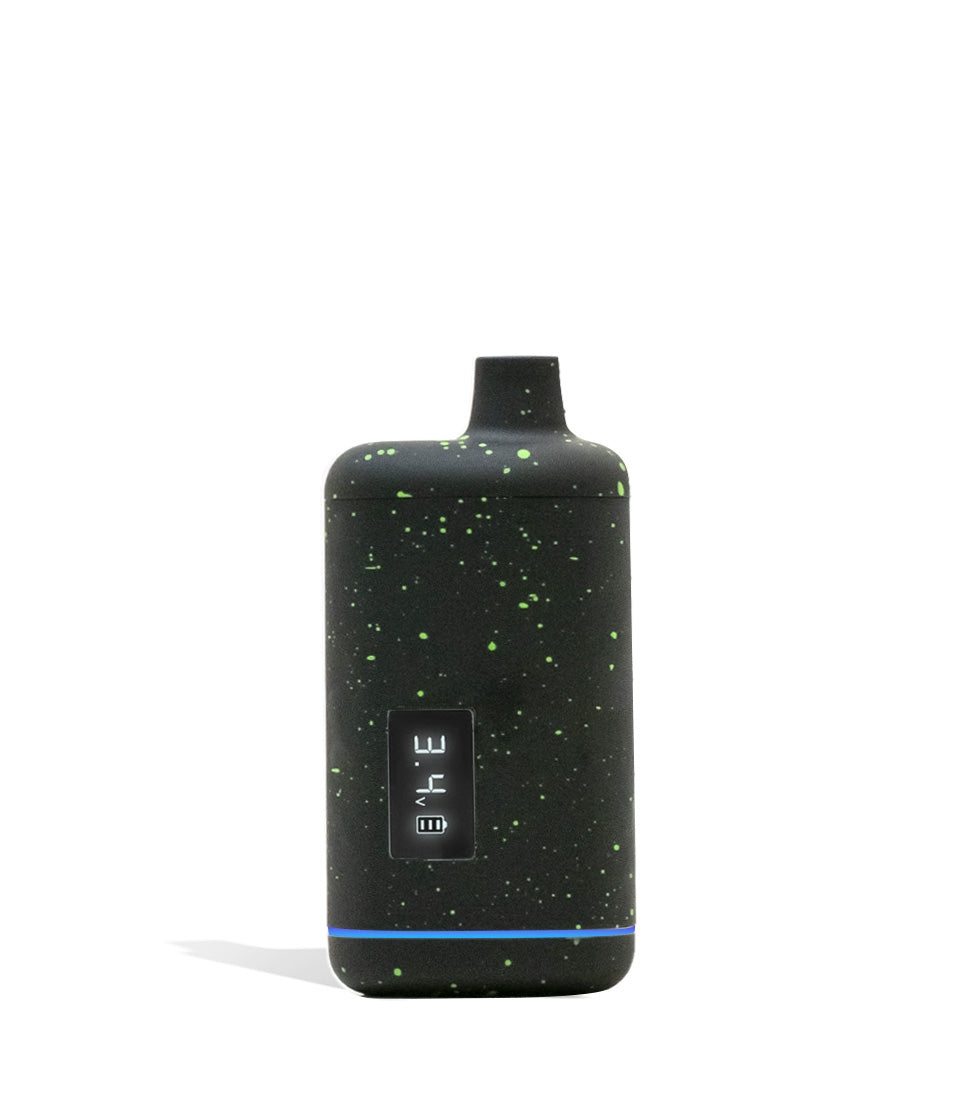
Owners Guide
Owner Playbook
The full playbook below expands on the practical steps and tips behind this guide.
Notice your clouds getting a little thin or your voltage feeling weak? Has a leaky cartridge left your threads sticky and unresponsive? Have no fear, Wulf Pack, because we are here to show you exactly how to restore your setup to mint condition with our definitive guide on how to clean the Wulf Pro Digit 510 Thread Battery!
With over a decade of testing hardware, designing vaporizers, and ripping blinkers ourselves, Wulf knows that even the most advanced tech can get bottlenecked by stubborn concentrate buildup. When thick distillate or live rosin seeps down from a cart into your 510 threads, it creates an insulating barrier that blocks electrical current, triggers misfires, and drains your battery prematurely.
Luckily, keeping your Pro Digit in peak fighting shape takes less than five minutes of simple maintenance. Follow along with the Wulf Pack below as we break down the step-by-step cleaning routine to keep your 510 connection spotless, your cosmic screen shining bright, and your vapor howling with pure flavor!
Table of Contents:
Wulf Pro Digit Cleaning Quick Reference Guide
Why Cleaning Your Pro Digit Matters
Essential Supplies for Pro Digit Cleaning
Step 1: Power Down and Detach Your Cartridge
Step 2: Swab the 510 Threads and Center Pin
Step 3: Detail the Full-Color Cosmic Screen and Body
Step 4: Inspect and Clear the USB-C Charging Port
Step 5: Allow 100% Air-Drying Before Firing
Routine Swabs vs. Deep Restorative Cleans
Common Cleaning Mistakes to Avoid
Keep Your Pro Digit Howling
Wulf Pro Digit Cleaning Quick Reference Guide
In a rush to clean your gear and get back to your session? Wulf sees you. Use this quick reference chart to knock out your Pro Digit maintenance in minutes:
| STEP | ACTION | HOW TO | WULF PRO TIP |
|---|---|---|---|
| 1 | Power Down | Click the power button 5 times (5x) until the screen turns dark; unscrew your cartridge. | Never clean the battery while it is turned on or plugged into a charger. |
| 2 | Swab 510 Port | Lightly dampen a cotton swab with 91%+ ISO and buff the gold pin and internal threading. | Do not oversaturate the swab; prevent liquid alcohol from seeping into internal boards. |
| 3 | Clean Screen & Body | Buff the digital display and chassis using a dry, soft microfiber cloth. | Avoid spraying solvents directly onto the cosmic screen to prevent display clouding. |
| 4 | Check USB-C Port | Inspect the bottom charge port and gently remove lint with a dry wooden toothpick. | Never insert metal pins or needles into the charging port to avoid short circuits. |
| 5 | Dry 100% | Let the unit sit upright on a clean towel for 5–10 minutes to allow all vapors to evaporate. | Fleshing out a dry connection ensures maximum voltage transfer and clean terpene taste. |
Why Cleaning Your Pro Digit Matters
Every time you rip your cartridge, heated oil undergoes pressure and temperature shifts. Over time, microscopic droplets of concentrate condense around the bottom airflow holes of the cart and seep into the 510 threaded port of your battery.
When this golden resin cools down, it solidifies into a tacky, tar-like glue. If left unattended, dirty threads cause real session-ending headaches:
- Connection Blockages & Misfires: Resin acts as an electrical insulator, preventing the battery’s gold firing pin from completing the circuit with your cartridge.
- Inaccurate Voltage Output: Dirty contact points increase electrical resistance, causing weak hits even when your Pro Digit is cranked to 4.0V.
- Cartridge Jamming: Hardened concentrate can literally cement the cartridge into your battery, causing you to strip the threads or snap the cart base when trying to remove it.
- Premature Battery Drain: Poor electrical transfer forces the 400mAh cell to work twice as hard, shortening your session lifespan between charges.
Taking a couple of minutes to give your Pro Digit some love protects your investment, preserves battery health, and ensures every puff hits with maximum potency.
Essential Supplies for Pro Digit Cleaning
You don’t need any wild laboratory gear to maintain your Wulf Pro Digit. In fact, everything you need can be found in your bathroom cabinet, right here online with the Wulf Pack, or at most big box / pharmacies around the country.
- Isopropyl Alcohol: High-grade alcohol breaks down stubborn resin on contact and evaporates rapidly without leaving behind moisture.
- Precision Cotton Swabs (Q-Tips): Perfect for reaching into the threaded 510 port and detailing tight seams.
- Paper Towel / Cloth: Soft and non-abrasive, ideal for clearing fingerprints and sticky residue off the full-color screen and exterior finish.
- Wooden Toothpick: Great for scraping stubborn resin collars out of the threading valleys and cleaning pocket lint from the USB-C port without scratching metal.
The biggest tool you’ll need is isopropyl alcohol and swabs, as this combination is going to be doing most of the heavy lifting when it comes to cleaning the Pro Digit. There’s really no substitute here, as simple soapy water won’t work and can destroy your battery with excess moisture.
So stick with what works and the Wulf Pack guarantees you’ll have your Pro Digit back to work in no time.
Step 1: Power Down and Detach Your Cartridge
First things first: safety always comes first in the Wulf Pack. Never attempt to clean your Pro Digit while it is turned on or connected to a USB-C charging cord. This ensure that you avoid any short circuiting or damage to your battery, yourself, or your own Wulf Pack around you.
- Click the power button 5 times rapidly in a row (5x). Watch the cosmic digital screen flash and go completely black to confirm the unit is powered off.
- Slowly unscrew your cartridge counter clockwise and set it upright on a silicone mat or tray.
- If the cart feels stuck or sticky to turn, do not force it! Turn the device on, trigger the 12 second pre-heat mode once to warm the joint, shut it off, and then twist the cart free while the oil is warm and liquefied.
Always switch off your battery and remove the cartridge before cleaning. This exposes the important danger zones that you’ll need to clean and protects your battery from short circuiting in the process.
As a note we always recommend placing your cartridge somewhere safe, this way when it comes time to reassemble you’re not left scratching your head trying to remember where exactly you left it…
Step 2: Swab the 510 Threads and Center Pin
The 510 connection on your Wulf Pro Digit 510 Thread Battery is where all the magic happens, making it the primary target for your cleaning routine. When gunk or leftover oils seep into these connections, it can mess with your transfer of heat and leave you with your clouds on mute.
Instead you want to always make sure both sets of 510 threads are completely clean in order to guarantee that your Wulf Pro Digit is able to unleash 100% of it’s ferocious power and not a mere fraction due to dirty connections.
- Dip a cotton swab into your isopropyl alcohol. Press the swab against a paper towel to remove any excess liquid—the swab should be damp, not dripping wet.
- Insert the swab into the 510 threaded port and rotate it around the interior walls, wiping away golden concentrate film.
- Gently buff the spring-loaded gold center pin located at the base of the threading. Ensure all black carbon scorch and sticky oil are fully removed.
- Take a wooden toothpick and gently trace along the spiral threads to dislodge any hardened residue trapped in the grooves.
- Flip the swab over and use the dry cotton end to wipe out any remaining alcohol and dissolved resin.
- Don’t forget the cart: Use a fresh damp swab to wipe down the 510 threads and bottom contact pin of your cartridge before reconnecting!
The main tips we have include not going overboard with isopropyl alcohol, as when it comes to cleaning 510 batteries like the Pro Digit less really is more. You don’t need much to get the full isopropyl solvent affect, so be sure to start slow as you can always add more later on.
We also recommend doing several passes, instead of one fast and furious clean. This will allows you to gradually work away at the build up and make sure you can actually get all of it removed. It may take more time, but it will ensure your Wulf Pro Digit is as squeaky clean as it should be.
Step 3: Detail the Full-Color Cosmic Screen and Body
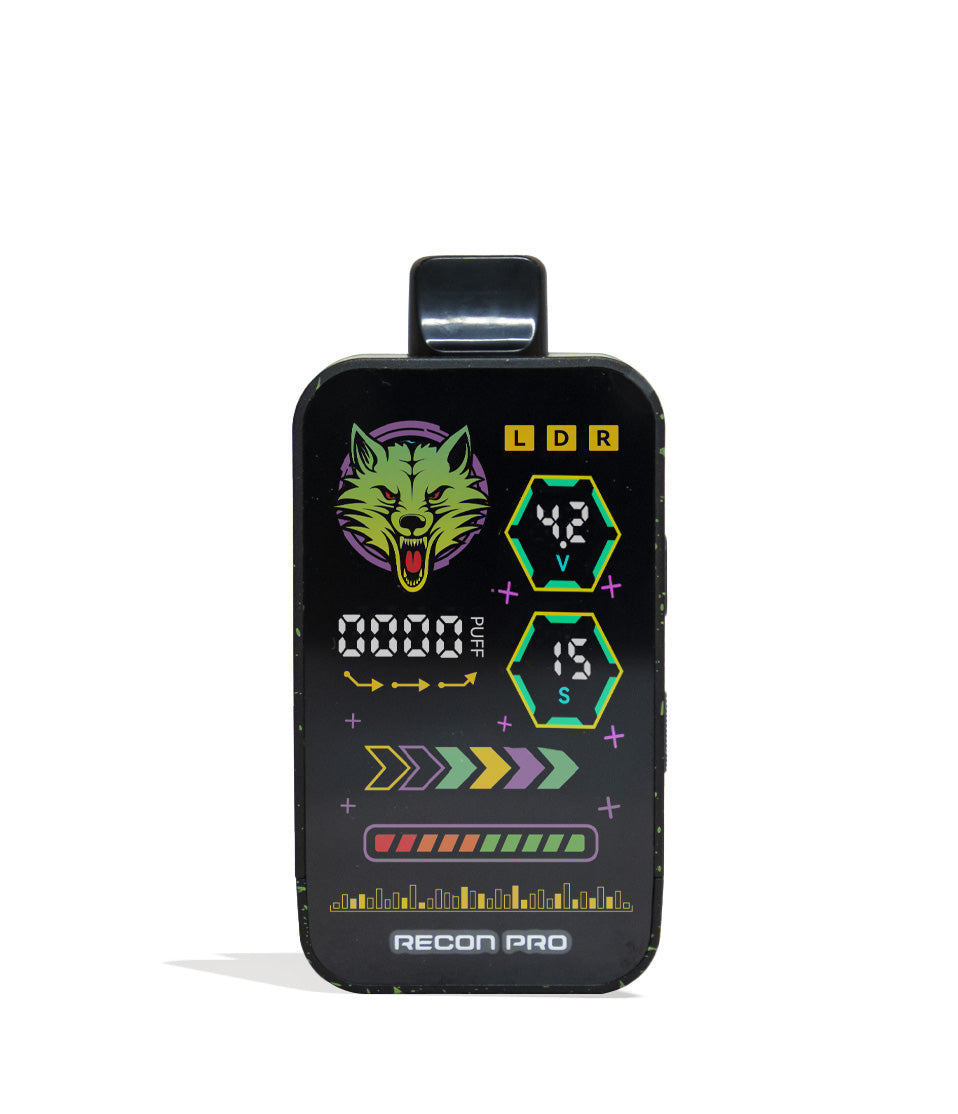
One of the standout features of the Wulf Pro Digit is its brilliant color screen displaying animated stars, planets, voltage, and battery percentages. Keeping that display clean makes checking your specs effortless.
- Take a dry cloth and gently buff the surface of the screen in circular motions to lift away oils, fingerprints, and pocket lint.
- If sticky residue has transferred to the screen or buttons, lightly dampen the corner of the cloth with water or heavily diluted ISO, wipe the surface gently, and immediately dry it with the dry side.
- Never spray liquids or soak the screen directly, as moisture can seep behind the protective display lens.
- Wipe down the splatter-finish body to ensure a clean, comfortable, non-slip grip during your sessions.
While this doesn’t affect the quality of your clouds, have a clean body and screen ensures that the power button never gets sticky and you don’t end up with a gross battery. So do yourself a favor and give your Wulf Pro Digit a quick wipe down after you’ve finished cleaning the threads to ensure all your bases are covered.
Step 4: Inspect and Clear the USB-C Charging Port
Because the Wulf Pro Digit travels with you in pockets, purses, and backpacks, the open USB-C port at the base naturally collects lint, dirt, and dust. If lint gets packed into the port by a charging cable, it blocks electrical pins and prevents your battery from charging.
- Shine a light into the base USB-C port to check for debris.
- Use a clean, dry wooden toothpick to gently sweep along the outer edges of the center connector bar.
- Dislodge any compacted pocket lint and tap the base against your hand to clear it out.
- Never use metal paperclips, safety pins, or needles inside the USB-C port, as metal tools can bend the charging pins or cause an electrical short circuit.
By giving your Wulf Pro Digit a quick optical pat down, you’ll be able to identify any remaining issues or dirty spots that could mess with your sessions. As with everything, be careful when digging out lint or other dirt from ports, as you don’t want to scratch any of the internals on accident.
Step 5: Allow 100% Air-Drying Before Firing
Once you’ve swabbed your 510 connection and detailed the body of your Wulf Pro Digit 510 Thread Battery, you must give the device adequate time to dry completely before firing it up. While this can be a bit of a bummer, the fact of the matter is you absolutely must let things dry in order to avoid damaging your battery.
- Set the Pro Digit upright on a clean towel in a well-ventilated space.
- Leave the device to air-dry for 30 – 60 minutes. High-proof isopropyl alcohol evaporates quickly, but letting it sit ensures zero hidden vapors linger in the threading.
- Never fire a battery while liquid alcohol is present inside the connection well, inhaling burning alcohol fumes is harsh, dangerous, and ruins your session!
- Once completely dry, screw your cartridge back in until snug, click the button 5 times to power up, and get back to enjoying pure, potent clouds.
So once you’ve got done cleaning the Wulf Pro Digit, put your feet up and relax for a little bit so you can give your battery enough time to properly air dry. It makes a big difference and will help prevent your cleaning session from having the opposite effect on your battery!
Keep Your Pro Digit Howling
Maintaining your Wulf Mods Pro Digit 510 Thread Battery isn’t just about keeping your hardware looking fresh—it’s about guaranteeing that every hit delivers the exact voltage, rich flavor, and dense clouds you bought it for.
With clean 510 threads, an open USB-C port, and a crystal-clear cosmic screen, your Pro Digit will continue to dominate your daily sessions with total reliability. Treat your hardware right, and it will keep you blowing ferocious clouds for countless adventures ahead.
Have any more questions about your Pro Digit, voltage settings, or troubleshooting? Check out the Wulf Resource Center for in-depth user guides, hardware breakdowns, and pro tips from the Crew. Until next time, stay howling out there! Arooo!!!
Frequently Asked Questions
Owners Guide FAQs
Common questions related to this guide and how to apply the information when choosing your device.
How Do I Remove A Cartridge That Is Stuck Or Glued Into My Pro Digit Threads?
Can I Submerge The 510 Port In Isopropyl Alcohol For A Faster Deep Clean?
Why Is My Wulf Pro Digit Hitting Weakly Even When Dialed Up To 4.0V?
What Is The Safest Way To Clean Pocket Lint Out Of The USB-C Charging Port?
Why Do I Need To Let The Pro Digit Sit And Dry Before Using It Again?
Wulf Mods Trust Center
About This Resource
Understand how this guide was researched, reviewed, and maintained by the Wulf Mods editorial team.
Editorial Standards
- Written for the people choosing and using these devices.
- Reviewed for clarity, accuracy, and practical retail value.
- Based on current manufacturer specifications and product documentation when available.
- Updated as products, regulations, category trends, or market conditions evolve.
- Built on deep, hands-on product experience.
- Designed to help you choose the right device with confidence.
Research Methodology
This owner guide was prepared to help you set up, use, and care for your device with confidence. Guidance is based on hands-on product experience, common questions, and real-world use.
- Hands-on product experience
- Setup and first-use guidance
- Cleaning, care, and maintenance
- Common questions and troubleshooting
- Safe and responsible use
- Real-world use considerations
- Editorial review for clarity and usefulness
Supporting Sources
Sources used to support this resource are included for transparency and documentation.
Article Information
Intended Audience
- Everyday customers
- First-time buyers
- Experienced enthusiasts
- Dry herb users
- Concentrate users
- Anyone upgrading their setup
Editorial Policy
Wulf Mods educational resources are reviewed periodically to maintain accuracy and relevance. When product specifications, regulations, category trends, or market conditions change, articles may be updated with a new review date. Trusted product guidance.
Keep Exploring
Related Resources
Keep learning with related Wulf Mods resources selected to help you get more out of your device.
Owners Guide
Learn how to use your Wulf Pro Digit 510 Thread Battery here with a step by step guide directly from Wulf. Find out how to take...
Read Resource →
Owners Guide
Take your Wulf Pro Digit 510 Thread Battery to the next level and learn how to rip bigger clouds with expert tips from the Wulf...
Read Resource →
Owners Guide
Find out the essential built-in trouble shooting warnings are for the Wulf Pro Digit 510 Thread Battery. Learn what those flash...
Read Resource →
How-To
Discover simple solutions for troubleshooting 510 thread issues in your vape, addressing problems such as loose connections and...
Read Resource →