

Resource Center
How To Use A Wulf 510 Battery (Wulf Pack Guide)

Continue With This Resource
Wulf Mods Quick Brief
What You Should Know
A fast summary of the key points, questions, and guidance covered in this guide.
Overview
Key Takeaways
- Wulf 510 batteries utilize universal 5-click power activation, 3-click voltage shifting, and 2-click pre-heat features for simple session control.
- Lower voltage settings preserve flavor profiles, while higher voltage settings deliver increased vapor output and heavy hitting potency.
- Activating the built-in pre-heat feature warms oil and opens cold, clogged airflow pathways without burning.
- Wiping threaded connections and magnetic rings with isopropyl alcohol solves over 90% of blinking light errors and connection issues.
- Charging with compatible cables, avoiding overnight charging, and storing batteries upright preserves internal battery health.
Questions This Resource Answers
- What are the essential charging safety rules, cleaning habits, and storage practices to extend Wulf 510 Battery performance?
- How do you power on, cycle through voltage levels, and operate different Wulf 510 battery styles?
- What are the proper procedures for attaching cartridges to Wulf 510 Batteries?
- How does the 10–15 second pre-heat function work to unclog and warm up thick concentrate oils?
- What do blinking diagnostic lights or vapor failures indicate, and how can they be fixed?
Recommended Products
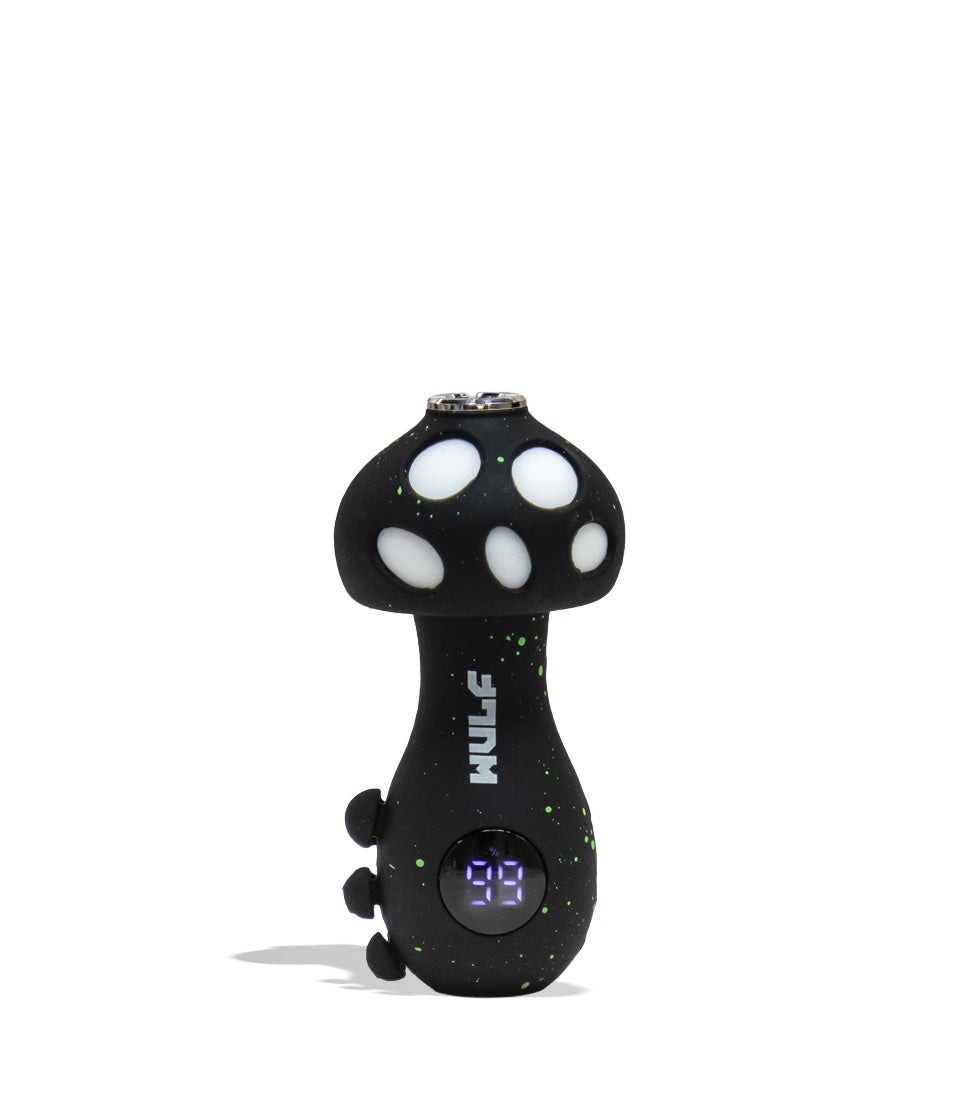
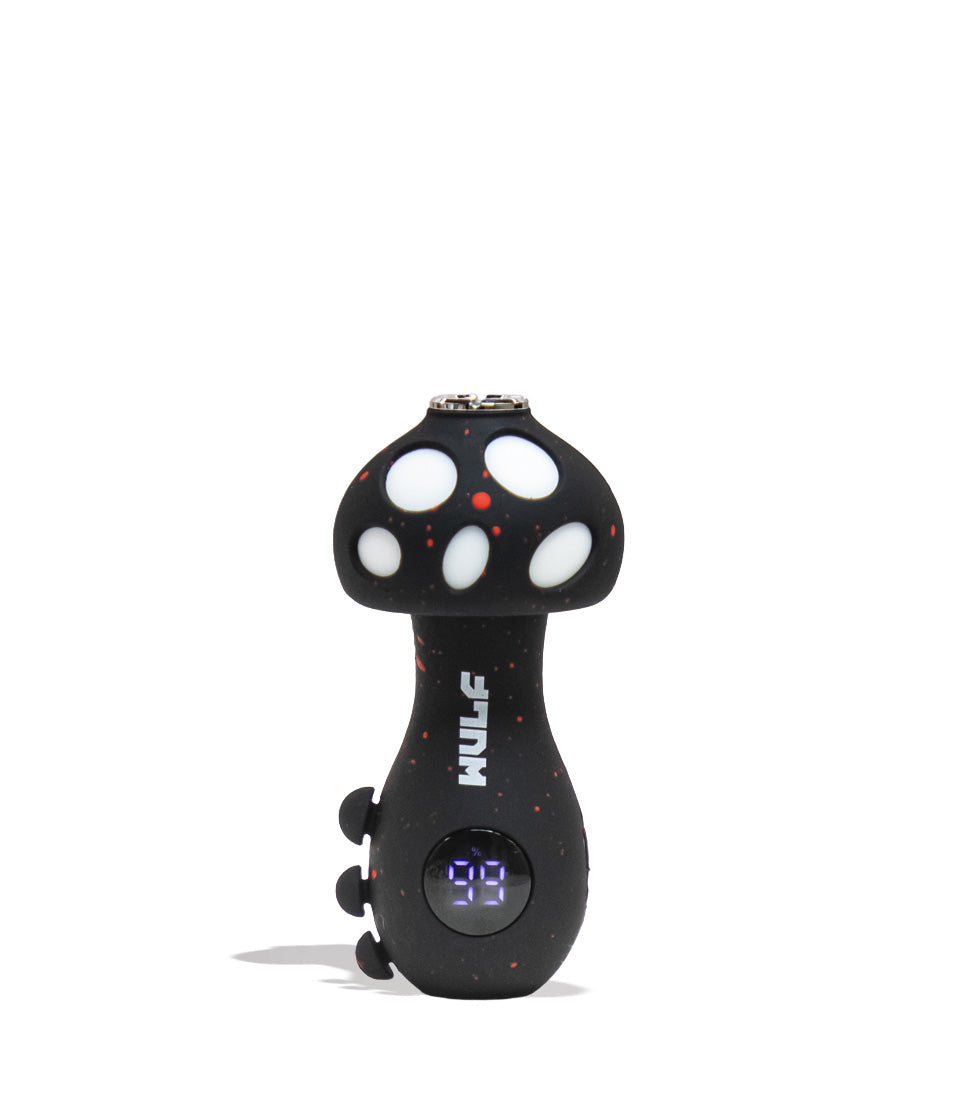
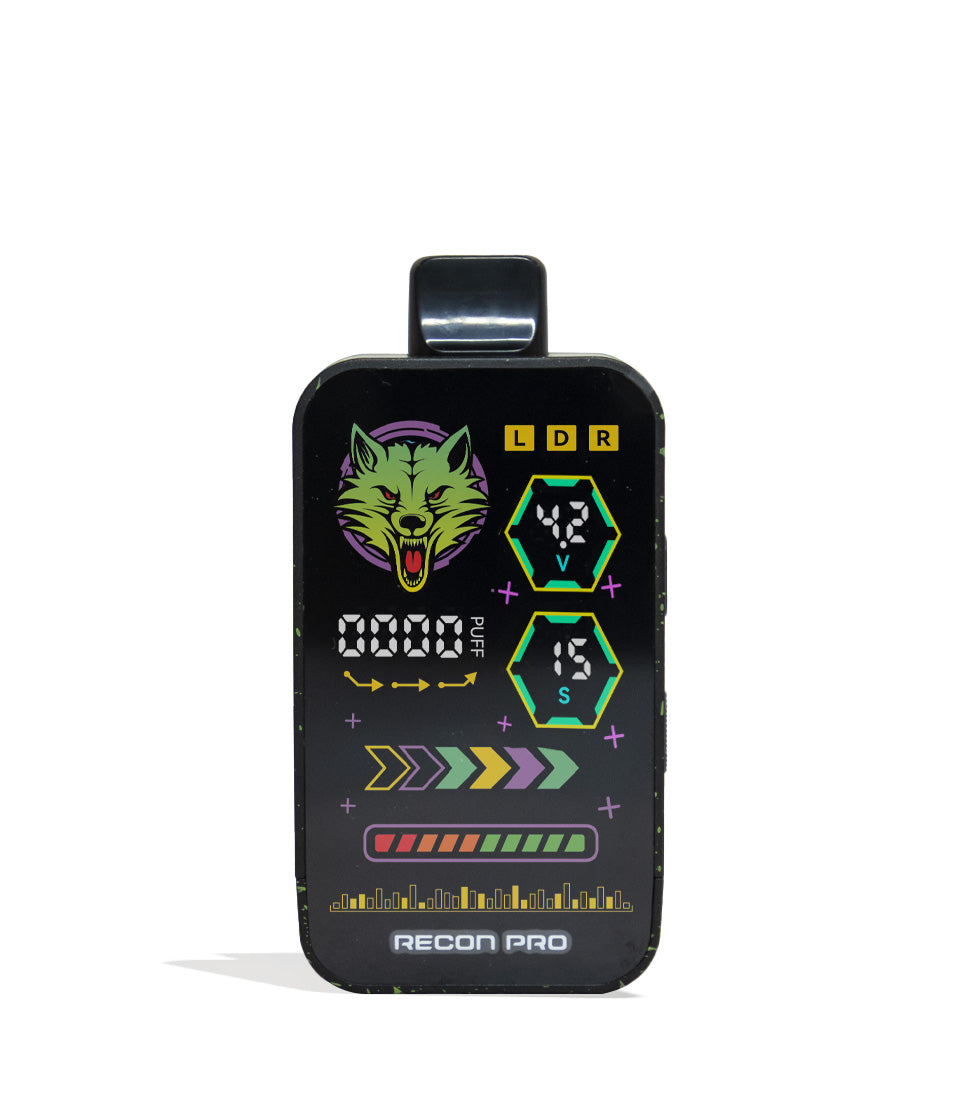
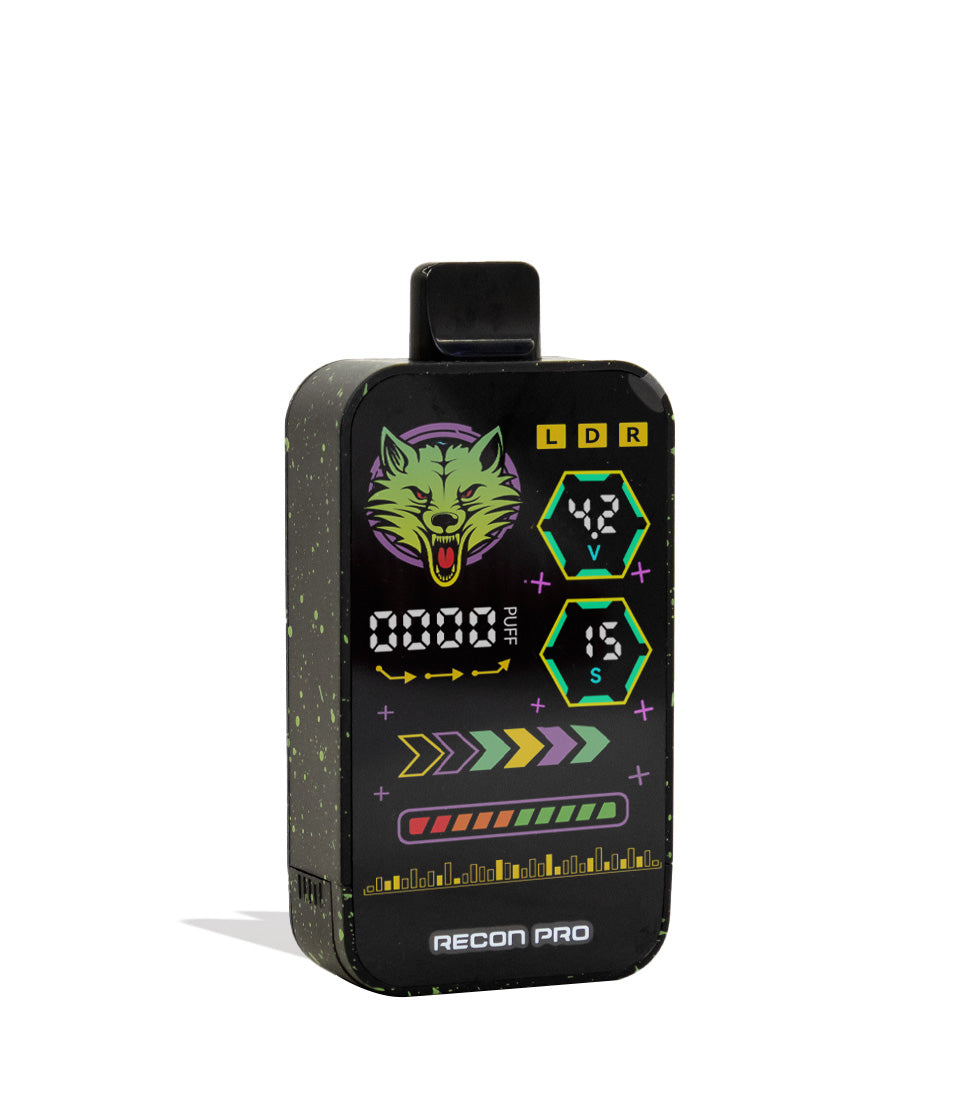
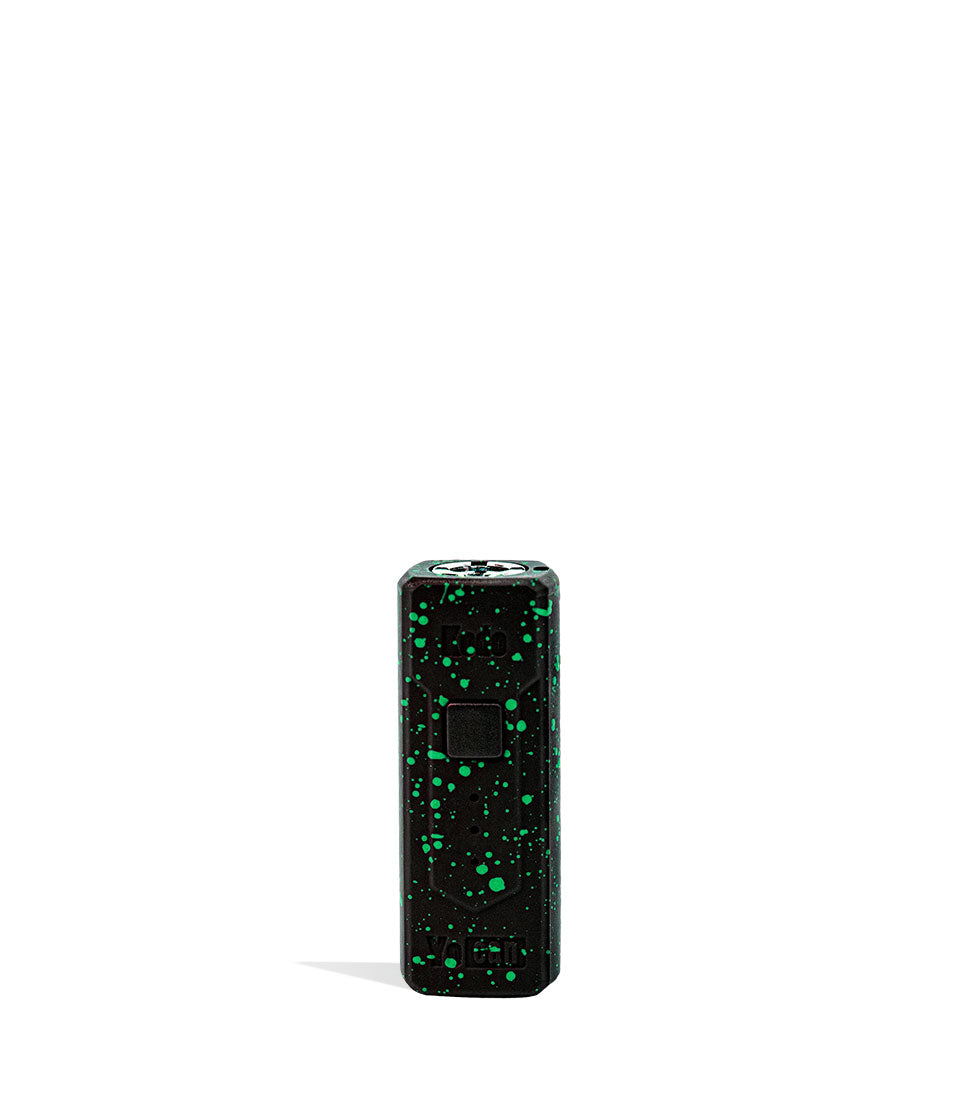
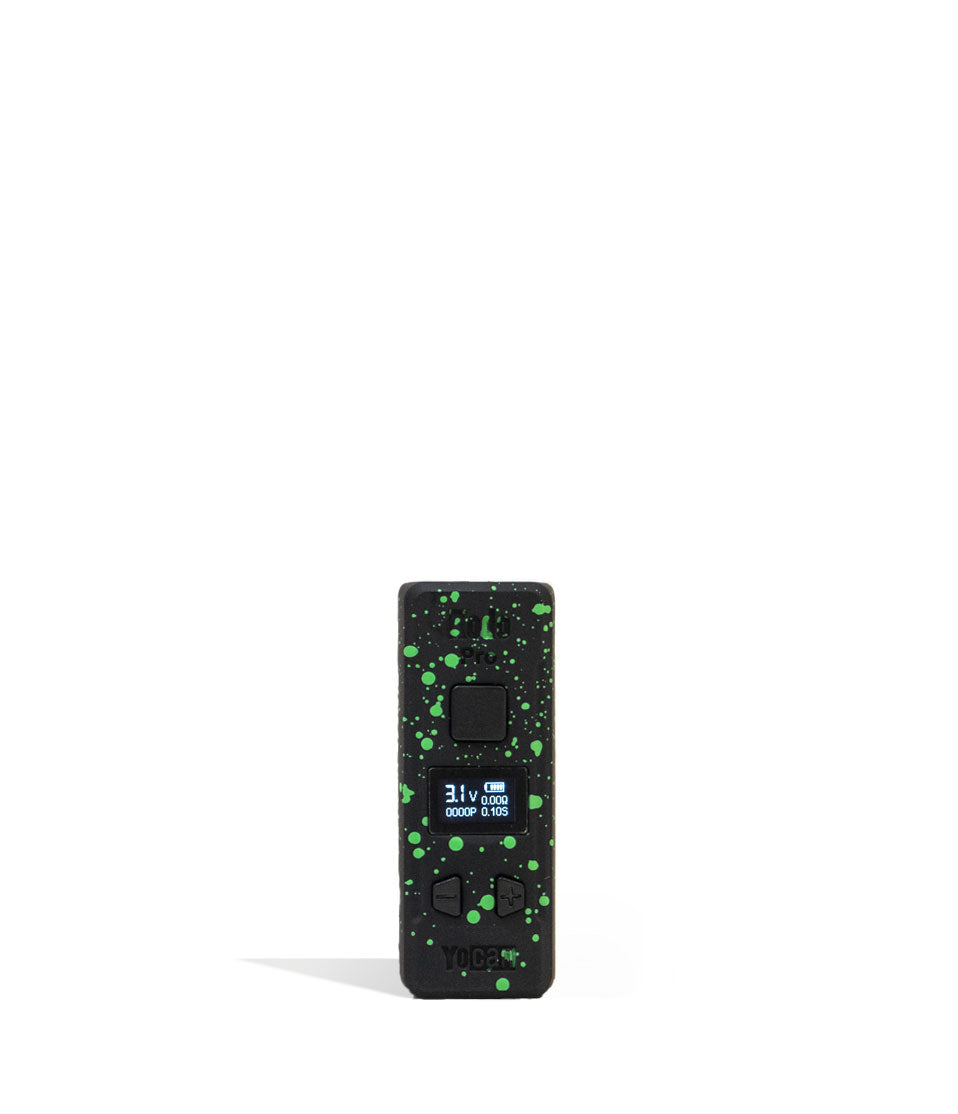
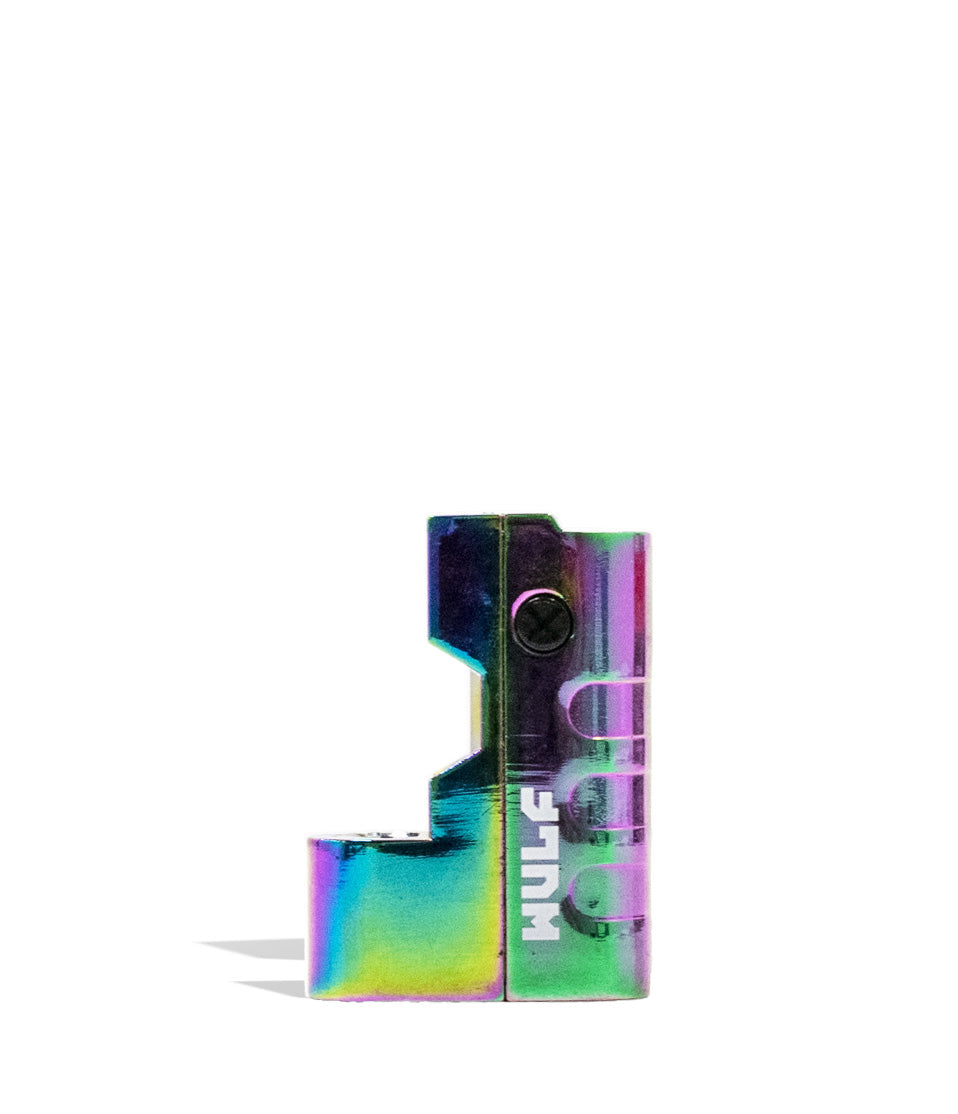
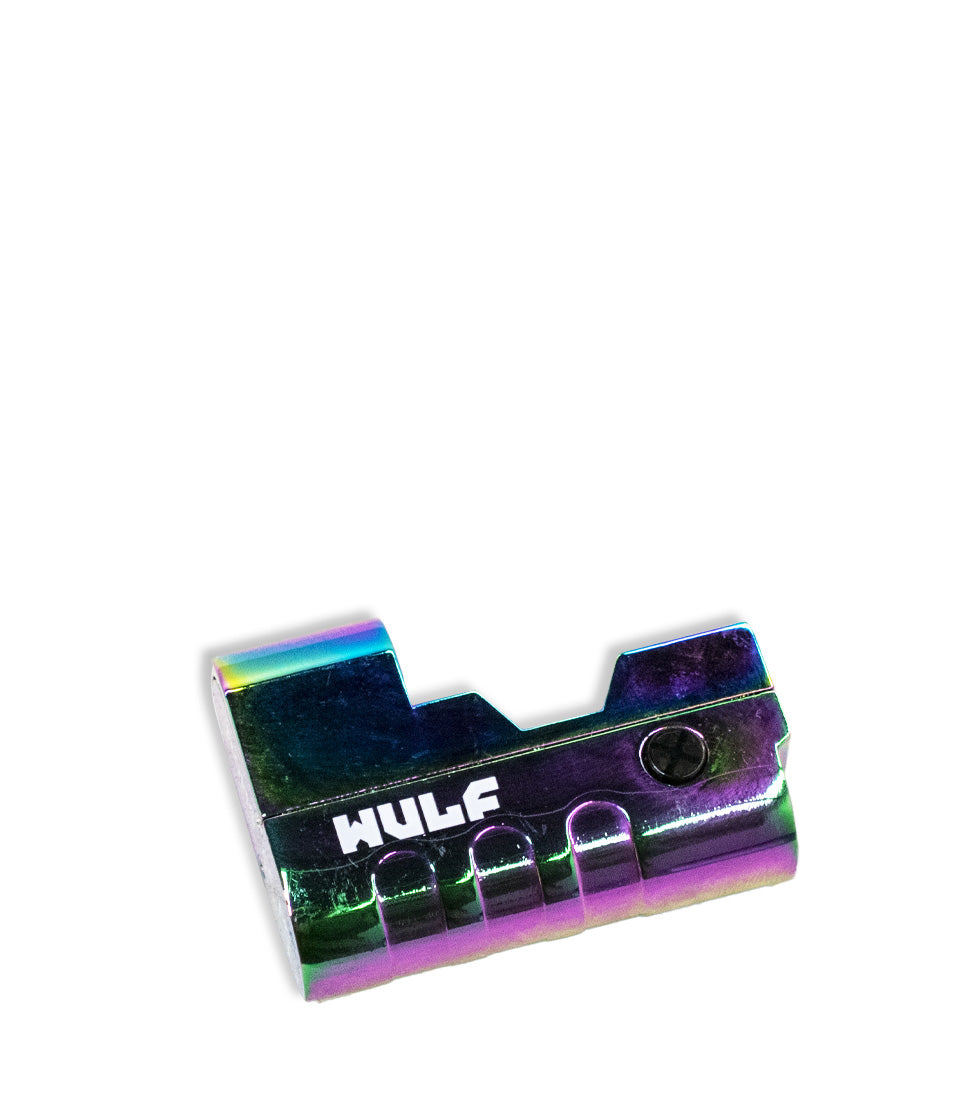
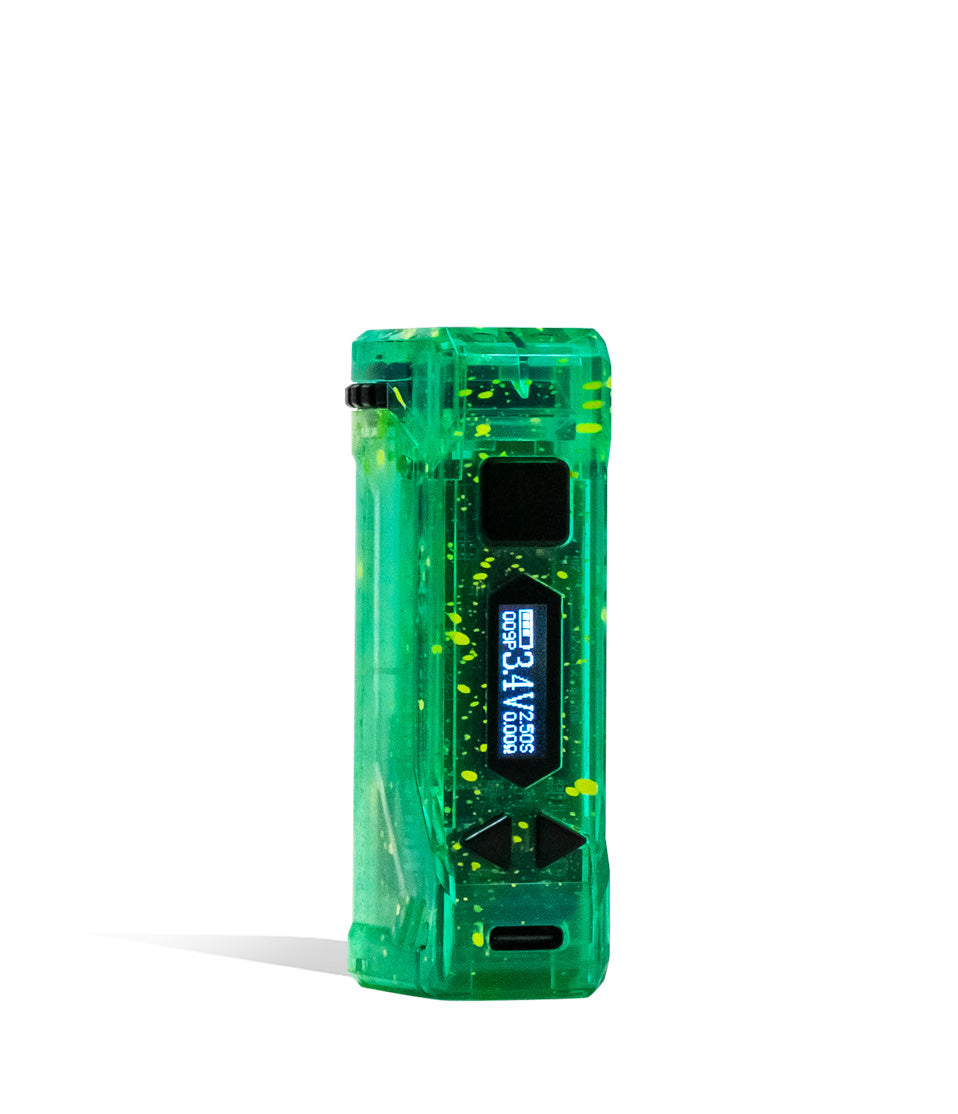
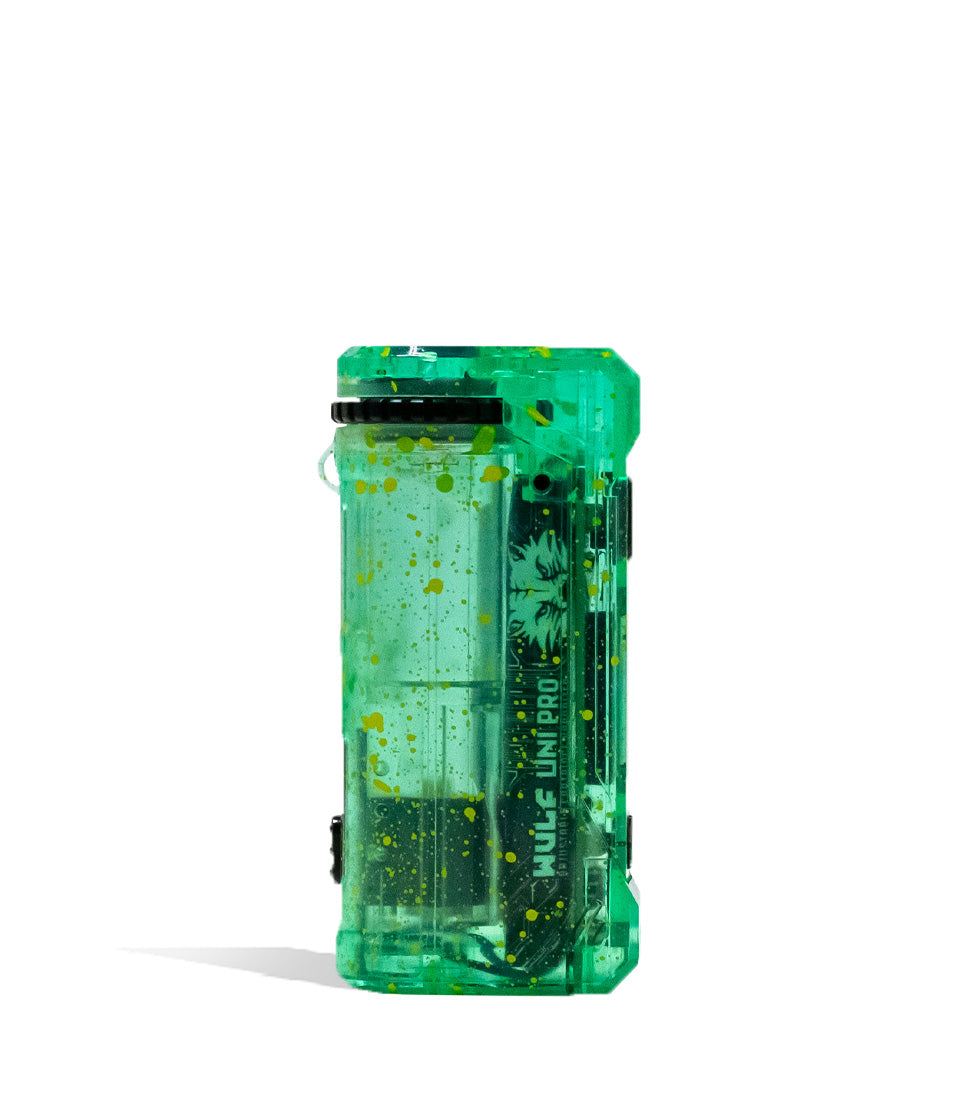
Shop 510 Thread Batteries
Browse the products featured in this guide.
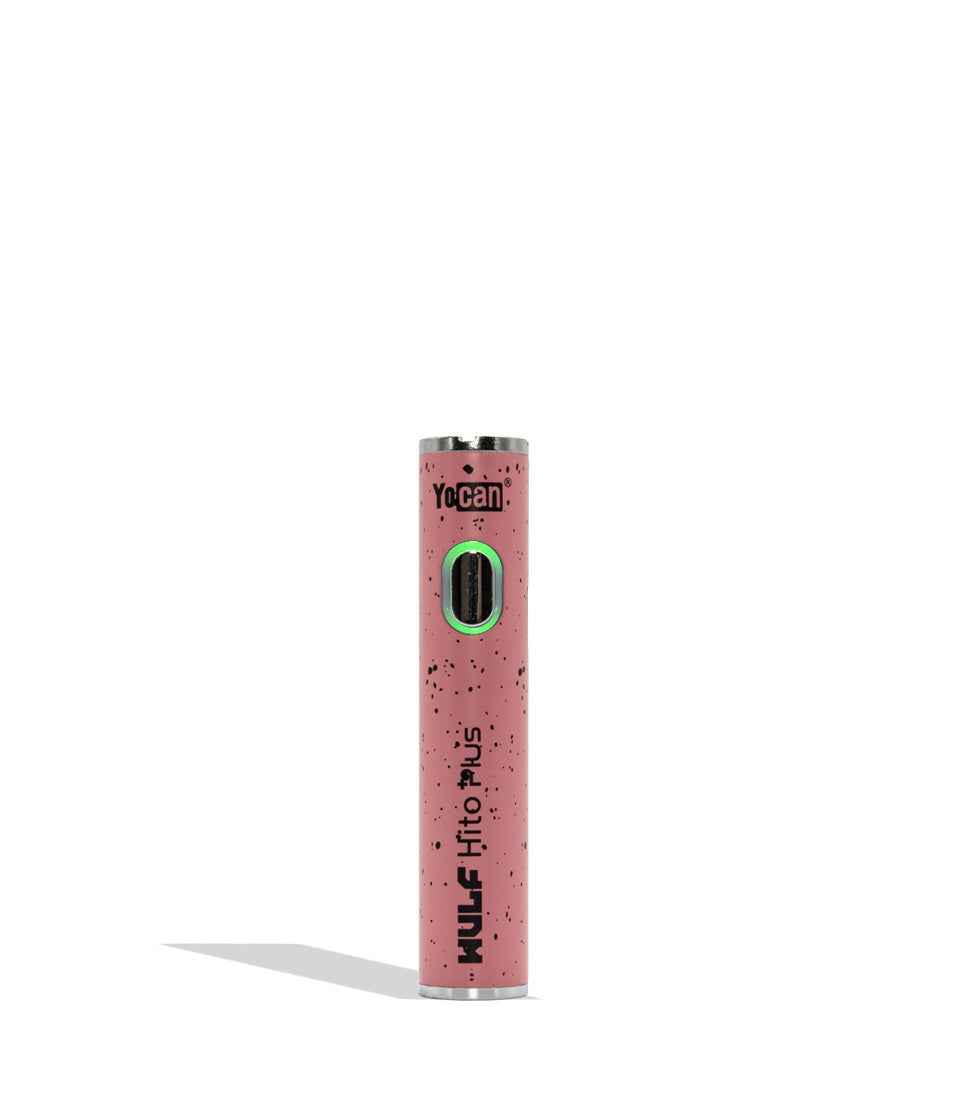
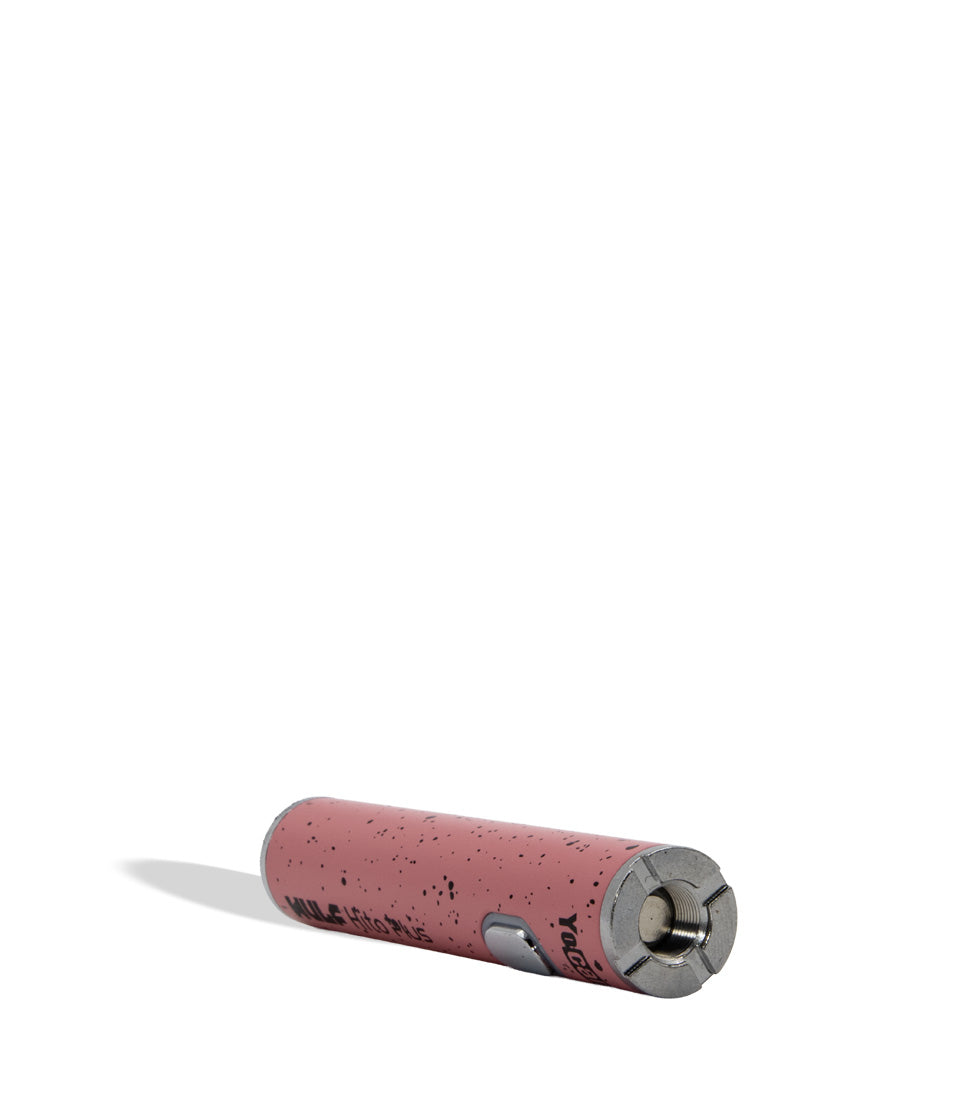
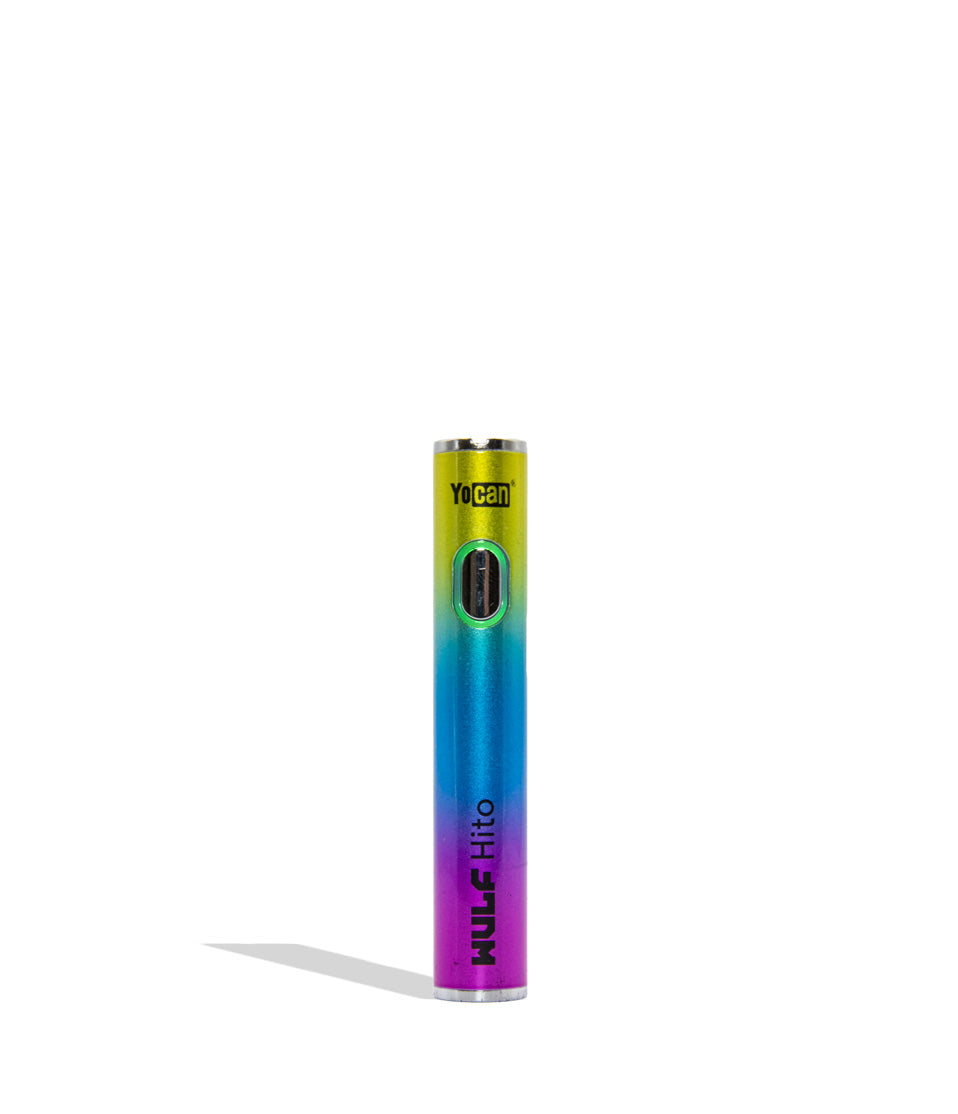
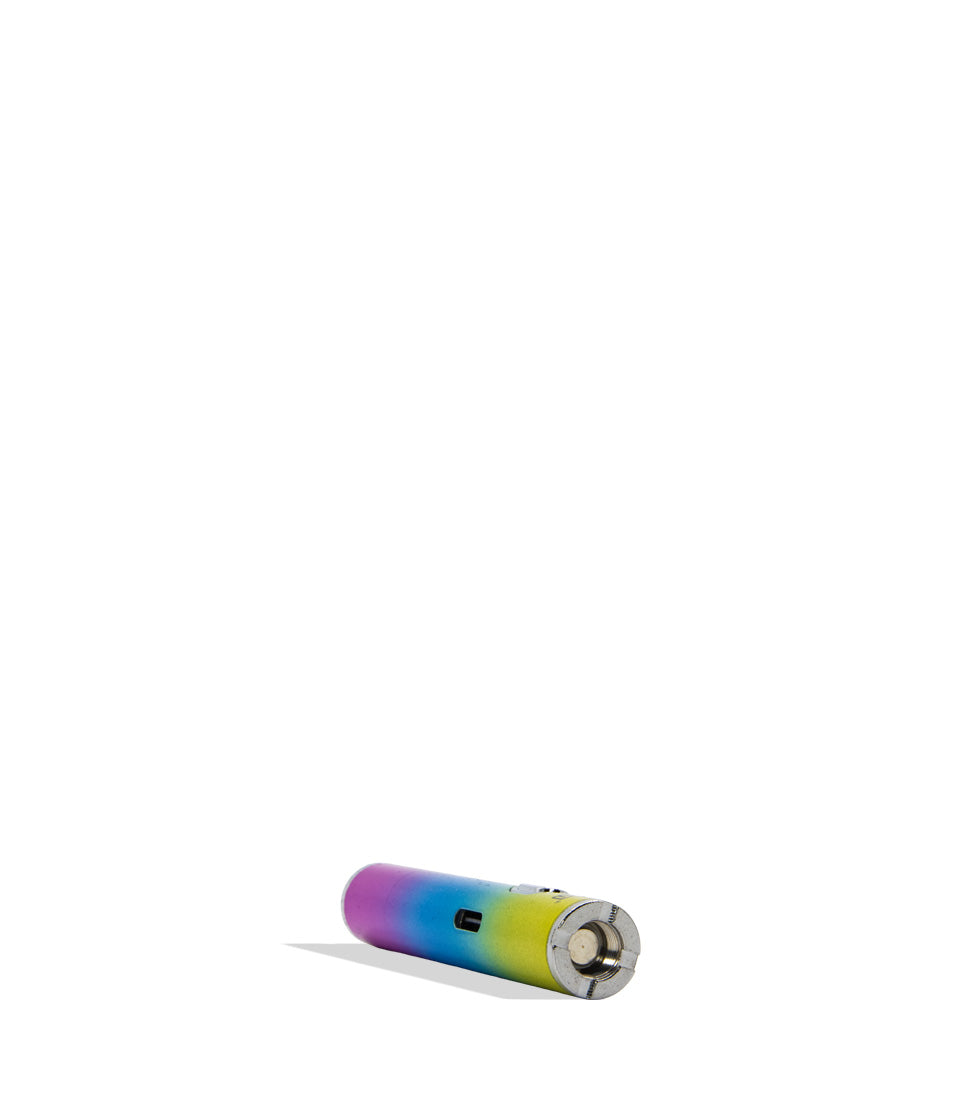
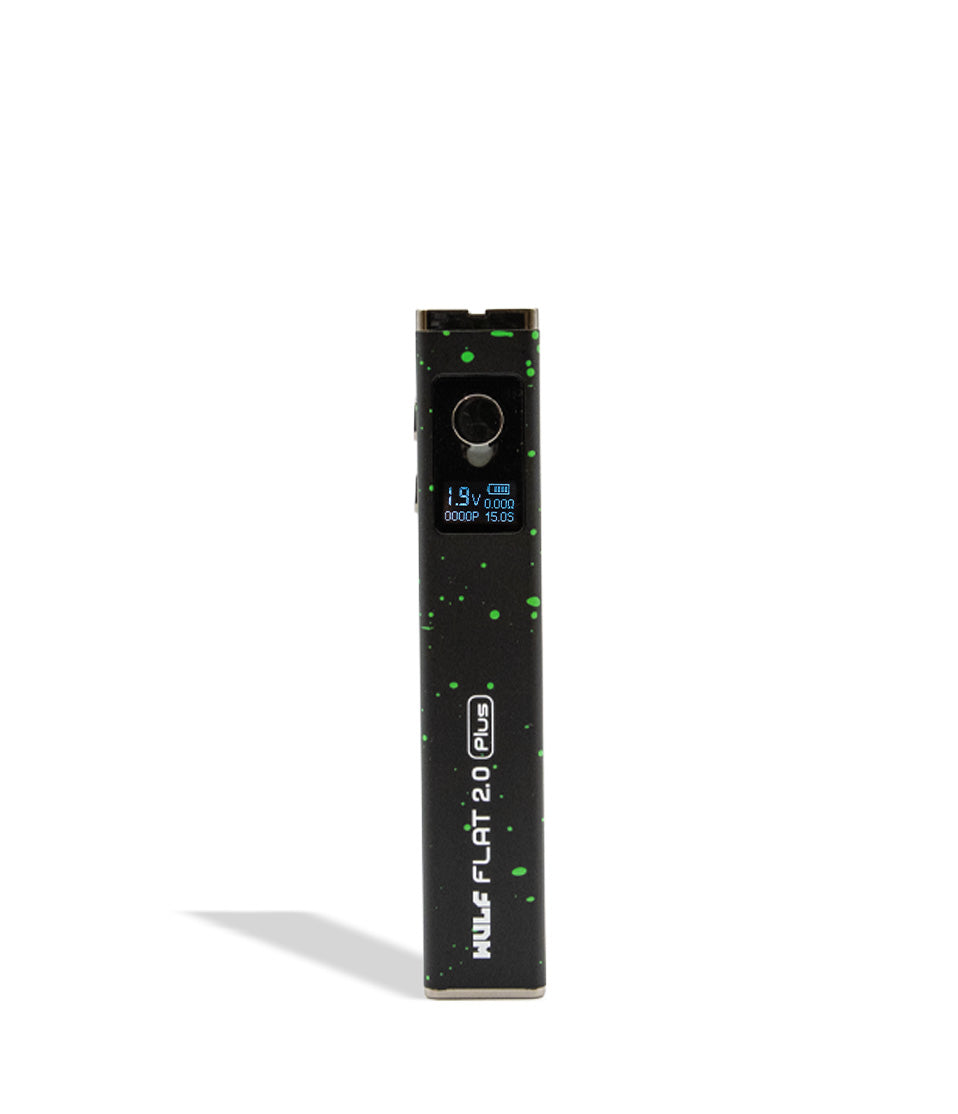
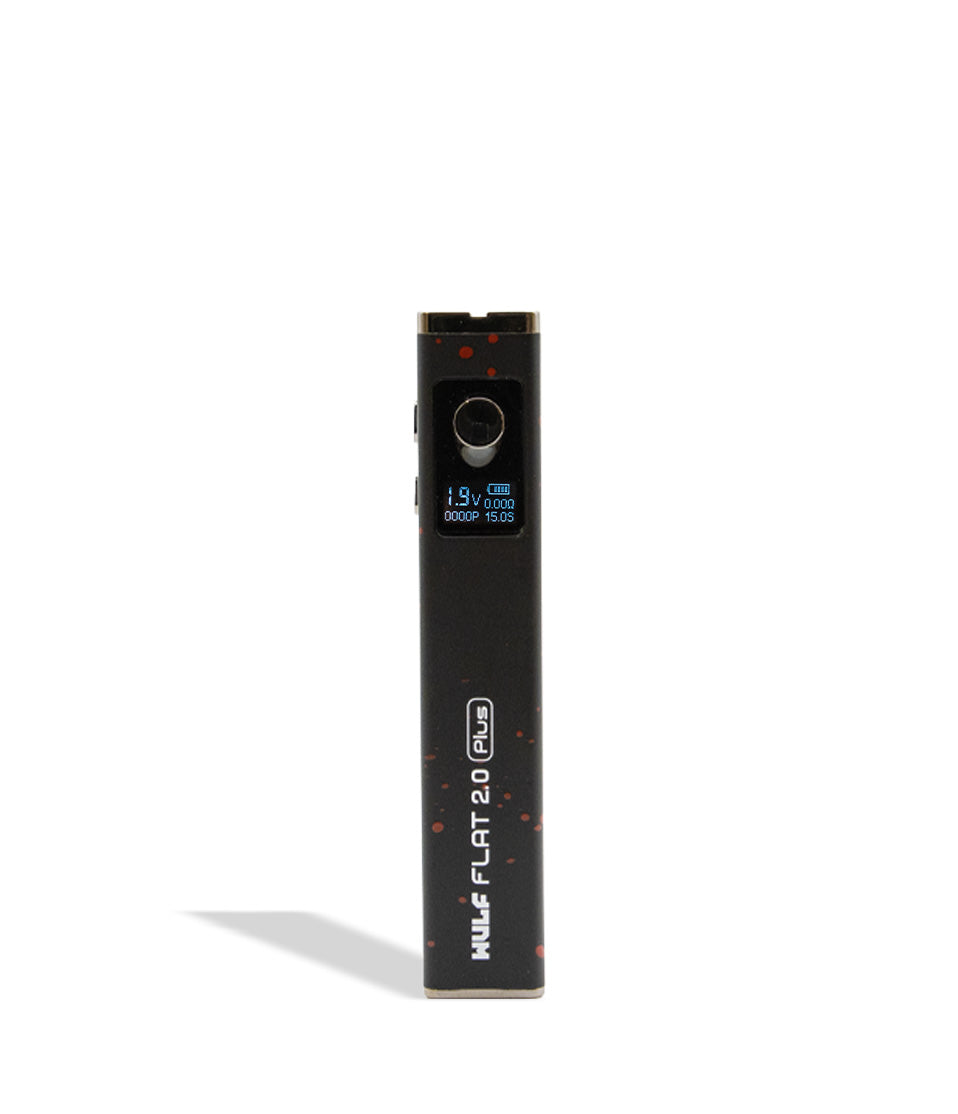
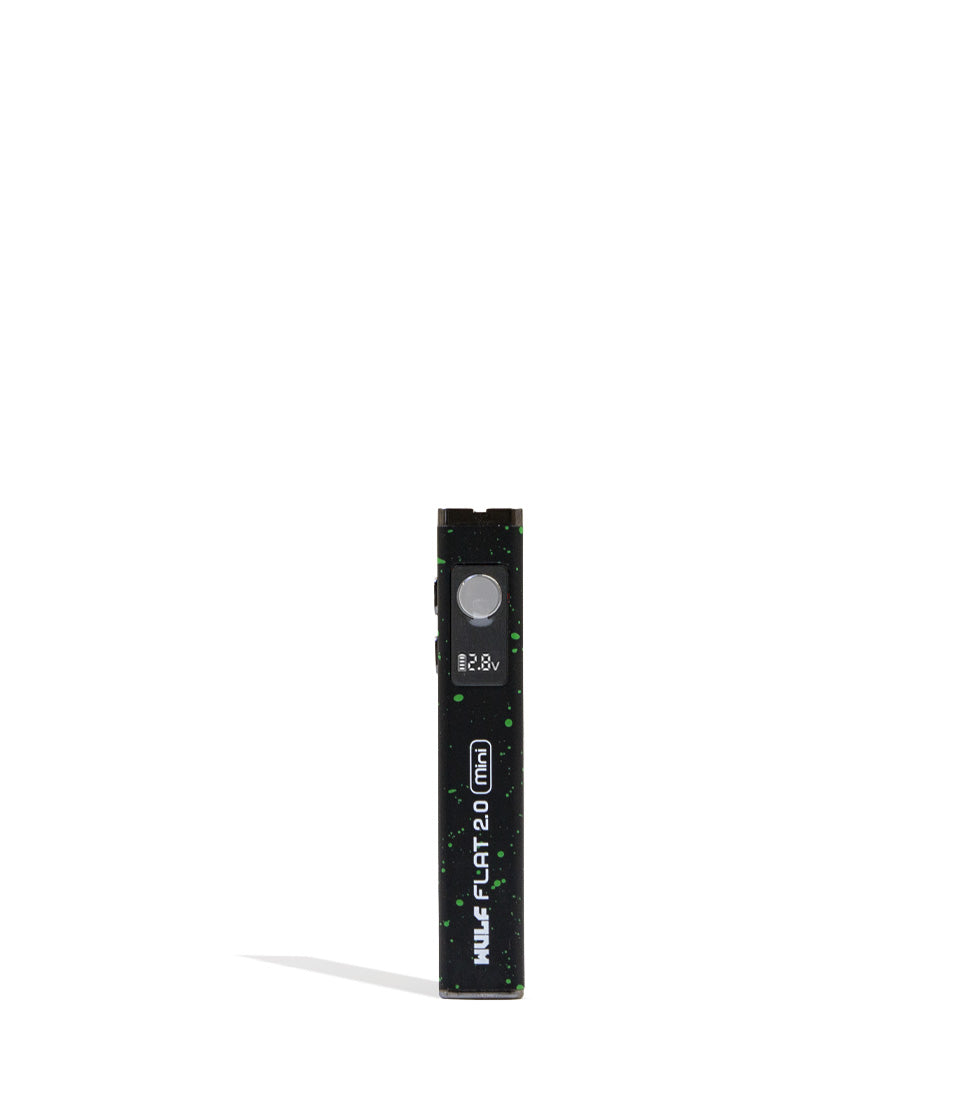
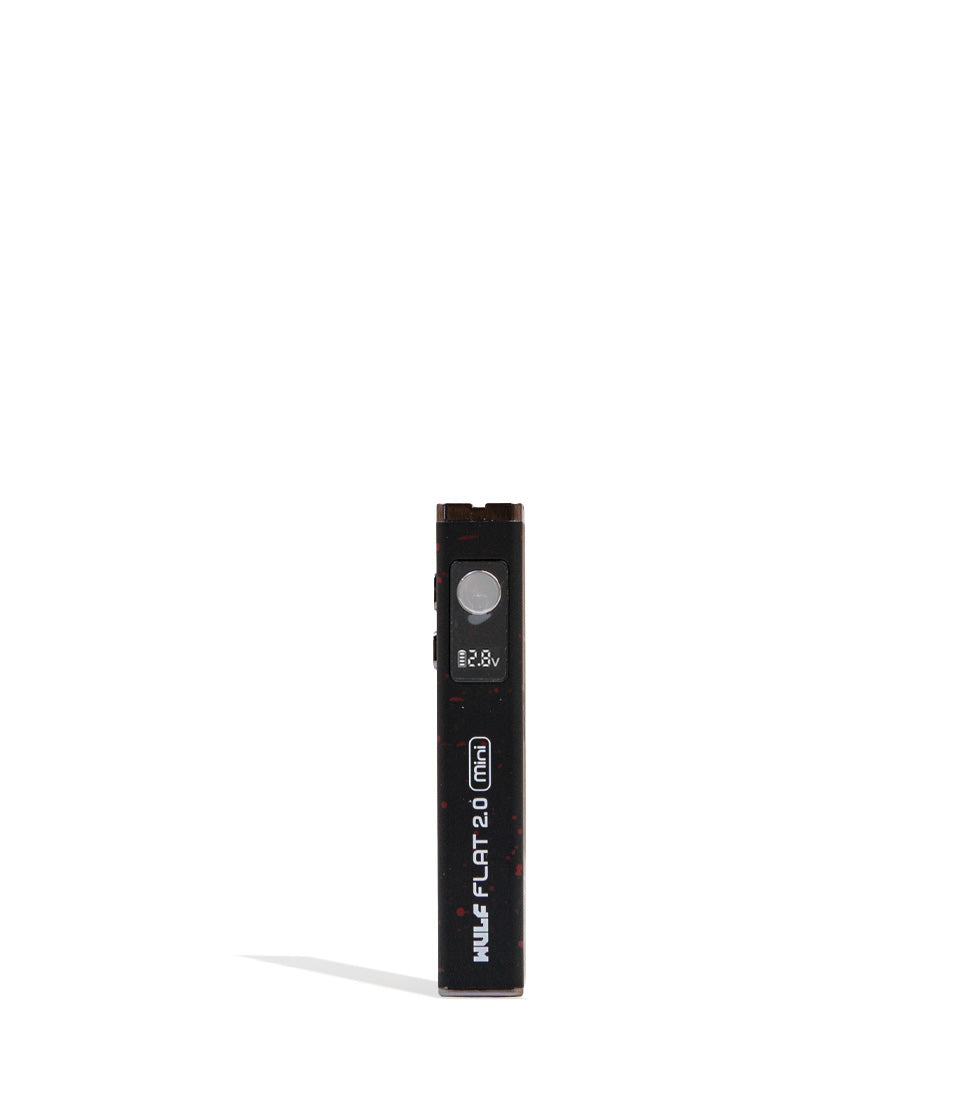
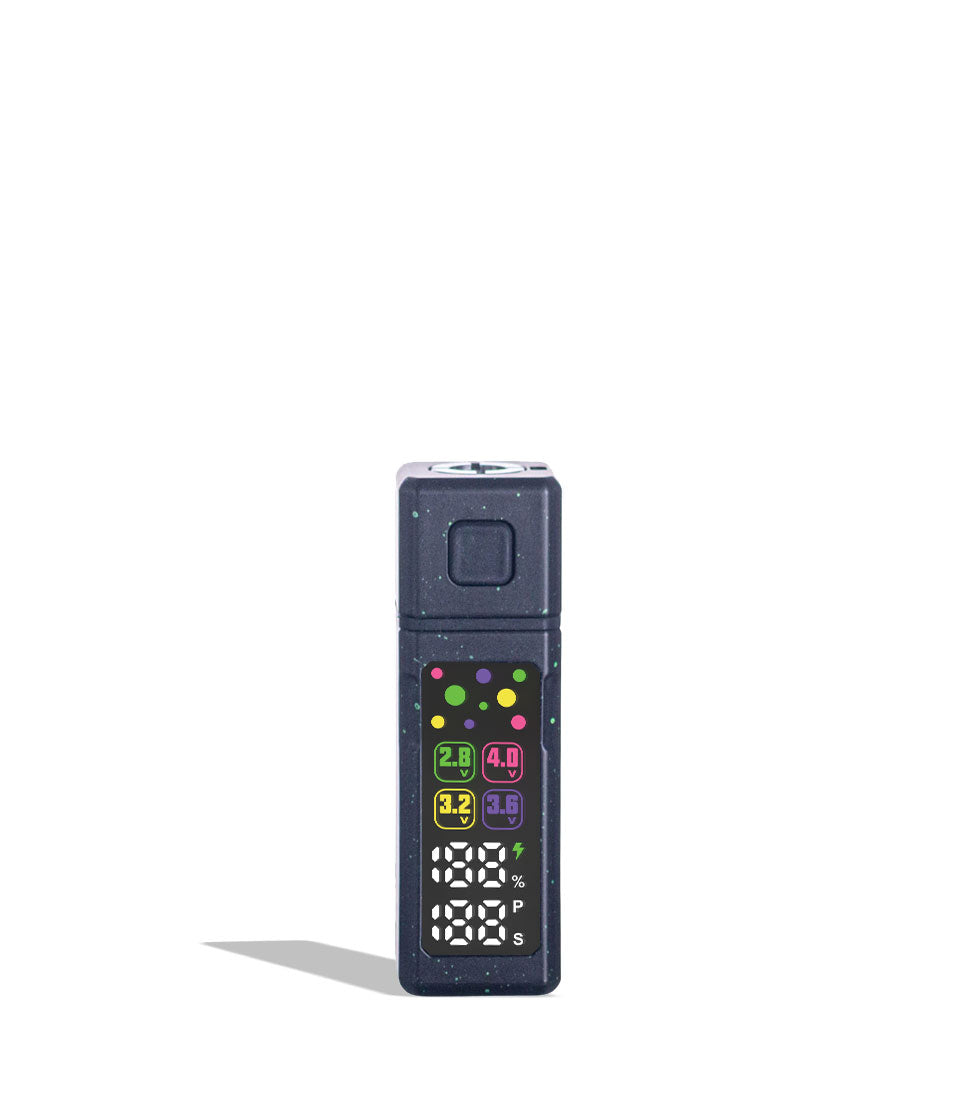
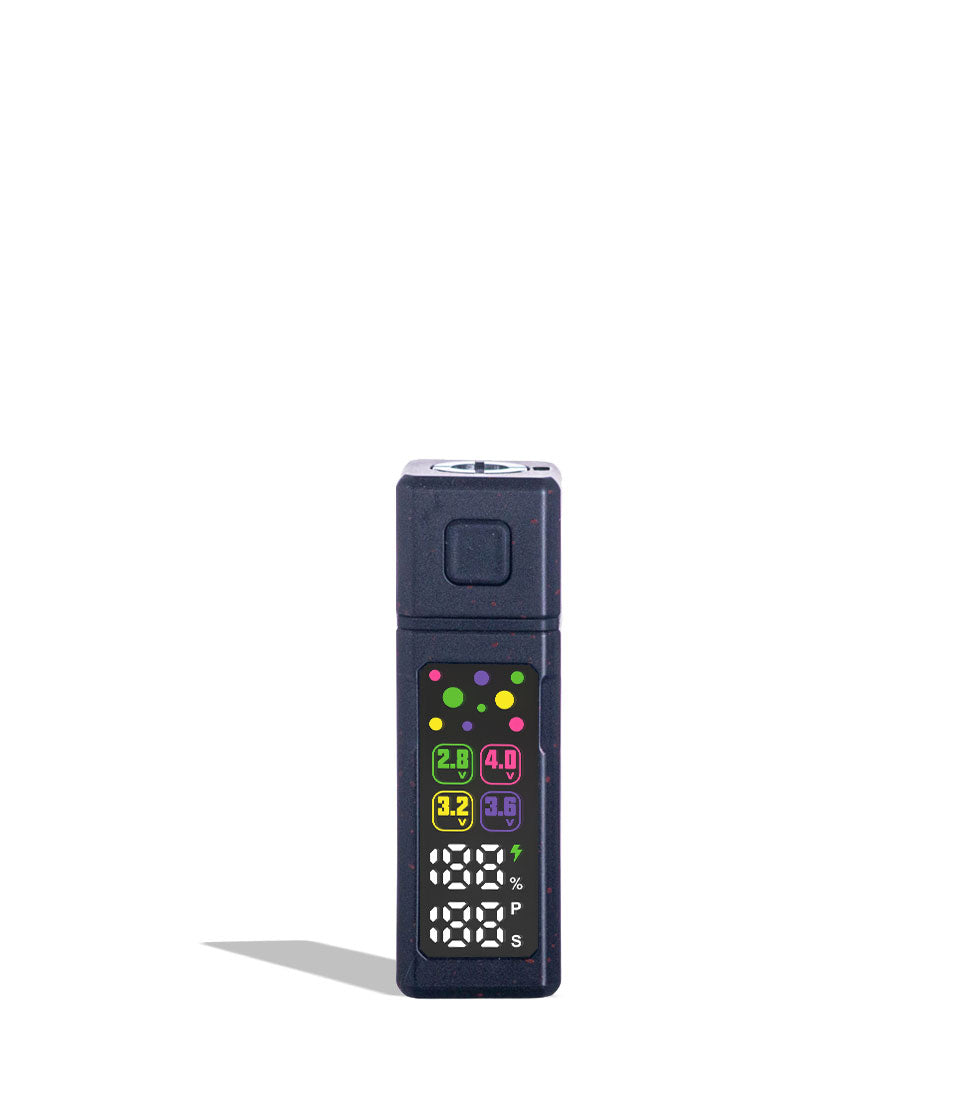
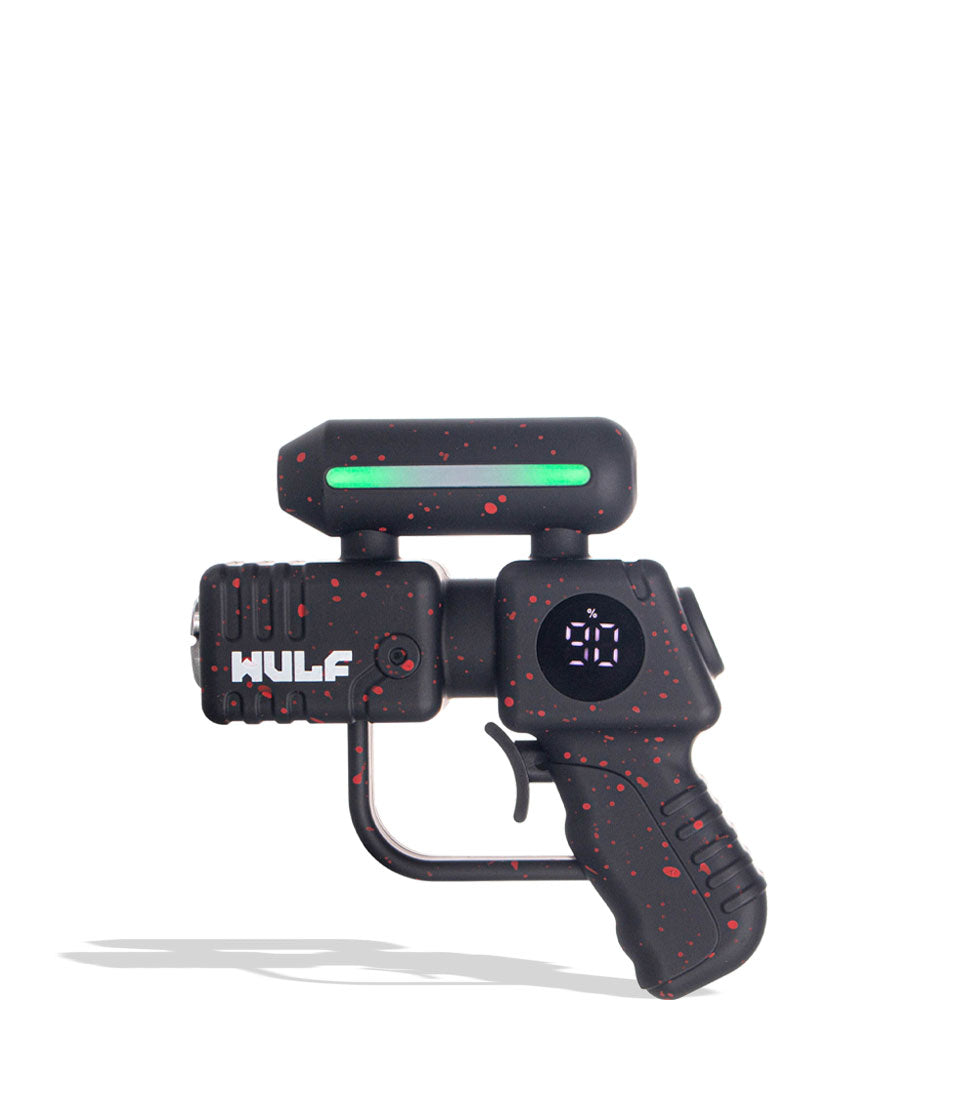
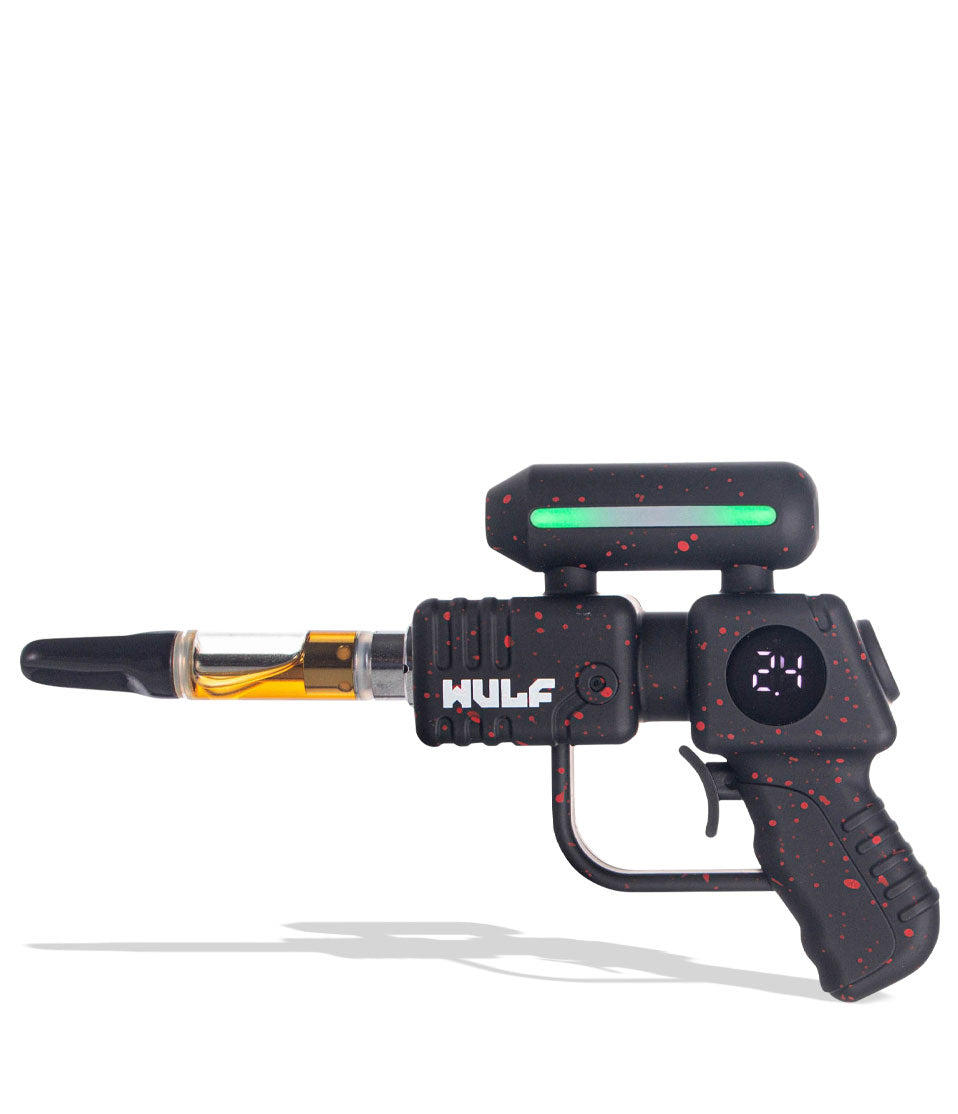
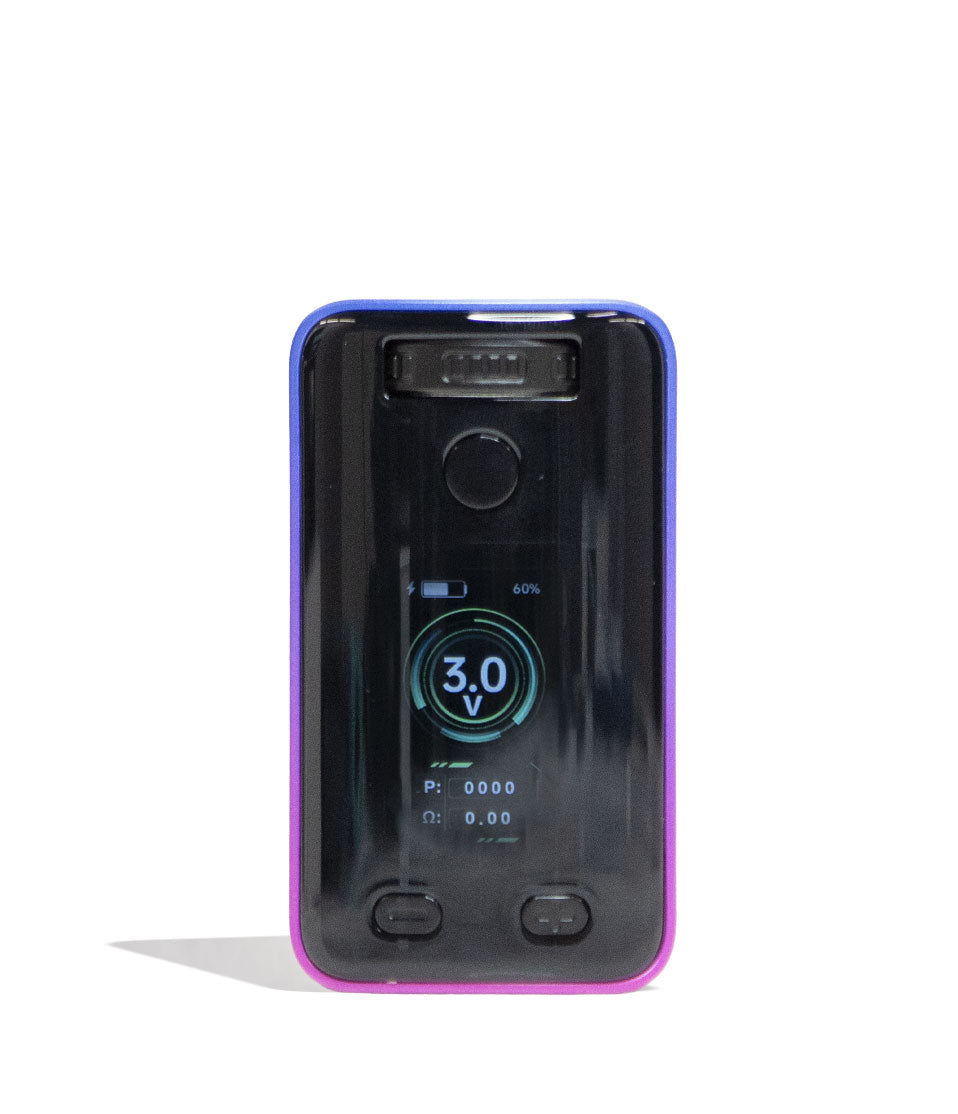
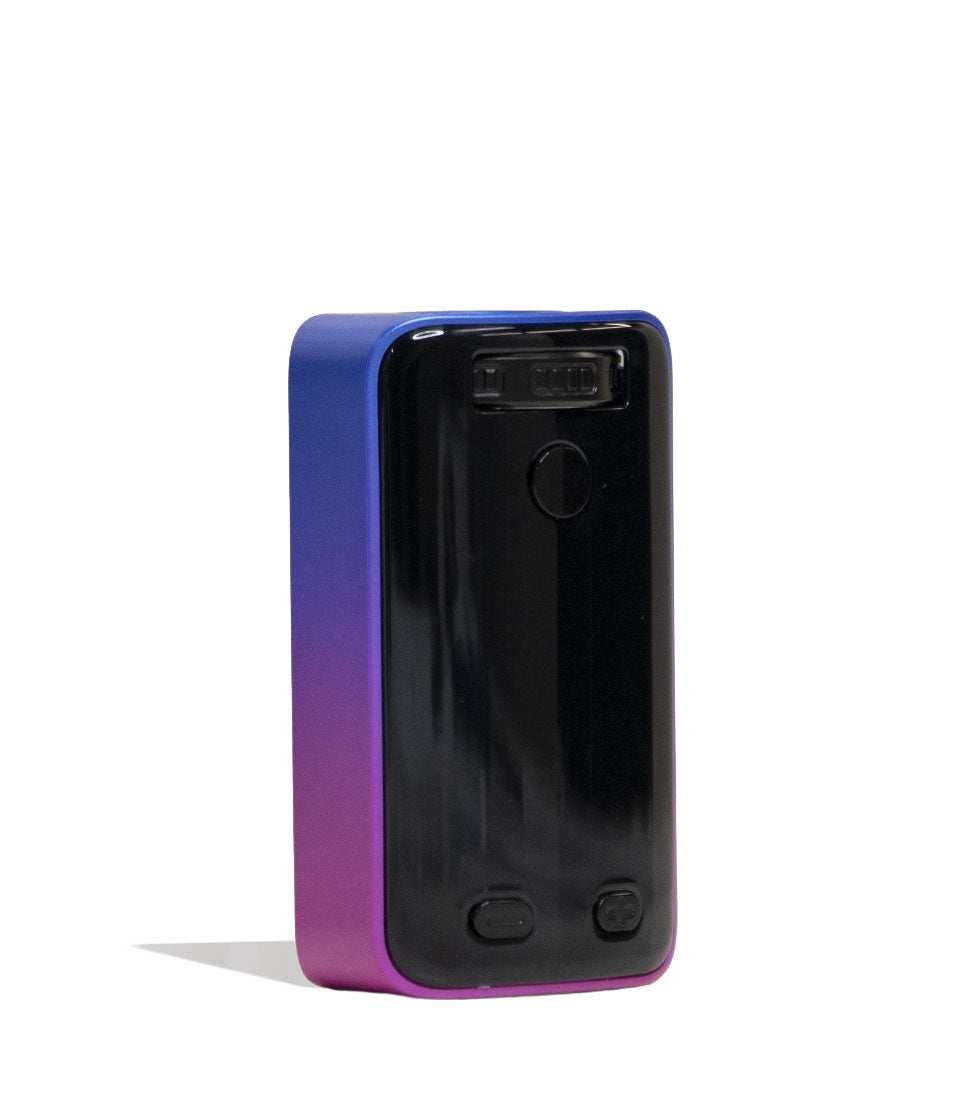
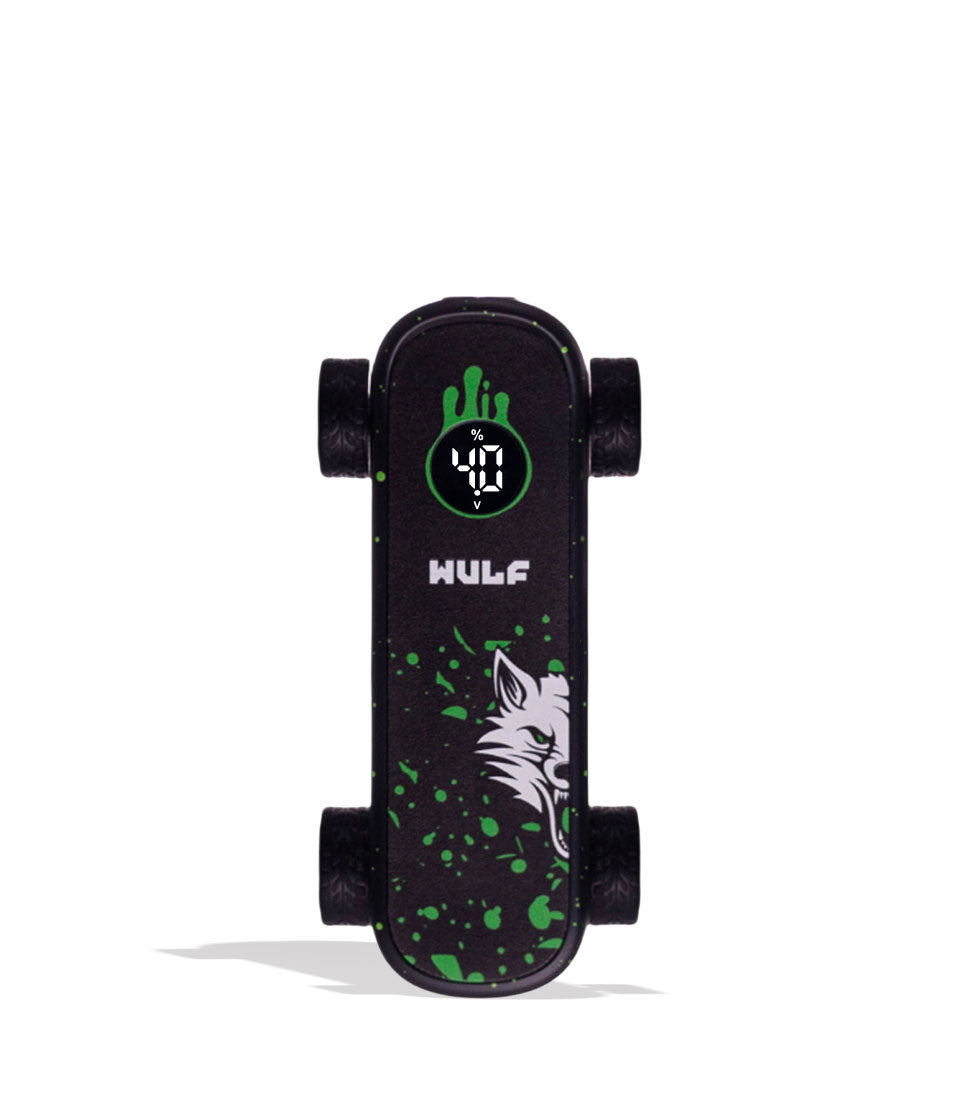
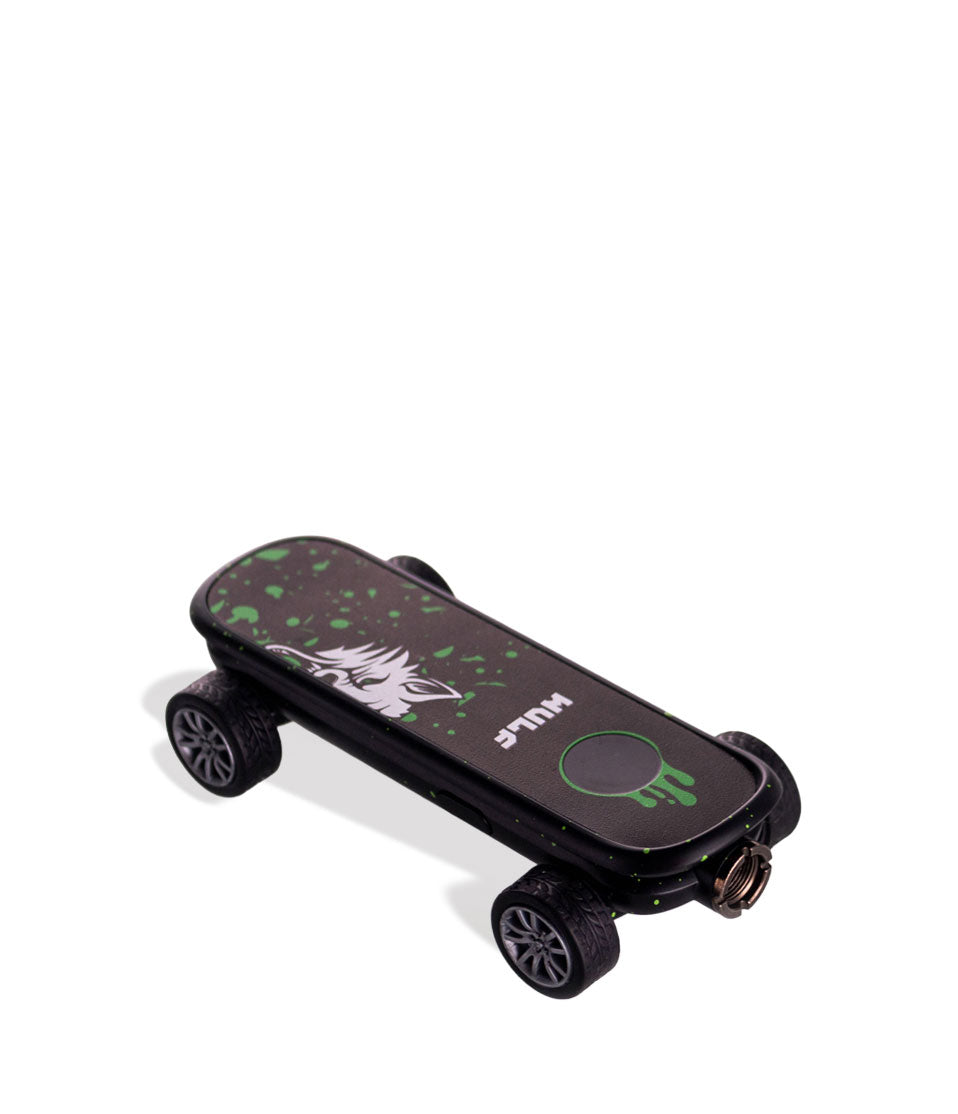
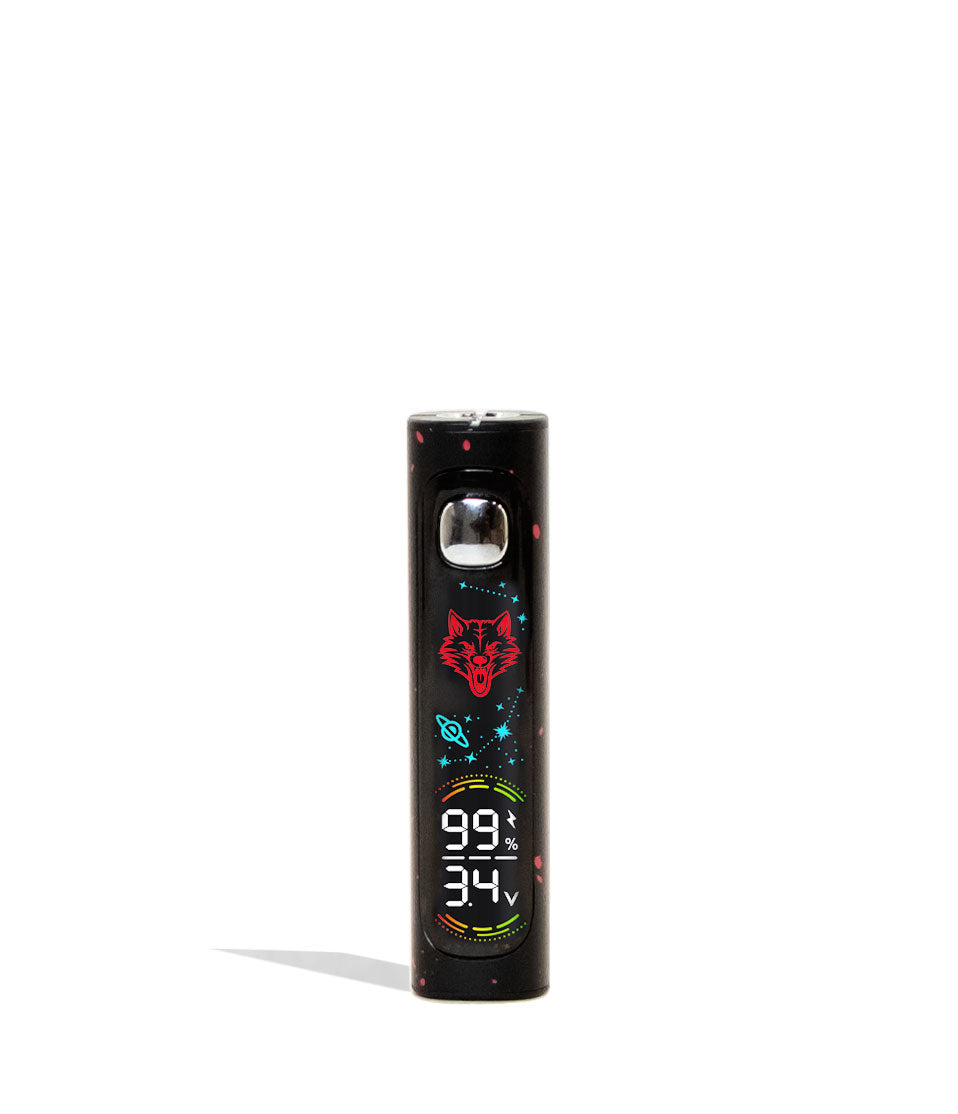
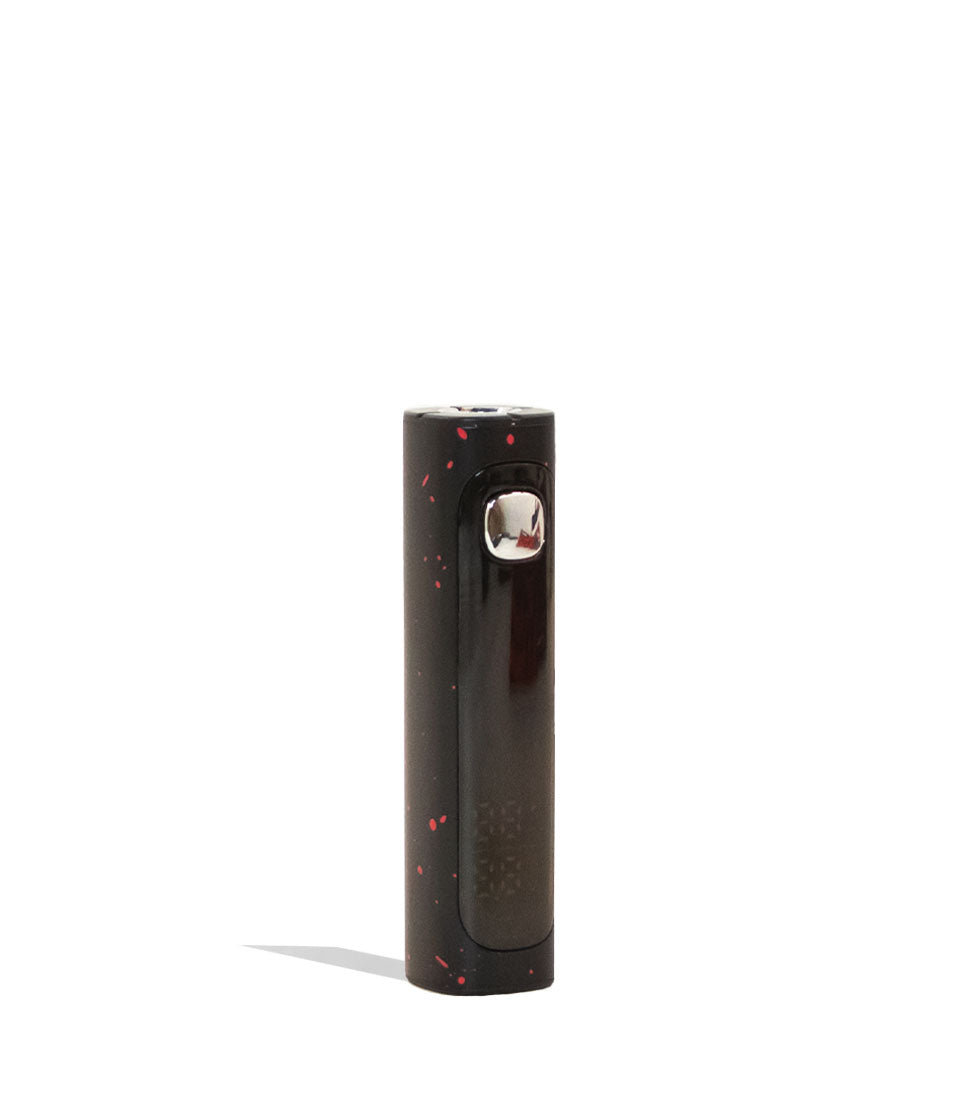
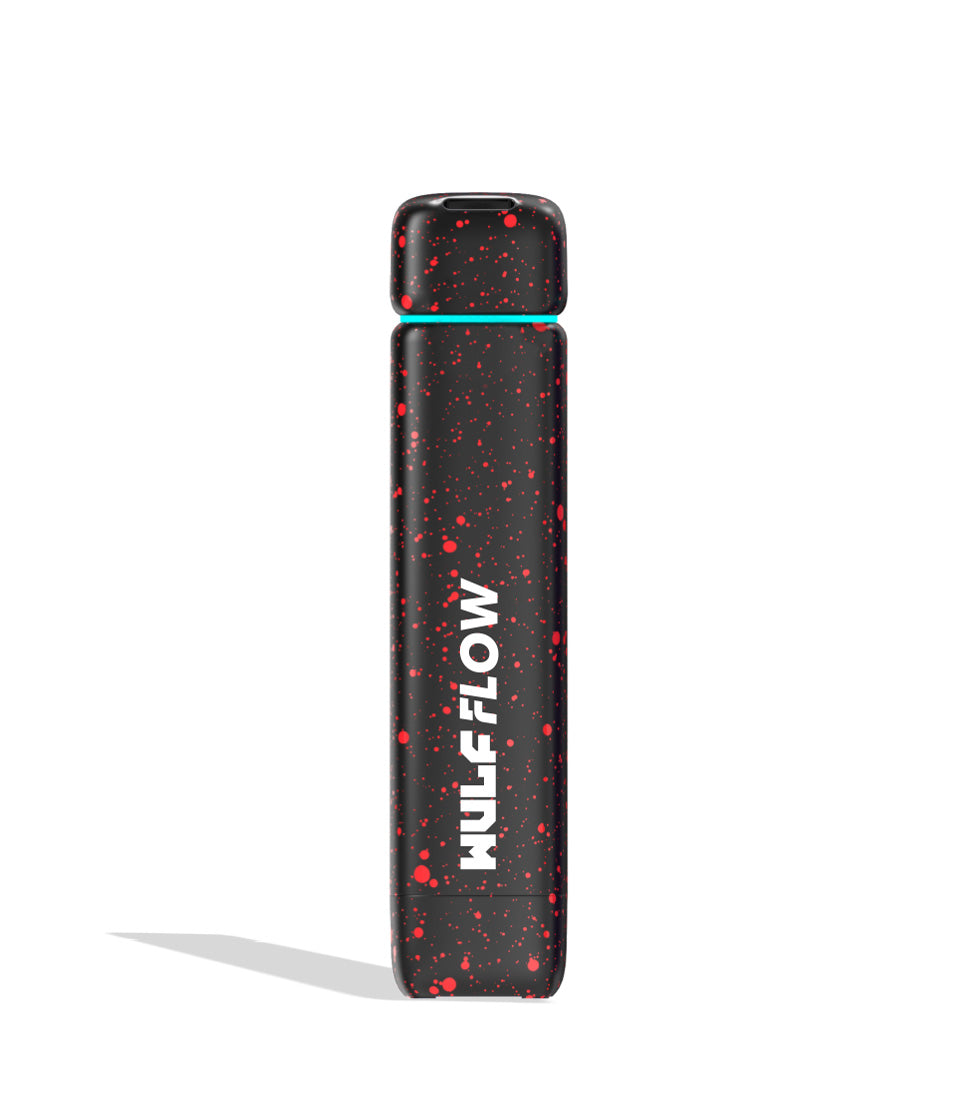
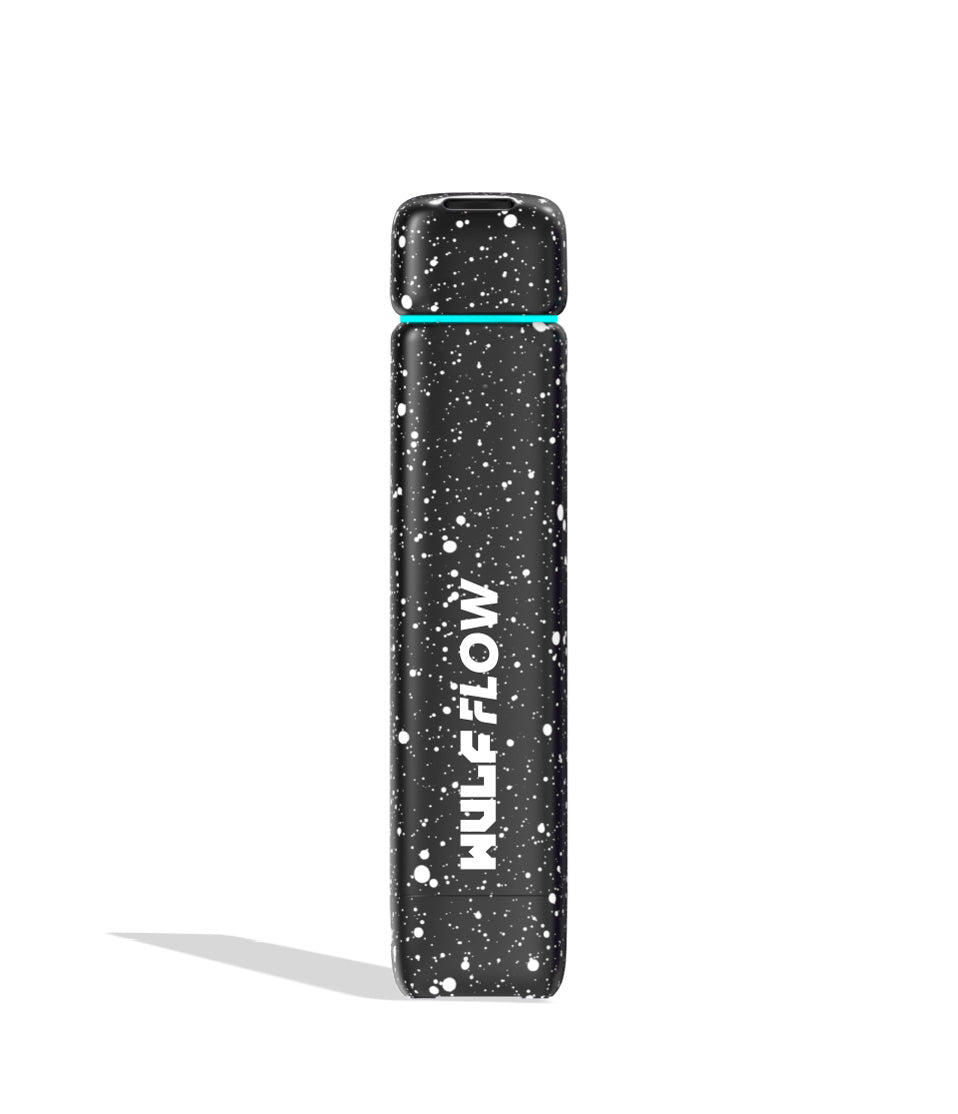
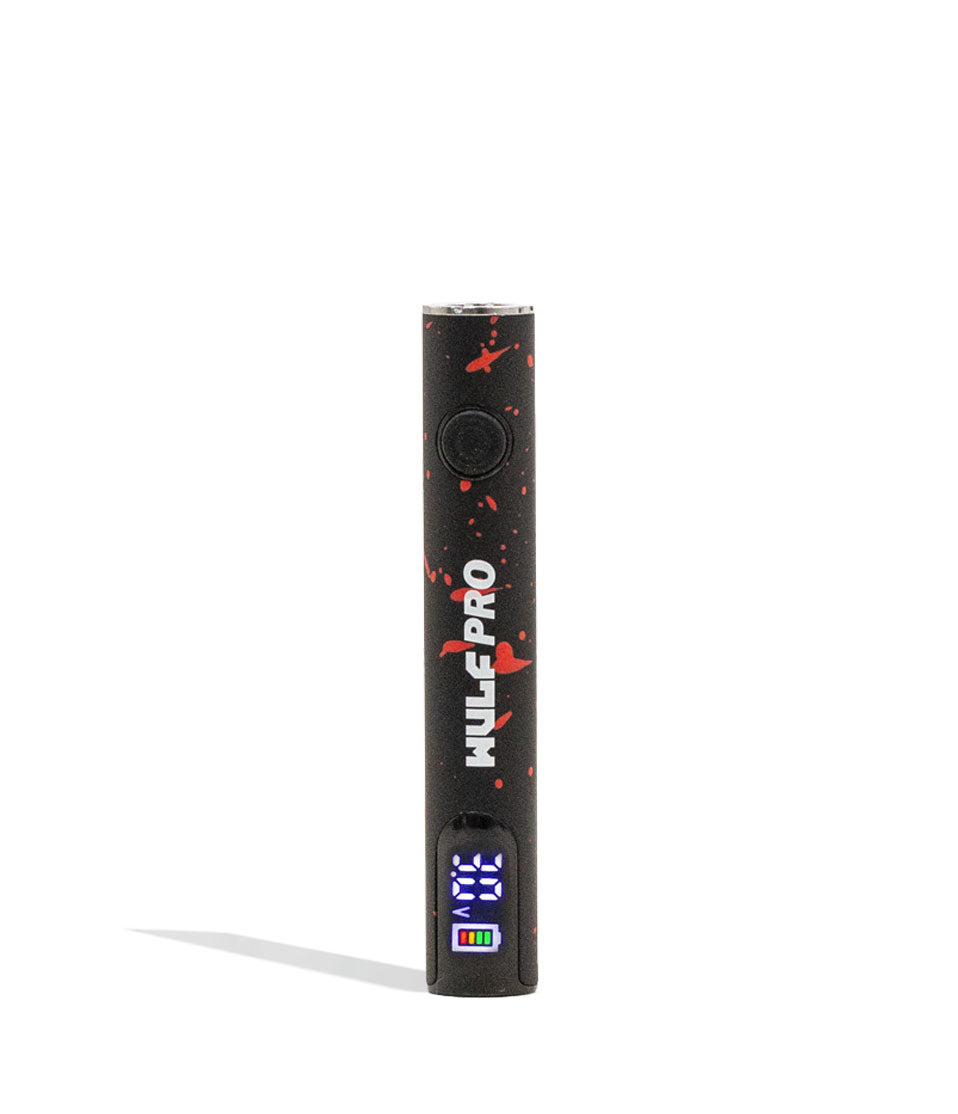
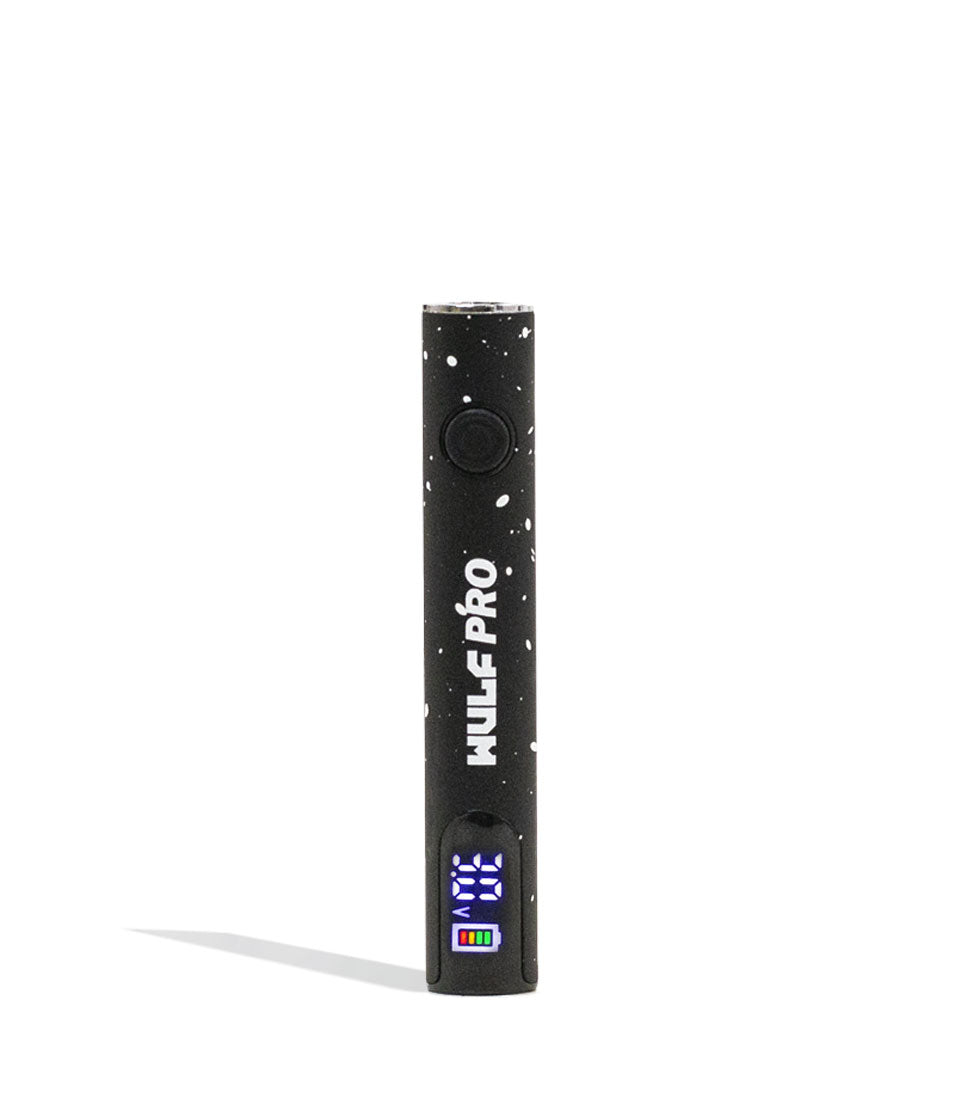
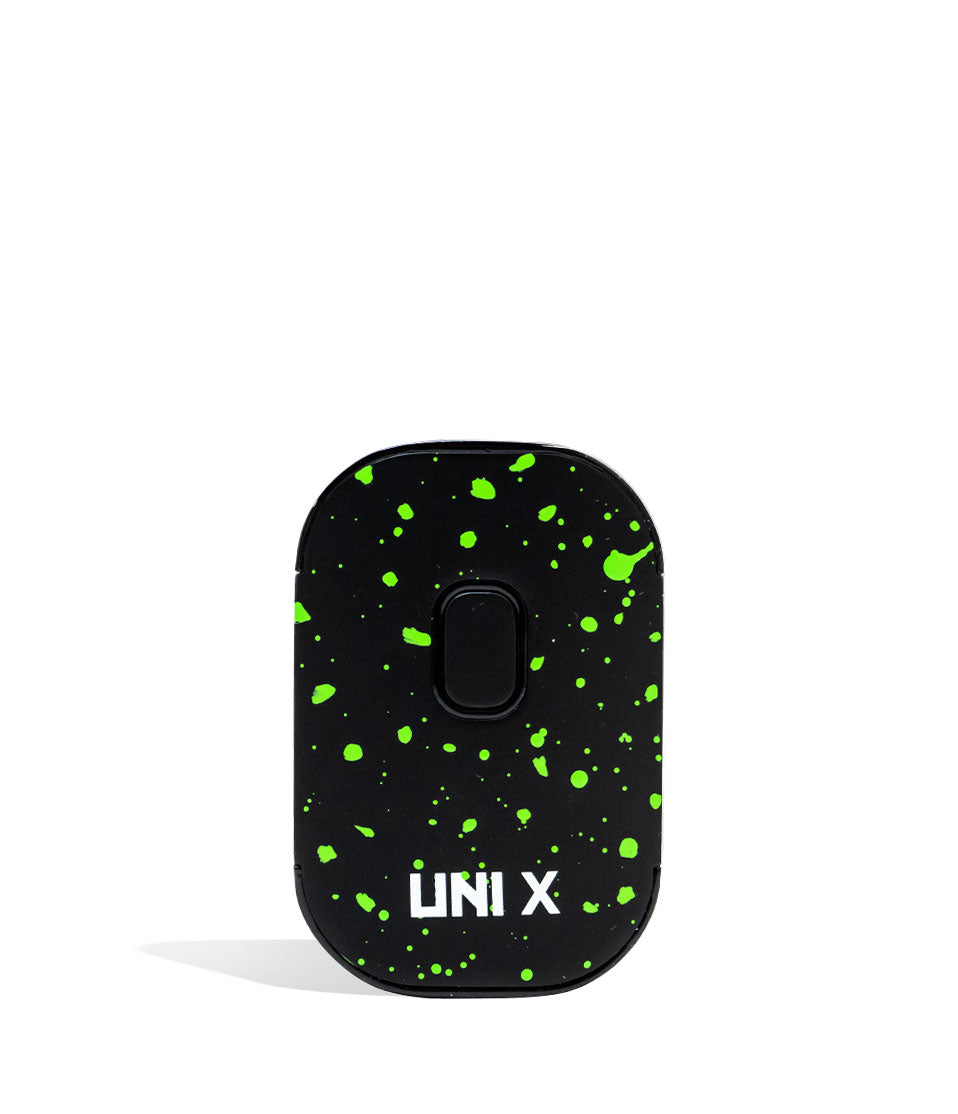
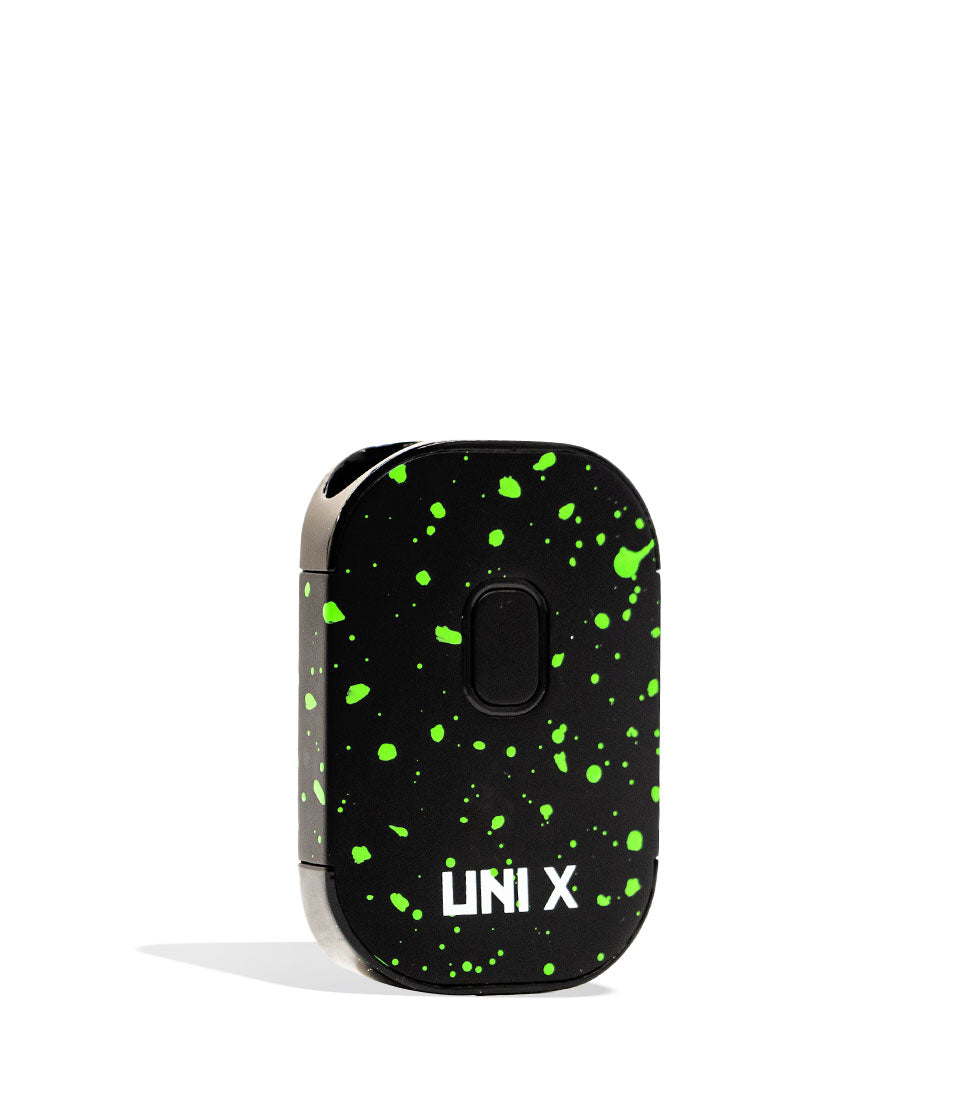
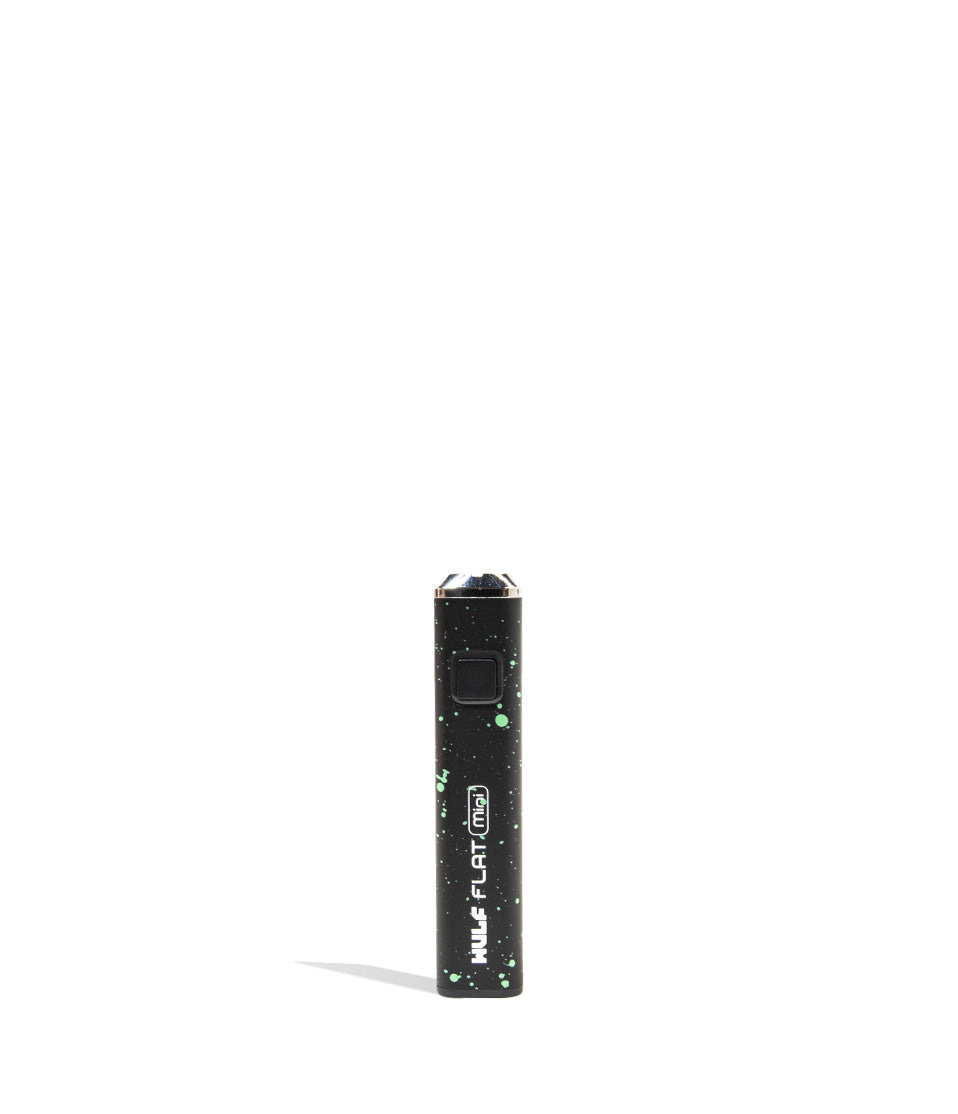
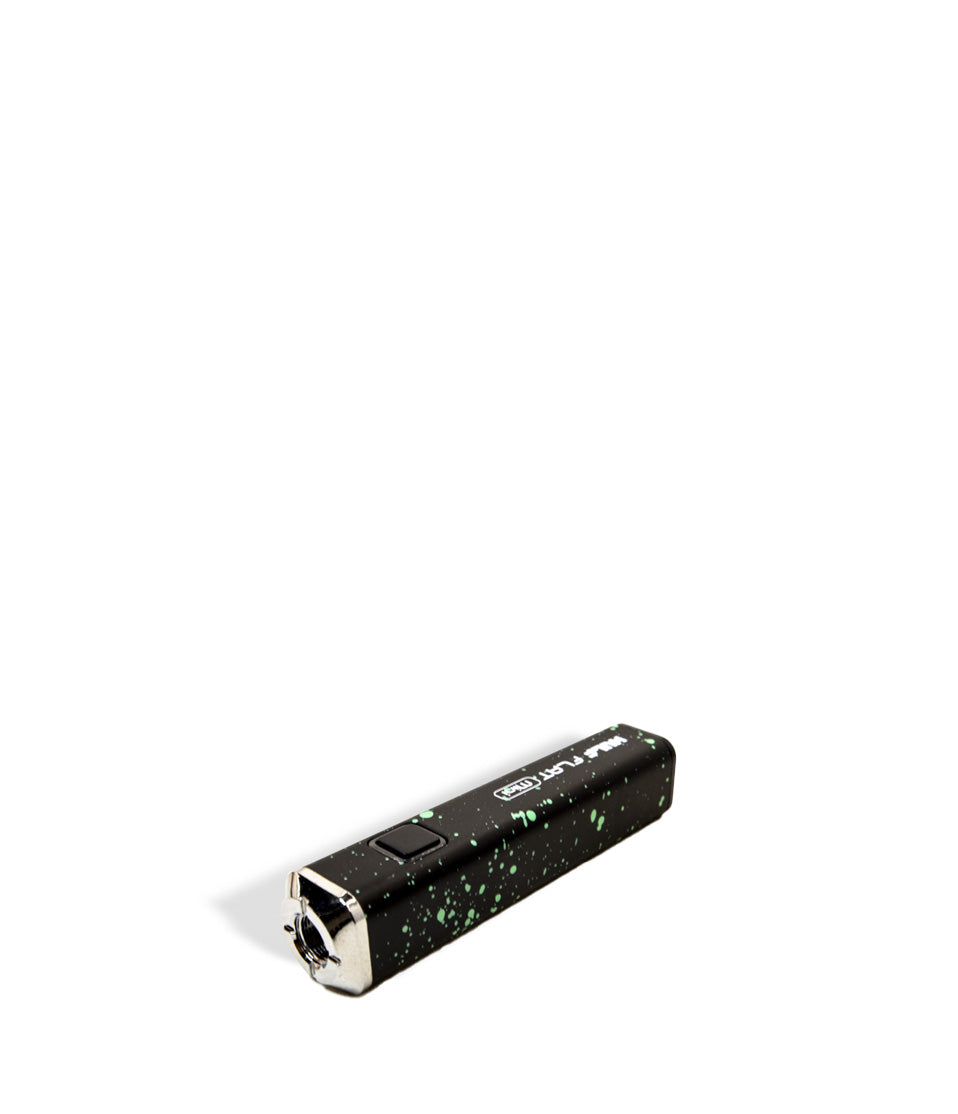
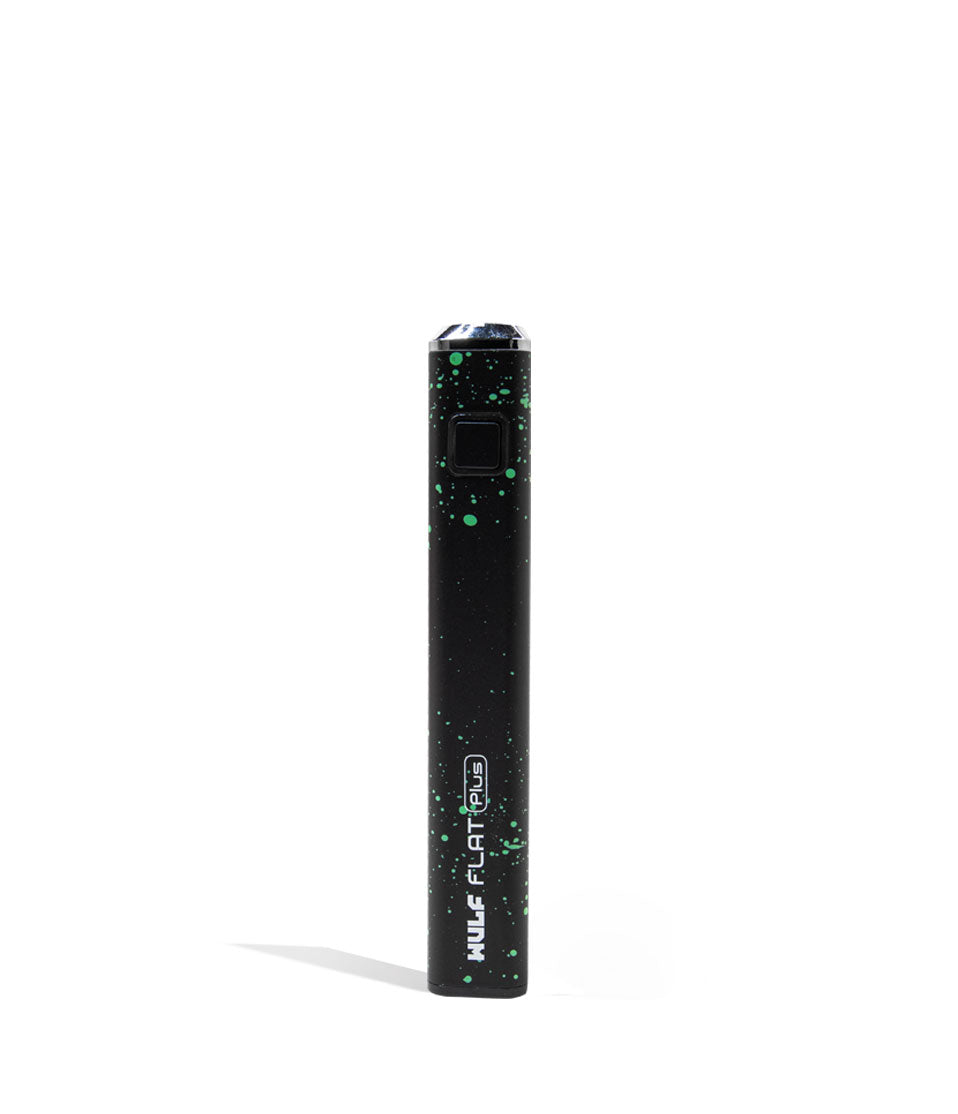
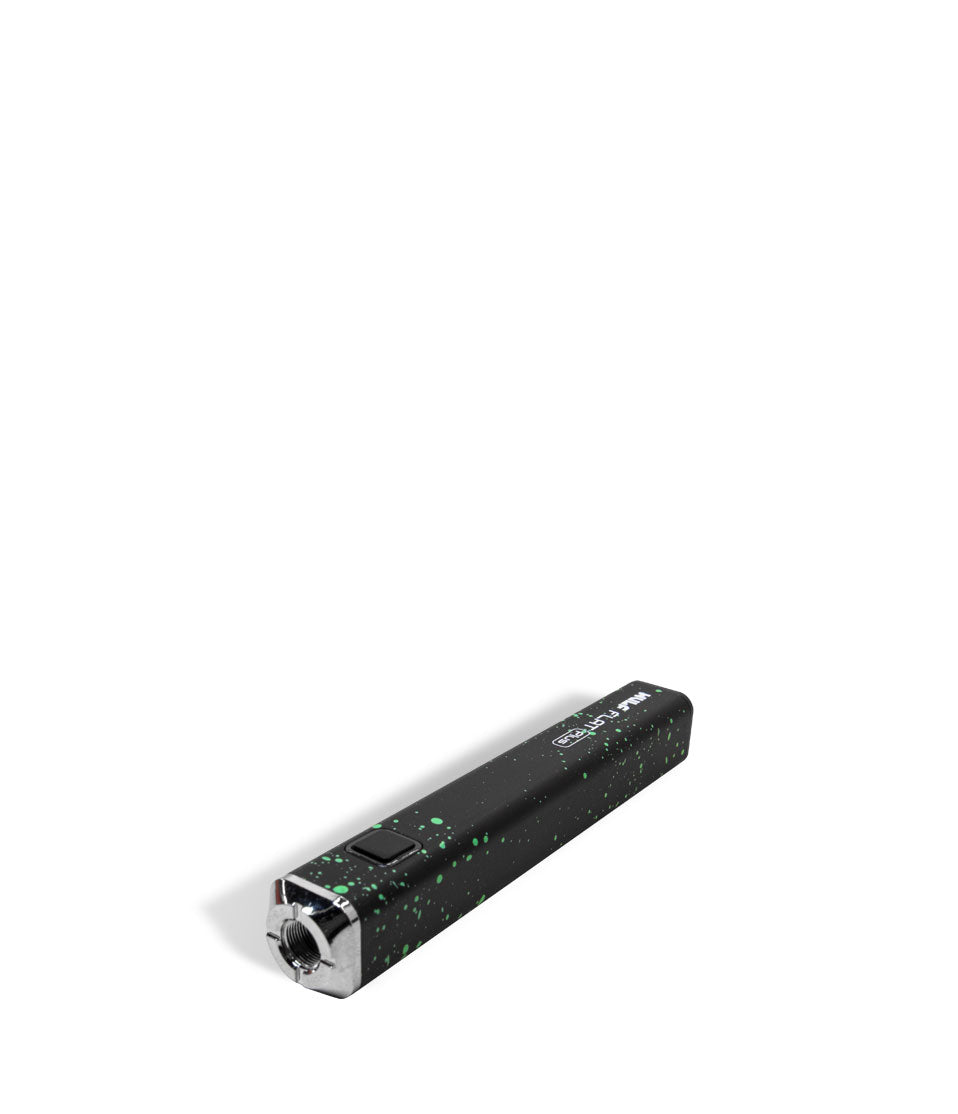
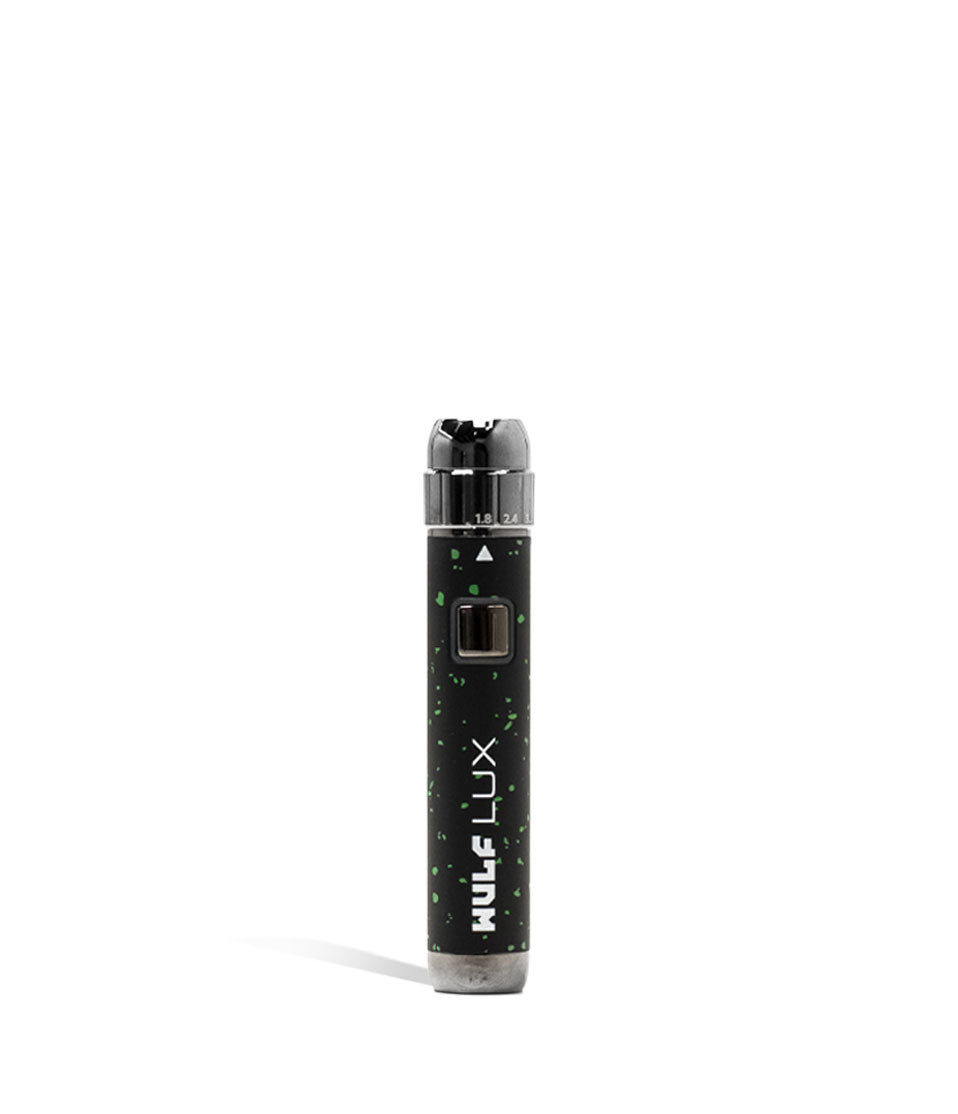
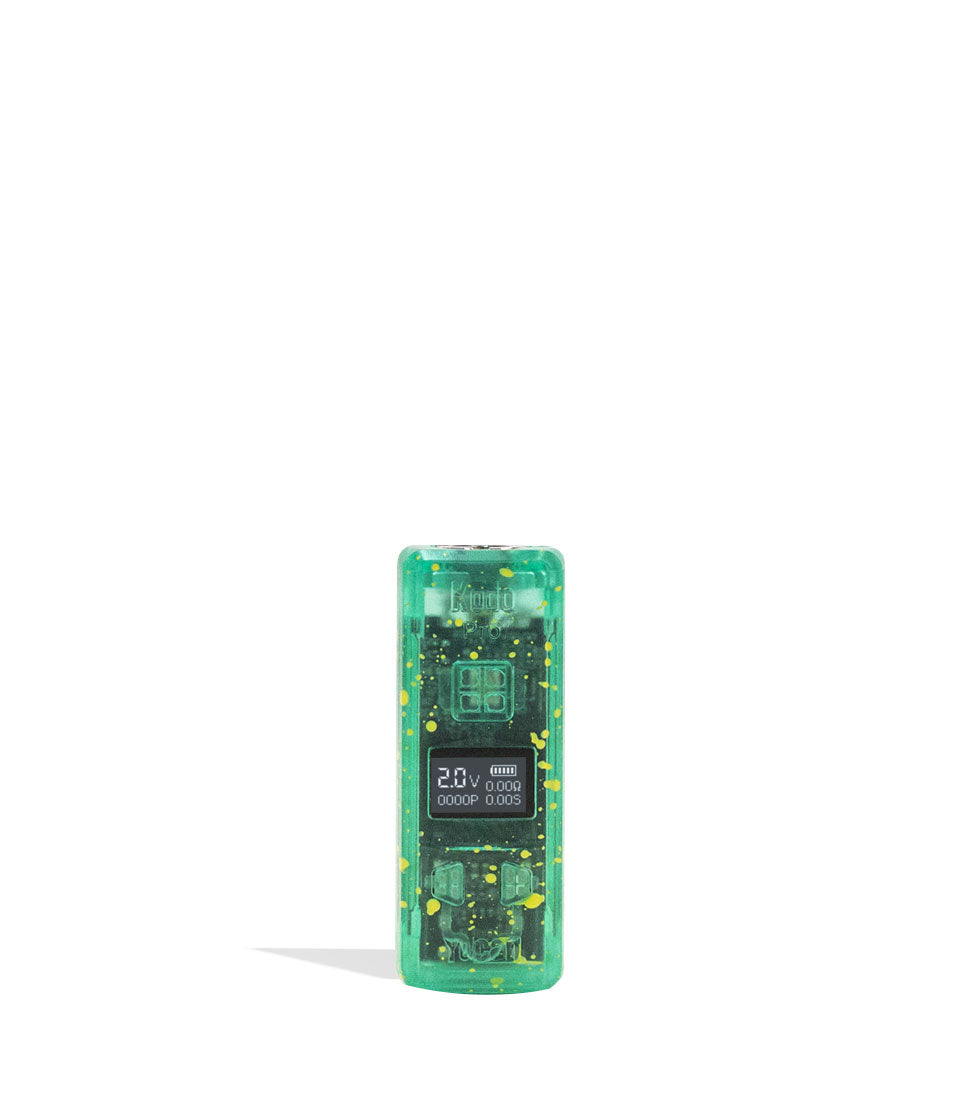
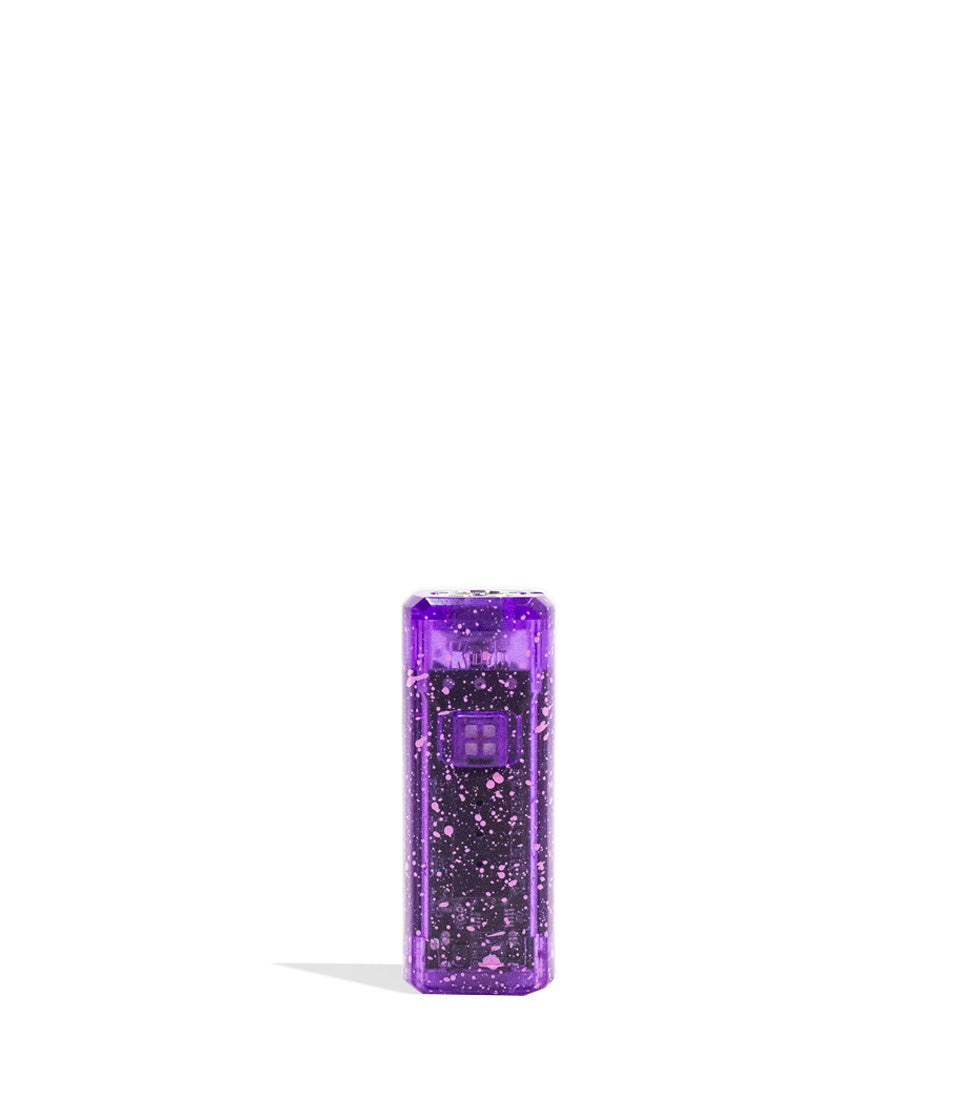
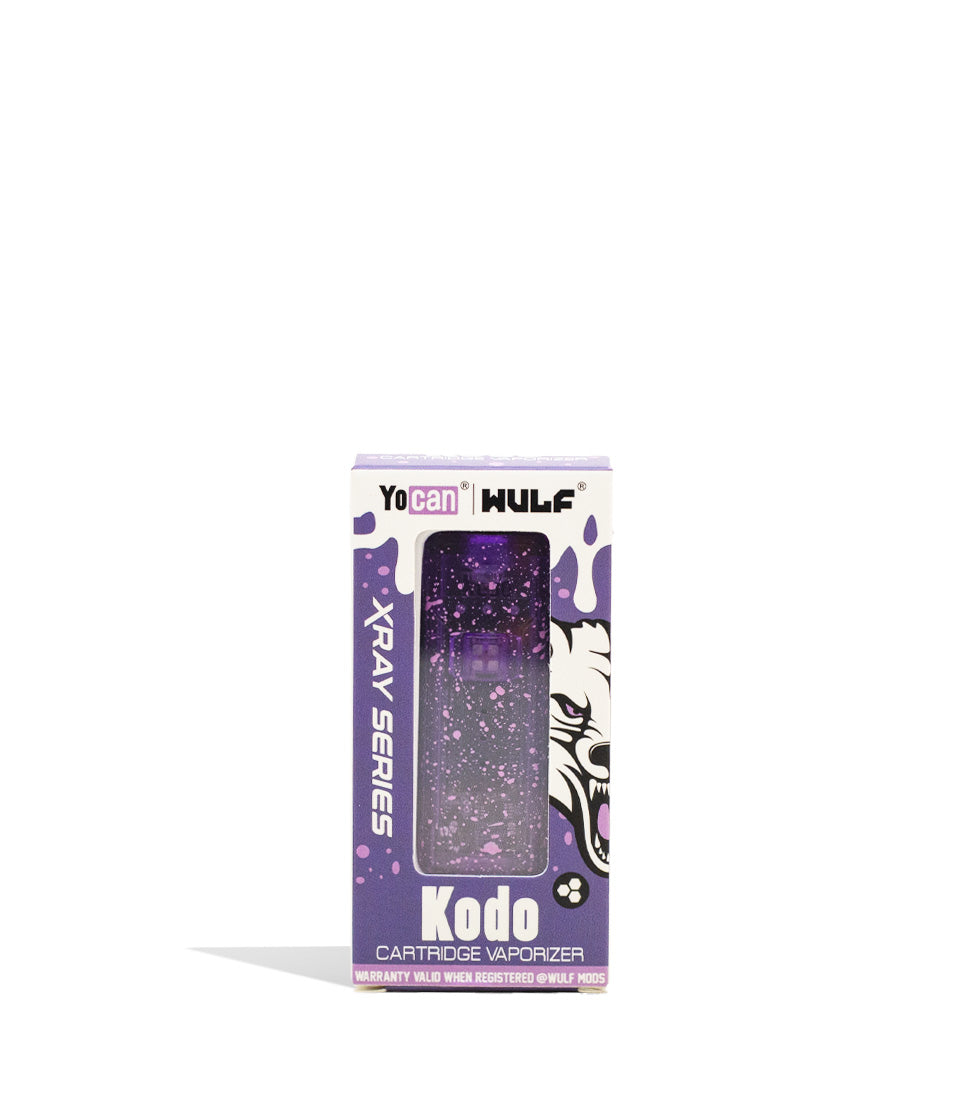
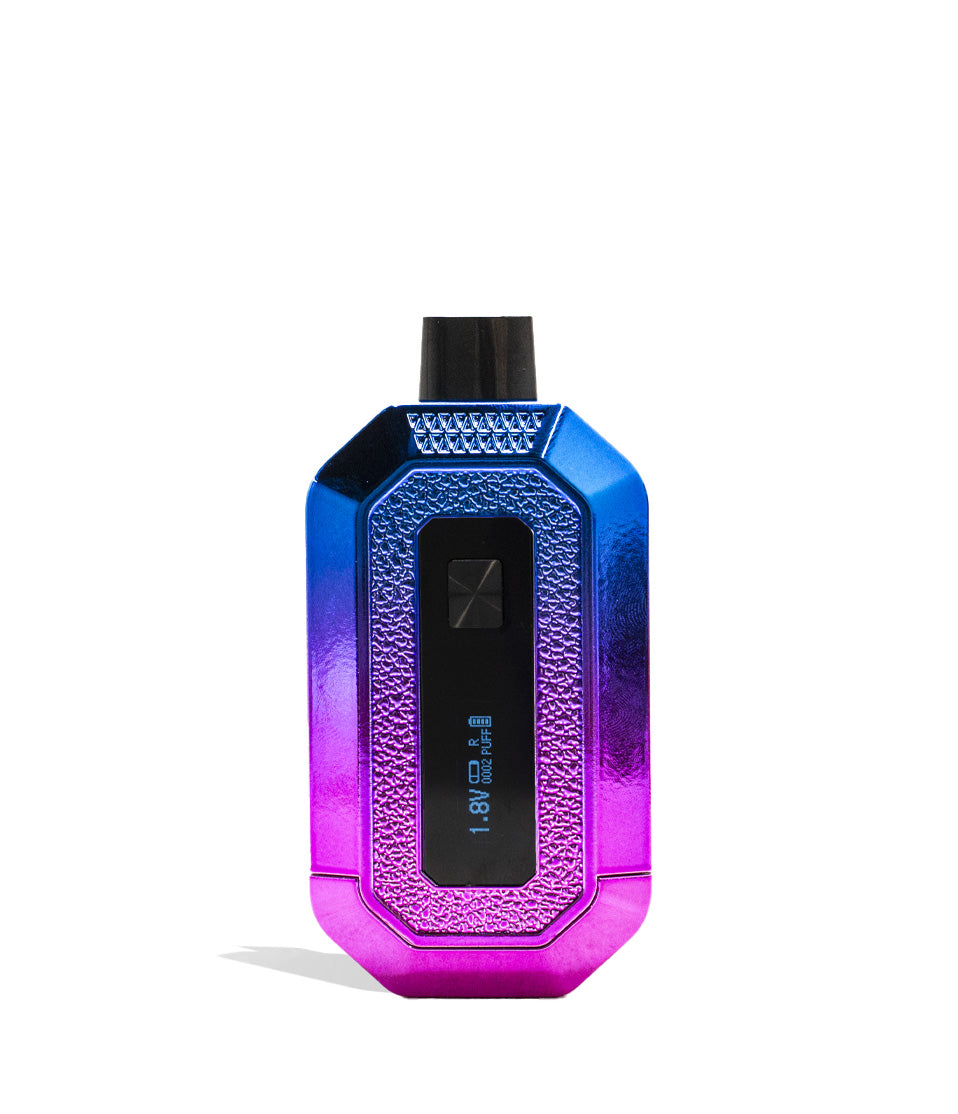
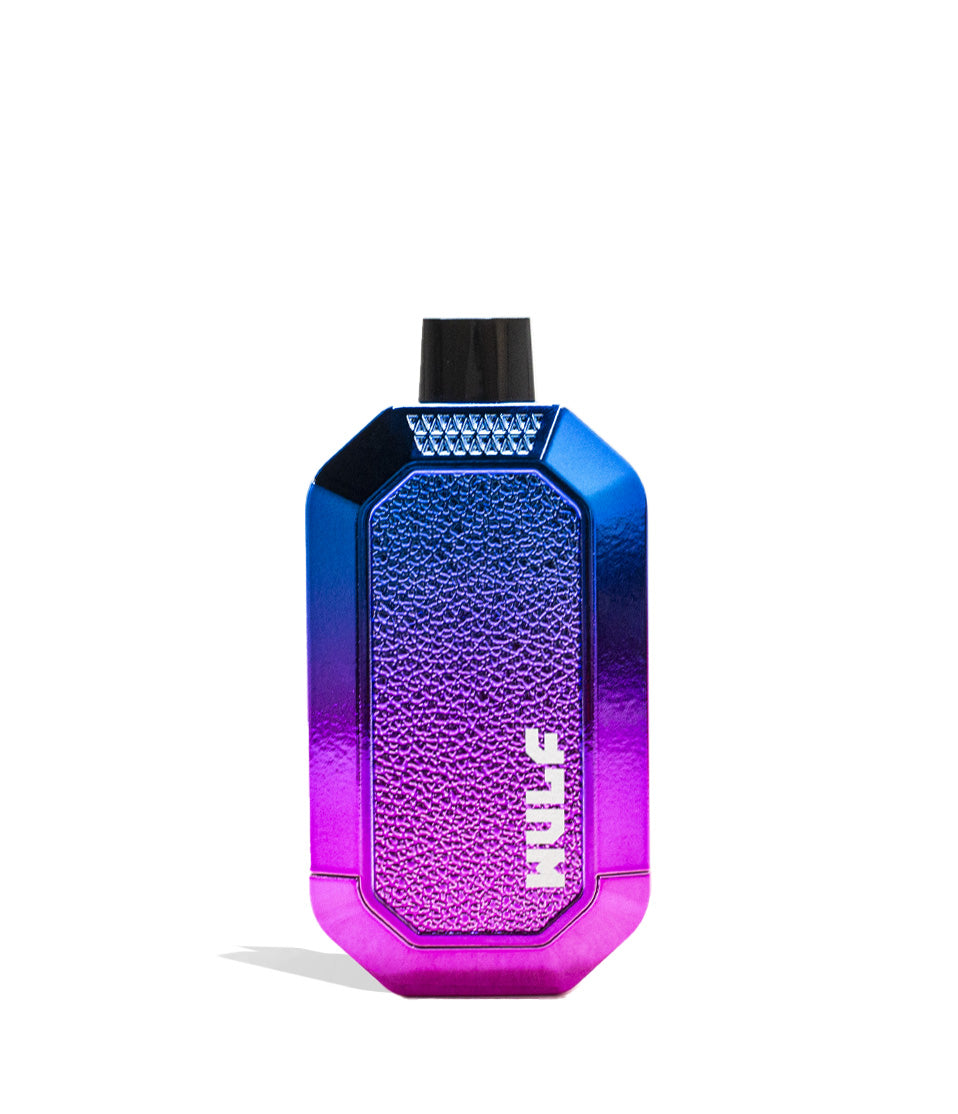
How-To
Complete How-To
The full guide below expands on the quick brief with detailed product considerations and buying guidance to help you choose.
Welcome to the Wulf Pack!
Whether you’ve just picked up your very first Wulf 510 Battery or you’re upgrading to a newer release, get ready for the smoothest of vapor sessions, all with our signature ferocity making sure your clouds still have a potent bite.
Luckily getting started is easier than you might think. As all Wulf 510 Batteries are designed to be intuitive, reliable, and ready to deliver great sessions without a steep learning curve ever slowing your roll.
If you’ve been searching for how to use a Wulf 510 Battery, this guide covers everything you need to know. We’ll explain the different types of Wulf 510 thread batteries, how to get started, basic operation, and a few maintenance tips to keep your device performing its best.
At Wulf, we’ve been in the game for over 10 years and have the inside scoop on how to vape safely. No matter which Wulf 510 battery you choose, following a few simple tips will help you enjoy howlingly good sessions and give you the vapor session quality you deserve.
Table of Contents:
The Types Of Wulf 510 Batteries
1. Unboxing Your Wulf 510 Battery
2. Charge Your Wulf 510 Battery First
3. How To Turn On Your Wulf 510 Battery
4. How To Attach Your Cartridge To A Wulf 510 Battery
5. Adjusting Voltage Settings On Your Wulf 510 Battery
6. Using Your Wulf 510 Battery
7. Using Pre-Heat On Your Wulf 510 Battery
8. Cleaning Your Wulf 510 Battery
9. Storing Your Wulf 510 Battery
Wulf 510 Battery Troubleshooting
Tips For Wulf 510 Battery Beginners
Welcome To The Wulf Pack
The Types Of Wulf 510 Batteries
Before we get into the step by step breakdown, we wanted to give you a little bit of an overview about the various types of Wulf 510 Batteries that we have available and what you can expect from them.
It’s important to know which style you have, as depending on your type of 510 battery then using it may require a few different steps. This way you can enjoy all of the convenience and versatility you need to enjoy your sessions how you like them.
- Pen-Style 510 Batteries: Slim, classic, and ultra-portable. These pen batteries feature open top-threading for on-the-go ease and top tier compatibility.
- Concealed 510 Batteries: Compact batteries that hide your cartridge inside the body of the device. They protect your cart from accidental drops and keep sessions low-profile.
- Magnetic Attachment 510 Batteries: Cartridges are attached using magnetic adapters, offering a fast method of swapping with ultra secure connection.
- Smart / Variable Voltage 510 Batteries: High-tech devices featuring digital screens, precise voltage dials, or smart haptic feedback so you can fine-tune your heat settings down to the exact decimal.
- Auto-Flow 510 Batteries: Cutting edge batteries that produce a flow of vapor that you can inhale without a mouthpiece, providing a unique spray version of your cartridges.
It’s important to know that there is certainly some overlap in categories, with some Wulf 510 Batteries occupying multiple different categories at the same time.
1. Unboxing Your Wulf 510 Battery
When unboxing your Wulf 510 Battery for the first time, it’s important to review all of the various components and accessories that came with it. Take stock and check to ensure you’ve received all of the accessories you should have.
While you may be chomping at the bit to get started, taking just a few more minutes at the beginning of your journey to start out on the right foot will make a massive difference for your continued enjoyment far into the future.
Depending on your Wulf 510 Battery, your box may have accessories including:
- Charging Cable
- Magnetic 510 Adapter Rings
- Instruction Manual
If you ever need to double check, you can always look at the specific product page for each battery, as we include a rundown of everything that should be included in your box. If any components are missing, please reach out to Wulf Customer Support as soon as possible.
We recommend either storing your extra components back in the box or in a dedicated safe area. This way you don’t end up losing any critical Wulf parts and have everything you need to get vaping in one convenient stash box location.
2. Charge Your Wulf 510 Battery First
Before using your Wulf 510 Battery for the first time, we recommend charging it to full capacity.
This way your battery gets an initial “boot up” to get ready for your sessions and isn’t struggling to produce vapor with a dwindling battery level.
To charge your Wulf 510 Battery, make use of the connection port located on your device and plug it into a compatible charger. Only ever use the charger that came with your Wulf 510 Battery for the best long term performance.
If your battery doesn’t come with a charger, only ever use compatible cables that are in good condition with safe power sources to recharge your Wulf 510 Battery.
Most Wulf 510 Batteries include LED indicator lights or an on-screen battery icon that shows charging progress. This makes checking in on your power level easy and helps avoid accidentally leaving things plugged in for too long.
Never use damaged charging cables or leave your battery connected longer than necessary once fully charged.
3. How To Turn On Your Wulf 510 Battery
Most Wulf 510 Batteries use the standard single button multi-click control sequence to provide you seamless access to your sessions and make starting out incredibly straight forward.
To power on most Wulf 510 Batteries:
- Press the power button five times rapidly (5x)
- Wait for the display or indicator light to activate
- Begin your session
Some Wulf 510 Batteries vapes include screen animations to confirm the battery has been successfully powered on. Note that if you own an auto-draw (draw-activated) Wulf battery, there are no buttons, simply inhale through your cartridge to activate it!
When in doubt, always refer to your instruction manual / the Wulf website to get the latest on your current vape.
To power off most Wulf 510 Batteries:
- Press the power button five times rapidly (5x)
- Wait for the display or indicator light to deactivate
- Safely store your battery
Turning off your Wulf 510 Battery works the same way: simply input the five clicks and wait until your screen or indicator lights have fully shut off. Always store your battery in a safe, room temperature space away from all moisture, heat, and ledges.
4. How To Attach Your Cartridge To A Wulf 510 Battery
Well, intrepid Wulf Pack members, we are almost there! Now’s the time to connect your favorite oil cartridge to your Wulf battery.
Learning how to load a cartridge onto your Wulf battery depends on which type of 510 battery you have. Note that while some of our batteries are compatible with cartridges of any size, others have restrictions. Make sure to double check on our page for compatibility.
Standard 510 Batteries:
- Inspect your cartridge threads to ensure they are clean.
- Attach your cartridge clockwise directly onto the top 510 thread of the battery.
- Tighten until snug, while avoiding over-tightening.
Magnetic Attachment 510 Batteries:
- Inspect your cartridge threads to ensure they are clean.
- Attach the magnetic adapter to the bottom of your cartridge.
- Load the cartridge into your 510 battery.
Concealed 510 Batteries:
- Attach your cartridge to the base component of the 510 battery.
- Load into the body of your 510 battery.
- Enjoy a fully concealed cartridge experience.
In general, we always recommend taking your time while setting up your Wulf Battery, as this way you don’t make any simple mistakes in your haste. Remember to never force connections, and that snug is best, to get started on the right foot.
5. Adjusting Voltage Settings On Your Wulf 510 Battery
To adjust the voltage settings on your Wulf 510 Battery, most will either use a standard single button multi-click control sequence or have dedicated + / – buttons for incremental voltage level control.
Multi-Click Control:
- Press the power button three times (3x)
- This will cycle to the next voltage level (indicated by light colors like Green, Blue, or Red)
- Repeat the input (3x) until you reach your desired voltage
- Release the power button and wait for it to lock in
- Start vaping
Incremental Control:
- Press each + / – button or turn the bottom dial to go up or down in voltage
- When you’ve reached your desired voltage, release to lock in
- Start vaping
It’s important to remember that voltage has a significant impact on how your Wulf 510 Battery performs. This means understanding what the various ranges actually do is essential to meeting the moment and keeping your Wulf Pack happy.
- Lower Voltage: Produces smoother, extra-flavorful vapor and preserves natural tastes.
- Medium Voltage: Balances rich flavor and cloud production.
- Higher Voltage: Creates larger clouds and stronger, heavy hitting vapor with sky high potency.
Your preferred Wulf battery settings depend on your vaping style and the thickness of your oil.
We recommend experimenting gradually starting from lower levels until you discover your preferred experience. This way you can dial things in just how you like them and find out the optimal settings for every type of cartridge oil you have.
6. Using Your Wulf 510 Battery
Now onto the main course, actually tearing into your oil cartridges and ripping some fat clouds from your Wulf 510 Battery!
With all of the work you’ve put in, actually using your Wulf 510 Battery is incredibly easy and simple to accomplish no matter if you’re at home, on the go, or anywhere in between!
- Hold down the power button on your Wulf 510 Battery
- Steadily draw from the mouthpiece (avoid pulling too hard)
- Exhale your clouds
- Rinse and repeat
Long, relaxed inhales generally produce the best vapor while helping maintain consistent airflow.
That makes for those epic, billowing clouds we all love actually possible. So make sure to take it slow and you’ll enjoy a much better time.
As a note, all Wulf 510 Batteries have built-in time limits for how long you can continuously hit your cartridges, with most ranging from 10s – 15s. This is to prevent your battery / cartridge from over heating and protects you from those consequences.
If you do trigger the auto-shut off, simply release the power button and press it once more to get back to hitting clouds on your Wulf 510 Battery.
7. Using Pre-Heat On Your Wulf 510 Battery
For added potency and ease of use, all Wulf 510 Batteries include a pre-heat function ranging from 10s – 15s long. This allows you to warm up thicker oils and prepare yourself extra-potent hits with ease.
Using Your Wulf 510 Battery Pre-Heat:
- Press the power button two times (2x)
- Wait for the count down to conclude
- Use your 510 battery as normal, holding down the power button and inhaling
Pre-heating your cartridges has a massive amount of different uses, ranging from getting things moving on a particularly cold day / in the morning, all the way to when you want to see just how far the oil rabbit hole goes and want that maximum mind blowing potency.
No matter the occasion, your Wulf 510 Battery pre-heat function is ready and waiting to help you out in a pinch and keep those clouds howling.
8. Cleaning Your Wulf 510 Battery
It’s a cold, hard fact that a clean battery performs better, has a longer lifespan, and works far easier than a dirty counterpart.
As a result, Wulf strongly recommends keeping your Wulf 510 connection threads clean to get the best possible performance from your cartridges and avoid any issues from popping up during your sessions.
Routine Maintenance Checklist:
- Wipe away any leaked oil from the 510 threads immediately
- Keep charging ports free of pocket lint and debris
- Use an isopropyl alcohol-dampened cotton swab to clean internal metal connections
- Ensure magnetic adapters stay free of sticky residue
510 Batteries are by far the easiest type of vaporizer to keep clean, with only a little bit of maintenance very often required to keep your clouds rolling. So make sure to keep your threads clean and you’ll be able to keep the power flowing without any errors getting in the way.
9. Storing Your Wulf 510 Battery
Lastly, we wanted to make a brief point of how important it is to properly store your Wulf 510 Battery while not using it in order to preserve lifespan and make sure it’s always ready to go when you want it.
Storing A Wulf 510 Battery:
- Store up right
- Keep clean
- Stay away from moisture, cold, heat
- Keep in the same location
- Avoid ledges or precarious spots
With just a little bit of effort, storing your Wulf 510 Battery is incredibly easy. The main points here are to not place it anywhere that can lead to damage and to avoid common hazards like direct sunlight or moisture exposure.
At the end of the day, all of this is to facilitate the smoothest of sessions for you and your own Wulf Pack, all while making sure you get the maximum amount of fun out of your 510 battery pick up.
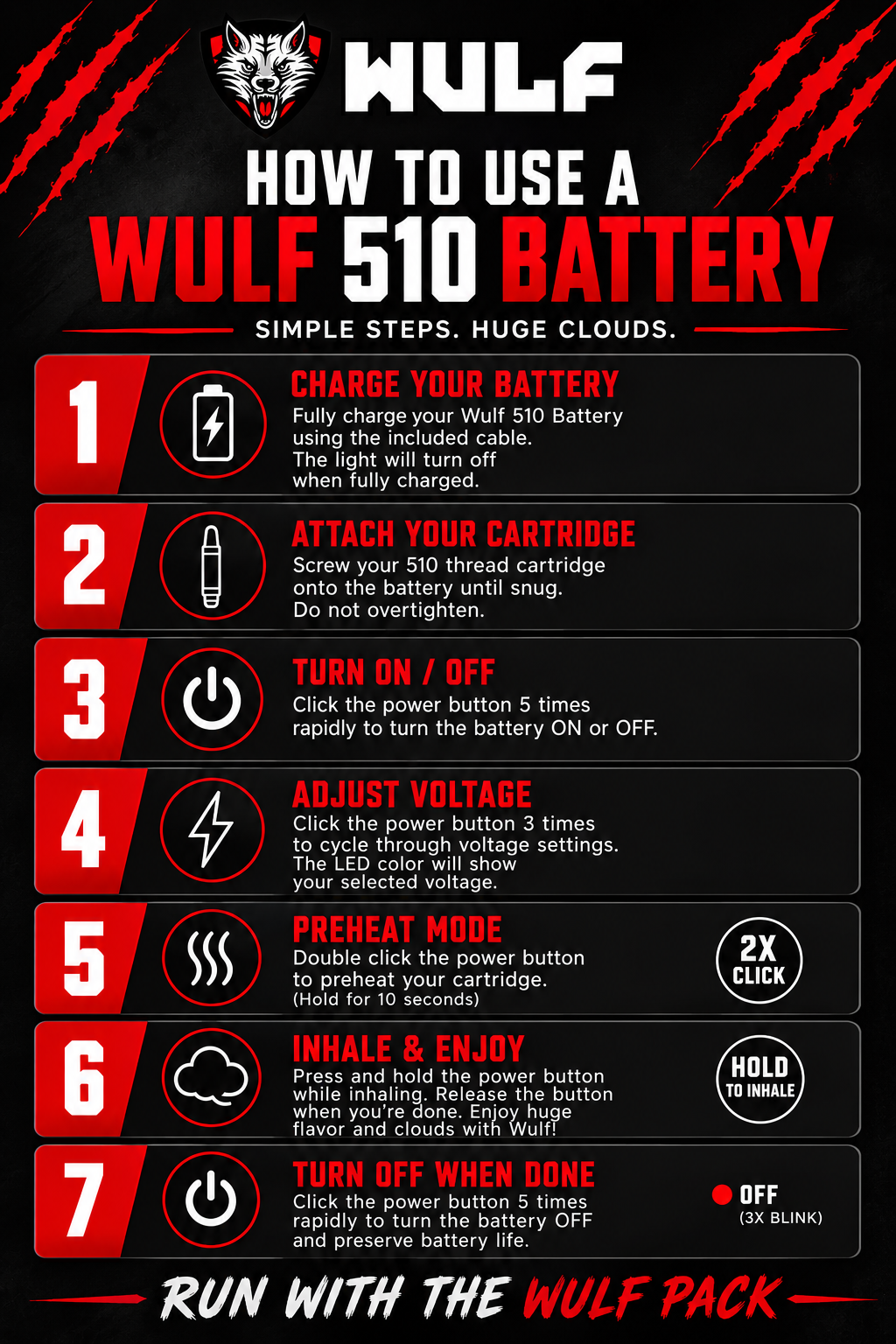
| Step | Action | Instructions | Button / Function |
|---|---|---|---|
| 1 | CHARGE YOUR BATTERY | Fully charge your Wulf 510 Battery using the included cable. The light will turn off when fully charged. | – |
| 2 | ATTACH YOUR CARTRIDGE | Screw your 510 thread cartridge onto the battery until snug. Do not over-tighten. | – |
| 3 | TURN ON / OFF | Click the power button 5 times rapidly to turn the battery ON or OFF. | 5X Click |
| 4 | ADJUST VOLTAGE | Click the power button 3 times to cycle through voltage settings. The LED color will show your selected voltage. | 3X Click |
| 5 | PREHEAT MODE | Double click the power button to preheat your cartridge. (Hold for 10 seconds) | 2X Click |
| 6 | INHALE & ENJOY | Press and hold the power button while inhaling. Release the button when you’re done. Enjoy huge flavor and clouds with Wulf! | Hold to Inhale |
| 7 | TURN OFF WHEN DONE | Click the power button 5 times rapidly to turn the battery OFF and preserve battery life. | OFF (3X Blink) |
Wulf 510 Battery Troubleshooting
In order to make sure your sessions stay running strong and clouds as howlingly powerful as possible, it’s good to be aware of some common Wulf 510 Battery troubleshooting fixes that can help you out of common jams.
Basic troubleshooting often solves common issues quickly, preventing down time and an abrupt stoppage to your regularly scheduled vapor enjoyment.
Battery Won’t Turn On
- Charge the battery fully
- Verify the charger and power cable are working
- Press the power button five times quickly (5x within 2 seconds)
Button Flashes / No Vapor Produced
- Clean the 510 connection threads on both the battery and cartridge with isopropyl alcohol
- Verify the cartridge is compatible and not dead
- Ensure the cartridge or magnetic ring is screwed on snug (do not overtighten)
Weak Vapor or Restricted Airflow
- Increase the voltage setting slightly
- Activate Pre-Heat mode (2x clicks) to clear cold oil clogs
- Check for airflow obstructions in the cartridge mouthpiece
Always remember that most minor issues can be solved with a quick cleaning and proper connection checks. So never panic if things aren’t working as they normally do, with a little bit of investigation, your Wulf 510 Battery will be back to work in no time.
Tips For Wulf 510 Battery Beginners
If you’re a Wulf 510 Battery beginner, first of all… welcome to the Wulf Pack! Arooo!!!
Now that that’s out of the way, we wanted to provide you with a couple of pointers on how you can start off strong with your Wulf battery and use our expert Wulf Pack tips to up your game from the very first puff onwards:
- Start with lower voltage settings
- Pace yourself between hits
- Use pre-heat mode for thick oils instead of pulling hard
- Clean your 510 threads regularly
- Charge responsibly and avoid fast chargers
- Read your instruction manual
- Store your battery and cart upright between sessions
These small habits help produce consistently enjoyable sessions and extend the life of your battery and cartridges.
To maximize battery life:
- Charge before the battery reaches completely empty
- Disconnect once fully charged
- Store your device in a cool, dry place
- Avoid exposing the battery to direct heat or hot vehicles
- Use the included charging cable whenever possible
Following these tips helps maintain reliable battery performance over time. So do right by your Wulf 510 battery, and it’ll have your back for years to come!
Welcome To The Wulf Pack
With the power of using your Wulf 510 Battery to the max now firmly in your hands, the world is your hot box and you can officially unleash your sessions with true ferocious freedom the Wulf Pack way!
Now get out there, load up your Wulf 510 Battery, and do the Wulf Pack proud by elevating your adventures to a whole new level of cloudy enjoyment! It’s our honor to have you as part of the Pack, and we can’t wait to see what you get up to with your own Wulf 510 Batteries!
Have any more questions about your vaporizer? Take a look through the Wulf Resource Center for more detailed breakdowns explaining our entire product range and how you can get the most out of them.
Until next time, stay howling out there y’all! Arooo!!!
Frequently Asked Questions
How-To FAQs
Common questions related to this guide and how to apply the information when choosing your device.
How Do I Turn On A Wulf 510 Battery?
How Long Should I Charge My Wulf 510 Battery?
Which Voltage Setting Should Beginners Use?
Why Is My Wulf Battery Flashing And Not Powering On?
How Often Should I Clean My Wulf 510 Battery Threads?
Wulf Mods Trust Center
About This Resource
Understand how this guide was researched, reviewed, and maintained by the Wulf Mods editorial team.
Editorial Standards
- Written for the people choosing and using these devices.
- Reviewed for clarity, accuracy, and practical retail value.
- Based on current manufacturer specifications and product documentation when available.
- Updated as products, regulations, category trends, or market conditions evolve.
- Built on deep, hands-on product experience.
- Designed to help you choose the right device with confidence.
Research Methodology
This how-to guide was created to walk you through the process step by step, from setup to everyday use. Wulf Mods bases its guidance on hands-on product experience, common questions, and real-world use.
- Hands-on product experience
- Step-by-step setup and use
- Cleaning, care, and troubleshooting
- Common questions answered
- Safe and responsible use
- Real-world use considerations
- Editorial review for clarity and accuracy
Article Information
Intended Audience
- Everyday customers
- First-time buyers
- Experienced enthusiasts
- Dry herb users
- Concentrate users
- Anyone upgrading their setup
Editorial Policy
Wulf Mods educational resources are reviewed periodically to maintain accuracy and relevance. When product specifications, regulations, category trends, or market conditions change, articles may be updated with a new review date. Trusted product guidance.
Keep Exploring
Related Resources
Keep learning with related Wulf Mods resources selected to help you get more out of your device.
How-To
Ceramic Carts work better with Wulf Mods Batteries! Find out why this is true and learn more about ceramic cartridges in this W...
Read Resource →
How-To
Keep the clouds rolling with the Wulf Help Center breakdown of easy fixes to keep your Wulf Vape button working correctly.
Read Resource →
How-To
Learn why your Wulf Vape is not pulling and how you can fix it, all in this exclusive Wulf Help Center article.
Read Resource →
How-To
From Guy Fieri’s Flavor Town to Flava Flav, it’s no secret that across America we love good flavor! That's why Wulf is here to ...
Read Resource →