

Resource Center
How To Use The Wulf Mods Flow Auto Flow 510 Voltage Battery

Continue With This Resource
Wulf Mods Quick Brief
What You Should Know
A fast summary of the key points, questions, and guidance covered in this guide.
Overview
Key Takeaways
- The Wulf Mods Flow features an innovative flip-up nozzle that activates Auto Flow Mode, releasing a hands-free 10-second stream of vapor for contactless sessions alongside traditional draw-activated puffing.
- A concealed aluminum alloy chassis shields 510-threaded oil cartridges up to 2 grams in size from drop damage while keeping your sessions completely discreet.
- Single-click button operation makes adjusting voltage effortless, letting you cycle through five distinct heat brackets from 1.8V for delicate terpenes up to 3.8V for dense clouds.
- Double-clicking the base button activates a 10-second pre-heat cycle that gently warms thick oils and cold winter cartridges to prevent dry hits and clogs.
- Built-in diagnostic LED alerts instantly decode hardware issues including draw limits, short circuits, missing cartridge connections, and electrical overloads.
Questions This Resource Answers
- What is the difference between Auto Draw Mode and Auto Flow Mode on the Wulf Flow?
- What cartridge sizes fit inside the concealed body of the Wulf Flow?
- How do you adjust the voltage presets, and what do the LED colors mean?
- What do the LED blink patterns on the bottom base ring indicate?
- What are the charging guidelines for preserving the internal 500mAh battery?
Recommended Products
Shop 510 Thread Batteries
Browse the products featured in this guide.
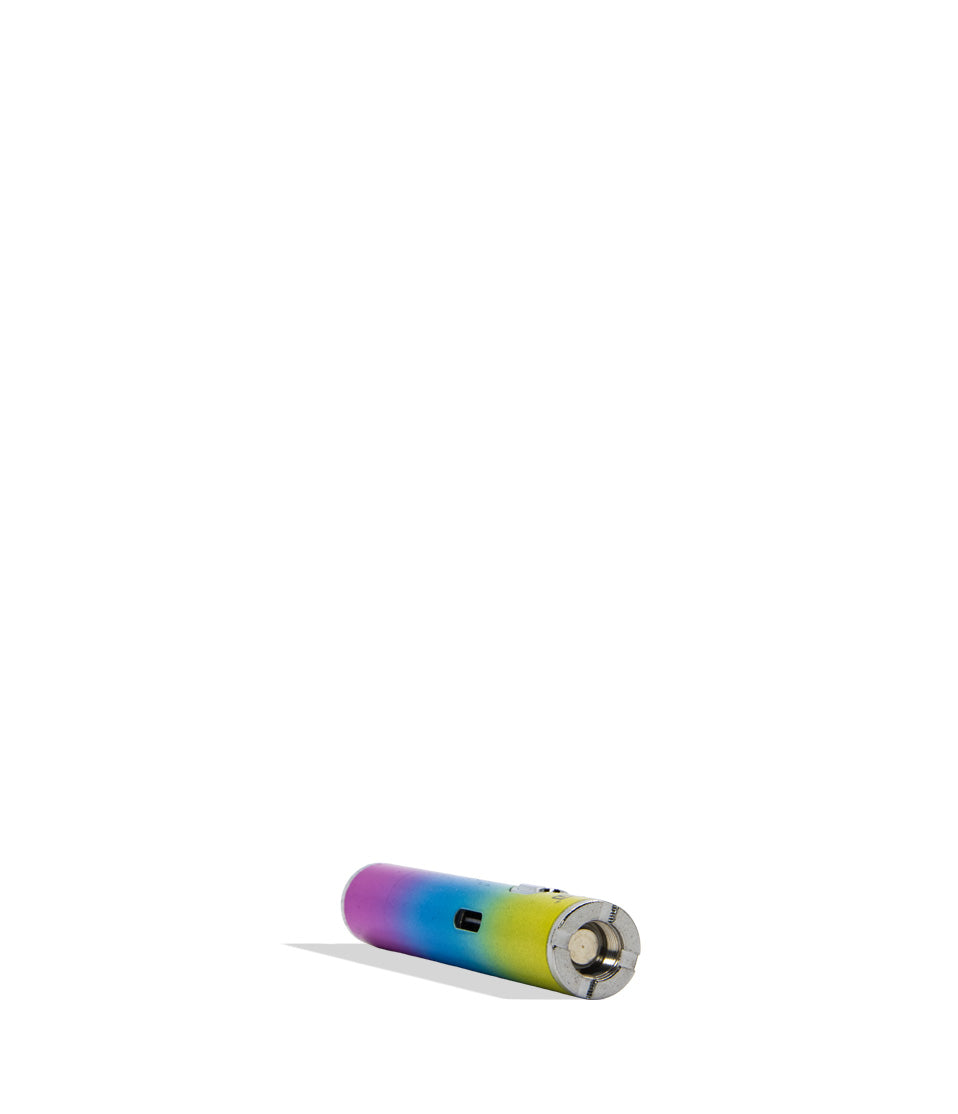
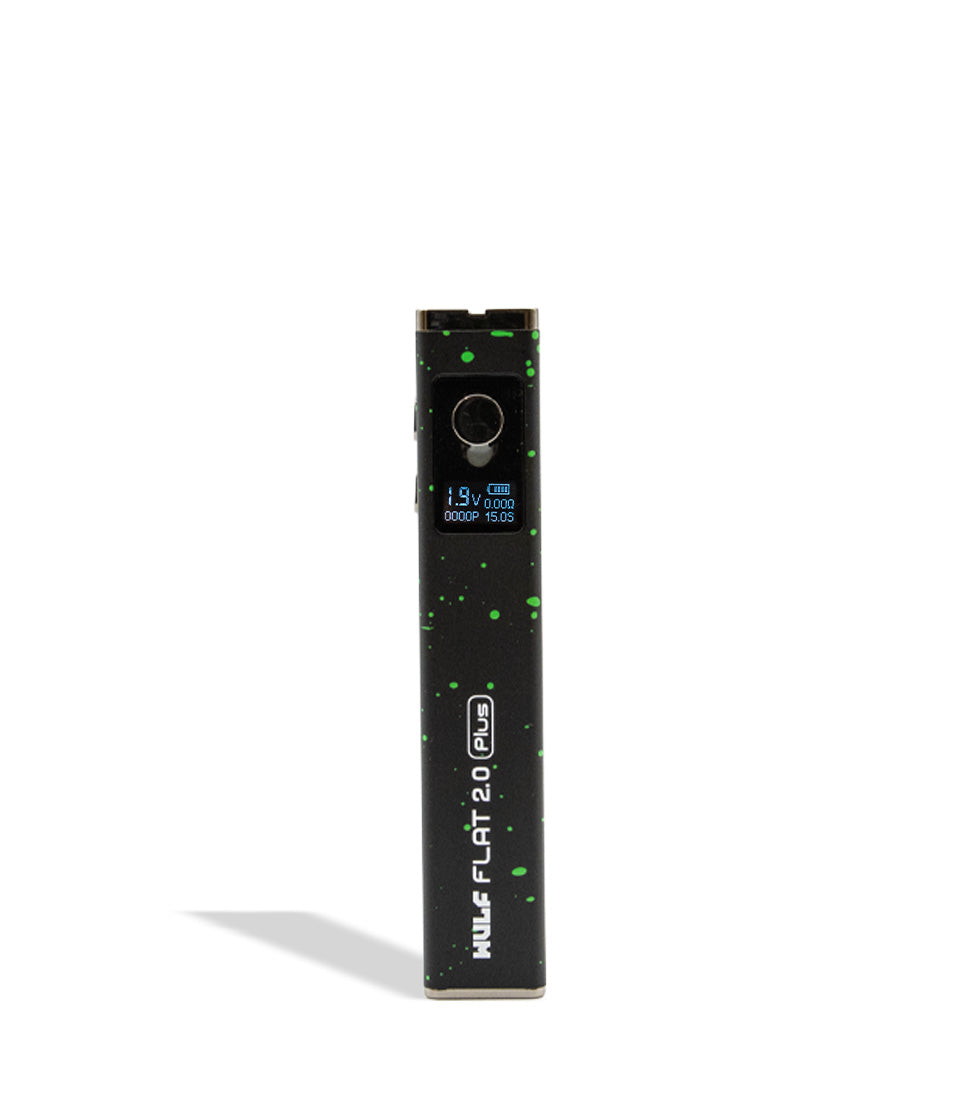
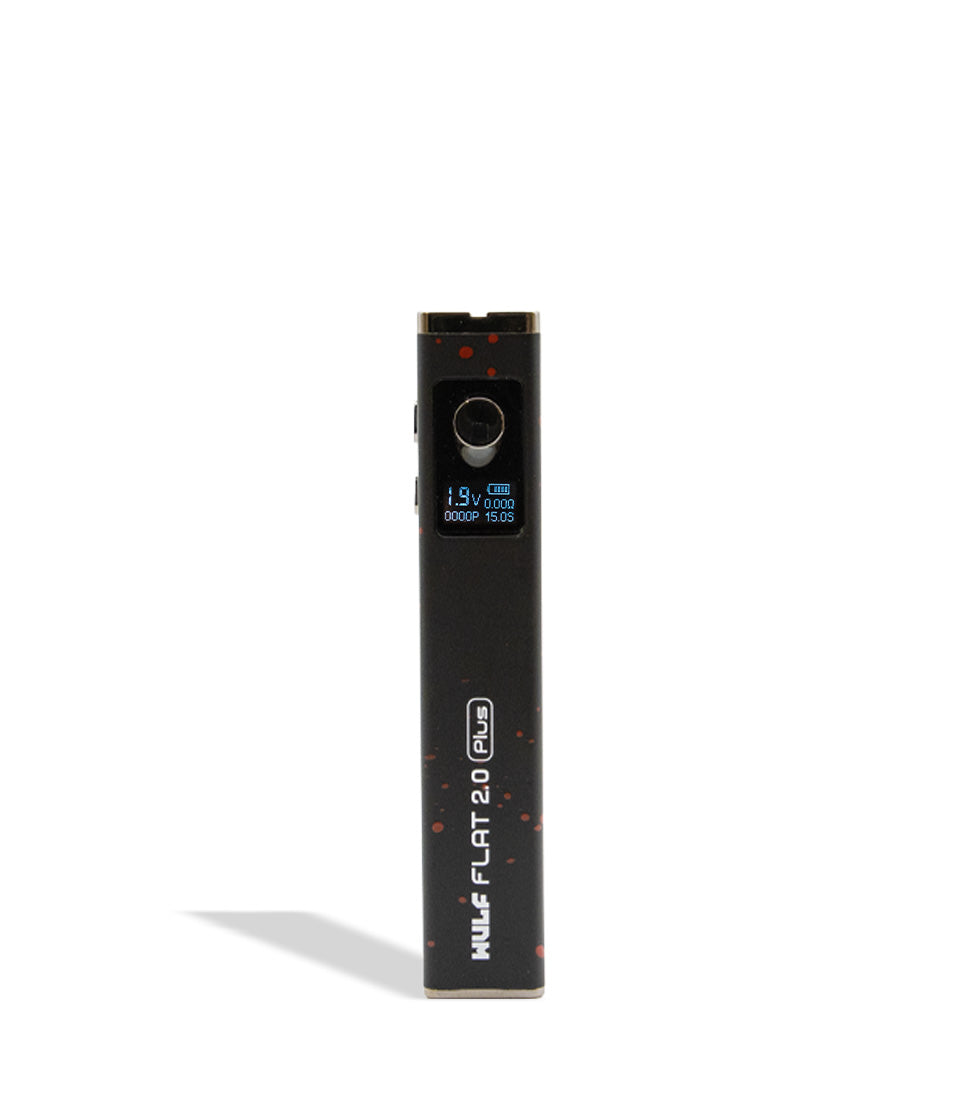
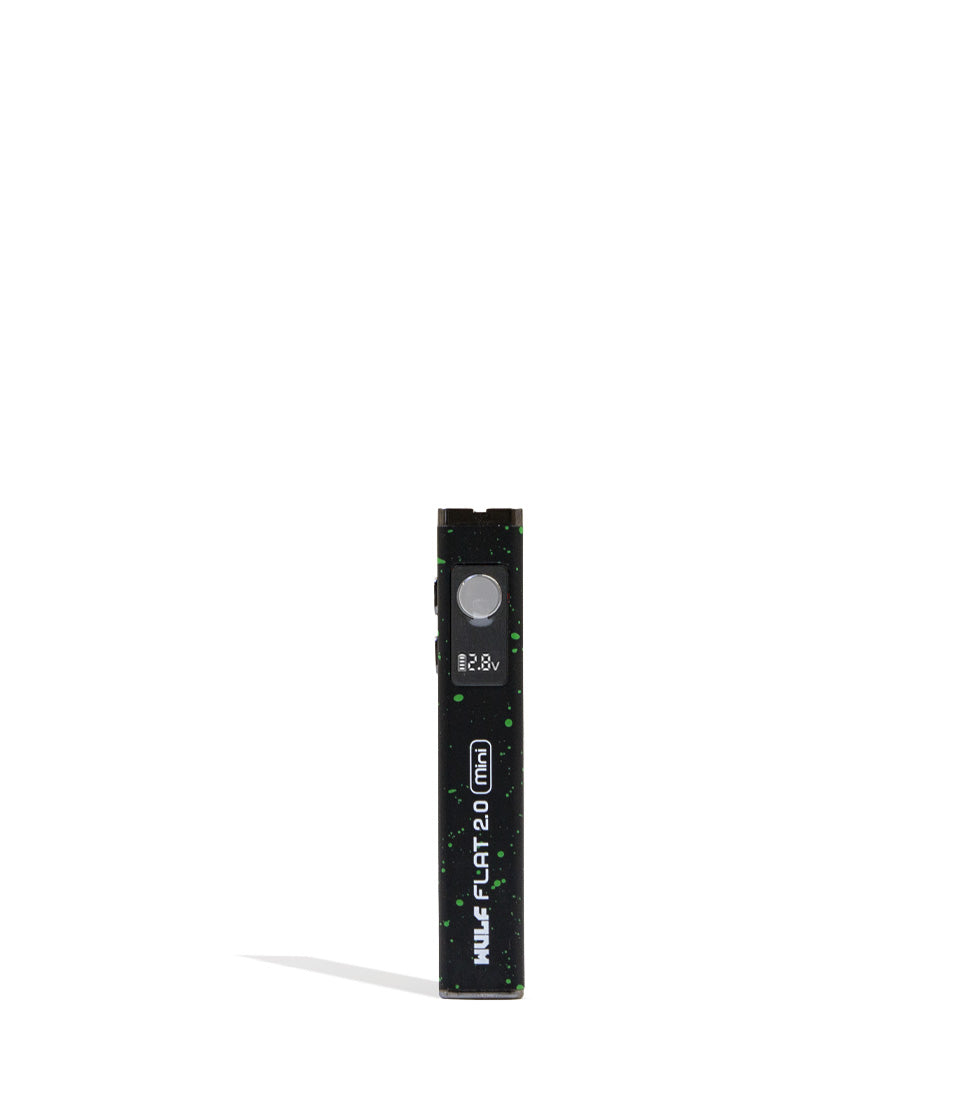
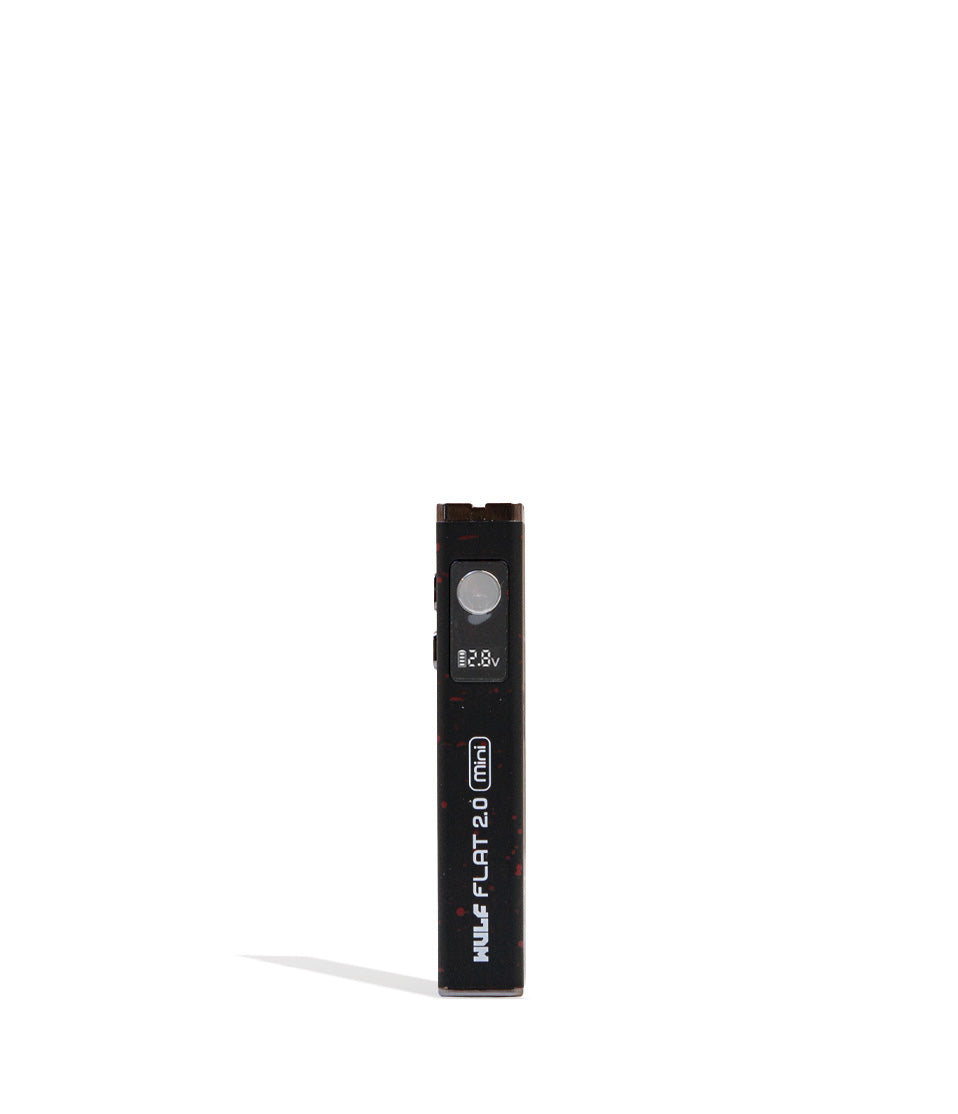
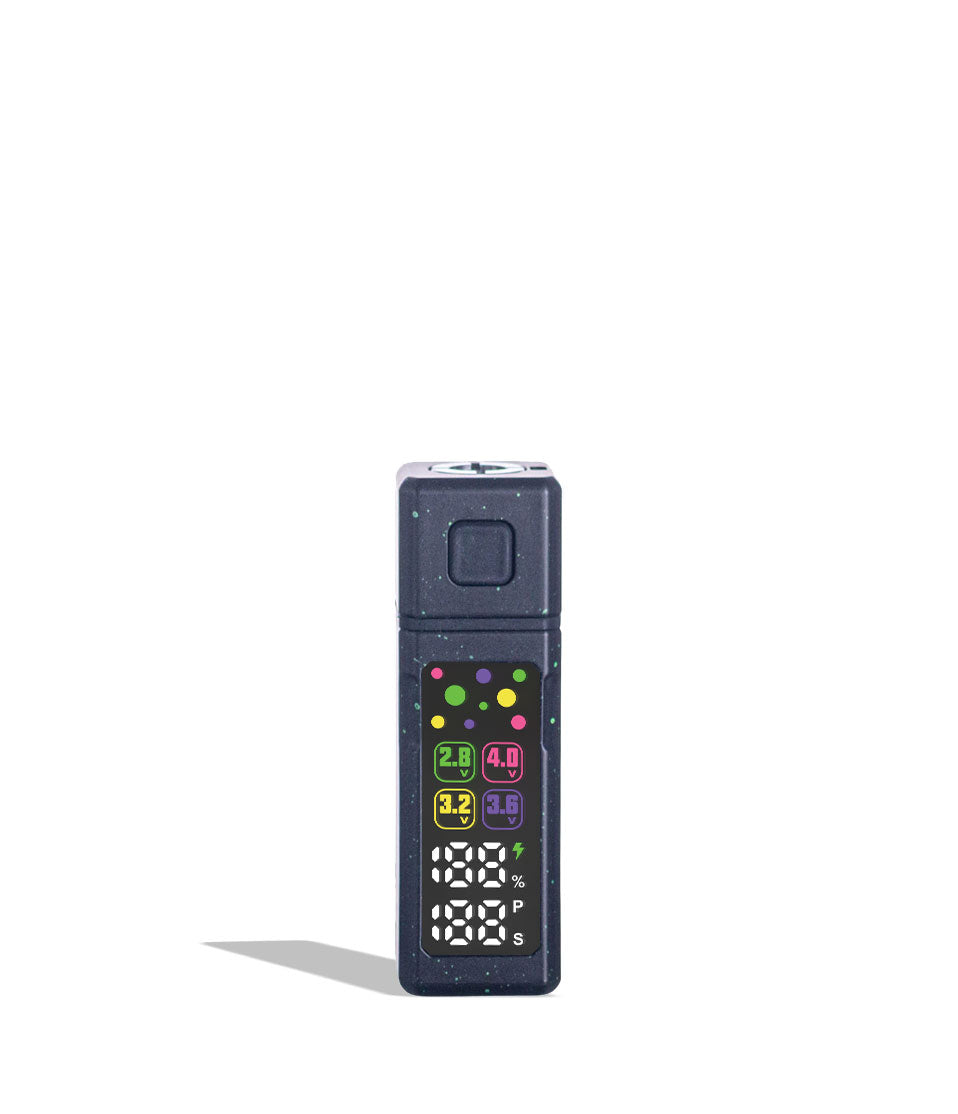
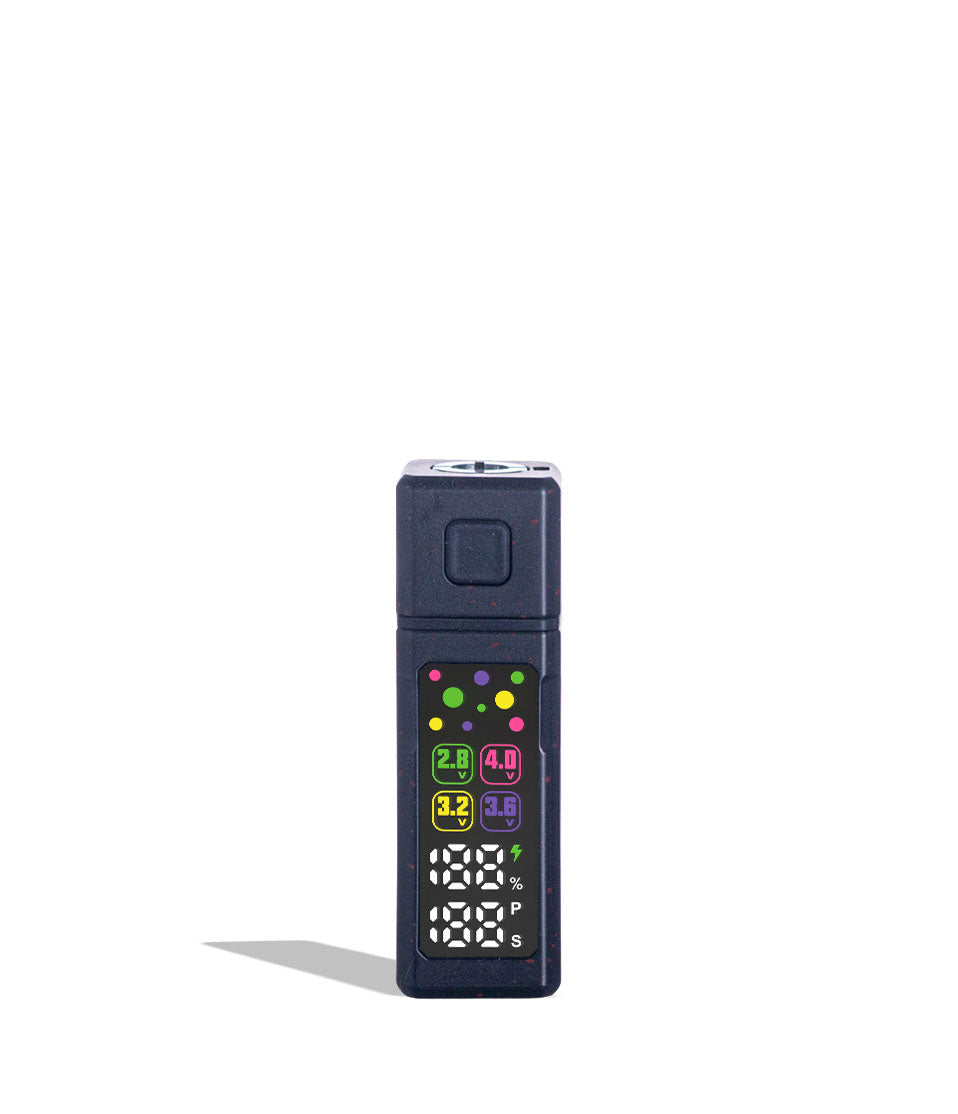
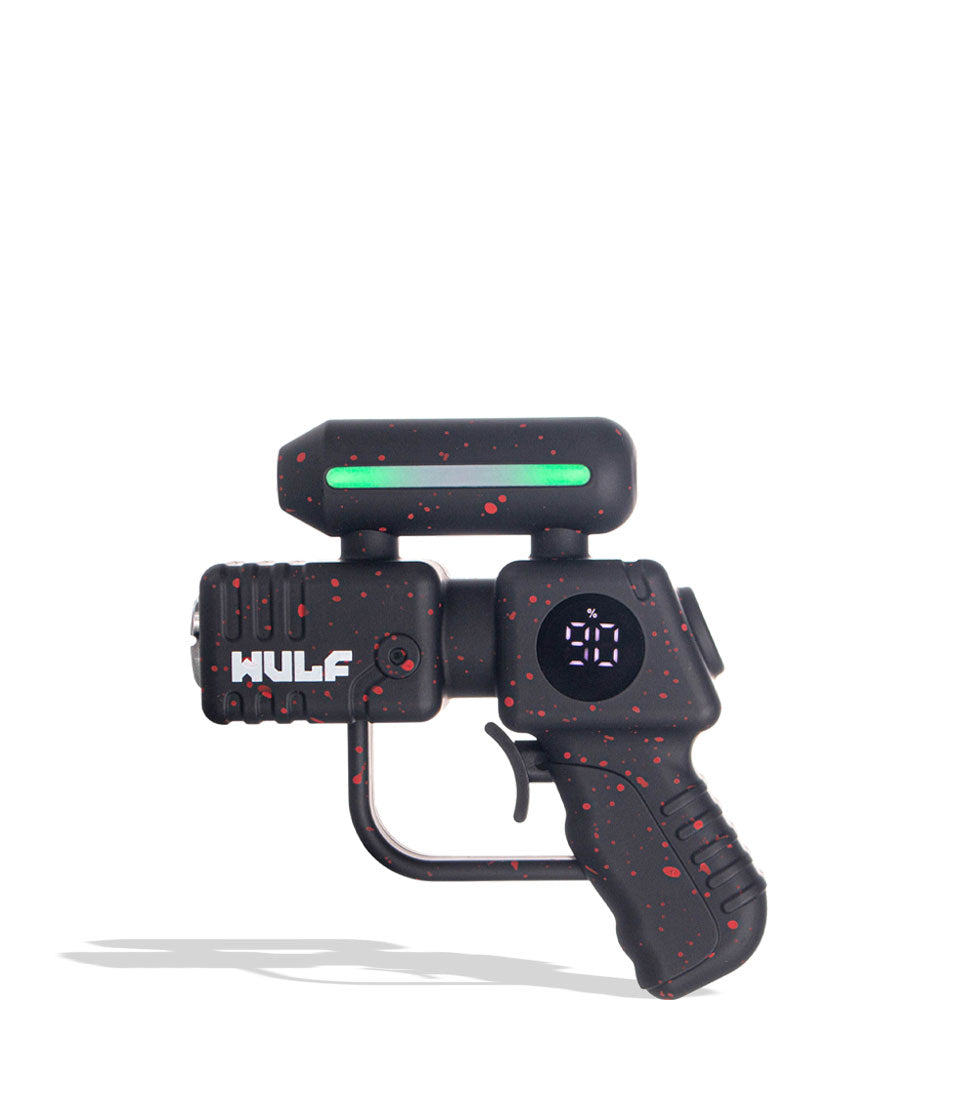
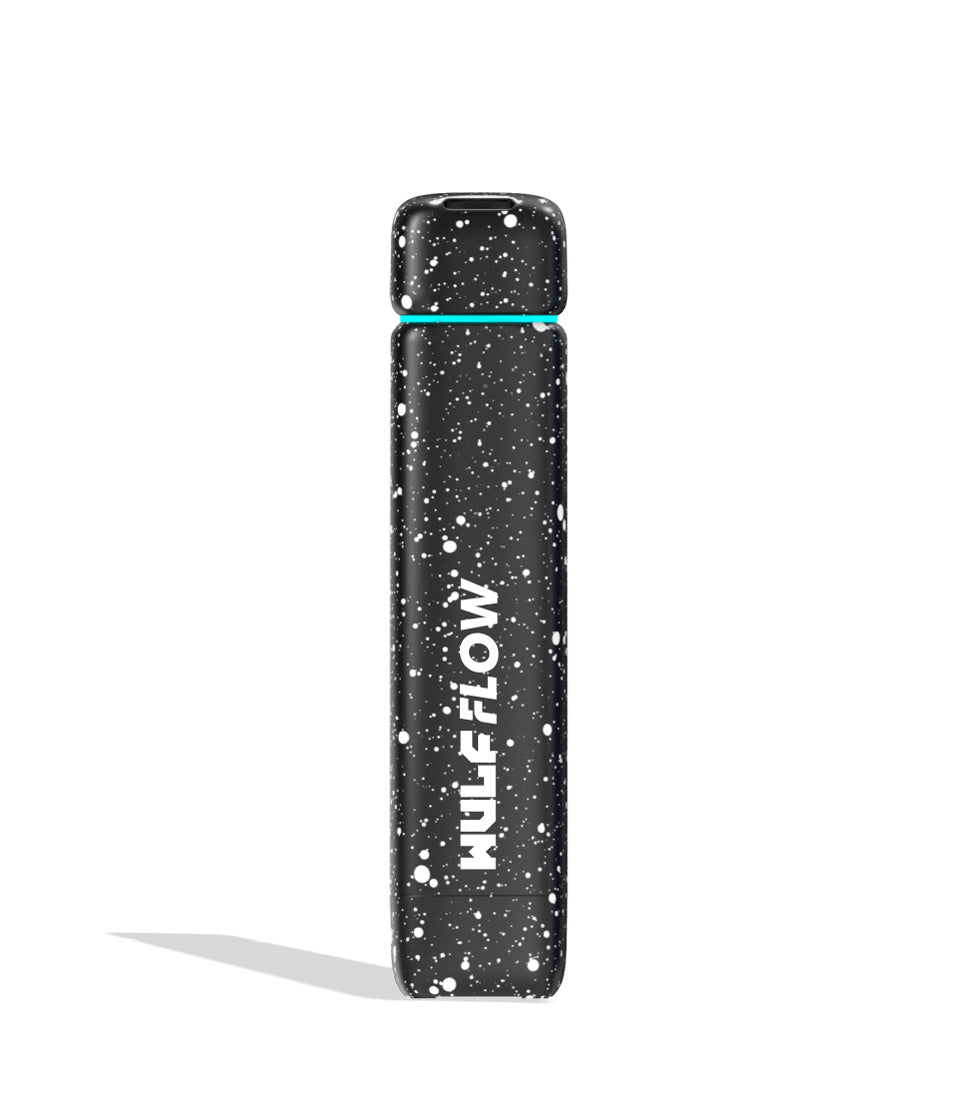
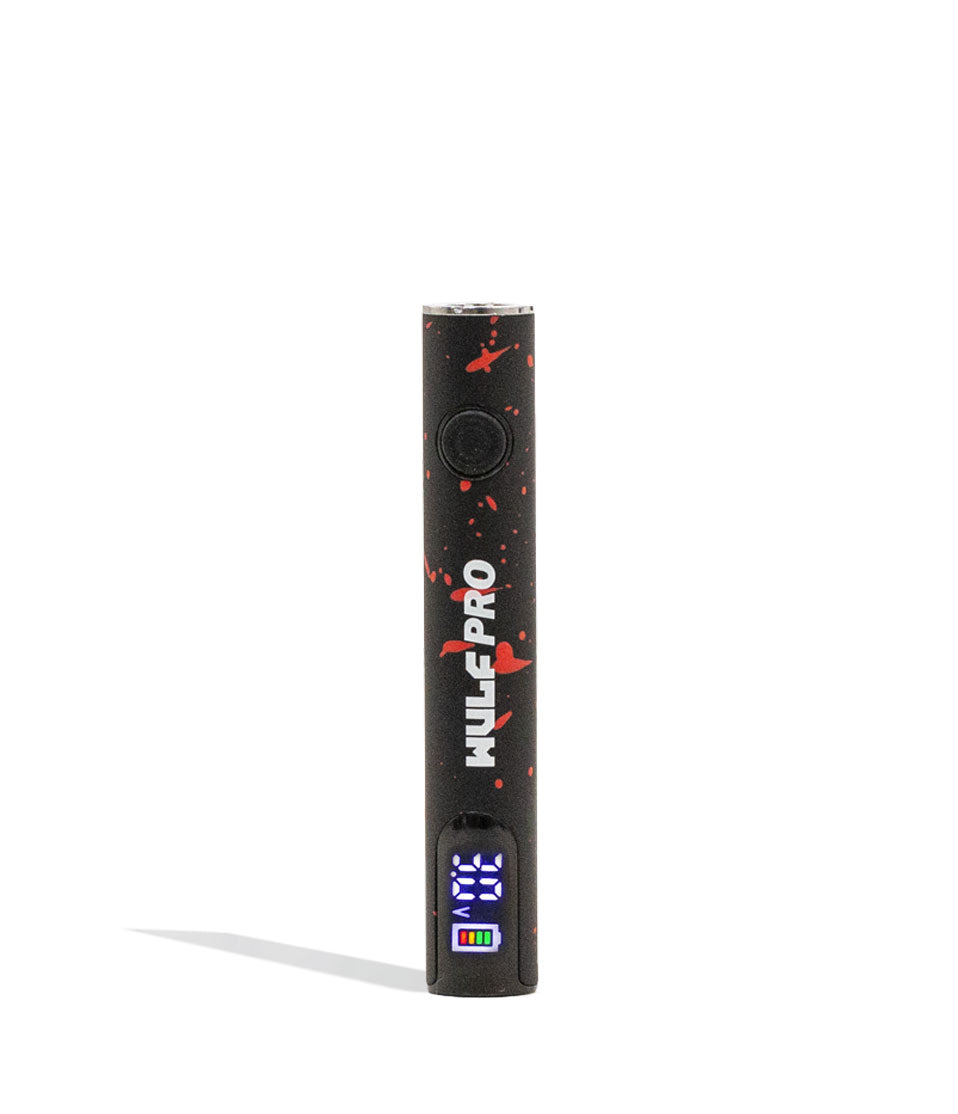
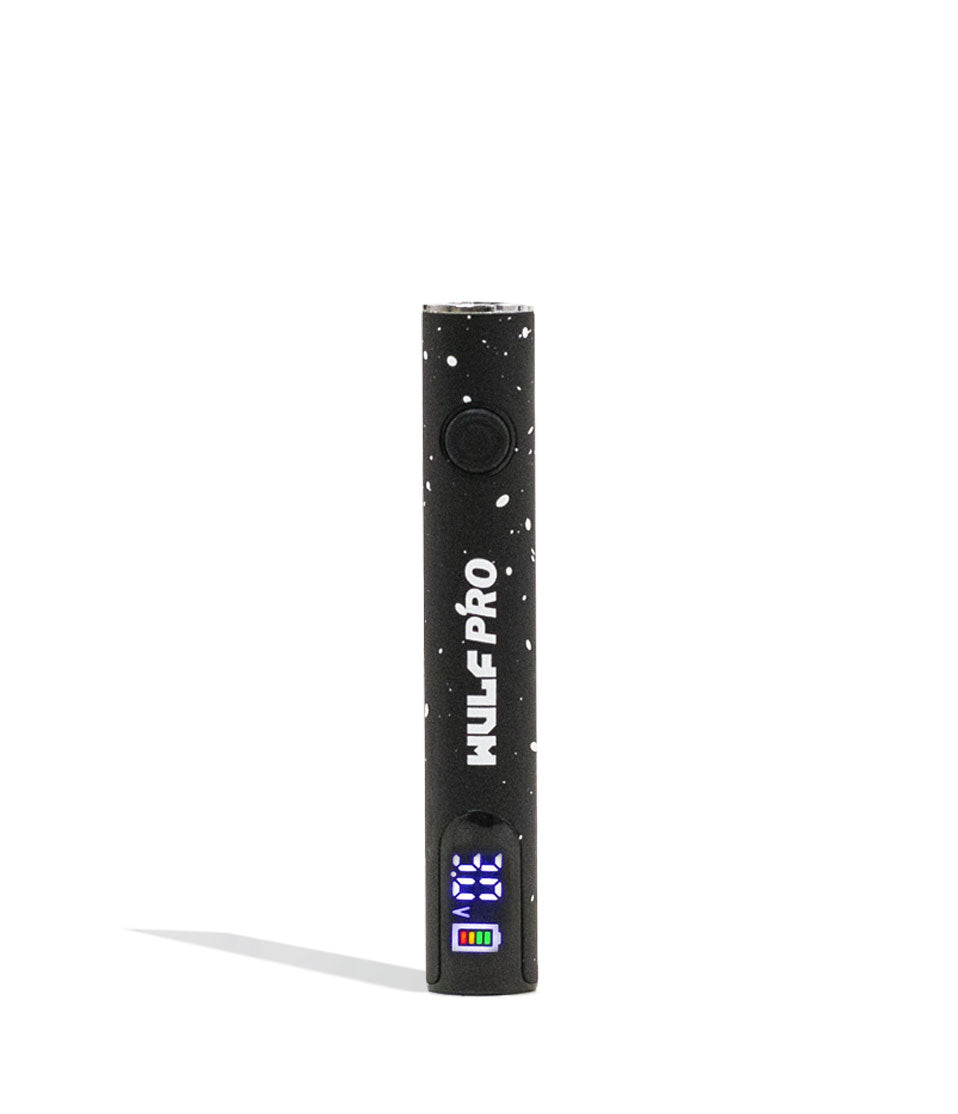
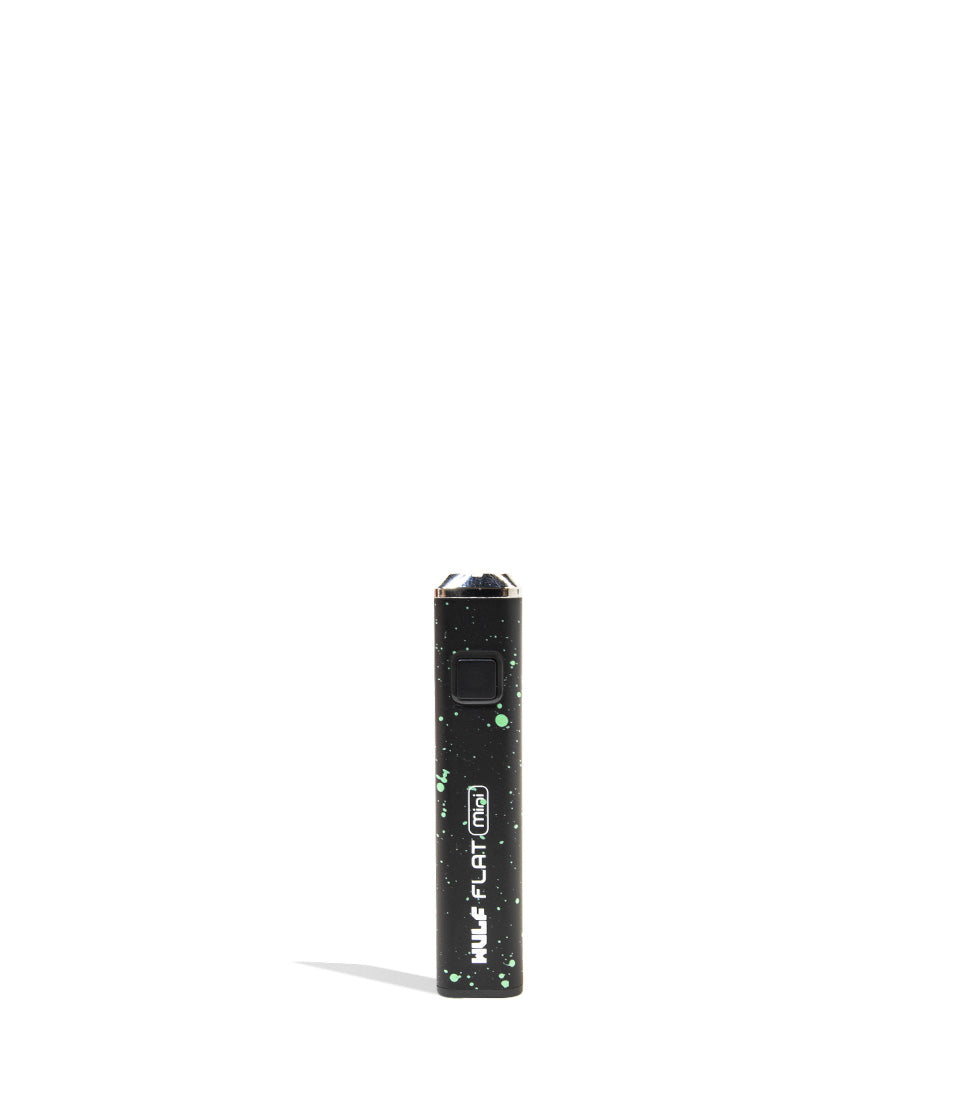
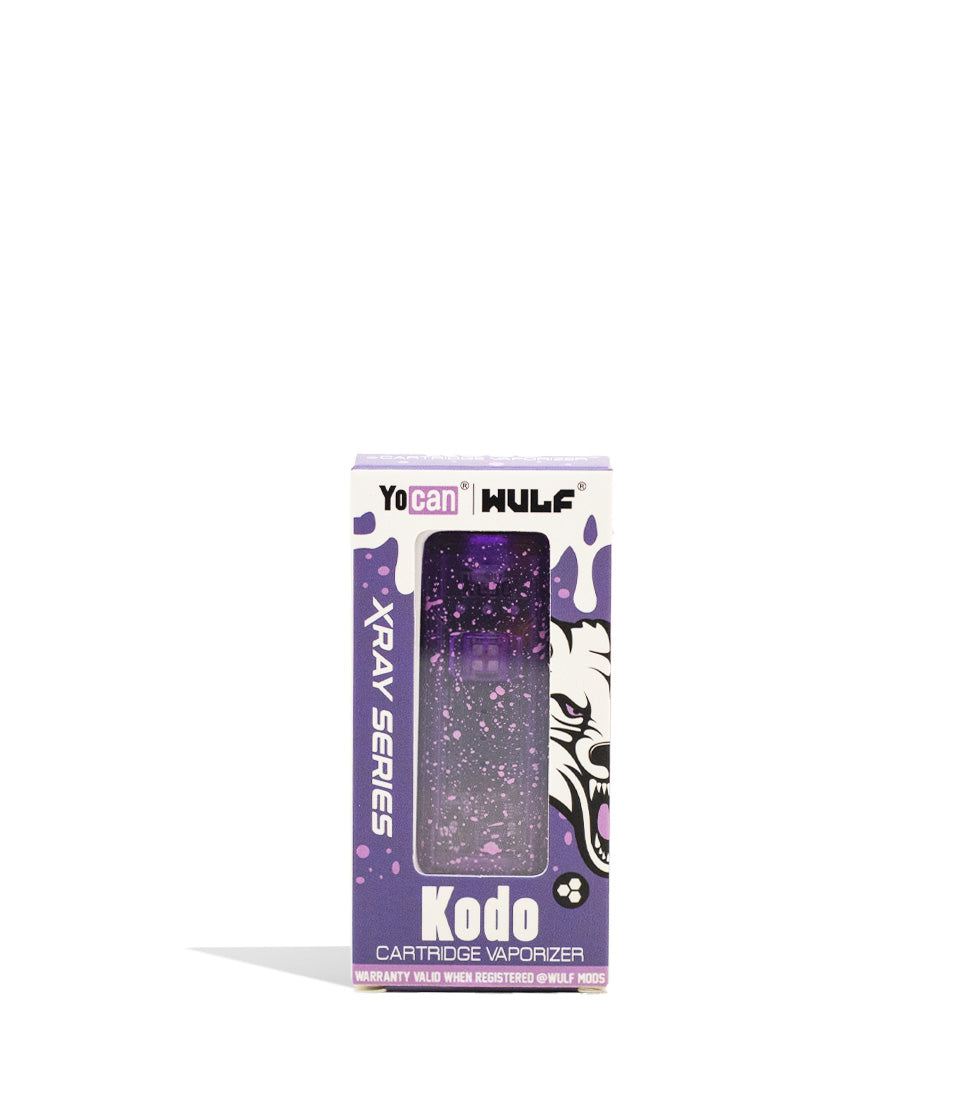
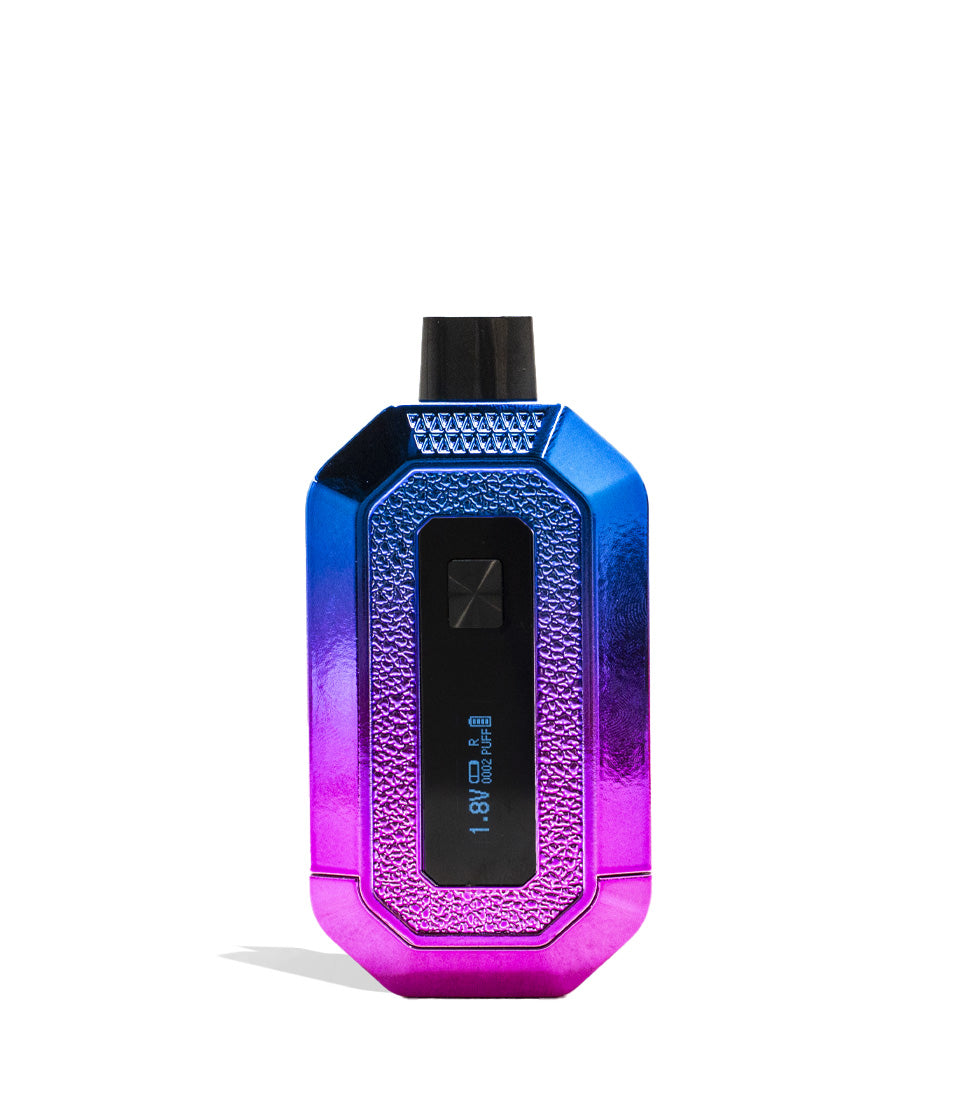
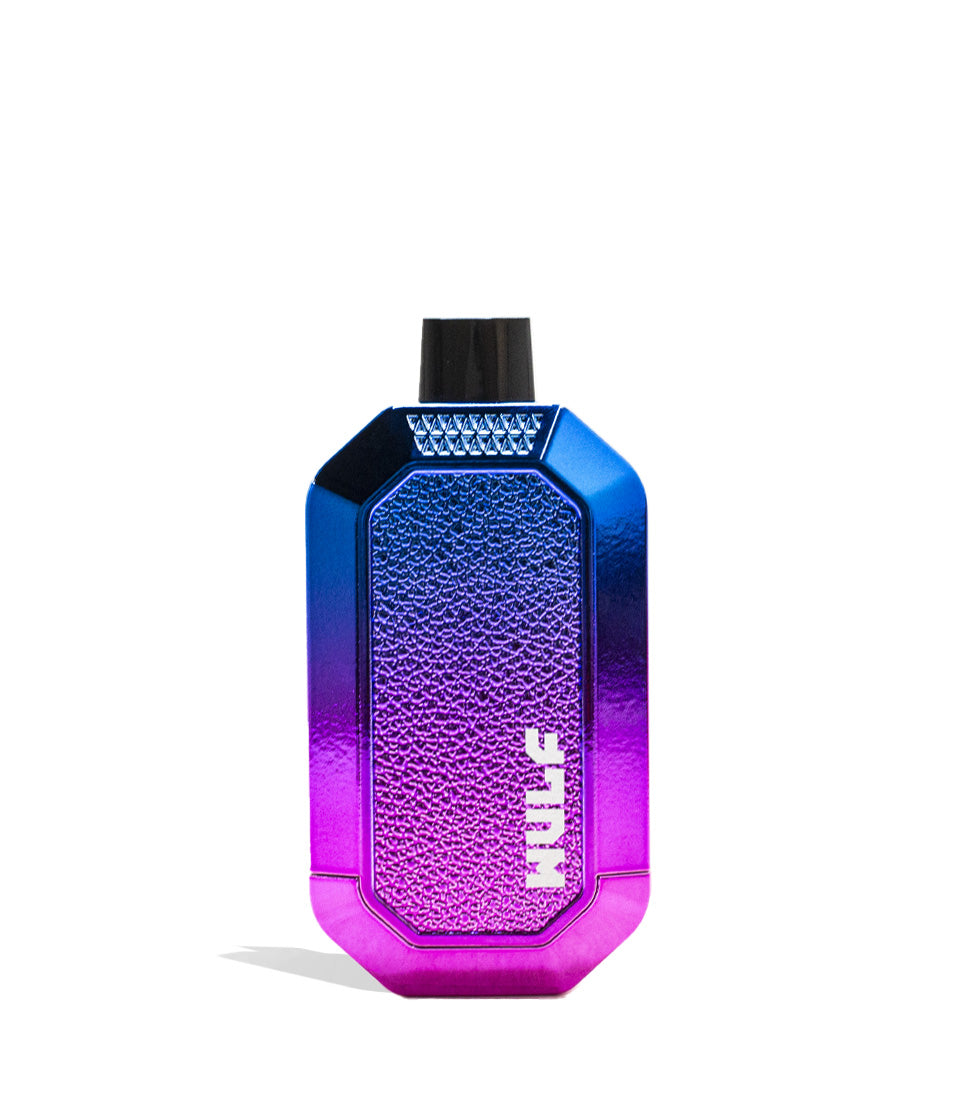
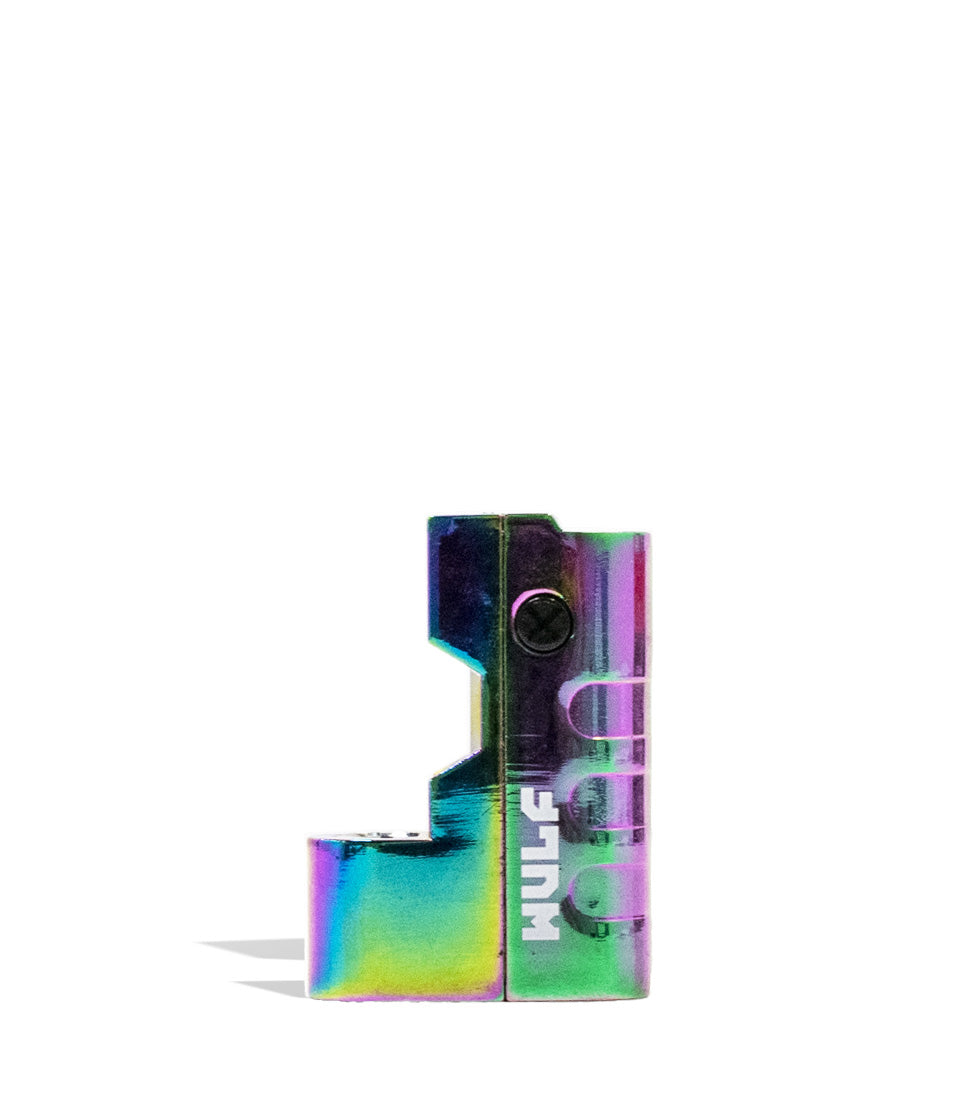
Owners Guide
Owner Playbook
The full playbook below expands on the practical steps and tips behind this guide.
Get ready to go with the Flow and unleash your clouds like never before with our guide on how to use the Wulf Mods Flow Auto Flow 510 Voltage Battery! That’s right the Wuf Pack is here to walk you through exactly how to get the most out of this revolutionary, stealthy 510 battery.
With a choice of either standard Auto Draw Mode or Auto Flow Mode, you get two distinct operating modes to enjoy your cartridges in completely brand new ways. That’s why Wulf is here to walk you through everything you need to know to use the Wulf Flow and get you setup for maximum sessions success.
Whether you’ve been running with the Wulf Pack for a while now or are just joining, by the end of this Wulf Flow guide you’ll be a genuine vaping professional, able to get the absolute best from your battery and cartridges with ease.
Table of Contents:
Wulf Flow Quick Start Guide
1. Loading A Cartridge Into The Flow
2. Powering Your Flow On and Off
3. Using Your Flow In Auto Draw Mode
4. Using Your Flow In Auto Flow Mode
5. Adjusting The Flow’s Temperature
6. Pre-Heating Your Flow
7. How To Charge The Flow
8. Troubleshooting Your Flow
9. How To Clean The Flow
Go With The Flow
Wulf Flow Quick Start Guide
In a rush to start blowing clouds or just need a fast refresher? The Wulf Pack has you covered. Here is a quick reference table breaking down the essential controls to operating your Wulf Mods Flow:
| # | STEP | HOW TO | WULF PRO TIP |
|---|---|---|---|
| 1 | Charge Battery | Plug into the base USB-C port. Charge for 2 hours on the first run, 1 hour max after. | Never leave the battery charging overnight to protect the internal 500mAh cell. |
| 2 | Load Cartridge | Remove the bottom base, screw your 510 cart into the base, and slide it back into the chassis. | Make sure the connection is snug, but do not overtighten the threads. |
| 3 | Power On / Off | Click the bottom power button 5 times rapidly (5x). | The LED ring will flash to confirm the device is awake and ready to fire. |
| 4 | Set Voltage | Click the bottom button 1 time (1x) to cycle through the 5 voltage colors. | Yellow (1.8V) for flavor; Red (3.8V) for maximum cloud density. |
| 5 | Pre-Heat | Click the bottom button 2 times (2x) to activate the low-voltage warming cycle. | Essential for softening thick, cold oils before your first pull. |
| 6 | Auto Draw Mode | With the mouthpiece flipped down, simply inhale from the top to fire. | Take a slow, measured sip for a stealthy, traditional hit. |
| 7 | Auto Flow Mode | Flip the mouthpiece nozzle UP to trigger a 10-second continuous vapor stream. | Close and reopen the nozzle to trigger a fresh 10-second flow. |
1. Loading A Cartridge Into The Flow
To begin vaping with your Flow, you must first head into your collection of 510 threaded cartridges and choose one to get started with!
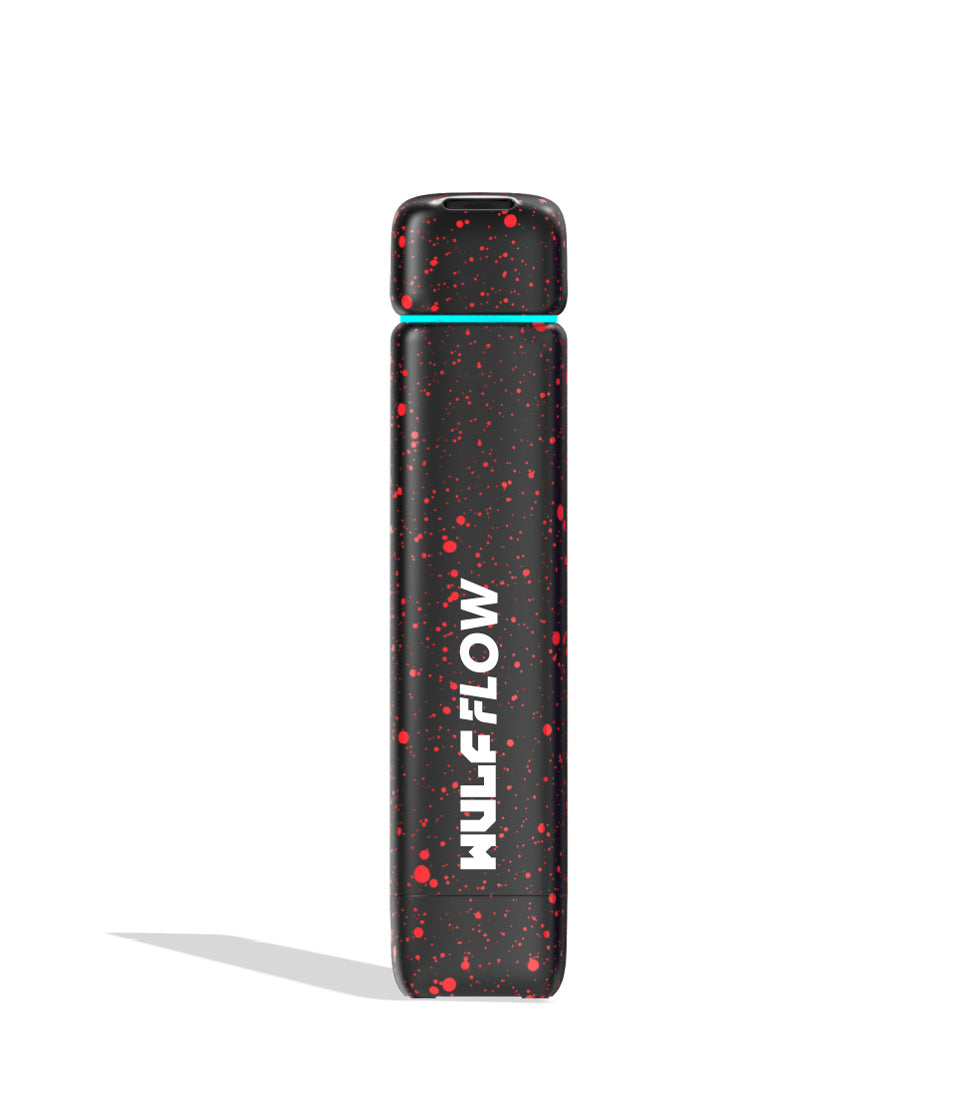
Because the Flow is a completely concealed battery, your cartridge sits hidden inside the aluminum alloy body to protect it from drops and keep your sessions discreet. This means that not all cartridges will fit within the Wulf Flow, as only those 2G or smaller will be able to be attached. Keep this in mind while choosing a cartridge.
To load your cartridge:
- Pull the bottom base plate off the bottom of the Flow.
- Gently attach your 510 threaded cartridge to the connection port on the inside of the base plate.
- Ensure the connection is snug, but do not overtighten it.
- Slide the cartridge and base assembly back up into the bottom of the Flow until the base clicks securely into place.
Make sure to take your time attaching your cartridge, as this way you can avoid any sort of connection issues and can move onto vaping without worry.
2. Powering Your Flow On and Off
Because the main body of the Flow remains sleek and buttonless for stealth, all operations are controlled via the small power button located on the bottom base of the device.
Powering On:
Press the power button located on the bottom of the device 5 times rapidly in a row (5x). When input successfully, your Flow will shine its LED ring to let you know that it is awake and good to go.
Powering Off:
After your session concludes, turn off your Flow by repeating the process and pressing your power button 5 times in a row (5x). Always power down before tossing the battery into your pocket or bag to prevent accidental firing.
With a traditional single button operating system, this makes using the Wulf Flow intuitive and easy for Wulf Pack members of all experience levels.
3. Using Your Flow In Auto Draw Mode
The Flow offers two distinct ways to enjoy your vapor. For a traditional, stealthy vape session, you can use Auto Draw Mode which delivers a button free choice that’s perfect for on the go, relaxing at home, and everywhere in between.
To use your Flow in auto draw mode, simply make sure that the mouthpiece cap on top of the device is flipped down, sitting flush with the body. From there, just inhale from the top mouthpiece opening in order to enjoy a steady stream of lush vapor.
As the Flow is auto draw activated, all you have to do is draw and an internal sensor will instantly provide you with smooth clouds. When you’re done, just stop inhaling and the Flow will go back into standby mode until you hit it again. This makes for an incredibly laid back experience that’s very easy to use and lets you focus 100% on enjoying your vapor.
4. Using Your Flow In Auto Flow Mode
Where the Wulf Flow earns it’s name however is with the Auto Flow Mode which ejects a stream of vapor from your mouthpiece, all without any inhalation. This makes for a completely unique vaping experience that’s fun to enjoy with friends and allows for completely contactless vaping.
To use your Wulf Flow in Auto Flow mode, all you have to do is flip the mouthpiece nozzle UP. The moment the nozzle is flipped open, the device will immediately begin firing, emitting a continuous flow of milky vapor from the tip.
The Flow will push vapor for 10 seconds before automatically stopping to protect the coil. To set up another round of Auto Flow Mode, simply close the Flow’s mouthpiece gently and then flip it open again to trigger a fresh 10 second vapor flow.
5. Adjusting The Flow’s Temperature
To switch between the 5 different temperature settings on the Flow, press the power button on the bottom of the device 1 time (1x). This will cycle the voltage to the next level in line.
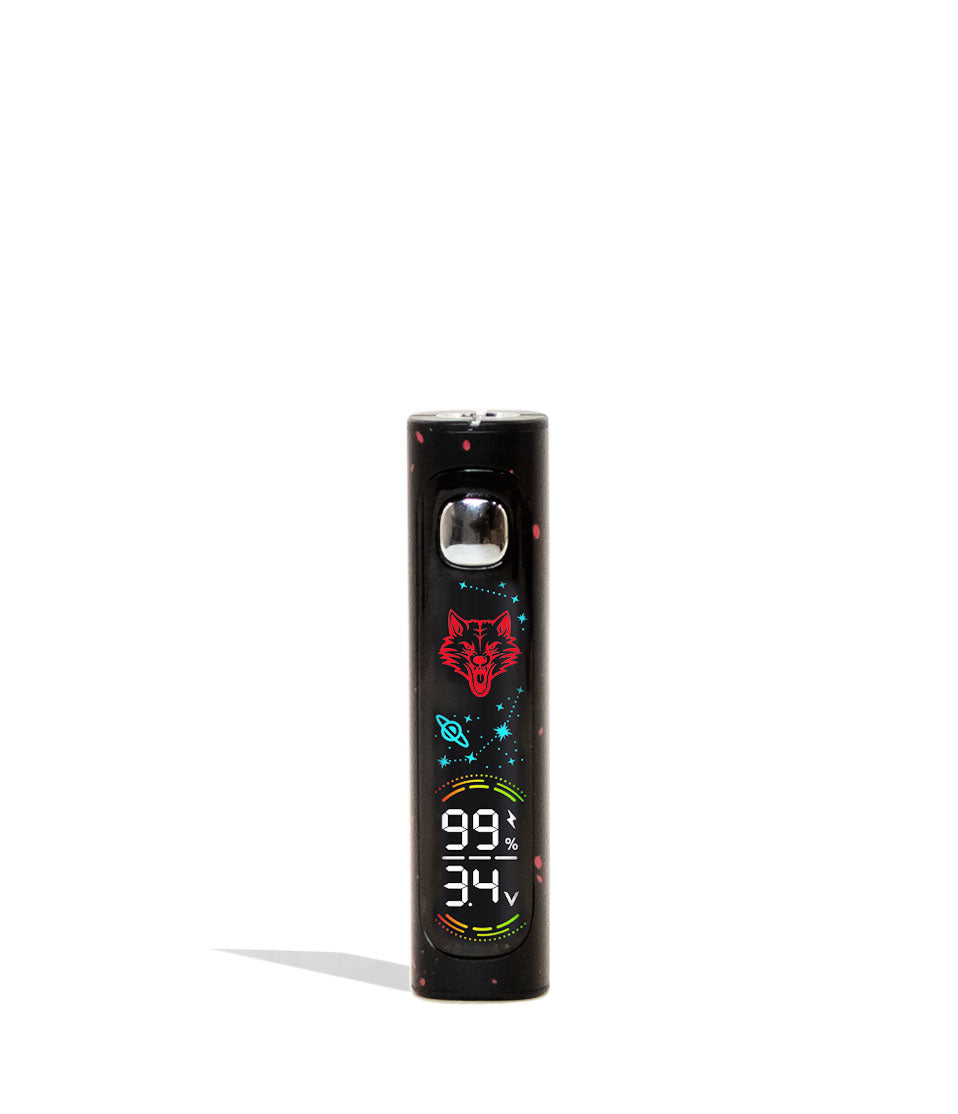
To make viewing your voltage easy, each of the 5 temperature settings has a corresponding LED color:
- Yellow (1.8V): Ultra-low voltage for maximum terpene flavor and live rosin preservation.
- Purple (2.4V): Smooth, flavorful vapor with a slight bump in cloud production.
- Green (2.8V): The perfect balanced sweet spot for standard distillate cartridges.
- Blue (3.4V): High heat for rapid extraction and dense, milky clouds.
- Red (3.8V): Maximum power for heavy-hitting potency and massive cloud volume.
As opposed to many single button 510 batteries, the Wulf Flow only requires you to tap the power button 1x to cycle through the various temperatures. This allows for quick on the fly adjustments, letting you swap between flavor or potency with your friends to tailor exactly to everyone’s individual preferences.
6. Pre-Heating Your Flow
In order to activate the Wulf Flow’s pre-heat mode, press the power button two times (2x) in a row. This will cause your Flow LED ring to come to life, cycling through various colors to let you know the 10s pre-heat countdown has officially commenced.
Once these lights stop, you can now take a hit from your Wulf Flow in either Auto Draw or Auto Flow mode, all with the added benefit of the pre-heat delivery more volume and strong potency. Be prepared however, as these hits will be especially potent and can deliver some truly knock out clouds.
The pre-heat function on your Wulf Flow is also handy for dealing with colder weather, allowing you to bring your oils back to normal temperatures so that heating doesn’t take as long. So next time you wake up on a cold morning, try out the pre-heat before your first hit to see just how much smoother things are.
7. How To Charge The Flow
To charge your Flow, make use of the modern USB-C port located on the bottom of the device.
Charging Safety Rules:
- Initial Charge: The very first time you charge your Flow out of the box, make sure to leave it plugged in for a full 2 hours to condition the 500mAh battery.
- Routine Charging: Every single time after that first charge, never leave your Flow plugged in for longer than 1 hour at a time to avoid overcharging, battery degradation, and short-circuiting.
- Always use a standard 5V wall adapter; avoid high-wattage fast chargers.
Make sure to always stay present while charging your Wulf Flow and to never charge it overnight. This way you can actively watch over the process, remove the charger as soon as your battery reaches 100%, and can act quickly in case anything happens to go wrong in the process.
8. Troubleshooting Your Flow
To make using your Flow as smooth as possible, we recommend that you familiarize yourself with the following troubleshooting warnings that can pop up on your device’s LED ring:
- Over Time Warning: Your Flow will flash a red light 4 times (4x) and switch to standby should you inhale from it longer than 10 seconds at a time to prevent coil burnout.
- Short Circuit Warning: Your Flow will flash a red light 3 times (3x) to let you know it is experiencing a short circuit. Cease using your device, remove the cartridge, clean the connection, and try again.
- No Cart Warning: Your Flow will flash a white light 3 times (3x) if no cartridge is detected on the base pin. Unscrew and re-tighten the cartridge snugly.
- Overload Warning: Your Flow will flash a white light 5 times (5x) to indicate an electrical overload warning.
Never ignore these troubleshooting warnings as they’ve been specifically designed in order to protect you, your battery, and your own Wulf Pack. So if you do see these strange flashing lights on your Wulf Flow, make sure to take the correct course of action as soon as possible to keep your clouds ripping at 100%.
9. How To Clean The Flow
Clean your Flow Auto Flow 510 Voltage Battery by first powering off your battery by pressing the power button 5x. Never attempt to clean your Wulf Flow while the battery is still on, as this can lead to issues with short circuiting or worse.
Next you can disassemble the bottom base and remove your cartridge. Make use of a Q-tip or cotton swab lightly dampened with 91%+ isopropyl alcohol to gently scrub the 510 threads on the base plate, as well as the interior walls of the concealed chamber, to remove any buildup or sticky grime that has accumulated from leaky carts.
Make sure to clean the mouthpiece / top lid of your Wulf Flow as well. Oils can build up in here overtime, leading to sticky functionality if not dealt with in a timely manner. This is especially important for Auto-Flow Mode as this requires you to flip up the mouthpiece, so make sure to give it some love while cleaning.
After you’ve completed your sessions, make sure to leave ample time (30 to 60 minutes) for your Wulf Flow to air dry completely so all alcohol evaporates before attempting to use it again.
Go With The Flow
With its innovative flip nozzle Auto Flow capability, concealed stealth body, and 5 precision voltage settings, the Wulf Mods Flow Auto Flow 510 Voltage Battery is built to dominate your daily sessions. Whether you want to sip smoothly in Auto Draw mode or unleash a propulsive vapor stream, the Flow gives you total control over your clouds.
Keep your connections clean, match your voltage to your oil viscosity, and you’ll be blowing ferocious clouds for countless adventures to come. For more information take a look through the Wulf Resource Center for helpful guides just like this. Stay howling out there! Arooo!!!
Frequently Asked Questions
Owners Guide FAQs
Common questions related to this guide and how to apply the information when choosing your device.
How Does Auto Flow Mode Work, And How Do I Stop Or Reset The Vapor Stream?
How Do I Change Voltage Presets On The Wulf Flow?
Why Is My Wulf Flow Flashing A White Light 3 Times When I Try To Hit It?
Can I Use 2-Gram Cartridges With The Wulf Flow?
What Is The Best Way To Charge The Wulf Flow Without Damaging The Battery?
Wulf Mods Trust Center
About This Resource
Understand how this guide was researched, reviewed, and maintained by the Wulf Mods editorial team.
Editorial Standards
- Written for the people choosing and using these devices.
- Reviewed for clarity, accuracy, and practical retail value.
- Based on current manufacturer specifications and product documentation when available.
- Updated as products, regulations, category trends, or market conditions evolve.
- Built on deep, hands-on product experience.
- Designed to help you choose the right device with confidence.
Research Methodology
This owner guide was prepared to help you set up, use, and care for your device with confidence. Guidance is based on hands-on product experience, common questions, and real-world use.
- Hands-on product experience
- Setup and first-use guidance
- Cleaning, care, and maintenance
- Common questions and troubleshooting
- Safe and responsible use
- Real-world use considerations
- Editorial review for clarity and usefulness
Supporting Sources
Sources used to support this resource are included for transparency and documentation.
Article Information
Intended Audience
- Everyday customers
- First-time buyers
- Experienced enthusiasts
- Dry herb users
- Concentrate users
- Anyone upgrading their setup
Editorial Policy
Wulf Mods educational resources are reviewed periodically to maintain accuracy and relevance. When product specifications, regulations, category trends, or market conditions change, articles may be updated with a new review date. Trusted product guidance.
Keep Exploring
Related Resources
Keep learning with related Wulf Mods resources selected to help you get more out of your device.
Product Launch
We all float down at Wulf Mods because we're riding high on our Wulf Mods Bubbler collection! Learn about these 4 excellent bor...
Read Resource →
Best Of List
Wulf Mods has been having a howlingly good time with our bran new Flow 510 Batteries! Come learn about some fun ways you can us...
Read Resource →