

Resource Center
How To Use The Wulf Mods Nestor Portable Concentrate Vaporizer

Continue With This Resource
Wulf Mods Quick Brief
What You Should Know
A fast summary of the key points, questions, and guidance covered in this guide.
Overview
Key Takeaways
- Pressing the power button five times (5x) allows you to turn on / off the battery of your Wulf Nestor.
- Dedicated Wulf Nestor + and - front buttons cycle from 2.5V to 4.2V to give you full control over flavor and cloud density.
- Double clicking the power button warms cold or dense concentrates over the QTZI quartz element for improved vapor delivery.
- The Wulf Nestor digital screen flashes specific light sequences for loose coils (3x), short circuits (5x), and dead batteries (10x).
- Cleaning the QTZI chamber and threads with a damp alcohol Q-tip prevents burnt reclaim buildup and keeps airflow clear.
Questions This Resource Answers
- How do you power on, set temperatures, and operate the Wulf Mods Nestor?
- What is the proper method for loading concentrates into the QTZI quartz chamber?
- How do you activate the 10 second pre-heat mode on the Wulf Nestor?
- What do the flashing error codes on the Wulf Nestor digital display indicate?
- What is the recommended cleaning routine for maintaining the Wulf Nestor's flavor and airflow?
Recommended Products
Shop Concentrate Vaporizers
Browse the products featured in this guide.
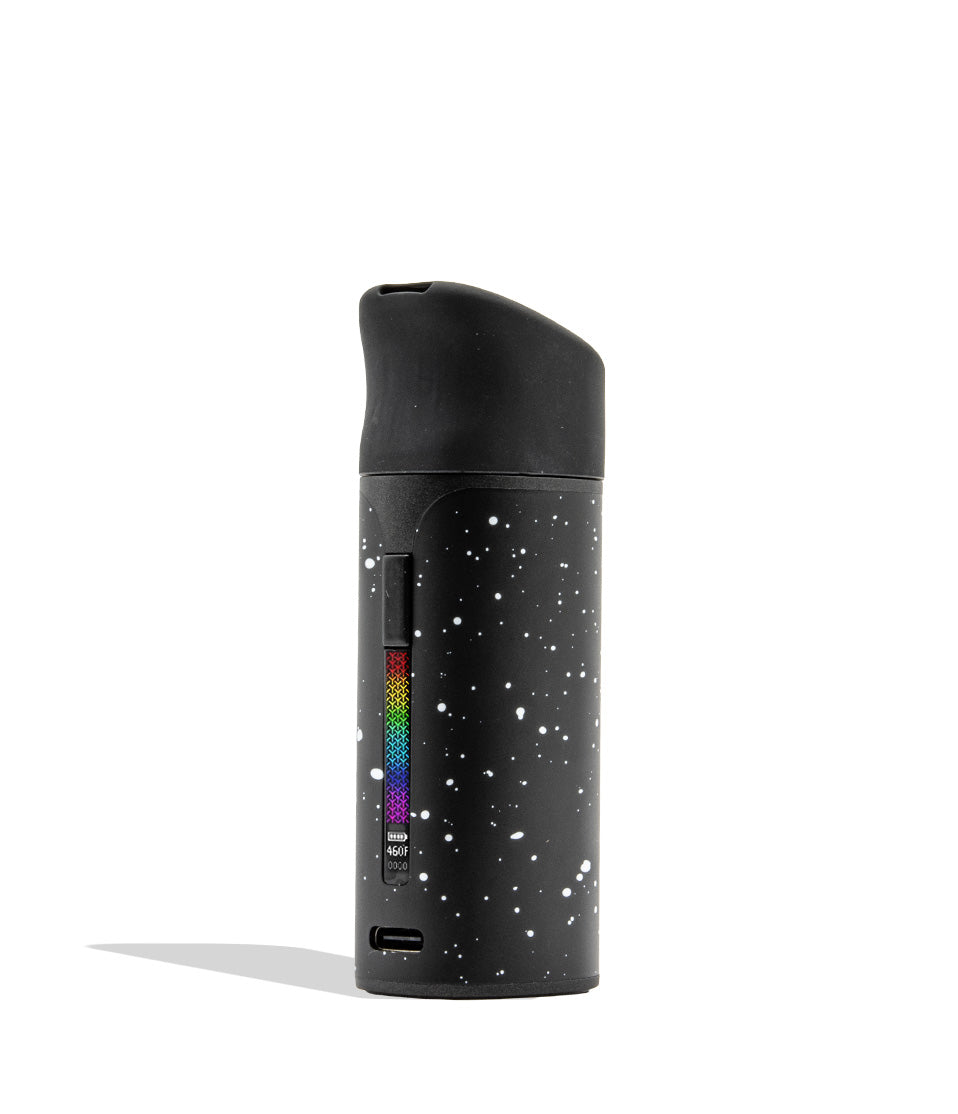
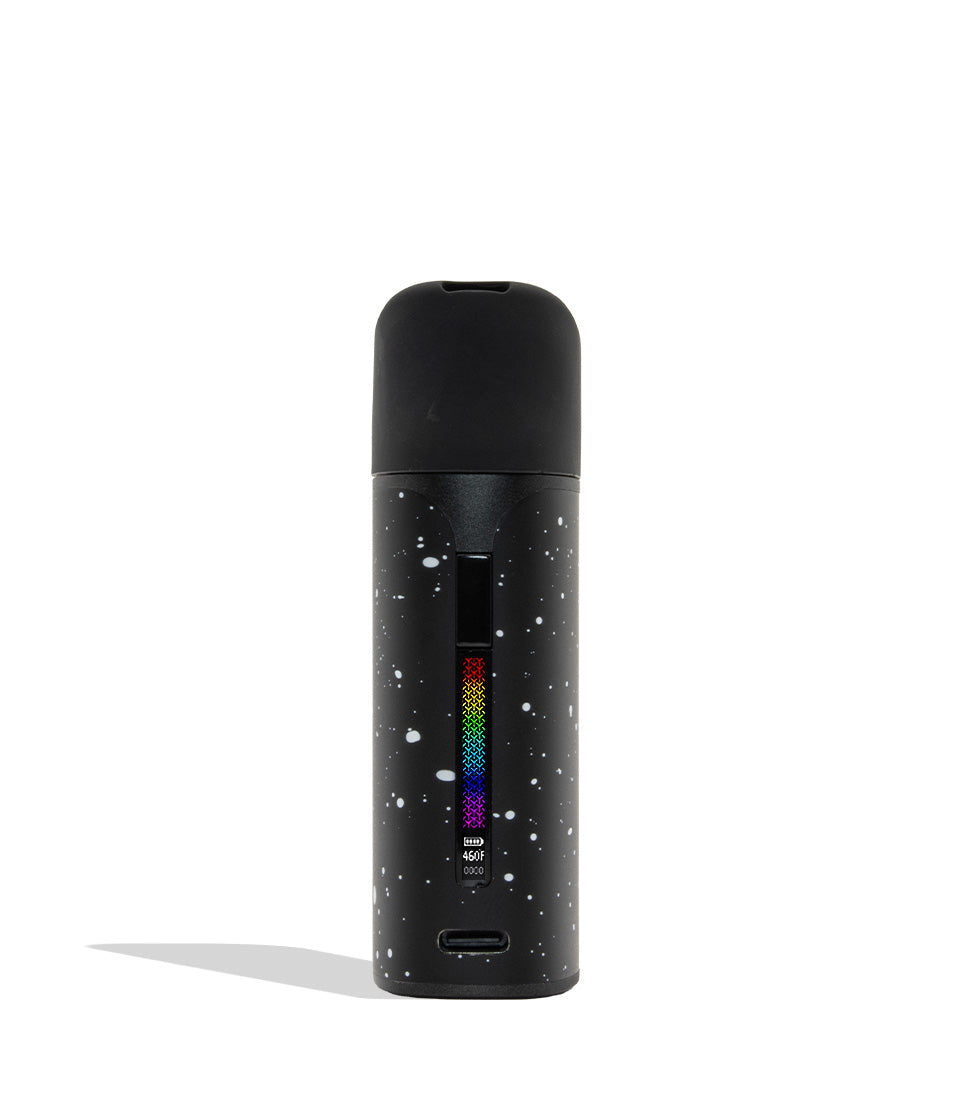
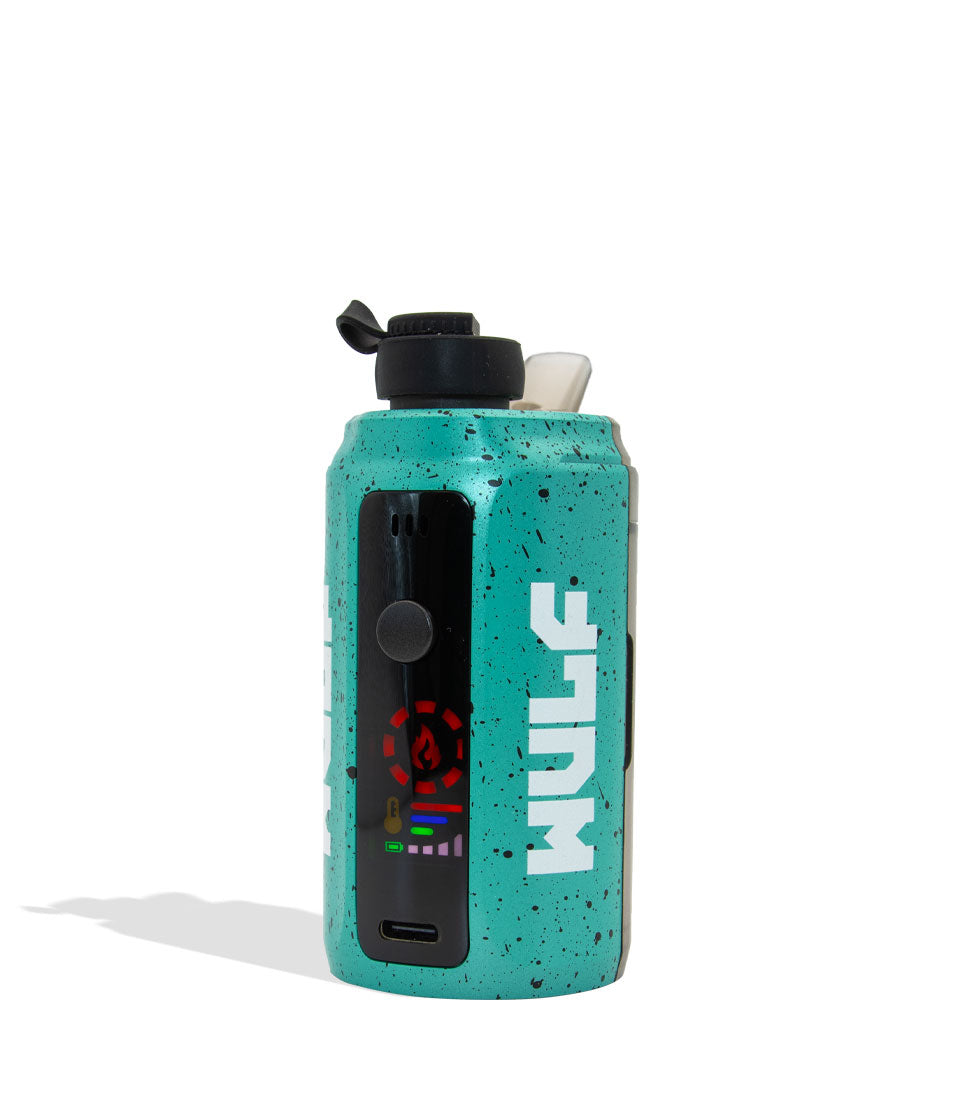
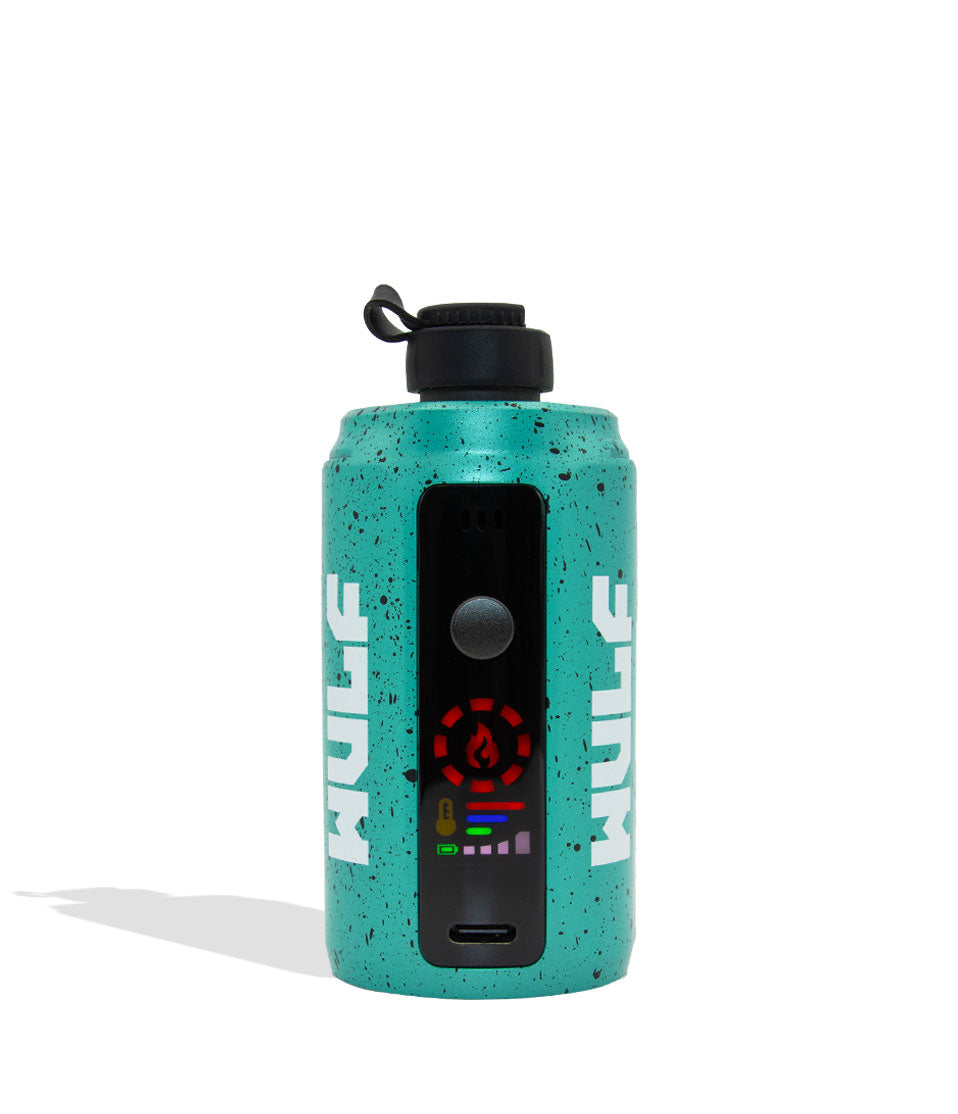
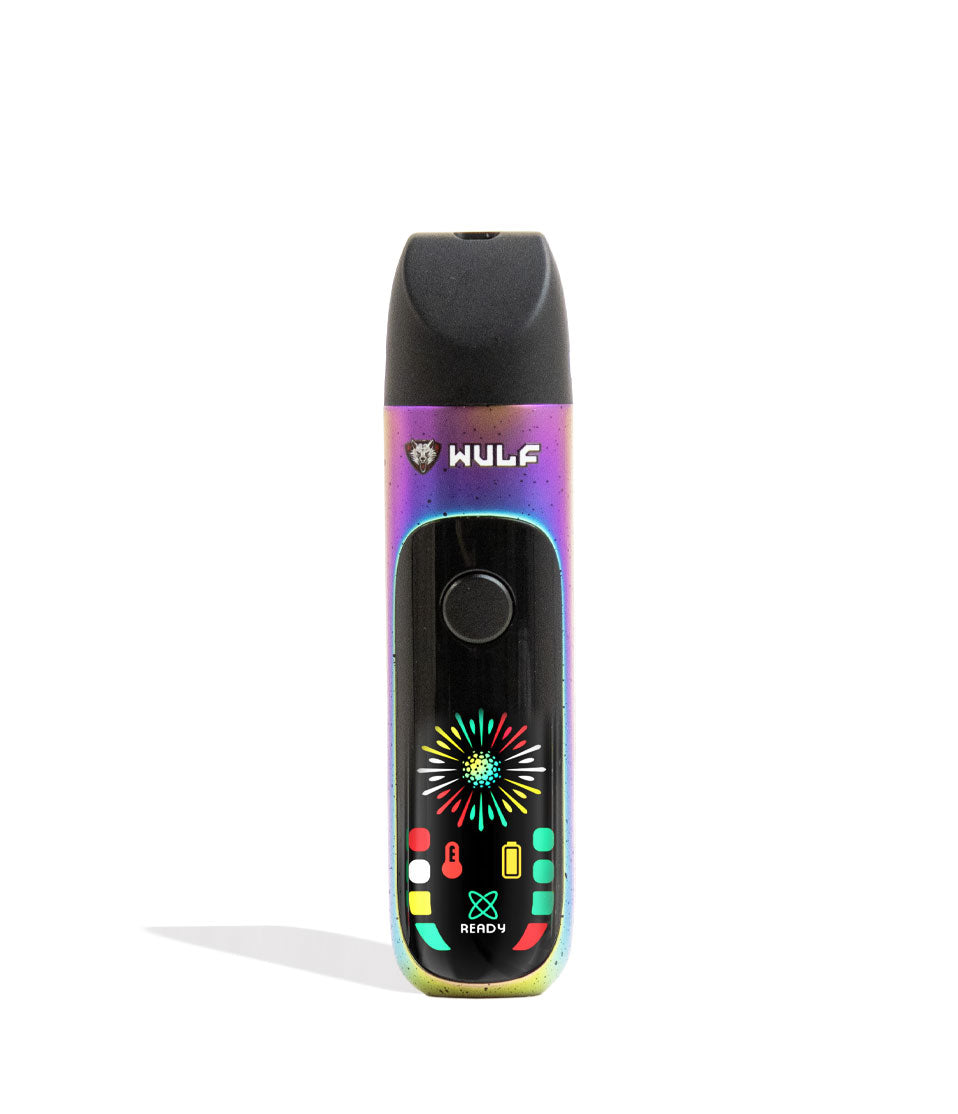
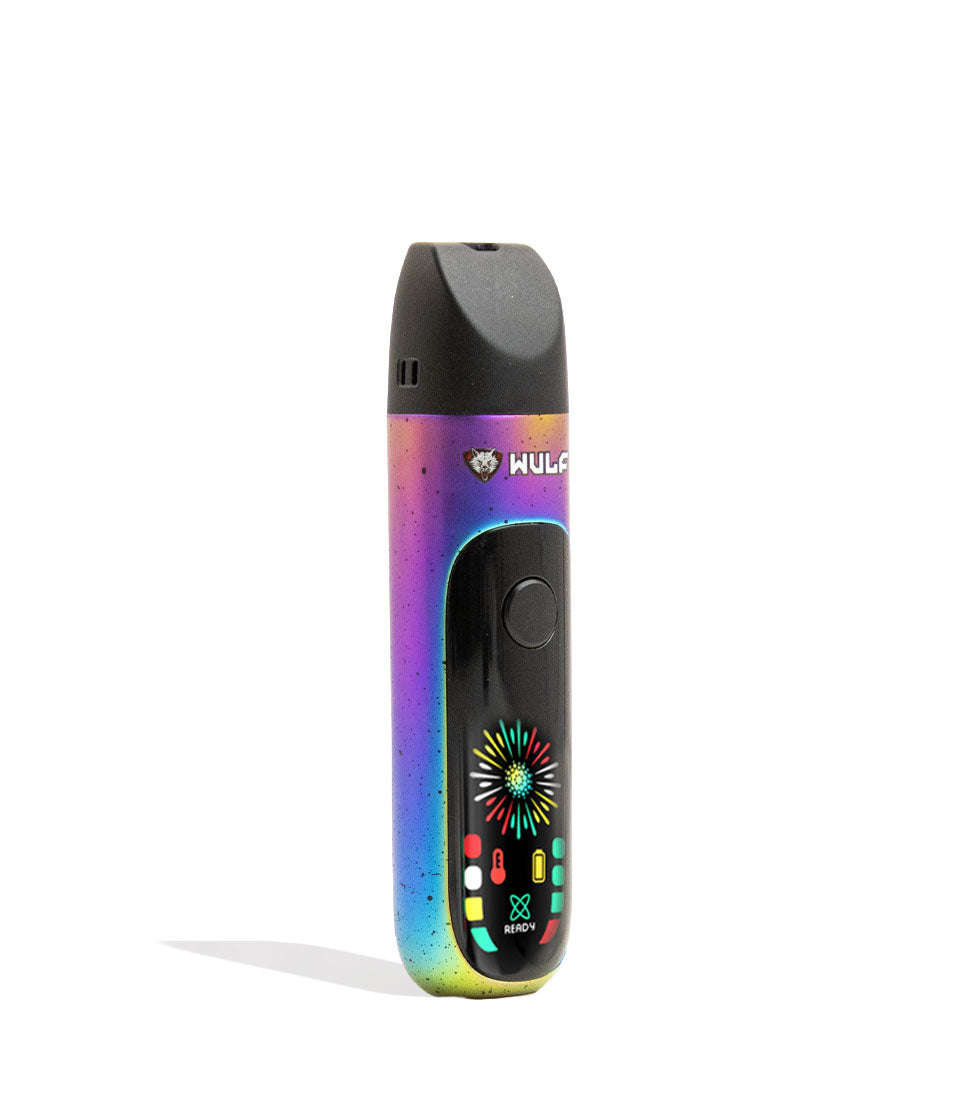
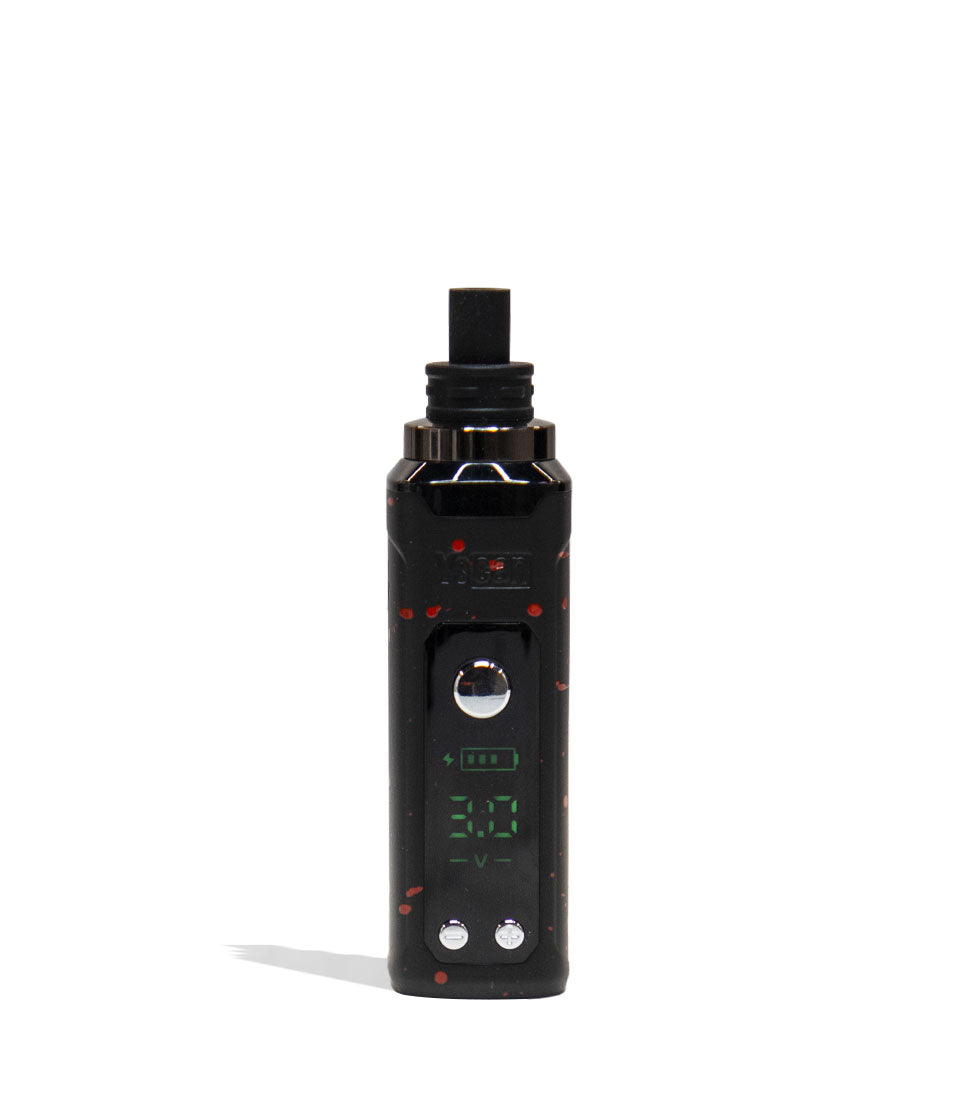
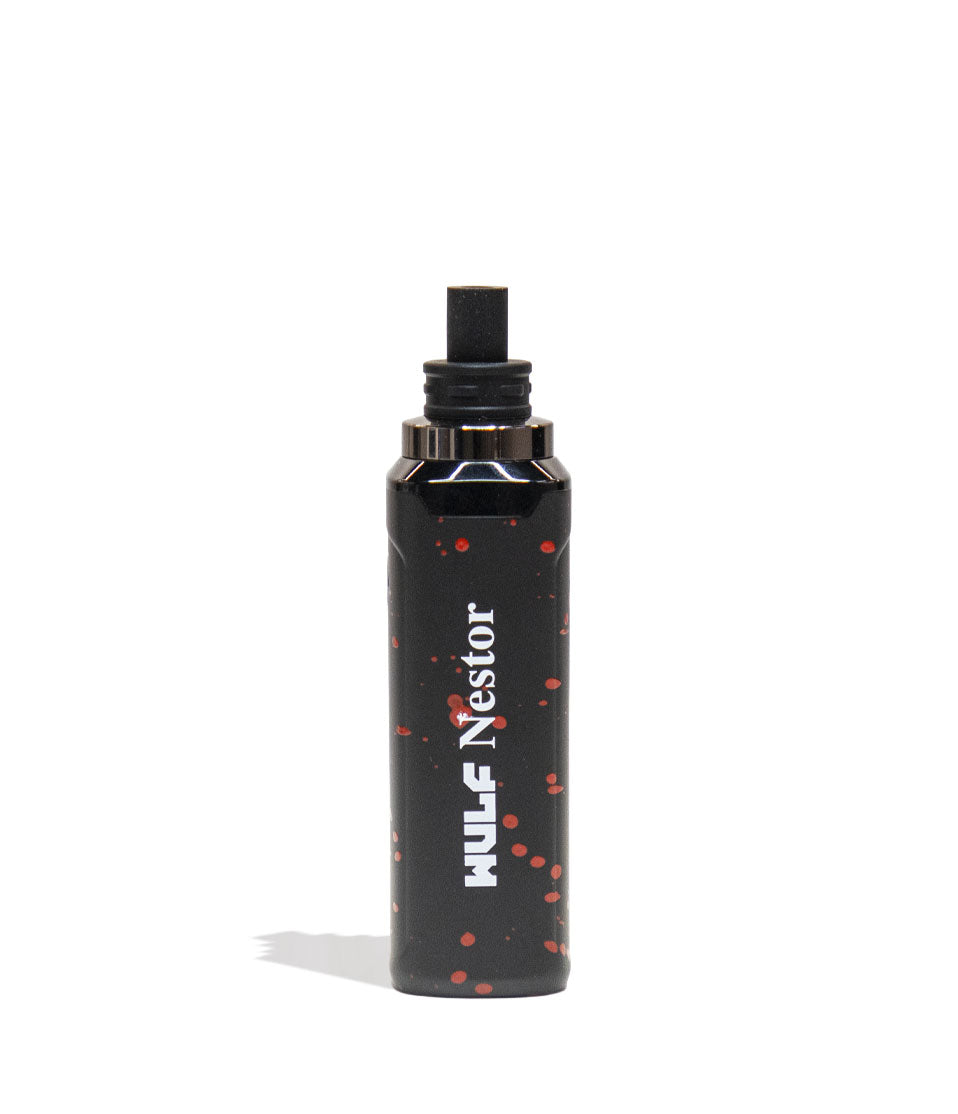
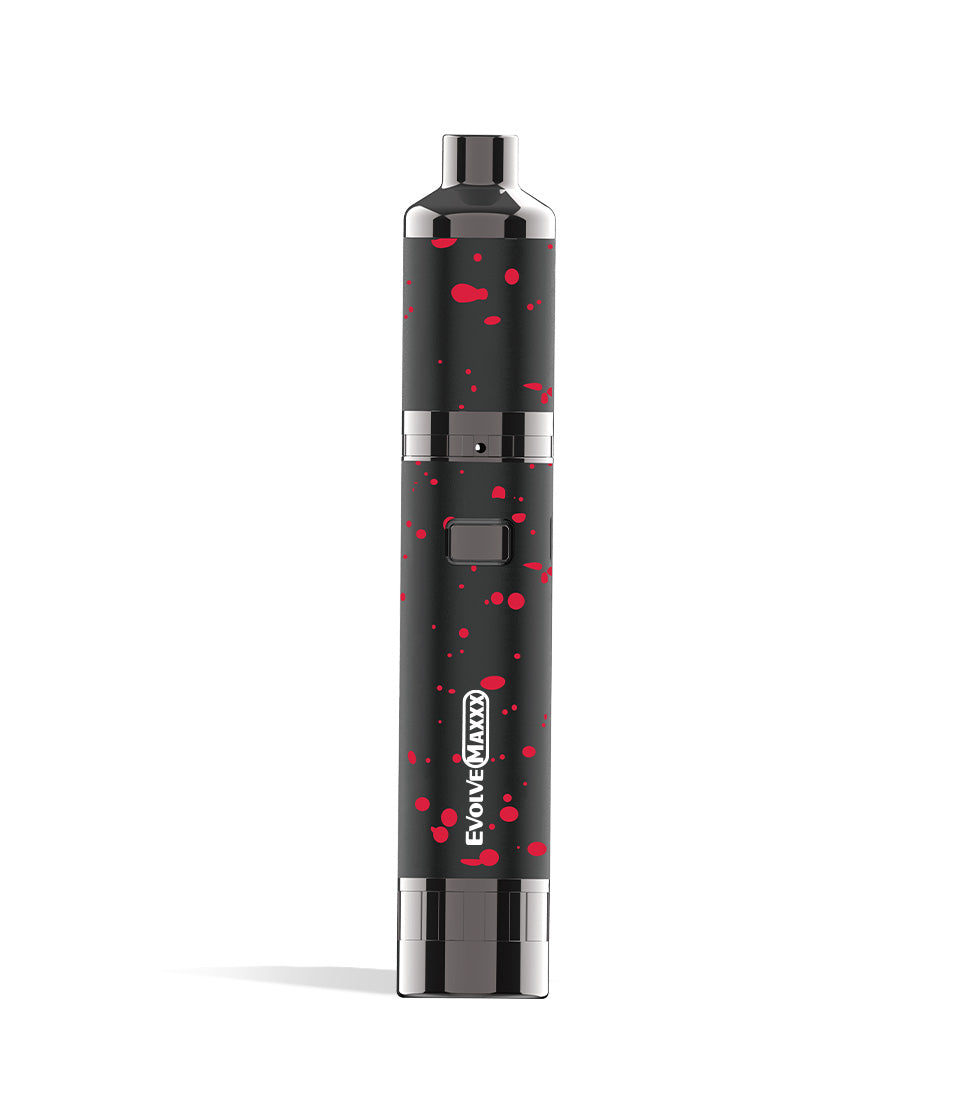
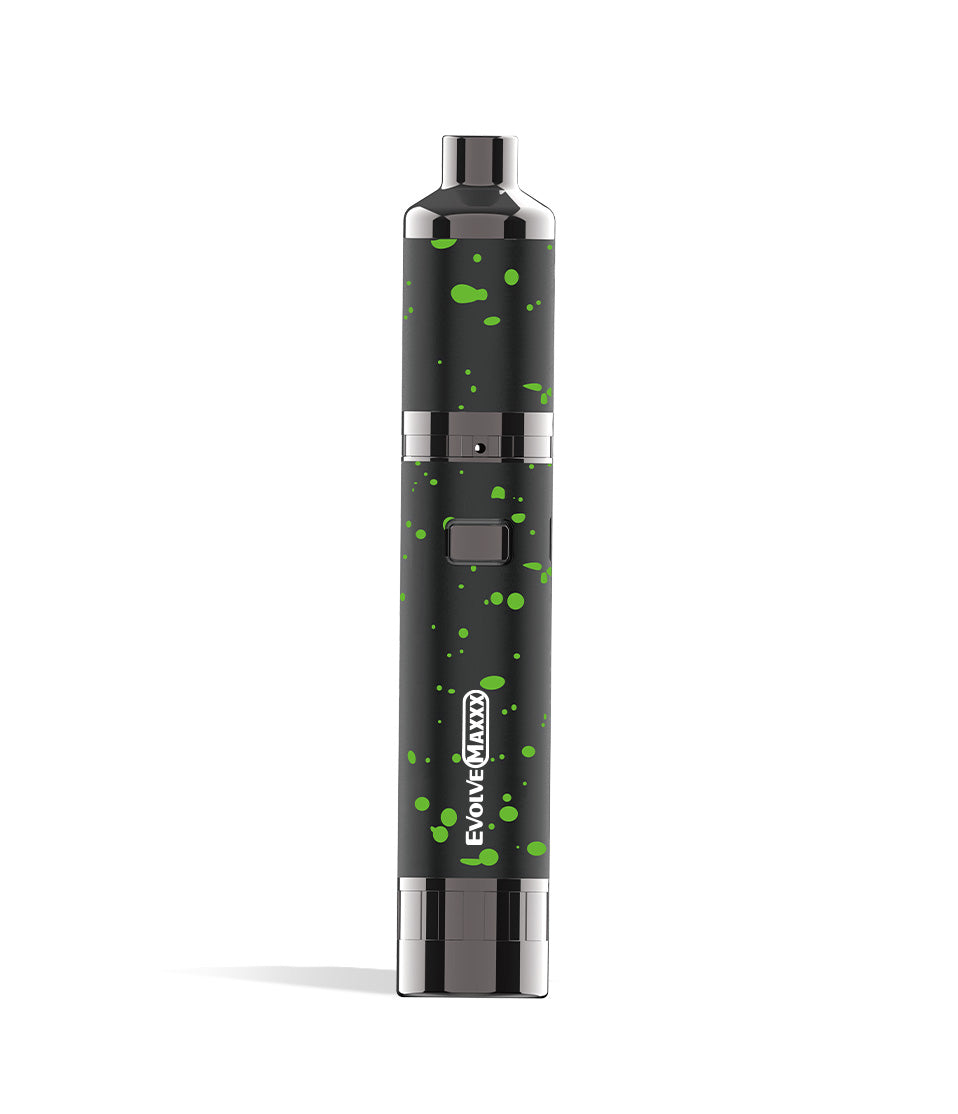
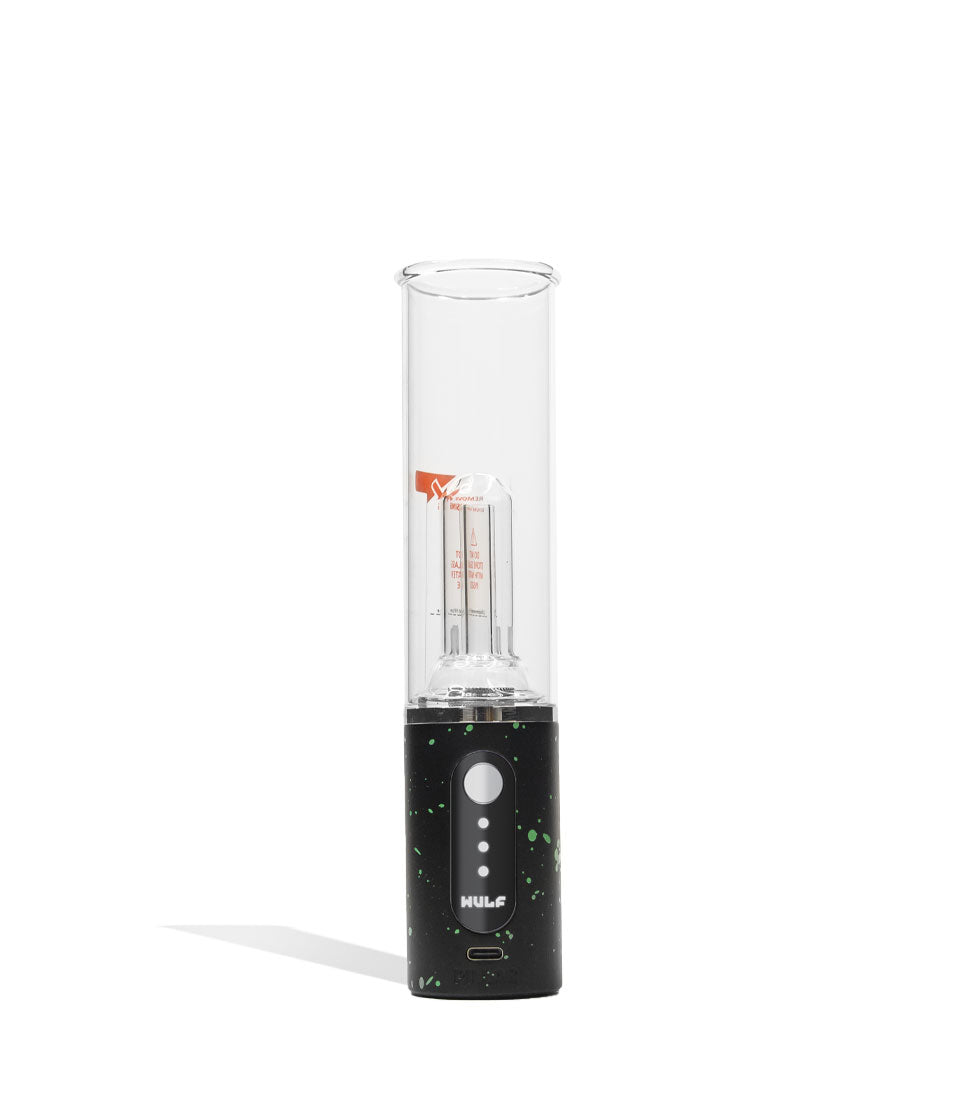
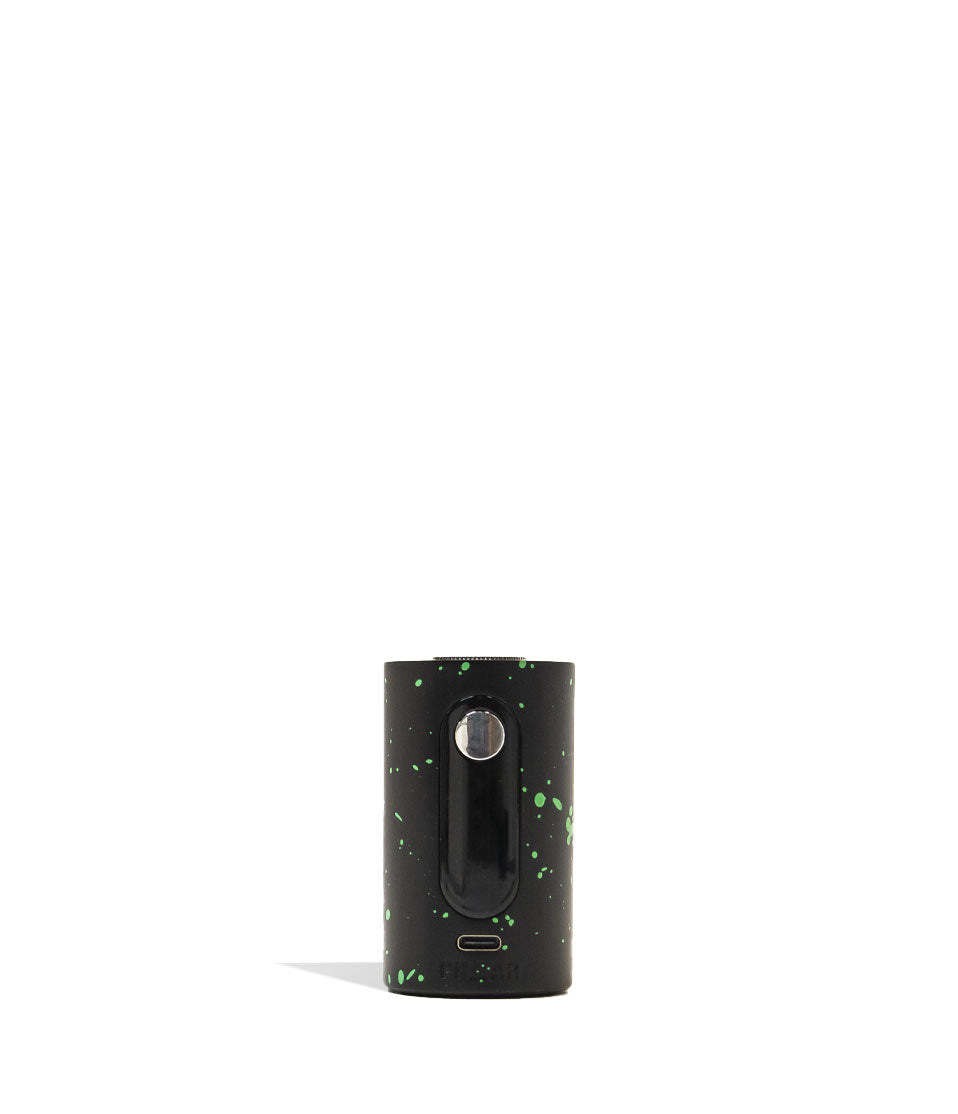
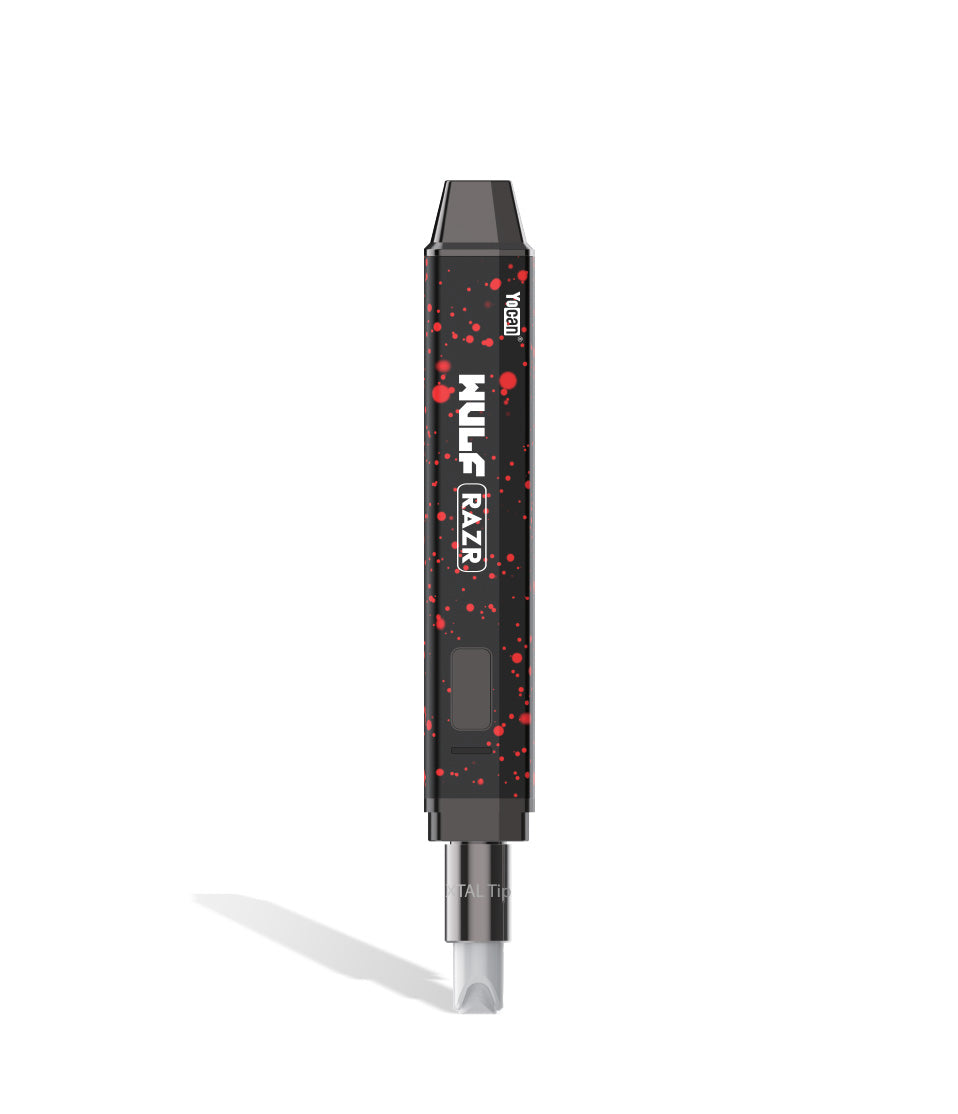
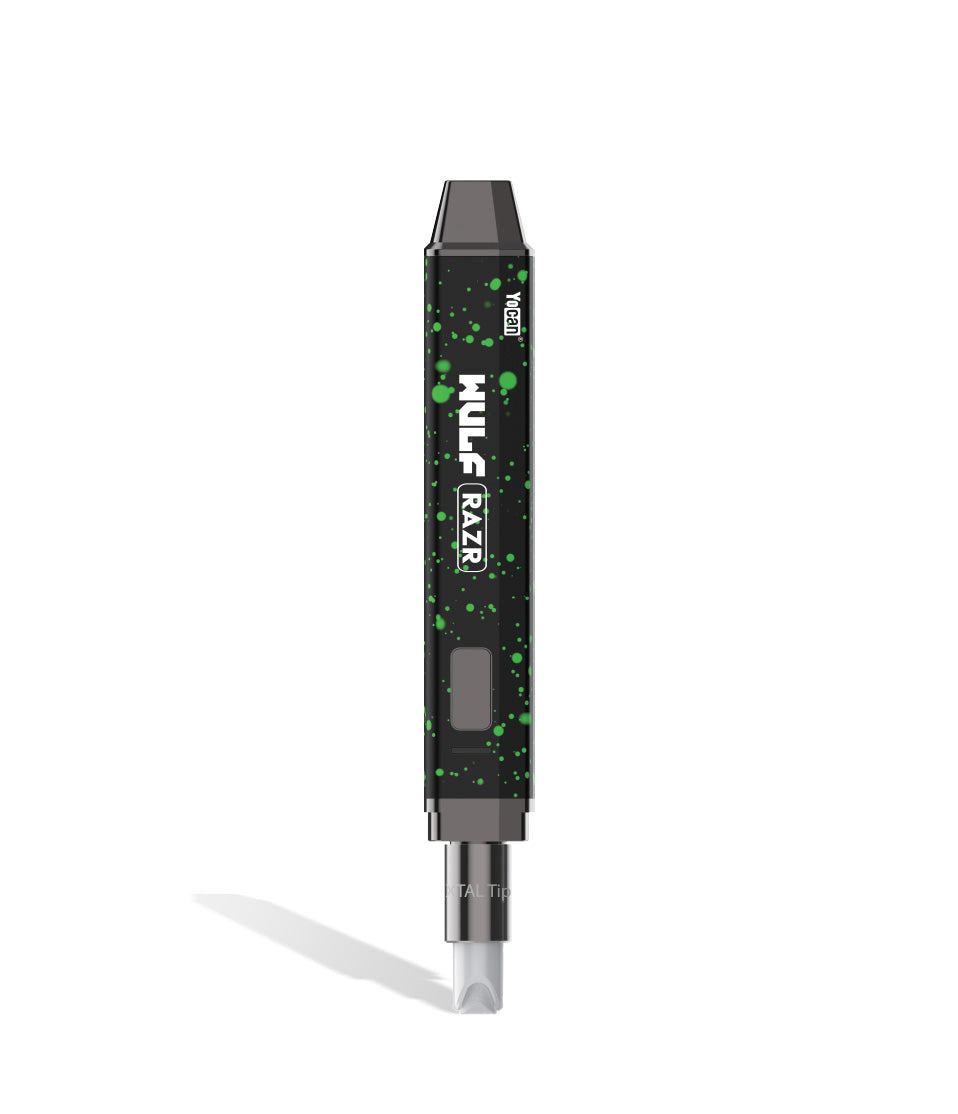
Owners Guide
Owner Playbook
The full playbook below expands on the practical steps and tips behind this guide.
Wulf Mods Nestor Portable Concentrate Vaporizer in hand and ready to unleash fierce wax dabbing power within?
You’ve come to the right place! Because Wulf is here to walk you through getting started with your Wulf Nestor and ensure that you can rip howlingly good dabs from your first puff onwards.
By the end of this guide, you’ll know everything there is to know about operating your Wulf Nestor from loading your dabs, all the way to the intricate troubleshooting warnings.
Whether you’re a seasoned pro or brand new to wax vaping, follow along with the Wulf Pack in order to learn how to take your Wulf Nestor to the next level and fully unleash your dabs on the go, at home, and wherever else your adventures take you.
Table of Contents:
Wulf Nestor Quick Start Guide
1. How To Charge The Wulf Nestor
2. How To Load Concentrates Into The Wulf Nestor
3. How To Switch The Wulf Nestor On / Off
4. How To Adjust Voltage On The Wulf Nestor
5. How To Activate Pre-Heat Mode On The Wulf Nestor
6. How To Use The Wulf Nestor
7. How To Troubleshoot The Wulf Nestor
8. How To Clean The Wulf Nestor
Unleash Your Wulf Nestor Dabs!
Wulf Nestor Quick Start Guide
In a rush to start ripping clouds or just tired of having to read so much? Wulf hears you, here is a fast breakdown covering the essential steps to operating your Wulf Nestor Portable Concentrate Vaporizer like a seasoned dab veteran:
| # | STEP | HOW TO | PRO TIP |
|---|---|---|---|
| 1 | Charge Battery | Plug into the included USB-C cable. Leave for 2 hrs on first charge, 1 hr max after. | Never leave your Nestor charging unattended or overnight! |
| 2 | Load Concentrate | Pop off the magnetic mouthpiece and load a rice-sized dab into the QTZI chamber. | Place wax directly onto the chamber floor, don’t scrape the walls. |
| 3 | Power On / Off | Press the main power button 5 times (5x) rapidly. | The large screen will spring to life showing your battery level and voltage. |
| 4 | Set Voltage | Click the + and – buttons to adjust temperature in 0.1V increments (2.5V – 4.2V). | Lower volts = sweet flavor; higher volts = massive cloud density. |
| 5 | Pre-Heat | Press the power button 2 times (2x) to run a 10s warming cycle. | Great for softening up dense shatter, diamonds, or cold wax. |
| 6 | Take a Dab | Hold down the power button and inhale smoothly from the silicone tip. | Sip gently so dual air vents can circulate vapor efficiently. |
| 7 | Clean Up | Power off, unscrew coil, and swab with 99% ISO while slightly warm. | Swabbing out dark residual oil after every session keeps flavor pure. |
| 8 | Store Safely | Keep your Nestor in a cool, dry place away from direct heat and moisture. | Snap the magnetic mouthpiece back on to protect the chamber. |
By following along with these steps you’ll be able to get your Wulf Nestor ripping in no time and enjoy the full extend of its pocket sized ferociousness.
1. How To Charge The Wulf Nestor
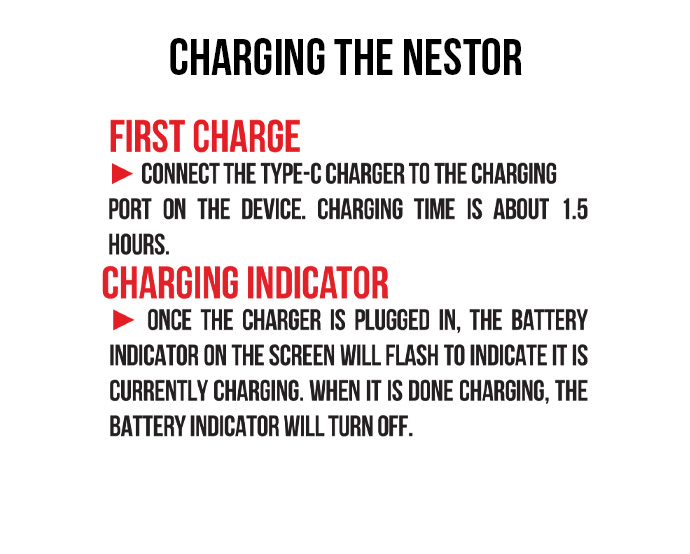
Before you get started make sure that your Wulf Nestor has all the juice it needs to get ripping. The first time you unbox your Wulf Nestor, leave it plugged in for a 2 hour initial charge to condition the 900mAh battery.
For every session cycle after that initial boot up, never leave it plugged in for longer than 1 hour at a time, and always unplug it promptly once the battery reads full on the digital display.
Make sure to always be present while your Wulf Nestor is charging, this way you can unplug it as soon as it reaches 100% and are in the room in case anything goes wrong in the process.
Avoid charging your Wulf Nestor with any damaged cables or fast-chargers. This will protect your internal battery and ensure your Wulf Nestor continues strong for years to come.
2. How To Load Concentrates Into The Wulf Nestor
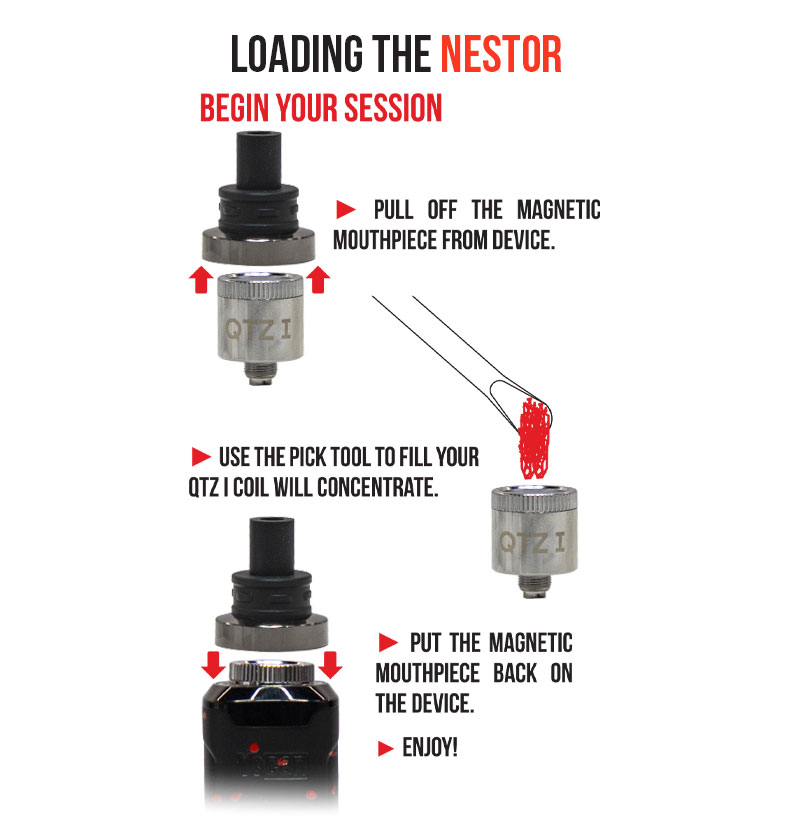
With everything powered up, the next step to using your Wulf Nestor is going to be loading it with concentrate. The Nestor features a QTZI quartz chamber located right underneath the magnetic mouthpiece.
Loading The Wulf Nestor:
- Remove your mouthpiece
- Load a grain of rice sized amount of concentrate into the bottom of your Wulf Nestor chamber
- Replace the mouthpiece
Make sure to never overload the Wulf Nestor, as wax pens can end up flooding if you over do it. Instead split that same amount of concentrate into two different hits, this way you maximize every last little bit of your materials.
Additionally, make sure that when you re-attach your mouthpiece that the seal is locked tight. You don’t want any vapor leaking out, so double check you’ve got everything locked in place before proceeding.
3. How To Switch The Wulf Nestor On / Off
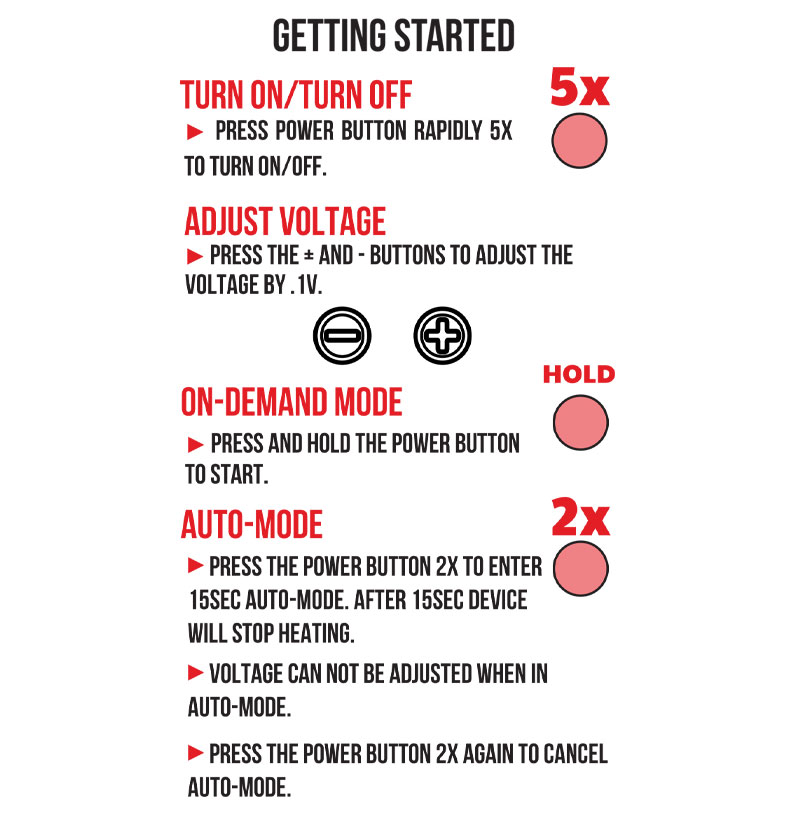
The Wulf Nestor utilizes single button operation. To power on your Wulf Nestor, press the main power button five times in rapid succession (5x).
When input correctly, the battery will wake up and the large screen will illuminate, displaying your current battery percentage and active voltage setting to let you know the Nestor is ready to go.
To shut off your Wulf Nestor when you’re finished dabbing, press the power button another five times in a row (5x). The screen will turn off, locking the firing button so you can safely pocket or store your device without worry of misfires.
Always power off your Wulf Nestor before storing or traveling, this way your battery stays safe in between your sessions. If you’re having trouble with your power button, try spacing out your clicks in order to give it time to register.
4. How To Adjust Voltage On The Wulf Nestor
The Wulf Nestor puts complete session customization right at your fingertips with a wide variable voltage range spanning 2.5V to 4.2V.
To adjust your voltage, use the dedicated + and – buttons located on the front panel below the digital display. Each press raises or lowers your temperature in precise 0.1V increments.
If you want to jump temperatures quickly, hold down either the + or – button to rapidly cycle through the range.
Wulf Nestor Voltage Range:
- 2.5V – 3.2V (Low Heat): Perfect for live rosin and terpene rich concentrates where flavor is priority #1.
- 3.3V – 3.7V (Medium Heat): The sweet spot balance delivering rich flavor profiles and satisfying cloud density.
- 3.8V – 4.2V (High Heat): Maximum extraction mode for heavy potency, fast heat up, and massive, hot boxing clouds.
Thanks to the front facing buttons on the Wulf Nestor, swapping between the different heating options available is made seamless. Simply dial things in how you want it, then move onto the next step.
5. How To Activate Pre-Heat Mode On The Wulf Nestor
Tune up the intensity of your hits and prepare cold concentrates by activating the Wulf Nestor’s built-in 10 second pre-heat function. This feature gently warms the QTZI quartz chamber at a low voltage to melt down stubborn wax before you take your draw.
Pre-Heating The Wulf Nestor:
- Press the power button two times in a row (2x)
- The digital screen will flash your current voltage level to indicate that pre-heating is underway
- Wait until the 10s countdown finishes
- Hold down your power button and use as normal for an extra spicy, perfectly primed hit.
Pre-heating your concentrates is a great way to get your Wulf Nestor ripping at 100% and ensures it can handle any larger packs you’ve loaded. Always make sure to wait for the full 10s to complete, this way your wax can get the full effect.
6. How To Use The Wulf Nestor
With everything set up it’s time for the fireworks, actually using your Wulf Nestor! For easy access the Wulf Nestor features on demand dabbing, with a push to fire system providing quick hits at your own pace.
Using The Wulf Nestor:
- Hold down the power button
- Inhale from your mouthpiece
- Release the power button
- Exhale
- Rinse and repeat!
We recommend sipping steadily rather than ripping aggressively, as the Nestor’s dual air intake vents are designed to swirl air through the quartz chamber, turning liquid wax into dense, milky vapor.
Once you’ve drawn your fill, release the power button and exhale those glorious clouds, repeating the process as much as you want! With a small size and on demand heating, this makes the Wulf Nestor especially good passing around with friends.
7. How To Troubleshoot The Wulf Nestor
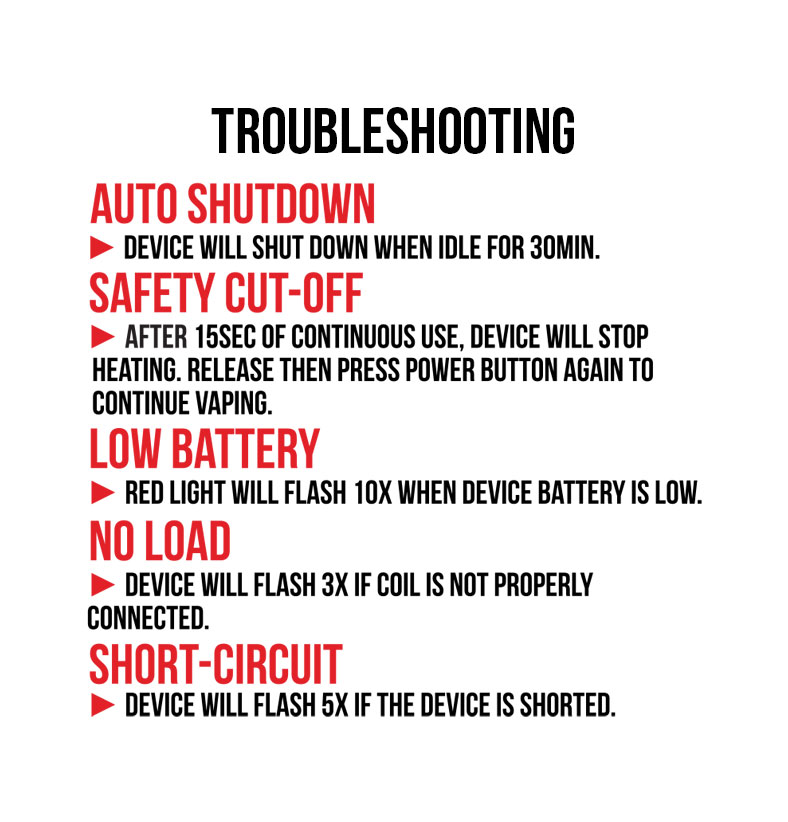
Notice warning messages or flashing indicators on your Nestor? Wulf built in these automated protection warnings to safeguard your device, battery, and overall session quality:
- Auto Shutdown: To preserve your 900mAh battery life, the Nestor automatically powers down after 30 minutes of inactivity. Press the power button 5x to turn it back on.
- Safety Cut Off: Holding the power button down for longer than 15 seconds causes the device to cease heating to prevent coil damage. Release the button and press again to resume.
- Low Battery (Flashing 10x): If the screen or LED flashes 10 times in a row, your battery level is exhausted. Plug it into the USB-C charger immediately.
- No Load (Flashing 3x): If your screen flashes 3 times, your battery is not detecting the QTZI coil. Unscrew the coil, wipe the contacts clean, and ensure it is threaded in completely.
- Short Circuit (Flashing 5x): A 5 flash warning indicates an electrical short circuit. Cease vaping, remove the coil, and inspect both connection points for leaked wax or debris.
Make sure to take care of all Wulf Nestor troubleshooting warnings as soon as you see them, this way there’s no chance that something gets worse. Most of these are easily fixed, so don’t worry – just consult this chart.
8. How To Clean The Wulf Nestor
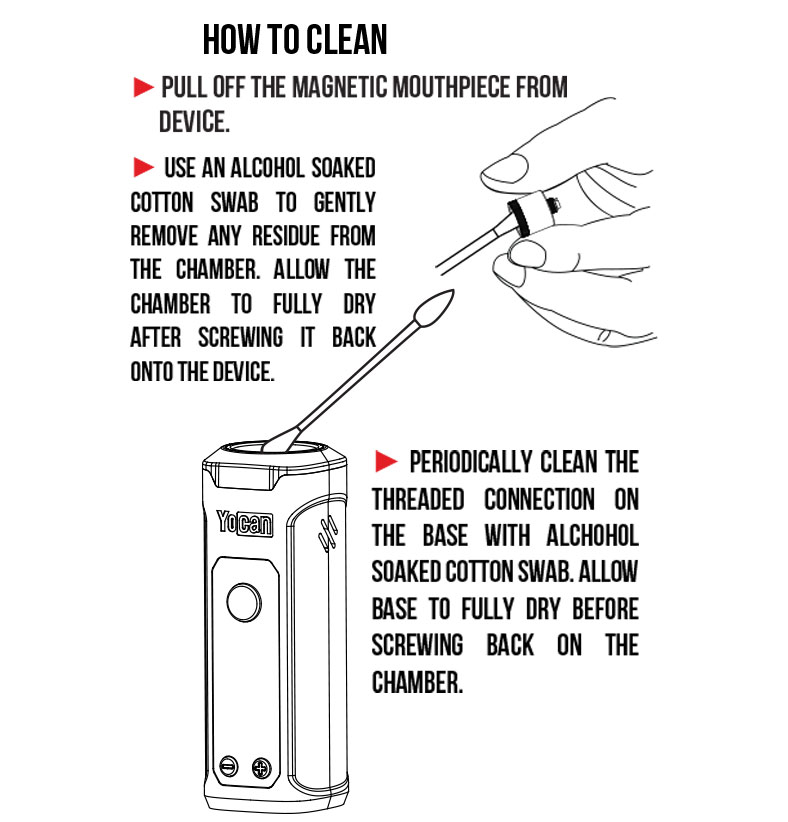
To keep your Wulf Nestor delivering pristine flavor and unrestricted airflow, perform regular maintenance sweeps on your chamber and mouthpiece.
Got Vape / Wulf Crew Cleaning Fix:
- Click the power button 5 times to turn off the Nestor completely.
- Pop off the magnetic mouthpiece and carefully unscrew the QTZI quartz coil from the base.
- Dampen a cotton swab or Q-tip with isopropyl alcohol (squeeze out any excess liquid so it isn’t dripping).
- Scrub the inside of the quartz chamber, the base threads, and the inner airway of the magnetic mouthpiece to dissolve sticky reclaim.
- Leave all components to air-dry completely so 100% of the alcohol moisture evaporates before reassembling and dabbing again.
The Wulf Nestor is incredibly convenient to clean, so don’t get behind on your maintenance and you’ll be able to keep your dab quality consistently delicious, potent, and satisfying.
Unleash Your Wulf Nestor Dabs!
Now that you’ve mastered the ins and outs of charging, loading, temperature tuning, and cleaning, you are ready to unleash your Wulf Mods Nestor to its fullest potential. Portable dabbing has never been this smooth, flavorful, and effortless!
Remember, if you ever run into issues or need a quick refresher on voltage codes, bookmark this guide and pop back in anytime. Make sure to explore the Wulf Resource Center for more expert breakdowns, troubleshooting tips, and product guides detailing all of our latest releases.
Thanks for choosing Wulf for your sessions, and welcome to the Wulf Pack! Stay howling out there y’all! Arooo!!!
Frequently Asked Questions
Owners Guide FAQs
Common questions related to this guide and how to apply the information when choosing your device.
How Do I Adjust The Voltage On My Wulf Nestor Vaporizer?
Why Is My Wulf Nestor Flashing 3 Times When I Try To Take A Dab?
What Should I Do If My Wulf Nestor Displays A 5-Flash Short Circuit Error?
How Do I Charge My Wulf Nestor Battery Without Damaging It?
Why Is Raw Liquid Wax Getting Sucked Up Into My Mouthpiece?
Wulf Mods Trust Center
About This Resource
Understand how this guide was researched, reviewed, and maintained by the Wulf Mods editorial team.
Editorial Standards
- Written for the people choosing and using these devices.
- Reviewed for clarity, accuracy, and practical retail value.
- Based on current manufacturer specifications and product documentation when available.
- Updated as products, regulations, category trends, or market conditions evolve.
- Built on deep, hands-on product experience.
- Designed to help you choose the right device with confidence.
Research Methodology
This owner guide was prepared to help you set up, use, and care for your device with confidence. Guidance is based on hands-on product experience, common questions, and real-world use.
- Hands-on product experience
- Setup and first-use guidance
- Cleaning, care, and maintenance
- Common questions and troubleshooting
- Safe and responsible use
- Real-world use considerations
- Editorial review for clarity and usefulness
Supporting Sources
Sources used to support this resource are included for transparency and documentation.
Article Information
Intended Audience
- Everyday customers
- First-time buyers
- Experienced enthusiasts
- Dry herb users
- Concentrate users
- Anyone upgrading their setup
Editorial Policy
Wulf Mods educational resources are reviewed periodically to maintain accuracy and relevance. When product specifications, regulations, category trends, or market conditions change, articles may be updated with a new review date. Trusted product guidance.
Keep Exploring
Related Resources
Keep learning with related Wulf Mods resources selected to help you get more out of your device.
Product Launch
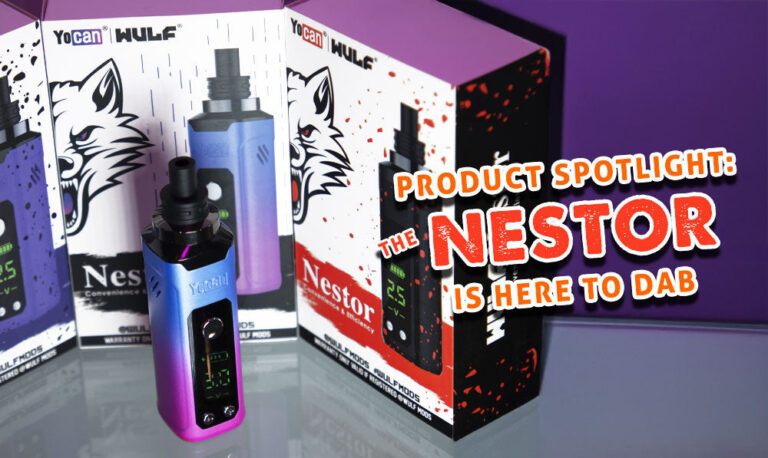
The Wulf Pack grows ever stronger with the arrival of our brand new Nestor Concentrate Vaporizer! Learn how you can take your c...
Read Resource →
Owners Guide
Find out how to maximize your Wulf Nestor Portable Concentrate Vaporizer vapor and rip the biggest of clouds. Follow along with...
Read Resource →
Owners Guide
Learn how to clean your Wulf Nestor Portable Concentrate Vaporizer quickly and easily. Find out straight from the Wulf Pack how...
Read Resource →
Owners Guide
Find out how to fix your Wulf Nestor Portable Concentrate Vaporizer with our common troubleshooting solutions. Learn the easies...
Read Resource →