The Wulf Orbit 2.0 Blasts Off
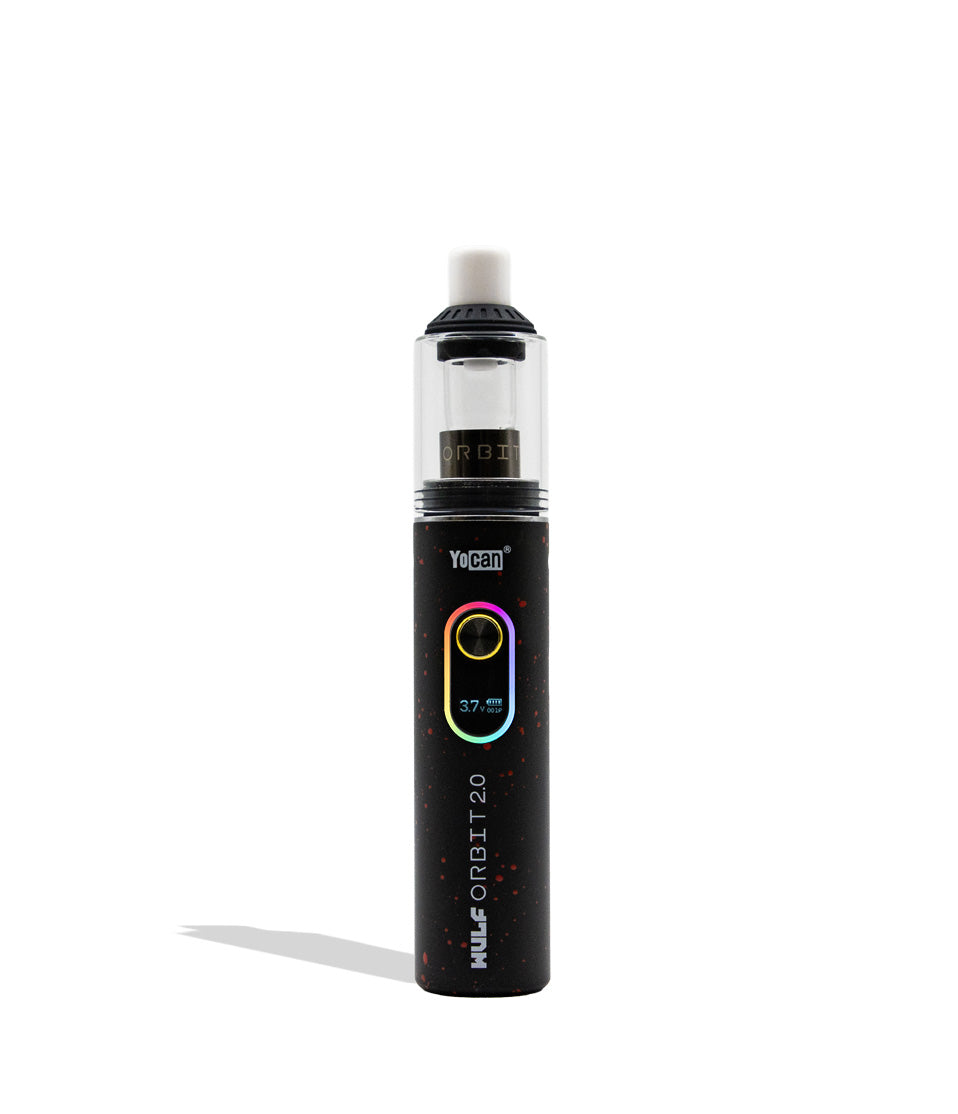
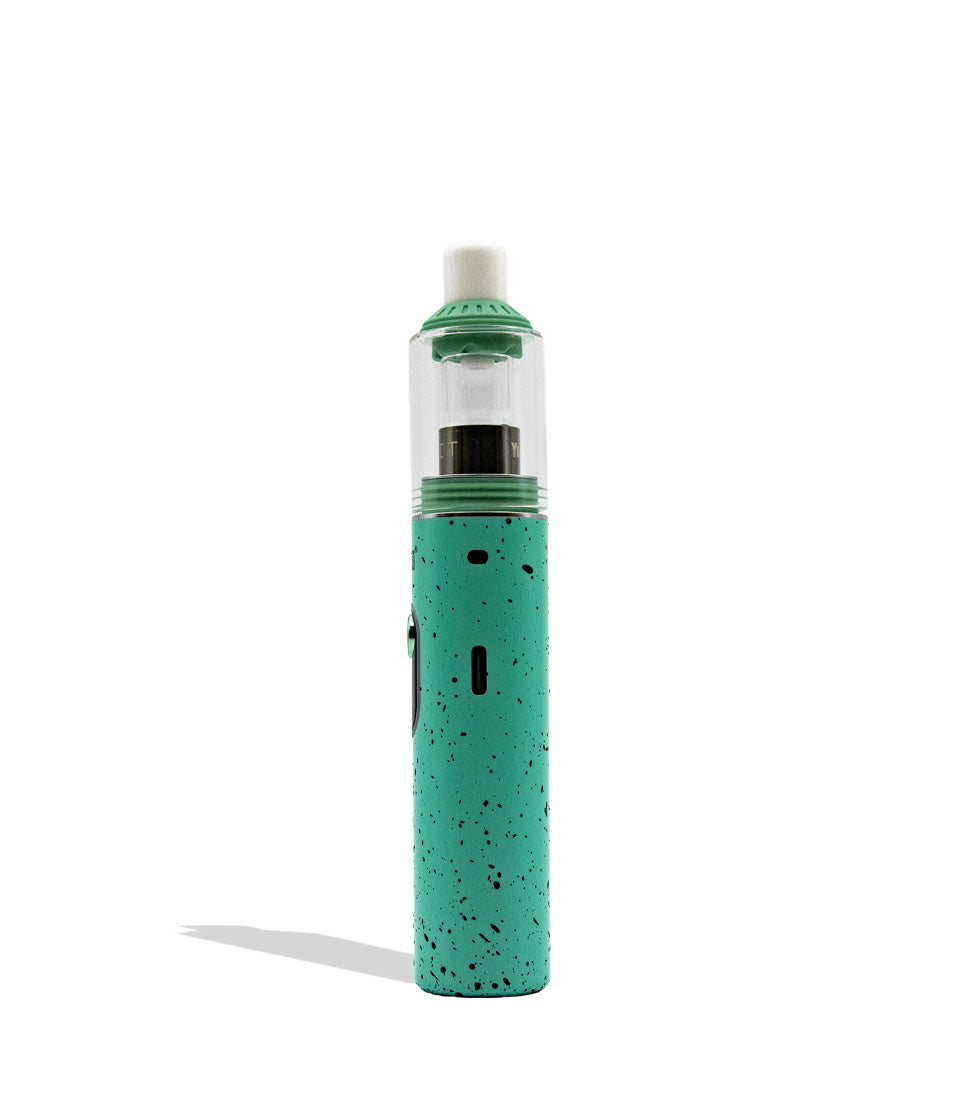
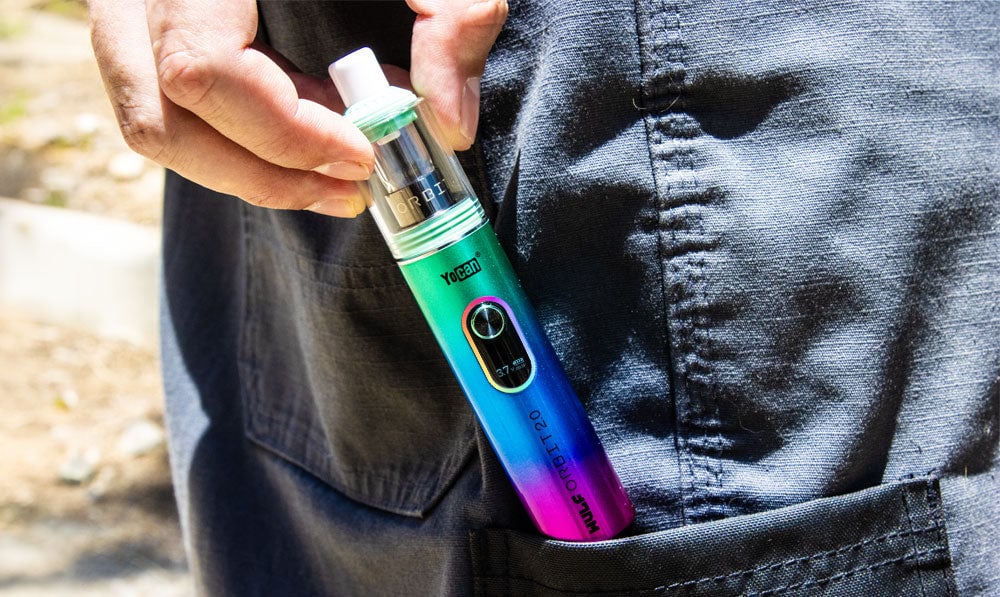
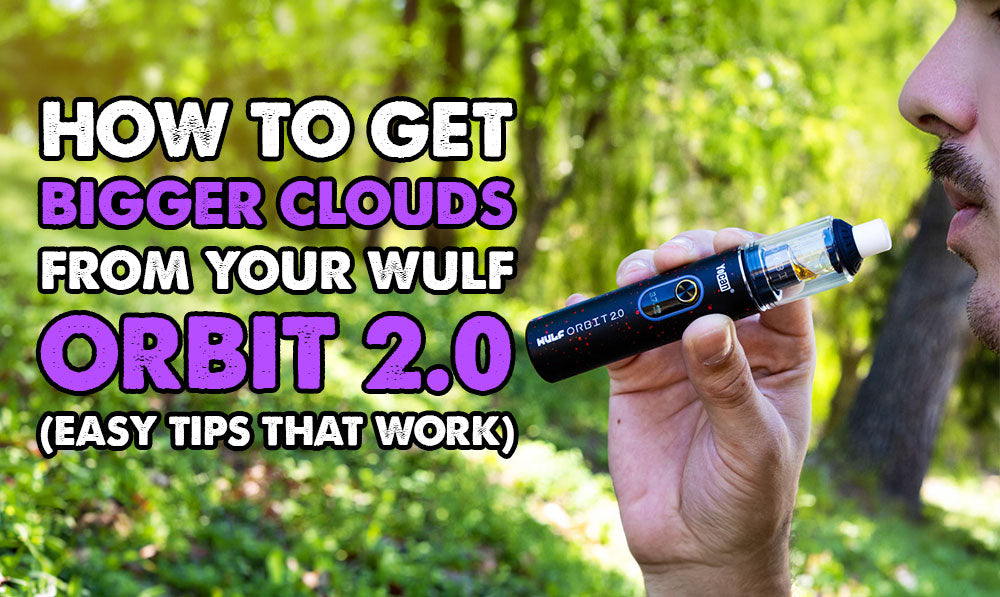
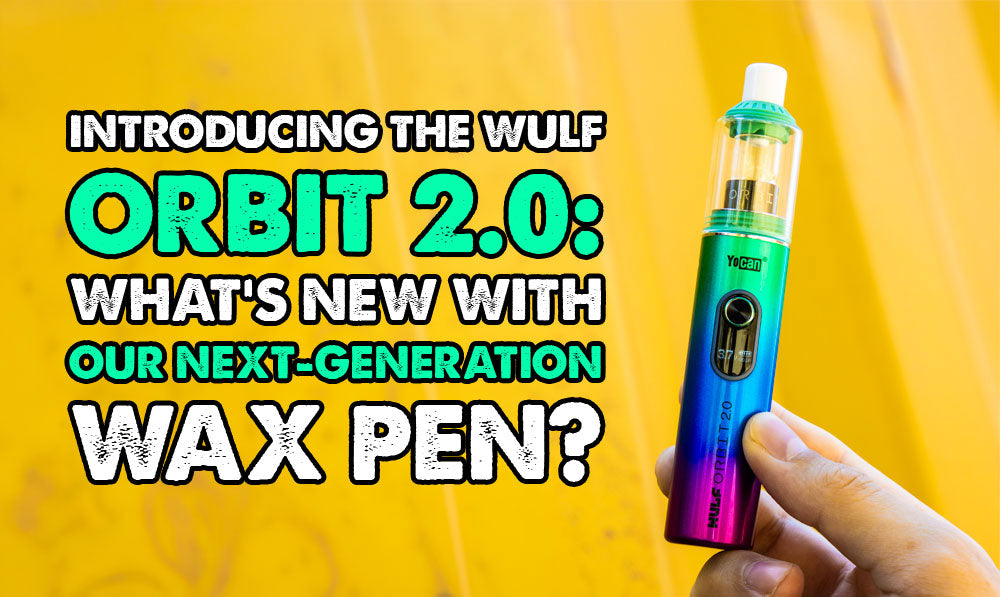
Expand your dabbing universe and blast off into a whole new space with the silky smooth power of our Wulf Mods Orbit 2.0 Concentrate Vaporizer!
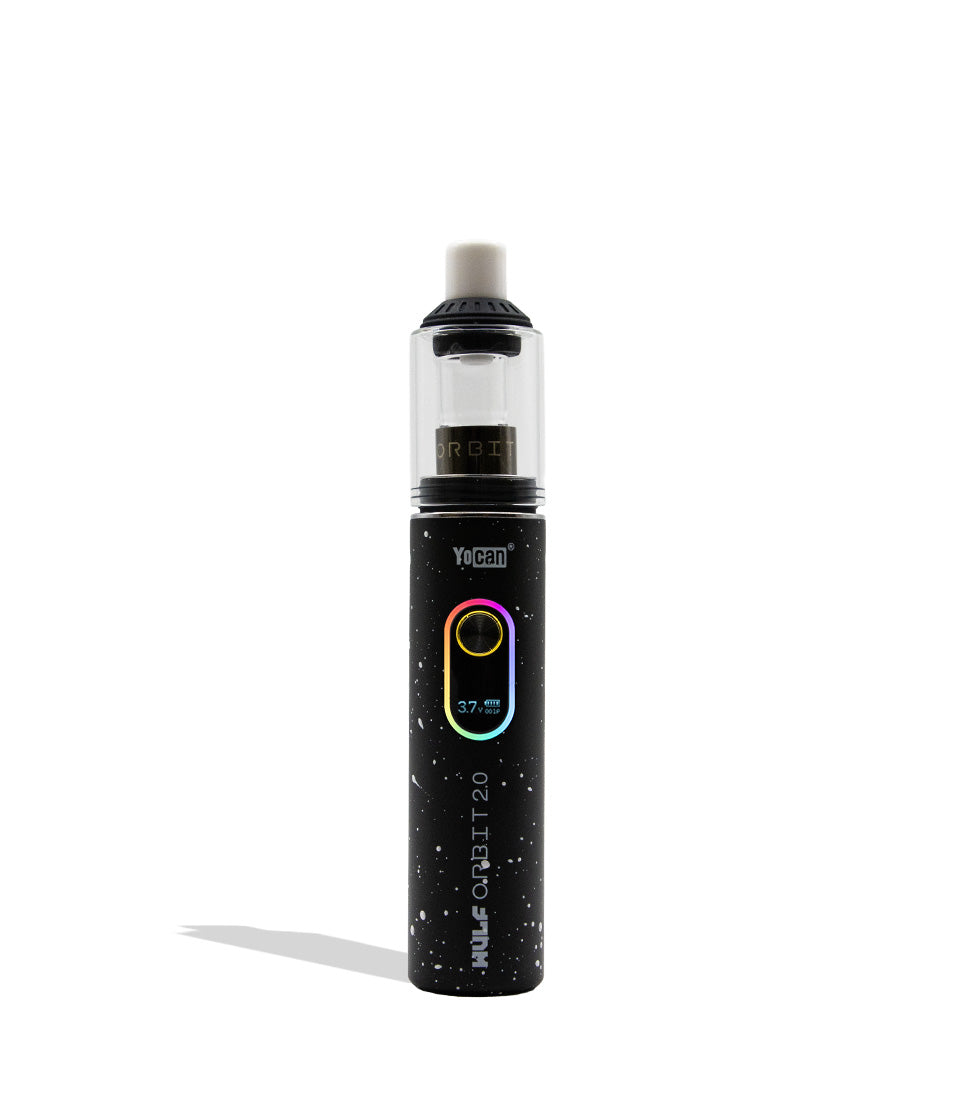
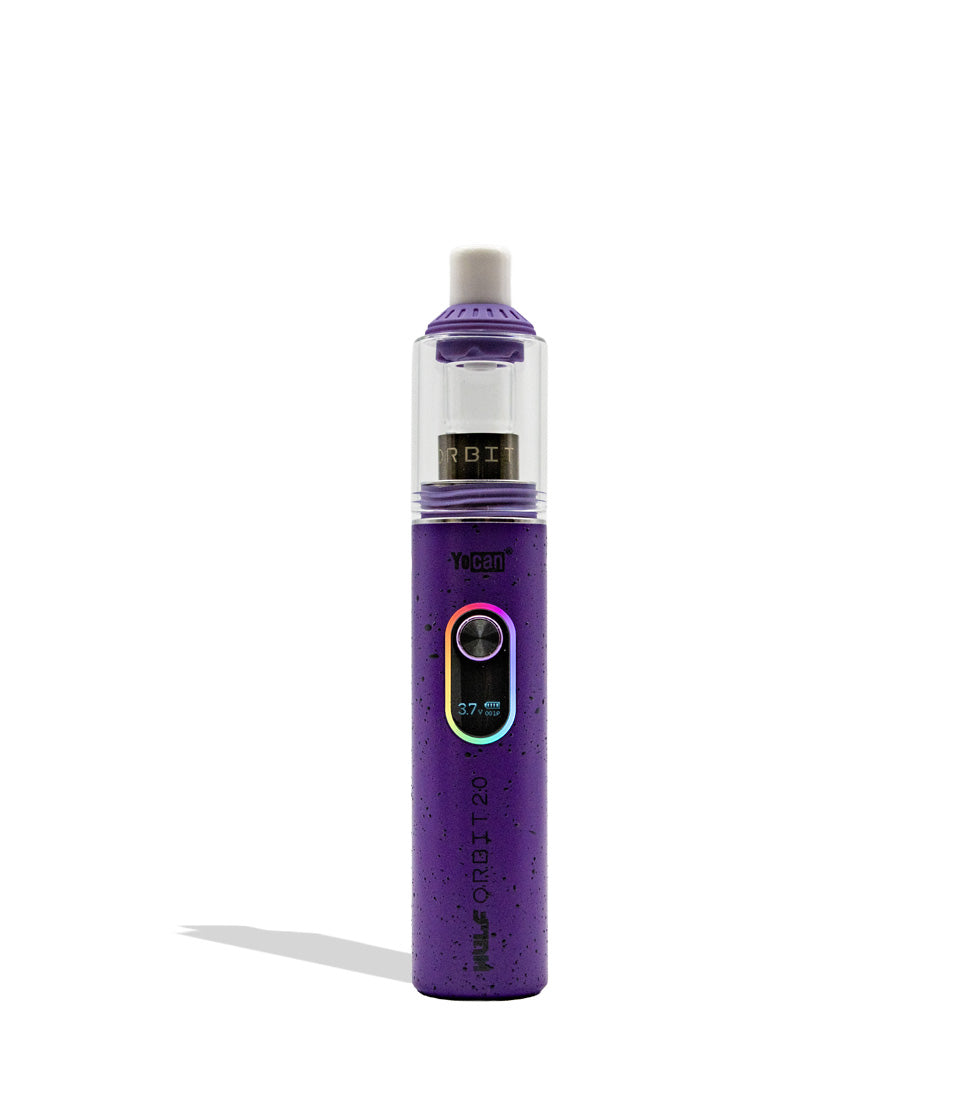
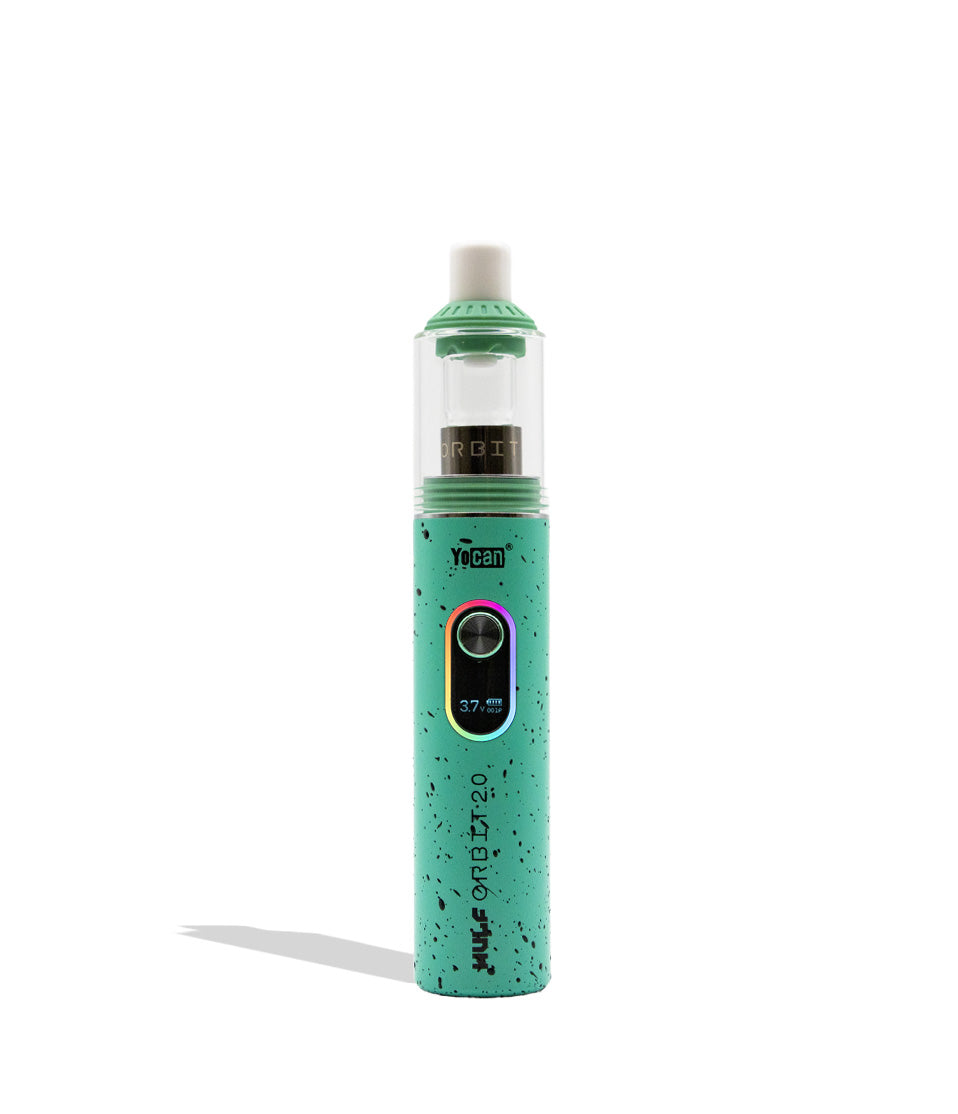
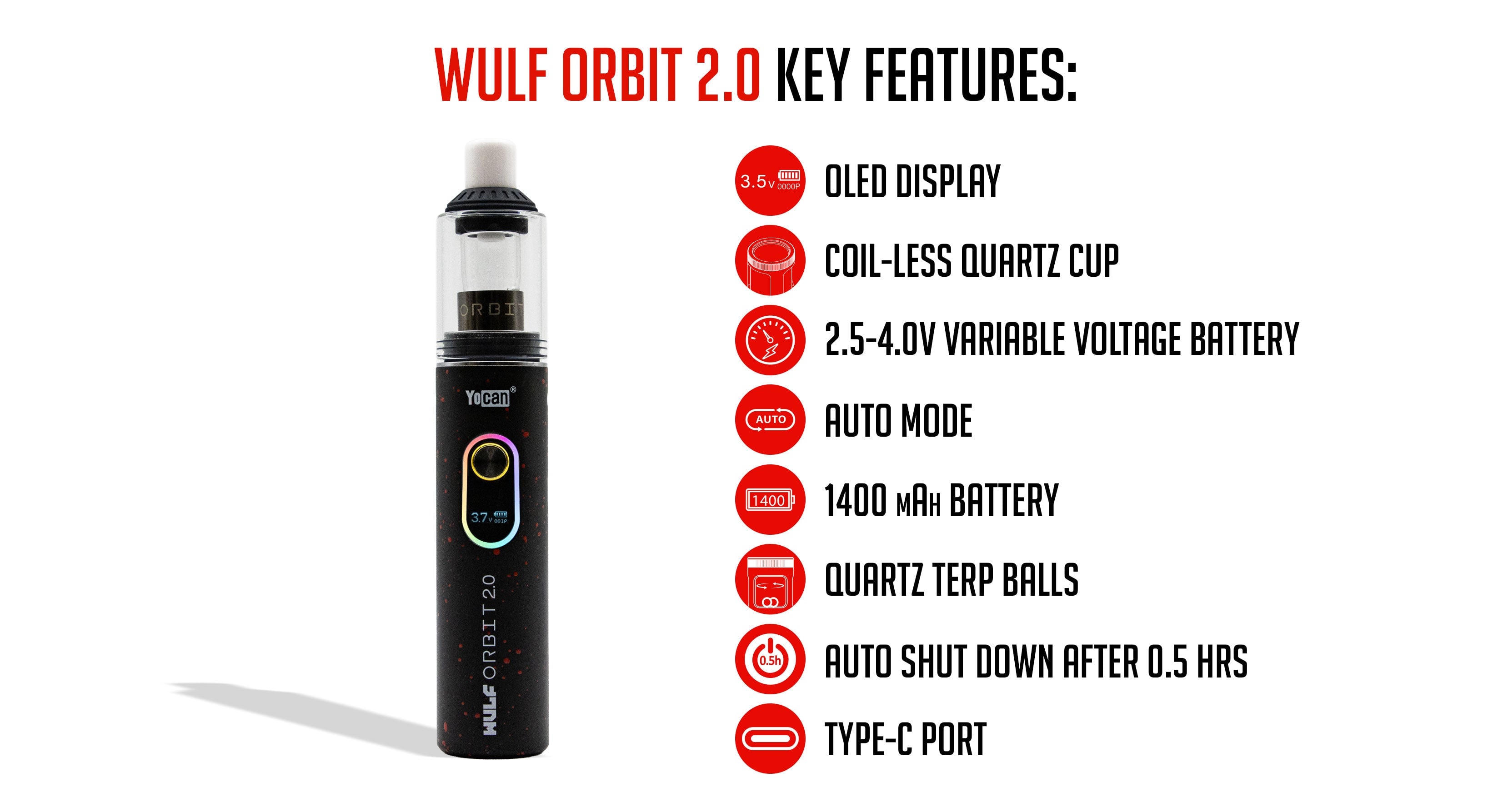
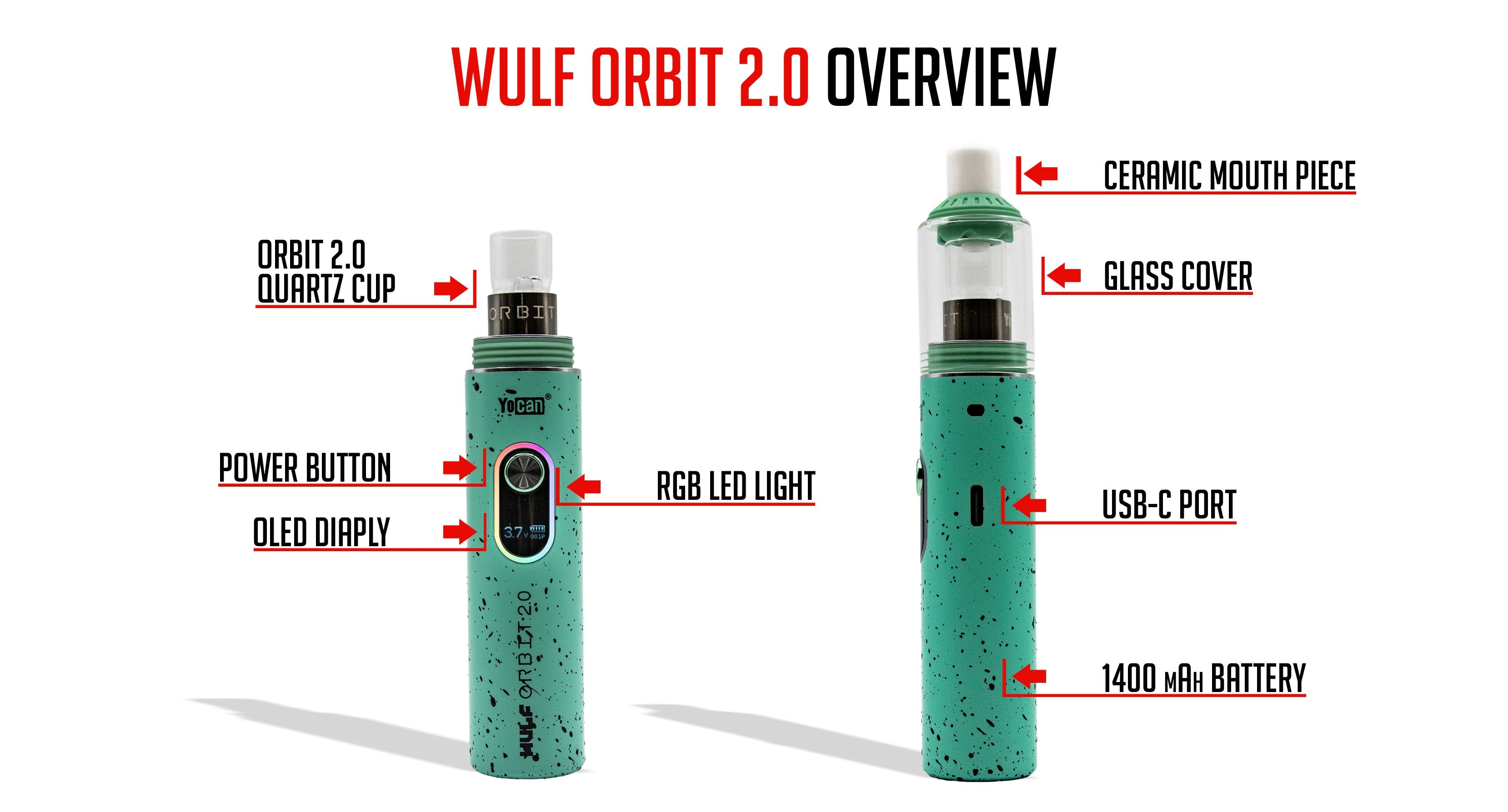
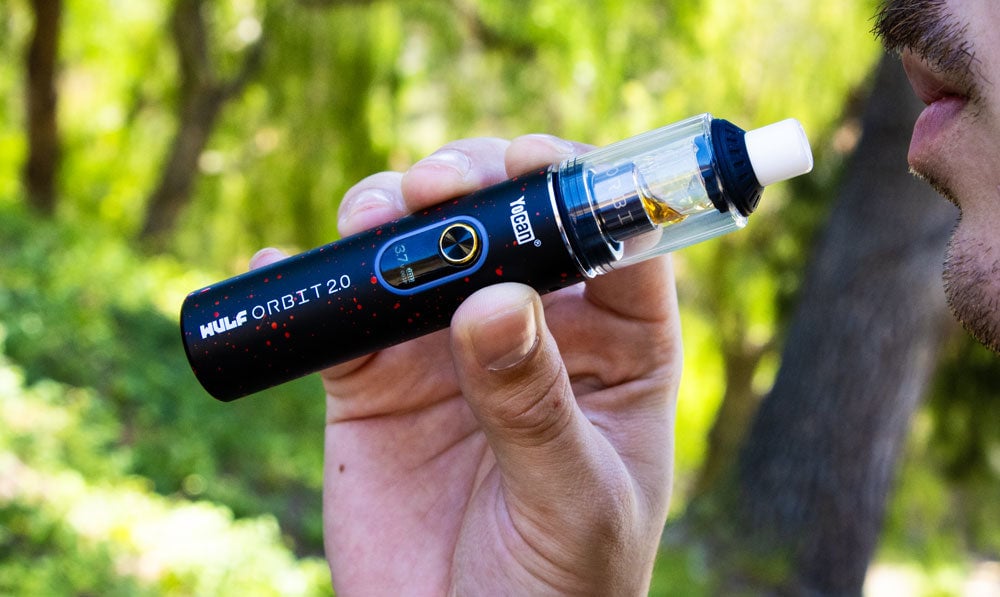
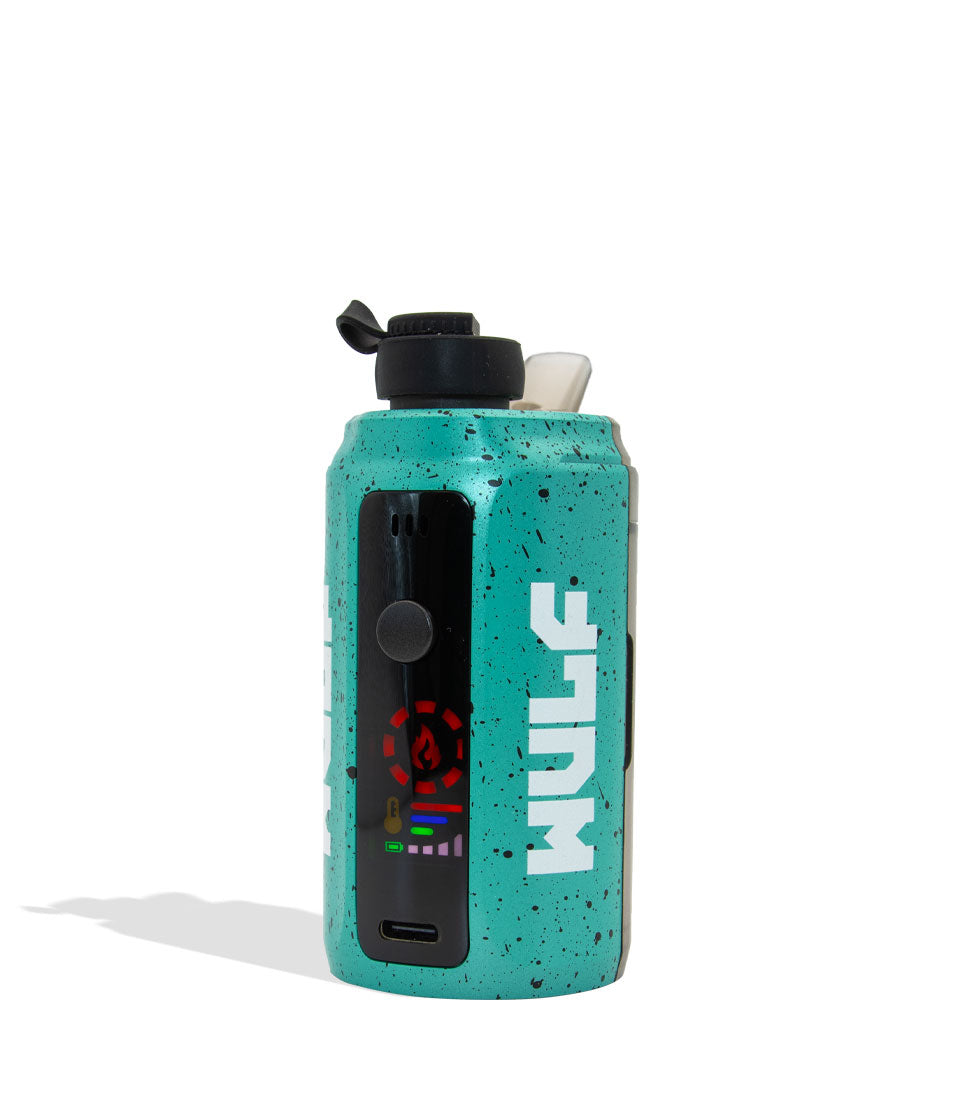
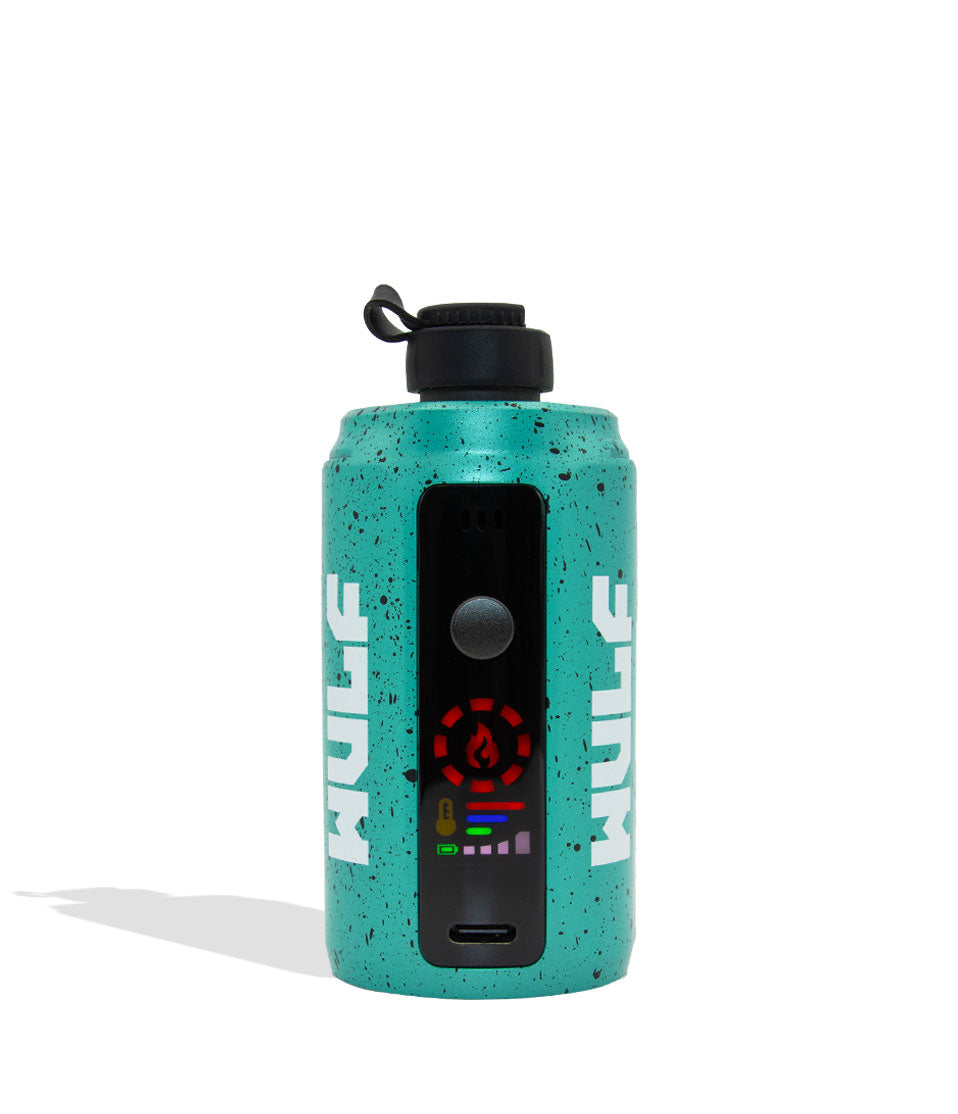
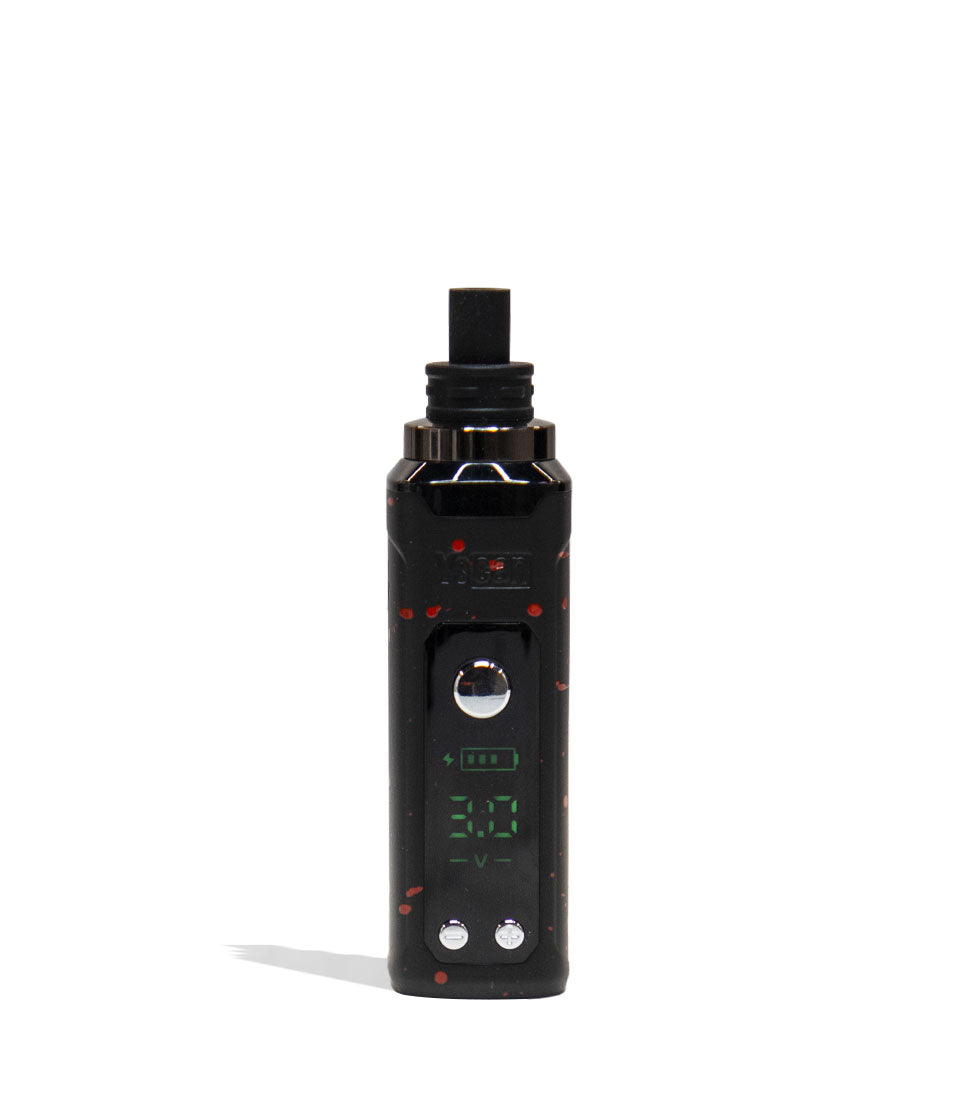
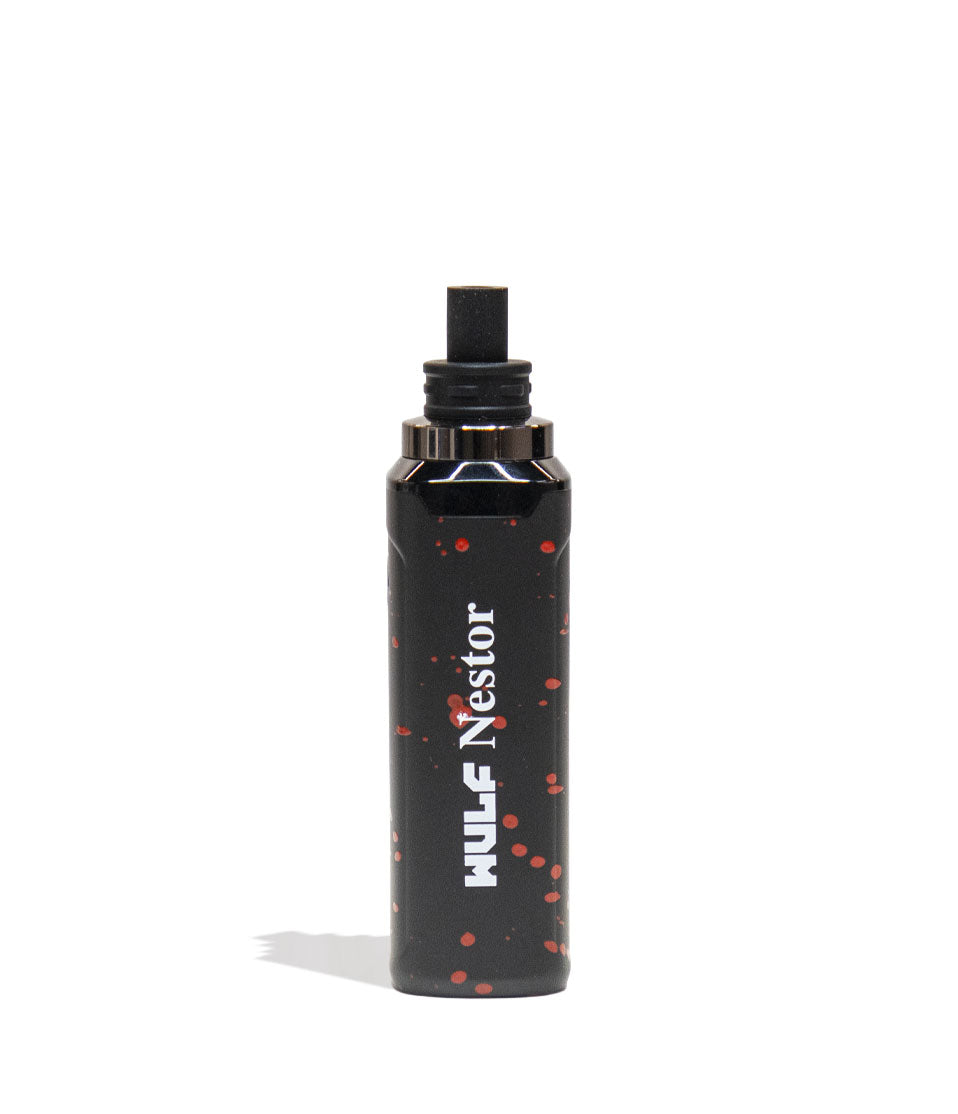
The Wulf Orbit 2.0 is a second generation concentrate vaping beast featuring an improved coil-less quartz cup, thicker size, and new ceramic mouthpiece. This results in a far more satisfying dabbing experience with boosted ergonomics, comfortable hand feel, and even larger clouds.
Backing it all up is a XL 1,400mAh battery with incremental voltage control (2.5 – 4.0v), allowing you to enjoy fast heat up times, expert session customization, and enough power to rip dabs all day long. Speaking of ripping dabs, the Wulf Orbit 2.0 makes life easy with Auto-Mode providing a guided dabbing experience with a 15s pre-heat and lengthy 30s session time. This gives you plenty of time to rip even the largest of globs, all with precision heating leading the way.
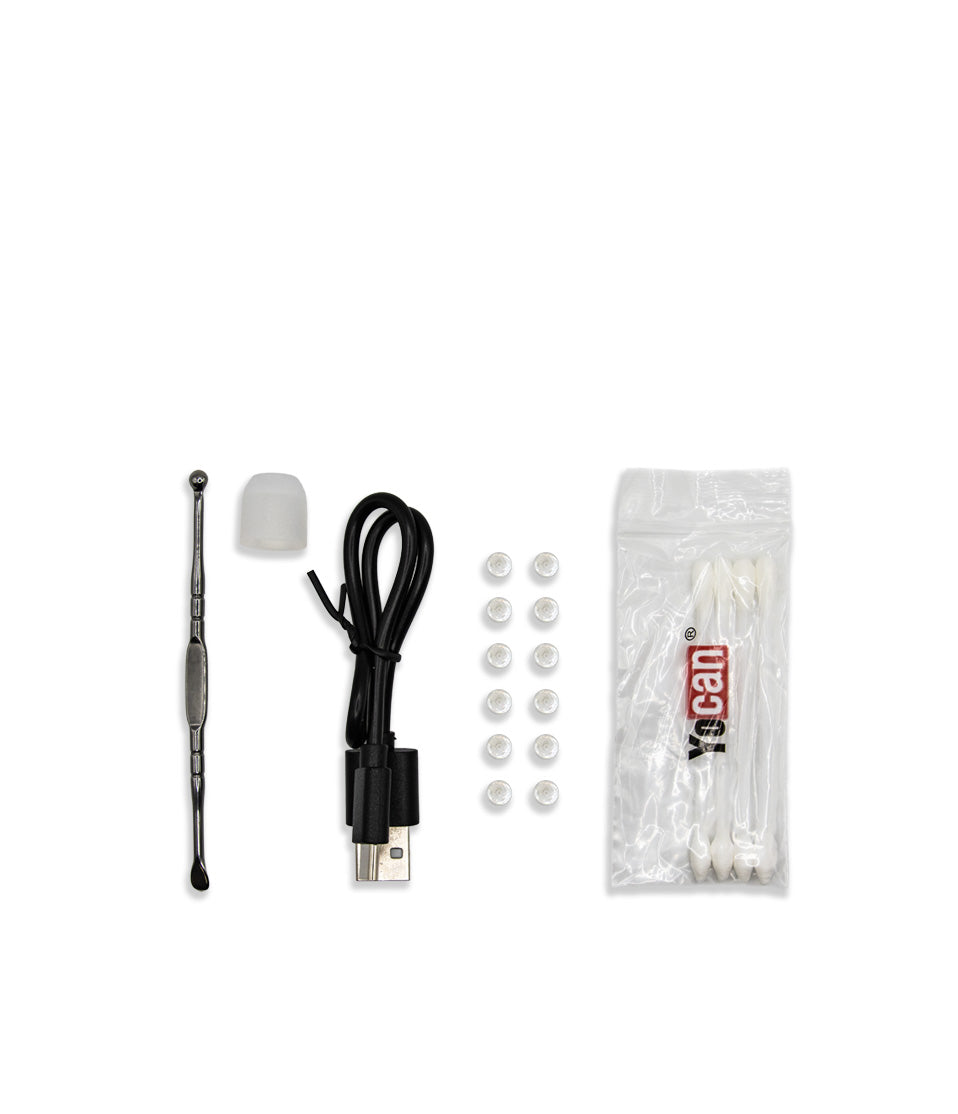
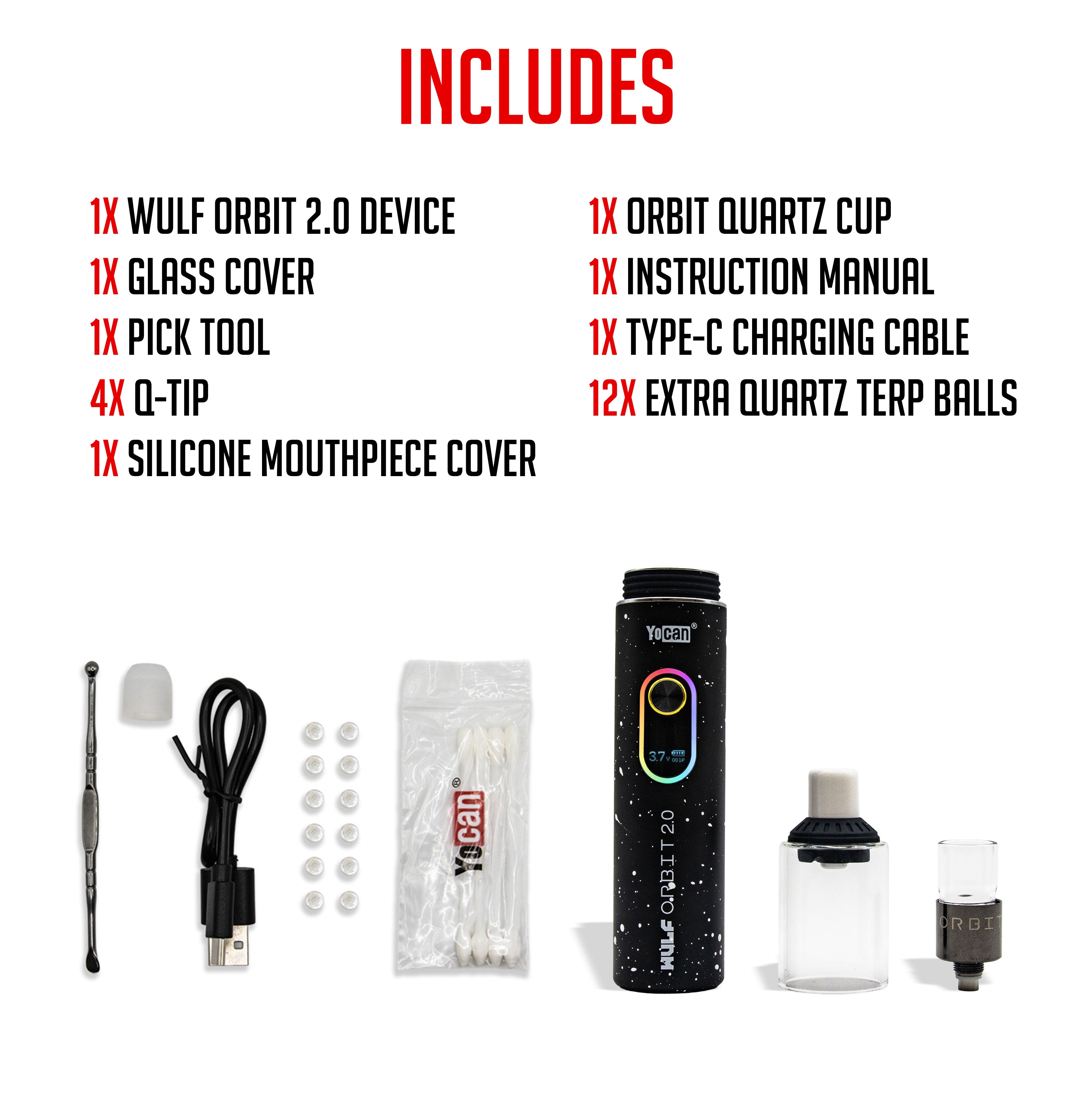
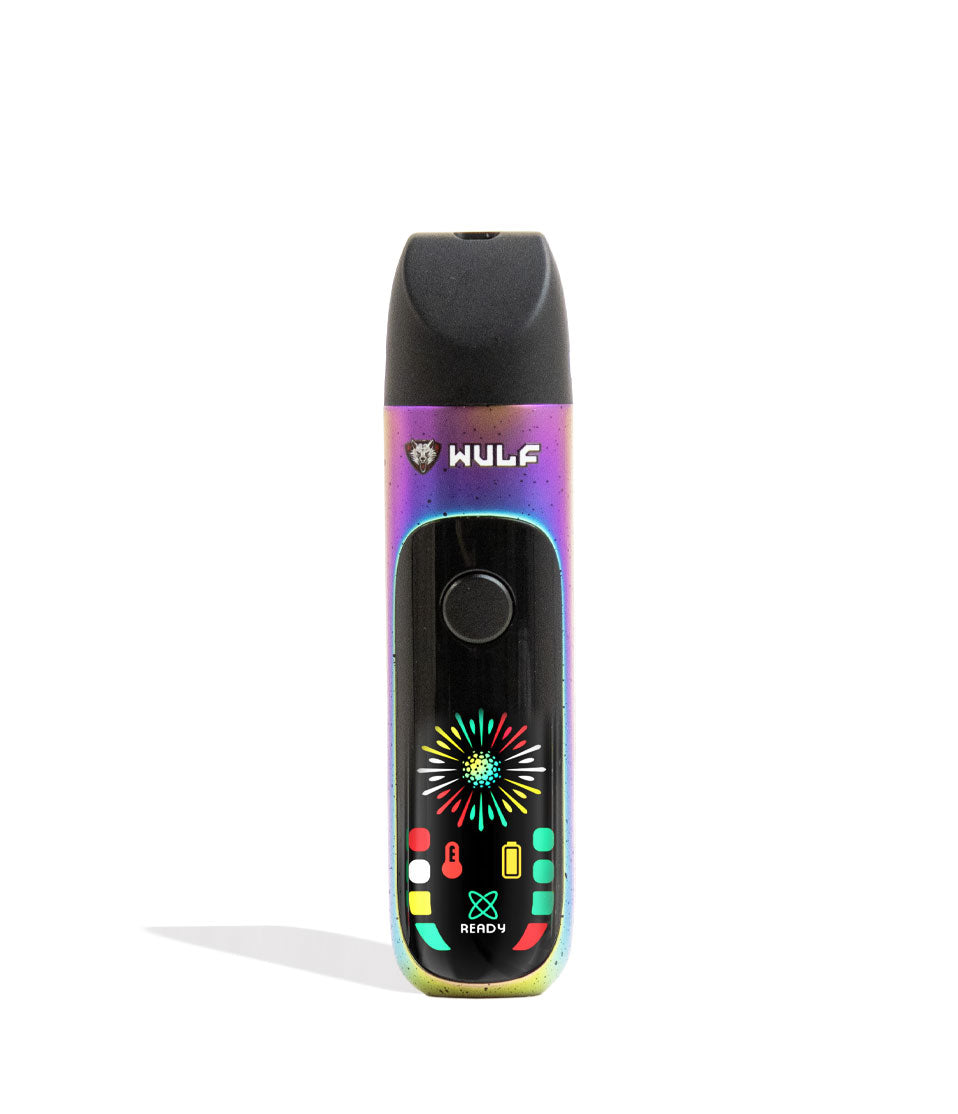
Enjoy quality of life features including an easy read OLED screen, fast type-c charging capabilities, and convenient 30 minute auto-shut off saving you precious battery power. Add to that the Wulf Orbit 2.0 coming accessory complete, with a dedicated charger, dab tool, set of extra quartz terp balls, and more ready to go right out of the box.
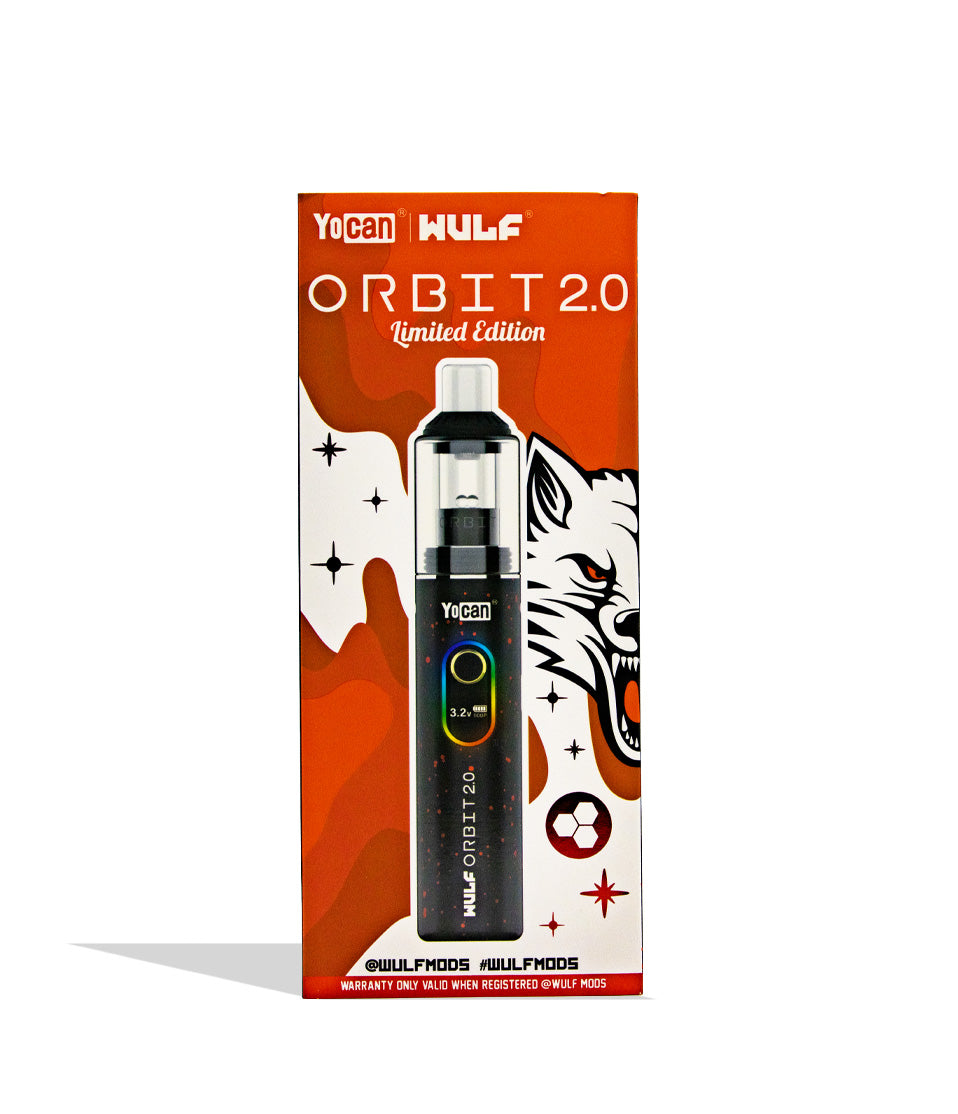
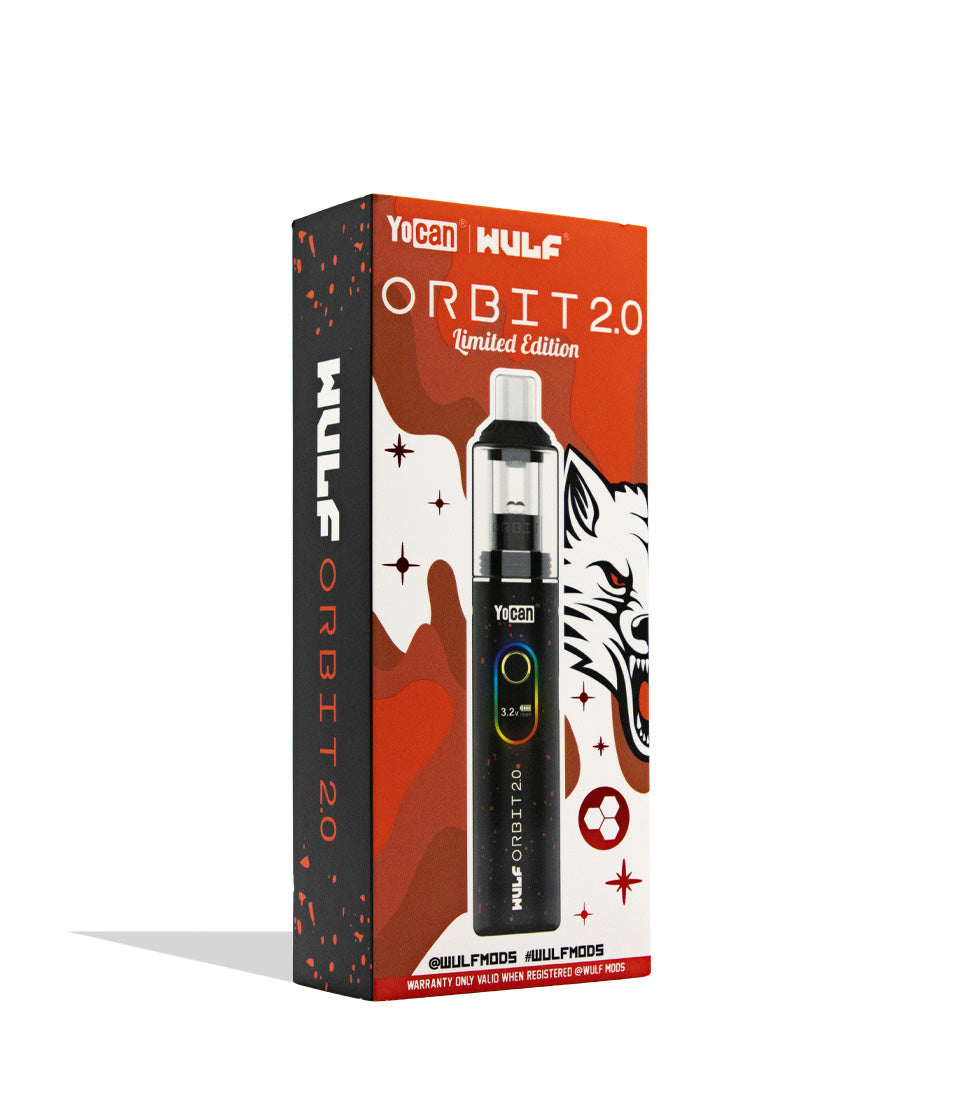
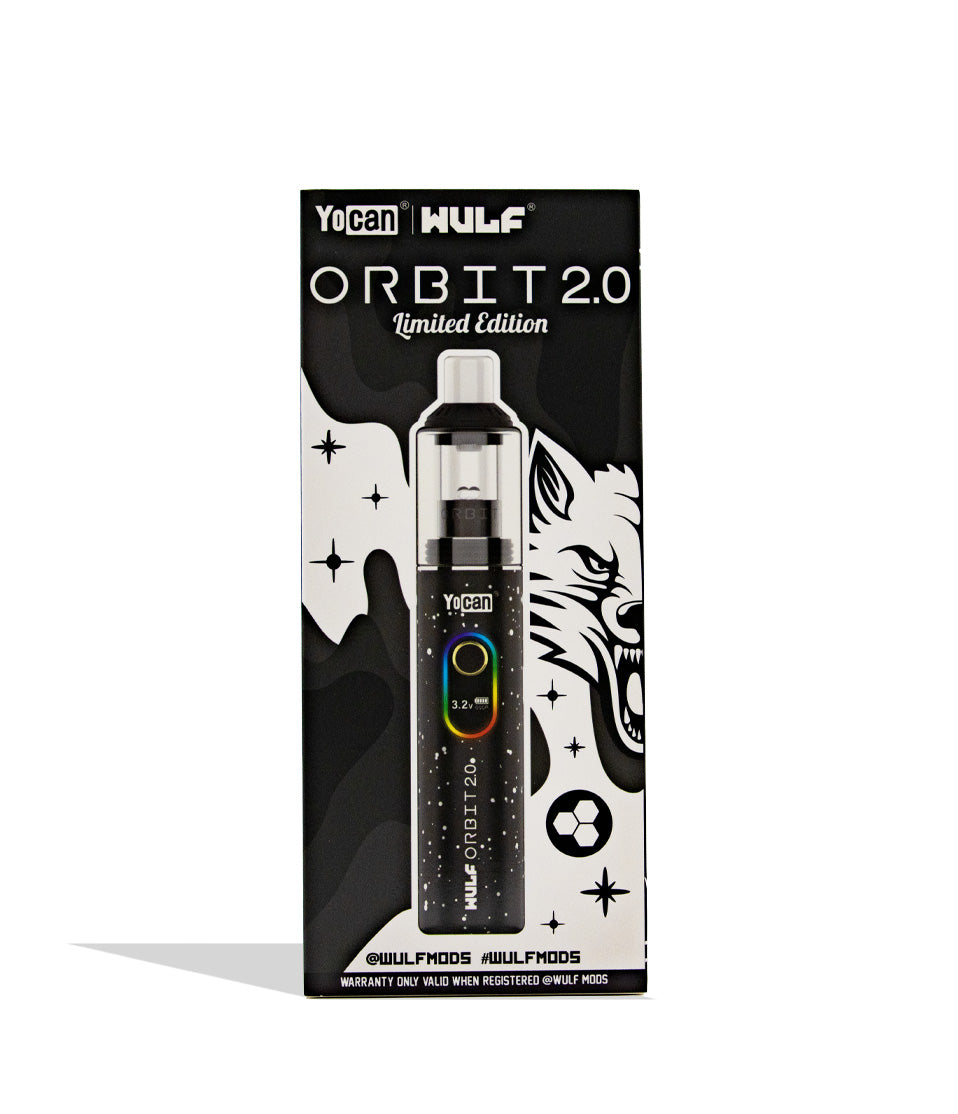
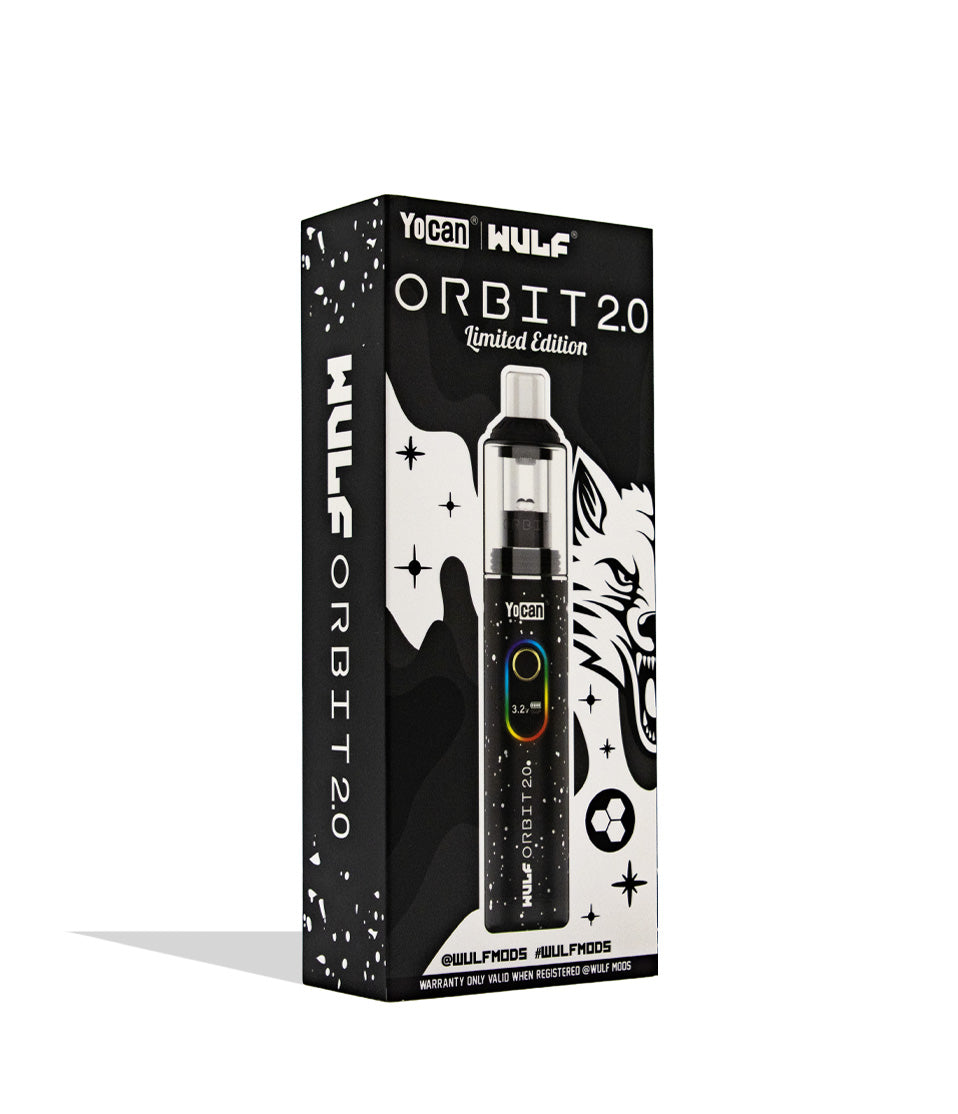
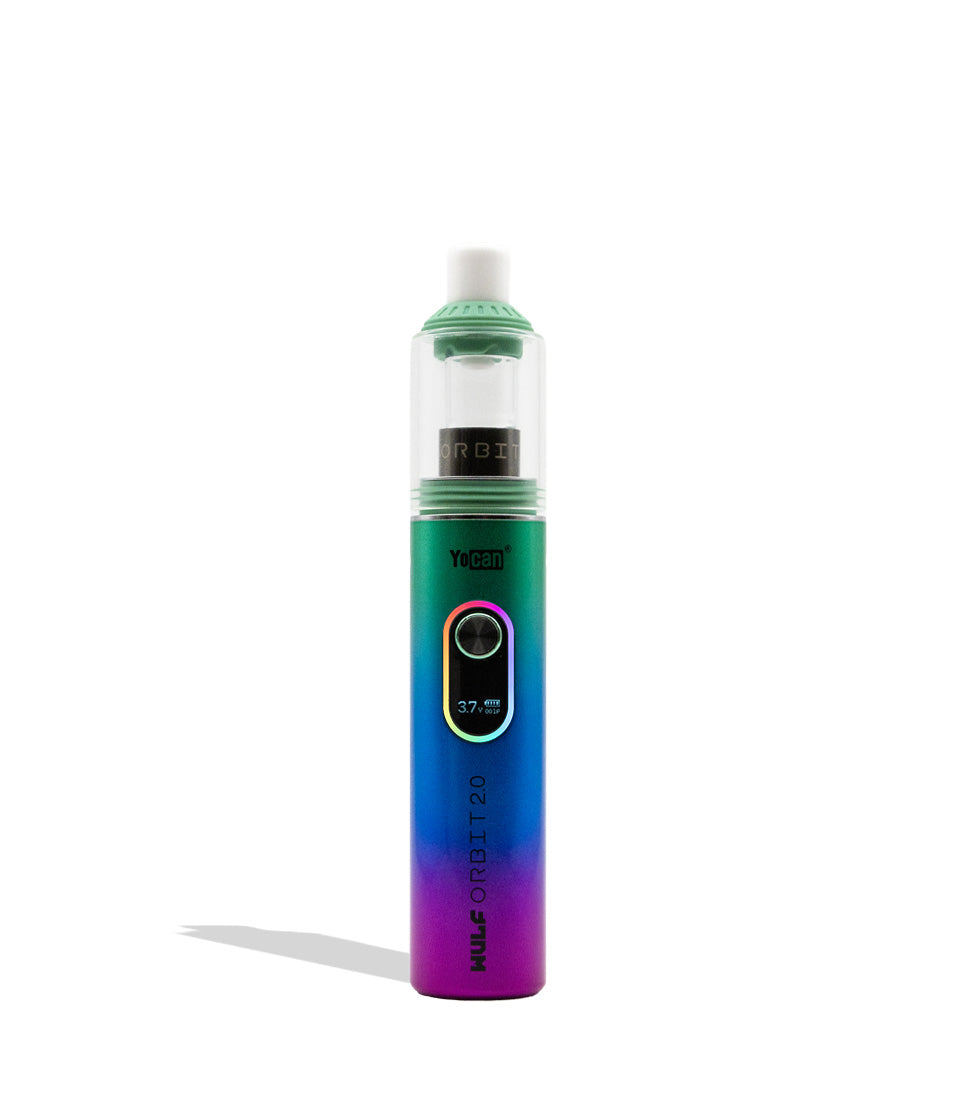
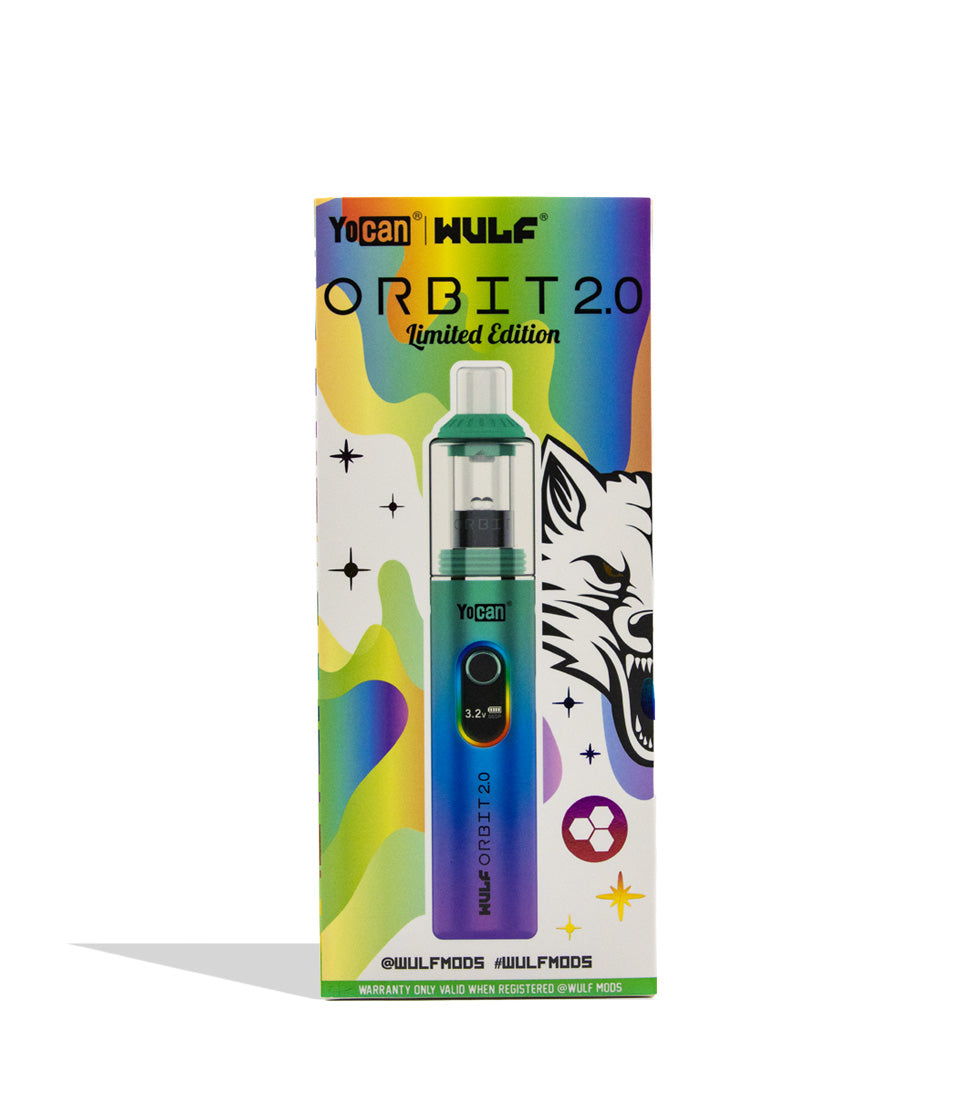
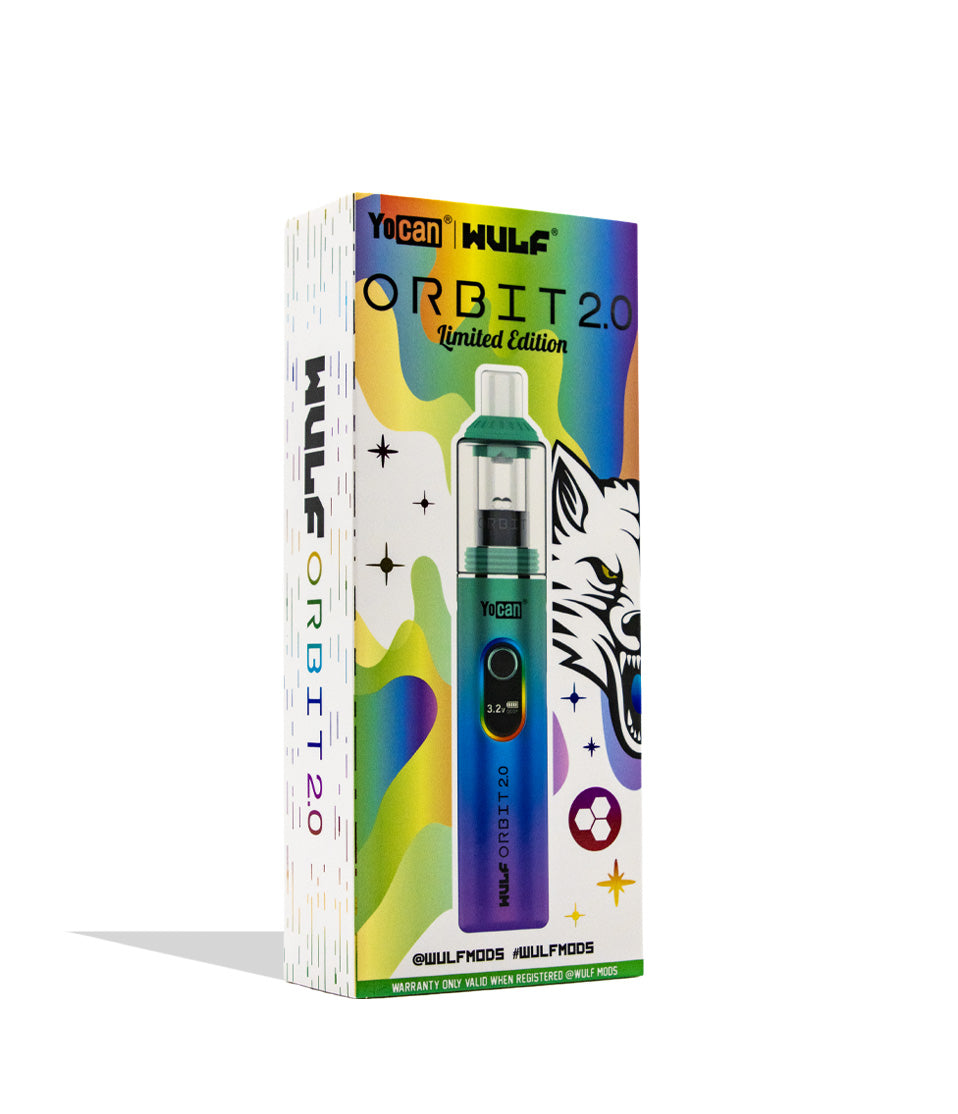
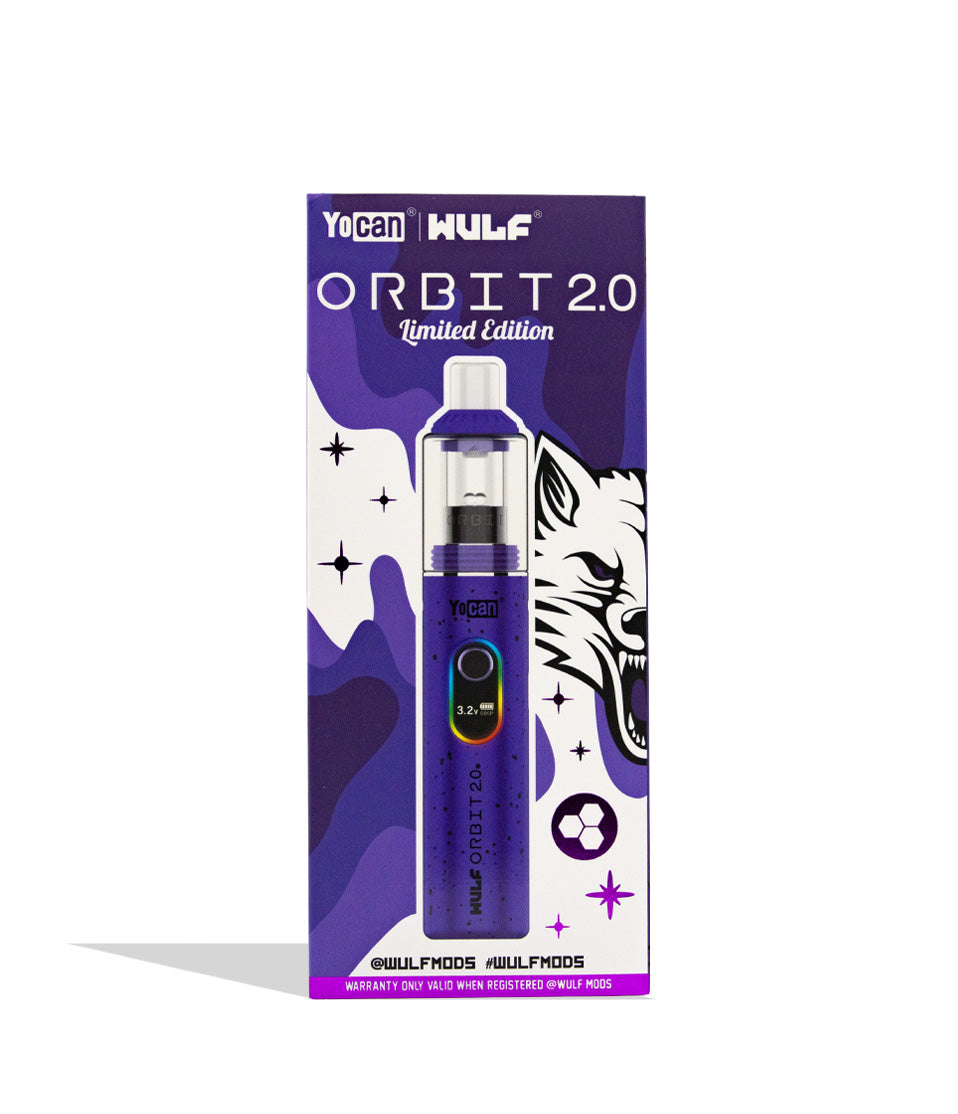
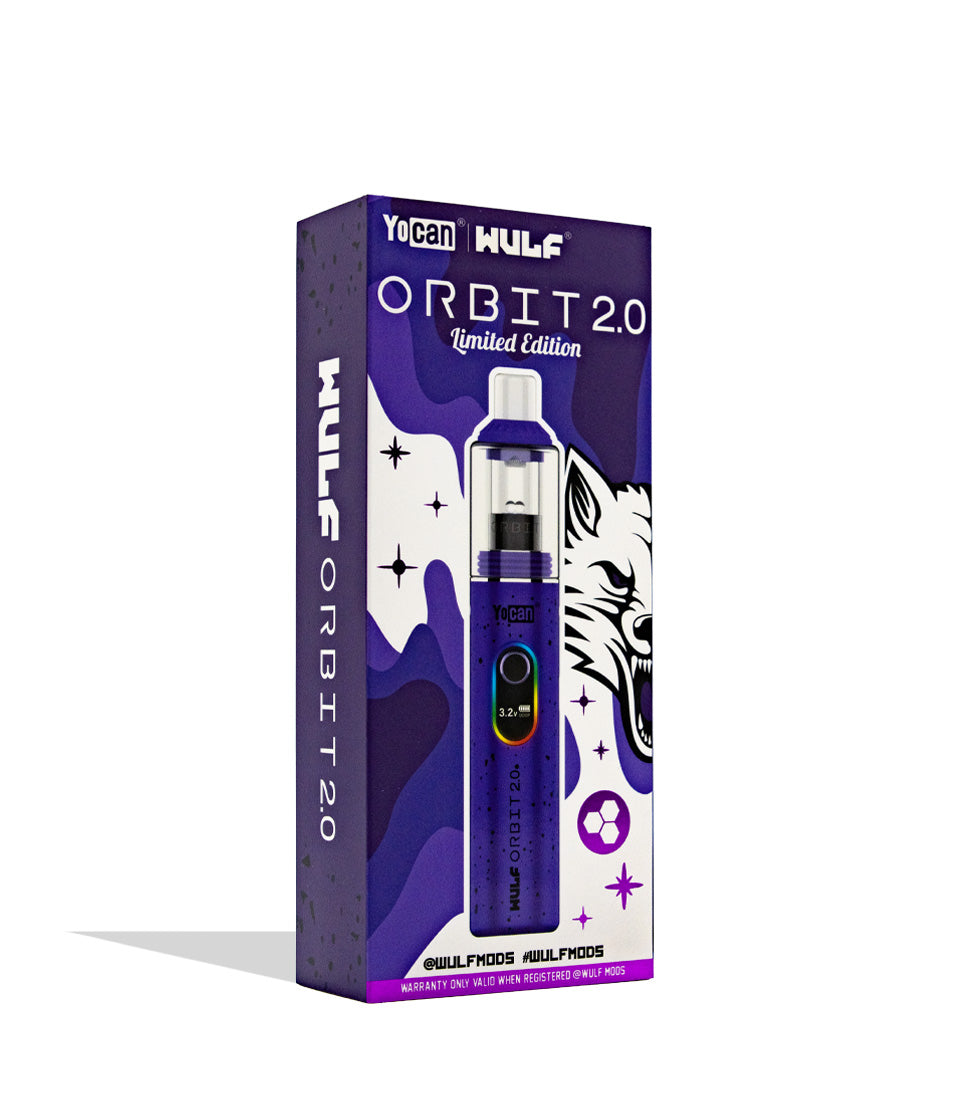
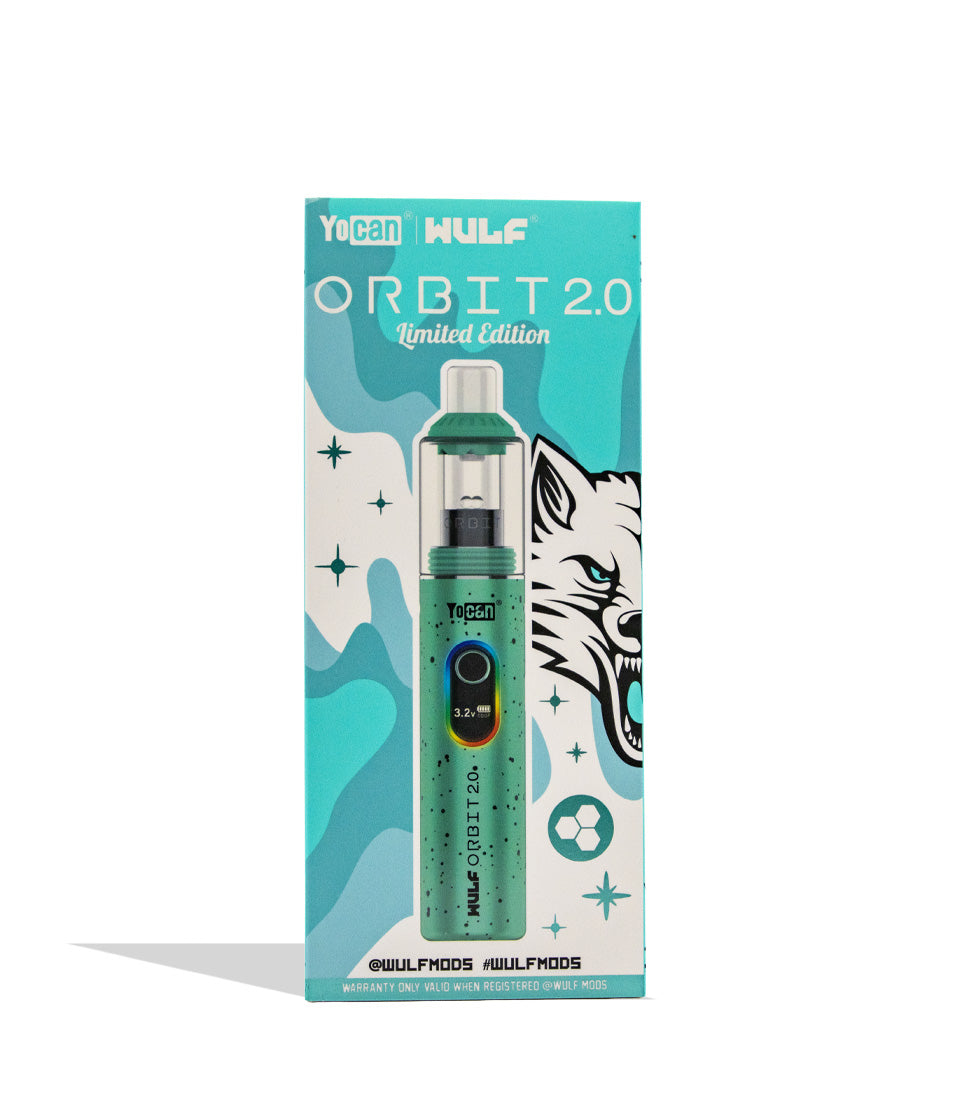
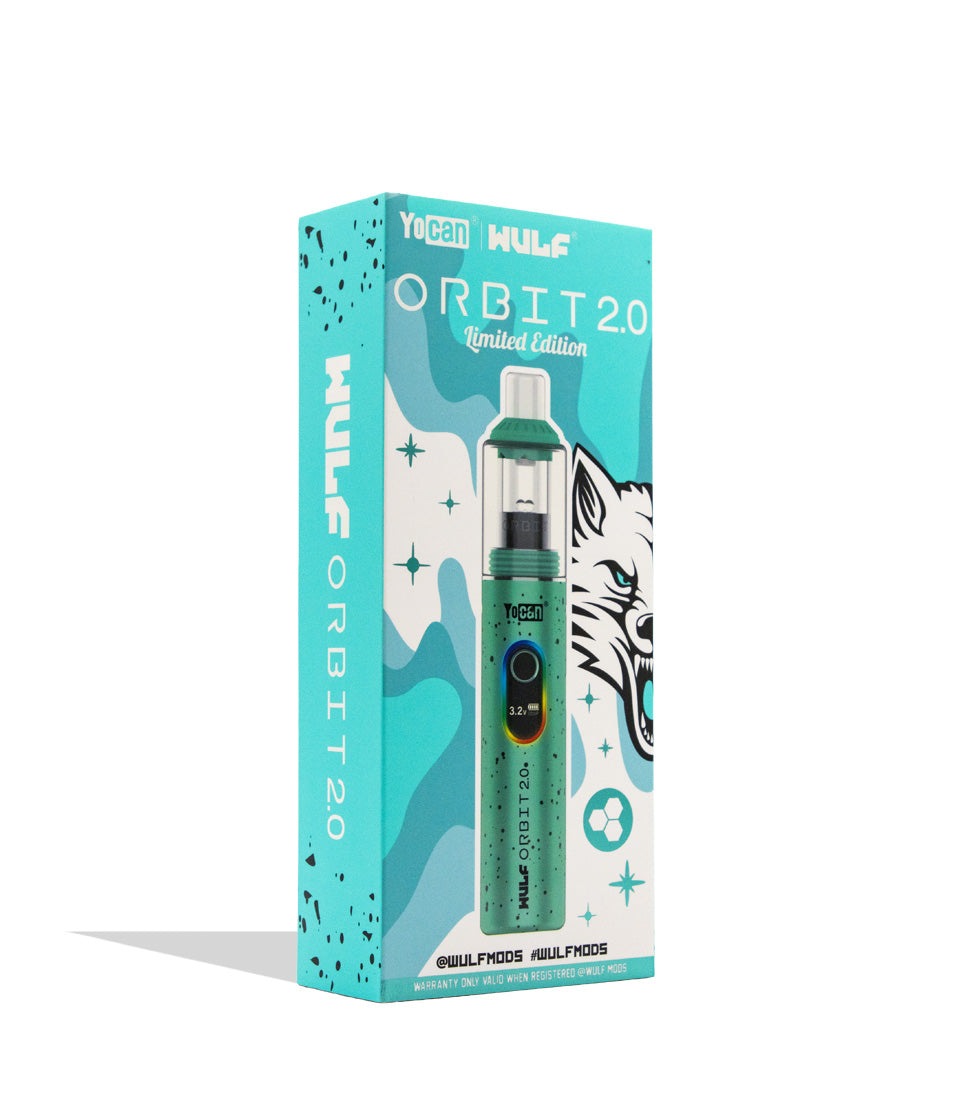
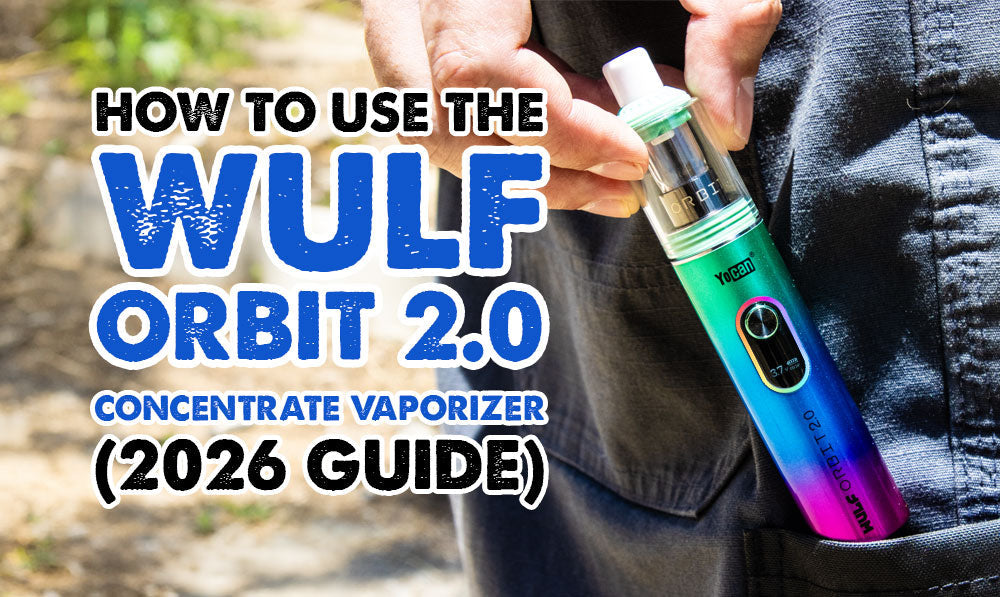
Take a look over the 5 distinct color choices including Wulf Pack favorites like black-red spatter and purple-black to begin your Wulf Orbit 2.0 Concentrate Vaporizer dabbing journey today!
How To Load Your Wulf Orbit 2.0 With Concentrate
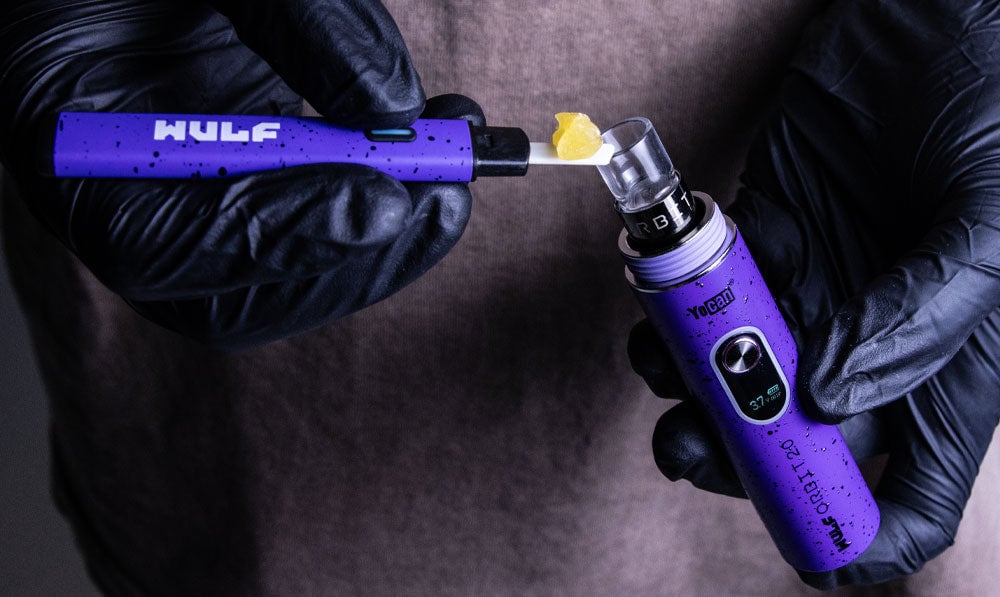
In order to prepare for take off with your Wulf Orbit 2.0 you’ll first need to locate your concentrates and either a hot knife or dab tool.
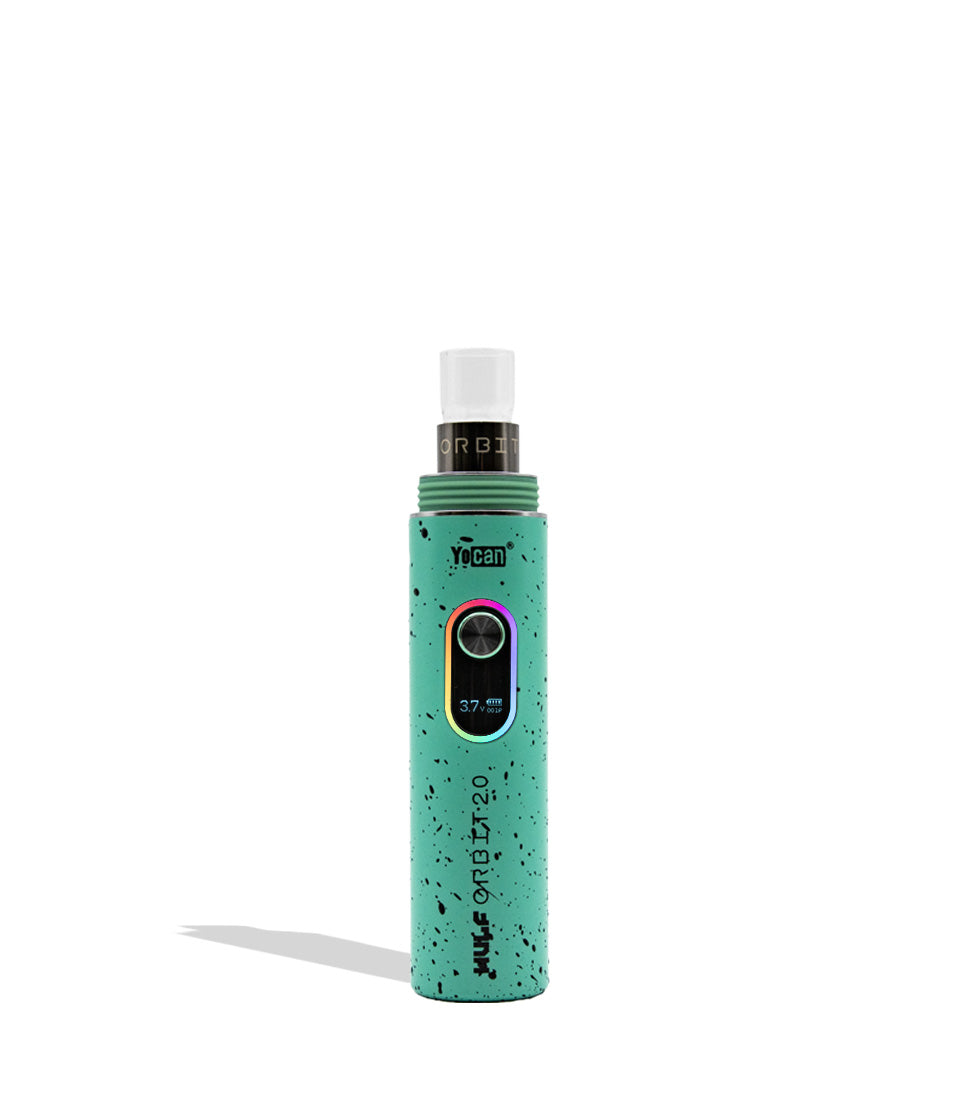
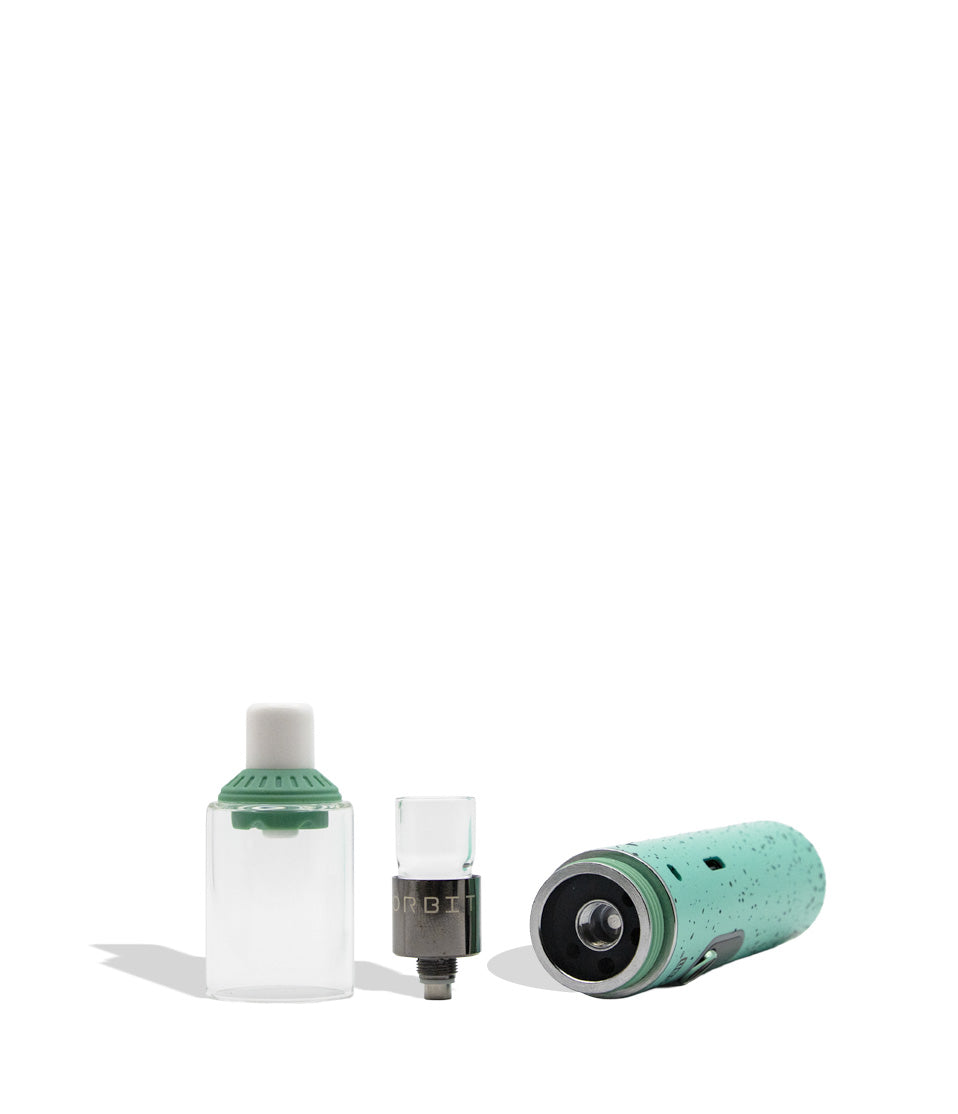
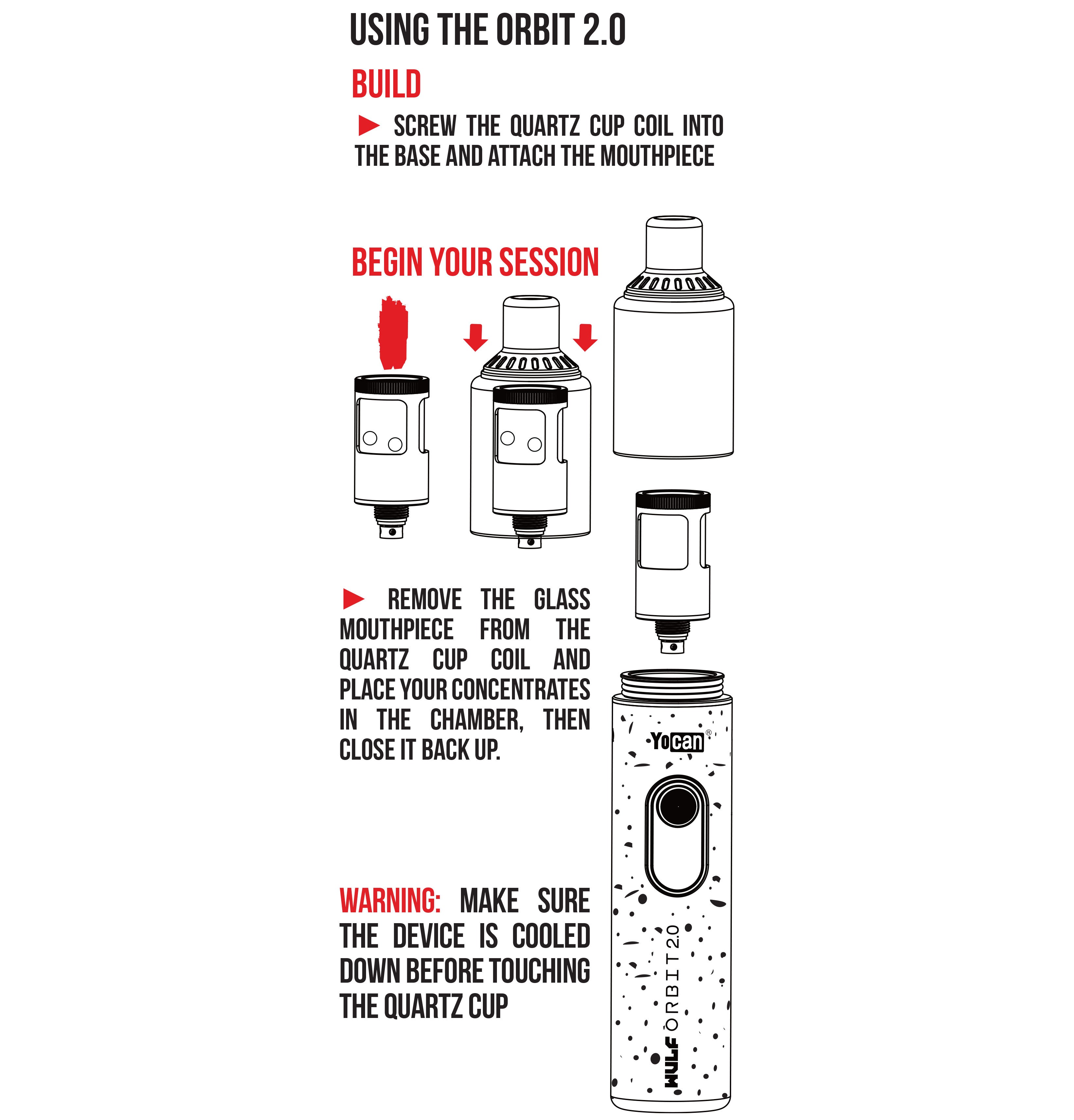
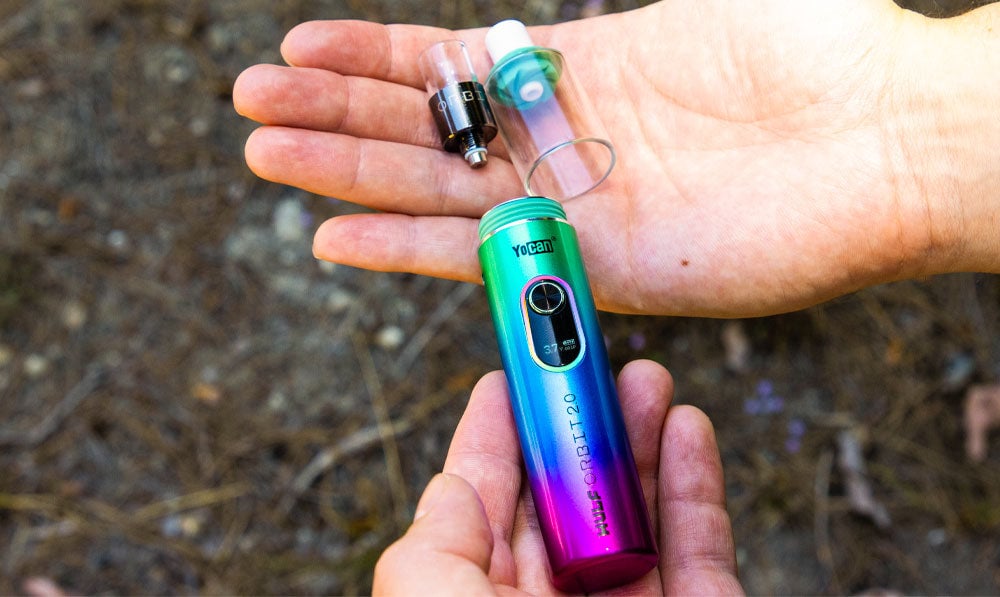
To load your Wulf Orbit 2.0 with concentrate gently remove the glass cover from the top of your battery by pulling up on the silicone seal. It may take a little bit, so don’t try to pull it off with too much force.
Once off, you can now load concentrates directly into the coil-less quartz cup. Make sure to get them right on the bottom of the quartz cup for the best vaporization.
After loading, you can now replace your Wulf Orbit 2.0 glass cover and move on to the next steps of your session.
How To Load Terp Balls Into The Wulf Orbit 2.0?
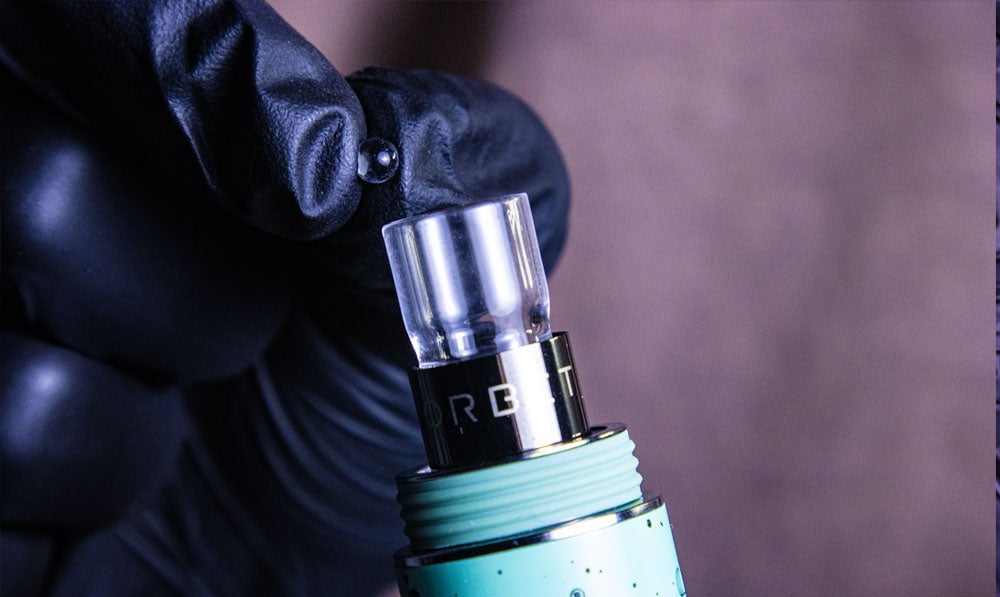
The Wulf Orbit 2.0 comes with 12 quartz terp balls, giving you plenty of extras to enjoy boosted vapor production and smoother clouds.
To load terp balls into the Wulf Orbit 2.0 remove the glass dome from your battery and place one to two into the chamber. Once loaded, you can replace the glass piece and start your sessions (if you’ve loaded concentrates of course).
We recommend loading in the terp balls while placing your concentrates, this way you can get everything placed at once and enjoy faster sessions.
After you’ve completed your sessions, you should remove the terp balls from your quartz cup and give them a wipe down. Never leave the terp balls sitting in a dirty cup, as cleaning / removal will become much harder.
How To Use A Wulf Orbit 2.0
Ready to blast off with your Wulf Orbit 2.0?
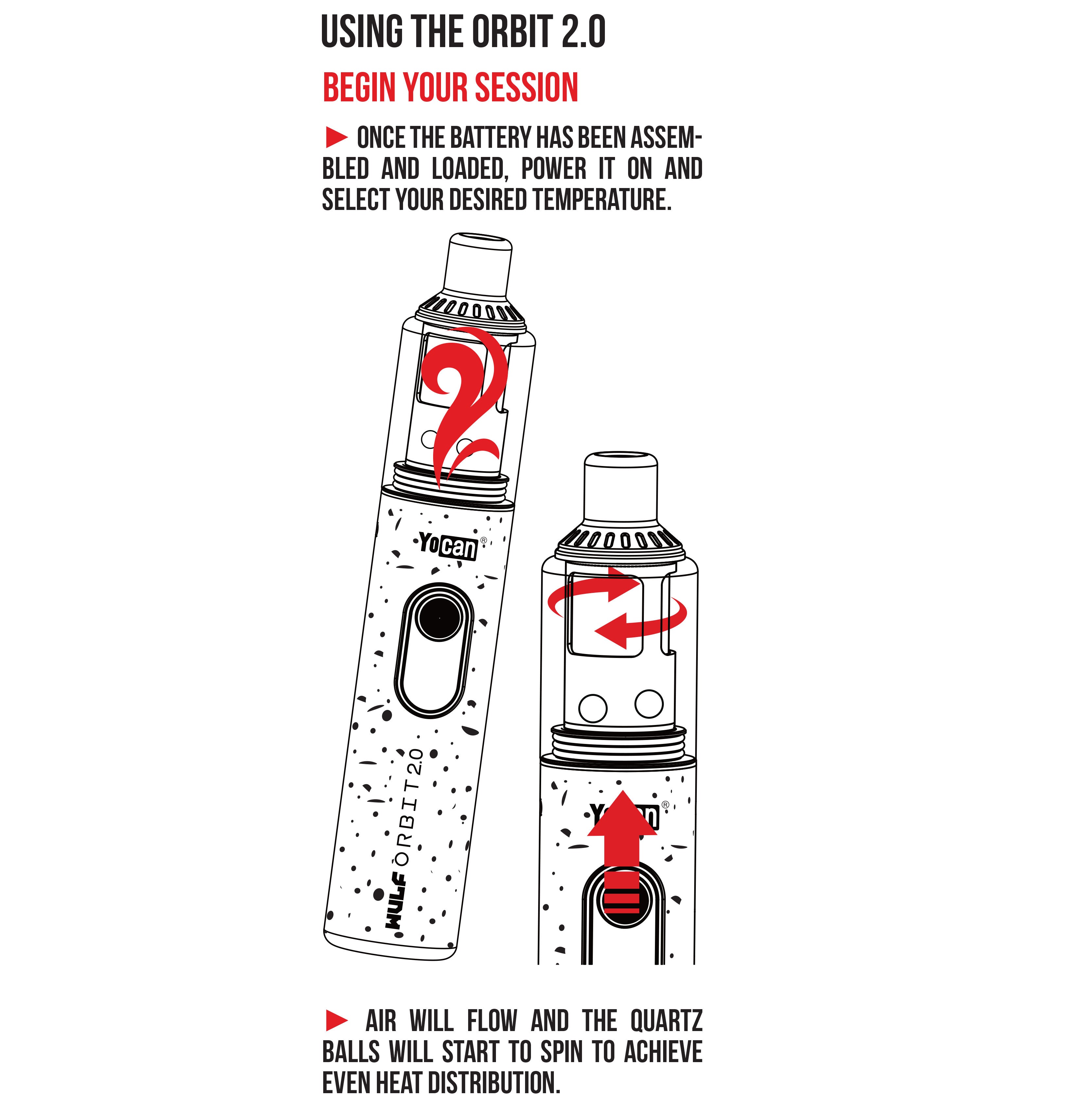
Get things started by first pressing the power button 5x in succession. This will cause your Wulf Orbit 2.0 to power on and display a Yocan logo to let you know you’ve successfully input the command.
Once your Wulf Orbit 2.0 is powered on, you can now press the power button 2x in a row to activate the Auto-Mode. This will begin a 15s countdown where your vapor will be slowly warmed, before entering into a 30s session mode where you can freely enjoy your clouds.
After the 30s of continuous heat, your Wulf Orbit 2.0 will return to stand by mode and you can now clean out your cup with a q-tip or swab. Make sure the cup is completely clean before proceeding in order to enjoy the best quality dabs.
When you’re finished with your sessions, you can press the power button an additional 5x in a row to switch your device off. This prepares your battery for storage and travel, letting you move around with ease.
How To Change Voltage Settings On The Wulf Orbit 2.0
The Wulf Orbit 2.0 supports a wide range of voltage settings, letting you customize your sessions with either enhanced flavor, potency, or the perfect mixture of both.
To alter the voltage settings on your Wulf Orbit 2.0 press the power button 3x in a row. This will enter into the adjustment mode where you can press the power button 1x to cycle through the next voltage in line and your screen will flash.
When you’ve reached your desired voltage, stop pressing the power button and wait a few seconds for everything to lock in. After your screen stops flashing, this indicates your voltage is locked in and you can start ripping your Wulf Orbit 2.0.
Reset The Puff Counter On Your Wulf Orbit 2.0
The Wulf Orbit 2.0 allows you to keep track of your current session with a built in puff counter that allows you to watch each and every rip your take. This can be used for a variety of helpful reasons and is an excellent feature to help your session control.
In order to rest the puff counter on your Wulf Orbit 2.0 press the power button 7x in a row and your count will revert to zero. Remember that once reset, you can’t go back, so make sure you’re fully ready for a fresh start.
How to Charge Your Wulf Orbit 2.0
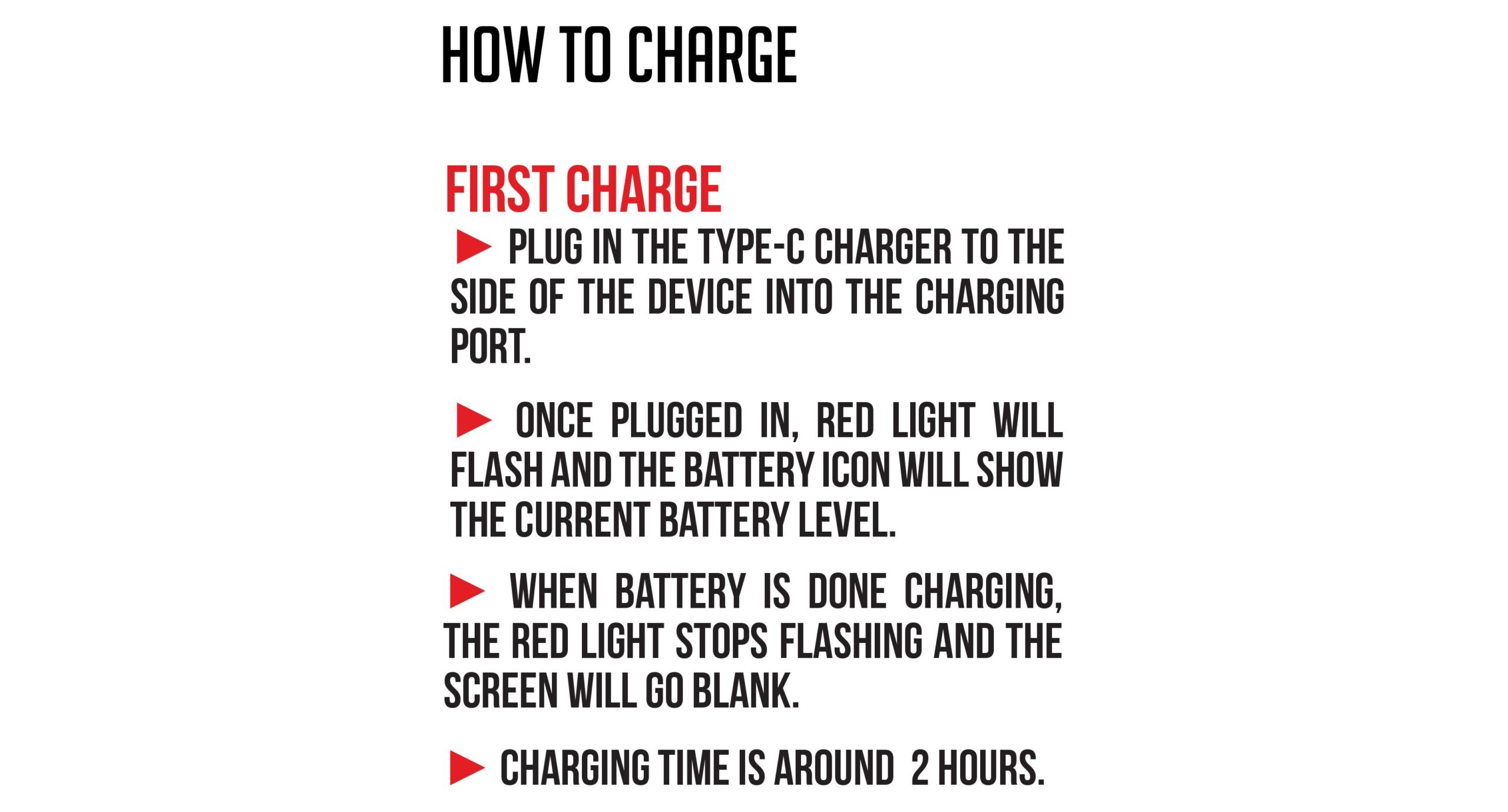
In order to charge your Wulf Orbit 2.0 only ever use the included type-c charging cable in order to keep your battery safe and prevent any issues during the process itself.
Once your Wulf Orbit 2.0 first arrives at your doorstep, we recommend plugging it in for an initial charge or until it reaches 100%. While plugged in your screen will pulse red and your battery indicator will flash to let you know current level.
The Wulf Orbit 2.0 has a built-in shut off that switches off power flow once it reaches 100%, allowing for easier charging and more protection for your battery. Always stay present while charging your Wulf Orbit 2.0 and never leave it unattended for extended periods of time.
Wulf Orbit 2.0 Troubleshooting Guide
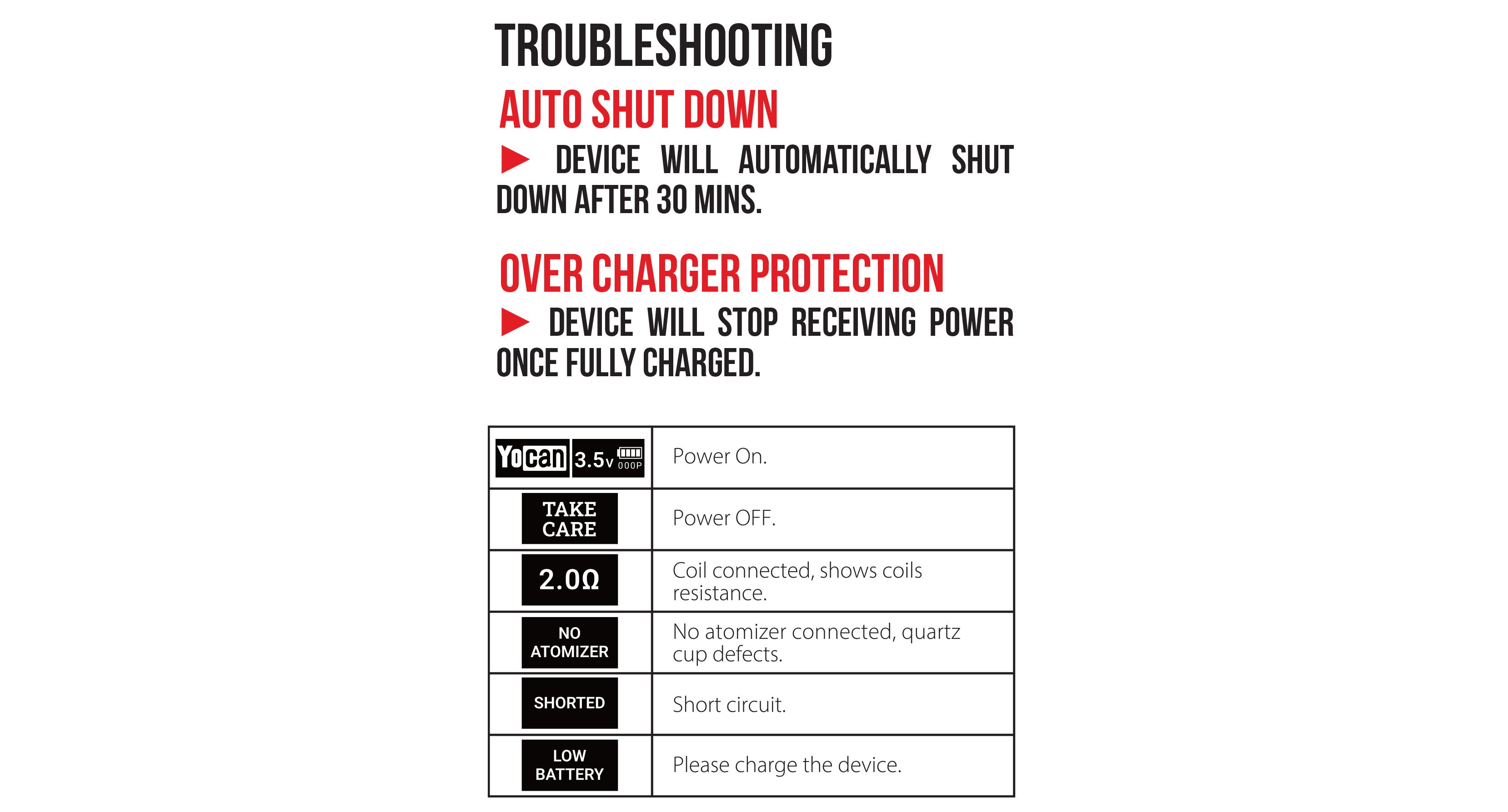
For the smoothest of sessions and best results with your Wulf Orbit 2.0 you should be aware of the following trouble shooting features.
-
Auto Shut Down: After 30 minutes without use, the Wulf Orbit 2.0 will power off in order to preserve battery and protect from accidents.
-
Over Charge Protection: Once your Wulf Orbit 2.0 reaches 100% charge, it will cease power flow in order to protect your battery.
Make sure to pay attention to these trouble shooting warnings and if you have any more questions, be sure to look through the Wulf Resource Center right here.
How to Clean The Wulf Orbit 2.0
Keeping your Wulf Orbit 2.0 clean is essential to getting the most from your concentrates and actually ripping your clouds as the Wulf Pack intended. While it takes a little bit of effort, trust us when we say it is absolutely essential.
As a note, we recommend cleaning out your chamber with a q-tip swab after each and every full 30s cycle of your Wulf Orbit 2.0. By removing the left over concentrates right away, you’ll be able to keep your cup fresh for future sessions and always ready to go.
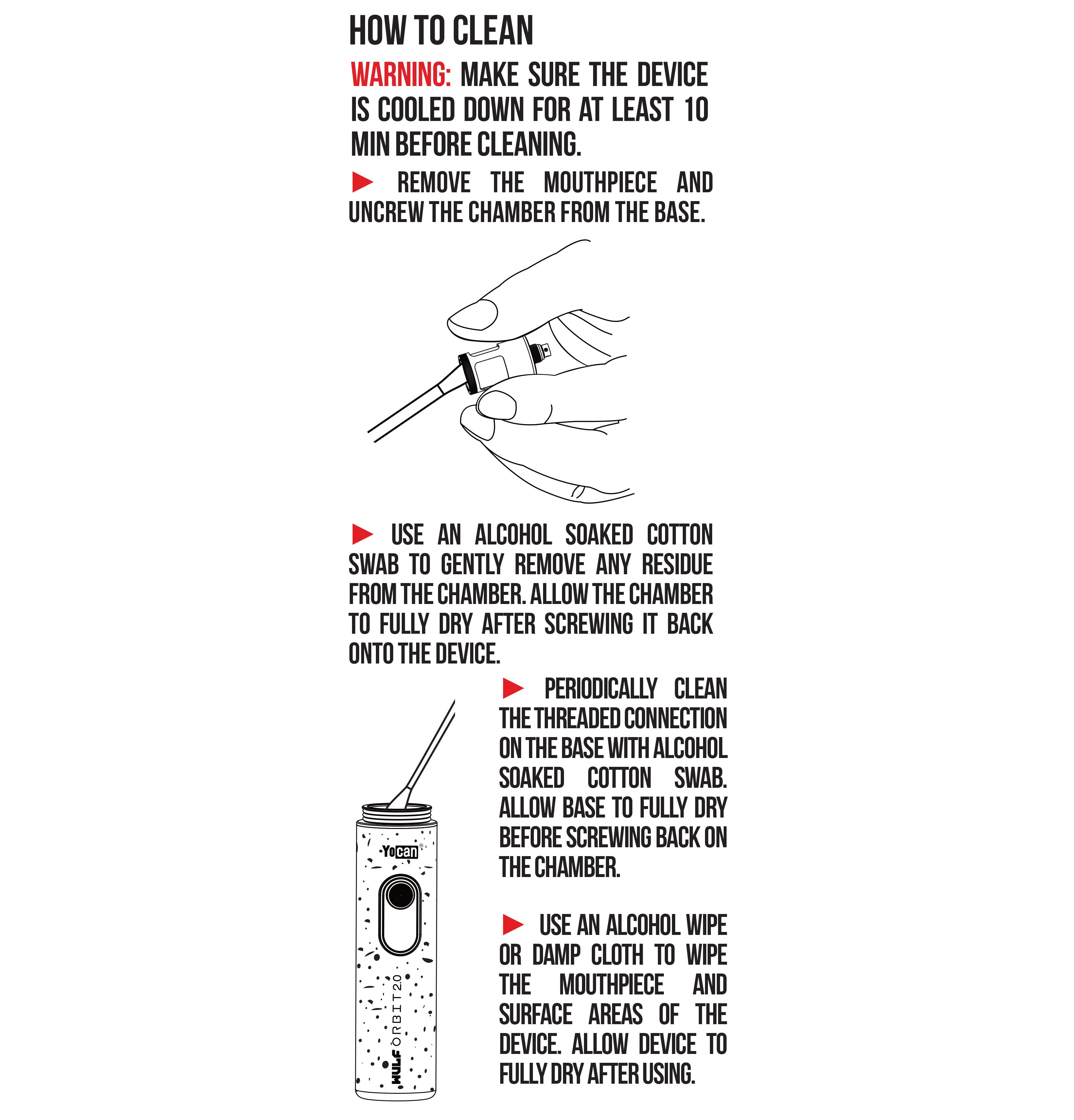
Make sure to let the quartz cup first cool, then remove the glass cover and swipe the swab around the inside of your chamber. This will easily remove the extras and give you a blank slate for the next hit.
Over time you’ll need to perform more intense cleaning on your Wulf Orbit 2.0, take a look below for our step by step guide.
Deep Cleaning The Wulf Orbit 2.0:
- Power off your Wulf Orbit 2.0. Never attempt to clean your vaporizer while it’s powered on as this can lead to serious issues and short circuits.
- Disassemble the three main components of your Wulf Orbit 2.0 first by gently removing the glass cover and then by unscrewing the quartz cup.
- Use an isopropyl damped q-tip to wipe away any leftover concentrates from all three parts of your Wulf Orbit 2.0 until they are 100% clean.
- Leave ample time for every part to completely dry before you start vaping again and never attempt to fire up your battery while moisture remains.
- Once dry, you can now enjoy the fruits of your labor with the Wulf Orbit 2.0 producing vapor with superior flavor, heightened potency, and maximized satisfaction.
Following these steps will ensure that you’ll be able to get the most out of your Wulf Orbit 2.0 and enjoy the smoothest of clouds with your friends no matter what.
What’s Included:
- (1) Wulf Mods Orbit 2.0 Concentrate Vaporizer
- (1) Glass Cover
- (1) Pick Tool
- (4) Q-tip
- (1) Orbit 2.0 Quartz Cup
- (1) Instruction Manual
- (1) Type-C Charging Cable
- (12) Extra Quartz Terp Balls
Warning: Do not charge with a power bank of 5V or higher. Do not charge in your car. Do not overcharge the battery or use any other charging cable other than what comes with your battery. Failure to follow these instructions could result in battery damage and frying of the internal system. If the device gets too hot while you are using it, please stop using it for a while. Please avoid using the device while it is charging.