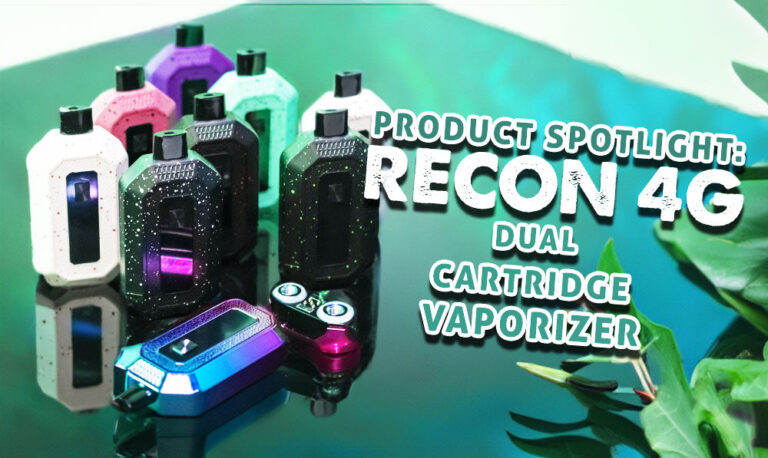

Resource Center
How To Use The Wulf Mods Recon Pro Dual 510 Thread Battery

Continue With This Resource
Wulf Mods Quick Brief
What You Should Know
A fast summary of the key points, questions, and guidance covered in this guide.
Overview
Key Takeaways
- Toggling the side selector switch between L, R, and D allows you to fire individual cartridges or blast two 510 carts simultaneously in dual mode.
- Clicking the power button 3 times rapidly cycles through 6 distinct voltage options spanning 1.8V to 4.2V on the full-color screen display.
- Double-clicking the power button triggers a 15 second pre-heat at 1.8V, while pressing 2 times twice kicks pre-heat into high gear at 3.2V.
- Removing the magnetic bottom base exposes two concealed 510 connection ports capable of holding up to 2 gram cartridges each for a 4 gram total capacity.
- Pressing the power button 4 times in a row instantly clears the digital puff counter on the front display back to zero.
Questions This Resource Answers
- How do you load and conceal two 510 cartridges inside the Wulf Recon Pro Dual?
- What are the precise button controls for adjusting voltage, pre-heating, and resetting puffs on the Recon Pro Dual?
- How does the side selector switch and physical airflow slider customize your vaping session?
- How do you activate the two distinct 1.8V and 3.2V pre-heat modes on the device?
- What automatic safety warnings protect the internal 650mAh battery on the Recon Pro Dual?
Recommended Products
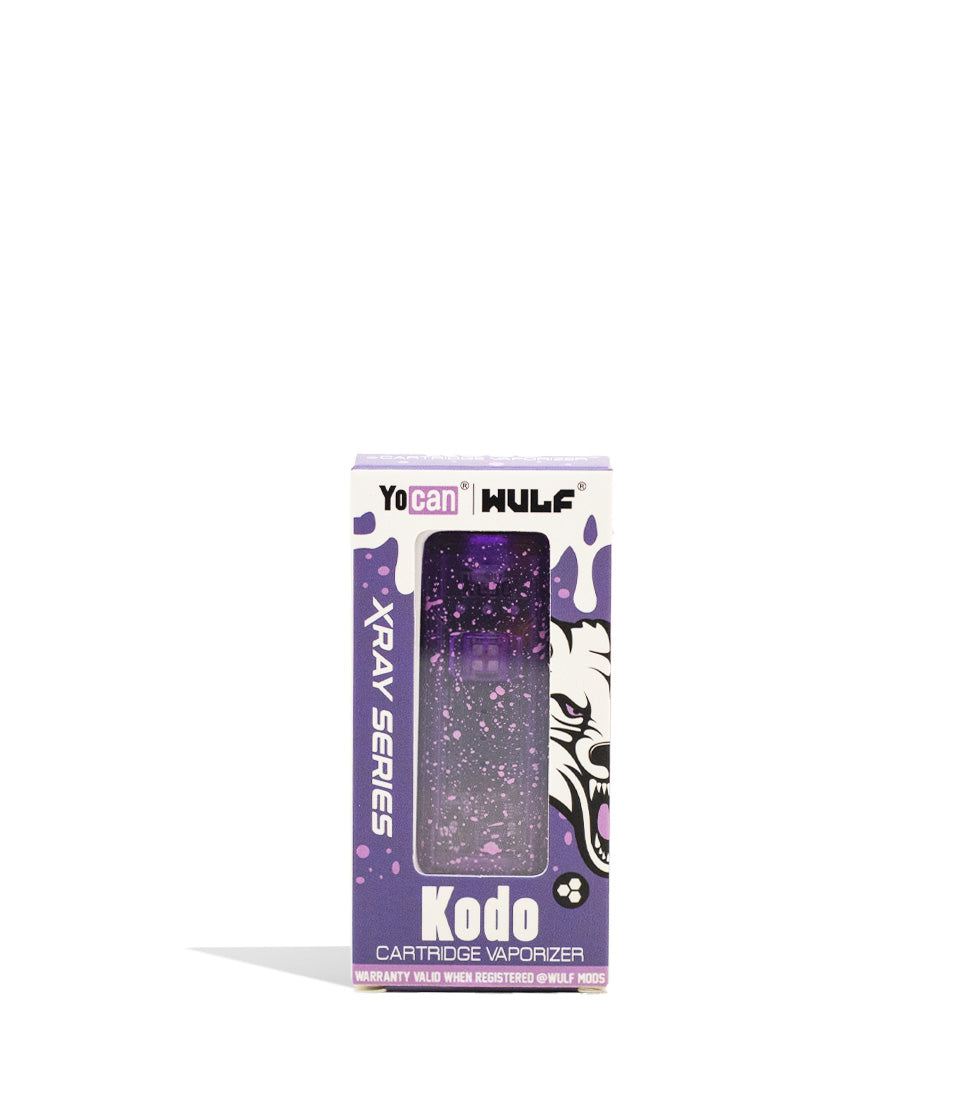
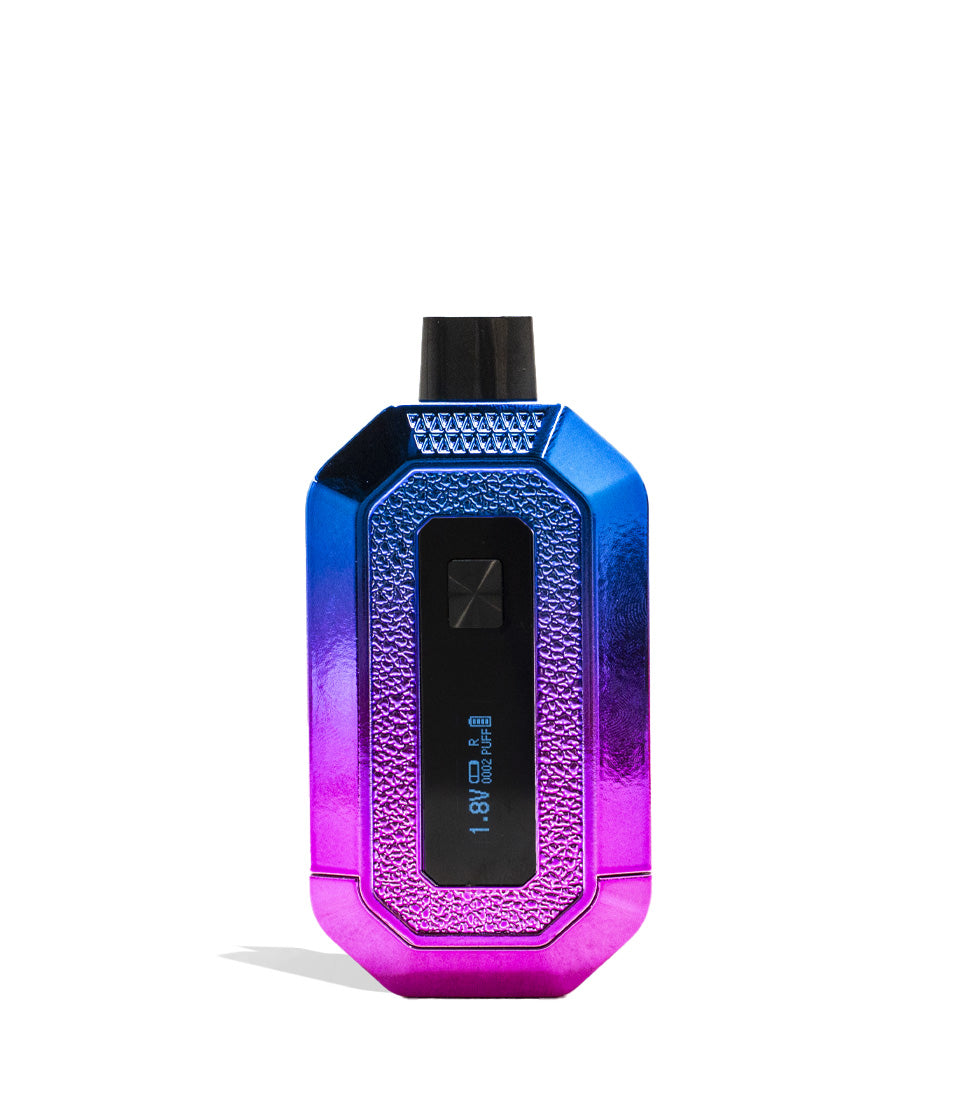
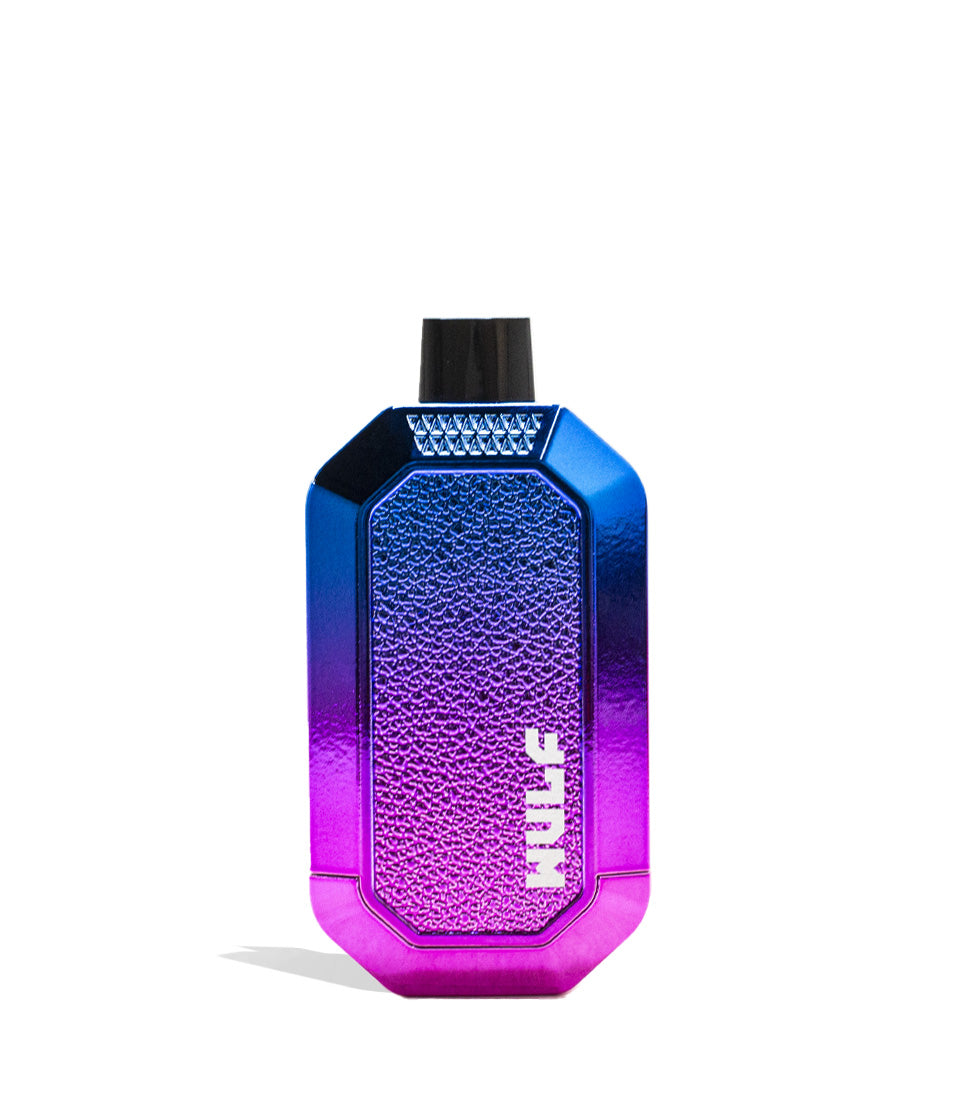
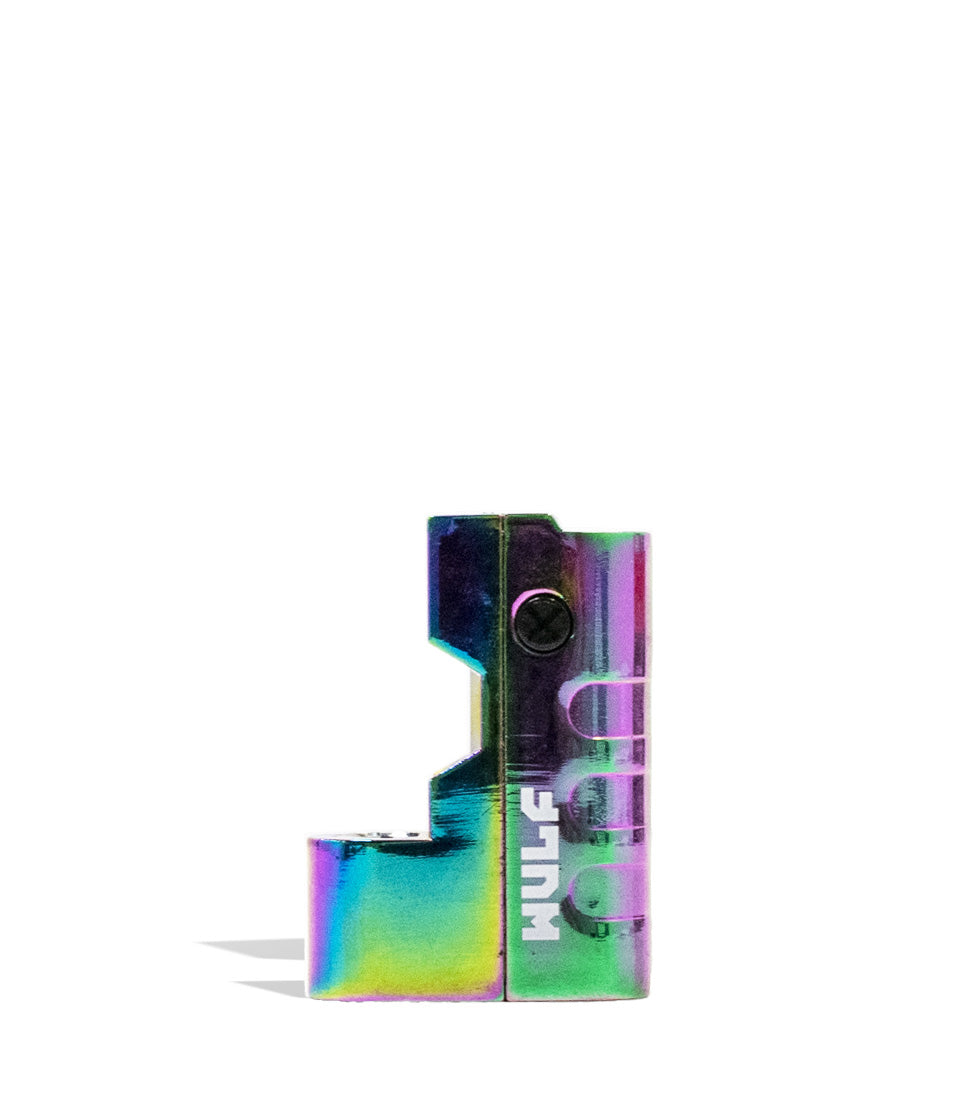
Shop 510 Thread Batteries
Browse the products featured in this guide.
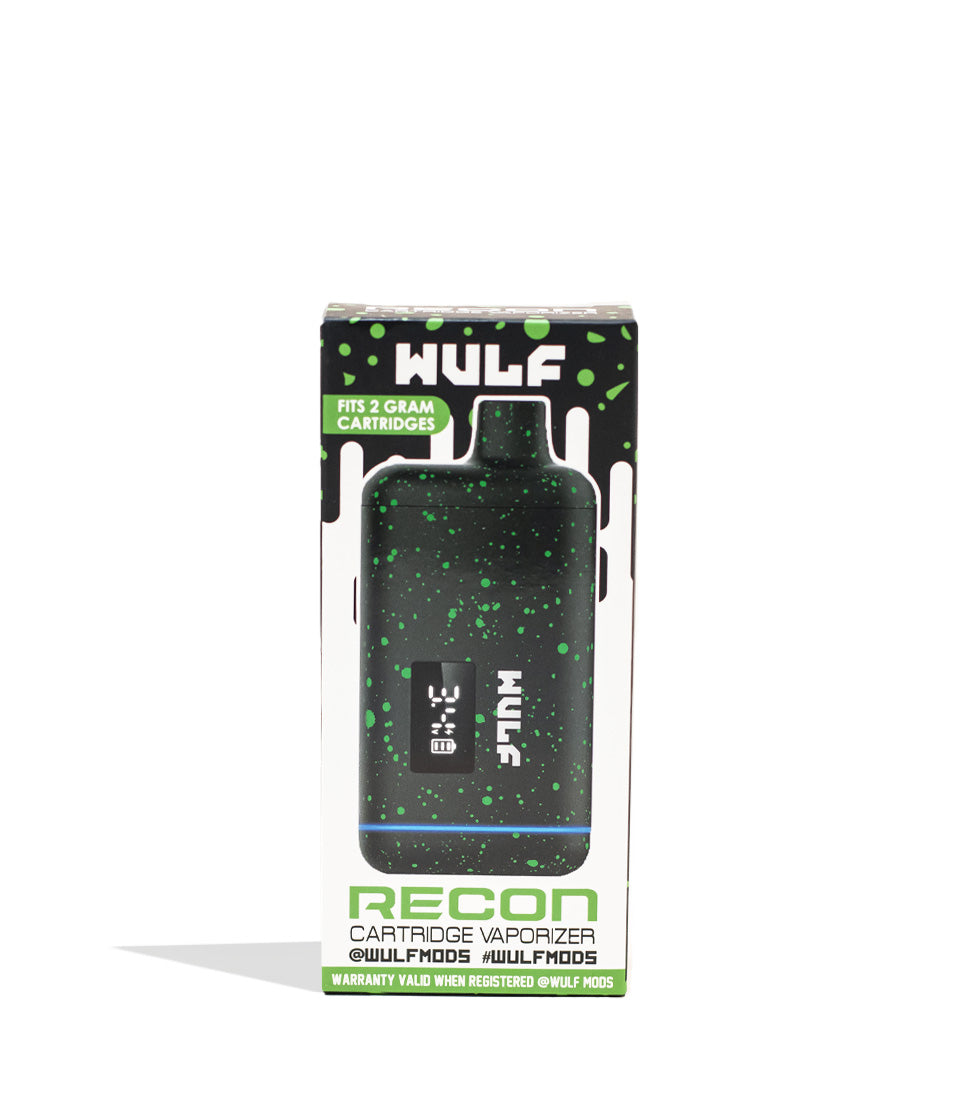
Owners Guide
Owner Playbook
The full playbook below expands on the practical steps and tips behind this guide.
Wulf Mods Recon Pro Dual 510 Thread Battery in hand and ready to dive headfirst into your cloudy adventures with twice the cartridge ferocity?
You’ve come to the right place because Wulf is going to break down exactly how to unleash this dual cartridge Recon Pro beast, with specific step by step instructions that will have you blowing massive clouds in no time.
These ferocious cloud rippers come with not one, but two distinct fully concealed 510 threaded connections each able to acomodate cartridges up to 2G in size. This allows you to swap between your cartridges or hit them at the exact same time, unlocking an entire new world of cloud combinations to experiment with.
We guarantee that by the end of this read, you’ll know everything there is to know about your Wulf Recon Pro Dual, so that whether you’re a seasoned pro or brand new to the Wulf Pack, enjoying versatile, heavy hitting sessions will be easier than ever!
Table of Contents:
Wulf Recon Pro Dual Quick Start Guide
1. How To Charge The Wulf Recon Pro Dual
2. How To Load Cartridges Into The Recon Pro Dual
3. How To Switch The Recon Pro Dual On / Off
4. How To Adjust Voltage Settings
5. How To Pre-Heat Your Cartridges
6. Using The Recon Pro Dual & Airflow Slider
7. How To Troubleshoot The Recon Pro Dual
8. How To Clean The Recon Pro Dual
Enjoy Your Wulf Recon Pro Dual!
Wulf Recon Pro Dual Quick Start Guide
Before we dive into the finer details of the Recon Pro Dual, we wanted to provide y’all with a quick rundown of the most important steps. If you’re in a rush to experience dual cartridge power, here is your fast track to vaping:
| # | STEP | HOW TO | PRO TIP |
|---|---|---|---|
| 1 | Charge Battery | Plug in until the full-color screen loading bar stops flashing. | Charge 2 hours initially, then strictly 1 hour max moving forward. |
| 2 | Load Cartridges | Remove the magnetic bottom and twist in up to two 2G 510 carts. | Replace the magnetic base firmly to conceal and protect your oils! |
| 3 | Power On | Press the power button five times (5x) quickly. | Watch the ferocious Wulf logo spring to life on the vivid display. |
| 4 | Set Voltage | Press the power button 3 times (3x) to cycle through 6 heat settings. | Experiment between 1.8V and 4.2V to find your perfect flavor-to-cloud ratio. |
| 5 | Pre-Heat | Press the power button 2 times (2x) to trigger a 15s countdown. | Use pre-heat to unclog thick dual carts before your first hit. |
| 6 | Hit & Slide | Use the side switch to pick carts, hold power, and draw. | Adjust the physical airflow slider to fine-tune your cloud density. |
| 7 | Clean Device | Power off, remove magnetic base, and swab threads with ISO. | Keeping two 510 connections clean is vital for dual-firing performance. |
For more detailed information on maximizing your lightweight, drop-resistant dual battery, read on for our feature-length walkthrough!
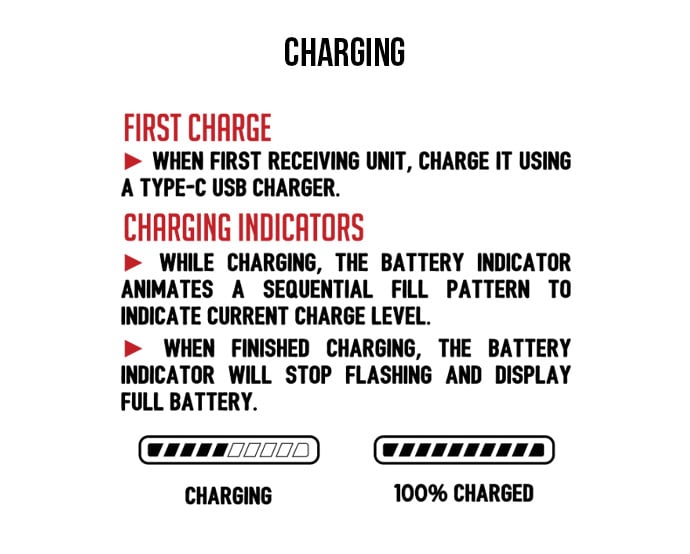
1. How To Charge The Recon Pro Dual Voltage Battery
Outfitted with a highly capable 650mAh battery, the Recon Pro Dual is built to handle the heavy power draw of firing two 510 cartridges simultaneously, providing all day coverage so that you can rip your clouds without any dead batteries upending your sessions.
When your Wulf Recon Pro Dual is correctly plugged into power, your full color screen will display an active loading bar to represent its charging progress. When the battery is completely filled, the screen will cease flashing to let you know it’s ready.
The very first time you charge your Recon Pro Dual 510 Voltage Battery, leave it connected for a full 2 hours to condition the battery cell. Every time after that, never leave your battery plugged in for longer than 1 hour at a time, and never leave it unattended to avoid any long-term battery degradation.
Always make sure to keep an eye on your Wulf Recon Pro Dual while it’s charging, this way you can monitor the situation and ensure that everything goes smoothly. Once your battery is full, make sure to always promptly remove from the charger and make sure to never leave it plugged in charging over night.
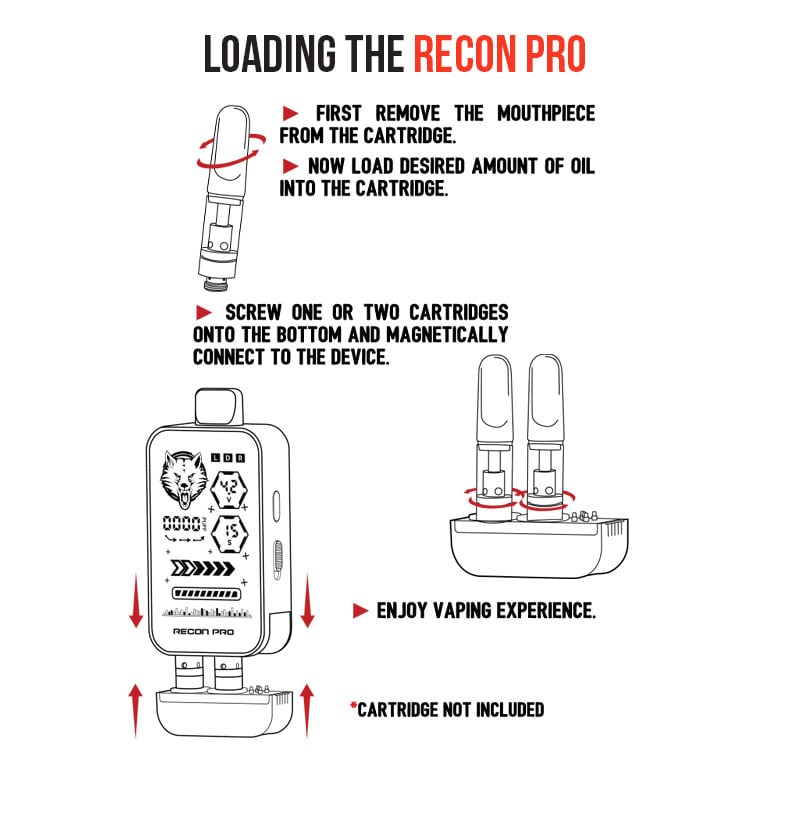
2. How To Load Cartridges Into The Recon Pro Dual
Begin your hunt for the fiercest clouds by dipping into your collection of 510 threaded cartridges and selecting up to two of your absolute favorites. Because the Recon Pro Dual handles cartridges up to 2G in size each, you can conceal a massive 4G total capacity in the palm of your hand!
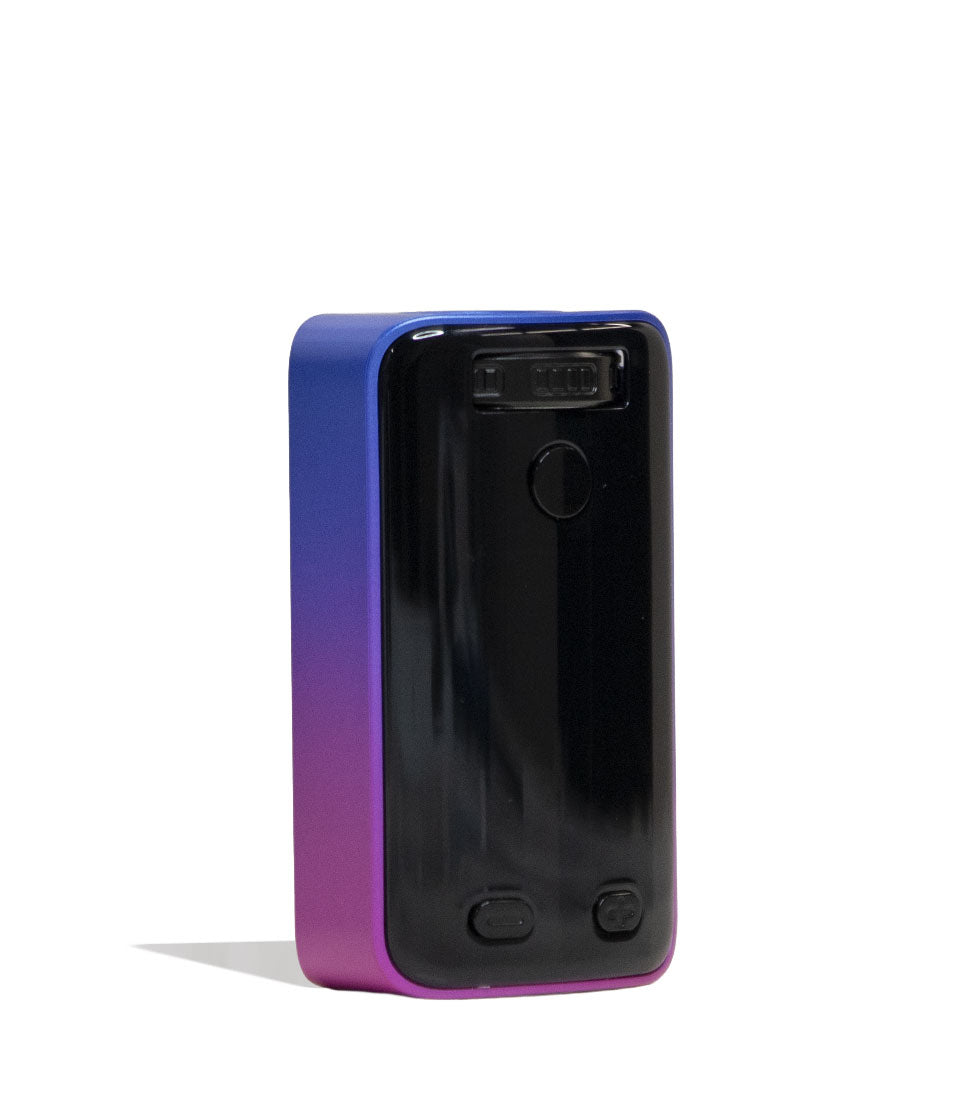
To load your Wulf Recon Pro Dual, simply pull the magnetic bottom base completely off the body to expose the two separate 510 threaded connetions. From here, gently twist your cartridges into the threaded connection ports until they are snug, without being too tight.
Once both (or just one) cartridges are securely attached, slide the magnetic bottom back into place to conceal and lock everything into place, before moving onto the next step.
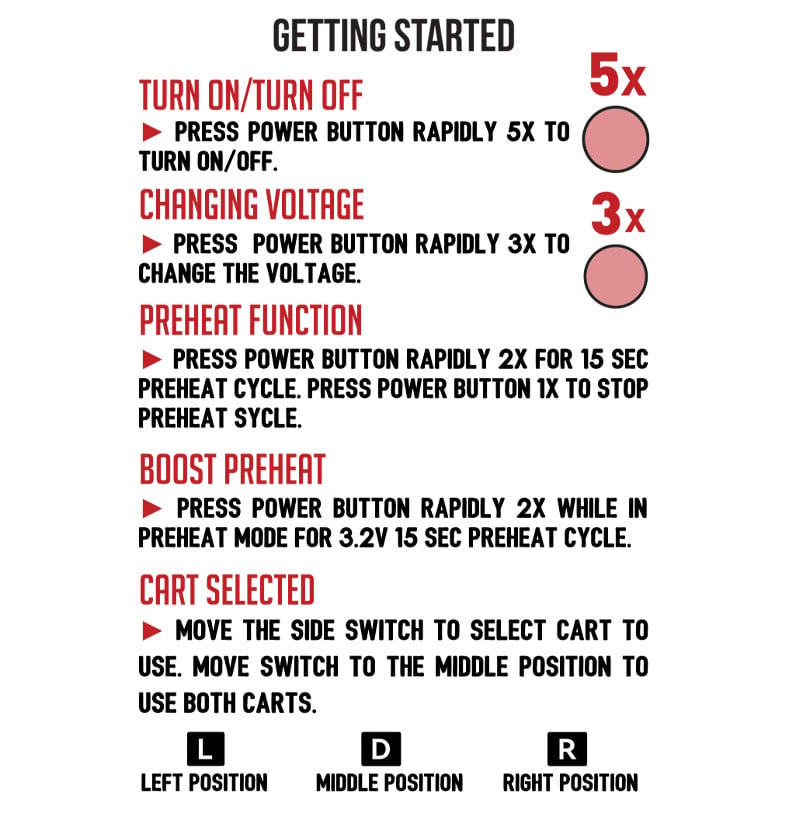
3. Using Your Recon Pro Dual 510 Voltage Battery
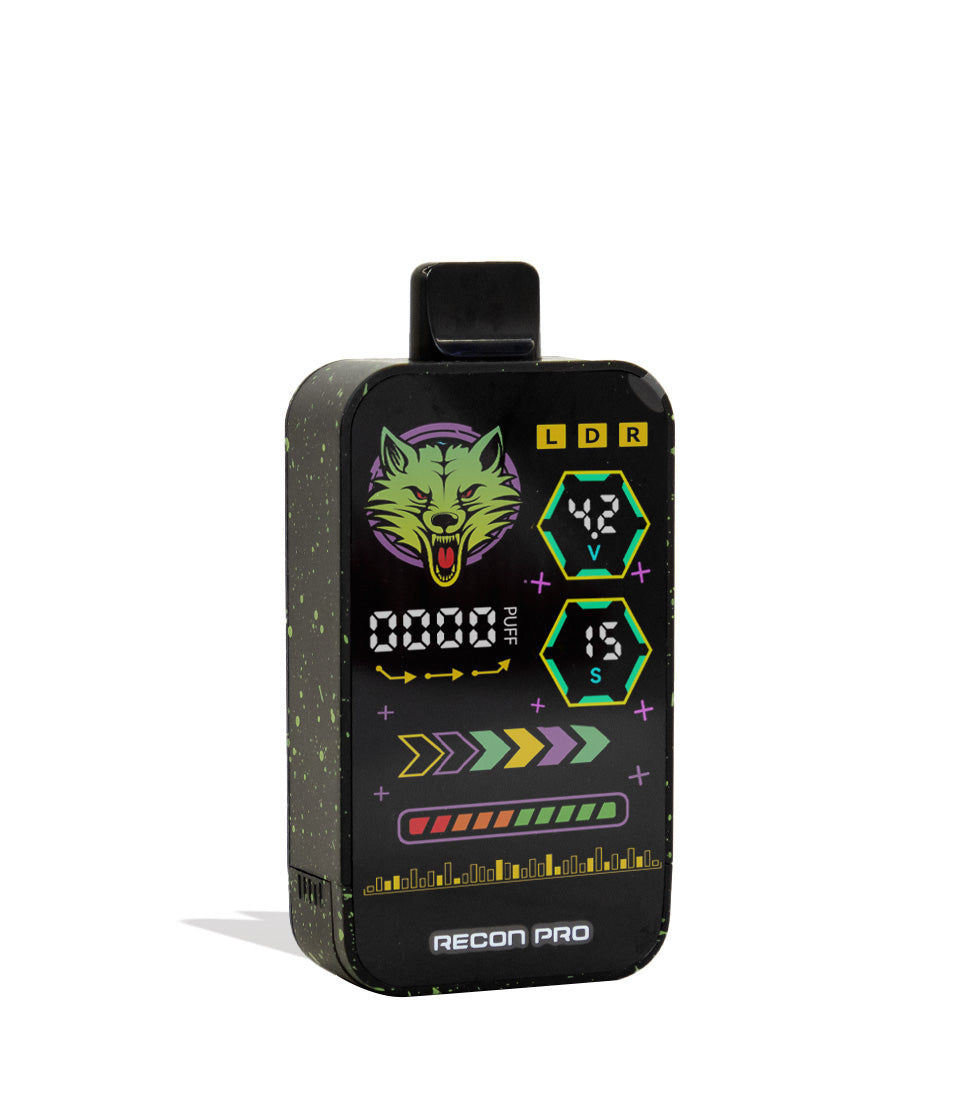
To power on your Recon Pro Dual, press the main power button 5 times in quick succession (5x). If correctly input, you’ll notice the ferocious Wulf Mods logo spring to life, as the rest of your vivid, full color screen follows suit!
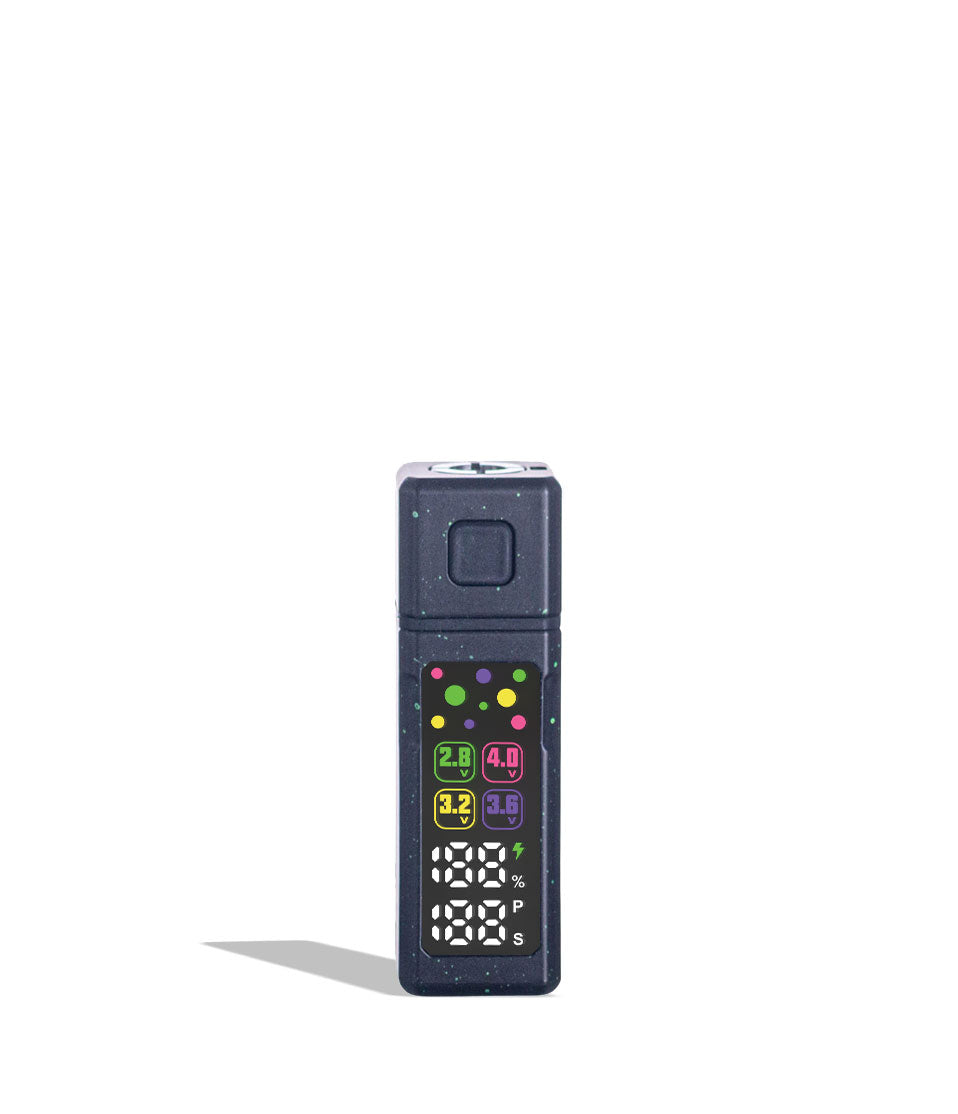
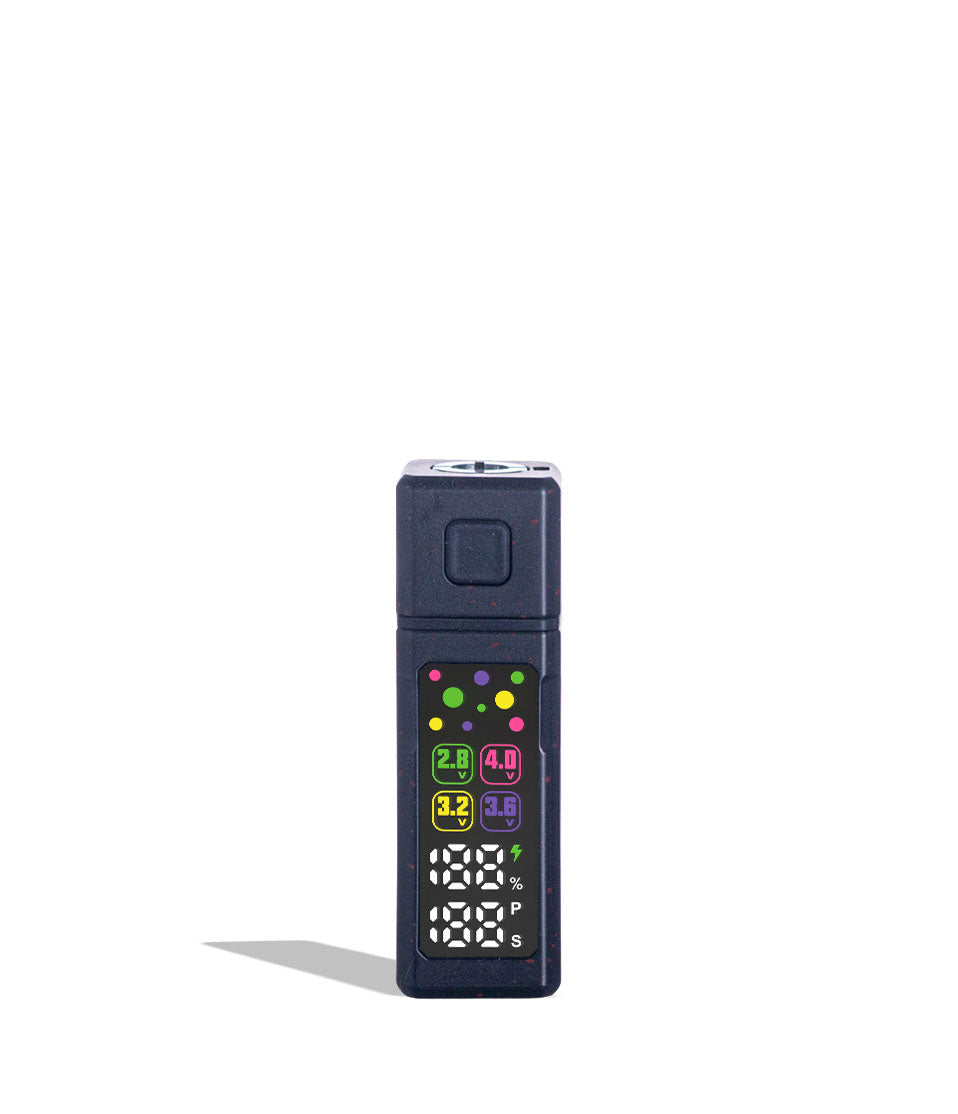
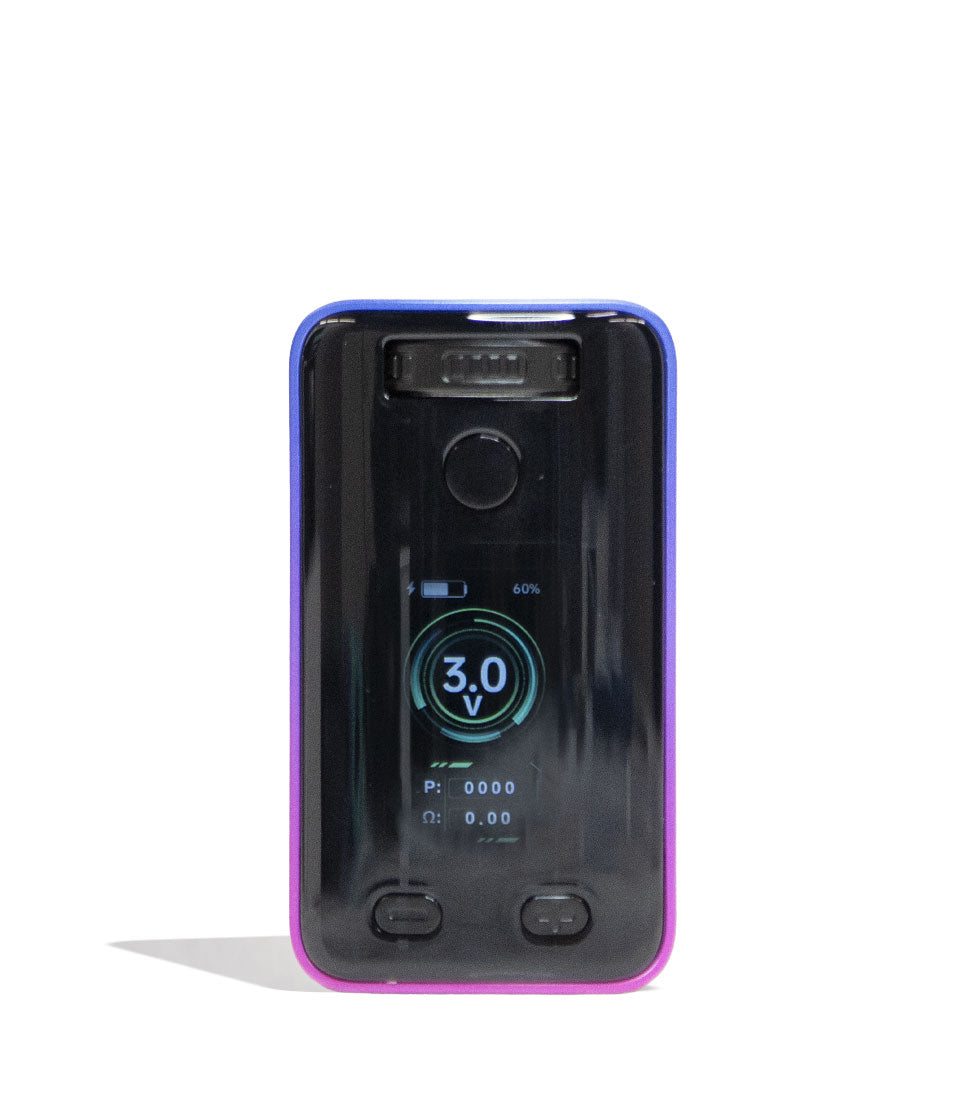
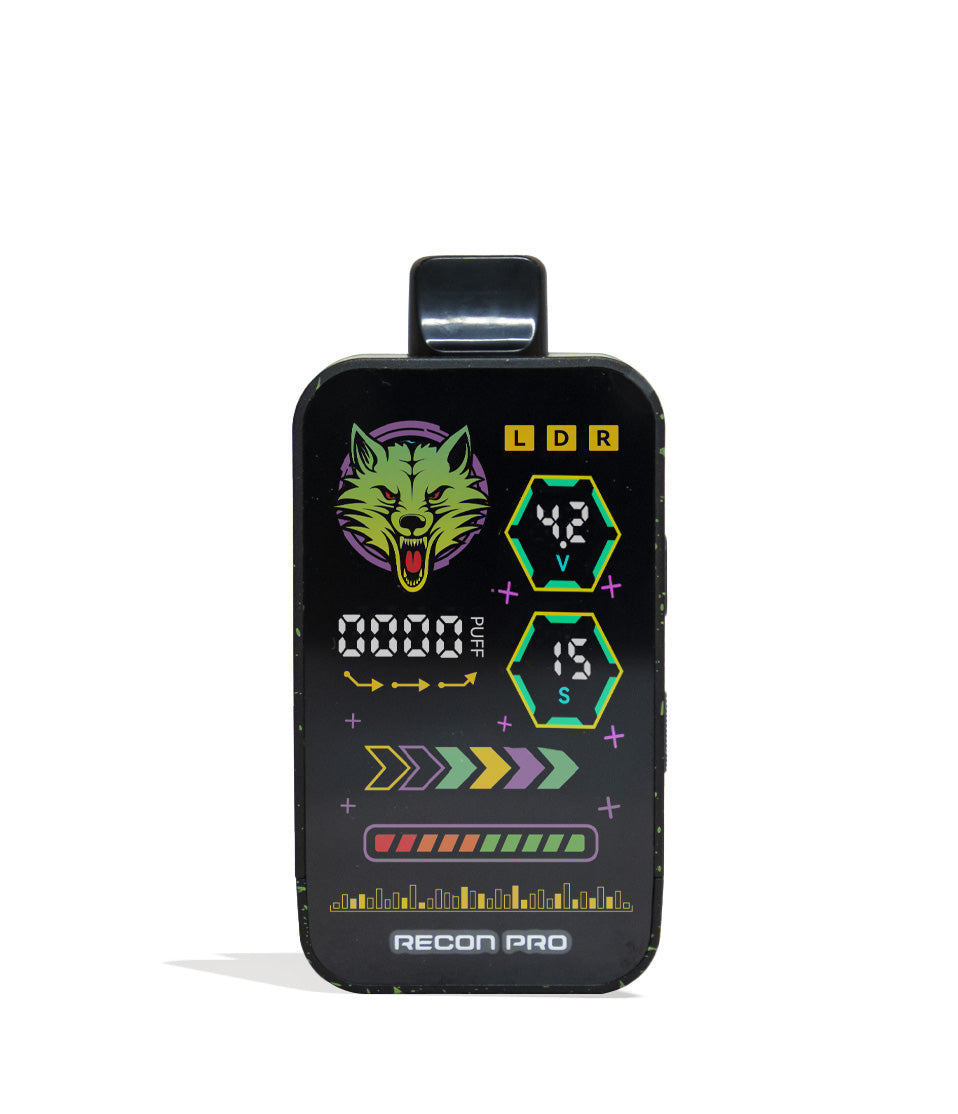
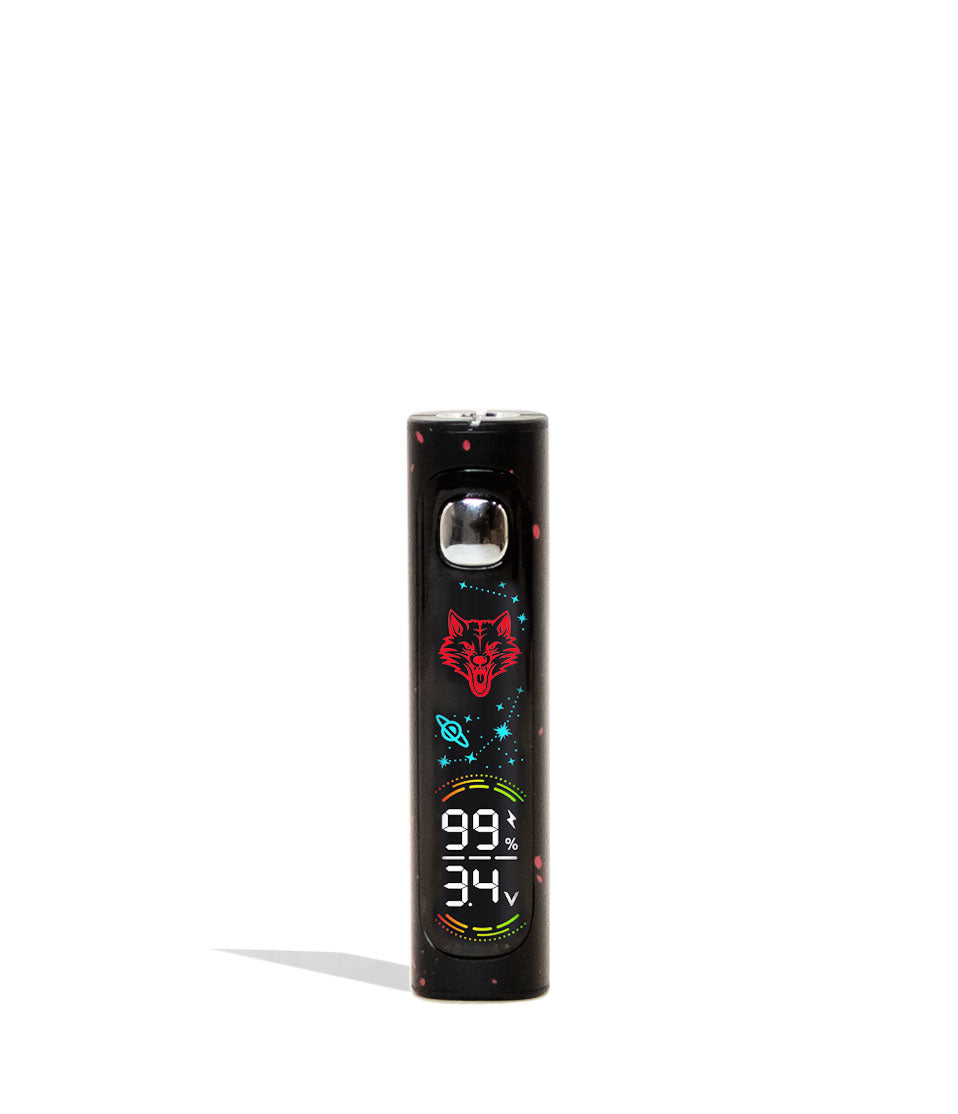
The massive front display allows you to view all of your critical session settings at a glance, including active voltage, exact battery percentage, and a built-in puff counter. This keeps you up to date on everything that’s happening with your Wulf Recon Pro Dual to ensure you have complete and utter control over your sessions.
Once your session has concluded, simply press the power button 5 times in a row (5x) to safely turn off your device before slipping it into your pocket or bag. Always make sure to power down the Wulf Recon Pro Dual before traveling or storing it, as this protect yourself and your battery from any accidental issues in the process.
4. Adjusting Recon Pro Dual Temperature Settings
Experience sessions as long lasting as they are versatile. The Recon Pro Dual features 6 highly capable temperature settings designed to unlock the ultimate flavor and potency from any oil viscosity: 1.8V, 2.2V, 2.7V, 3.2V, 3.7V, and 4.2V. In general lower voltage settings produce more flavor with smoother vapor, while higher voltages produce more potency with harsher vapor.
Depending on the mood, you can switch between the high and low ends of your Wulf Recon Pro Dual’s voltage range and dial in your clouds to match whatever adventures you’re currently in the midst of.
To alternate between these 6 different temperature settings on your Wulf Recon Pro Dual, press the power button 3 times in a row (3x) and watch as the full-color screen switches to the next voltage in line. Keep pressing the power button 3x in order to cycle through until you find the perfect sweet spot for your oil!
Once you’ve got the right voltage level, stopping pressing the power button and allow your Wulf Recon Pro Dual to lock in the change before continuing your sessions.
5. Pre-Heating Your Recon Pro Dual 510 Battery
For an added boost of power, the Wulf Recon Pro Dual has a 15s pre-heat mode with a choice of either 1.8v or 3.2v. This allows you to heat up your cartridges before hand, setting you up for an extra potency hit and helping to ensure both of your cartridges reach the proper temperature.
To activate the 1.8v 15s pre-heat on your Wulf Recon Pro Dual 510 Thread Battery press the power button two times (2x). This will cause your screen to display a 15 second countdown, after which you’ll be able to draw a hit link normal from your mouthpiece with the added benefits of the pre-heat super sizing your clouds.
To activate the 3.2v 15s pre-heat on your Wulf Recon Pro Dual 510 Thread Battery press the power button two times (2x) to begin the countdown and then quickly press the power button an additional two times (2x) to kick things up a gear. This input allows you to prepare an extra spicy pre-heated cloud with your Wulf Recon Pro Dual that’s maxed out in every aspect.
6. Hitting the Recon Pro Dual & Airflow Slider
Now that you’ve laid the groundwork, it’s time to enjoy the fireworks show and start actually using your Wulf Recon Pro Dual!
When using your Wulf Recon Pro Dual you have the choice of hitting either the left cartridge, right cartridge, or a mixture of both in dual mode. To adjust these, make use of the slider on the side of the Recon Pro Dual to switch between the three distinct positions (L,R,D).
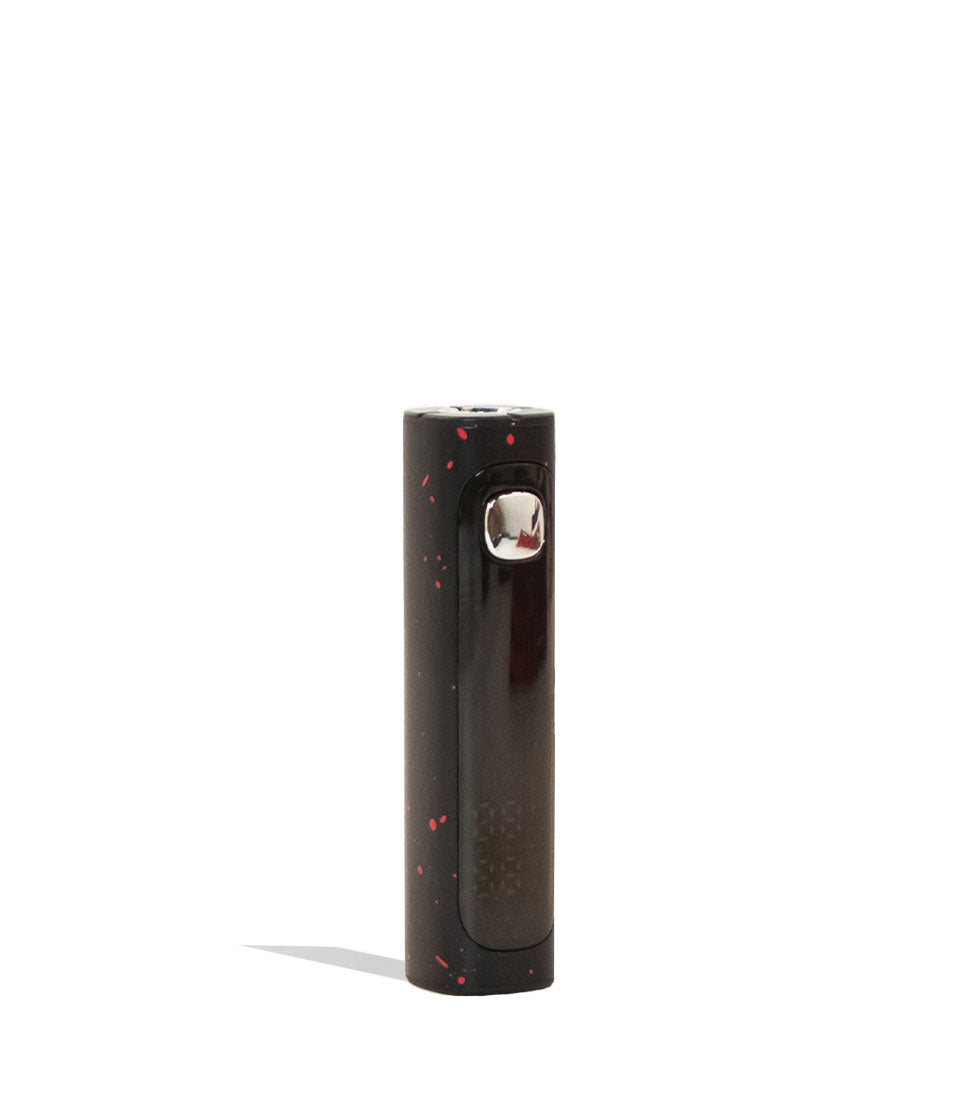
From here you can use your Wulf Recon Pro Dual by holding down the power button and drawing from the mouthpiece. Depending on your mode, this will fire one or both of your cartridges and provide you with a steady stream of on demand vapor. When you’ve had enough, simply release the power button and your battery will return to stand by mode.
For even further customization, the Recon Pro Dual features a brand new physical airflow slider. Adjust this slider open or closed to give yourself the power to control your cloud consistency and draw resistance perfectly on every puff.
7. Troubleshooting Recon Pro Dual 510 Voltage Battery
To keep your sessions rolling smoothly and protect your battery life, be aware of the following automated troubleshooting warnings that will display on your Wulf Recon Pro Dual screen:
- Overtime Warning: If you hold down the power button for longer than 15 seconds during a single draw, your screen will flash 5 times (5x) and cut power to indicate an overtime warning, preventing burnt coils.
- Auto Shut Off Warning: After 8 minutes of non-use, your device will automatically power off to maintain your battery capacity and prevent accidental pocket firing.
- Puff Count Reset: Should you wish to reset your puff counter back to zero, press the power button 4x in a row.
If you notice any of these warnings, make sure to address them immediately in order to protect yourself, your Wulf Pack, and the internal battery of your Wulf Recon Pro Dual.
8. How To Clean the Recon Pro Dual 510 Voltage Battery
For the best long term performance with your Wulf Recon Pro Dual 510 Thread Battery we recommend keeping it clean. With twice the connections present, this means there’s more chance for oil to potential leak out, thus you’ll have to stay on top of your maintenance for the best results.
Clean your Recon Pro Dual by first powering down your device entirely (5 clicks) and removing the magnetic bottom base. From here, make use of a Q-tip dampened with isopropyl alcohol to gently wipe off both 510 threaded connections and the interior of the mouthpiece.
Always make sure to leave enough time for your device to air dry completely so all alcohol evaporates before reassembling and using it again.
Enjoy Your Wulf Recon Pro Dual!
With all of that out of the way, it’s time to enjoy your Wulf Recon Pro Dual 510 Thread Battery and experience the best dual-cartridge clouds possible! Unleash your favorite oils with true ferocity and embrace a world of mixing and matching without limitations.
Available in 9 gorgeous finishes (including our classic white-red spatter and flowing full-color options), this lightweight, drop-resistant ripper is ready for anything.
If you ever need help, you can always come back to this set up guide for a quick refresher. Have any more questions for Wulf? Take a look through the Wulf Resource Center for helpful guides detailing all of our latest releases.
Thanks for choosing Wulf for your sessions, and we welcome you to the Wulf Pack! Now get out there and blast off with your Recon Pro Dual! Arooo!!!
Frequently Asked Questions
Owners Guide FAQs
Common questions related to this guide and how to apply the information when choosing your device.
How Do I Switch Between Single Cartridge And Dual Cartridge Firing Modes?
How Do I Trigger The Higher 3.2V Pre-Heat Mode On The Recon Pro Dual?
How Do I Reset My Puff Counter Back To Zero On The Recon Pro Dual Screen?
What Size Oil Cartridges Fit Inside The Concealed Base Of The Recon Pro Dual?
Why Did My Recon Pro Dual Display An Overtime Warning During A Hit?
Wulf Mods Trust Center
About This Resource
Understand how this guide was researched, reviewed, and maintained by the Wulf Mods editorial team.
Editorial Standards
- Written for the people choosing and using these devices.
- Reviewed for clarity, accuracy, and practical retail value.
- Based on current manufacturer specifications and product documentation when available.
- Updated as products, regulations, category trends, or market conditions evolve.
- Built on deep, hands-on product experience.
- Designed to help you choose the right device with confidence.
Research Methodology
This owner guide was prepared to help you set up, use, and care for your device with confidence. Guidance is based on hands-on product experience, common questions, and real-world use.
- Hands-on product experience
- Setup and first-use guidance
- Cleaning, care, and maintenance
- Common questions and troubleshooting
- Safe and responsible use
- Real-world use considerations
- Editorial review for clarity and usefulness
Supporting Sources
Sources used to support this resource are included for transparency and documentation.
Article Information
Intended Audience
- Everyday customers
- First-time buyers
- Experienced enthusiasts
- Dry herb users
- Concentrate users
- Anyone upgrading their setup
Editorial Policy
Wulf Mods educational resources are reviewed periodically to maintain accuracy and relevance. When product specifications, regulations, category trends, or market conditions change, articles may be updated with a new review date. Trusted product guidance.
Keep Exploring
Related Resources
Keep learning with related Wulf Mods resources selected to help you get more out of your device.