

Resource Center
How To Use The Wulf Mods UNI 3.0 Universal 510 Thread Battery

Continue With This Resource
Wulf Mods Quick Brief
What You Should Know
A fast summary of the key points, questions, and guidance covered in this guide.
Overview
Key Takeaways
- The Wulf UNI 3.0 uses a box style body with an adjustable height slider and an 11mm–16mm width dial to fit and protect virtually any 510 thread cartridge up to 2 grams.
- Powered by a long lasting 650mAh internal battery, the Wulf UNI 3.0 offers fine tuned variable voltage from 1.8V to 4.2V in 0.1V increments.
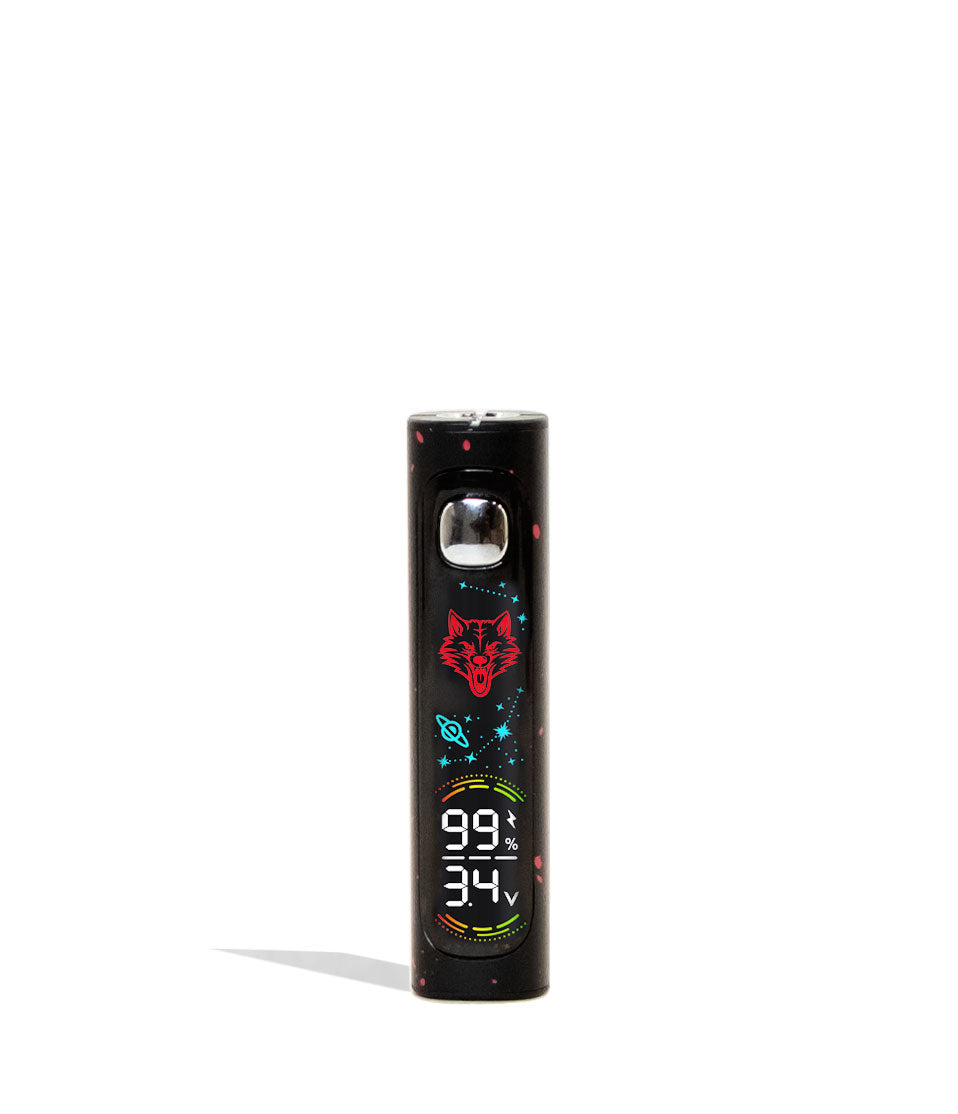
- The Wulf UNI 3.0 features a crisp digital screen displaying voltage, battery life, and puff counts, along with 3 selectable animated UI background themes.
- Utilizes a threaded magnetic 510 ring adapter for rapid drop in cartridge swapping and secure power transfer.
- Features built in screen alerts for 15 second over time cutoffs, low voltage warnings, and short circuit protection.
Questions This Resource Answers
- How do you use the Wulf Mods UNI 3.0 Universal 510 Thread Battery?
- How do I adjust height and width on the Wulf UNI 3.0?
- What size cartridges is the Wulf UNI 3.0 compatible with?
- How do I charge the Wulf UNI 3.0?
- What is the voltage range on the Wulf UNI 3.0, and how do you adjust it?
Recommended Products
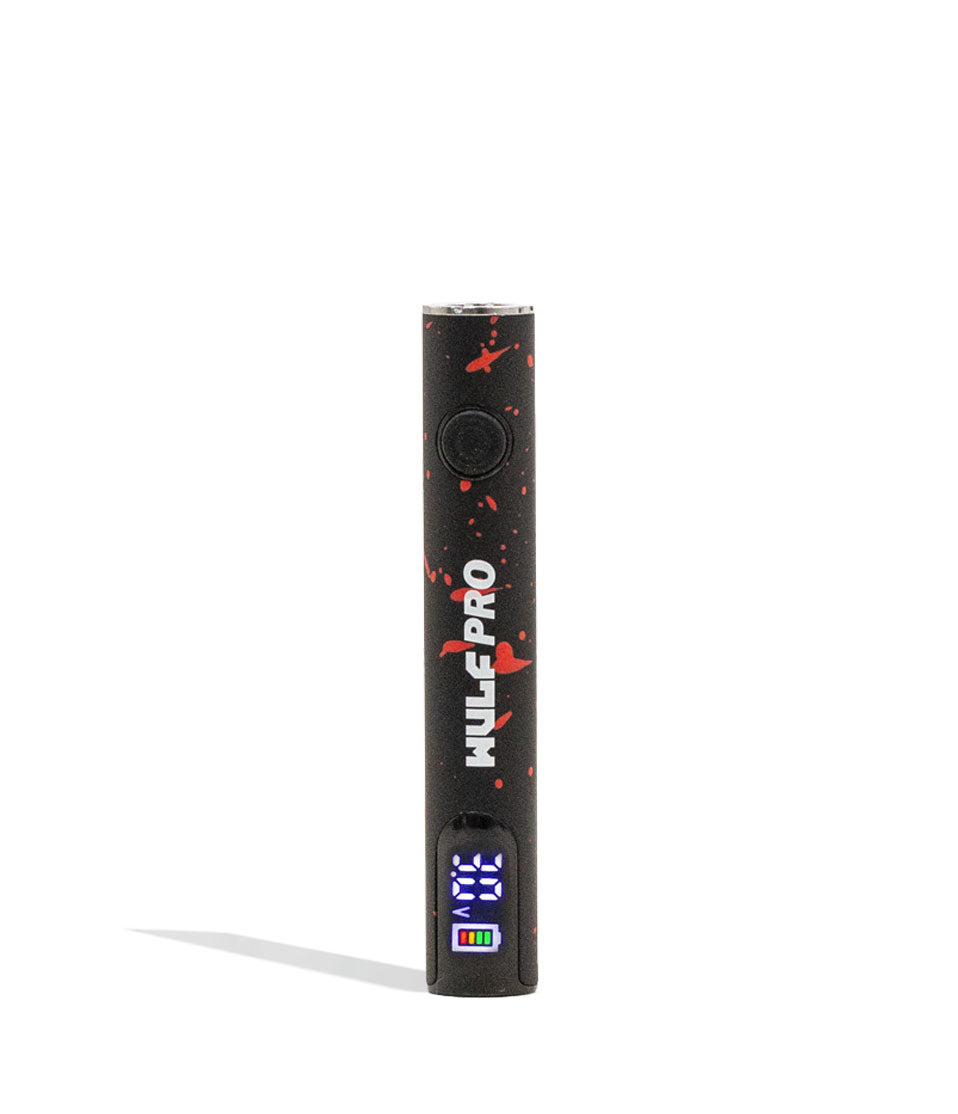
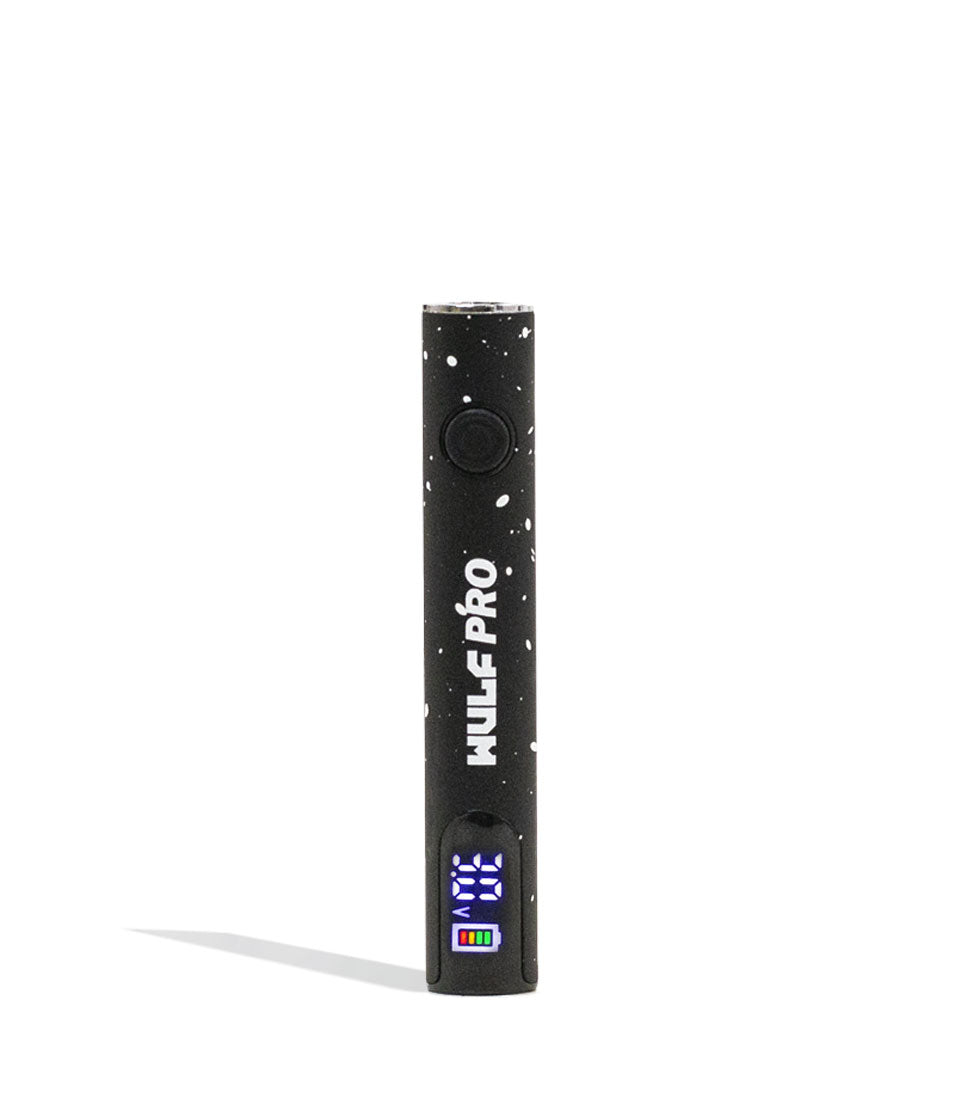
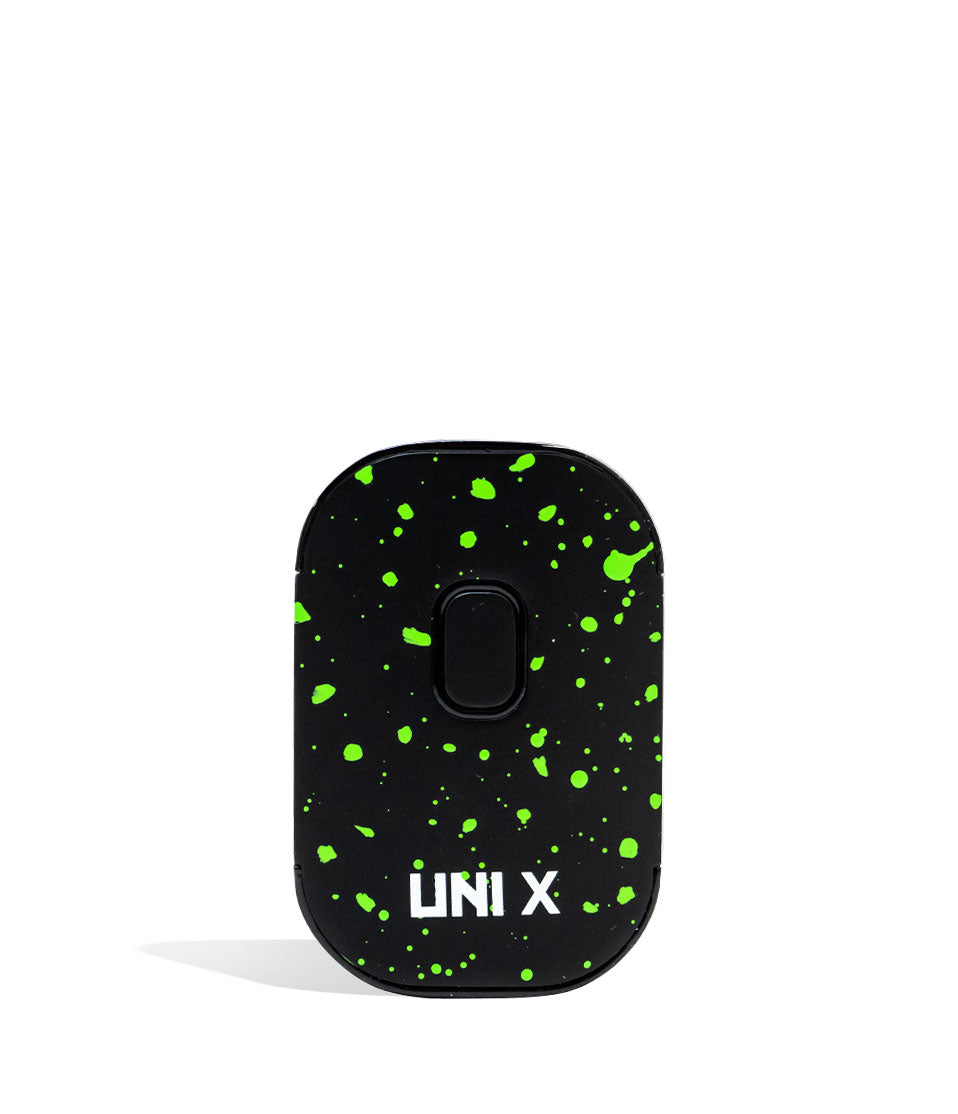
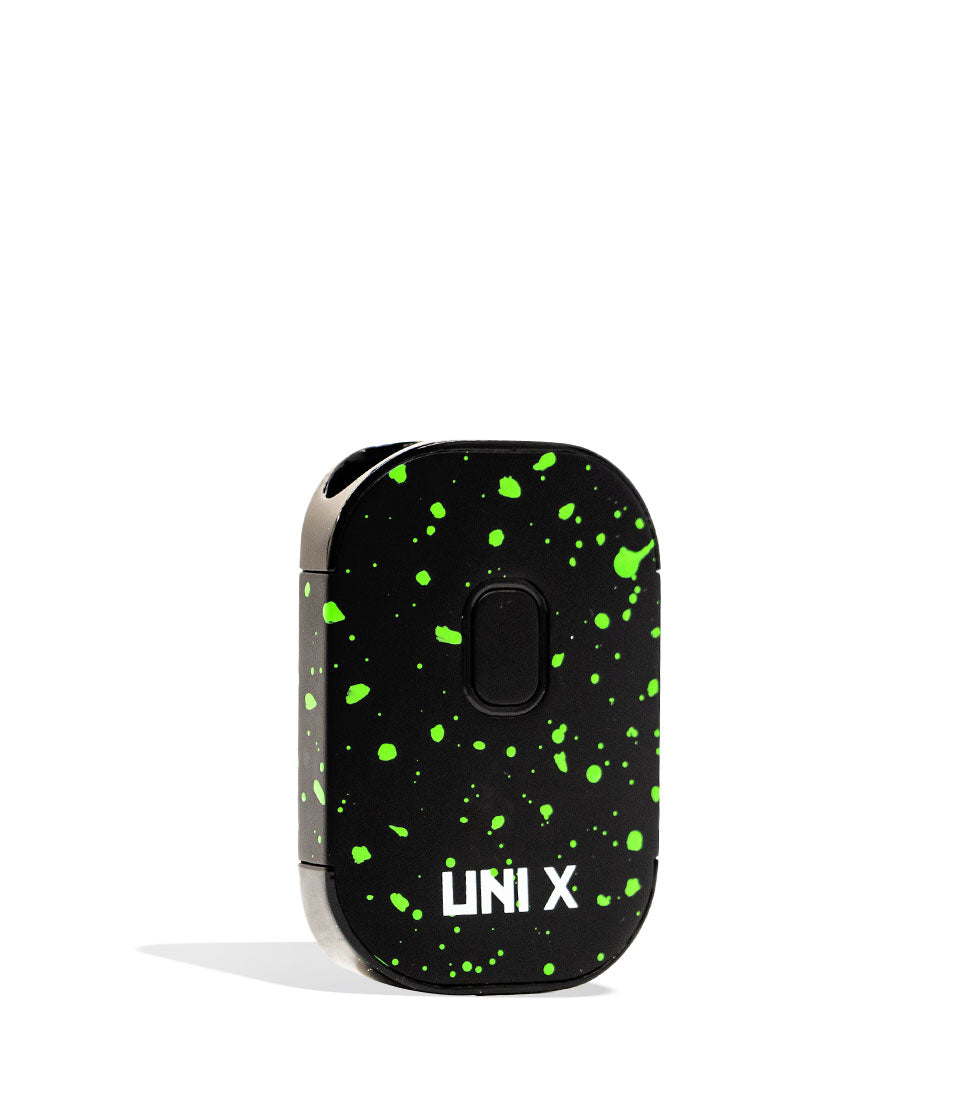
Shop 510 Thread Batteries
Browse the products featured in this guide.
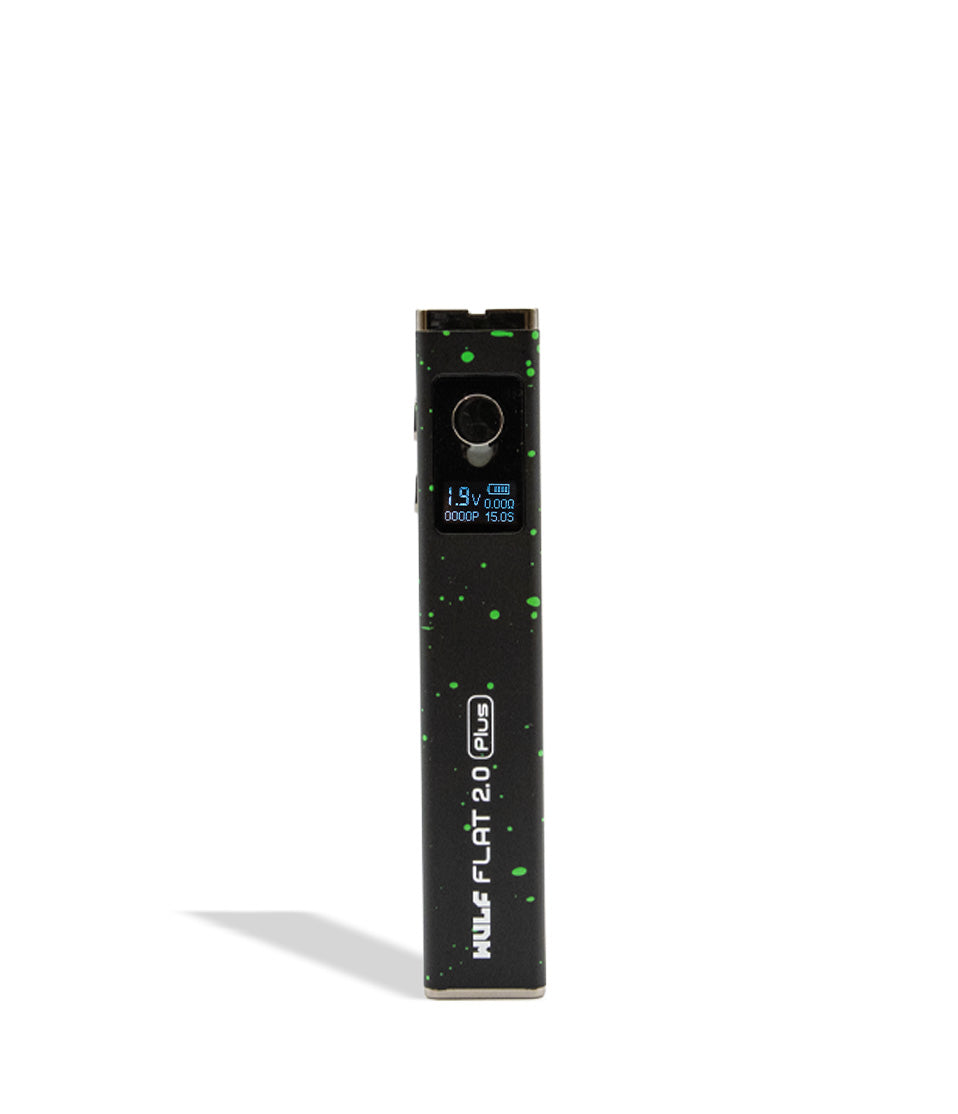
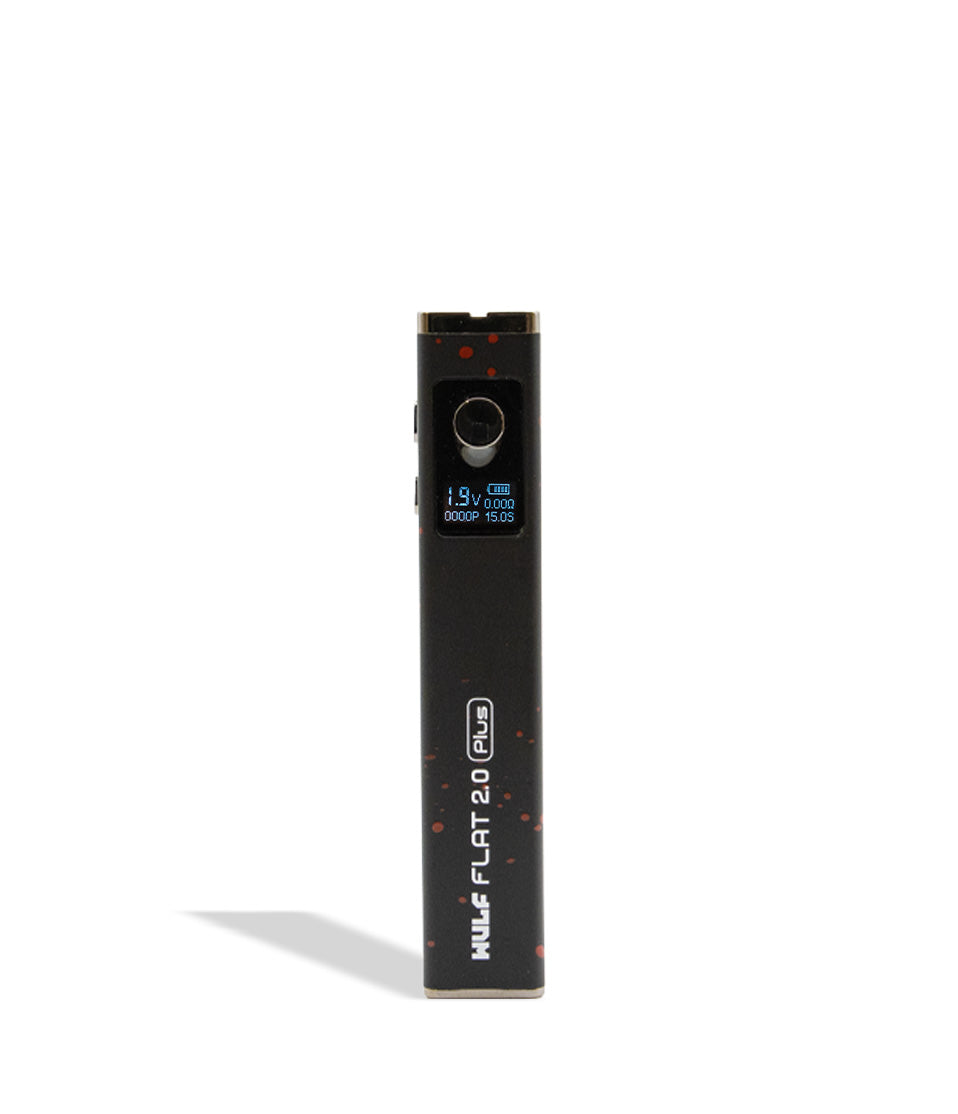
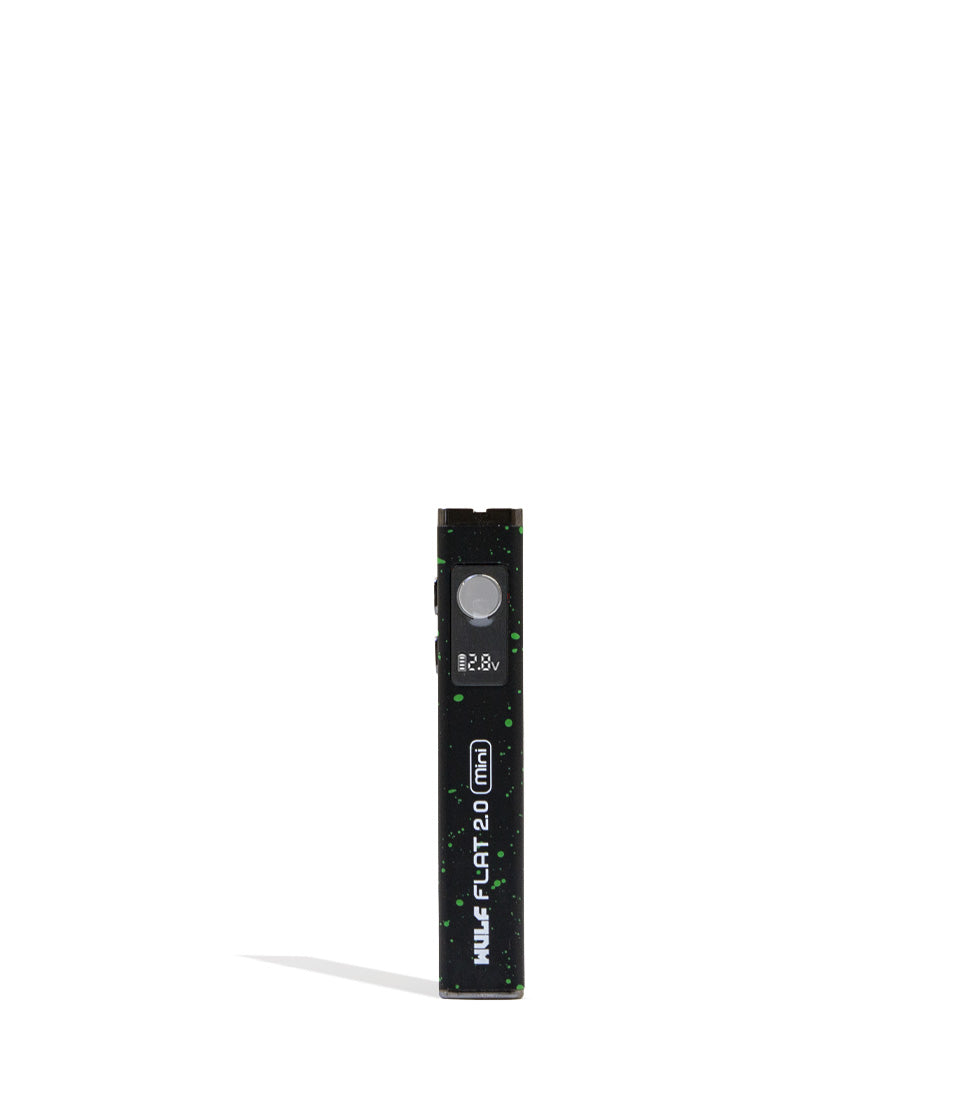
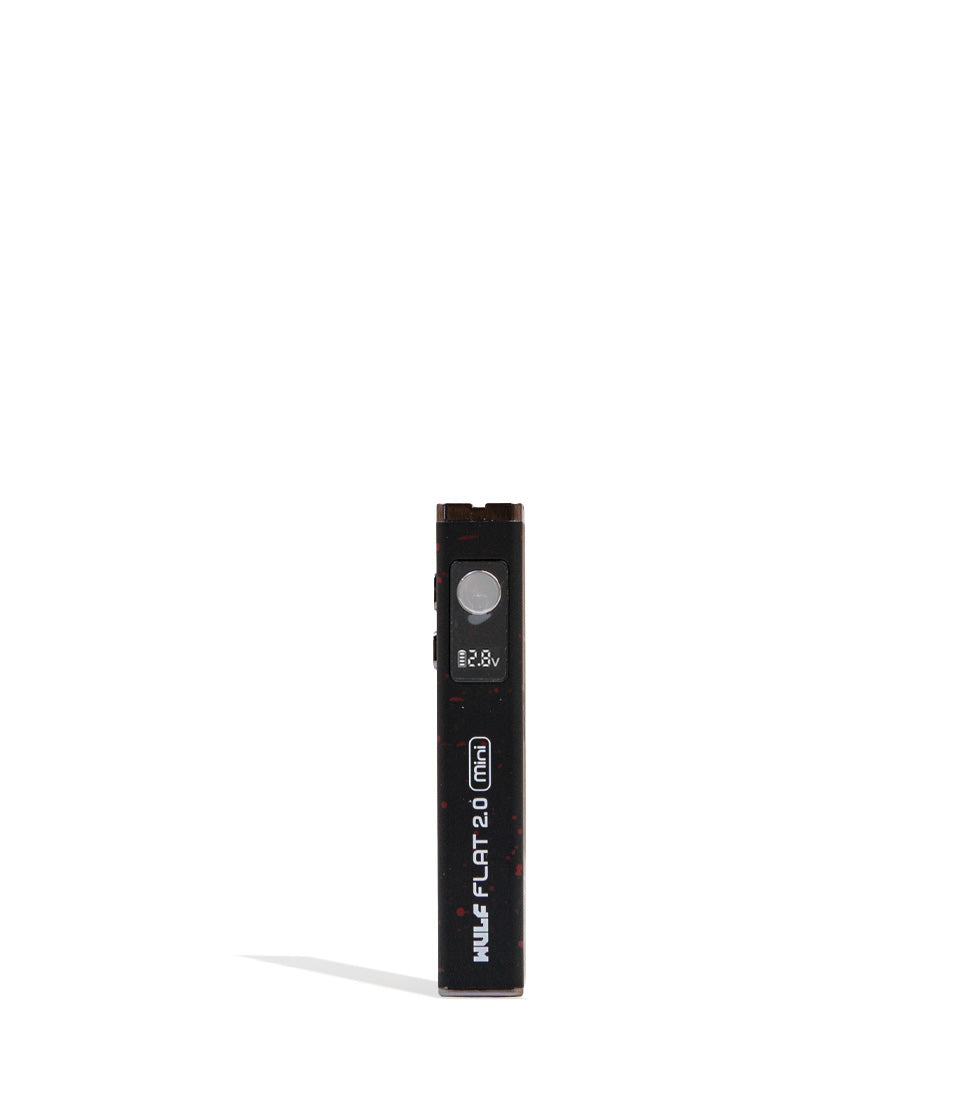
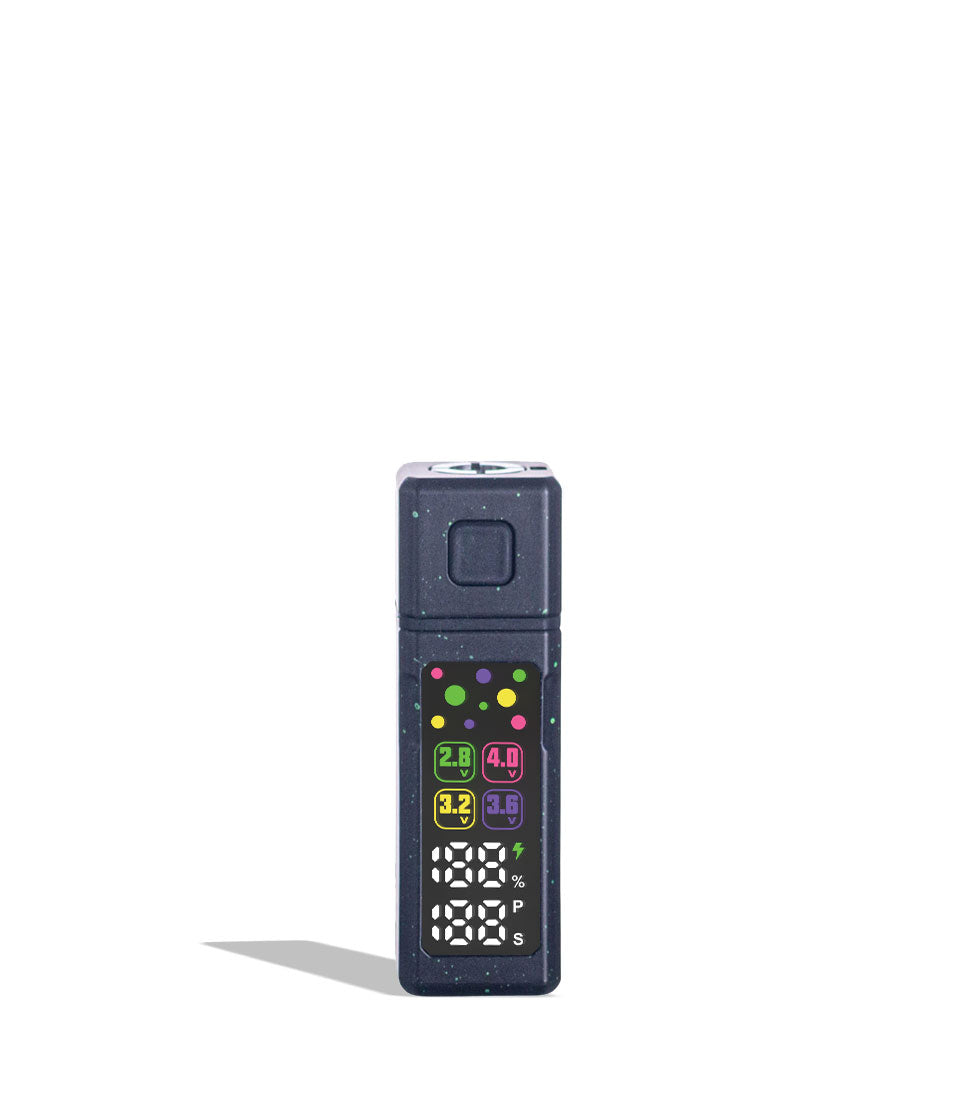
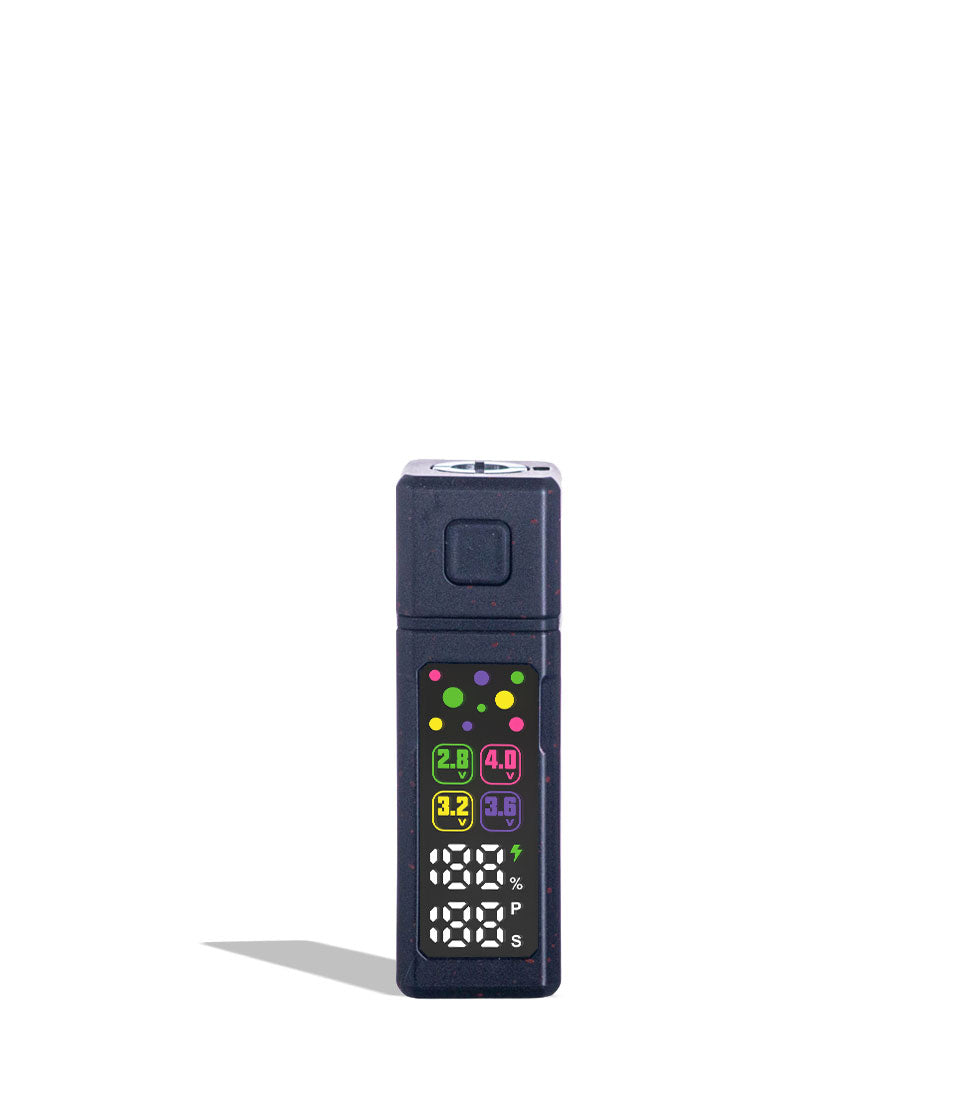
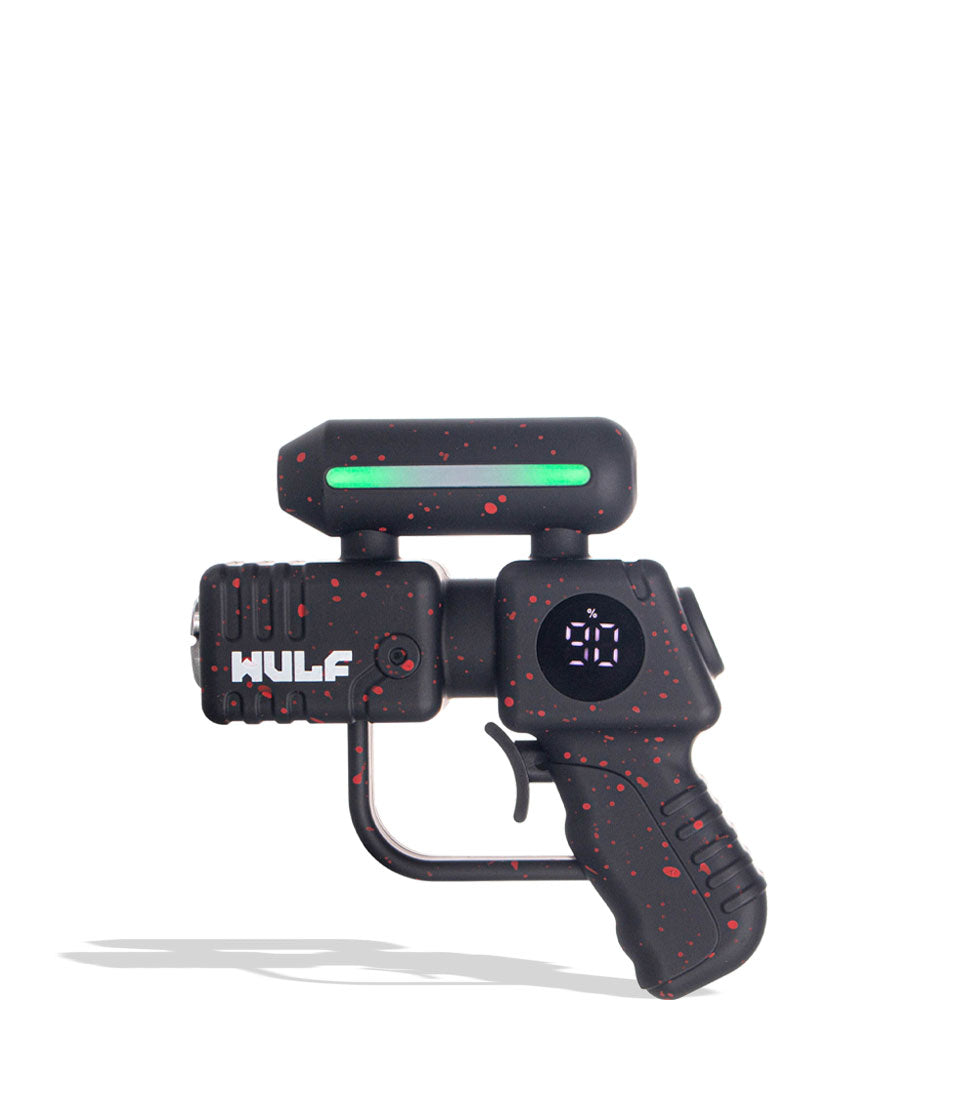
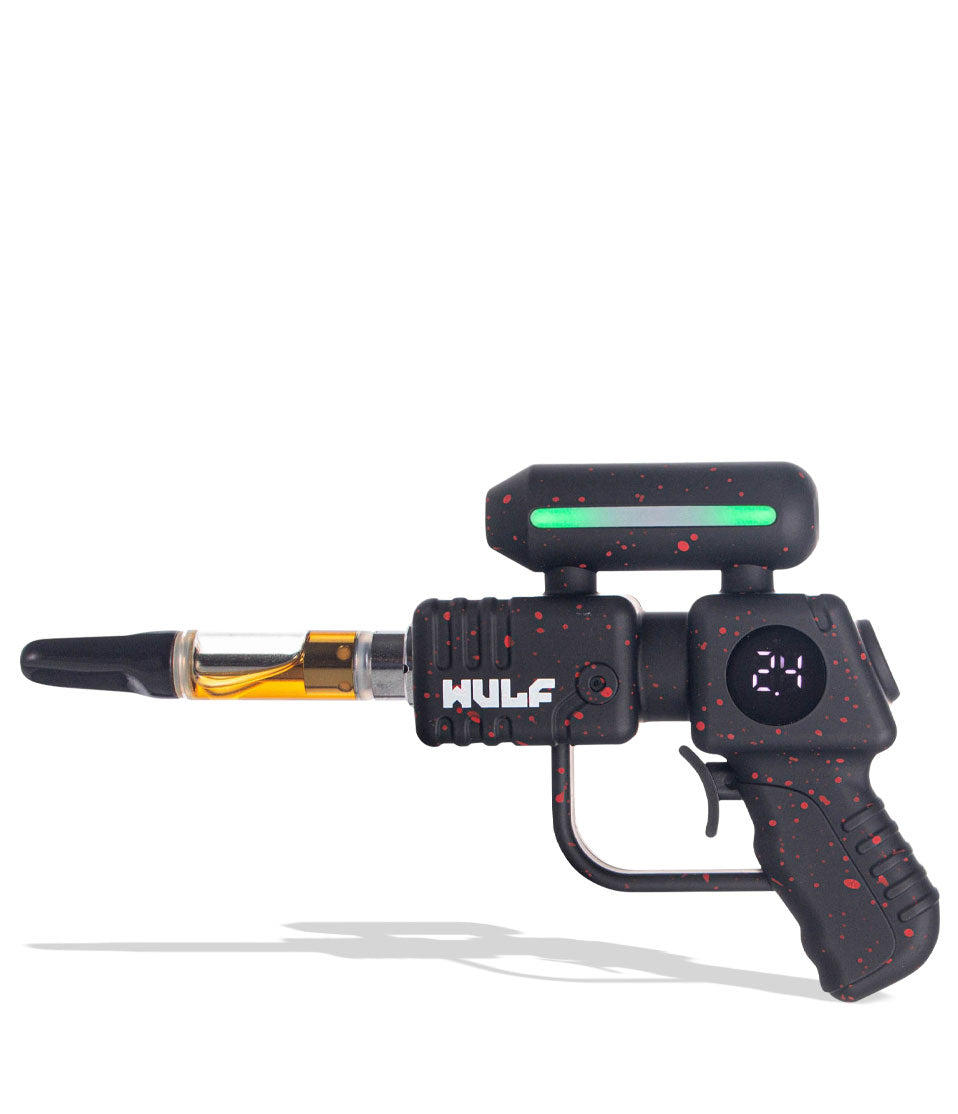
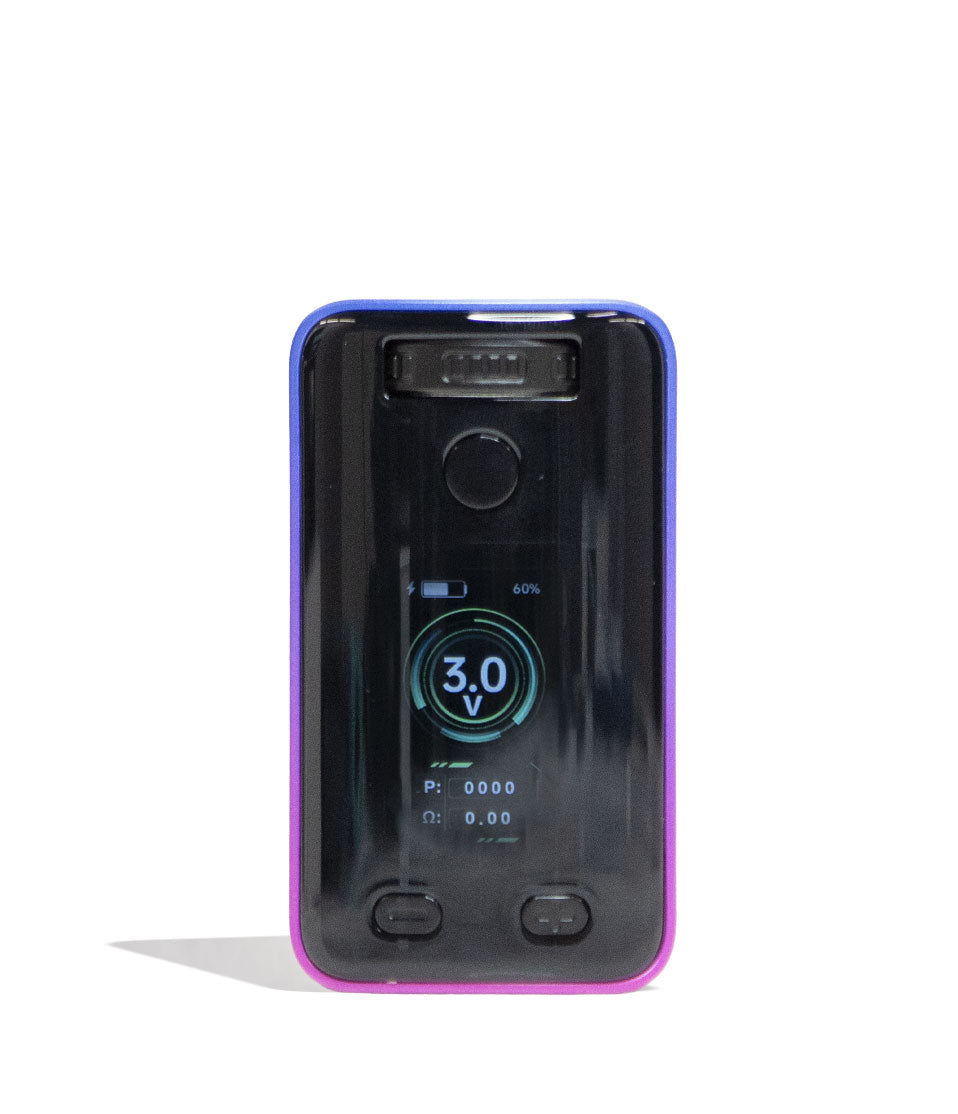
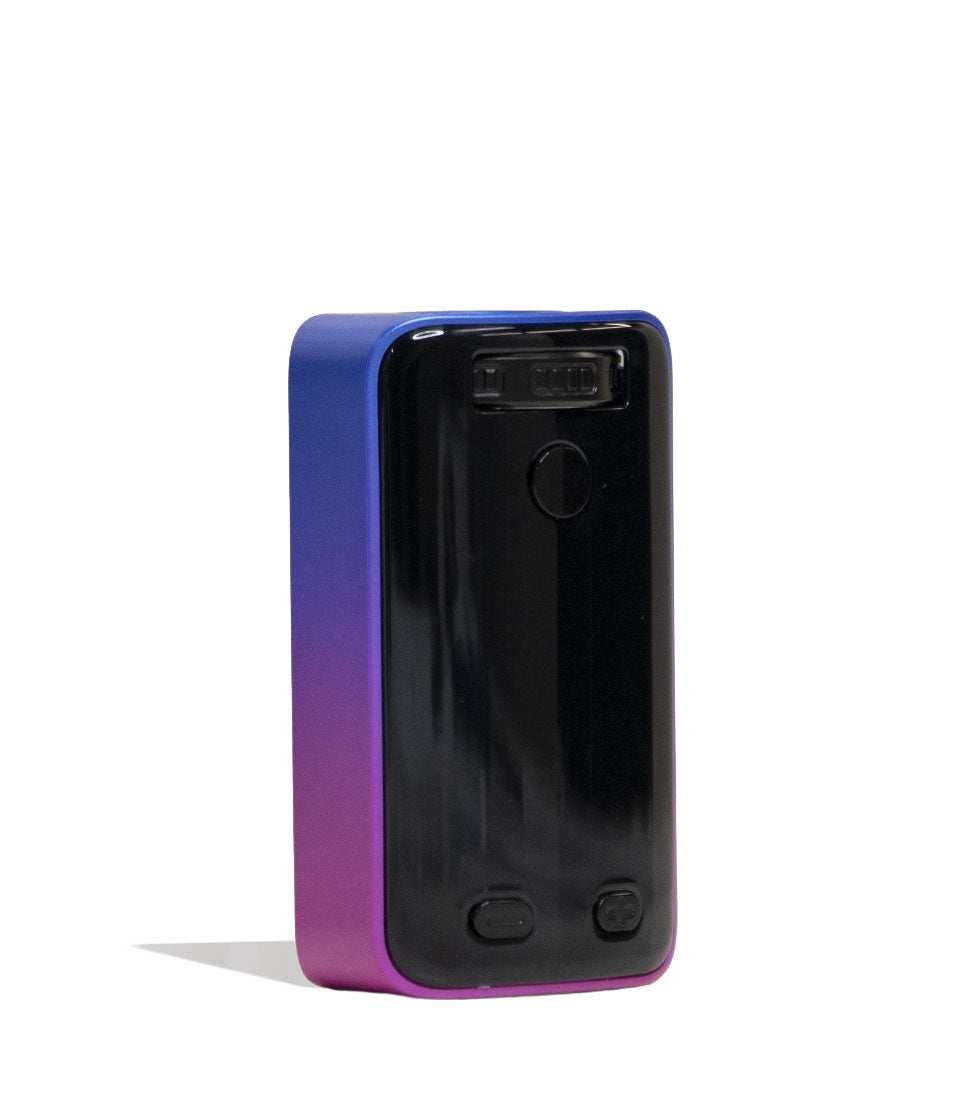
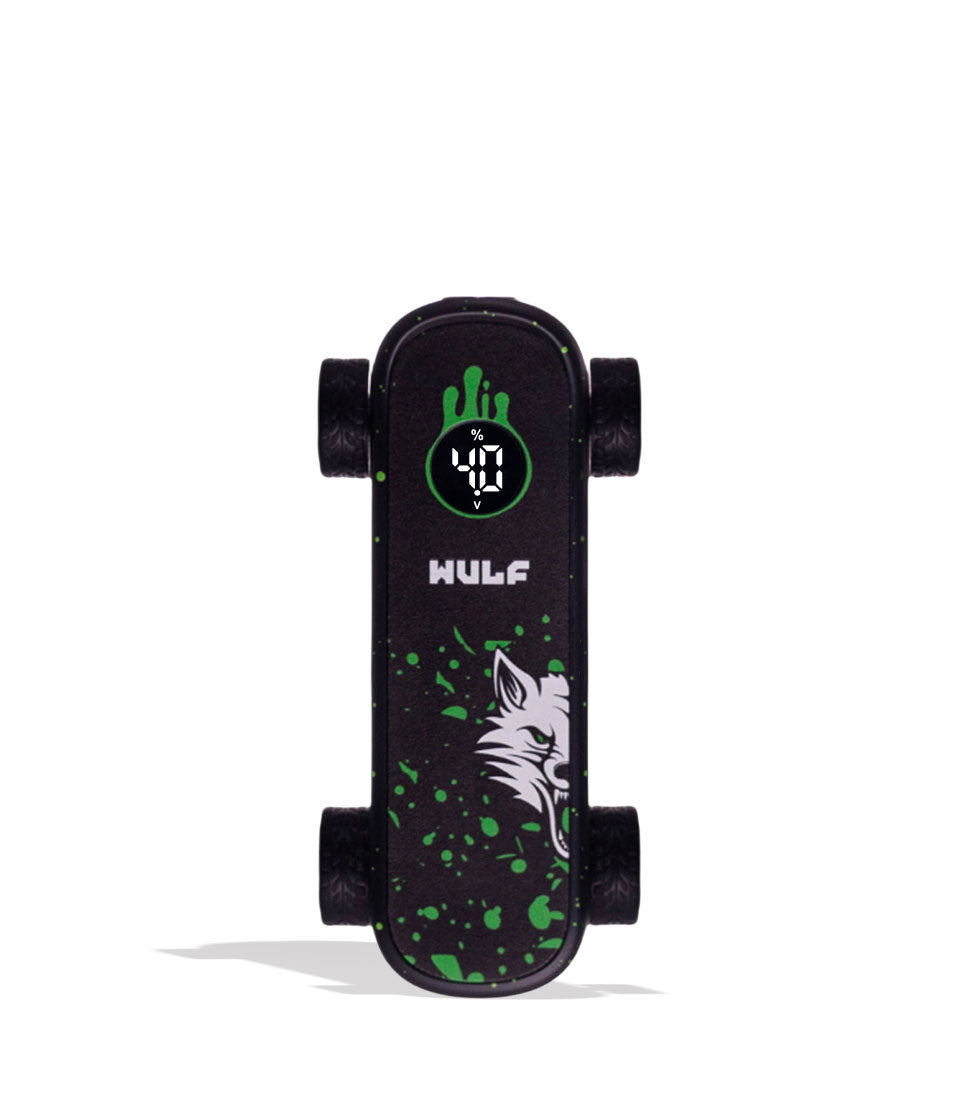
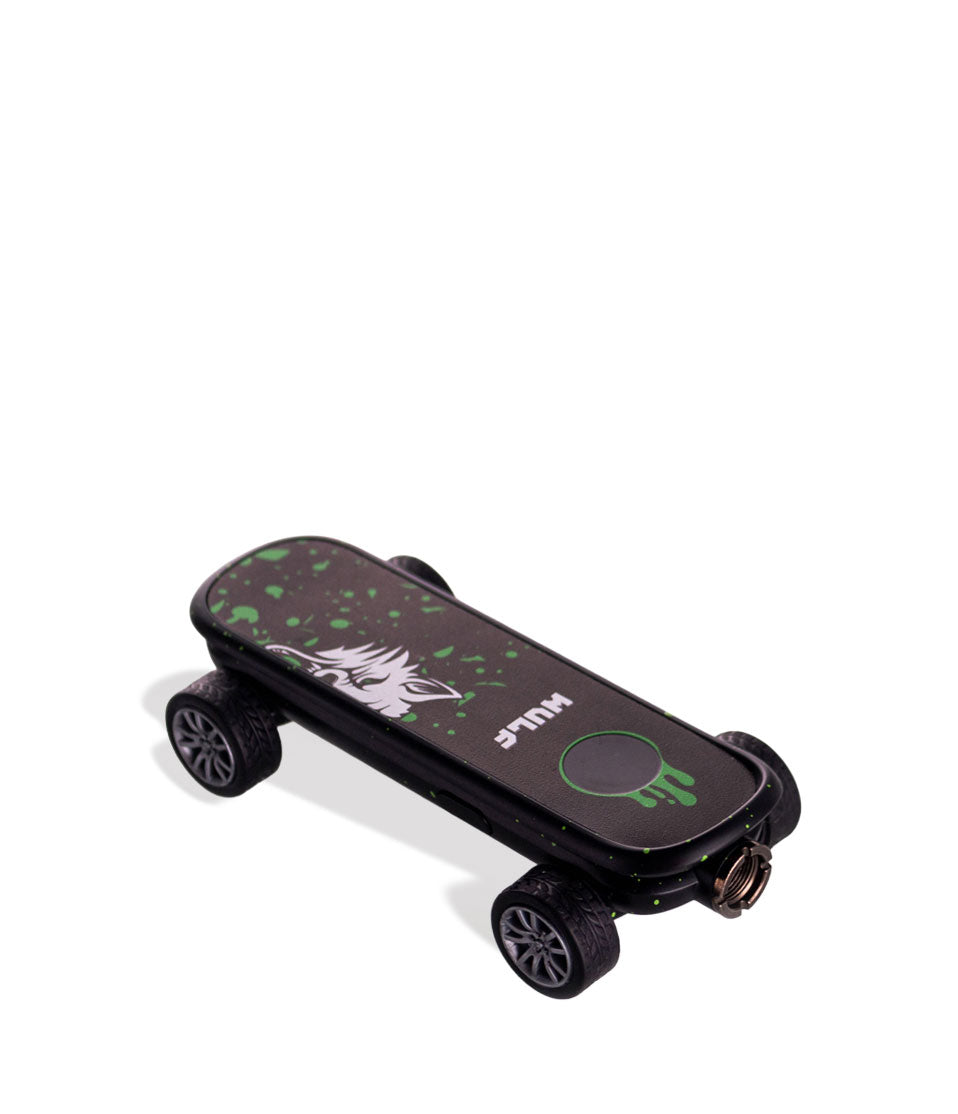
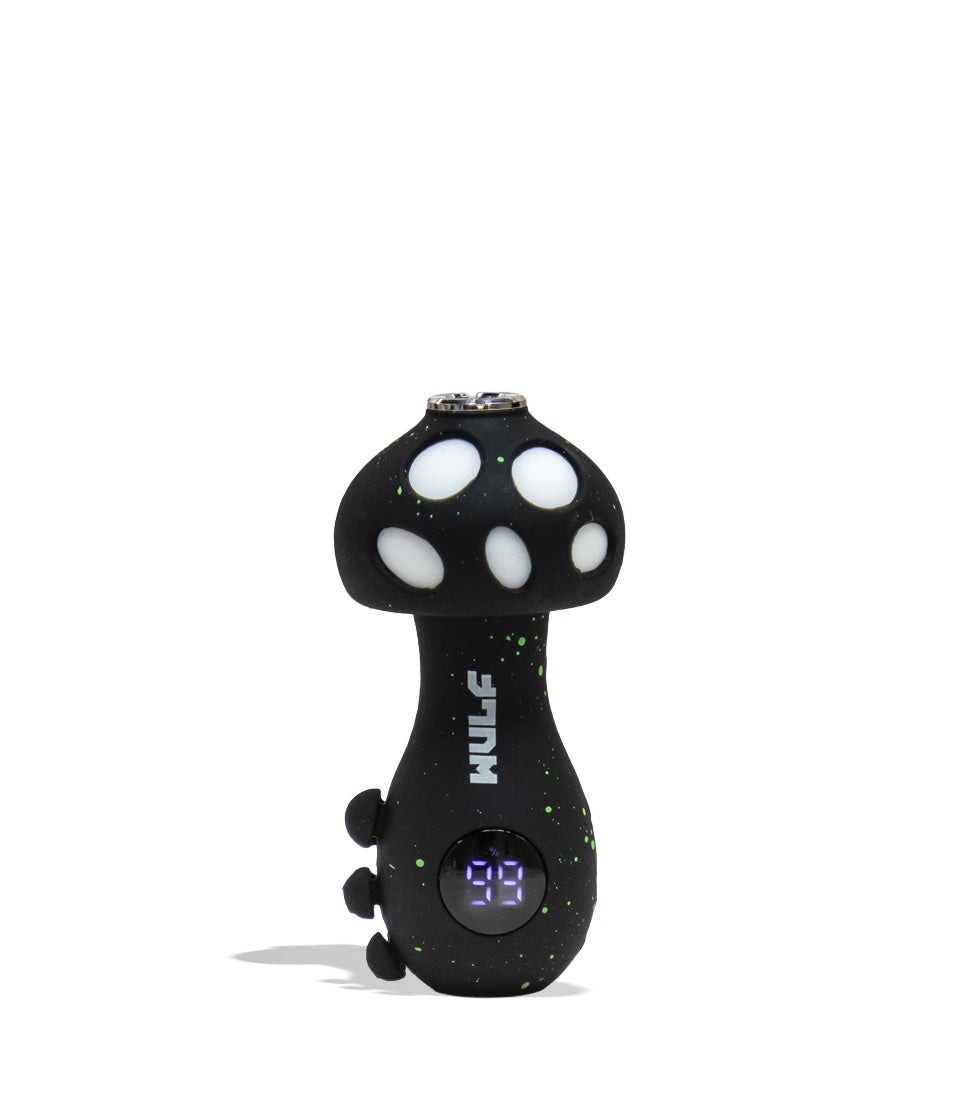
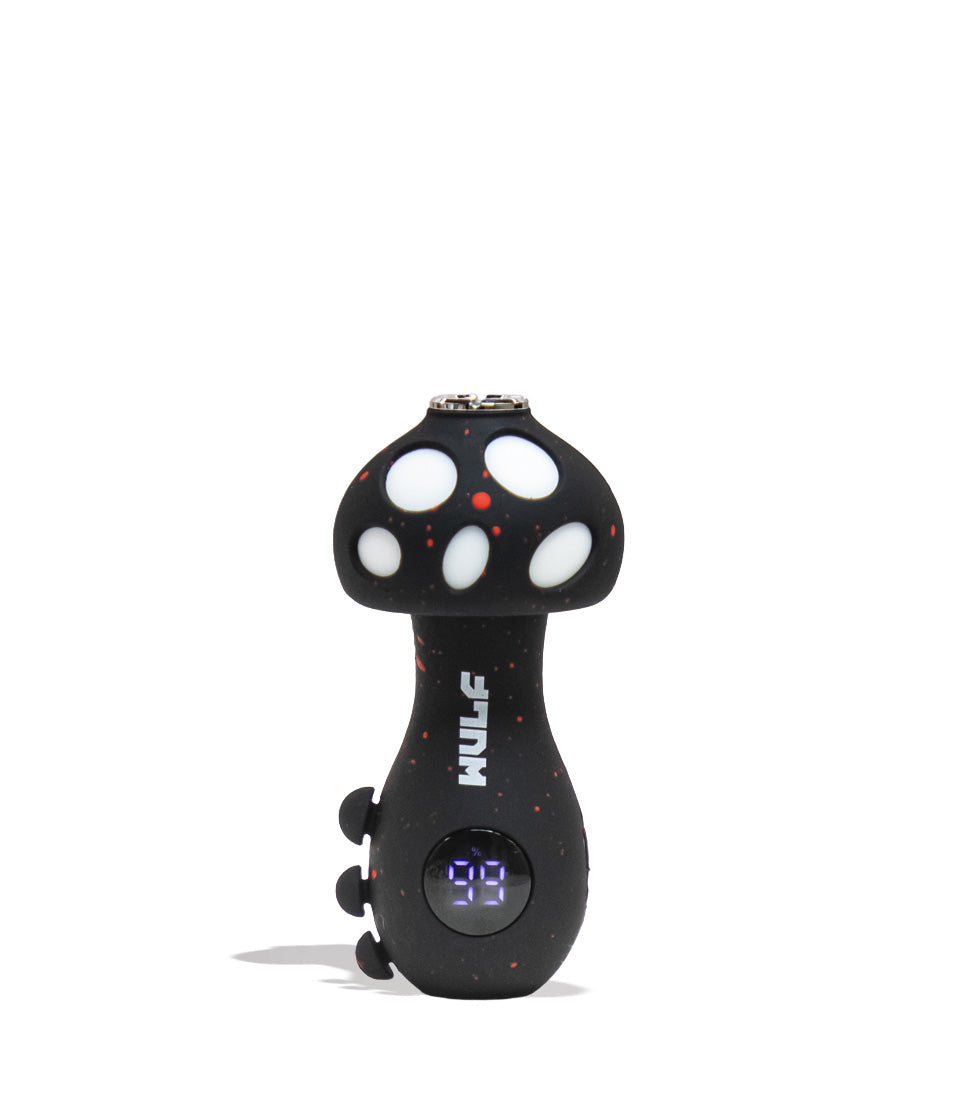
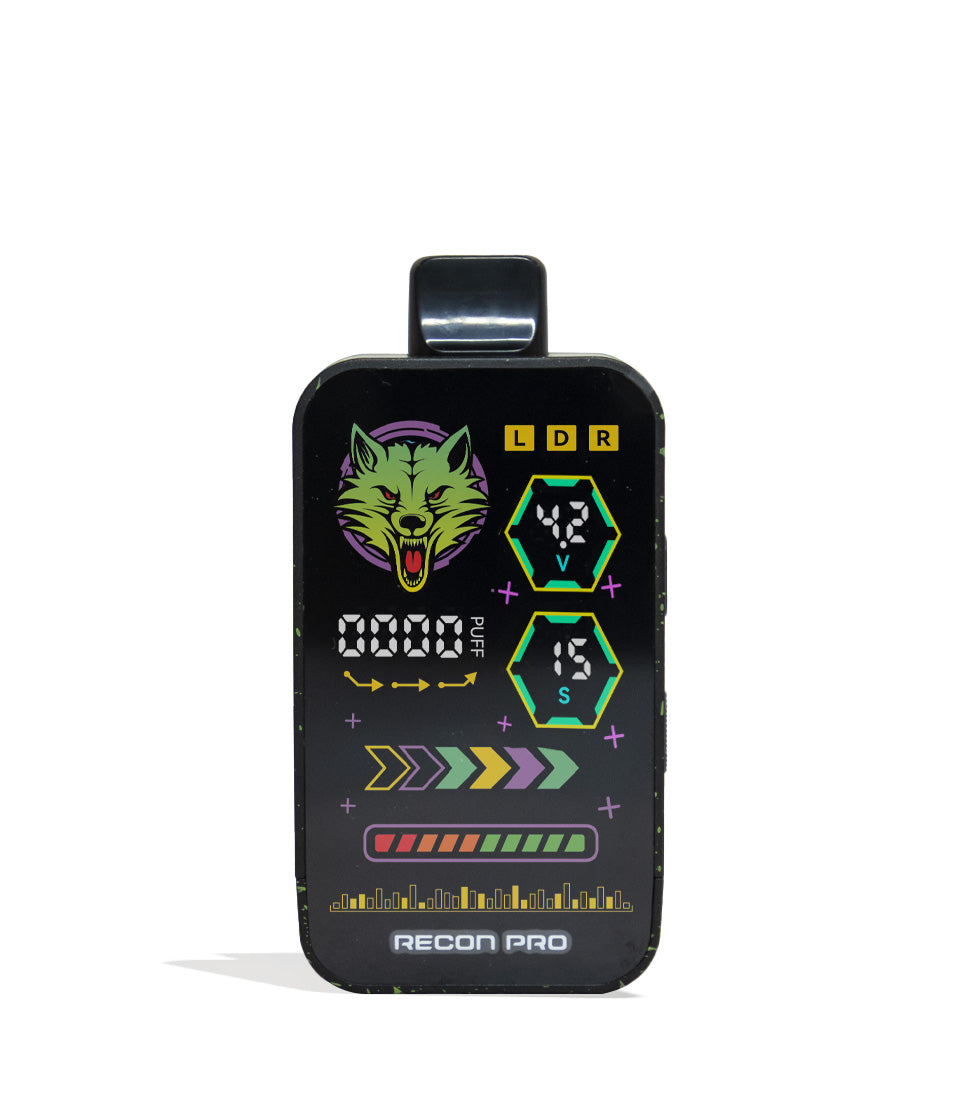
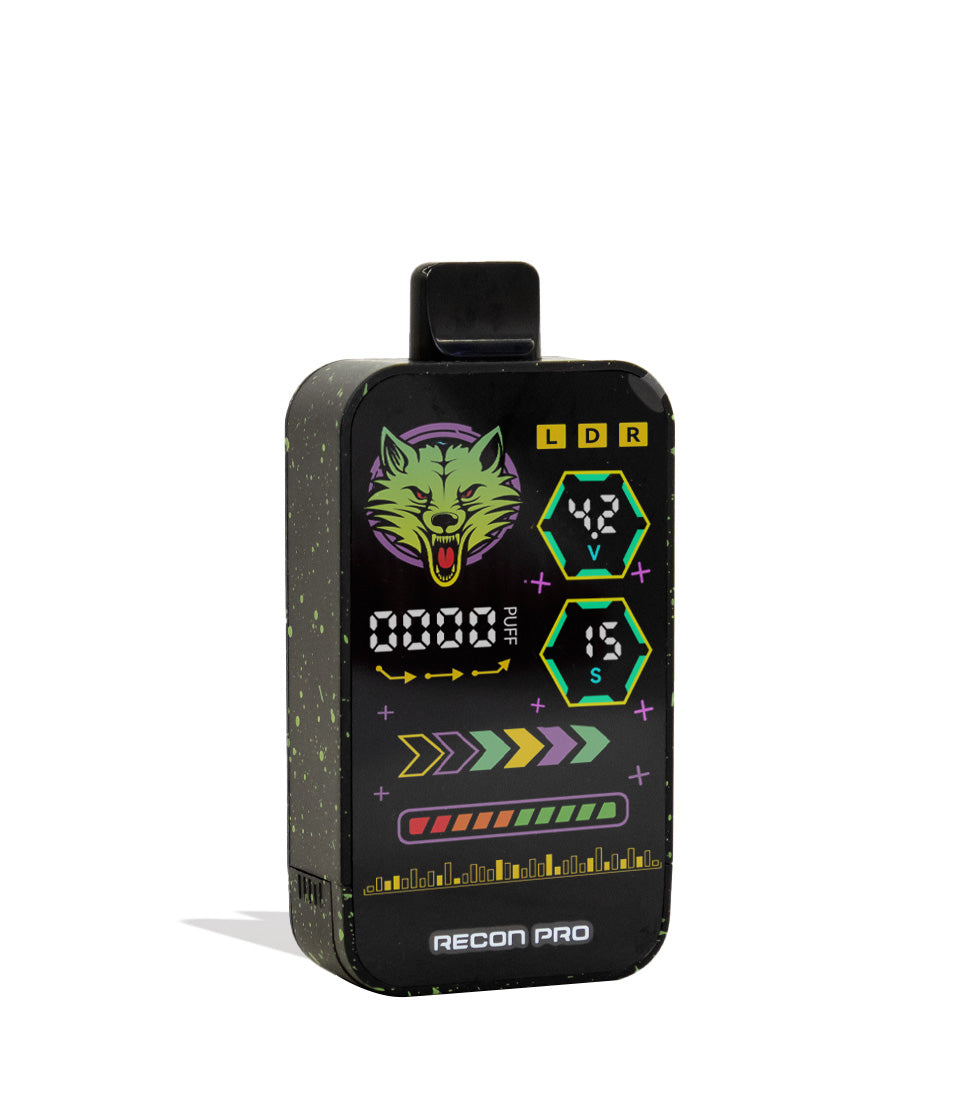
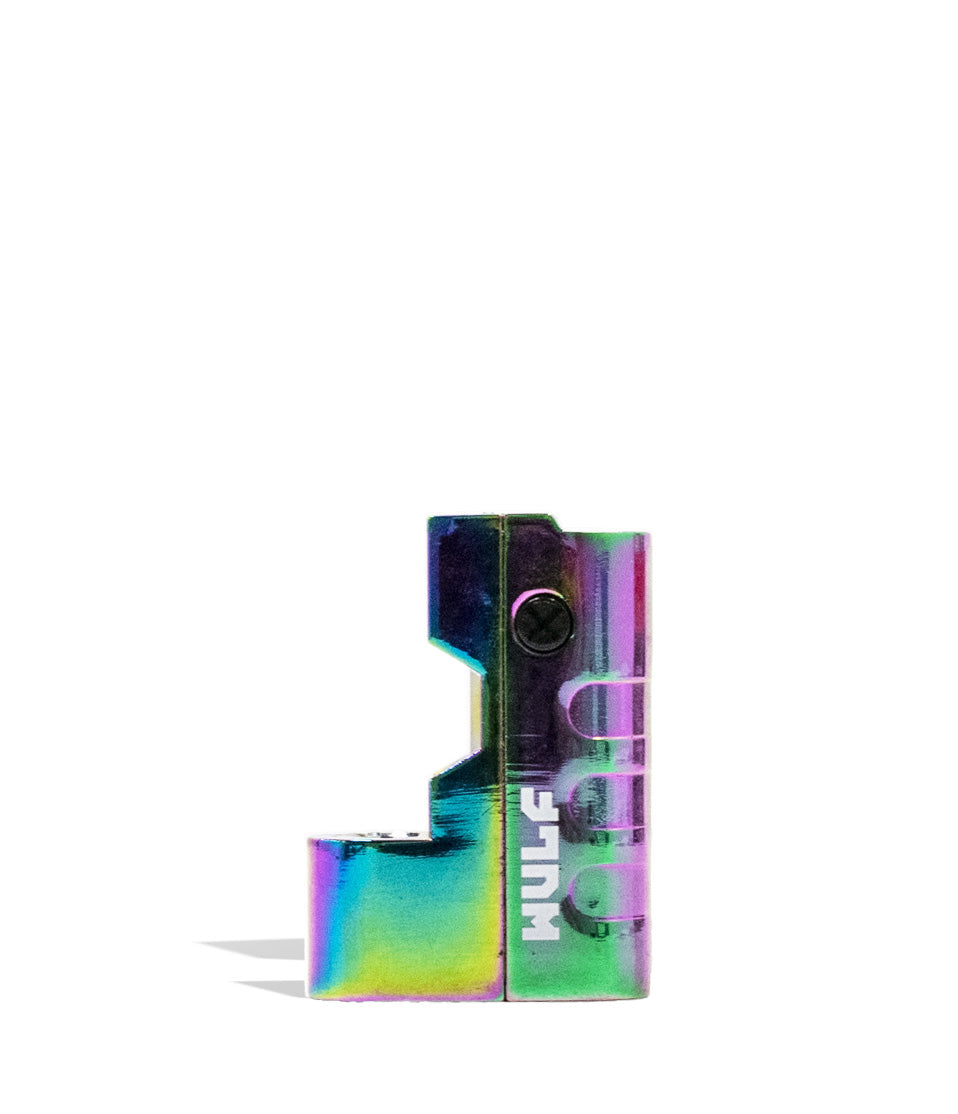
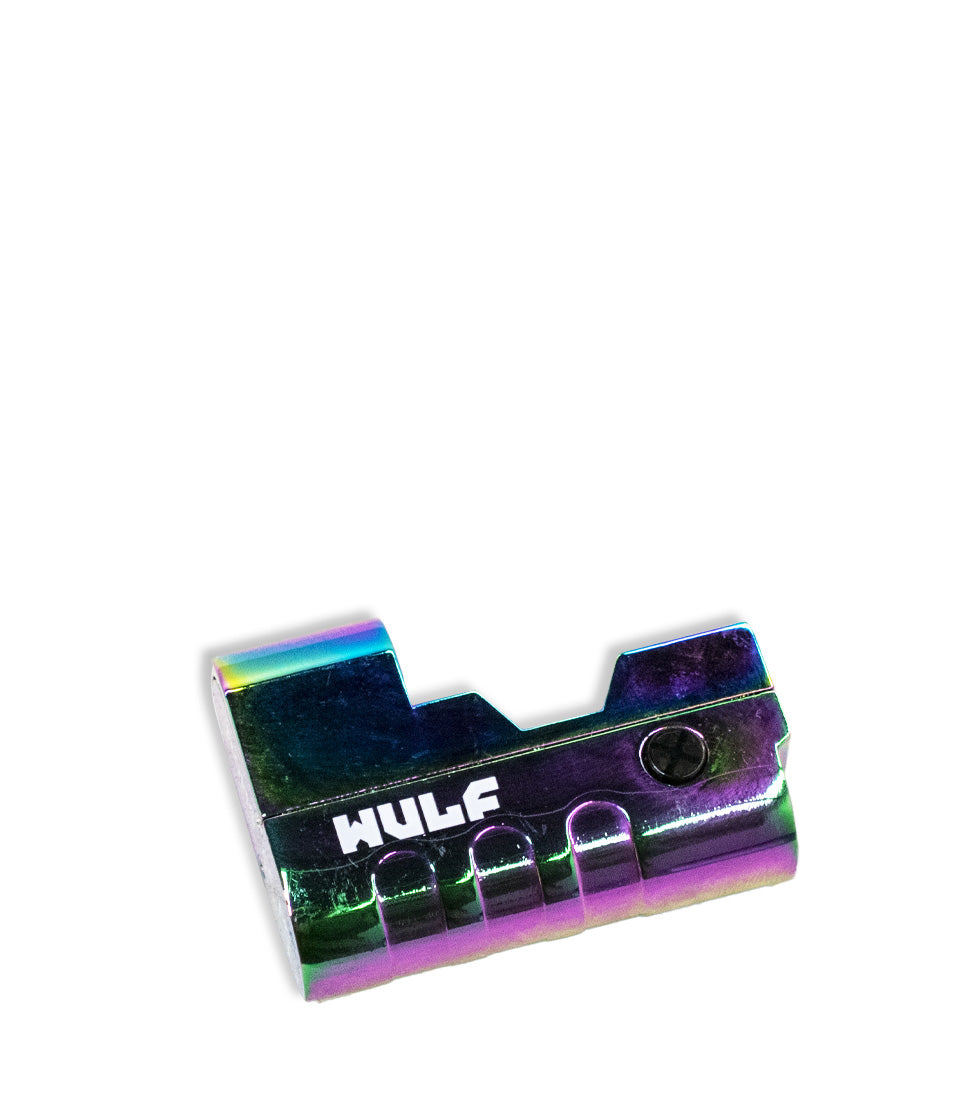
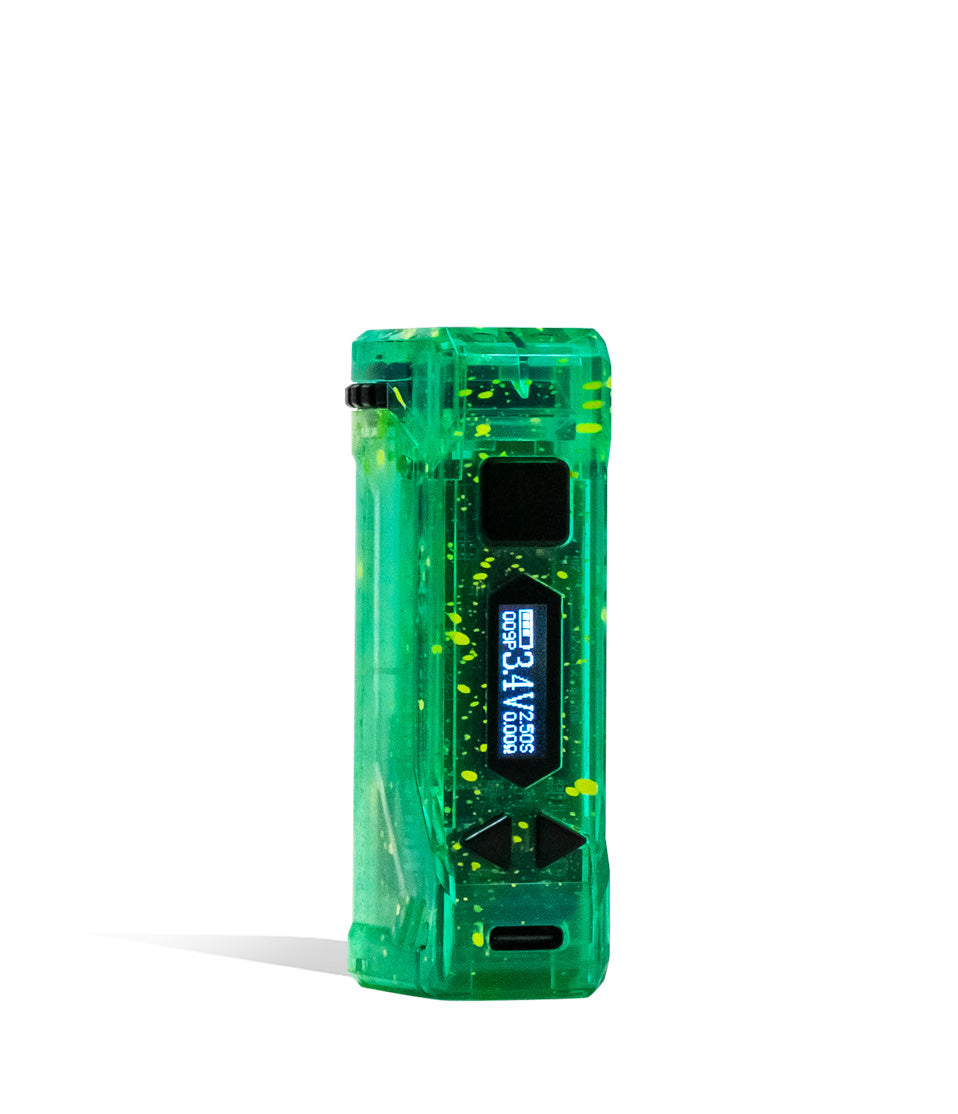
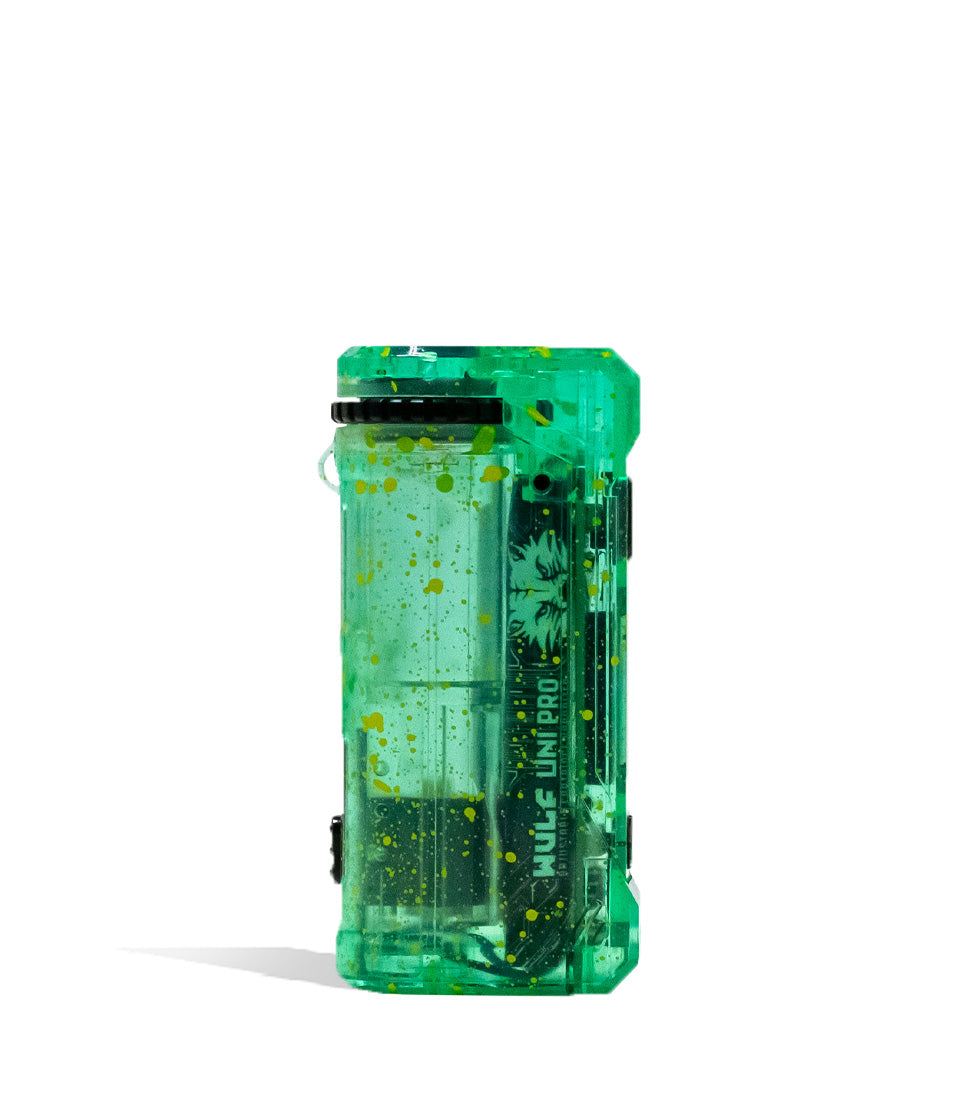
Owners Guide
Owner Playbook
The full playbook below expands on the practical steps and tips behind this guide.
Just got your own Wulf Mods UNI 3.0 Universal 510 Thread Battery and looking to find out how to use? You’ve come to the right place because the Wulf Pack is here to walk you through how to use your Wulf UNI 3.0 like a pro.
By the end of this Wulf exclusive breakdown you’ll know how to get the absolute most out of your Wulf UNI 3.0 and take full advantage of it’s novel adjustment system to lock your cartridges in with ease.
Whether you are a seasoned pro or brand new to the Wulf Pack, follow along as we break down exactly how you can use your Wulf UNI 3.0 to maximum effect and start ripping extra spicy clouds in no time!
Table of Contents:
Wulf UNI 3.0 Quick Start Guide
1. Loading the Wulf Mods UNI 3.0
2. Adjusting Height & Width On The UNI 3.0
3. Powering On & UI Settings
4. Adjusting Wulf UNI 3.0 Voltage
5. Pre-Heating Your Wulf Mods UNI 3.0
6. Using Your Wulf Mods UNI 3.0
7. Charging the Wulf Mods UNI 3.0
8. Troubleshooting Your Wulf Mods UNI 3.0
9. How to Clean Your Wulf Mods UNI 3.0
The UNI 3.0 Takes Control
Wulf UNI 3.0 Quick Start Guide
Before we dive into the finer details of the Wulf UNI 3.0, we wanted to provide y’all with a quick rundown of all the most important steps. If you’re in a rush to hit the streets, you can get to vaping as soon as possible.
| STEP | ACTION | PRO TIP |
|---|---|---|
| 1. Attach Adapter | Screw the magnetic 510 ring onto the bottom of your cart. | Do not over-tighten the adapter; just snug it up! |
| 2. Drop In | Slide the cartridge down into the chamber until it clicks. | Use the side slider to push the cart up so the mouthpiece is accessible. |
| 3. Secure Cart | Turn the top dial to tighten the aperture around the cartridge. | Tightening the dial stops the cartridge from rattling around while you hit it. |
| 4. Power On | Press the main power button 5x rapidly to turn it on. | Watch the vibrant digital display boot up! |
| 5. Set Voltage | Use the + and – buttons to dial in your voltage (1.8v – 4.2v). | Try 2.4v for live resins and 3.6v for thicker distillates. |
| 6. Hit It! | Hold the main power button and take a smooth draw. | Press the button 2x to run a 10s pre-heat cycle before hitting for massive clouds. |
Make sure to take your time, space out your button clicks, and make full use of the adjustment system to dial your sessions in juuuust how you like them, all with the power of your Wulf UNI 3.0.

1. Loading the Wulf Mods UNI 3.0
The Wulf UNI 3.0 uses a magnetic attachment system to connect with 510 threaded cartridges. This means to get started you’ll have to choose a cartridge and then carefully attach the magnetic threading.
Make sure the seal is tight, without being too snug. This way power is able to flow freely from your battery to the cartridge, ensuring the best possible results during your sessions.
Once the attachment is connected, you can then slowly drop the cartridge magnet first into the Wulf UNI 3.0. You’ll feel a tight contact of the magnets connecting, letting you know that everything is working as it should.

2. Adjusting Height & Width On The UNI 3.0
The true magic of the Wulf UNI 3.0 lies with its universal adaptability, meaning it can fit almost any cartridge on the market up to 2 grams in size thanks to the ability to adjust both it’s height and width.
Adjusting Height:
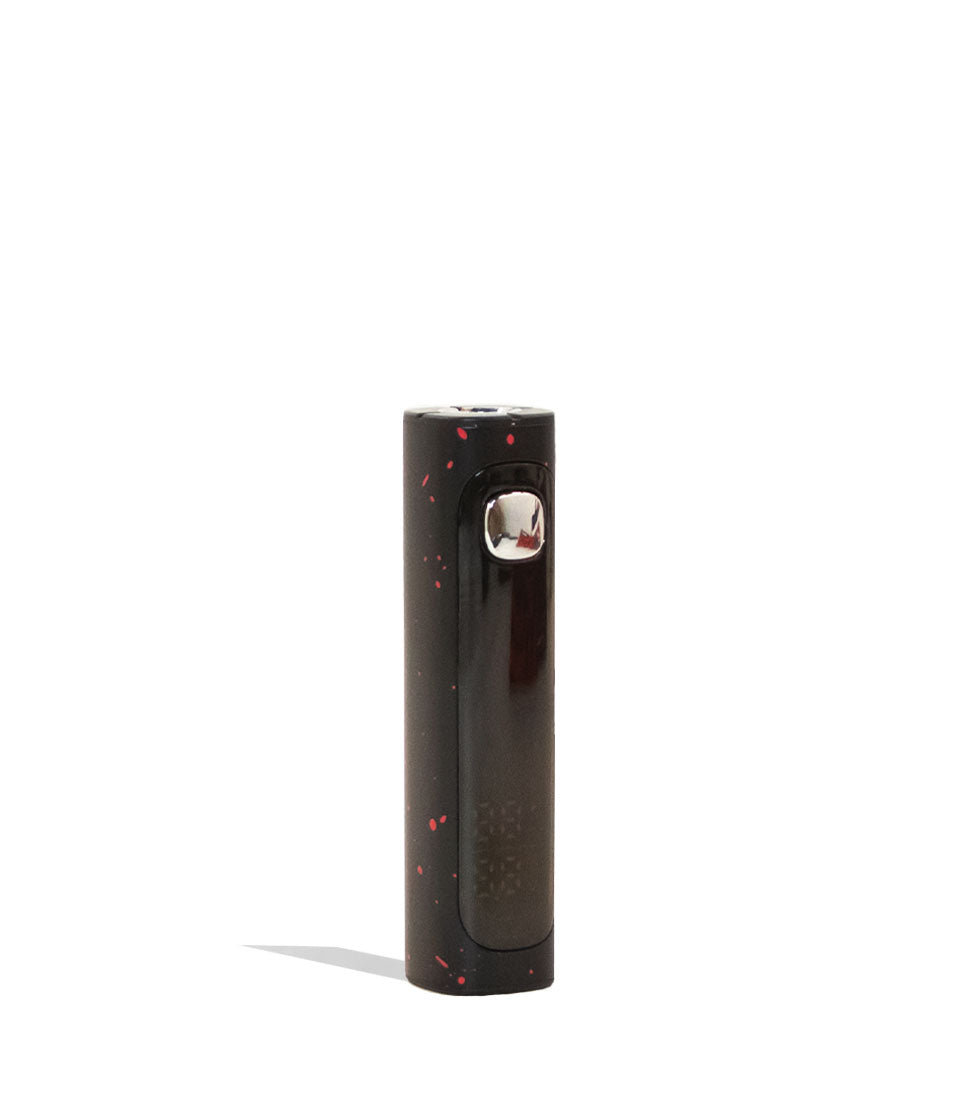
To alter the height of your cartridge while attached to the Wulf UNI 3.0, make use of the physical slider located on the back of the device.
Either push up or down to adjust the current height of your loaded cartridge to your desired spot, with the goal being ensuring the mouthpiece clears the top rim, allowing for compatibility with both taller and shorter cartridges.
Adjusting Width:
To seamlessly change the width of your Wulf UNI 3.0 cartridge connection, utilize the dial located at the top of your battery. This will let you either expand or contract the opening, allowing you to precisely fit a variety of different cartridge brands with ease.
By spinning it back and forth, you are able to expand and contract the internal iris, gripping the diameter of the connection all the way from 11mm to 16mm. This secures wider 2 gram cartridgesand prevents thinner carts from rattling during your session.
With the height and width set on your Wulf UNI 3.0, you can now move onto the next steps – actually ripping your cartridges!

3. Powering On & UI Settings
To power on your Wulf UNI 3.0 press the power button five times (5x) in a row. This will cause your digital screen to switch on, letting you know that your Wulf UNI 3.0 is all ready to start howling.
As an added cosmetic bonus, the Wulf UNI 3.0 allows you to change the background screen UI with a series of three different screens (Classic, Planet, Wulf Logo) for an extra bit of personalization.
To change the UI background on your Wulf UNI 3.0 press the power button three times (3x) in a row. This will bring up the UI selection screen, where you can now use the + – buttons to swap between the trio of options. To lock in simply press the power button once.
When your session is complete, you can power off your Wulf UNI 3.0 for storage and travel by pressing the power button another five times (5x) in a row.
4. Adjusting Wulf UNI 3.0 Voltage
In order to alter the temperature of your Wulf Mods UNI 3.0, make use of the dedicated + and – buttons located under the screen.
This allows you to easily and precisely scroll through the wide voltage range from 1.8v – 4.2v in increments of 0.1v to provide a massive variety of different heating settings to experiment with.
In general, lower voltages produce more flavor with smoother vapor and higher voltages produce more potency with harsher vapor. Keep this in mind while dialing in your Wulf UNI 3.0 to always match the mood with your vapor.
5. Pre-Heating Your Wulf Mods UNI 3.0
For clouds with some extra bite, make use of the pre-heat function by pressing the power button two times (2x) in a row on your Wulf UNI 3.0.
This will display a 10 second countdown on your screen to let you know exactly when your Wulf UNI 3.0 is done warming up the oil. If you need to stop the countdown for any reason, simply press the power button another 2x in a row to cancel.
Once the countdown is over, you can then use your Wulf UNI 3.0 as normal for a leveled up, massive cloud that hits with the strongest of potency. Perfect for when you really want to get lit and dealing with practical issues like thicker oils.
6. Using Your Wulf Mods UNI 3.0
With your dimensions adjusted, voltage dialed in, and cartridge ready to rip – it’s time to commence the fire works show and actually use your Wulf UNI 3.0 to it’s cloudiest potential.
To do so simply hold down the main power button on the Wulf UNI 3.0 and inhale from your cartridge mouthpiece. This will produce an on demand stream of vapor, allowing you to seamlessly enjoy clouds at your leisure.
When done, release the power button and your Wulf UNI 3.0 will return to stand by mode. For your safety the Wulf UNI 3.0 has a 15s cut off, where the battery will stop warming after fifteen seconds of continuous use. Release the power button and hold it again to continue.
To help you keep track of sessions, the Wulf UNI 3.0 has a built in puff counter. To reset the puff counter on your Wulf UNI 3.0 press and hold both the + and – buttons down at the same time. This will revert your count to zero and allow for a fresh start.

7. Charging the Wulf Mods UNI 3.0
To charge your Wulf Mods UNI 3.0, only ever use the included USB-C charging cable in order to protect your battery and ensure the longest possible life of your vaporizer.
When you first receive your Wulf UNI 3.0, plug it in and charge it for a full hour. Never leave your battery charging over night and always stay present in order to monitor your progress.
Once your battery on the Wulf UNI 3.0 reaches 100%, make sure to promptly unplug it from the charger. Leaving it plugged in overnight or charging it for longer than an hour can cause permanent issues with battery lifespan.

8. Troubleshooting Your Wulf Mods UNI 3.0
To ensure that your sessions stay rolling smoothly, take a look below to learn about the various visual troubleshooting warnings that can arise on your Wulf UNI 3.0 display screen:
- Safety Cutoff: When the power button is held down for longer than 15s, your device will read “OVERTIME” and stop heating to prevent coil burnout. To continue your session, release the power button and press it once more.
- Low Battery: If your device doesn’t have enough charge, it will display a “LOW BATTERY” warning and show an image of a depleted battery.
- Short Circuit: If you see a “SHORT CIRCUIT” warning, immediately cease using your device! Clean the magnetic connection. Do not use it again until the warning has subsided or the faulty cartridge is replaced.
Make sure to always take care of Wulf UNI 3.0 troubleshooting errors as soon as they pop up, this way you can avoid them from getting worse and potentially damaging your battery for good.
9. How to Clean Your Wulf Mods UNI 3.0
To get the most out of your Wulf UNI 3.0 you’ll have to ensure it stays clean. This way sticky oils don’t end up covering connection points and leading to issues that sap your cartridges of their power.
To clean the Wulf UNI 3.0, always make sure you first power down your battery, detach the cartridge, and unscrew the magnetic adapter.
Once all set, you can take a q-tip or swab that’s been lightly dampened with isopropyl alcohol to scrub down the adapter, the internal battery contact point, and the top dial components.
Ensure that all threads are fully clean of sticky residue. After you’ve completed wiping down the Wulf UNI 3.0, make sure to leave ample time for everything to completely air dry before vaping again.
The UNI 3.0 Takes Control
With the power to fully unleash the Wulf UNI 3.0 now fully in your hands, it’s up to you to decide how your vapor adventures continue! Adjust your settings, load in your favorite 510 cartridges and start howling like a true Wulf Pack member!
Have any more questions for Wulf? Take a look through the Wulf Resource Center for helpful guides just like this detailing all of our new releases and more.
Thanks for choosing Wulf for your sessions and we welcome you to the Wulf Pack! Now get out there and take control with your Wulf UNI 3.0! Arooo!!!
Frequently Asked Questions
Owners Guide FAQs
Common questions related to this guide and how to apply the information when choosing your device.
How Do I Change The Screen UI Theme On The Wulf UNI 3.0?
How Do I Reset The Puff Counter On My Wulf UNI 3.0?
What Size Cartridges Can Fit Inside The Wulf UNI 3.0 Chamber?
Why Does My Screen Say "SHORT CIRCUIT" When I Try To Hit My Wulf UNI 3.0?
How Long Should I Charge My Wulf UNI 3.0 Battery?
Wulf Mods Trust Center
About This Resource
Understand how this guide was researched, reviewed, and maintained by the Wulf Mods editorial team.
Editorial Standards
- Written for the people choosing and using these devices.
- Reviewed for clarity, accuracy, and practical retail value.
- Based on current manufacturer specifications and product documentation when available.
- Updated as products, regulations, category trends, or market conditions evolve.
- Built on deep, hands-on product experience.
- Designed to help you choose the right device with confidence.
Research Methodology
This owner guide was prepared to help you set up, use, and care for your device with confidence. Guidance is based on hands-on product experience, common questions, and real-world use.
- Hands-on product experience
- Setup and first-use guidance
- Cleaning, care, and maintenance
- Common questions and troubleshooting
- Safe and responsible use
- Real-world use considerations
- Editorial review for clarity and usefulness
Article Information
Intended Audience
- Everyday customers
- First-time buyers
- Experienced enthusiasts
- Dry herb users
- Concentrate users
- Anyone upgrading their setup
Editorial Policy
Wulf Mods educational resources are reviewed periodically to maintain accuracy and relevance. When product specifications, regulations, category trends, or market conditions change, articles may be updated with a new review date. Trusted product guidance.
Keep Exploring
Related Resources
Keep learning with related Wulf Mods resources selected to help you get more out of your device.

Product Launch
Third time is the charm with the Wulf Mods UNI 3.0 Universal Variable Voltage Battery! Learn all about this next-gen cartridge ...
Read Resource →
Brand Guide
Wondering what Wulf is? Find out the who, what, when, and why of Wulf Mods as part of our 15th anniversary celebration! Learn t...
Read Resource →
Brand Guide
Are Wulf Vapes good for beginners? Well yes, yes they are! Find out more in this exclusive Wulf Help Center guide to why Wulf V...
Read Resource →
How-To
Ceramic Carts work better with Wulf Mods Batteries! Find out why this is true and learn more about ceramic cartridges in this W...
Read Resource →