

Resource Center
How To Use The Wulf Pocket Mini Concentrate Vaporizer

Continue With This Resource
Wulf Mods Quick Brief
What You Should Know
A fast summary of the key points, questions, and guidance covered in this guide.
Overview
Key Takeaways
- The Wulf Pocket Mini packages 360° ceramic chamber heating, custom session timers, and a 1,300mAh battery into an ultra portable, highly convenient body size.
- Incremental 5°F temp adjustments spanning 400°F to 580°F allow dabbers to fine tune sessions for terpene rich sips or massive high potency clouds.
- Programmable timers ranging from 15 to 60 seconds give you full control over how long the chamber holds heat during auto mode.
- Dropping two terp pearls into the 360° heating chamber stirs concentrates automatically, preventing hot spots and maximizing vapor output.
- Swabbing out the ceramic chamber with a Q-tip while it is still warm keeps connections clear and prevents dark, burnt wax buildup.
Questions This Resource Answers
- How do you load, power on, and operate the Wulf Pocket Mini?
- How do precision temperature adjustments (400°F to 580°F) and LED color ranges change flavor and cloud size?
- How do you adjust the custom session duration timer (15s to 60s) for quick rips or group sharing?
- What is the step by step process for cleaning the Cloud 2.1 ceramic chamber after every session?
- What do built in OLED error messages (like "No Atomizer" or "Short Atomizer") mean and how do you fix them?
Recommended Products
Shop 510 Thread Batteries
Browse the products featured in this guide.
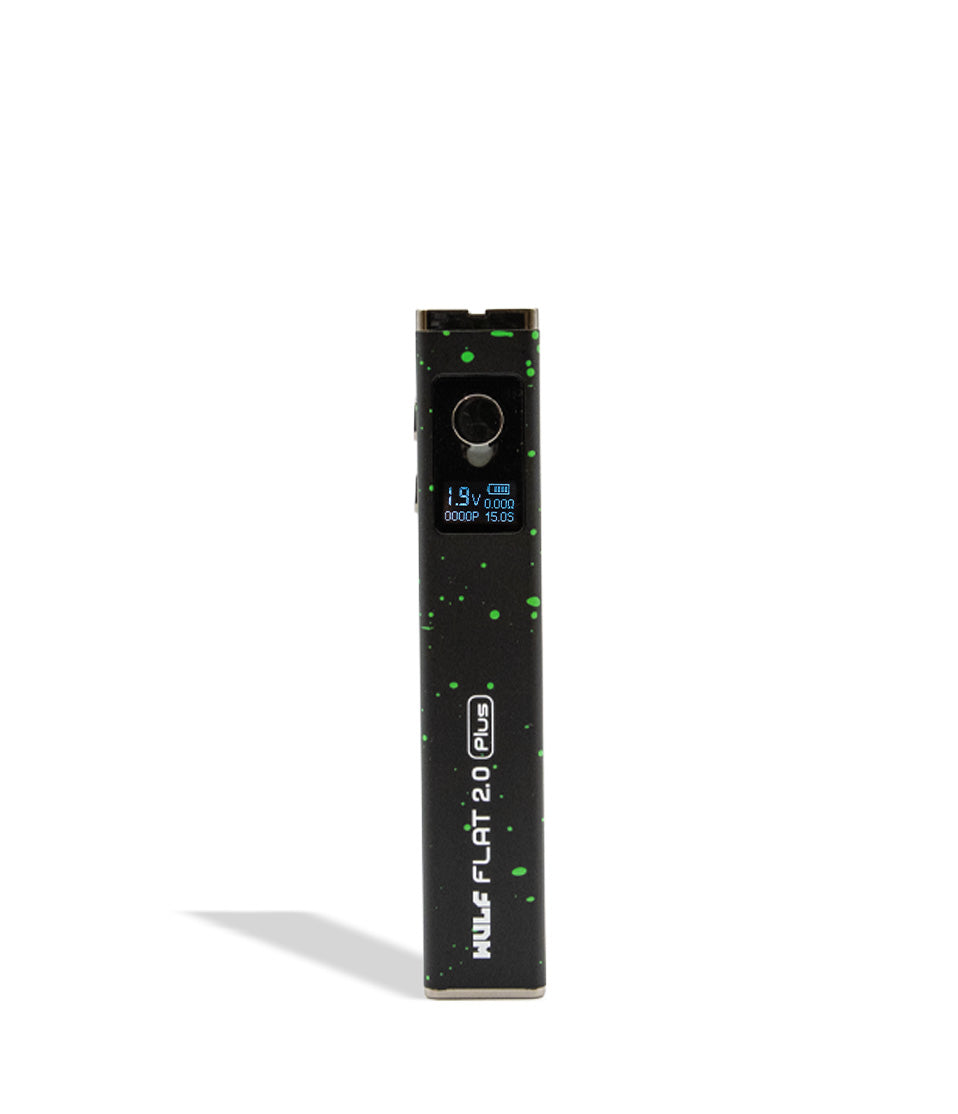
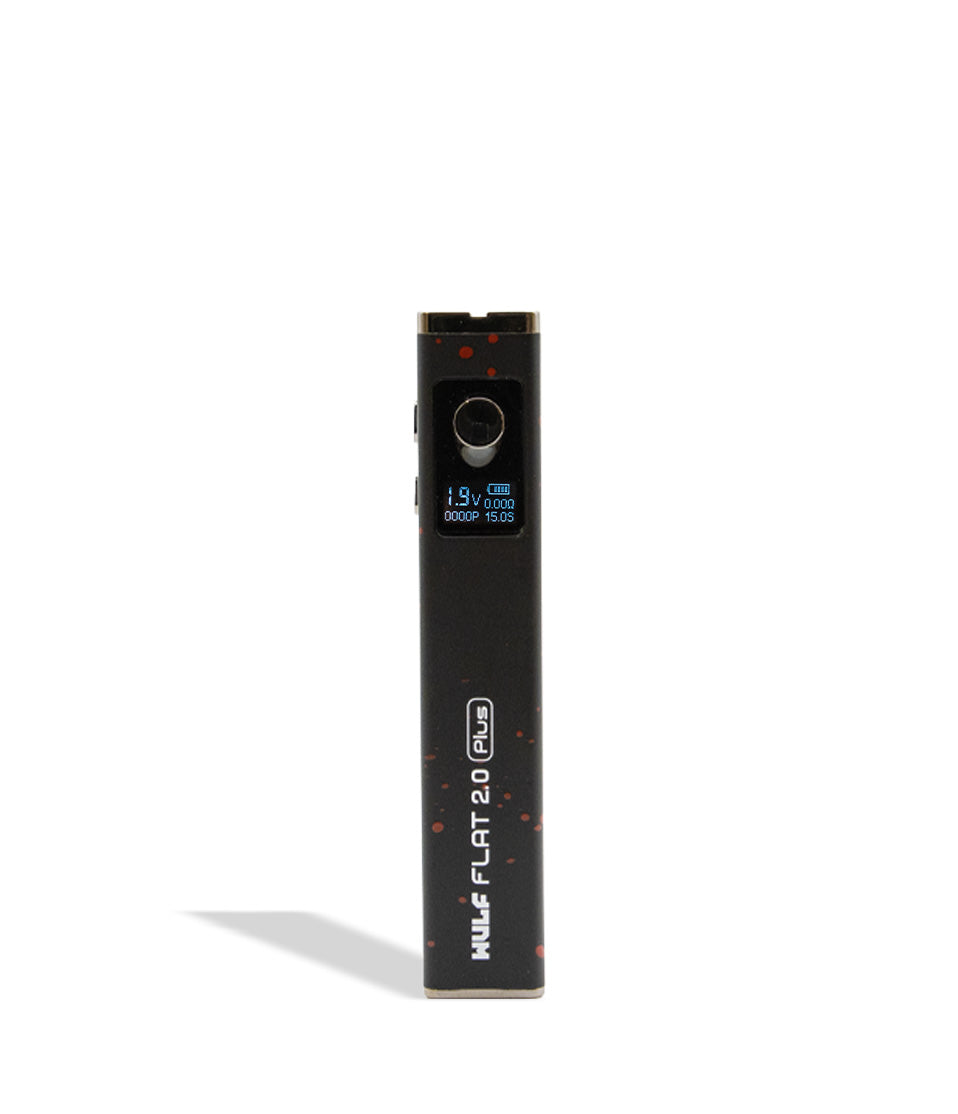
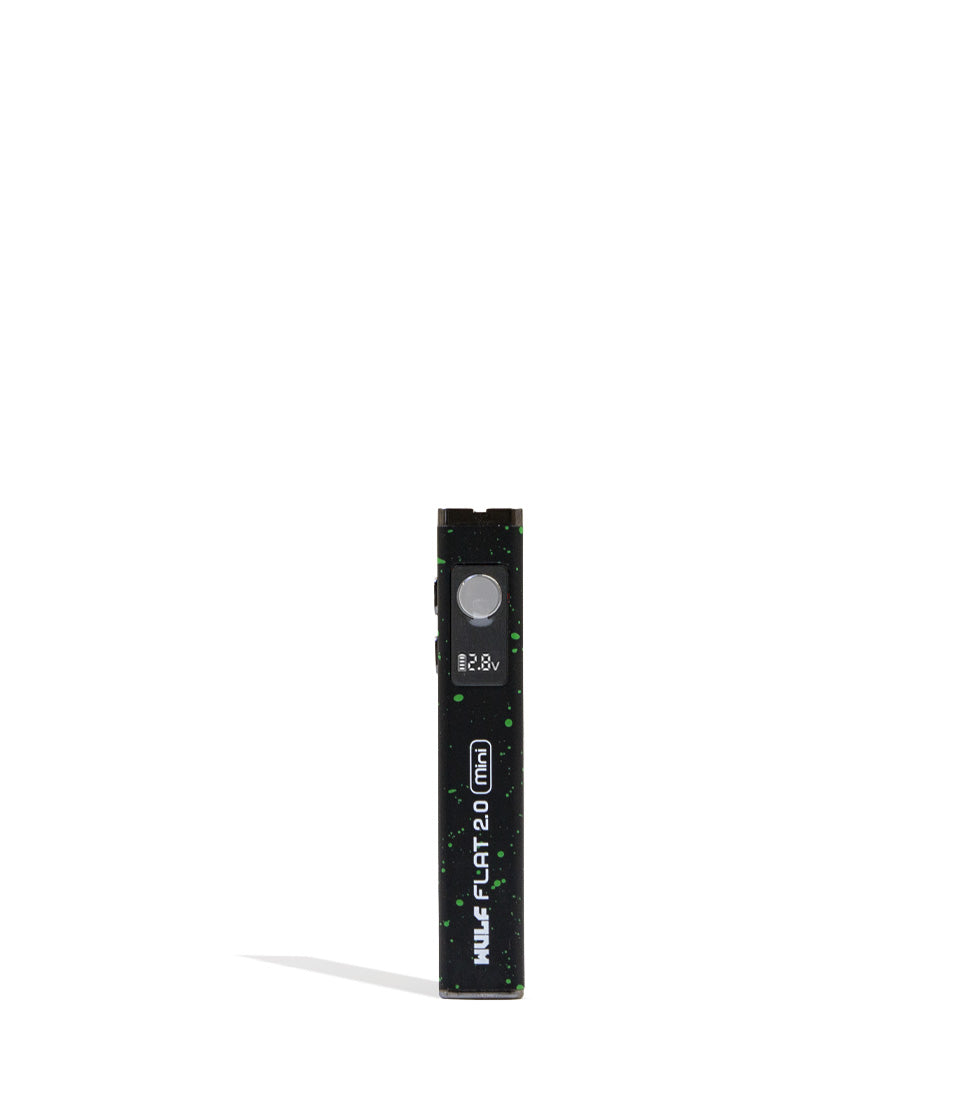
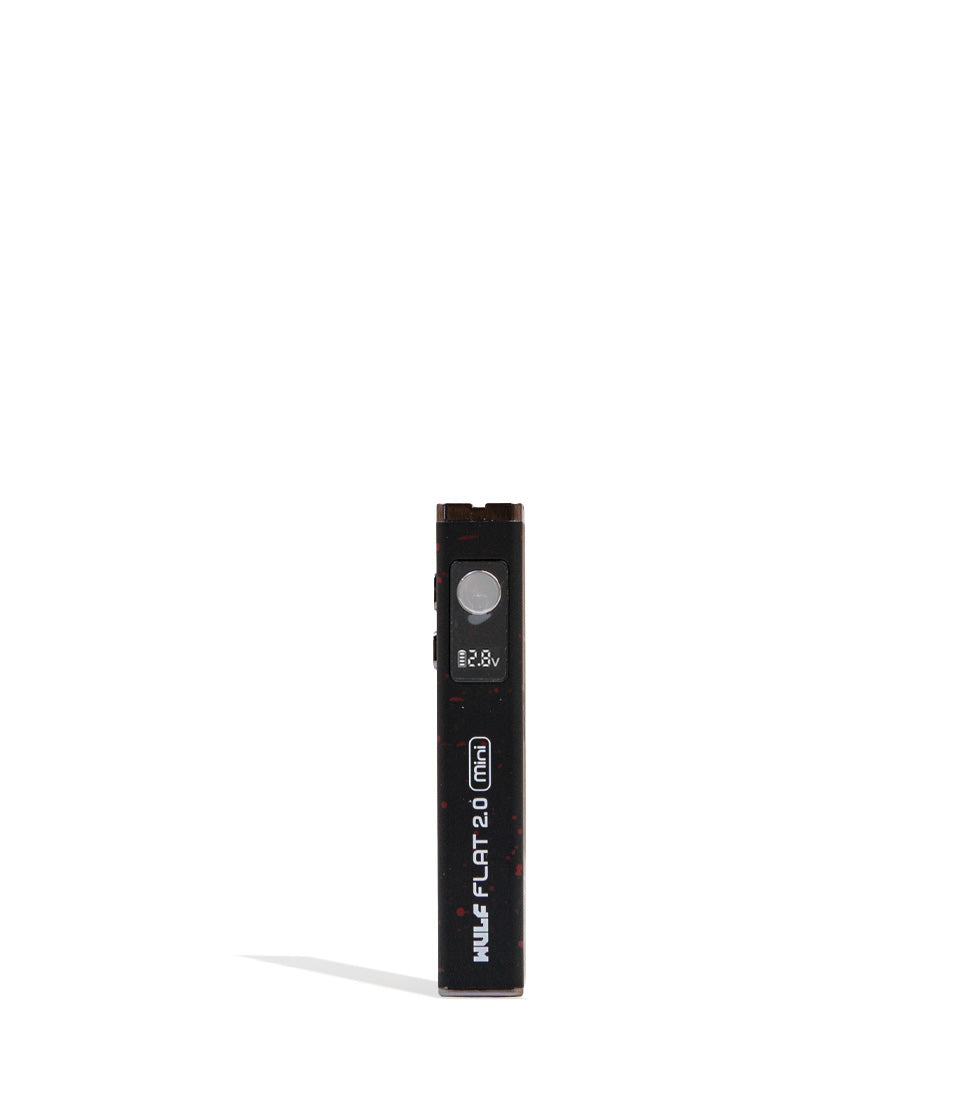
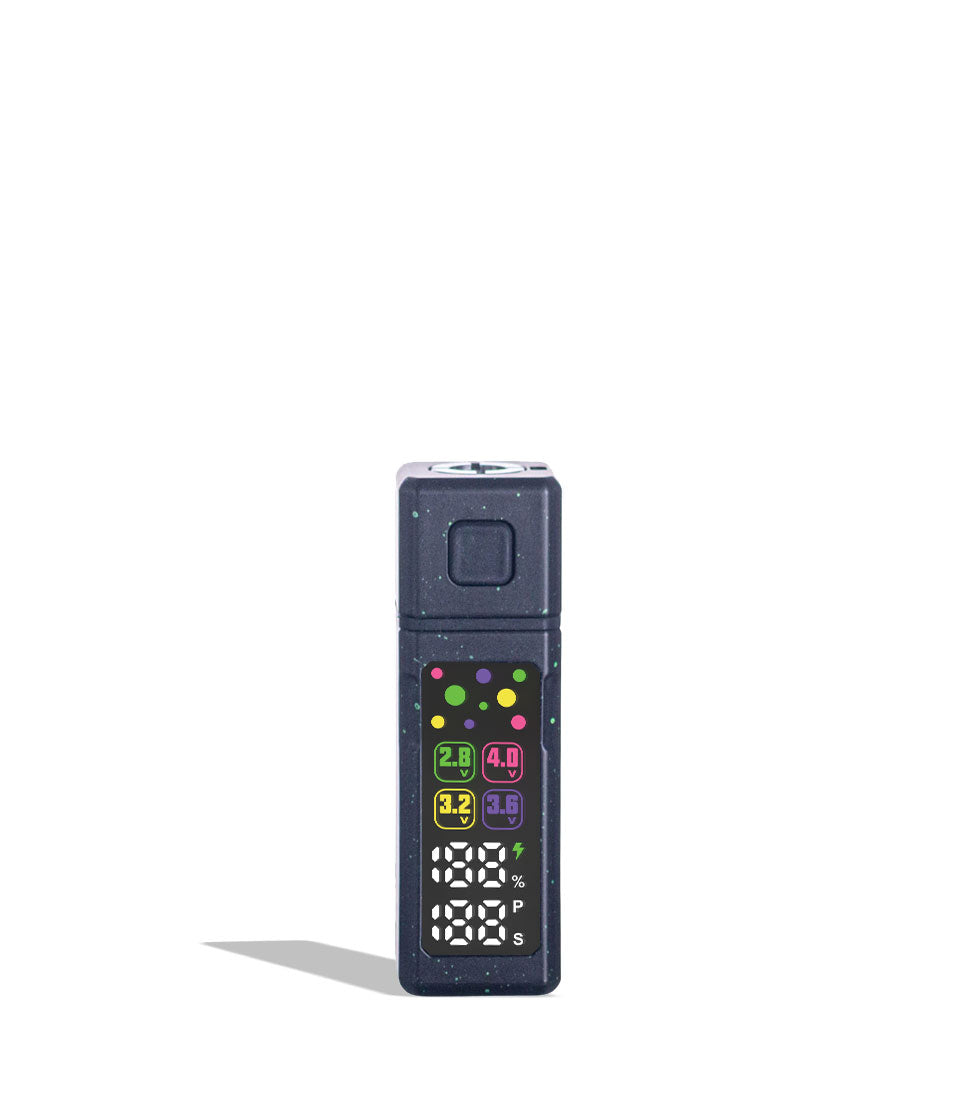
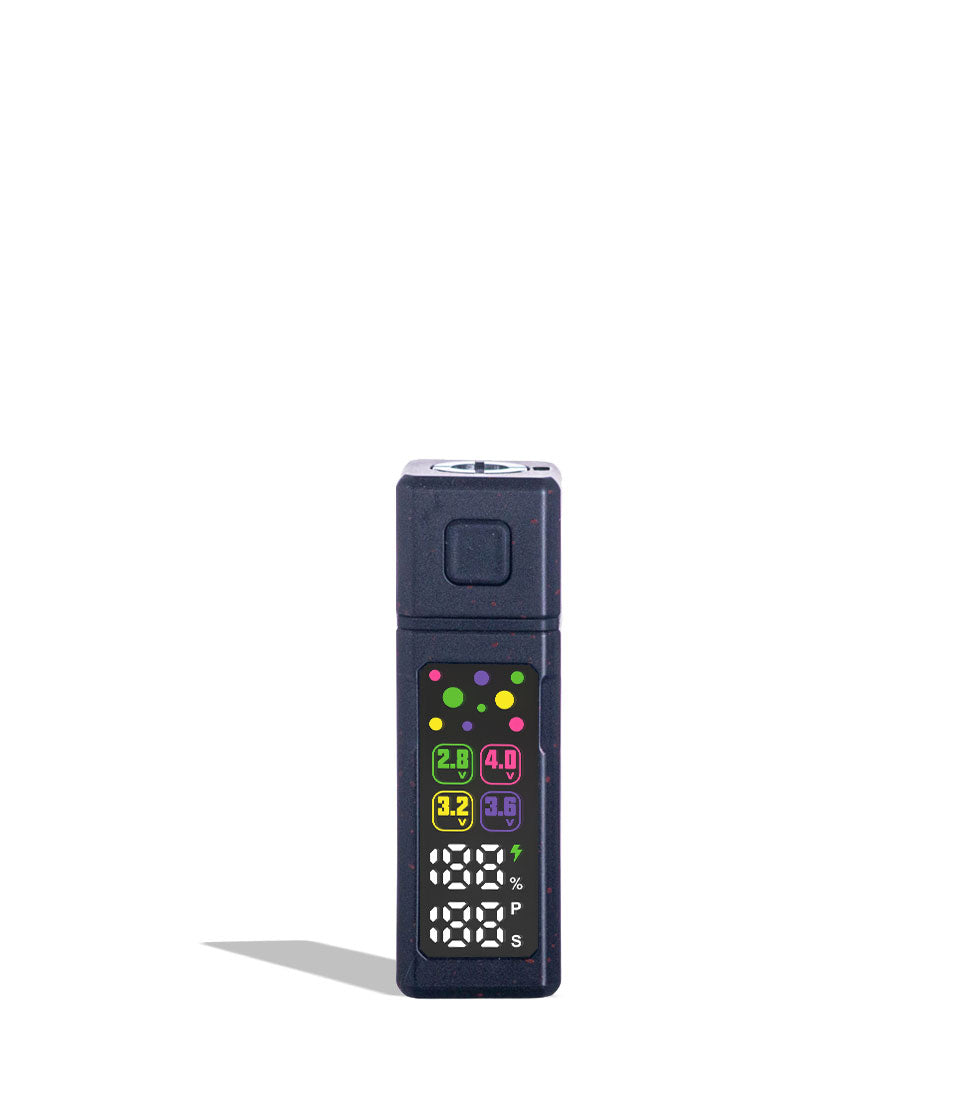
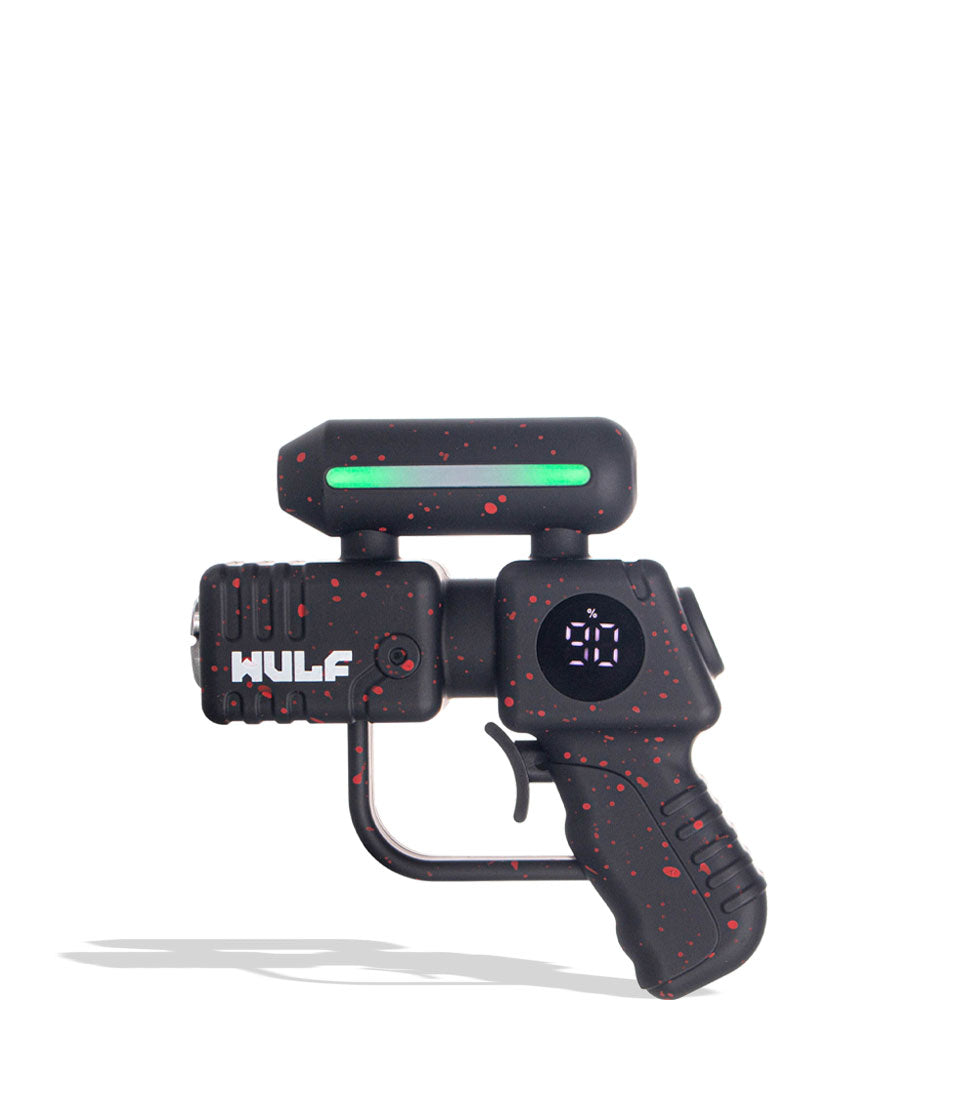
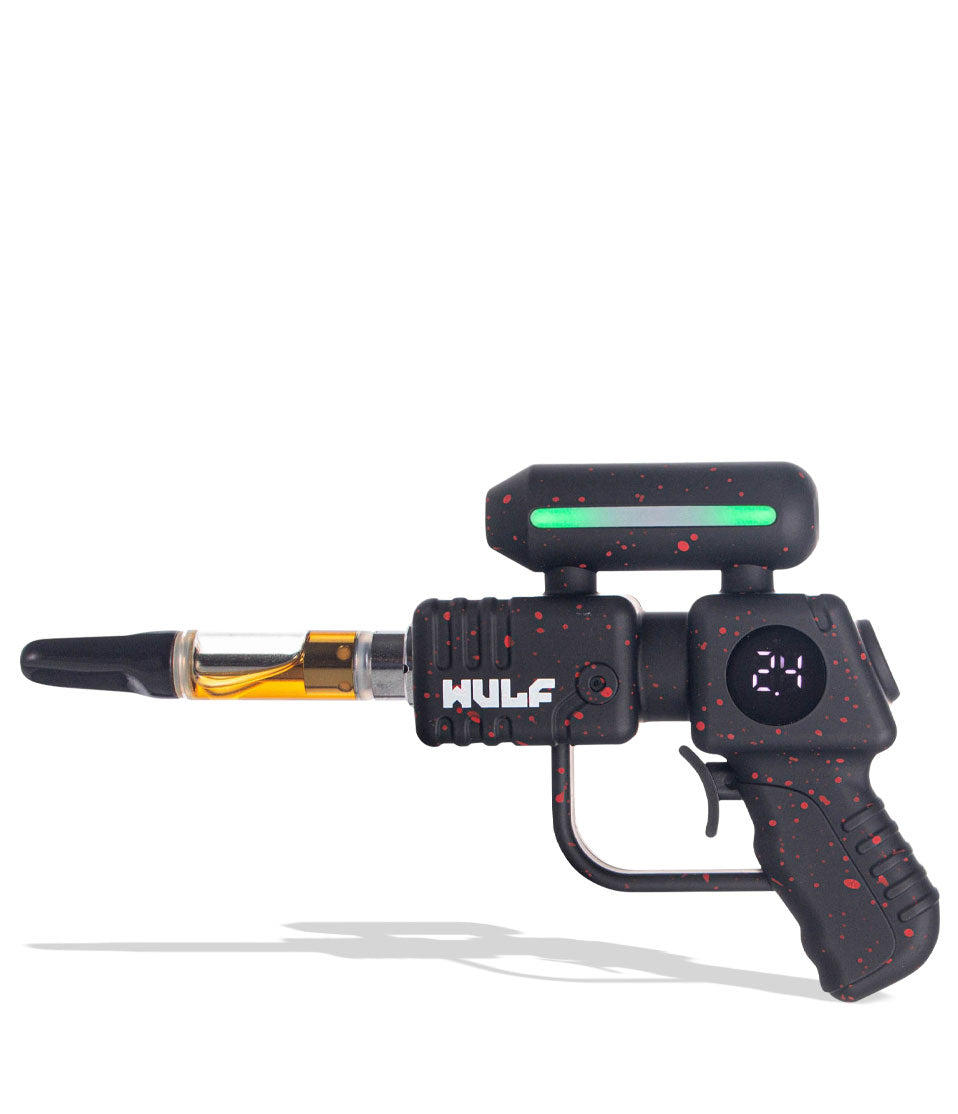
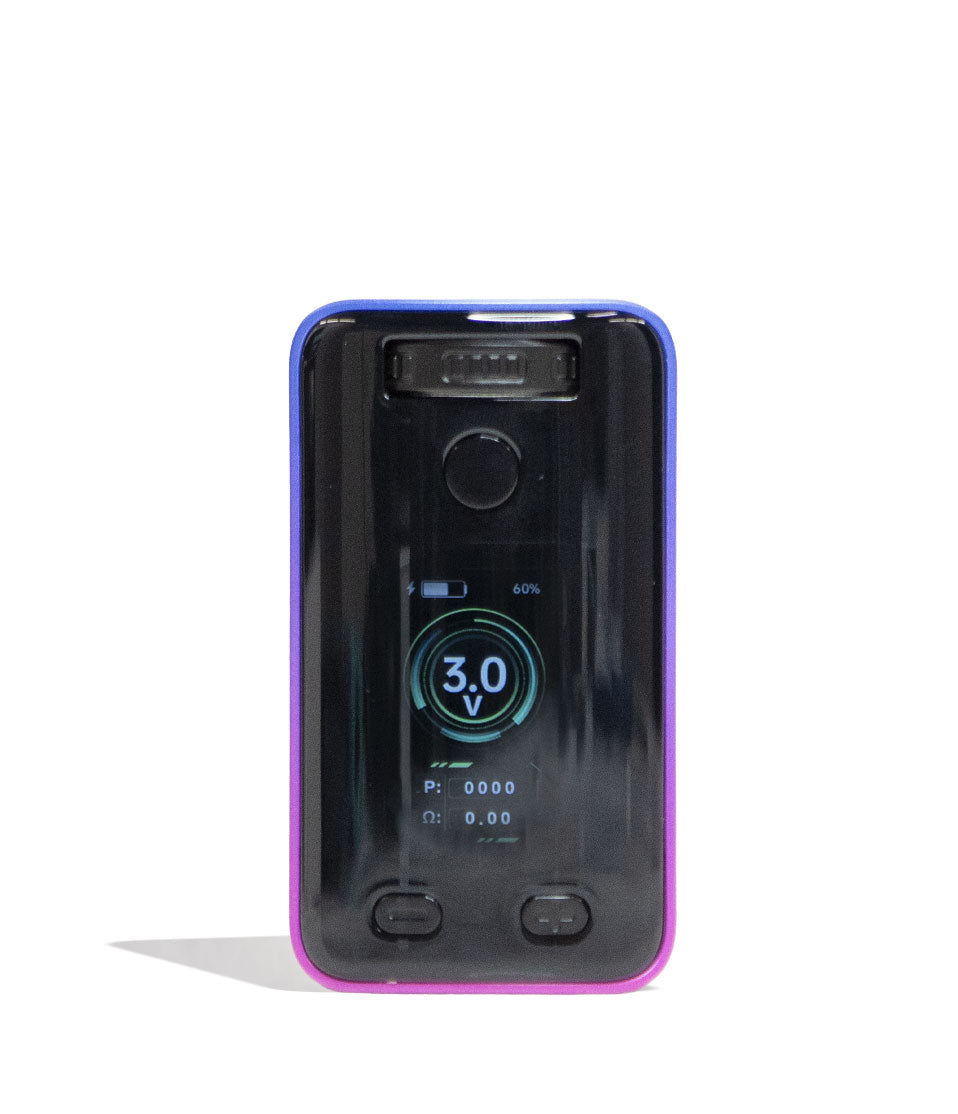
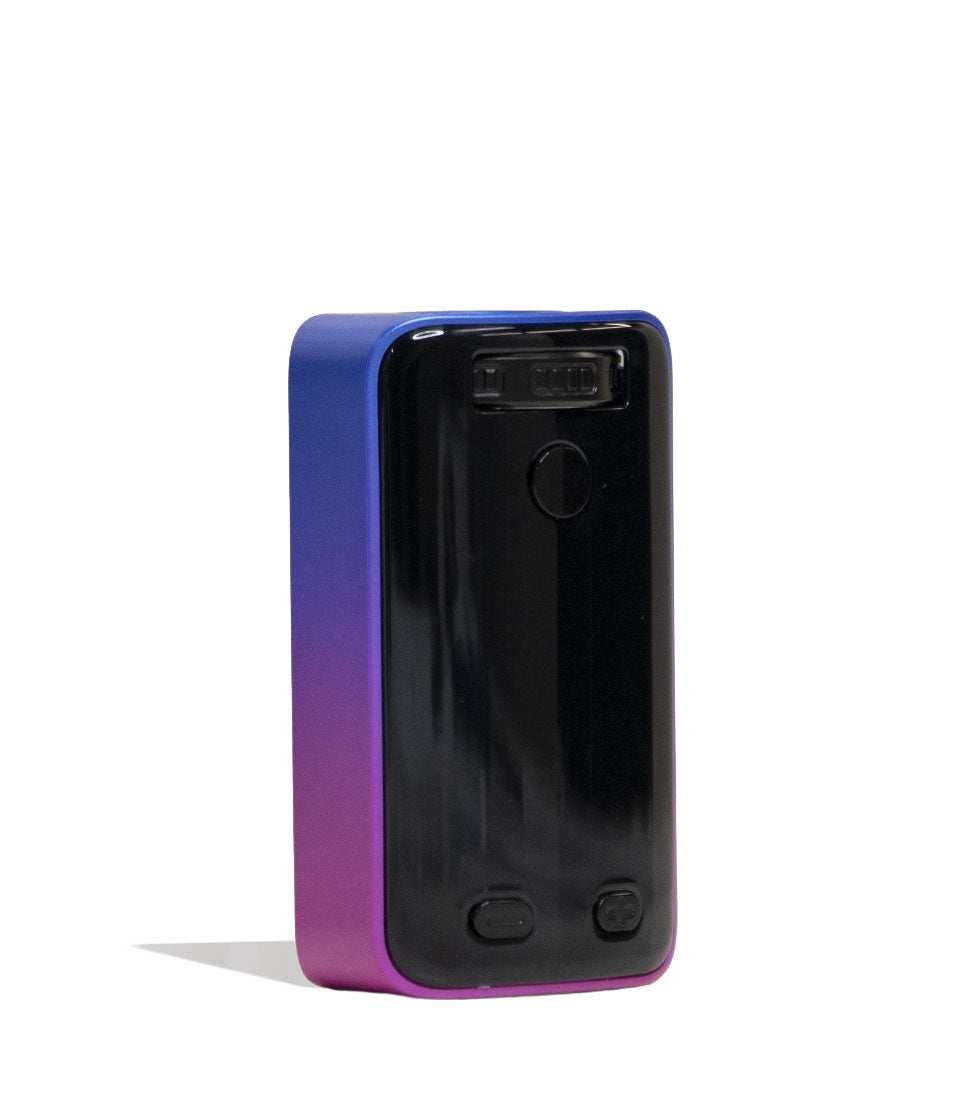
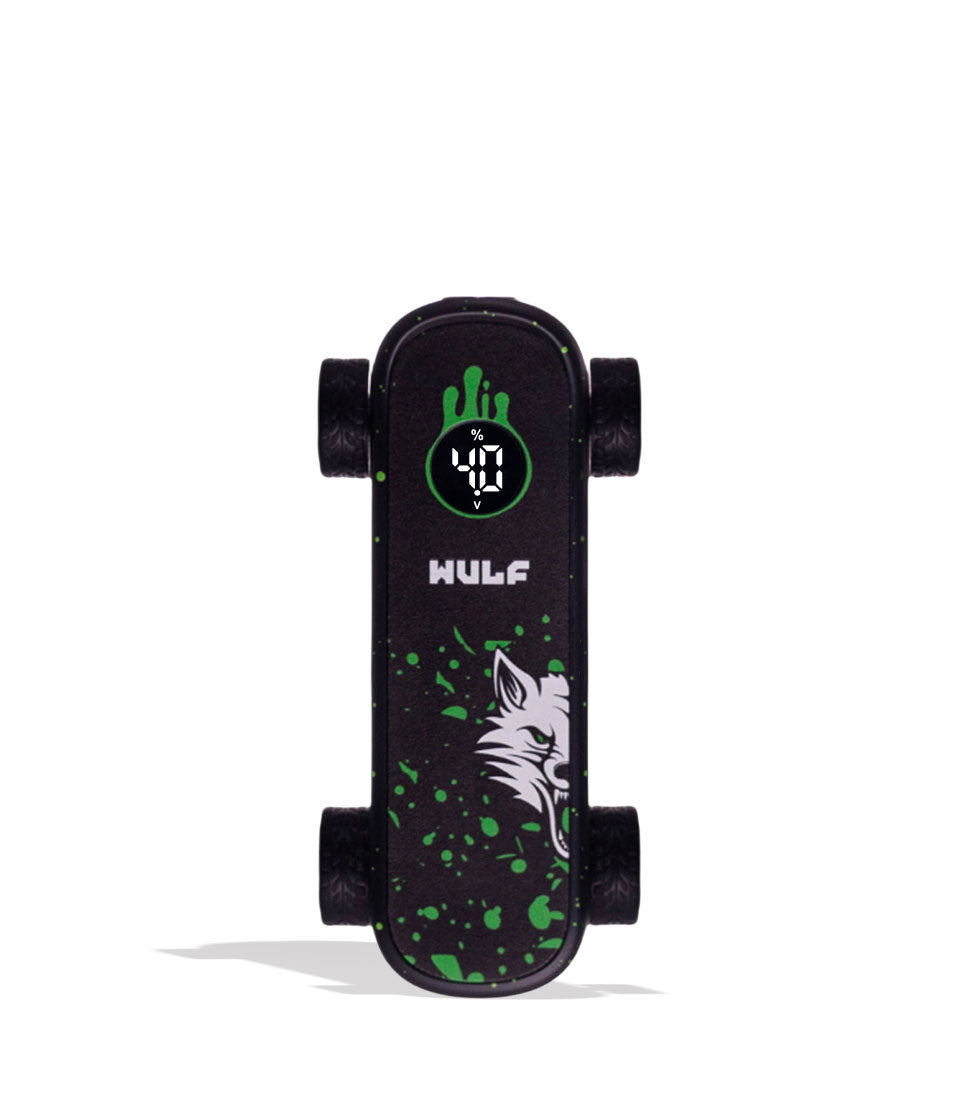
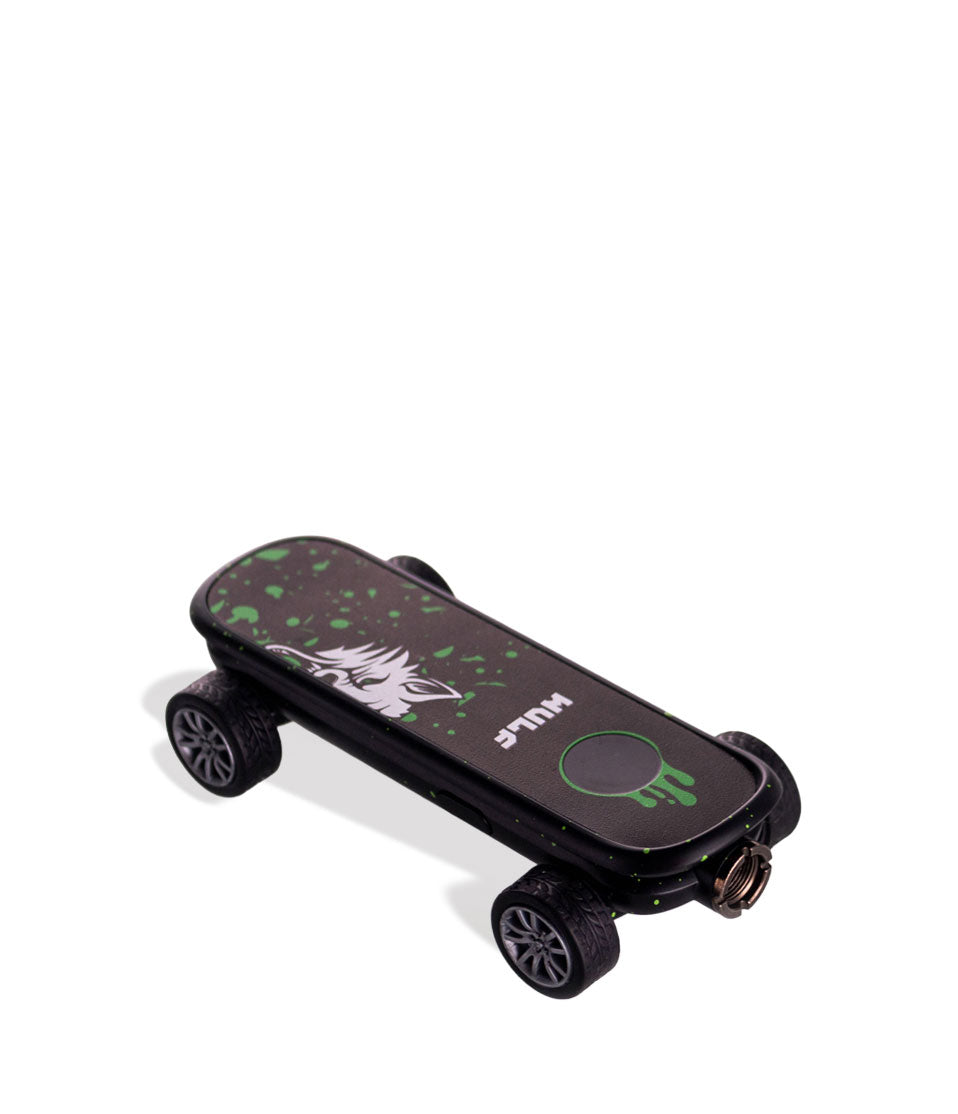
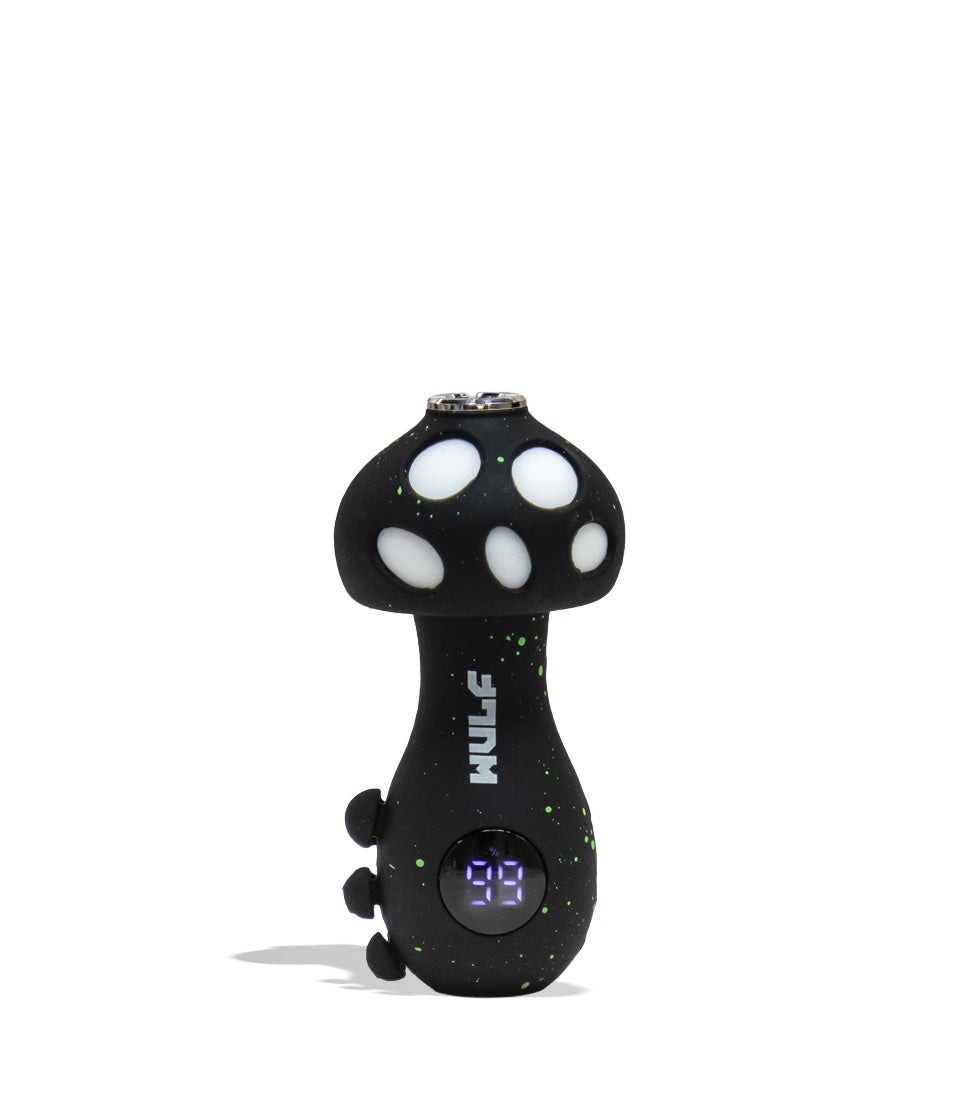
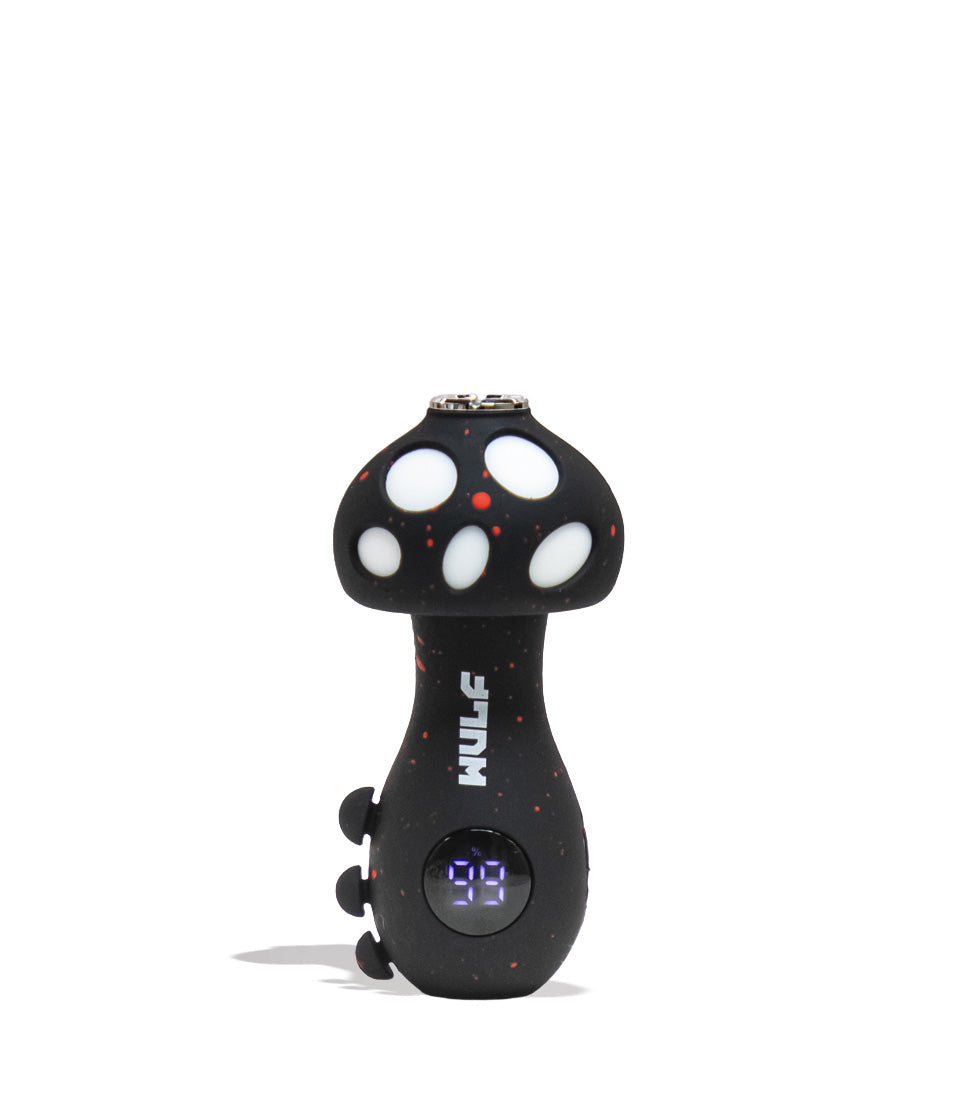
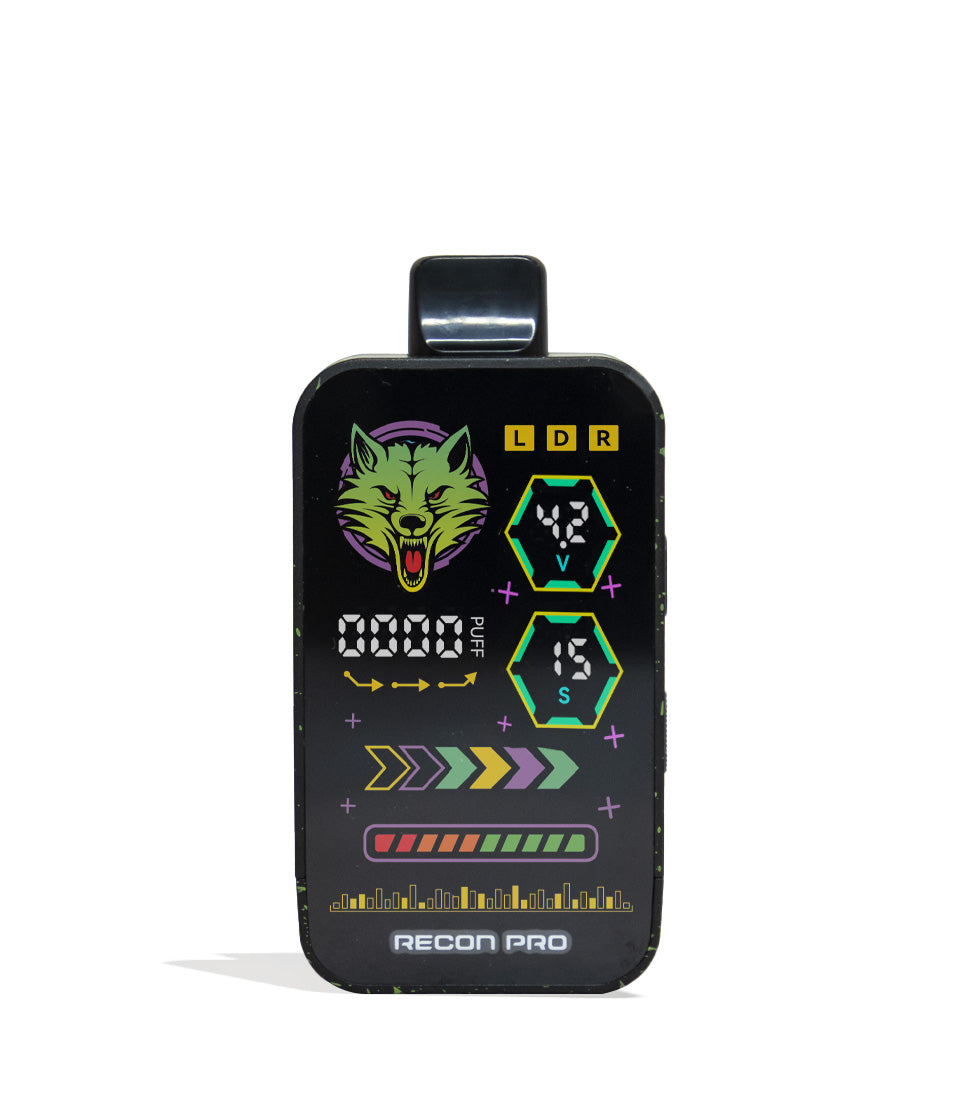
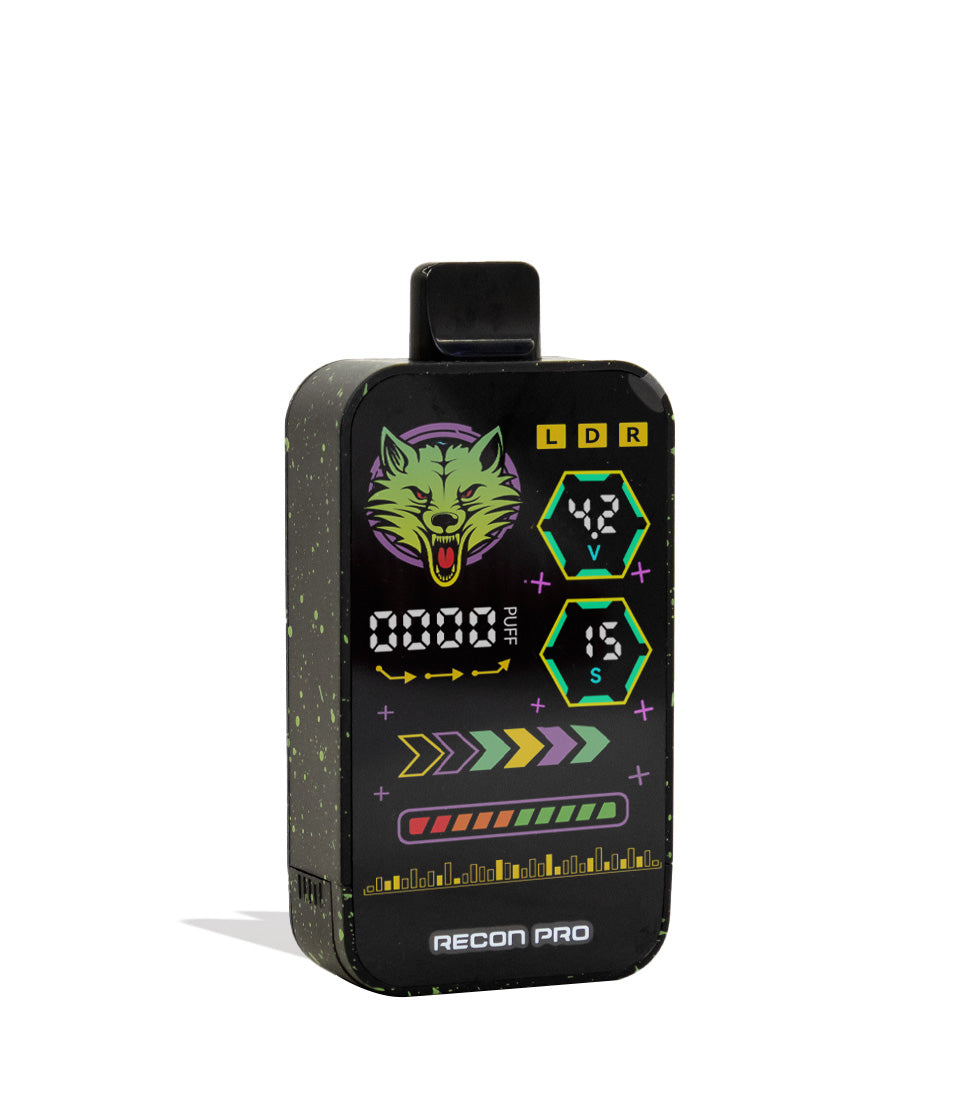
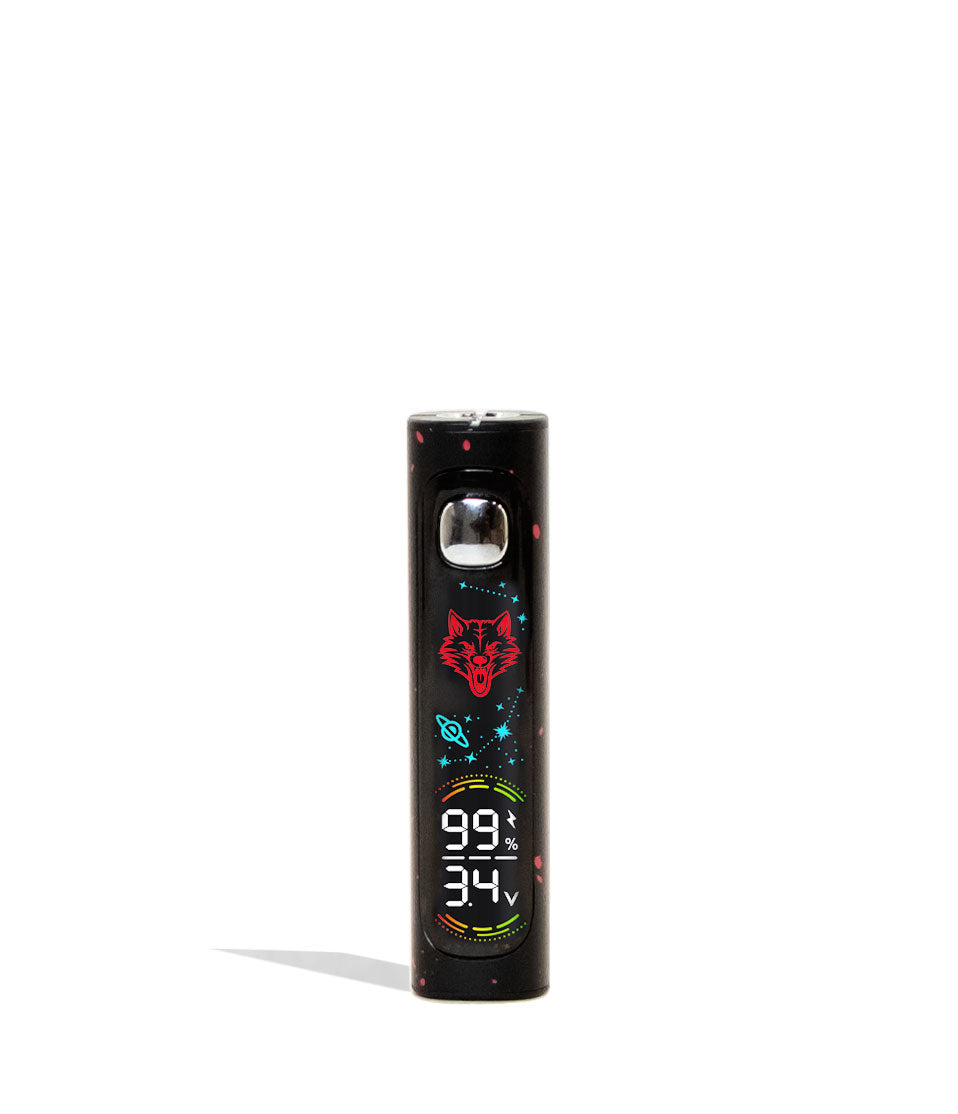
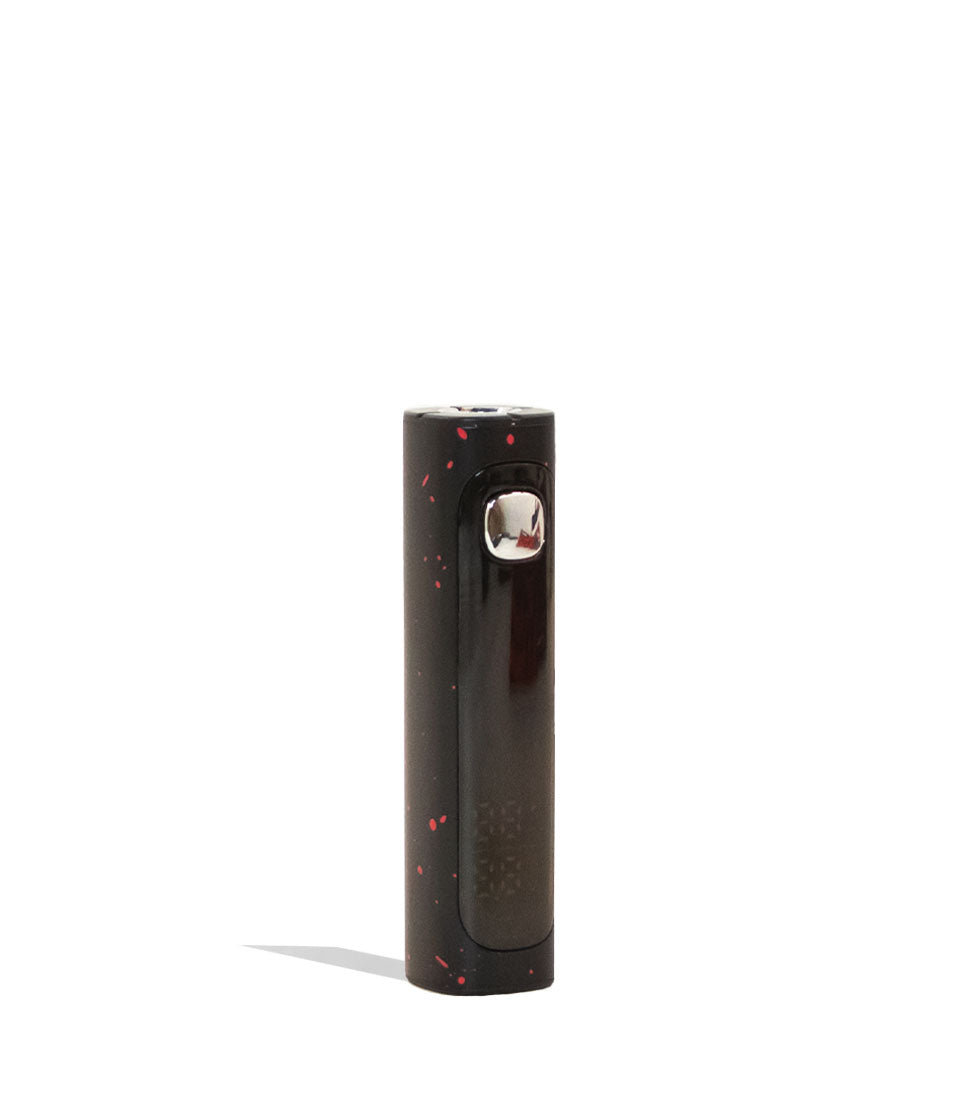
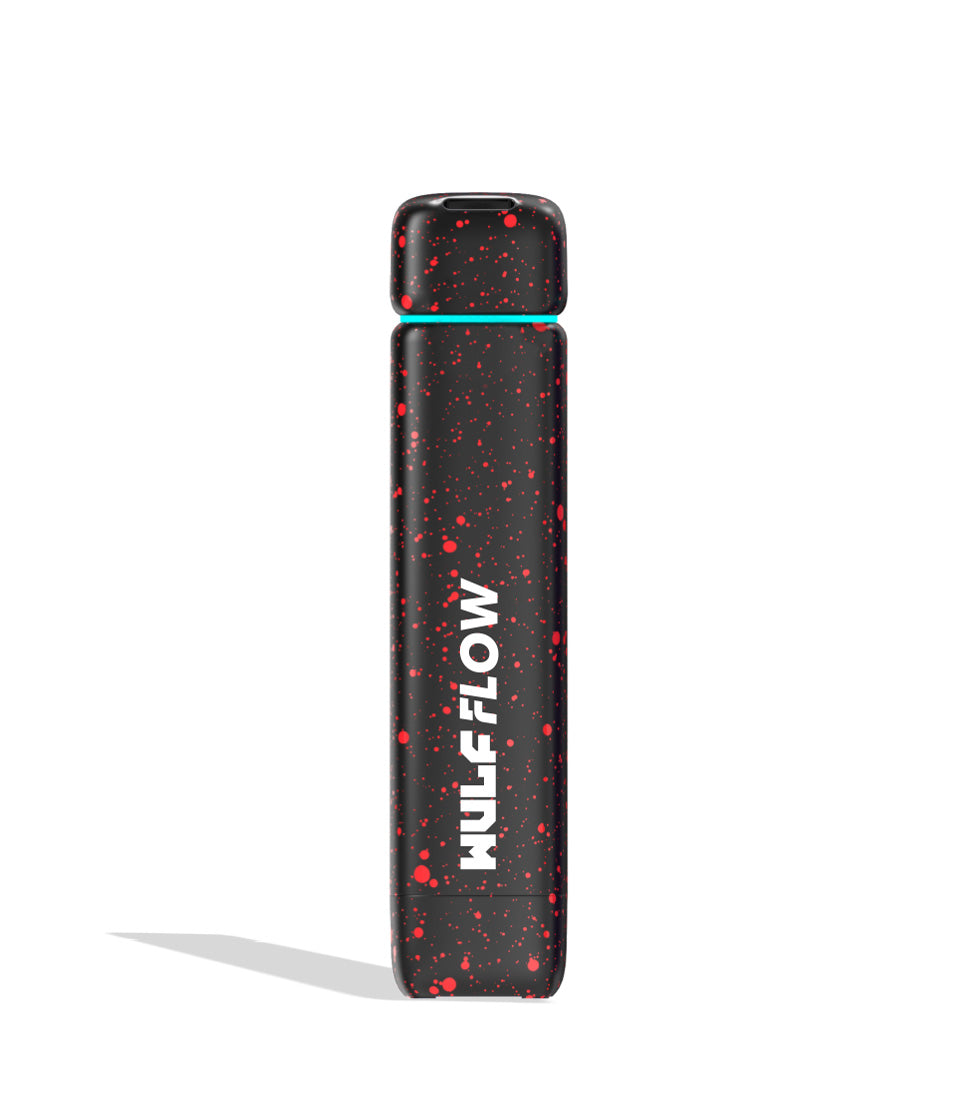
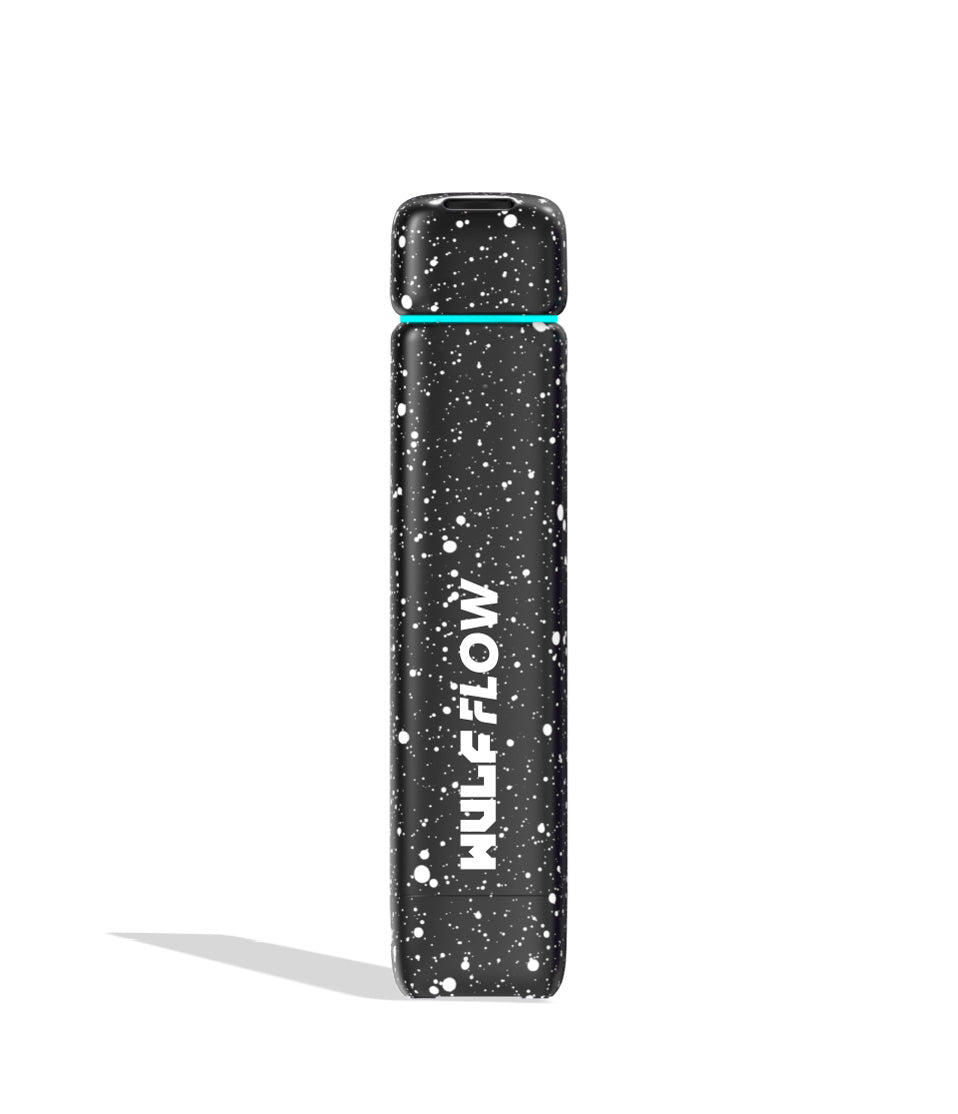
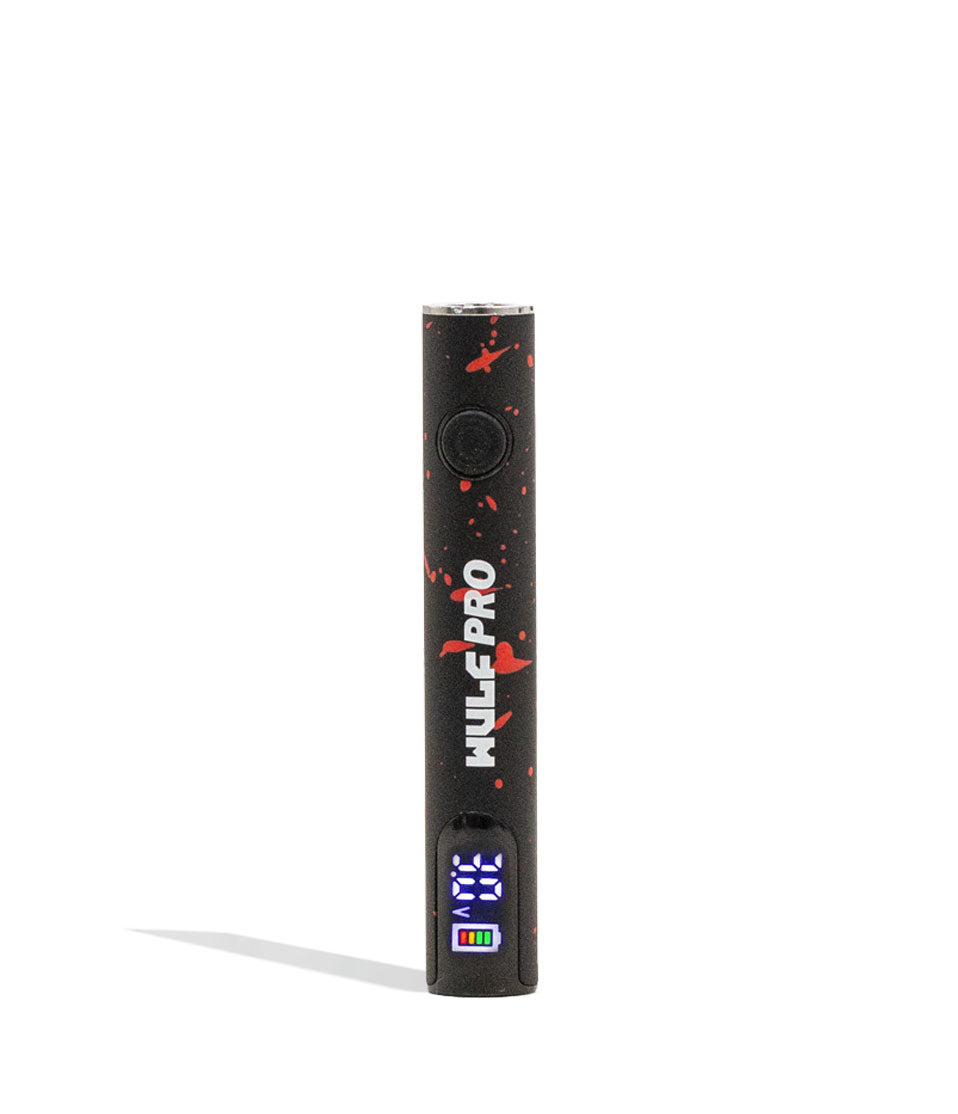
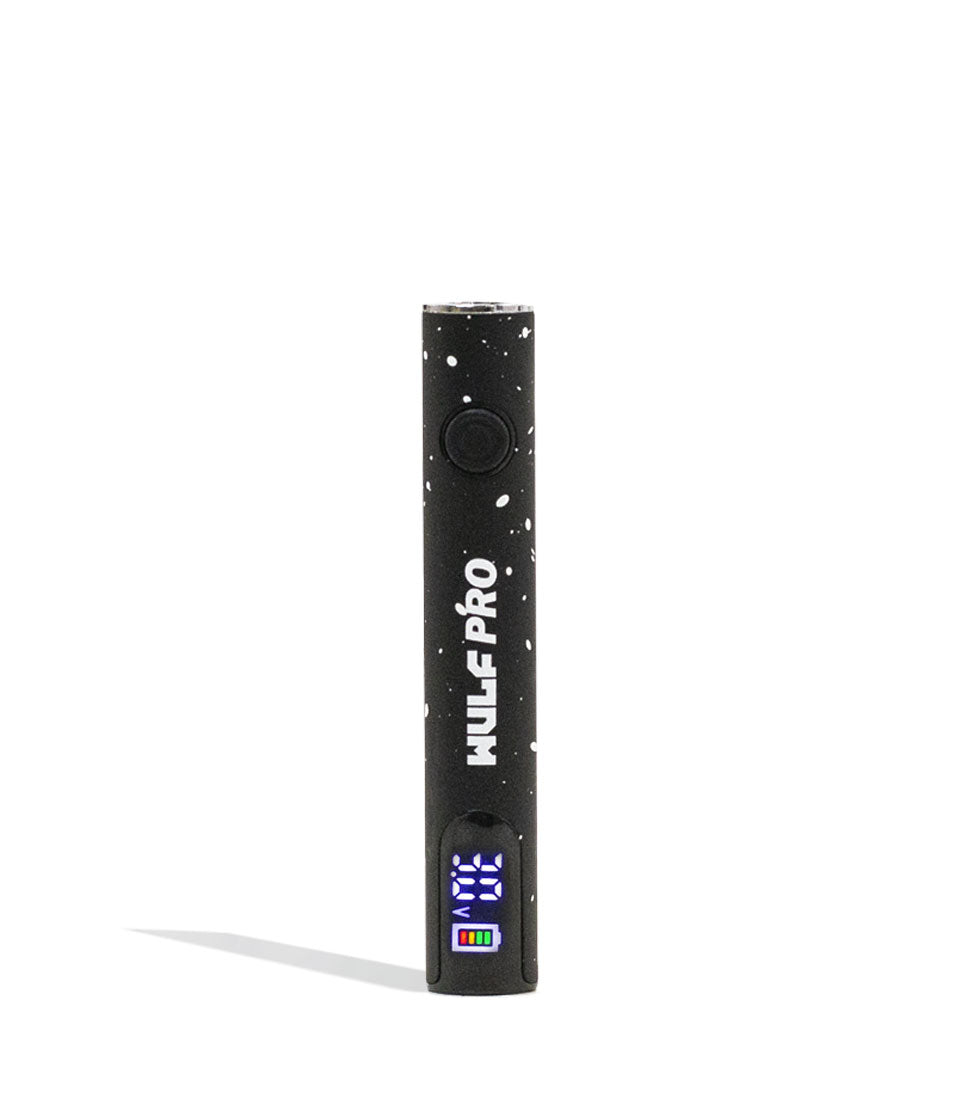
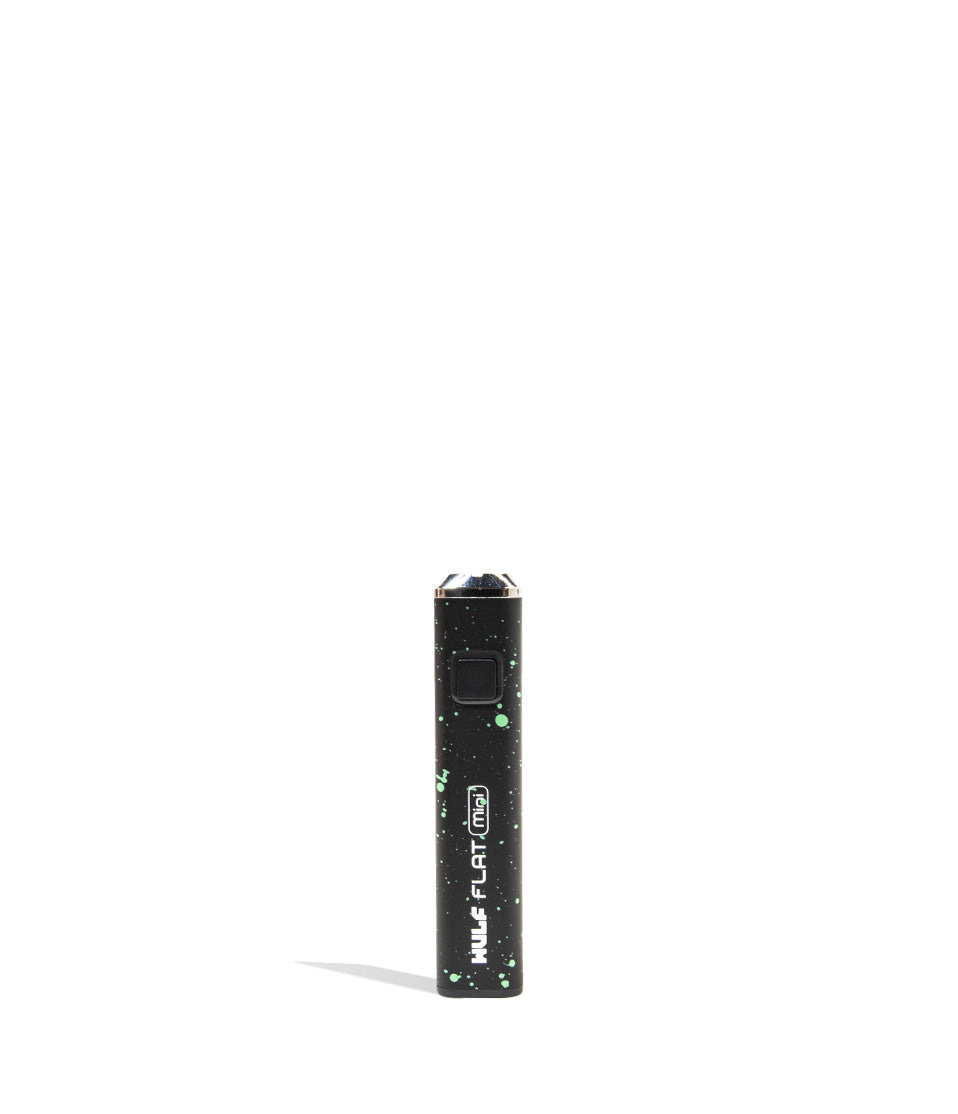
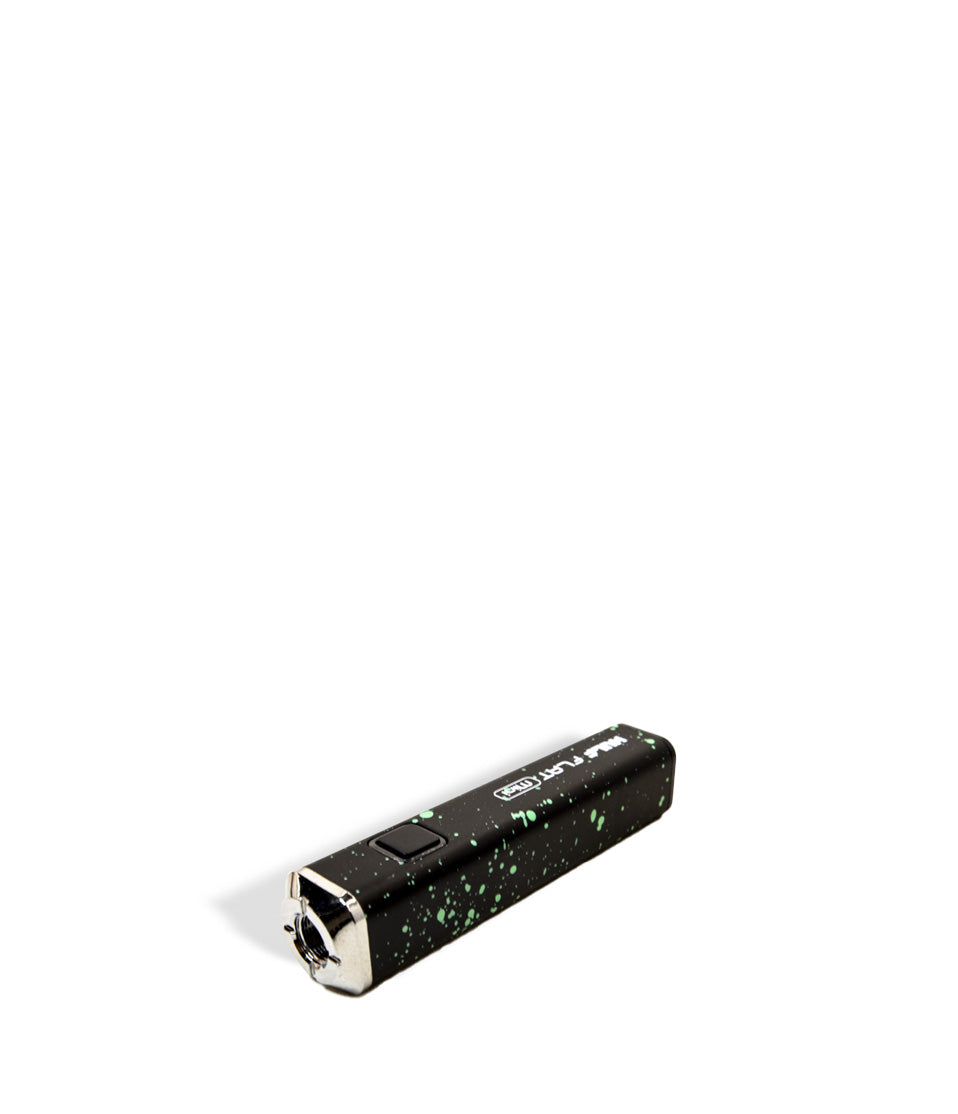
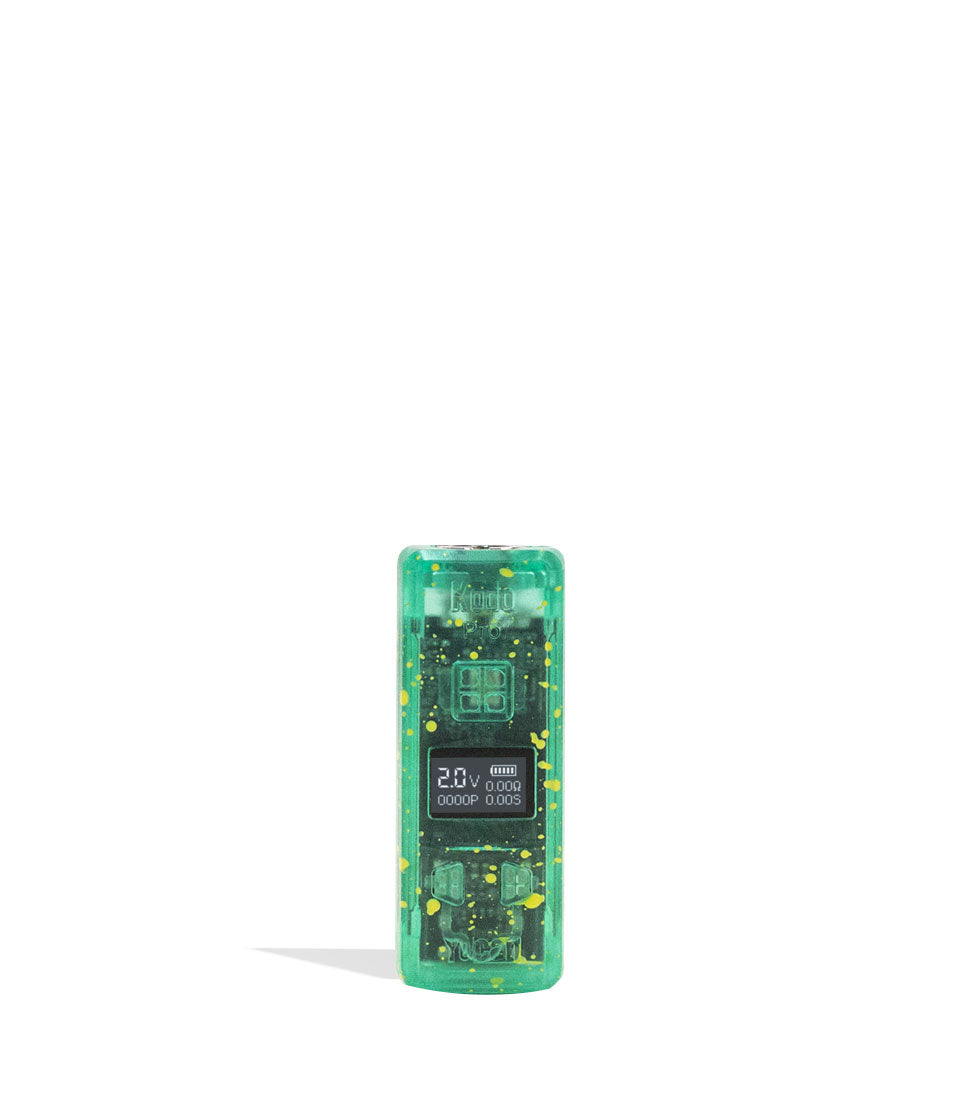
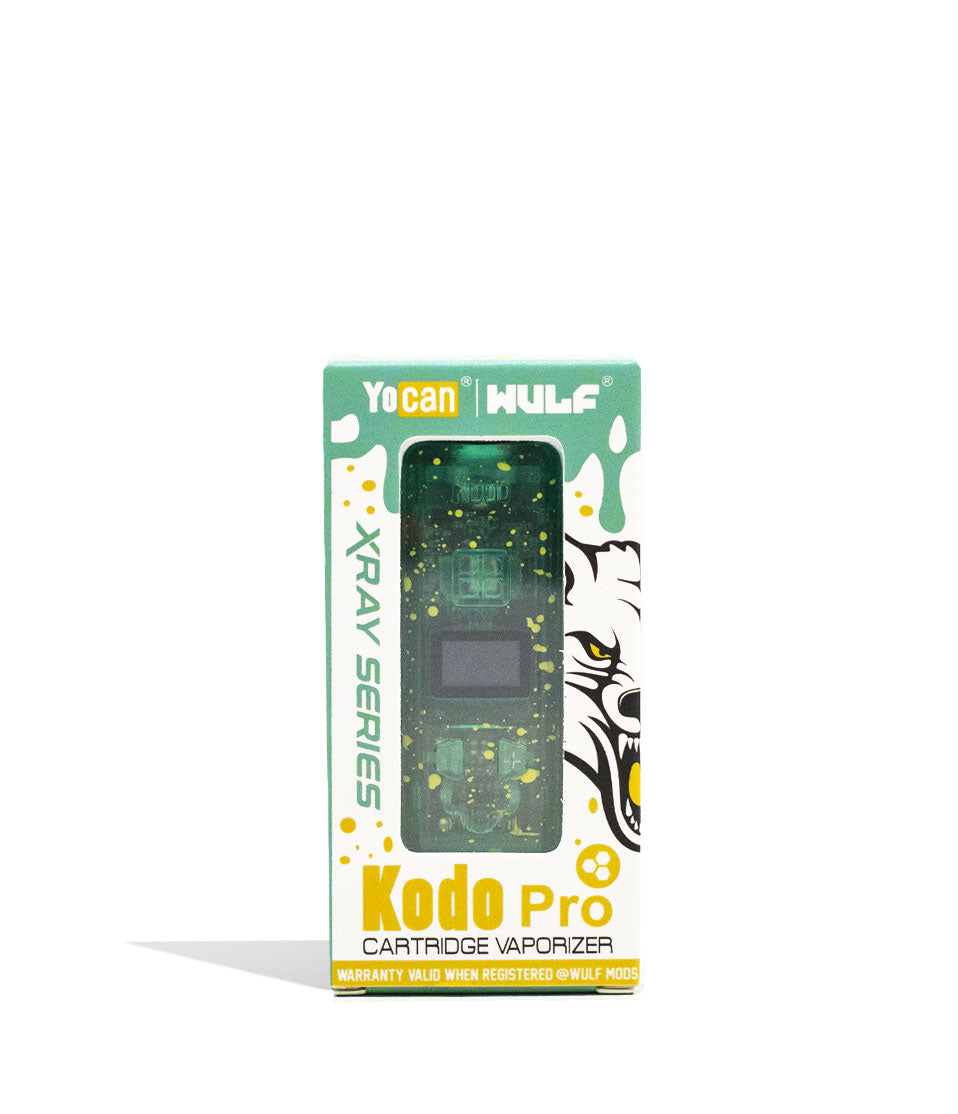
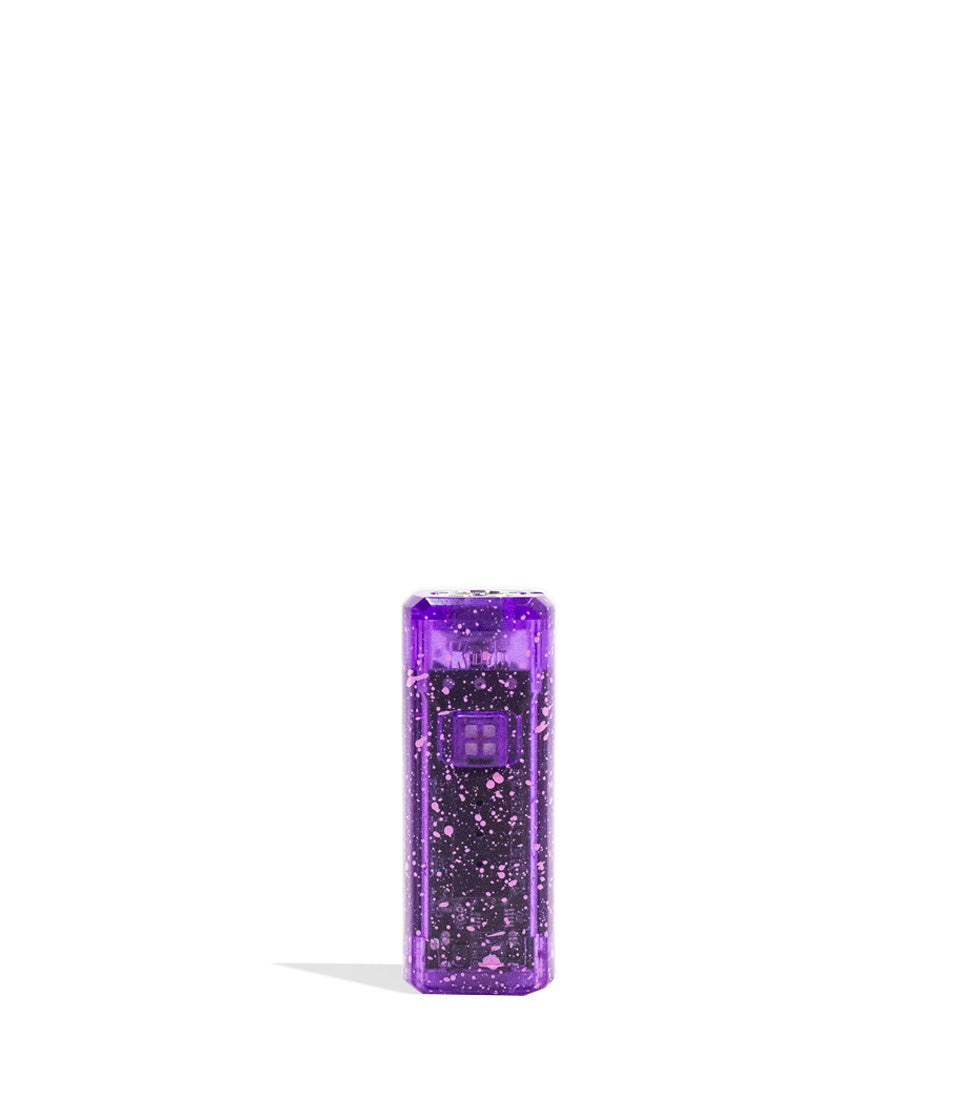
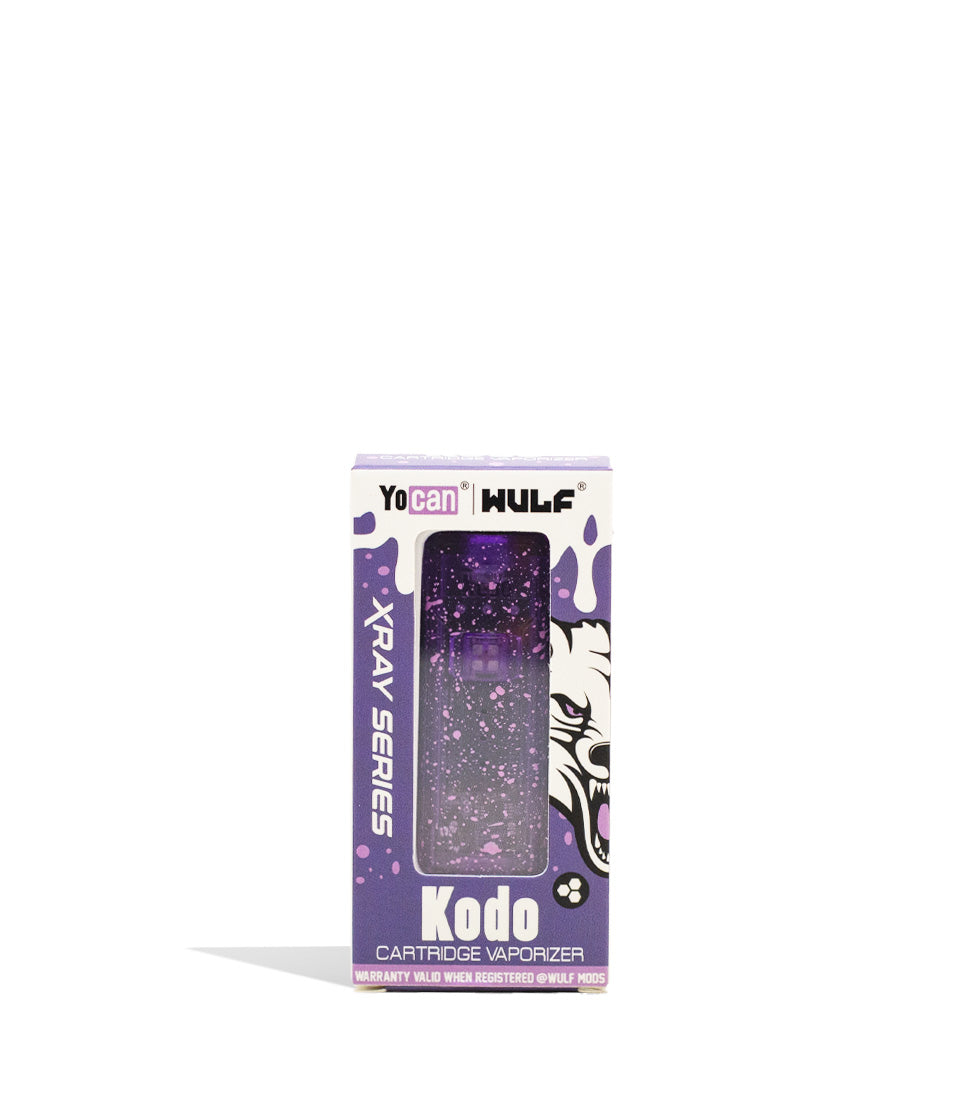
Owners Guide
Owner Playbook
The full playbook below expands on the practical steps and tips behind this guide.
Just got your hands on a Wulf Mods Pocket Mini Concentrate Vaporizer and wondering how to get started ripping some howlingly good dabs?
Well first of all, welcome to the Wulf Pack! And second of all, you’ve come to exactly the right place because today Wulf is here to give you all of the expert tips you need to use the Wulf Pocket Mini to its most dank potential.
In just a couple of minutes you’ll know how to fire up your Pocket Mini like a pro, utilizing its custom session timers and precision temperature control for the milkiest rips possible. Knowledge is power and that’s why Wulf is here to share the love and get you fired up with the best sessions of your life.
Keep reading below to discover everything there is to know about the Wulf Pocket Mini and take complete control over your vapor for the most satisfying of rips.
Table of Contents:
Wulf Pocket Mini Quick Start Guide
Getting To Know The Wulf Pocket Mini
What’s Included In The Box?
Wulf Pocket Mini Setup
Step 1: Loading Concentrates & Terp Balls
Step 2: Power On
Step 3: Change Temperature Settings
Step 4: Adjust Your Session Timer
Step 5: Start Auto-Mode & Rip!
Step 6: Charge The Battery
Wulf Pocket Mini Troubleshooting Guide
How To Clean The Wulf Pocket Mini
Common Wulf Pocket Mini Beginner Mistakes
Enjoy Your Wulf Pocket Mini!
Wulf Pocket Mini Quick Start Guide
Before we get down and dabby with it, take a look below for our step by step quick view guide so you can get to ripping with your Wulf Pocket Mini as soon as possible.
| STEP | ACTION | HOW TO | PRO TIP |
|---|---|---|---|
| 1 | Load Chamber | Drop in 2 quartz terp balls and a rice-sized amount of wax into the ceramic chamber. | Do not overload the chamber! Too much wax leads to leaks and restricted airflow. |
| 2 | Power On | Click the power button 5 times (5x) to turn the beast on. | Want to track your dabs? Click 7x to reset the puff counter back to zero. |
| 3 | Set Temp | Click 3x to enter the menu, then 1x to cycle (400˚-580˚F). Stop to lock it in. | White/Green ranges are best for pure flavor, Blue/Red are best for massive clouds. |
| 4 | Set Timer | Click 4x to enter timer mode, then 1x to increase duration (15s-60s). | Hold down the power button while in the menu to fast-scroll the timer. |
| 5 | Start Session | Click 2x to start the pre-heat. Wait for the screen to read “Hit”, then inhale. | Click 2x again if you need to stop heating before the timer reaches zero. |
| 6 | Clean Up | Use a dry cotton swab to wipe out leftover oil after your session. | Wait for the ceramic chamber to cool slightly before swabbing to avoid burning the cotton. |
What’s Included In The Box?
Before using your Wulf Pocket Mini, make sure you take a look over all of the accessories that came in the box. This way you have a grasp on all of the available tools for your upcoming sessions.
Your Wulf Pocket Mini box should contain:
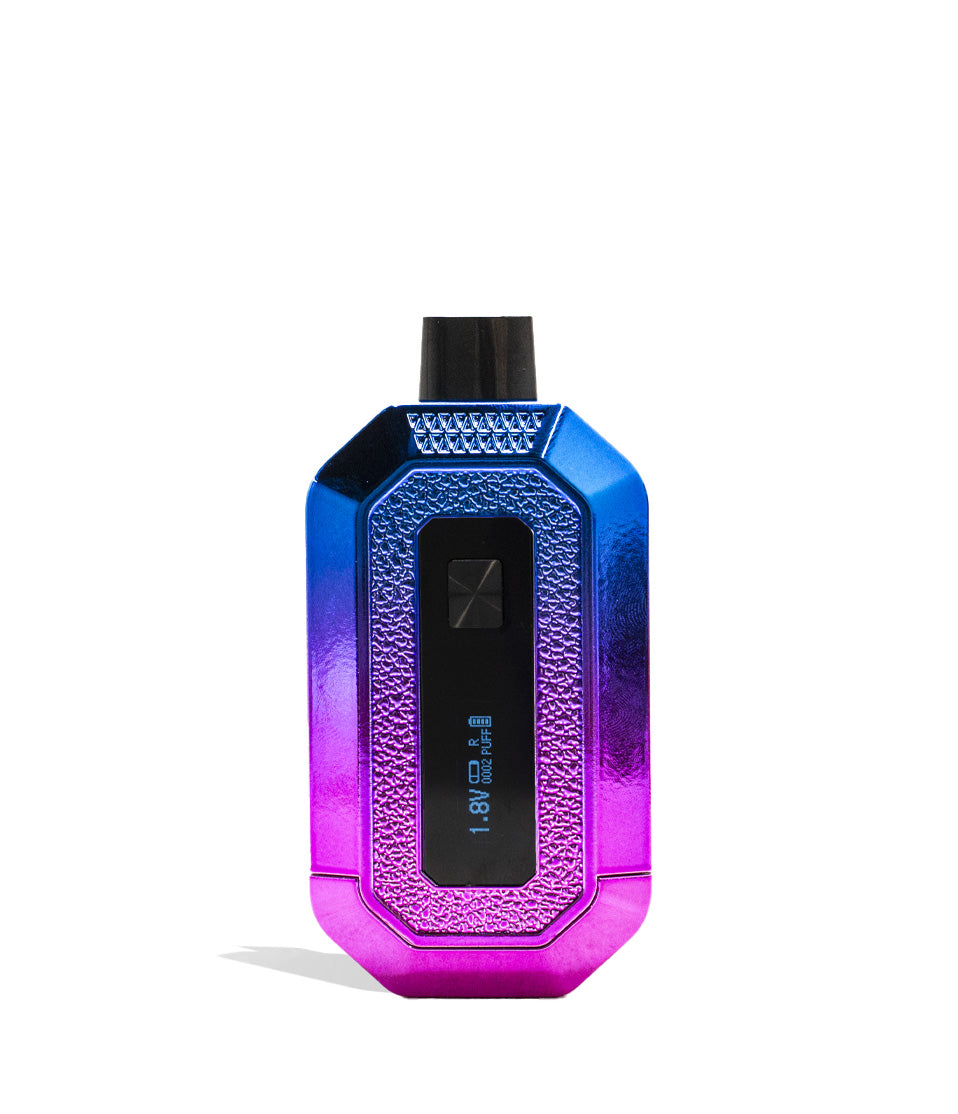
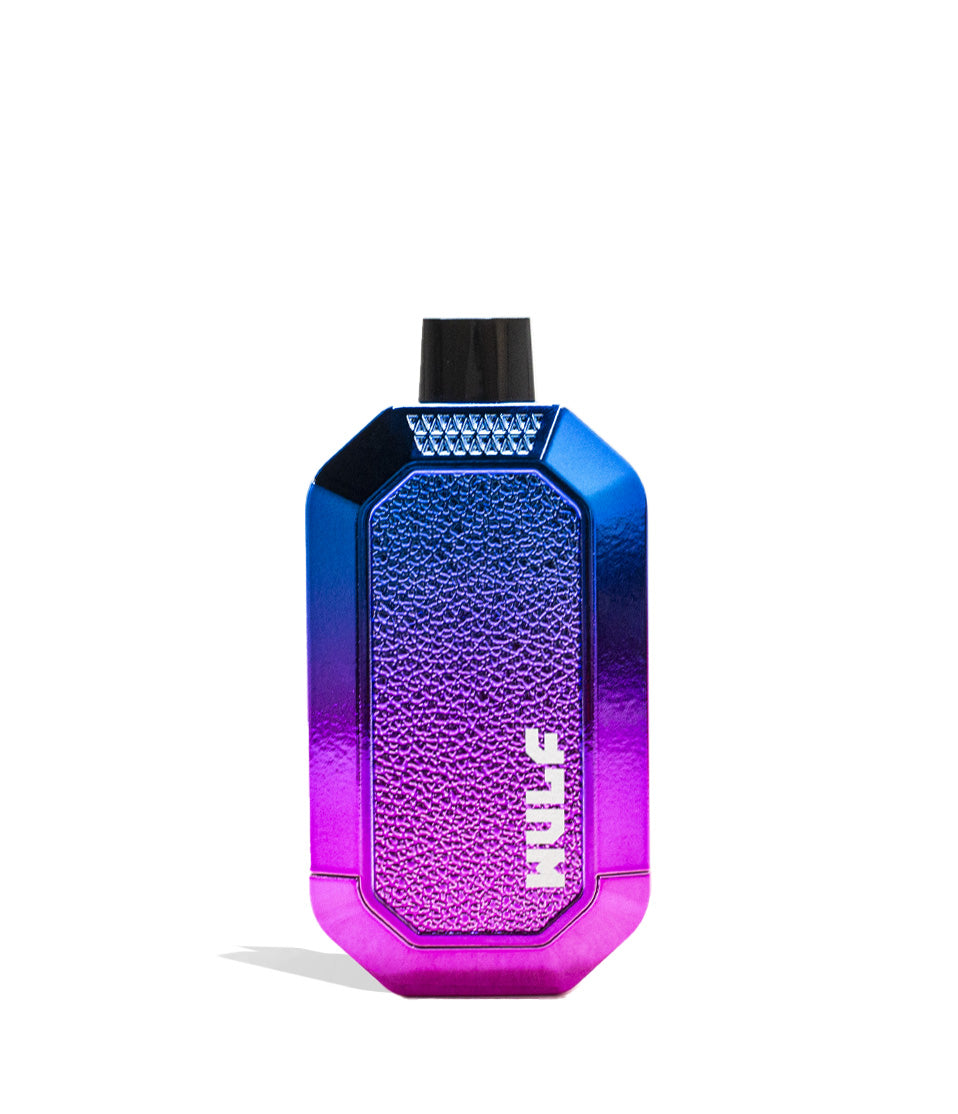
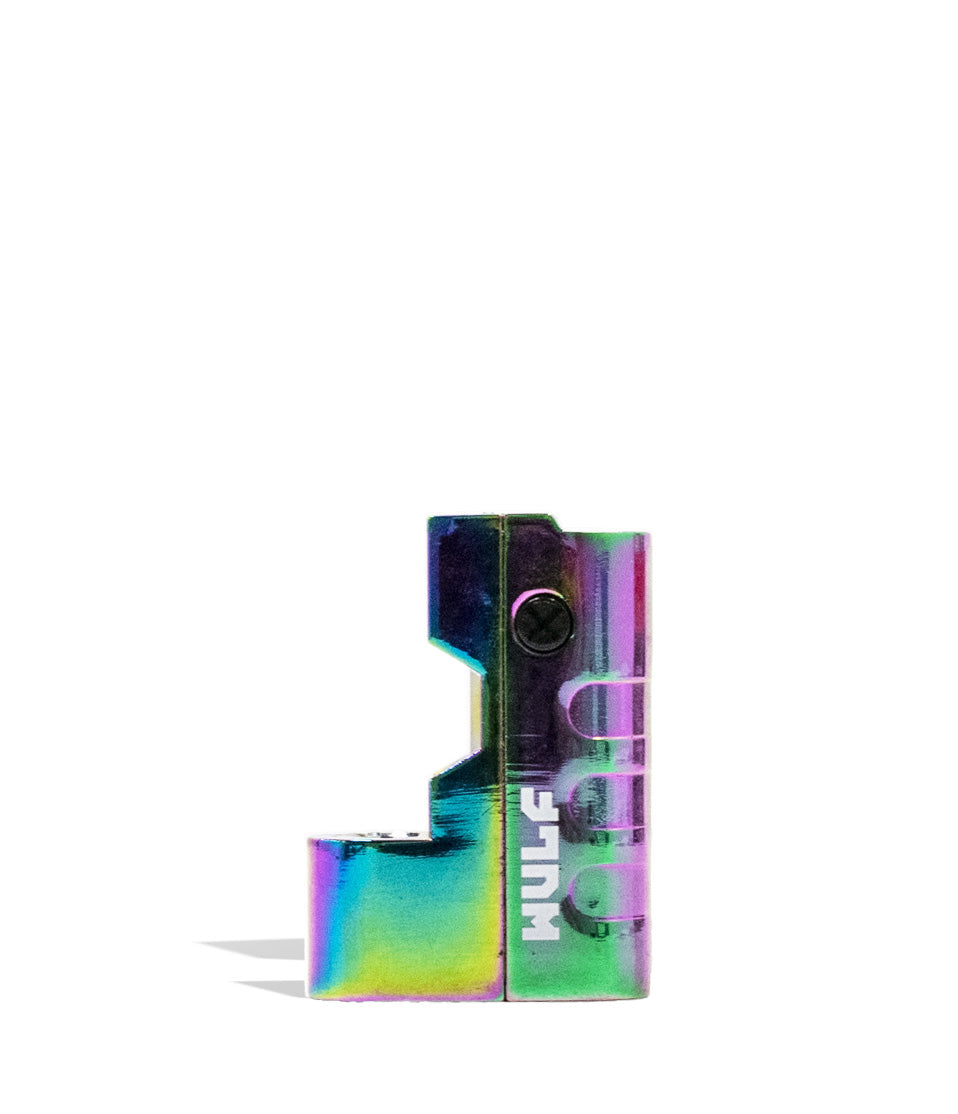
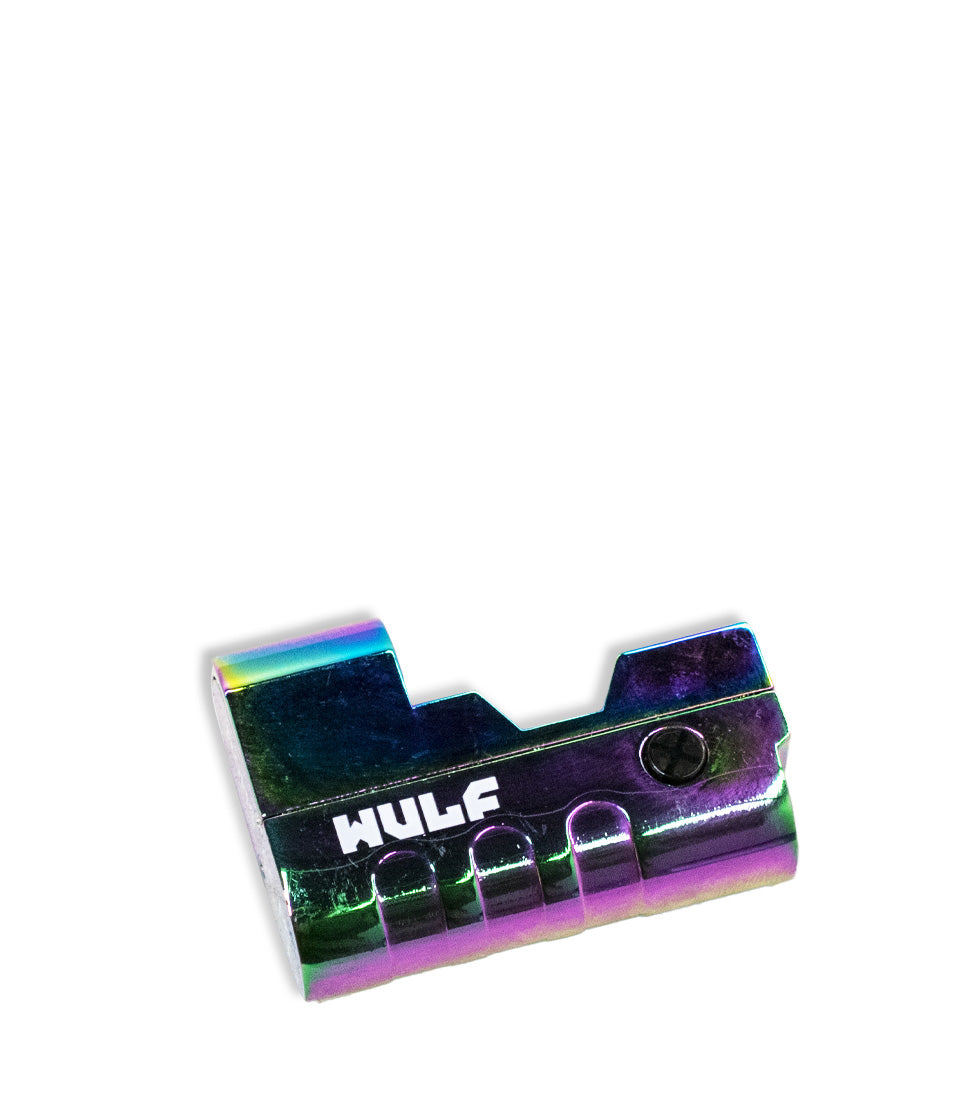
- Wulf Pocket Mini Vaporizer
- USB-C charging cable
- Loading tool
- (4) Q-Tip Swabs
- (12) Terp pearls
- Instruction manual
If you have any issues with your Wulf Pocket Mini unboxing or need help with your contents, please reach out to our Wulf Pack Customer Service as soon as possible and they’ll get you squared away.
Wulf Pocket Mini Setup
The Wulf Pocket Mini setup process is simple. Before you begin your session you want to make sure that your battery is charged and you have all of your necessary materials gathered ready to use.
Before your first use:
- Fully charge the battery using the provided USB-C cable.
- Familiarize yourself with the single button controls.
- Inspect the ceramic chamber.
- Make sure the silicone mouthpiece is properly connected.
Starting with a full battery ensures the best first session experience, delivering consistent voltage output directly to the ceramic heating element.
Step 1: Loading Concentrates & Terp Balls
Ready to get howling with your Wulf Pocket Mini? First things first, you’ll have to get it loaded up with both your terp balls and your concentrates!
To load your Wulf Pocket Mini remove the top silicone mouthpiece in order to reveal the ceramic chamber beneath. From here you can drop in two (2x) of your quartz terp balls into the chamber to help boost vapor production.
Next use a dab tool / hot knife to load concentrate into your ceramic chamber. We recommend aiming for a size roughly equivalent to a grain of rice, this way you avoid overloading which leads to leaks and wasted dabs.
With your concentrate loaded, you can now replace the cap onto your device. Make sure that the connection is flush and completely snapped on before starting your session so that vapor doesn’t escape.
Step 2: Power On
To turn on your Wulf Pocket Mini press the power button five times (5x) in a row. When successfully input, your battery will vibrate once (1x), your LED bar will light up, and a WULF logo will appear on the OLED screen.
If you’re having trouble mastering the single button operation, we recommend pressing with slow measured movements. This way you input the exact power button command and aren’t over / under shooting things in your haste.
The Wulf Pocket Mini additionally includes a session counter to let you know how many sessions you’ve enjoyed and helps you keep track of how much concentrate you’ve been loading up.
To reset the counter, press the power button seven times in a row (7x). This will cause your OLED to display a message reading “PUFF CLEAR” and take your count all the way back to zero.
Step 3: Change Temperature Settings
The Wulf Pocket Mini provides you with incremental temperature control ranging from (400˚ – 580˚F) adjustable by increments of 5˚F. This allows you to dial your temperature in just how you like it to maximize either flavor, potency, or a mix of both.
To change temperature settings press the power button three times in a row (3x) to pull up the selection menu.
From here you press the power button one time (1x) to cycle through the available levels. Once at your desired temperature, stop pressing the power button and allow the settings to lock in.
To make identifying your current temperature range easy, the LED bar includes color coded ranges:
-
White (400˚ – 445˚F): Maximum flavor, smooth vapor.
-
Green (450˚ – 490˚F): Balanced flavor and efficiency.
-
Blue (495˚ – 535˚F): Larger clouds and stronger vapor production.
- Red (540˚ – 580˚F): Maximum potency and fast extraction.
When starting out we recommend sticking with the lower temperatures (white or green) as these produce smoother vapor that’s easier to begin with. Plus you get delicious flavors, making for the ideal introduction to ripping dabs with your Wulf Pocket Mini.
Step 4: Adjust Your Session Timer
The Wulf Pocket Mini levels up your game by allowing you to alter the length of your session duration from 15s to 60s. This allows you to tailor your session to perfectly match your style and size of concentrate load.
To adjust the session timer, press the power button four times in a row (4x). This will open up the adjustment menu and start flashing your current session duration in seconds.
Press the power button one time (1x) to increase the duration of your session by 1s increments, or hold down the power button to enter a fast scroll mode. When you’ve reached your desired session length, stop pressing the button and allow it to lock in.
Longer sessions are perfect for passing the Wulf Pocket Mini around with friends and for when you want to load into those extra large globs. Conversely, shorter sessions are nice for quick snappers on the go or when you need to tealth vape on the low.
Step 5: Start Auto-Mode & Rip!
With your Wulf Pocket Mini loaded and dialed in, it’s time for you to get ripping your clouds!
Press the power button two times (2x). This will start a pre-heat countdown and display “Wait” on your OLED screen to let you know your battery is currently preparing your concentrates.
Once your pre-heat is completed, your OLED screen will switch to “Hit” to let you know you’ve entered into session mode – a period of continuous heat (15s-60s based on your timer) where you can freely draw from your mouthpiece.
The OLED screen will display the countdown. Once it reaches zero, your battery will vibrate one time (1x) and return to standby mode. If you need to stop early, press the power button two times (2x) to exit out.
Step 6: Charge The Battery
The Wulf Pocket Mini comes with a dedicated USB-C charging cable. Only ever use this charging cable in order to protect your battery health and ensure proper lifespan.
The first time you charge your Wulf Pocket Mini, leave it plugged in for two hours. Every time after that initial charge, never leave the battery charging for longer than one hour at a time and always unplug promptly.
Wulf Pocket Mini Troubleshooting Guide
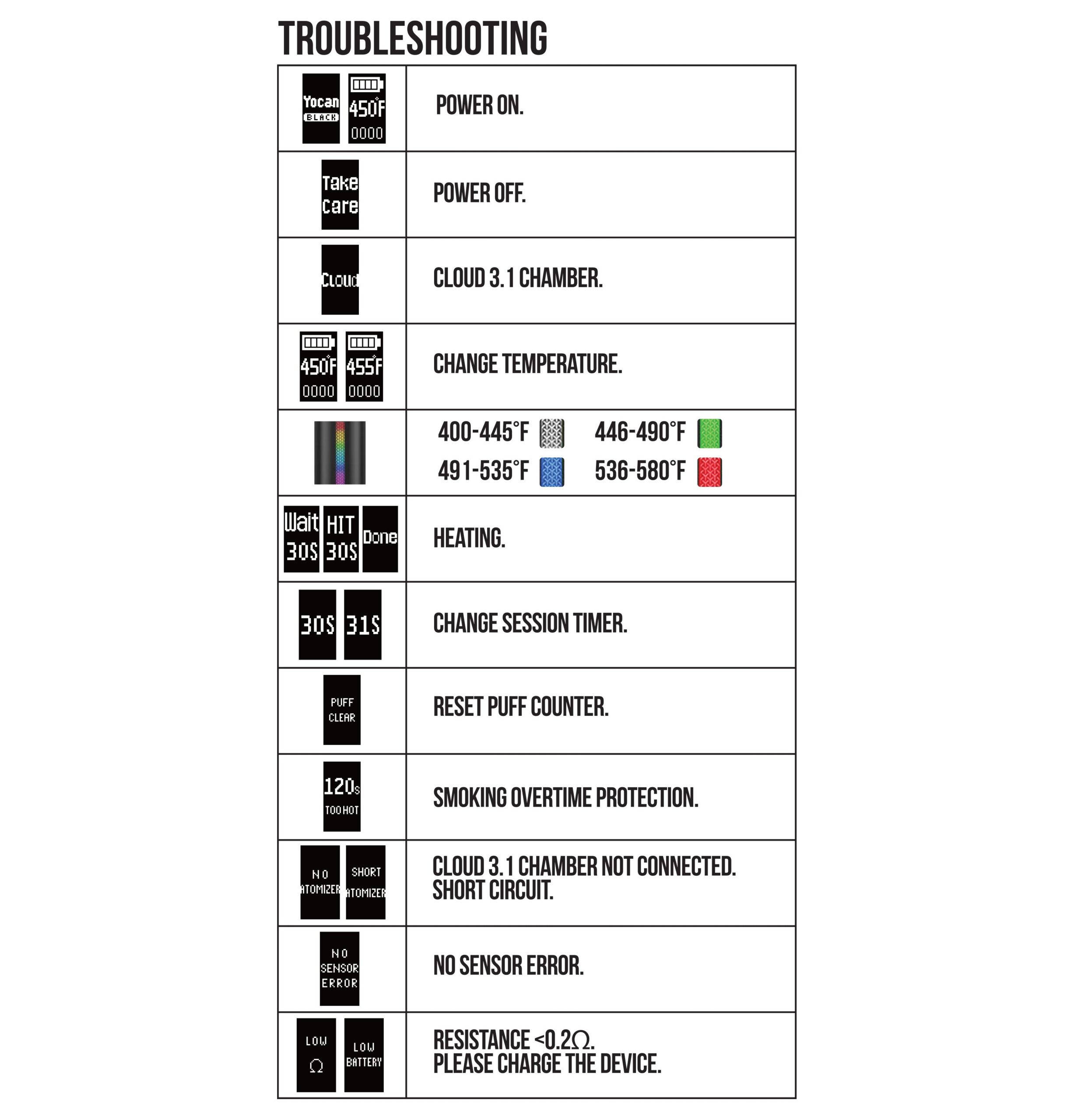
In order to protect yourself, your battery, and your Wulf Pack – we recommend familiarizing yourself with the following built-in troubleshooting warnings displayed on your OLED screen:
- No Atomizer: The chamber isn’t properly connected or detected.
-
Short Atomizer: There is an electrical short issue. Re-attach the chamber or try a new one.
-
No Sensor Error: There is an issue detecting your chamber temperature sensor. Re-attach or try a new one.
-
Low Battery: You’re at 0%, please charge your device to continue.
- Resistance Ω: Indicates a low ohm resistance level.
For more detailed information about dealing with these warnings, take a look through our Wulf Pocket Mini troubleshooting guide right here.
How To Clean The Wulf Pocket Mini
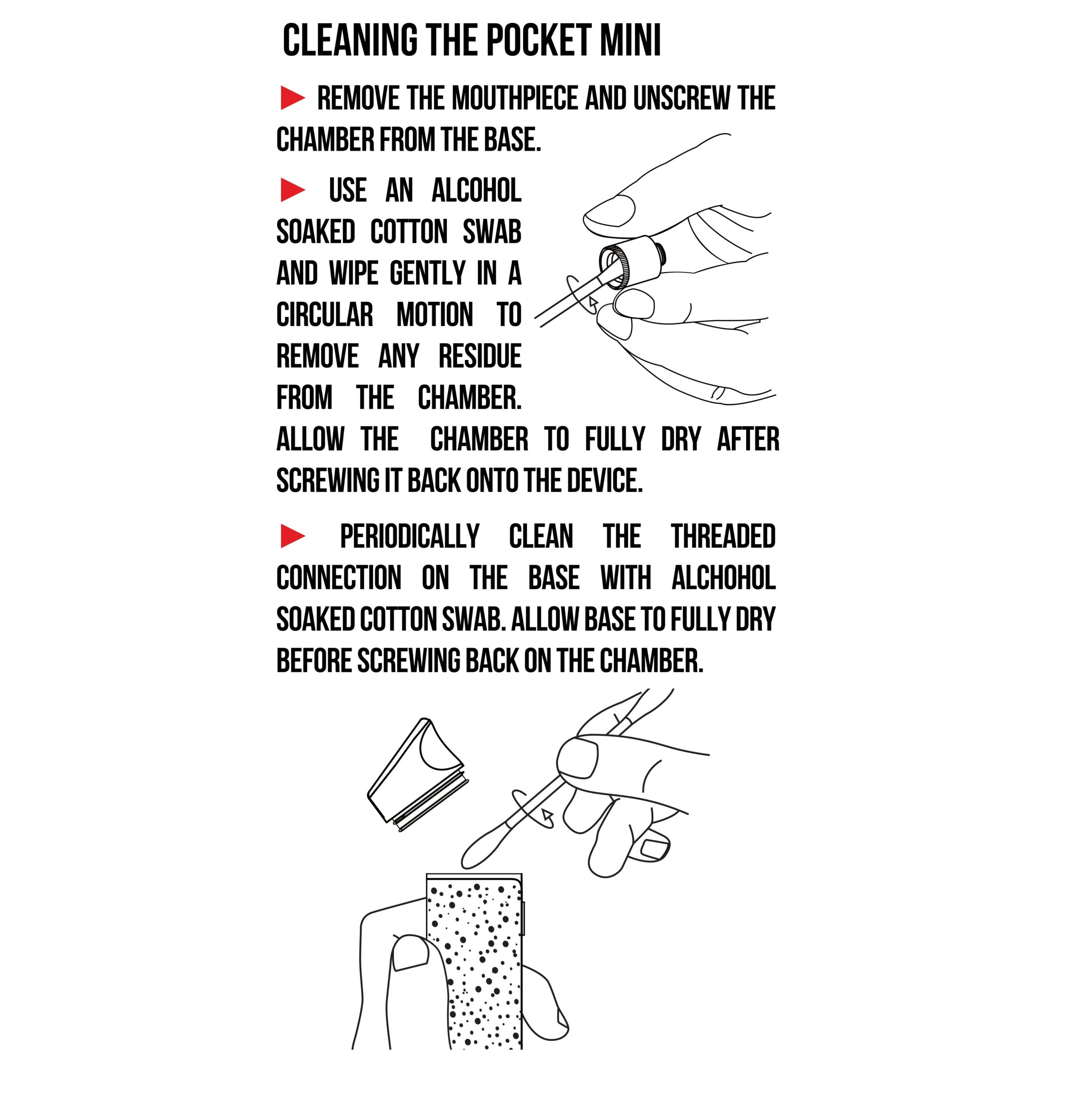
To get the best from your Wulf Pocket Mini, you’ll need to keep it clean. This is easily accomplished by performing both quick cleans and longer deep cleans. For a more in depth guide, take a look at how to clean the Wulf Pocket Mini right here.
Below, we’re going to provide you with a quick breakdown if you’re in a rush to get going.
Quick Clean Your Wulf Pocket Mini:
- Power off your Wulf Pocket Mini.
- Remove the top mouthpiece.
- Use a dry q-tip to wipe down the interior of your warm ceramic chamber to soak up leftover concentrate.
- Replace your mouthpiece.
Deep Clean Your Wulf Pocket Mini:
- Disassemble your mouthpiece and chamber completely.
- Use a q-tip dampened with isopropyl alcohol to gently wipe down the interior of your ceramic chamber and the threaded connections.
- Clean the silicone mouthpiece and ceramic insert with an isopropyl swab until any leftover materials are gone.
- Allow all components to thoroughly air-dry completely (100% dry!) before reassembling to protect the battery lifespan.
A clean Wulf Pocket Mini means a happy you, so don’t skip on cleaning and you’ll be enjoying your dabs just as the Wulf Pack intended.
Common Wulf Pocket Mini Beginner Mistakes
Avoid these common pitfalls to keep your Pocket Mini sessions smooth:
-
Overloading The Chamber: Smaller amounts (grain of rice) generally perform better and prevent messy leaks.
-
Using Temperatures That Are Too High: Starting lower allows you to experience more flavor before bumping up the heat.
-
Forgetting To Clean: Sticky residue buildup affects vapor quality and can ruin your chamber over time.
- Pulling Too Hard: Slow draws produce more consistent vapor and prevent wax from splashing upward.
For more expert information, take a look through our guide detailing how to get bigger clouds from your Wulf Pocket Mini right here.
Enjoy Your Wulf Pocket Mini!
Now that you’ve learned all of our expert Wulf Pocket Mini instructions, it’s time for you to unleash your own concentrates and start your own galactic dabbing adventures!
Load up some of your favorite dabs, choose your ideal temperature, and kick your feet up with friends to enjoy milky rips, with the most mind blowing of potency backing them up.
Have any more questions? The Wulf Resource Center is ready to deliver you answers to all the most common questions and provide in depth walkthroughs on everything Wulf.
Thanks for running with the Wulf Pack and get cloudy out there for us! Arooo!!!
Frequently Asked Questions
Owners Guide FAQs
Common questions related to this guide and how to apply the information when choosing your device.
How Much Wax Should I Load Into The Wulf Pocket Mini Chamber?
What Is The Best Temperature Setting For Maximum Flavor vs. Big Clouds?
How Do I Reset The Puff Counter On My Wulf Pocket Mini?
Why Is My Screen Displaying "No Atomizer" When I Try To Dab?
Can I Use Any USB-C Cable To Charge My Wulf Pocket Mini?
Wulf Mods Trust Center
About This Resource
Understand how this guide was researched, reviewed, and maintained by the Wulf Mods editorial team.
Editorial Standards
- Written for the people choosing and using these devices.
- Reviewed for clarity, accuracy, and practical retail value.
- Based on current manufacturer specifications and product documentation when available.
- Updated as products, regulations, category trends, or market conditions evolve.
- Built on deep, hands-on product experience.
- Designed to help you choose the right device with confidence.
Research Methodology
This owner guide was prepared to help you set up, use, and care for your device with confidence. Guidance is based on hands-on product experience, common questions, and real-world use.
- Hands-on product experience
- Setup and first-use guidance
- Cleaning, care, and maintenance
- Common questions and troubleshooting
- Safe and responsible use
- Real-world use considerations
- Editorial review for clarity and usefulness
Article Information
Intended Audience
- Everyday customers
- First-time buyers
- Experienced enthusiasts
- Dry herb users
- Concentrate users
- Anyone upgrading their setup
Editorial Policy
Wulf Mods educational resources are reviewed periodically to maintain accuracy and relevance. When product specifications, regulations, category trends, or market conditions change, articles may be updated with a new review date. Trusted product guidance.
Keep Exploring
Related Resources
Keep learning with related Wulf Mods resources selected to help you get more out of your device.
Product Comparison
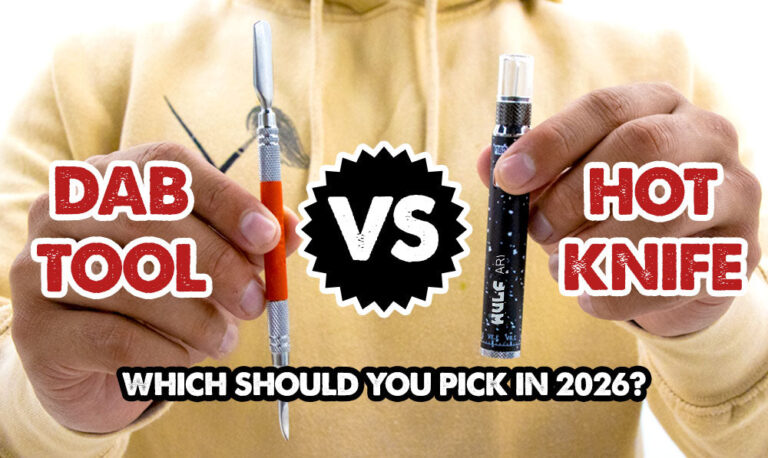
Wondering what's the difference between dab tools and hot knives? Follow along with Wulf as we breakdown what each offers and w...
Read Resource →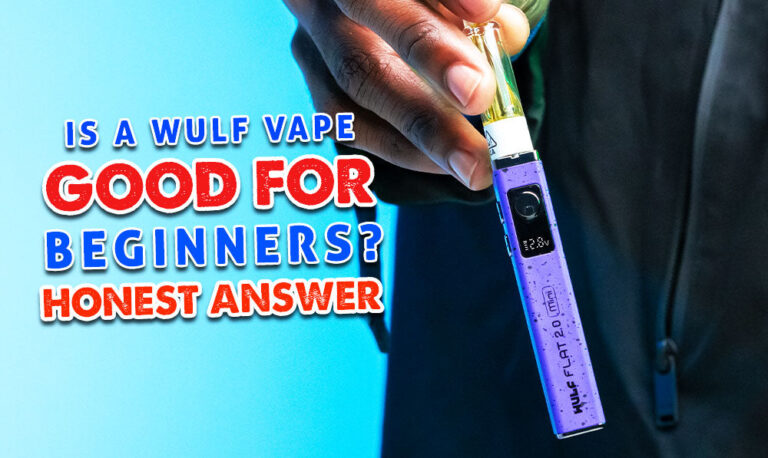
Brand Guide
Are Wulf Vapes good for beginners? Well yes, yes they are! Find out more in this exclusive Wulf Help Center guide to why Wulf V...
Read Resource →
Brand Guide
Wondering what Wulf is? Find out the who, what, when, and why of Wulf Mods as part of our 15th anniversary celebration! Learn t...
Read Resource →
How-To
Learn why your Wulf Vape is not pulling and how you can fix it, all in this exclusive Wulf Help Center article.
Read Resource →