

Resource Center
Troubleshooting The Wulf Mods Pro 510 Thread Battery

Continue With This Resource
Wulf Mods Quick Brief
What You Should Know
A fast summary of the key points, questions, and guidance covered in this guide.
Overview
Key Takeaways
- What does it mean when the Wulf Pro OLED display flashes "s" and "v" 8 times?
- Why does the Wulf Pro OLED screen turn dark after 10 seconds of non-usage?
- Why does the Wulf Pro shut off completely after sitting idle for 12 minutes?
- How do you wake the Wulf Pro from Sleep Mode versus turning it on after an Auto Shut Off?
- How does the 12-second draw limit protect your oil cartridge and terpenes?
Questions This Resource Answers
- Holding the firing button past the 12-second continuous draw limit triggers an automated safety cutoff that flashes "s" and "v" eight times on the OLED screen to prevent coil burnout.
- The base-mounted OLED display enters an automatic sleep mode after 10 seconds of non-use to conserve battery life without powering down the device.
- An integrated 12-minute inactivity timer automatically shuts down the Wulf Pro completely to preserve the 400mAh cell and eliminate accidental pocket firing.
- Tapping the power button once instantly awakens the OLED dashboard from standby sleep mode to display active voltage, battery percentage, and puff counts.
- Five rapid clicks of the power button unlock and power the battery back on after an automated 12-minute shut-off cycle.
Recommended Products
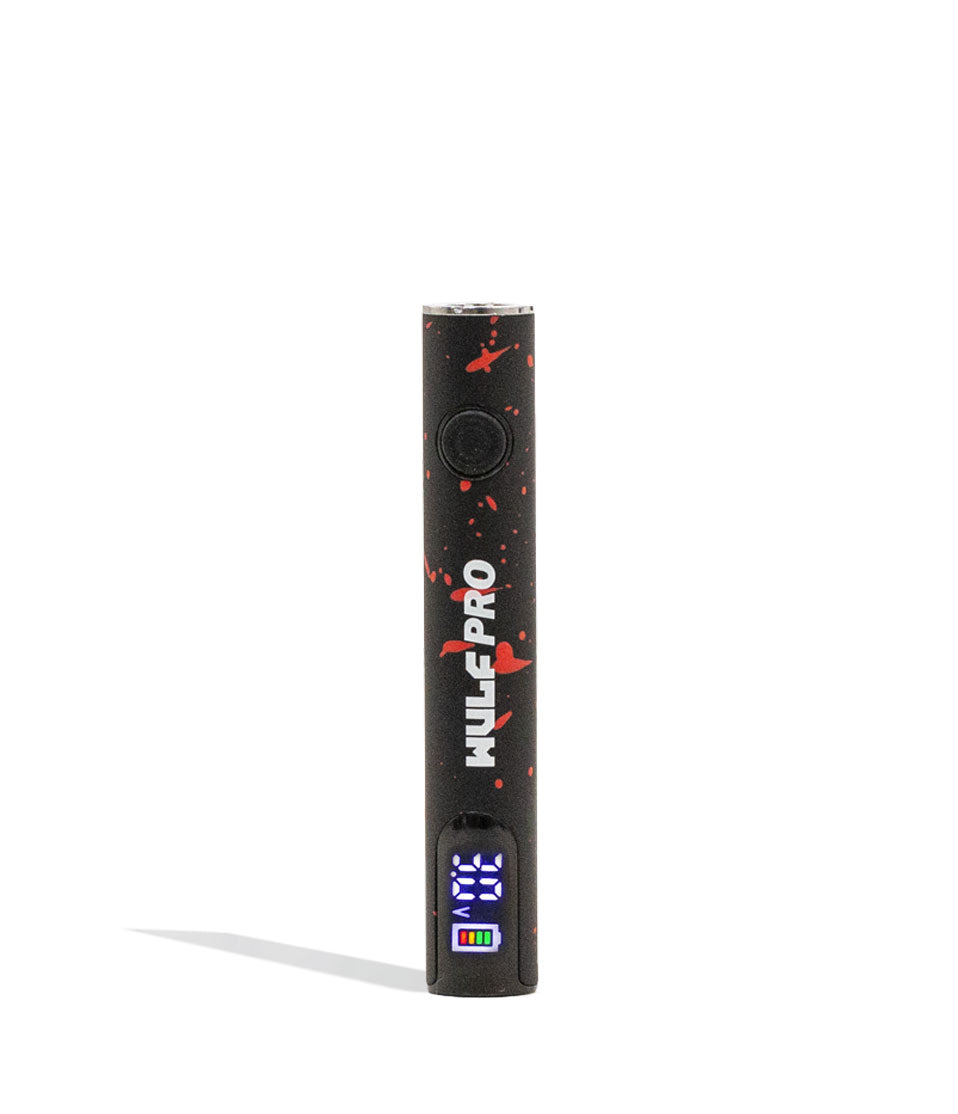
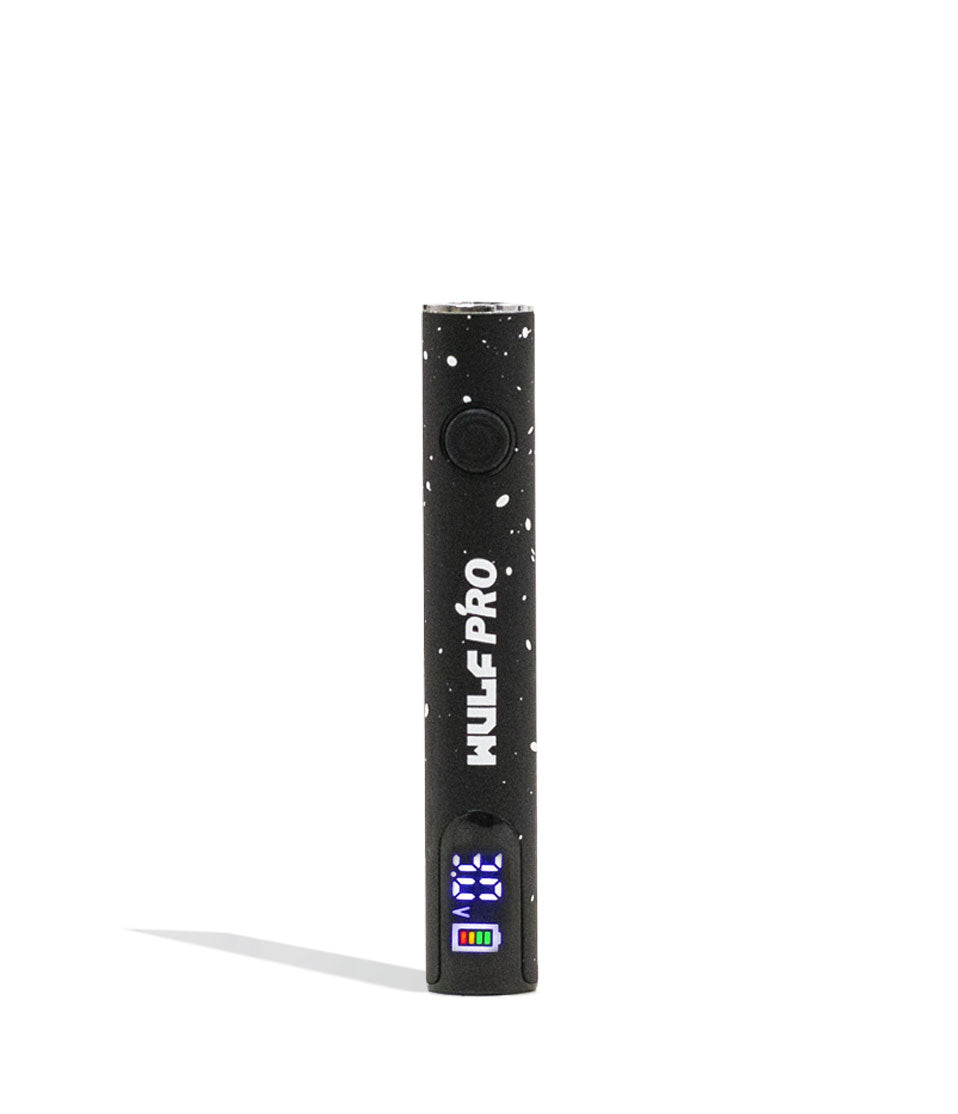
Shop 510 Thread Batteries
Browse the products featured in this guide.
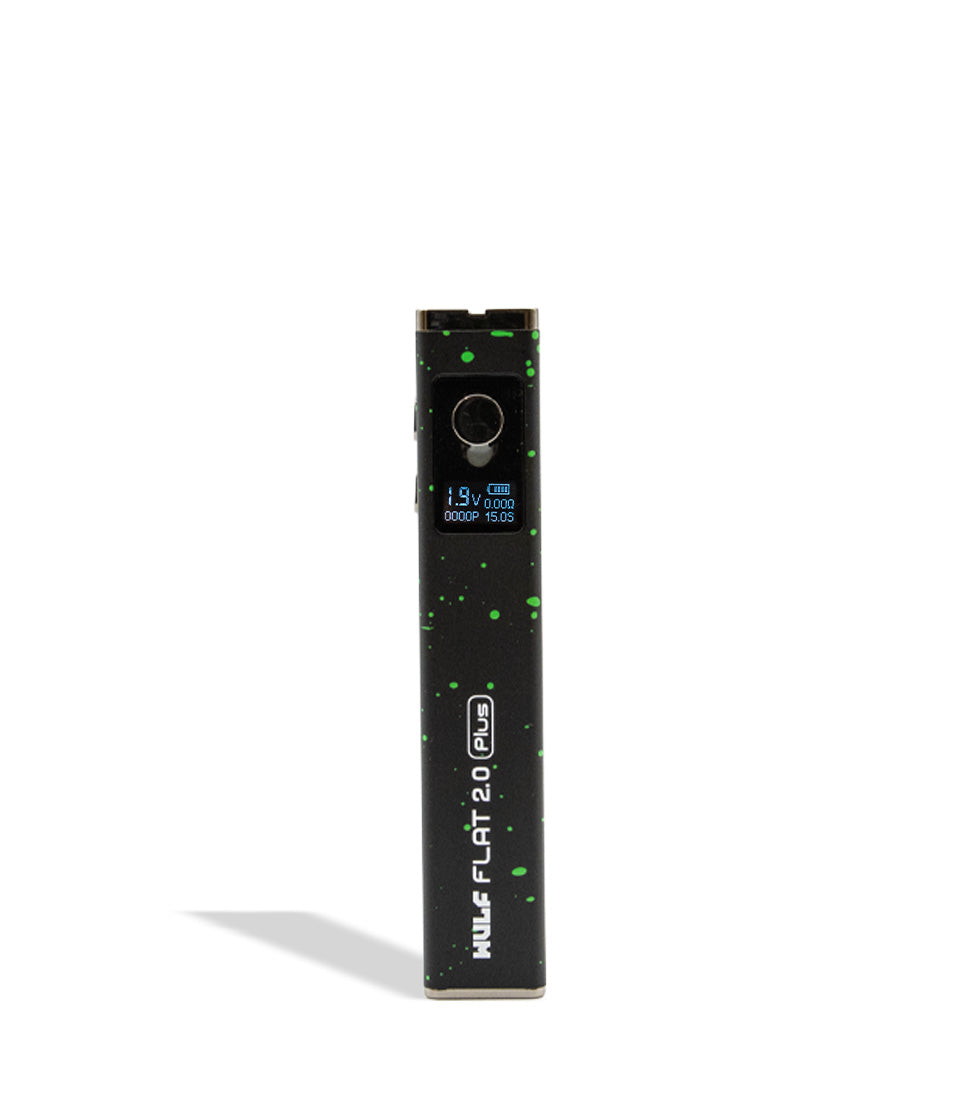
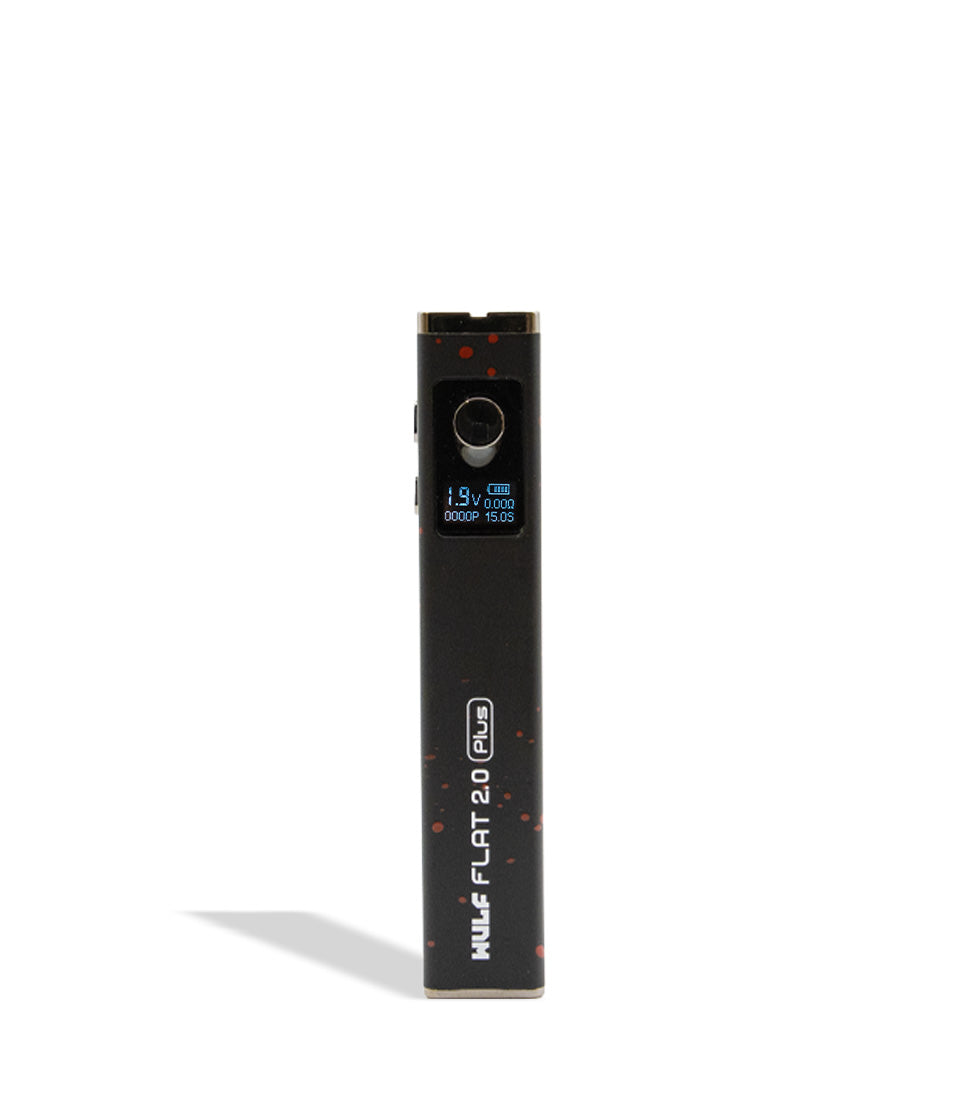
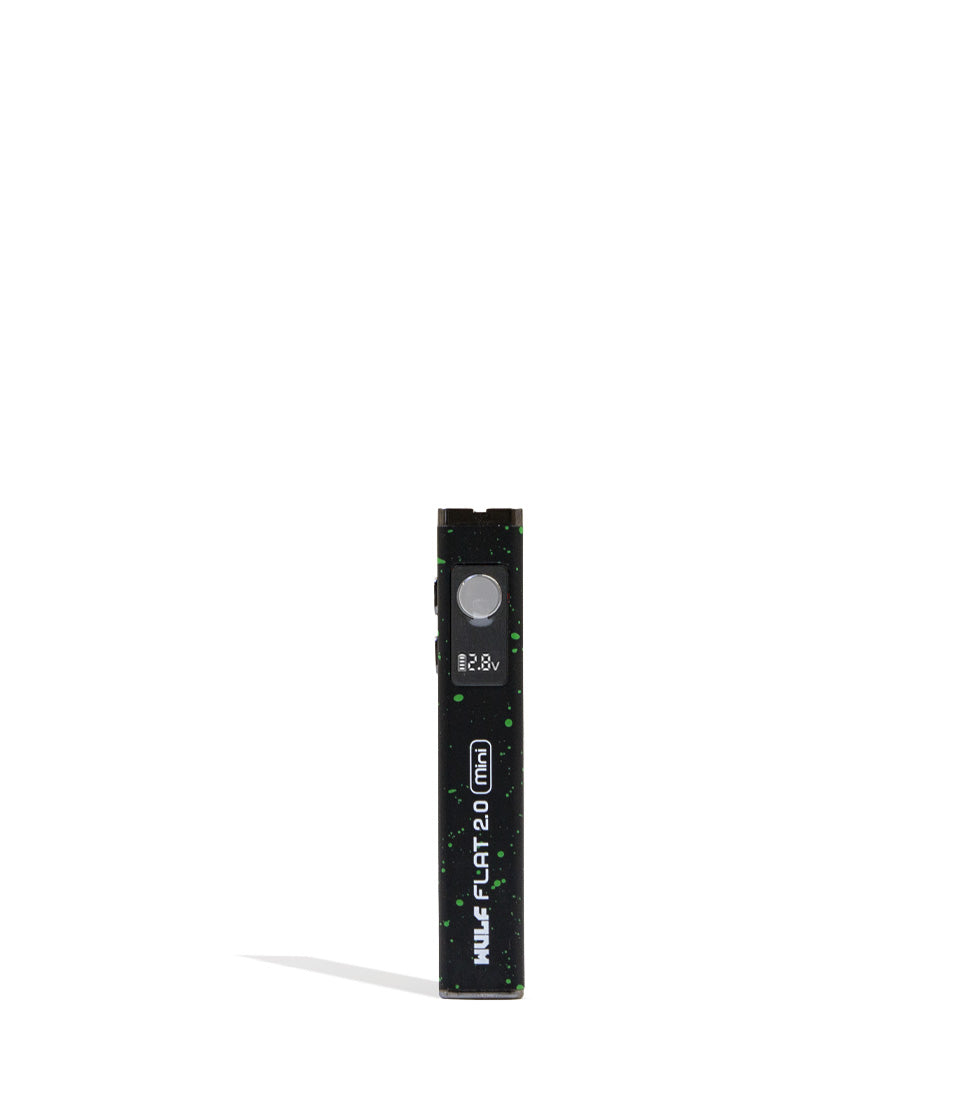
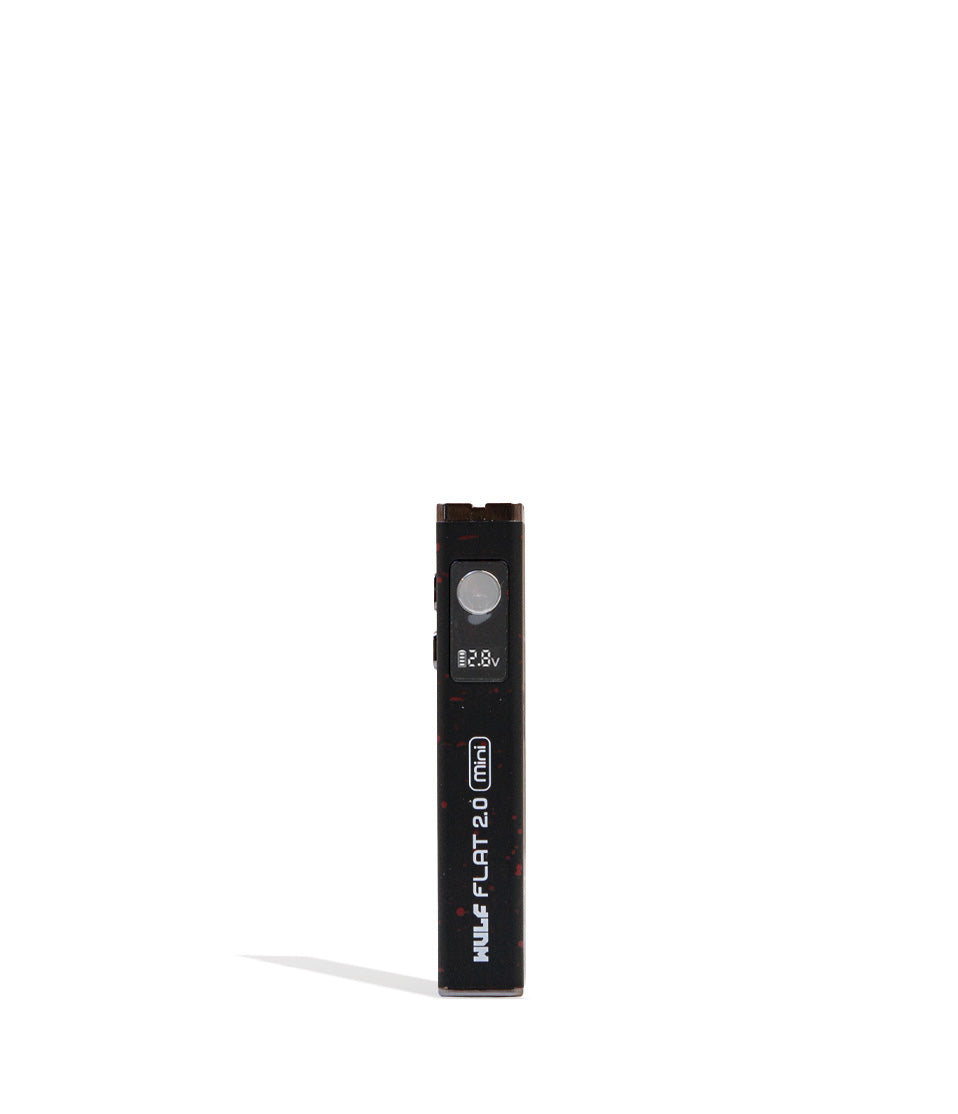
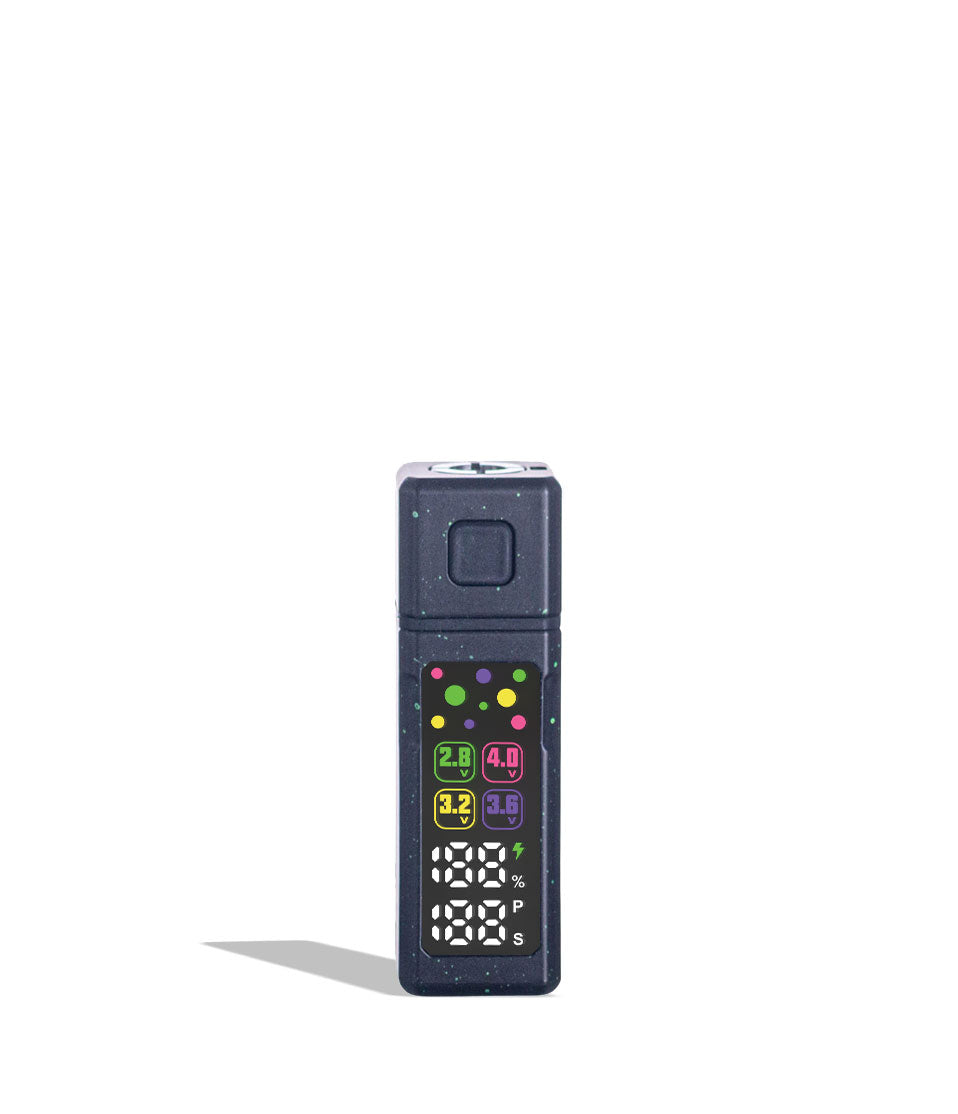
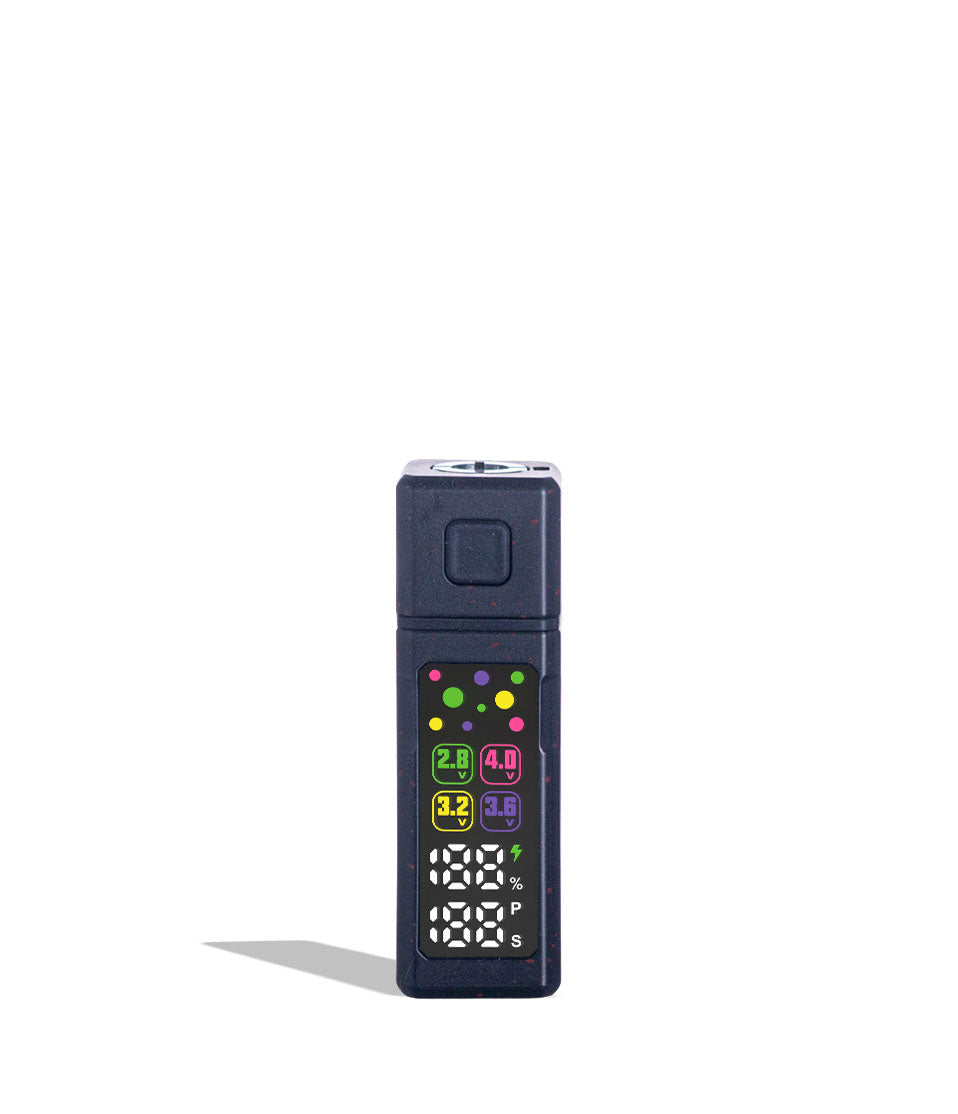
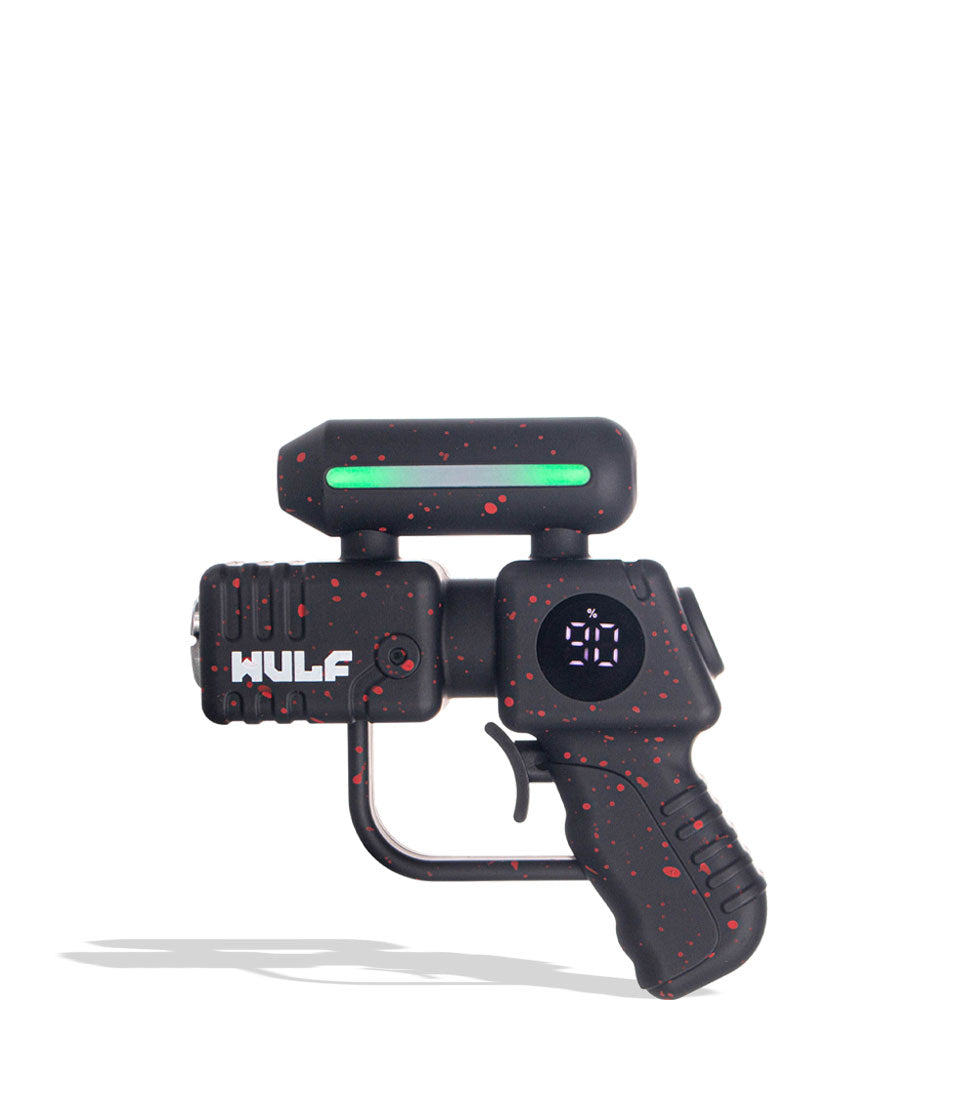
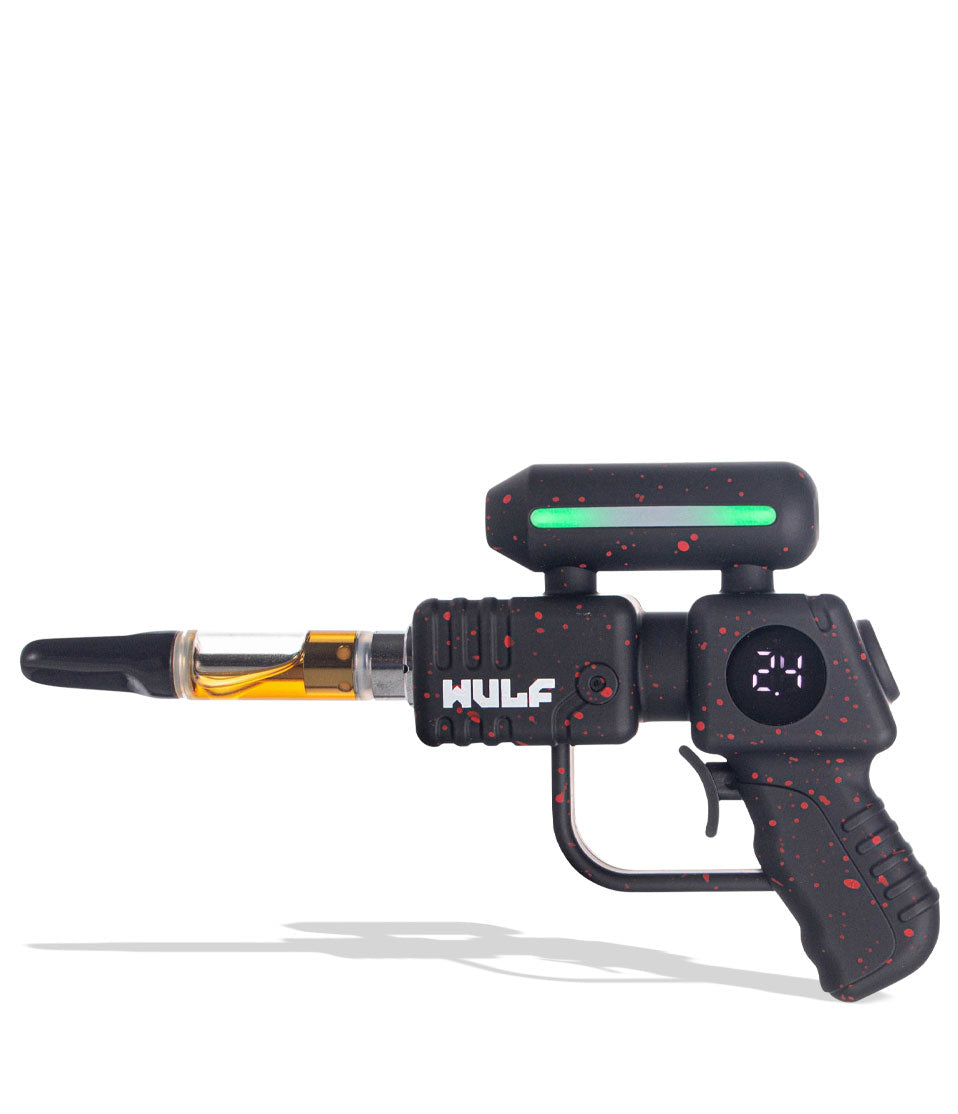
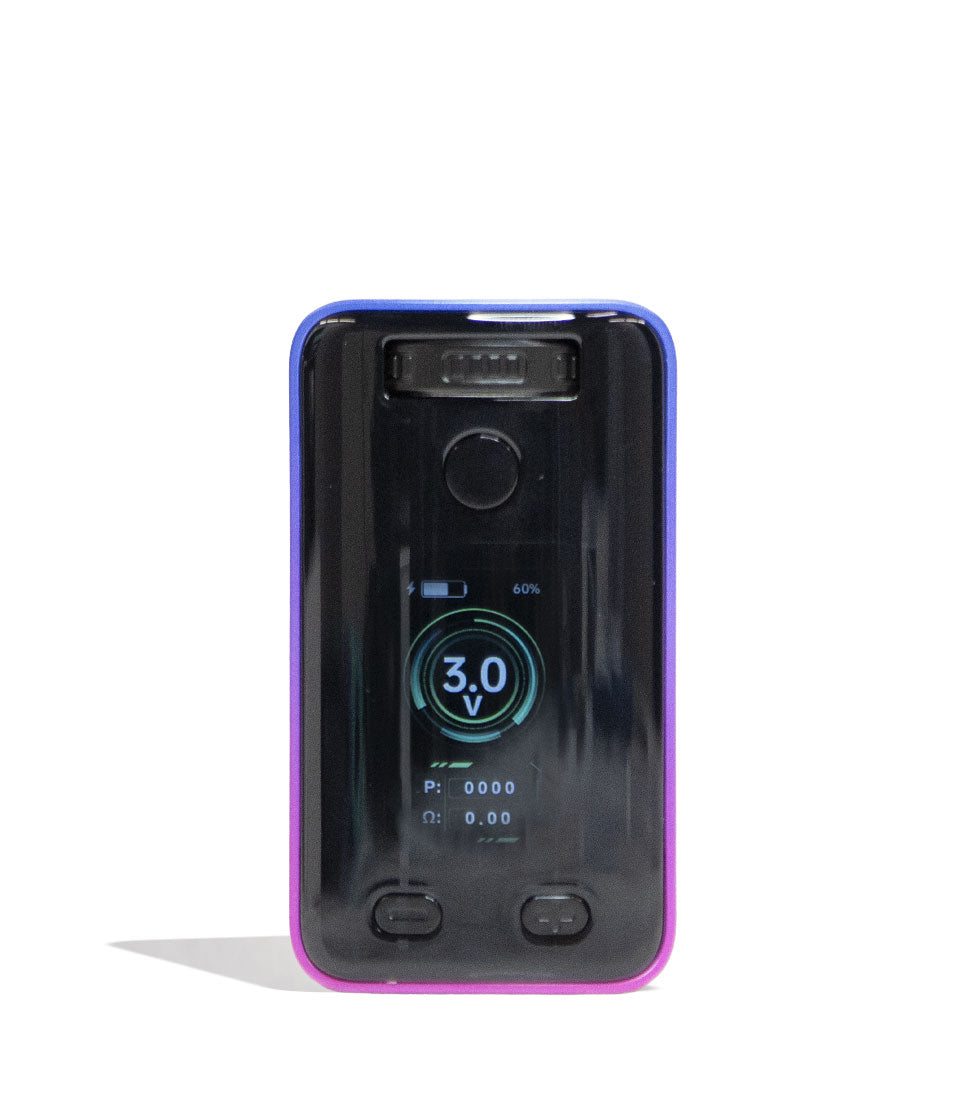
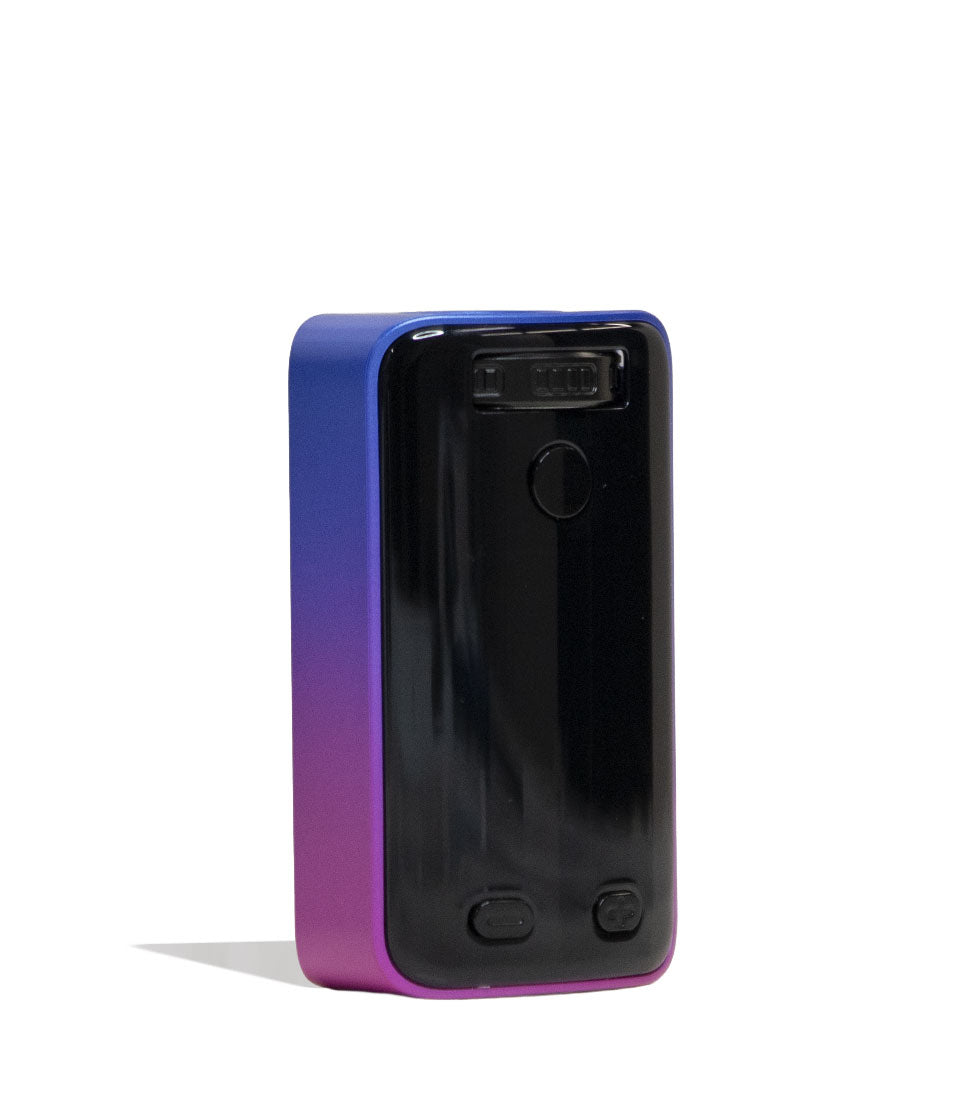
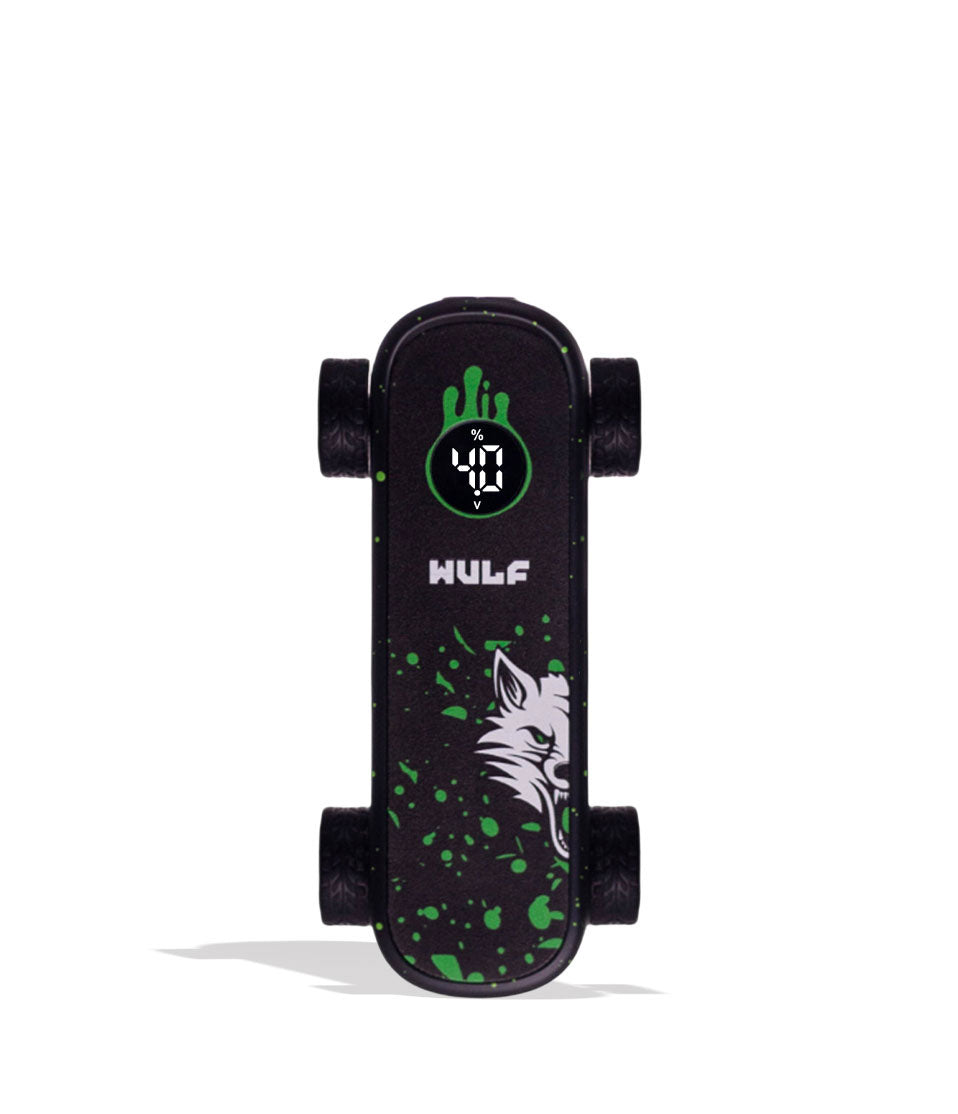
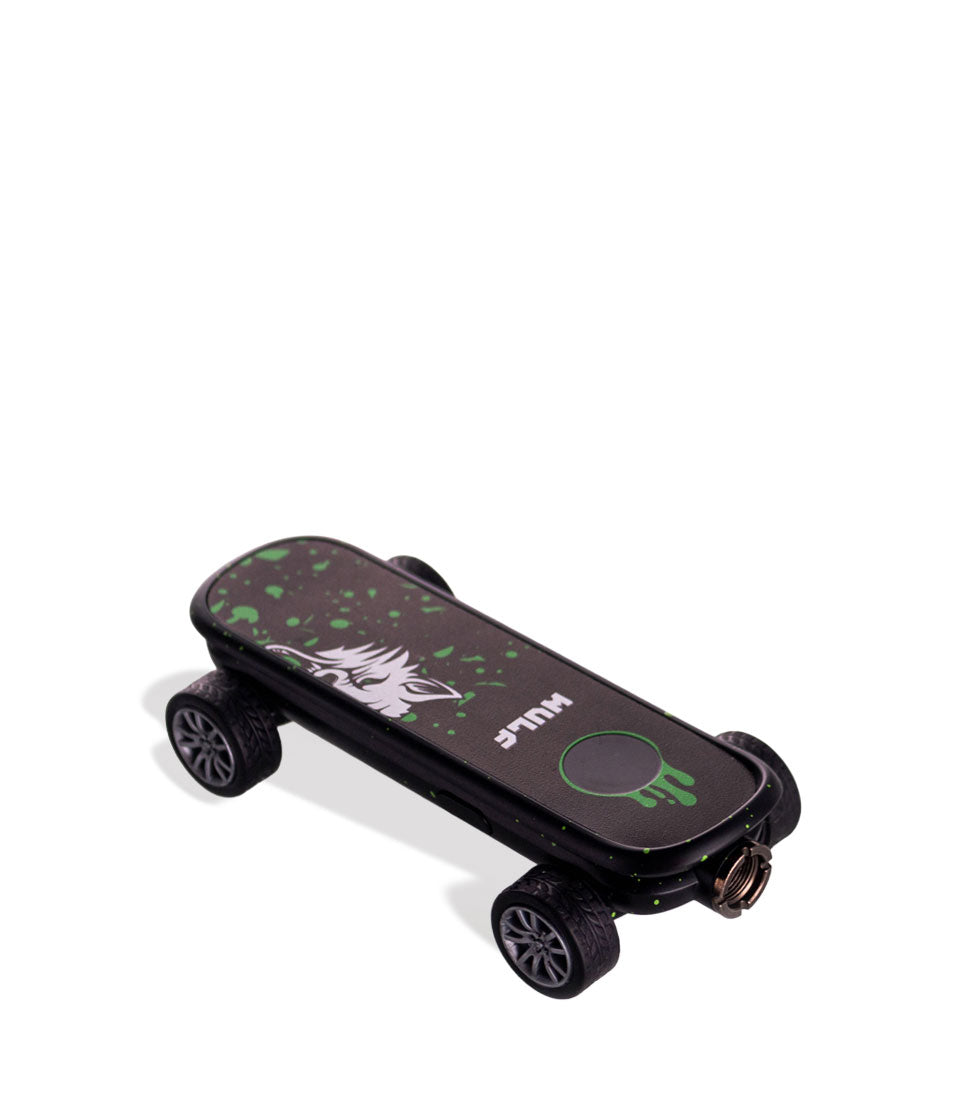
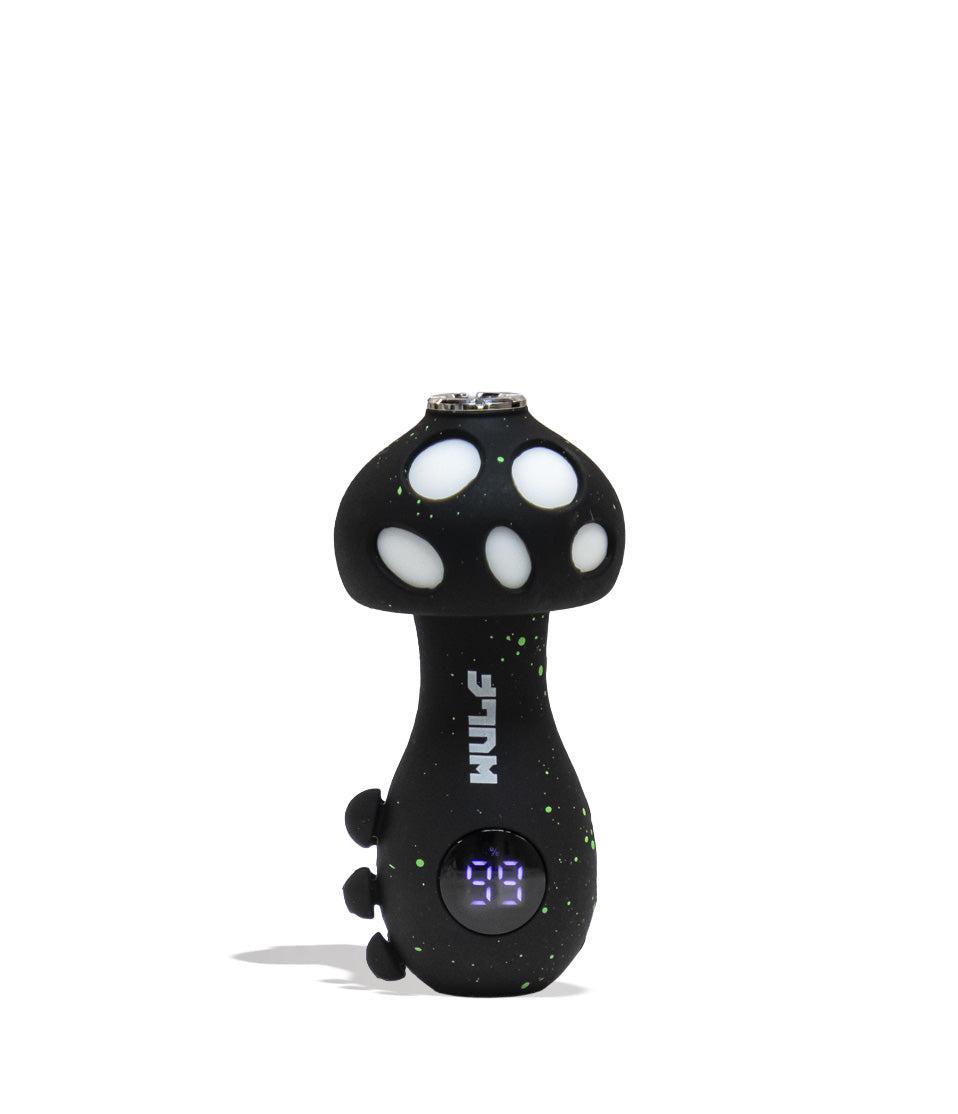
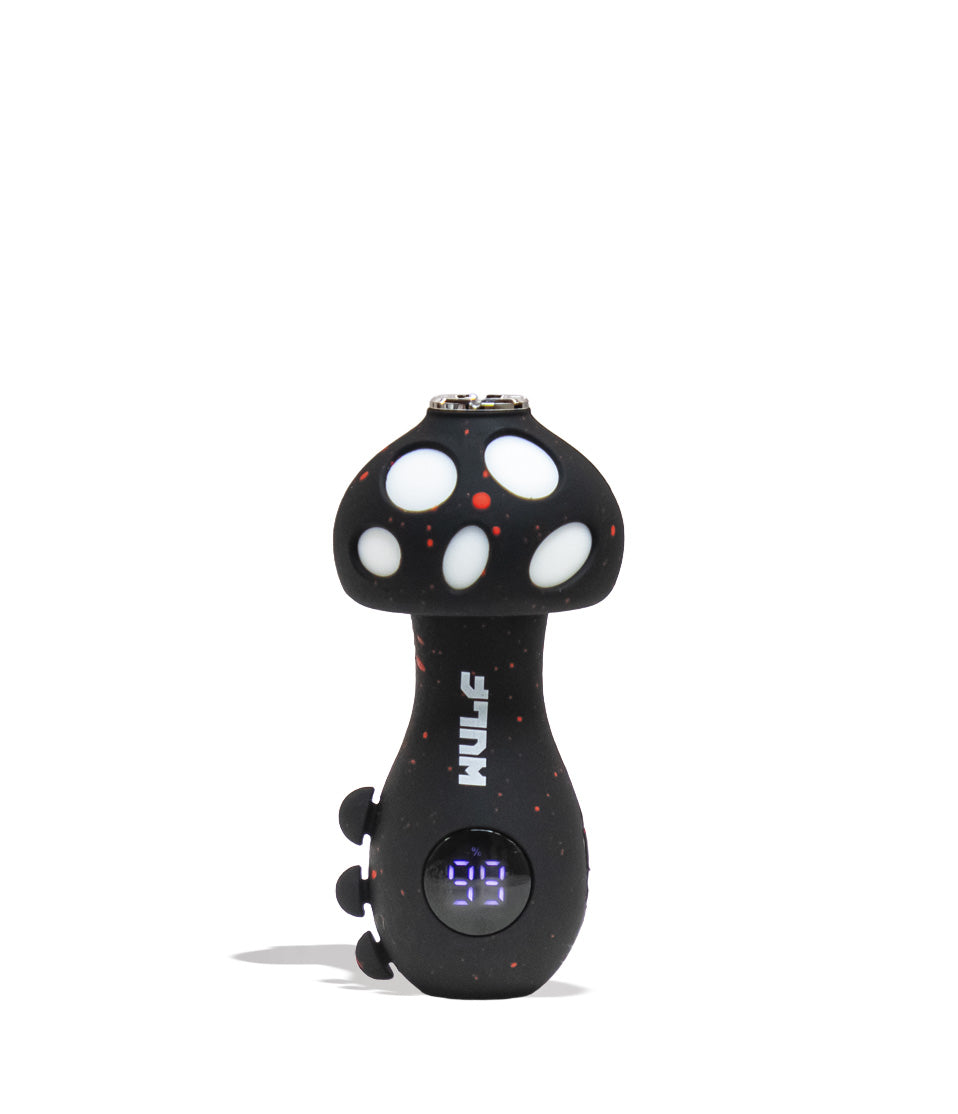
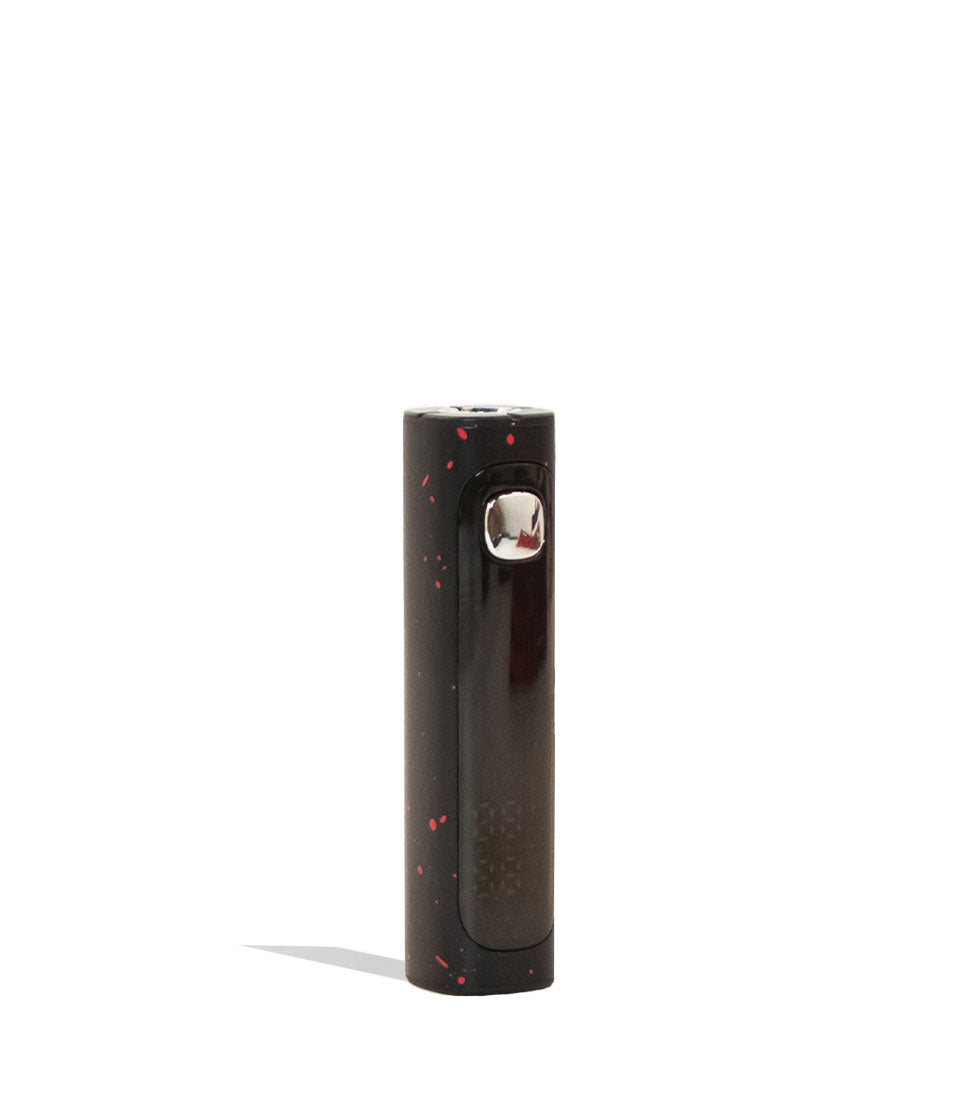
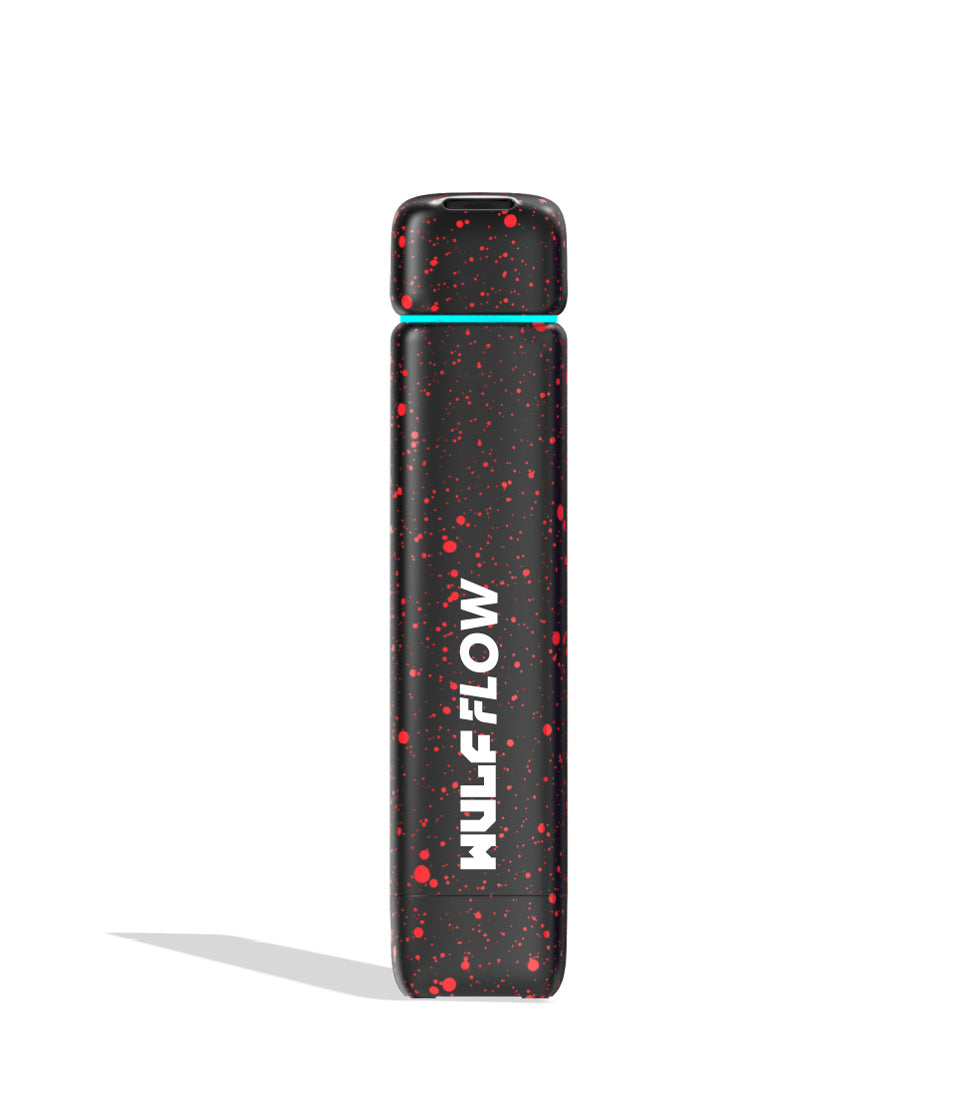
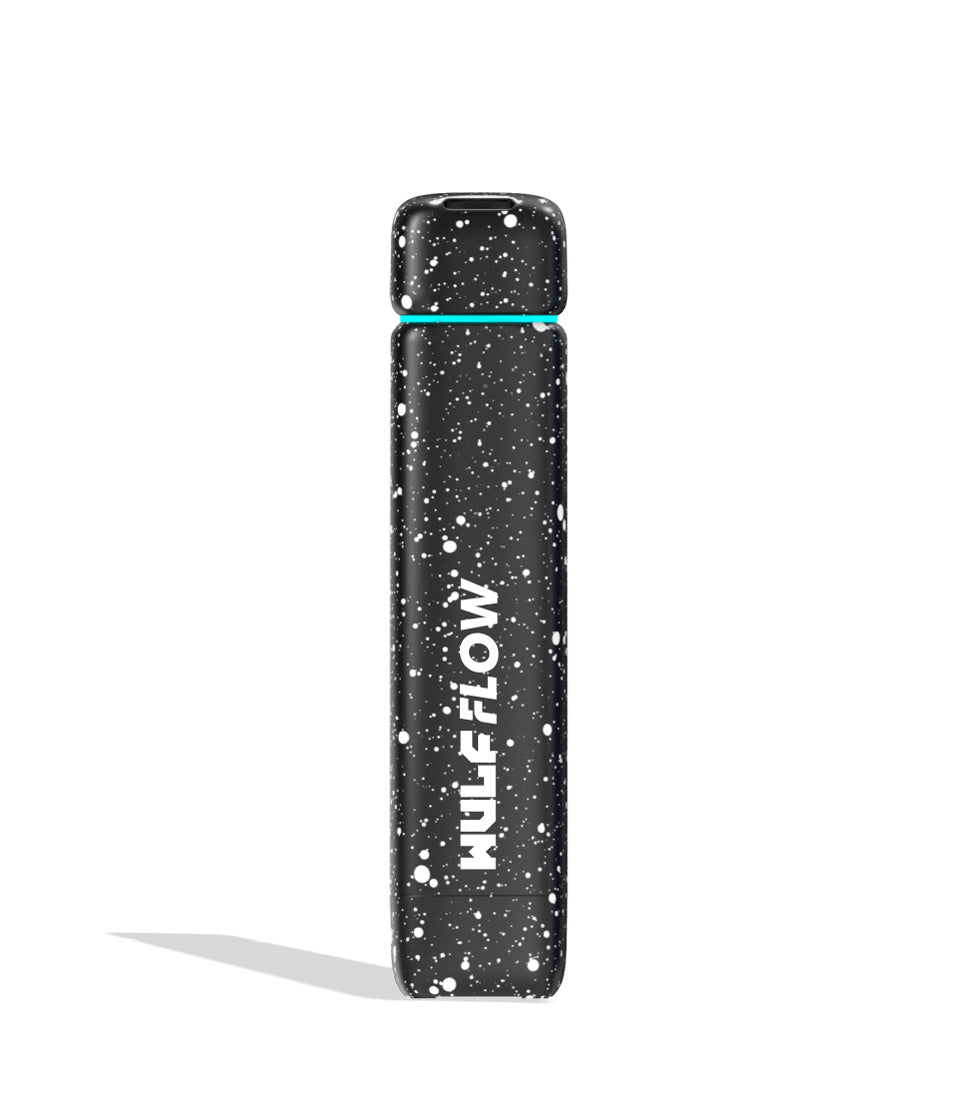
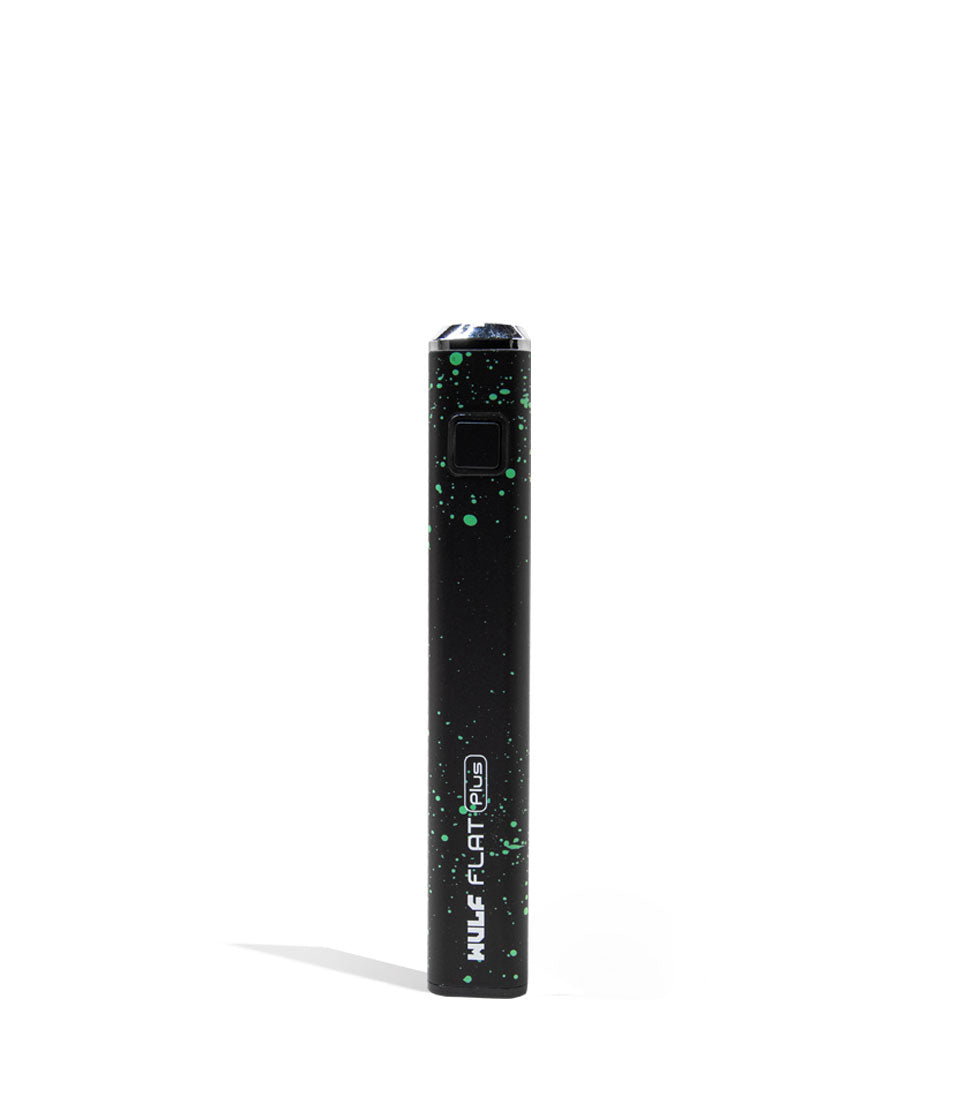
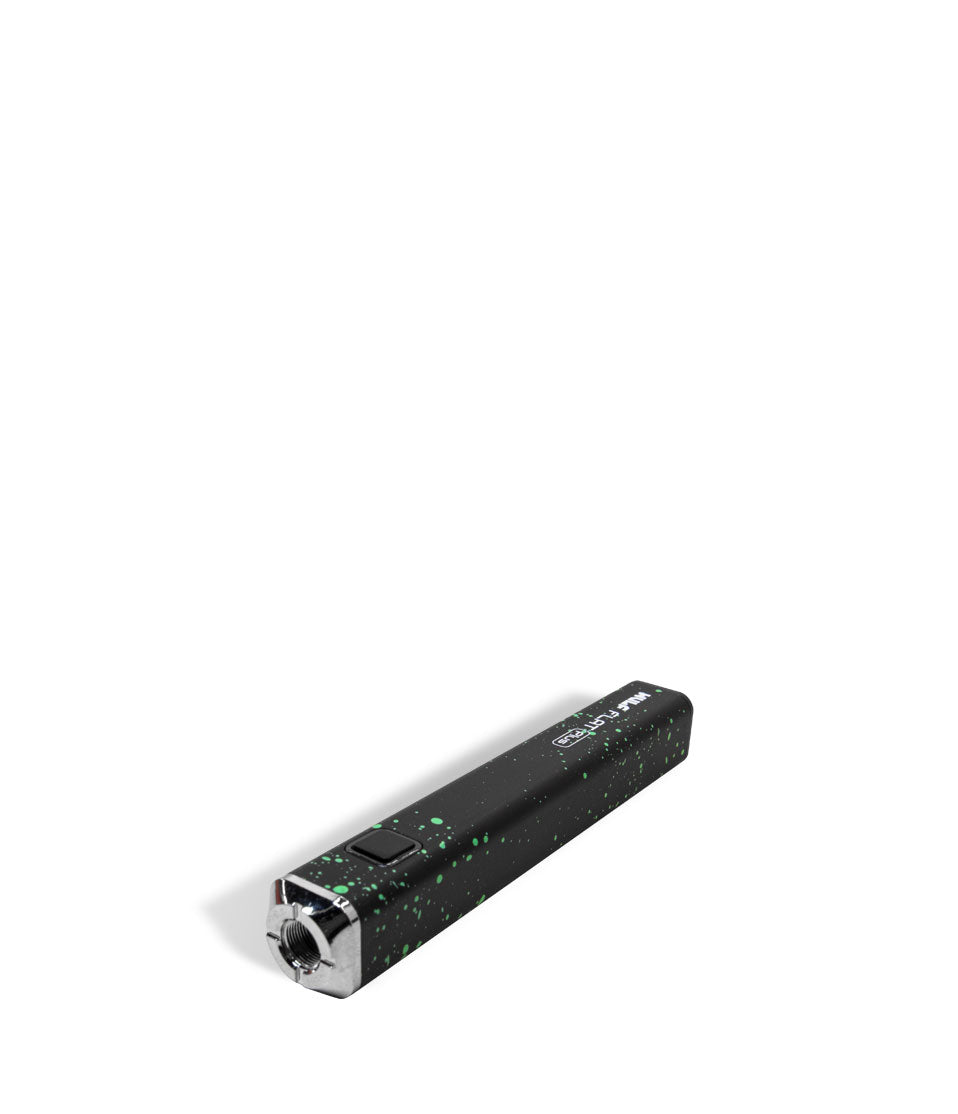
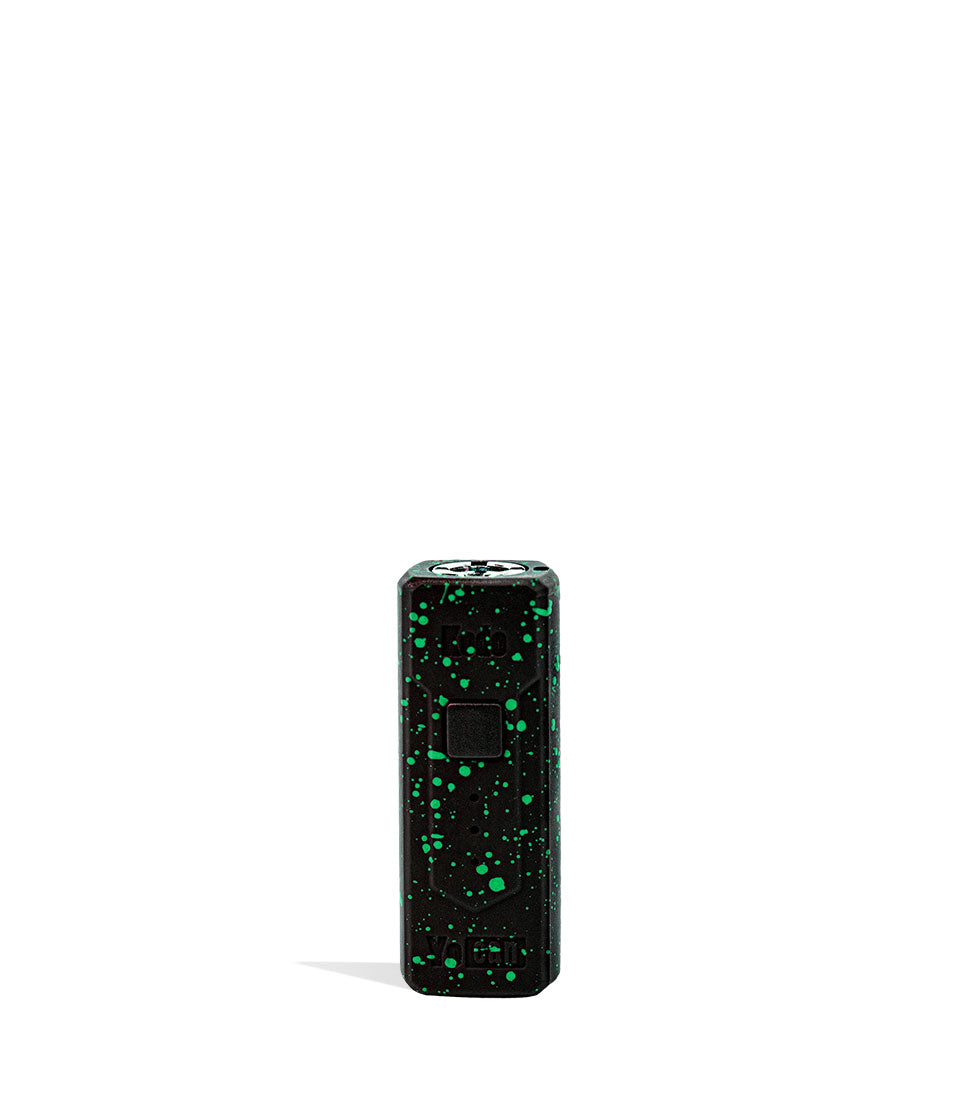
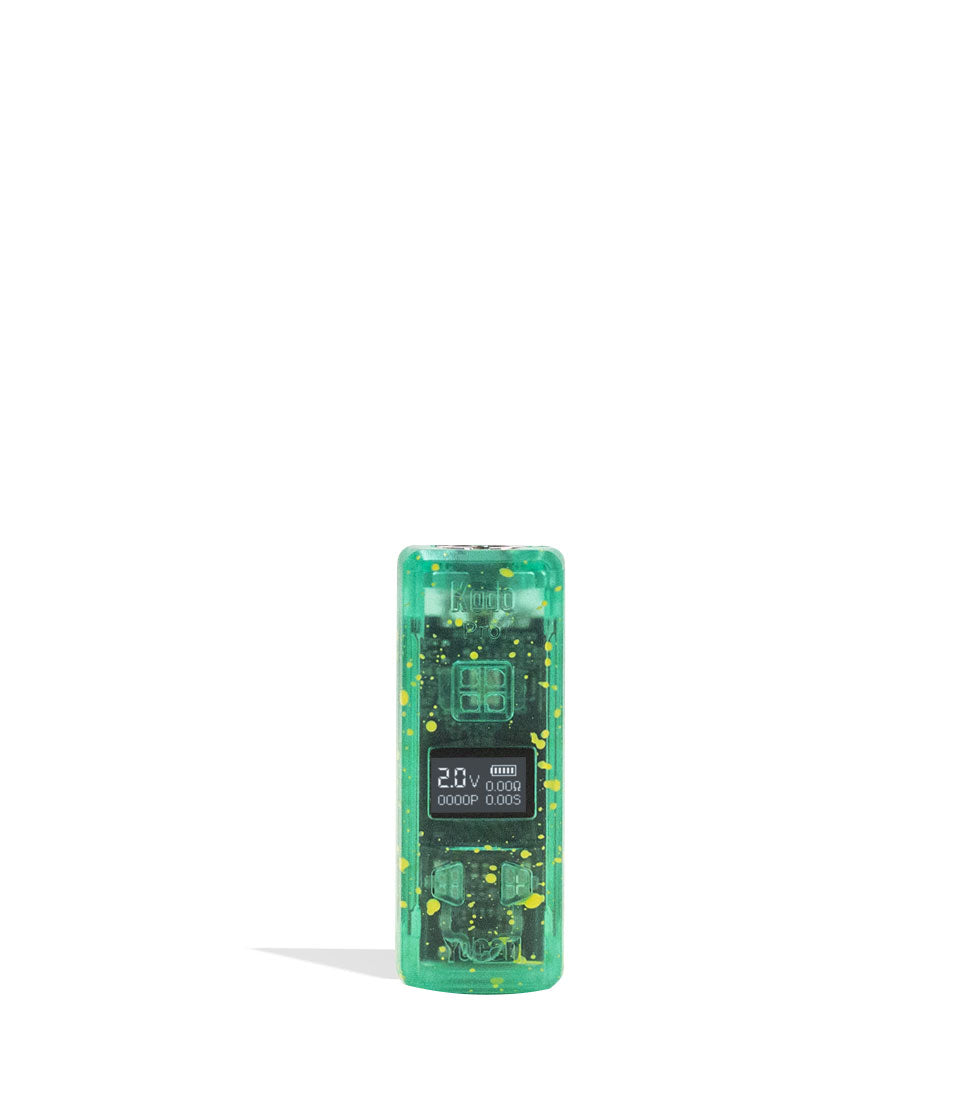
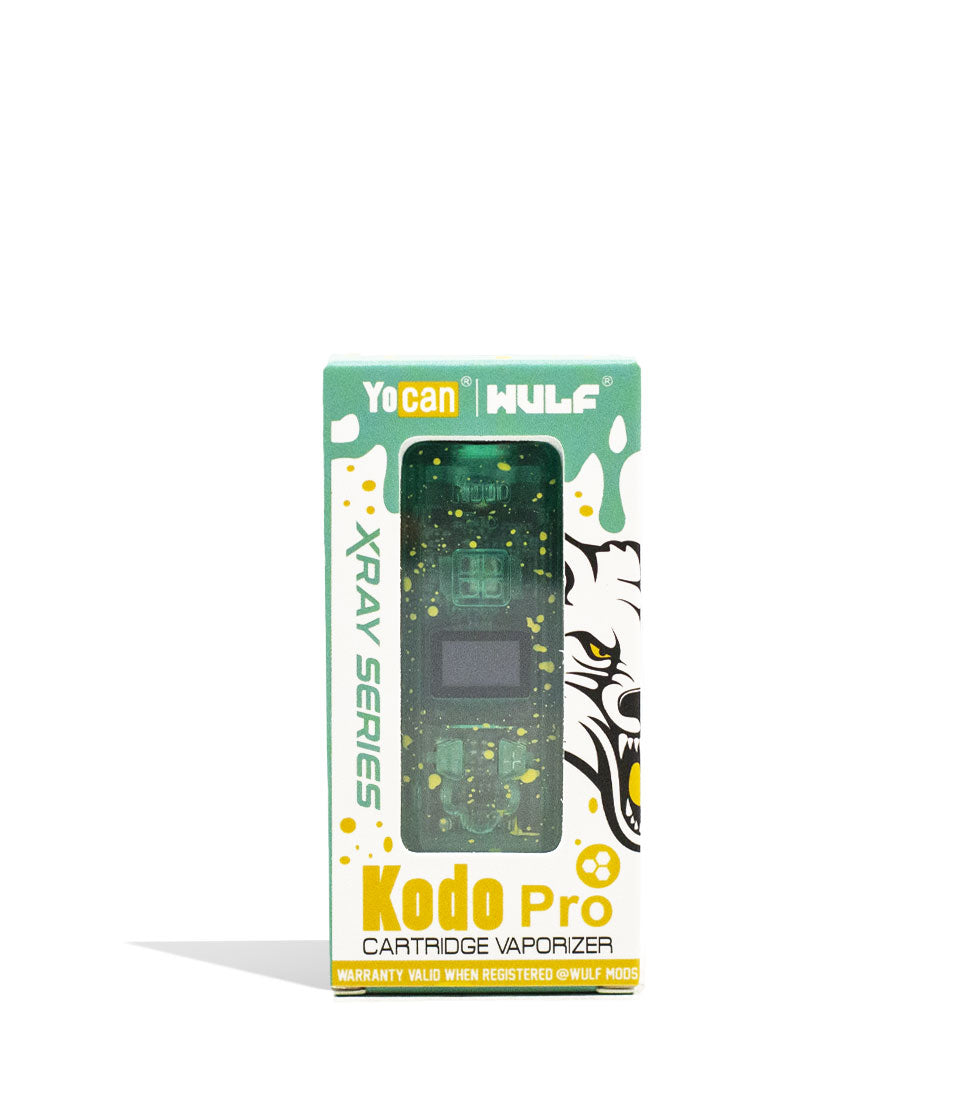
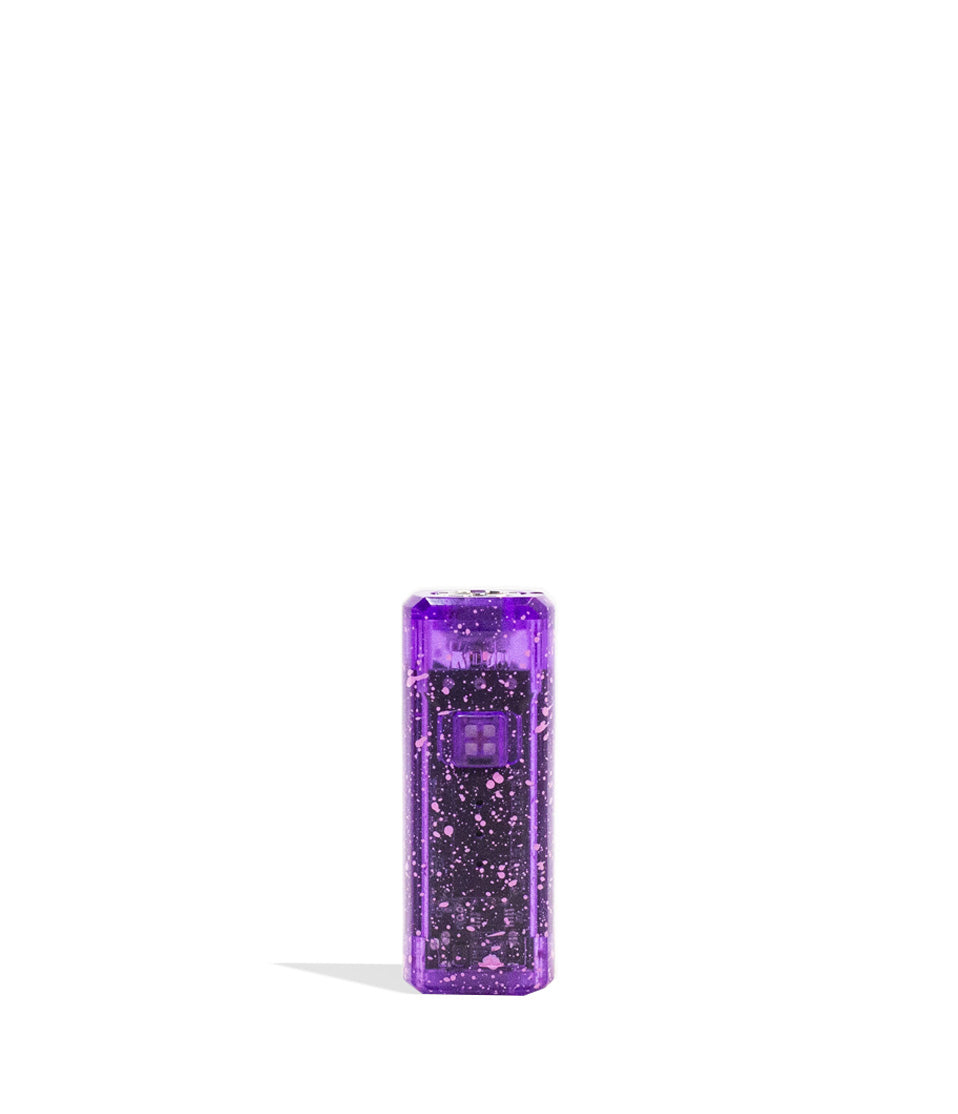
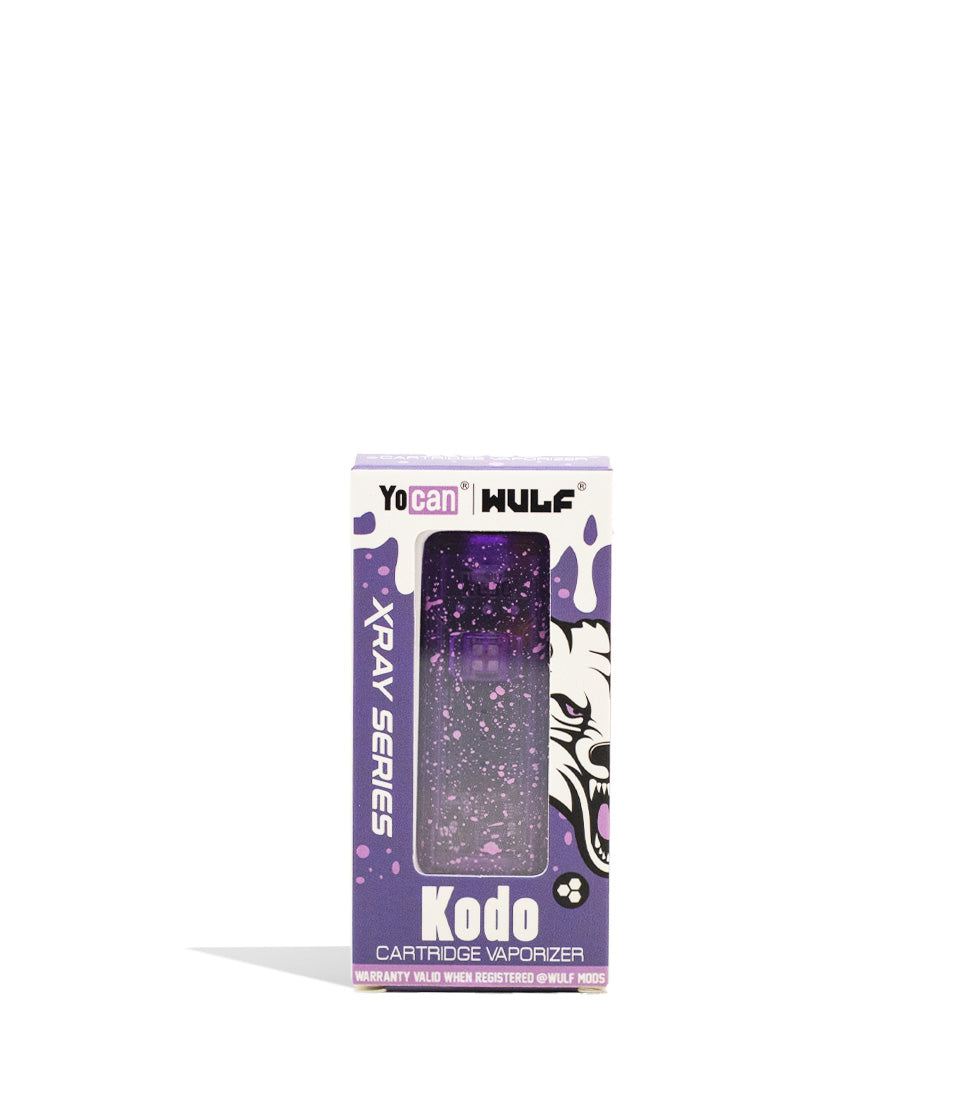
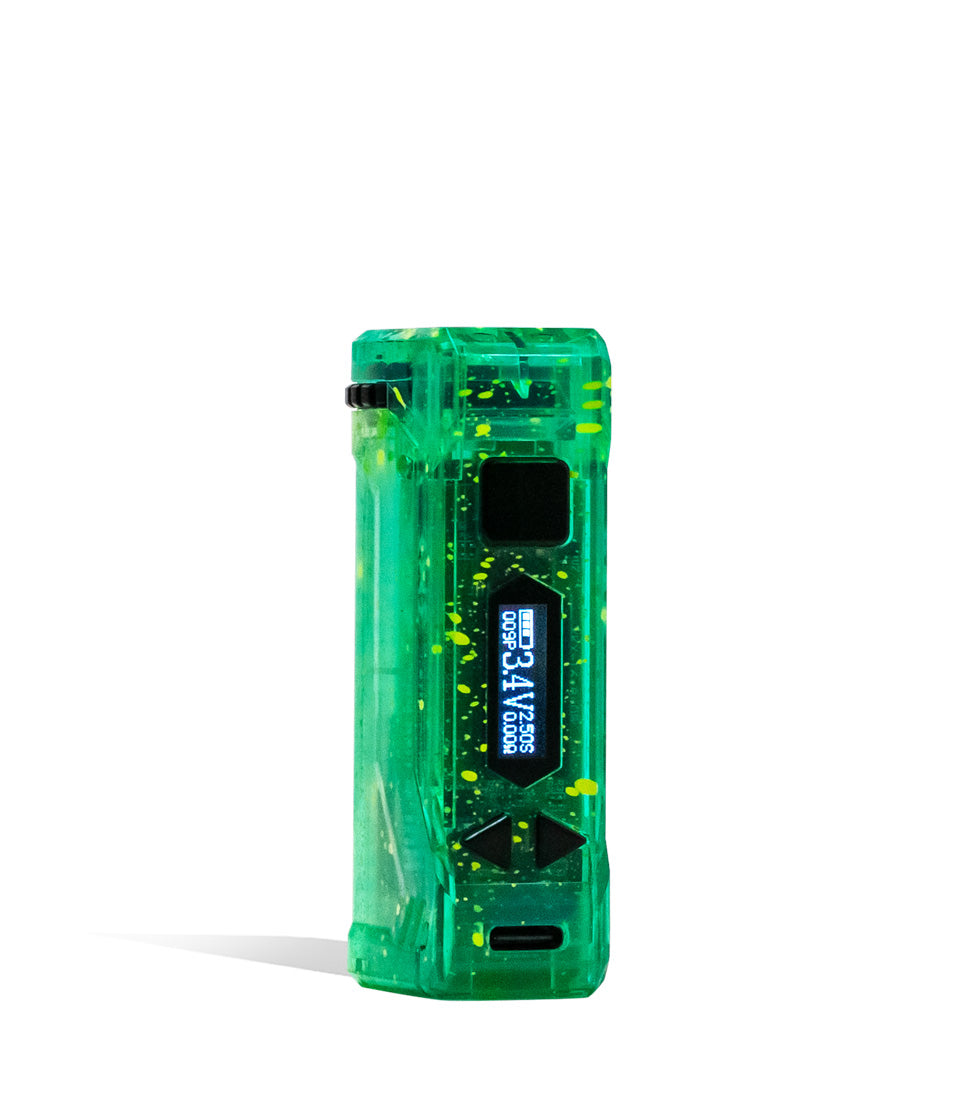
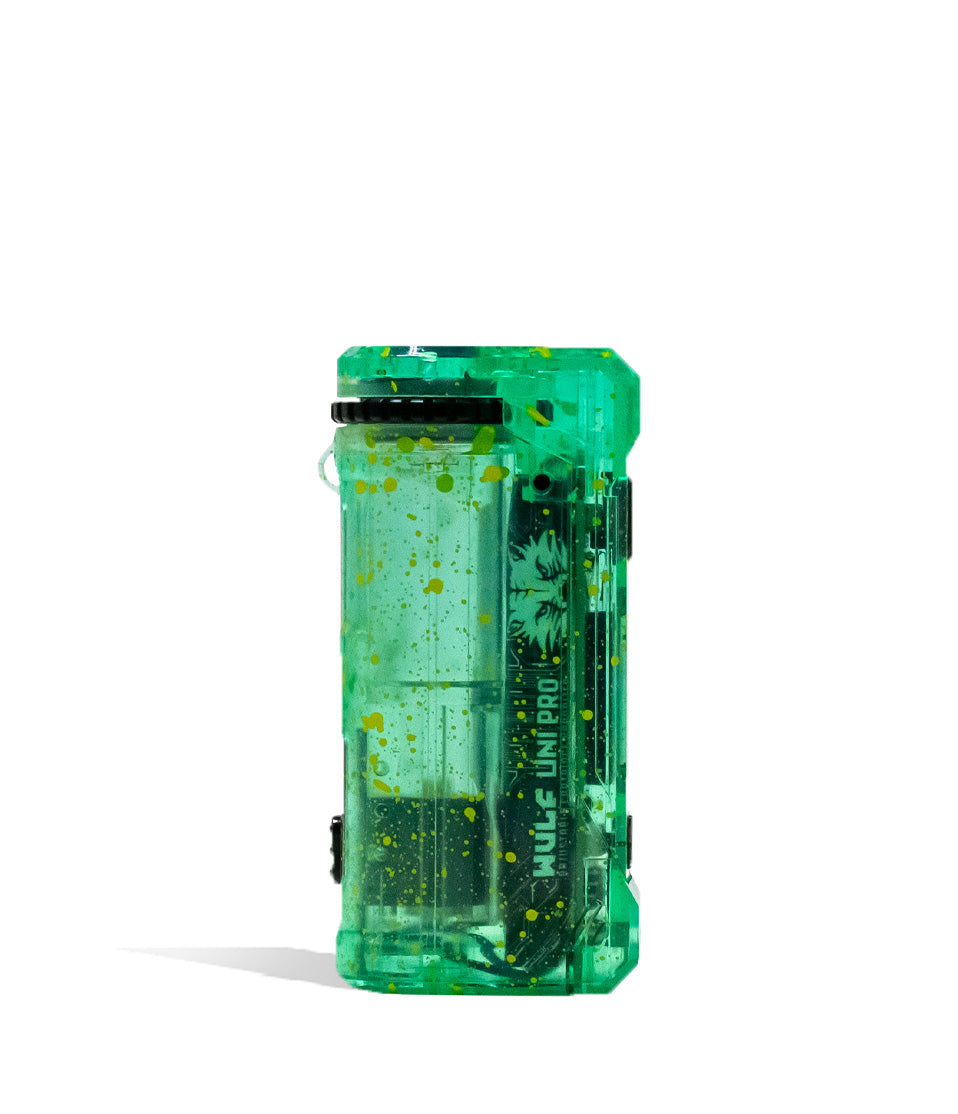
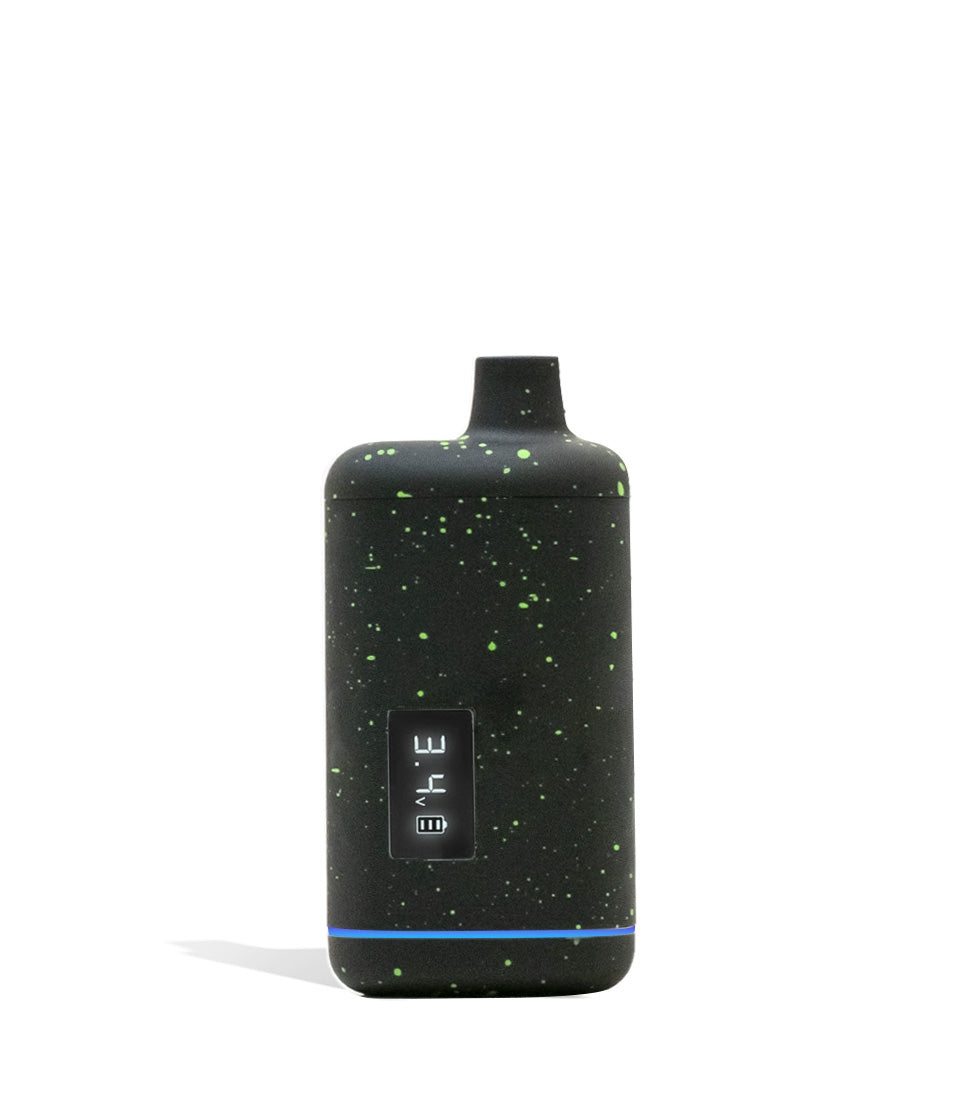
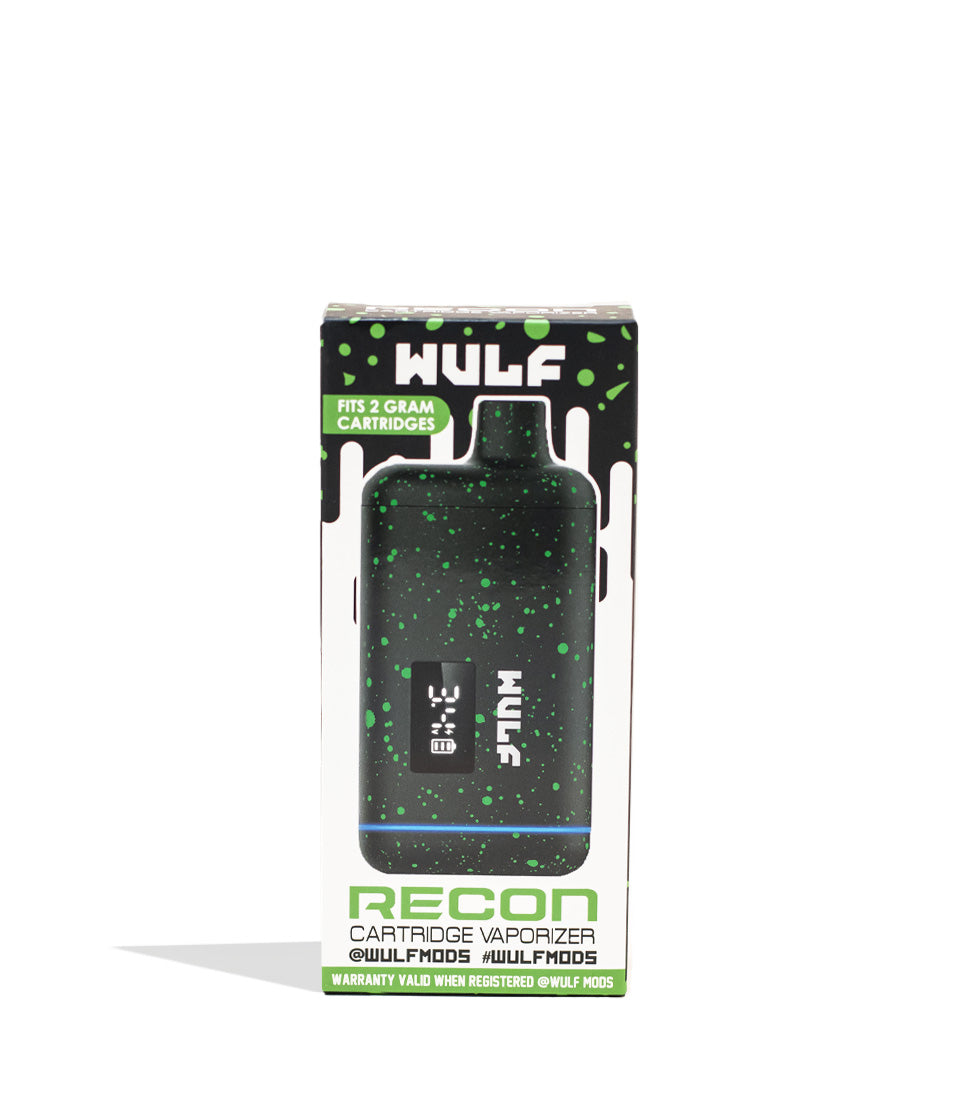
Owners Guide
Owner Playbook
The full playbook below expands on the practical steps and tips behind this guide.
Noticing unexpected screen notifications or sudden shut-offs on your Wulf Mods Pro 510 Thread Battery and wondering what they actually mean? No need to look into a crystal ball, these OLED screen notifications are built-in troubleshooting safety warnings designed to protect you, your Wulf Pro battery, and your own Wulf Pack!
In order to help you enjoy the smoothest, most flavorful sessions, Wulf has created this definitive Wulf Pro troubleshooting guide to break down exactly what your pen is trying to tell you and how to handle each alert in seconds.
This way, you never have to guess what your Wulf Pro is doing and can instead keep your sessions rolling with complete confidence. If you have any questions on setup , be sure to check out our how to use the Wulf Pro guide. This guide focuses exclusively on how to decode the three core troubleshooting warnings to ensure a full lifespan of ferocious cartridge vaping enjoyment.
Table of Contents:
Wulf Pro Troubleshooting Quick Guide
1. Auto Cut Off Warning (12-Second Draw Limit)
2. Sleep Mode Warning (10-Second Display Saver)
3. Auto Shut Off Warning (12-Minute Inactivity Timer)
Trouble-Free Wulf Pro Vaping
Wulf Pro Troubleshooting Quick Guide
In a rush and need fast answers? Wulf gets you. Take a look below for a quick breakdown of the built-in troubleshooting notifications on your Wulf Pro and see what those OLED alerts actually mean:
| # | WARNING / ALERT | WHAT IT MEANS | HOW TO FIX |
|---|---|---|---|
| 1 | Auto Cut Off Warning | Power button held longer than 12s; OLED flashes “s” and “v” 8 times (8x) before powering off. | Release the power button, pause a moment, and press it again to resume vaping. |
| 2 | Sleep Mode Warning | OLED screen turns dark after 10 seconds of non-usage to preserve battery life. | Device is still on; tap the power button once or inhale to wake the display. |
| 3 | Auto Shut Off Warning | Device powers down completely after sitting idle without use for longer than 12 minutes. | Click the power button 5 times rapidly (5x) to turn the Wulf Pro back on. |
With this quick guide in hand, you’ll be able to decipher any screen prompt on your Wulf Pro with pinpoint accuracy instead of wondering what is happening with your battery.
1. Auto Cut Off Warning (12-Second Draw Limit)
Taking large, satisfying draws is what the Wulf Pro is built for, but holding down the heating button continuously without a break can overheat the cartridge coil, burn delicate terpenes, and cause unnecessary strain on the battery.
As a result, this is a fairly common troubleshooting warning, to the point many refer to them as “blinkers” as you’ve taken a large hit long enough to trip troubleshooting warnings exactly like the one we’re talking about right now. So don’t worry if this happens, it’s all part of the process and completely normal.
Auto Cut Off Warning: If you hold the power button down longer than 12s, your OLED will flash an “s” and “v” 8x before the device powers off.
This cutoff serves as an essential safety shield. If the firing button is accidentally compressed inside a tight pocket or bag, or if an inhale extends past the 12-second mark, the internal chipset immediately cuts power to prevent burnt wicks and protect the internal 400mAh cell.
How to Fix It:
The fix is completely effortless. Simply release the power button, pause a brief moment to let the ceramic coil cool, and press the button again to continue enjoying smooth, thick clouds from your Wulf Pro.
This means you’ll be back to enjoying your clouds in just seconds, allowing you to rip as many clouds as you want, all while ensuring your Wulf Pro battery is able to handle the strain without issue.
2. Sleep Mode Warning (10-Second Display Saver)
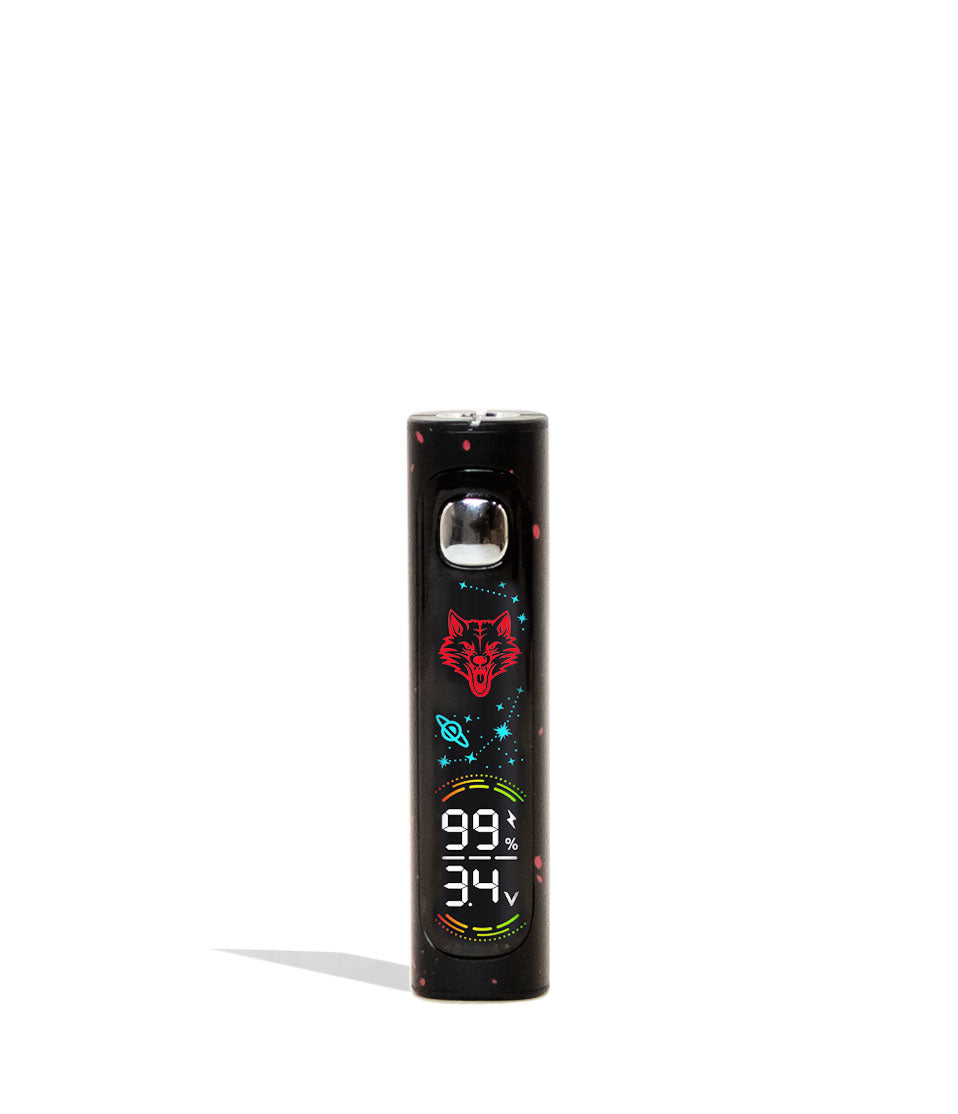
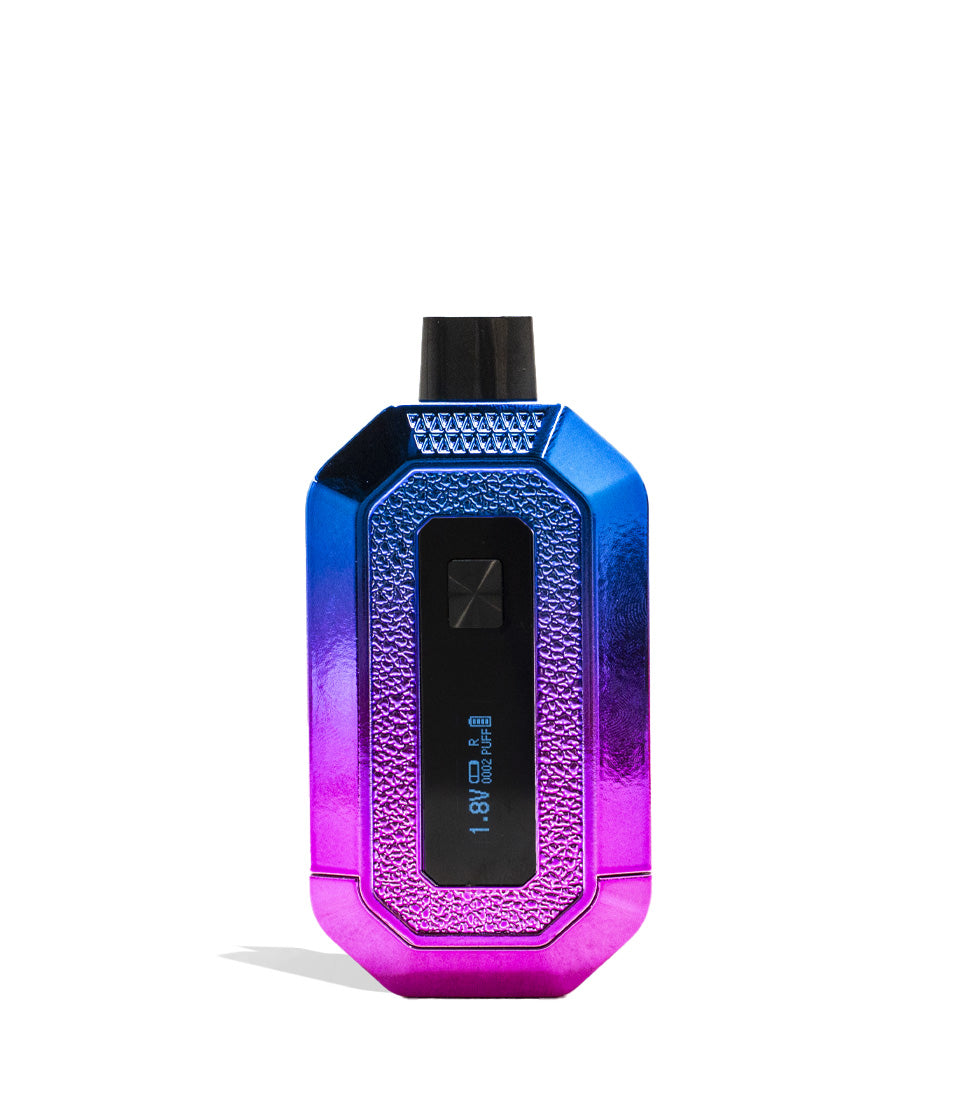
Because the Wulf Pro features an integrated digital OLED screen right at the base of the battery, managing power consumption is key to getting all-day battery performance.
Sleep Mode Warning: Your OLED will turn off and switch to sleep mode after 10s of non-usage.
If you notice the screen go dark while holding the device, don’t worry, your vaporizer hasn’t powered off. The board simply dims the OLED display after 10 seconds of inactivity to save energy, ensuring every bit of power goes toward heating your oil.
How to Fix It:
Because the device remains powered on in standby, simply tap the power button once (1x) to wake the OLED screen and view your active voltage, battery percentage, and puff counter.
This means you should never freak out if your screen goes dark, instead you’ll now know it’s just a simple power saving tool and things will light back up the moment you start pressing the power button.
3. Auto Shut Off Warning (12-Minute Inactivity Timer)
It’s easy to finish a session, set your vape pen on your desk, and forget to manually power it down. Leaving a high-output battery active indefinitely can slowly drain your charge and leave your device vulnerable to accidental misfires.
Auto Shut off Warning: The Wulf Pro will shut off if not used for longer than 12 minutes in order to preserve battery life and increase safety.
This automated timer is designed to look out for you and your gear. If 12 minutes pass without any button presses or draws, the internal microchip shuts down the entire device, locking the firing circuit so it cannot accidentally activate in your pack.
How to Fix It:
Whenever you’re ready to start your next session, simply press the power button 5 times rapidly (5x). The OLED screen will illuminate immediately, welcoming you back to your home screen with your preset voltage locked and ready to fire.
This is incredibly convenient for travel and storage, as it ensures that even if you accidentally leave your battery on or it’s switched on, the Wulf Pro 510 Thread Battery will power off all by itself in just 12 minutes.
Trouble-Free Wulf Pro Vaping
Now that you know how to decode every OLED troubleshooting warning on your Wulf Mods Pro 510 Thread Battery, you can proceed through every session with total peace of mind. Keeping an eye on your 12-second draw limit, understanding the 10-second sleep mode, and utilizing the 12-minute auto shut-off guarantees your hardware stays protected while delivering top-tier clouds.
Remember that if you ever encounter these warnings, addressing them takes only a moment and ensures your battery maintains peak performance for countless sessions ahead.
Have any more questions for the Wulf Pack? Make sure to check out the Wulf Resource Center for more helpful tips, device walkthroughs, and operational guides detailing all our latest releases. Thanks for choosing Wulf for your sessions, and welcome to the Wulf Pack! Stay howling out there y’all, and we’ll see you in the next session! Arooo!!!
Frequently Asked Questions
Owners Guide FAQs
Common questions related to this guide and how to apply the information when choosing your device.
Why Is My Wulf Pro Flashing "s" And "v" 8 Times On The OLED Screen?
Did My Wulf Pro Turn Off Or Is It Just In Sleep Mode?
Why Does My Wulf Pro Shut Down Completely After Sitting On My Desk?
What Should I Do If My Wulf Pro Won't Turn On After An Auto Shut-Off?
How Do The Wulf Pro's Built-In Safety Cutoffs Protect My Oil Cartridges?
Wulf Mods Trust Center
About This Resource
Understand how this guide was researched, reviewed, and maintained by the Wulf Mods editorial team.
Editorial Standards
- Written for the people choosing and using these devices.
- Reviewed for clarity, accuracy, and practical retail value.
- Based on current manufacturer specifications and product documentation when available.
- Updated as products, regulations, category trends, or market conditions evolve.
- Built on deep, hands-on product experience.
- Designed to help you choose the right device with confidence.
Research Methodology
This owner guide was prepared to help you set up, use, and care for your device with confidence. Guidance is based on hands-on product experience, common questions, and real-world use.
- Hands-on product experience
- Setup and first-use guidance
- Cleaning, care, and maintenance
- Common questions and troubleshooting
- Safe and responsible use
- Real-world use considerations
- Editorial review for clarity and usefulness
Supporting Sources
Sources used to support this resource are included for transparency and documentation.
Article Information
Intended Audience
- Everyday customers
- First-time buyers
- Experienced enthusiasts
- Dry herb users
- Concentrate users
- Anyone upgrading their setup
Editorial Policy
Wulf Mods educational resources are reviewed periodically to maintain accuracy and relevance. When product specifications, regulations, category trends, or market conditions change, articles may be updated with a new review date. Trusted product guidance.
Keep Exploring
Related Resources
Keep learning with related Wulf Mods resources selected to help you get more out of your device.