

Product Education & How-To Guides
Troubleshooting The Wulf X-Ray Series Kodo 510 Thread Battery

Continue With This Resource
Wulf Mods Quick Brief
What You Should Know
A fast summary of the key points, questions, and guidance covered in this guide.
Overview
Key Takeaways
- Holding the power button past the 15-second continuous draw limit triggers an eight-flash Auto Shut Off safety cutoff that protects cartridge coils from overheating and prevents accidental pocket firing.
- Five consecutive LED flashes indicate a No Cart connection alert, which is resolved by tightening a loose tank flush against the housing or cleaning insulating oil residue from the 510 grooves.
- Three rapid LED flashes warn of an electrical short circuit, requiring you to cease use immediately while inspecting, swabbing, and thoroughly air-drying the 510 connection and cartridge hardware.
- Seeing ten consecutive flashes before shutdown alerts you that the internal battery is depleted and ready for a USB-C recharge capped at one hour after the initial two-hour conditioning charge.
- Decoding built-in LED diagnostic warnings promptly protects your Wulf X-Ray Series Kodo from hardware damage and ensures reliable vapor output across every session.
Questions This Resource Answers
- What does it mean when the Wulf X-Ray Series Kodo flashes 8 times and powers down mid-hit?
- Why does the X-Ray Kodo flash 5 times when you press the power button?
- How should you respond when the X-Ray Kodo flashes 3 times and shuts off immediately?
- What do 10 consecutive LED flashes mean on the Wulf X-Ray Series Kodo, and how do you fix it?
- How do you clear a No Cart connection alert if your cartridge is already screwed onto the battery?
Recommended Products
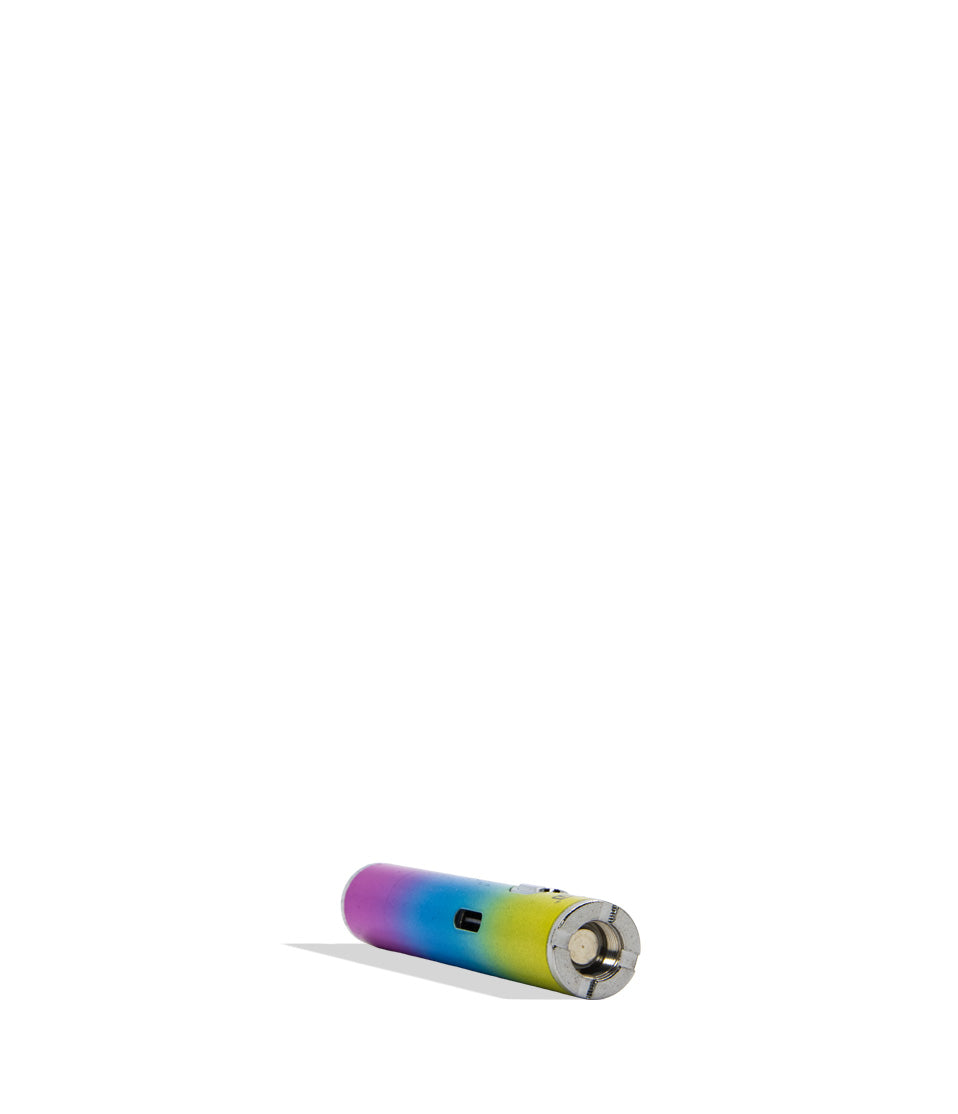
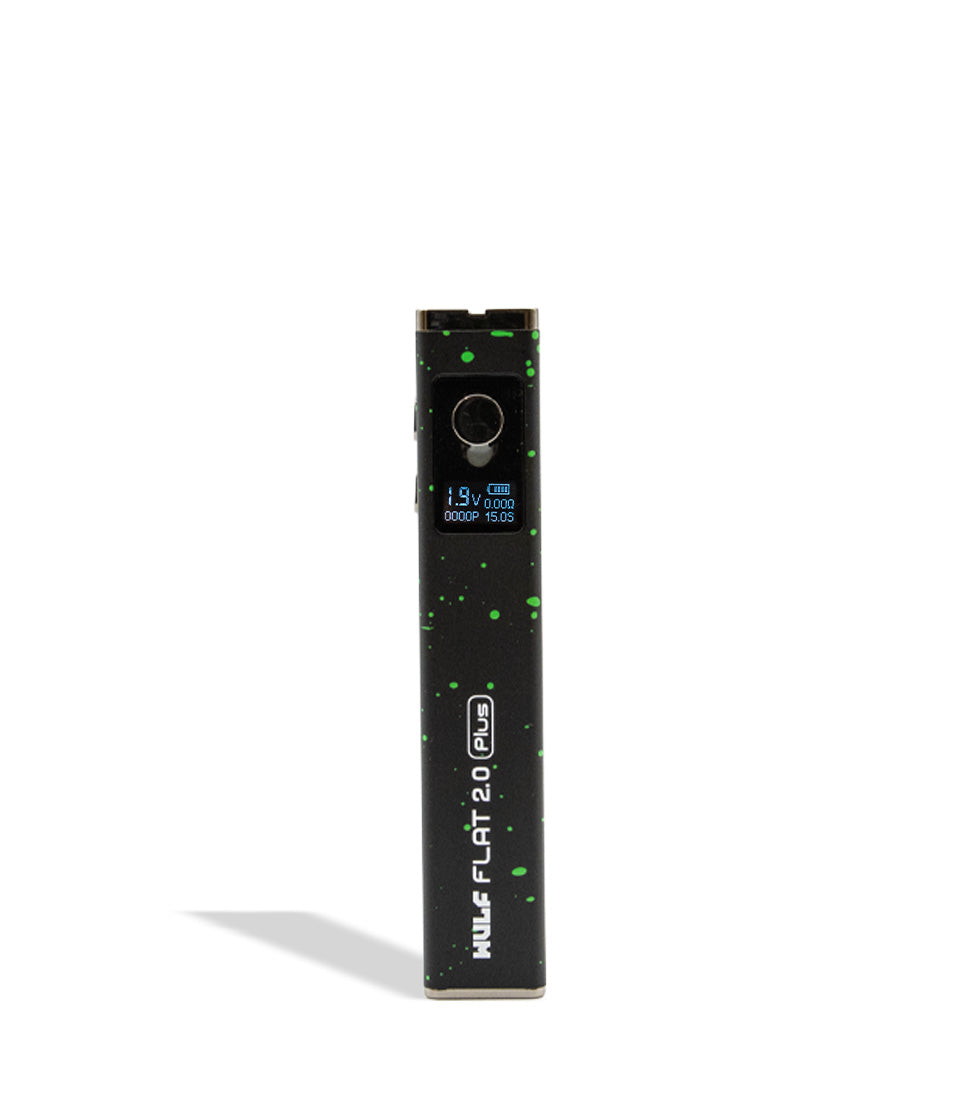
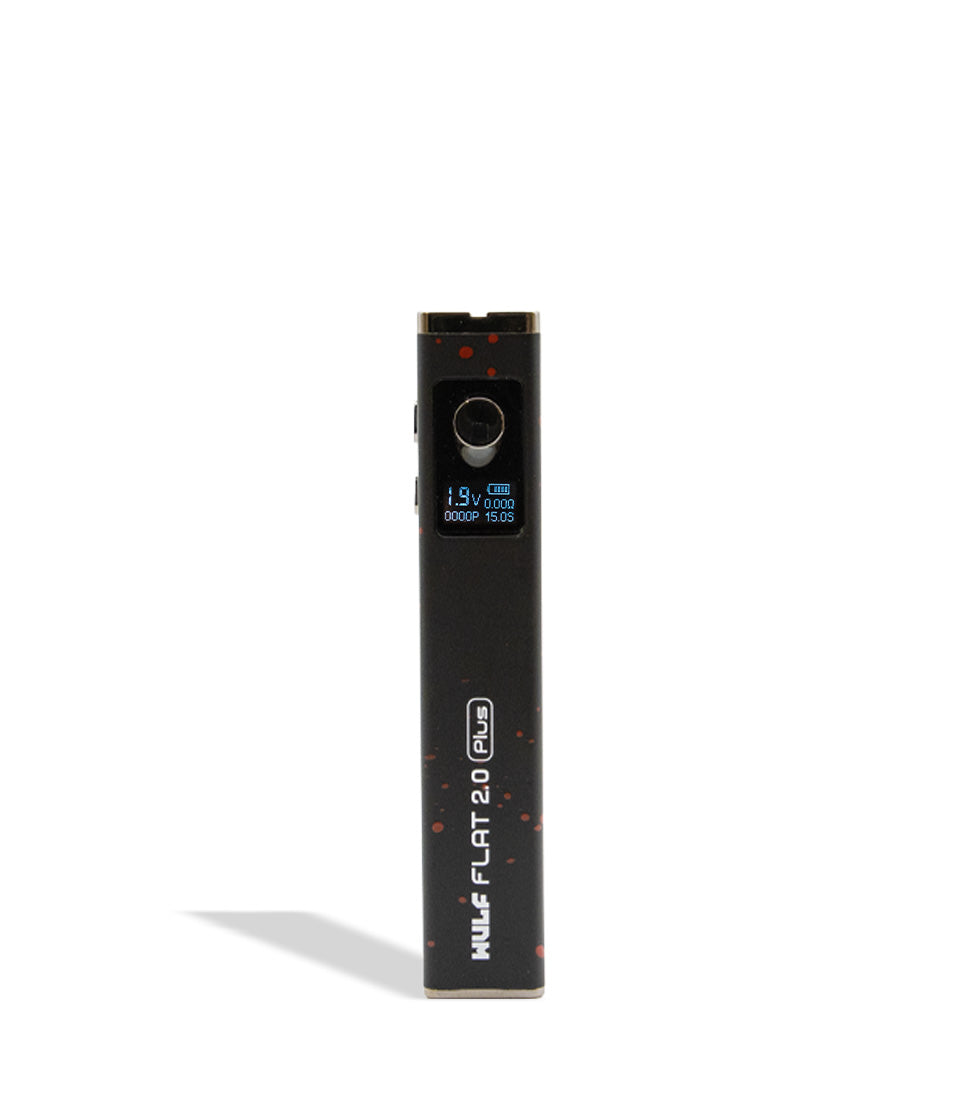
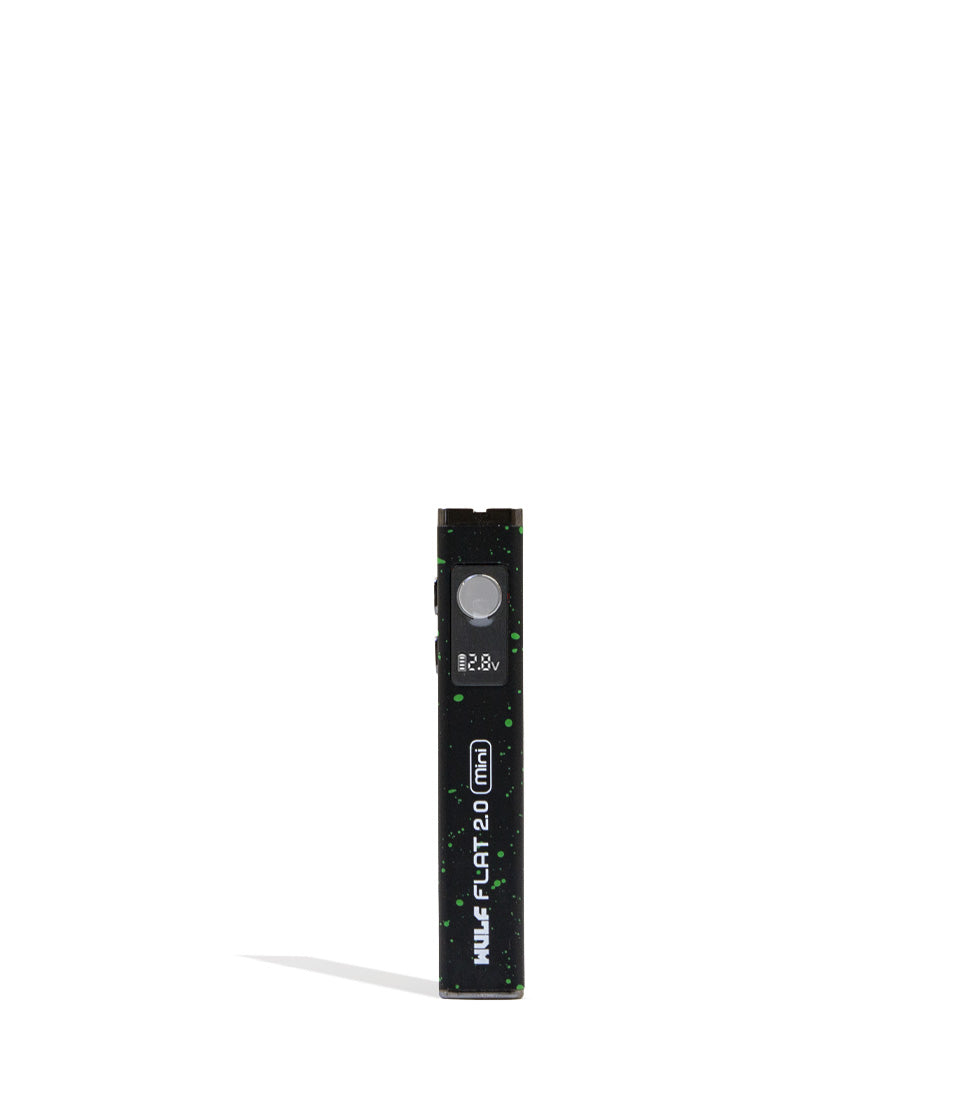
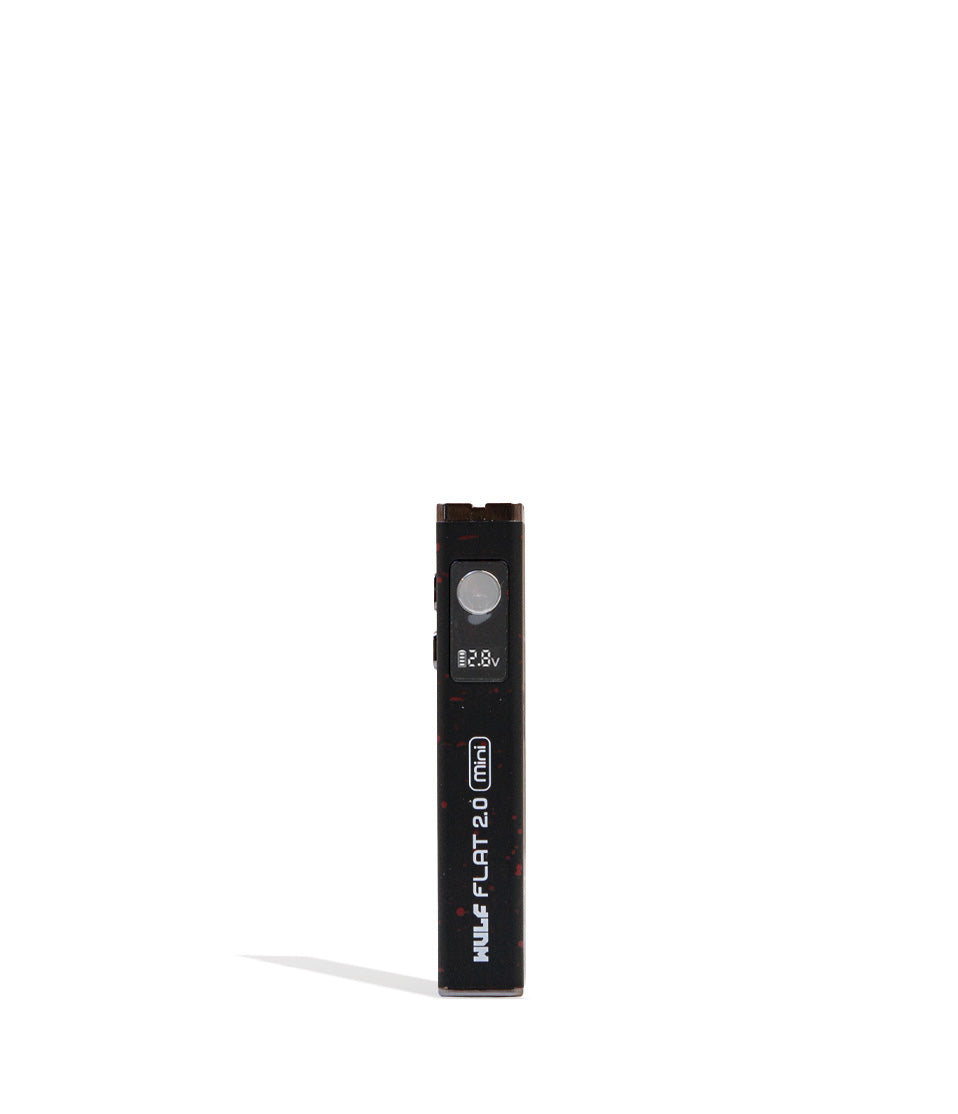
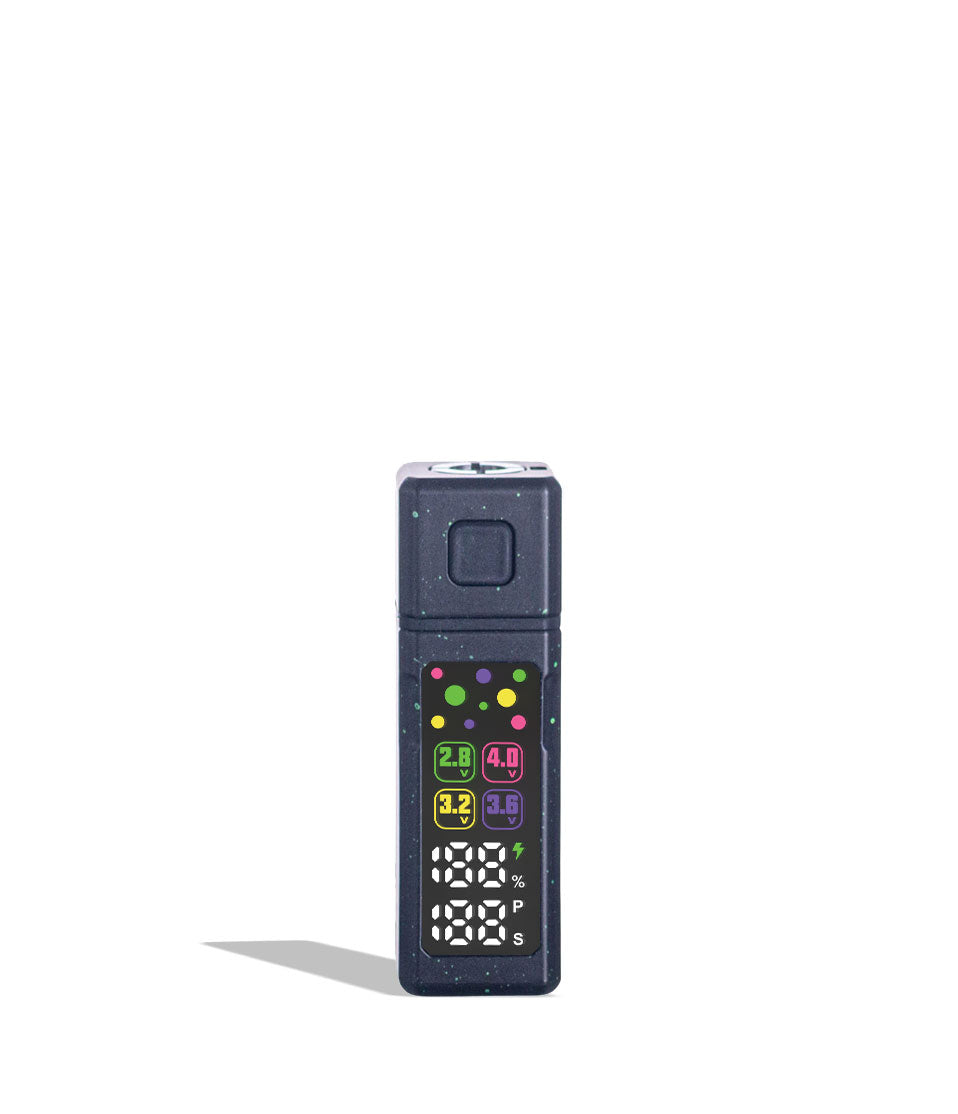
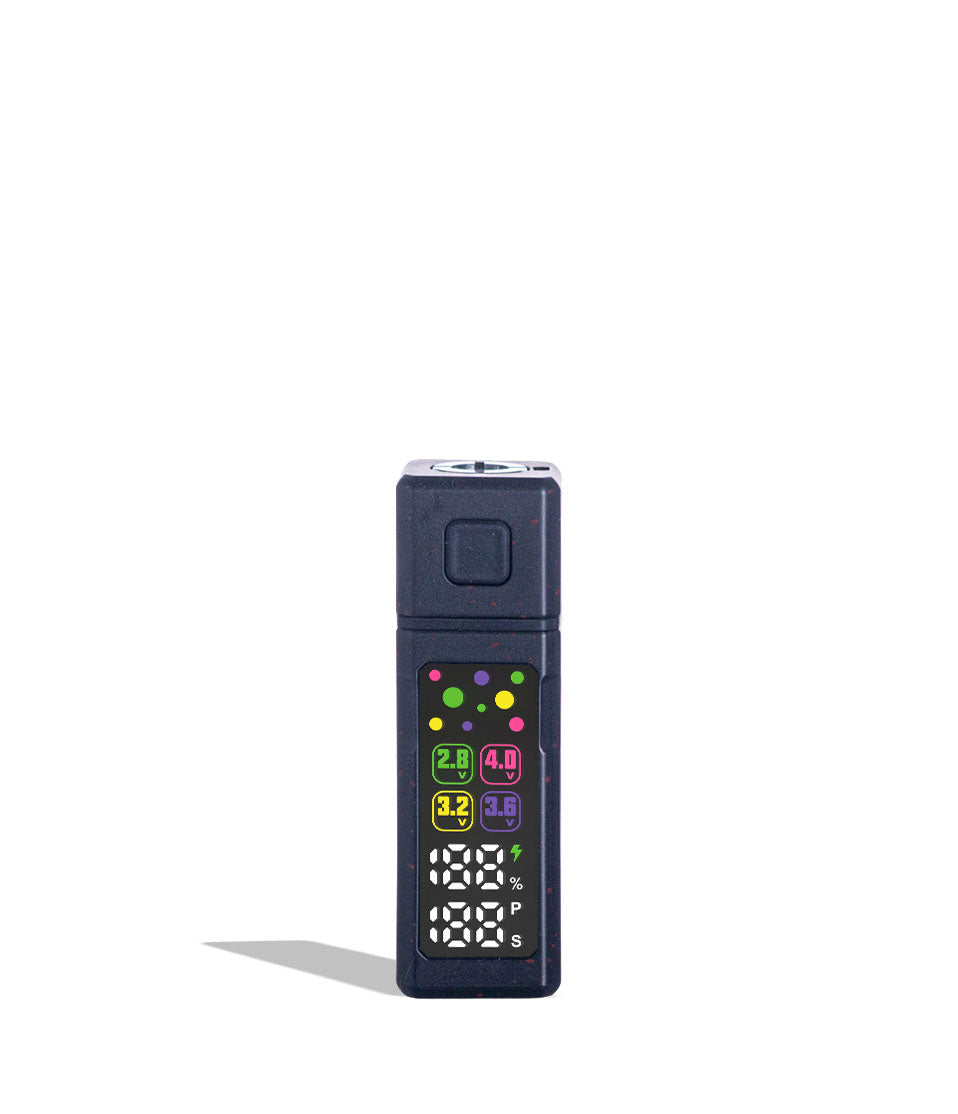
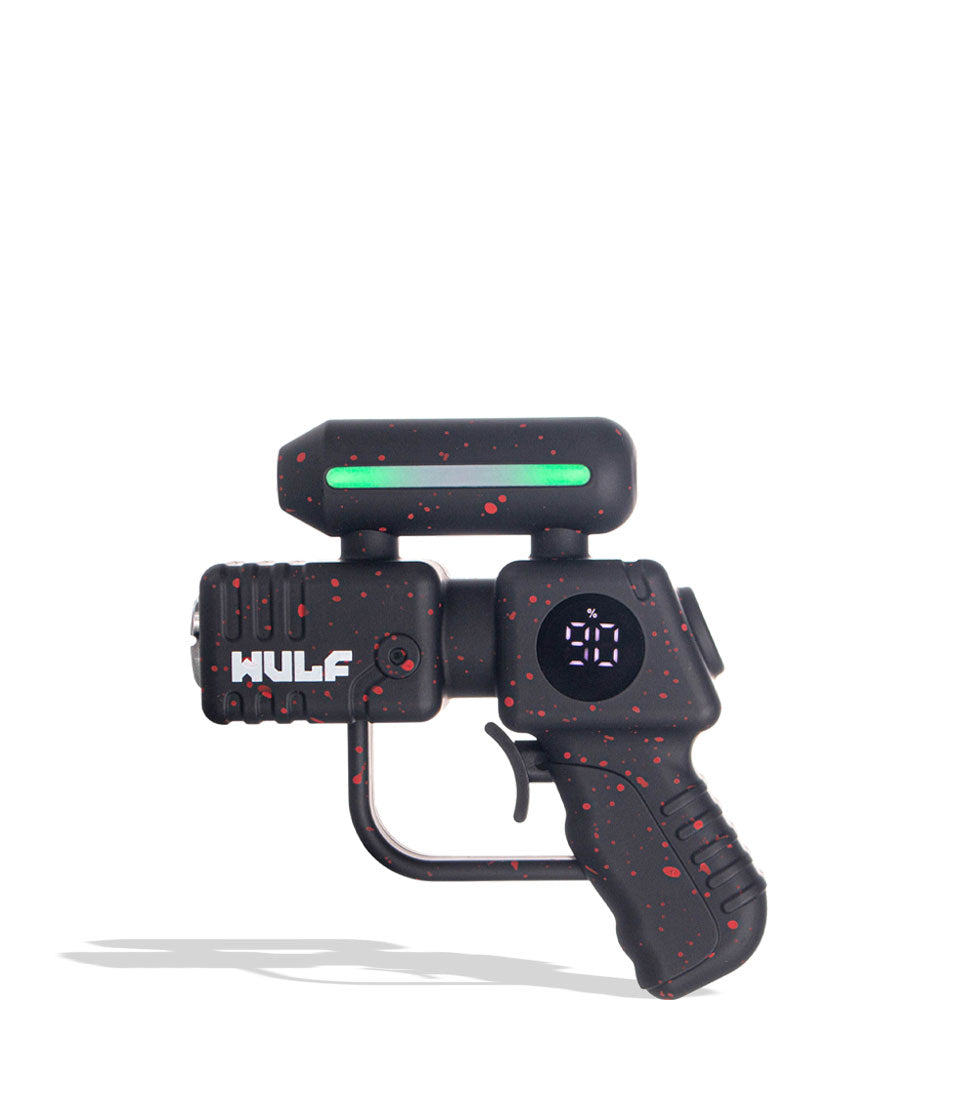
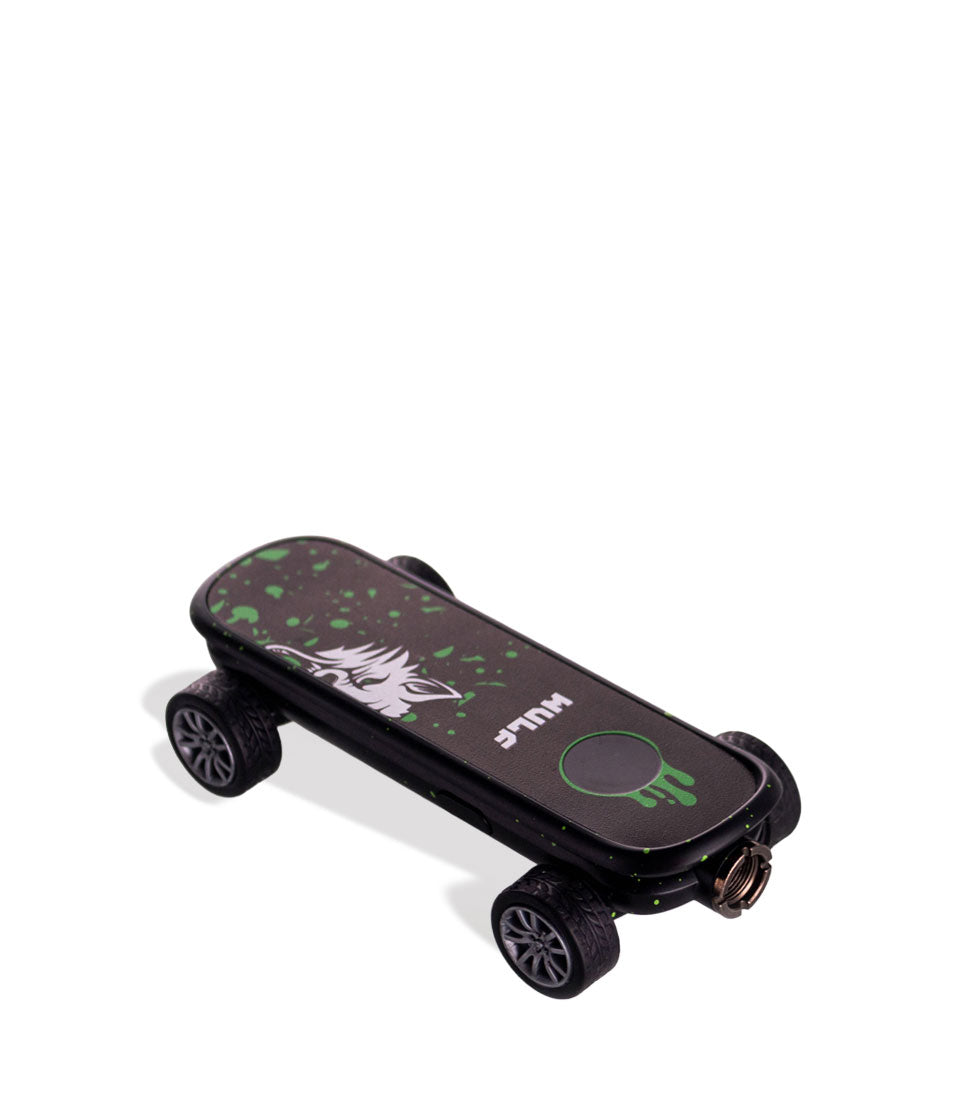
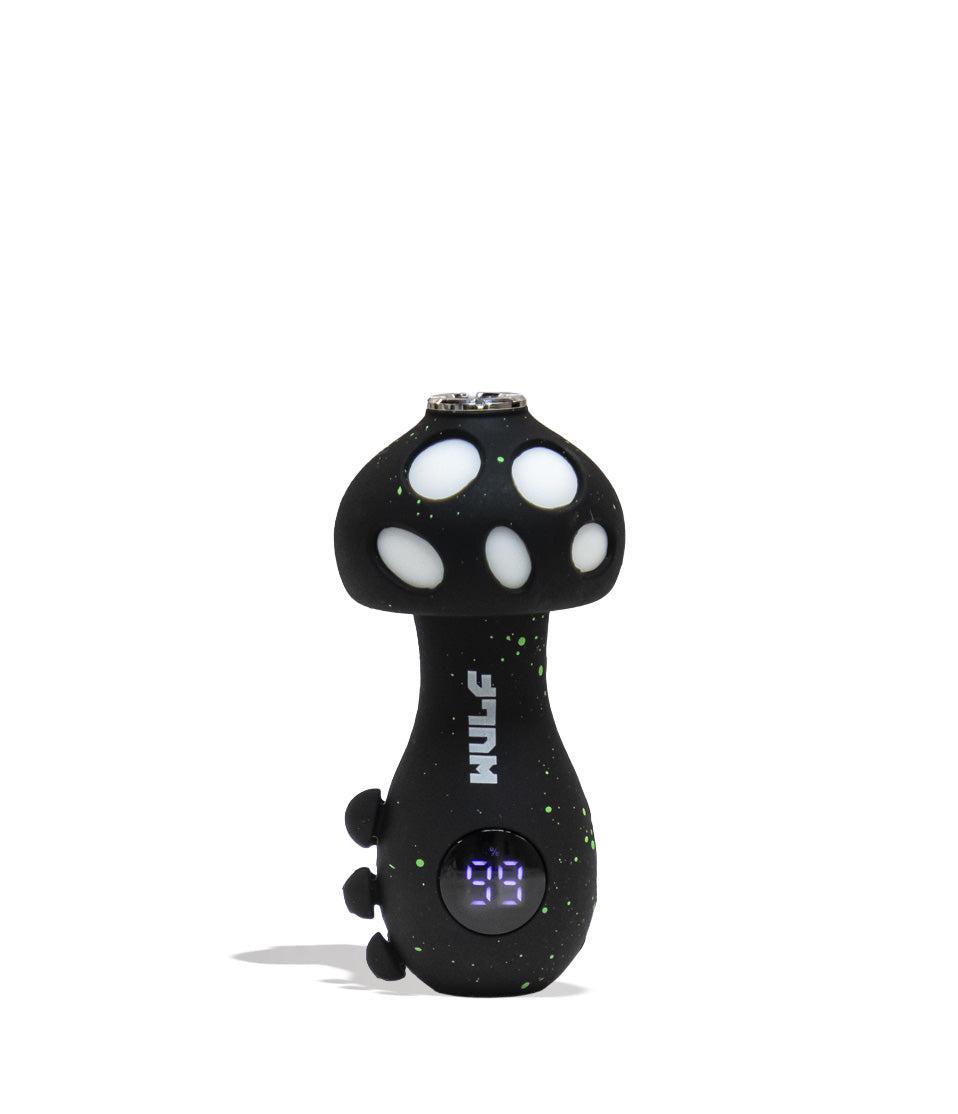
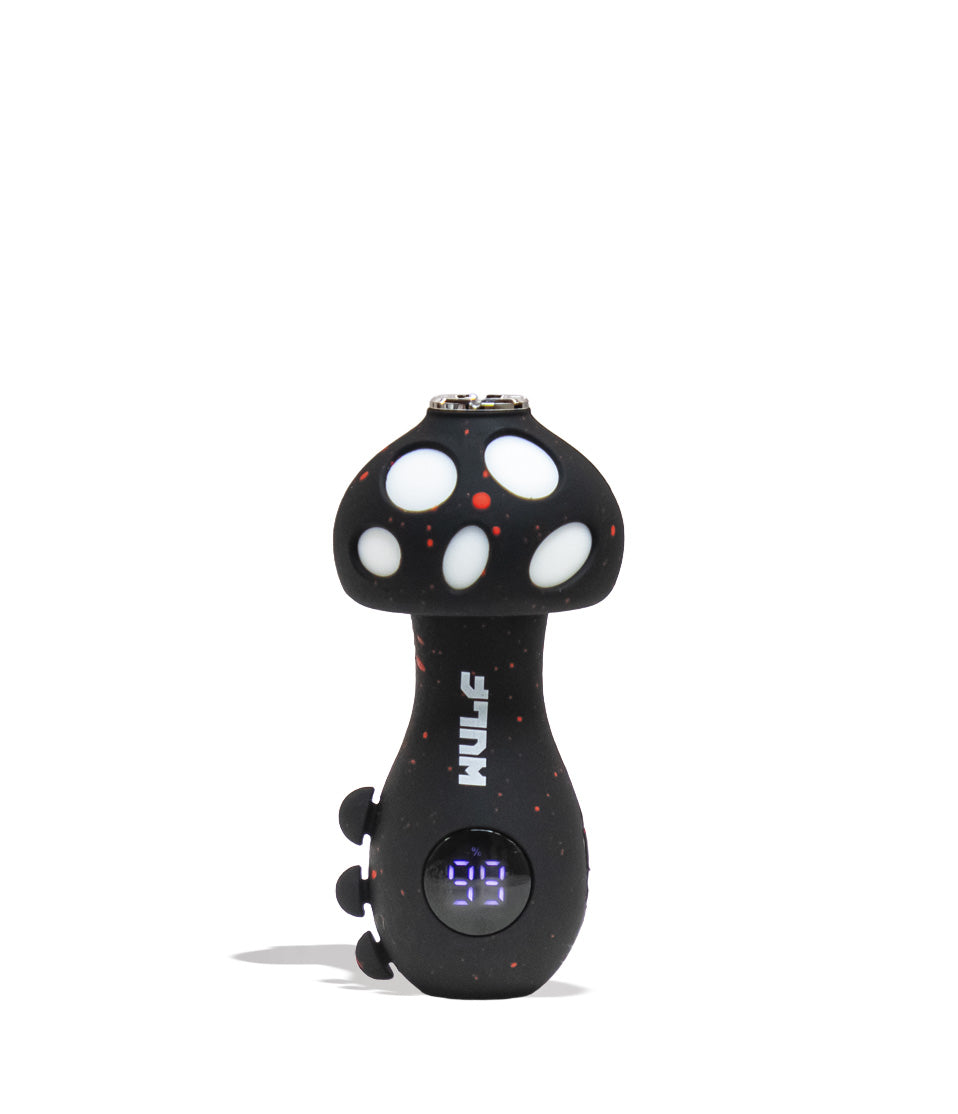
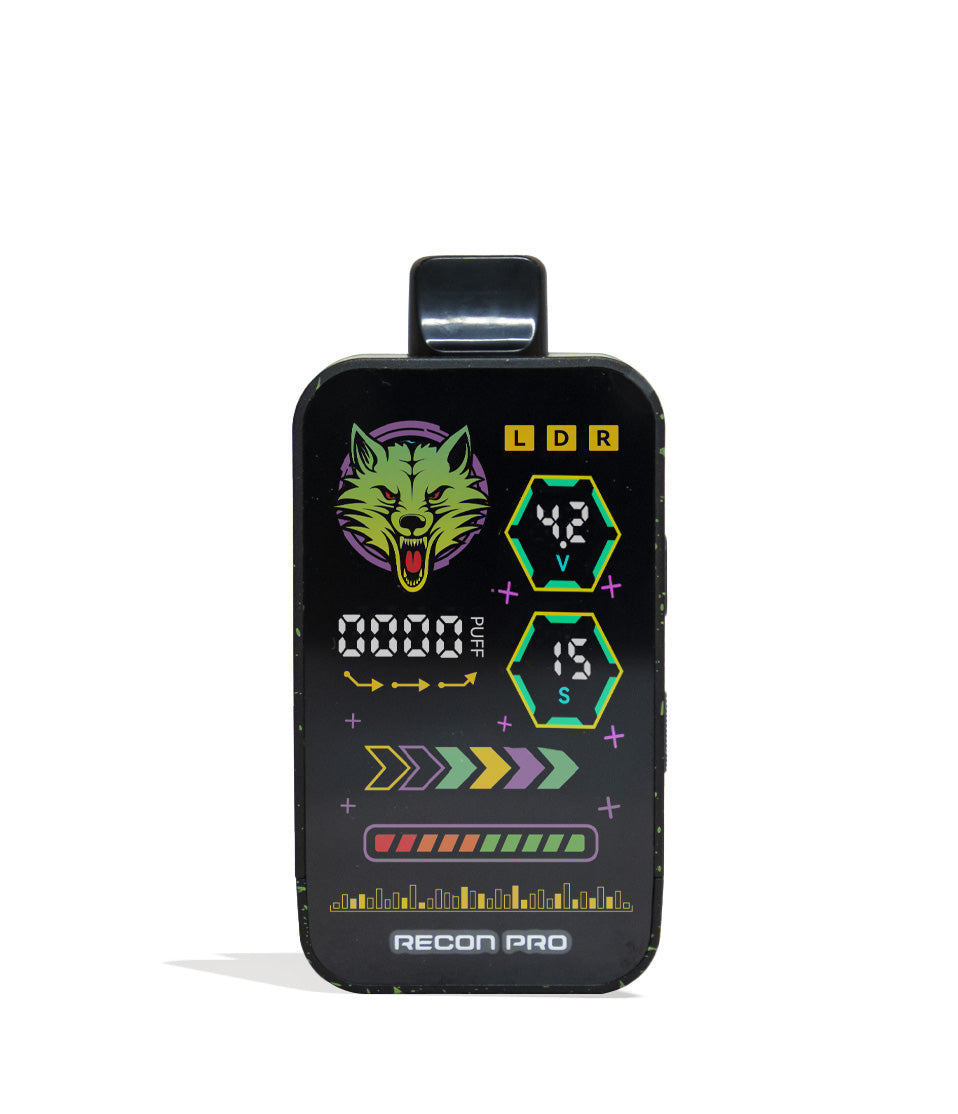
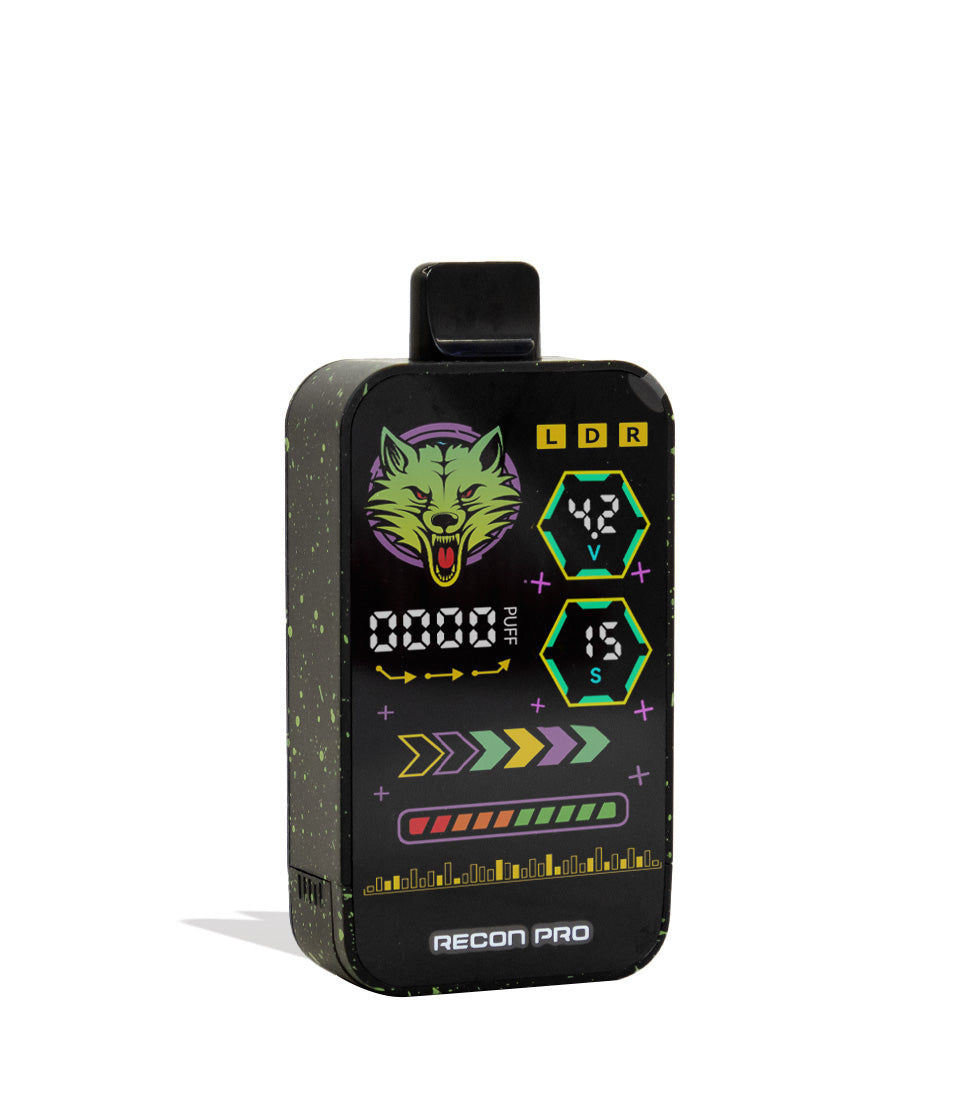
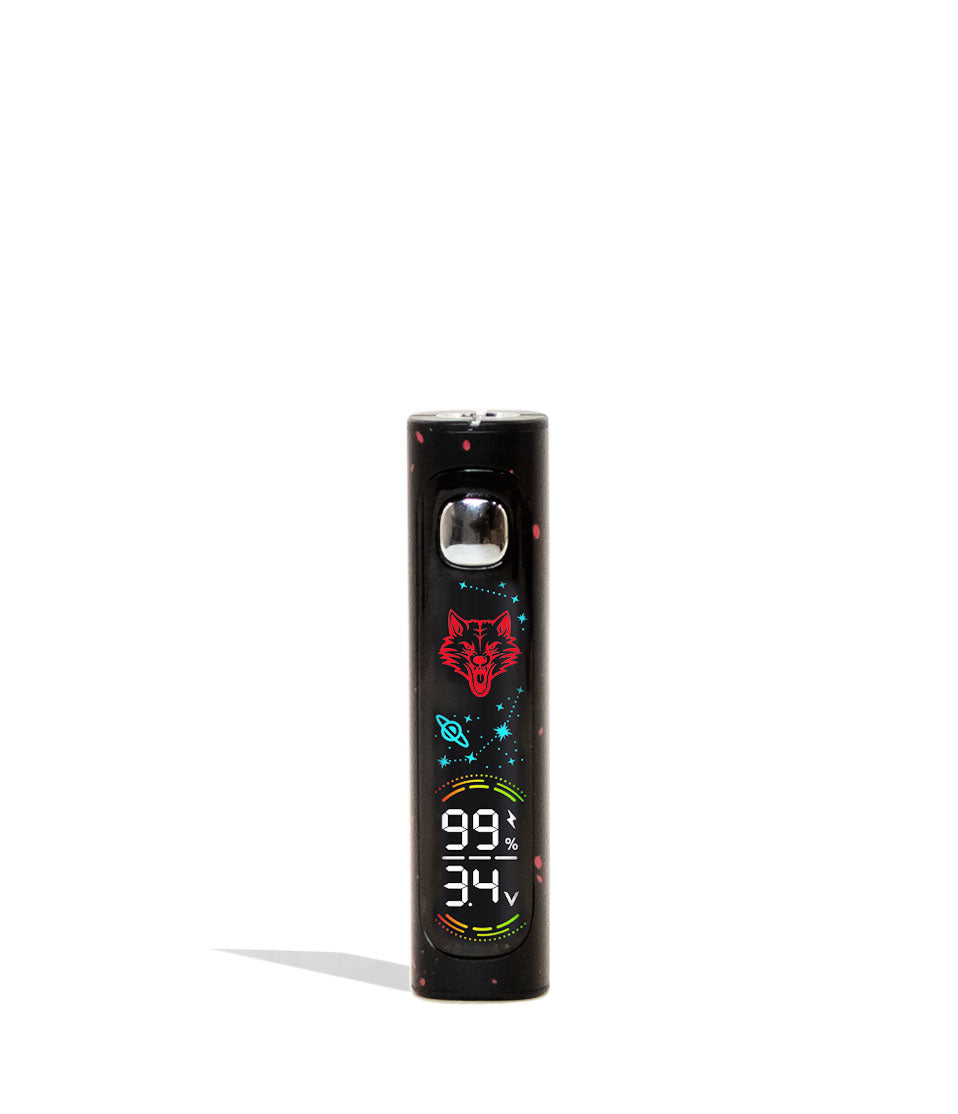
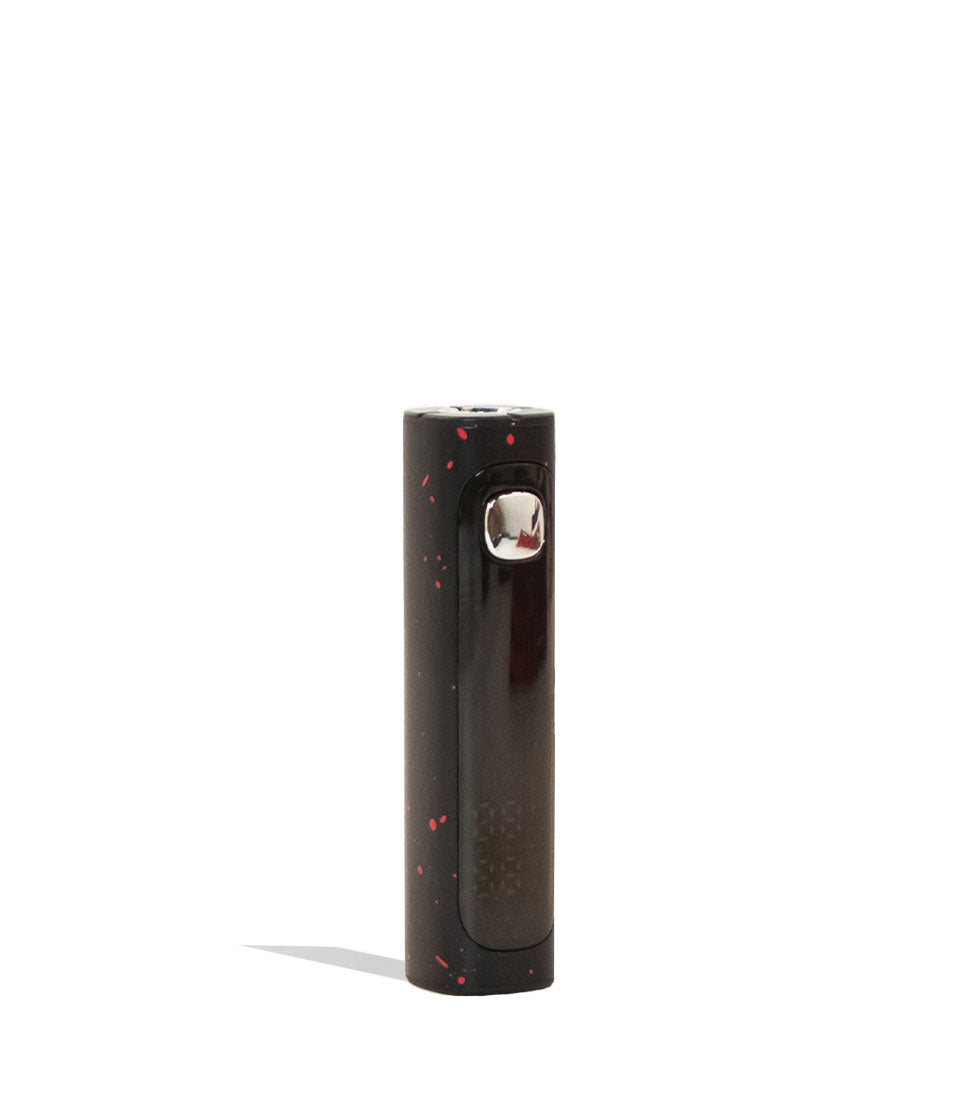
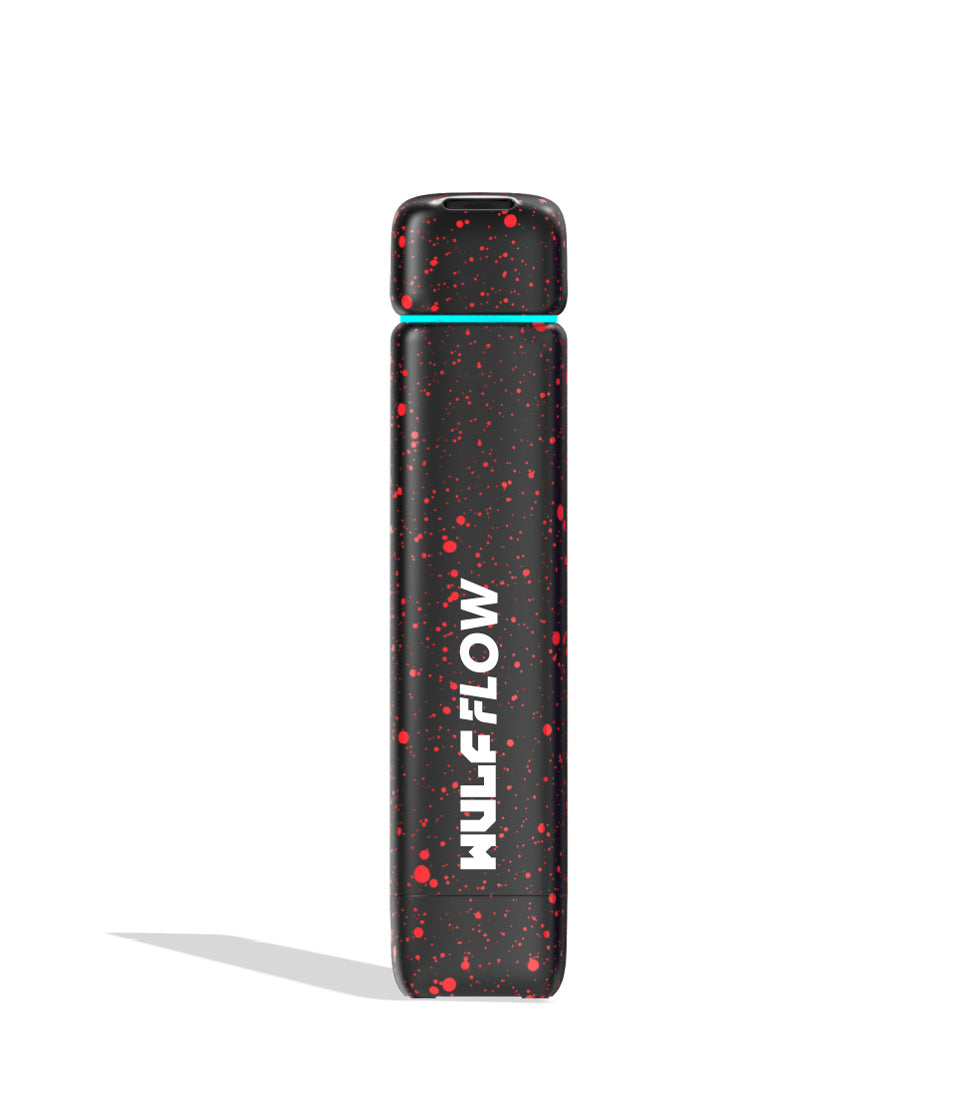
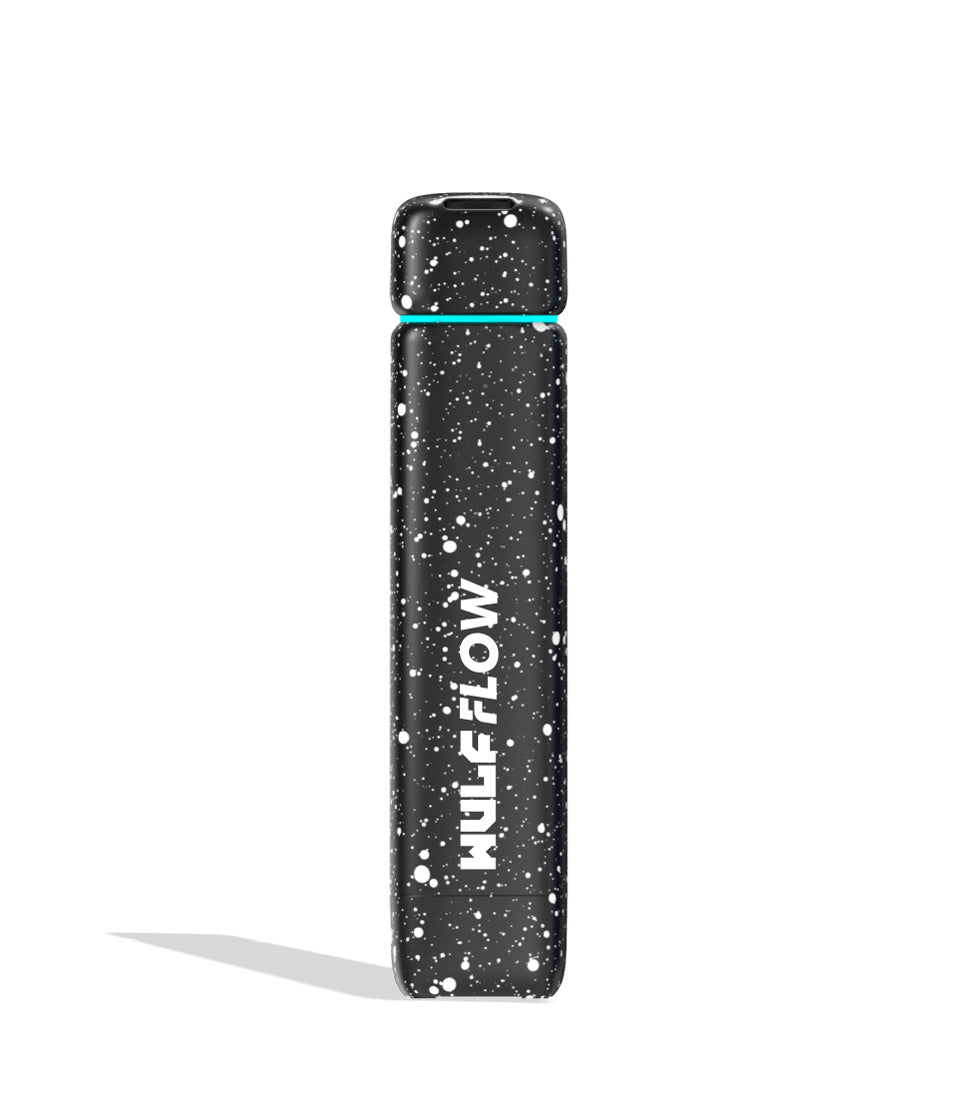
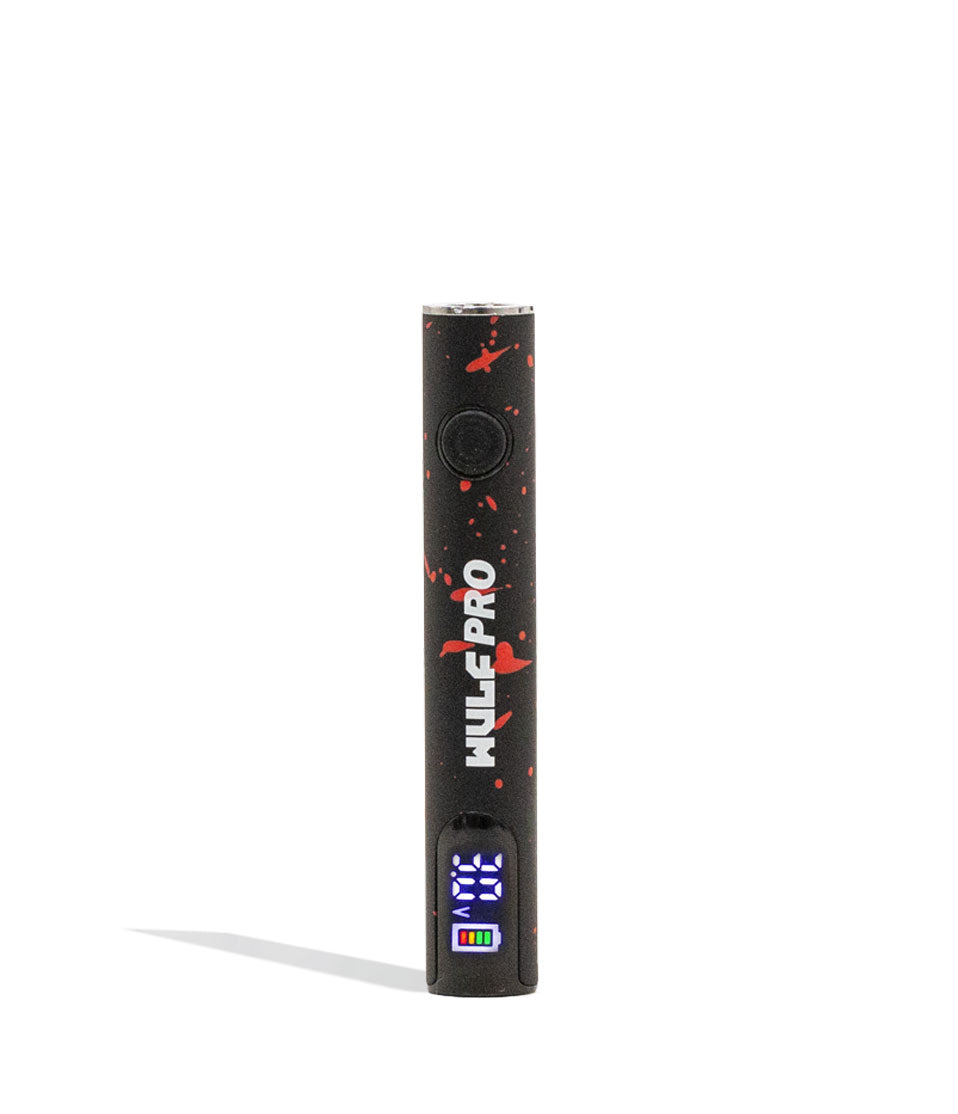
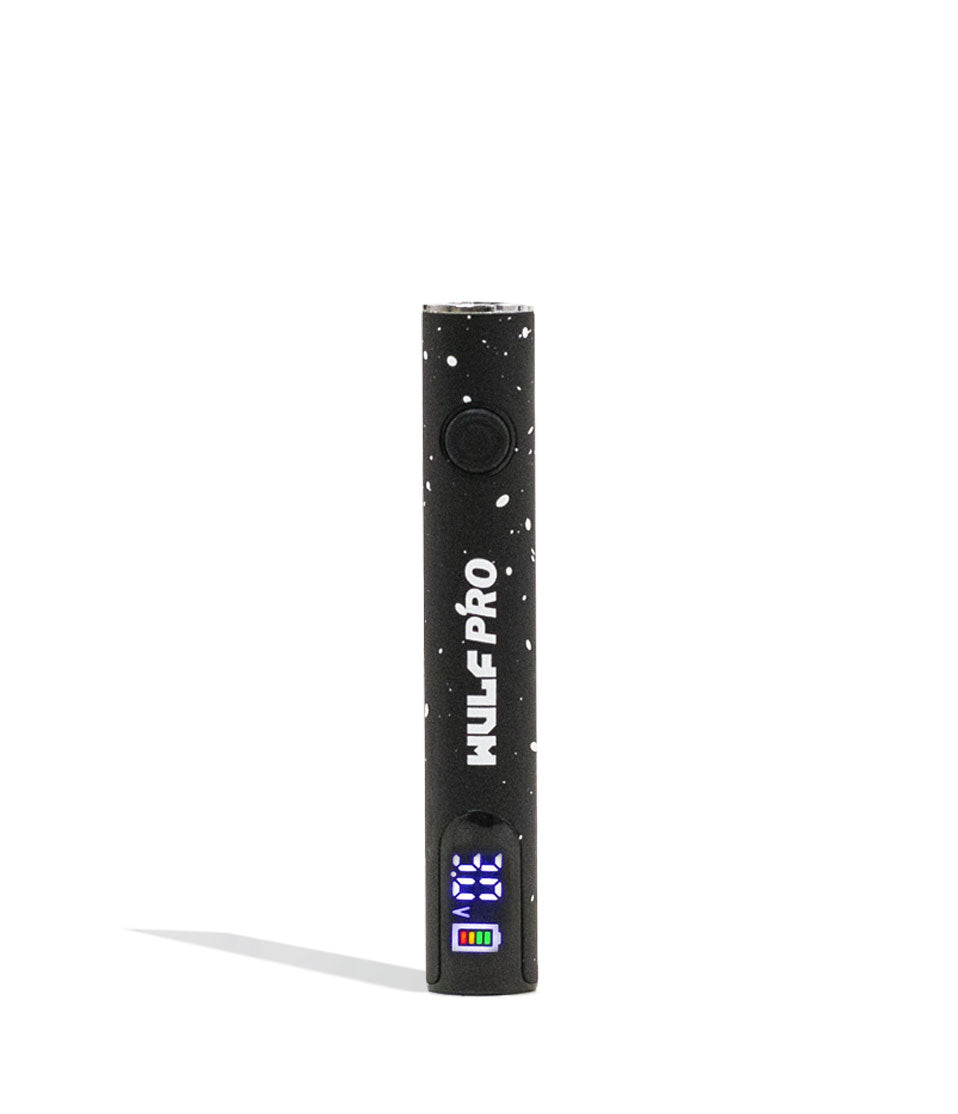
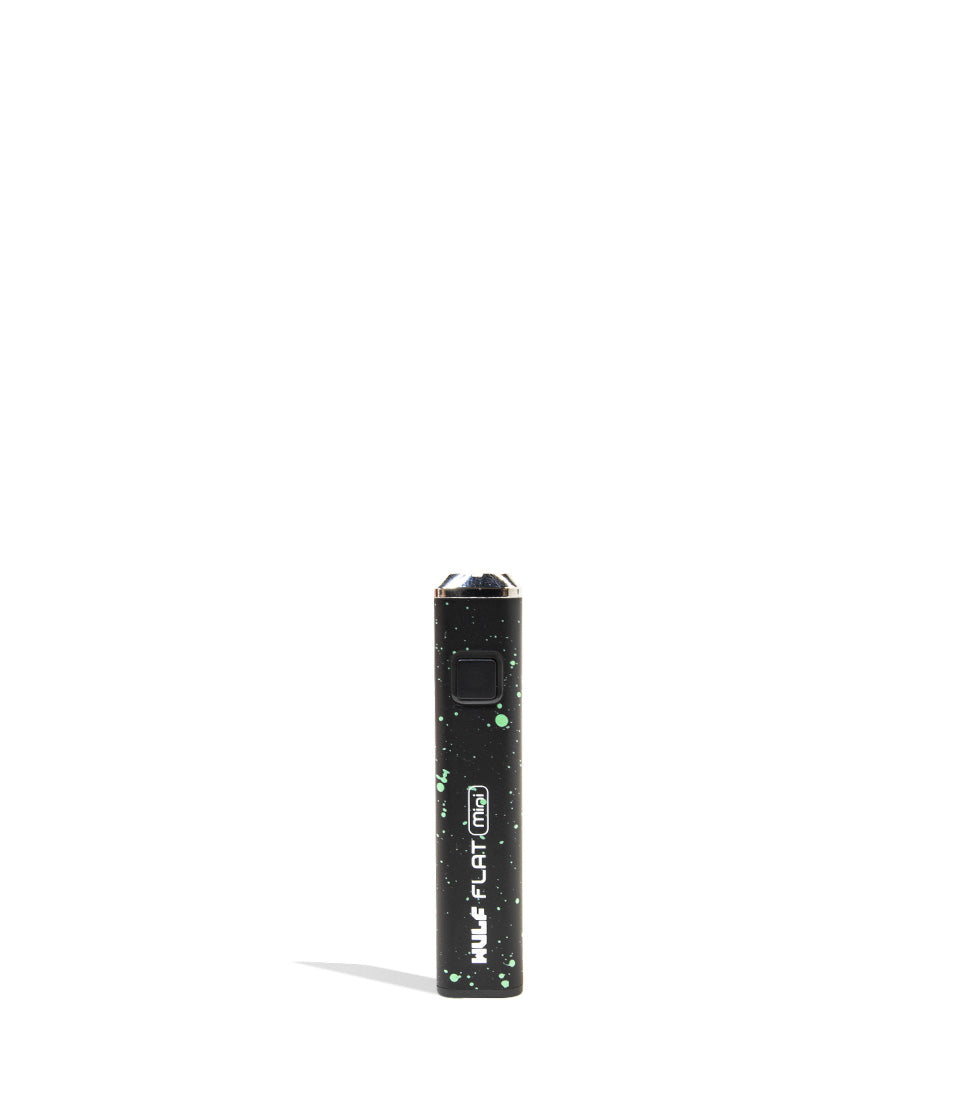
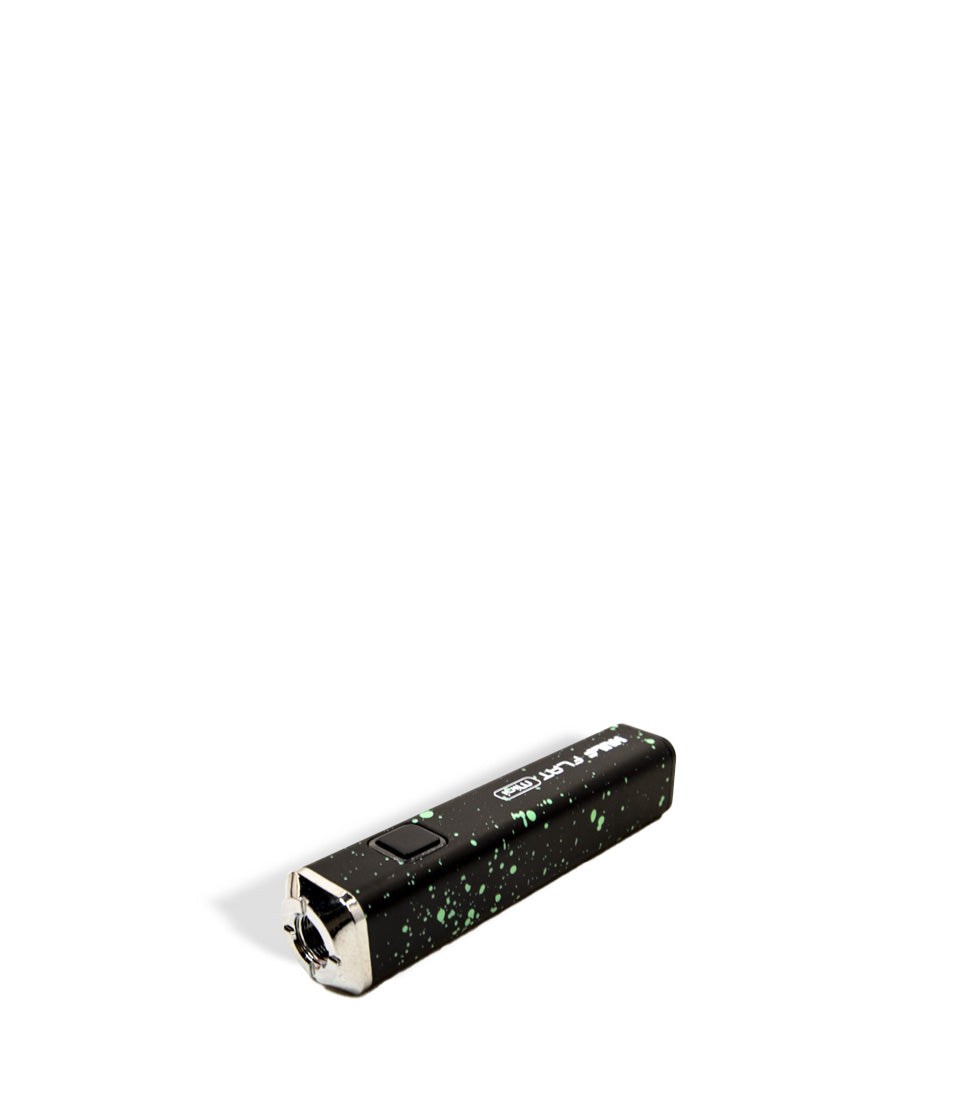
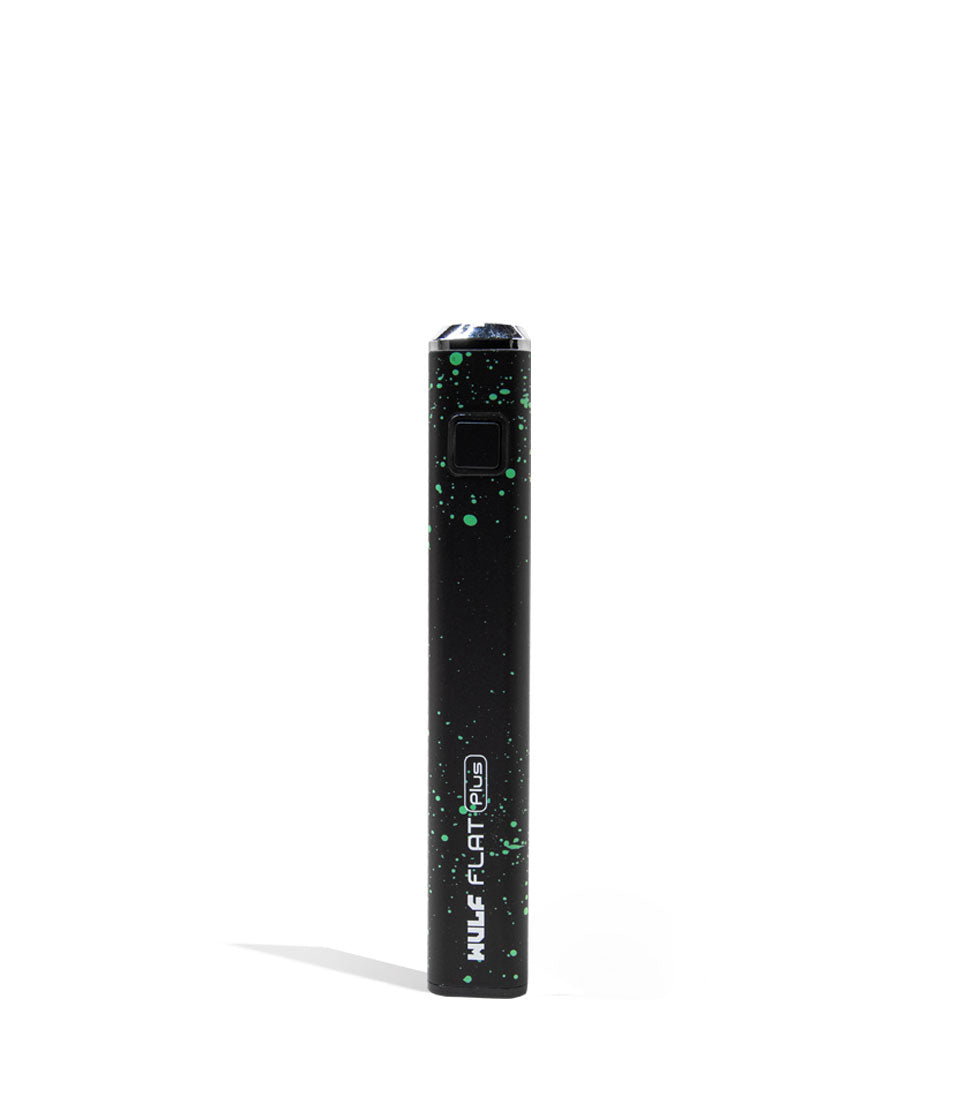
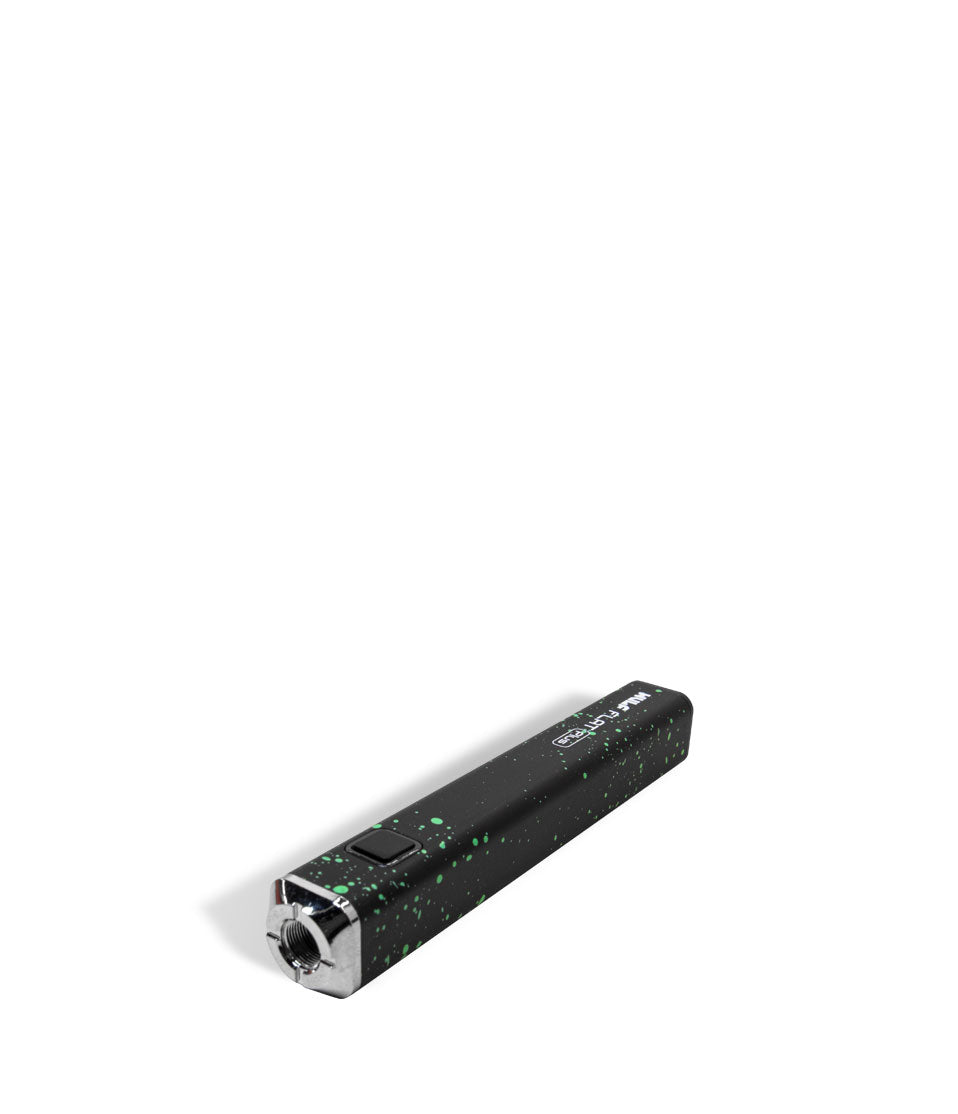
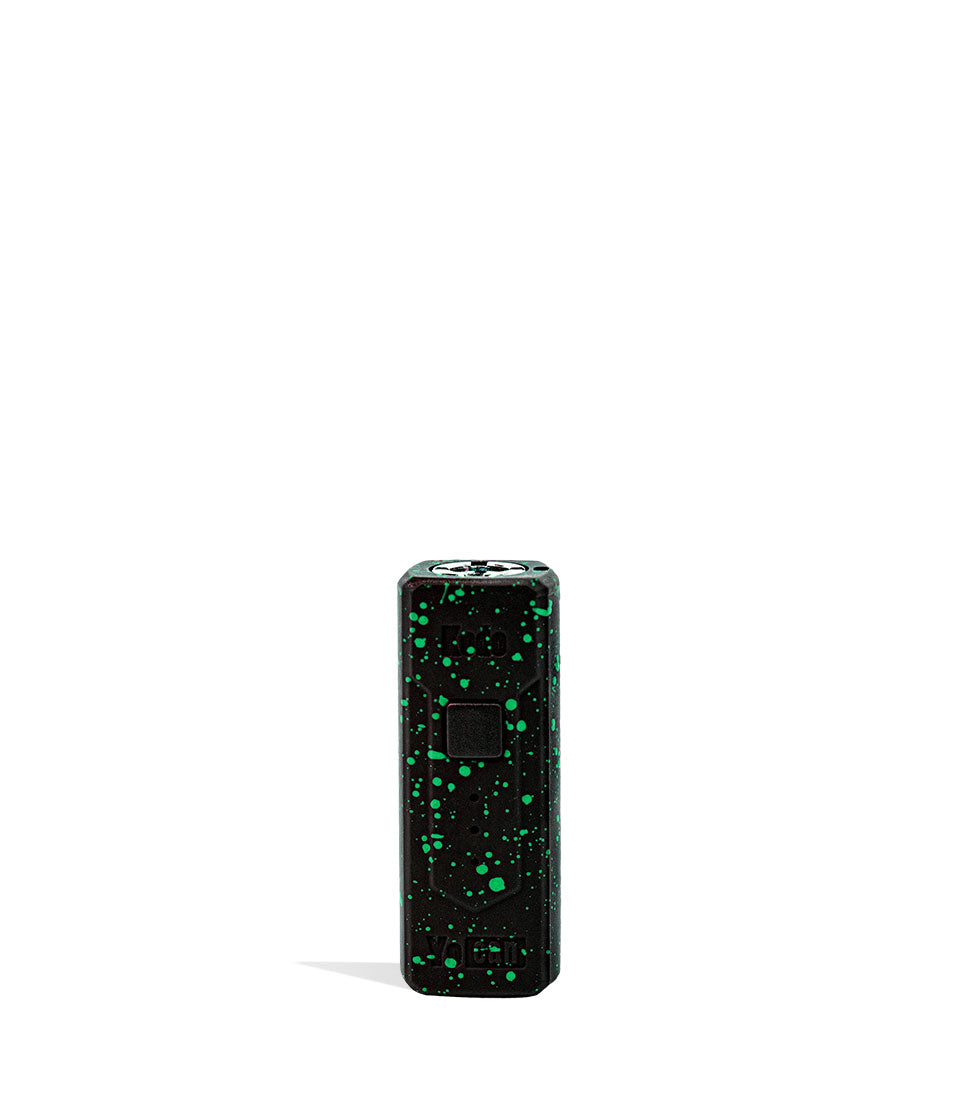
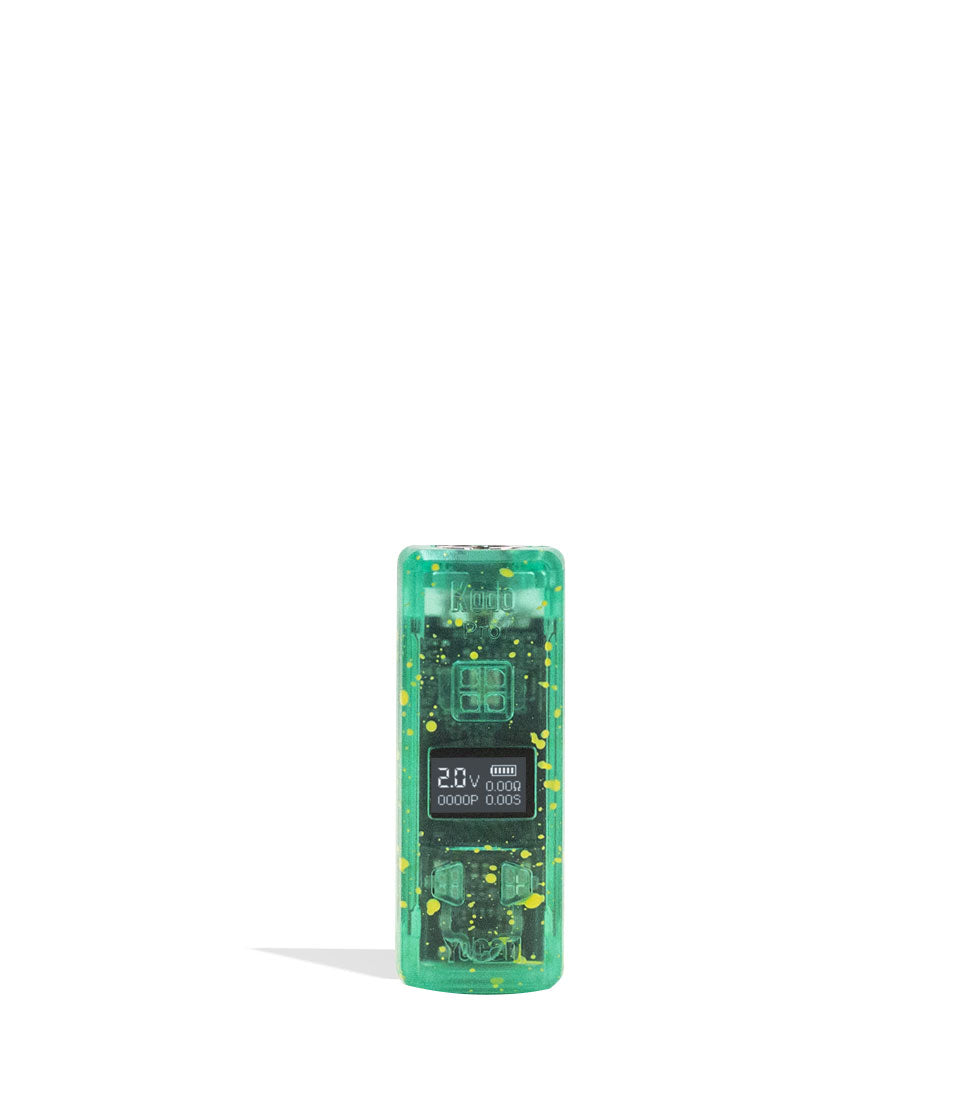
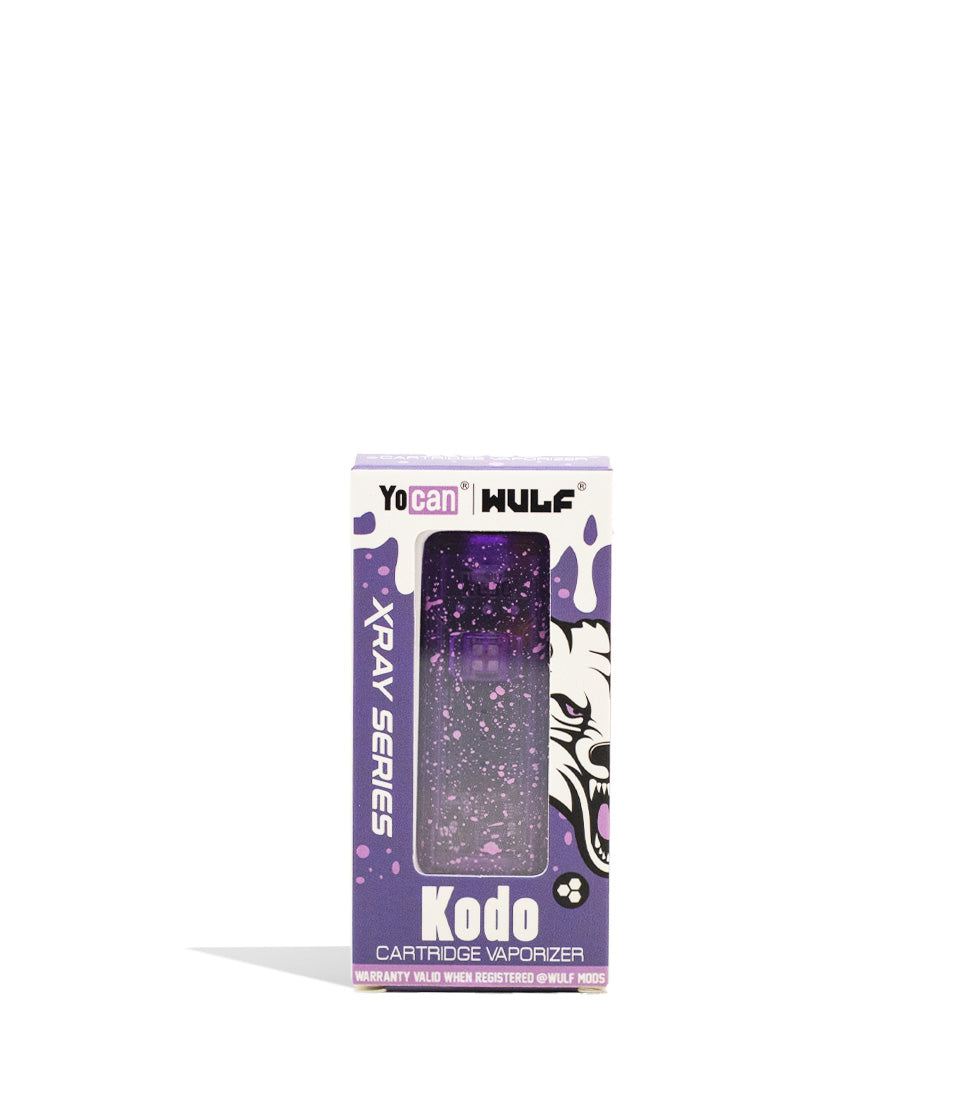
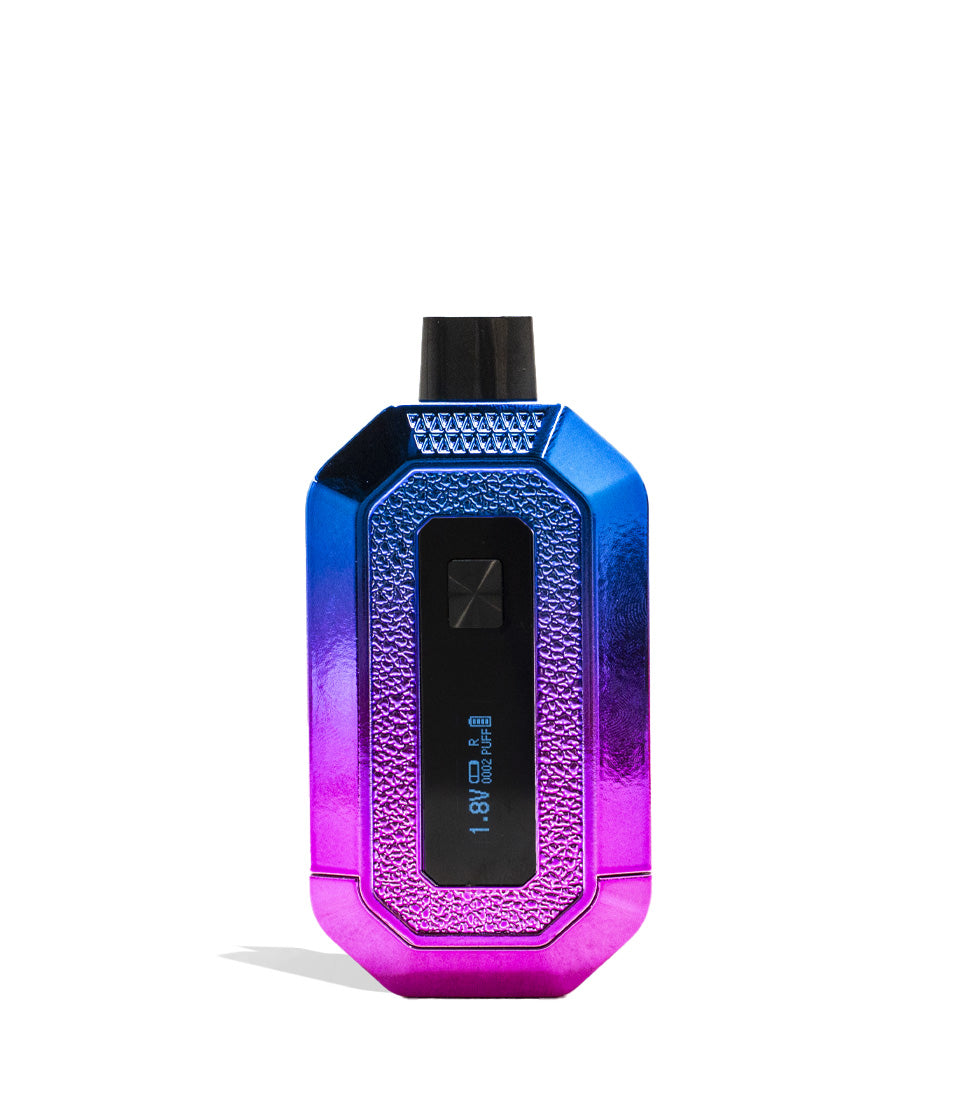
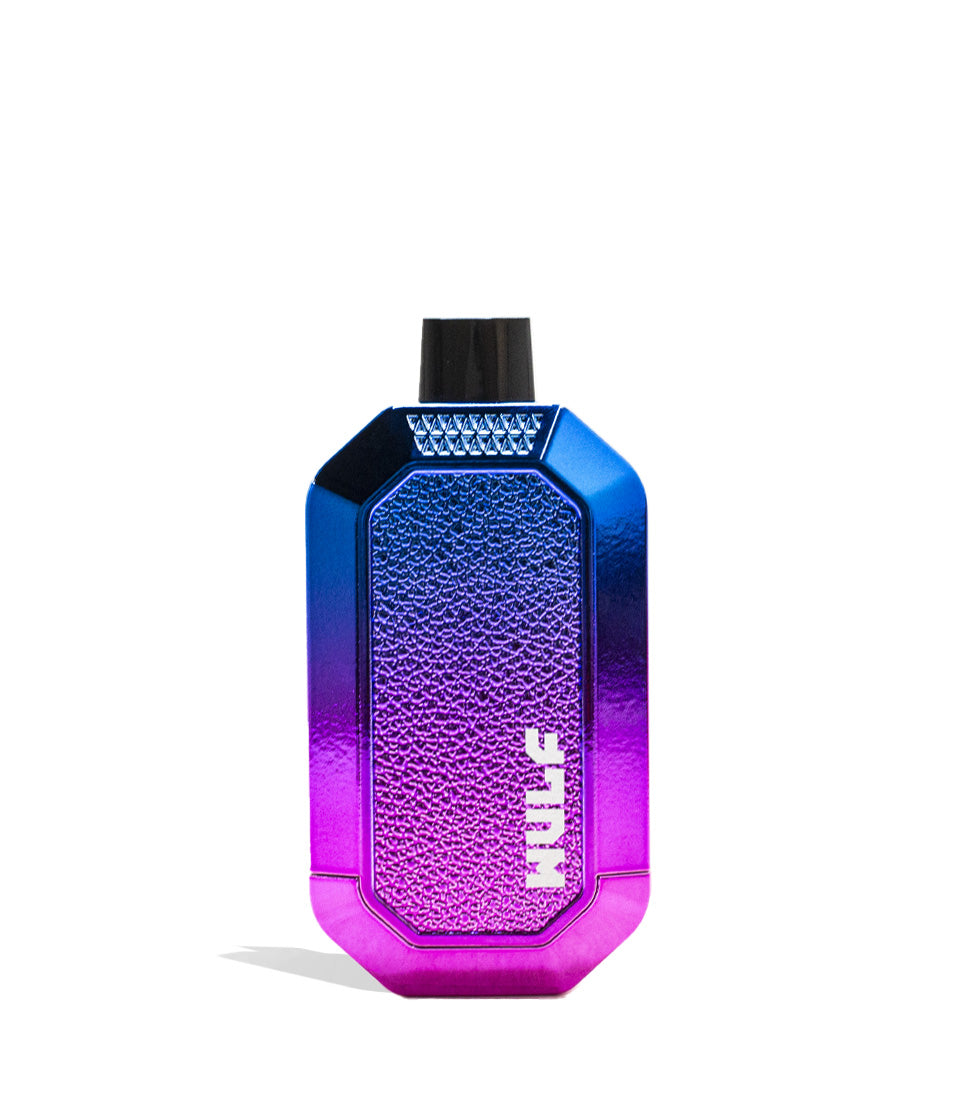
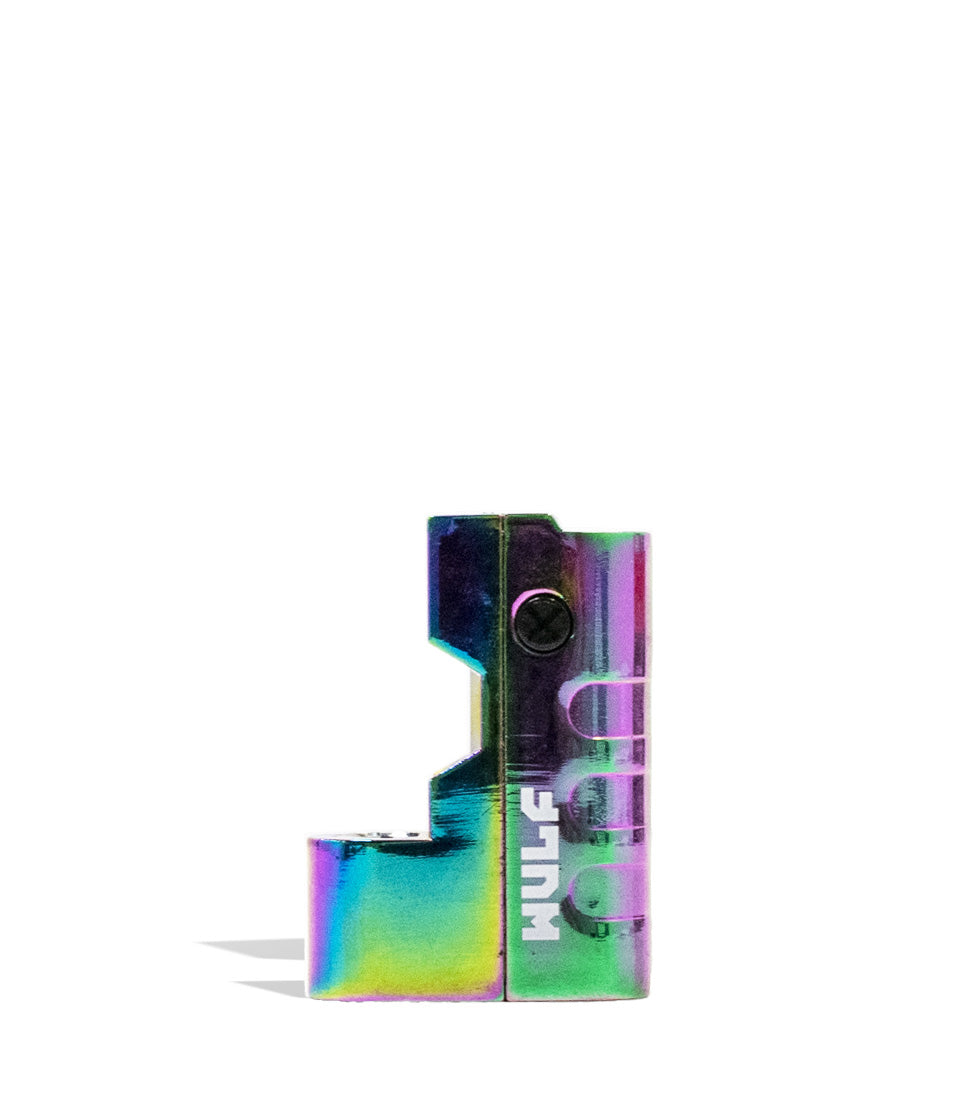
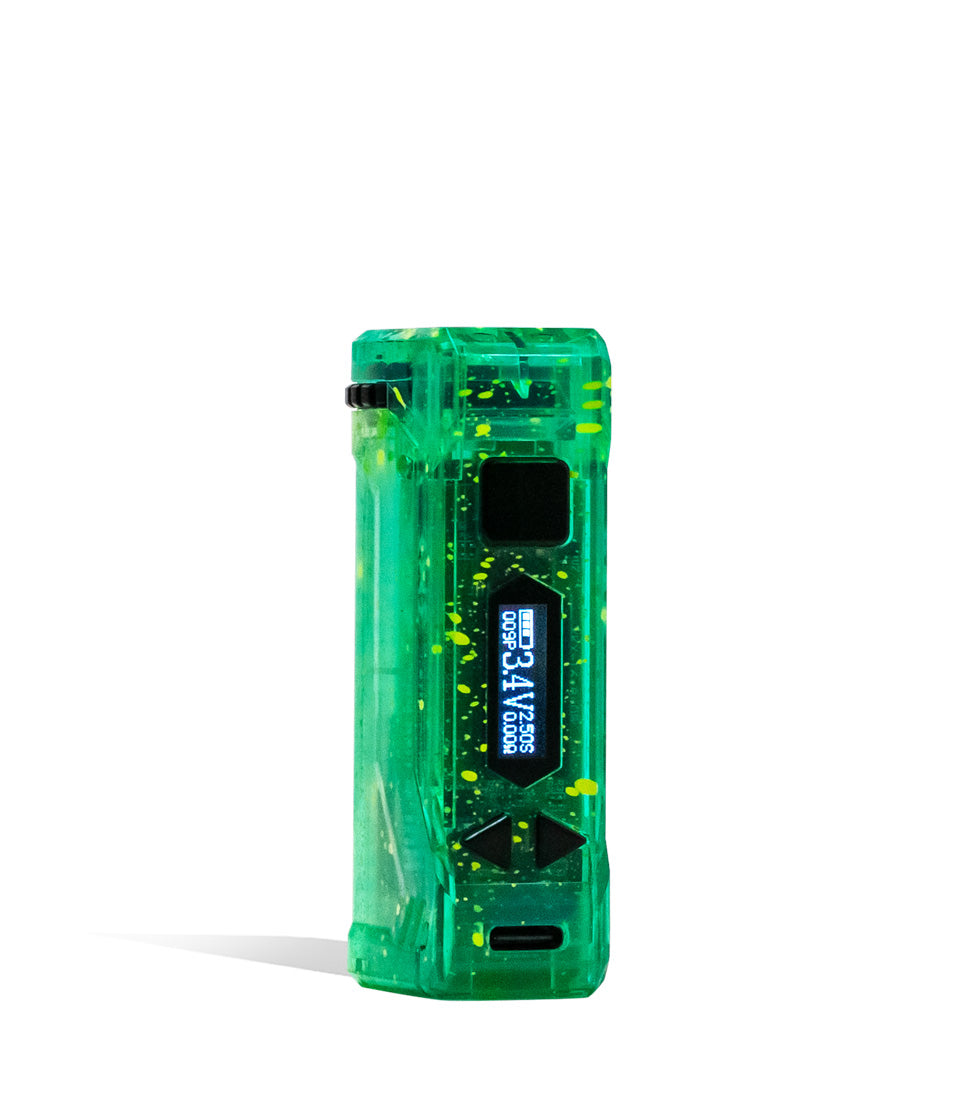
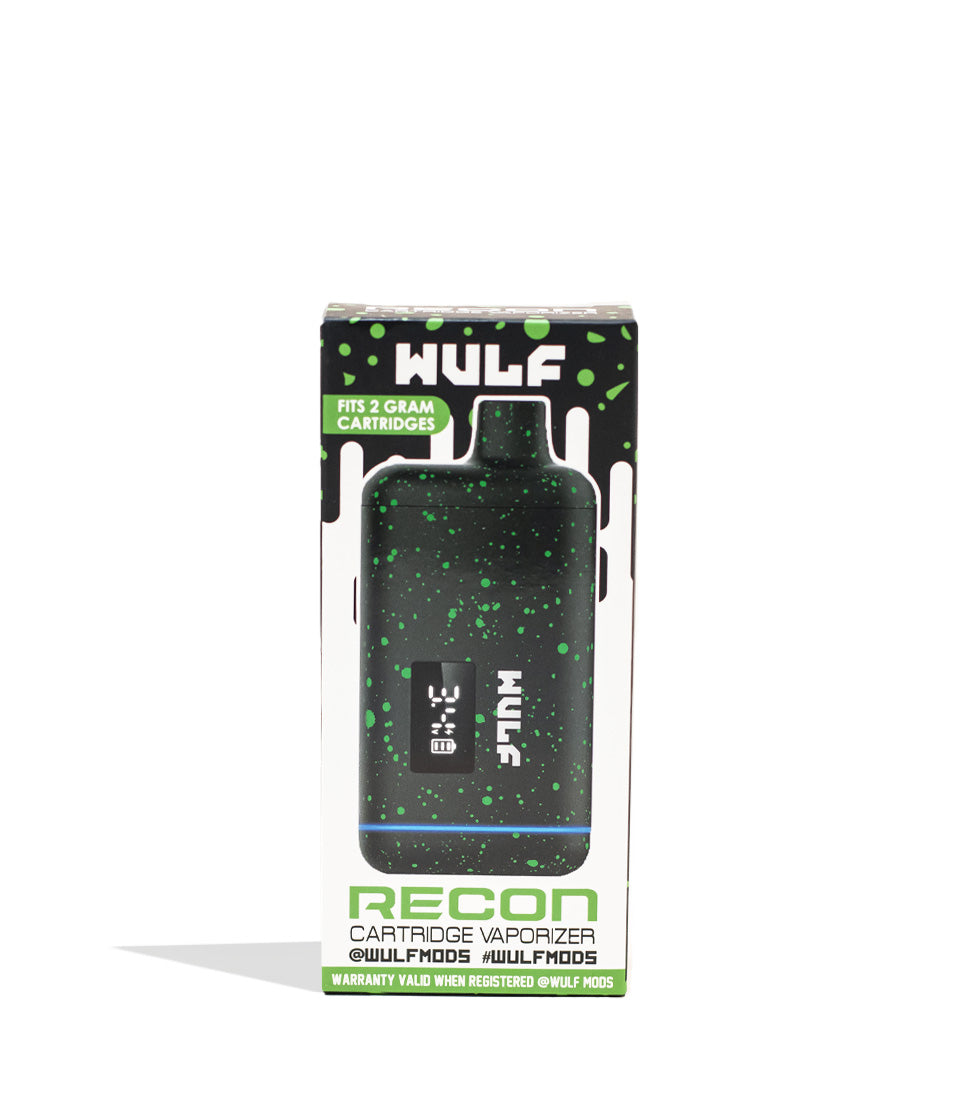
Shop 510 Thread Batteries
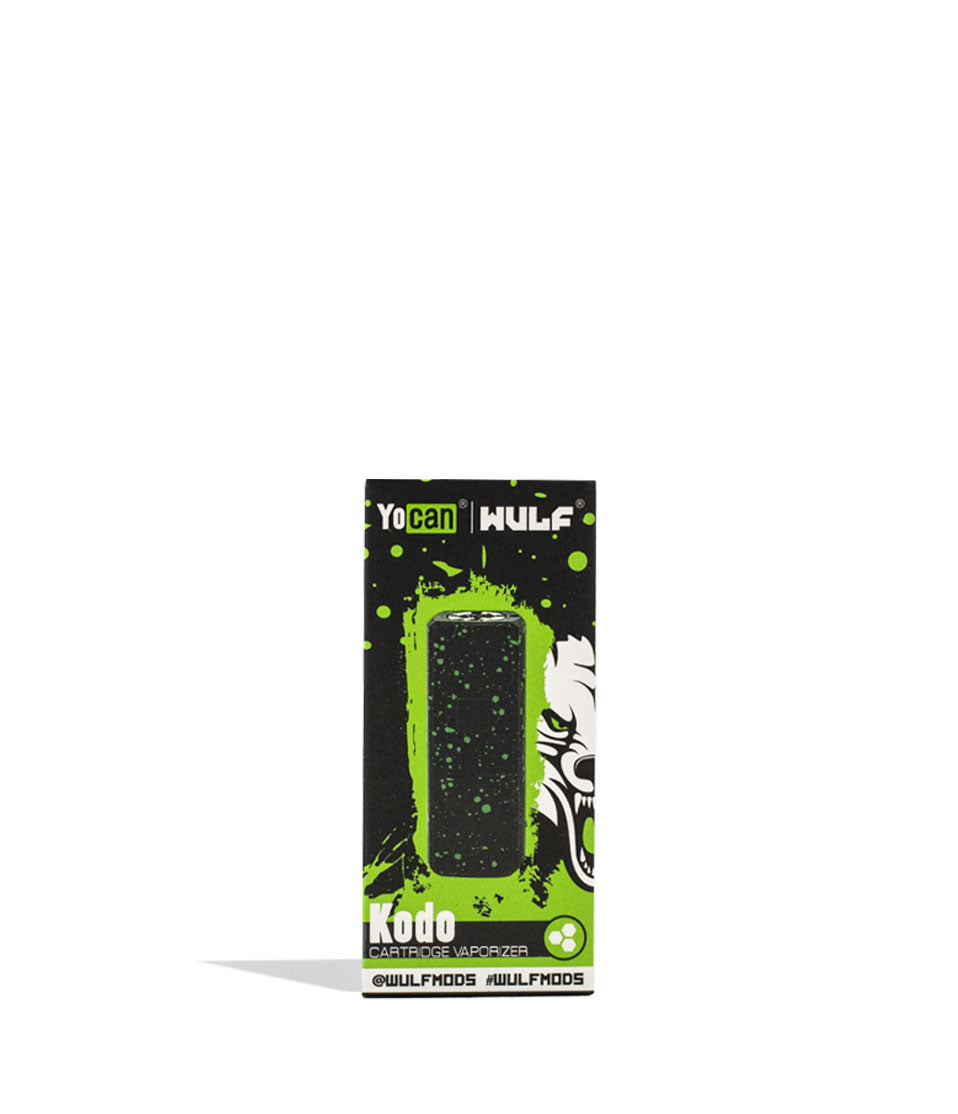
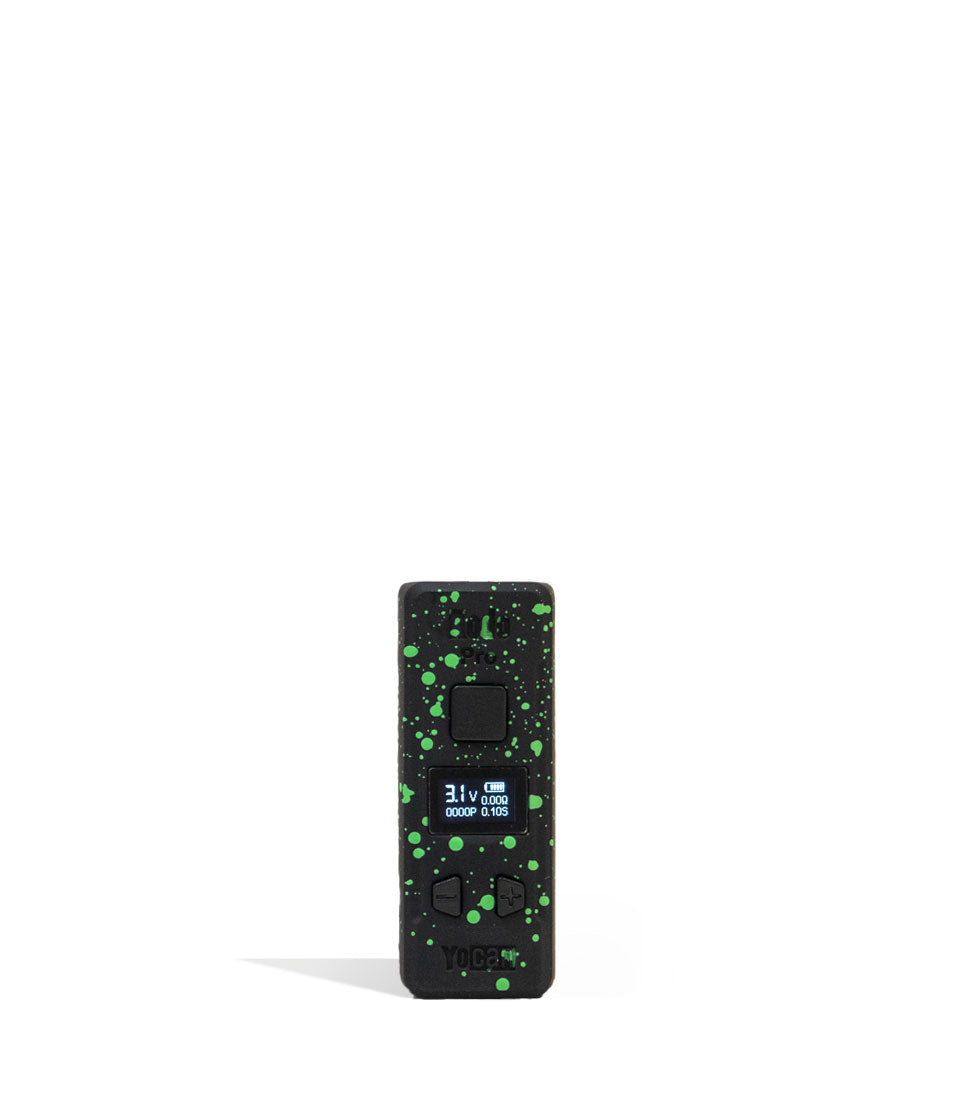
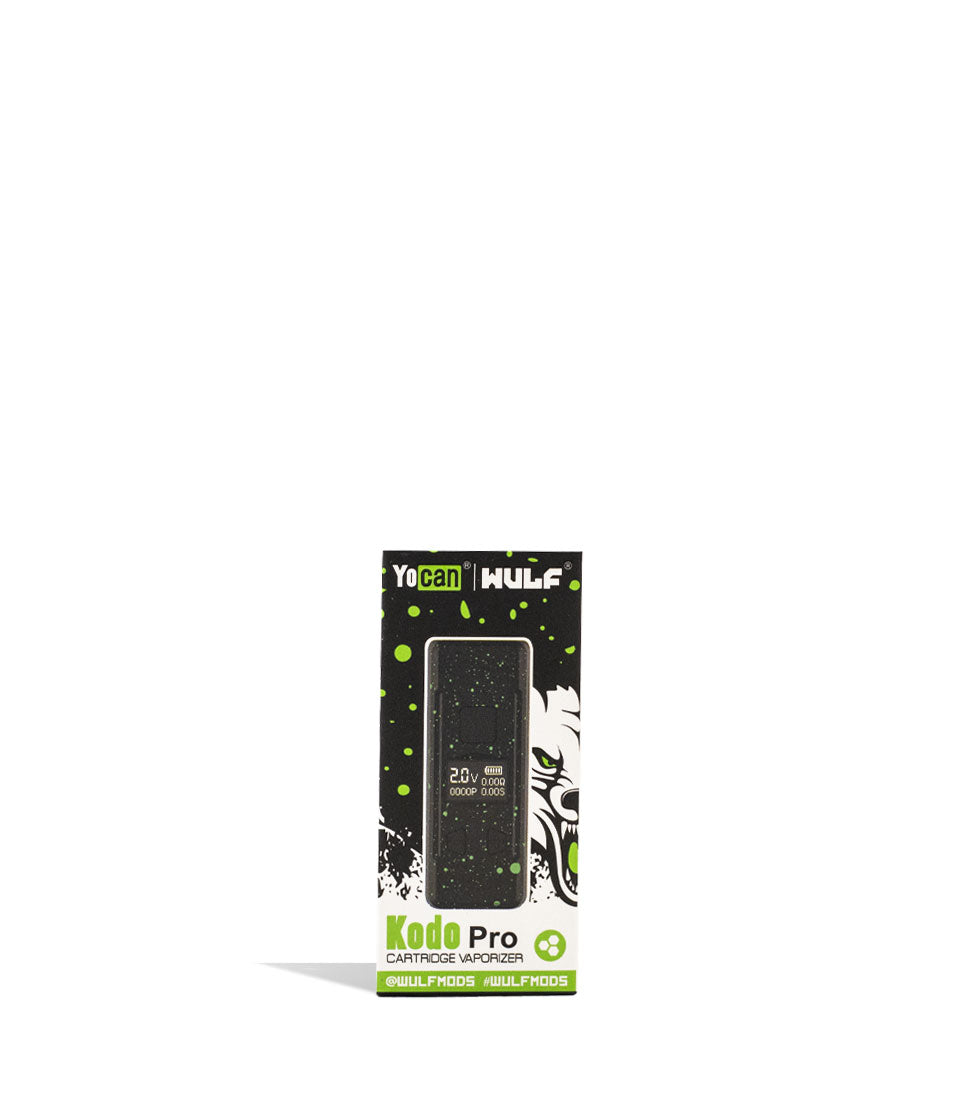
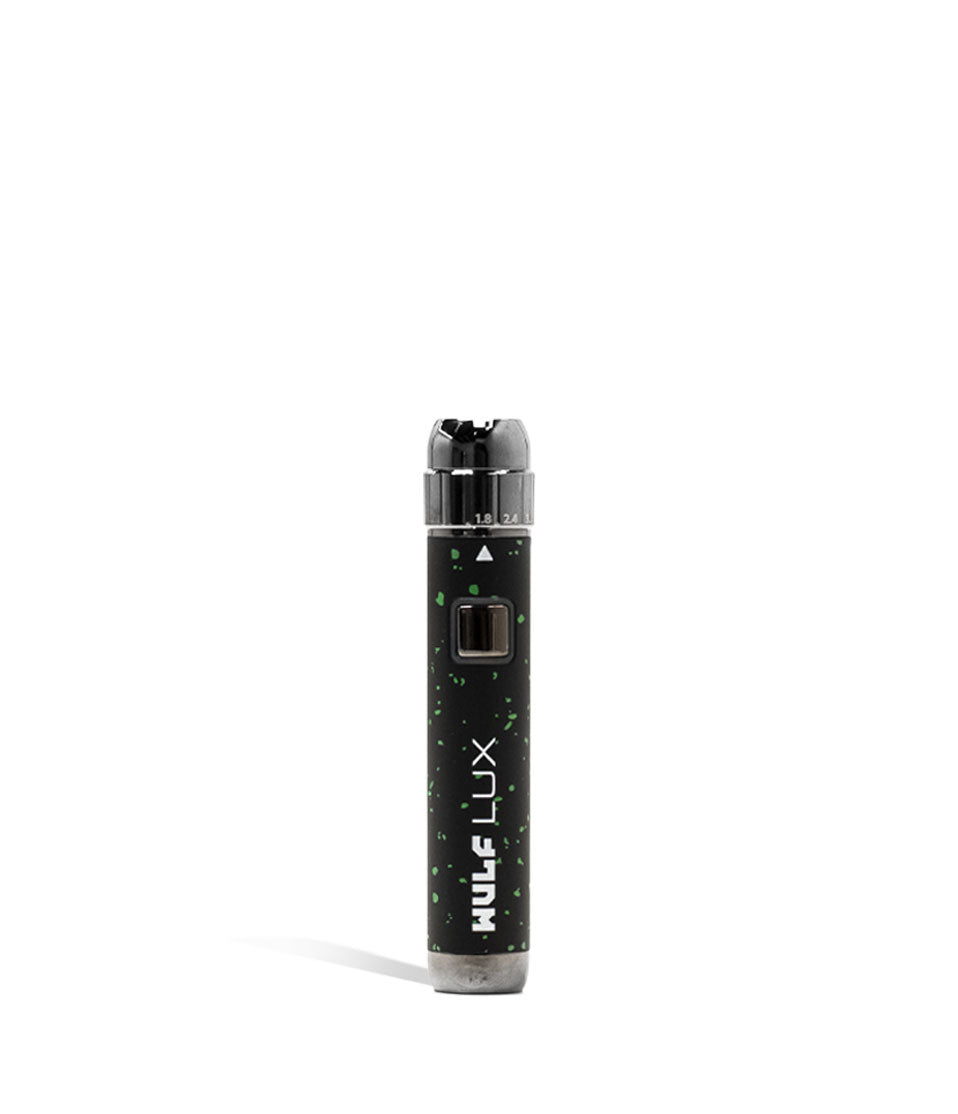
Browse the products featured in this guide.
Owners Guide
Owner Playbook
The full playbook below expands on the practical steps and tips behind this guide.
Noticing unexpected LED flash sequences or sudden shut-offs on your Wulf Mods X-Ray Series Kodo 510 Thread Battery and wondering what they actually mean?
Don’t drive yourself crazy, these built-in light alerts are smart troubleshooting safety warnings designed to protect you, your Wulf X-Ray Kodo battery, and your own Wulf Pack!
In order to help you ensure the longest lifespan for your battery and protect yourself during sessions, Wulf has created this definitive Wulf X-Ray Series Kodo troubleshooting guide to break down exactly what your device is trying to tell you and how to handle each alert in seconds. This way, you never have to guess what your X-Ray Kodo is doing and can instead keep your sessions rolling with complete confidence.
If you have any questions on setup, be sure to check out our how to use the Wulf X-Ray Series Kodo guide. This guide focuses exclusively on how to decode the four core troubleshooting warnings to ensure a full lifespan of ferocious cartridge vaping enjoyment.
Table of Contents:
Wulf X-Ray Series Kodo Troubleshooting Quick Guide
1. Auto Shut Off Warning (15-Second Draw Limit)
2. No Cart Warning (Connection Alert)
3. Short Circuit Warning (Safety Cutoff)
4. Low Battery Warning (Recharge Alert)
Trouble-Free Wulf X-Ray Kodo Vaping
Wulf X-Ray Series Kodo Troubleshooting Quick Guide
In a rush and need fast answers? Wulf gets you. Take a look below for a quick breakdown of the built-in troubleshooting notifications on your Wulf X-Ray Series Kodo and see what those LED flash alerts actually mean:
| # | WARNING / ALERT | WHAT IT MEANS | HOW TO FIX |
|---|---|---|---|
| 1 | Auto Shut Off Warning | Power button held longer than 15 seconds; X-Ray Kodo flashes its lights 8 times in a row (8x) and shuts off. | Release the power button and allow the device to reset before continuing your cloud blowing. |
| 2 | No Cart Warning | Cartridge is not detected when attempting to use; X-Ray Kodo gives a warning of 5 light flashes (5x). | Twist your 510 cartridge until snug against the top, or clean the 510 grooves with an ISO-dampened Q-tip. |
| 3 | Short Circuit Warning | Device is experiencing a short circuit issue; LED lights flash 3 times in a row (3x) and shut off. | Cease using the X-Ray Kodo immediately and leave it off until the issue subsides. |
| 4 | Low Battery Warning | Battery is depleted; lights flash 10 times in a row (10x) before ceasing and shutting off. | Plug your X-Ray Kodo into a USB-C charging cable to recharge before resuming your session. |
With this quick guide in hand, you’ll be able to decipher any LED flash sequence on your Wulf X-Ray Series Kodo with pinpoint accuracy instead of wondering what is happening with your battery.
1. Auto Shut Off Warning (15-Second Draw Limit)
Taking large, satisfying draws is what the Wulf X-Ray Series Kodo is built for, but holding down the heating button continuously without a break can overheat your cartridge coil, scorch delicate terpenes, and put unnecessary strain on your session.
As a result, this is a fairly common troubleshooting warning, to the point many vapers refer to them as “blinkers,” since you’ve taken a hit long enough to trip the overtime cutoff. Don’t worry if this happens; it’s all part of the protection system and a completely normal part of vaping cartridges.
Auto Shut Off Warning: To prevent issues, the X-Ray Kodo will automatically shut off if its power button is held longer than 15 seconds and flash its lights 8 times in a row.
This 15-second cutoff serves as an essential safety shield. Whether the firing button is accidentally pressed inside a tight pocket or bag, or an inhale extends past the 15-second mark, the internal board immediately cuts power and shuts down to prevent burnt wicks and protect your hardware.
How to Fix It:
To get back to vaping, simply release the power button and allow it to reset before continuing your cloud blowing. Yes, it really is that easy. All your Wulf X-Ray Kodo needs is a brief second to reset and you’ll be back to seamlessly seshing.
2. No Cart Warning (Connection Alert)
Because the Wulf X-Ray Series Kodo uses a universal 510 threaded connection port to fire your oil cartridges, a solid physical connection between the battery’s center contact pin and the base of your cartridge is required to complete the circuit.
No Cart Warning: Should a cartridge not be detected and you attempt to use your X-Ray Kodo, you will receive a warning of 5 light flashes to alert you to the issue.
If you press the fire button and see 5 flashes instead of vapor, the X-Ray Kodo is letting you know it cannot sense a cartridge attached on top. This typically happens when a tank is twisted on too loosely, when stray oil residue blocks electrical contact, or when a cartridge’s bottom firing pin isn’t making flush contact.
How to Fix It:
First, gently twist your 510 cartridge until it feels completely snug against the top of the X-Ray Kodo, aiming for a firm, finger-tight fit without overtightening. If the 5 flashes continue, remove the cartridge, dampen a Q-tip with isopropyl alcohol, and clean the 510 threaded grooves and center pin to remove any insulating oil buildup.
Leave plenty of time for drying so no excess moisture gets trapped in your connection, reattach your cartridge, and you’re ready to fire once again.
3. Short Circuit Warning (Safety Cutoff)
Your Wulf X-Ray Series Kodo is engineered with built-in circuit protection to safeguard both you and the battery if an electrical fault occurs during operation.
Short Circuit Warning: The LED lights will flash 3 times in a row to let you know your device is experiencing a short circuit issue, and you should cease using it until it subsides.
A short circuit can be triggered by trapped moisture inside the 510 connection, debris bridging the contacts, or a damaged internal atomizer coil inside a faulty cartridge. When the Wulf X-Ray Kodo detects this condition, its LED lights flash 3 times in a row and shut off to prevent battery damage or overheating.
How to Fix It:
Respect the safety cutoff by ceasing use of the X-Ray Kodo immediately and leaving it powered off until the issue subsides. While powered down, remove your cartridge and inspect the 510 threaded port for any moisture, pocket lint, or residue.
Clean the grooves gently with a lightly soaked isopropyl swab, allow plenty of time for the device to air-dry completely, and check your cartridge hardware before attempting to use the unit again. Always take short circuit warnings seriously, as ignoring these alerts can permanently damage your X-Ray Kodo.
4. Low Battery Warning (Recharge Alert)
Every session eventually reaches the point where your battery needs a top-off. Instead of letting power drop unevenly, the Wulf X-Ray Series Kodo monitors your charge level and gives you a clear visual signal when it’s time to plug in.
Low Battery Warning: When your battery is depleted, the lights on your X-Ray Kodo will flash 10 times in a row before ceasing and shutting off. This means you need to plug your device in.
Seeing 10 consecutive flashes followed by a shutdown means your X-Ray Kodo has reached its low-voltage threshold and powered down to protect the internal battery cell from over-discharging.
How to Fix It:
Plug your X-Ray Kodo into a USB-C charging cable to recharge your device. Remember to follow proper Wulf charging care: leave your X-Ray Kodo plugged in for a full 2 hours on its very first charge, and cap all subsequent recharges at a maximum of 1 hour to preserve its battery lifespan.
Once recharged, press the center power button 5 times in quick succession (5x) to jump right back into your session.
Trouble-Free Wulf X-Ray Kodo Vaping
Now that you know how to decode every LED troubleshooting warning on your Wulf Mods X-Ray Series Kodo 510 Thread Battery, you can proceed through every session with total peace of mind.
Understanding the 15-second auto shut-off (8 flashes), the no-cart alert (5 flashes), the short-circuit safety cutoff (3 flashes), and the low-battery warning (10 flashes) guarantees your hardware stays protected while delivering top-tier clouds.
Remember that if you ever encounter these warnings, taking a moment to respond properly keeps your X-Ray Kodo performing at its absolute peak for countless sessions ahead.
Have any more questions for the Wulf Pack? Make sure to check out the Wulf Resource Center for more helpful tips, device walkthroughs, and operational guides detailing all our latest releases. Thanks for choosing Wulf for your sessions, and welcome to the Wulf Pack! Stay howling out there y’all, and we’ll see you in the next session! Arooo!!!
Frequently Asked Questions
Owners Guide FAQs
Common questions related to this guide and how to apply the information when choosing your device.
Why Is My Wulf X-Ray Series Kodo Flashing 8 Times And Shutting Off Mid-Draw?
What Does It Mean When My X-Ray Kodo Flashes 5 Times Even With A Cartridge Attached?
How Serious Is The 3-Flash Short Circuit Warning, And What Should I Do?
Why Does My X-Ray Kodo Flash 10 Times Before Turning Off?
Why Won't My Cartridge Fire Even After I Clean The 510 Grooves?
Wulf Mods Trust Center
About This Resource
Understand how this guide was researched, reviewed, and maintained by the Wulf Mods editorial team.
Editorial Standards
- Written for the people choosing and using these devices.
- Reviewed for clarity, accuracy, and practical retail value.
- Based on current manufacturer specifications and product documentation when available.
- Updated as products, regulations, category trends, or market conditions evolve.
- Built on deep, hands-on product experience.
- Designed to help you choose the right device with confidence.
Research Methodology
This owner guide was prepared to help you set up, use, and care for your device with confidence. Guidance is based on hands-on product experience, common questions, and real-world use.
- Hands-on product experience
- Setup and first-use guidance
- Cleaning, care, and maintenance
- Common questions and troubleshooting
- Safe and responsible use
- Real-world use considerations
- Editorial review for clarity and usefulness
Supporting Sources
Sources used to support this resource are included for transparency and documentation.
Article Information
Intended Audience
- Everyday customers
- First-time buyers
- Experienced enthusiasts
- Dry herb users
- Concentrate users
- Anyone upgrading their setup
Editorial Policy
Wulf Mods educational resources are reviewed periodically to maintain accuracy and relevance. When product specifications, regulations, category trends, or market conditions change, articles may be updated with a new review date. Trusted product guidance.