A Howlingly Professional 510 Thread Battery
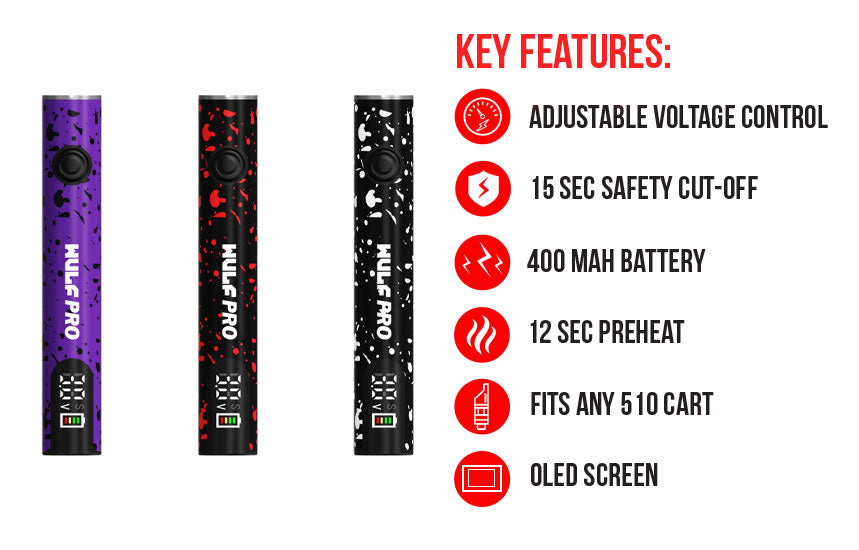
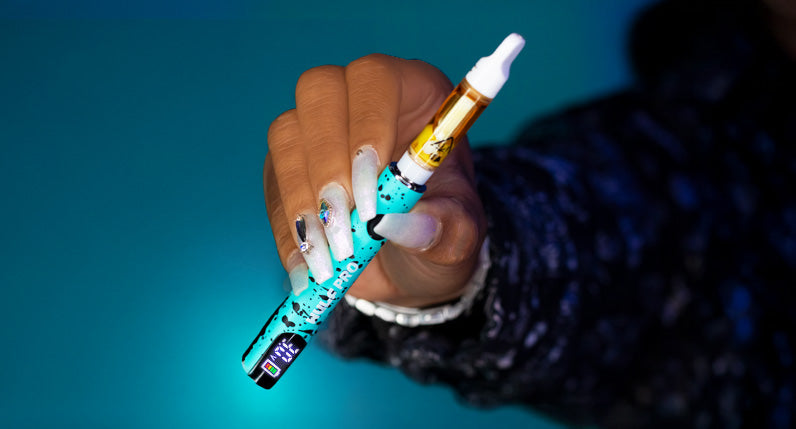
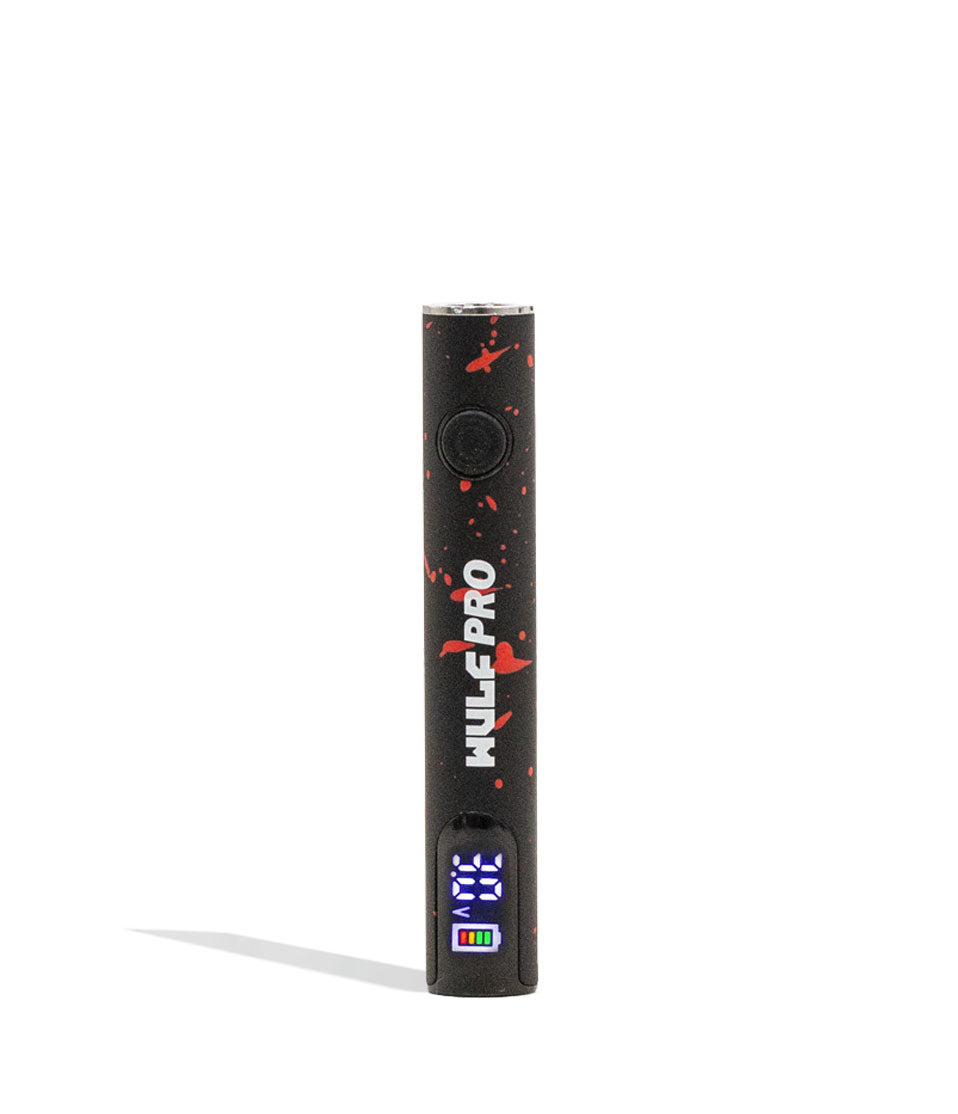
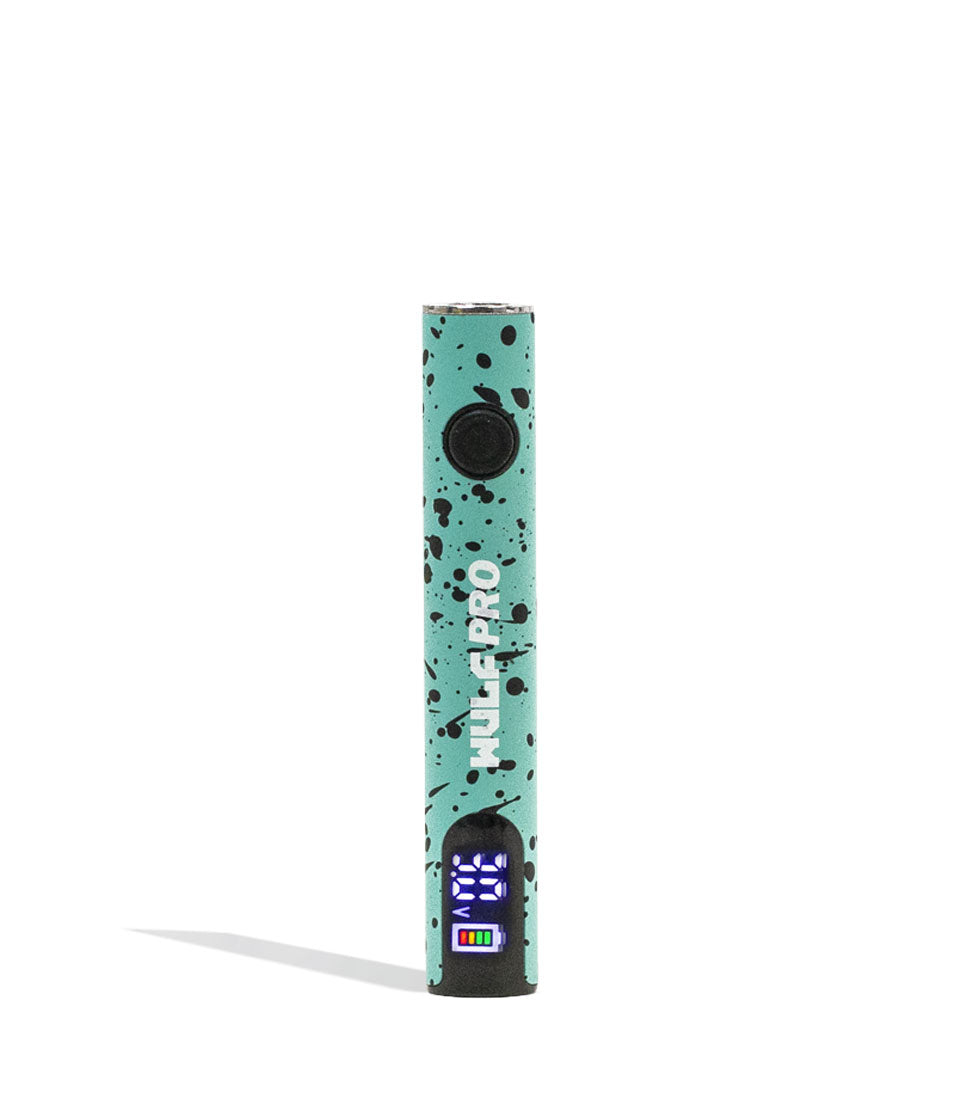
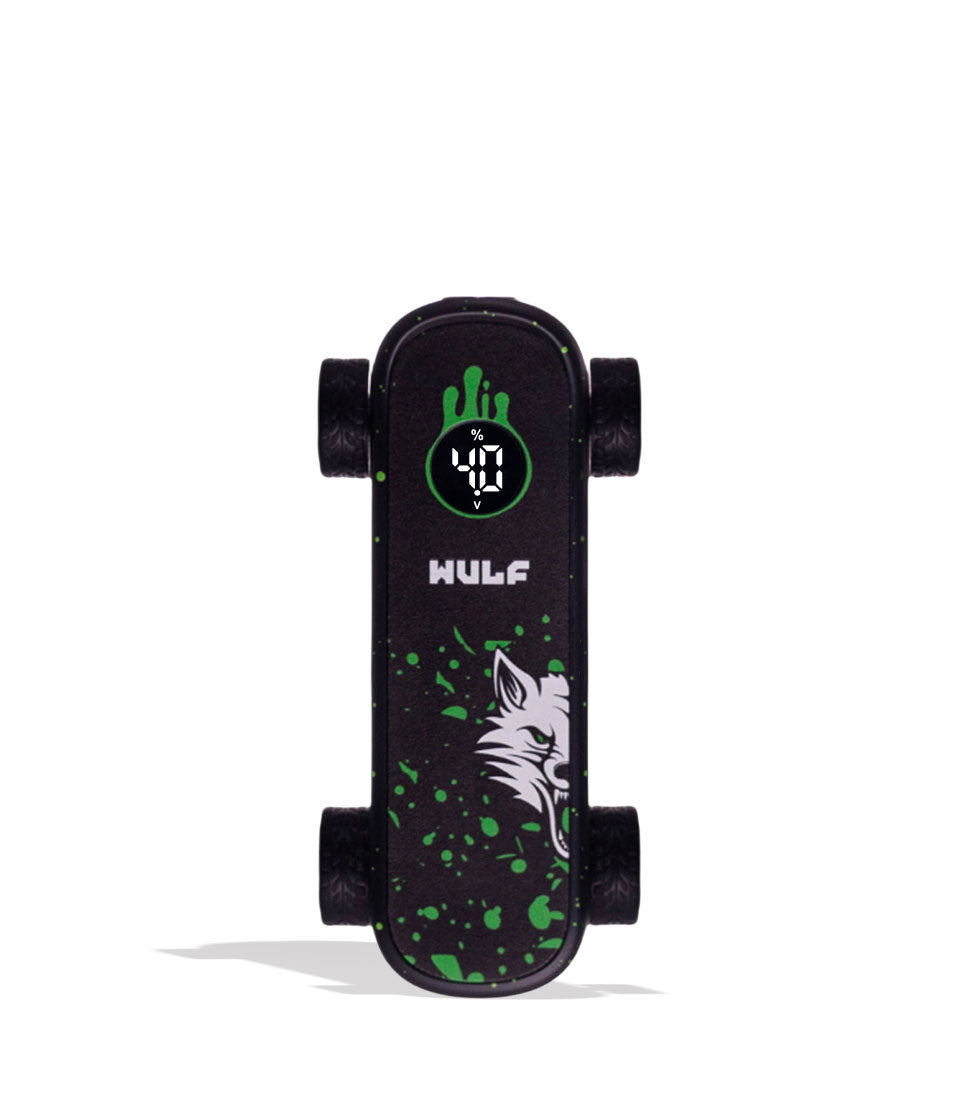
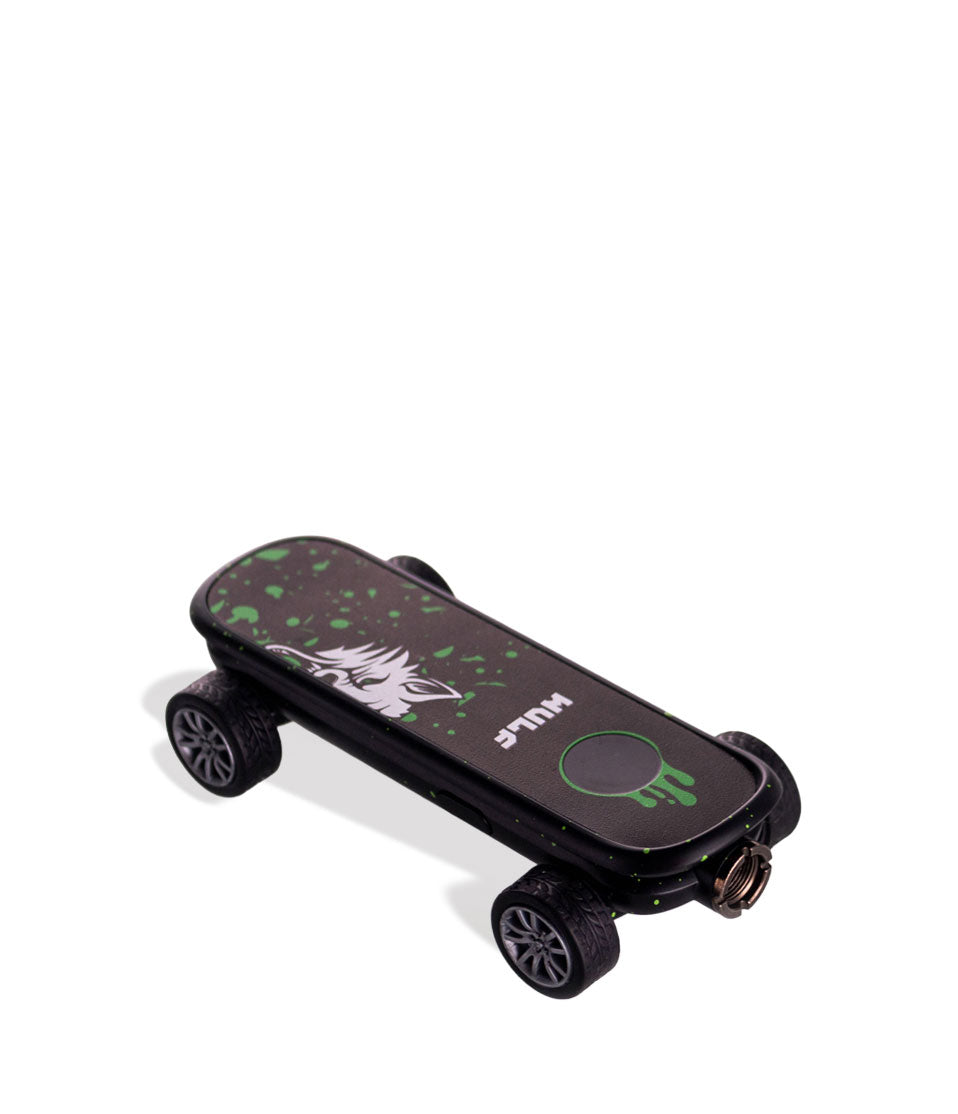
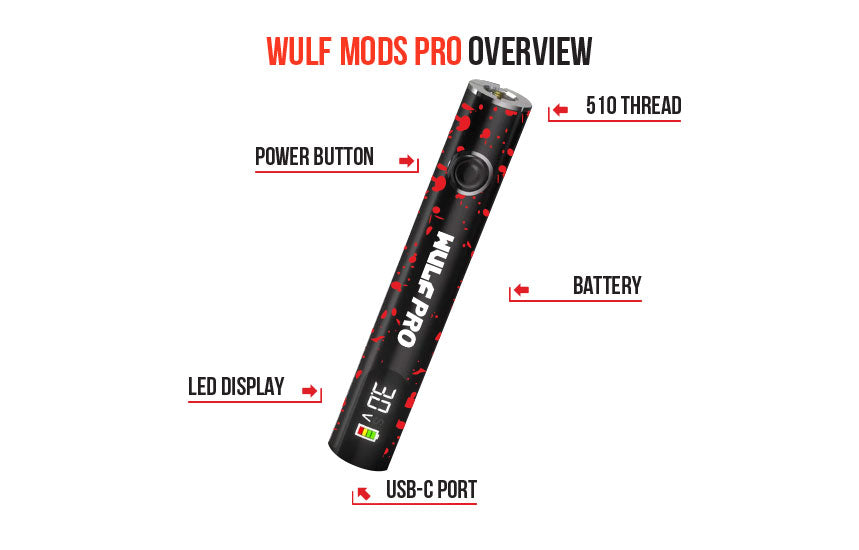
Step up your cartridge vaping to the big leagues with our Wulf Mods Pro 510 Voltage Battery! We’ve gone all out to give the Pro some serious bite by upgrading it with a 400mAh battery, extended 12s preheat function, and incrementally adjusted voltage range from 2.0 – 4.2v. All of this is elevated by the Pro’s included OLED screen, a rarity for pen style batteries, which fits directly into the base of the device to provide you with information like battery level, puff count, and voltage level.
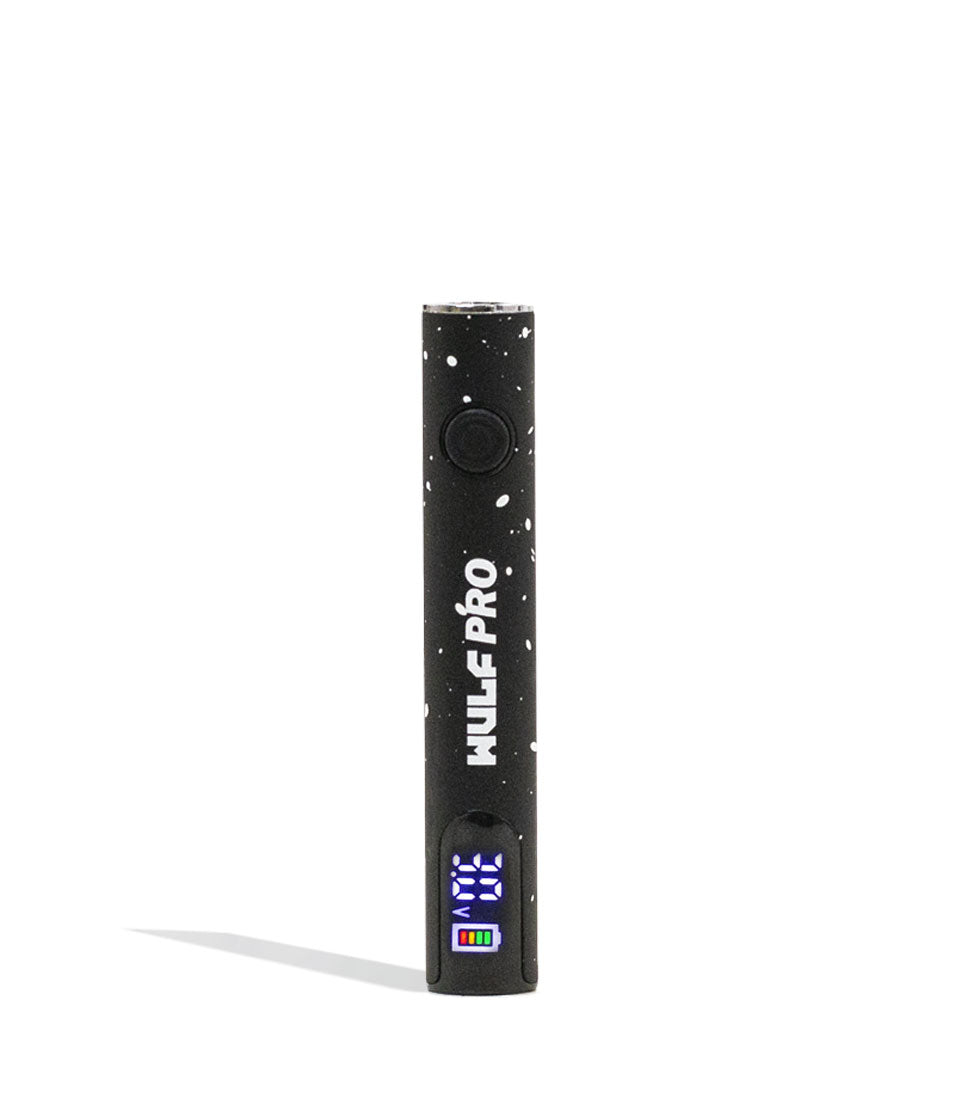
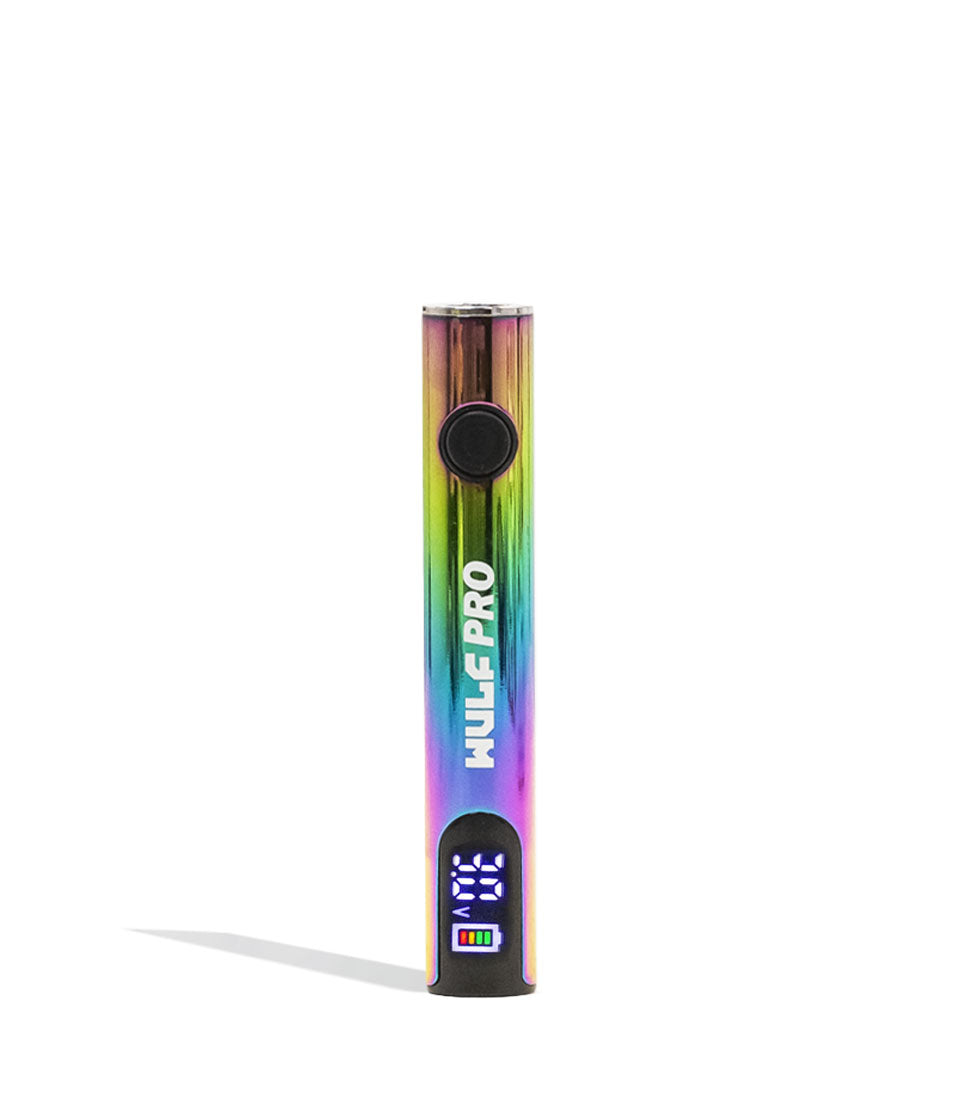
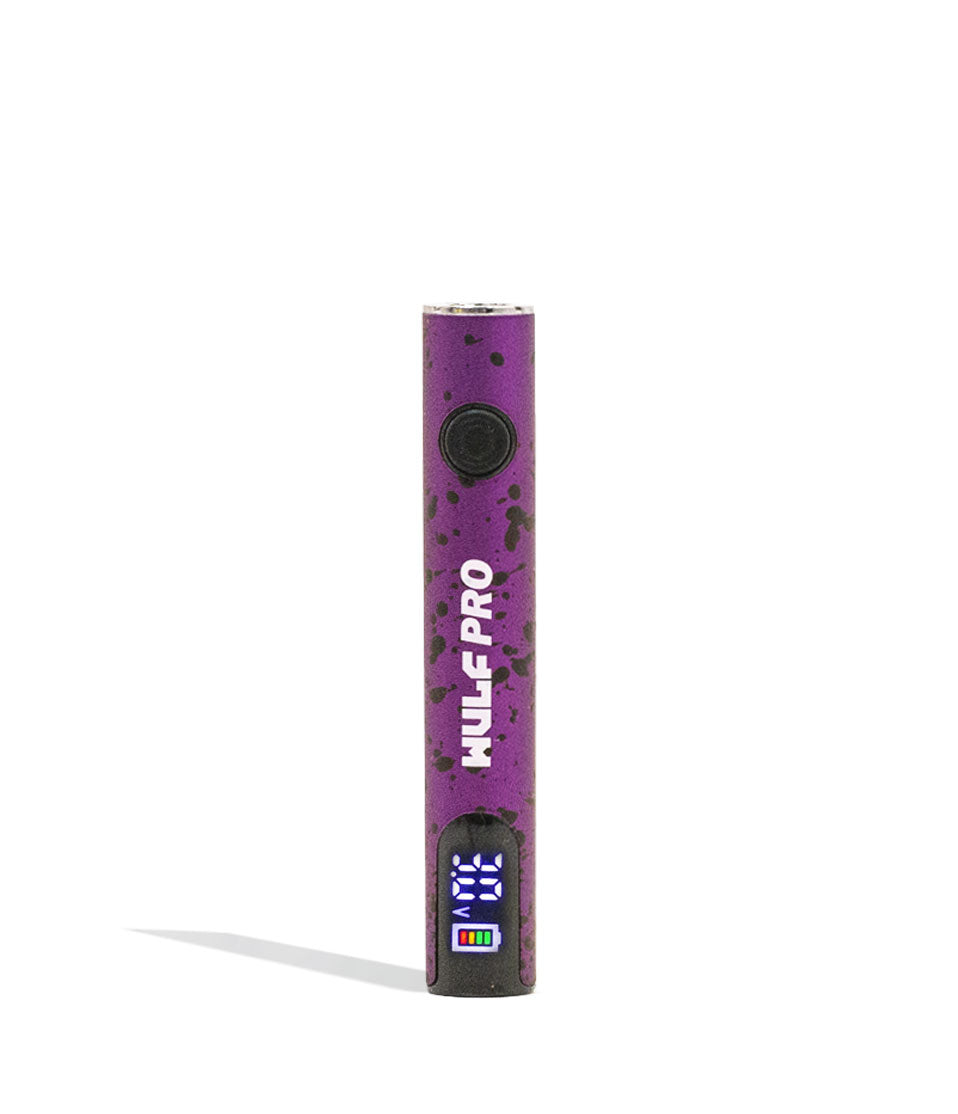
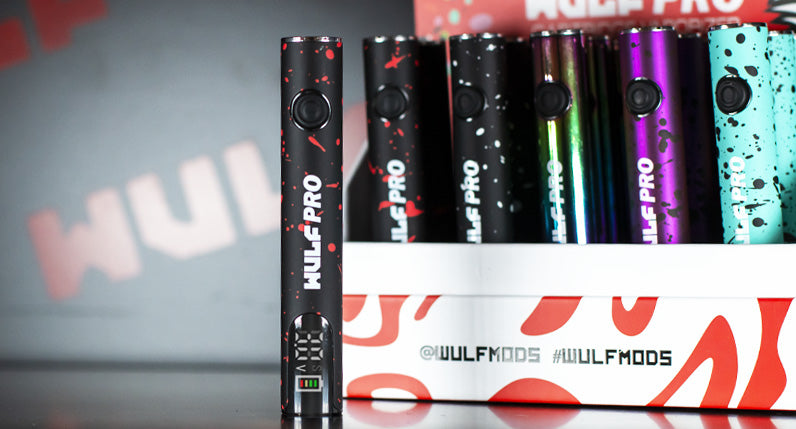
Add the Pro to your pack today and start seshing like a true professional by choosing one of the 5 available color options including some Wulf Mods spatter classics like black-red and purple-black.
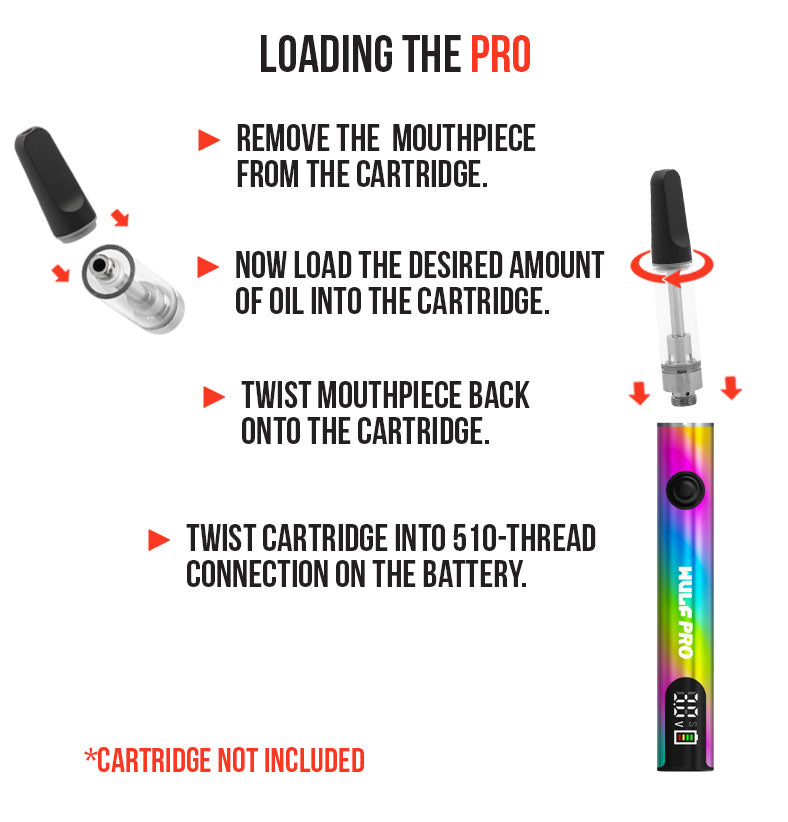
Loading A Cartridge Into The Pro 510 Voltage Battery
To get started off with the Pro 510 Voltage Battery first select a compatible cartridge from your collection and then slowly twist it into the top of the device until they are flush against each other.
Using Your Pro 510 Voltage Battery
To fire up your Wulf Pro, start off by pressing the power button 5 times in a row and watch as your OLED screen lights up. Now you are able to hold down the power button and slowly inhale from the mouthpiece to enjoy the professionally tuned clouds only the Wulf Pro can provide.
When you are ready to wind down your session, press the power button an additional 5 times in a row to shut down the Wulf Pro.
Adjusting The Pro 510 Voltage Battery Temperature
To adjust your temperature, press the power button three times in a row and look at your OLED screen to see the current voltage level flashing. Now with each press of the button your voltage will be increased to let you tailor your session to any of the available options between 2 – 4.2v.
Once at the desired voltage, cease pressing the power button and wait a moment for your temperature setting to get locked in. After the number has stopped flashing, you are all ready to start vaping at your new voltage setting.
Preheating Your Pro 510 Voltage Battery
To get a powered up hit, press your power button twice (2x) in a row to begin the 12s preheat function. You will notice on your OLED a 12s countdown, this is a visual reminder to let you know when your cartridge is ready for you to use it again. Once it expires, take a hit from your Wulf Pro as normal and enjoy the fiery tastes of a preheated hit.
How To Charge The Pro 510 Voltage Battery
To charge the Wulf Pro make use of its USB-C port. The first time you charge your Wulf Pro, leave the device plugged in for a full 2 hours. Every single time after the initial charge, never leave it connected for longer than 1 hour at a time to increase battery lifespan and prevent issues.
Troubleshooting Your Pro 510 Voltage Battery
For the smoothest of sessions, make sure to take a look at the following troubleshooting notices that can appear while enjoying your cartridges.
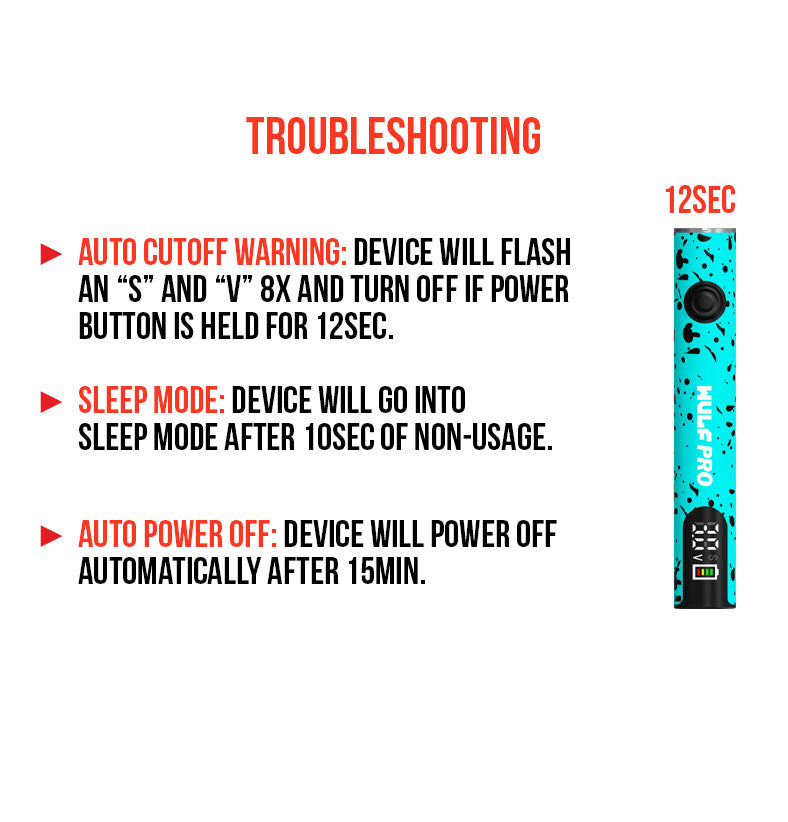
Auto Cut Off Warning – If you hold the power button down longer than 12s, your OLED will flash an “s” and “v” 8x before the device powers off. Release the power button and then press it again to continue.
Sleep Mode Warning – Your OLED will turn off and switch to sleep mode after 10s of non-usage.
Auto Shut off Warning – The Wulf Pro will shut off if not used for longer than 12 minutes in order to preserve battery life and increase safety.
How To Clean the Pro 510 Voltage Battery
To clean the Wulf Pro 510 we recommend wiping down the outside of the vaporizer and then using a q-tip or swab lightly dampened with isopropyl alcohol to gently clean the 510 threaded connection area. Always leave ample time for parts to dry before vaping again.
What’s Included:
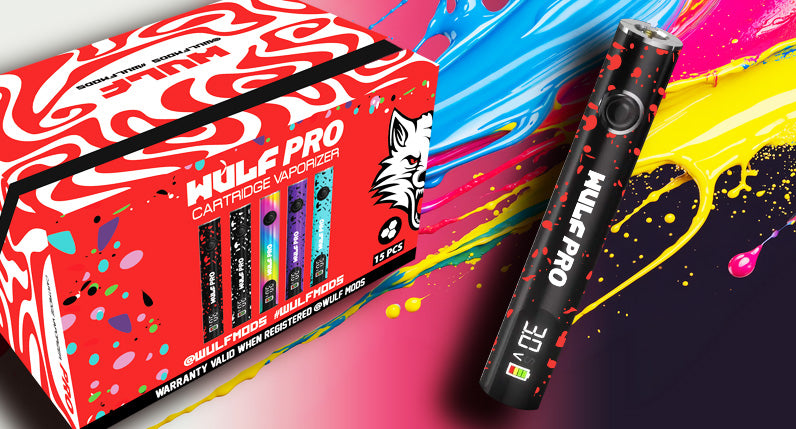
- (1) Wulf Mods Pro 510 Variable Voltage Battery
WARNING: Do not charge with a powerbank of 5V or higher. Do not charge in your car. Do not overcharge the battery. Failure to follow these instructions could result in battery damage and frying of the internal system.