

Resource Center
Troubleshooting The Wulf Zapp 510 Thread Battery

Continue With This Resource
Wulf Mods Quick Brief
What You Should Know
A fast summary of the key points, questions, and guidance covered in this guide.
Overview
Key Takeaways
- The Wulf Zapp uses LED light flash codes and digital screen prompts to instantly communicate battery level, connection, and short circuit issues.
- A screen flashing 3 times with a 0% reading signals a depleted battery, requiring a USB-C charge until the digital readout stops flashing at 99%.
- An LED light flashing red 5 times alerts you to a short circuit, requiring immediate shutoff, thread cleaning, or replacing the faulty cartridge.
- An LED light flashing red 2 times means the battery cannot detect the cartridge, requiring thread cleaning or re-seating the 510 pin connection.
- Holding the trigger button past 15 seconds triggers a 3 flash cutoff warning to prevent coil burnouts, battery overheating, and dry hits.
Questions This Resource Answers
- What are the Wulf Zapp 510 Battery troubleshooting warnings?
- How do I quickly address Wulf Zapp 510 Battery troubleshooting warnings?
- What does an LED flashing red 5 times mean on the Wulf Zapp, and how do you resolve a Short Circuit Warning?
- Why does the Wulf Zapp screen flash 3 times and cut power during a draw longer than 15 seconds?
- * How do you identify a Low Battery Warning, and what is the proper USB-C charging protocol?
Recommended Products
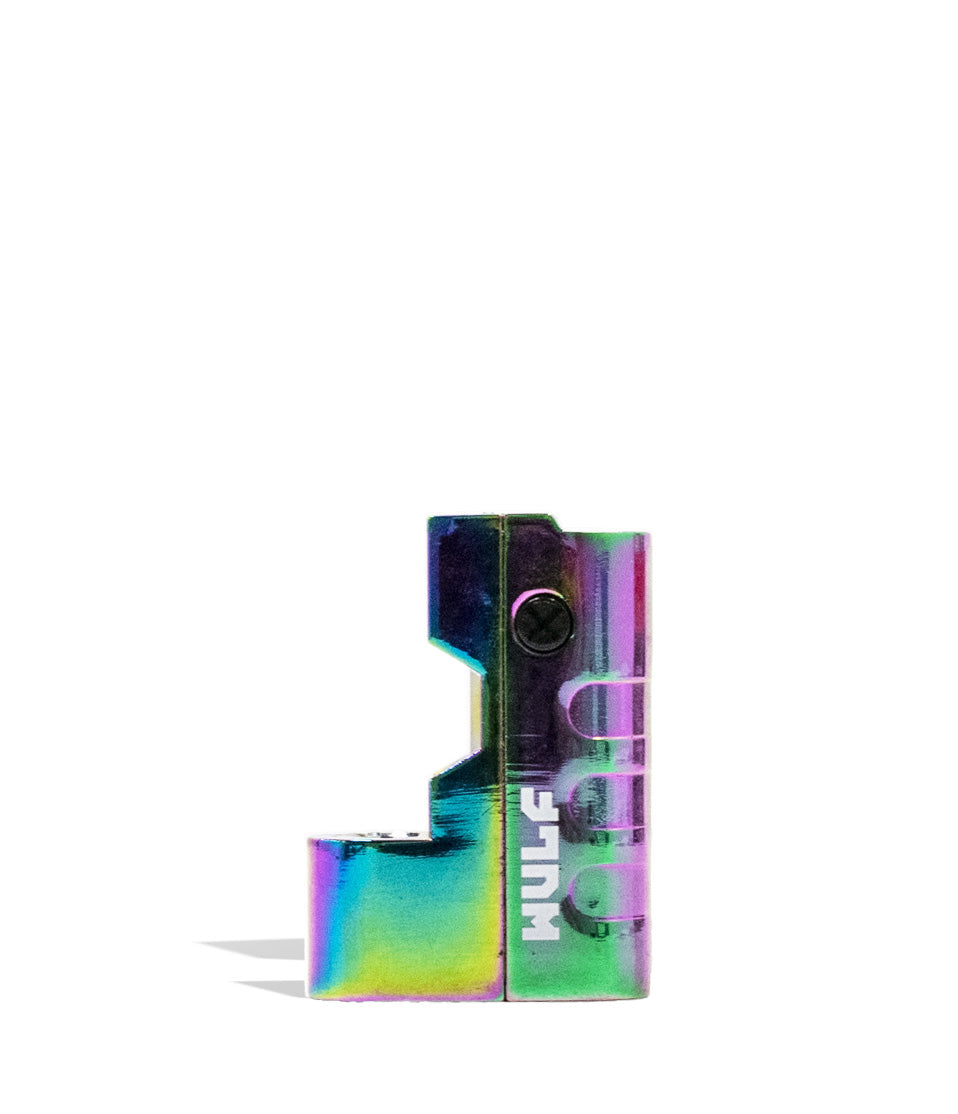
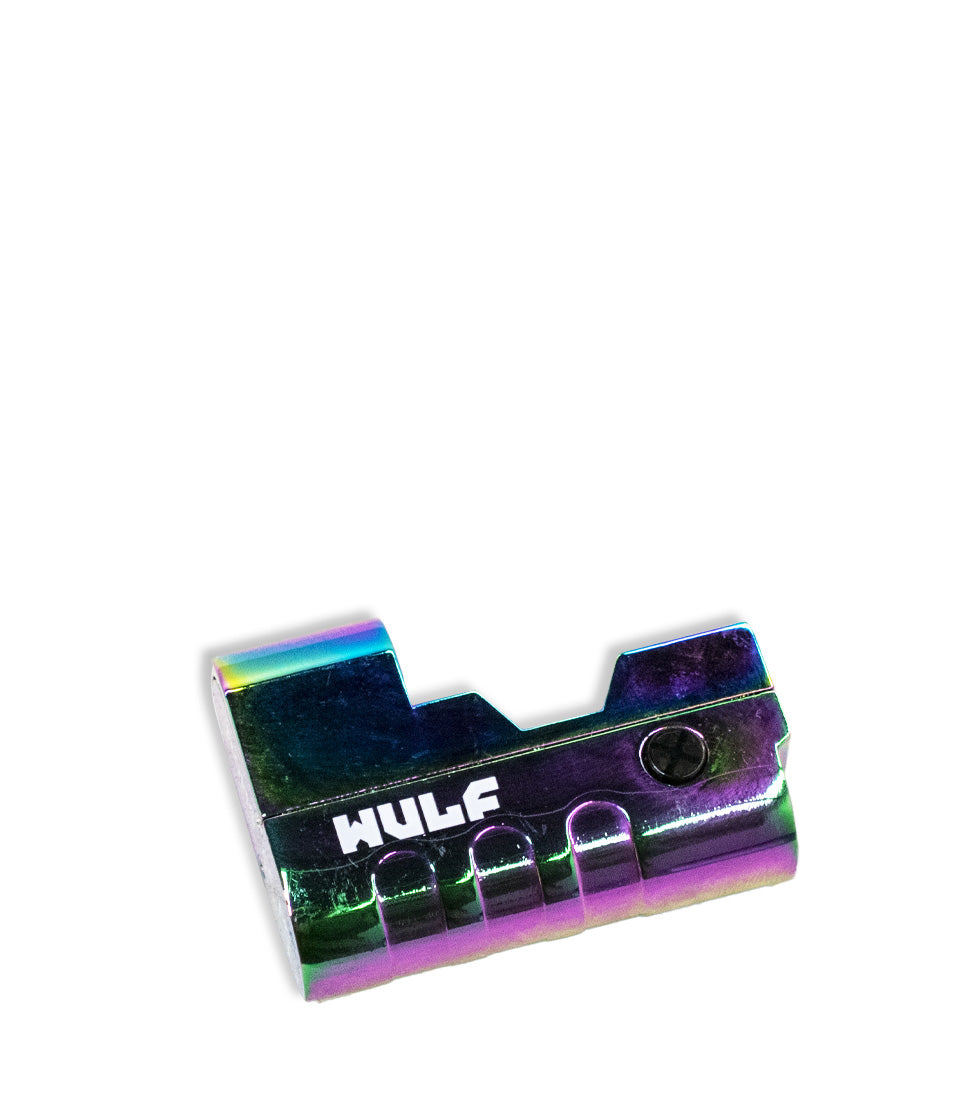
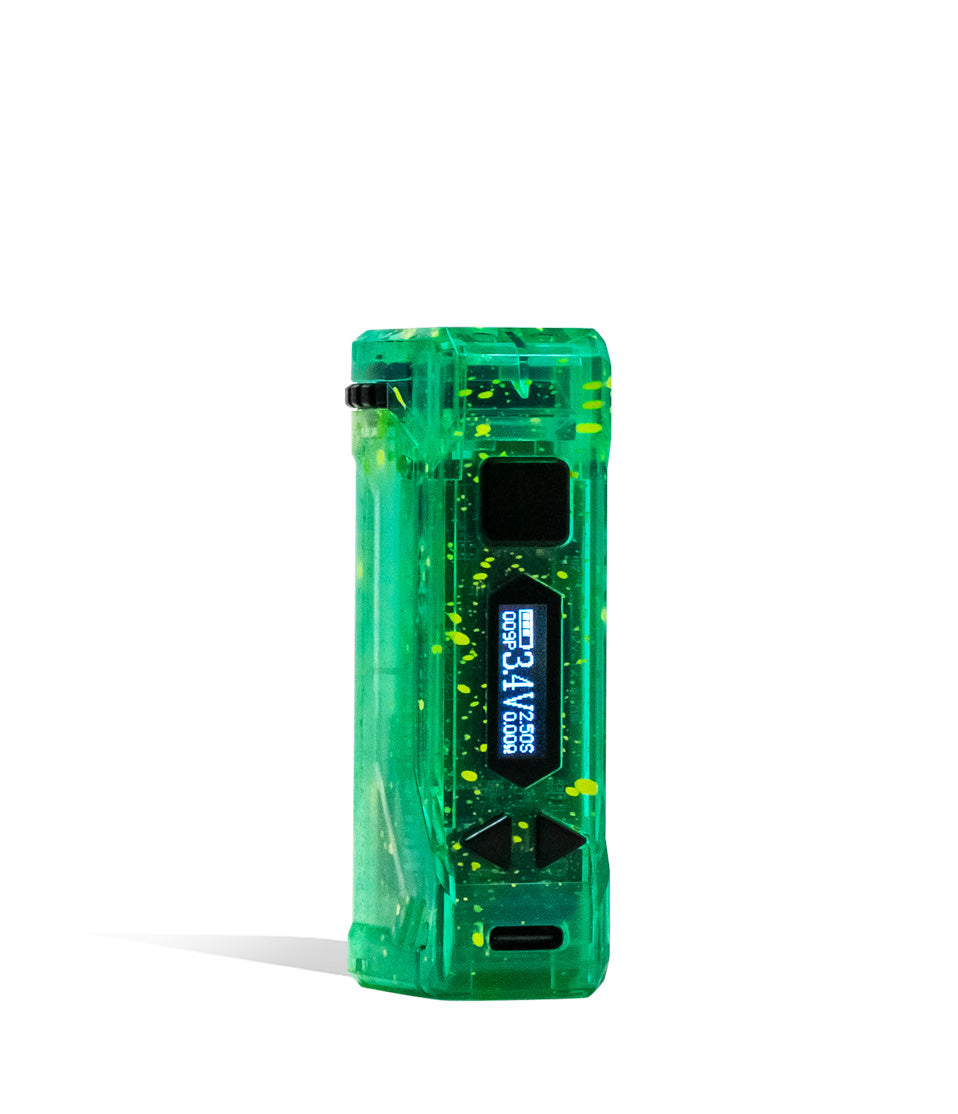
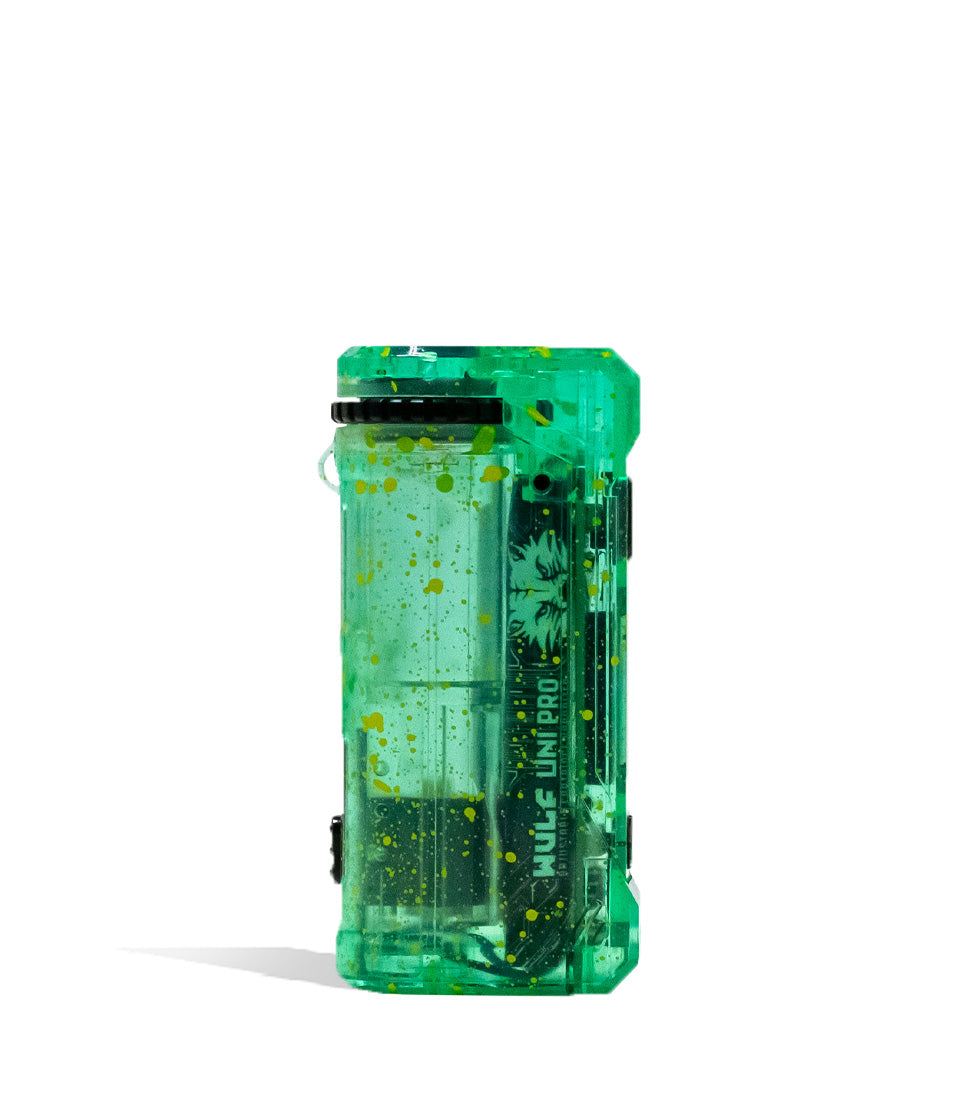
Shop 510 Thread Batteries
Browse the products featured in this guide.
Owners Guide
Owner Playbook
The full playbook below expands on the practical steps and tips behind this guide.
Noticing flashing lights on your Wulf Mods Zapp 510 Thread Battery and wondering if you’re receiving an alien distress signal?
No need to consult Starfleet command! These flashing lights are actually built in troubleshooting warnings designed to protect you, your battery, and your Wulf Pack from any issues while ripping clouds!
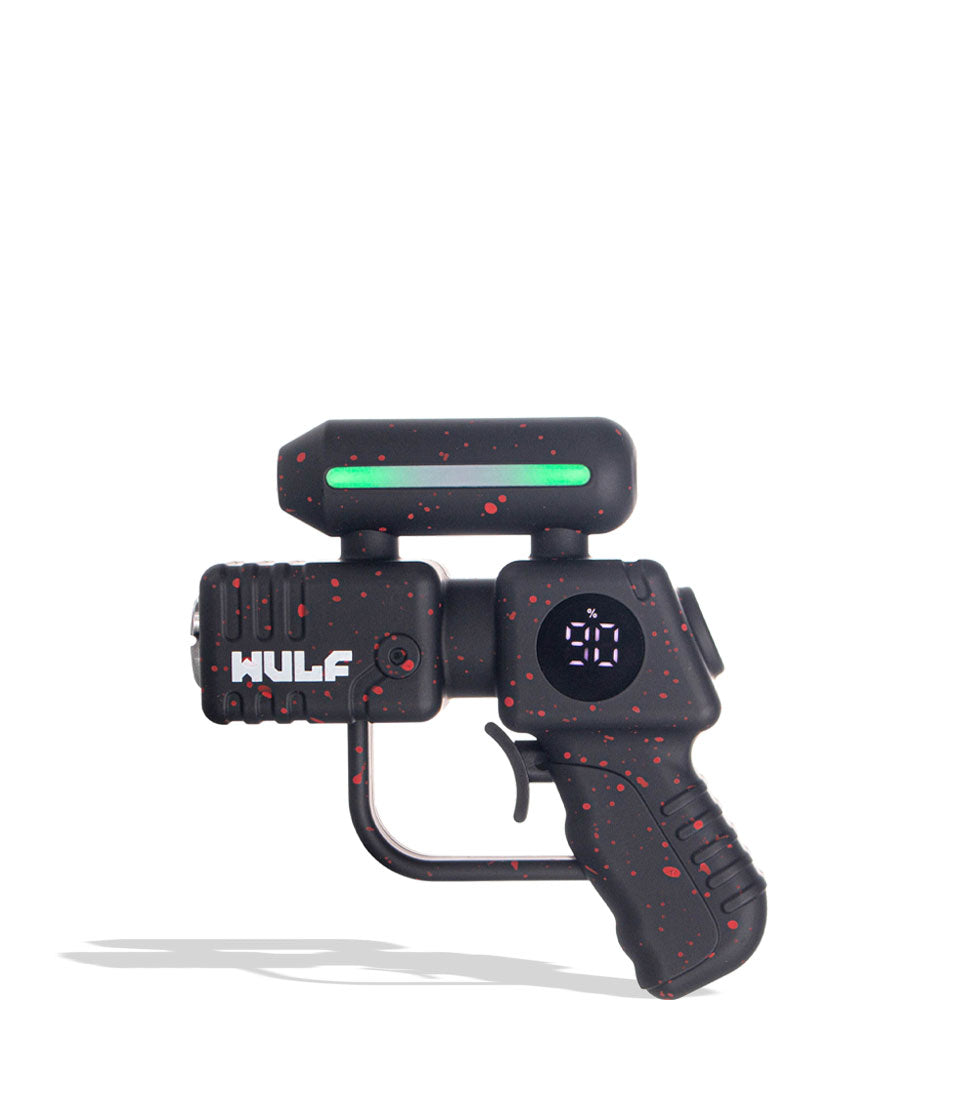
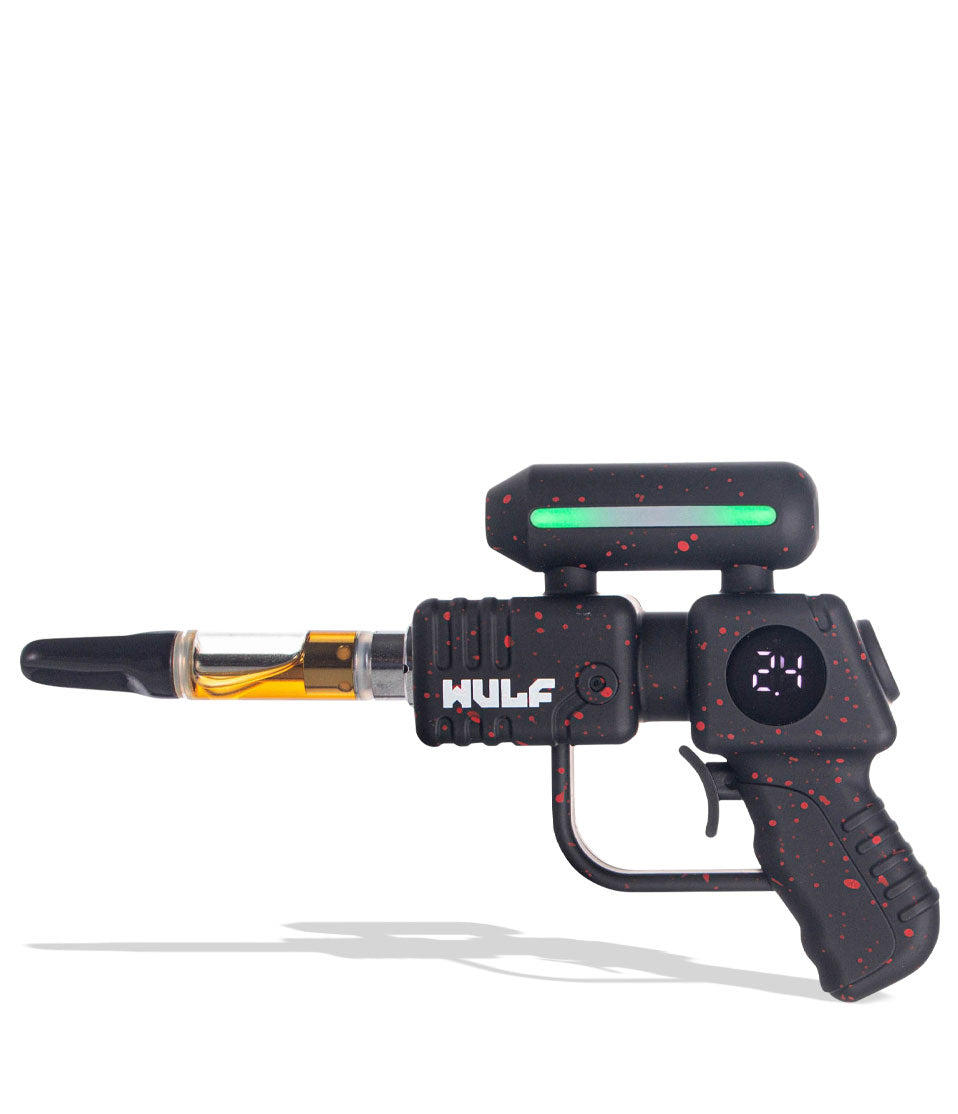
In order to help you enjoy the smoothest sessions across the galaxy, Wulf has created the following Wulf Zapp troubleshooting guide to let you know what your sci-fi inspired 510 battery is trying to tell you and how you can easily find a solution.
This way, you don’t have to guess what your Wulf Zapp is trying to communicate. Instead, you’ll know exactly what the problem is and how you can fix it at warp speed.
If you have any questions on how to use or clean your Wulf Zapp, click here. This guide will be focusing exclusively on how to deal with common troubleshooting warnings, in order to ensure a full lifespan of ferocious, intergalactic cartridge vaping enjoyment.
Table of Contents:
Wulf Zapp Troubleshooting Quick Guide
1. Low Battery Warning
2. Short Circuit Warning
3. Open-Circuit Warning
4. Time Out Warning
Trouble Free Wulf Zapp Vaping
Wulf Zapp Troubleshooting Quick Guide
In a rush and need just the answers? Wulf gets you. Take a look below for a quick guide to all of the various built-in troubleshooting warnings on your Wulf Zapp and see what those flashing lights and screen prompts actually mean.
| # | WARNING | WHAT IT MEANS | HOW TO FIX |
|---|---|---|---|
| 1 | Low Battery | The screen flashes 3x and displays a 0%. | Charge your Wulf Zapp via the USB-C port. |
| 2 | Short Circuit | The LED flashes red 5x in a row. | Cease using that cartridge. Clean threads or swap carts. |
| 3 | Open-Circuit | The LED light flashes 2x. | Check the connection; you may need to change your cartridge. |
| 4 | Time Out | The LED light and screen flash 3x. | Release the trigger! You held it for over 15 seconds. |
With this in mind, you’ll be able to decipher anything your Wulf Zapp is trying to tell you and can fix the issue with pinpoint precision, instead of drifting through space wondering what exactly is going on.
1. Low Battery Warning
As the most common troubleshooting warning on the Wulf Zapp, the “Low Battery Warning” isn’t the result of doing anything wrong, but simply a normal part of powering your vapor enterprise.
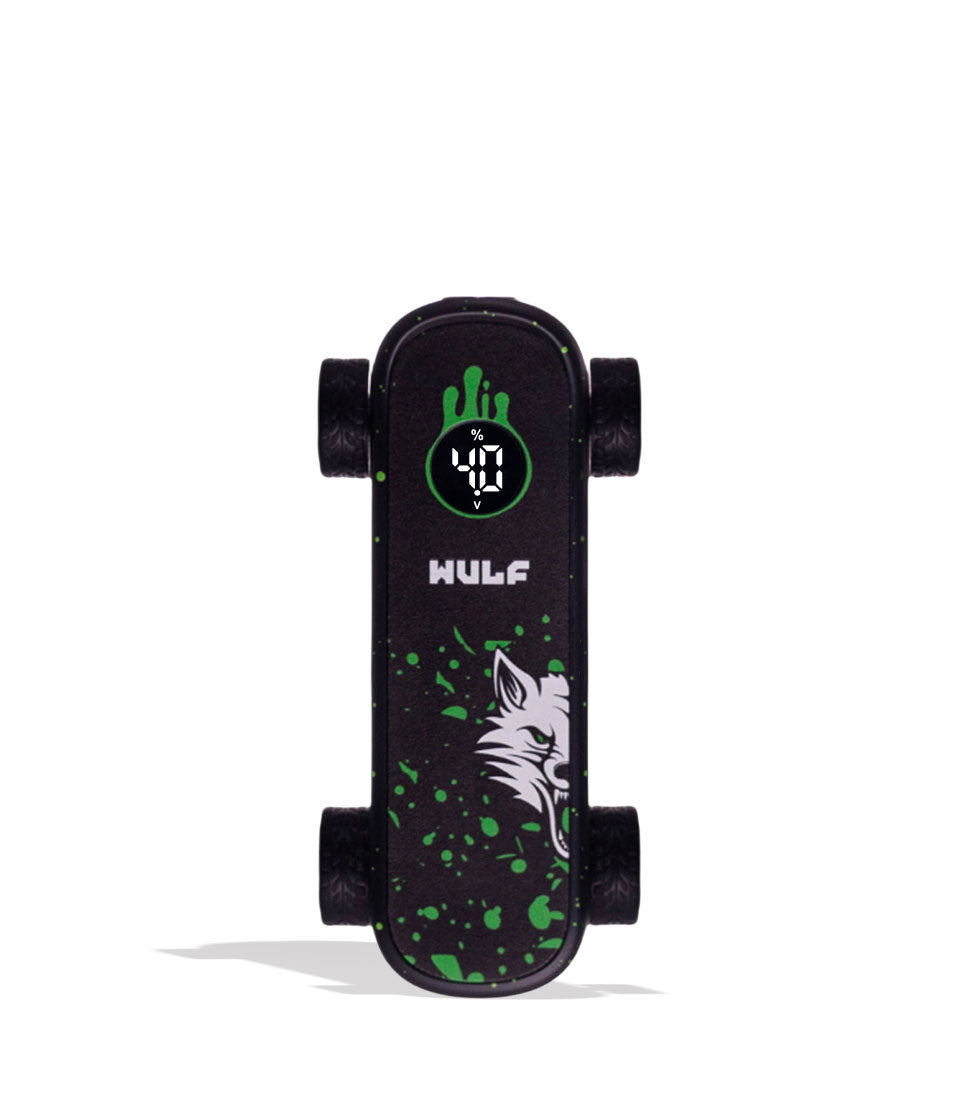
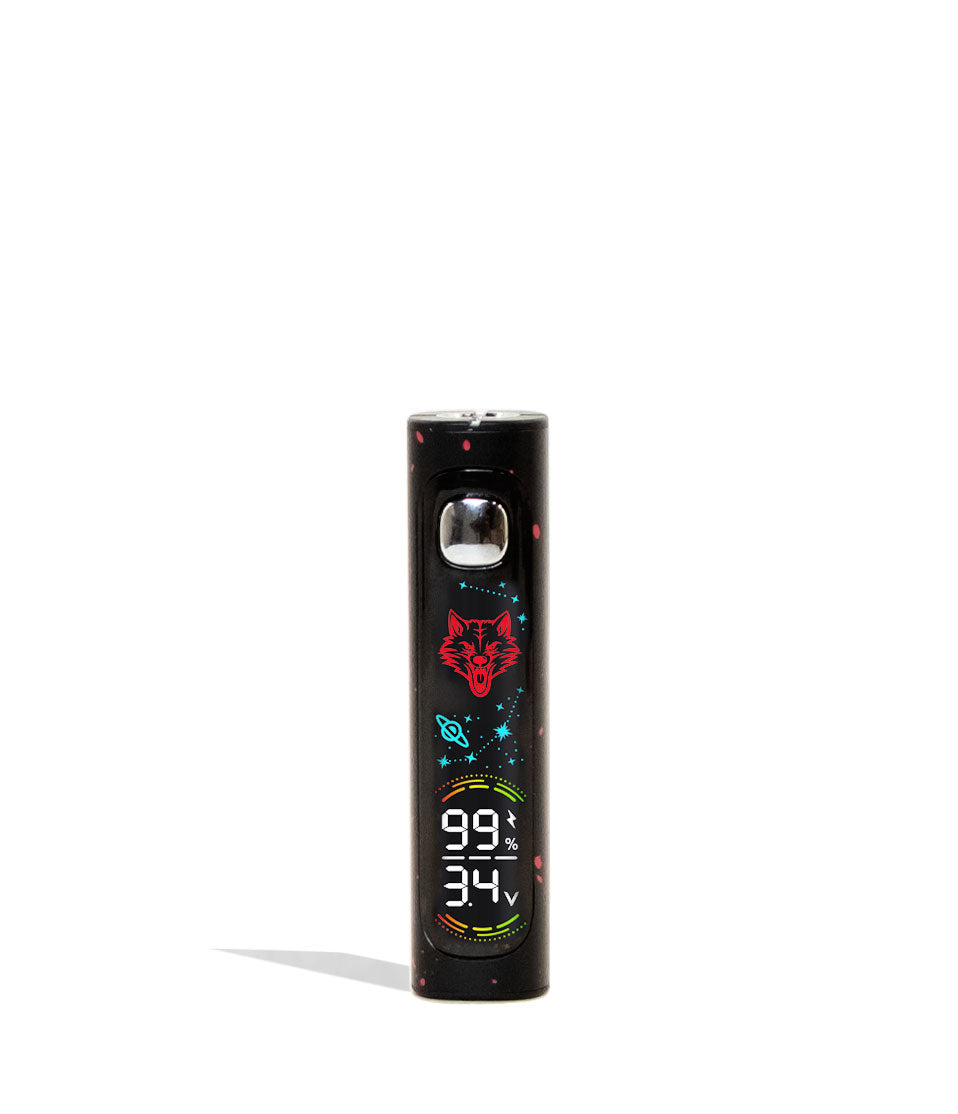
When your Zapp needs a charge, the digital screen will flash 3 times (3x) and display a 0%.
This indicates that your power reserves are depleted. To fix this, use a compatible USB-C charging cable and plug your Wulf Zapp in. The screen will flash your current percentage until it reaches 99% and stops flashing, letting you know it’s fully fueled.
Make sure to always unplug your battery promptly once it’s finished charging to protect the internal battery cell.
2. Short Circuit Warning
Stepping things up into the more serious cases of troubleshooting warnings, we have “Short Circuit Warnings” which are there to indicate when there is an electrical issue with your cartridge or the firing pin connection.
If your Zapp is experiencing a short circuit, your LED will flash red 5 times (5x) in a row and stop working. This means you should cease vaping immediately to protect your device’s motherboard.
To fix, power down your vaporizer (5 trigger pulls) and examine the front muzzle connection points. Clean away any leaked oil with an ISO swab. If the warning persists after cleaning, the cartridge itself is likely faulty and needs to be replaced.
3. Open-Circuit Warning
Another important warning to be aware of is the “Open-Circuit Warning” which will arise when your battery is unable to detect your cartridge, or there simply isn’t one attached securely. This protects the device from misfiring.
If your LED light flashes 2 times (2x), this means you have an open-circuit on your Wulf Zapp.
To fix, examine your connection points. Ensure the cartridge is twisted in snugly (but not over-tightened!). Make sure the gold contact pins are clean. If the warning persists, try a different 510 cartridge to ensure it’s not an issue with the cart’s base pin.
4. Time Out Warning
The Wulf Zapp features a safety cutoff designed to prevent your device from overheating or burning out your cartridge coil during extra-long draws.
If you hold down the trigger / power button for longer than 15 seconds (15s), your Zapp LED light and screen will flash 3 times (3x) and cut the power automatically.
This isn’t a malfunction; it’s a built-in safety shield! To fix this, simply release the trigger. Allow the cartridge a moment to cool down and re-saturate with oil, and then you can resume your session normally.
Trouble Free Wulf Zapp Vaping
Now that you’ve got a much better picture of what the various troubleshooting warnings are on your Wulf Zapp, you can proceed during your cosmic sessions with 100% confidence in your ability to rip clouds without issue.
Remember, if you come across any of these troubleshooting warnings, make sure to address them immediately in order to preserve your Wulf Zapp’s battery life and get back to exploring the galaxy as soon as possible.
Have any more questions for the Pack? Make sure to check out the Wulf Resource Center for more helpful tips and tricks just like this. Thanks for choosing Wulf for your sessions and welcome to the Wulf Pack! Stay howling out there y’all, and vape long and prosper! Arooo!!!
Frequently Asked Questions
Owners Guide FAQs
Common questions related to this guide and how to apply the information when choosing your device.
Why Is My Wulf Zapp Screen Flashing 0% Even Though I Just Used It?
What Should I Do If My Wulf Zapp Flashes Red 5 Times When I Pull The Trigger?
Why Does My Wulf Zapp Flash Red 2 Times When I Try To Take A Hit?
Why Did My Wulf Zapp Stop Heating Mid-Draw And Flash 3 Times?
Can Over Tightening My Cartridge Cause Open Circuit Or Short Circuit Errors?
Wulf Mods Trust Center
About This Resource
Understand how this guide was researched, reviewed, and maintained by the Wulf Mods editorial team.
Editorial Standards
- Written for the people choosing and using these devices.
- Reviewed for clarity, accuracy, and practical retail value.
- Based on current manufacturer specifications and product documentation when available.
- Updated as products, regulations, category trends, or market conditions evolve.
- Built on deep, hands-on product experience.
- Designed to help you choose the right device with confidence.
Research Methodology
This owner guide was prepared to help you set up, use, and care for your device with confidence. Guidance is based on hands-on product experience, common questions, and real-world use.
- Hands-on product experience
- Setup and first-use guidance
- Cleaning, care, and maintenance
- Common questions and troubleshooting
- Safe and responsible use
- Real-world use considerations
- Editorial review for clarity and usefulness
Article Information
Intended Audience
- Everyday customers
- First-time buyers
- Experienced enthusiasts
- Dry herb users
- Concentrate users
- Anyone upgrading their setup
Editorial Policy
Wulf Mods educational resources are reviewed periodically to maintain accuracy and relevance. When product specifications, regulations, category trends, or market conditions change, articles may be updated with a new review date. Trusted product guidance.
Keep Exploring
Related Resources
Keep learning with related Wulf Mods resources selected to help you get more out of your device.
Owners Guide
Learn how to clean your Wulf Zapp 510 Thread Battery and maintain your favorite sci-fi blaster for sessions to come. In just a ...
Read Resource →
Owners Guide
Rip bigger clouds from your Wulf Zapp 510 Thread Battery with the help of the Wulf Pack! Learn how to get your sessions howling...
Read Resource →
Product Launch
Get ready to blast clouds like never before with our brand new Wulf Mods Zapp Variable Voltage Battery! Learn all about these s...
Read Resource →
Brand Guide
Wondering what Wulf is? Find out the who, what, when, and why of Wulf Mods as part of our 15th anniversary celebration! Learn t...
Read Resource →