

Resource Center
How To Use The Wulf Pro Digit 510 Thread Battery

Continue With This Resource
Wulf Mods Quick Brief
What You Should Know
A fast summary of the key points, questions, and guidance covered in this guide.
Overview
Key Takeaways
- Clicking the single power button 5 times rapidly powers the Wulf Pro Digit on or off to protect the full color cosmic display and prevent accidental pocket misfires.
- Pressing the power button 3 times unlocks the 2.0V to 4.0V voltage spectrum so users can effortlessly switch between smooth terpene flavor and thick vapor clouds.
- Double clicking the power button engages a 12-second low-voltage pre-heat cycle that gently warms thick distillates and live resins before the first pull.
- The internal 400mAh battery charges rapidly through a base USB-C port, requiring an initial 2-hour conditioning charge and standard 1-hour routine top-ups.
- Built in safety alerts including a 12 second draw limit, a 10 second screen sleep mode, and an automatic 15 minute shut-off protect internal circuitry from overheating.
Questions This Resource Answers
- How do you adjust the variable voltage settings on the Wulf Pro Digit?
- How does the 12-second pre-heat mode function on the Wulf Pro Digit?
- What is the proper charging protocol for the Wulf Pro Digit’s 400mAh battery?
- What causes the Wulf Pro Digit screen to flash 8 times and cut off heating during an inhale?
- How do you properly clean the 510 connection well without damaging internal electronics?
Recommended Products
Shop 510 Thread Batteries
Browse the products featured in this guide.
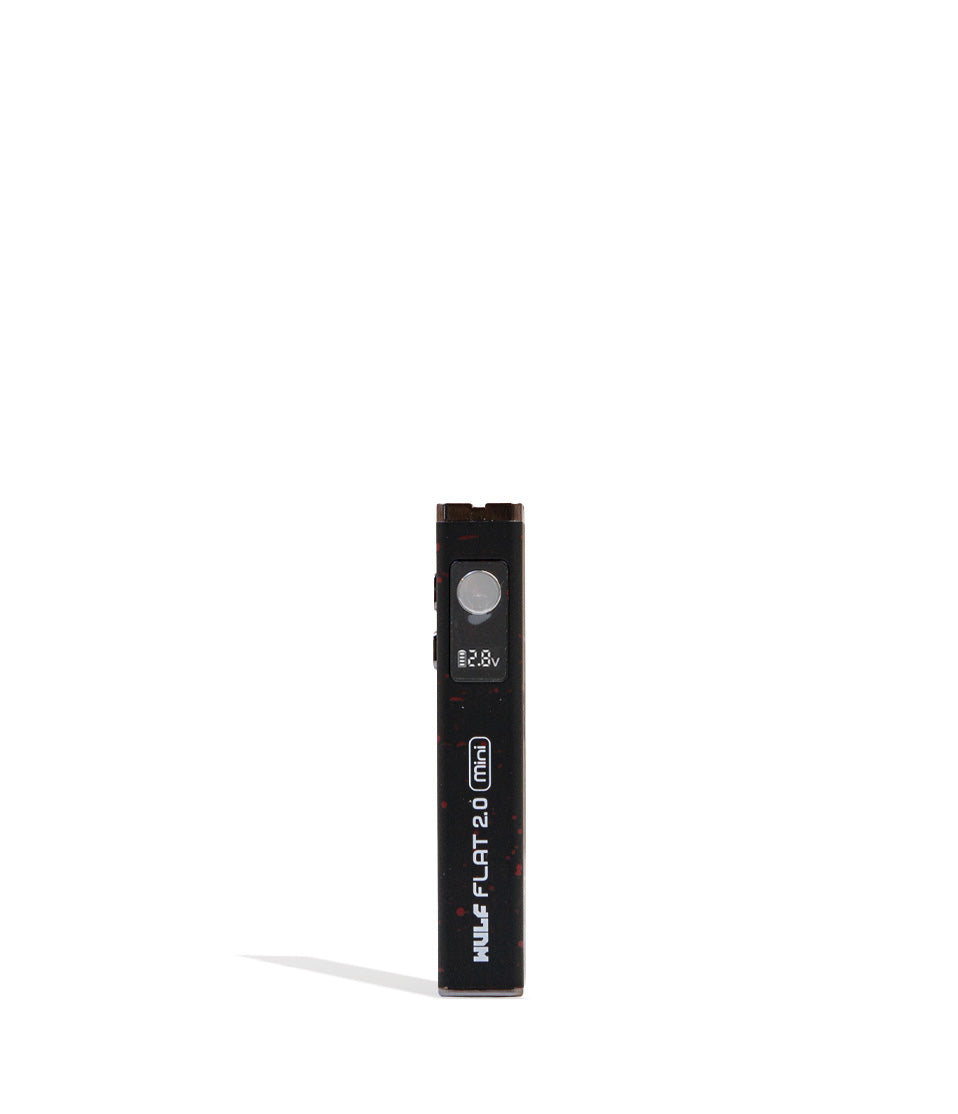
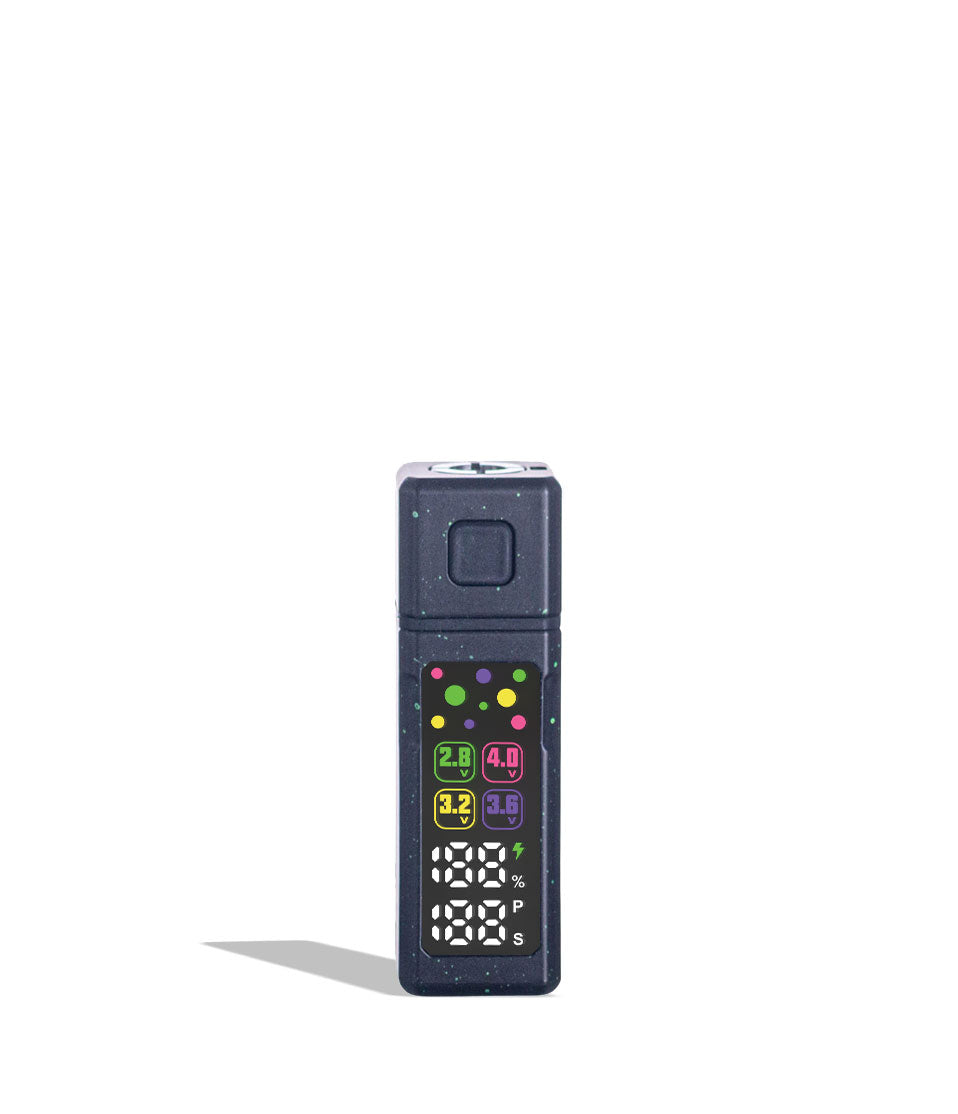
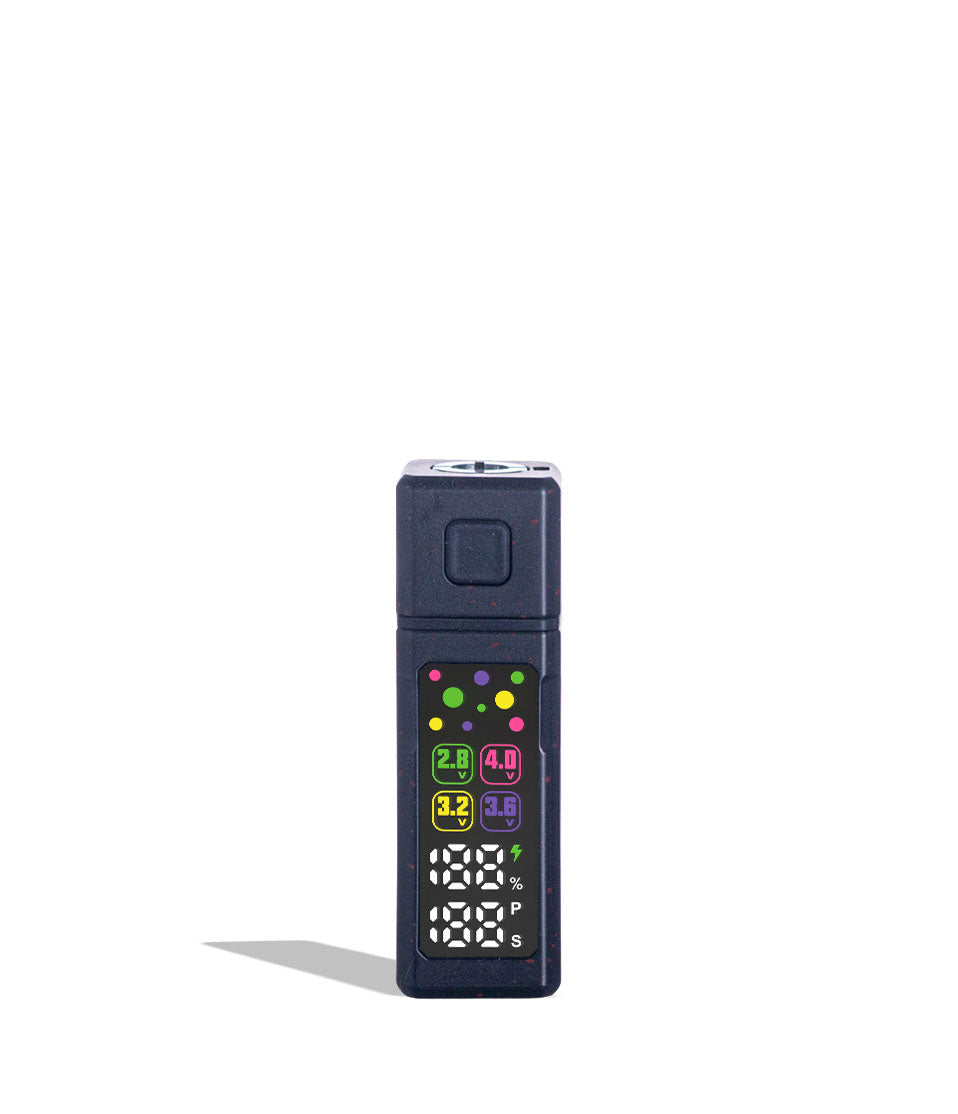
Owners Guide
Owner Playbook
The full playbook below expands on the practical steps and tips behind this guide.
Ready for a vaporizing experience so seamless, it feels like you’ve grown another digit? So powerful that you feel like a pro? Make these dreams a reality with our guide on how to use the Wulf Mods Pro Digit 510 Thread Battery!
Follow along with the Wulf Pack below as we provide the definitive, step-by-step breakdown on how to use, charge, adjust, and clean your Wulf Mods Pro Digit Variable Voltage Battery in order to guarantee you get the absolutely best, most ferocious performance from your cartridges.
By the end of this Wulf Pro Digit explainer, you’ll have a much better understanding on how to get your cartridges fired up and enjoy the true portable power offered by this excellent Wulf Pack 510 thread battery.
Table of Contents:
Wulf Pro Digit Quick Start Guide
1. Loading a Cartridge Into the Pro Digit
2. Powering On, Operating, and Powering Down
3. Adjusting Variable Voltage (2.0V – 4.0V)
4. Activating the 12-Second Pre-Heat Function
5. How to Charge the Pro Digit (USB-C)
6. Troubleshooting & Safety Warnings
7. How to Clean and Maintain the Pro Digit
Unleash Your Pro Digit Sessions
Wulf Pro Digit Quick Start Guide
In a rush to start blowing clouds or just don’t like reading too much? Wulf sees you, here is a fast breakdown covering the essential controls and steps to operating your Wulf Pro Digit:
| # | STEP | HOW TO | WULF PRO TIP |
|---|---|---|---|
| 1 | Charge Battery | Plug into the base USB-C port. | Charge for 2 hours initially; never exceed 1 hour during routine charges. |
| 2 | Attach Cartridge | Thread any standard 510 cartridge clockwise into the top port. | Thread snugly until finger-tight; never overtighten or crush the pin. |
| 3 | Power On / Off | Press the power button 5 times rapidly (5x). | The cosmic display screen will illuminate with voltage, battery %, and logo. |
| 4 | Adjust Voltage | Click the power button 3 times (3x) until the voltage number flashes. | Click to cycle between 2.0V–4.0V; pause to lock in your desired level. |
| 5 | Pre-Heat (Optional) | Click the power button 2 times (2x) to start the 12-second warm-up. | Ideal for clearing cold blockages and liquefying thick live resin oils. |
| 6 | Vape & Inhale | Press and hold the fire button while inhaling from the mouthpiece. | Take slow, smooth draws; the auto cut-off triggers if held past 12 seconds. |
| 7 | Routine Cleaning | Power off, remove cart, and swab 510 threads with an ISO Q-tip. | Keep the gold contact point clear of leaked oil to prevent misfires. |
1. Loading a Cartridge Into the Pro Digit
Ready to get howling on your Pro Digit? First start by loading a cartridge into your battery. The Pro Digit features universal 510 threading, meaning it accepts virtually all standard pre-filled and refillable oil cartridges on the market ranging from the smallest .5G, all the way to the biggest of 2G plus carts.
To attach your cartridge to the Wulf Pro follow the steps below:
- Inspect the 510 thread base of your cartridge to ensure it is clean and free of sticky residue.
- Align the cartridge stem straight into the threaded receiver at the top of the Pro Digit.
- Gently twist the cartridge clockwise until it seats snugly against the contact pin.
- Important: Never overtighten your cartridge with excessive force. Hand-tight is all it takes to establish a secure electrical connection; cranking down too hard can depress the internal firing pin or crack the cartridge threading.
Thanks to the 510 threading, you can get a cartridge loaded onto your Wulf Pro Digit in seconds. The only catch here is that you don’t want to overtighten things, so once your cartridge feels snug you can go ahead and stop twisting.
2. Powering On, Operating, and Powering Down
Using the Wulf Pro Digit is simple, responsive, and completely under your control thanks to an easy to use single button operating system. In order to get started with your Wulf Pro Digit, take a look at the steps below.
Powering On:
- Press the power button 5 times rapidly in a row (5x)
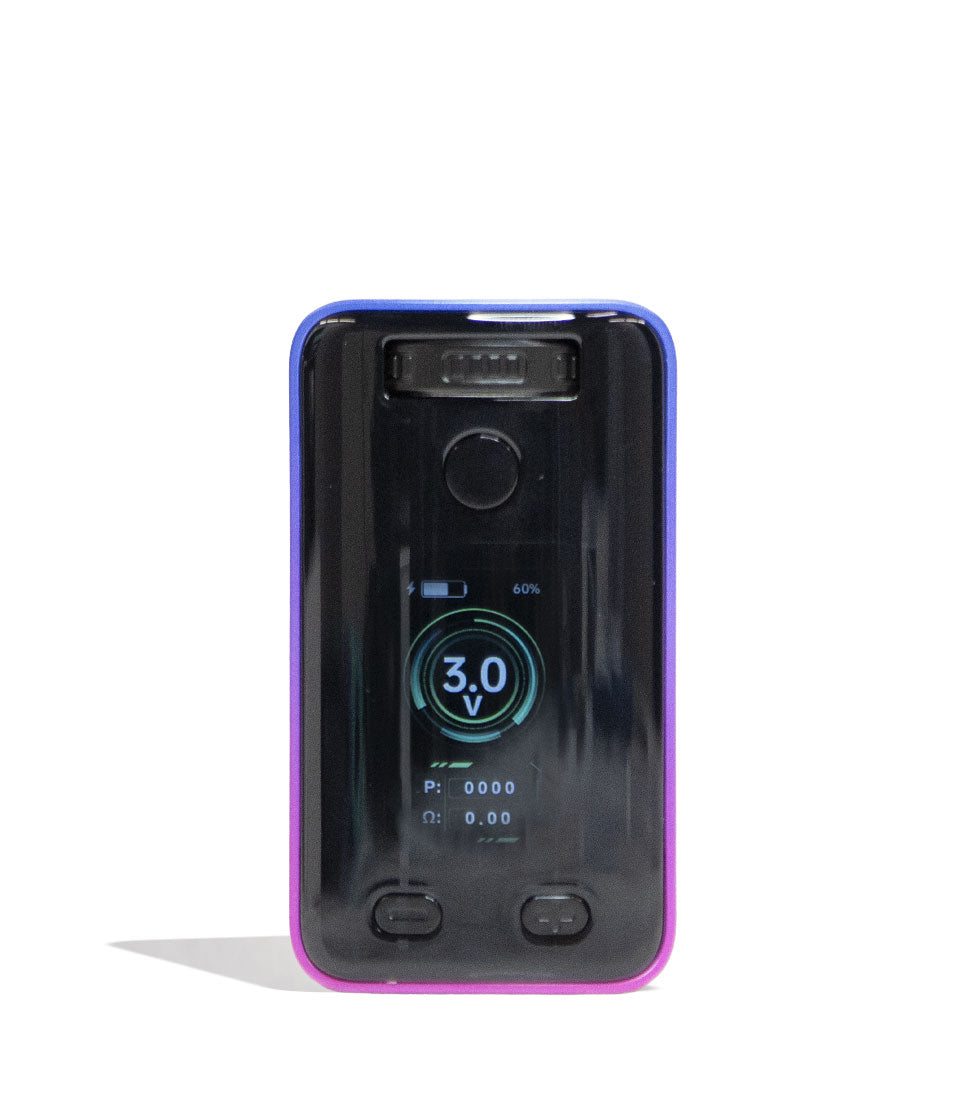
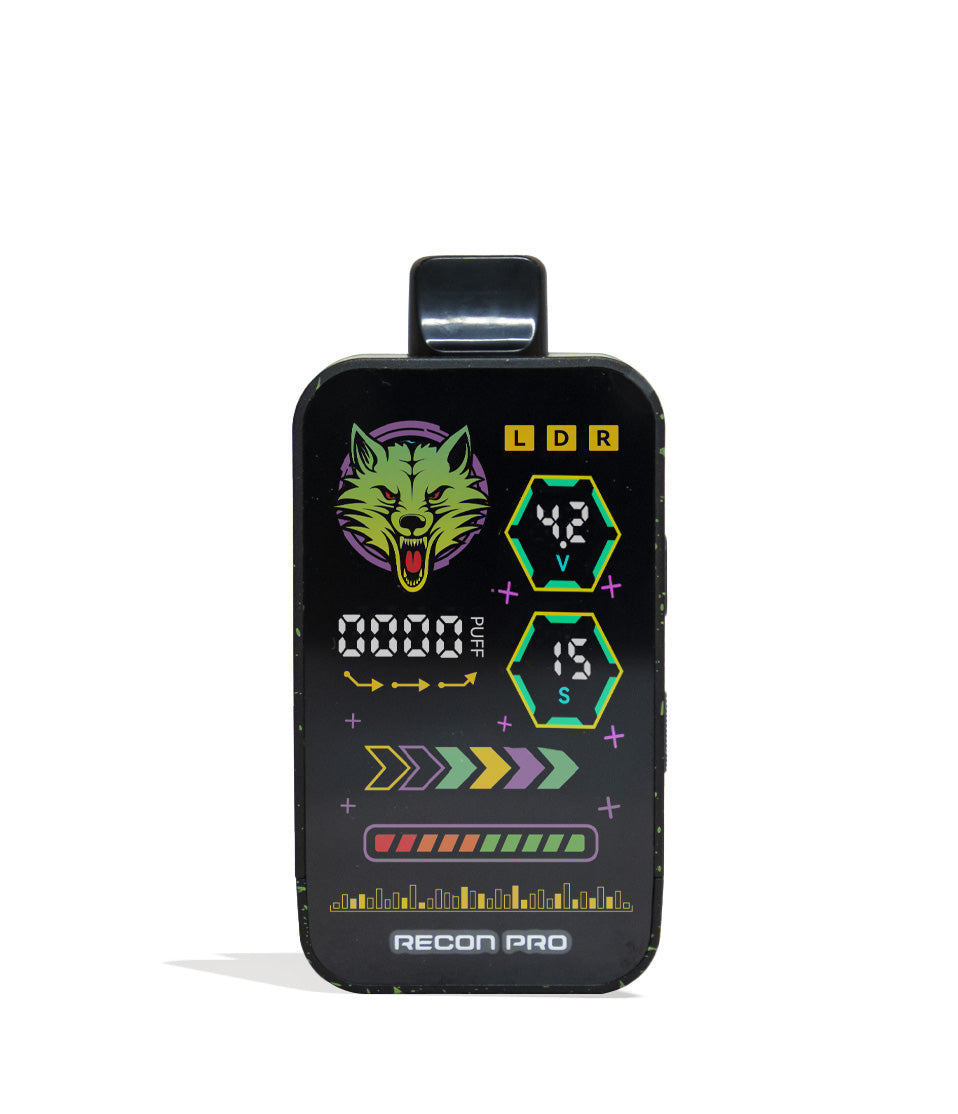
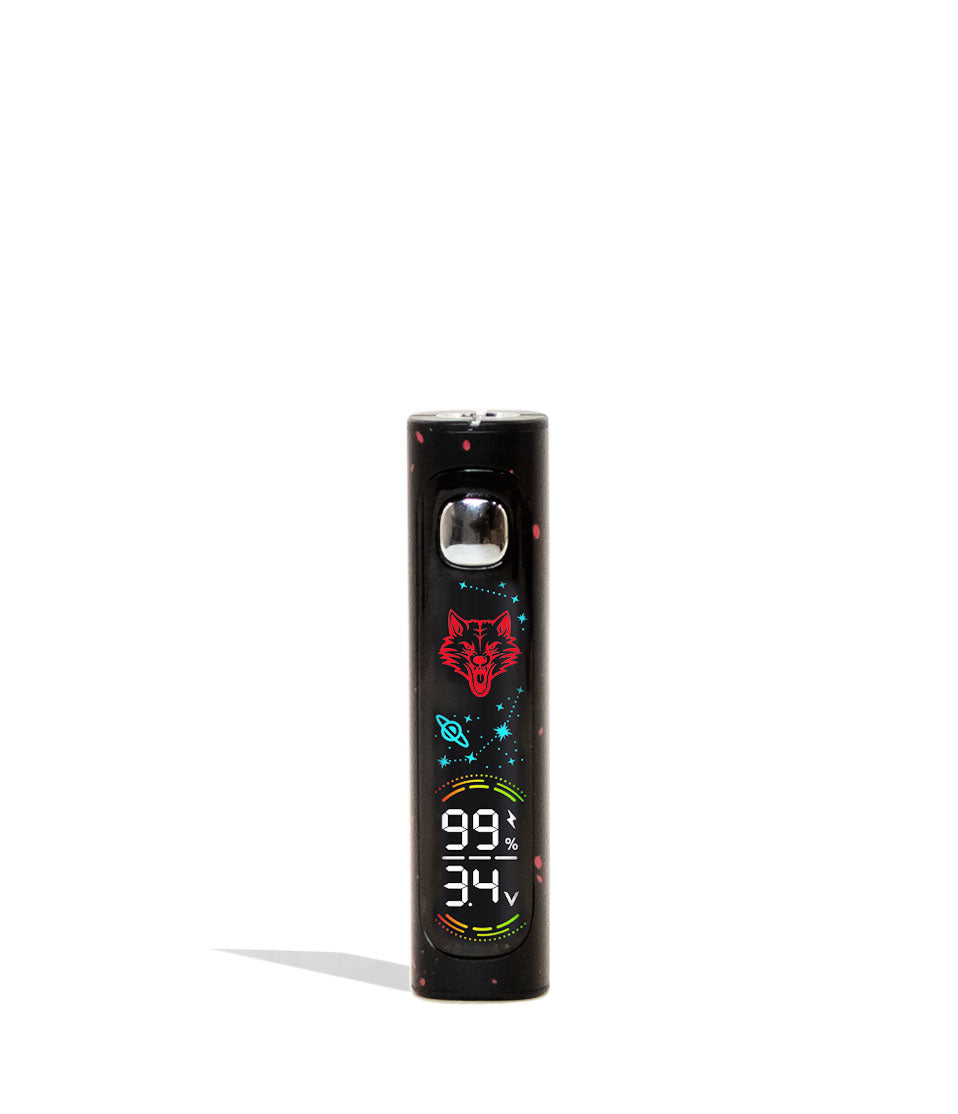
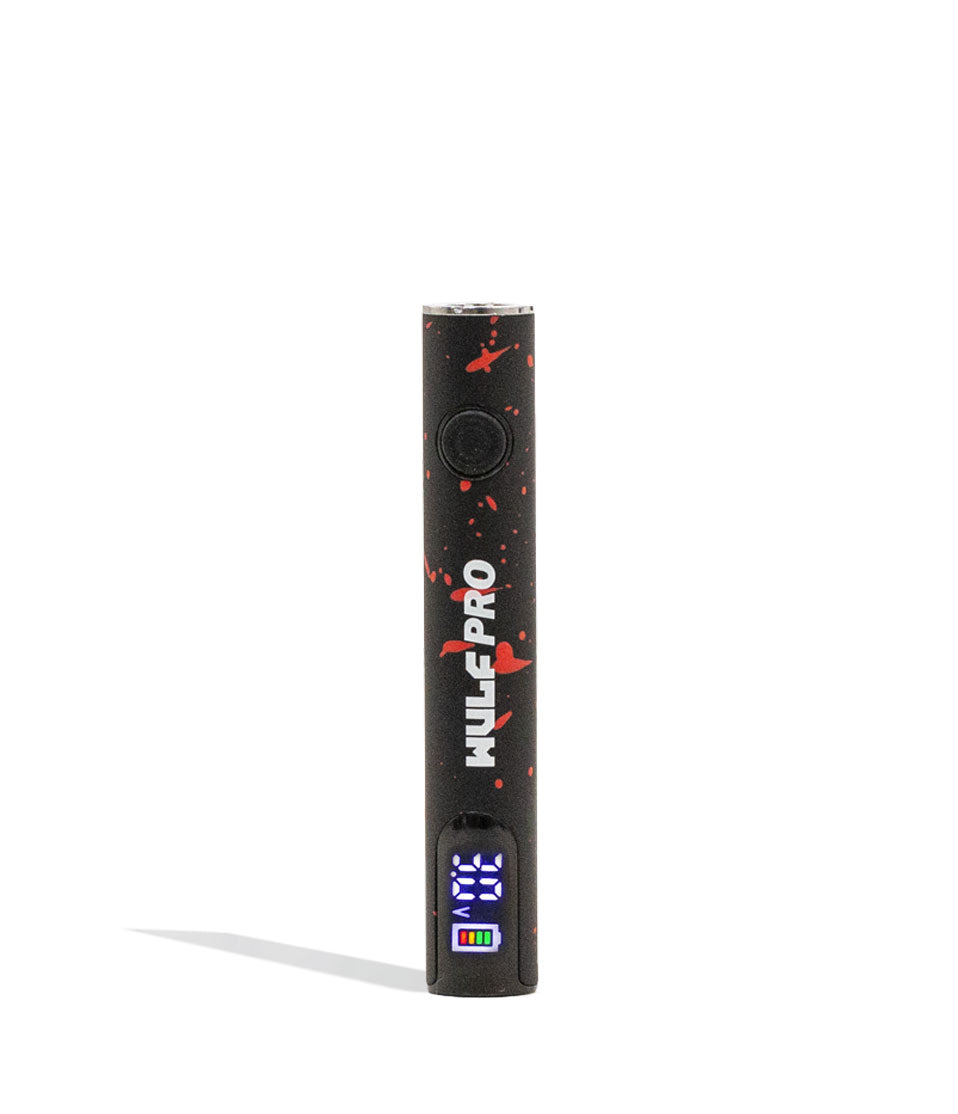
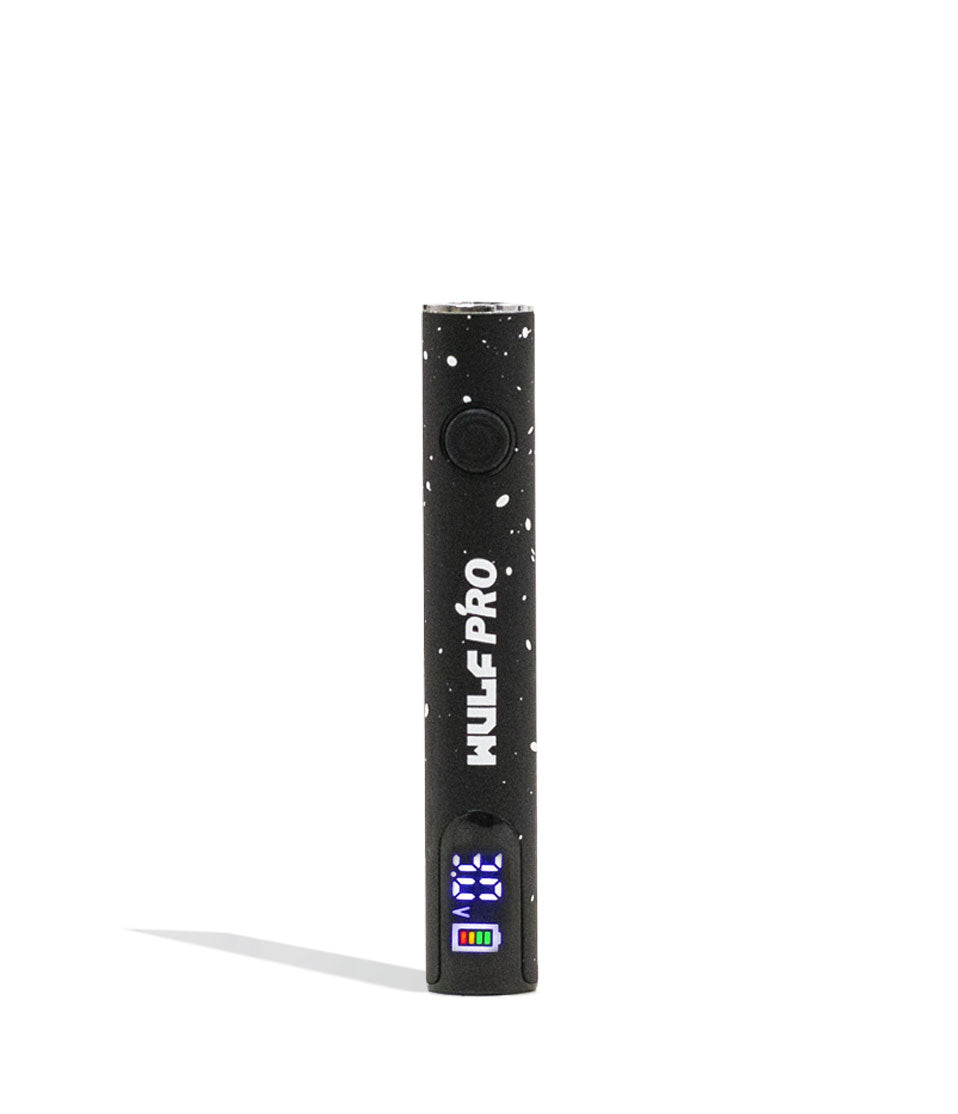
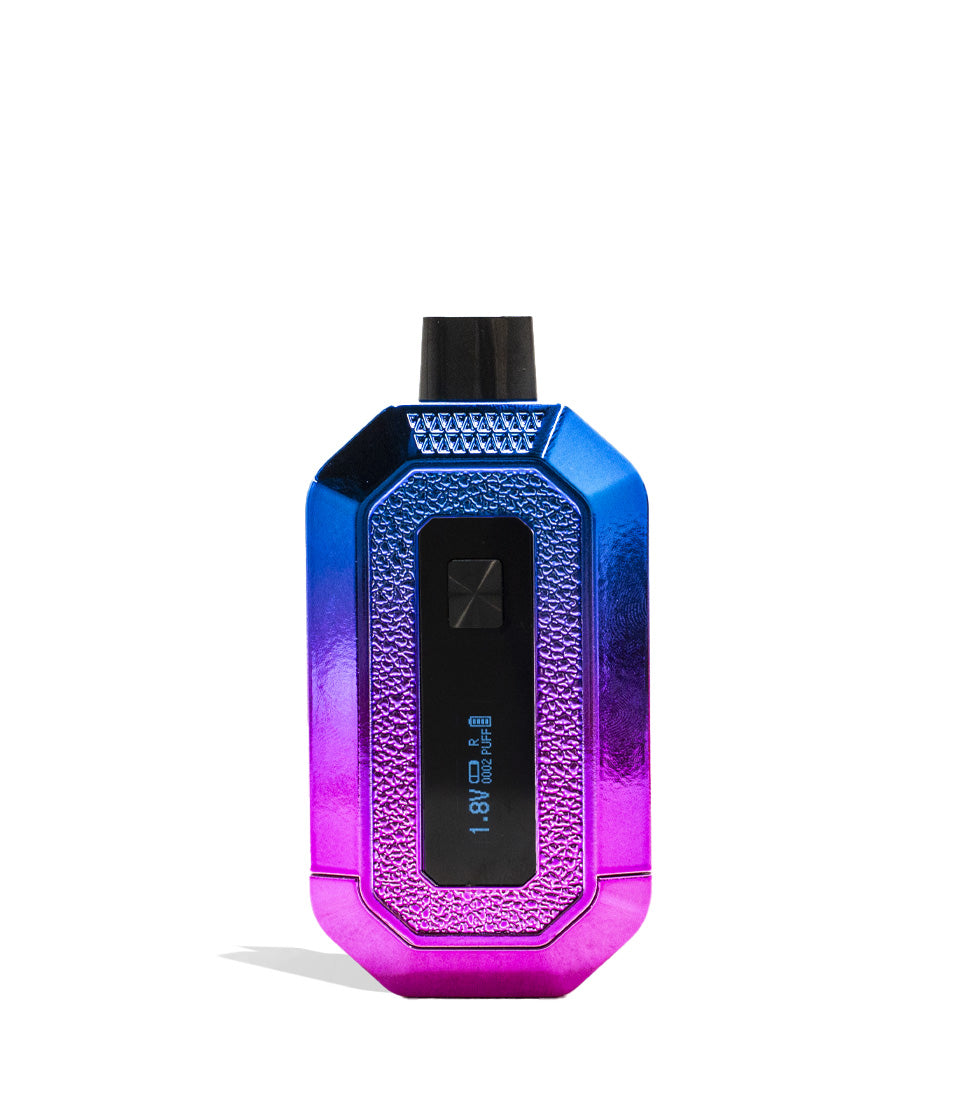
- When input correctly, the full-color digital screen will power up, displaying your active voltage level, remaining battery percentage, and the Wulf Mods logo framed by illuminated stars and planets.
Taking a Hit:
- Place the cartridge mouthpiece to your lips.
- Press and hold down the power button while taking a steady, measured inhale.
- Release the power button when you have finished your puff to stop vaporization.
Powering Down:
- When you are finished seshing or preparing to put the device in your pocket or pack, press the power button 5 times in a row (5x).
- Watch as the screen flashes and goes dark, confirming the device is completely powered off and safe from accidental misfires.
With a simple push to fire system and 5 clicks to power on / off, the Wulf Pro Digit follows along with our standard Wulf Pack single button operating system and lets you get to vaping quick.
3. Adjusting Variable Voltage (2.0V – 4.0V)
For added customization options, the Wulf Pro Digit gives you full command over your vaporization experience with adjustable voltage from 2.0V up to 4.0V. In general lower voltages will produce more flavorful, smooth vapor and higher voltages will produce more potent, harsher vapor. Keep this in mind while dialing thing sin with your Wulf Pro Digit to get just the right output you’re after.
How to Change Voltage Settings:
- With the device powered on, press the power button 3 times in a row (3x).
- The voltage number on the full-color digital screen will begin to flash, indicating that voltage adjustment mode is unlocked.
- While the number is flashing, click the power button to cycle upward through the voltage range one increment at a time.
- Once you reach your desired voltage setting, stop pressing the button.
- Wait 2 to 3 seconds until the voltage number stops flashing. Your voltage setting is now locked in and ready to fire!
Make sure to always wait those couple of seconds for everything to lock in and you’ll be able to zip through the various voltage settings on your Wulf Pro Digit until you find the perfect choice for your current adventure. We recommend experimenting with your various cartridges, as not all types of oil react the same way to heat / voltage levels.
4. Activating the 12-Second Pre-Heat Function
To give your vapor some serious fangs, the Wulf Pro Digit comes equipped with an extended 12 second pre-heat mode. This function channels low voltage power through the cartridge to warm cold, viscous oils without scorching the internal heating coil setting you up for an extra spicy hit.
How to Pre-Heat:
- Press the power button 2 times in a row (2x).
- The digital display will begin an active 12-second countdown while the Wulf Mods logo flashes across the screen.
- Once the countdown completes, the device returns to normal standby.
- Hold down the power button like normal to enjoy a primed, ultra-potent blast of thick vapor on your very first inhale.
- Note: If you wish to cancel pre-heating before the 12 seconds have elapsed, simply click the power button once.
Pre-heating isn’t just helpful for reaching sky high potency, but can also assist you with thicker oils and colder temperatures, allowing you to rip just as normal. So don’t forget about your pre-heat and make sure to break it out anytime you need that extra “oomph” from your clouds.
5. How to Charge the Pro Digit (USB-C)
The Pro Digit is powered by an internal 400mAh lithium-ion battery designed to hold a charge throughout a full day of active vaping. When your screen indicates low battery, recharge via the modern USB-C port located on the base of the unit.
Charging Guidelines:
- Initial Charge: The very first time you take your Pro Digit out of the box, plug it in and leave it connected for a full 2 hours. This initial deep charge conditions the battery cells for optimal long-term lifespan.
- Routine Charges: Every time after that initial charge, never charge the Pro Digit for longer than 1 hour at a time.
- Always use a standard charging block or USB wall adapter. Avoid high-amperage fast chargers (such as laptop or tablet bricks), as excessive current can damage internal battery boards.
- Never leave your battery charging unattended or plugged in overnight. Unplug the device as soon as charging finishes.
The number one way to protect your Wulf Pro Digit while charing is to stay present and keep an eye on the entire process. This way you can get your battery back to 100% as soon as possible, all while avoiding any accidents in the process.
6. Troubleshooting & Safety Warnings
For you and your Pack’s safety and enjoyment, the Wulf Pro Digit features intelligent built-in safety alerts to protect the hardware and internal circuitry. Familiarize yourself with these warnings:
- Auto Cut-Off Warning (Overheating Protection): To prevent overheating the coil and protect you from burning your lips, the Pro Digit has an automatic 12-second cut-off. If you hold down the power button for more than 12 seconds continuously, the device will flash 8 times and cut off power. Simply release the power button and press it once more to resume vaping.
- Sleep Mode: To preserve your 400mAh battery, the digital screen automatically enters sleep mode after 10 seconds of inactivity, powering down the display until you press the button again.
- Auto Shut-Off Warning: If the Pro Digit sits idle for 15 minutes without a button press, the unit powers down completely. To wake it up, click the power button 5 times (5x).
- No Atomizer / Connection Check: If the device fails to produce vapor when fired, unscrew the cartridge, clean the 510 threads on both the battery and cart with an alcohol wipe, and rethread it snugly.
Never ignore a troubleshooting warning and always take care of them as soon as possible. The Wulf Pack designed these warnings to ensure that you stay safe while vaping, so make sure to check this guide anytime you notice them in order to keep your Wulf Pro Digit operating at maximum output.
7. How to Clean and Maintain the Pro Digit
To keep your Pro Digit firing at maximum potential, periodic maintenance is a must. Residue from leaky cartridges can seep down into the 510 connection, creating an electrical barrier that causes misfires or short circuits.
Step-by-Step Maintenance:
- Power down the Pro Digit completely (5 clicks).
- Unscrew and remove the cartridge. Never clean the device while it is turned on or while a cartridge is attached.
- Dampen a cotton swab or Q-tip lightly with 91% or 99% isopropyl alcohol. (Do not saturate it, you do not want liquid dripping down into the battery housing).
- Carefully buff the gold contact pin and internal threading inside the 510 port to remove sticky residue and lint.
- Wipe down the outer chassis and screen with a dry microfiber cloth to clear away smudges and fingerprints.
- Allow the Wulf Pro Digit to air-dry completely for 5 to 10 minutes. Never fire or operate the battery while wet!
At the end of the day, if you take care of your Wulf Digit Pro, it’ll take care of you. So always make sure to stay on top of cleaning to protect your battery and ensure it’s ready to rip clouds for years to come.
Unleash Your Pro Digit Sessions
With its full color cosmic screen, 2.0V to 4.0V precision tuning, 12- econd pre-heat functionality, and rock solid 400mAh battery, the Wulf Mods Pro Digit Variable Voltage Battery delivers the perfect balance of tech, versatility, and pure power.
Keep your 510 connection clean, pace your sessions, and dial in your favorite voltage profile to enjoy dense, terpene rich clouds wherever your adventures lead. If you ever need a refresher on controls or safety features, come right back to this guide.
Have any more questions about the Wulf Mods lineup of vaporizers, glassware, and accessories? Check out the Wulf Resource Center for in depth owner guides, troubleshooting breakdowns, and brand spotlights. Until next time, stay howling out there! Arooo!!!
Frequently Asked Questions
Owners Guide FAQs
Common questions related to this guide and how to apply the information when choosing your device.
How Do I Change And Lock In My Voltage On The Wulf Pro Digit?
Why Is My Wulf Pro Digit Flashing 8 Times And Cutting Off Mid-Draw?
Can I Use A Fast-Charging Laptop Or Tablet Brick To Charge The Pro Digit?
How Do I Clear A Clogged Cartridge Using The Pro Digit Pre-Heat Function?
What Should I Do If My Wulf Pro Digit Isn't Producing Vapor When I Press The Button?
Wulf Mods Trust Center
About This Resource
Understand how this guide was researched, reviewed, and maintained by the Wulf Mods editorial team.
Editorial Standards
- Written for the people choosing and using these devices.
- Reviewed for clarity, accuracy, and practical retail value.
- Based on current manufacturer specifications and product documentation when available.
- Updated as products, regulations, category trends, or market conditions evolve.
- Built on deep, hands-on product experience.
- Designed to help you choose the right device with confidence.
Research Methodology
This owner guide was prepared to help you set up, use, and care for your device with confidence. Guidance is based on hands-on product experience, common questions, and real-world use.
- Hands-on product experience
- Setup and first-use guidance
- Cleaning, care, and maintenance
- Common questions and troubleshooting
- Safe and responsible use
- Real-world use considerations
- Editorial review for clarity and usefulness
Supporting Sources
Sources used to support this resource are included for transparency and documentation.
Article Information
Intended Audience
- Everyday customers
- First-time buyers
- Experienced enthusiasts
- Dry herb users
- Concentrate users
- Anyone upgrading their setup
Editorial Policy
Wulf Mods educational resources are reviewed periodically to maintain accuracy and relevance. When product specifications, regulations, category trends, or market conditions change, articles may be updated with a new review date. Trusted product guidance.
Keep Exploring
Related Resources
Keep learning with related Wulf Mods resources selected to help you get more out of your device.
How-To
Discover simple solutions for troubleshooting 510 thread issues in your vape, addressing problems such as loose connections and...
Read Resource →
Owners Guide
Take your Wulf Pro Digit 510 Thread Battery to the next level and learn how to rip bigger clouds with expert tips from the Wulf...
Read Resource →
Owners Guide
Find out the essential built-in trouble shooting warnings are for the Wulf Pro Digit 510 Thread Battery. Learn what those flash...
Read Resource →
Owners Guide
Learn how to clean your Wulf Mods Pro Digit 510 Thread Battery with expert tips from Wulf. Keep your Pro Digit clean and ready ...
Read Resource →