

Resource Center
Troubleshooting The Wulf Pro Digit 510 Thread Battery

Continue With This Resource
Wulf Mods Quick Brief
What You Should Know
A fast summary of the key points, questions, and guidance covered in this guide.
Overview
Key Takeaways
- Holding the power button past 12 seconds triggers an 8-flash Auto Cut-Off warning that cuts heating power to safeguard delicate cartridge coils from burning out.
- The animated full-color cosmic display enters an automatic Sleep Mode after 10 seconds of inactivity to conserve internal 400mAh battery life.
- A single tap of the power button wakes the display from Sleep Mode so users can instantly check active voltage and battery percentage.
- The integrated 15-minute Auto Shut-Off timer powers the device down completely during extended downtime to prevent standby battery drain and pocket misfires.
- Clicking the power button 5 times rapidly restarts the Pro Digit after an automatic shutdown so sessions can resume with complete circuit protection.
Questions This Resource Answers
- What causes the Wulf Pro Digit to flash 8 times and shut off mid-draw?
- Why does the cosmic digital display screen go dark after 10 seconds of idle time?
- How do you wake up the Wulf Pro Digit after it enters automated 15-minute shut-off?
- How does the 12-second safety cutoff protect cartridges against accidental pocket firing?
- How can you check remaining battery life and active voltage while the screen is in sleep mode?
Recommended Products
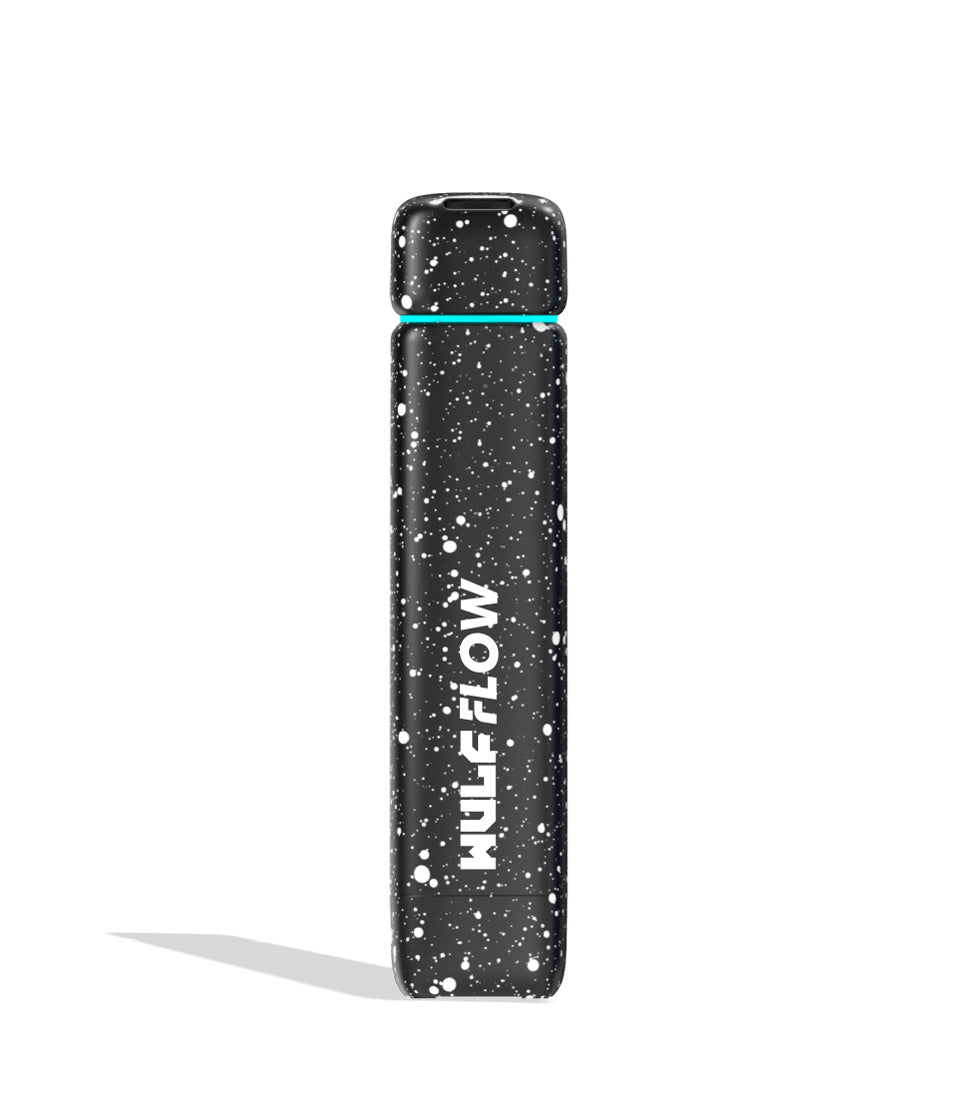
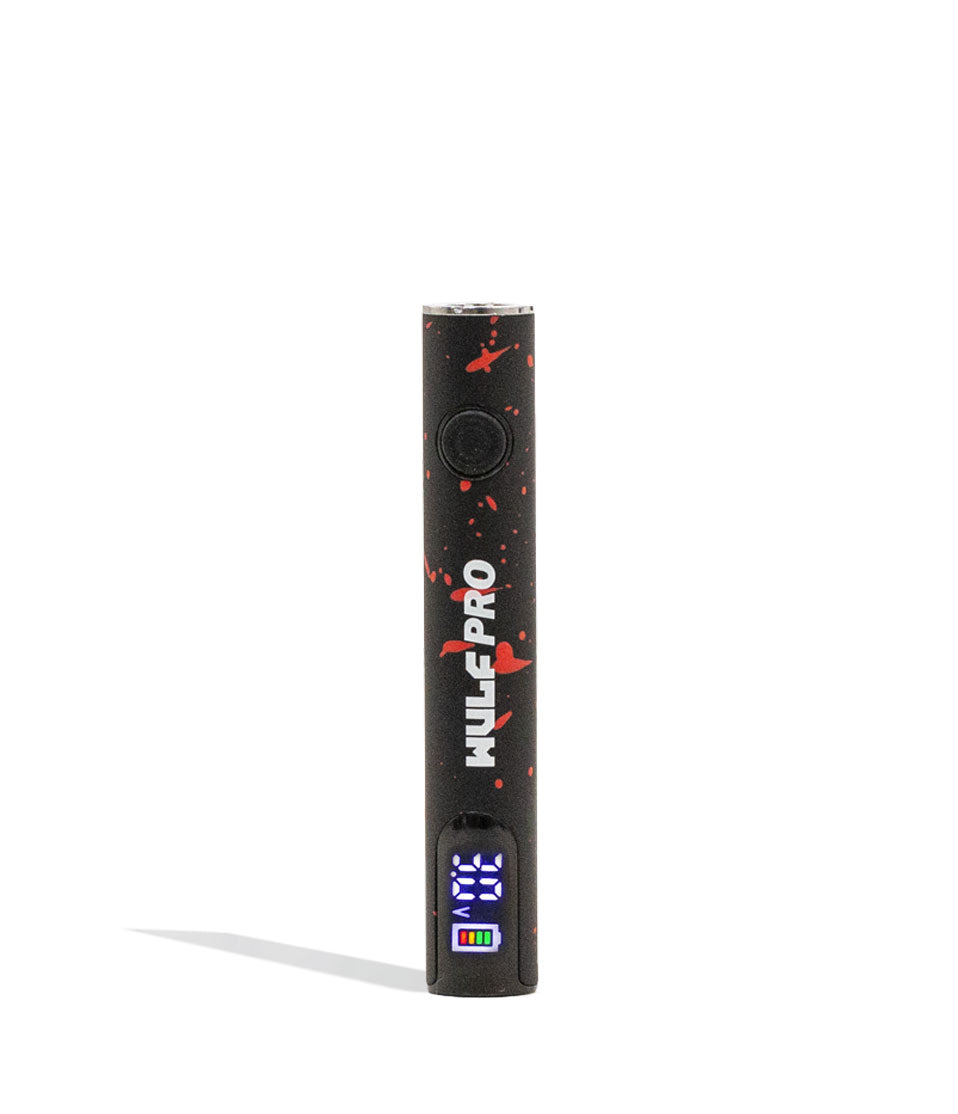
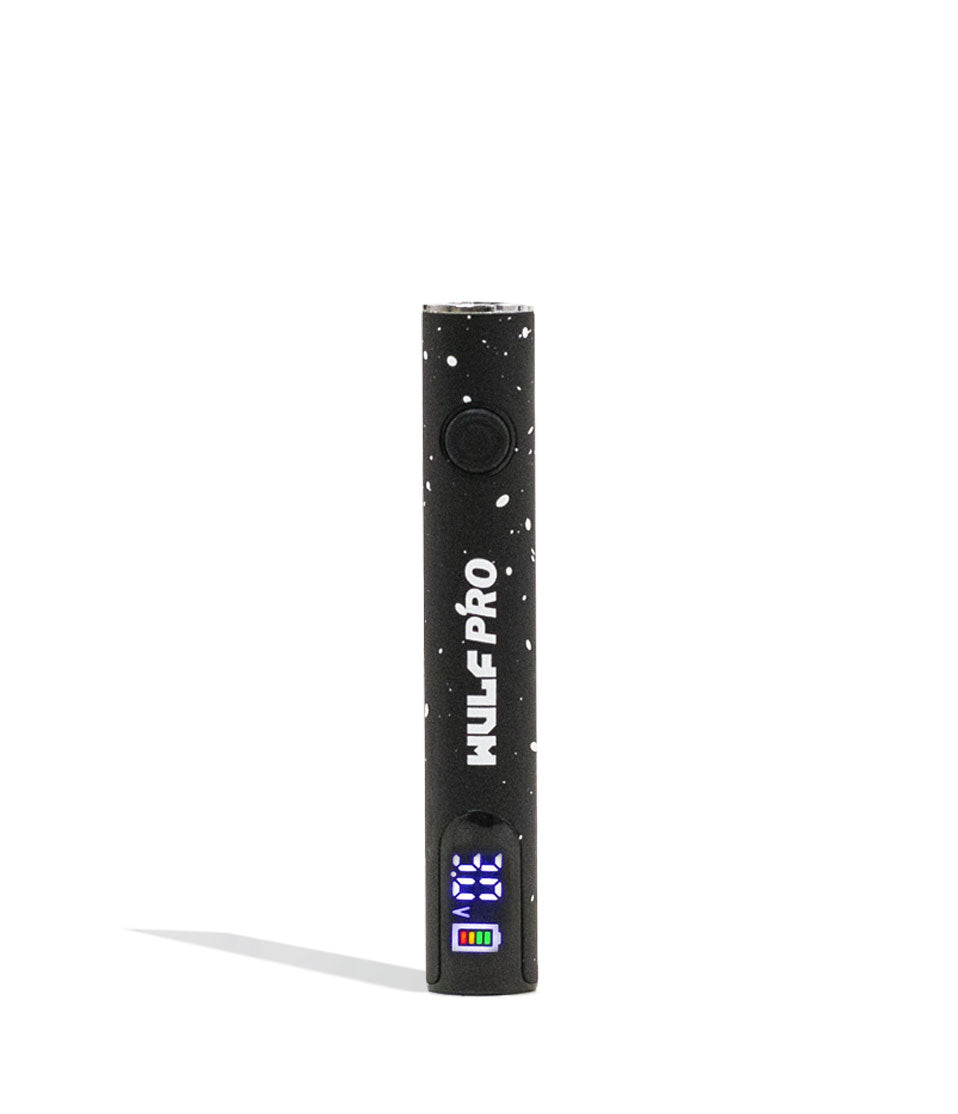
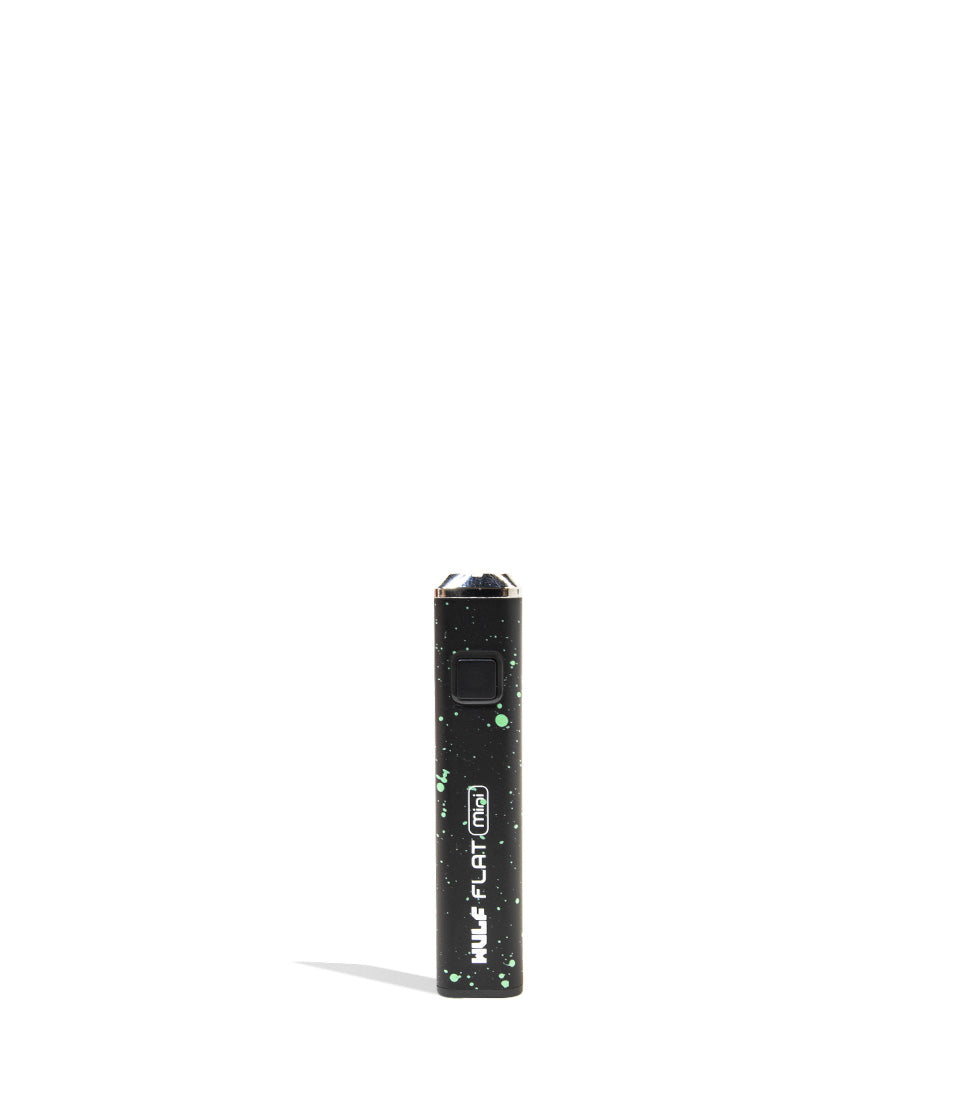
Shop 510 Thread Batteries
Browse the products featured in this guide.
Owners Guide
Owner Playbook
The full playbook below expands on the practical steps and tips behind this guide.
Noticing flashing lights on your Wulf Mods Pro Digit 510 Thread Battery and wondering what in the world your little vape pen is trying to tell you?
Well, you’ve come to the right place, because Wulf is here to save the day and let you know that these alerts are actually here to protect you! These built in troubleshooting warnings are specifically designed into the Wulf Pro Digit to keep your sessions running safely and preserve the lifespan of your oil cartridges.
In order to help you enjoy the most epic sessions, Wulf has created the following Wulf Pro Digit troubleshooting guide to let you know what your battery is trying to communicate and how you can easily find a quick solution.
This way, you won’t have to guess what your Wulf Pro Digit is trying to say like Lassie barking about the well. Instead, you’ll know exactly what the alert means and how to handle it like a pro so you can get right back to ripping dense, flavorful clouds.
This guide focuses on the core troubleshooting warnings built into the Pro Digit to ensure a long lifespan of ferocious cartridge vaping enjoyment. For more information on operating controls, look through our break down on how to use the Wulf Pro Digit here.
Table of Contents:
Wulf Pro Digit Troubleshooting Quick Guide
1. Auto Cut-Off Warning (12-Second Overheat Protection)
2. Sleep Mode Warning (10-Second Display Saver)
3. Auto Shut-Off Warning (15-Minute Inactivity Protection)
Trouble-Free Wulf Pro Digit Vaping
Wulf Pro Digit Troubleshooting Quick Guide
Just like knowing a wolf’s howl warns of what’s ahead, knowing what your vaporizer is trying to tell you is fundamental to getting the most out of your sessions. Take a look below to see all of the built in troubleshooting warnings that can arise on your Wulf Pro Digit so you’re prepared for everything:
| # | WARNING | WHAT IT MEANS | HOW TO FIX |
|---|---|---|---|
| 1 | Auto Cut-Off | Power button held for more than 12 seconds; device flashes 8 times and powers off. | Release the power button, wait a second, and press it once more to resume vaping. |
| 2 | Sleep Mode | Screen powers down automatically after 10 seconds of idle time. | Press the power button once to wake up the screen and view your voltage/battery %. |
| 3 | Auto Shut-Off | Device shuts down completely after 15 minutes of non-use to preserve battery life. | Click the power button rapidly 5 times (5x) to power the unit back on. |
With these alerts in mind, you’ll be able to decipher anything your Wulf Pro Digit is trying to tell you and resolve it with pinpoint precision, rather than wondering what’s going on with your gear.
1. Auto Cut-Off Warning (12-Second Overheat Protection)
The Wulf Pro Digit comes equipped with a built in safety timer to prevent the battery from overheating, protecting your throat and stopping your internal cartridge coil from burning out during extra long draws.
Auto Cut-Off Warning: To prevent overheating, the Pro Digit has a 12s cut off. Should you hold down the power button for more than 12s, your device will flash 8 times before powering off. Release the power button and press it once more to continue after this warning.
This auto cut-off protection is designed to provide a natural safety threshold while ripping clouds from your Wulf Pro Digit. It ensures that if the button is accidentally compressed in your pocket, bag, or backpack, the battery won’t continually fire, melt your cartridge seals, or scorch your oil.
Now here’s the kicker, getting rid of the warning is: simply let go of the firing button, pause for a moment to let the atomizer breathe, and press the button down again to jump right back into your regularly scheduled Wulf Pro Digit clouds. Now this second hit will have the same 12s limit, so you can repeat the process until you’ve had your fill of blinkers.
2. Sleep Mode Warning (10-Second Display Saver)
If you’re in the middle of a session and notice the cosmic graphics on your screen suddenly go dark don’t panic, your Wulf Pro Digit battery isn’t broken, it’s just entering it’s sleep mode in order to conserve battery power and extend how much coverage your device gives you.
Sleep Mode Warning: After 10s your screen will go into sleep mode and power down until you press the power button again.
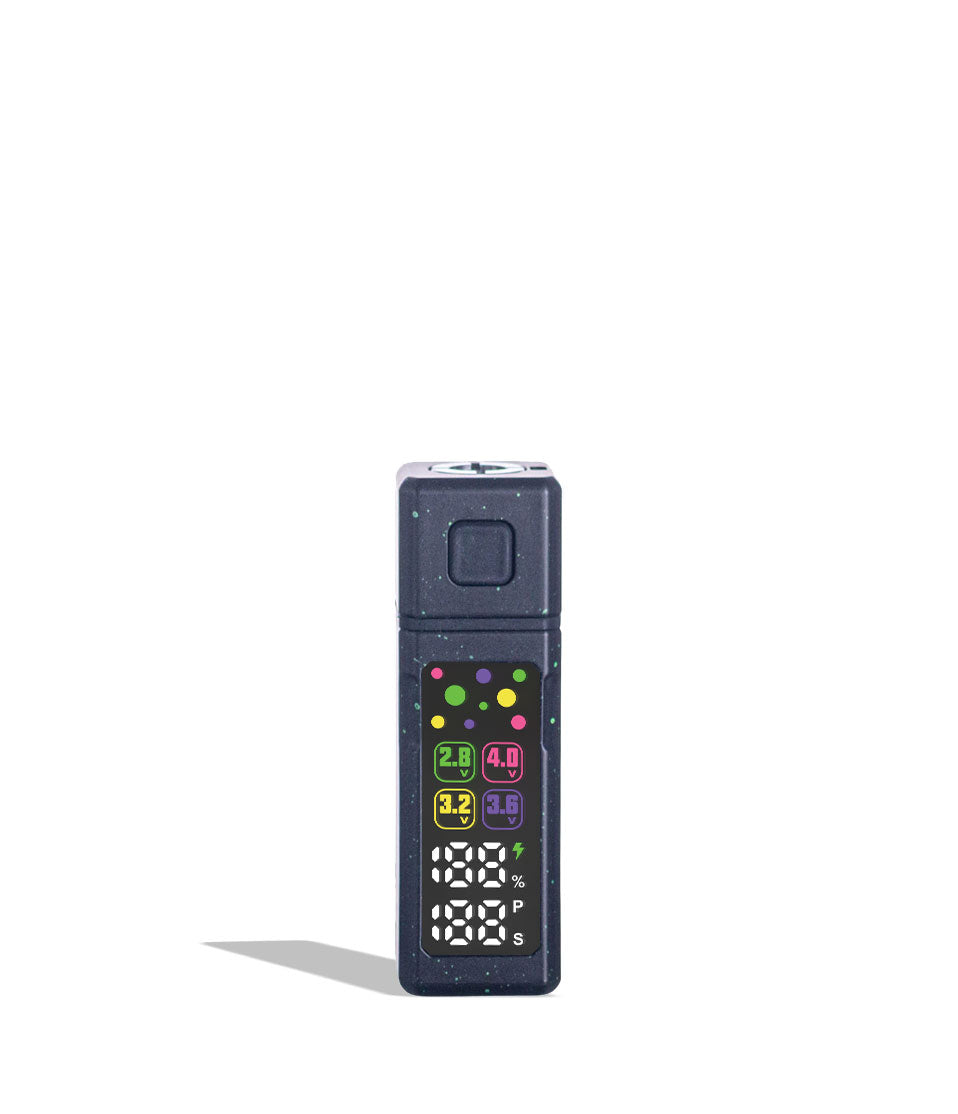
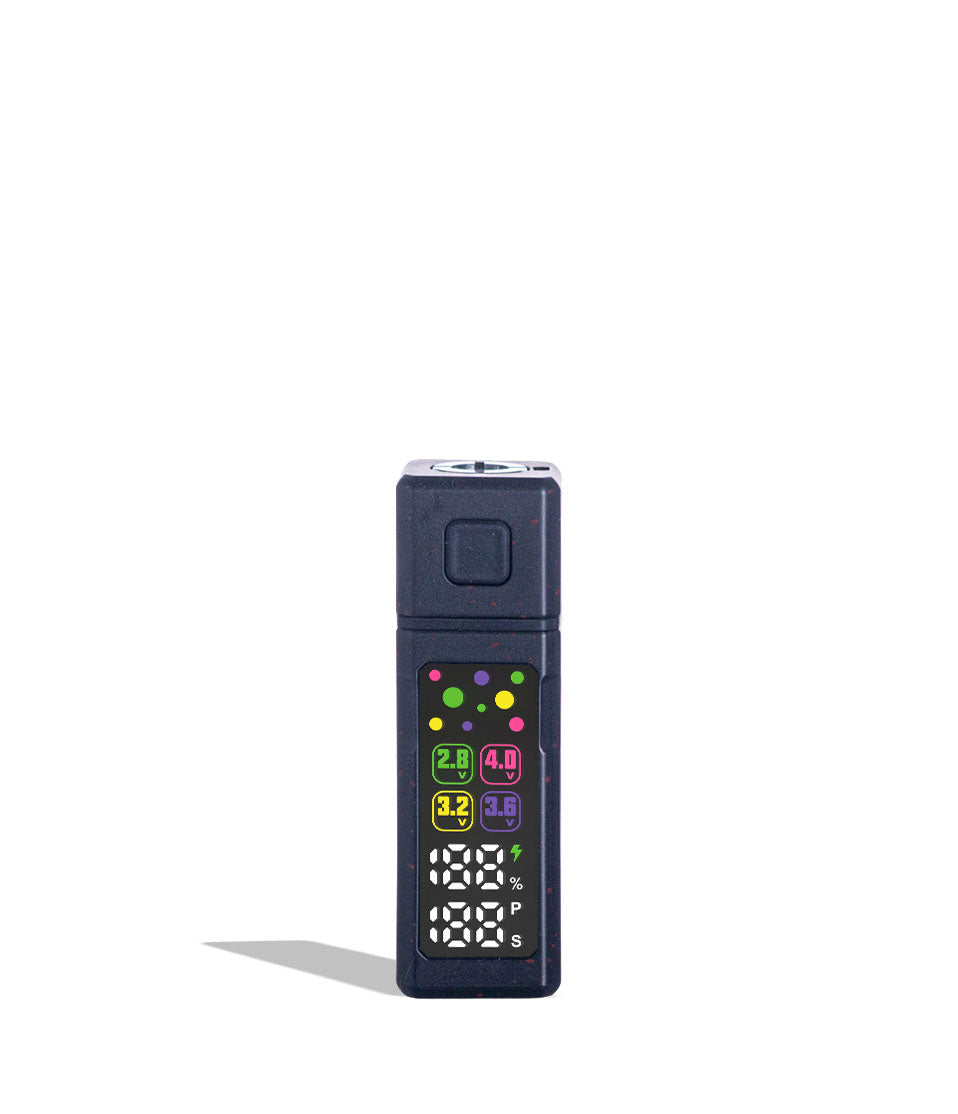
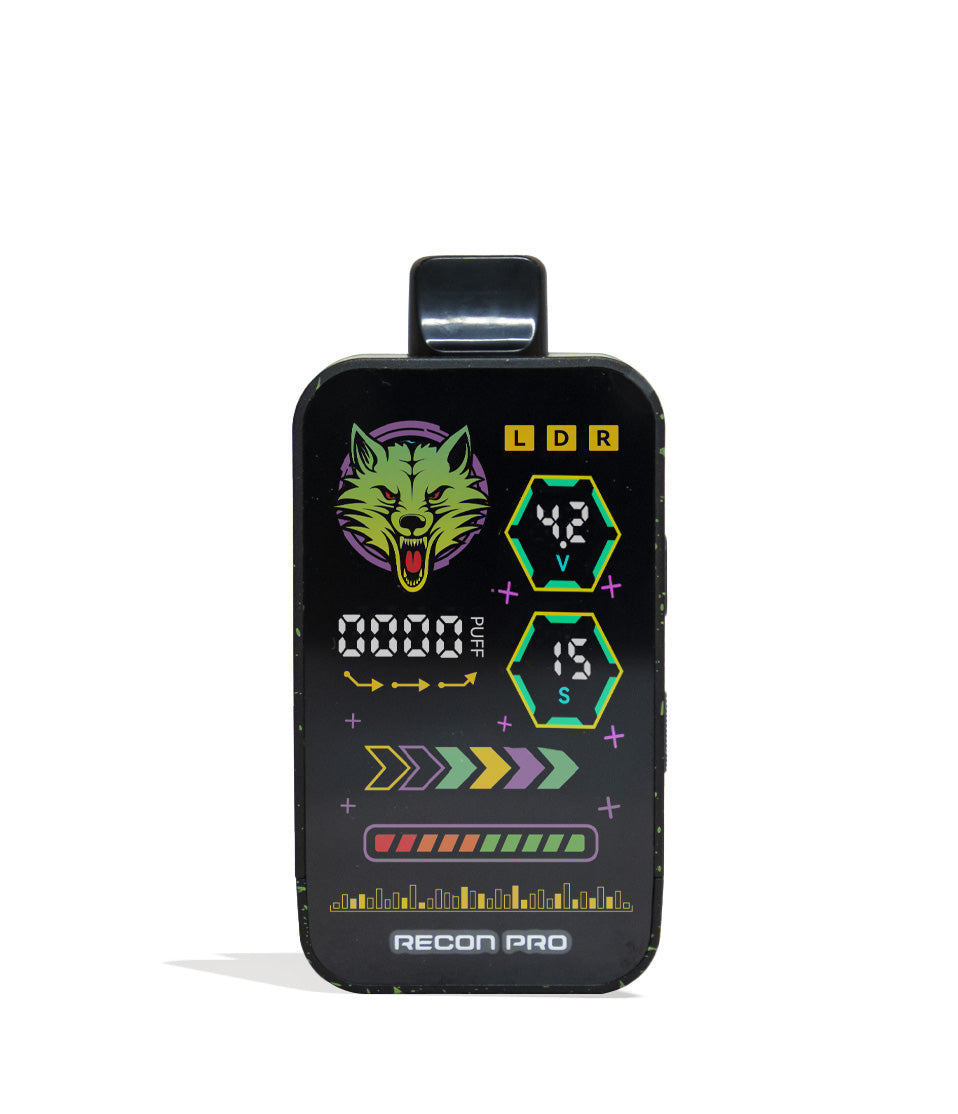
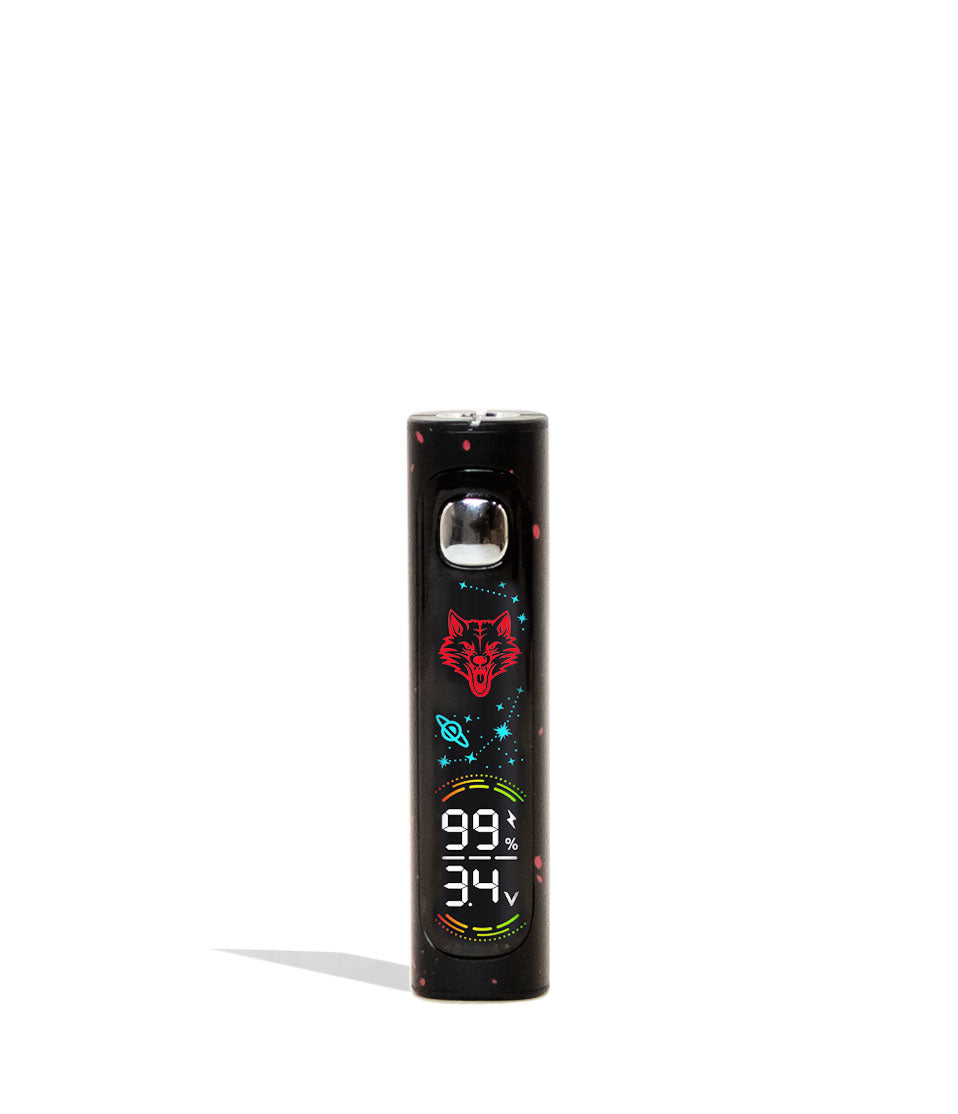
The Wulf Pro Digit features an animated, full-color digital screen that illuminates with celestial stars, planets, voltage levels, and battery percentages. While this screen looks incredible, keeping a full-color display lit continuously would needlessly drain your battery capacity.
To ensure your power goes toward vaporizing cartrdiges rather than powering a screen, the display goes to sleep after just 10 seconds of idle time. A single tap of the power button instantly wakes up the display so you can check your voltage and battery level without disrupting your rhythm.
3. Auto Shut-Off Warning (15-Minute Inactivity Protection)
Set your Pro Digit on your desk or coffee table and came back to find it unresponsive? Your battery has engaged its automated standby protection and powered down. Just like the sleep mode warning this is to protect your battery life and is a normal function of your Wulf Pro Digit, not anything you’ve done wrong.
Auto Shut-Off Warning: To save battery, your Pro Digit will automatically power off after 15 minutes of non-use.
Leaving a 510 battery powered on indefinitely causes ambient standby drain, meaning you could return to a dead device right when you’re ready to sesh. Additionally, an active battery left unattended poses a risk of accidental misfires if bumped by pets or objects.
The Pro Digit’s 15 minute auto shut off solves this completely by powering down the system after a quarter hour of inactivity. When you’re ready to start vaping again, simply press the power button 5 times rapidly (5x) to turn the battery back on, verify your voltage on the cosmic screen, and enjoy your session.
Trouble-Free Wulf Pro Digit Vaping
Now that you have a complete picture of the built-in troubleshooting warnings on your Wulf Pro Digit, you can sesh with 100% confidence knowing your hardware is built to protect you every step of the way.
By understanding what the 12 second auto cut-off, 10 second sleep mode, and 15 minute auto shut-off are doing, you’ll always know how to respond and keep your 400mAh battery operating at peak performance.
Have any more questions for the Wulf Pack? Make sure to check out the Wulf Resource Center for more helpful tips, tricks, and product walkthroughs. Thanks for choosing Wulf for your sessions and welcome to the Wulf Pack! Stay howling out there y’all and we’ll see you in the next session! Arooo!!!
Frequently Asked Questions
Owners Guide FAQs
Common questions related to this guide and how to apply the information when choosing your device.
Why Is My Wulf Pro Digit Flashing 8 Times And Cutting Off My Draw?
Did My Battery Break If The Screen Turns Off After Just 10 Seconds?
How Do I Turn The Pro Digit Back On After It Shuts Off By Itself?
Will The 12-Second Auto Cut-Off Protect My Cartridge From Burning In My Pocket?
Does Sleep Mode Reset My Voltage Level Or Wipe My Settings?
Wulf Mods Trust Center
About This Resource
Understand how this guide was researched, reviewed, and maintained by the Wulf Mods editorial team.
Editorial Standards
- Written for the people choosing and using these devices.
- Reviewed for clarity, accuracy, and practical retail value.
- Based on current manufacturer specifications and product documentation when available.
- Updated as products, regulations, category trends, or market conditions evolve.
- Built on deep, hands-on product experience.
- Designed to help you choose the right device with confidence.
Research Methodology
This owner guide was prepared to help you set up, use, and care for your device with confidence. Guidance is based on hands-on product experience, common questions, and real-world use.
- Hands-on product experience
- Setup and first-use guidance
- Cleaning, care, and maintenance
- Common questions and troubleshooting
- Safe and responsible use
- Real-world use considerations
- Editorial review for clarity and usefulness
Supporting Sources
Sources used to support this resource are included for transparency and documentation.
Article Information
Intended Audience
- Everyday customers
- First-time buyers
- Experienced enthusiasts
- Dry herb users
- Concentrate users
- Anyone upgrading their setup
Editorial Policy
Wulf Mods educational resources are reviewed periodically to maintain accuracy and relevance. When product specifications, regulations, category trends, or market conditions change, articles may be updated with a new review date. Trusted product guidance.
Keep Exploring
Related Resources
Keep learning with related Wulf Mods resources selected to help you get more out of your device.
Owners Guide
Learn how to clean your Wulf Mods Pro Digit 510 Thread Battery with expert tips from Wulf. Keep your Pro Digit clean and ready ...
Read Resource →
Owners Guide
Take your Wulf Pro Digit 510 Thread Battery to the next level and learn how to rip bigger clouds with expert tips from the Wulf...
Read Resource →
How-To
From Guy Fieri’s Flavor Town to Flava Flav, it’s no secret that across America we love good flavor! That's why Wulf is here to ...
Read Resource →
How-To
Discover simple solutions for troubleshooting 510 thread issues in your vape, addressing problems such as loose connections and...
Read Resource →