

Resource Center
How To Use The Wulf Hito Plus 510 Thread Battery

Continue With This Resource
Wulf Mods Quick Brief
What You Should Know
A fast summary of the key points, questions, and guidance covered in this guide.
Overview
Key Takeaways
- The Wulf Hito Plus is a universally compatible 510-thread battery offering three variable voltage levels for customizable flavor and cloud potency.
- A dedicated 10 second pre-heat function at 1.8V warms thick oils and reduces cartridge clogging prior to drawing.
- Proper battery maintenance requires a 2-hour initial charge, limiting subsequent charges to 1 hour.
- Five button clicks control power, three clicks cycle voltage levels, and two clicks trigger the pre heat countdown for intuitive single button operation.
- Routine cleaning of the 510 threaded firing pin with an isopropyl alcohol swab prevents oil buildup, open circuit errors, and misfires.
Questions This Resource Answers
- How do you power on, operate, and adjust voltage settings on the Wulf Hito Plus 510 Thread Battery?
- How do you activate and utilize the pre-heat mode for thick oils?
- What do the LED light flash combinations mean during low battery, short circuit, or open circuit troubleshooting?
- How do you properly clean and maintain the 510 threaded connection to prevent connection errors?
- What is the initial and routine USB-C charging protocol for the Wulf Hito Plus battery?
Recommended Products
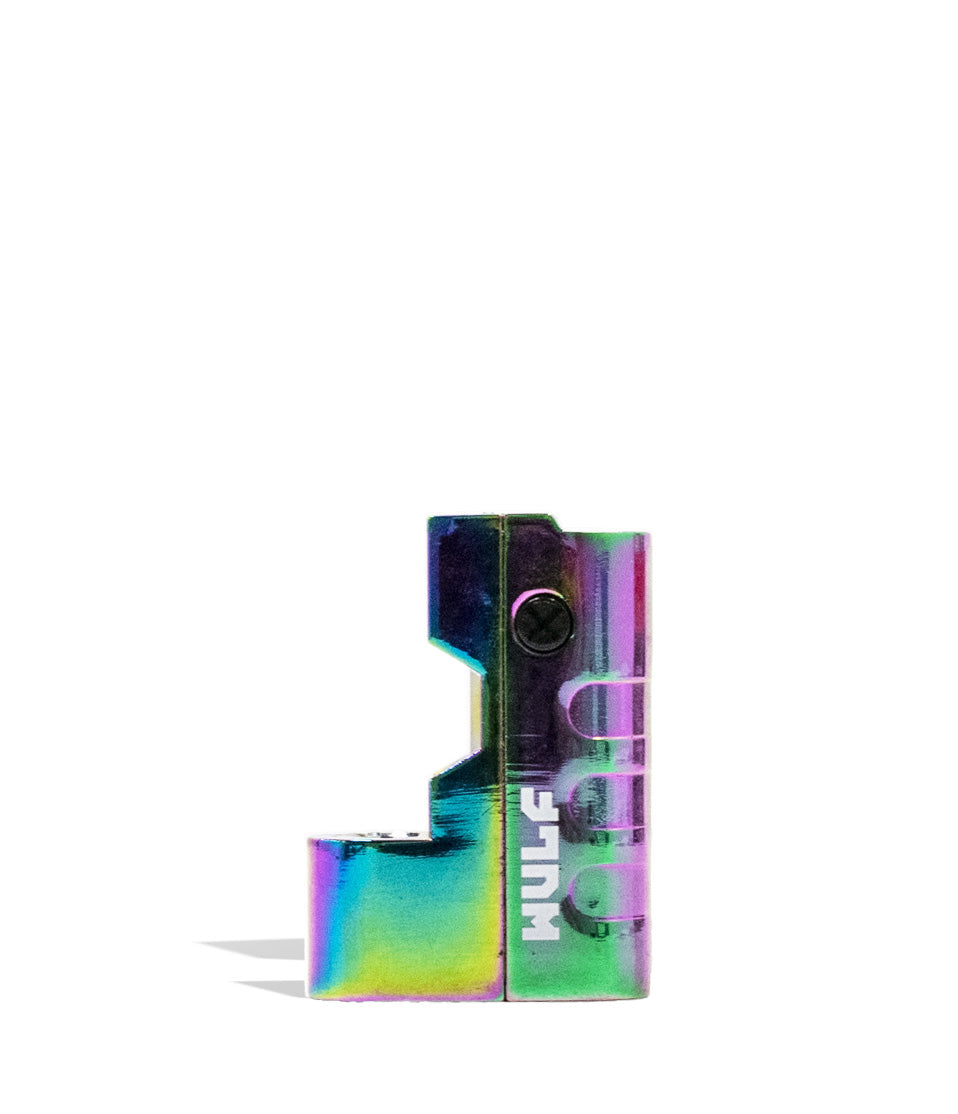
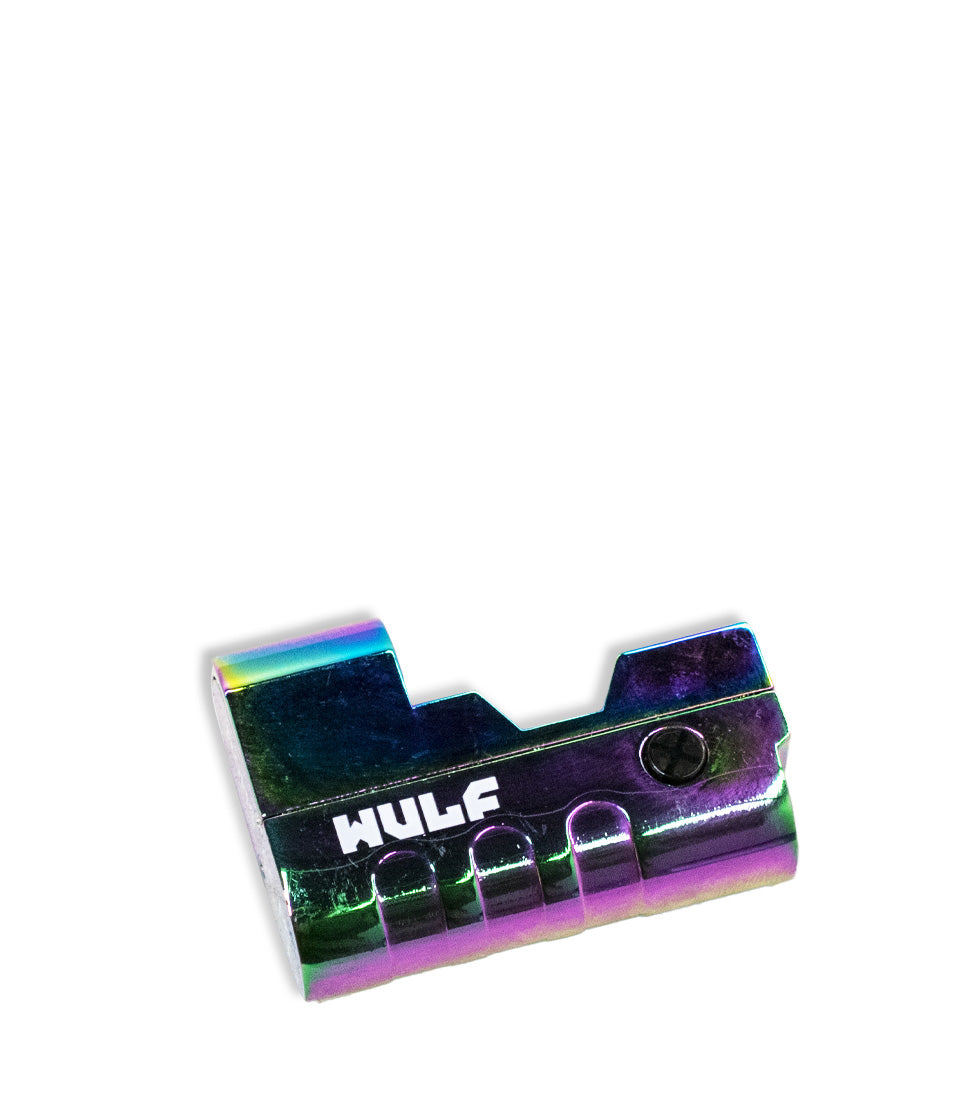
Shop 510 Thread Batteries
Browse the products featured in this guide.
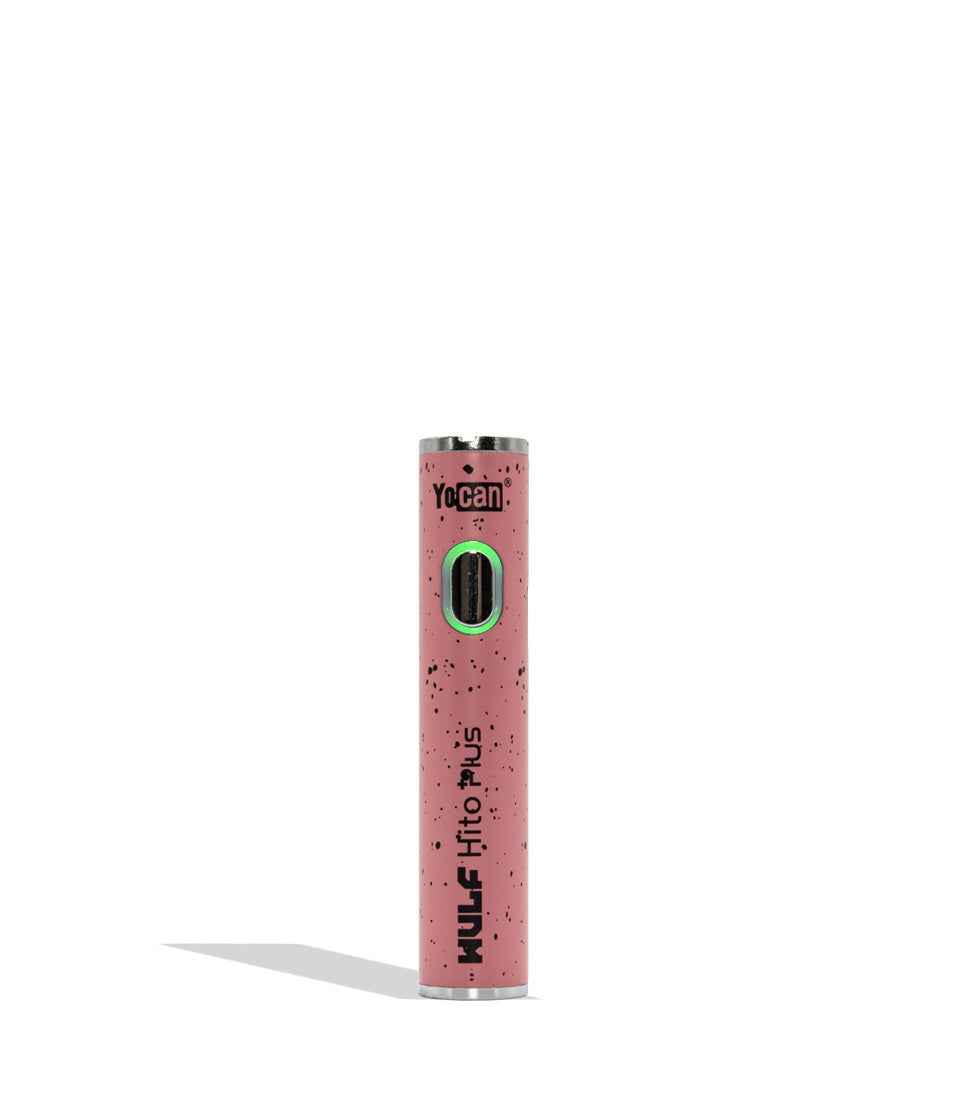
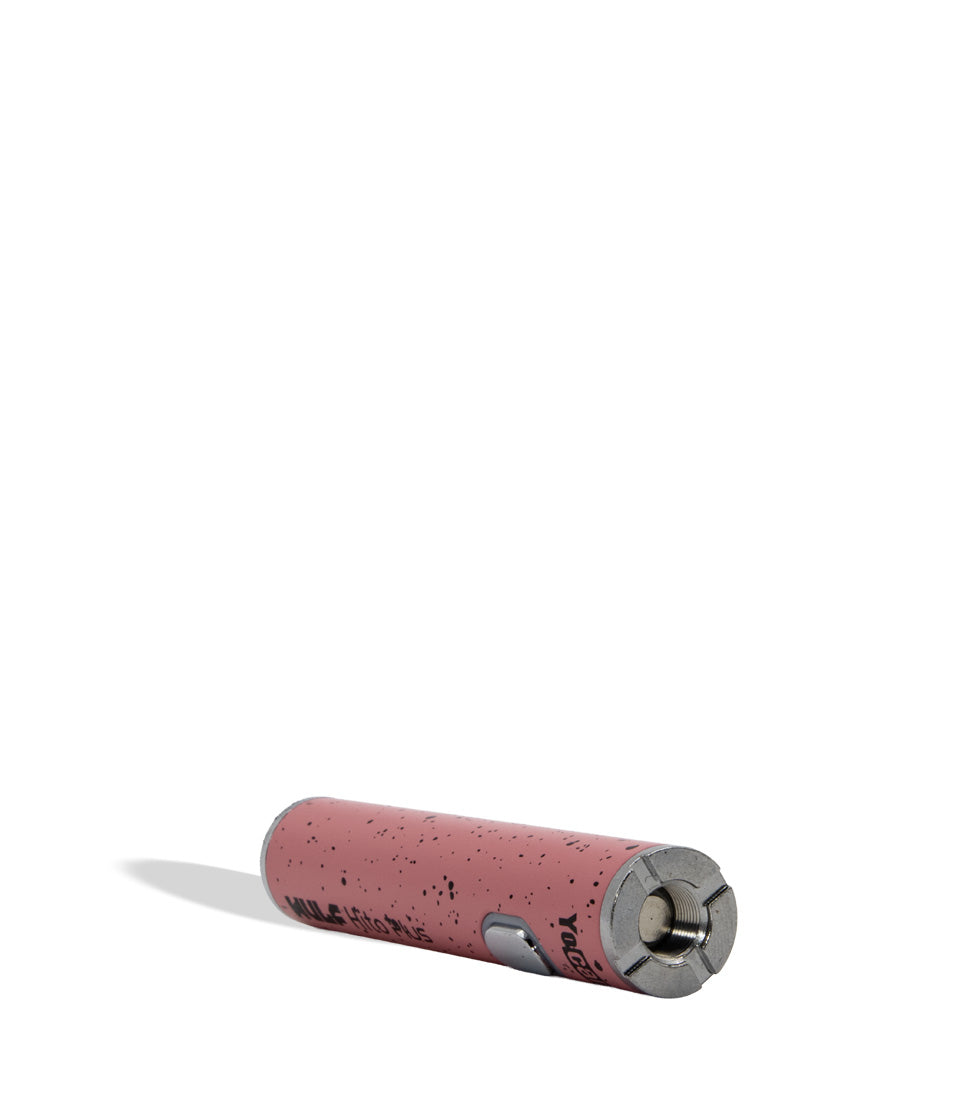
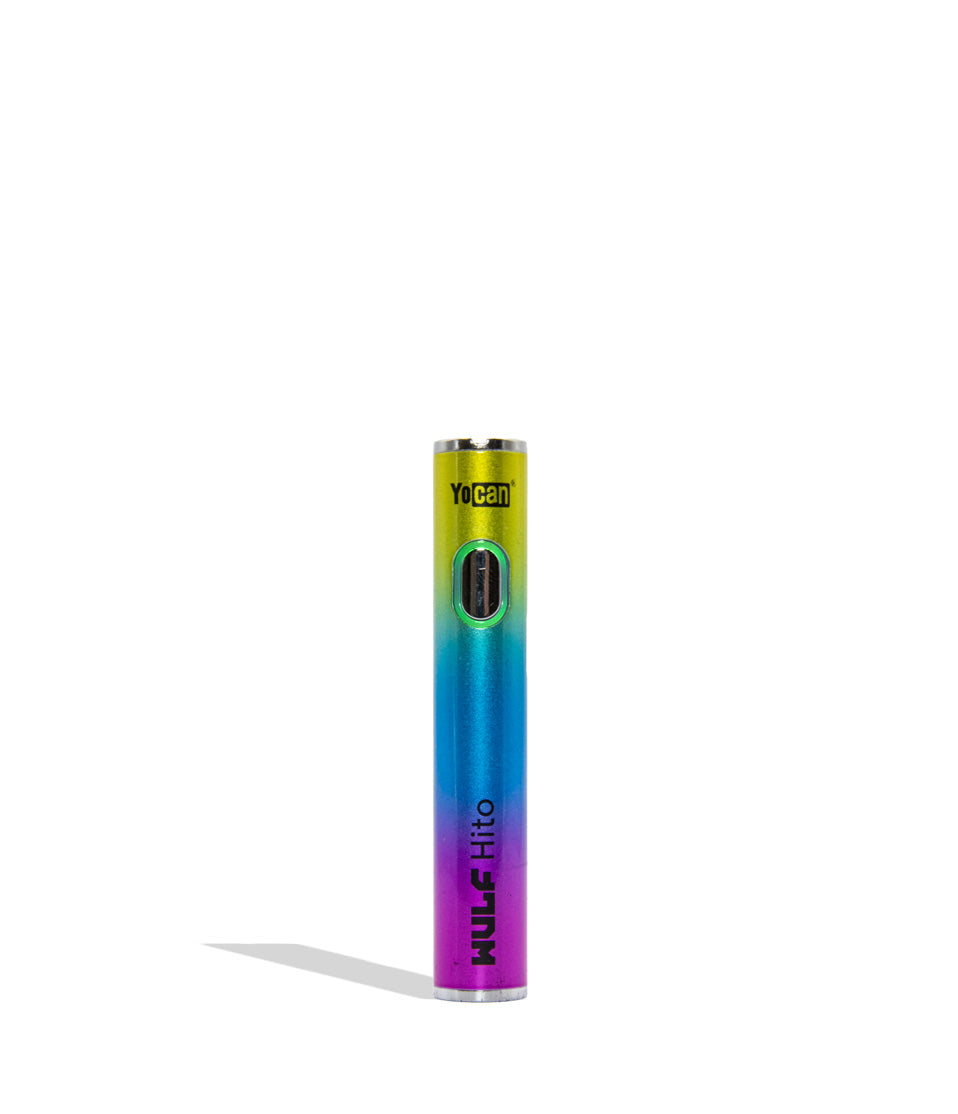
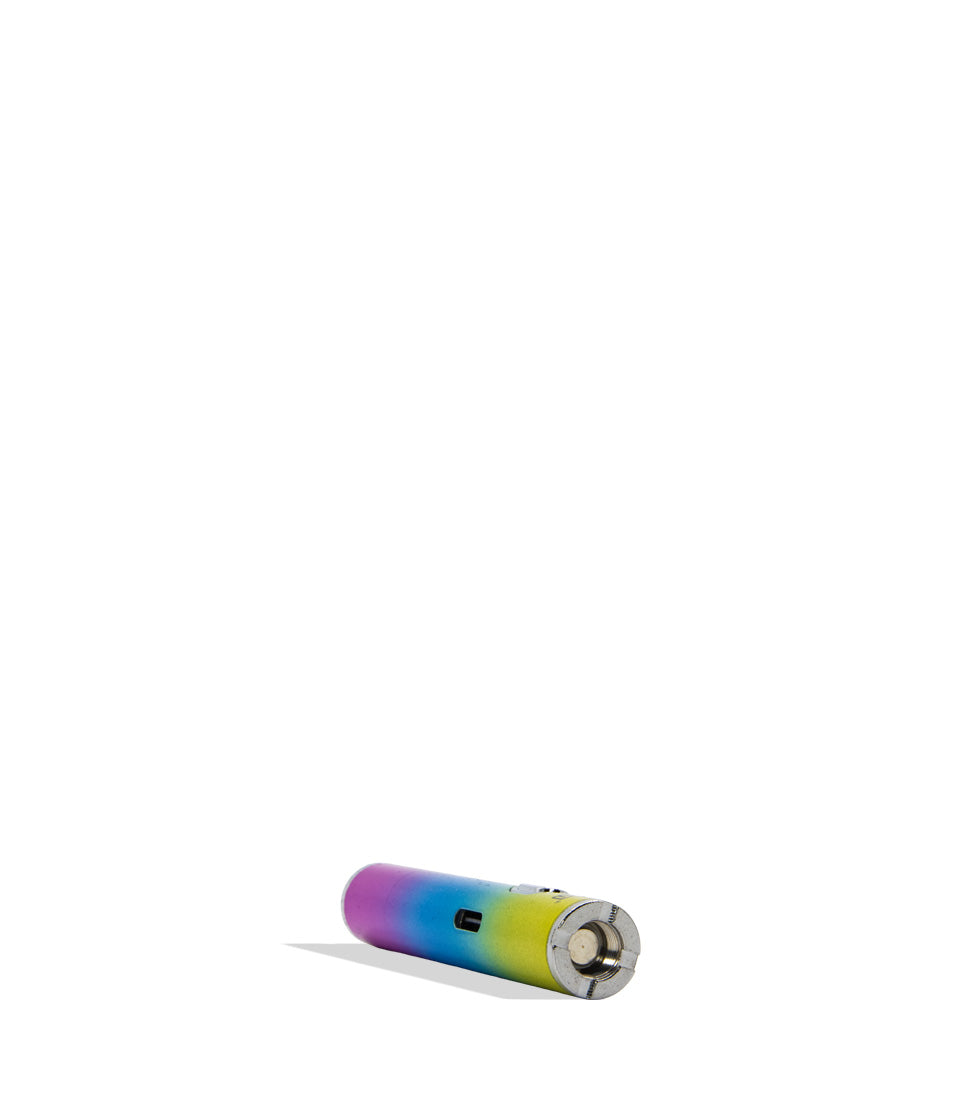
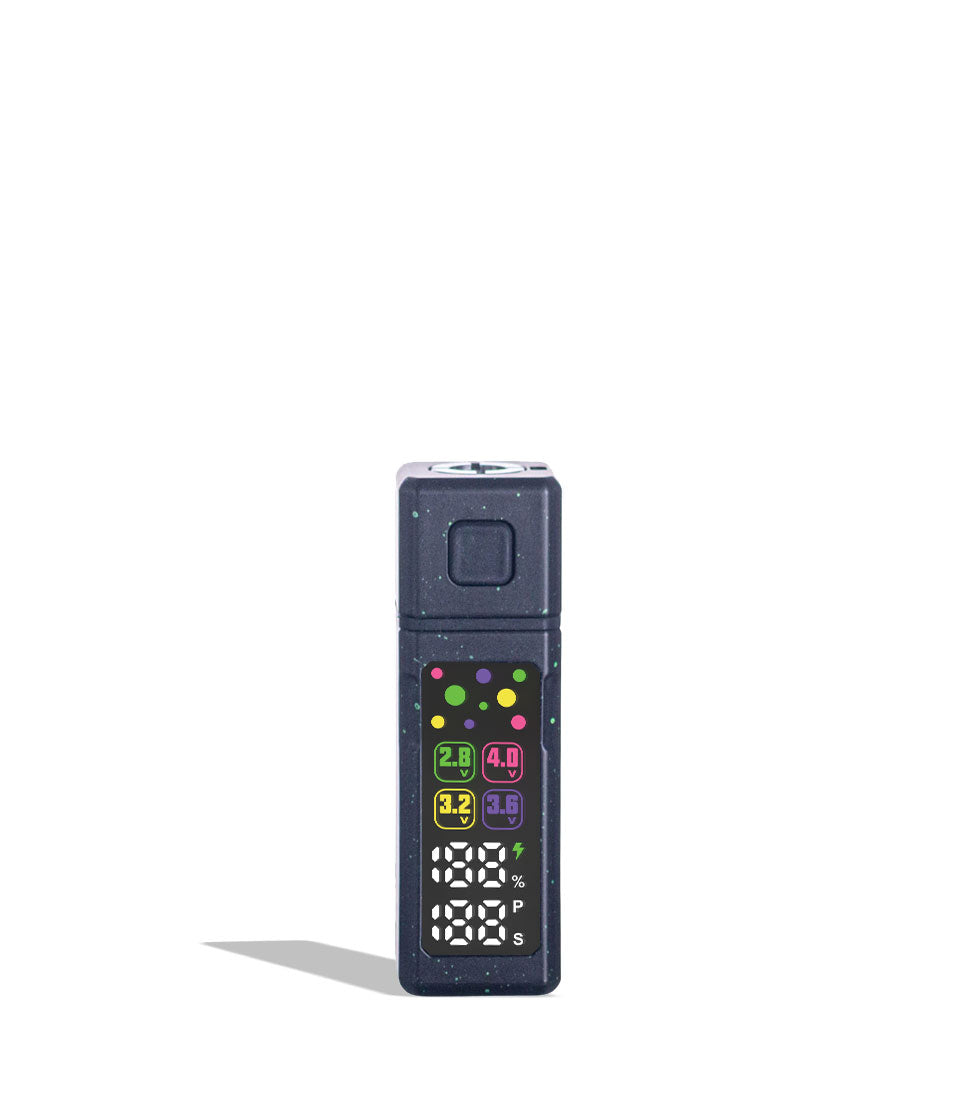
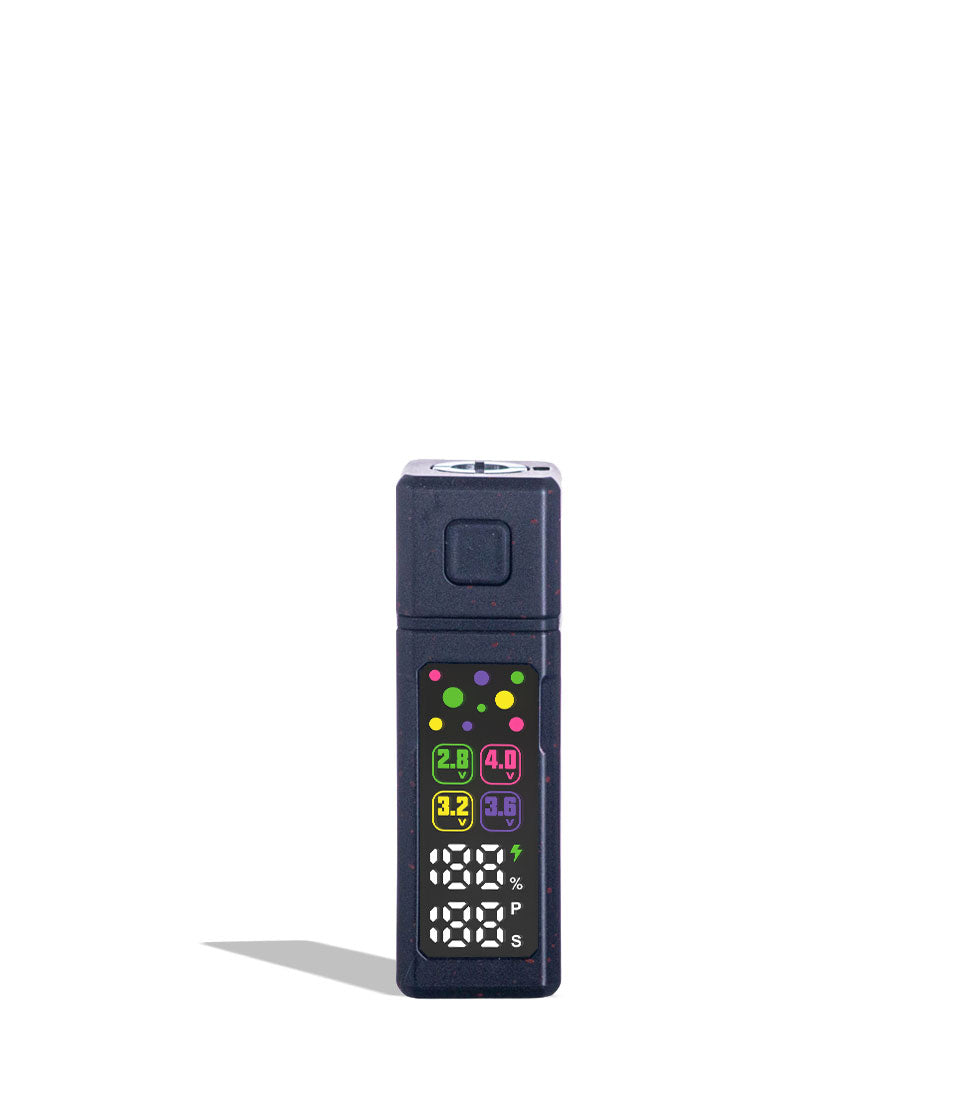
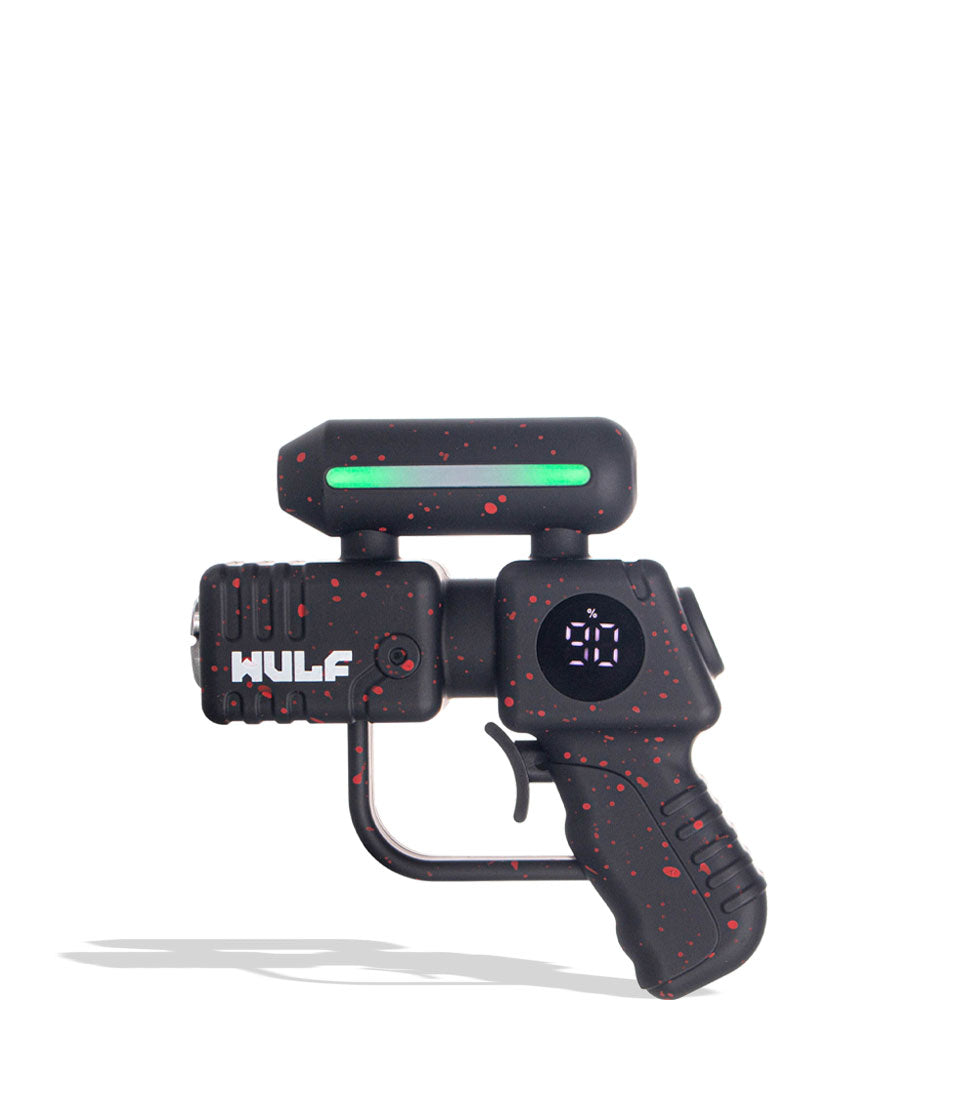
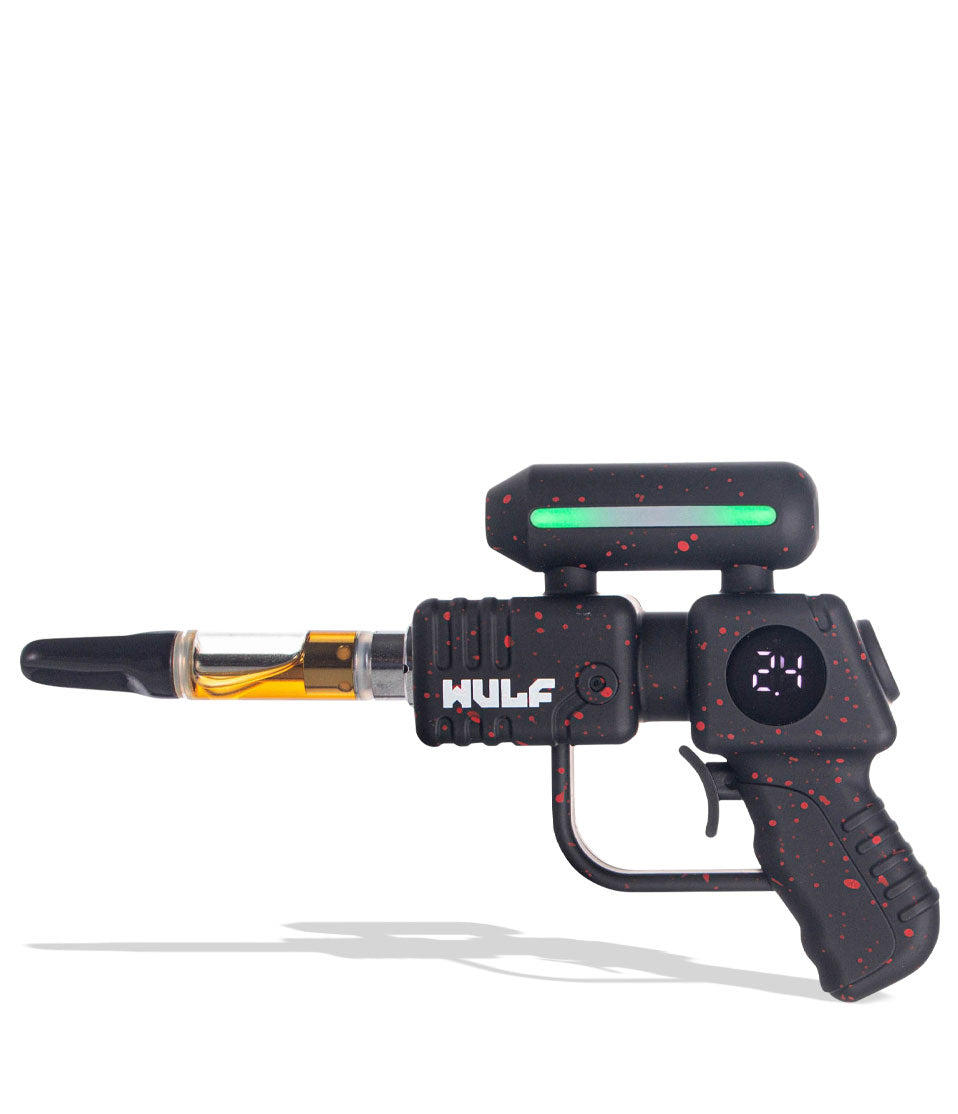
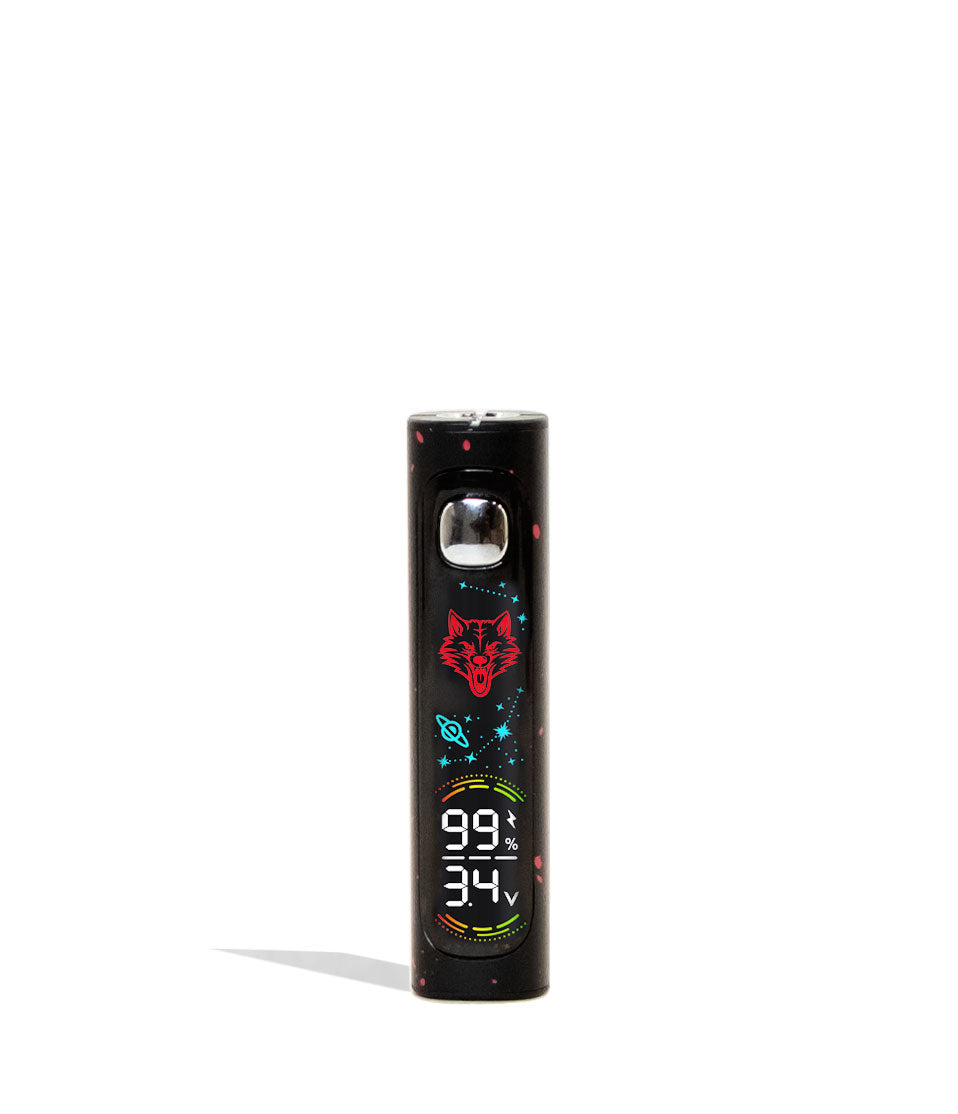
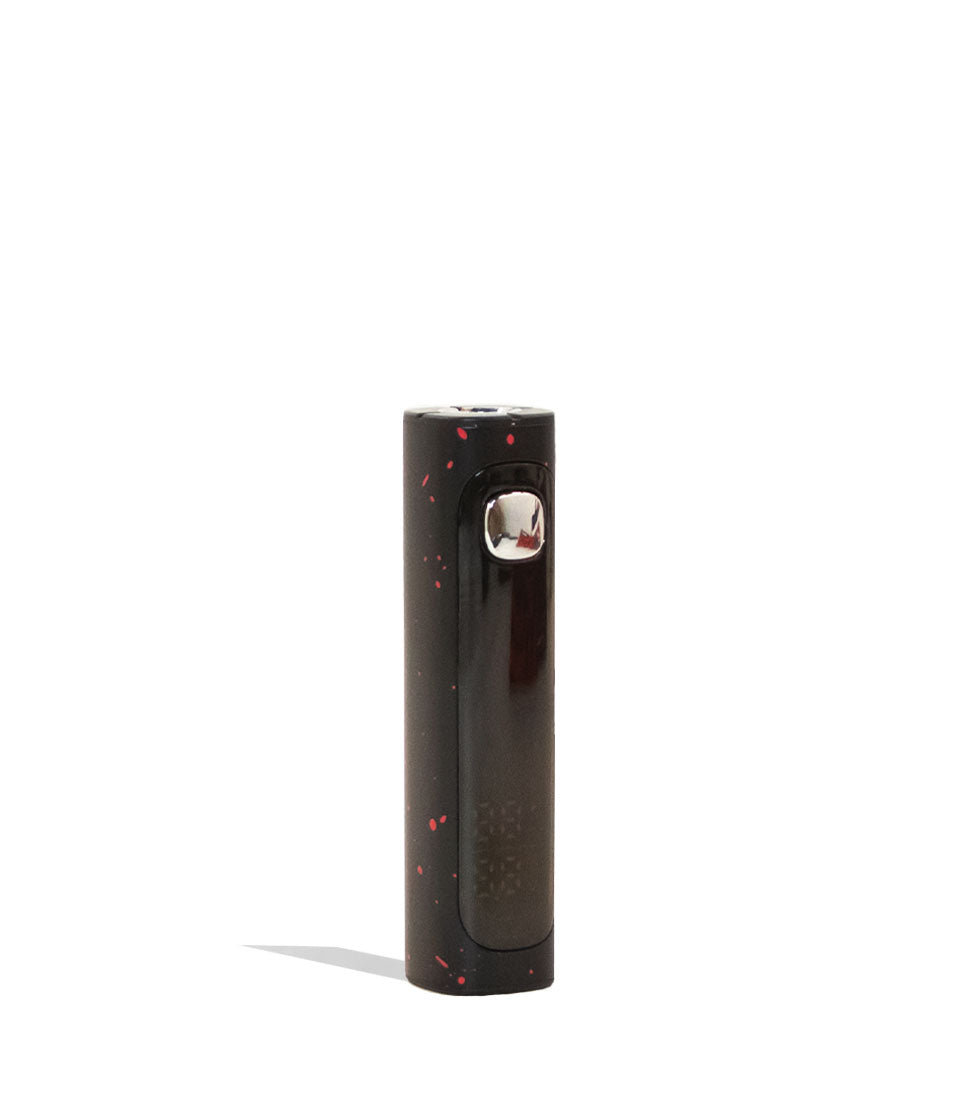
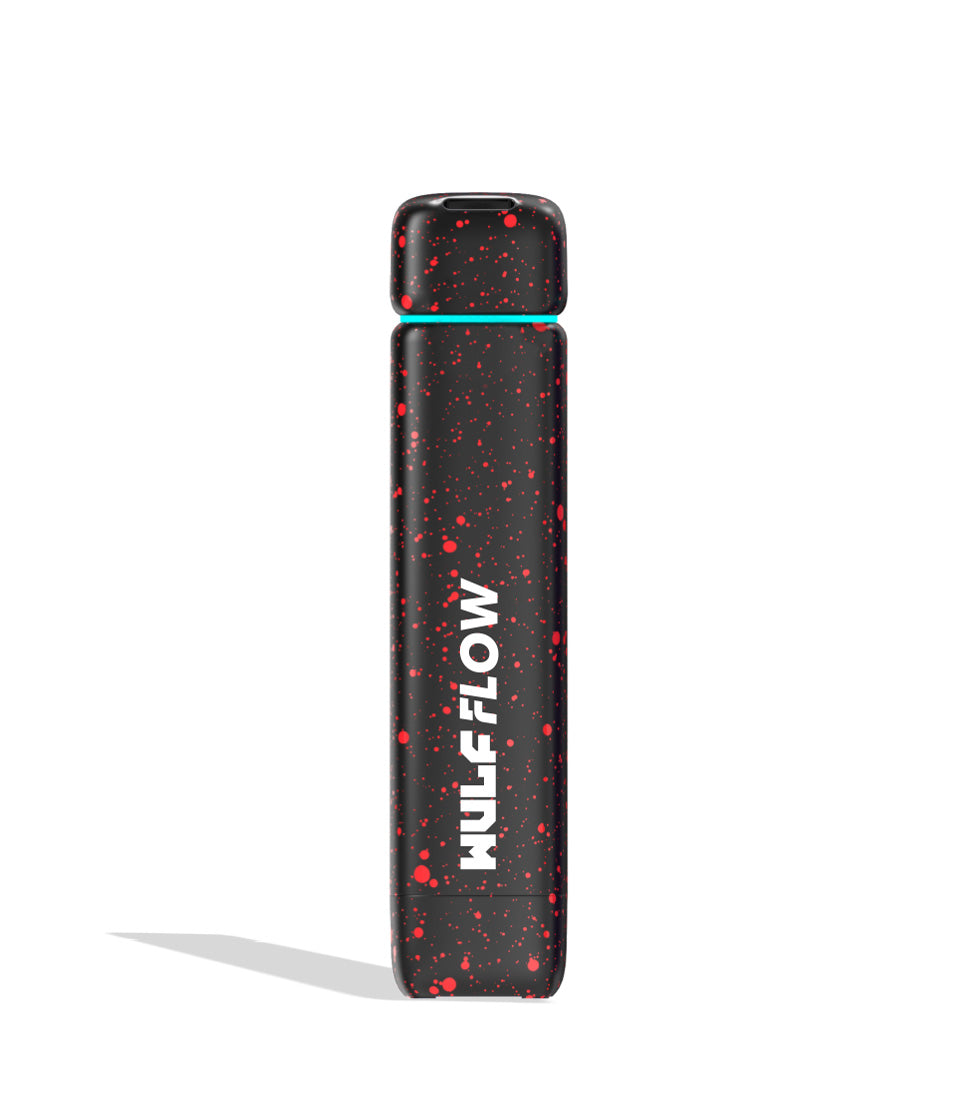
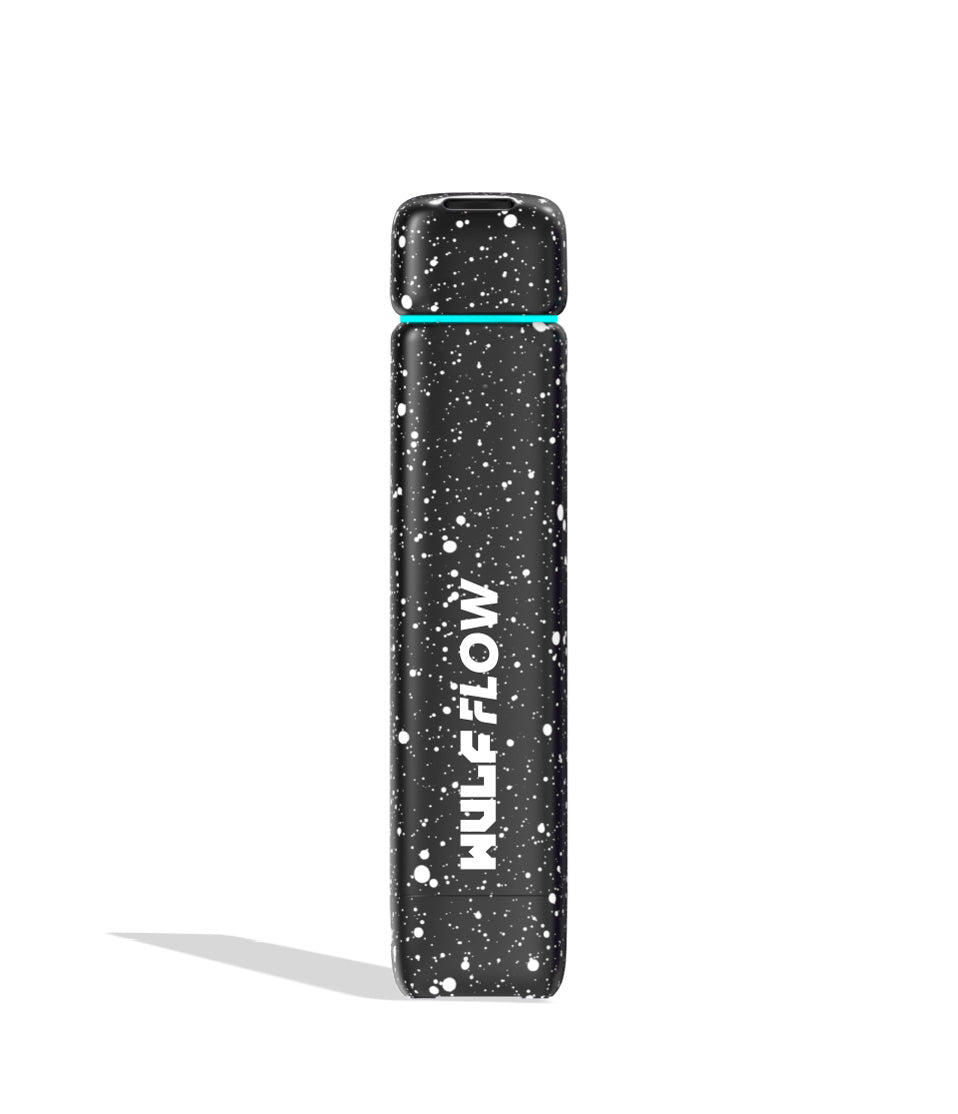
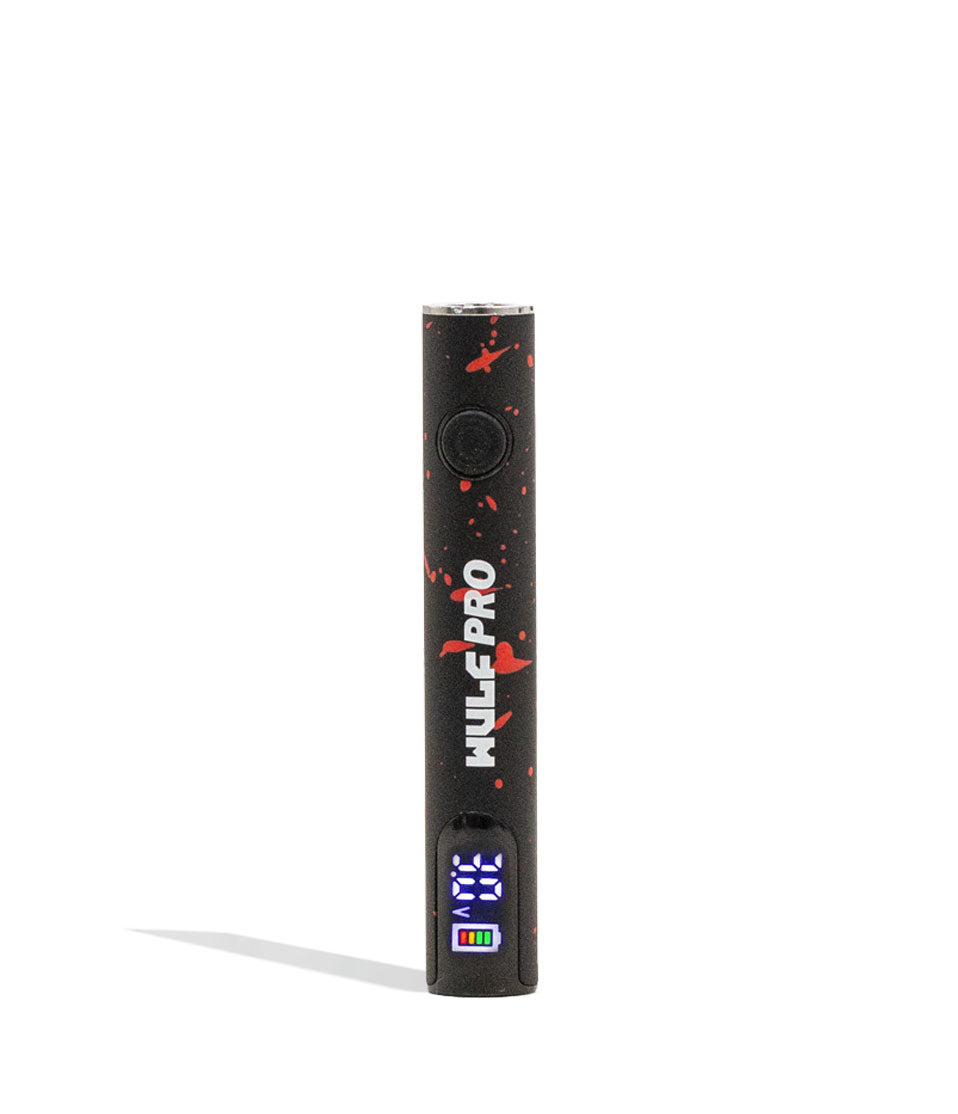
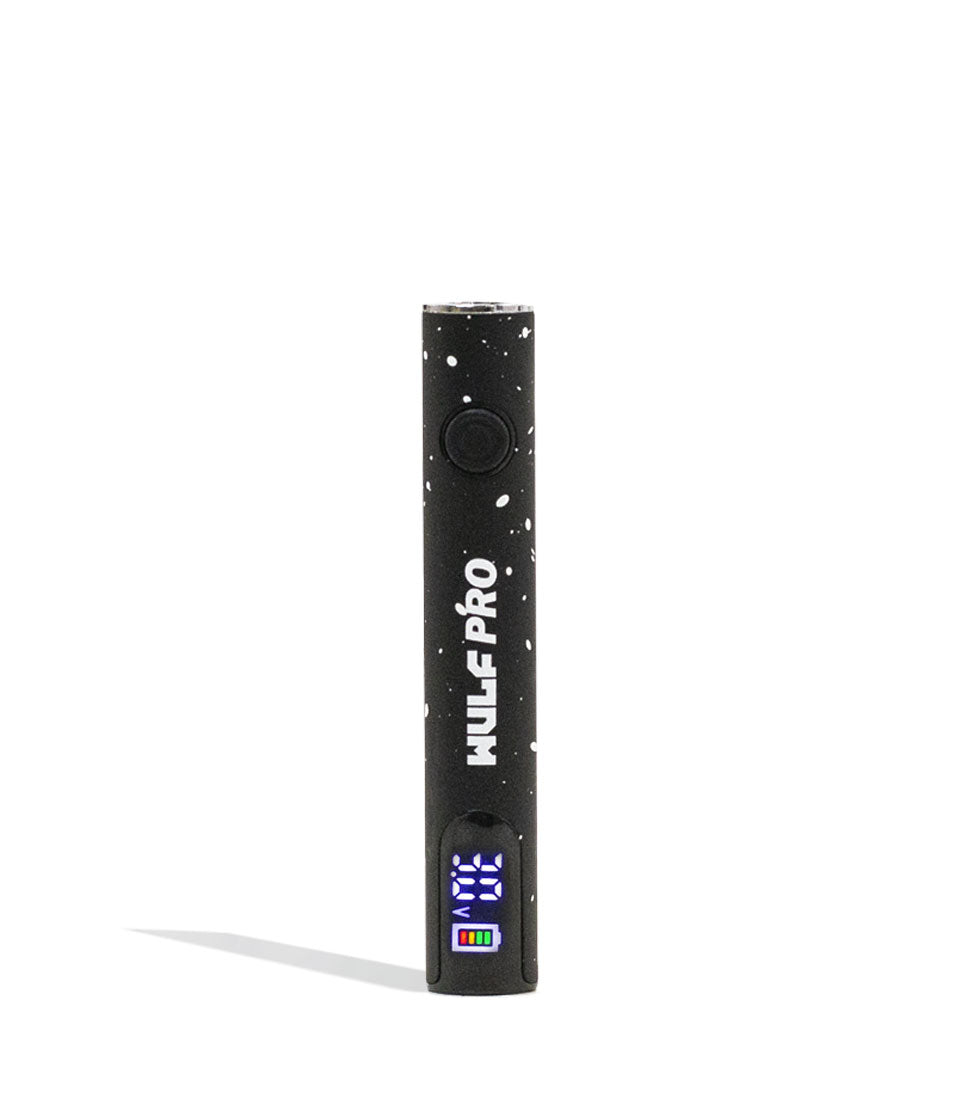
Owners Guide
Owner Playbook
The full playbook below expands on the practical steps and tips behind this guide.
Wulf Mods Hito Plus 510 Thread Battery in hand and ready to dive head first into your cloudy adventures? You’ve come to the right place because we’re going to break down exactly how to use your new battery with specific step-by-step instructions.
Follow along with Wulf as we explain in depth how you can use your Wulf Hito Plus to maximum effect and start ripping extra spicy clouds in no time. Wulf has been ripping blinkers and enjoying vape pens for 10+ years and we’re all ready to help!
We can guarantee that by the end of this read you’ll know everything there is to know about your Wulf Hito Plus, this way whether you’re a seasoned pro or brand new to the Wulf Pack, enjoying clouds will be easy!
Table of Contents:
Wulf Hito Plus Quick Start Guide
How to Charge A Wulf Hito Plus
How To Attach A Cartridge To Your Wulf Hito Plus
How To Switch The Wulf Hito Plus On / Off
How To Adjust Voltage On A Wulf Hito Plus
How To Activate Pre-Heat Mode On A Wulf Hito Plus
How To Use A Wulf Hito Plus
How To Troubleshoot A Wulf Hito Plus
How to Clean A Wulf Hito Plus
Enjoy Your Wulf Hito Plus!
Wulf Hito Plus Quick Start Guide
Before we dive into the finer details of the Wulf Hito Plus, we wanted to provide y’all with a quick rundown of all the most important steps. This way if you’re in a rush or just don’t like reading for long, you can get to vaping as soon as possible.
| STEP | HOW TO | PRO TIP |
|---|---|---|
| 1. Charge Your Battery | Plug your Wulf Hito Plus in with a compatible USB-C charging cable. | Never leave your battery charging overnight. |
| 2. Attach Your Cartridge | Choose any size 510 threaded cartridge to attach to your Wulf Hito Plus. | Take your time attaching the cartridge and never twist too hard. |
| 3. Power On Your Battery | Press the power button five times (5x). | Press the power button quickly, but with intent. This way you put the exact prompt in. |
| 4. Select A Voltage Setting | Press the power button 3x to cycle through to the next voltage level. | Lower voltages are better for flavor, while higher voltages bring the raw potency. |
| 5. Pre-Heat Your Cartridge (Optional) | Press the power button 2x to start the pre-heat countdown. | Use your pre-heat for thicker oils and extra potent clouds. |
| 6. Using The Wulf Hito Plus | Hold Down The Power Button and Inhale from your mouthpiece. | Draw slowly from your mouthpiece as if you were sipping, this way vapor flows evenly. |
| 7. Clean Your Battery | Power off your Wulf Hito Plus and use a q-tip to clean away oils. | Isopropyl alcohol works best to break down oils and clean quickly. |
| 8. Store Your Battery | Place your Wulf Hito Plus in a safe location away from moisture, heat, and high drops. | Having a designated spot for your Wulf Hito Plus can make finding it easy and convenient. |
For more detailed information on these steps, take a look below for our feature length walkthrough on how to use your Wulf Hito Plus 510 Thread Battery like a Wulf Pack professional.
How to Charge A Wulf Hito Plus
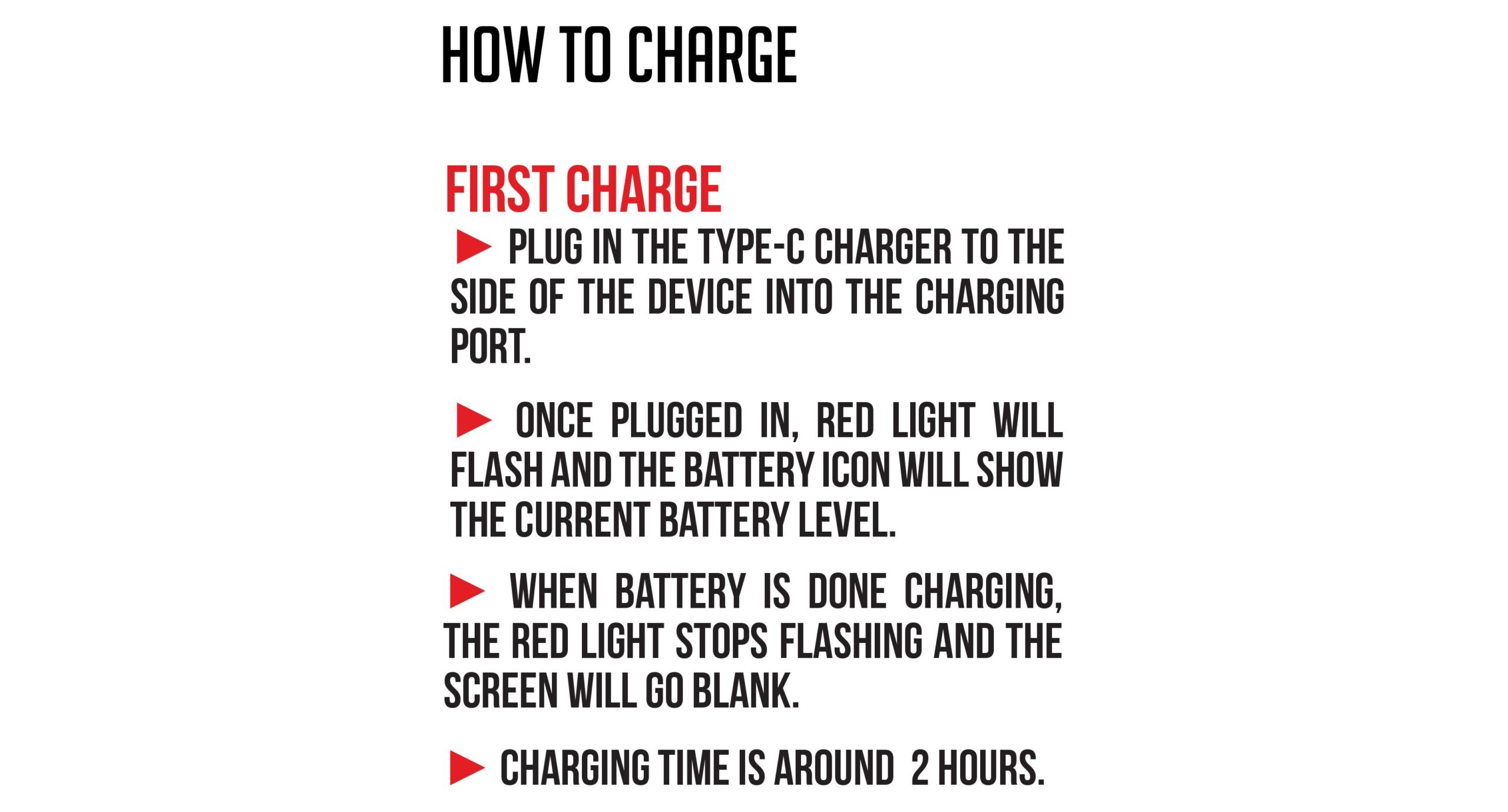
The Wulf Hito Plus utilizes USB-C charging via a port located on the bottom of your device and can be fully charged in under an hour. Never leave your battery charging while unattended and never leave your battery charging overnight.
The first time you charge your Wulf Hito Plus, leave it plugged in for a full two hours. Every time after that initial charge, never charge it for longer than one hour at a time. This provides an initial boot up for your battery, before settling into normal operation / charging practices.
While plugged in your Wulf Hito Plus LED will shine red to indicate its currently charging. Once at 100% battery level, your Wulf Hito Plus LED will shut off to let you know. Make sure to always unplug your battery promptly once it’s finished charging.
How To Attach A Cartridge To Your Wulf Hito Plus
To get started with your Wulf Hito Plus, you must first choose a 510 threaded cartridge. As the Wulf Hito Plus is compatible with any and all 510 cartridges, you can feel free to pick absolutely anything from your collection.
No matter the overall size, as long as they have a 510 threaded connection – you’ll be able to get them up and running with your Wulf Hito Plus.
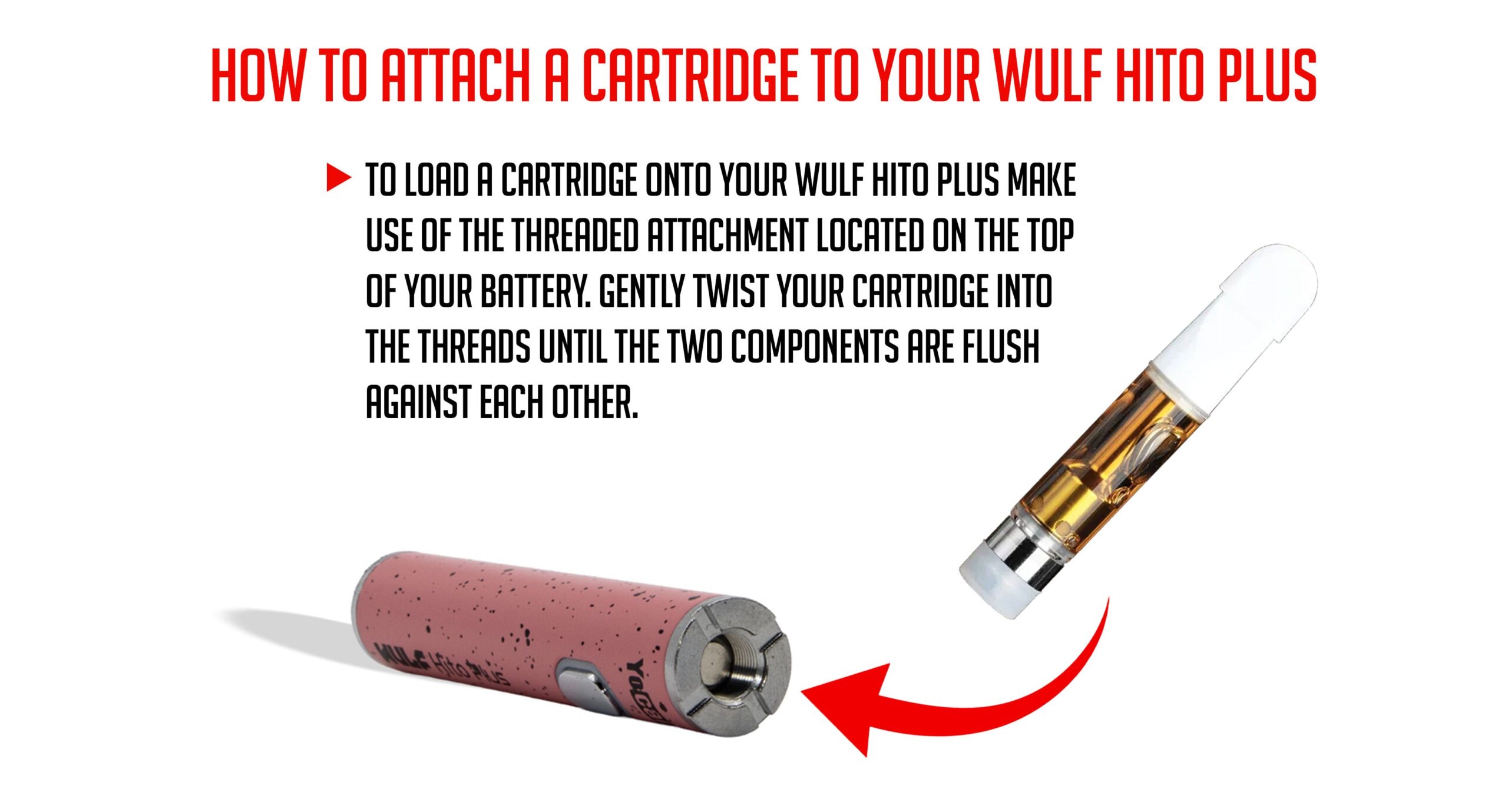
To do so simply attach your chosen 510 cartridge to the top of the Wulf Hito Plus by slowly twisting the two parts together. Make sure that the connection is flush and snug, without going overboard trying to tighten it too much.
The goal here is to allow the firing pin to connect with the bottom of your cartridge, forming a stable connection that lets energy flow freely. This way you’re able to heat efficiently and no issues spring up due to faulty connections.
How To Switch The Wulf Hito Plus On / Off
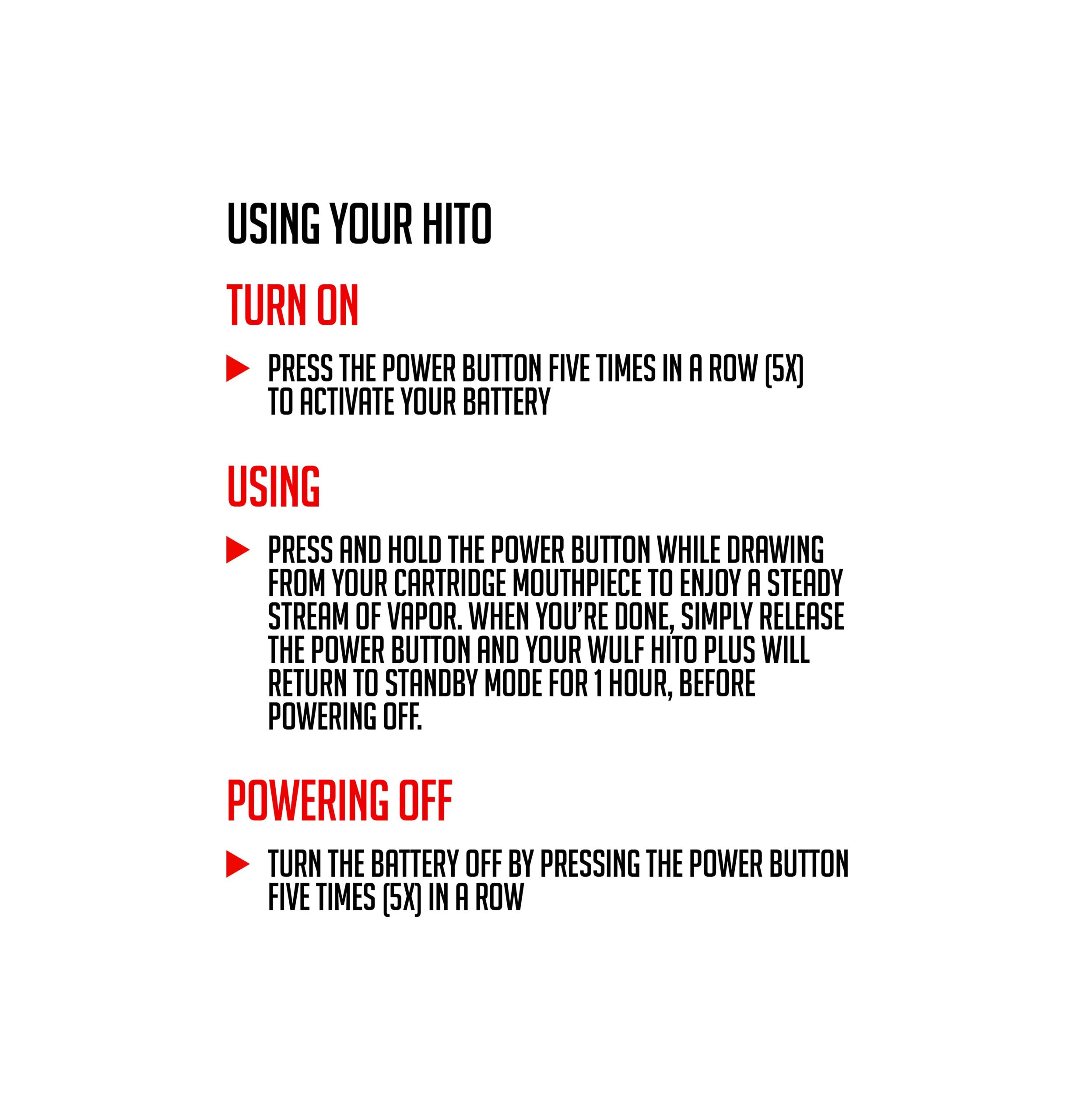
To power on your Wulf Hito Plus press the power button 5 times in a row (5x). When successfully input your battery LED will flash green 5 times (5x) before showing you your current voltage level (Green – 2.8v, Blue – 3.2v, Red – 3.6v).
To shut off your Wulf Hito Plus press the power button another 5 times in a row (5x). When successfully input your battery LED will flash red 5x and then switch off. This indicates you are now ready to travel / store your Wulf Hito Plus safely.
If you’re ever having trouble turning your Wulf Hito Plus on / off, try to space out your button presses briefly to ensure you’re absolutely clicking five times.
How To Adjust Voltage On A Wulf Hito Plus
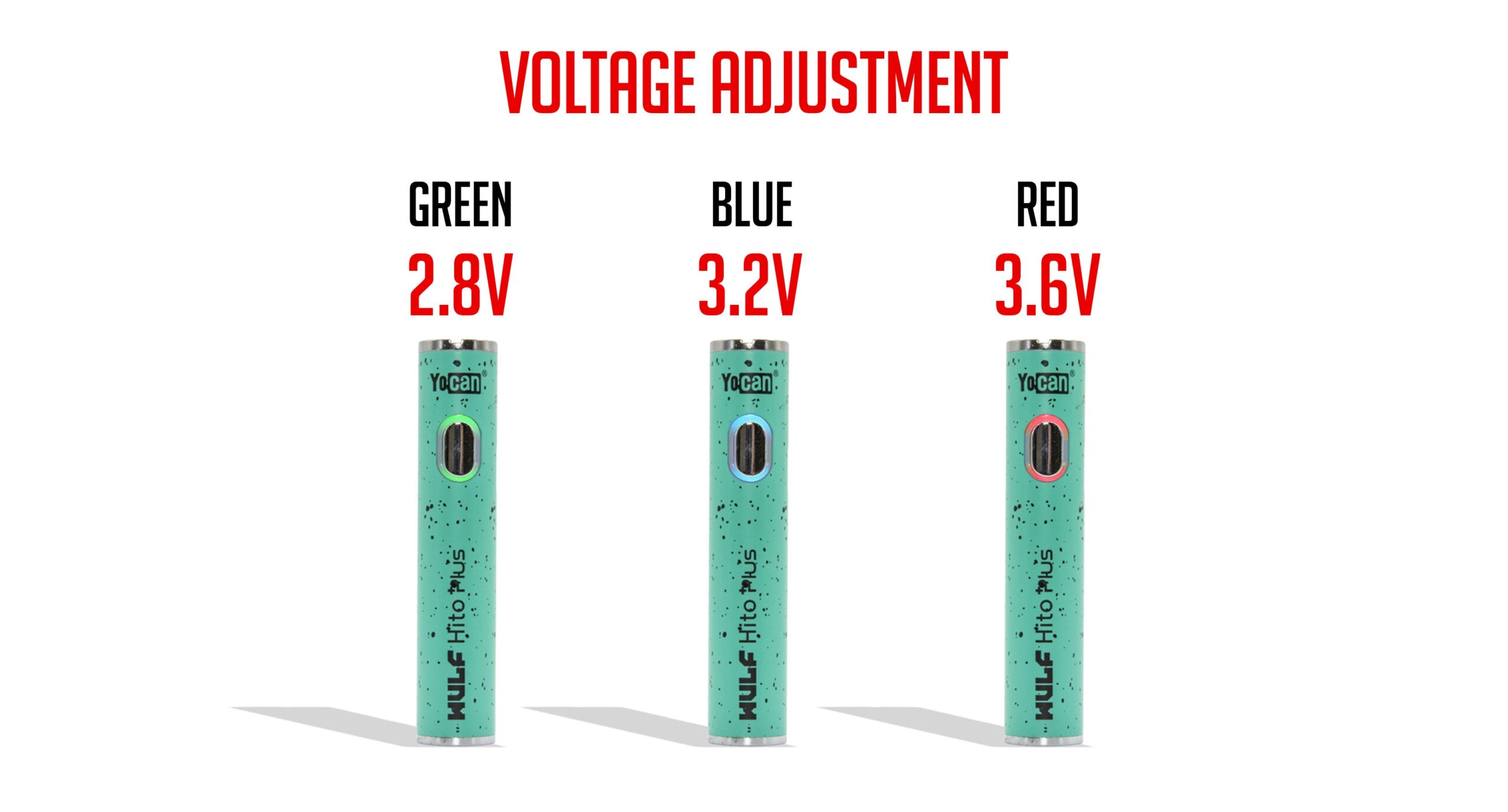
The Wulf Hito Plus comes with a range of 3 different voltage levels for you to enjoy with your cartridges including 2.8v, 3.2v, and 3.6v.
To switch between voltage settings on the Wulf Hito Plus press the power button three times in a row (3x). This will shuffle you to the next voltage level in line, once you’ve reached your desired voltage stop pressing the power button.
The Wulf Hito Plus uses the following color coding to denote voltage levels:
- Green: 2.8v – Smooth clouds with maximum flavor
- Blue: 3.2v – Middle ground sweet spot of flavor and potency
- Red: 3.6v – Harsher clouds with maximum potency
As a note, in general lower voltages produce stronger flavor, while higher voltages produce stronger potency. Keep this in mind during your own sessions and you’ll be able to get your Wulf Hito Plus dialed in just how you like it.
How To Activate Pre-Heat Mode On A Wulf Hito Plus
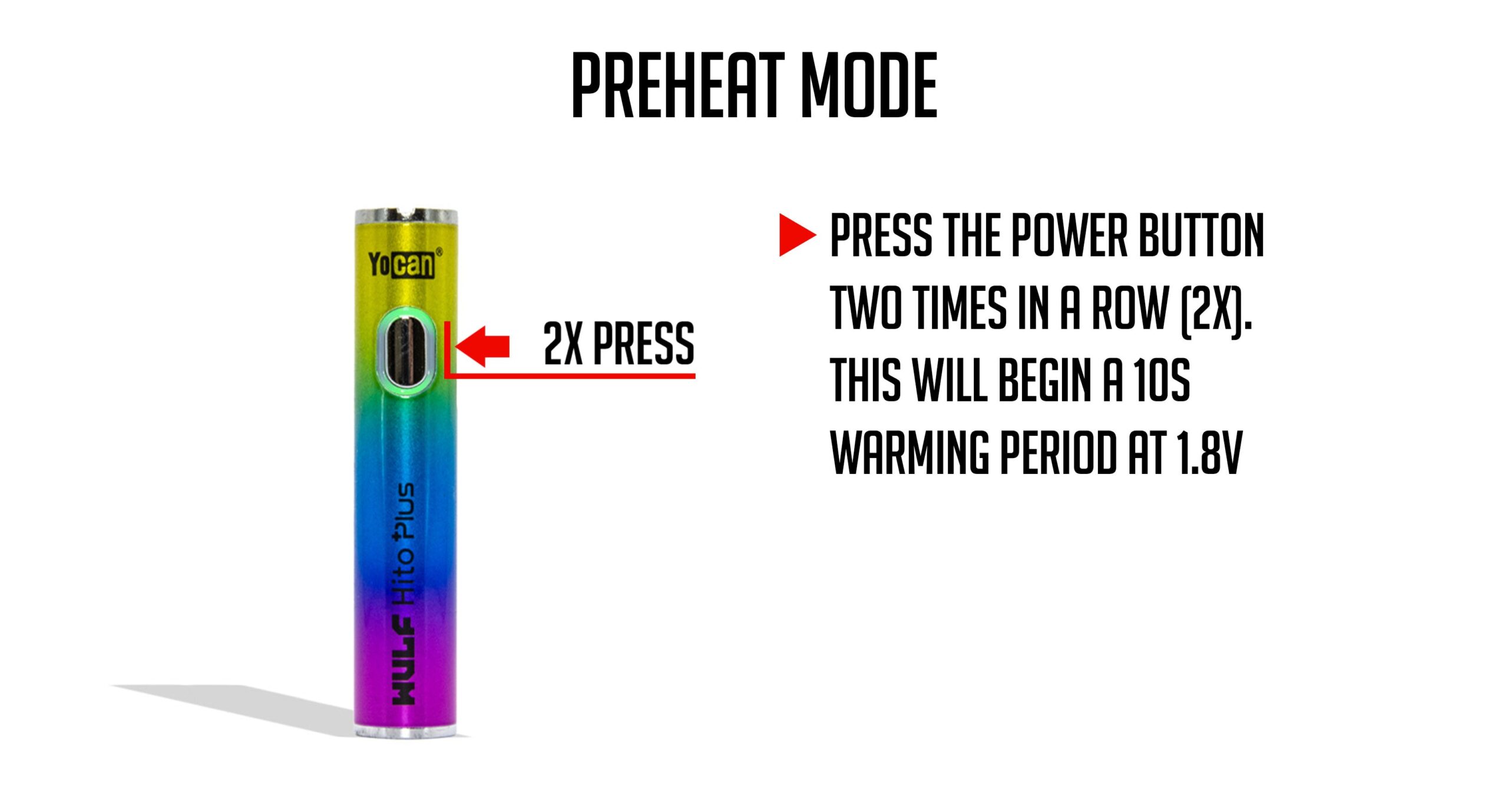
The Wulf Hito Plus comes with a 1.8v 10s pre-heat function that allows you to warm up your cartridge before taking a hit. This can be helpful to deal with thicker oils, colder temperatures, or for when you really want to dial up the potency to eleven.
To activate pre-heat on your Wulf Hito Plus press the power button two times (2x). This will begin a 10 second countdown where your cartridge is slowly warmed at 1.8v in order to prepare your oils, without vaporizing them.
Once the 10s is done you can now use your Wulf Hito Plus as normal. Simply hold down the power button and inhale from your mouthpiece to enjoy a specially prepared hit with extra potency and cloud volume.
How To Use A Wulf Hito Plus
Well intrepid cloud chasers, the time has finally come to start ripping clouds with your Wulf Hito Plus! With all of the elements in place (charged battery, attached cartridge, voltage chosen) you are all ready for the fireworks show!
To use your Wulf Hito Plus press and hold the power button down while inhaling from the mouthpiece. This will draw out a steady stream of smooth vapor, letting you enjoy your clouds with on-demand access.
Once done, release the power button and your Wulf Hito Plus will return to stand by mode for one hour, before auto powering down to save battery life.
This allows you to easily enjoy on-demand vapor without having to wait, letting you easily enjoy everything the Wulf Hito Plus has to offer whether you’re at home, on the go, or any other adventure in between.
How To Troubleshoot A Wulf Hito Plus
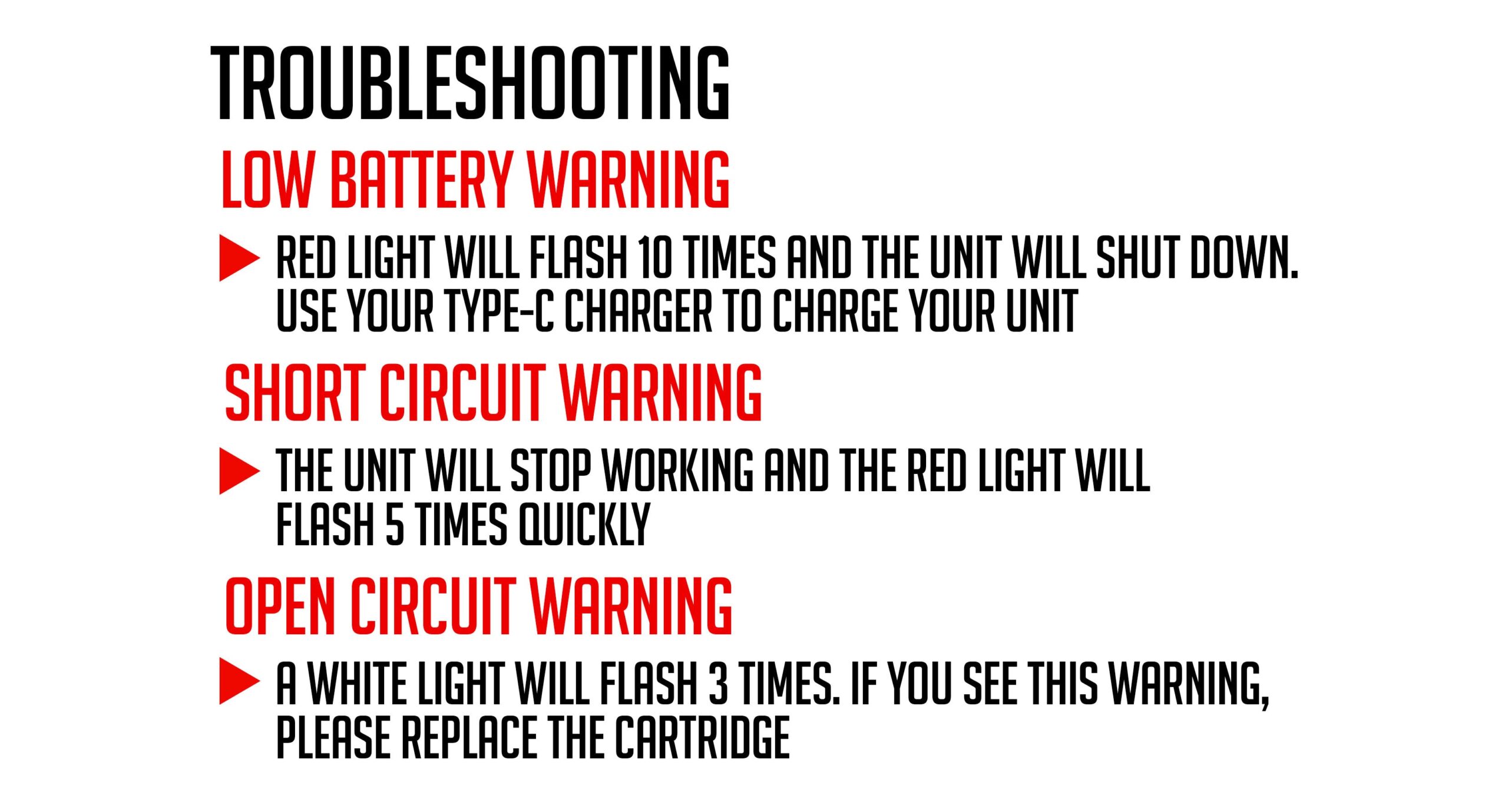
In order to provide the smoothest sessions, we’ve outfitted the Wulf Hito Plus with a series of troubleshooting warnings to protect you and your Wulf Pack during sessions. They are as follows:
Low Battery Warning: If your LED light flashes red ten times (10x) and stops working – this means you need to charge your battery, it’s out of battery.
Short Circuit Warning: If your LED light flashes red five times (5x) and stops working – this means your battery is short circuiting, cease use until the warning stops.
Open Circuit Warning: If your LED light flashes white three times (3x) – this means you’re experiencing an open circuit, replace the cartridge and try again.
If you come across any of these troubleshooting warnings, make sure to address them immediately in order to preserve your Wulf Hito Plus battery life and get back to enjoying your clouds as soon as possible.
How to Clean A Wulf Hito Plus
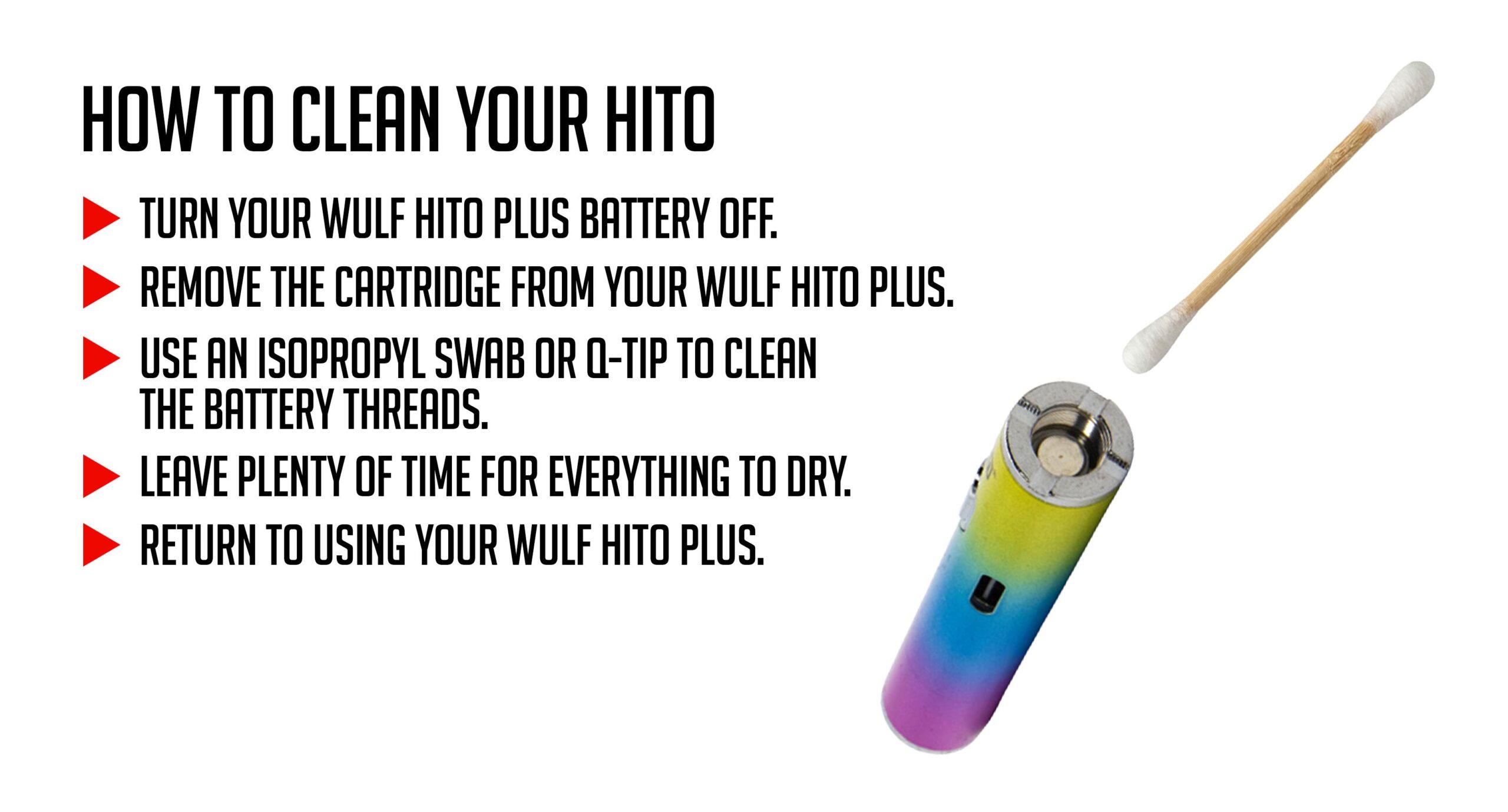
For the best possible vapor production you must keep your Wulf Hito Plus clean. Luckily this is easily accomplished and won’t take long for you to get done on a regular basis. This way your connections stay clean and everything is heated properly.
1. Power off your Wulf Hito Plus. Never attempt to clean while it’s still on.
2. Remove your cartridge. Never attempt to clean with a cartridge attached.
3. Dampen a swab with isopropyl alcohol and use it to gently clean the threaded attachment and body of your Wulf Hito Plus.
4. Leave plenty of time for everything to dry.
5. Return to your regularly scheduled vaping.
The main goal here is to always keep your 510 threaded connection clean, as this is where the real “magic happens” and any dirt or grime can become a real problem. So make sure to keep your threads clean and your sessions will unfold without a hitch.
Enjoy Your Wulf Hito Plus!
With all of that out of the way, time to enjoy your Wulf Hito Plus and enjoy the best of clouds thanks to your new found expert knowledge! Unleash your cartridges with true ferocity and embrace a world of seshing without limitations.
If you ever need help, you can always come back to this Wulf Hito Plus 510 Thread Battery set up guide for a quick refresher. This way you can always rip your Hito Plus like a pro and enjoy clouds that taste delicious, hit hard, and satisfy with howling enjoyment.
Have any more questions for Wulf? Take a look through the Wulf Resource Center for helpful guides just like this detailing all of our new releases and more.
Thanks for choosing Wulf for your sessions and we welcome you to the Wulf Pack! Now get out there and blast off with your Wulf Hito Plus now! Arooo!!!
Frequently Asked Questions
Owners Guide FAQs
Common questions related to this guide and how to apply the information when choosing your device.
How Do I Turn On The Wulf Hito Plus?
Is The Wulf Hito Plus Good For Beginners?
Wulf Hito Plus vs The Wulf Hito?
What Size Cartridges Is The Wulf Hito Plus Compatible With?
How Long Do I Charge The Wulf Hito Plus?
Wulf Mods Trust Center
About This Resource
Understand how this guide was researched, reviewed, and maintained by the Wulf Mods editorial team.
Editorial Standards
- Written for the people choosing and using these devices.
- Reviewed for clarity, accuracy, and practical retail value.
- Based on current manufacturer specifications and product documentation when available.
- Updated as products, regulations, category trends, or market conditions evolve.
- Built on deep, hands-on product experience.
- Designed to help you choose the right device with confidence.
Research Methodology
This owner guide was prepared to help you set up, use, and care for your device with confidence. Guidance is based on hands-on product experience, common questions, and real-world use.
- Hands-on product experience
- Setup and first-use guidance
- Cleaning, care, and maintenance
- Common questions and troubleshooting
- Safe and responsible use
- Real-world use considerations
- Editorial review for clarity and usefulness
Article Information
Intended Audience
- Everyday customers
- First-time buyers
- Experienced enthusiasts
- Dry herb users
- Concentrate users
- Anyone upgrading their setup
Editorial Policy
Wulf Mods educational resources are reviewed periodically to maintain accuracy and relevance. When product specifications, regulations, category trends, or market conditions change, articles may be updated with a new review date. Trusted product guidance.
Keep Exploring
Related Resources
Keep learning with related Wulf Mods resources selected to help you get more out of your device.
How-To
Learn how to use your Wulf 510 Battery with pro tips from the Wulf Pack! Enjoy better sessions with more flavor and stronger po...
Read Resource →
Category Guide
New to vaping and wondering what a vape pen is in 2026? Find out the answer to what a vape pen is right here with Wulf and get ...
Read Resource →
How-To
Ceramic Carts work better with Wulf Mods Batteries! Find out why this is true and learn more about ceramic cartridges in this W...
Read Resource →
How-To
Learn how long Wulf Vape Batteries last in this Wulf Pack exclusive Help Center blog. Find out how long your battery lasts and ...
Read Resource →