

Resource Center
Troubleshooting The Wulf Mods Recon 4G Dual 510 Thread Battery

Continue With This Resource
Wulf Mods Quick Brief
What You Should Know
A fast summary of the key points, questions, and guidance covered in this guide.
Overview
Key Takeaways
- Holding the power button down past 15 seconds activates an automated safety cutoff that flashes the OLED screen five times to prevent dry coil burning and accidental pocket firing.
- An automatic five-minute inactivity timer shuts down the device during periods of non-use to preserve the internal 650mAh battery capacity.
- Aligning the physical bottom toggle switch to match your active cartridge placement prevents open circuit Cartridge Detection warnings during solo sessions.
- Threading 510 cartridges clockwise until finger-tight ensures flush electrical contact against the base plate pins to eliminate atomizer connection errors.
- Reversing the magnetic bottom base plate 180 degrees resolves seating resistance caused by directional magnetic polarity to ensure a flush, secure lock inside the chassis.
Questions This Resource Answers
- Why does the Wulf Recon 4G OLED screen flash 5 times and stop heating during a draw?
- Why does the device shut off automatically when left sitting idle on a table or desk?
- How does an improper L/R/D toggle switch setting trigger a Cartridge Detection alert?
- What steps resolve a Cartridge Detection warning when both cartridges are installed?
- How does the physical alignment of the magnetic bottom base affect device function?
Recommended Products
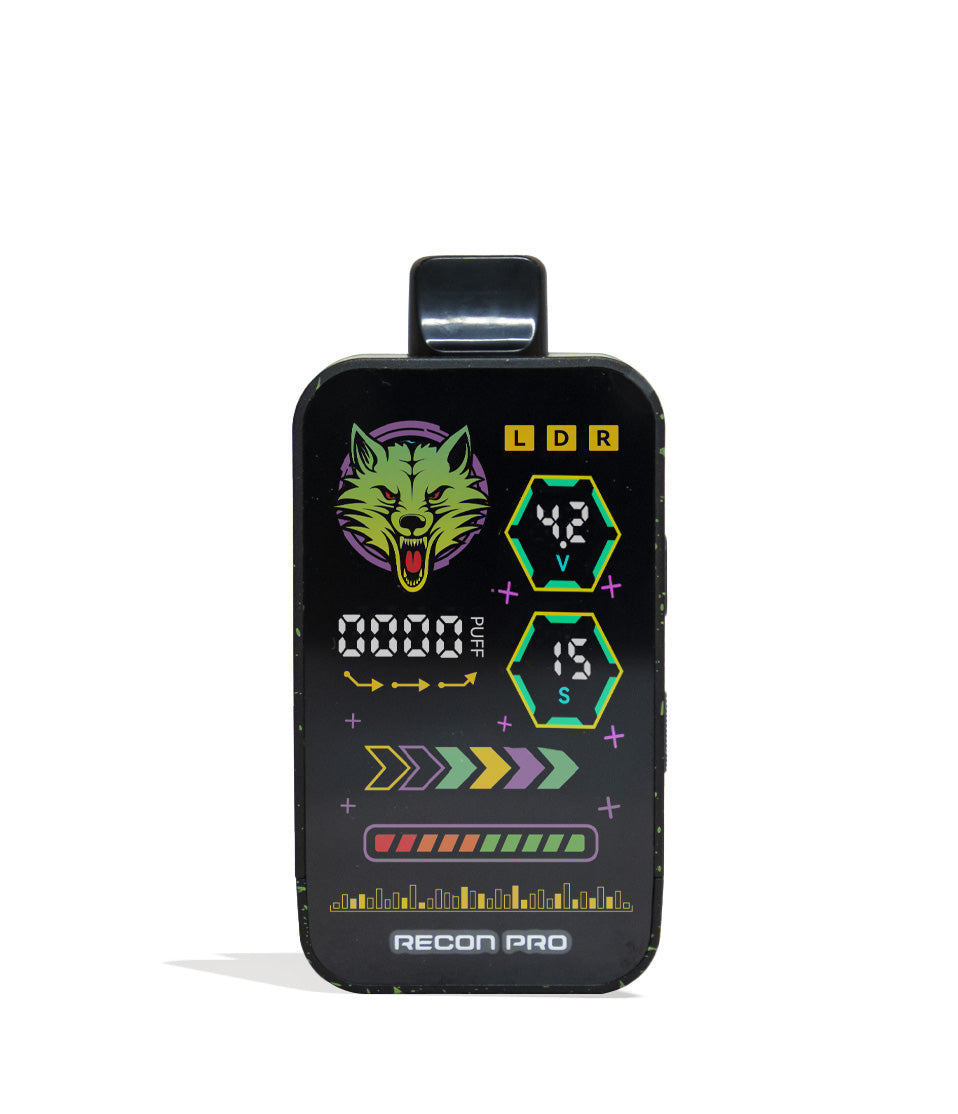
Shop 510 Thread Batteries
Browse the products featured in this guide.
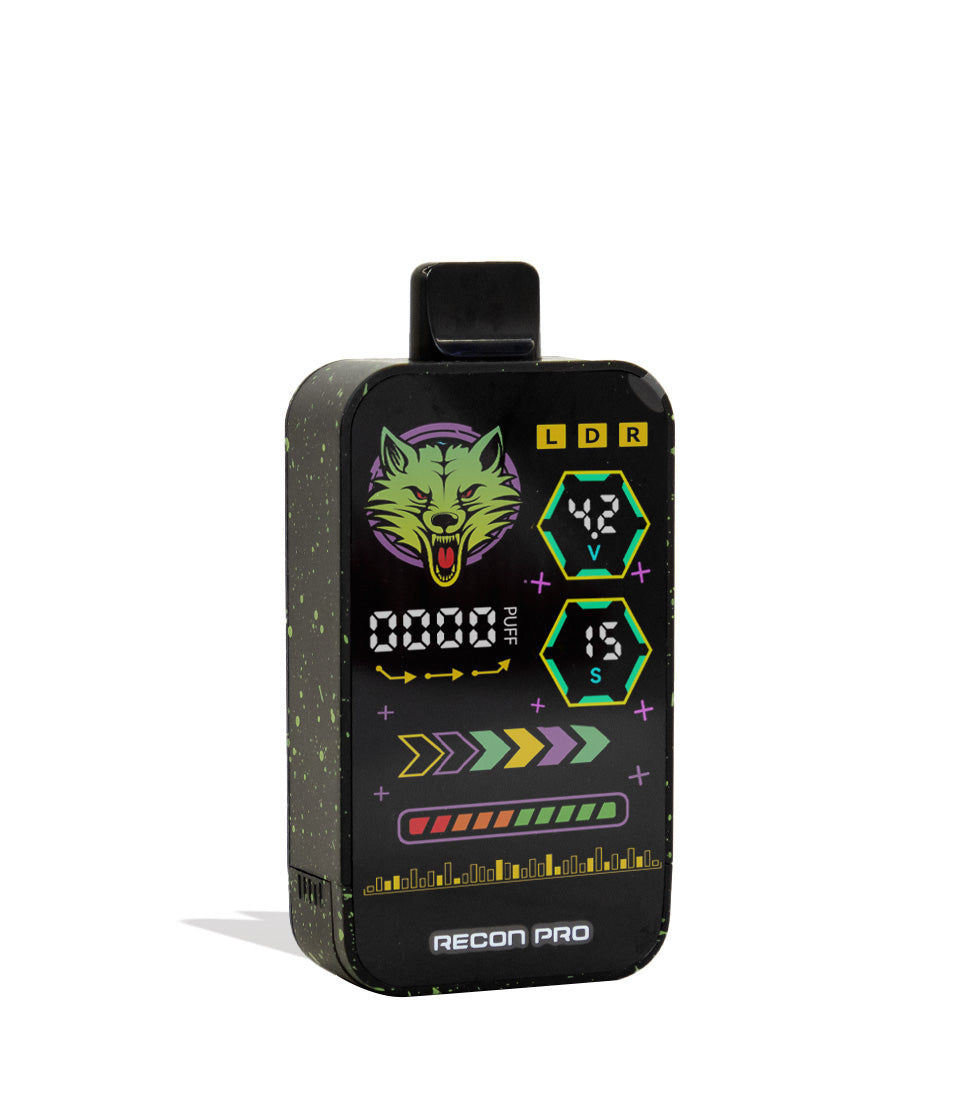
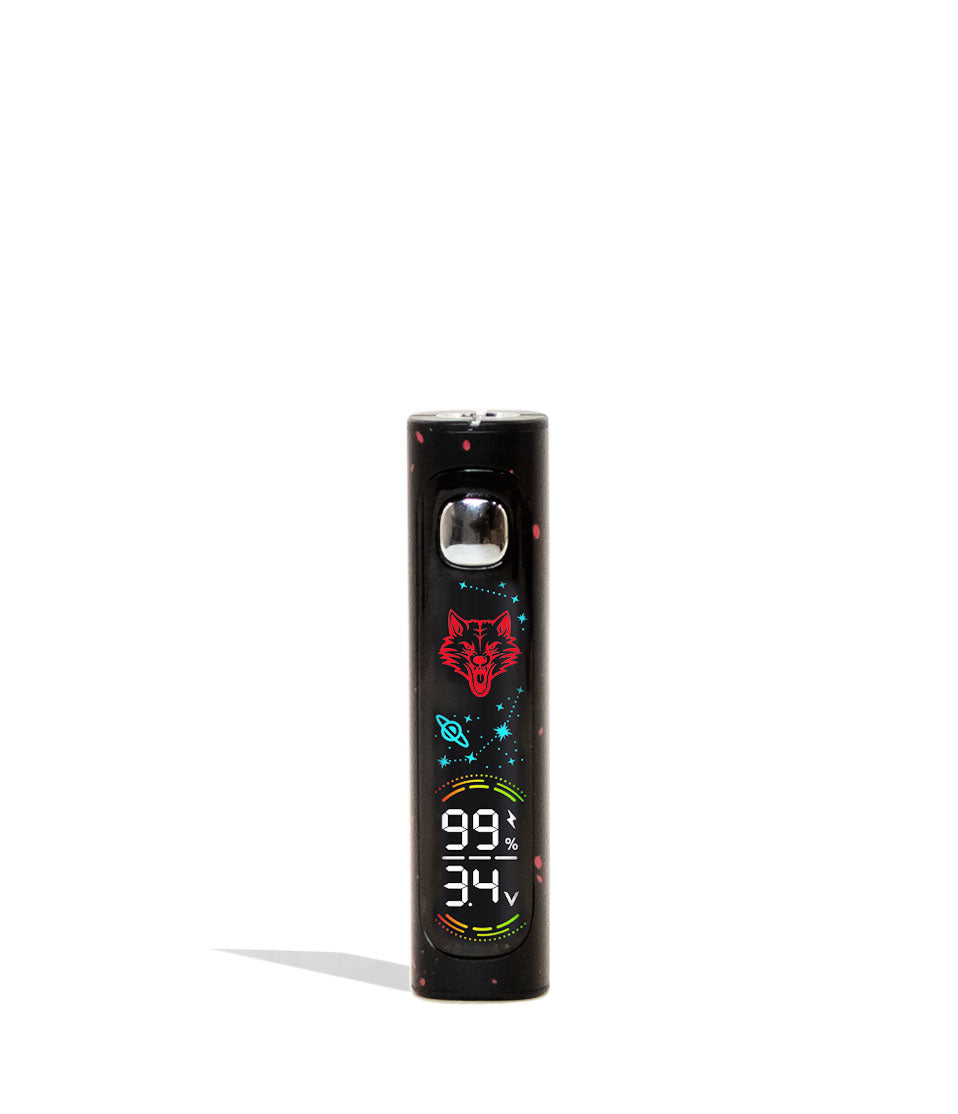
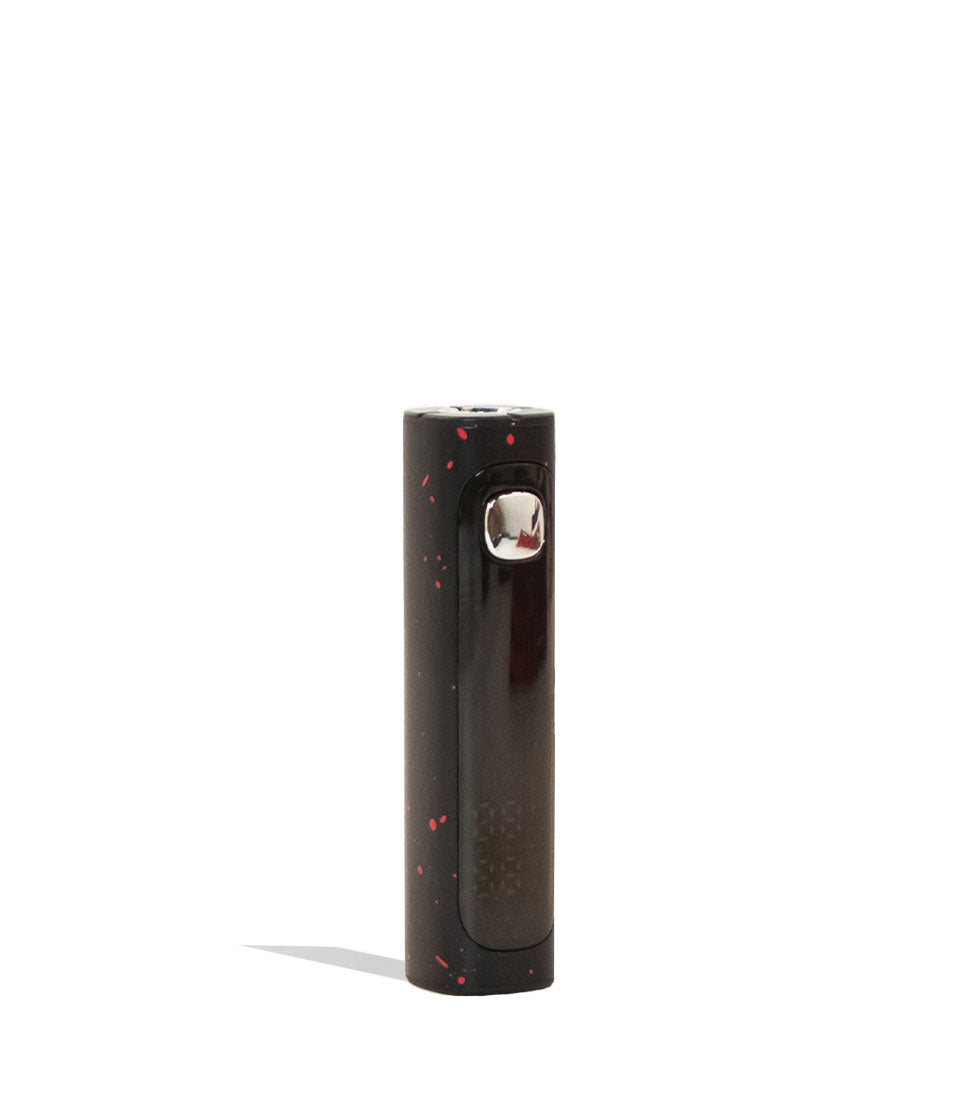
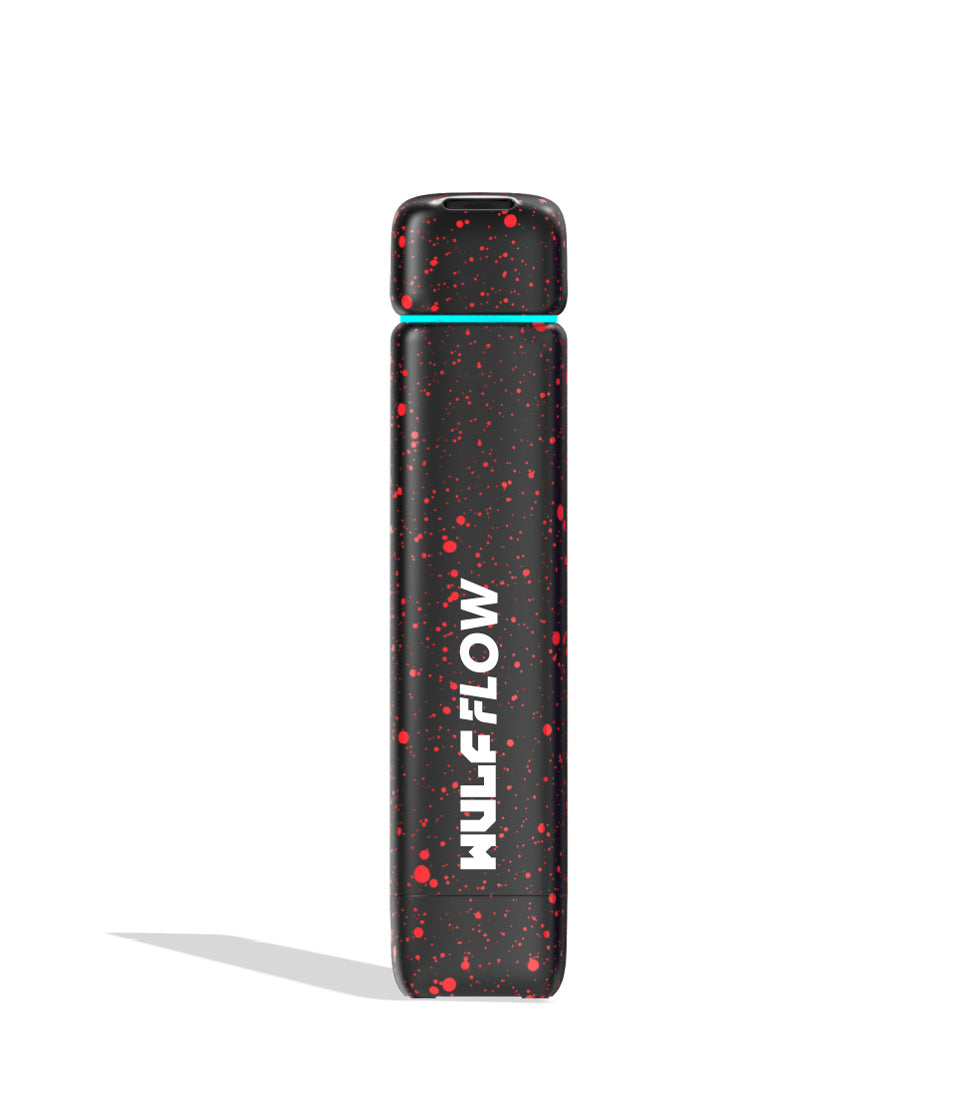
Owners Guide
Owner Playbook
The full playbook below expands on the practical steps and tips behind this guide.
Noticing unexpected screen alerts, flashing displays, or interrupted draws on your Wulf Mods Recon 4G Dual 510 Thread Battery and wondering what your device is trying to tell you?
Don’t trip out, y’all! These OLED screen notifications and safety cutoffs aren’t a sign that your double-barrel battery is broken—they are built-in troubleshooting safety warnings specifically engineered by Wulf to safeguard you, your 650mAh battery, and your loaded cartridges!
Because the Recon 4G packs a massive 4-gram total capacity (holding up to two 2G cartridges simultaneously inside its concealed housing), staying aware of these diagnostic prompts is essential to keep your sessions running smoothly. The Wulf Pack created this exclusive troubleshooting guide to break down exactly what each warning means and how you can resolve it in seconds.
By the end of this walkthrough, you’ll know how to handle every Wulf Recon 4G alert like a seasoned pro, getting you right back to ripping dense, double-barrel clouds with zero downtime. Let’s get into it! Arooo!!!
Table of Contents:
Wulf Recon 4G Troubleshooting Quick Guide
1. Overtime Warning (15-Second Cutoff – OLED Flashes 5x)
2. Auto Shut Off Warning (5-Minute Inactivity Timer)
3. Cartridge Detection Warning (Empty Chamber & Toggle Alignment)
Trouble-Free Wulf Recon 4G Dual Vaping
Wulf Recon 4G Troubleshooting Quick Guide
In a rush and need fast answers? Take a look below at our quick reference table detailing all built-in troubleshooting warnings on the Wulf Recon 4G and how to fix them immediately:
| # | WARNING / ALERT | WHAT IT MEANS | HOW TO FIX |
|---|---|---|---|
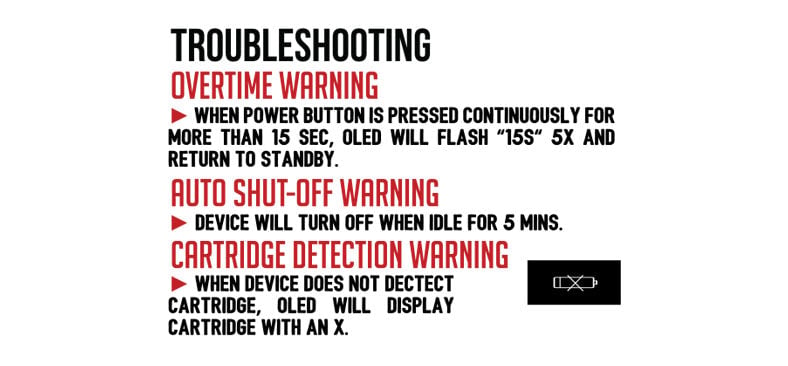
| 1 | Overtime Warning | Power button held longer than 15 seconds; OLED screen flashes 5 times (5x). | Release the power button; the device safely drops back to standby so you can resume vaping. |
| 2 | Auto Shut Off Warning | Device left idle without use for more than 5 minutes. | Click the power button 5 times rapidly (5x) to power the unit back on. |
| 3 | Cartridge Detection Warning | Fired with no cartridges inserted, or toggle switch set opposite to a single loaded cart. | Ensure cartridges are seated flush and align the bottom toggle switch (L, R, D) to your active cart. |
1. Overtime Warning (15-Second Cutoff – OLED Flashes 5x)
Holding down the power button continuously during a session can overheat your cartridge’s internal ceramic heating core, scorch delicate terpenes, and cause unneeded battery strain.
Overtime Warning: If your power button is held down longer than 15s your OLED screen will flash 5x in a row before safely returning you to standby.
This built-in cutoff acts as an essential fail-safe designed to ensure your Recon 4G is never accidentally powered on without you knowing, such as when the firing button gets compressed inside a tight pocket, backpack, or purse.
How to Fix It:
Your Wulf Recon 4G handles the cutoff automatically. Simply release the power button, allow the OLED screen to return to its home standby display, and press down again when you are ready to take your next draw. All it take is a quick pause, so don’t think about this as slowing your sessions, simply giving you and your battery a second to breath before continuing!
2. Auto Shut Off Warning (5-Minute Inactivity Timer)
It’s easy to set your vape down after an intense session and forget to manually turn it off. Leaving high-output dual-battery devices on can drain available power and leave you stranded with a dead battery when you’re ready for your next hit.
Auto Shut Off Warning: Should the Recon 4G be left sitting without use for more than 5 minutes, it will automatically power down in order to conserve your battery and increase safety.
This automated shutdown is not a system malfunction—it is your Recon 4G actively looking out for your 650mAh battery capacity. By putting itself to sleep after 5 minutes of non-use, it prevents accidental power drain while sitting on your desk or traveling in your bag.
How to Fix It:
Whenever you’re ready to jump back into the clouds, simply press the main power button 5 times rapidly (5x). The OLED screen will illuminate with the “Recon 4G” greeting and return you to your home dashboard.
3. Cartridge Detection Warning (Empty Chamber & Toggle Alignment)
Because the Wulf Recon 4G features dual concealed chambers and an independent bottom selector switch, the device checks for proper electrical contact across both ports before firing.
Cartridge Detection Warning: As a handy reminder that your Wulf Recon 4G is currently empty, if you happen to accidentally try to vape from your device while it’s empty you will be greeted by the Cartridge Detection Warning. This can be triggered by either having zero cartridges inserted or if you only have one cart inserted while the switch is on the opposite side.
This warning acts as an open circuit notification, signaling that the battery is unable to complete a circuit with an atomizer. In a dual-cartridge device, this almost always comes down to how your physical toggle switch is aligned:
- Zero Cartridges Inserted: Attempting to fire the device without any 510 cartridges threaded into the base plate will immediately trigger the warning.
- Toggle Switch Mismatch: If you are running a single cartridge in the Right port (“R”), but your bottom toggle switch is set to Left (“L”), the device attempts to fire an empty socket and triggers the alert.
- Improper Base Seating: If the cartridge is not threaded down flush against the 510 connector, the firing pin will fail to make contact.
How to Fix It:
- Check the physical toggle switch located on the bottom of the device directly above the USB-C port.
- Ensure your toggle matches your loaded chamber: select L if your cartridge is on the left, R if your cartridge is on the right, or D if you have two cartridges loaded and want to fire both simultaneously.
- If the alert persists, pull off the magnetic bottom cover and verify that your cartridges are screwed in clockwise until snug and finger-tight.
- Re-seat the magnetic base into the chassis (remembering that the base is magnetically keyed to insert in one direction) and take your hit!
Trouble-Free Wulf Recon 4G Dual Vaping
Now that you know how to decode every troubleshooting alert on your Wulf Mods Recon 4G Dual 510 Thread Battery, you can navigate your sessions with 100% confidence. Keeping an eye on your 15-second draw time, understanding the 5-minute auto shut off, and making sure your bottom L/R/D toggle switch matches your loaded cartridges ensures your device stays protected while delivering massive, double-barrel clouds.
Respect your device’s warnings, keep your 510 threads clean, and enjoy the ultimate versatility of mixing and matching your favorite oils on the go.
Have any more questions for the Wulf Pack? Make sure to check out the Wulf Resource Center for more helpful tips, troubleshooting walkthroughs, and product breakdowns detailing all our latest releases. Thanks for choosing Wulf for your sessions, and welcome to the Wulf Pack! Stay howling out there, y’all! Arooo!!!
Frequently Asked Questions
Owners Guide FAQs
Common questions related to this guide and how to apply the information when choosing your device.
Why Is My Recon 4G OLED Screen Flashing 5 Times And Cutting Off My Vapor?
Why Did My Wulf Recon 4G Turn Off By Itself While Sitting On My Desk?
Why Does My Screen Show A Cartridge Detection Warning When I Have A Cartridge Installed?
What Should I Do If My Toggle Matches But The Cartridge Detection Alert Persists?
Why Is My Magnetic Base Plate Resisting Or Pushing Back When I Try To Reinsert It?
Wulf Mods Trust Center
About This Resource
Understand how this guide was researched, reviewed, and maintained by the Wulf Mods editorial team.
Editorial Standards
- Written for the people choosing and using these devices.
- Reviewed for clarity, accuracy, and practical retail value.
- Based on current manufacturer specifications and product documentation when available.
- Updated as products, regulations, category trends, or market conditions evolve.
- Built on deep, hands-on product experience.
- Designed to help you choose the right device with confidence.
Research Methodology
This owner guide was prepared to help you set up, use, and care for your device with confidence. Guidance is based on hands-on product experience, common questions, and real-world use.
- Hands-on product experience
- Setup and first-use guidance
- Cleaning, care, and maintenance
- Common questions and troubleshooting
- Safe and responsible use
- Real-world use considerations
- Editorial review for clarity and usefulness
Supporting Sources
Sources used to support this resource are included for transparency and documentation.
Article Information
Intended Audience
- Everyday customers
- First-time buyers
- Experienced enthusiasts
- Dry herb users
- Concentrate users
- Anyone upgrading their setup
Editorial Policy
Wulf Mods educational resources are reviewed periodically to maintain accuracy and relevance. When product specifications, regulations, category trends, or market conditions change, articles may be updated with a new review date. Trusted product guidance.
Keep Exploring
Related Resources
Keep learning with related Wulf Mods resources selected to help you get more out of your device.
Product Launch
Feast your eyes upon our all new Wulf Recon 4G double cartridge vaporizer! Take a look at our run down of what makes this new g...
Read Resource →
Owners Guide
Learn how to use your Wulf Recon 4G Dual 510 Thread Battery with expert tips from the Wulf Pack. Find out how to rip double car...
Read Resource →
Owners Guide
Want more from your Wulf Recon 4G 510 Thread Battery? Find out how to get bigger clouds with your Wulf Recon 4G with expert tip...
Read Resource →
Owners Guide
Follow along with our step-by-step how to clean your Wulf Recon 4G 510 Thread Battery guide here. Learn how you can performance...
Read Resource →